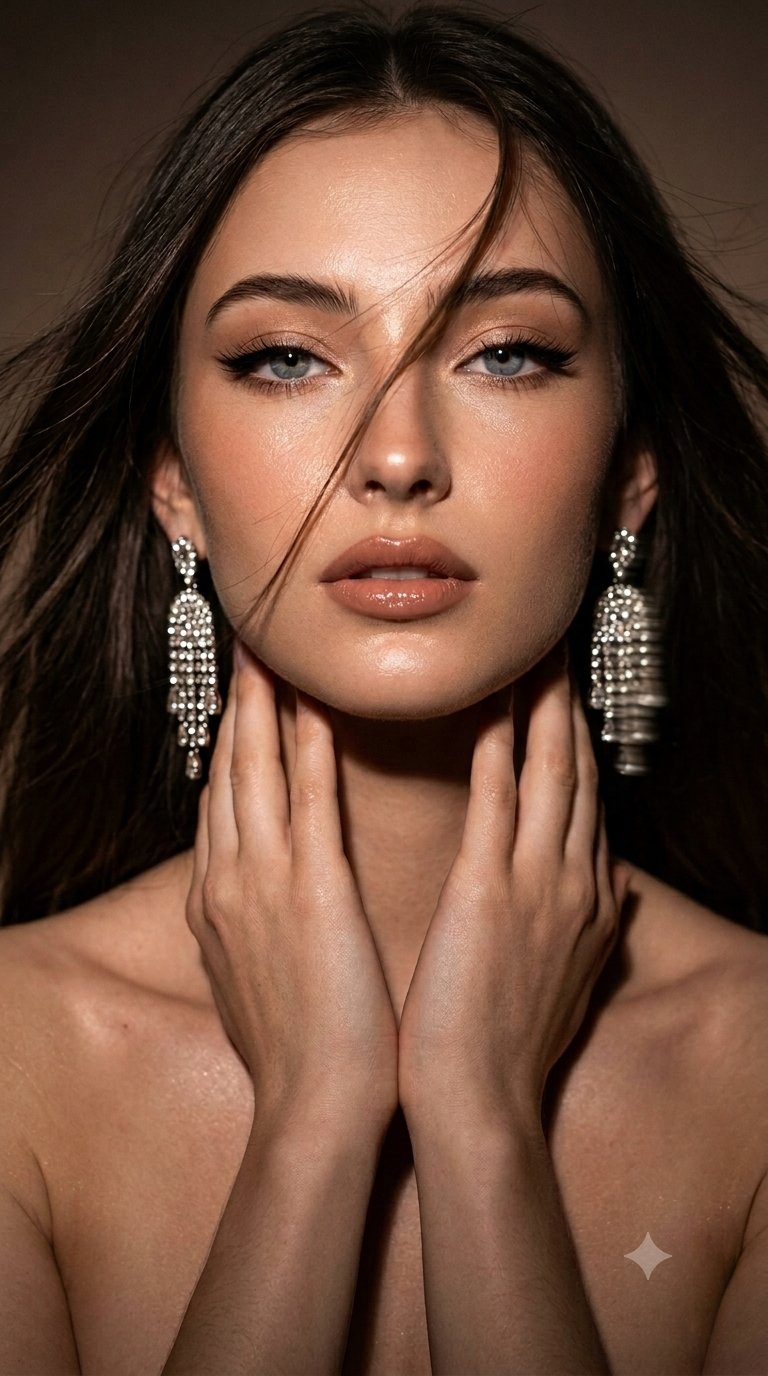
Google gemini Nano banana pro on...
Ratio 9:16Image-to-Image
Creator Reference:@frametheory058
Original Post

Copy this Nano Banana Pro reference-guided prompt to create portrait...

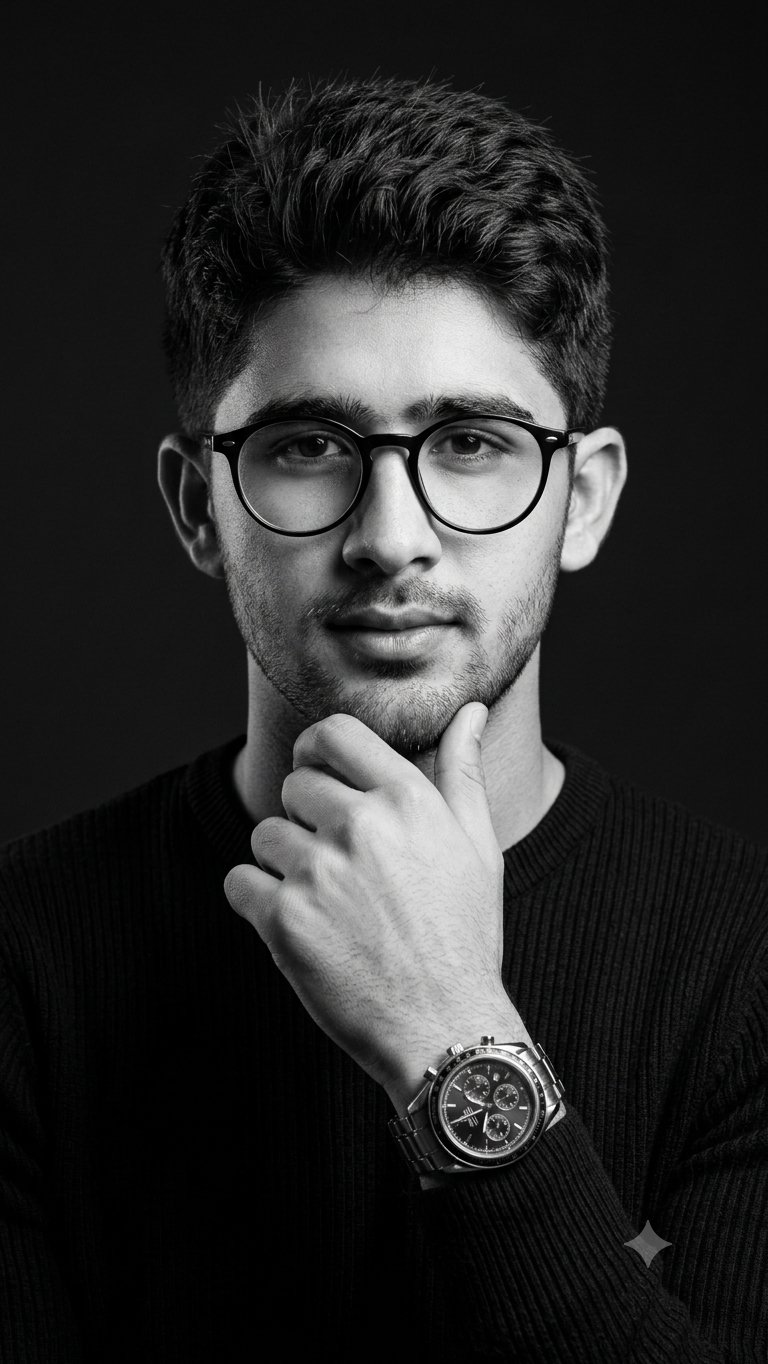
Create an ultra-realistic premium editorial portrait using the reference image as the exact base for pose, framing, camera angle, posture, styling, and...

Master PromptClick to select all

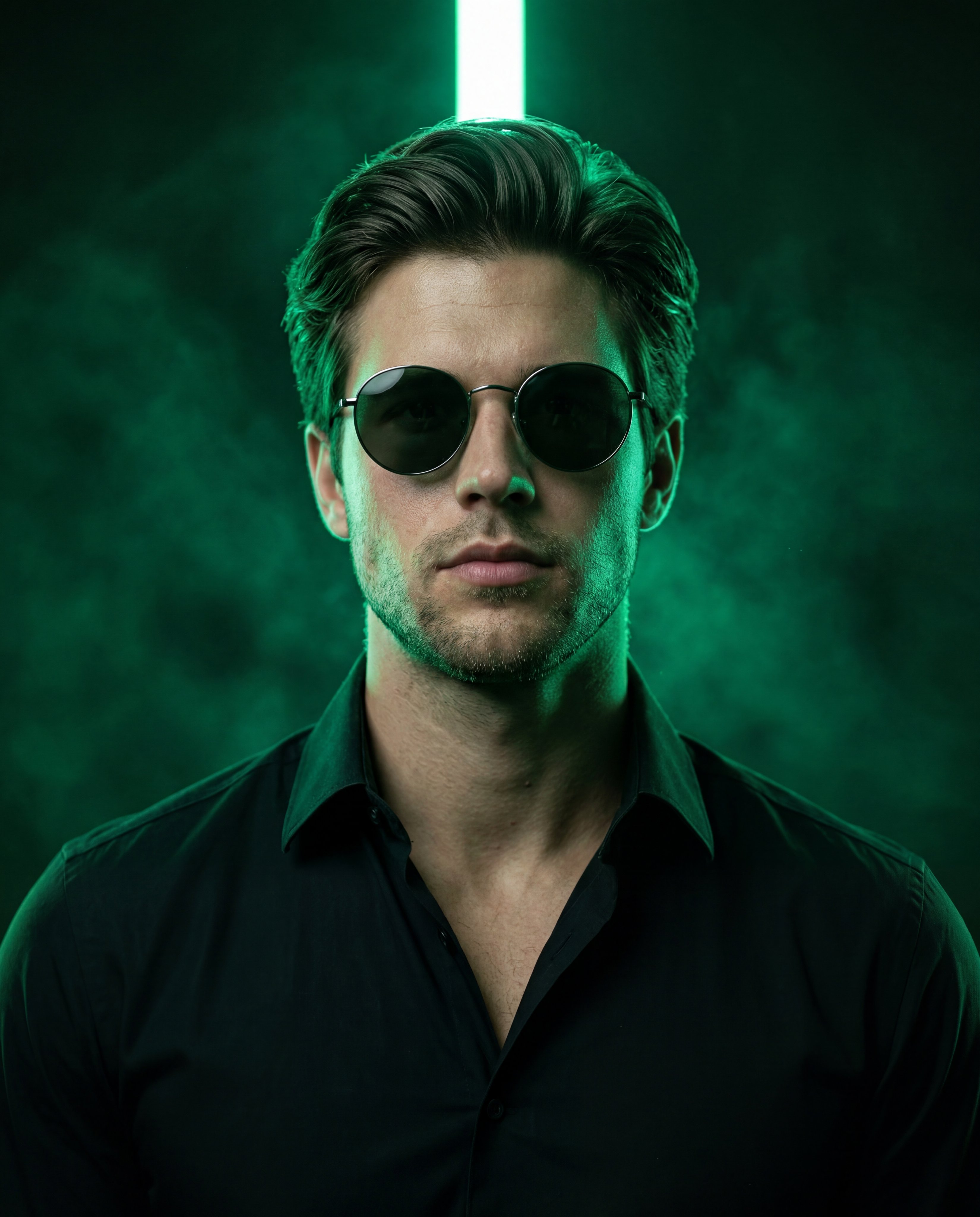
Google gemini Nano banana pro on @SocialSight Prompt : Create an ultra-realistic premium editorial portrait using the reference image as the exact base for pose, framing, camera angle, posture, styling, and composition while replacing only the identity with the uploaded face. Preserve the exact 4:5 vertical crop, medium-close framing, low-angle upward perspective, centered composition, lifted chin, squared shoulders, dominant relaxed posture, and serious cinematic expression. The subject faces forward with the head slightly tilted back, wearing round black sunglasses that hide the eyes. Use the uploaded photo as the only facial identity source. Preserve exact facial anatomy, skin tone, jawline, cheekbones, nose shape, lips, eyebrow structure, hairline, beard pattern, and unique personal details. Blend naturally into the original pose and lighting with anatomically correct proportions and realistic structure. No beautification, facial reshaping, plastic skin, or AI-style reinterpretation. Preserve visible pores, subtle imperfections, realistic under-eye texture, natural oil sheen, authentic facial hair, and realistic hair strands. Preserve the outfit exactly: black textured jacket with realistic woven fabric, dark collar, visible zipper line, black crew-neck shirt, thin metallic chain necklace, small metallic earring if suitable, and round black sunglasses with thin metal rims. Maintain the same luxury urban fashion aesthetic and strong masculine editorial presence. Fabric must show realistic folds, texture, dust particles, and rich black depth. Replace the original lighting with dramatic emerald-green neon lighting. Place a bright vertical green light tube directly behind the subject’s head, perfectly centered, creating a glowing halo around the hair and upper head. Background remains dark, smoky, atmospheric, and cinematic with green haze particles and volumetric fog. Use strong green rim lighting wrapping around the face, beard, ears, shoulders, and jacket collar, with subtle blue-green fill light for depth. Neon glow must feel physically real with bloom, haze diffusion, realistic falloff, and natural reflections on sunglasses and jewelry. Lighting style: cinematic low-key editorial lighting, strong backlight, deep blacks, refined highlight roll-off, natural HDR, dramatic contrast, and subtle micro contrast. The face remains partially shadowed with sculpted cheekbones and realistic interaction between neon light and skin tone. Sunglasses reflect subtle green highlights while remaining dark and opaque. Shot with a premium medium-format photography aesthetic resembling Hasselblad X2D 100C or Fujifilm GFX 100 II, 80mm portrait lens equivalent, f/2.0–f/2.8 aperture, shallow refined depth of field, crisp focus on the face and sunglasses, softer atmospheric background haze, realistic optical rendering, cinematic sharpness, and sophisticated commercial color grading. The final image must look like a real high-end professional photoshoot, not CGI or illustration. Maintain the exact composition, perspective, styling, posture, and cinematic mood of the reference while changing only the identity and neon color palette. Avoid extra objects, tattoos, anatomy distortion, waxy skin, cartoon textures, excessive glow, or deformed body parts. Ultra high resolution, premium editorial photography, commercial campaign quality, realistic skin texture, visible pores, realistic hair strands, cinematic green neon lighting, atmospheric haze, deep blacks, natural HDR, realistic lens compression, micro contrast, CAMERA RAW texture +10, clarity +10, sharpening +8.

Optimal Generation Parameters
Aspect Ratio
9:16
ModelNano Banana Pro
Aesthetic KeynotesEditorial, Photorealistic, Cinematic, 3D Rendered

Test & Generate with GPT Image 2

Prompt tokens and APIMart GPT Image 2 are pre-loaded. Customize or click generate.

GPT Image 2 ジェネレーター

Copy this Nano Banana Pro reference-guided prompt to create portrait...
Nano Banana 2
Creative Blueprint & Recipe Breakdown

How to Master & Adapt This Visual

Professional prompts rely on modular tokens. Use this recipe breakdown to swap subjects, control studio lighting, and eliminate common AI artifacts.

Prompt Variables Blueprint (What to Customize First)

Iterate on one variable group at a time to maintain stylistic consistency:

1Change the subject block first: Create an ultra-realistic premium editorial portrait using the reference image as the exact base for pose, framing,...
2Adjust the mood through light and backdrop cues: Blend naturally into the original pose and lighting with anatomically correct proportions and realistic structure.
3Keep the finish constraints aligned while you test variants: Preserve visible pores, subtle imperfections, realistic under-eye texture, natural oil sheen, authentic facial hair, and...

3 Style Recipes

Swap the subject, keep the frameRecipe #1

Replace create an ultra-realistic premium editorial portrait using the reference image as the... with your own subject while leaving the camera and composition cues intact.

Retune the mood, not the structureRecipe #2

Keep the subject block, then rewrite blend naturally into the original pose and lighting with anatomically correct... to move the image into a new lighting setup.

Push the restyle with a cleaner referenceRecipe #3

Start from a sharper or more contrasty source image, then edit finish descriptors only after subject preservation is stable.

Production Quality Guide: Best Use vs. Pitfalls

Ideal Use Cases (Where it Shines)
  • •Portrait studies, beauty concepts, and tightly framed editorial references.
  • •Reference-image workflows where identity, product shape, or silhouette should survive the restyle.
  • •Cinematic, mood-first outputs where light direction carries a lot of the final image quality.
  • ✓Start with a sharp reference image. This prompt is written to preserve source identity, silhouette, or product structure before stylization.
  • ✓Use 9:16 on the first run, then test alternate crops after the base composition is working.
  • ✓Lock the environment before fine styling changes: Blend naturally into the original pose and lighting with anatomically correct proportions and realistic...
Pitfalls to Avoid (Common Mistakes)
  • !Ignoring the recommended 9:16 crop on the first run. The prompt's composition cues were written for that frame.
  • !Using a muddy reference image and expecting the prompt to repair identity, silhouette, or packaging structure on its own.
  • !Dropping the lighting or backdrop cues too early. Those clauses usually carry most of the mood and depth.
  • ✕Skip if: You need a wide environment shot or multiple subjects competing for attention in the same frame.
  • ✕Skip if: You need to begin with a radically different crop than 9:16 instead of honoring the existing composition hints.
  • ✕Skip if: Your reference image is low-resolution, badly lit, or cluttered enough to break subject preservation.

Technical Analysis & How This Prompt Works

Create an ultra-realistic premium editorial portrait using the reference image as the exact base for pose, framing, camera angle, posture, styling, and......

Use a clean reference image with obvious subject edges and readable facial or product details before you start changing the styling. Keep the generator on 9:16 for the closest match. The mood is anchored by blend naturally into the original pose and lighting with anatomically correct proportions and realistic...

Explore Related Curated Categories

More Visual Inspirations

Explore prompts sharing similar aesthetic tokens and composition
View all prompts →