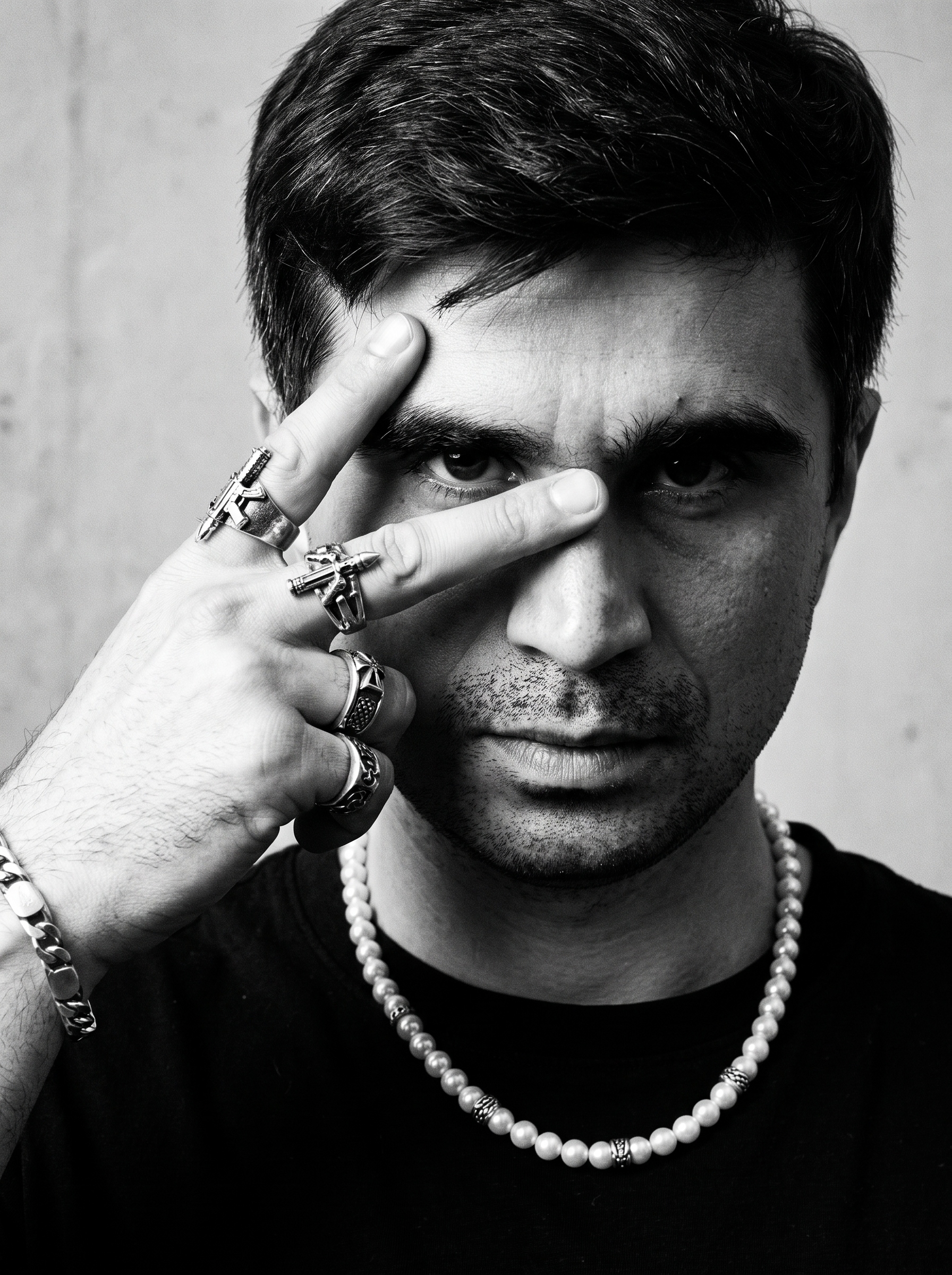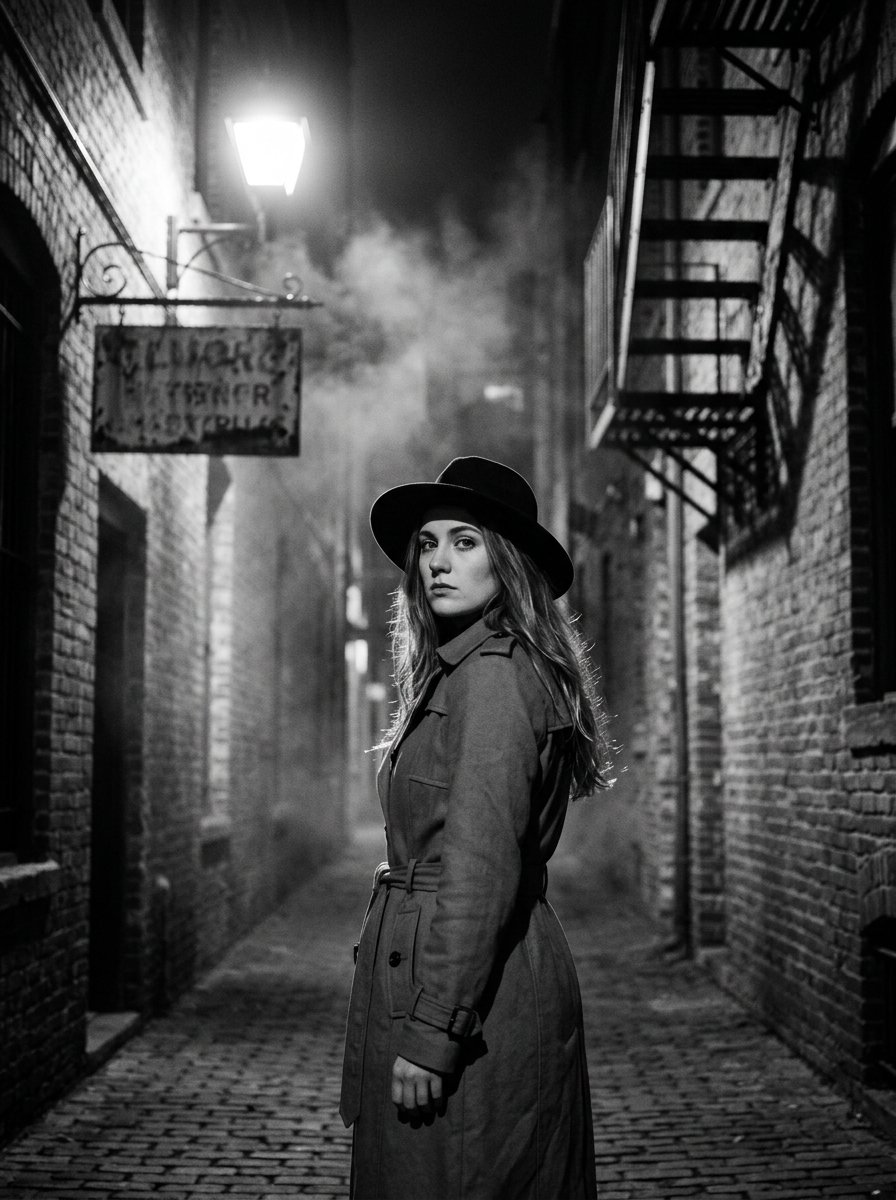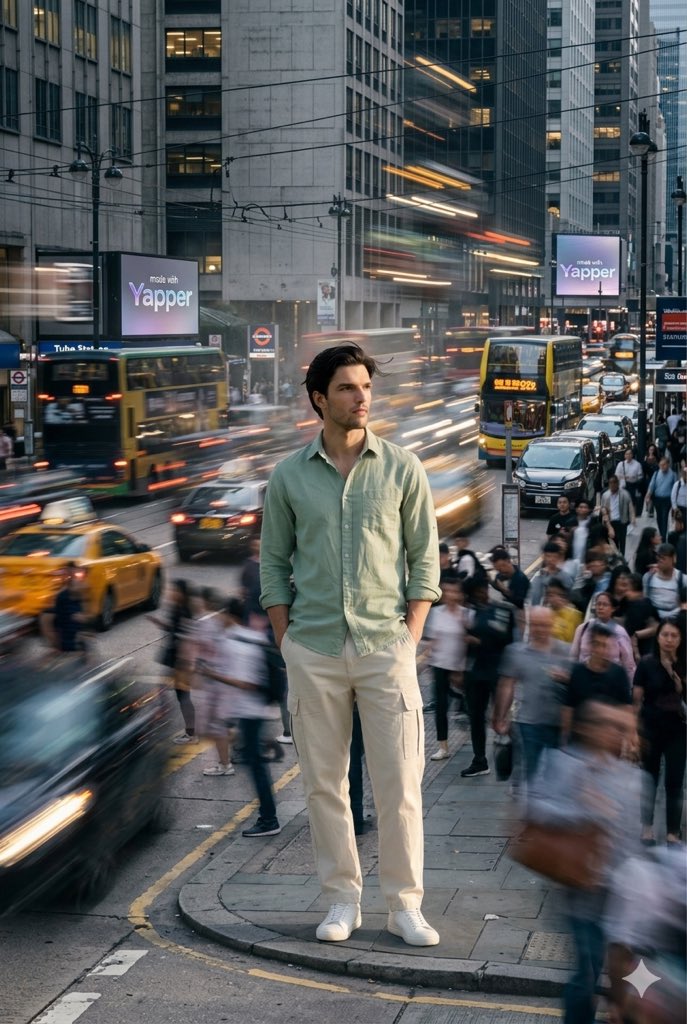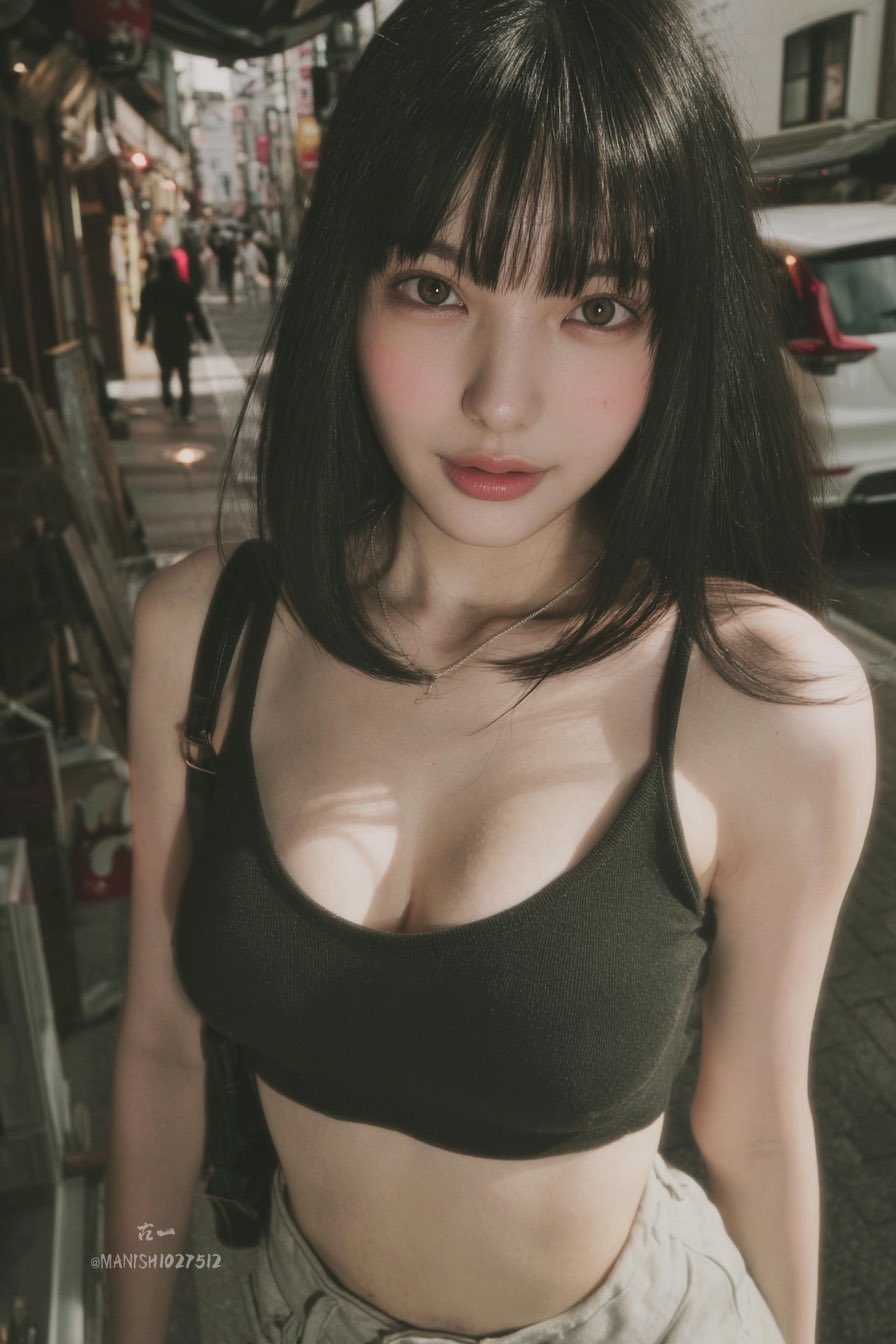
How This Prompt Works
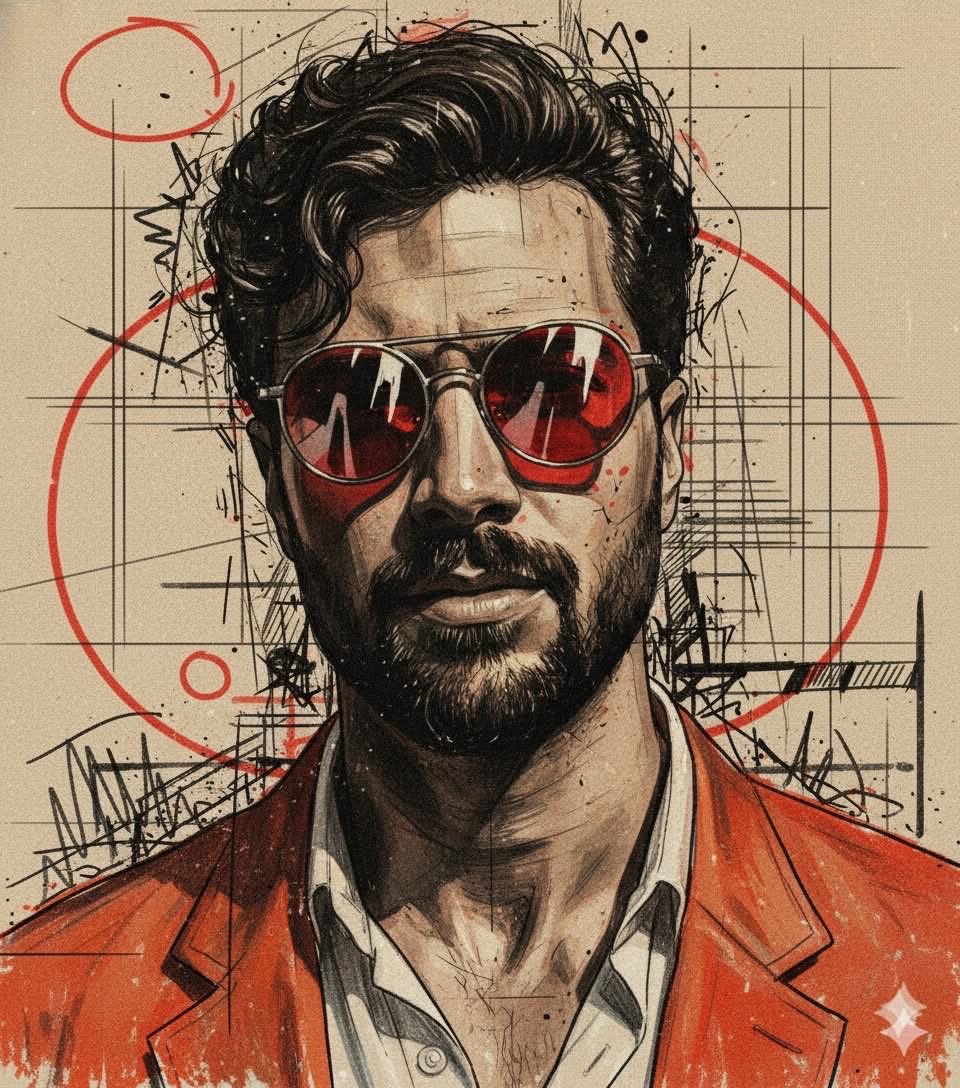
Copy this Nano Banana Pro reference-guided prompt to create portrait concepts in urban street scenes with moody contrast and artistic detail. Best in...
Use a clean reference image with obvious subject edges and readable facial or product details before you start changing the styling. Keep the generator on 3:4 for the closest match. The mood is anchored by orange-red jacket or clothing elements to provide strong contrast with the dark tonal base.
Editor Note
This prompt is about texture layering and graphic energy, not clean realism. The urban sketch marks and mixed-media finishes are the main search signal.
Best Settings
- Recommended Aspect Ratio
- 3:4
- Recommended Style
- Moody, Reference-Guided
- Negative Prompt
- ugly, deformed, low quality, blurry, text, watermark, worst quality, low res
- Recommended Model
- Nano Banana Pro
What to Change First
- ✓Change the subject block first: Create a bold, expressive mixed-media portrait using the face from my uploaded photo as the base.
- ✓Adjust the mood through light and backdrop cues: Orange-red Jacket or clothing elements to provide strong contrast with the dark tonal base.
- ✓Keep the finish constraints aligned while you test variants: A background made of beige/sepla paper-like texture overlald with architectural and geometric grid lines, red circles,...
Before You Generate
Note 1
Start with a sharp reference image. This prompt is written to preserve source identity, silhouette, or product structure before stylization.
Note 2
Use 3:4 on the first run, then test alternate crops after the base composition is working.
Note 3
Lock the environment before fine styling changes: Orange-red Jacket or clothing elements to provide strong contrast with the dark tonal base.
Best For
- Mixed-media portrait concepts with a hand-crafted graphic feel.
- Urban editorial composites that combine sketch, paint, and photo cues.
- Poster-style portrait experiments with stronger visual attitude.
Skip This Prompt If
- You need plain commercial documentation rather than a strong aesthetic idea.
- You are stacking unrelated styles before the base scene logic is stable.
- You want minimal risk and low-variance outputs instead of exploratory concept work.
Mistakes to Avoid
- Changing palette, atmosphere, and subject at the same time.
- Adding new style systems before the original prompt has produced one clean result.
- Treating mood words as decoration instead of the main compositional engine.
Explore Related Collections
Portraits & Headshots
AI prompts for professional portraits, corporate headshots, character portraits, and profile pictures. Perfect for LinkedIn, business profiles, and personal branding.
Fashion Editorial
High-fashion AI prompts for editorial photography, magazine covers, fashion campaigns, and style shoots. Create Vogue-worthy fashion visuals with AI.
Art & Creative Projects
Creative AI prompts for artistic projects, digital art, and experimental visuals. Explore unique art styles and creative expressions.
3 Ways to Adapt This Prompt
Use these as safe starting edits so you keep the prompt's structure while still making it your own.
Swap the subject, keep the frame
Replace create a bold, expressive mixed-media portrait using the face from my uploaded photo as... with your own subject while leaving the camera and composition cues intact.
Retune the mood, not the structure
Keep the subject block, then rewrite orange-red jacket or clothing elements to provide strong contrast with the dark tonal... to move the image into a new lighting setup.
Push the restyle with a cleaner reference
Start from a sharper or more contrasty source image, then edit finish descriptors only after subject preservation is stable.
Generate This Image
Use our professional tools to tweak this prompt and generate your own version in seconds.
GPT Image 2 ジェネレーター
No Images Generated