How This Prompt Works
Copy this Nano Banana Pro text-to-image prompt to create portrait concepts with moody contrast. Best in 3:4 framing. Ready for text-to-image generation.
Keep the base prompt intact for the first run, then iterate on one variable at a time so the composition stays stable. Keep the generator on 3:4 for the closest match. The mood is anchored by dreamy, painterly illustration style with soft colored pencil textures, pastel shading, and fine grain on a...
Best Settings
- Recommended Aspect Ratio
- 3:4
- Recommended Style
- Moody
- Negative Prompt
- ugly, deformed, low quality, blurry, text, watermark, worst quality, low res
- Recommended Model
- Nano Banana Pro
What to Change First
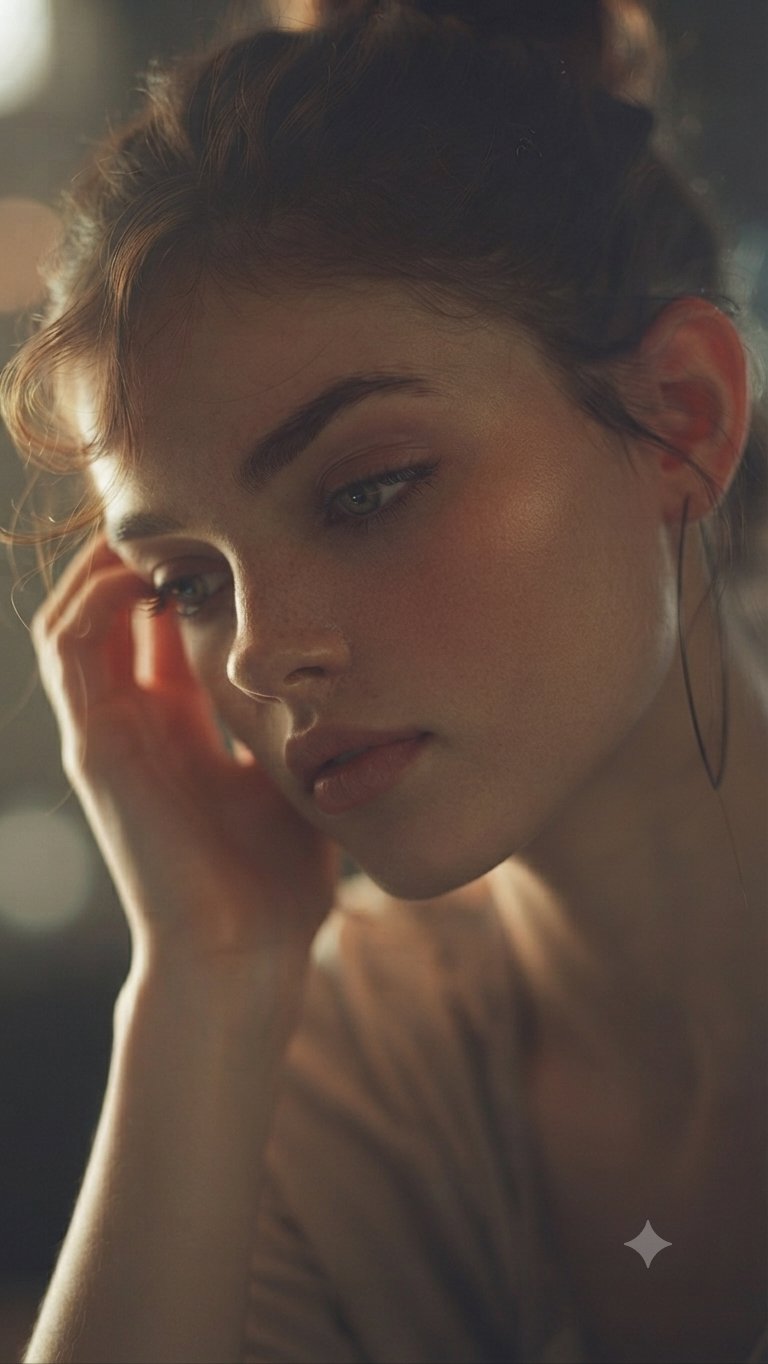
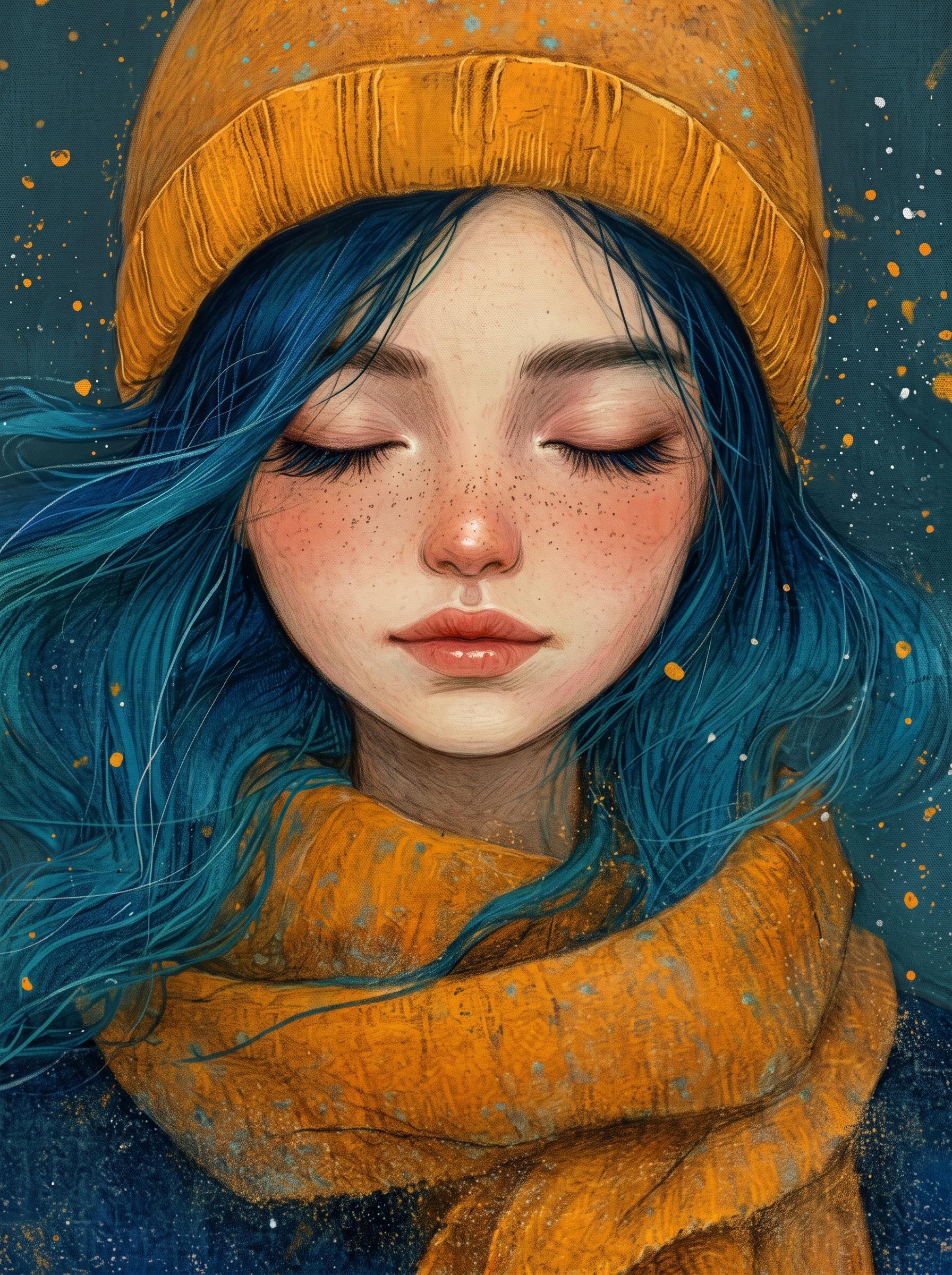
- ✓Change the subject block first: She closed her eyes, and the winter chill turned into pure warmth Made with Nano Banana 2.
- ✓Adjust the mood through light and backdrop cues: Dreamy, painterly illustration style with soft colored pencil textures, pastel shading, and fine grain on a dark teal...
- ✓Keep the finish constraints aligned while you test variants: Prompt A close-up portrait of a serene young woman with closed eyes and a peaceful expression.
Before You Generate
Note 1
Use 3:4 on the first run, then test alternate crops after the base composition is working.
Note 2
Lock the environment before fine styling changes: Dreamy, painterly illustration style with soft colored pencil textures, pastel shading, and fine grain on a...
Best For
- Portrait studies, beauty concepts, and tightly framed editorial references.
- Text-to-image ideation when you want a reliable starting frame in 3:4.
- Atmospheric concept work where texture, color, and mood cues matter as much as the subject itself.
Skip This Prompt If
- You need a wide environment shot or multiple subjects competing for attention in the same frame.
- You need to begin with a radically different crop than 3:4 instead of honoring the existing composition hints.
- You want a loose multi-subject scene instead of a prompt built around one controlled focal point.
Mistakes to Avoid
- Ignoring the recommended 3:4 crop on the first run. The prompt's composition cues were written for that frame.
- Changing subject, lighting, and finish together. You lose the stable base that makes the prompt reusable.
- Dropping the lighting or backdrop cues too early. Those clauses usually carry most of the mood and depth.
Explore Related Collections
Portraits & Headshots
AI prompts for professional portraits, corporate headshots, character portraits, and profile pictures. Perfect for LinkedIn, business profiles, and personal branding.
Fashion Editorial
High-fashion AI prompts for editorial photography, magazine covers, fashion campaigns, and style shoots. Create Vogue-worthy fashion visuals with AI.
Character Design
AI prompts for character design, game art, and character illustration. Create memorable characters for games, stories, and animations.
3 Ways to Adapt This Prompt
Use these as safe starting edits so you keep the prompt's structure while still making it your own.
Swap the subject, keep the frame
Replace she closed her eyes, and the winter chill turned into pure warmth made with nano banana... with your own subject while leaving the camera and composition cues intact.
Retune the mood, not the structure
Keep the subject block, then rewrite dreamy, painterly illustration style with soft colored pencil textures, pastel shading,... to move the image into a new lighting setup.
Change the finish without breaking geometry
Test a new texture or rendering finish by rewriting prompt a close-up portrait of a serene young woman with closed eyes and a peaceful... while leaving the scene structure alone.
Generate This Image
Use our professional tools to tweak this prompt and generate your own version in seconds.
GPT Image 2 Generator
No Images Generated