Nano Pro 31 16Bit Gamer Photo...
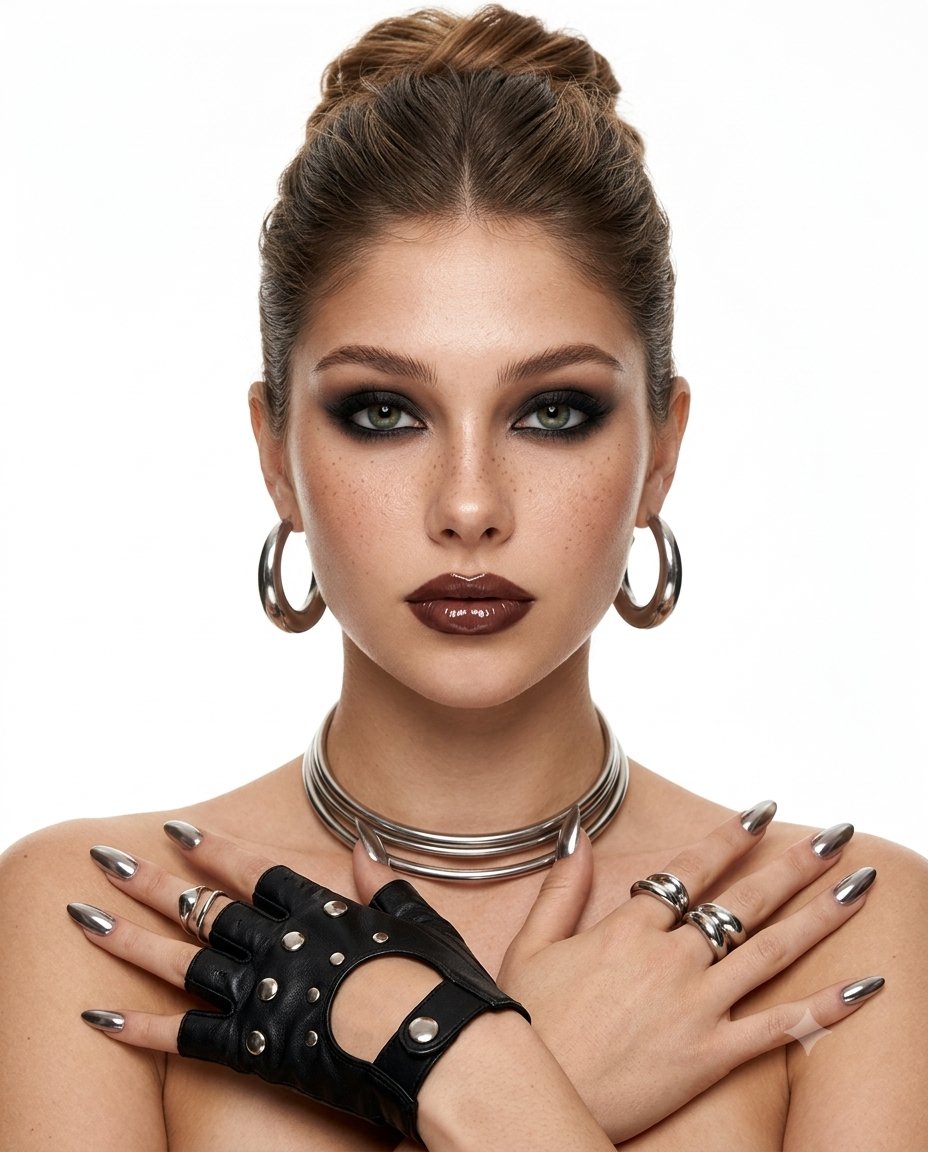
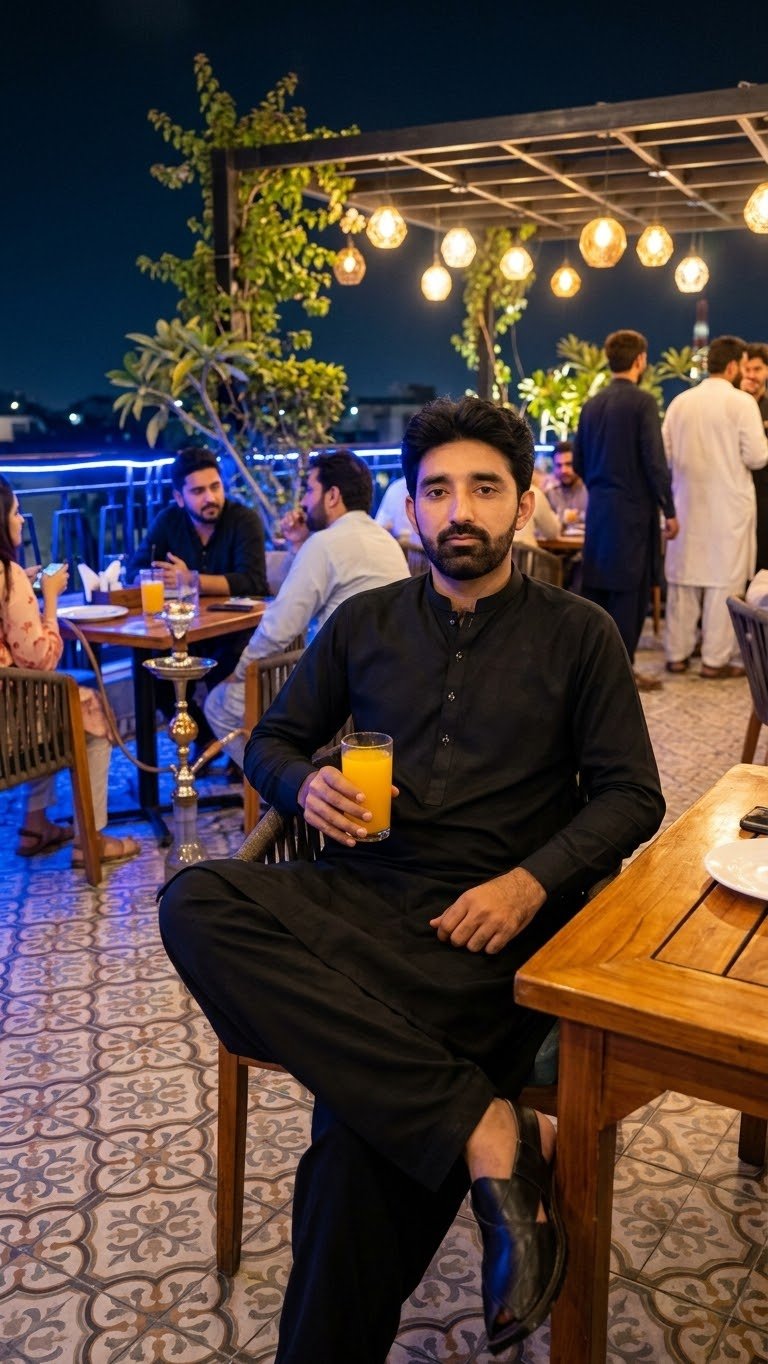
Reference image from @eleanne0828View Original

Nano Pro 31 16Bit Gamer Photo

Text-to-Image

Prompt

Nano Pro 3.1 16-Bit Gamer Photo and Customizable Gamer-ID Prompt: (Female Adapted) Create a 16‑bit retro arcade character portrait based on the uploaded user photo. Preserve only the subject’s face and hair likeness from the photo; do not preserve the original clothing, pose, or background. Render the subject as a stylized pixel‑hero, blending crisp retro pixel art with modern shading and chaotic arcade energy. Use a centered portrait composition with the subject facing the camera, expressing bold, playful, high‑energy arcade attitude. Skin should appear pixel‑rendered with chunky shading blocks, soft dithering, and stylized highlights. Edges should be crisp, with subtle pixel outlines and retro color‑banding. Apply a vibrant 16‑bit color palette: saturated primaries, neon accents, and high‑contrast arcade lighting. Add optional chaotic FX such as pixel sparks, glitch streaks, scanline distortions, power‑up flashes, or retro HUD particles. Randomize the following elements each time the prompt is used: Hairstyle: pixel‑punk spikes, retro 16‑bit waves, chunky pixel curls, neon‑lit arcade bob, stylized pixel‑hero sweep, or glossy pixel‑rendered long hair. Outfit: 16‑bit fighter jacket, pixel‑armor suit, neon arcade hoodie, retro hero tunic, cyber‑pixel vest, or bold color‑blocked arcade gear. Accessories: pixel visor, retro headset, glowing 16‑bit wristband, power‑up badge, LED earpiece, or none. Background: pixel grid with color bursts, retro game‑menu screen, neon scanline gradient, chaotic glitch field, or arcade cabinet glow. Include a customizable Gamer Tag displayed as a floating retro nameplate using pixel‑font or neon‑HUD lettering. Overall mood: chaotic, playful, retro‑arcade portrait with 16‑bit texture, glitch energy, and vibrant pixel‑hero personality. Avoid unwanted elements such as text, logos, distortions, or additional people. Prompt: (Male Adapted) Create a 16‑bit retro arcade character portrait based on the uploaded male user photo. Preserve only the subject’s face and hair likeness from the photo; do not preserve the original clothing, pose, or background. Render the subject as a stylized male pixel‑hero, blending chunky retro pixel art with modern shading and chaotic arcade energy. Use a centered portrait composition with the subject facing the camera, expressing bold, confident, high‑energy arcade‑hero attitude. Skin should appear pixel‑rendered with blocky shading, soft dithering, and stylized highlights. Edges should be crisp, with subtle pixel outlines and retro color‑banding. Apply a vibrant 16‑bit color palette: saturated primaries, neon accents, and high‑contrast arcade lighting. Add optional chaotic FX such as pixel sparks, glitch streaks, scanline distortions, power‑up flashes, or retro HUD particles. Randomize the following elements each time the prompt is used: Hairstyle (male variations): pixel‑punk spikes, retro 16‑bit action‑hero sweep, short textured pixel crop, stylized arcade quiff, chunky pixel curls, or neon‑lit warrior hair. Outfit (male variations): 16‑bit fighter jacket, pixel‑armor chestplate, neon arcade varsity jacket, retro hero tunic, cyber‑pixel vest, or bold color‑blocked arcade hoodie. Accessories (male variations): pixel visor, retro headset, glowing 16‑bit wristband, power‑up badge, LED earpiece, or none. Background: pixel grid with color bursts, retro game‑menu screen, neon scanline gradient, chaotic glitch field, or arcade cabinet glow. Include a customizable Gamer Tag displayed as a floating retro nameplate using pixel‑font or neon‑HUD lettering. Overall mood: chaotic, playful, retro‑arcade portrait with 16‑bit texture, glitch energy, and bold male pixel‑hero personality. Avoid unwanted elements such as text, logos, distortions, or additional people.

How This Prompt Works

Copy this Nano Banana Pro text-to-image prompt to create character portraits in outdoor scenes with 3D-rendered depth and neon color contrast. Best in...

Keep the base prompt intact for the first run, then iterate on one variable at a time so the composition stays stable. Keep the generator on 3:4 for the closest match. The mood is anchored by preserve only the subject’s face and hair likeness from the photo; do not preserve the original clothing, pose...

Best Settings

Recommended Aspect Ratio
3:4
Recommended Style
3D Rendered, Neon, Fashion
Negative Prompt
ugly, deformed, low quality, blurry, text, watermark, worst quality, low res
Recommended Model
Nano Banana Pro

What to Change First

  • Change the subject block first: (Female Adapted) Create a 16‑bit retro arcade character portrait based on the uploaded user photo.
  • Adjust the mood through light and backdrop cues: Preserve only the subject’s face and hair likeness from the photo; do not preserve the original clothing, pose, or...
  • Keep the finish constraints aligned while you test variants: Render the subject as a stylized pixel‑hero, blending crisp retro pixel art with modern shading and chaotic arcade...

Before You Generate

Note 1

Use 3:4 on the first run, then test alternate crops after the base composition is working.

Note 2

This prompt suppresses text or logos. Remove that constraint before asking for branded packaging, typography, or visible watermarks.

Note 3

Lock the environment before fine styling changes: Preserve only the subject’s face and hair likeness from the photo; do not preserve the original clothing, pose...

Best For

  • Portrait studies, beauty concepts, and tightly framed editorial references.
  • Text-to-image ideation when you want a reliable starting frame in 3:4.
  • Structured prompt workflows where the first pass should already have a usable composition.

Skip This Prompt If

  • You need a wide environment shot or multiple subjects competing for attention in the same frame.
  • You need to begin with a radically different crop than 3:4 instead of honoring the existing composition hints.
  • You want a loose multi-subject scene instead of a prompt built around one controlled focal point.

Mistakes to Avoid

  • Ignoring the recommended 3:4 crop on the first run. The prompt's composition cues were written for that frame.
  • Changing subject, lighting, and finish together. You lose the stable base that makes the prompt reusable.
  • Asking for readable type, logos, or packaging text without first removing the no-text constraint.

3 Ways to Adapt This Prompt

Use these as safe starting edits so you keep the prompt's structure while still making it your own.

Swap the subject, keep the frame

Replace (female adapted) create a 16‑bit retro arcade character portrait based on the uploaded... with your own subject while leaving the camera and composition cues intact.

Retune the mood, not the structure

Keep the subject block, then rewrite preserve only the subject’s face and hair likeness from the photo; do not preserve the... to move the image into a new lighting setup.

Change the finish without breaking geometry

Test a new texture or rendering finish by rewriting render the subject as a stylized pixel‑hero, blending crisp retro pixel art with modern... while leaving the scene structure alone.

Generate This Image

Use our professional tools to tweak this prompt and generate your own version in seconds.

GPT Image 2 ジェネレーター

GPT Image 2 ジェネレーター
Reference Image(0/9)
3780 / 8000
Cost 4 creditsRemaining 0 credits
Image Preview

No Images Generated