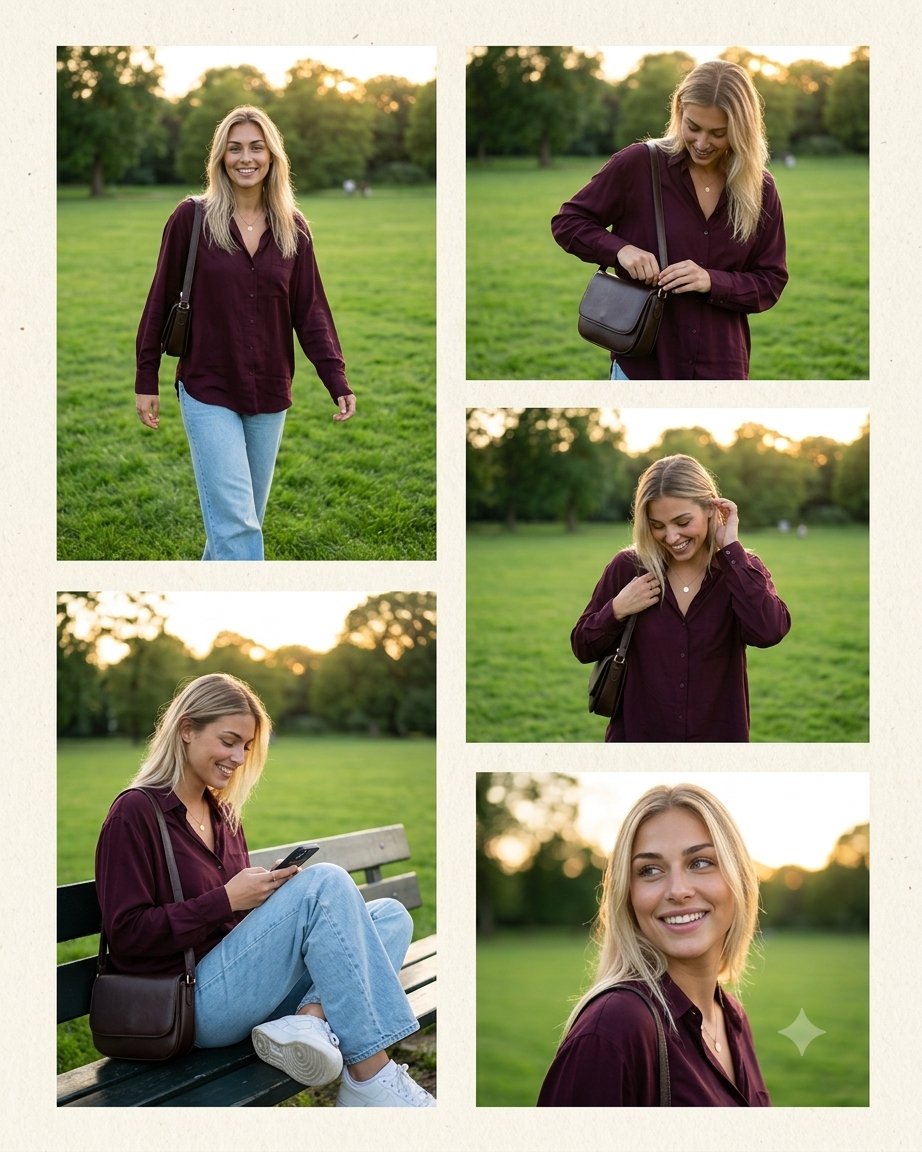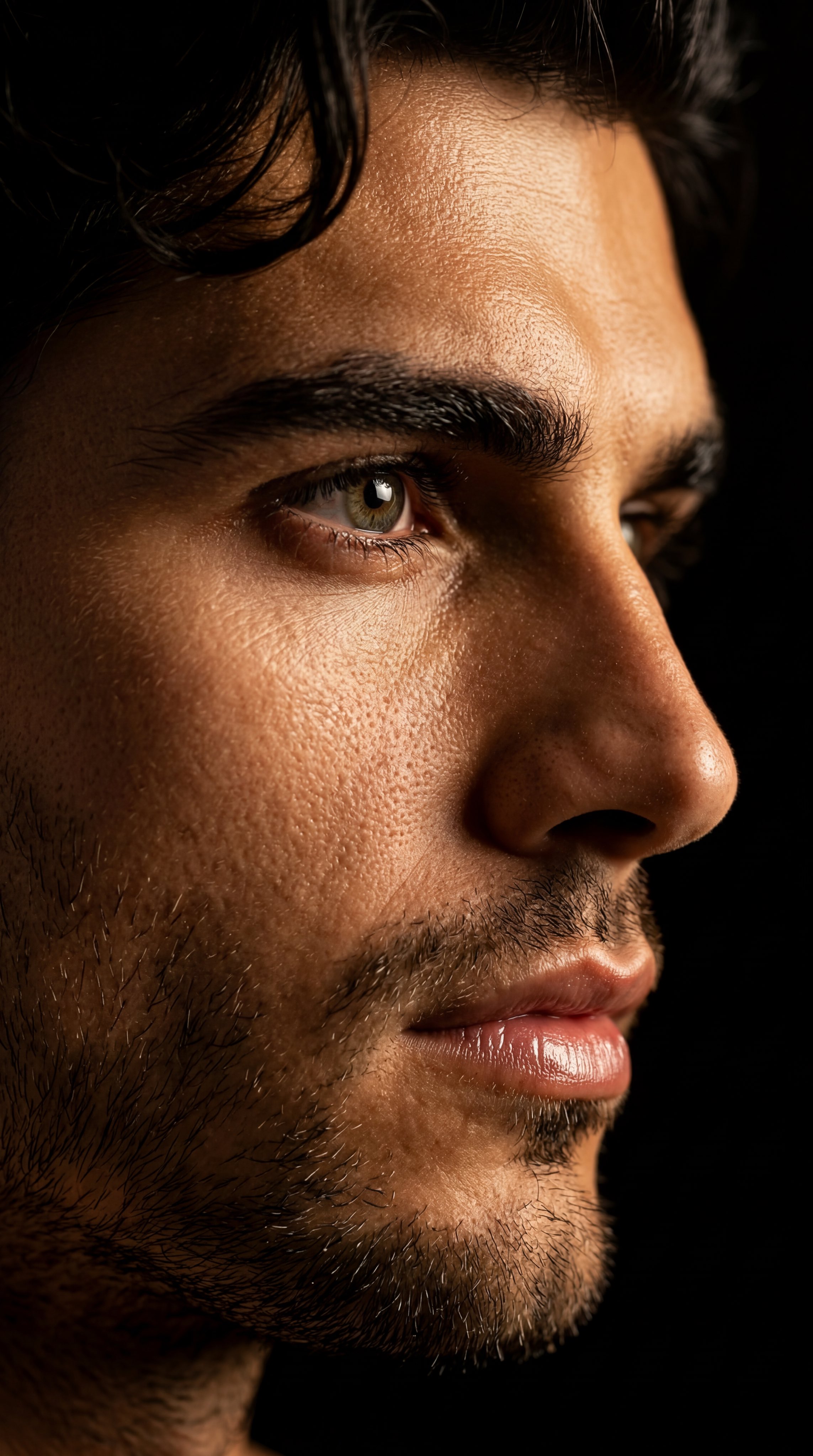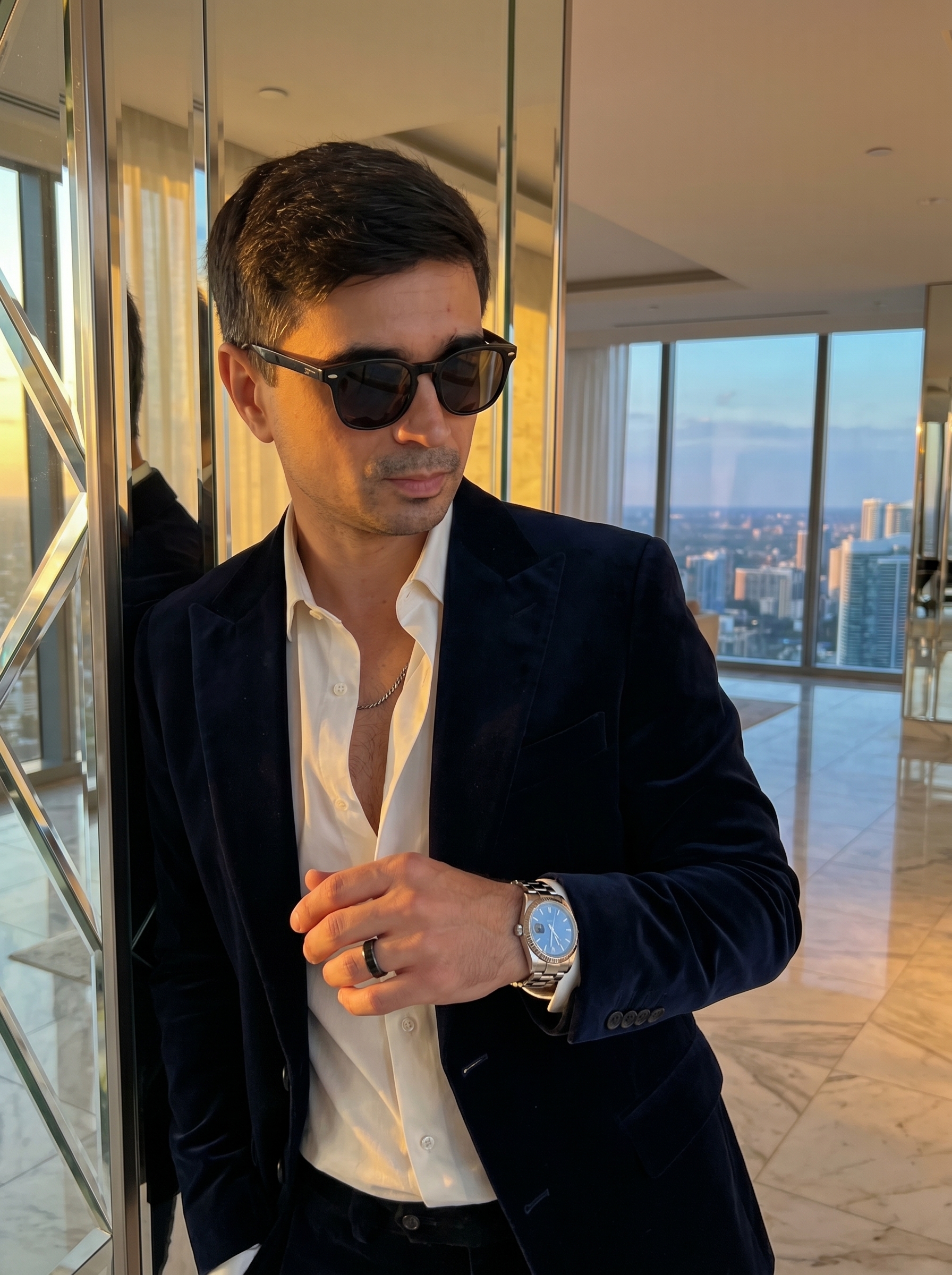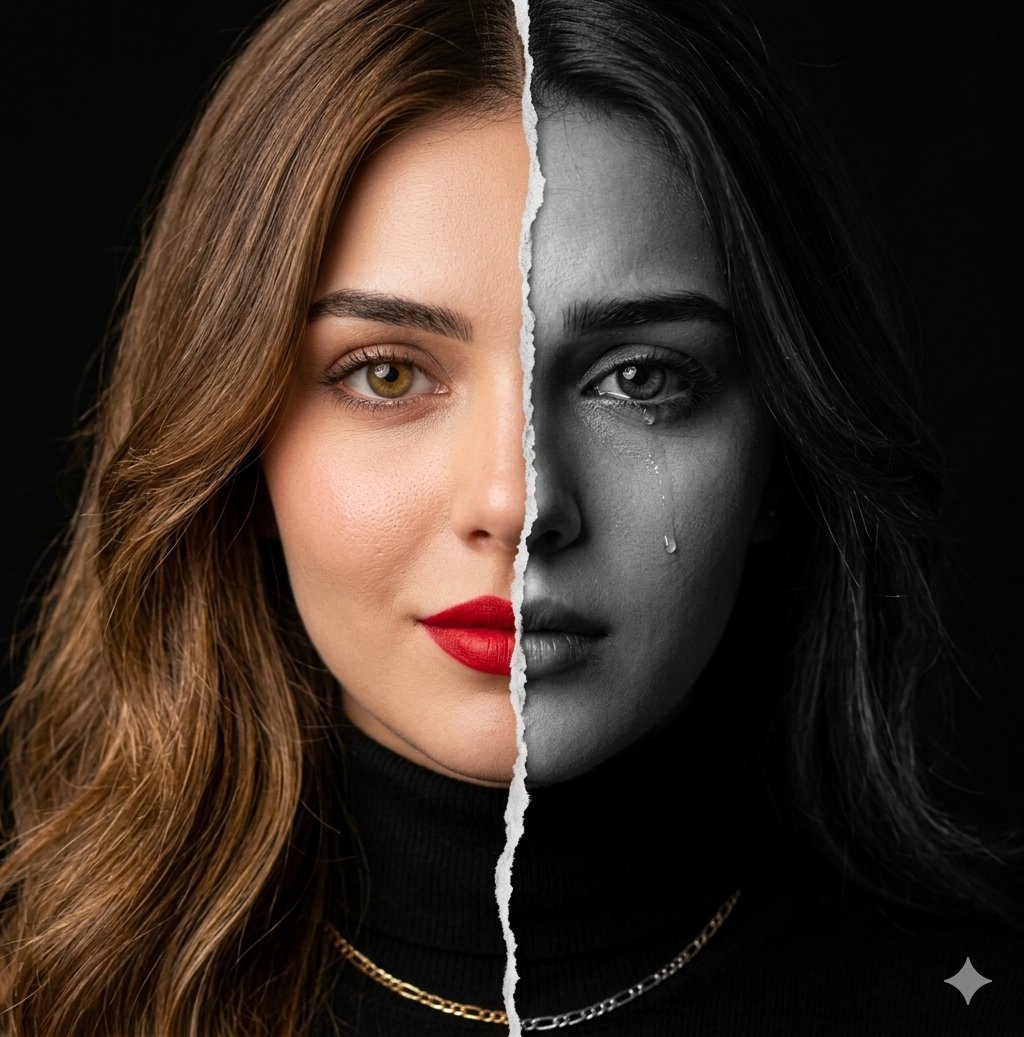
Copy this Nano Banana Pro text-to-image prompt to create portrait...
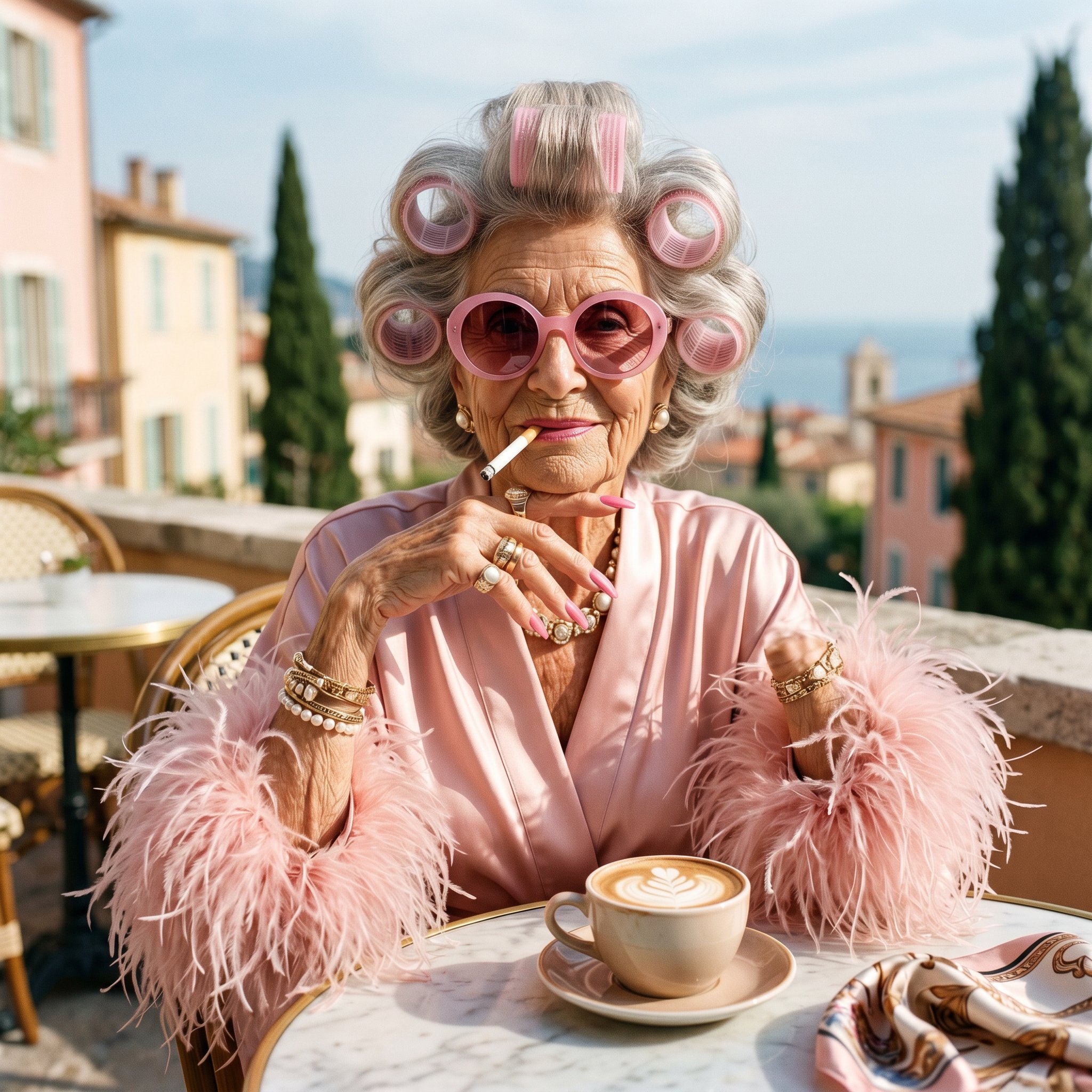
Copy this Nano Banana Pro text-to-image prompt to create portrait concepts in outdoor scenes with editorial styling and 35mm film texture. Best in 9:16...
Test & Generate with GPT Image 2
Prompt tokens and APIMart GPT Image 2 are pre-loaded. Customize or click generate.
GPT Image 2 Generator
Copy this Nano Banana Pro text-to-image prompt to create portrait...How to Master & Adapt This Visual
Professional prompts rely on modular tokens. Use this recipe breakdown to swap subjects, control studio lighting, and eliminate common AI artifacts.
Prompt Variables Blueprint (What to Customize First)
Iterate on one variable group at a time to maintain stylistic consistency:
3 Style Recipes
Replace ultra realistic fashion portrait of an eccentric elderly woman sitting confidently at an... with your own subject while leaving the camera and composition cues intact.
Keep the subject block, then rewrite background features a soft blue sky, blurred mediterranean-style architecture, tall... to move the image into a new lighting setup.
Test a new texture or rendering finish by rewriting strong direct sunlight creates crisp shadows and highlights across the satin fabric and... while leaving the scene structure alone.
Production Quality Guide: Best Use vs. Pitfalls
- •Portrait studies, beauty concepts, and tightly framed editorial references.
- •Text-to-image ideation when you want a reliable starting frame in 9:16.
- •Cinematic, mood-first outputs where light direction carries a lot of the final image quality.
- ✓Use 9:16 on the first run, then test alternate crops after the base composition is working.
- ✓Lock the environment before fine styling changes: Background features a soft blue sky, blurred Mediterranean-style architecture, tall cypress trees, warm luxury...
- !Ignoring the recommended 9:16 crop on the first run. The prompt's composition cues were written for that frame.
- !Changing subject, lighting, and finish together. You lose the stable base that makes the prompt reusable.
- !Dropping the lighting or backdrop cues too early. Those clauses usually carry most of the mood and depth.
- ✕Skip if: You need a wide environment shot or multiple subjects competing for attention in the same frame.
- ✕Skip if: You need to begin with a radically different crop than 9:16 instead of honoring the existing composition hints.
- ✕Skip if: You want a loose multi-subject scene instead of a prompt built around one controlled focal point.
Technical Analysis & How This Prompt Works
Technical Analysis & How This Prompt Works
Copy this Nano Banana Pro text-to-image prompt to create portrait concepts in outdoor scenes with editorial styling and 35mm film texture. Best in 9:16......
Keep the base prompt intact for the first run, then iterate on one variable at a time so the composition stays stable. Keep the generator on 9:16 for the closest match. The mood is anchored by background features a soft blue sky, blurred mediterranean-style architecture, tall cypress trees, warm luxury...
Explore Related Curated Categories
Product Photography
Professional AI prompts for product photography, white background shots, e-commerce listings, and commercial product visuals. Create stunning product images with AI.
Portraits & Headshots
AI prompts for professional portraits, corporate headshots, character portraits, and profile pictures. Perfect for LinkedIn, business profiles, and personal branding.
Fashion Editorial
High-fashion AI prompts for editorial photography, magazine covers, fashion campaigns, and style shoots. Create Vogue-worthy fashion visuals with AI.
More Visual Inspirations
Explore prompts sharing similar aesthetic tokens and composition