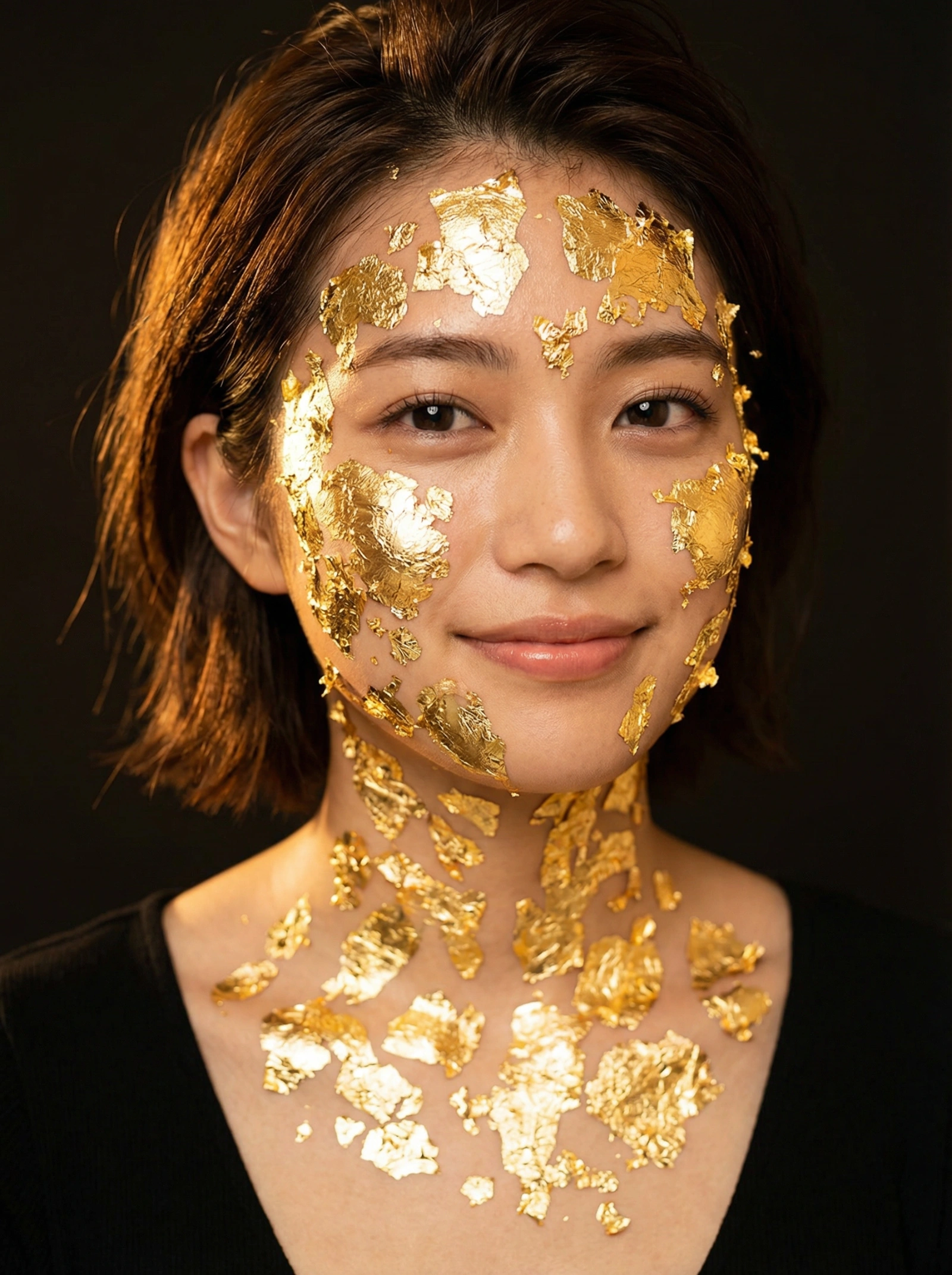
Gilded Beauty Portrait
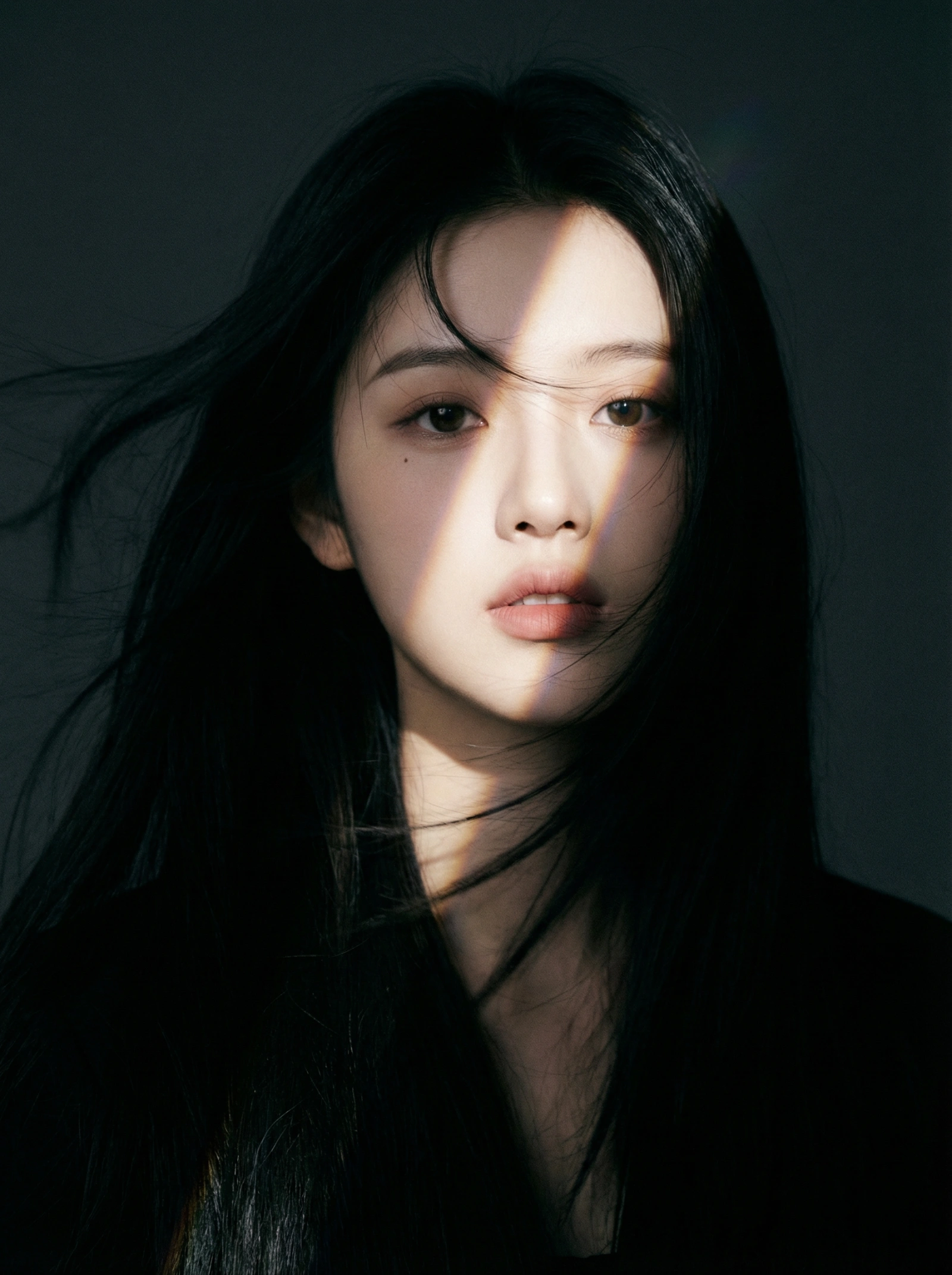
Copy this Nano Banana Pro reference-guided prompt to create fashion portraits with photorealistic detail and cinematic lighting. Best in 3:4 framing.
Test & Generate with GPT Image 2
Prompt tokens and APIMart GPT Image 2 are pre-loaded. Customize or click generate.
GPT Image 2 ジェネレーター
Gilded Beauty PortraitHow to Master & Adapt This Visual
Professional prompts rely on modular tokens. Use this recipe breakdown to swap subjects, control studio lighting, and eliminate common AI artifacts.
Prompt Variables Blueprint (What to Customize First)
Iterate on one variable group at a time to maintain stylistic consistency:
3 Style Recipes
Keep the same beauty crop and directional light, but replace gold leaf with silver foil or pearlized texture.
Preserve the warm beauty portrait, then pull back the metallic coverage so the concept reads more commercial than artistic.
Keep the gold as the hero detail, but simplify the background and increase polish for a cleaner cosmetic-ad finish.
Production Quality Guide: Best Use vs. Pitfalls
- •Luxury beauty concepts where metallic texture has to feel expensive and physically believable.
- •Cosmetic campaign tests that need warm, directional light and sculptural skin detail.
- •Editorial portraits that sit between fashion beauty and fine-art material studies.
- ✓Start with a sharp reference image. This prompt is written to preserve source identity, silhouette, or product structure before stylization.
- ✓Use 3:4 on the first run, then test alternate crops after the base composition is working.
- ✓Lock the environment before fine styling changes: The lighting is warm and directional to make the gold sparkle.
- !Changing pose, wardrobe, and lighting together, which makes it hard to tell what actually improved the shot.
- !Adding props and background story before the outfit or body line is reading correctly.
- !Forgetting to rewrite the framing instructions when you move from tight portrait crop to full-body fashion scene.
- ✕Skip if: You need a neutral catalog photo rather than a stylized editorial frame.
- ✕Skip if: You want to explore ten wardrobe and set ideas at once instead of keeping one fashion direction stable.
- ✕Skip if: You need a flat documentation image with no mood or narrative styling.
Technical Analysis & How This Prompt Works
Technical Analysis & How This Prompt Works
Copy this Nano Banana Pro reference-guided prompt to create fashion portraits with photorealistic detail and cinematic lighting. Best in 3:4 framing. Built...
Use a clean reference image with obvious subject edges and readable facial or product details before you start changing the styling. Keep the generator on 3:4 for the closest match. The mood is anchored by the lighting is warm and directional to make the gold sparkle.
The gold leaf is the hero here. Treat it as a material system with lighting consequences, not just an accessory layered on top of a beauty portrait.
Explore Related Curated Categories
Product Photography
Professional AI prompts for product photography, white background shots, e-commerce listings, and commercial product visuals. Create stunning product images with AI.
Portraits & Headshots
AI prompts for professional portraits, corporate headshots, character portraits, and profile pictures. Perfect for LinkedIn, business profiles, and personal branding.
Fashion Editorial
High-fashion AI prompts for editorial photography, magazine covers, fashion campaigns, and style shoots. Create Vogue-worthy fashion visuals with AI.
More Visual Inspirations
Explore prompts sharing similar aesthetic tokens and composition