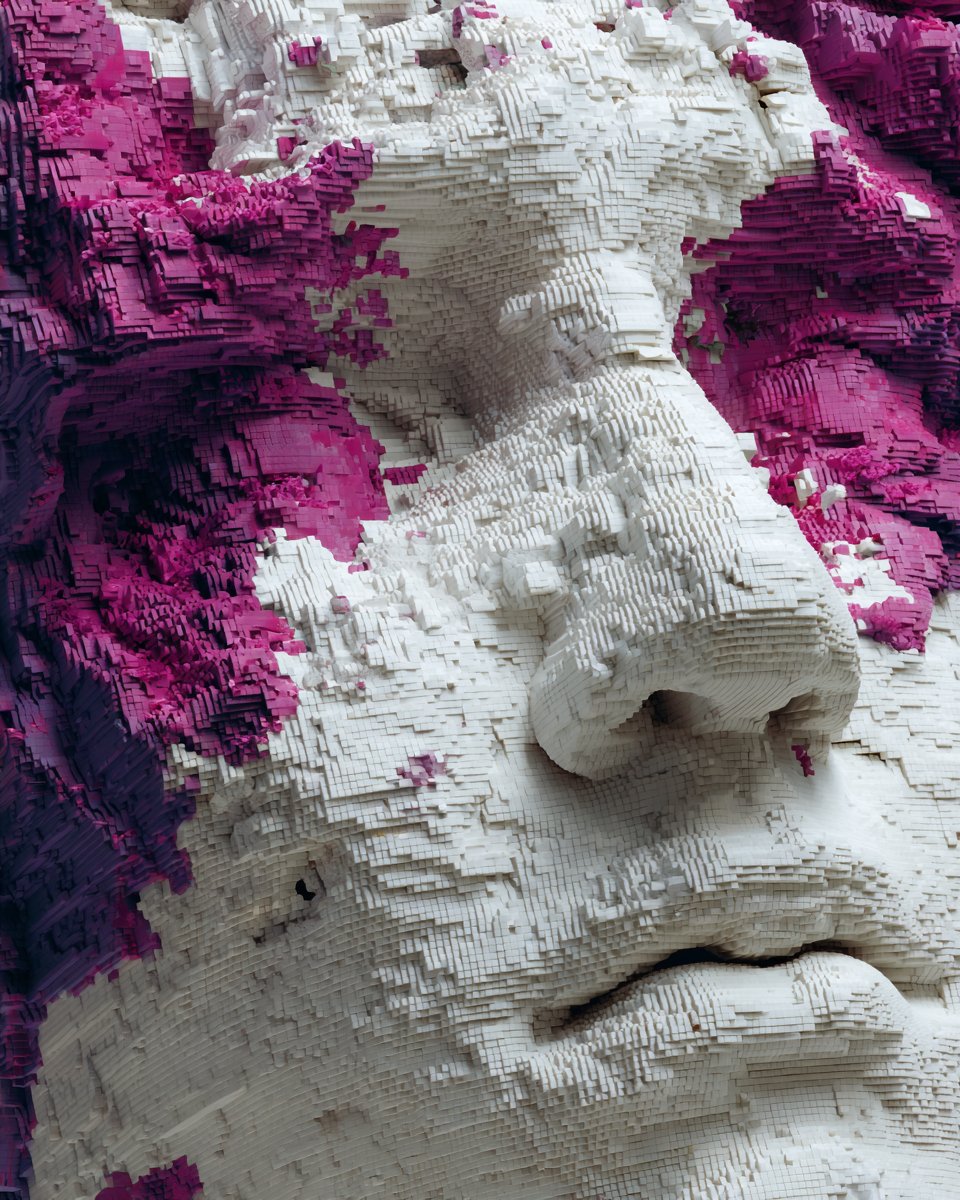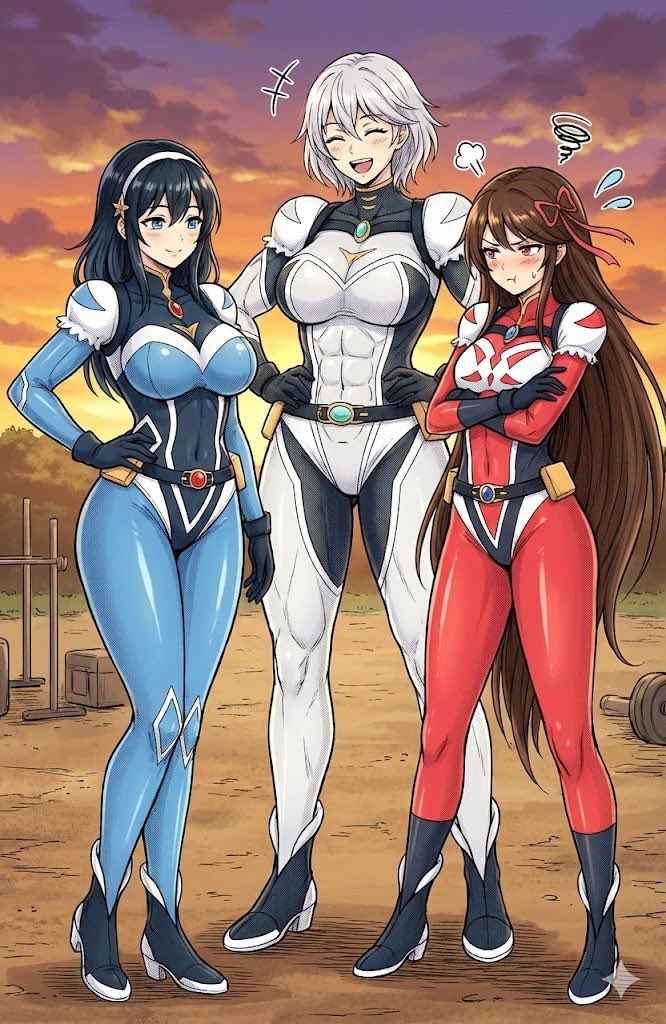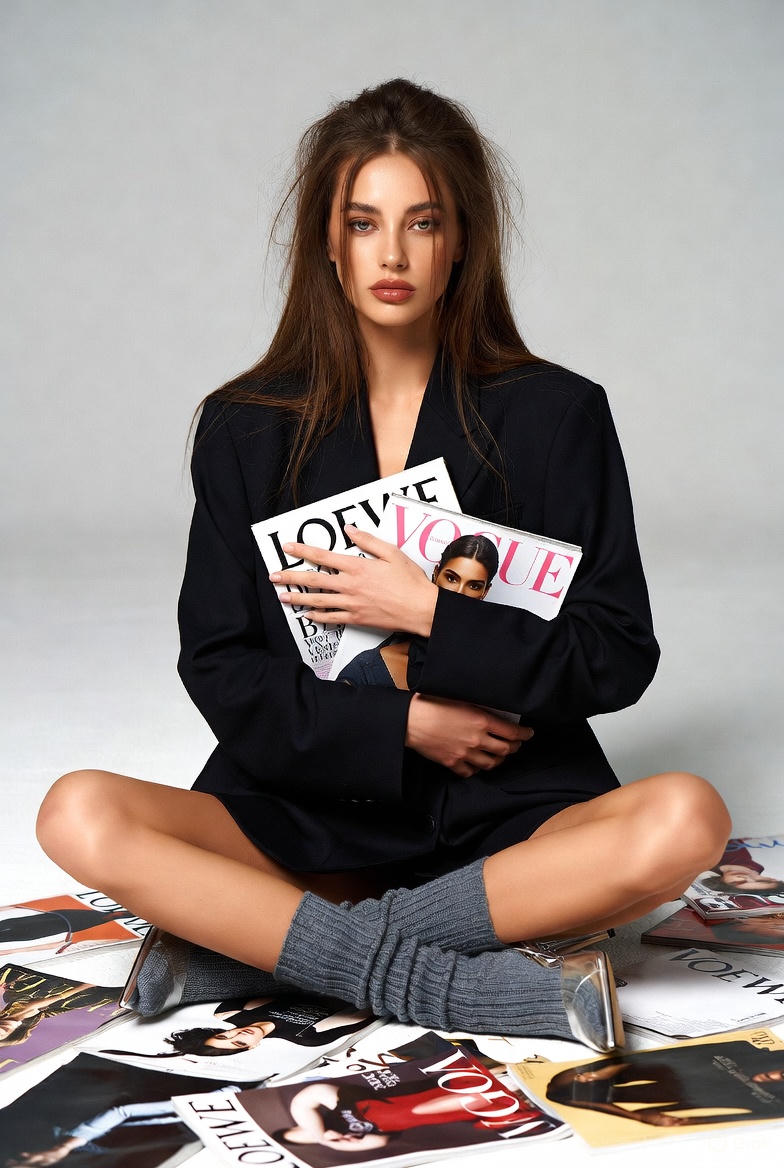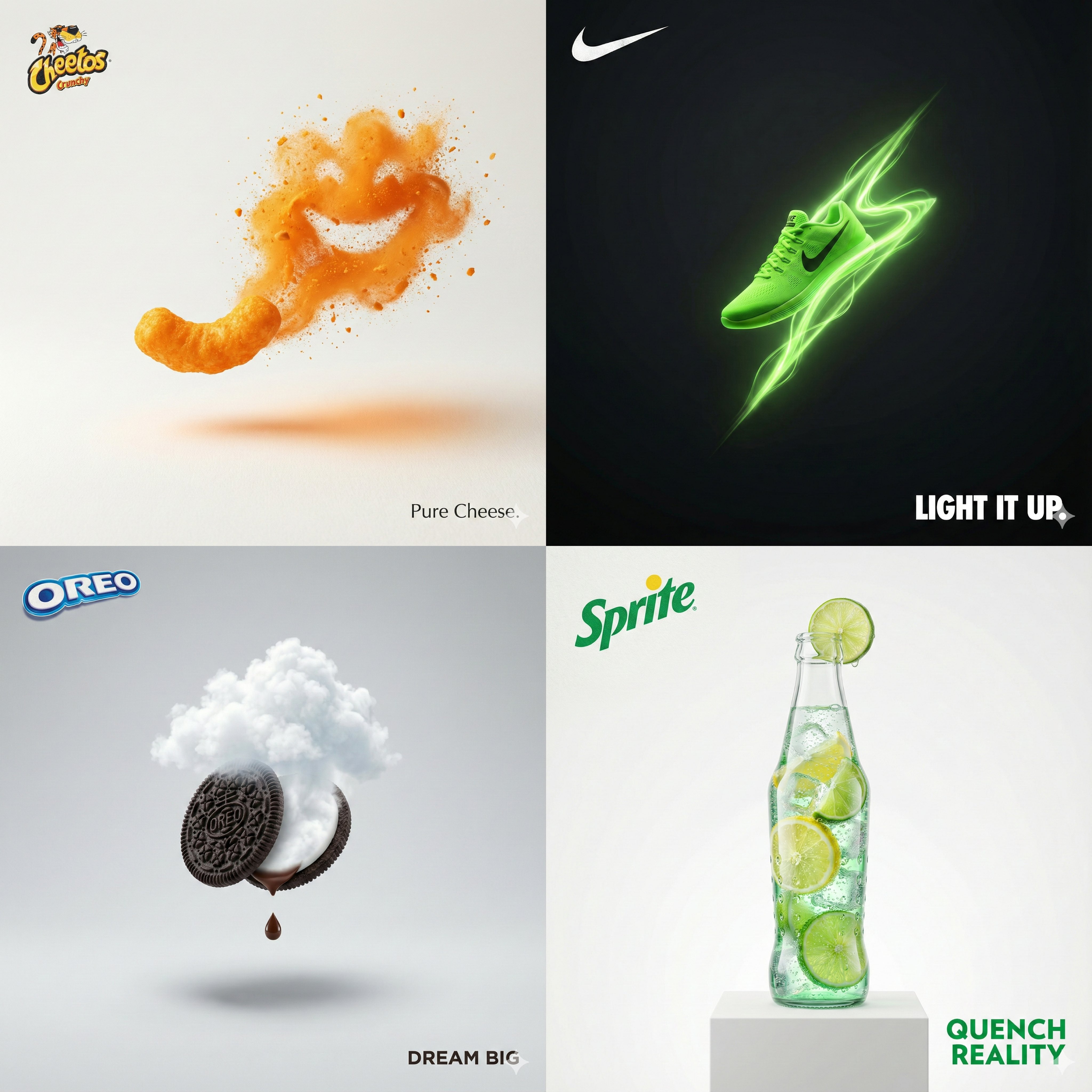
Copy this Nano Banana Pro reference-guided prompt to create man visuals
Copy this Nano Banana Pro reference-guided prompt to create man visuals in studio setups with surreal composition and clean minimalist composition. Best in...
Test & Generate with GPT Image 2
Prompt tokens and APIMart GPT Image 2 are pre-loaded. Customize or click generate.
GPT Image 2 Generator
Copy this Nano Banana Pro reference-guided prompt to create man visualsHow to Master & Adapt This Visual
Professional prompts rely on modular tokens. Use this recipe breakdown to swap subjects, control studio lighting, and eliminate common AI artifacts.
Prompt Variables Blueprint (What to Customize First)
Iterate on one variable group at a time to maintain stylistic consistency:
3 Style Recipes
Keep the same hero-product layout, but swap the surreal device that frames the brand story.
Preserve the product dominance, then remove the more abstract cues until the frame feels more conversion-focused.
Keep the ad composition stable, but add one sense of implied movement or impact instead of redesigning the whole layout.
Production Quality Guide: Best Use vs. Pitfalls
- •Print-ad concepts with one clear hero object and one strong metaphor.
- •Luxury or beauty brand experimentation that still needs commercial readability.
- •Creative direction tests for minimal campaign visuals with premium finish.
- ✓Start with a sharp reference image. This prompt is written to preserve source identity, silhouette, or product structure before stylization.
- ✓The prompt body explicitly asks for 1:1, so the page now prioritizes 1:1 over generic fallback settings.
- ✓This prompt suppresses text or logos. Remove that constraint before asking for branded packaging, typography, or visible watermarks.
- !Piling on message layers before the hero object or headline zone is clearly defined.
- !Changing campaign theme and layout at the same time, which makes comparison useless.
- !Treating ad prompts like generic art prompts instead of keeping the offer hierarchy stable.
- ✕Skip if: You need a blank artistic concept rather than an offer-led composition.
- ✕Skip if: You want to test brand, message, product, and layout direction all at once.
- ✕Skip if: You need clean typography from the first run but the prompt is still suppressing text-like output.
Technical Analysis & How This Prompt Works
Technical Analysis & How This Prompt Works
Copy this Nano Banana Pro reference-guided prompt to create man visuals in studio setups with surreal composition and clean minimalist composition. Best...
Use a clean reference image with obvious subject edges and readable facial or product details before you start changing the styling. Keep the generator on 1:1 for the closest match. The mood is anchored by use one bold visual metaphor, 1 hero + 1 accent max, huge negative space, studio lighting, 8k ultra-sharp,...
This page is strong for brand campaigns because it already assumes there is one hero product and one visual metaphor. That makes it more useful than a generic surreal prompt.
Explore Related Curated Categories
Product Photography
Professional AI prompts for product photography, white background shots, e-commerce listings, and commercial product visuals. Create stunning product images with AI.
Portraits & Headshots
AI prompts for professional portraits, corporate headshots, character portraits, and profile pictures. Perfect for LinkedIn, business profiles, and personal branding.
Fashion Editorial
High-fashion AI prompts for editorial photography, magazine covers, fashion campaigns, and style shoots. Create Vogue-worthy fashion visuals with AI.
More Visual Inspirations
Explore prompts sharing similar aesthetic tokens and composition