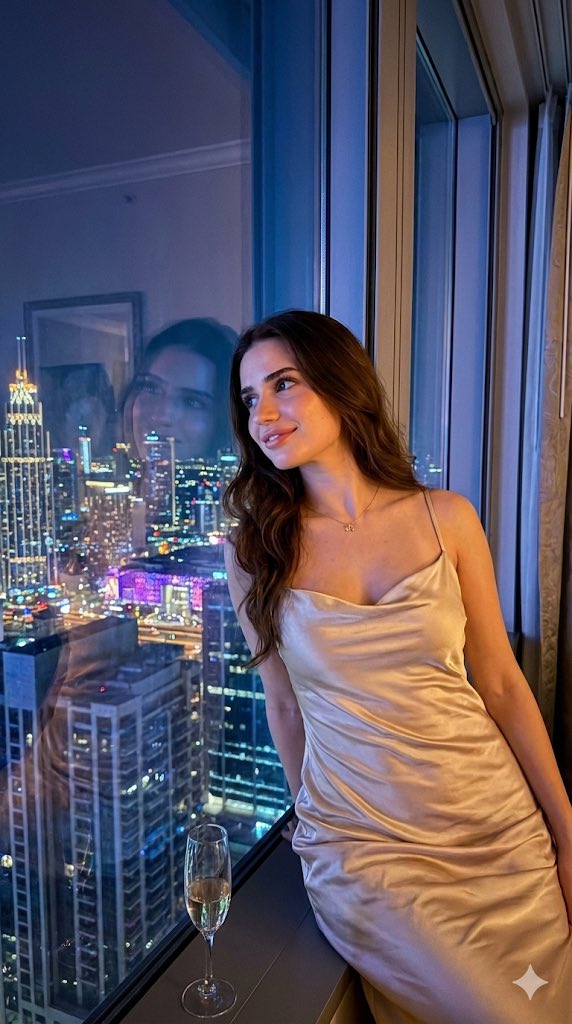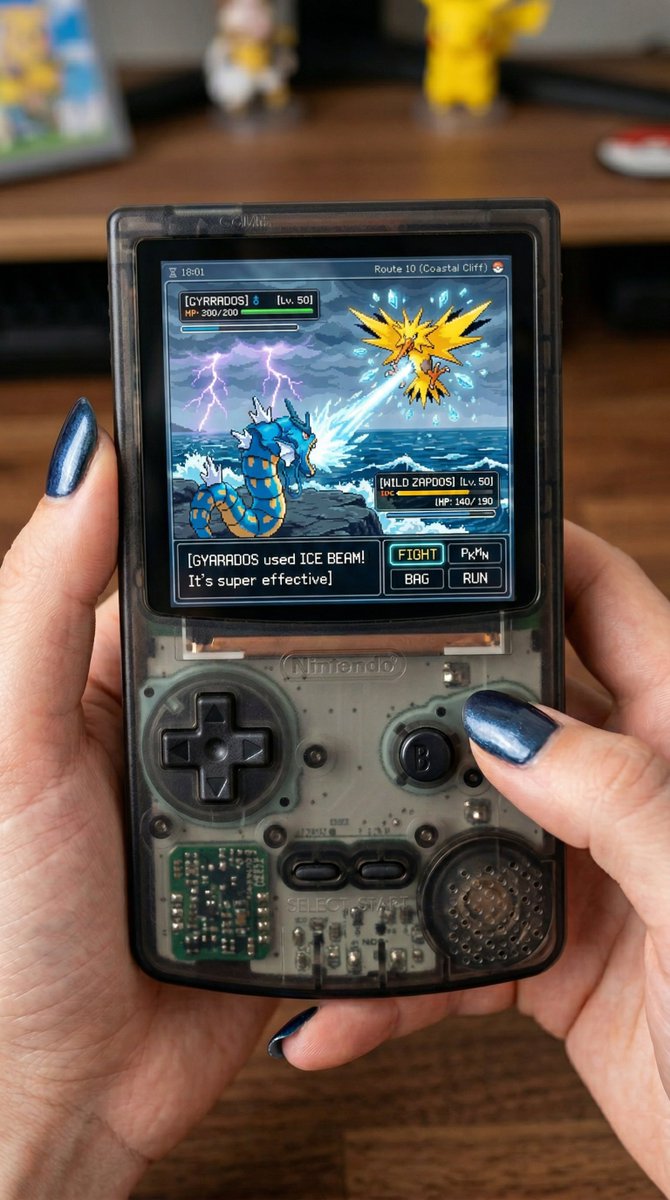
Modern See-through Gameboy Color
Copy this Nano Banana Pro reference-guided prompt to create nano banana visuals with clean minimalist composition. Best in 3:4 framing.
Test & Generate with GPT Image 2
Prompt tokens and APIMart GPT Image 2 are pre-loaded. Customize or click generate.
GPT Image 2 Generator
Modern See-through Gameboy ColorHow to Master & Adapt This Visual
Professional prompts rely on modular tokens. Use this recipe breakdown to swap subjects, control studio lighting, and eliminate common AI artifacts.
Prompt Variables Blueprint (What to Customize First)
Iterate on one variable group at a time to maintain stylistic consistency:
3 Style Recipes
Keep the same see-through material logic, but move from handheld console to camera, keyboard, or speaker.
Preserve the object angle and translucent shell, then add cleaner brand framing and background restraint.
Keep the silhouette stable and iterate only on tint, gloss level, and internal component visibility.
Production Quality Guide: Best Use vs. Pitfalls
- •Retro-tech product concepts with strong material emphasis.
- •Transparent or translucent object studies where the shell treatment must read immediately.
- •Commercial hero shots for nostalgic hardware, accessories, or collectible devices.
- ✓Start with a sharp reference image. This prompt is written to preserve source identity, silhouette, or product structure before stylization.
- ✓Use 3:4 on the first run, then test alternate crops after the base composition is working.
- ✓Lock the environment before fine styling changes: holding a modern see-through gameboy color with shades of black, the reference image is on the screen.
- !Changing product shape, label treatment, and scene styling in one pass.
- !Letting props compete with the hero product before the packshot itself is resolved.
- !Ignoring surface reflections or material cues, which usually carry the premium feel in product prompts.
- ✕Skip if: You need loose lifestyle storytelling rather than controlled product hierarchy.
- ✕Skip if: You plan to introduce text-heavy branding before the packaging and light setup are working.
- ✕Skip if: You want spontaneous human motion instead of a carefully staged commercial object shot.
Technical Analysis & How This Prompt Works
Technical Analysis & How This Prompt Works
Copy this Nano Banana Pro reference-guided prompt to create nano banana visuals with clean minimalist composition. Best in 3:4 framing. Built for...
Use a clean reference image with obvious subject edges and readable facial or product details before you start changing the styling. Keep the generator on 3:4 for the closest match. The mood is anchored by holding a modern see-through gameboy color with shades of black, the reference image is on the screen.
This prompt is useful because the transparent shell is the whole story. The image succeeds when the object silhouette and translucent material stay clean and legible.
Explore Related Curated Categories
Product Photography
Professional AI prompts for product photography, white background shots, e-commerce listings, and commercial product visuals. Create stunning product images with AI.
Portraits & Headshots
AI prompts for professional portraits, corporate headshots, character portraits, and profile pictures. Perfect for LinkedIn, business profiles, and personal branding.
Fashion Editorial
High-fashion AI prompts for editorial photography, magazine covers, fashion campaigns, and style shoots. Create Vogue-worthy fashion visuals with AI.
More Visual Inspirations
Explore prompts sharing similar aesthetic tokens and composition