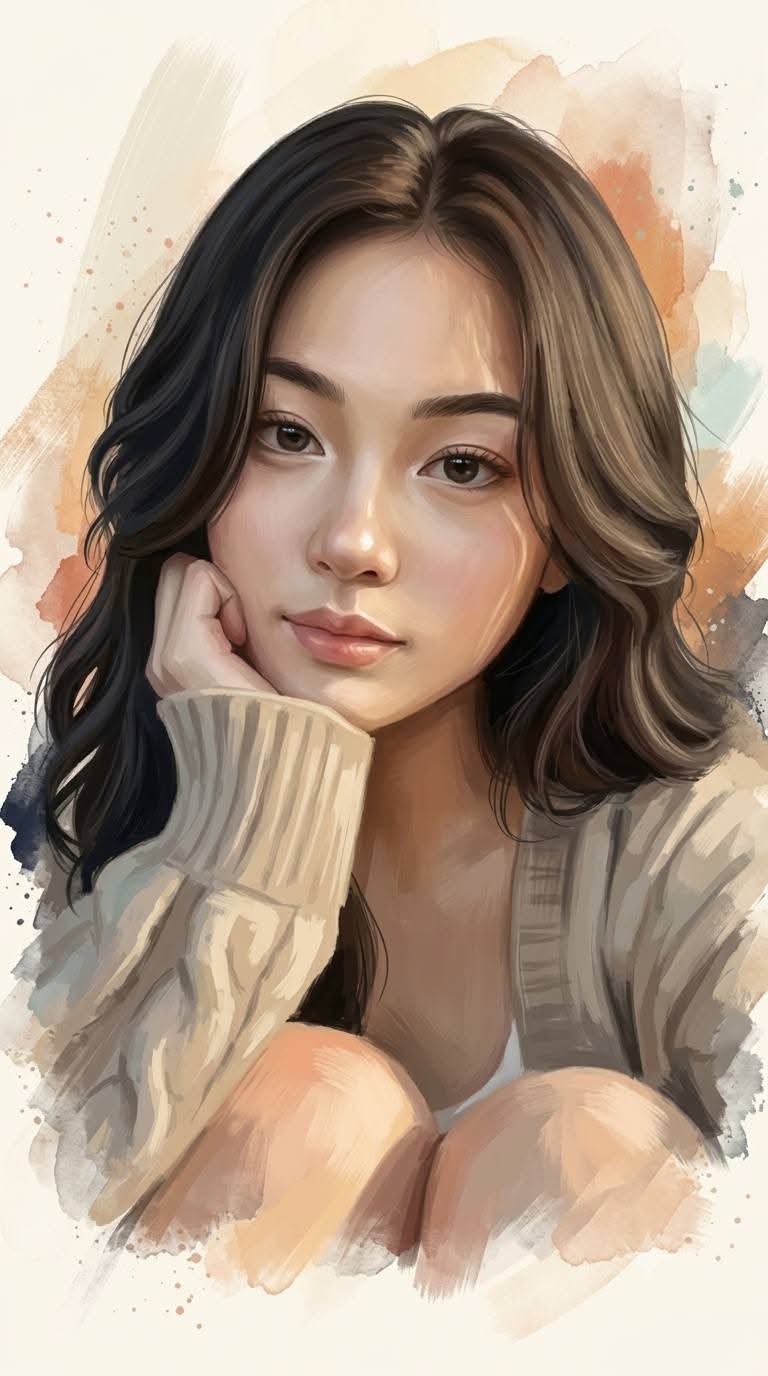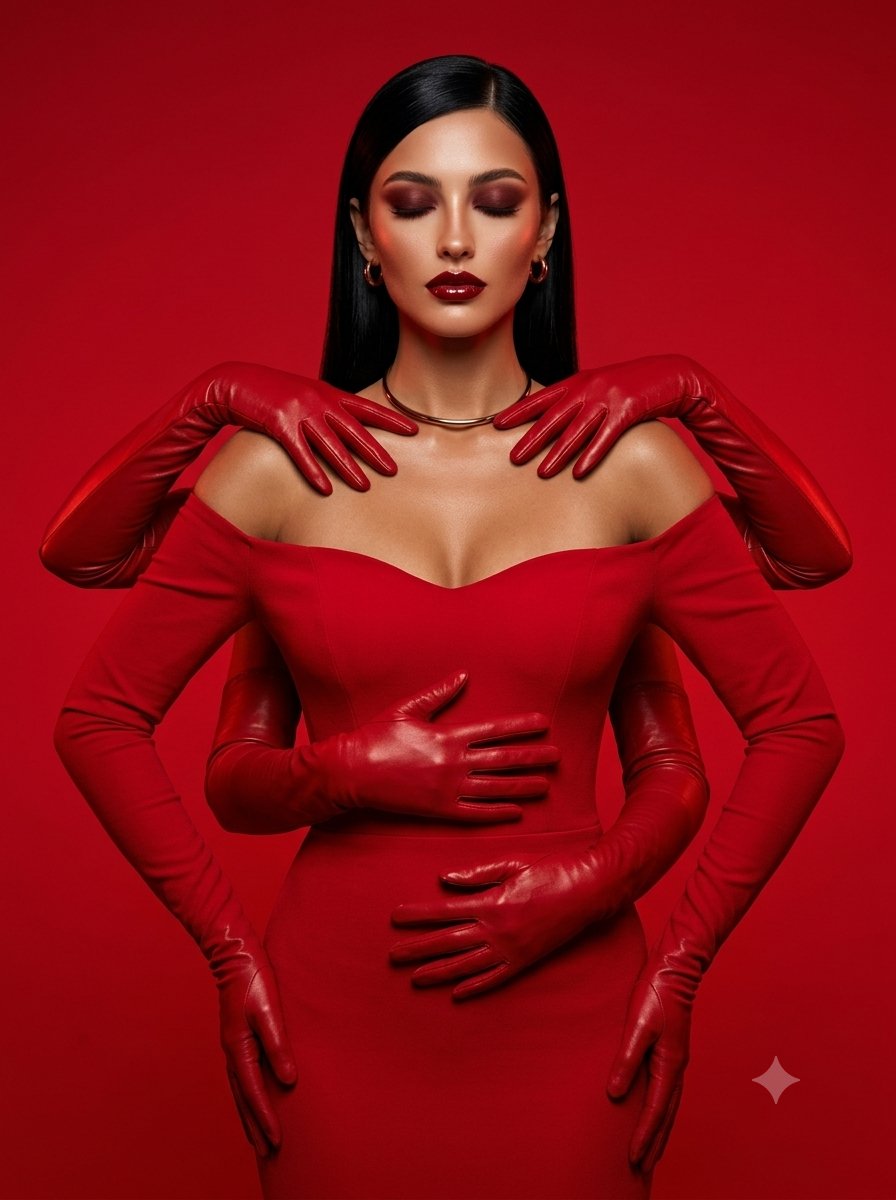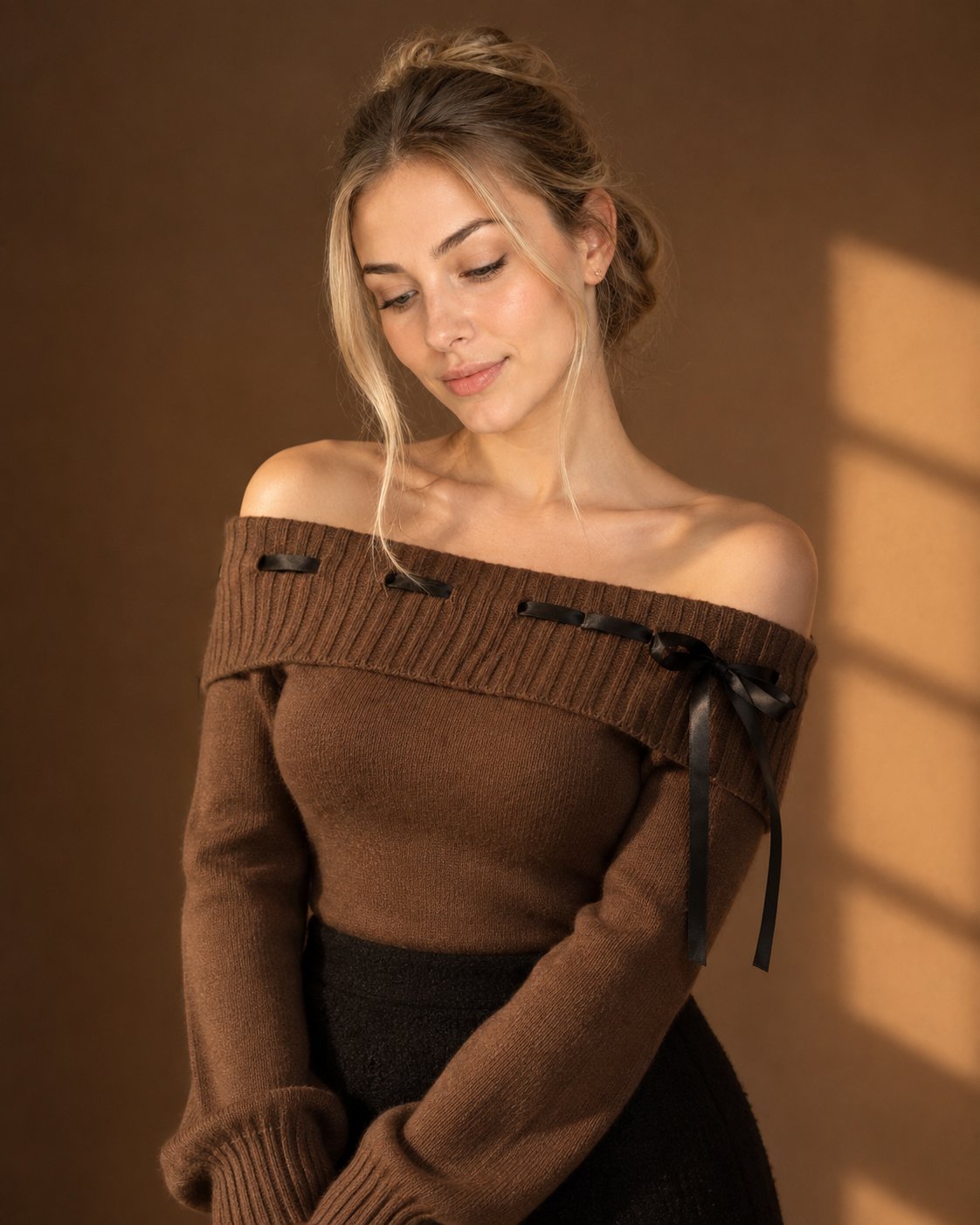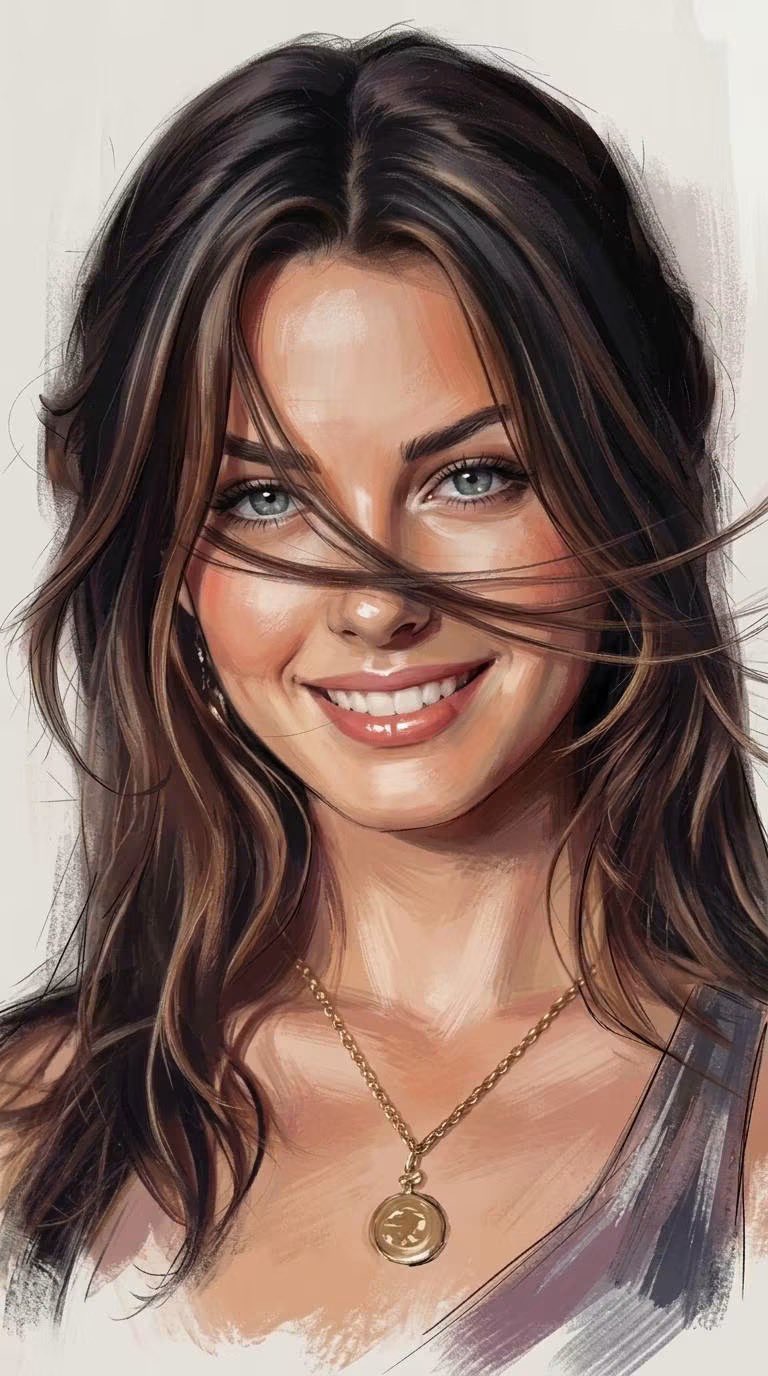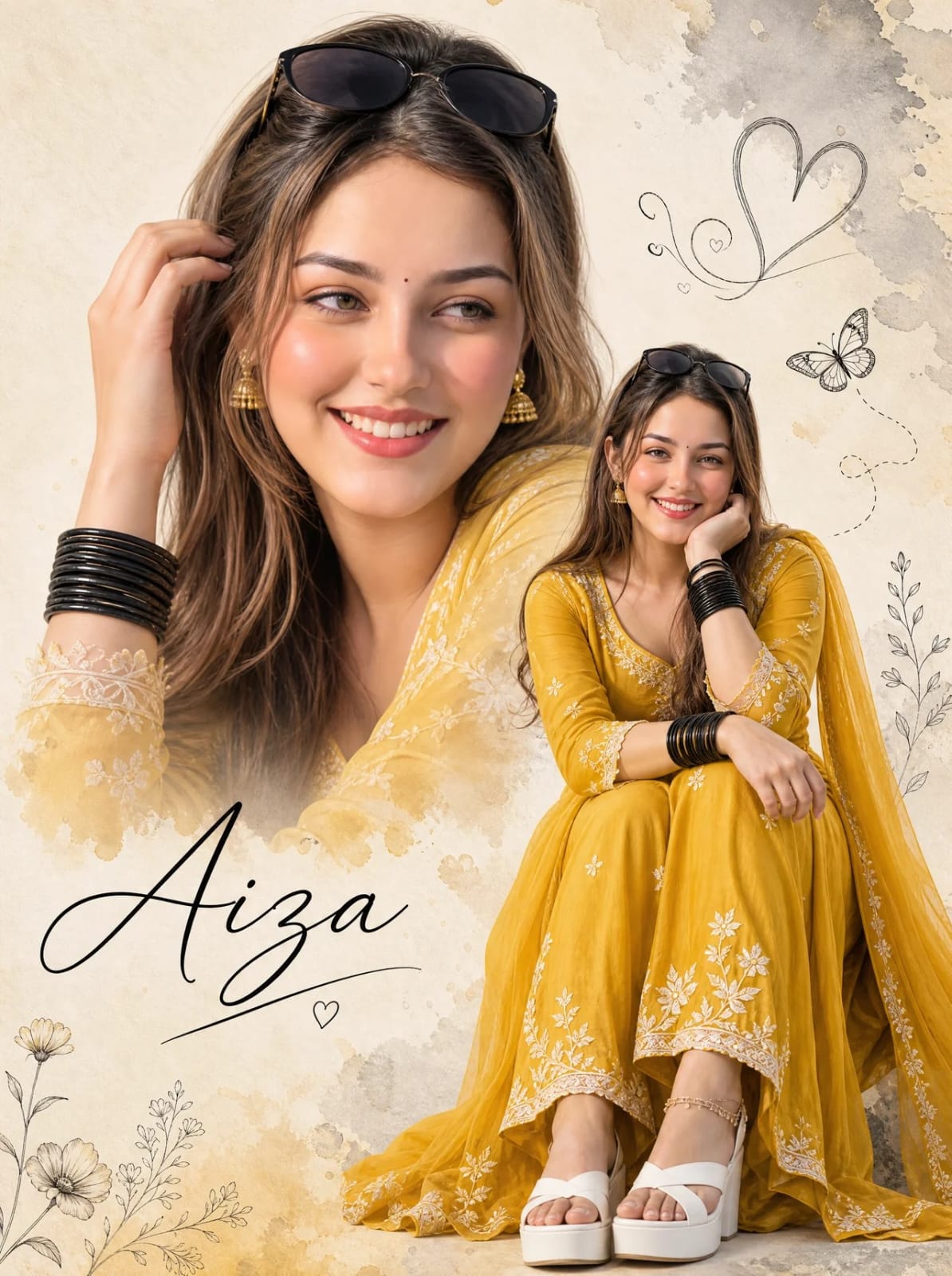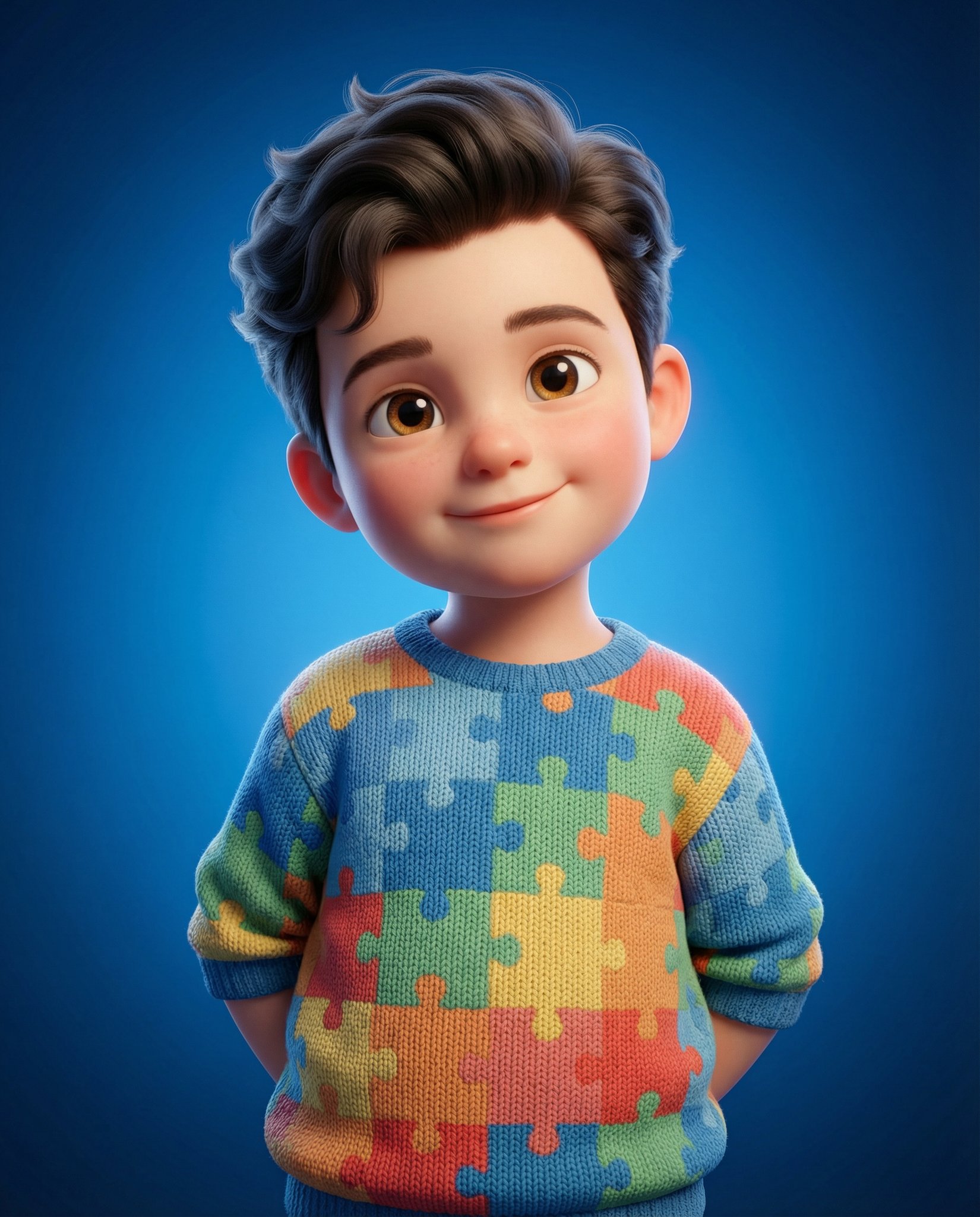
Copy this Nano Banana Pro reference-guided prompt to create character...
Copy this Nano Banana Pro reference-guided prompt to create character portraits with 35mm film texture and photorealistic detail. Best in 1:1 framing.
Test & Generate with GPT Image 2
Prompt tokens and APIMart GPT Image 2 are pre-loaded. Customize or click generate.
GPT Image 2 生成器
Copy this Nano Banana Pro reference-guided prompt to create character...How to Master & Adapt This Visual
Professional prompts rely on modular tokens. Use this recipe breakdown to swap subjects, control studio lighting, and eliminate common AI artifacts.
Prompt Variables Blueprint (What to Customize First)
Iterate on one variable group at a time to maintain stylistic consistency:
3 Style Recipes
Replace soft, round face fuller cheeks small chin slightly larger, expressive eyes (but still... with your own subject while leaving the camera and composition cues intact.
Keep the subject block, then rewrite skin should be soft and stylized, with subtle subsurface scattering (sss) for a warm... to move the image into a new lighting setup.
Start from a sharper or more contrasty source image, then edit finish descriptors only after subject preservation is stable.
Production Quality Guide: Best Use vs. Pitfalls
- •Portrait studies, beauty concepts, and tightly framed editorial references.
- •Reference-image workflows where identity, product shape, or silhouette should survive the restyle.
- •Cinematic, mood-first outputs where light direction carries a lot of the final image quality.
- ✓Start with a sharp reference image. This prompt is written to preserve source identity, silhouette, or product structure before stylization.
- ✓Use 1:1 on the first run, then test alternate crops after the base composition is working.
- ✓Lock the environment before fine styling changes: Skin should be soft and stylized, with subtle subsurface scattering (SSS) for a warm glow, matte finish (no...
- !Ignoring the recommended 1:1 crop on the first run. The prompt's composition cues were written for that frame.
- !Using a muddy reference image and expecting the prompt to repair identity, silhouette, or packaging structure on its own.
- !Dropping the lighting or backdrop cues too early. Those clauses usually carry most of the mood and depth.
- ✕Skip if: You need a wide environment shot or multiple subjects competing for attention in the same frame.
- ✕Skip if: You need to begin with a radically different crop than 1:1 instead of honoring the existing composition hints.
- ✕Skip if: Your reference image is low-resolution, badly lit, or cluttered enough to break subject preservation.
Technical Analysis & How This Prompt Works
Technical Analysis & How This Prompt Works
Copy this Nano Banana Pro reference-guided prompt to create character portraits with 35mm film texture and photorealistic detail. Best in 1:1 framing....
Use a clean reference image with obvious subject edges and readable facial or product details before you start changing the styling. Keep the generator on 1:1 for the closest match. The mood is anchored by skin should be soft and stylized, with subtle subsurface scattering (sss) for a warm glow, matte finish (no...
Explore Related Curated Categories
Product Photography
Professional AI prompts for product photography, white background shots, e-commerce listings, and commercial product visuals. Create stunning product images with AI.
Portraits & Headshots
AI prompts for professional portraits, corporate headshots, character portraits, and profile pictures. Perfect for LinkedIn, business profiles, and personal branding.
Fashion Editorial
High-fashion AI prompts for editorial photography, magazine covers, fashion campaigns, and style shoots. Create Vogue-worthy fashion visuals with AI.
More Visual Inspirations
Explore prompts sharing similar aesthetic tokens and composition