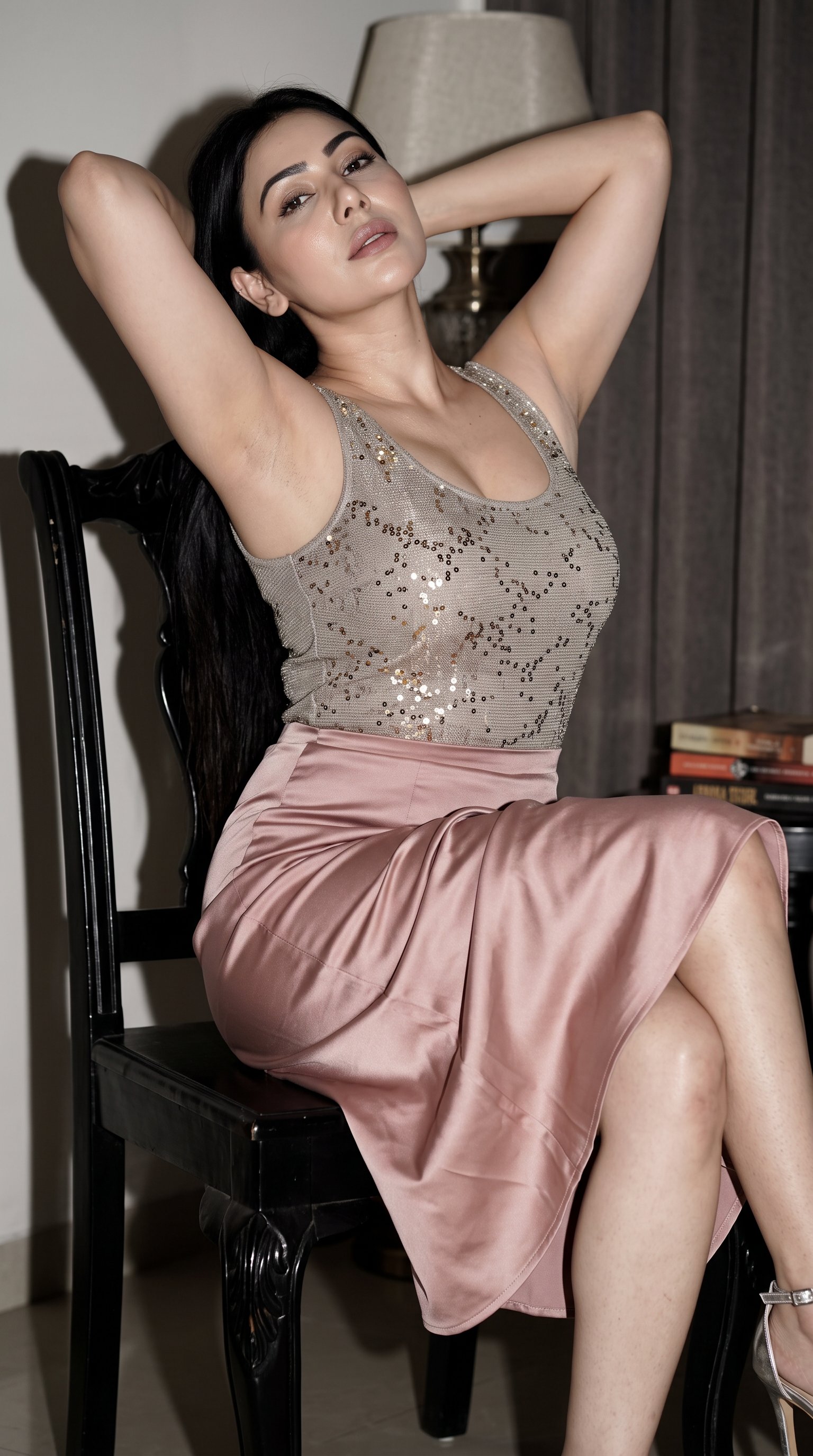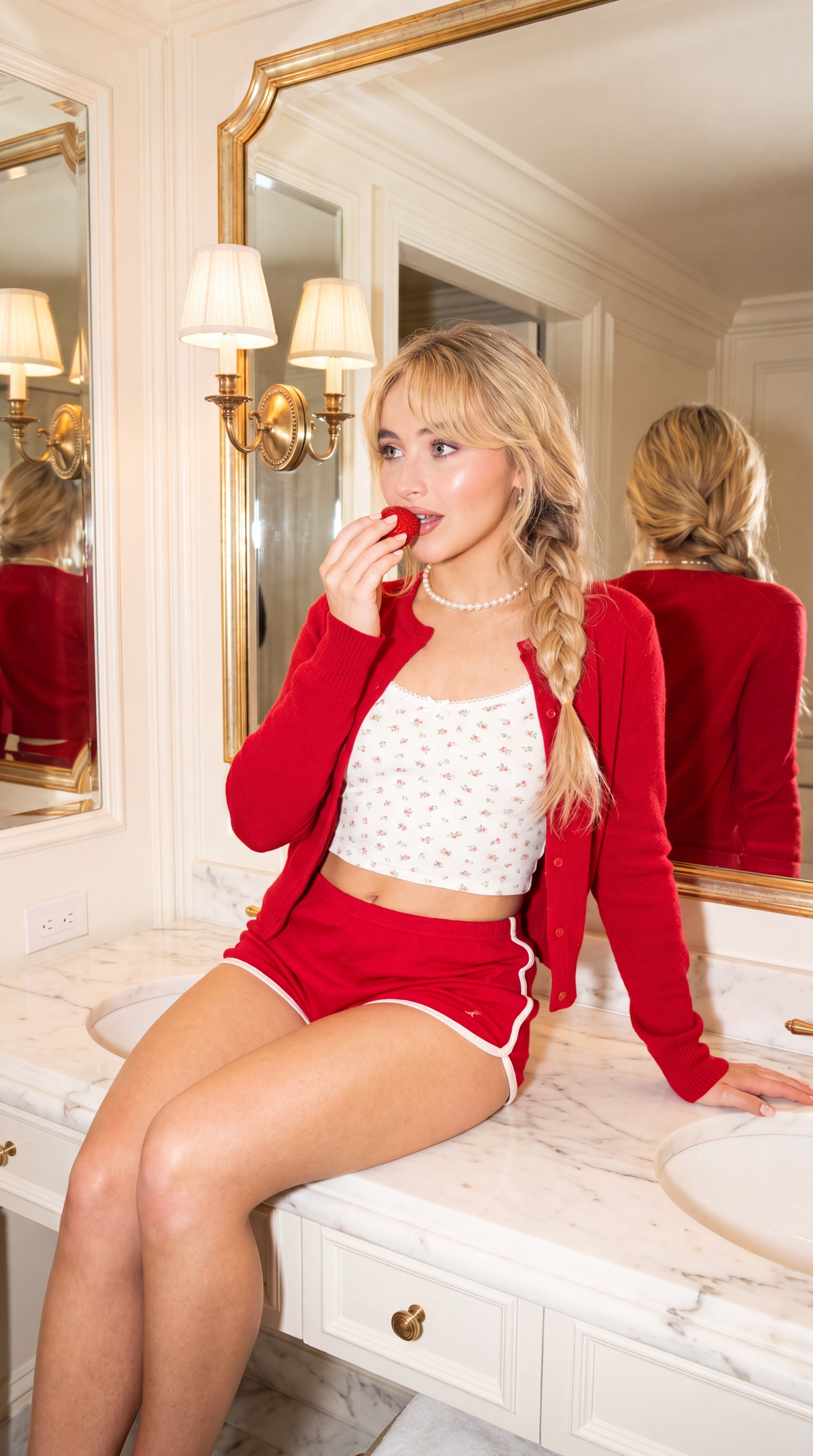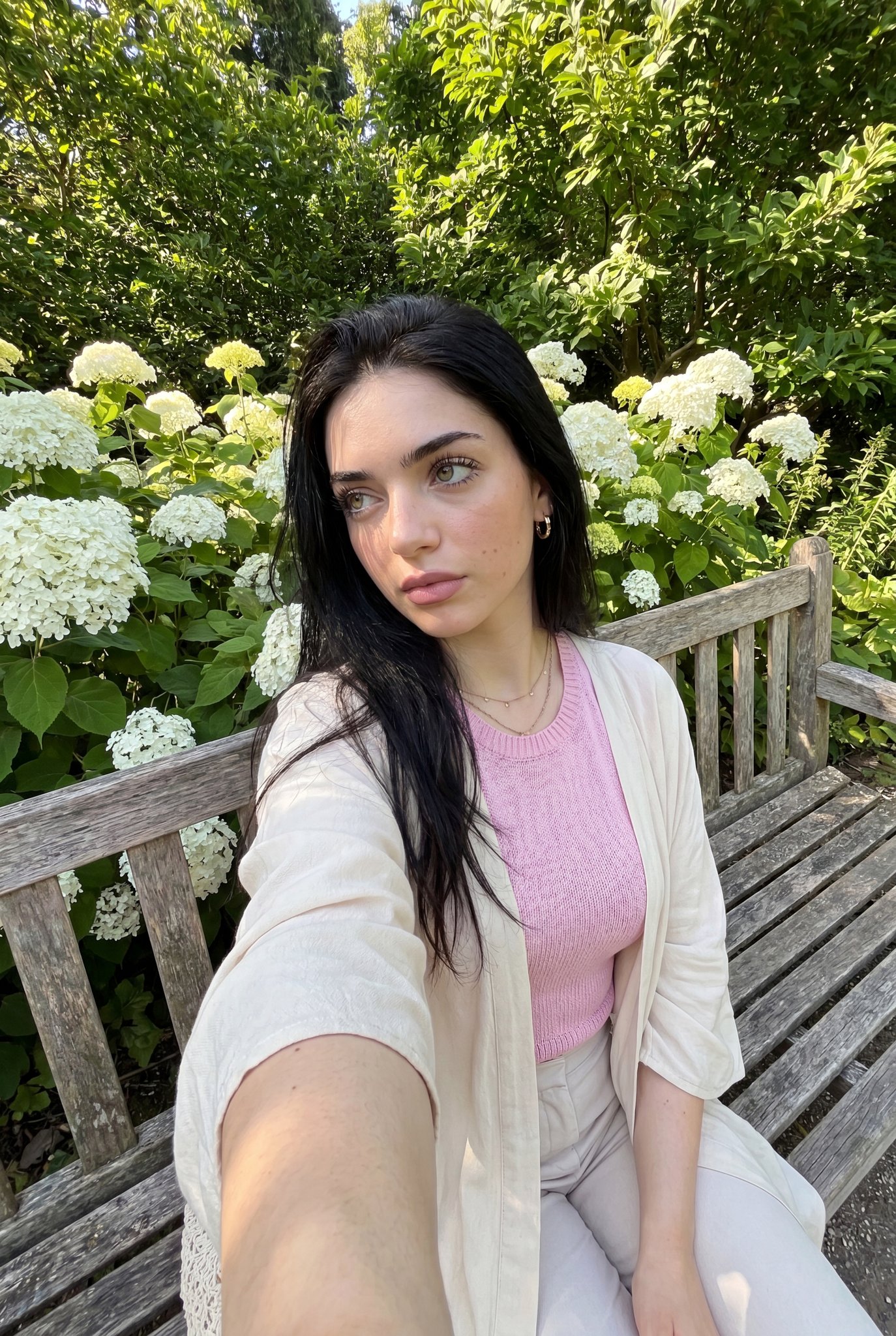
Copy this Nano Banana Pro text-to-image prompt to create portrait...
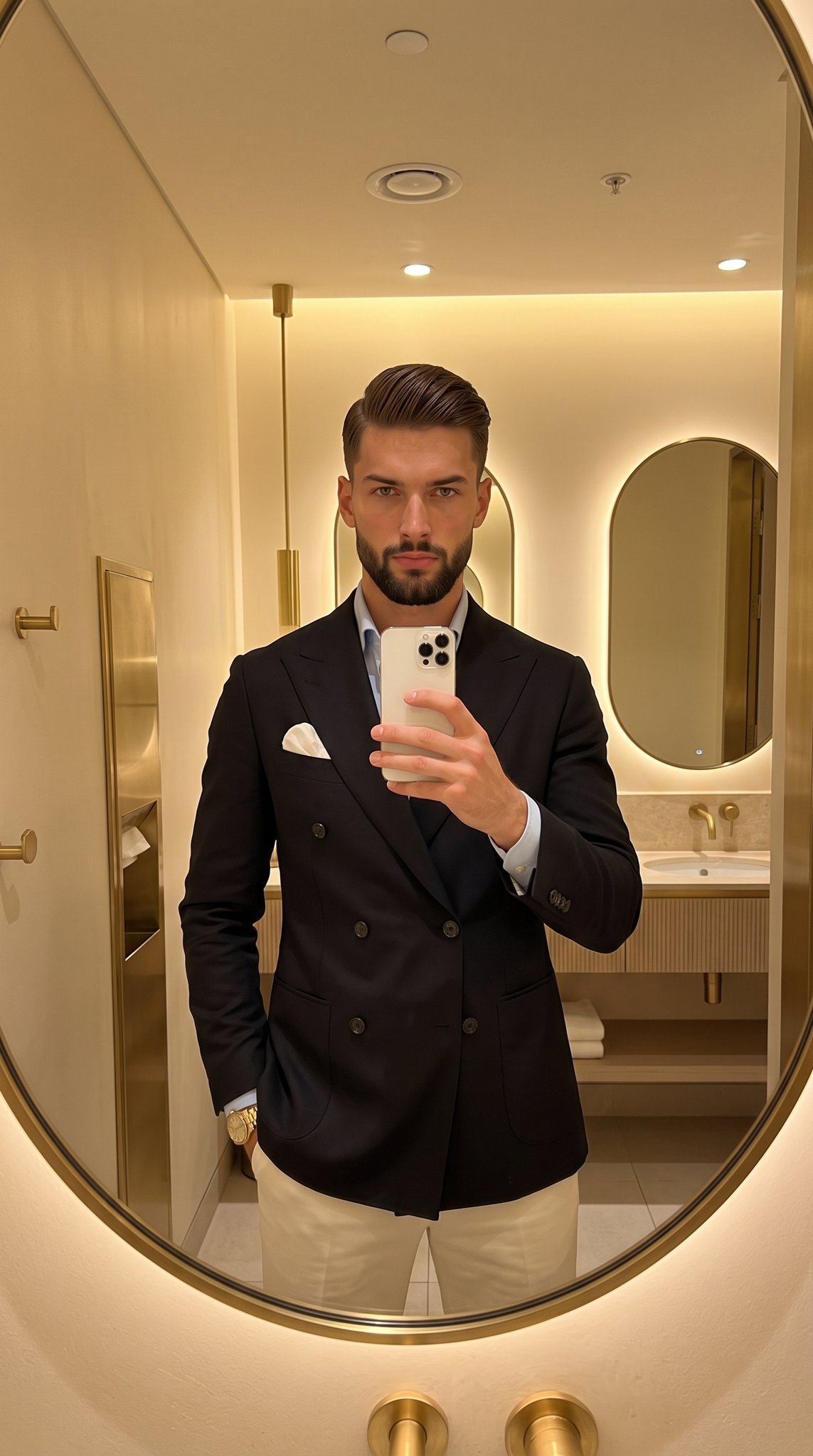
Copy this Nano Banana Pro text-to-image prompt to create portrait concepts in indoor scenes with editorial styling and clean minimalist composition. Best...
Test & Generate with GPT Image 2
Prompt tokens and APIMart GPT Image 2 are pre-loaded. Customize or click generate.
Nano Banana Pro Studio
Copy this Nano Banana Pro text-to-image prompt to create portrait...🎁 4 Free 4K Credits on Google Sign-InNo Card Required$19.90 One-Time Pack (No Sub)
How to Master & Adapt This Visual
Professional prompts rely on modular tokens. Use this recipe breakdown to swap subjects, control studio lighting, and eliminate common AI artifacts.
Prompt Variables Blueprint (What to Customize First)
Iterate on one variable group at a time to maintain stylistic consistency:
3 Style Recipes
Replace prompt 👇 a well-dressed handsome male stands perfectly centered in a classic portrait... with your own subject while leaving the camera and composition cues intact.
Keep the subject block, then rewrite he wears a deep black double-breasted blazer over a light blue button-up dress shirt,... to move the image into a new lighting setup.
Test a new texture or rendering finish by rewriting 2 for a medium depth of field, the pristine, grain-free image channels a clean menswear... while leaving the scene structure alone.
Production Quality Guide: Best Use vs. Pitfalls
- •Portrait studies, beauty concepts, and tightly framed editorial references.
- •Text-to-image ideation when you want a reliable starting frame in 9:16.
- •Clean studio results where spacing, surfaces, and product separation need to read immediately.
- ✓Use 9:16 on the first run, then test alternate crops after the base composition is working.
- ✓Lock the environment before fine styling changes: He wears a deep black double-breasted blazer over a light blue button-up dress shirt, complemented by a white...
- !Ignoring the recommended 9:16 crop on the first run. The prompt's composition cues were written for that frame.
- !Changing subject, lighting, and finish together. You lose the stable base that makes the prompt reusable.
- !Dropping the lighting or backdrop cues too early. Those clauses usually carry most of the mood and depth.
- ✕Skip if: You need a wide environment shot or multiple subjects competing for attention in the same frame.
- ✕Skip if: You need to begin with a radically different crop than 9:16 instead of honoring the existing composition hints.
- ✕Skip if: You want a loose multi-subject scene instead of a prompt built around one controlled focal point.
Technical Analysis & How This Prompt Works
Technical Analysis & How This Prompt Works
Copy this Nano Banana Pro text-to-image prompt to create portrait concepts in indoor scenes with editorial styling and clean minimalist composition....
Keep the base prompt intact for the first run, then iterate on one variable at a time so the composition stays stable. Keep the generator on 9:16 for the closest match. The mood is anchored by he wears a deep black double-breasted blazer over a light blue button-up dress shirt, complemented by a white...
Explore Related Curated Categories
Product Photography
Professional AI prompts for product photography, white background shots, e-commerce listings, and commercial product visuals. Create stunning product images with AI.
Portraits & Headshots
AI prompts for professional portraits, corporate headshots, character portraits, and profile pictures. Perfect for LinkedIn, business profiles, and personal branding.
Fashion Editorial
High-fashion AI prompts for editorial photography, magazine covers, fashion campaigns, and style shoots. Create Vogue-worthy fashion visuals with AI.
More Visual Inspirations
Explore prompts sharing similar aesthetic tokens and composition