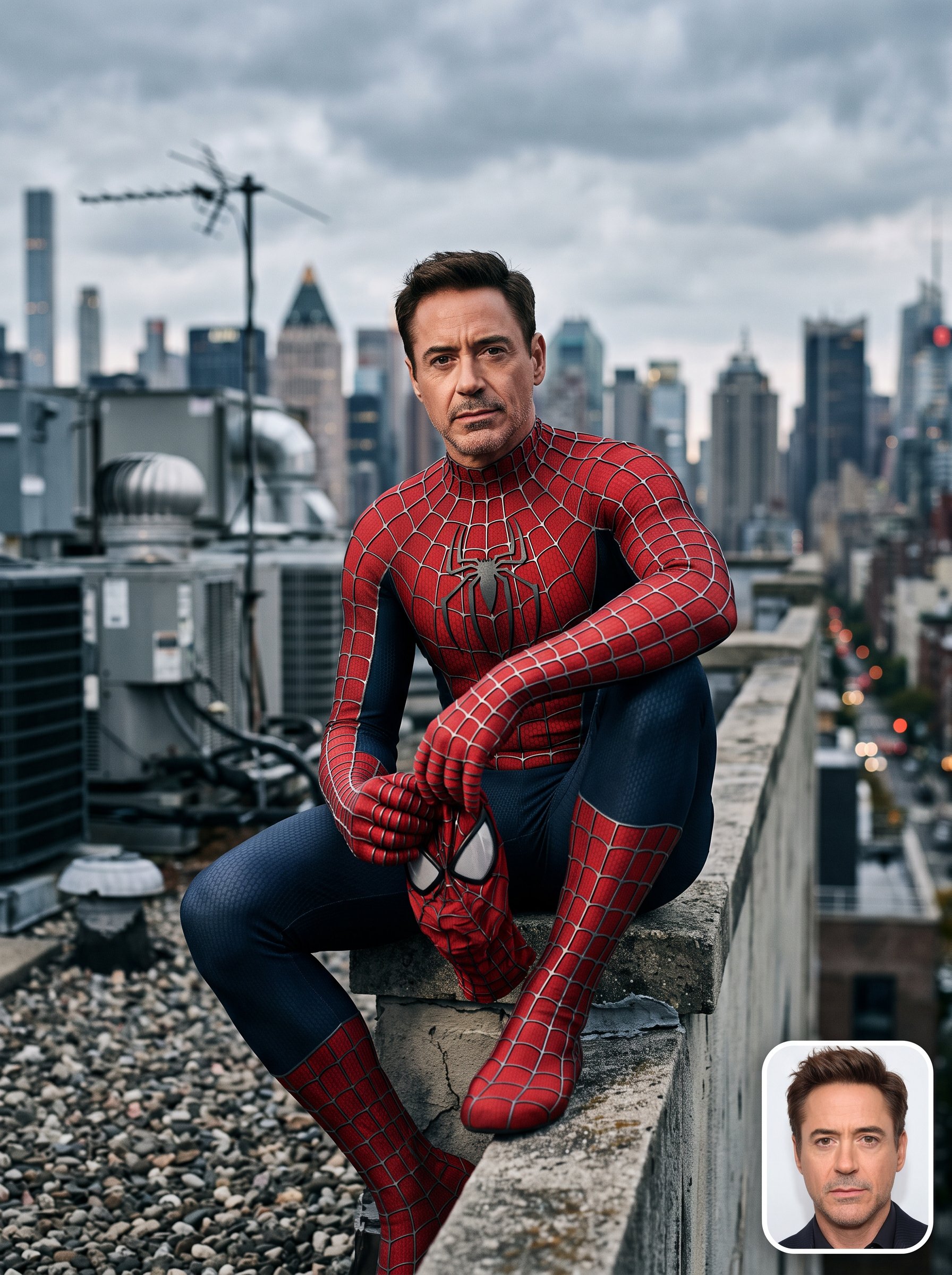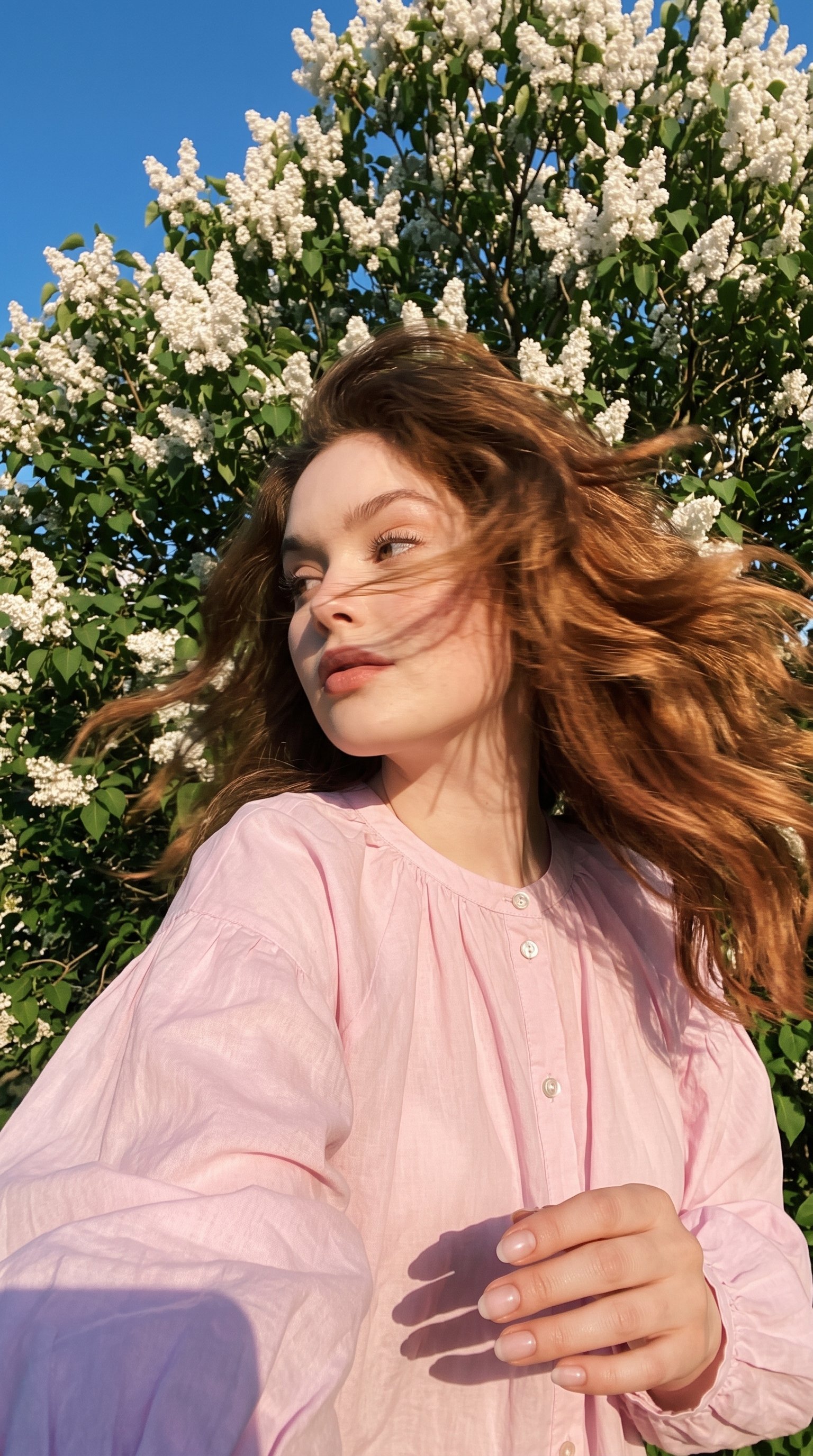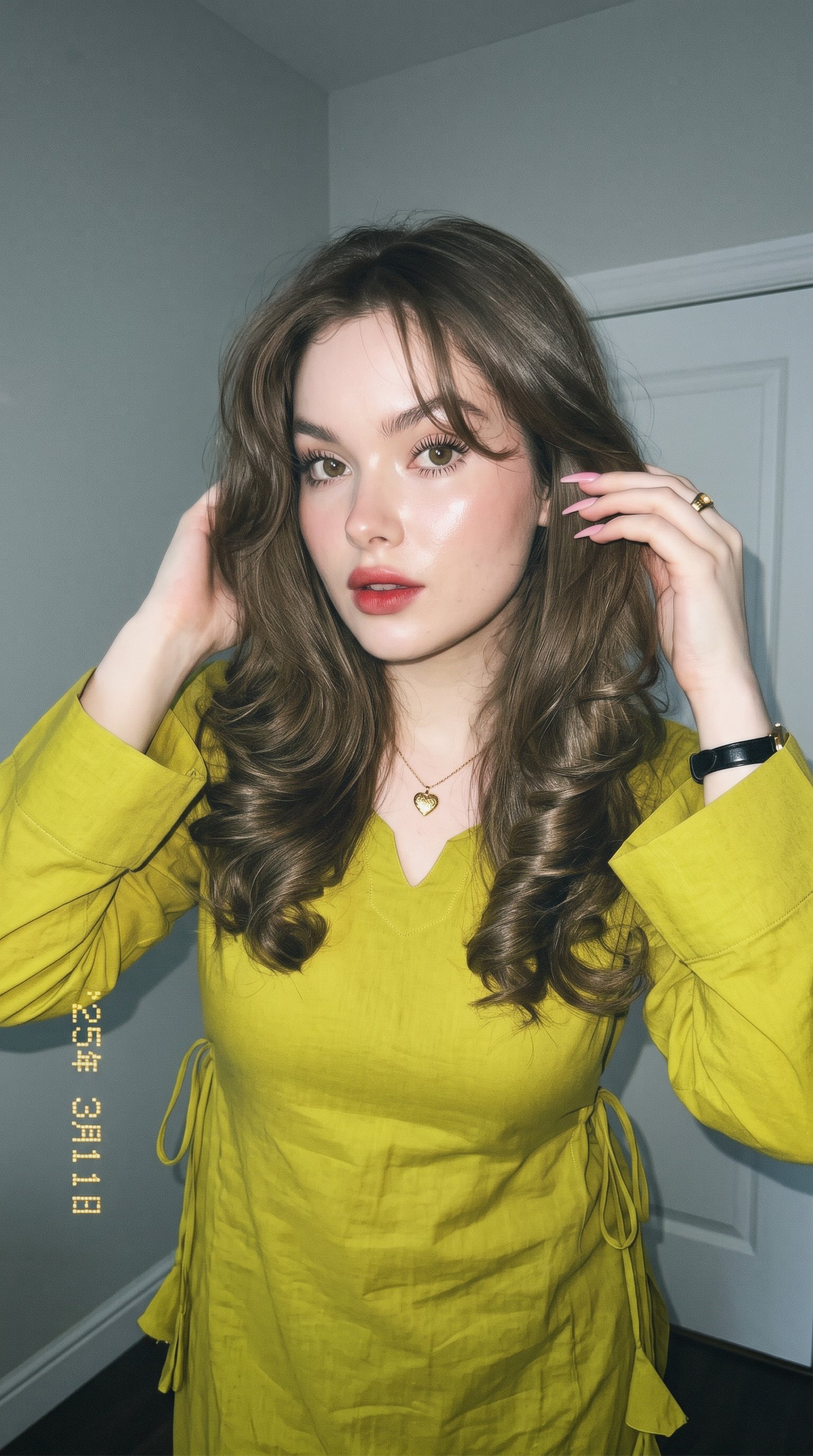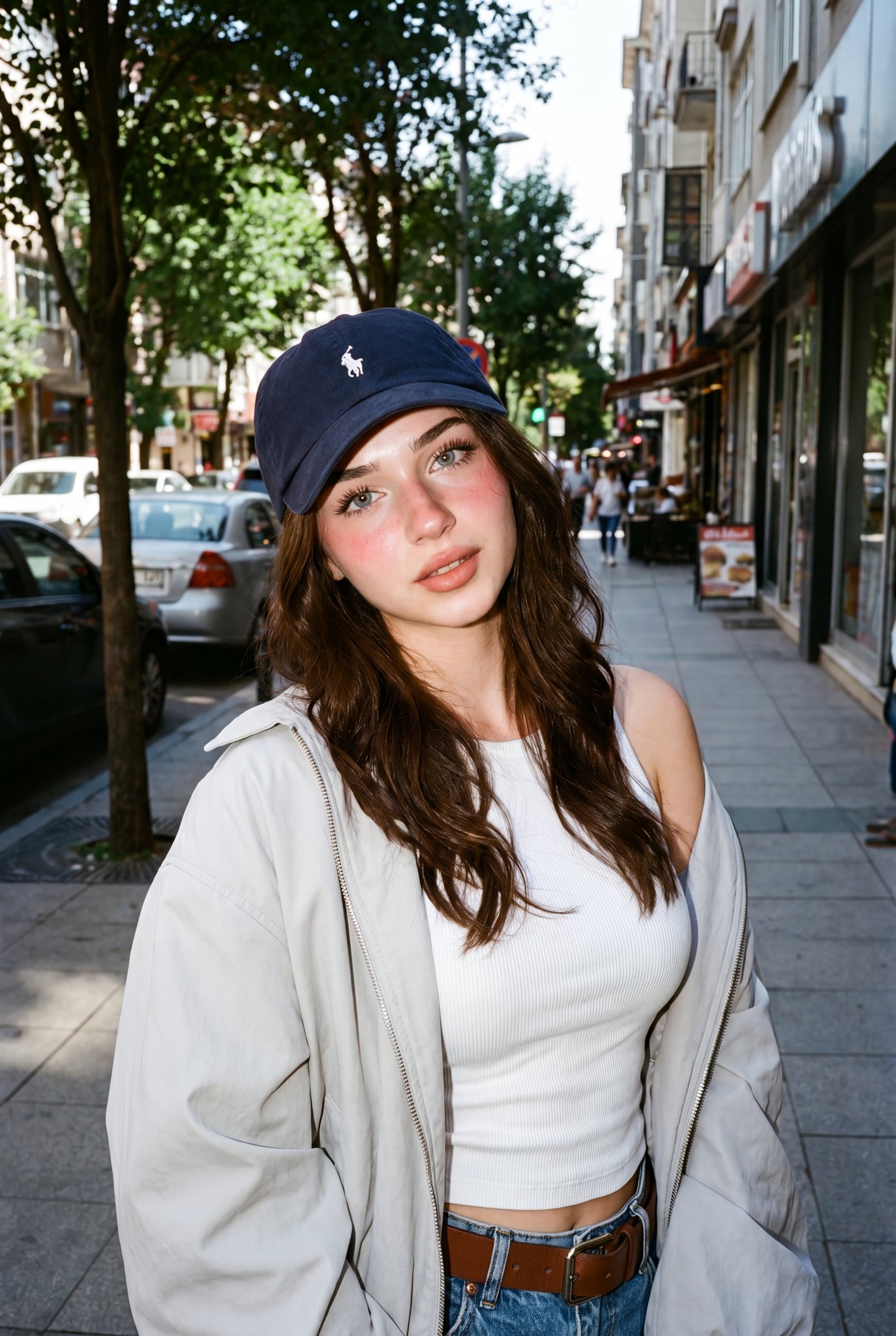
YOU WONT BELIEVE THIS IS AI...
Ratio 9:16Image-to-Image
Creator Reference:@NanoBanana_labs
Original Post

YOU WONT BELIEVE THIS IS AI

Copy this Nano Banana Pro reference-guided prompt to create character portraits in studio setups with surreal composition and photorealistic detail. Best...

Master PromptClick to select all

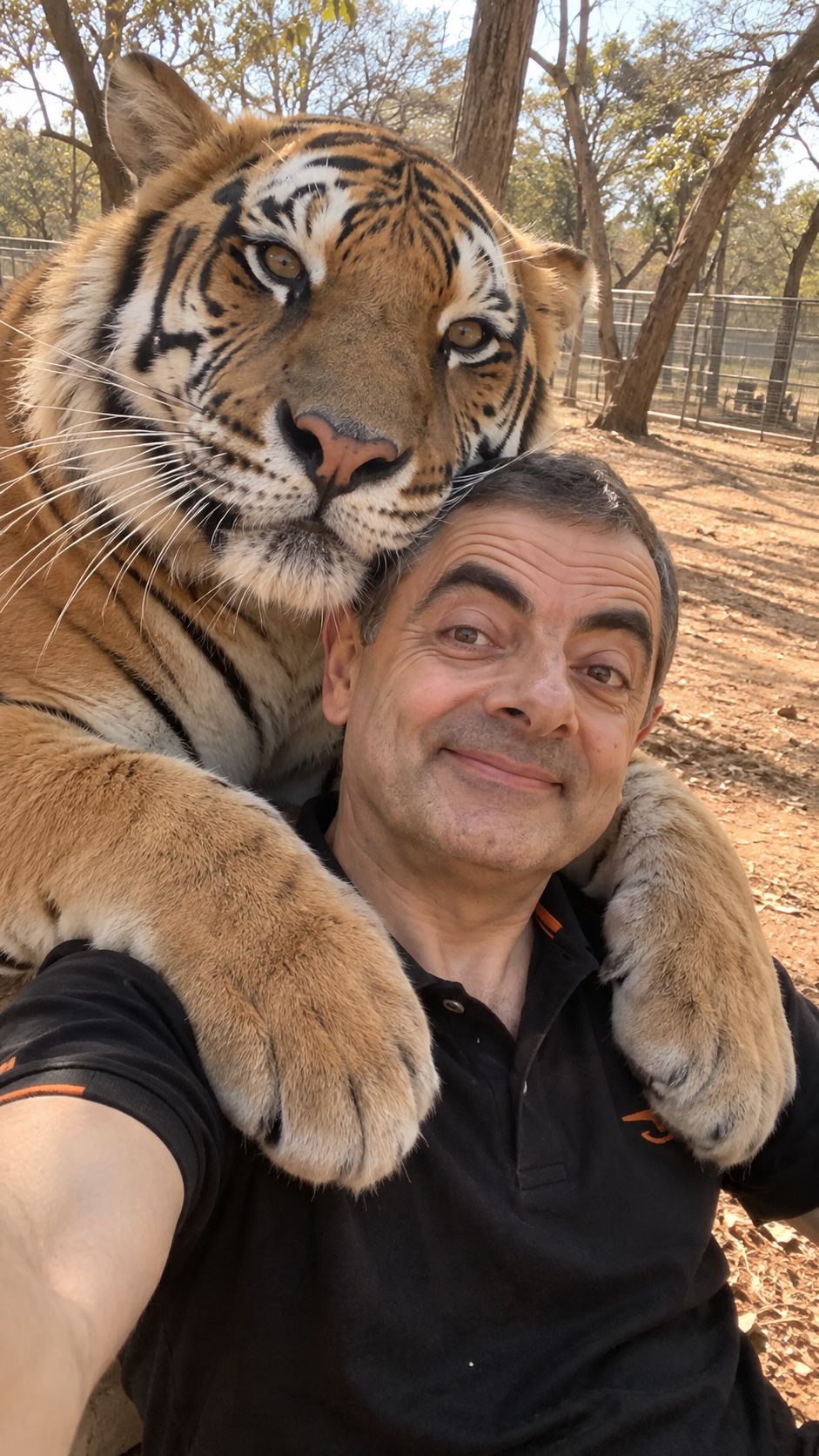
YOU WON'T BELIEVE THIS IS AI 🔥 This looks like a real photograph. It isn't. 🤯 Made with prompts from @NanoBanana_labs Follow for more @NanoBanana_labs Save now 🔖 Prompt: Ultra-realistic candid smartphone selfie at a wildlife park, capturing a spontaneous and unusual close interaction between the man attached in the uploaded reference image and a large adult Bengal tiger. The man is holding the phone at arm’s length in a natural selfie position, looking directly toward the camera with a genuine relaxed smile. His expression should feel completely spontaneous and unposed, as if someone unexpectedly captured a funny moment between him and the tiger. A large adult Bengal tiger is positioned extremely close to the man, with its front legs naturally wrapped around his shoulders and upper torso in a playful-looking embrace. The tiger's head rests beside and slightly above the man's head. Its face is turned partially toward the camera, with realistic amber eyes, detailed black-and-orange striped fur, white fur around the cheeks and muzzle, long individual whiskers, realistic nose texture, and natural animal anatomy. The tiger should feel physically massive compared with the man. The tiger's paws and forelegs rest naturally across the man's shoulders and chest. Preserve realistic weight, anatomy, fur compression, and contact between the tiger and the man's clothing. The interaction should look like a genuine photograph rather than a staged composite. The man is wearing a simple black short-sleeve polo shirt, with subtle natural fabric texture and small understated orange detailing on the sleeve/chest area. His clothing should look slightly compressed where the tiger's body and paws make contact. Composition: extremely close vertical selfie, approximately 9:16. The man's face occupies the lower-center/right portion of the frame while the tiger dominates the upper-left and left side of the image. The tiger's enormous body and paws partially fill the foreground. The framing should feel slightly imperfect, like a real handheld phone photograph rather than a professionally composed wildlife photograph. Keep some of the surrounding environment visible on the right side and behind the subjects. Background: an authentic dry wildlife-park enclosure in a warm, semi-arid environment. Sandy orange-brown soil, scattered dry leaves, mature trees with thin branches and sparse foliage, simple enclosure fencing visible subtly in the distance, and a natural open woodland setting. Keep the background slightly softer because of the close selfie perspective, but retain enough detail to make the location believable. Lighting: warm natural late-afternoon daylight coming from above and slightly behind the subjects. Strong but realistic sunlight creates warm highlights on the tiger's orange fur and the man's skin, while the trees create irregular soft-to-medium shadows across the sandy ground. The scene should have a slightly golden, dusty atmosphere without looking overly cinematic. Natural exposure variations are welcome. Color and atmosphere: warm earthy tones, muted orange-brown soil, golden tiger fur, deep natural blacks in the stripes and shirt, slightly warm skin tones, dusty woodland colors. The image should feel like an authentic old smartphone travel photograph rather than a polished professional wildlife photograph. Photography: shot on a modern smartphone, approximately 24–26 mm equivalent wide-angle lens, handheld front-facing camera, vertical 9:16 composition, natural HDR, realistic smartphone dynamic range, slight computational-photography characteristics, subtle lens softness around the edges, realistic exposure, natural motion imperfections, authentic skin pores and fine facial hair, highly detailed tiger fur. Important realism: preserve realistic proportions, anatomy, physics, fur texture, lighting, shadows, reflections, depth, and contact between the tiger and the man. The tiger must look like a real living Bengal tiger, not a CGI animal or oversized domestic cat. The man's face must remain completely natural and consistent with the uploaded reference. Visual style: authentic candid wildlife-travel selfie, spontaneous documentary photography, slightly imperfect smartphone snapshot, believable real-world lighting, natural skin texture, natural animal texture, no beauty filter, no studio lighting, no cinematic color grading, no artificial bokeh, no CGI appearance, no illustration, no painting, no plastic skin, no excessive sharpening, no surreal distortion, no AI-generated look. Negative prompt: cartoon, illustration, painting, CGI, 3D render, fake tiger, deformed tiger, extra legs, extra paws, malformed paws, incorrect tiger anatomy, distorted face, changed identity, altered facial features, plastic skin, beauty filter, excessive HDR, oversaturated colors, cinematic lighting, studio lighting, artificial bokeh, excessive depth of field, unrealistic fur, duplicated limbs, floating paws, unnatural body contact, warped hands, distorted clothing, perfect professional composition, staged studio photograph

Optimal Generation Parameters
Aspect Ratio
9:16
ModelNano Banana Pro
Aesthetic KeynotesSurreal, Photorealistic, Cinematic, 3D Rendered

Test & Generate with GPT Image 2

Prompt tokens and APIMart GPT Image 2 are pre-loaded. Customize or click generate.

GPT Image 2 Generator

YOU WONT BELIEVE THIS IS AI
Nano Banana 2
Creative Blueprint & Recipe Breakdown

How to Master & Adapt This Visual

Professional prompts rely on modular tokens. Use this recipe breakdown to swap subjects, control studio lighting, and eliminate common AI artifacts.

Prompt Variables Blueprint (What to Customize First)

Iterate on one variable group at a time to maintain stylistic consistency:

1Change the subject block first: Ultra-realistic candid smartphone selfie at a wildlife park, capturing a spontaneous and unusual close interaction...
2Adjust the mood through light and backdrop cues: Background: an authentic dry wildlife-park enclosure in a warm, semi-arid environment.
3Keep the finish constraints aligned while you test variants: Its face is turned partially toward the camera, with realistic amber eyes, detailed black-and-orange striped fur, white...

3 Style Recipes

Swap the subject, keep the frameRecipe #1

Replace ultra-realistic candid smartphone selfie at a wildlife park, capturing a spontaneous and... with your own subject while leaving the camera and composition cues intact.

Retune the mood, not the structureRecipe #2

Keep the subject block, then rewrite background: an authentic dry wildlife-park enclosure in a warm, semi-arid environment. to move the image into a new lighting setup.

Push the restyle with a cleaner referenceRecipe #3

Start from a sharper or more contrasty source image, then edit finish descriptors only after subject preservation is stable.

Production Quality Guide: Best Use vs. Pitfalls

Ideal Use Cases (Where it Shines)
  • •Portrait studies, beauty concepts, and tightly framed editorial references.
  • •Reference-image workflows where identity, product shape, or silhouette should survive the restyle.
  • •Cinematic, mood-first outputs where light direction carries a lot of the final image quality.
  • ✓Start with a sharp reference image. This prompt is written to preserve source identity, silhouette, or product structure before stylization.
  • ✓Use 9:16 on the first run, then test alternate crops after the base composition is working.
  • ✓Lock the environment before fine styling changes: Background: an authentic dry wildlife-park enclosure in a warm, semi-arid environment.
Pitfalls to Avoid (Common Mistakes)
  • !Ignoring the recommended 9:16 crop on the first run. The prompt's composition cues were written for that frame.
  • !Using a muddy reference image and expecting the prompt to repair identity, silhouette, or packaging structure on its own.
  • !Dropping the lighting or backdrop cues too early. Those clauses usually carry most of the mood and depth.
  • ✕Skip if: You need a wide environment shot or multiple subjects competing for attention in the same frame.
  • ✕Skip if: You need to begin with a radically different crop than 9:16 instead of honoring the existing composition hints.
  • ✕Skip if: Your reference image is low-resolution, badly lit, or cluttered enough to break subject preservation.

Technical Analysis & How This Prompt Works

Copy this Nano Banana Pro reference-guided prompt to create character portraits in studio setups with surreal composition and photorealistic detail....

Use a clean reference image with obvious subject edges and readable facial or product details before you start changing the styling. Keep the generator on 9:16 for the closest match. The mood is anchored by background: an authentic dry wildlife-park enclosure in a warm, semi-arid environment.

Explore Related Curated Categories

More Visual Inspirations

Explore prompts sharing similar aesthetic tokens and composition
View all prompts →