Portraits & Headshots Prompts
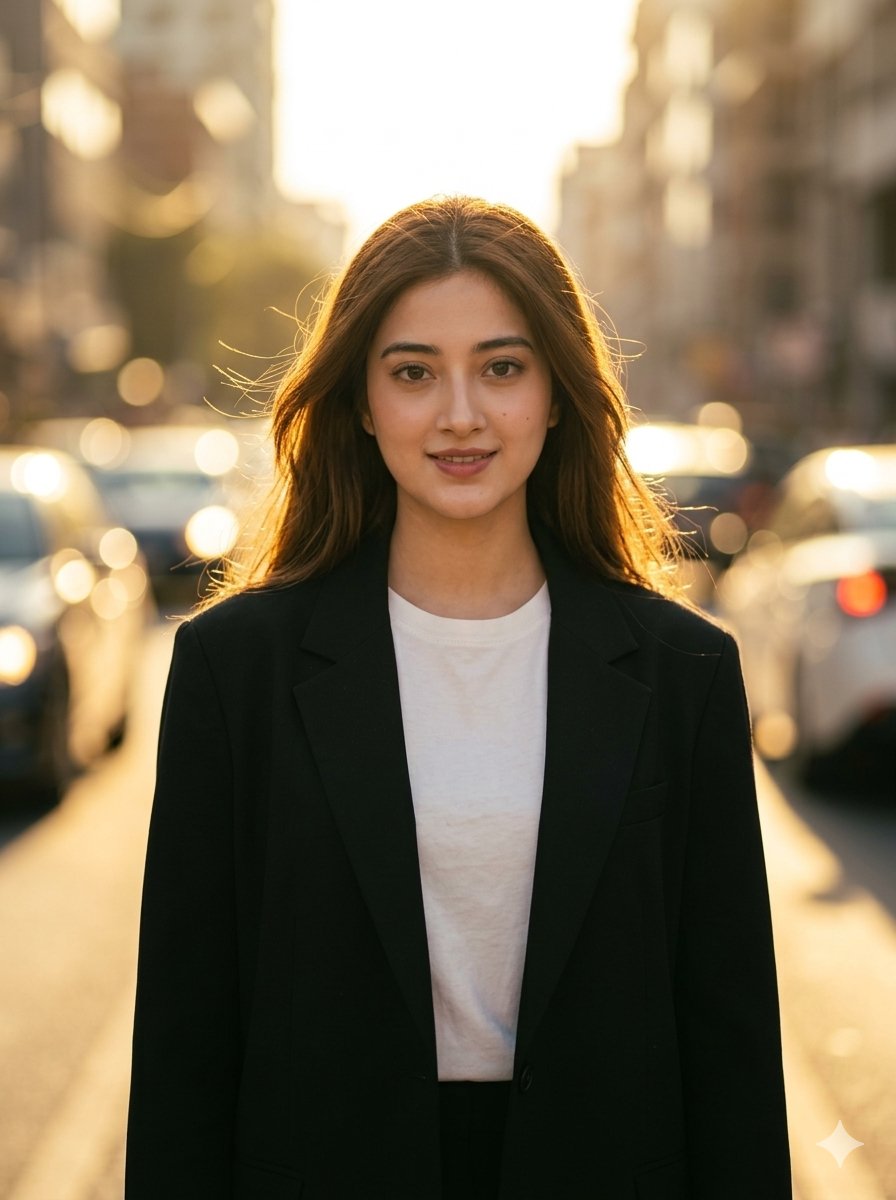
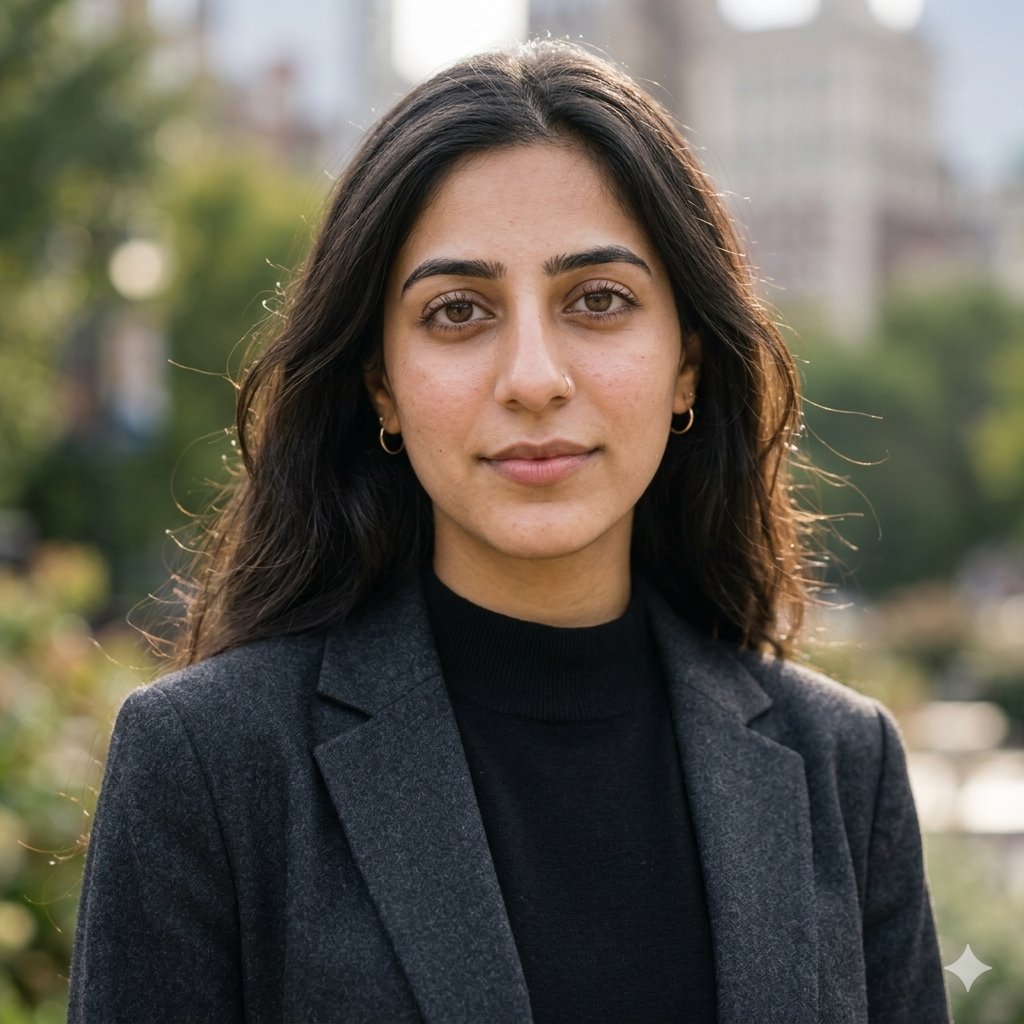
AI prompts for professional portraits, corporate headshots, character portraits, and profile pictures. Perfect for LinkedIn, business profiles, and personal branding.
Prompt Count
911
Text To Image
622
Image To Image
289
What You'll Find Here
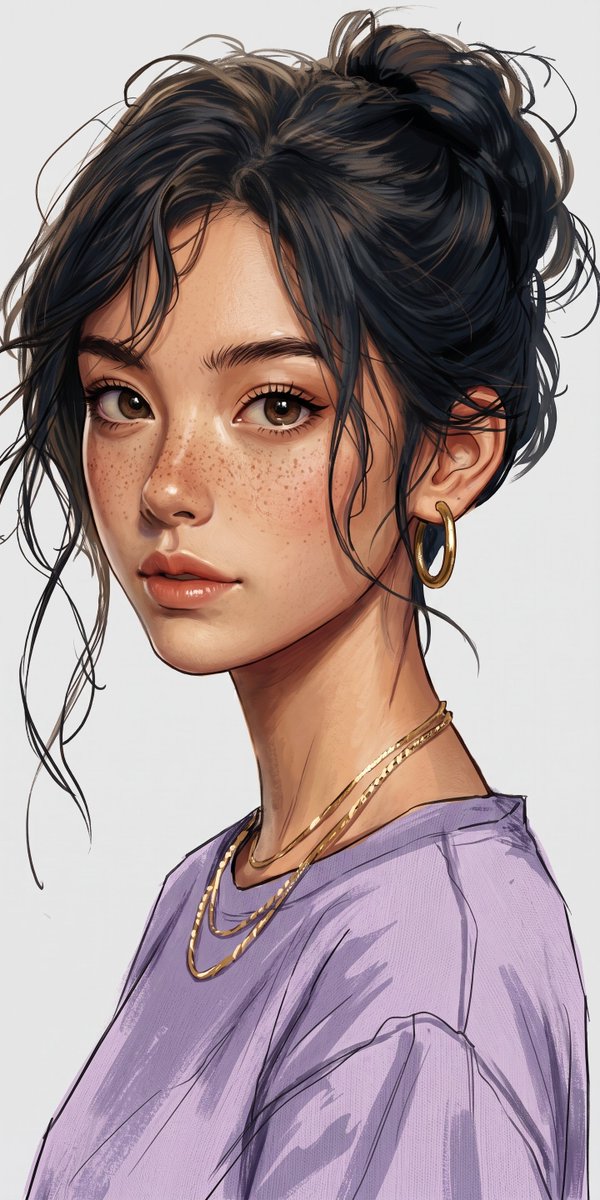
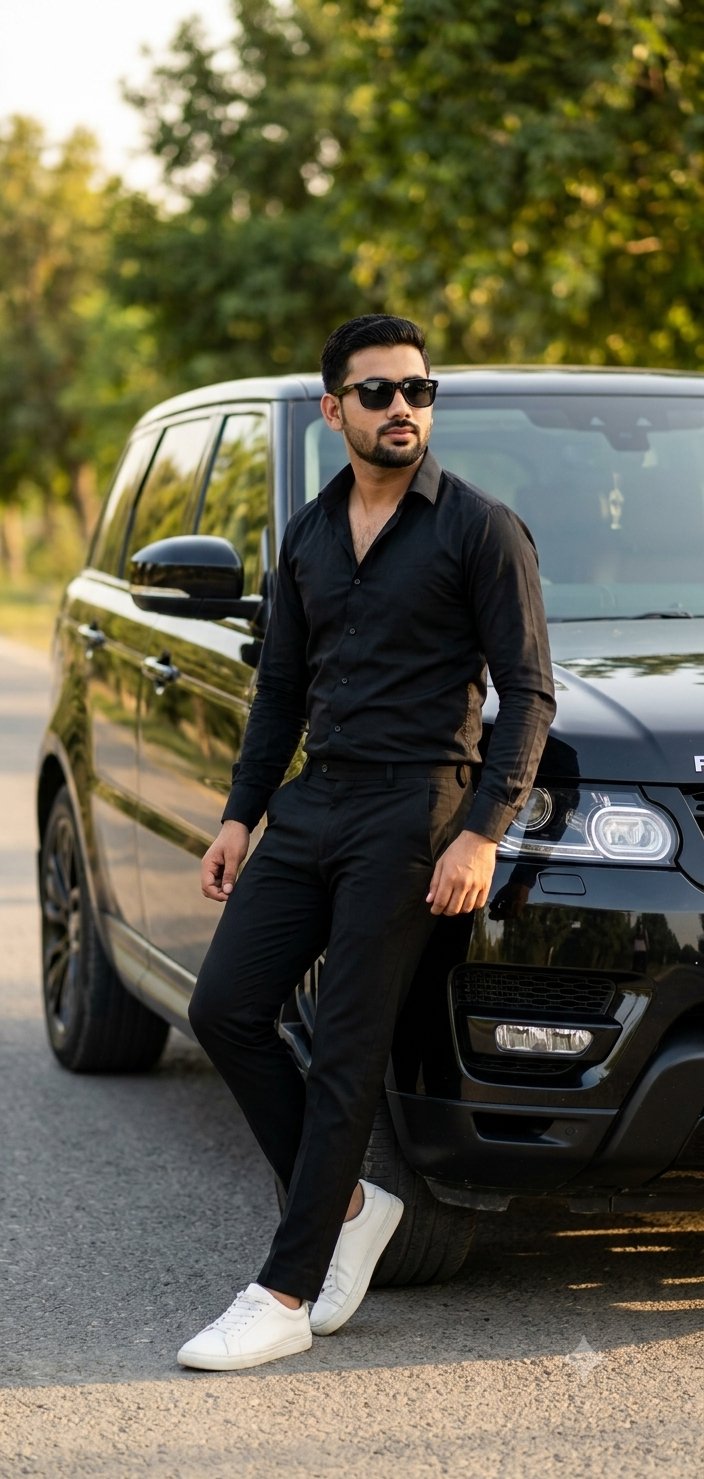
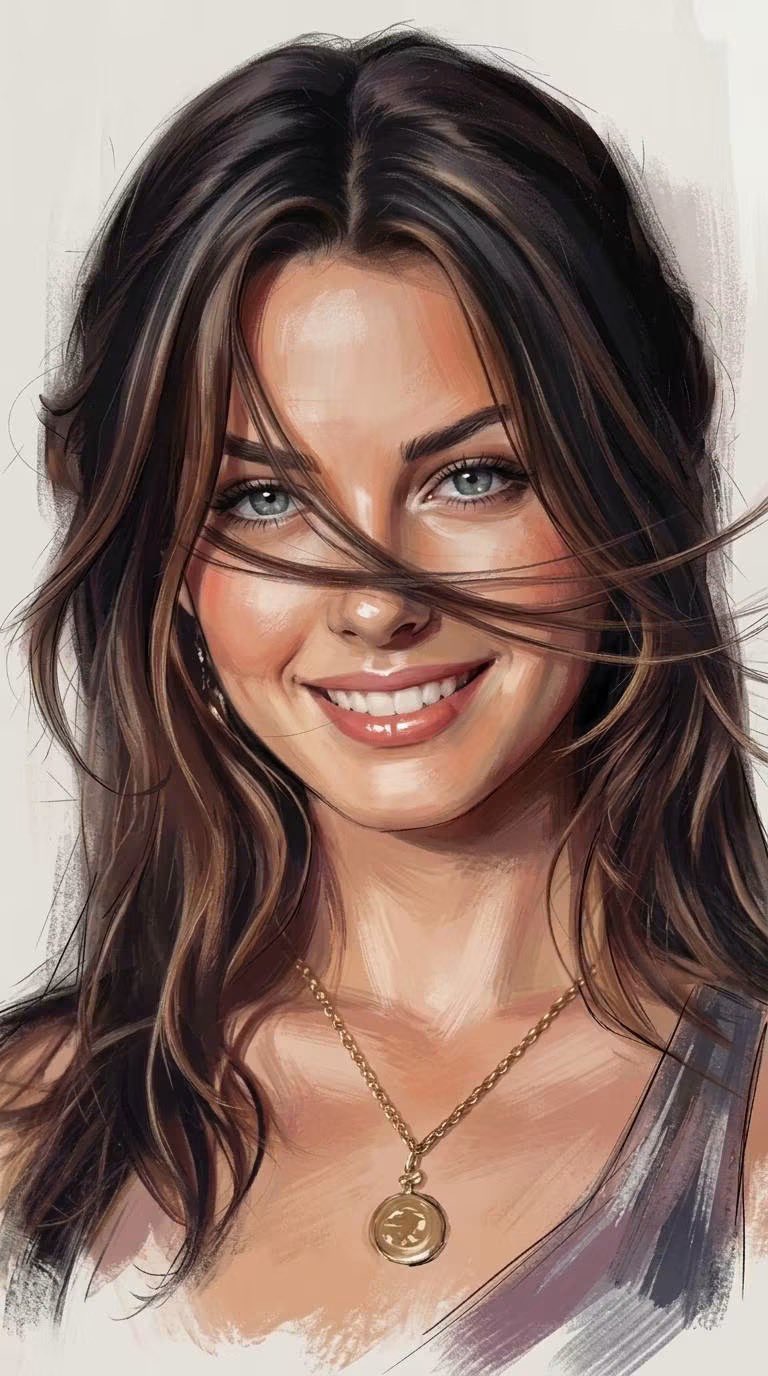
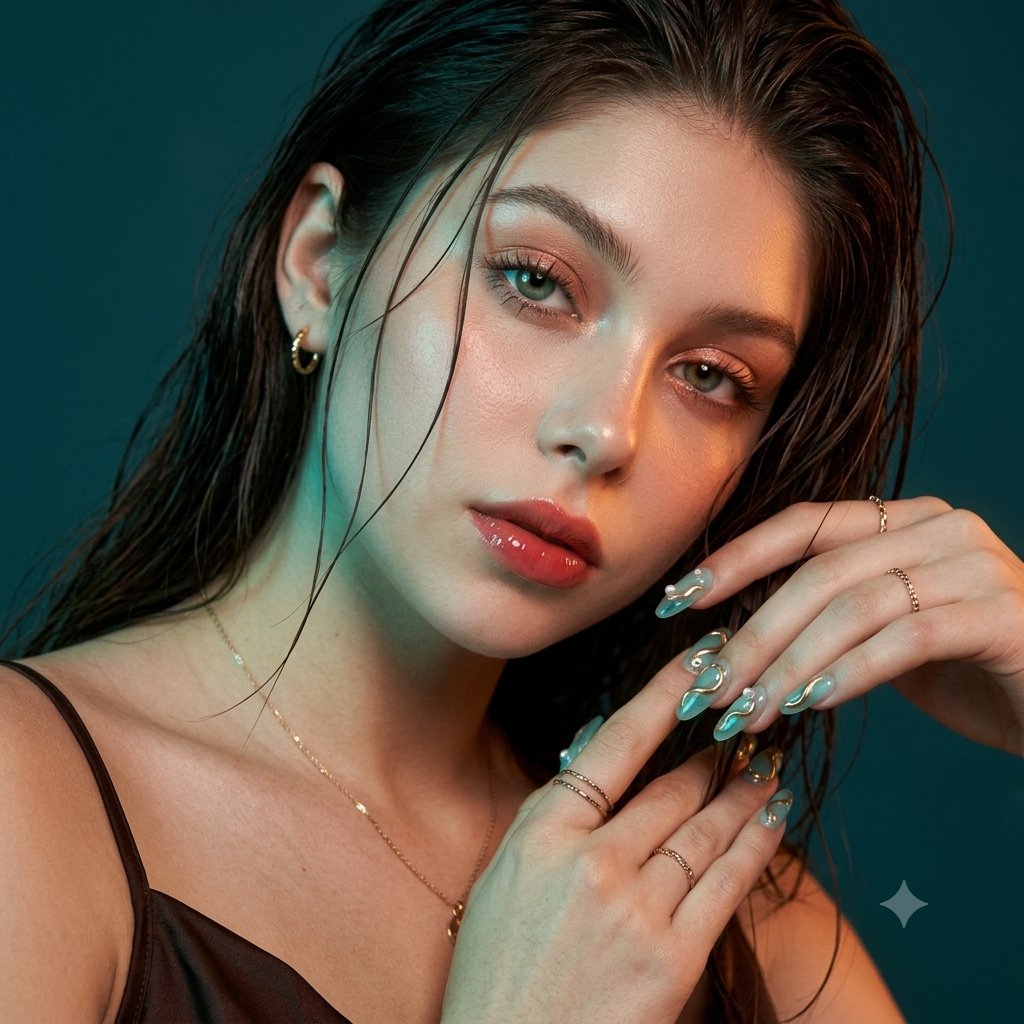
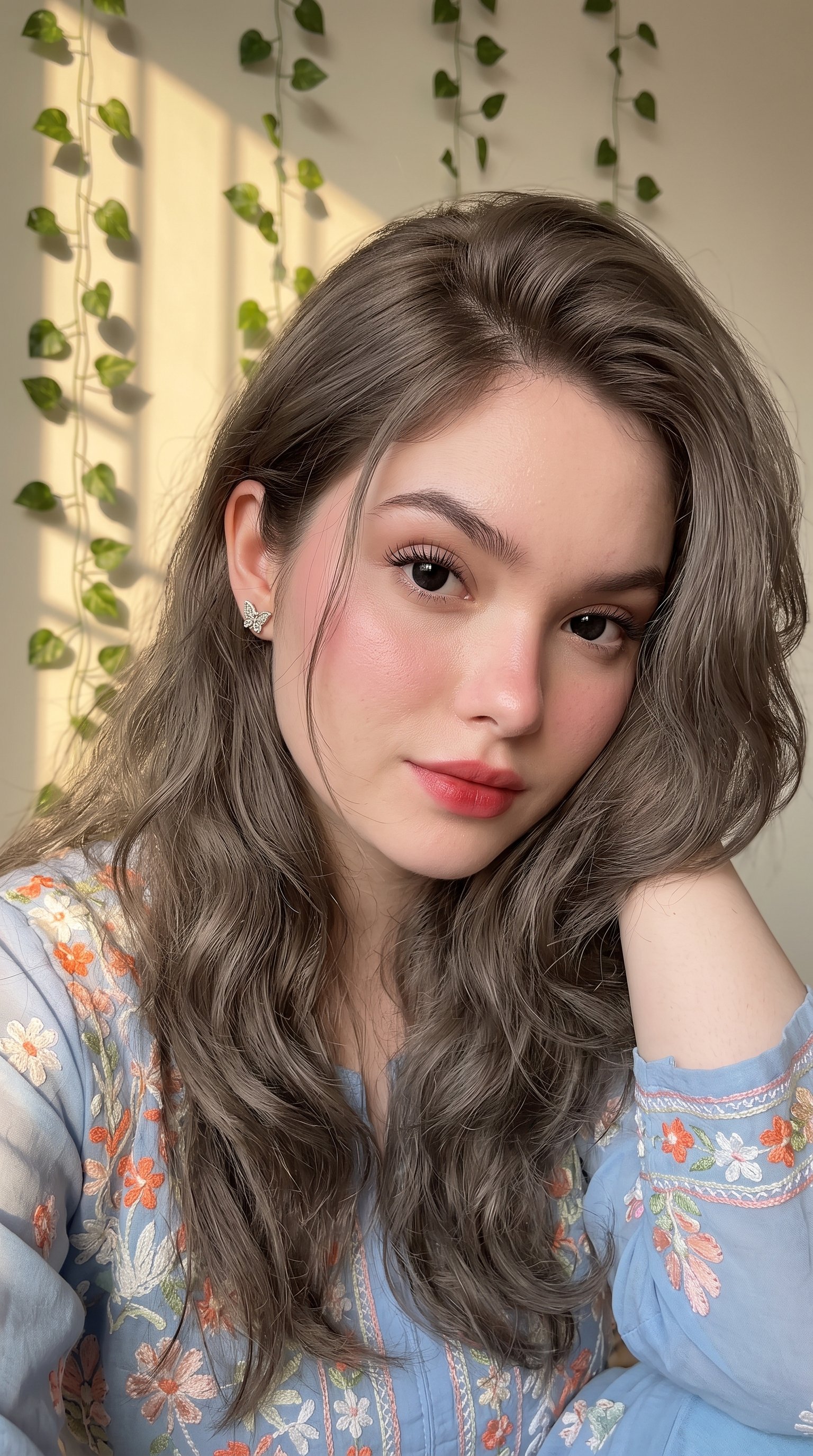
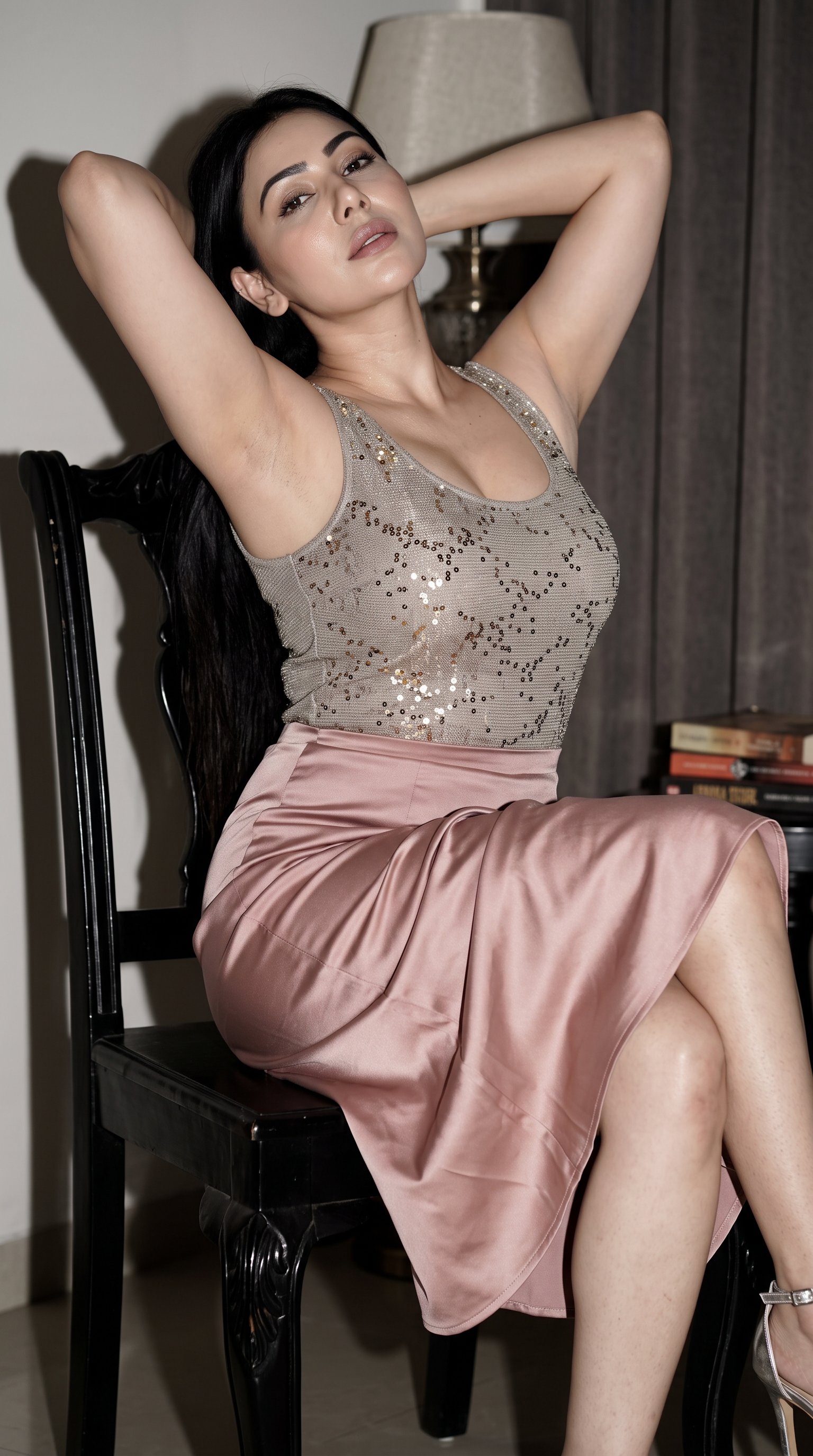
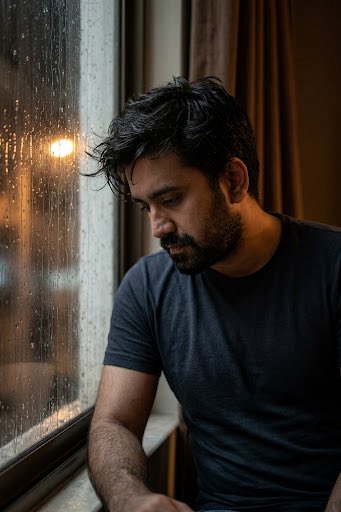
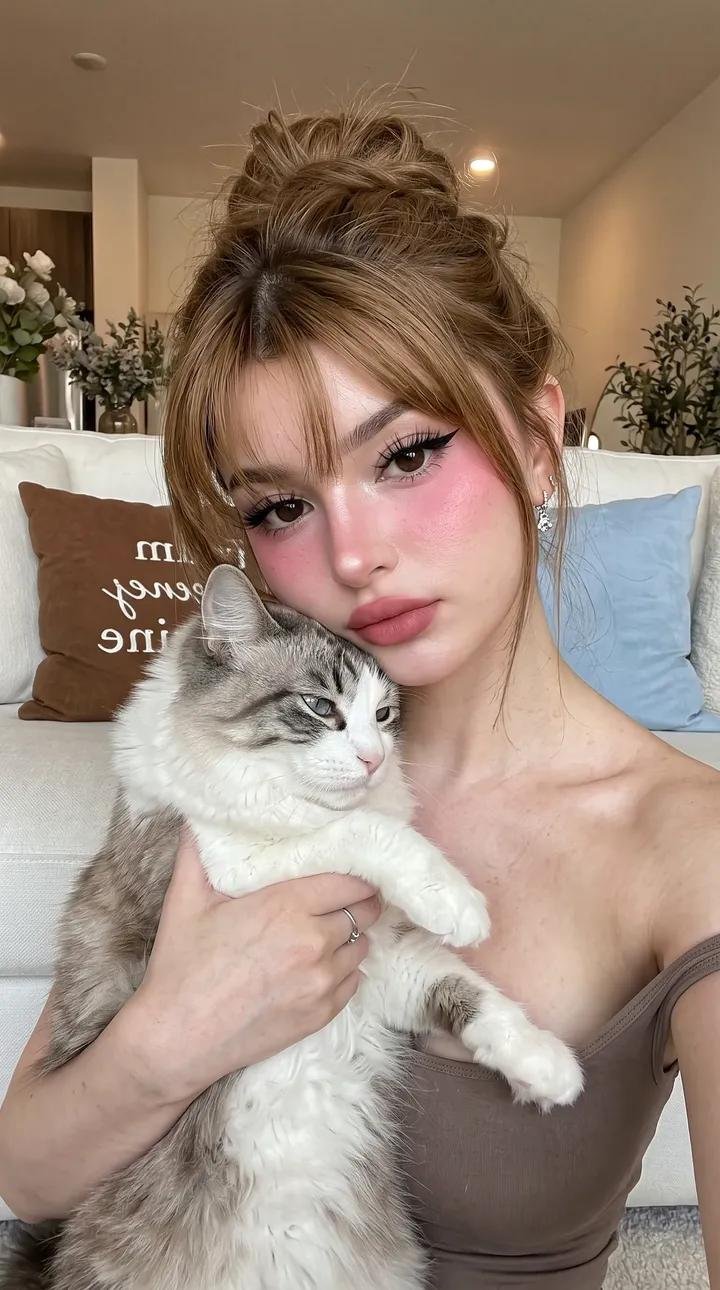
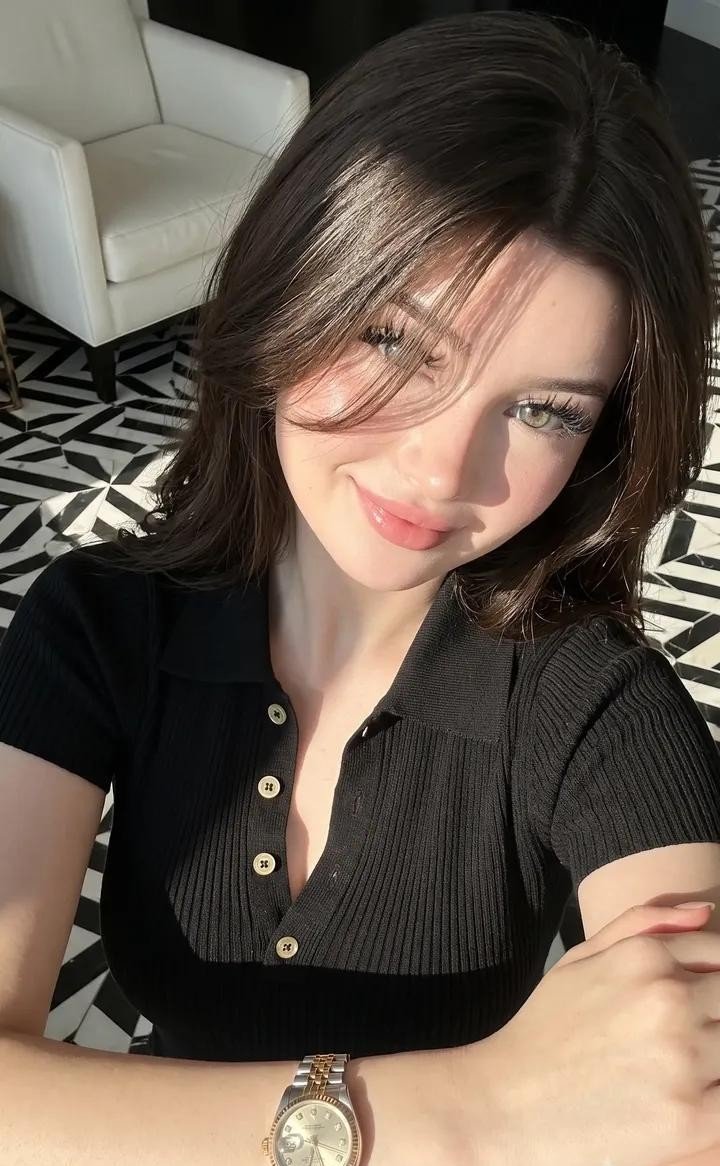
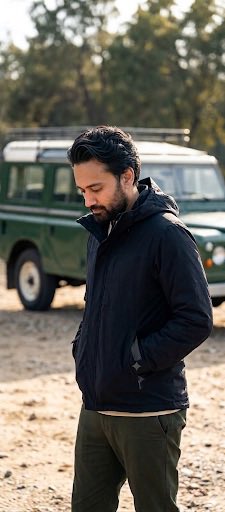
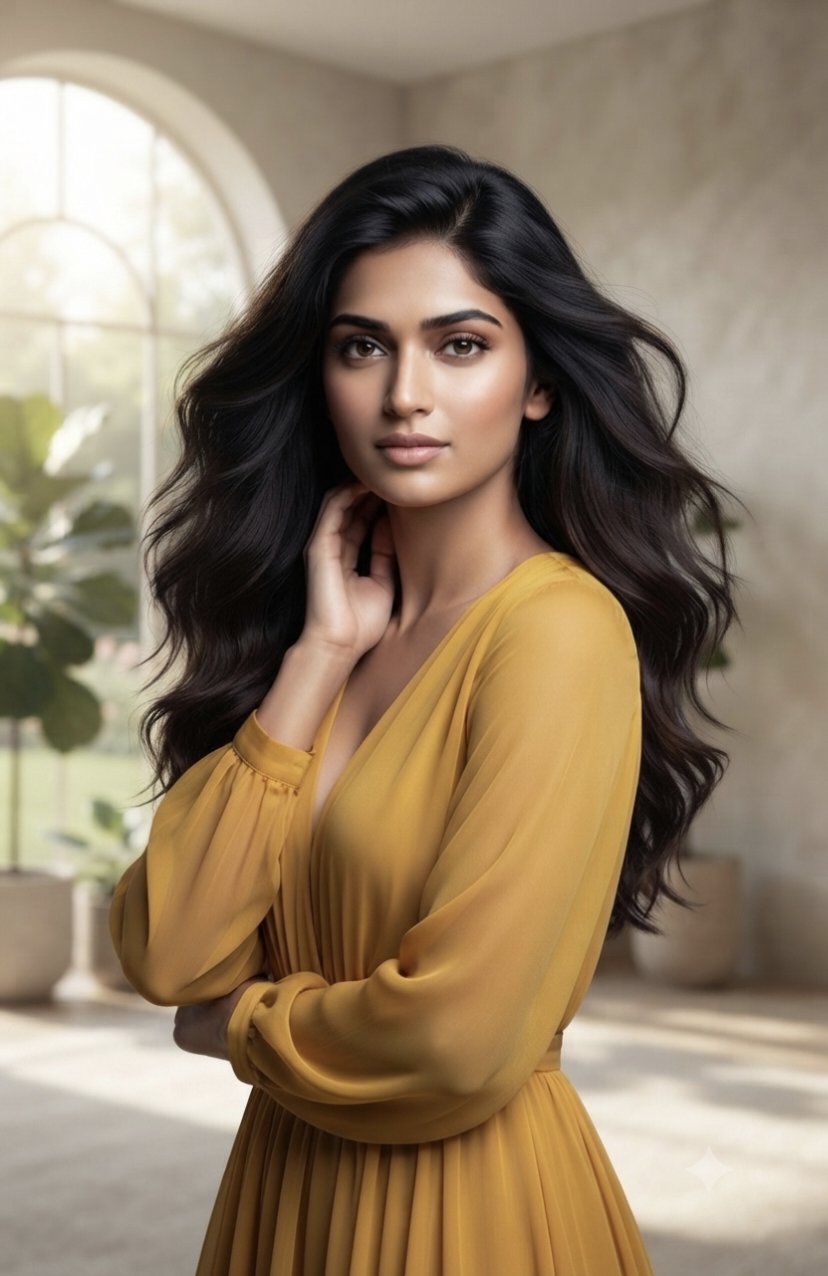
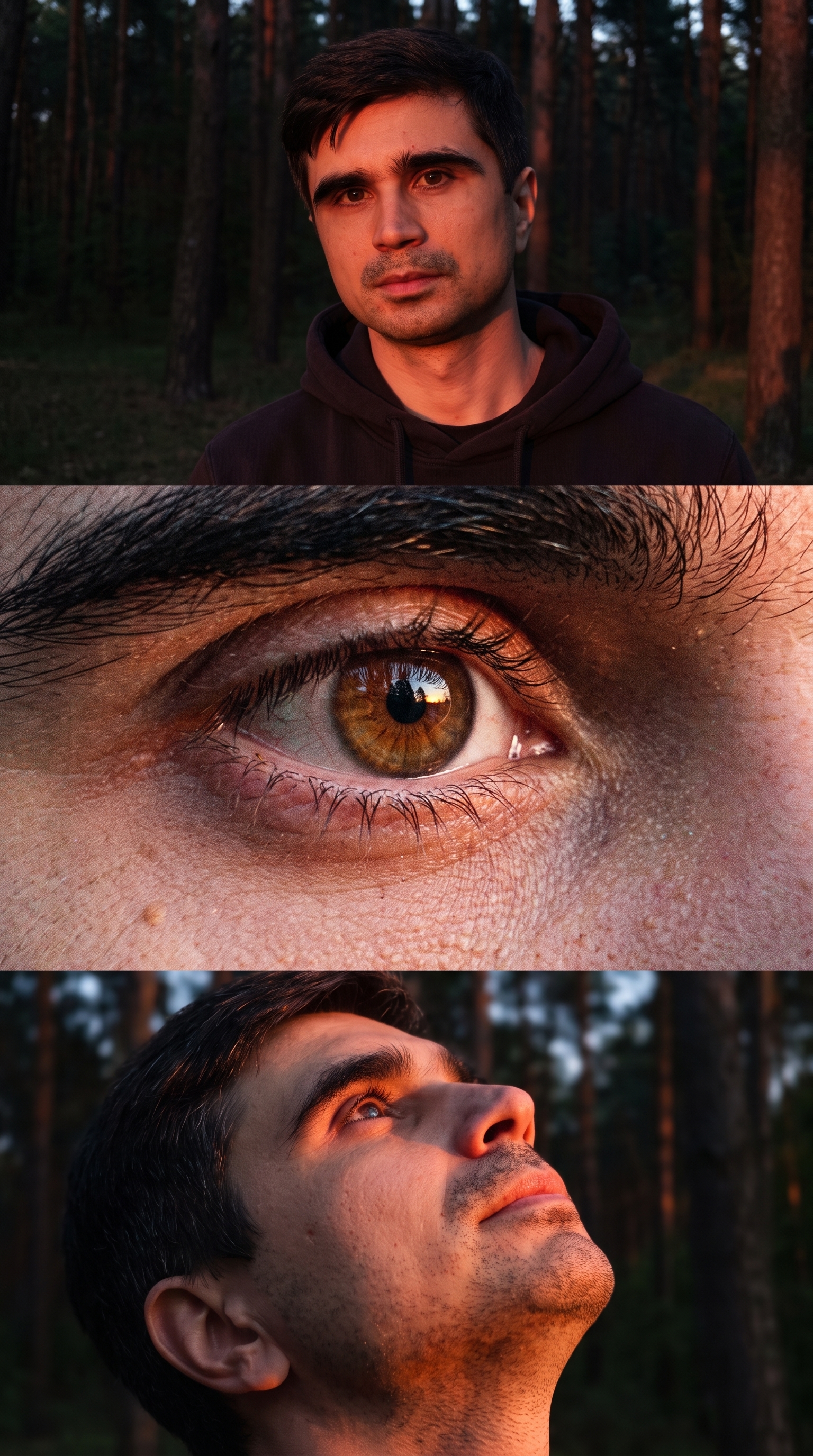
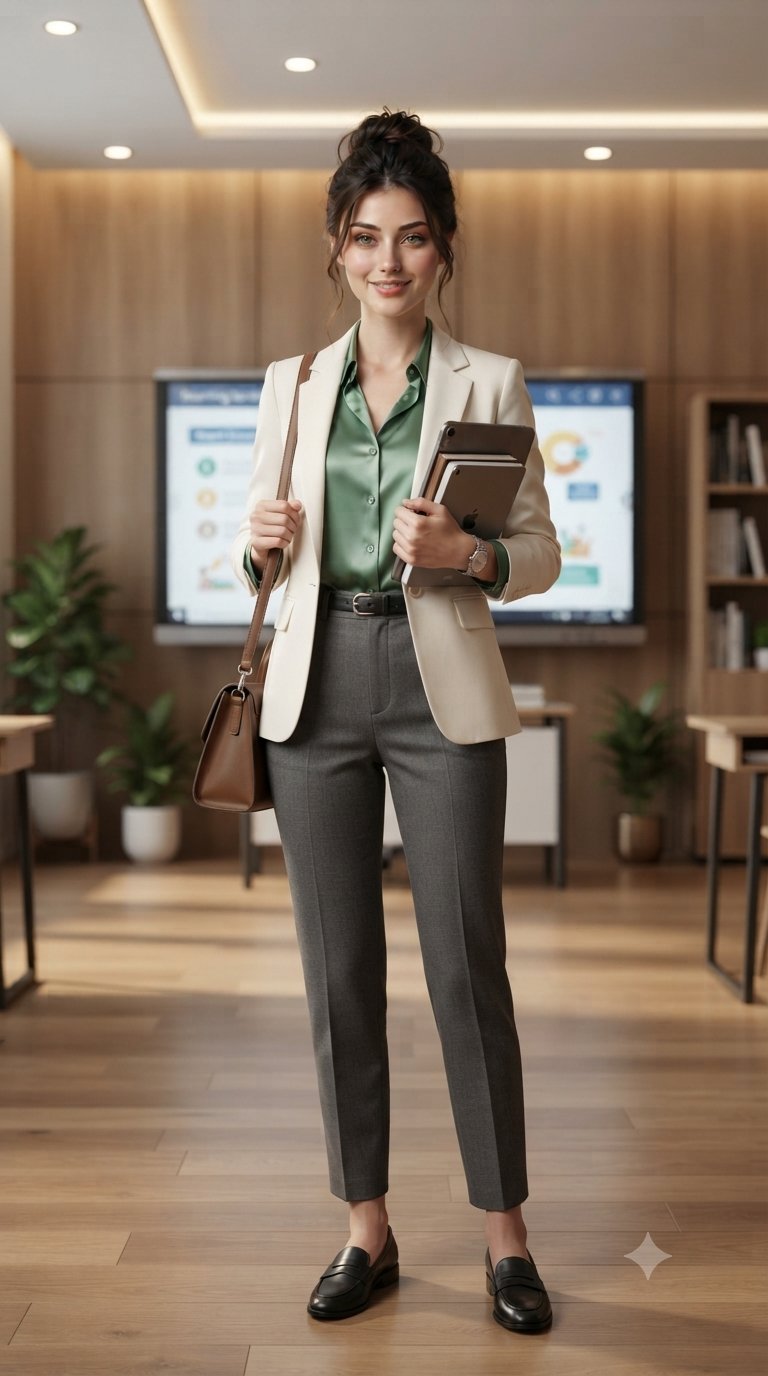
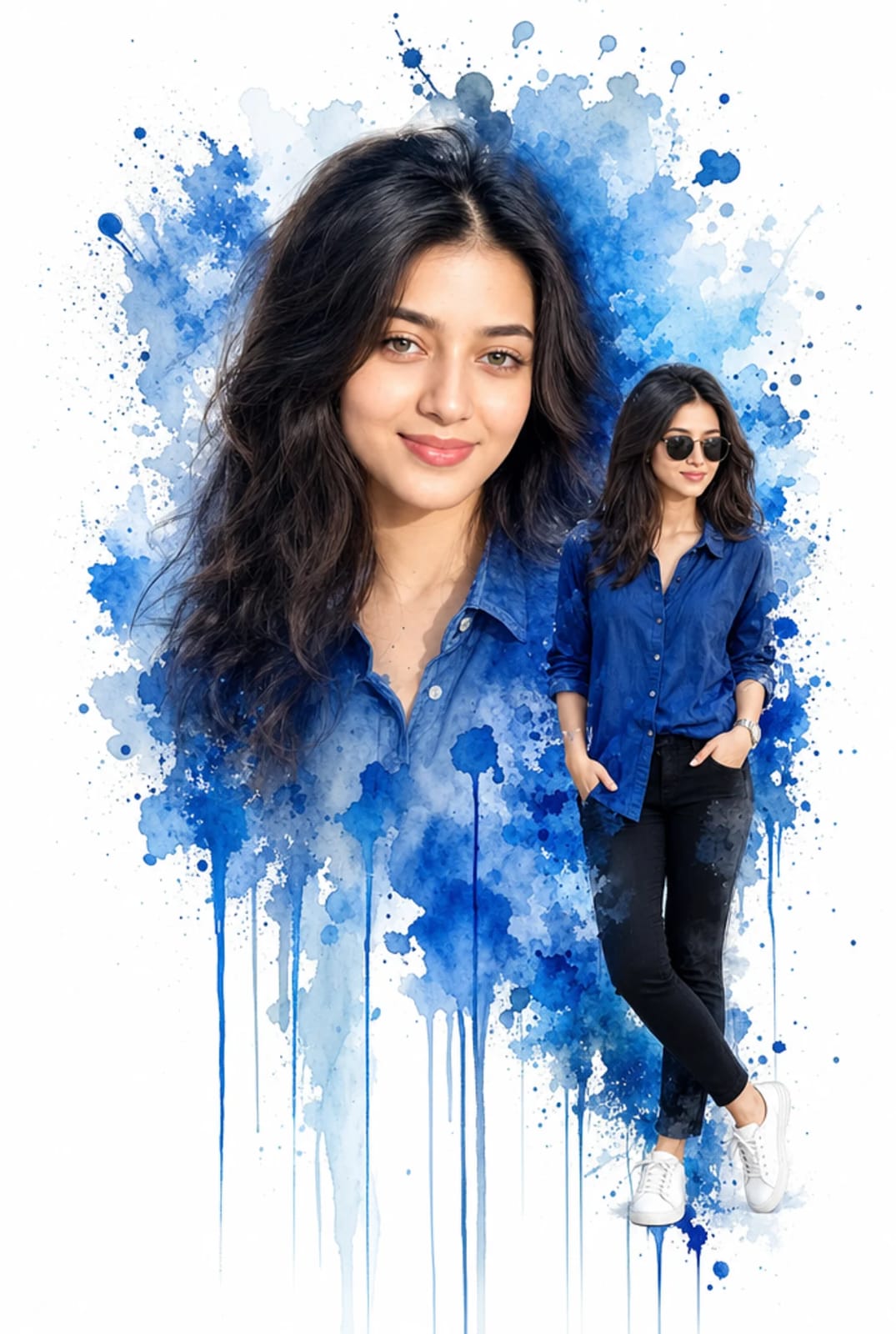
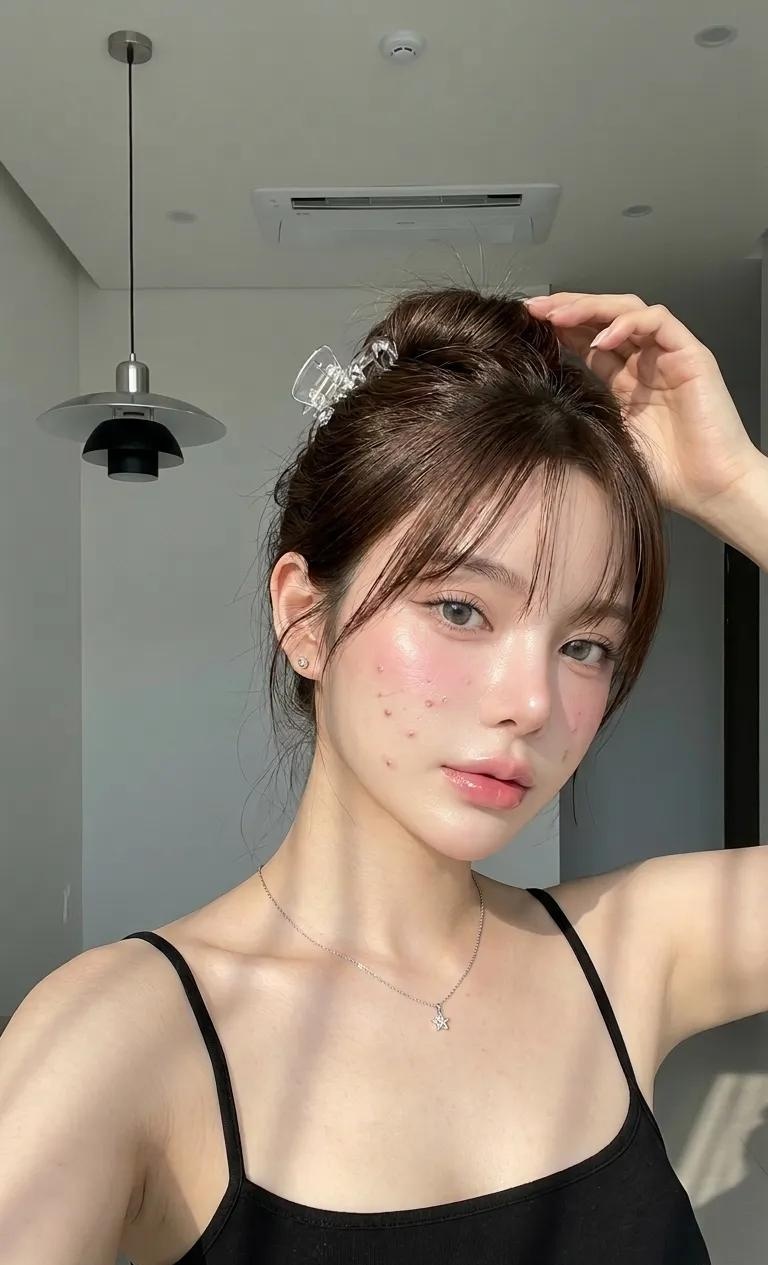
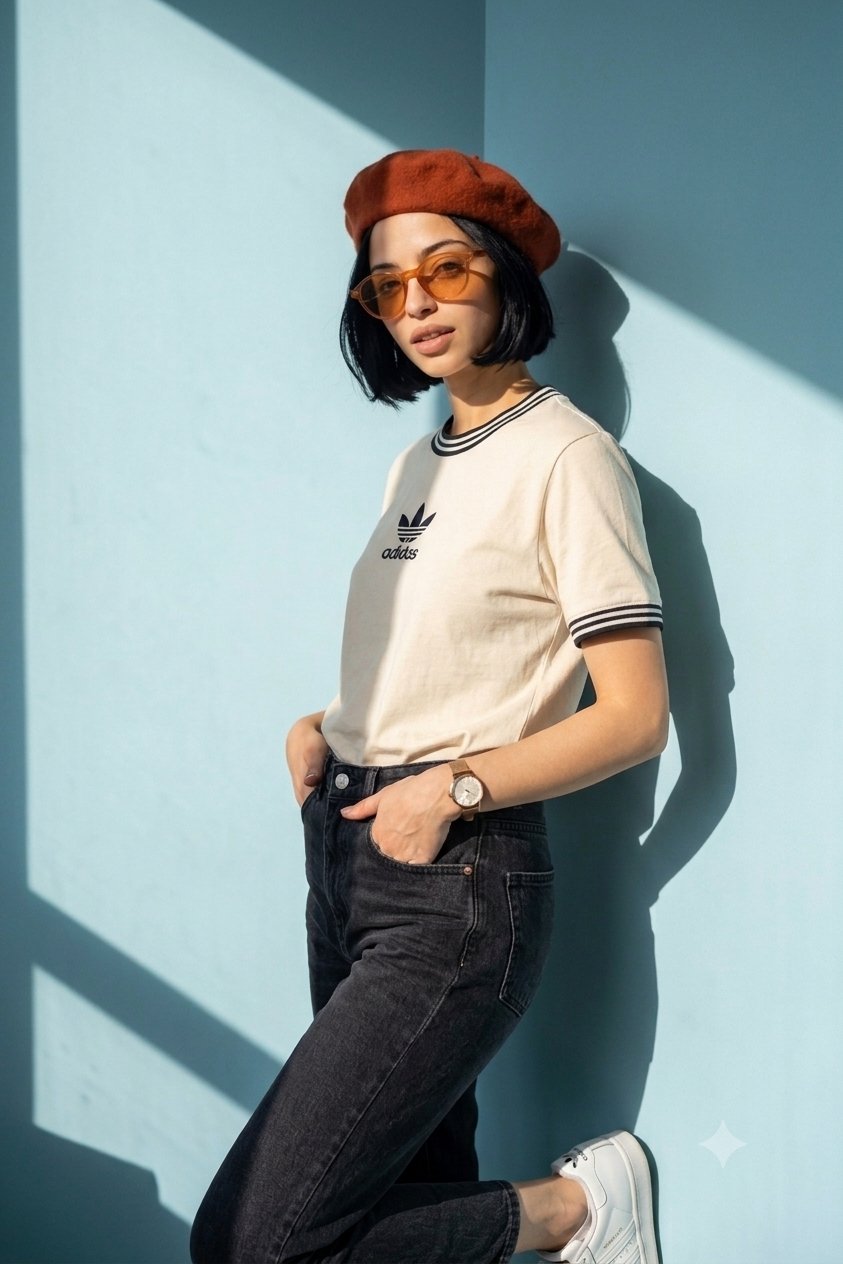
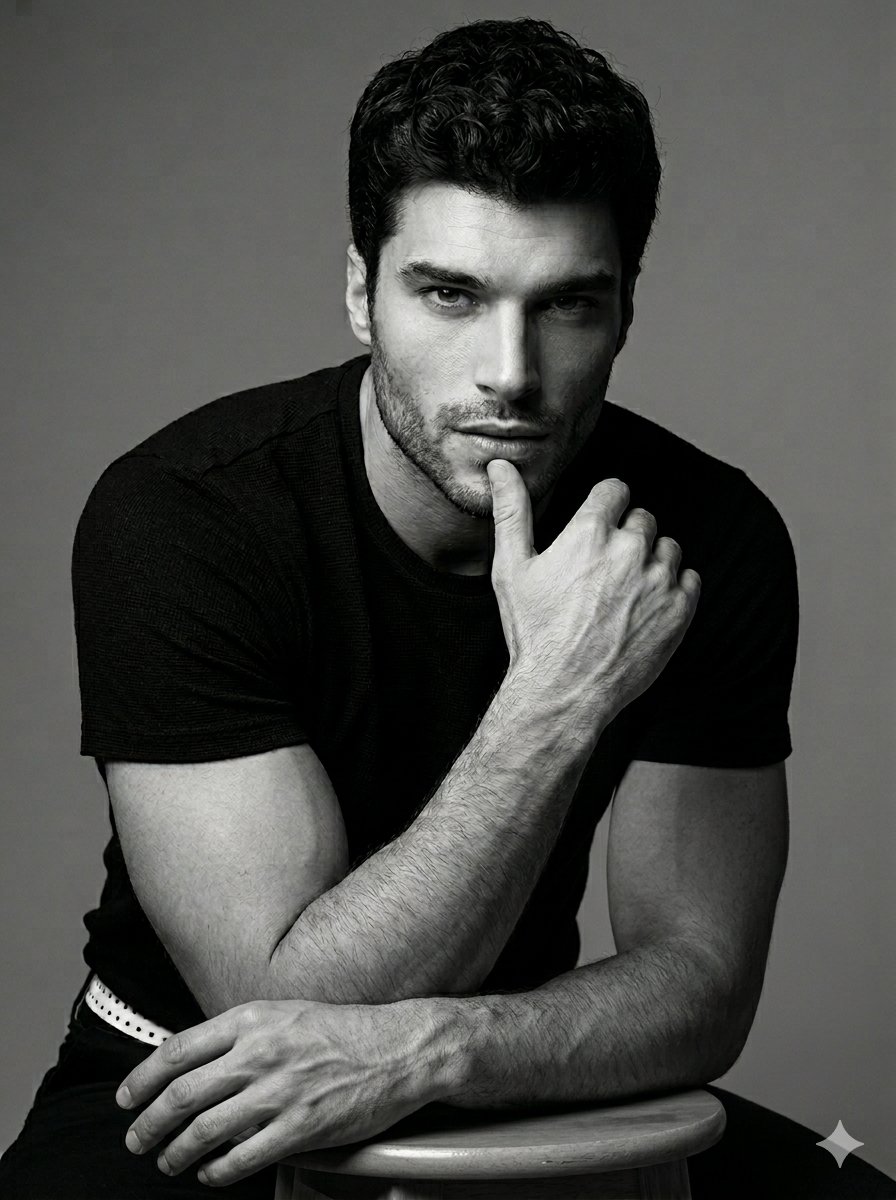
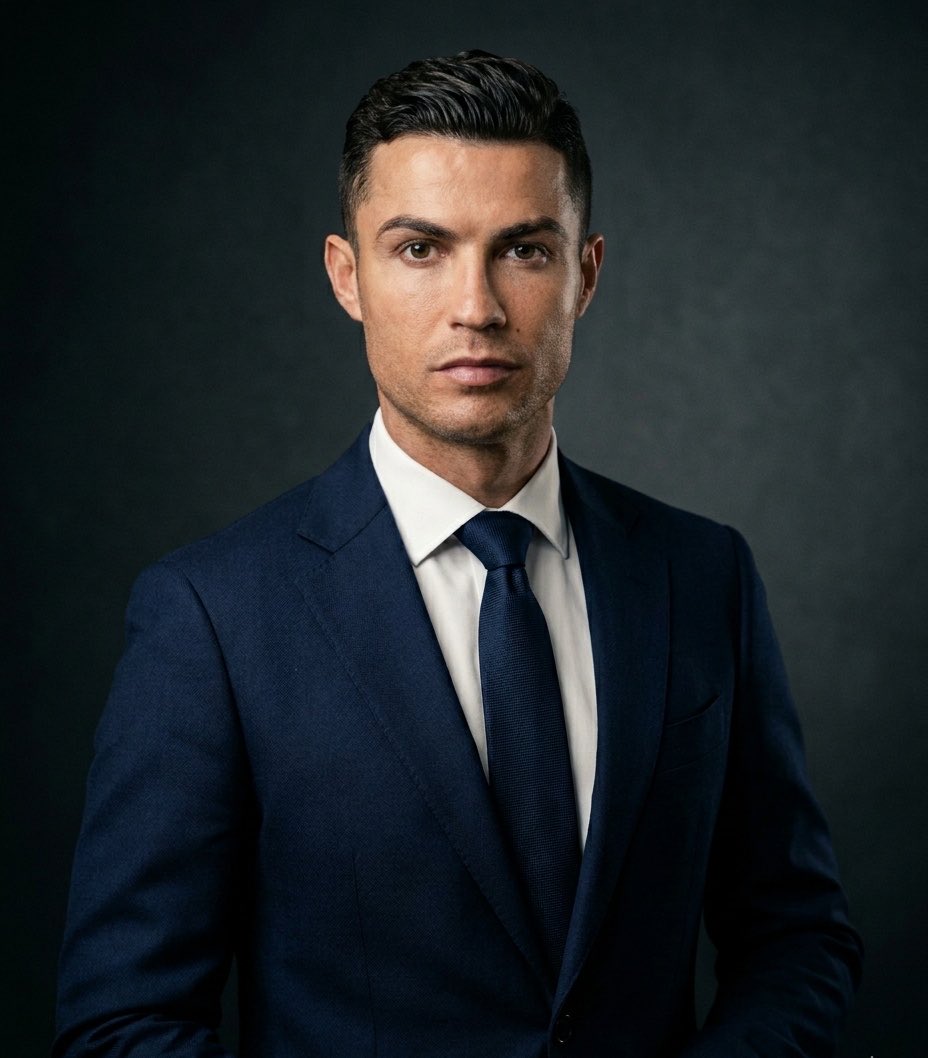
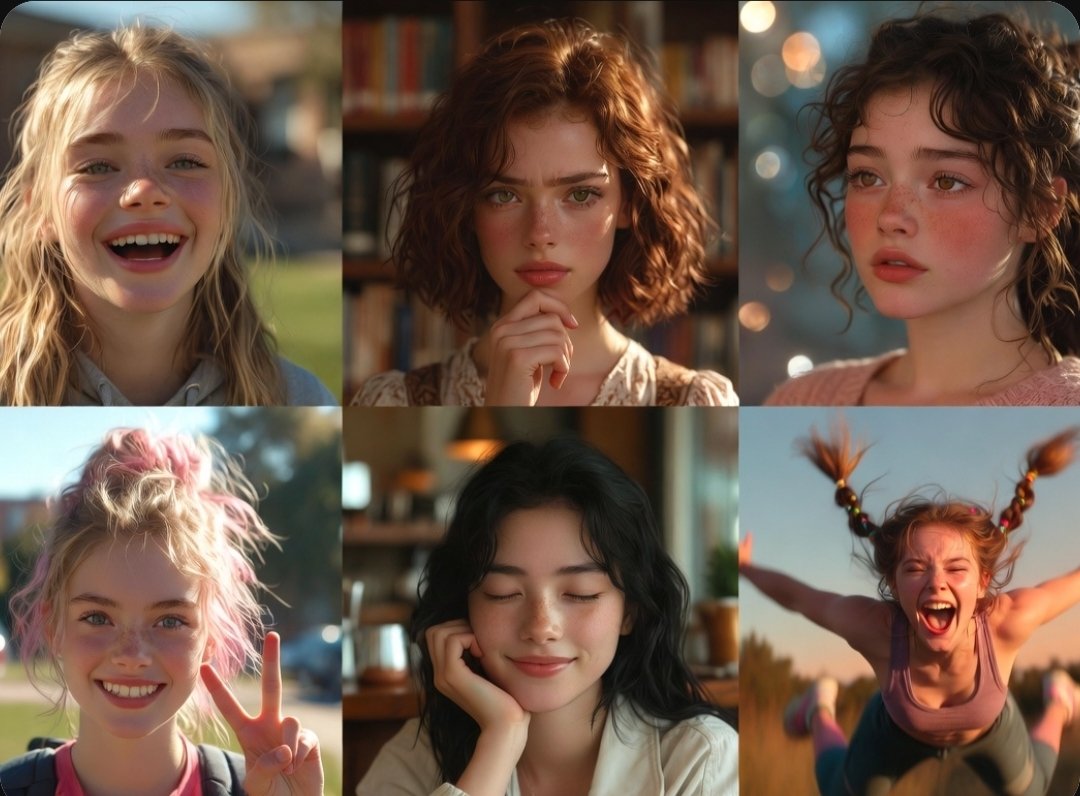
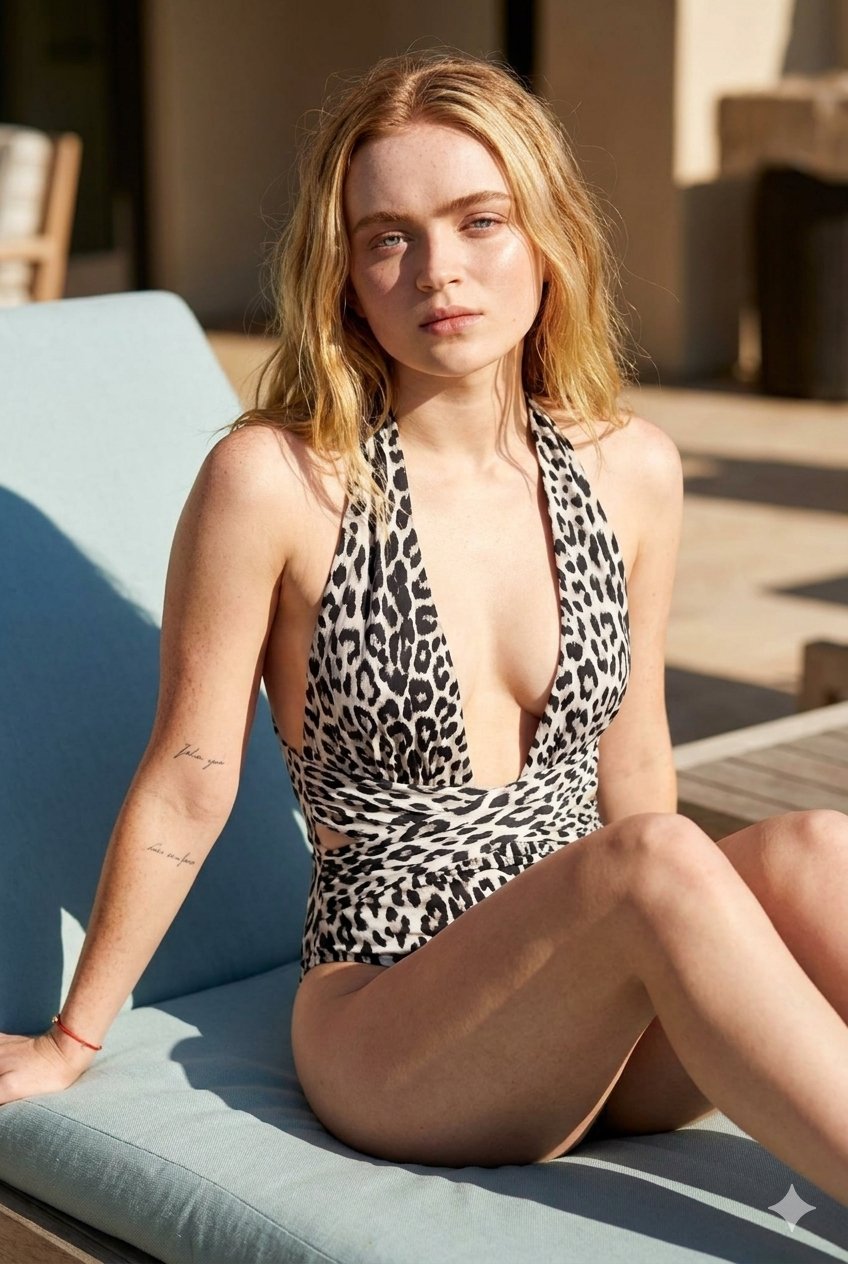
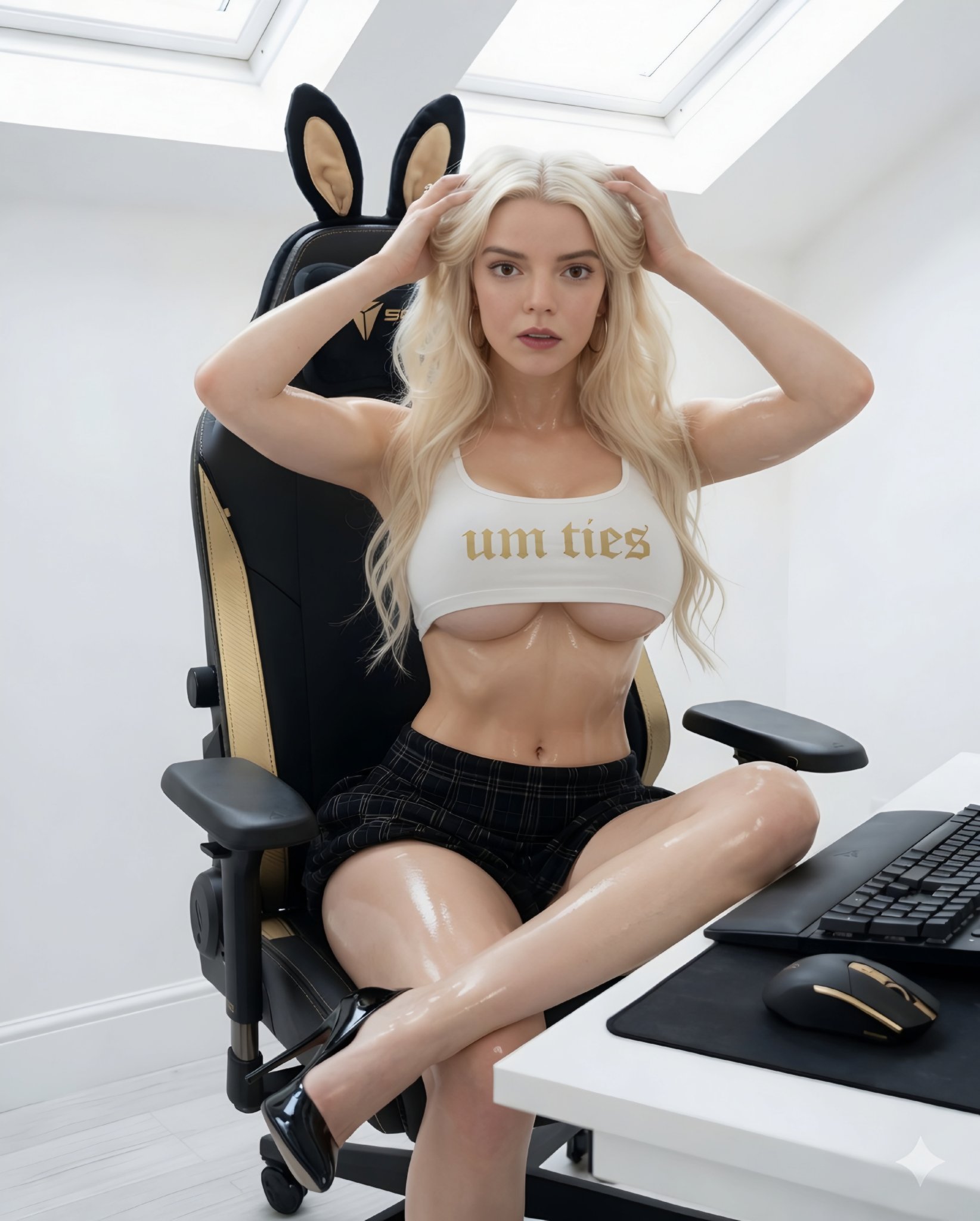
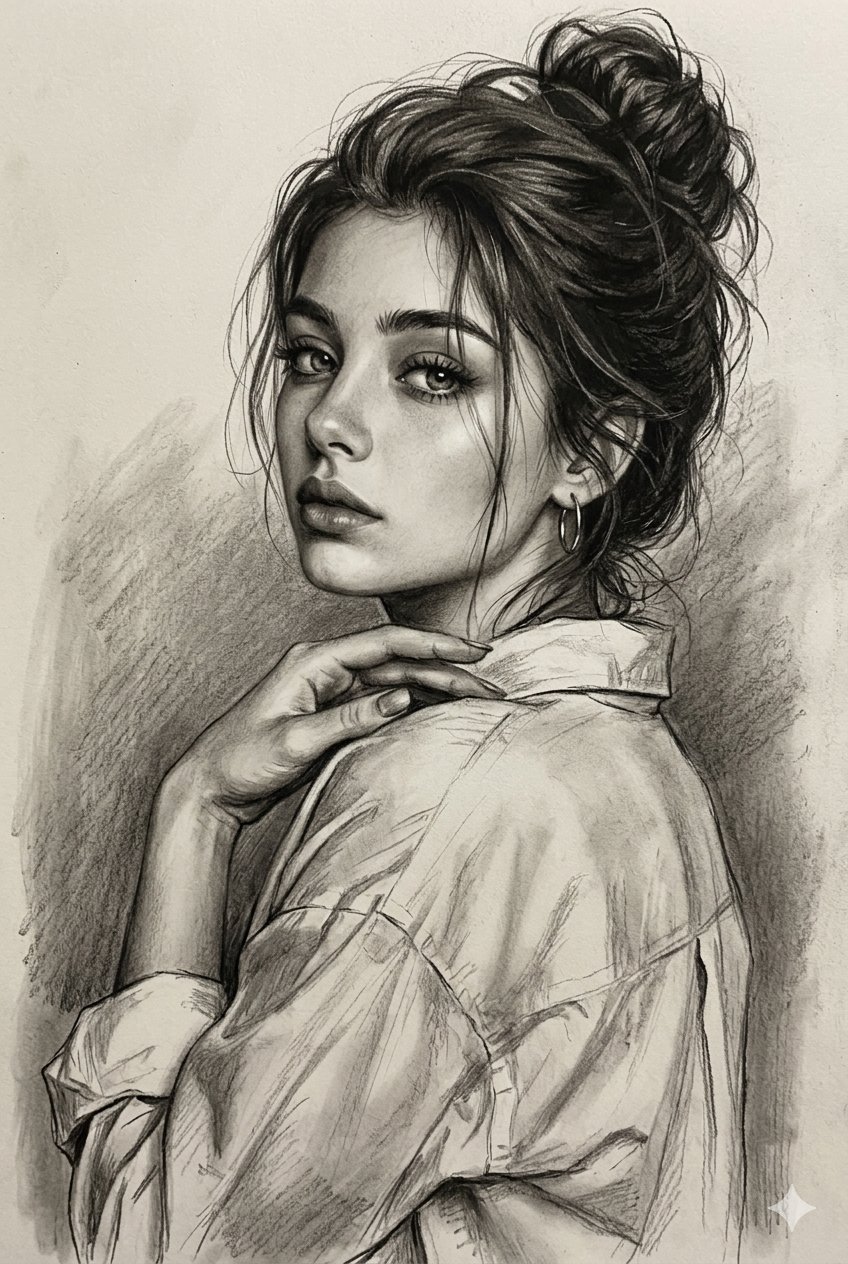
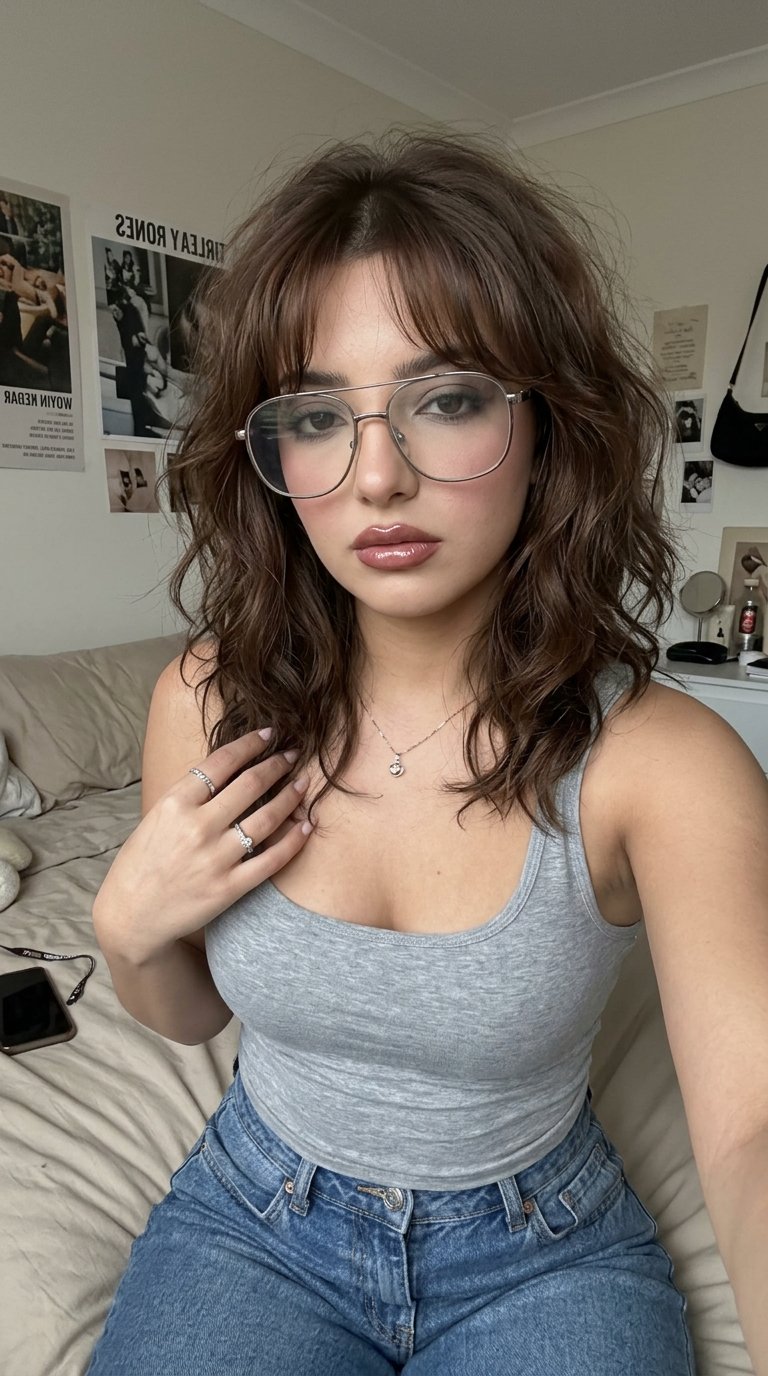
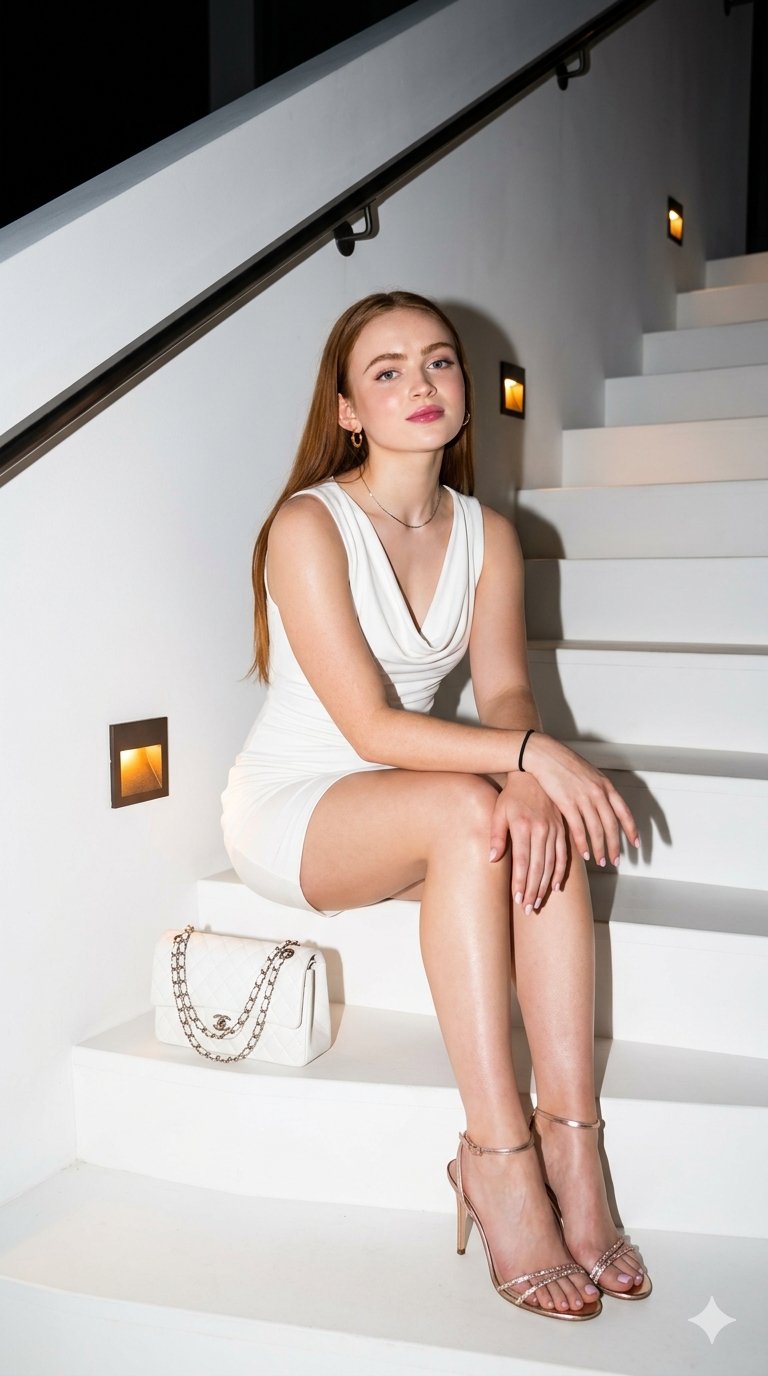
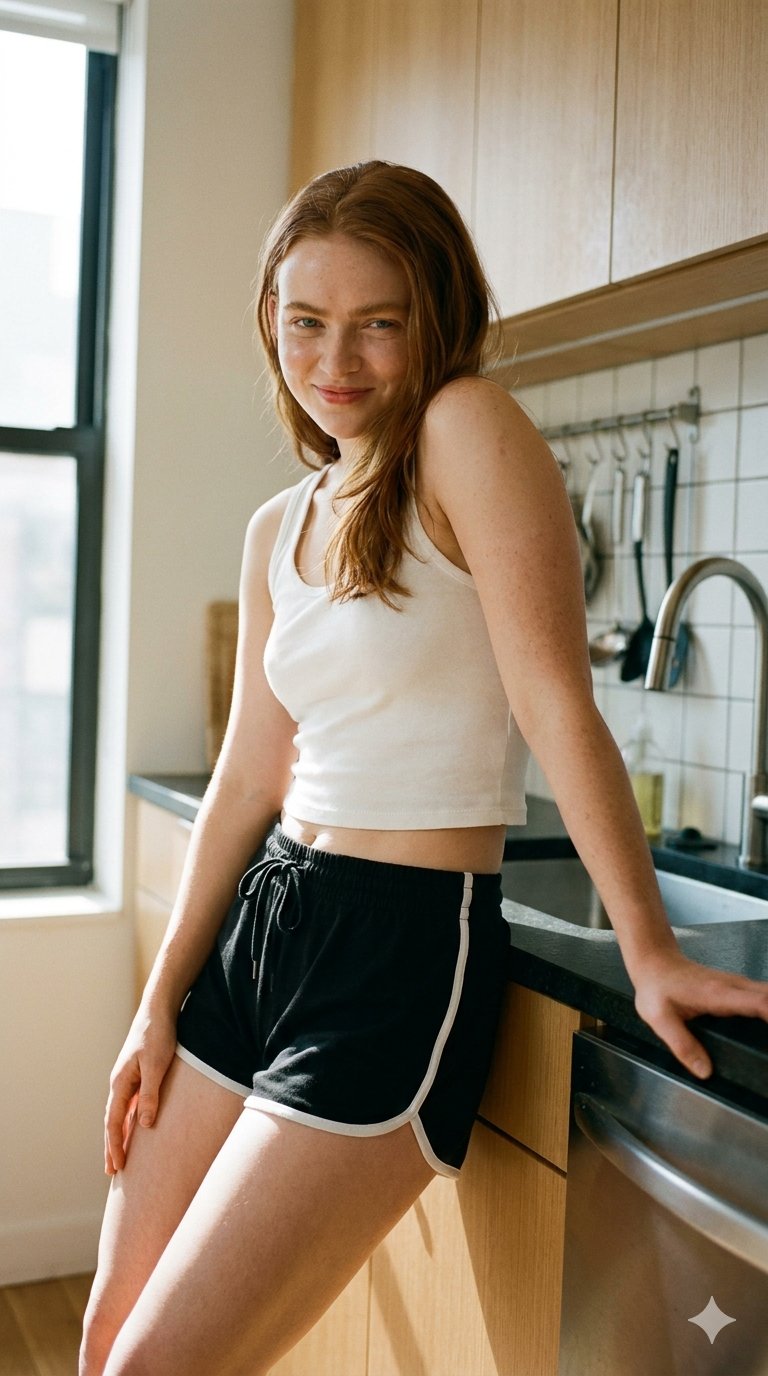
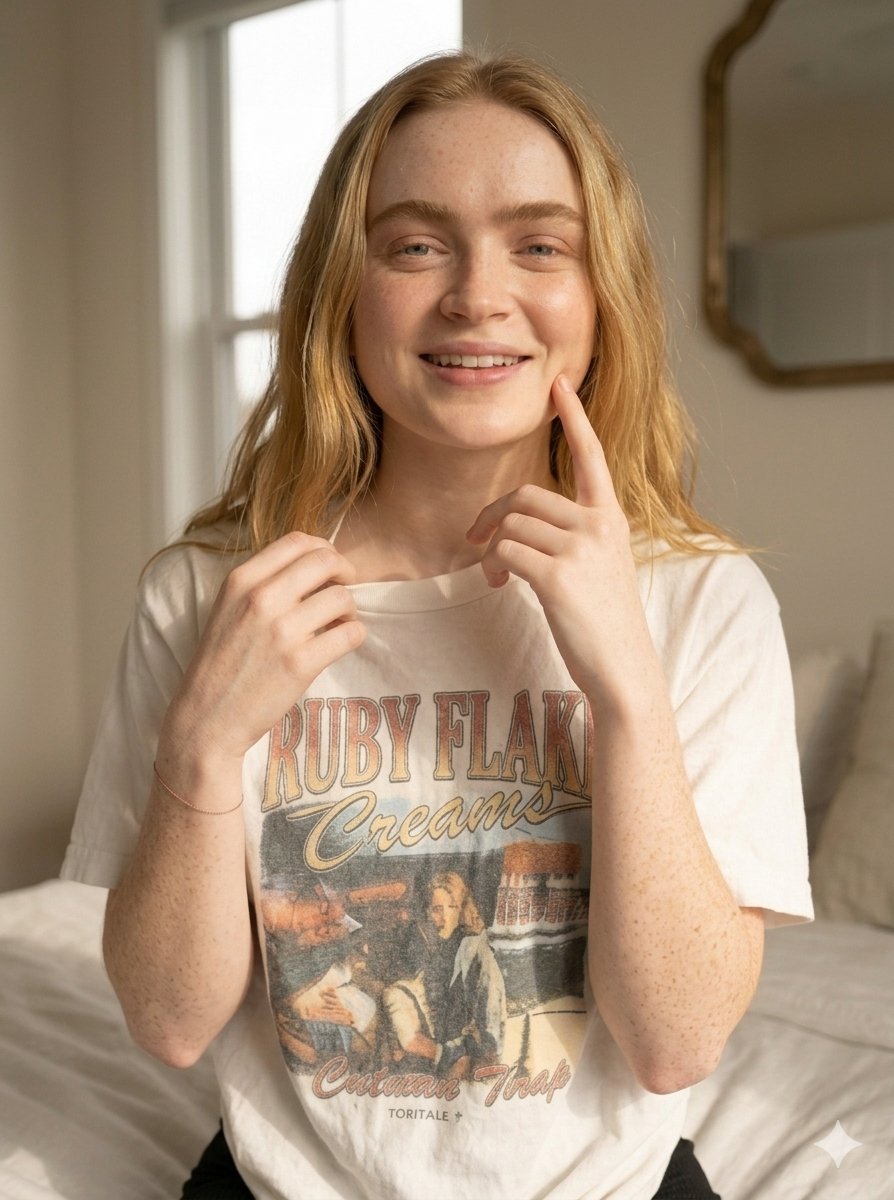
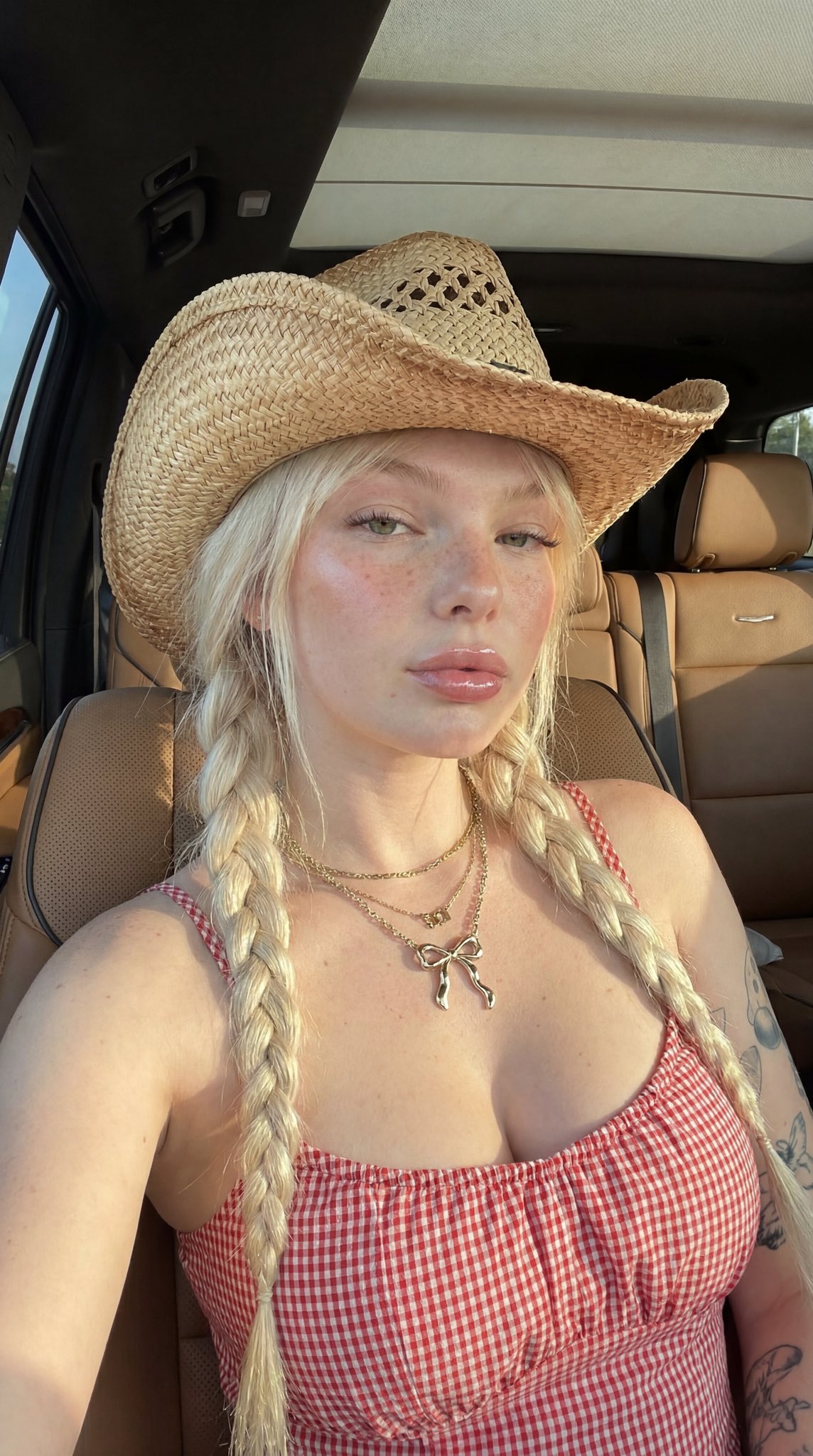
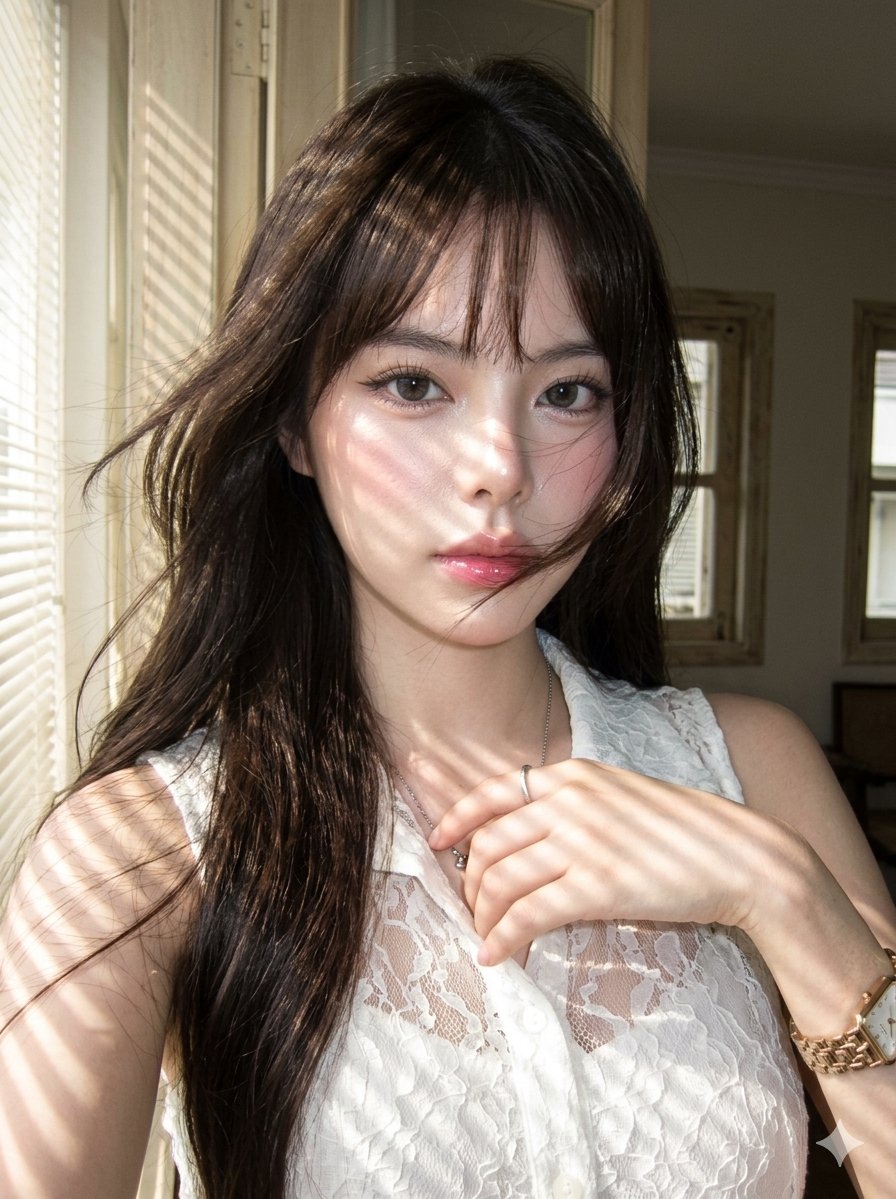
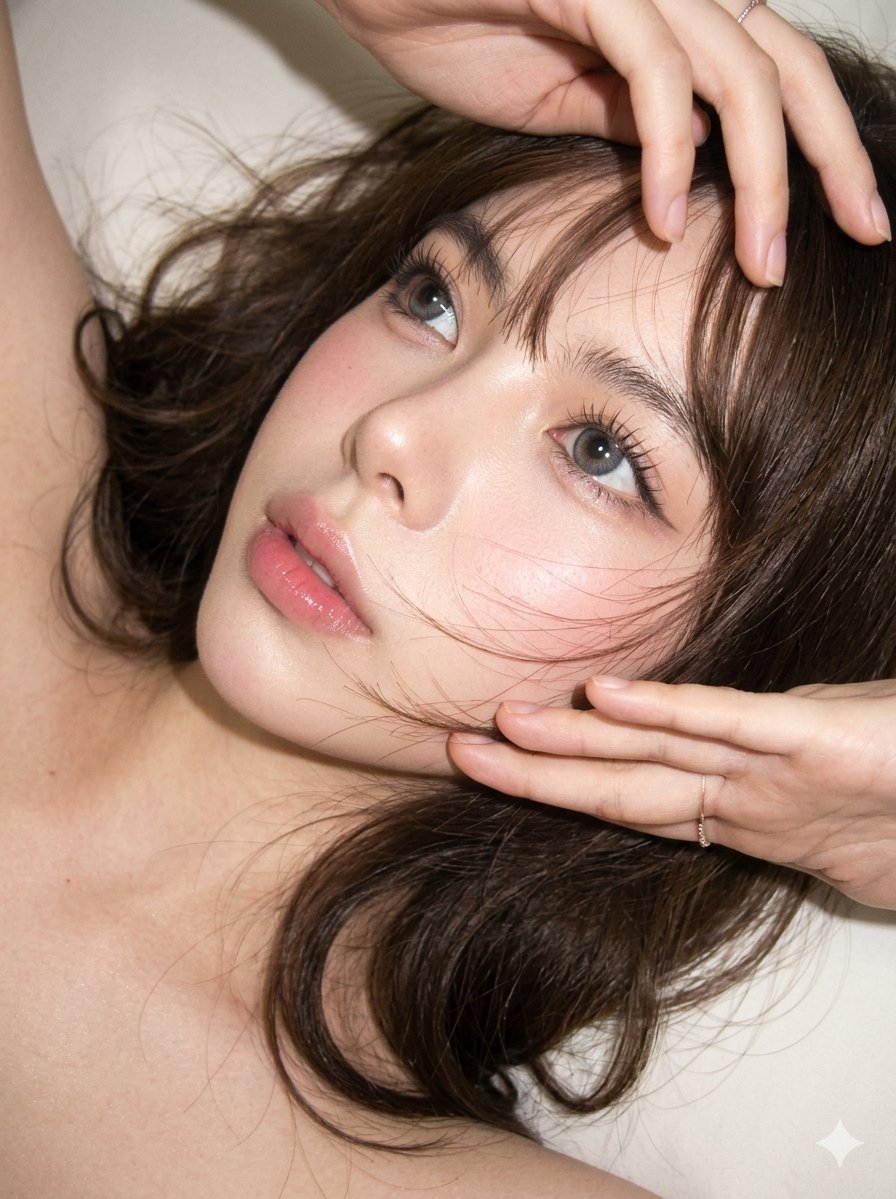
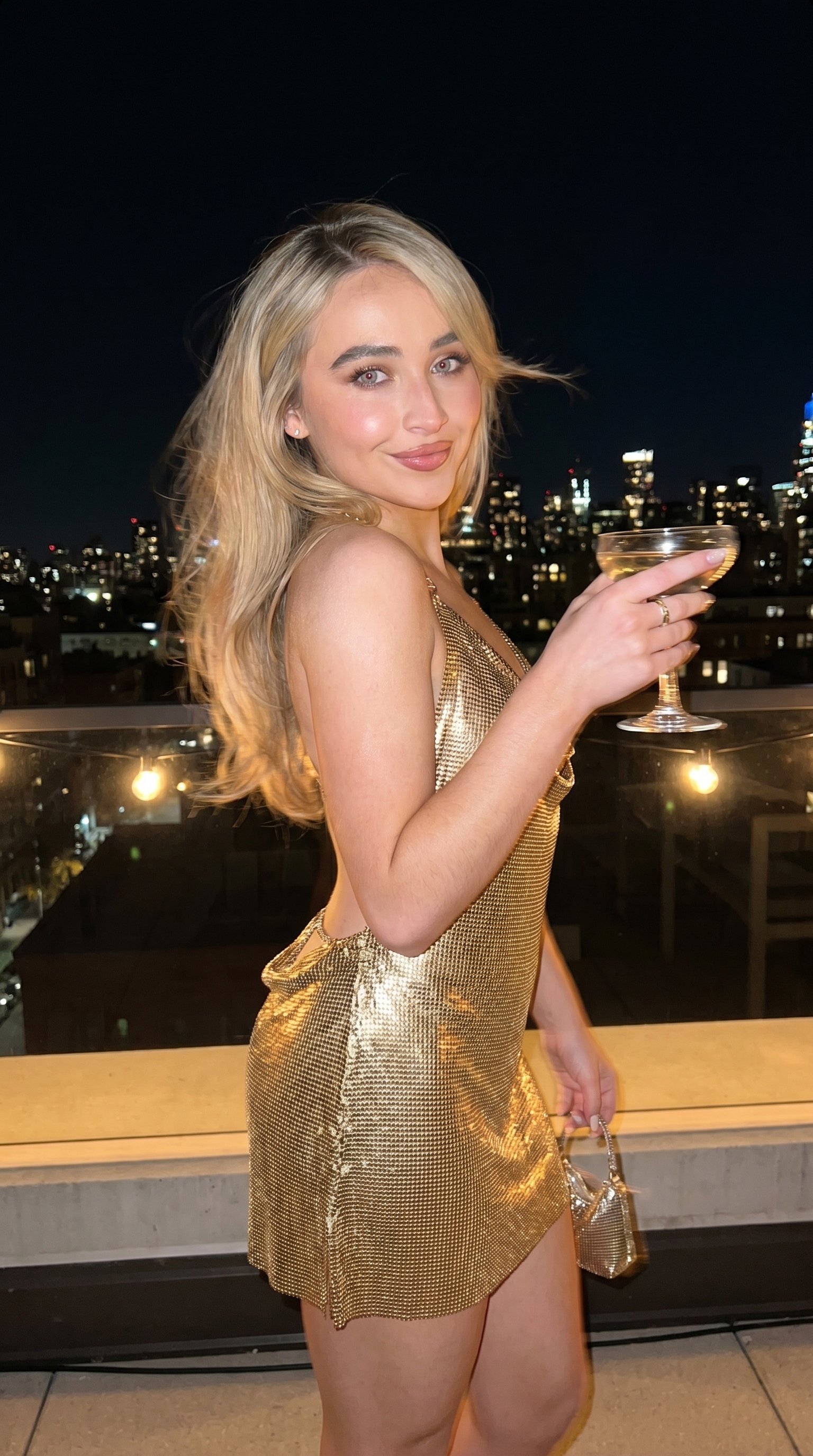
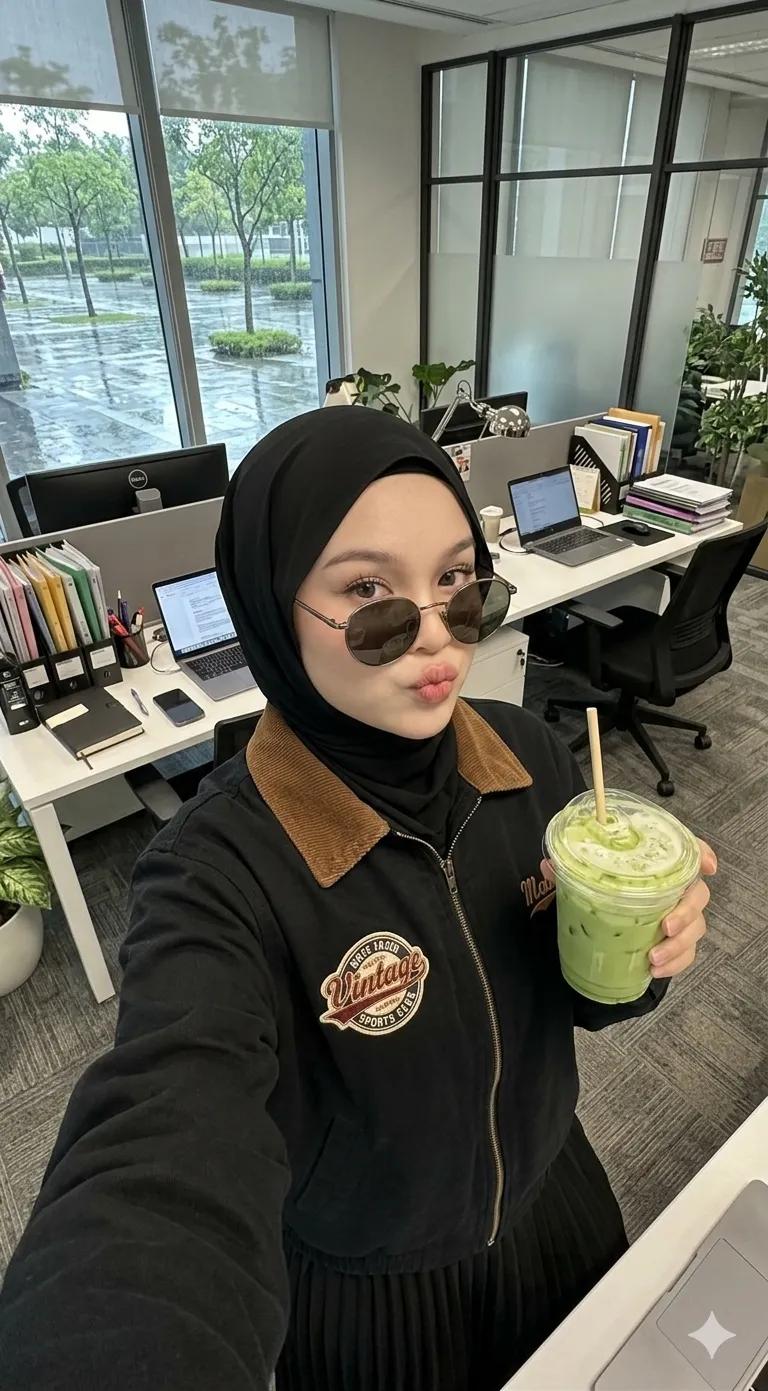
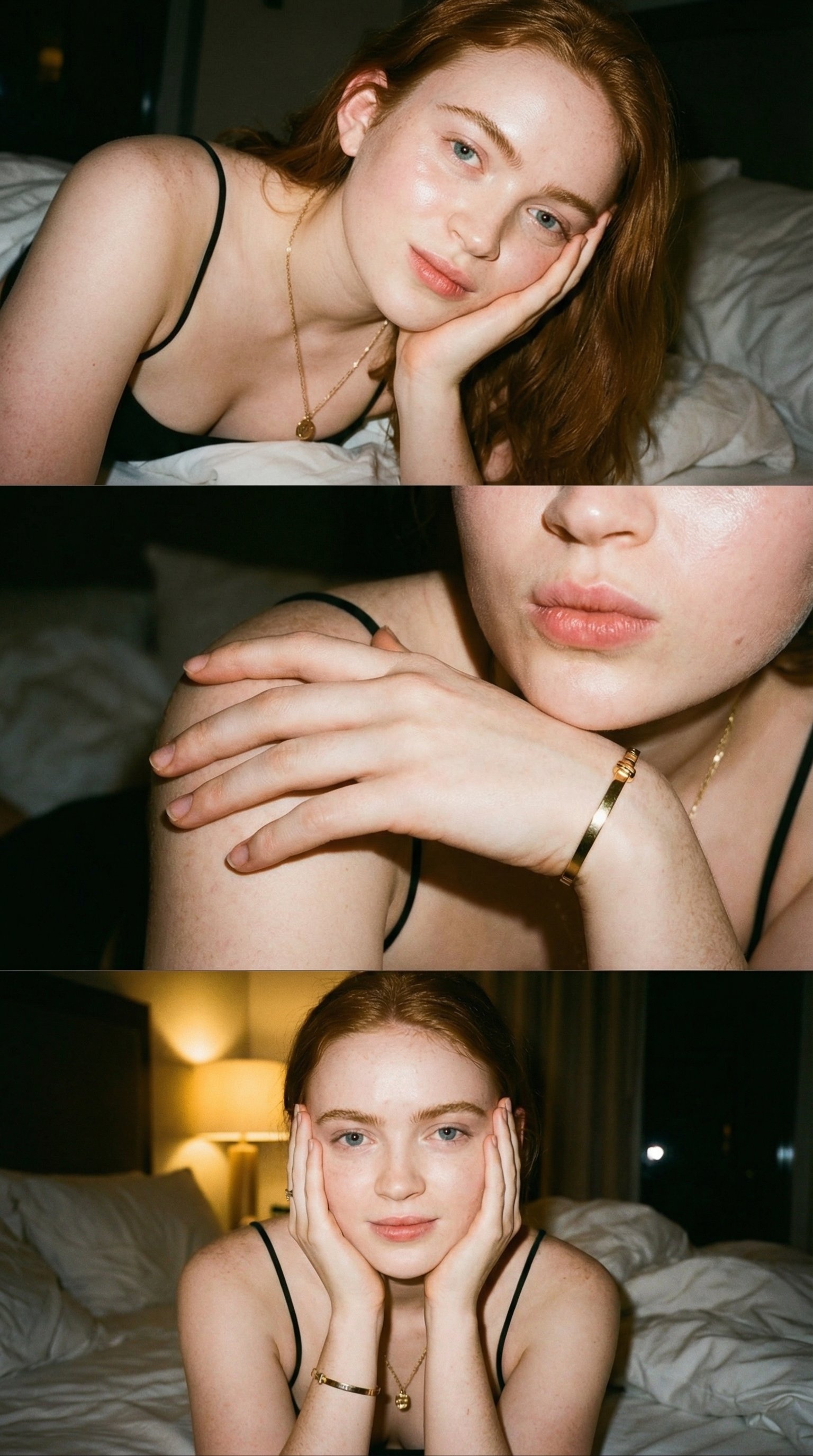
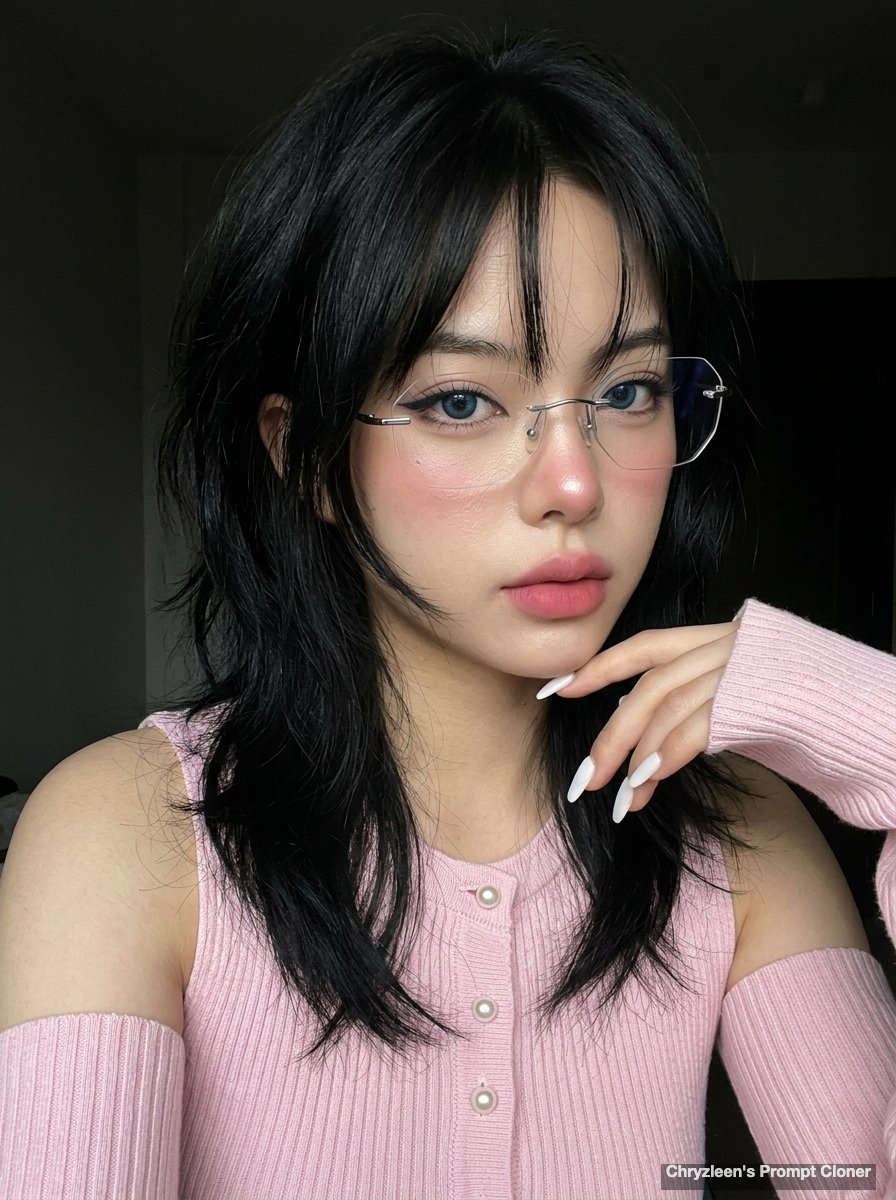
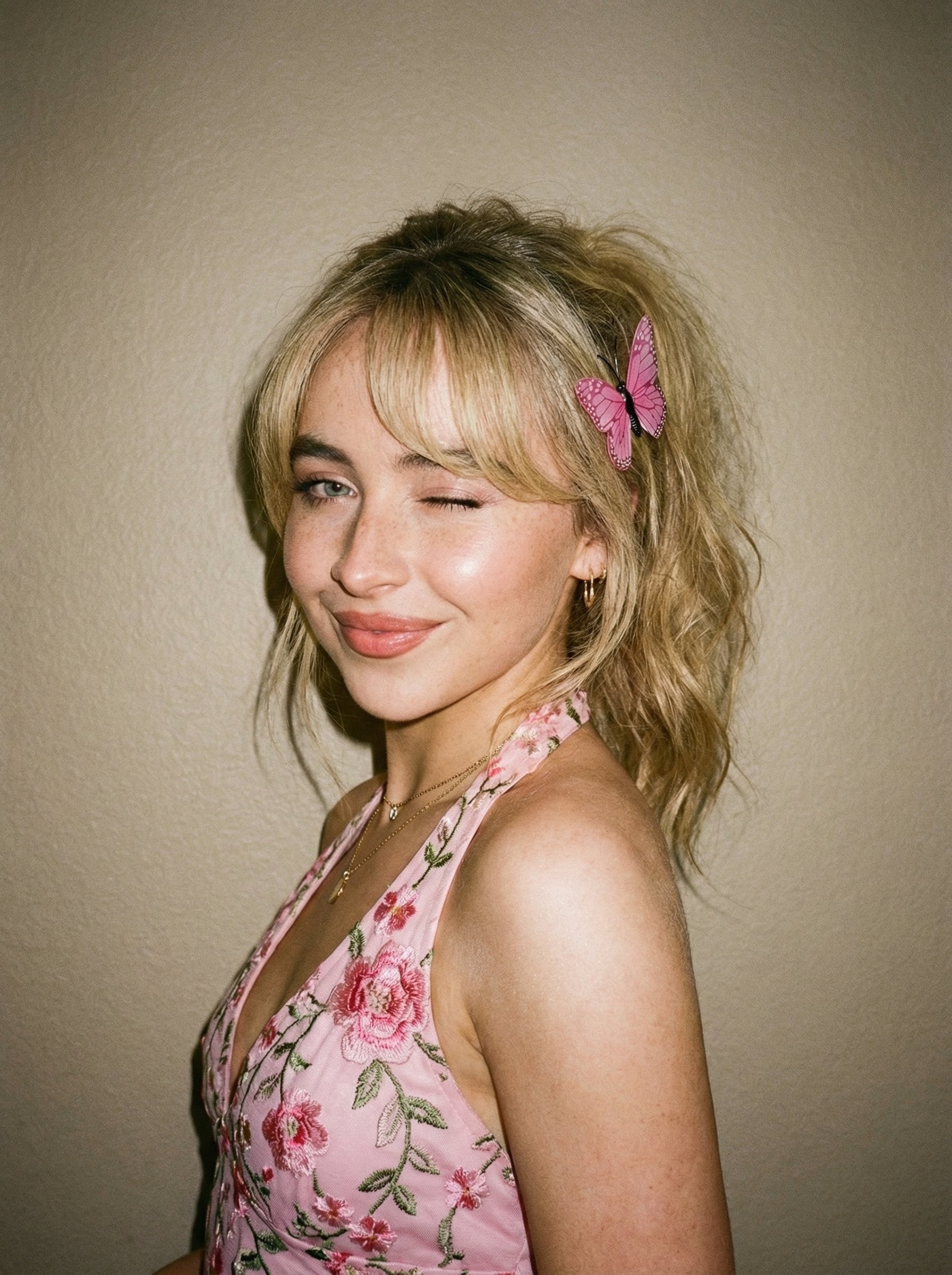
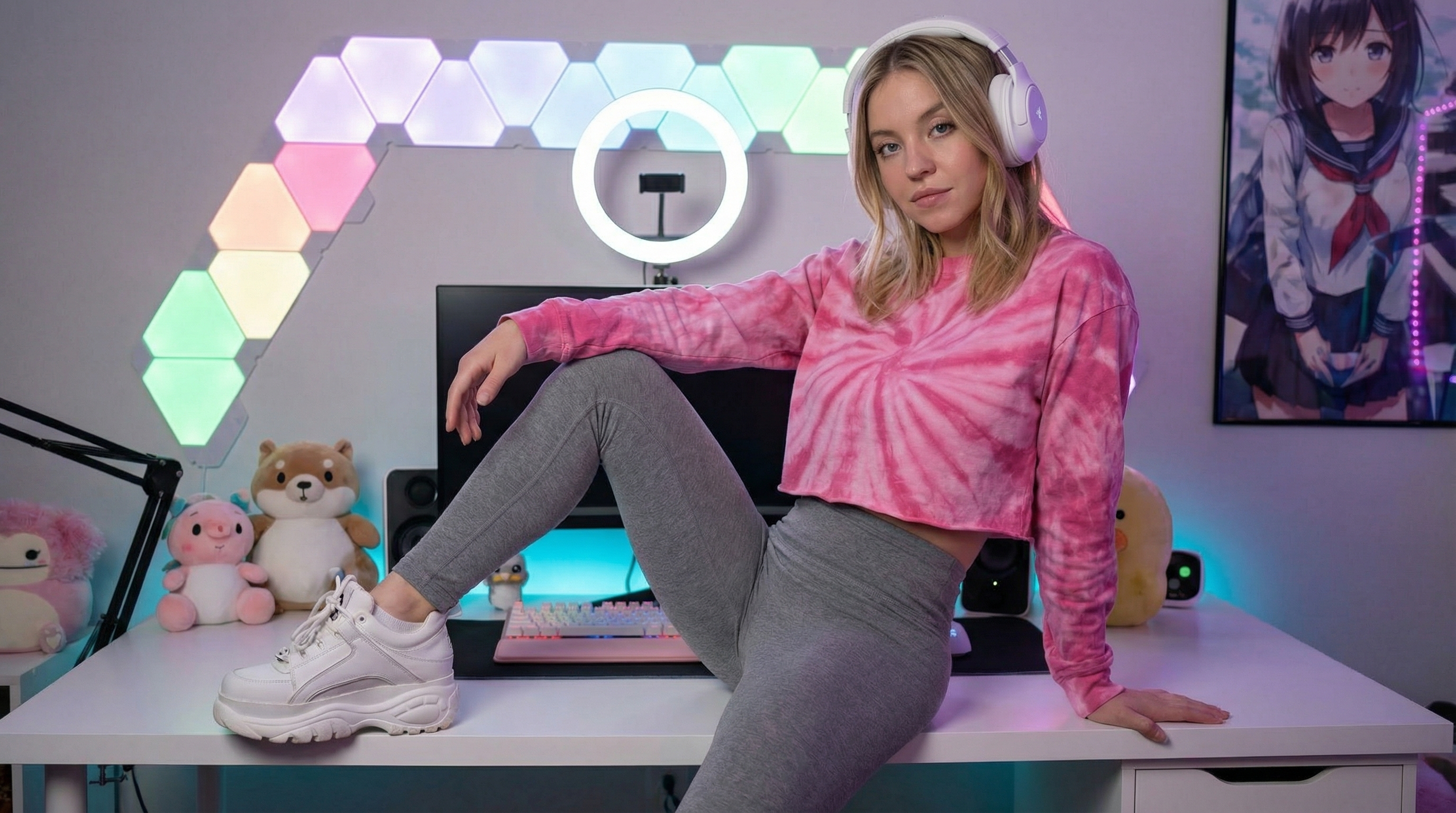
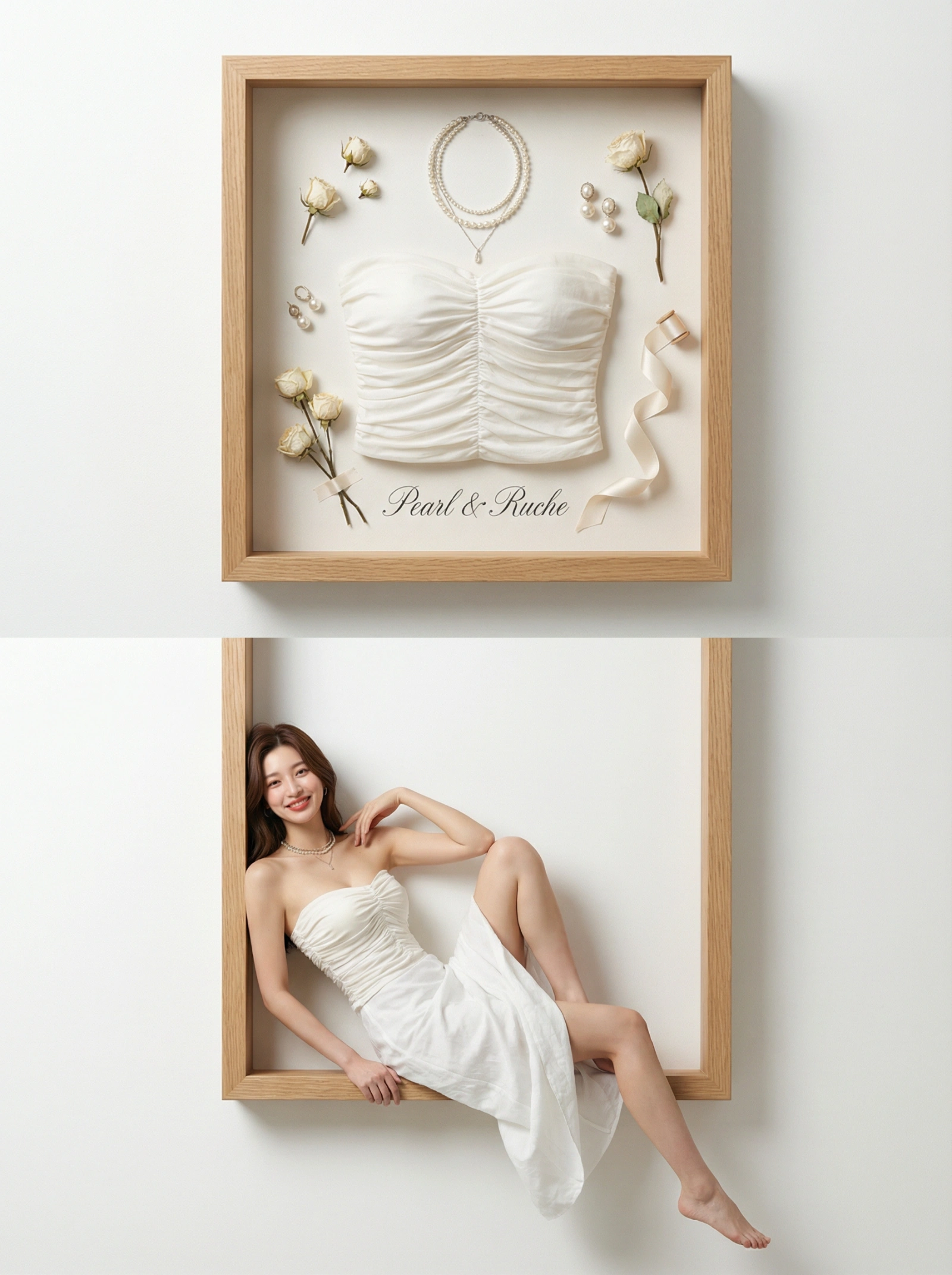
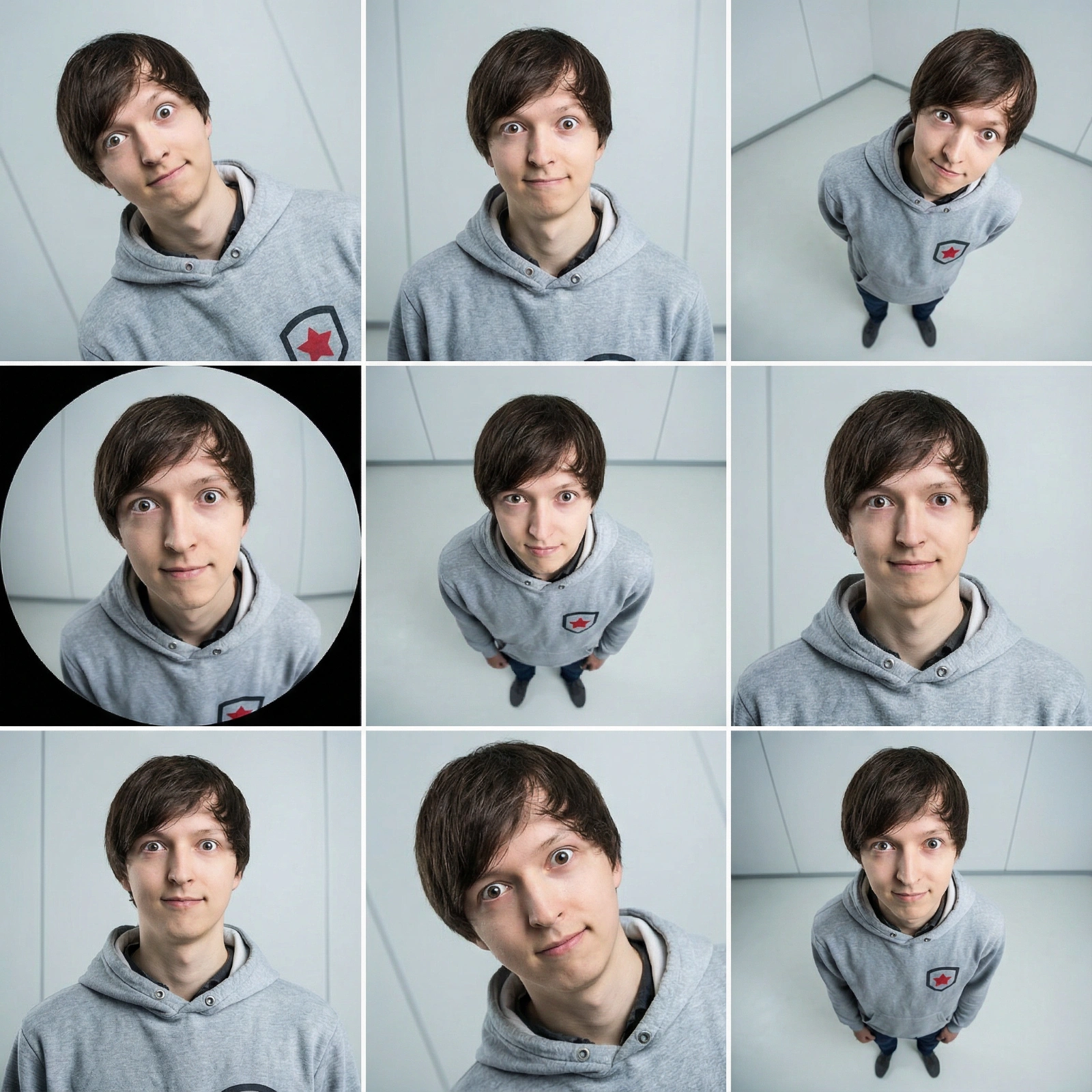
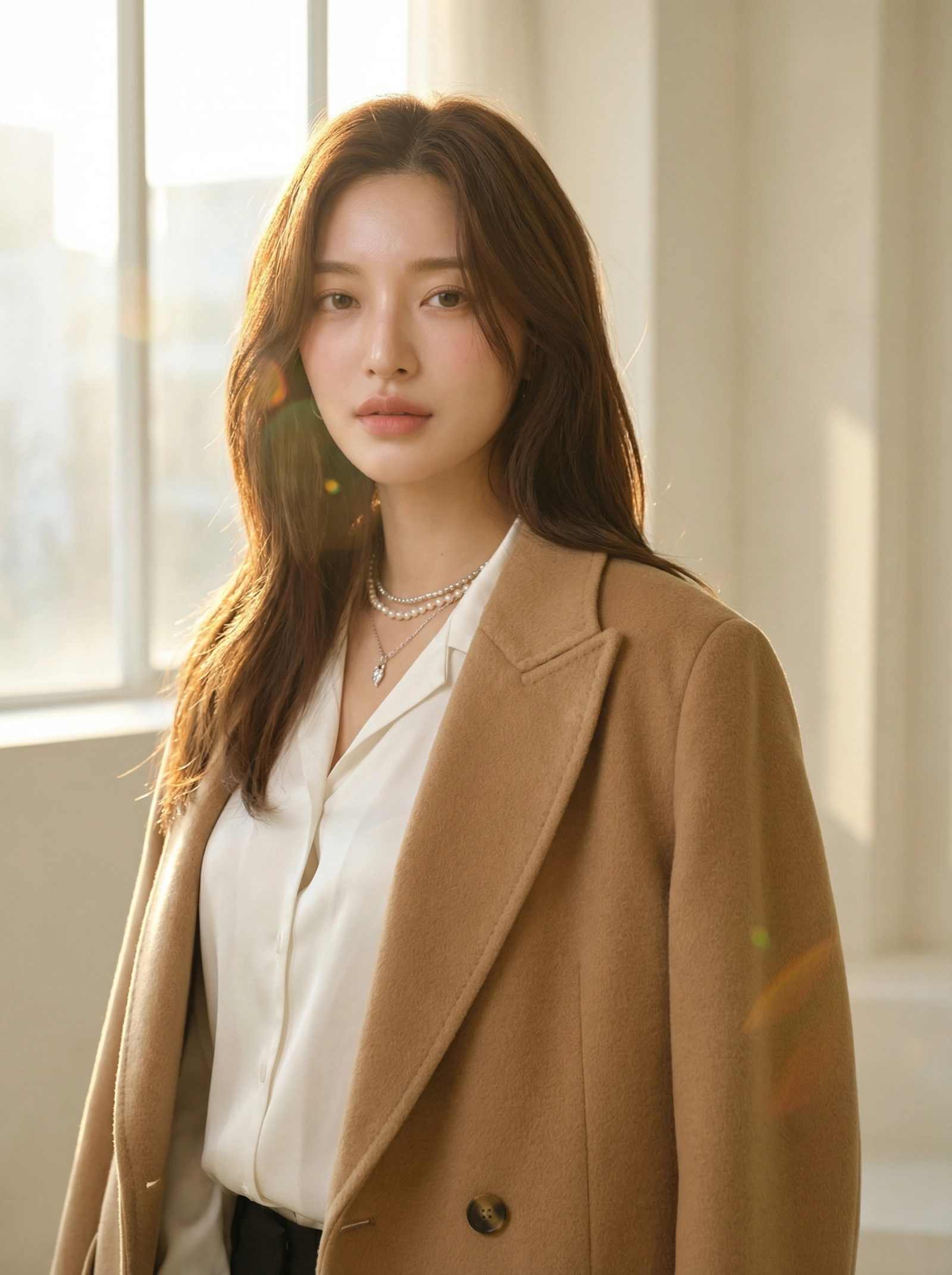
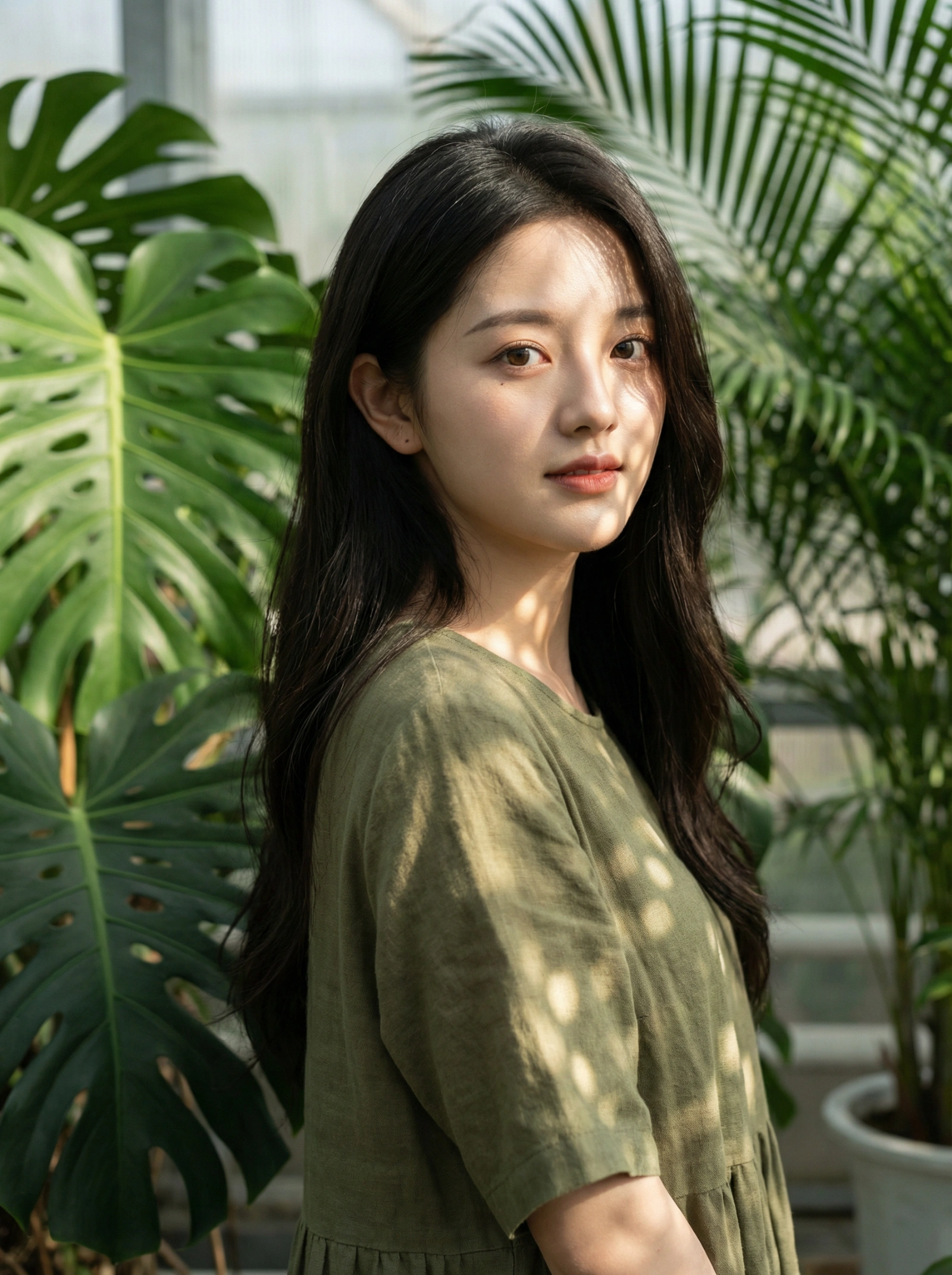
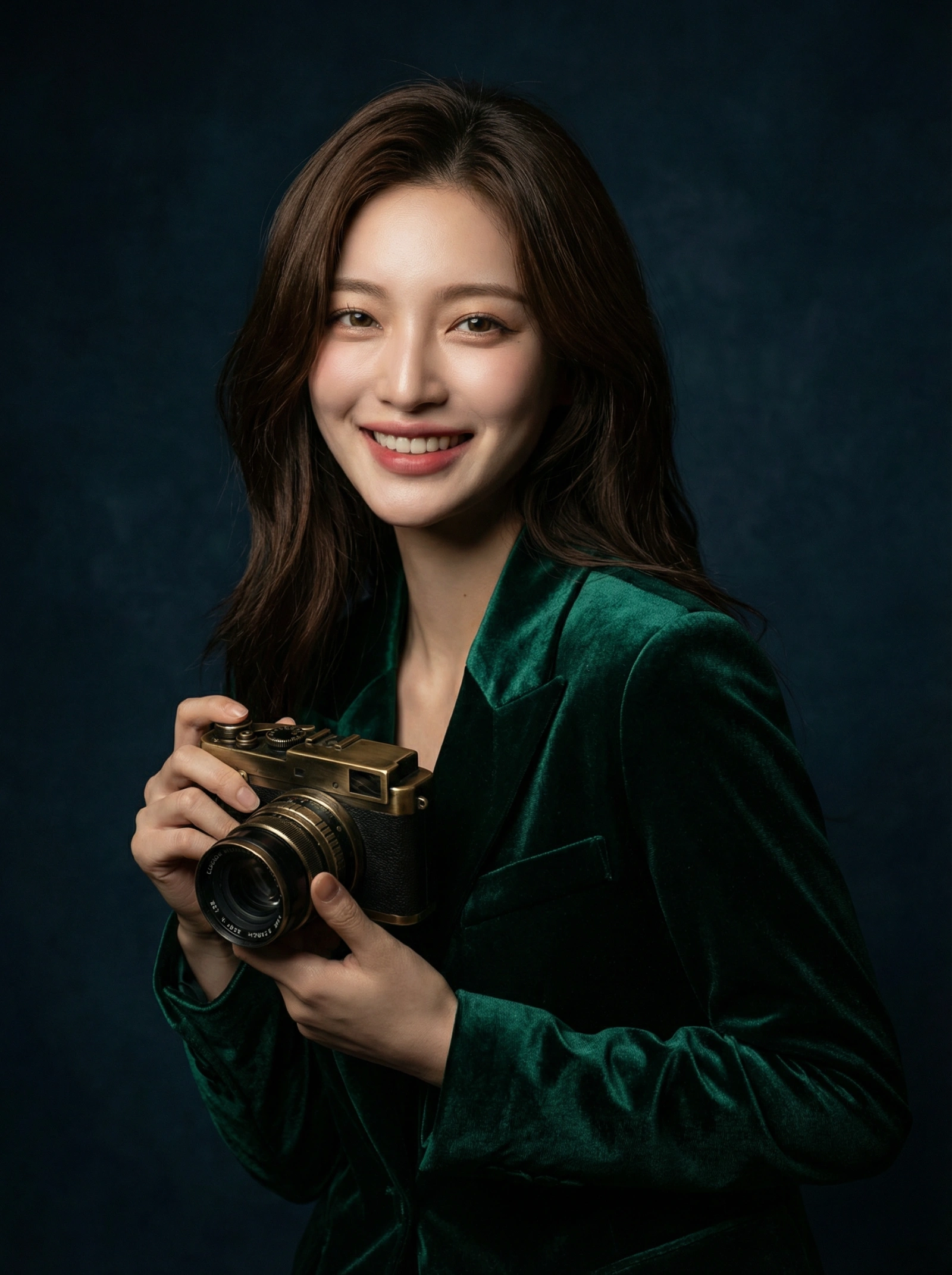
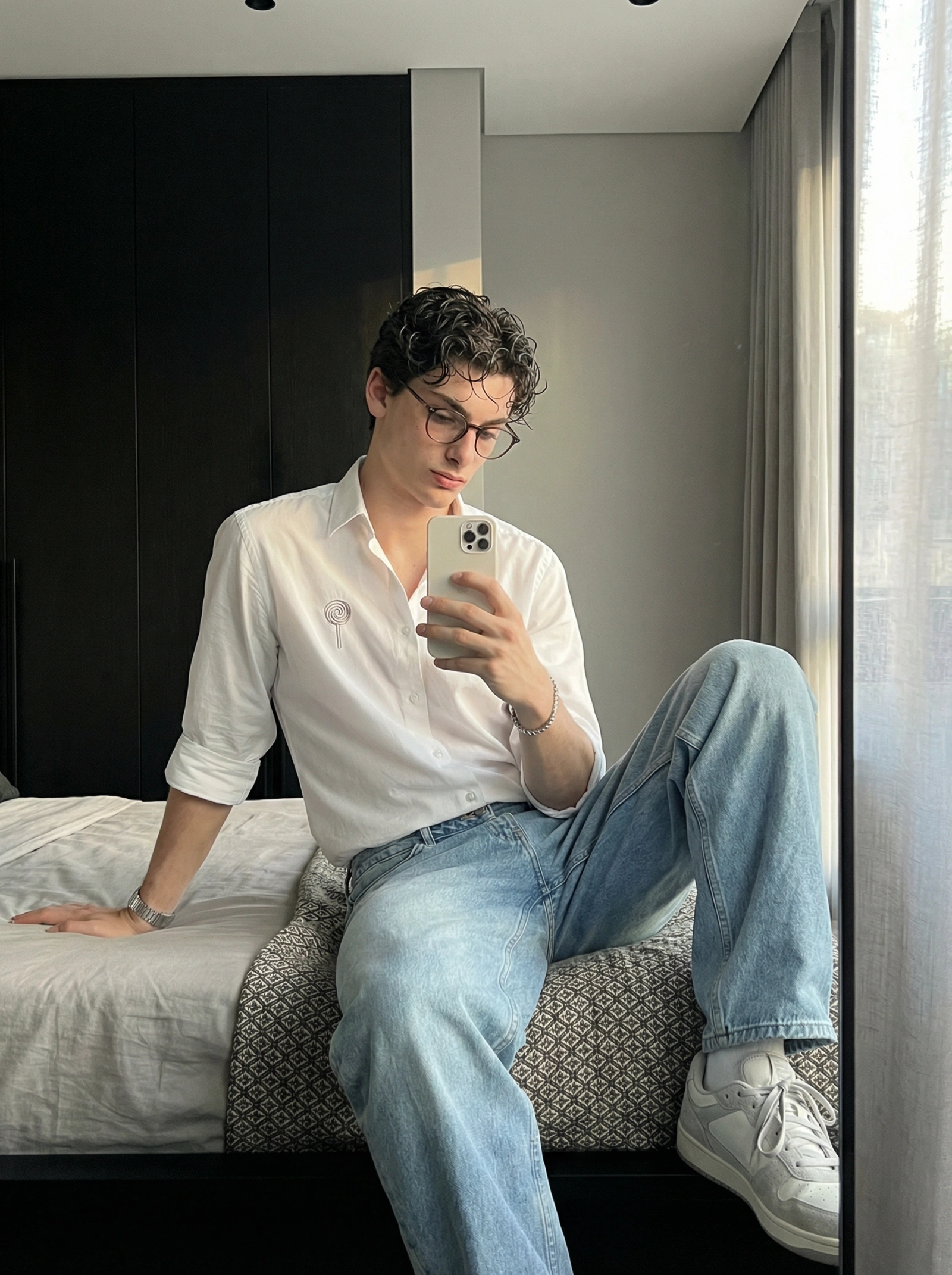
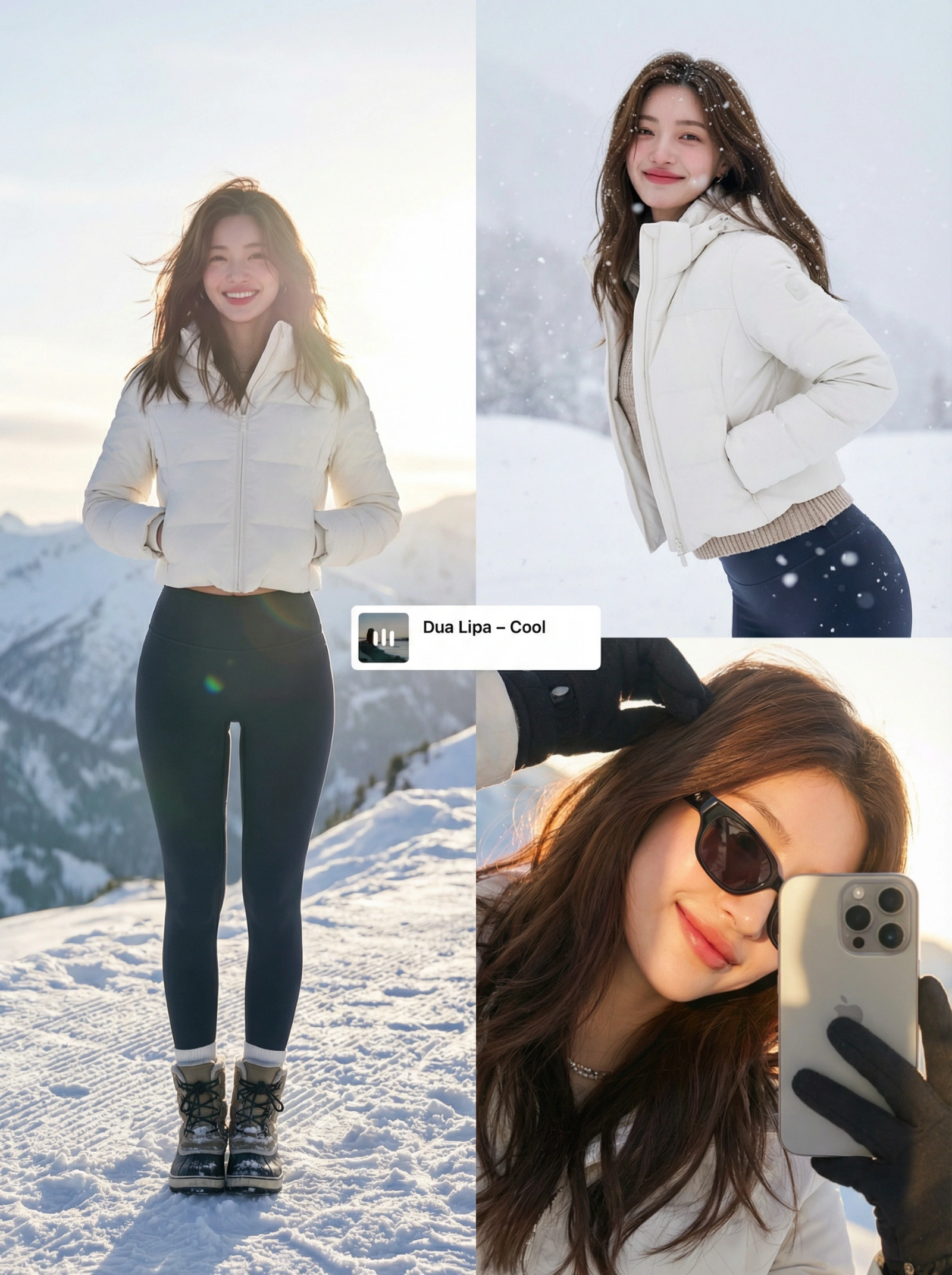
These prompts are tuned for faces, skin, and controlled portrait framing. They are useful when you need a repeatable starting point for headshots, beauty crops, or profile-ready compositions that should feel intentional rather than accidental.
You can use them for both reference-preserving edits and text-to-image portraits, depending on whether you need to hold identity or simply explore a look.
Best For
- Professional headshots, editorial portraits, and beauty-driven close-up concepts.
- Reference-image workflows where face shape, gaze, or subject identity needs to stay recognizable.
- Mood-led portrait direction with strong control over crop, depth, and lighting.
How To Use This Collection
- 1
Keep the first run tightly aligned to the original crop so face proportions and focal priority remain stable.
- 2
Change background and light direction before rewriting facial detail cues or lens behavior.
- 3
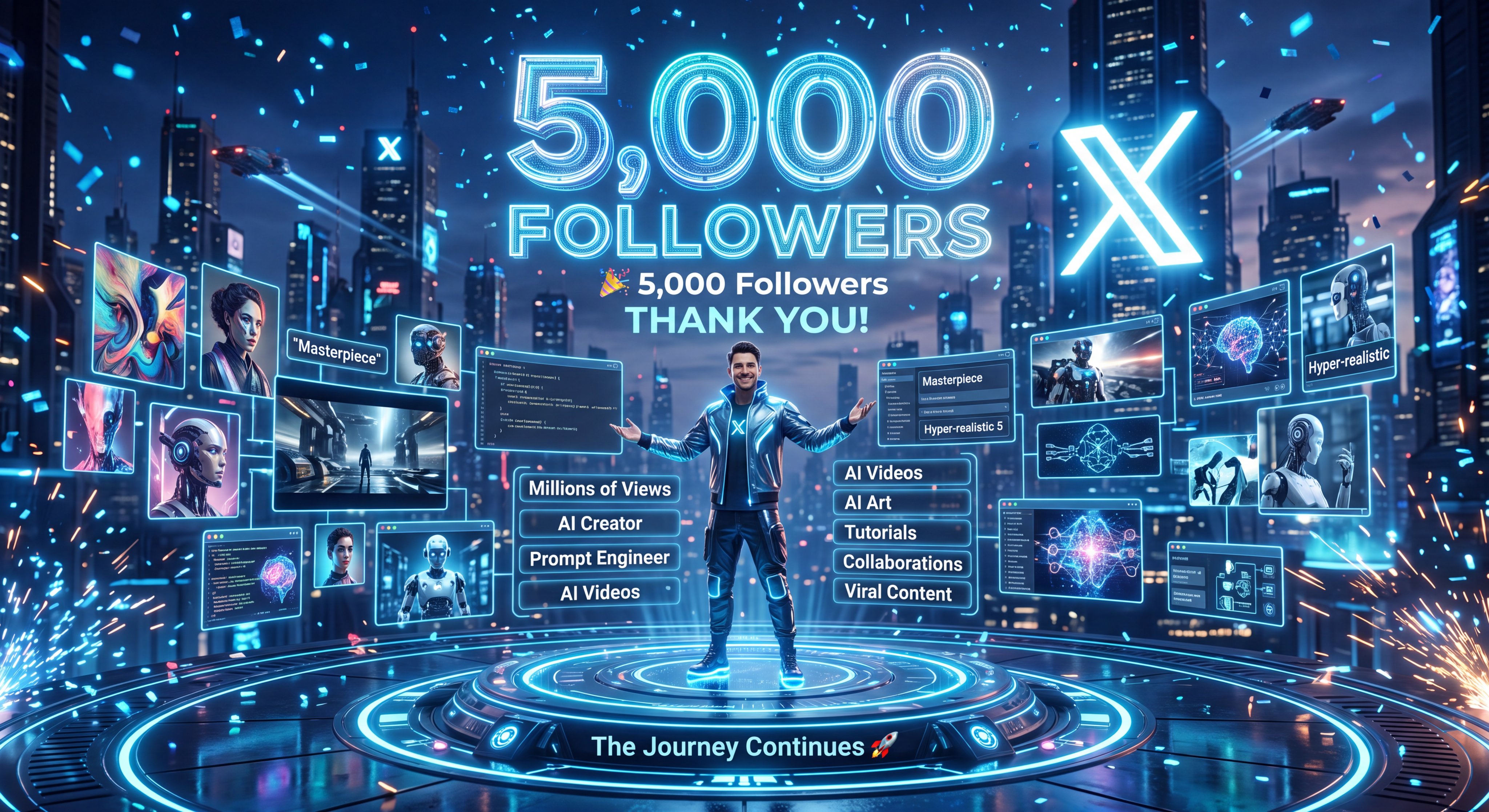
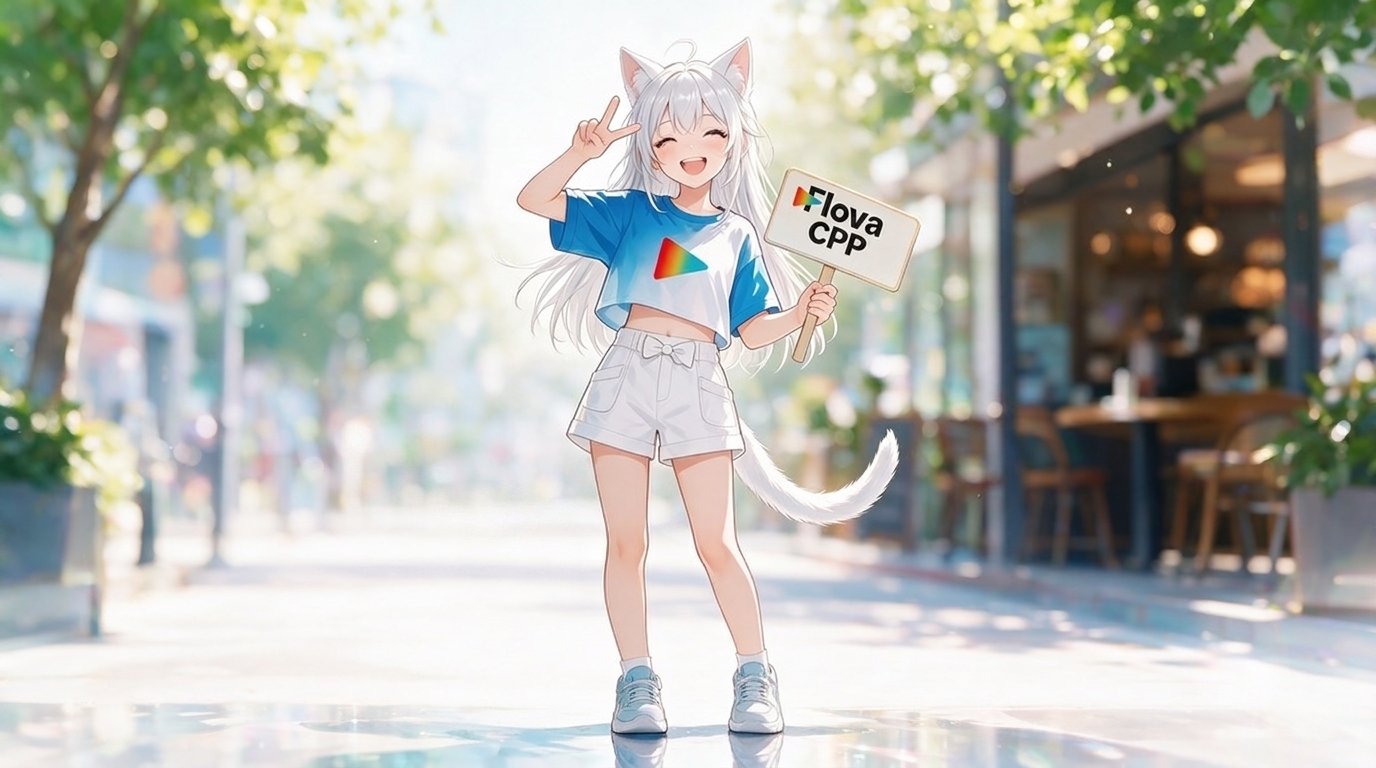
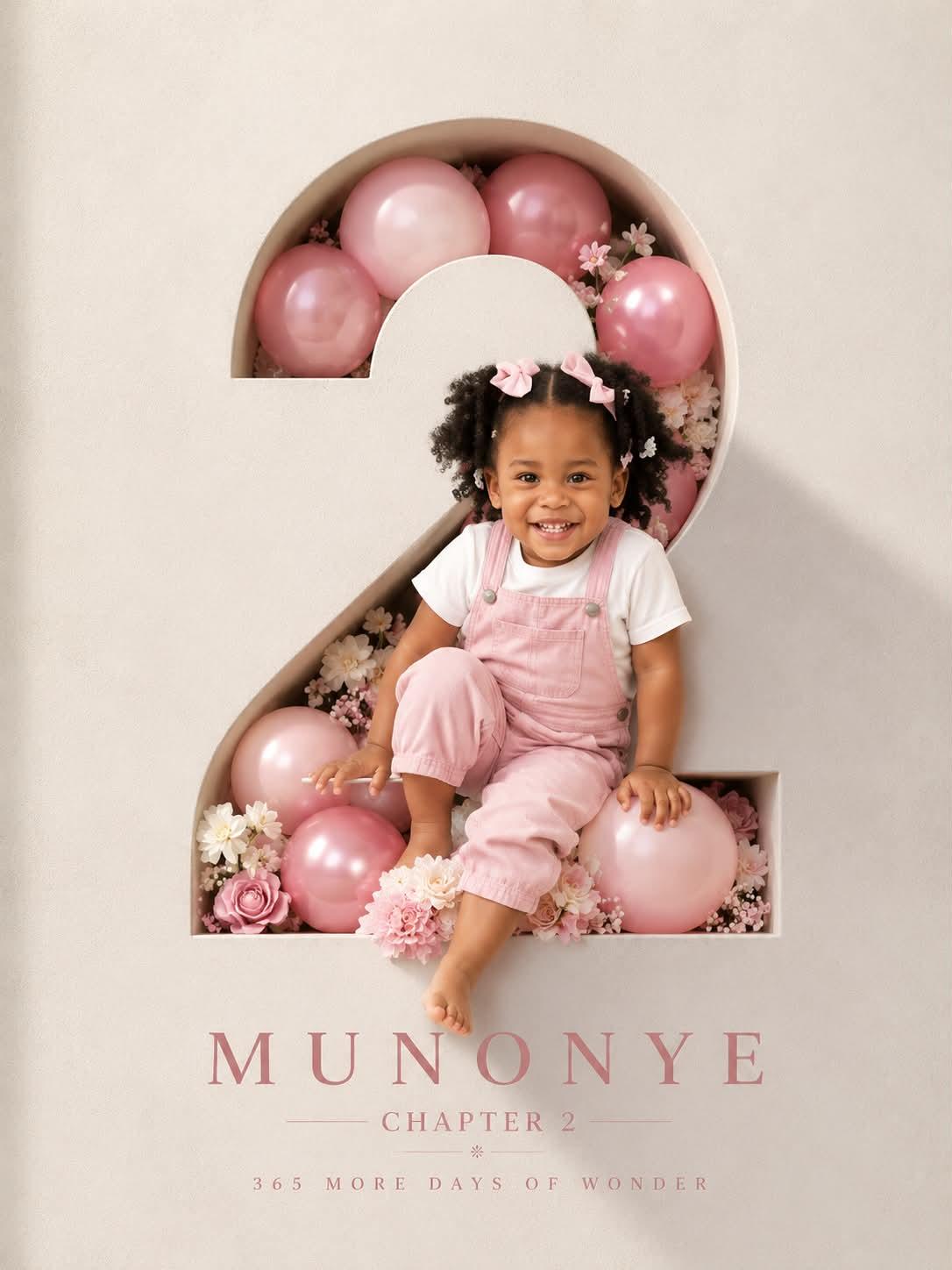
If a portrait needs branding, typography, or props, add those only after the core face framing is working.
Start With These Prompts
Handpicked from this collection to give you the cleanest starting structures.
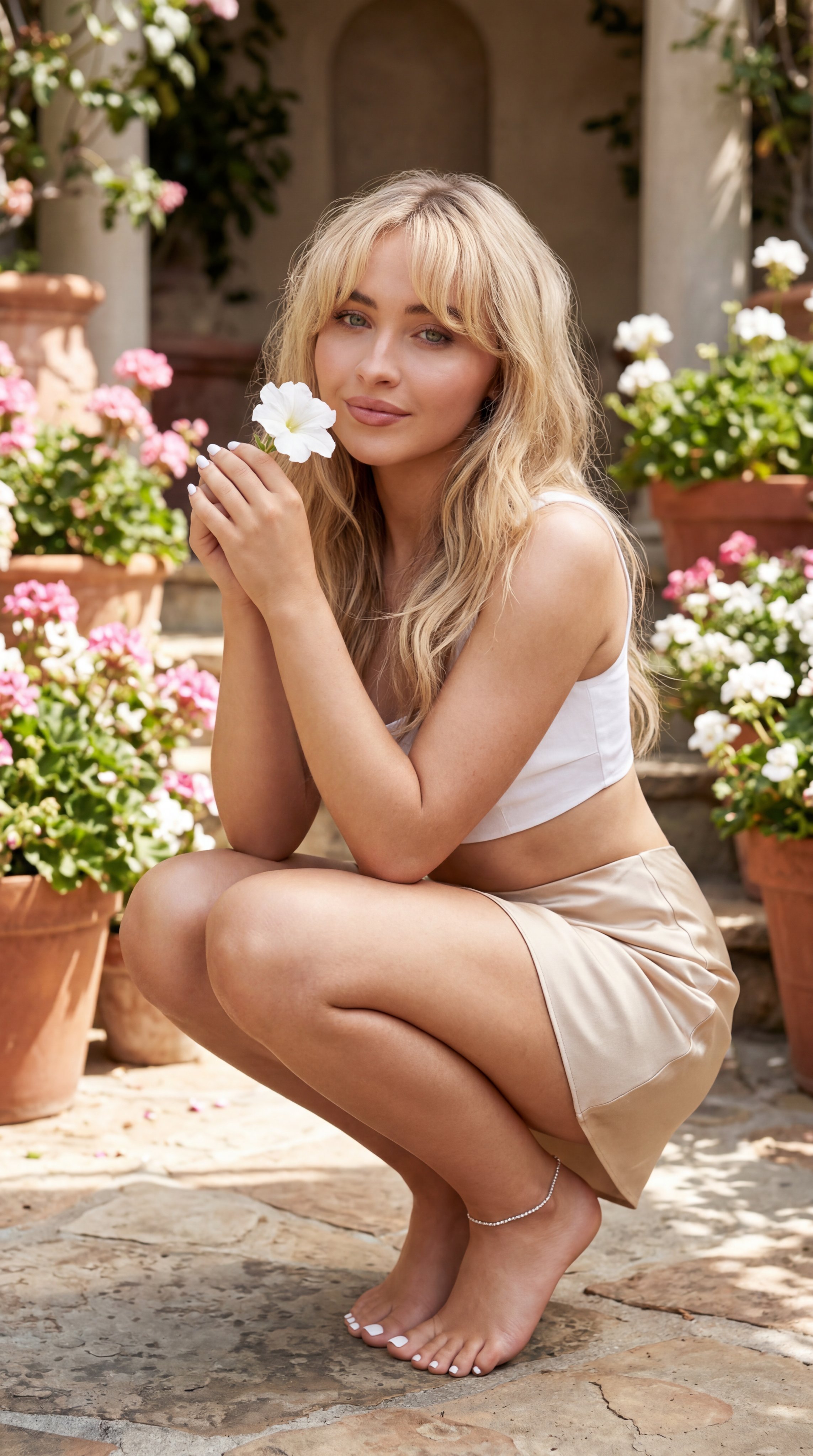
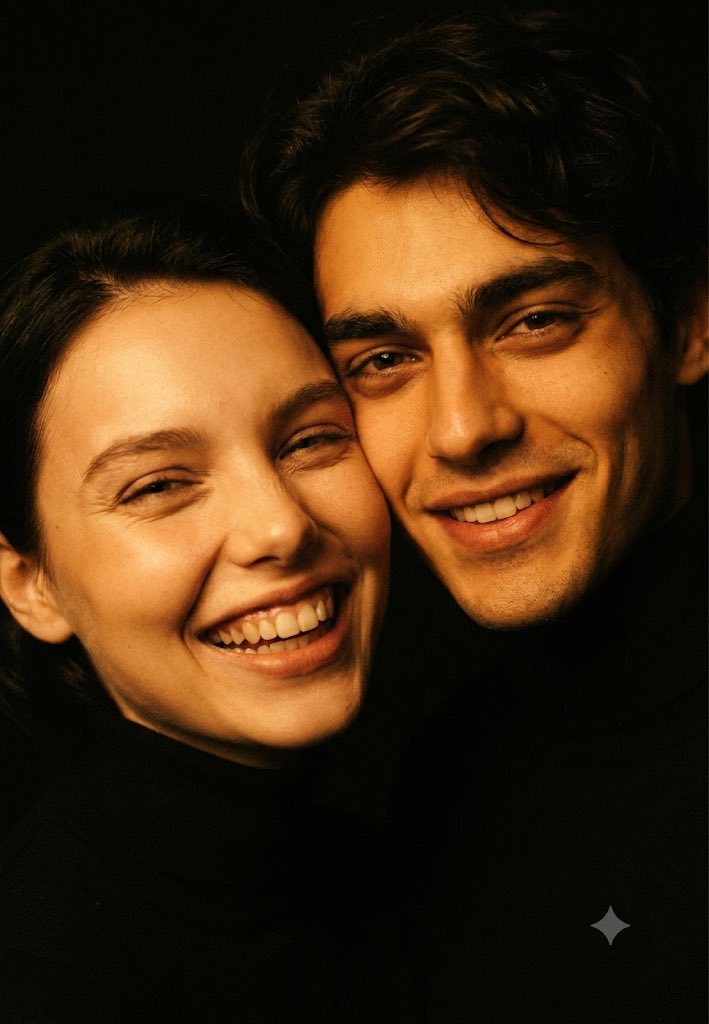
Featured Prompt
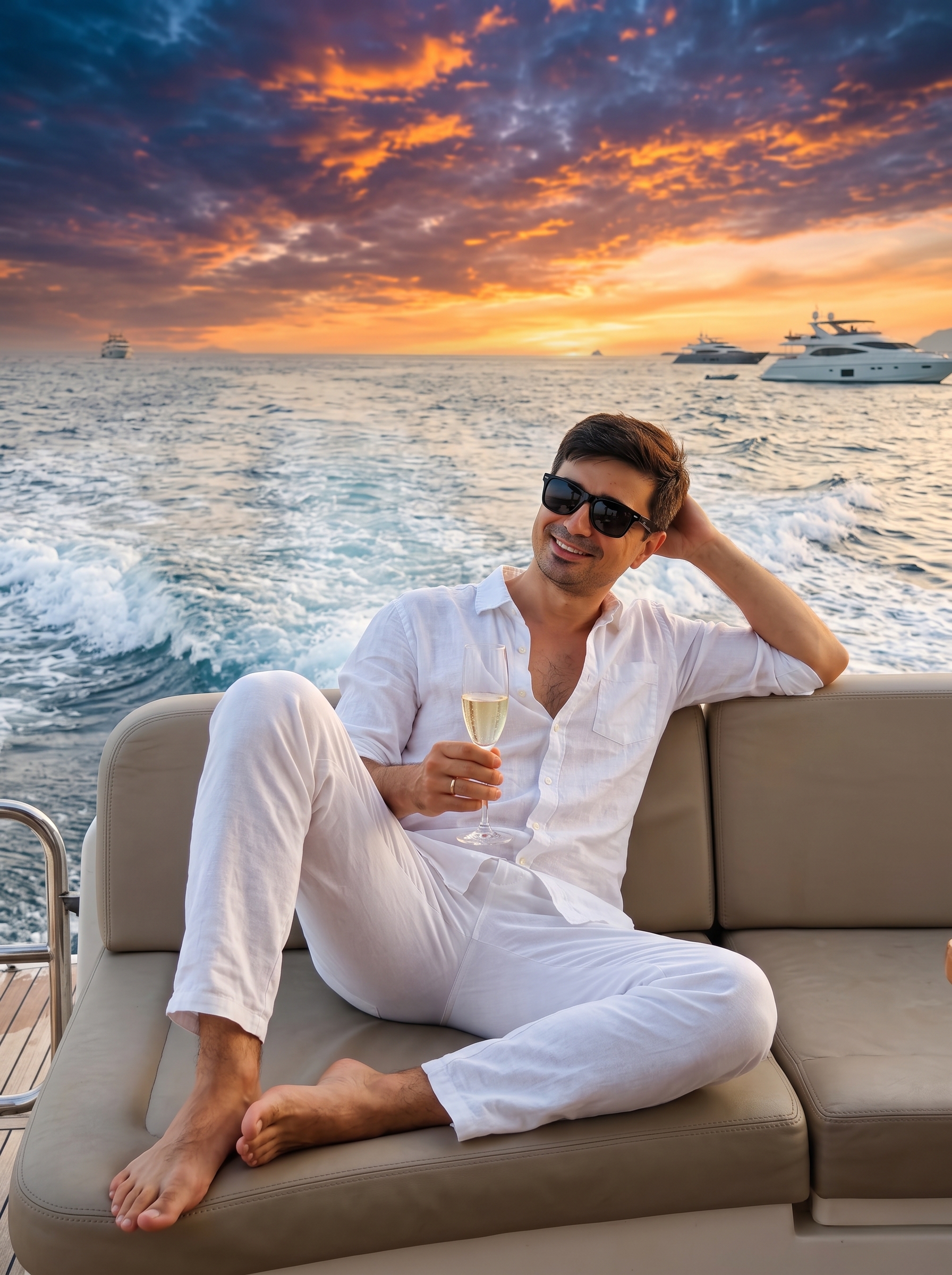
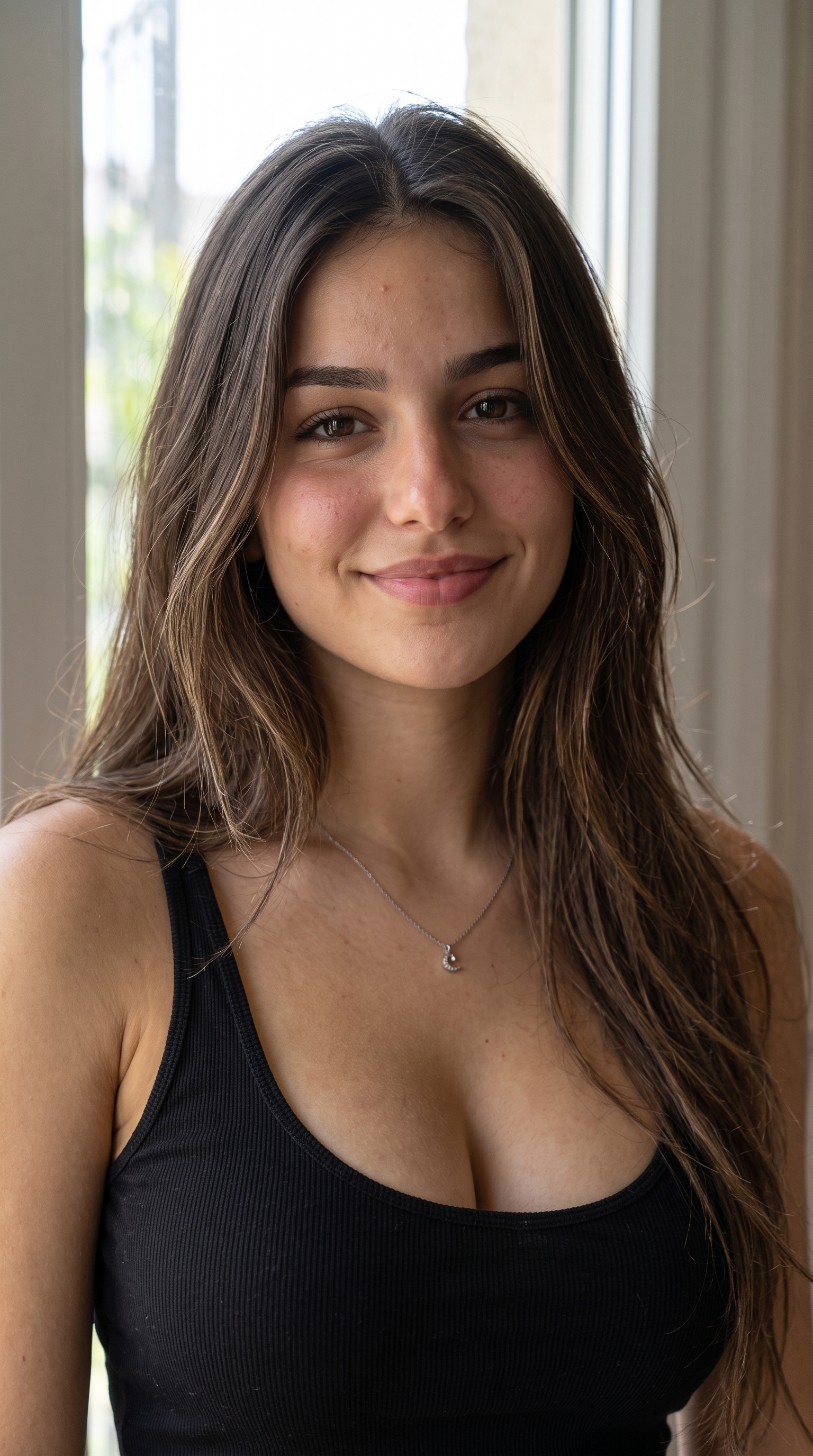
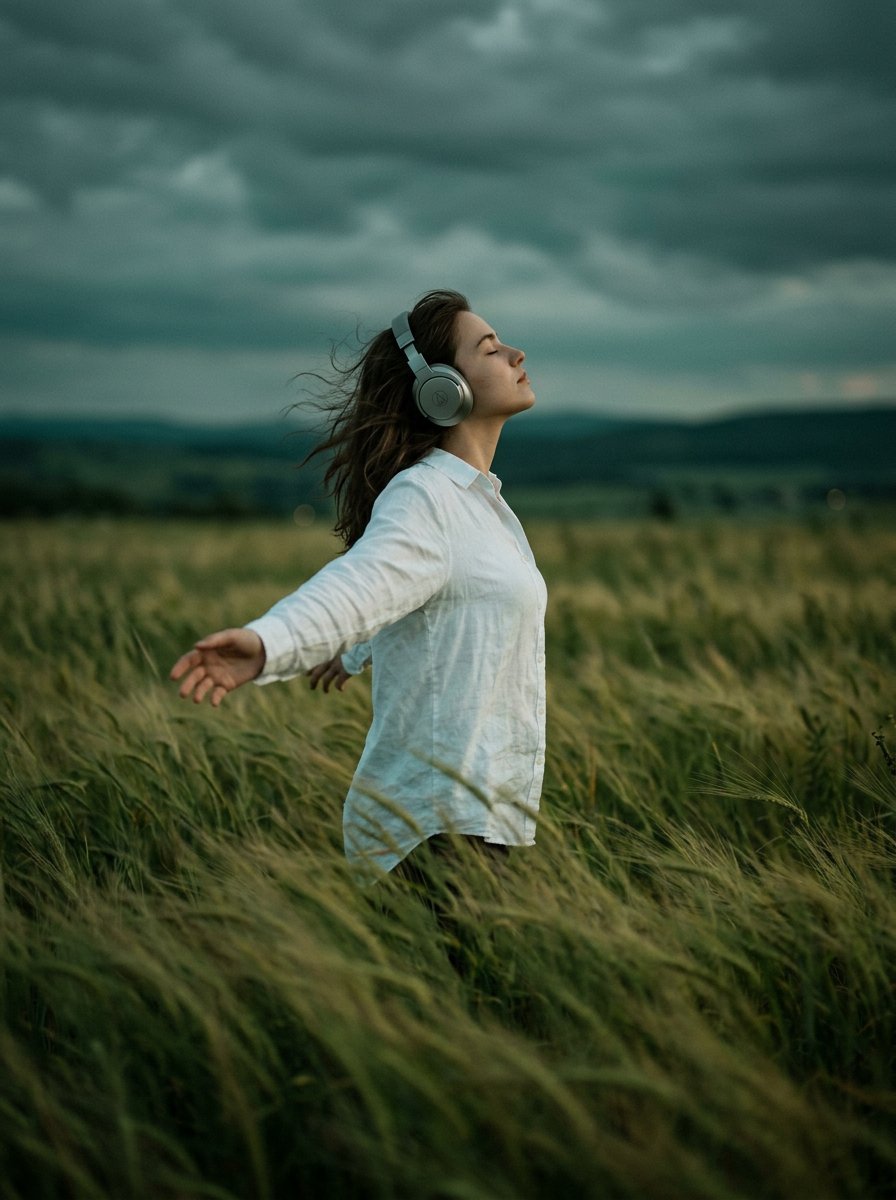
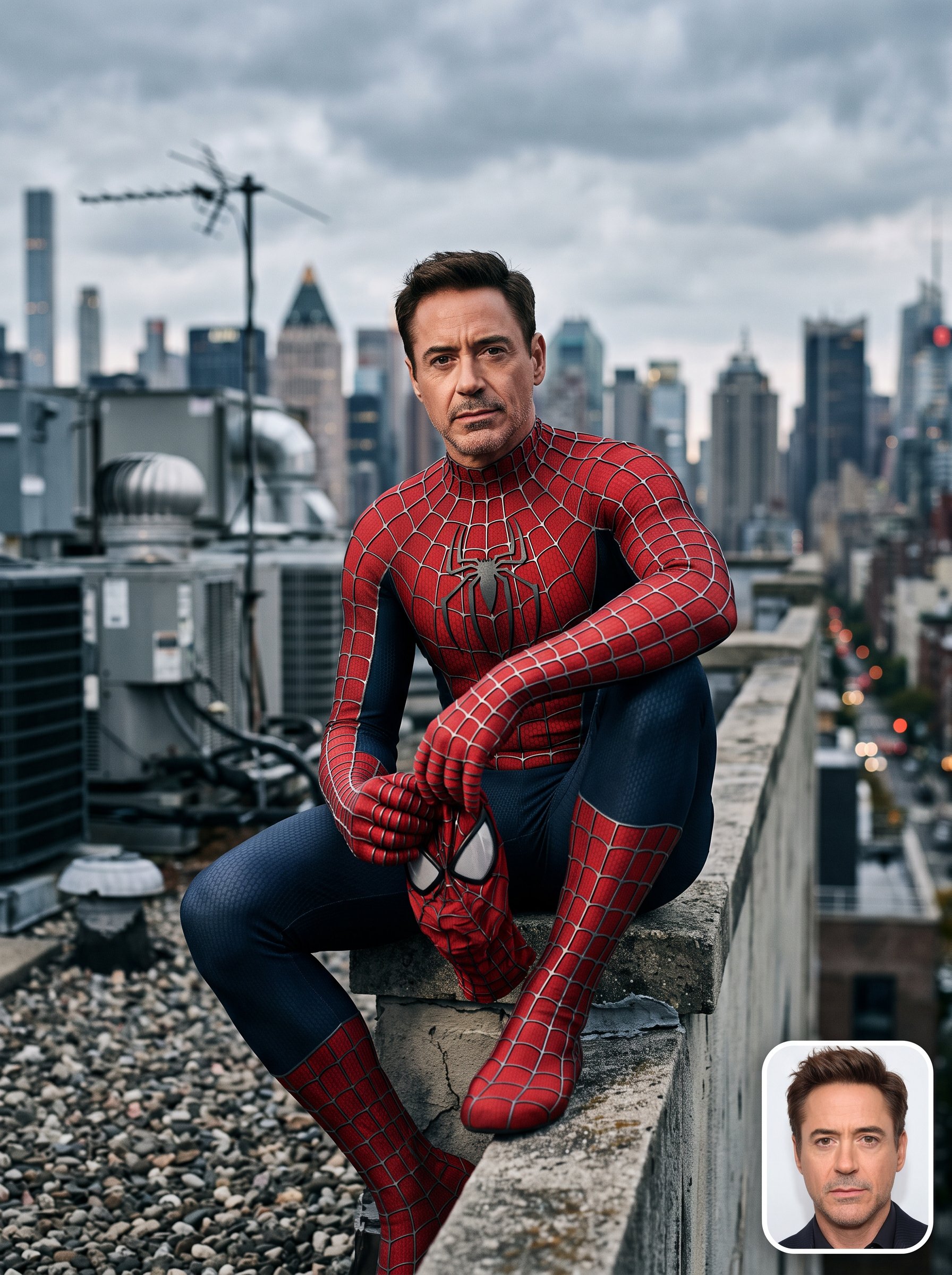
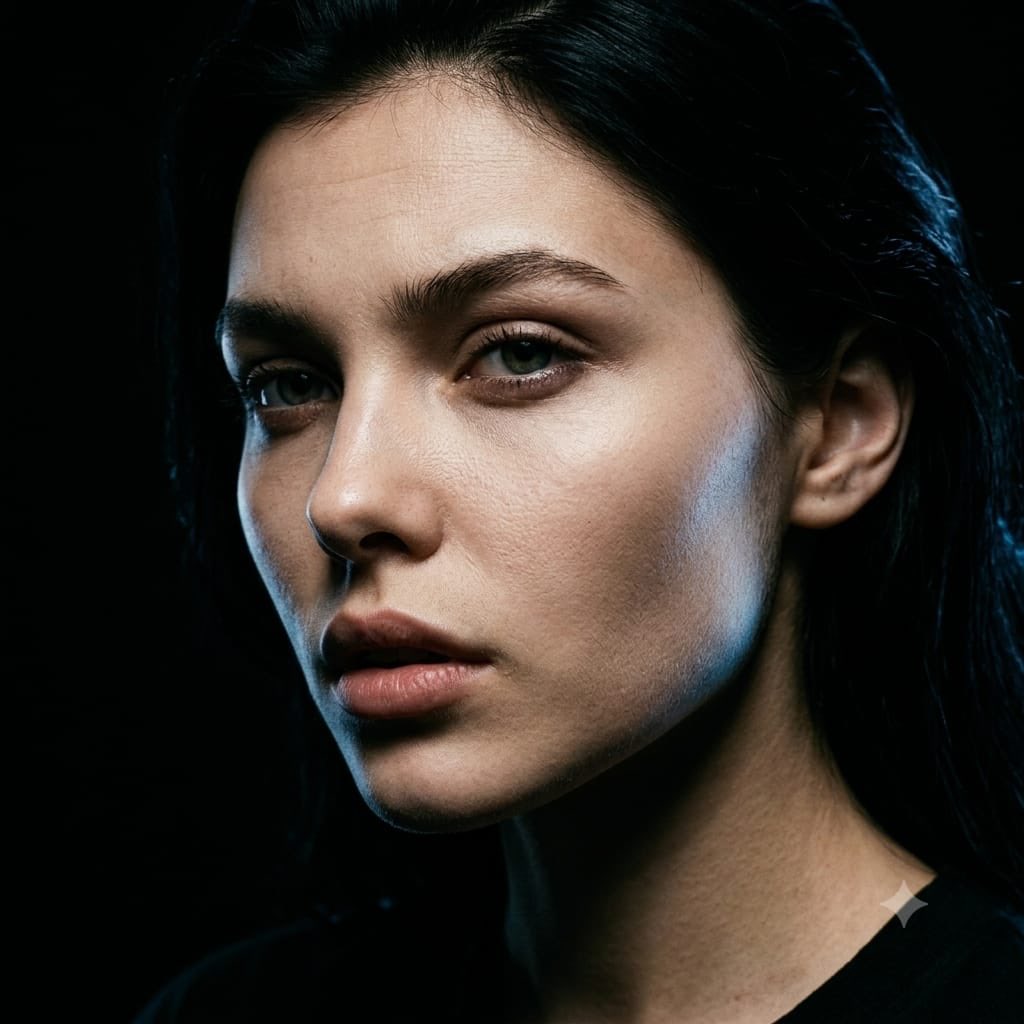
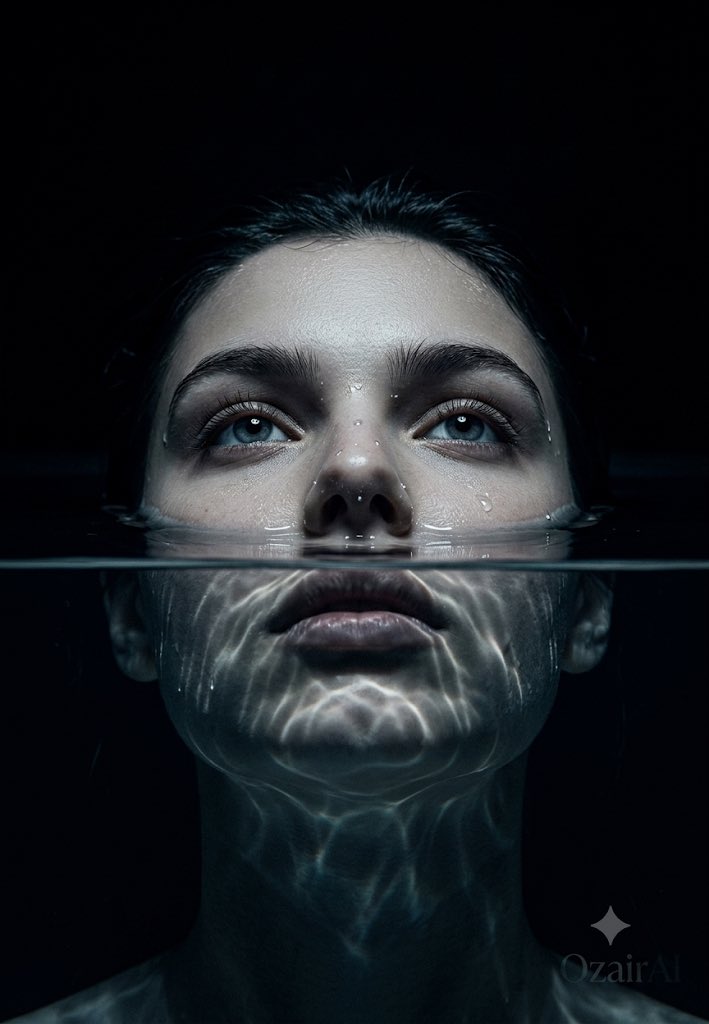
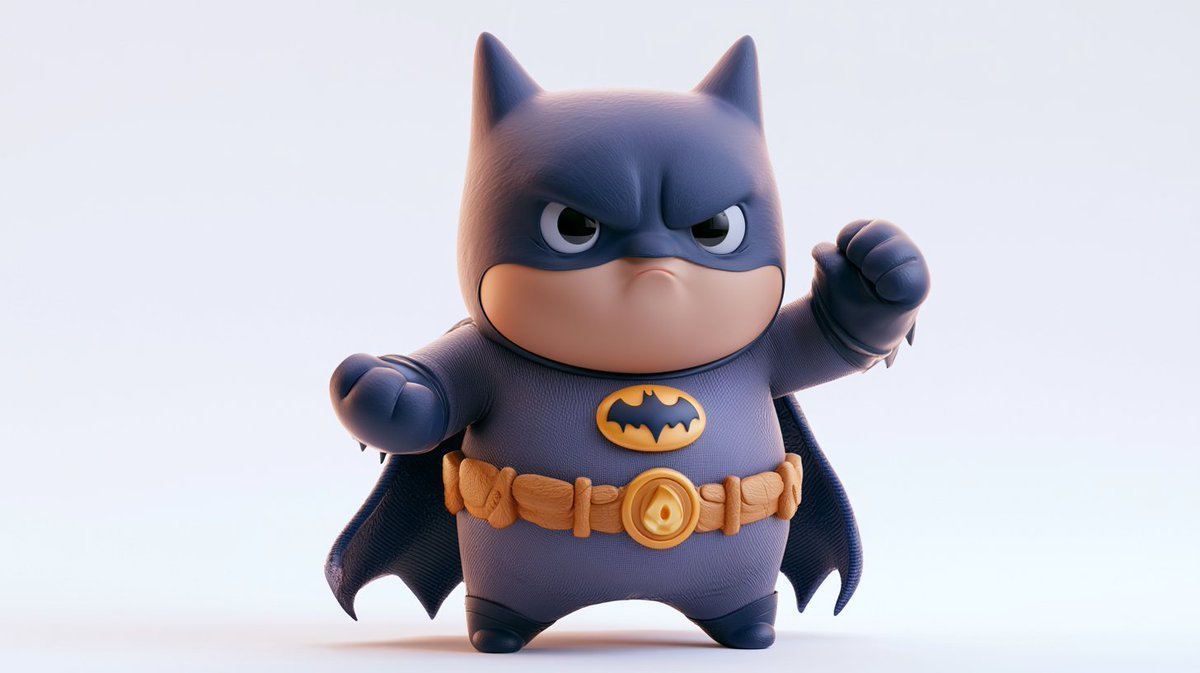
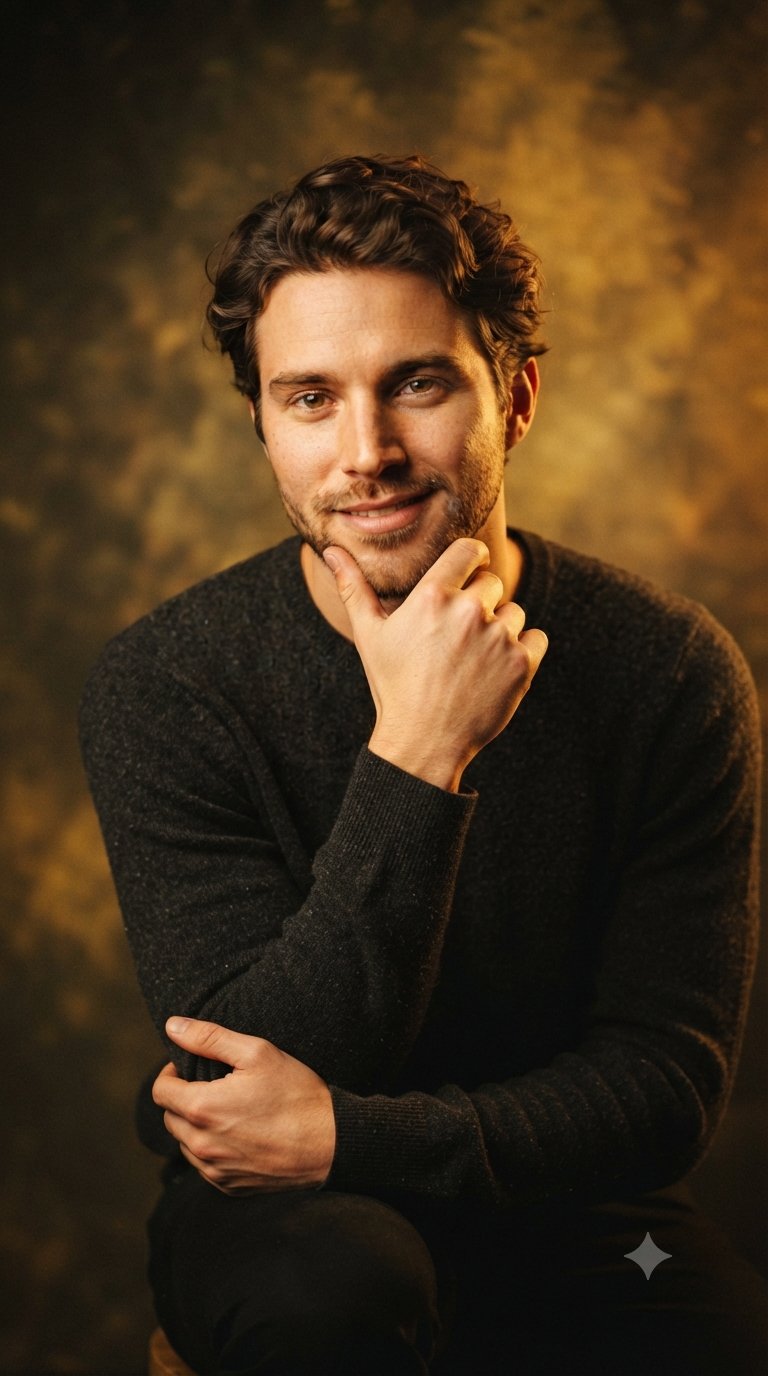
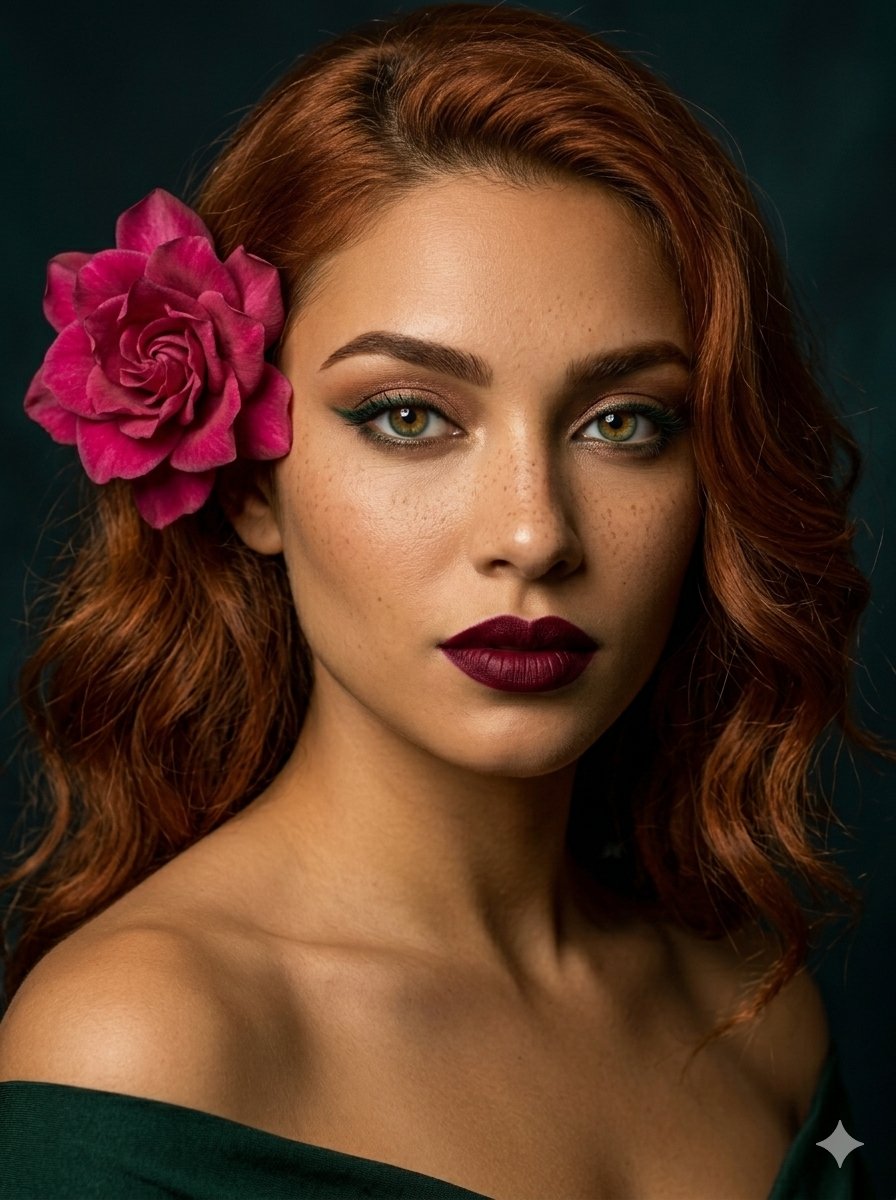
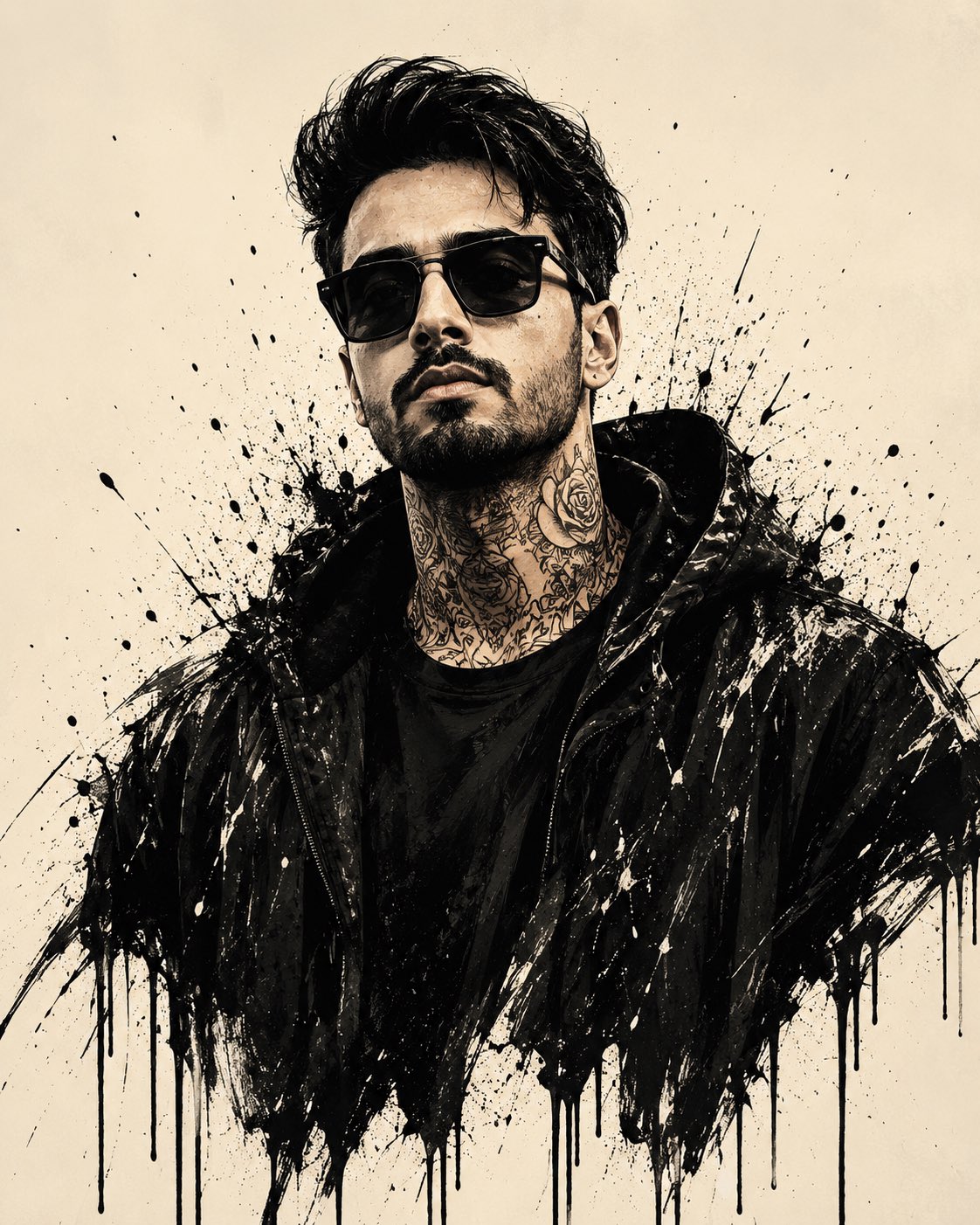
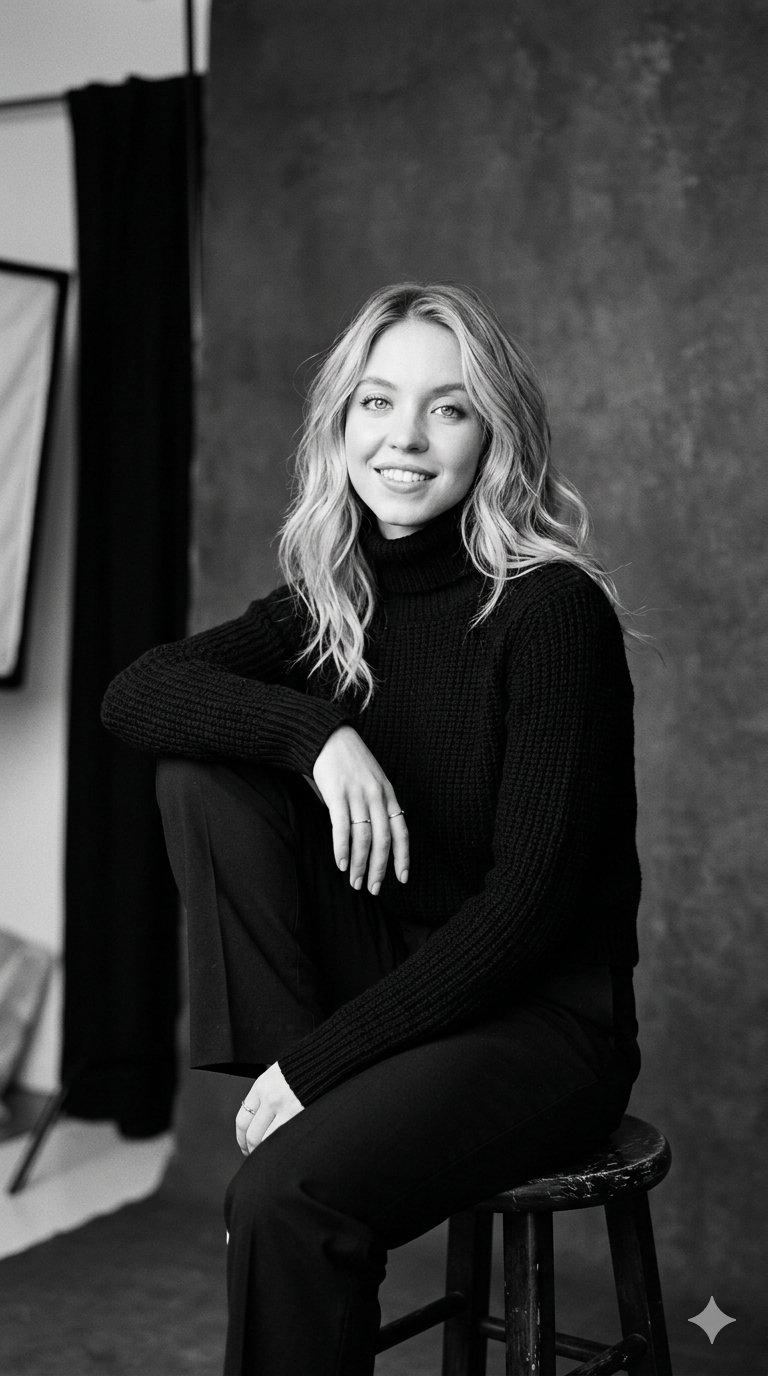
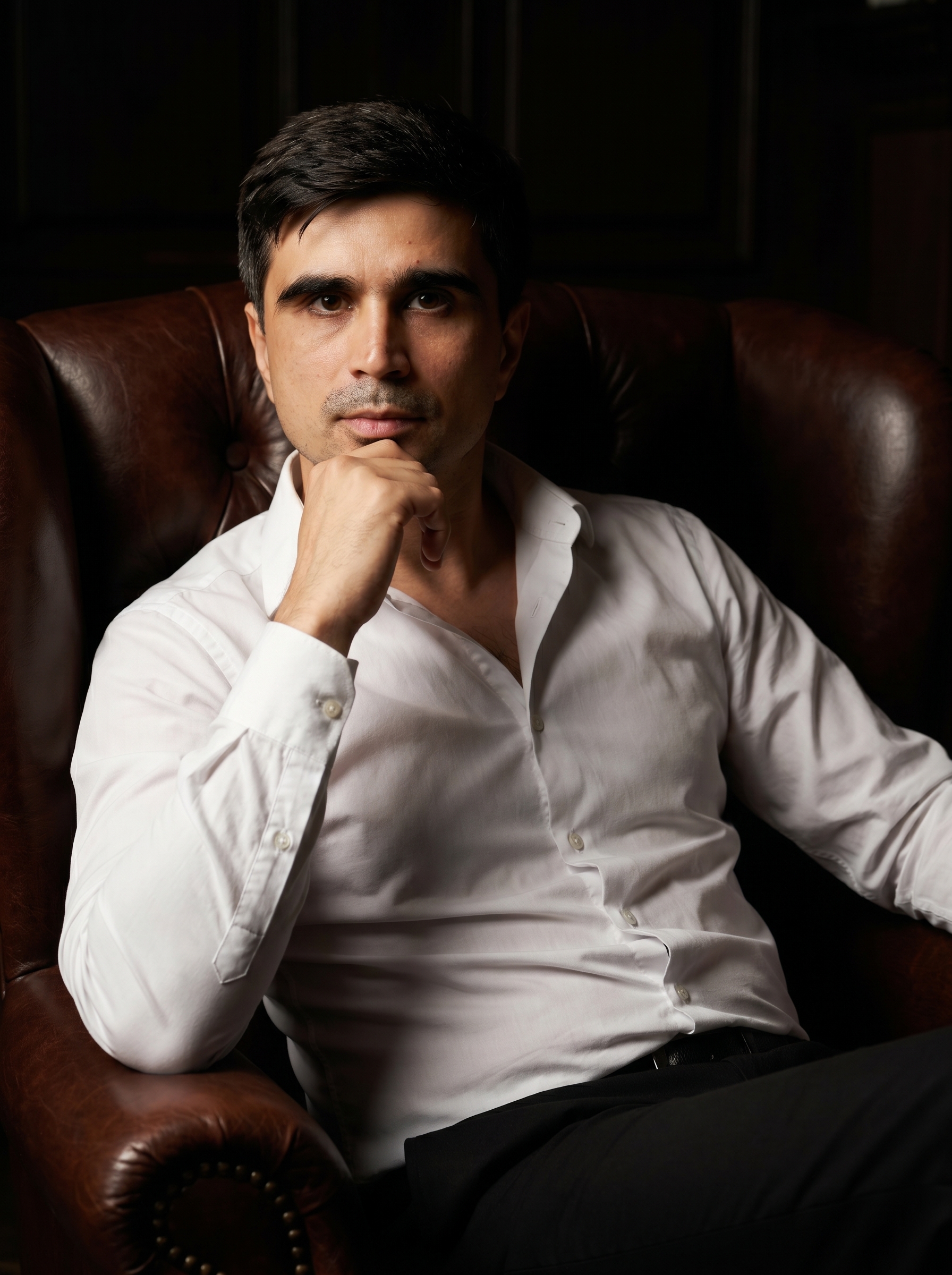
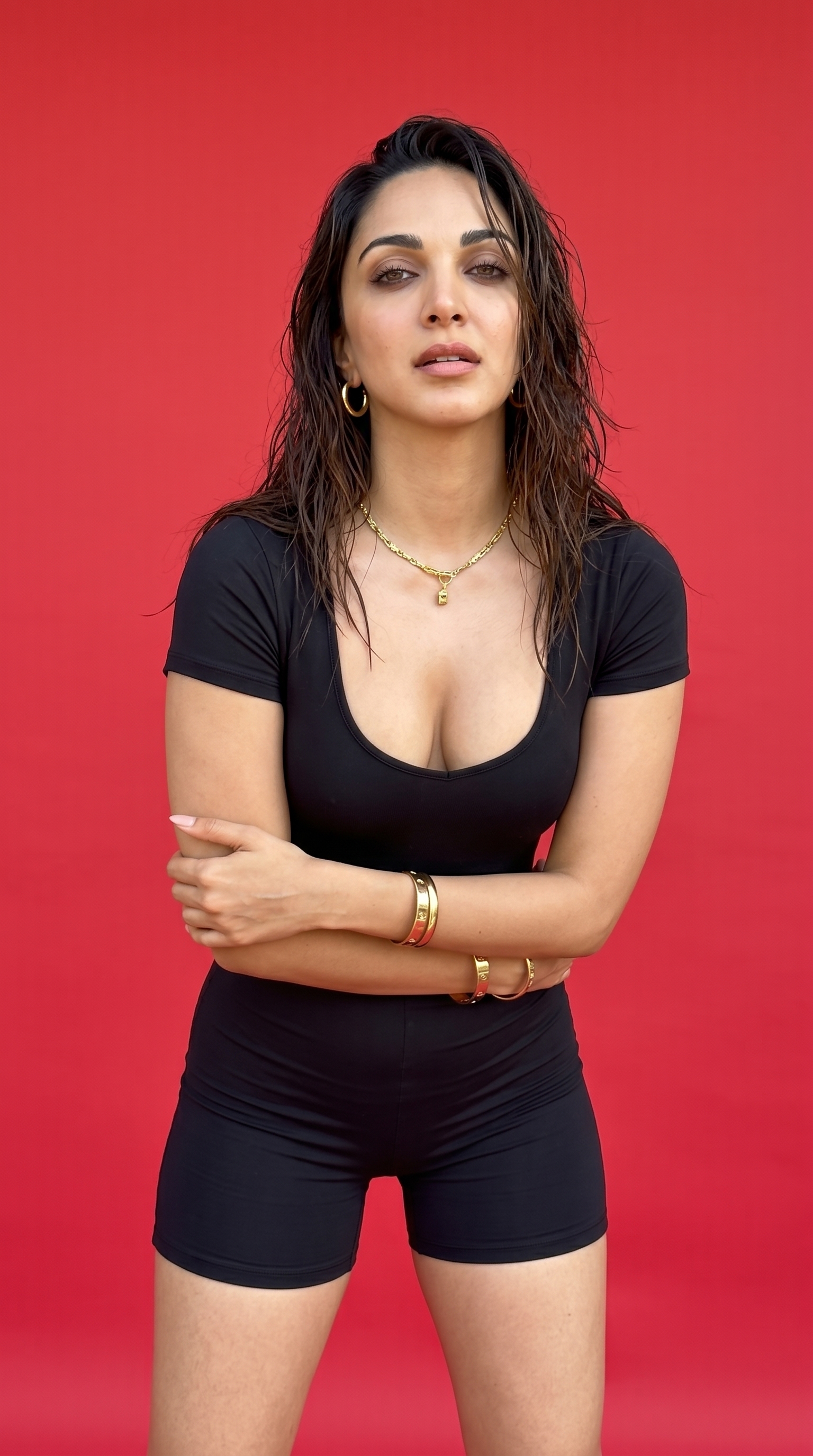
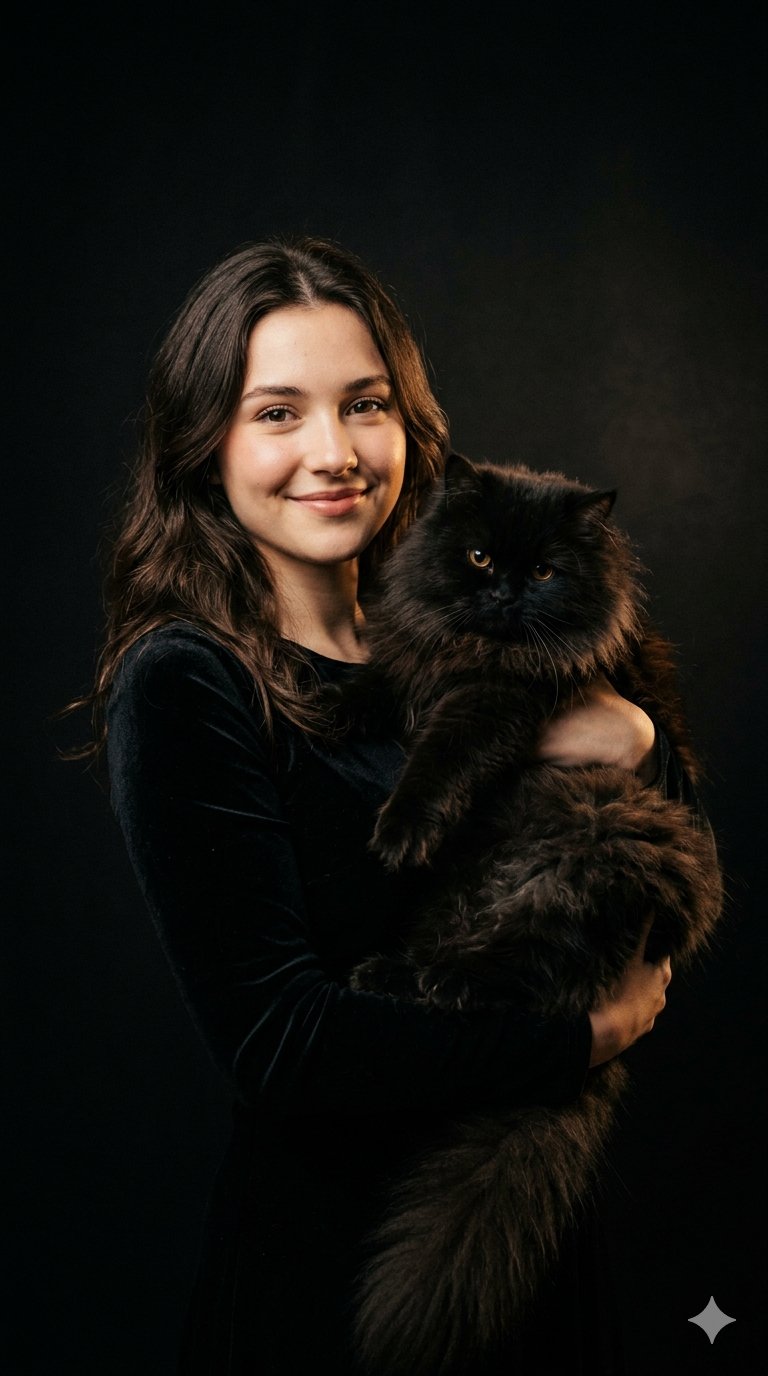
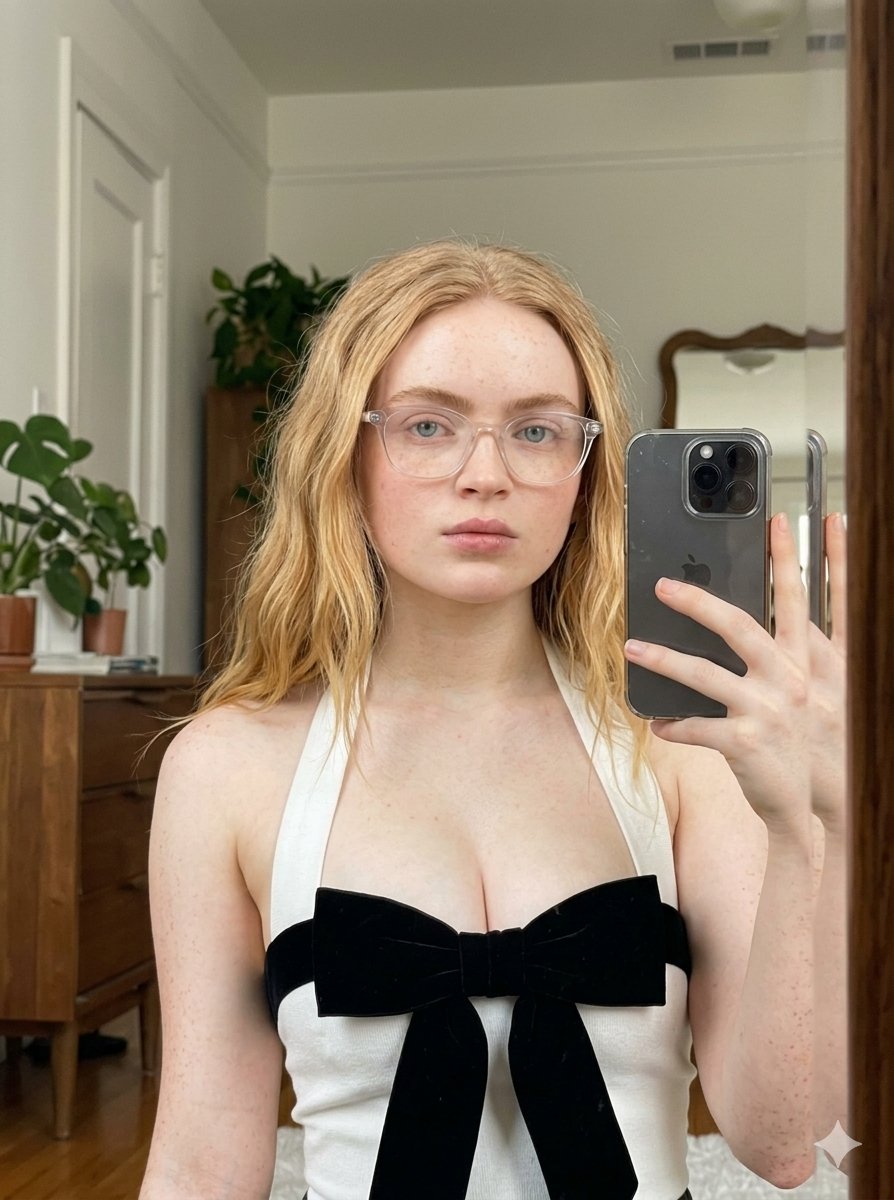
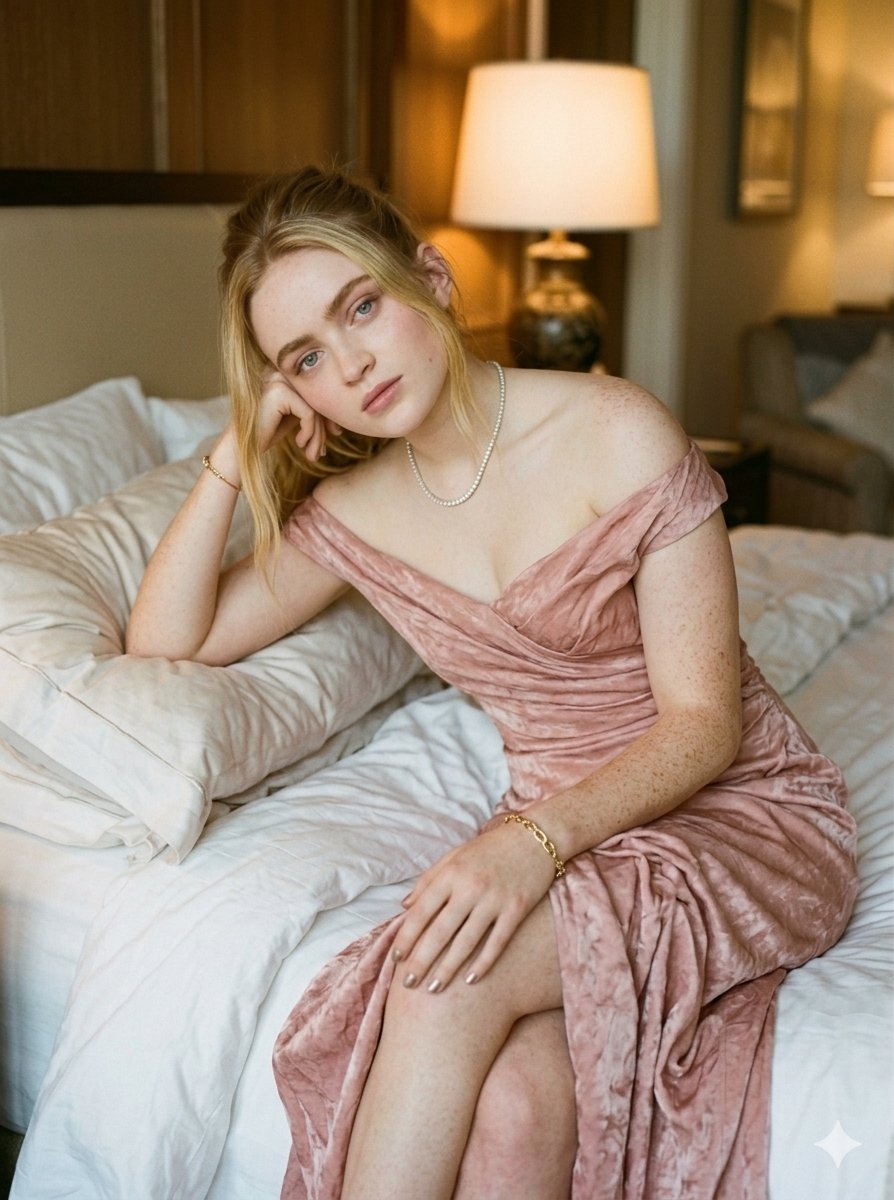
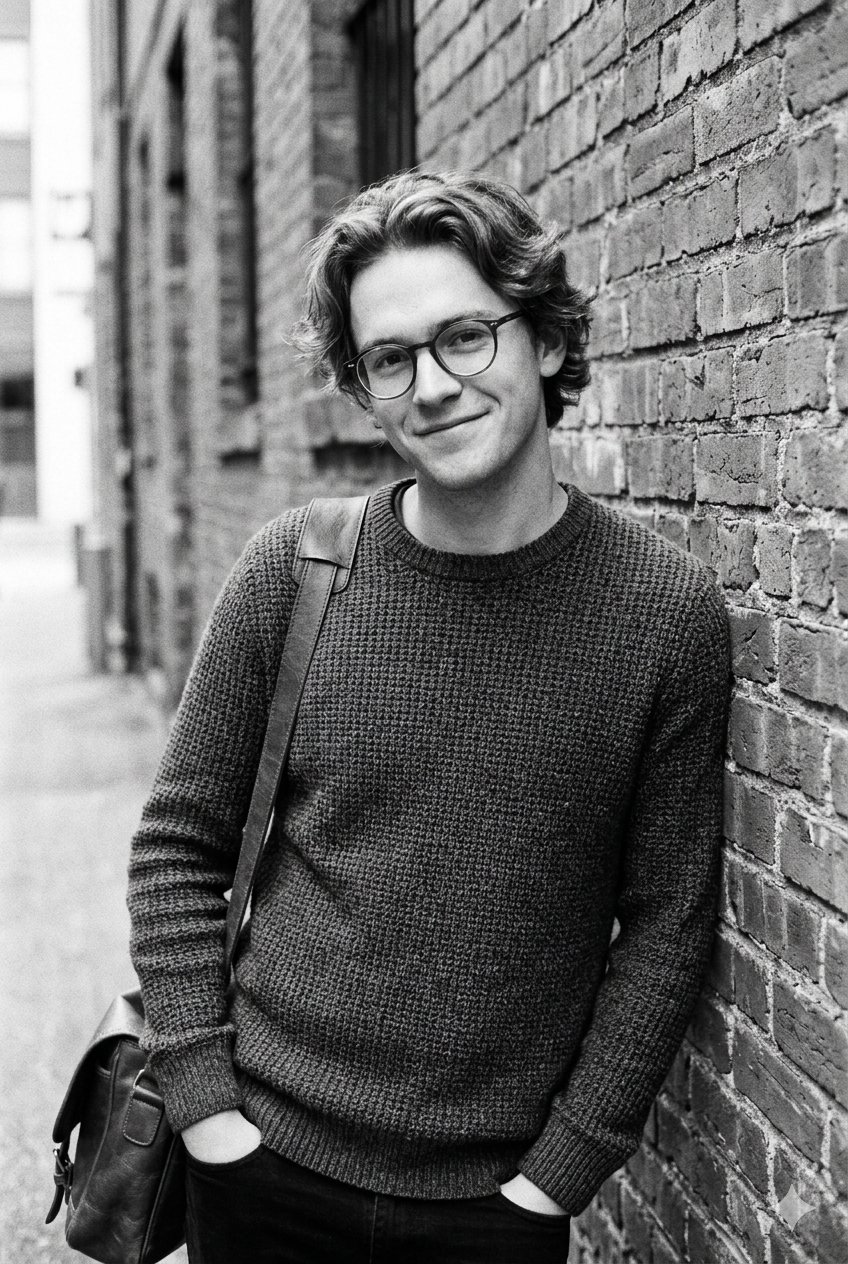
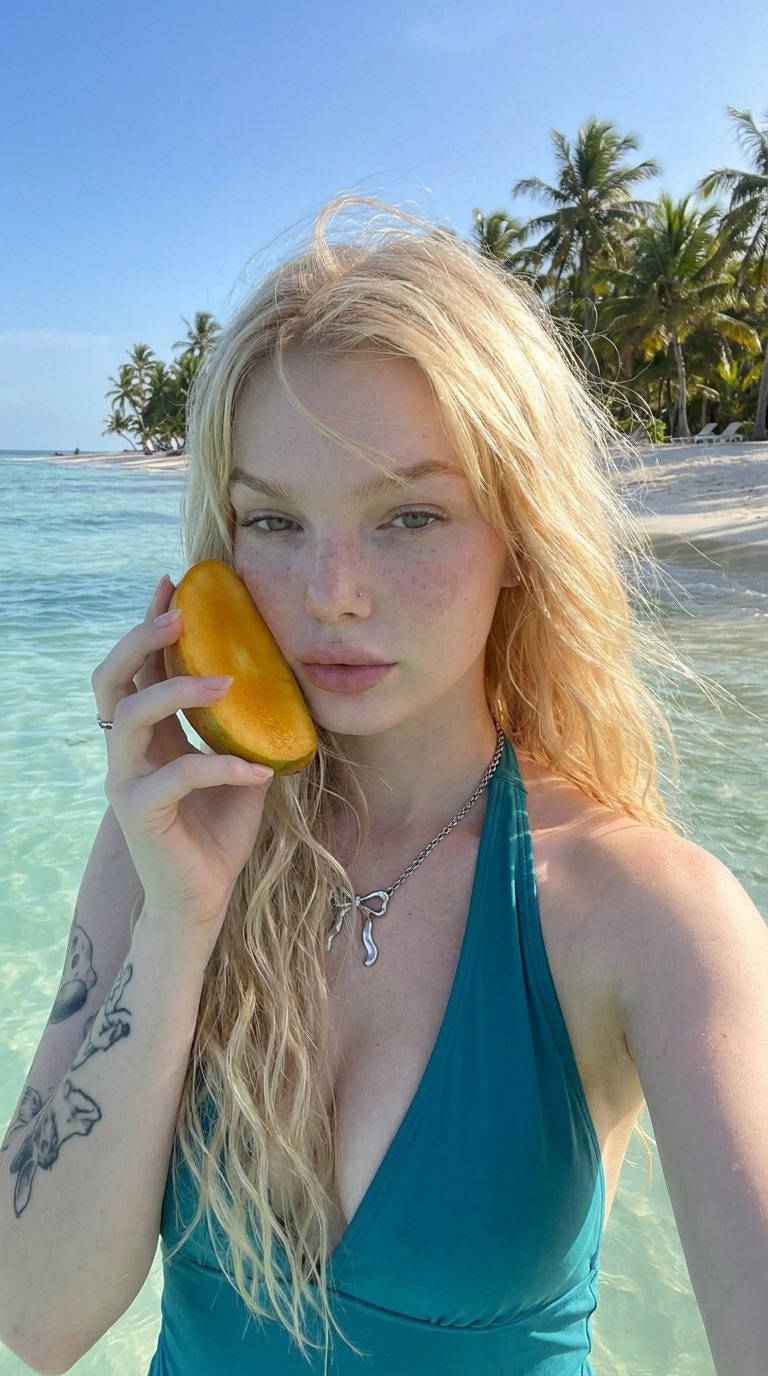
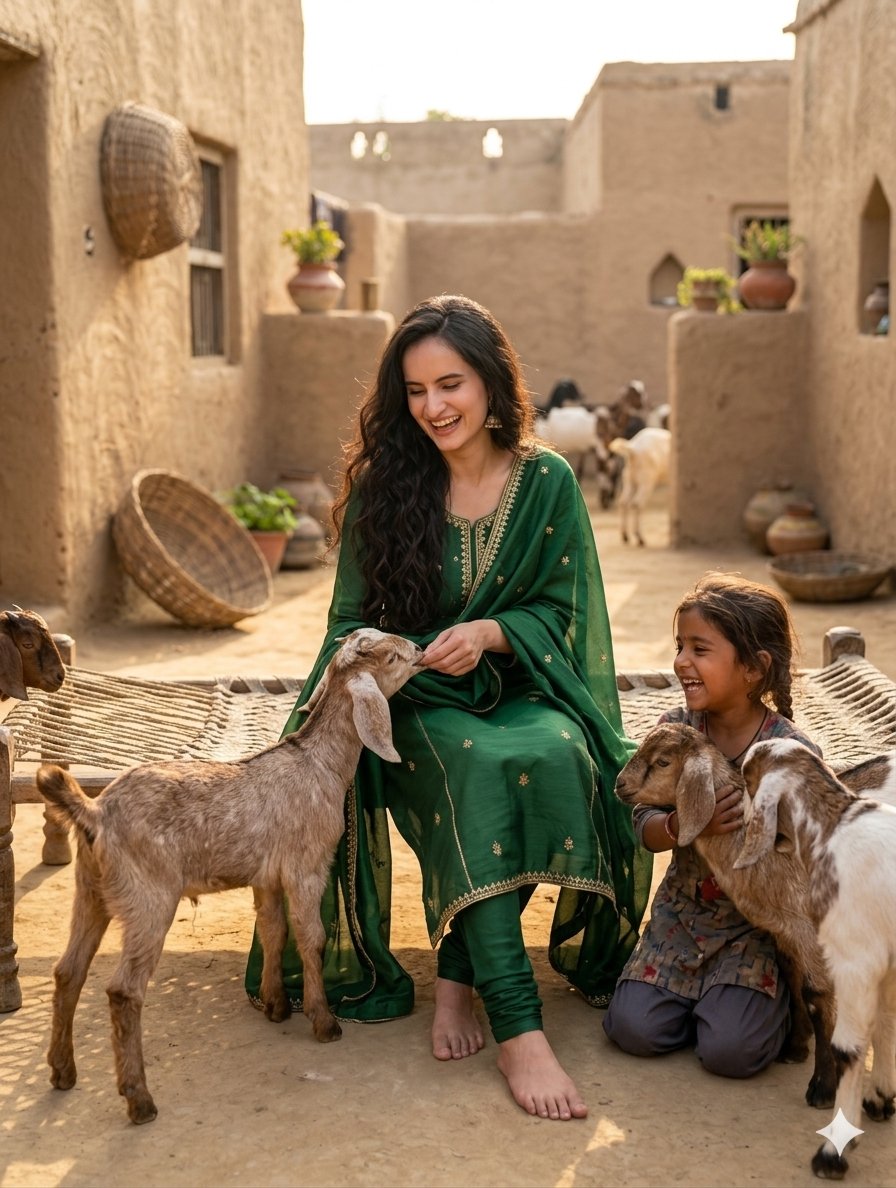
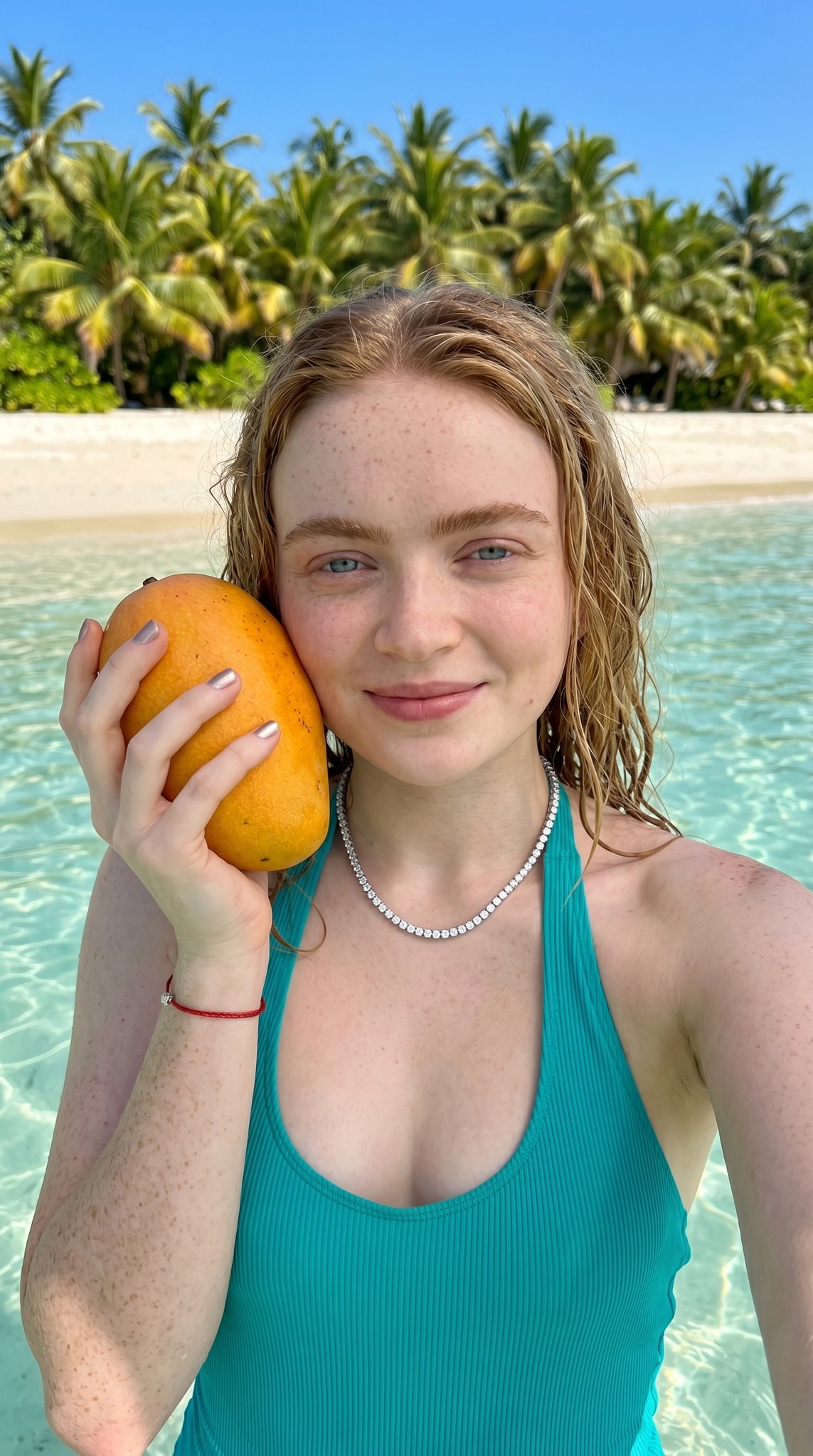
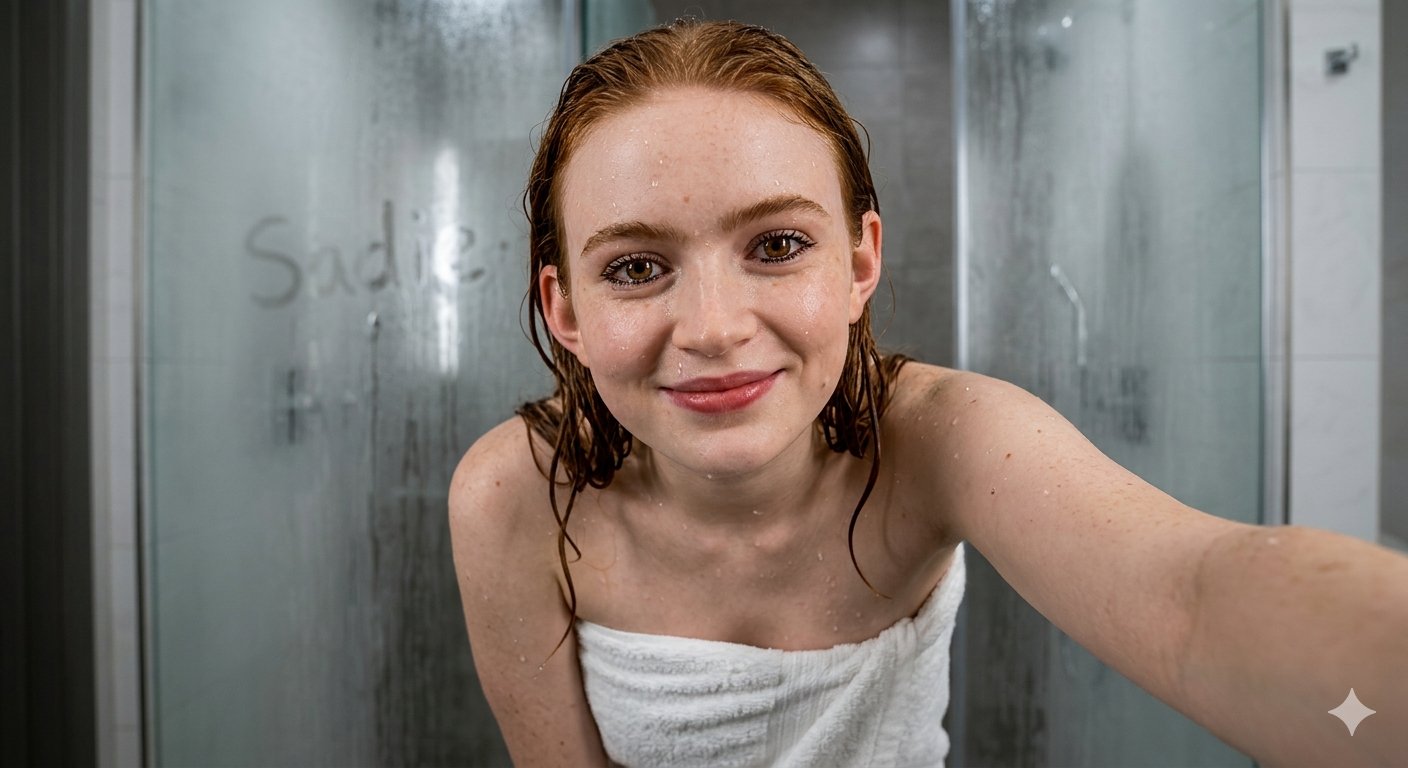
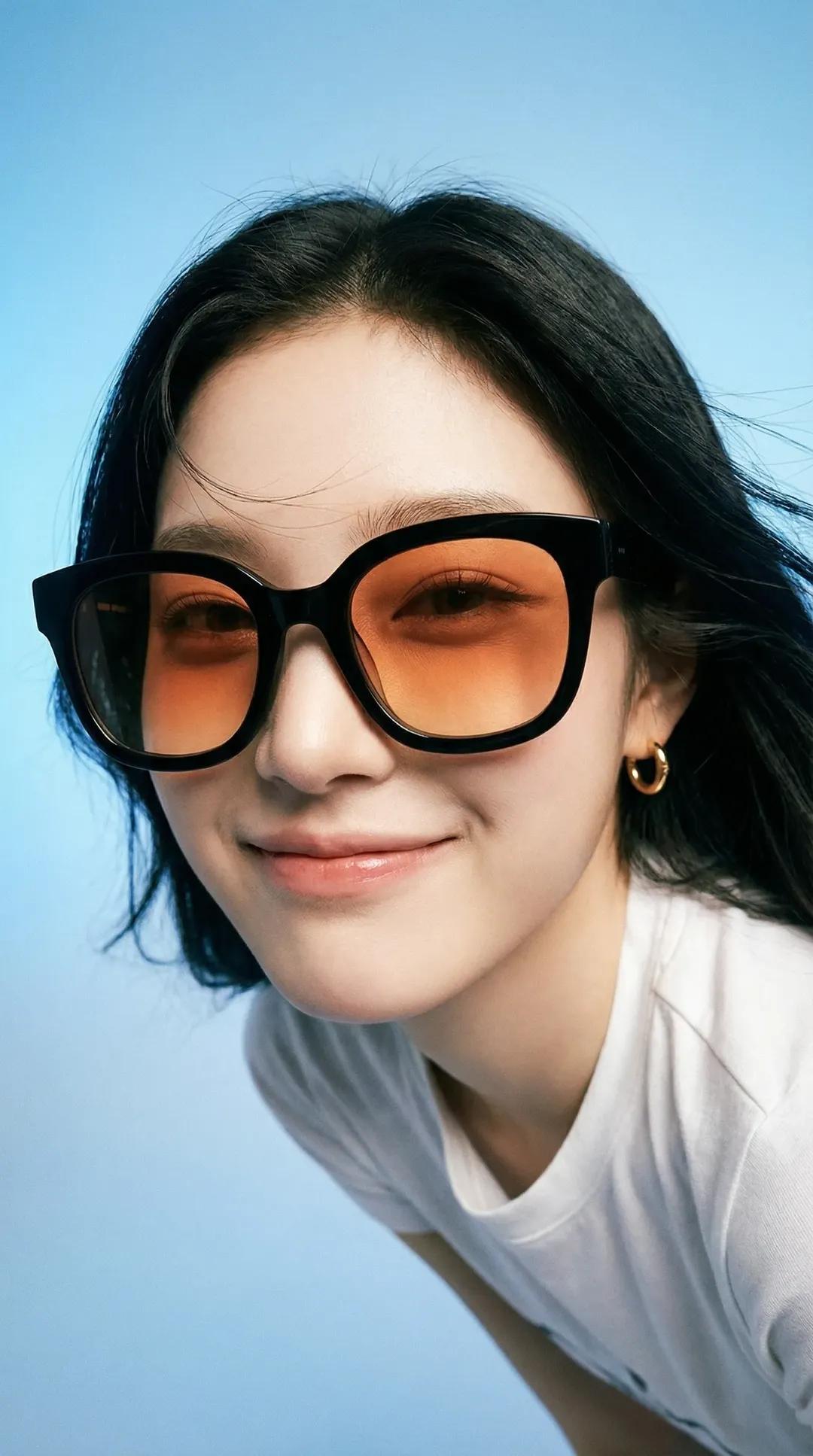
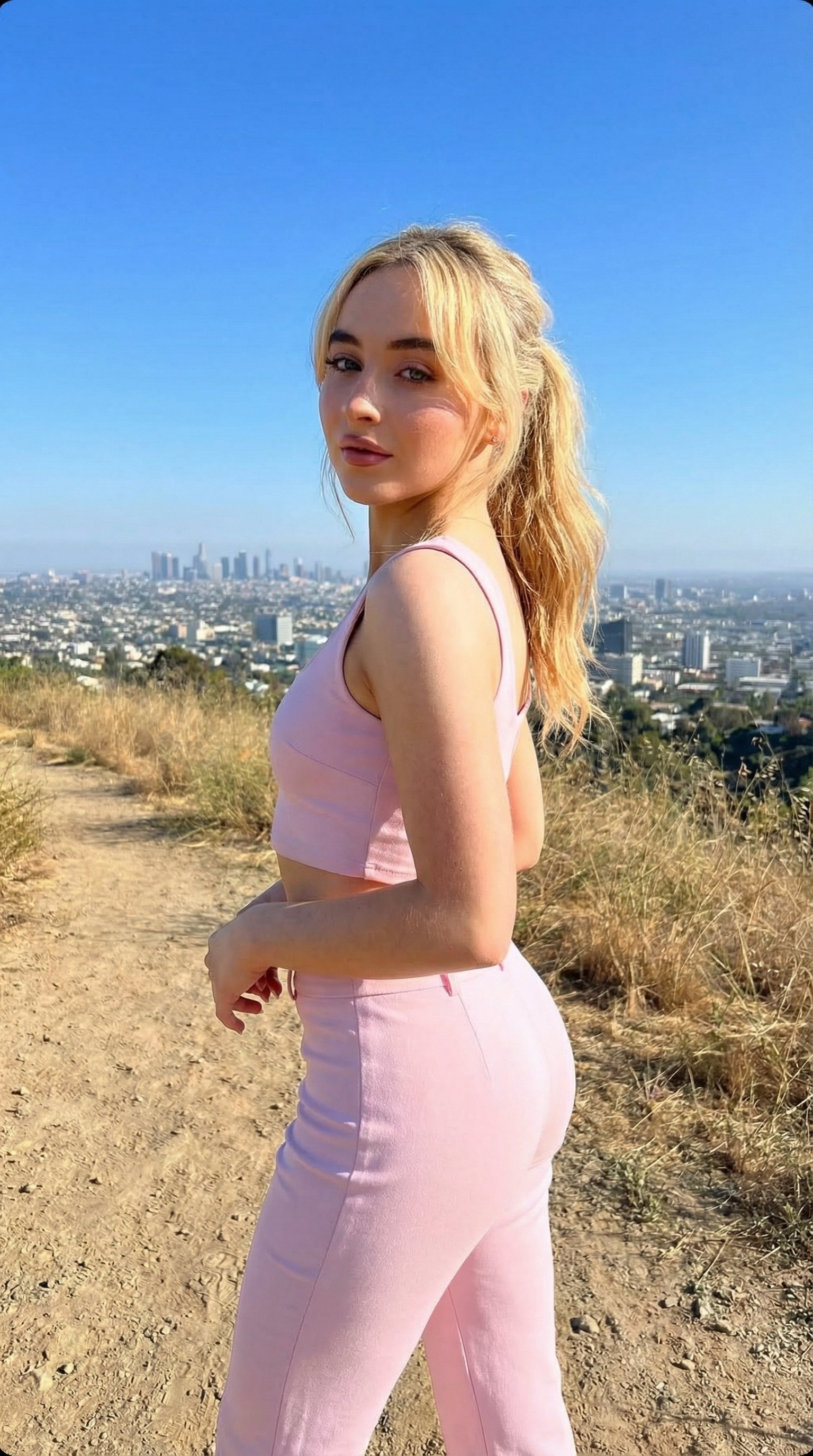
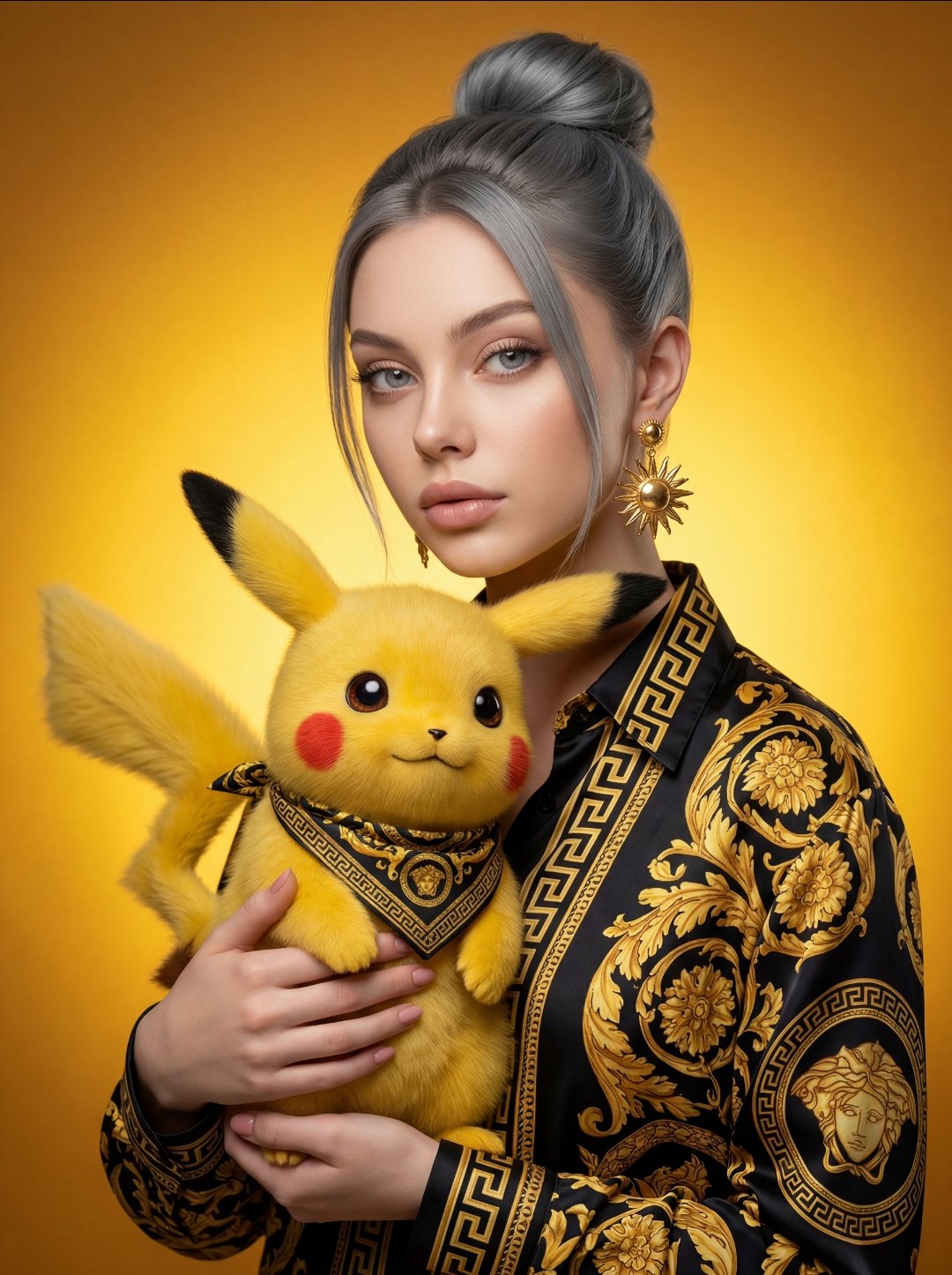
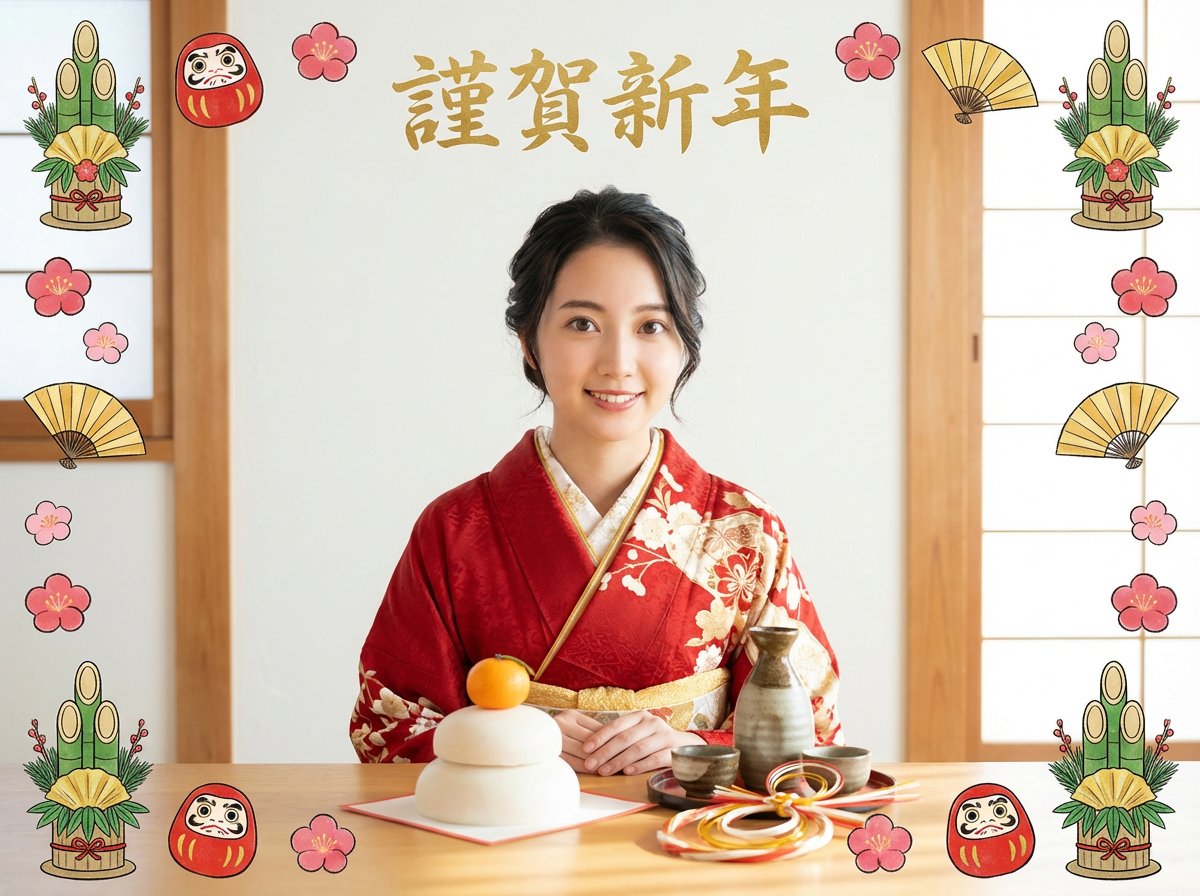
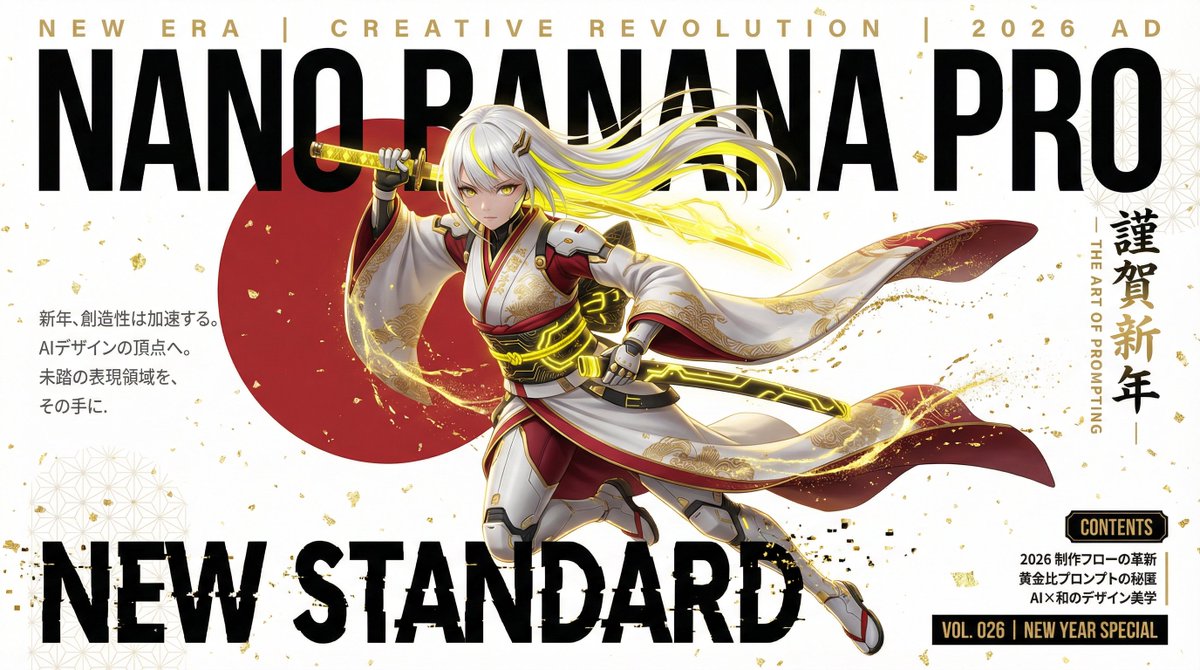
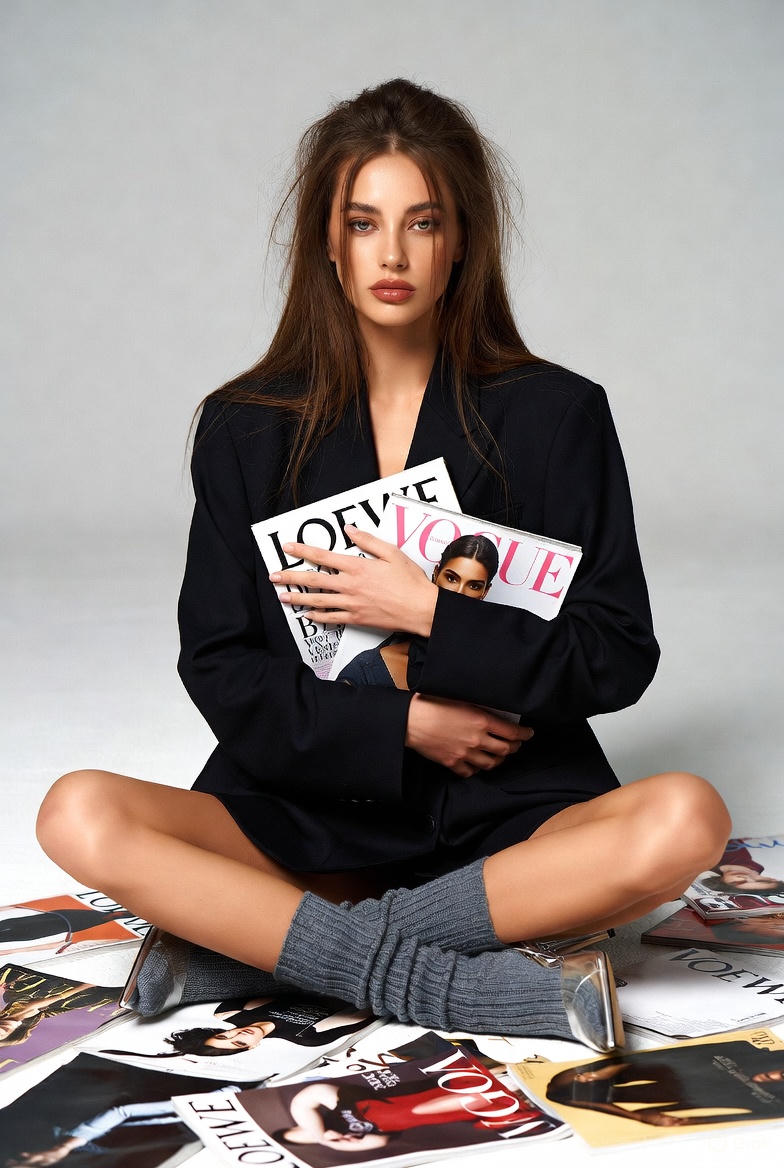
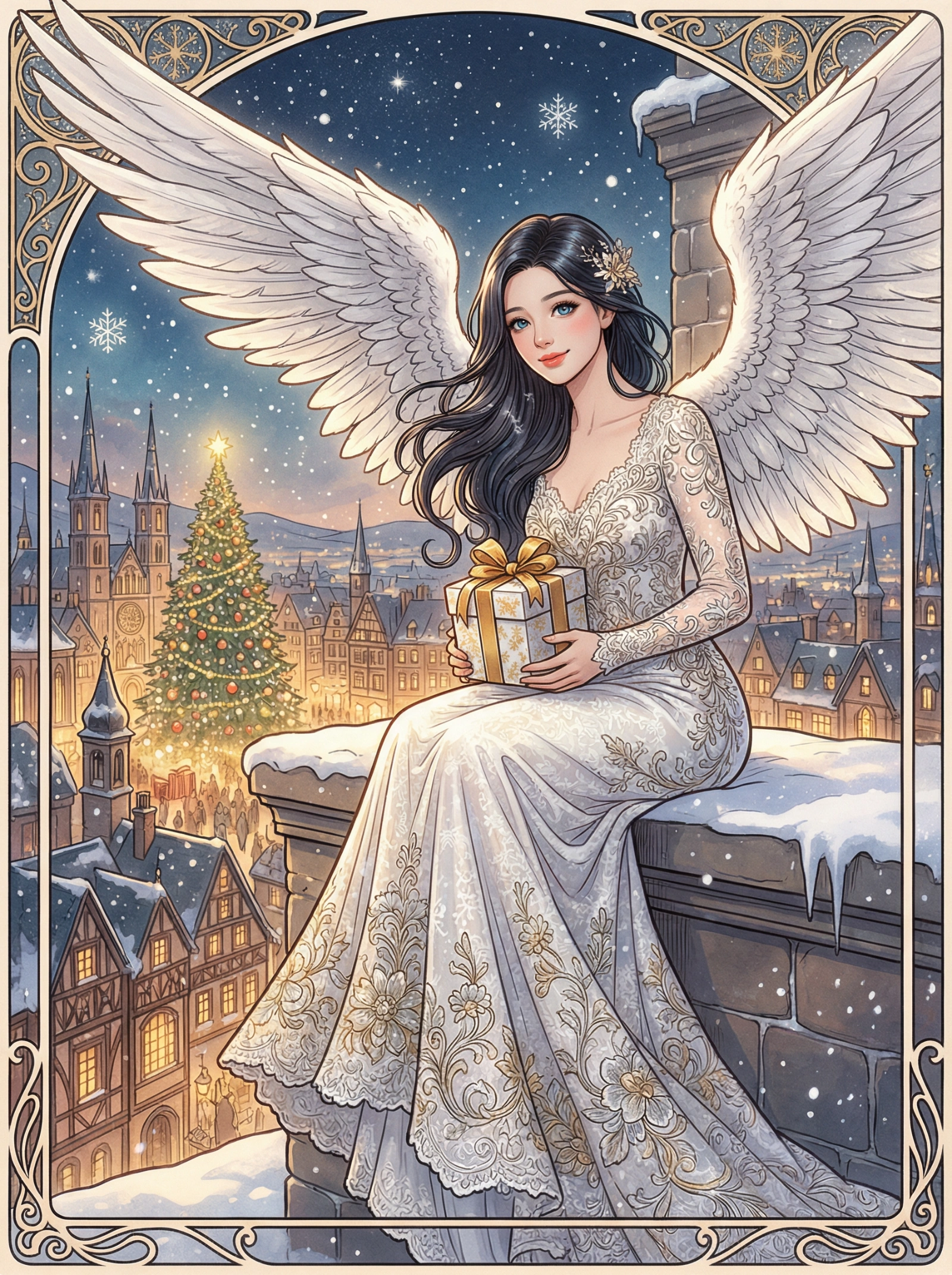
Copy this Nano Banana Pro text-to-image prompt to create character...
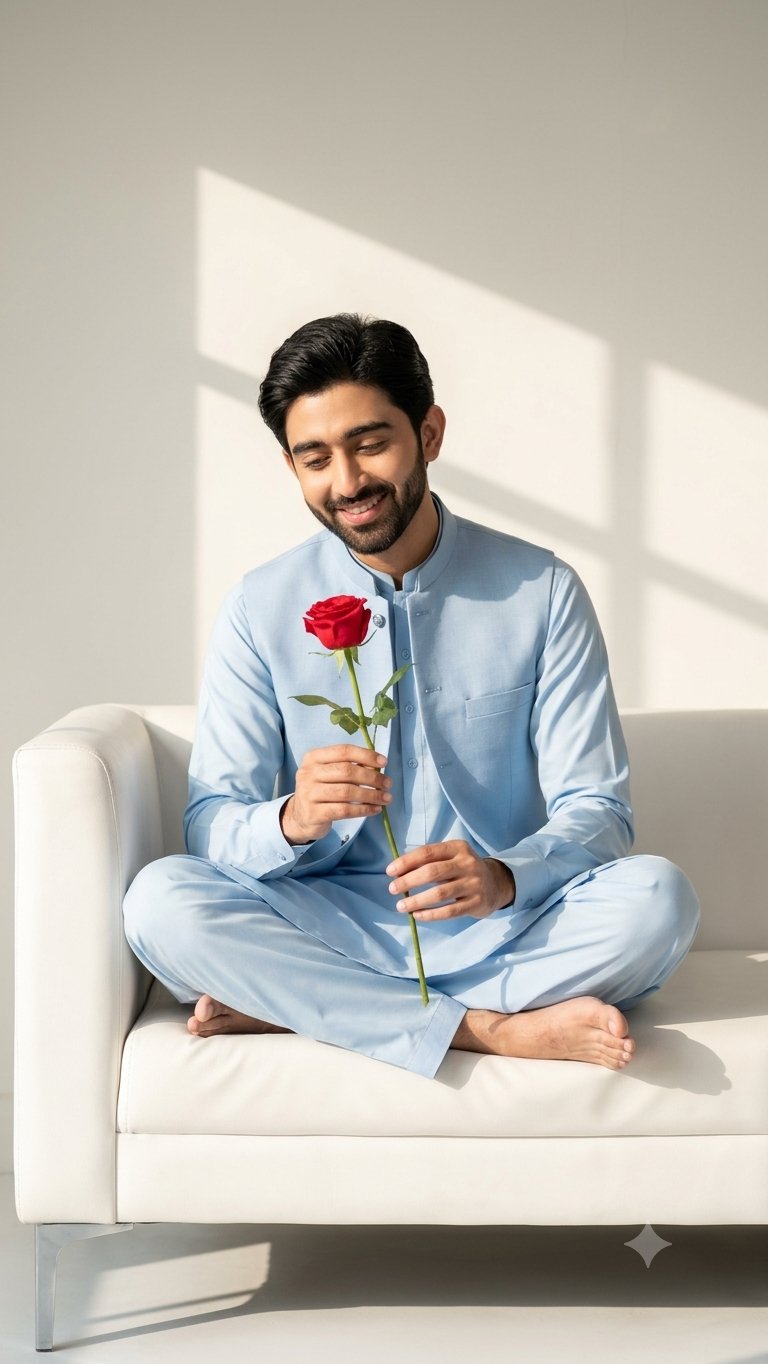
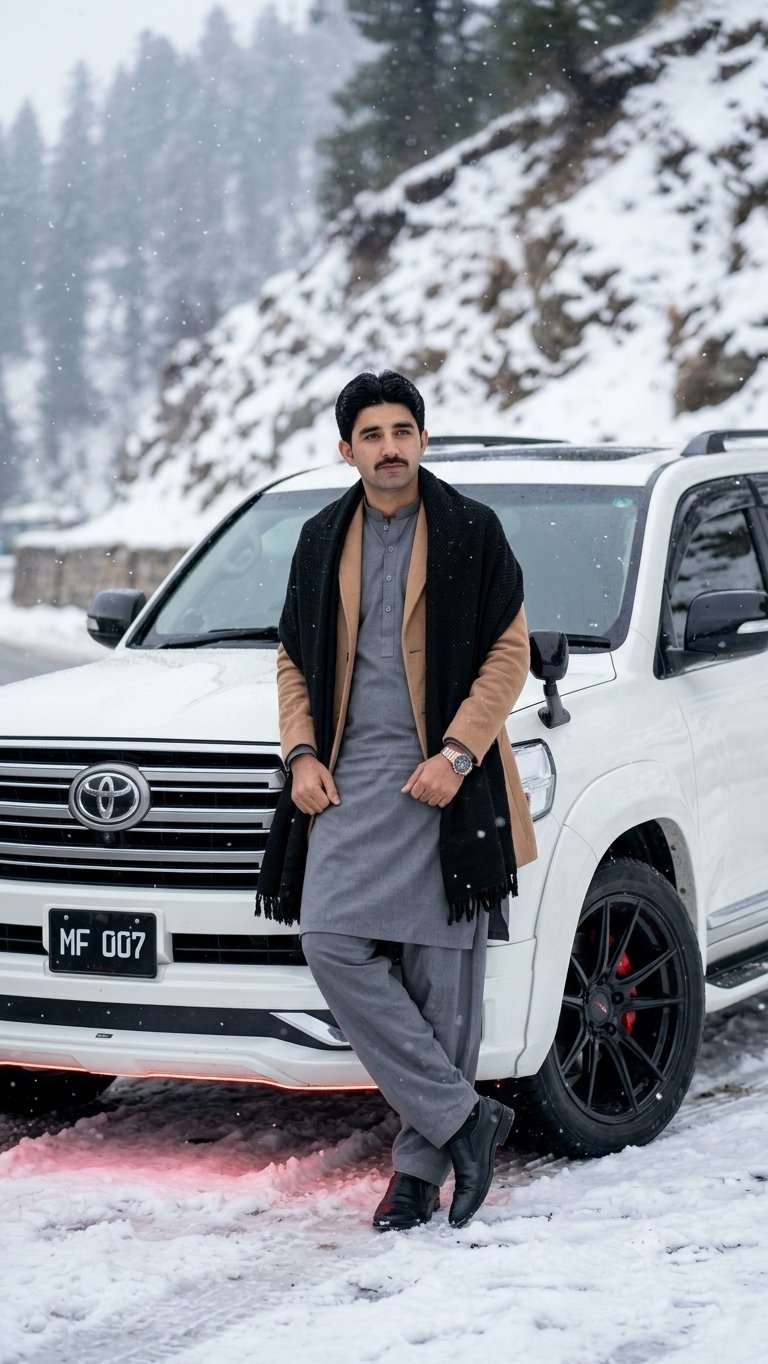
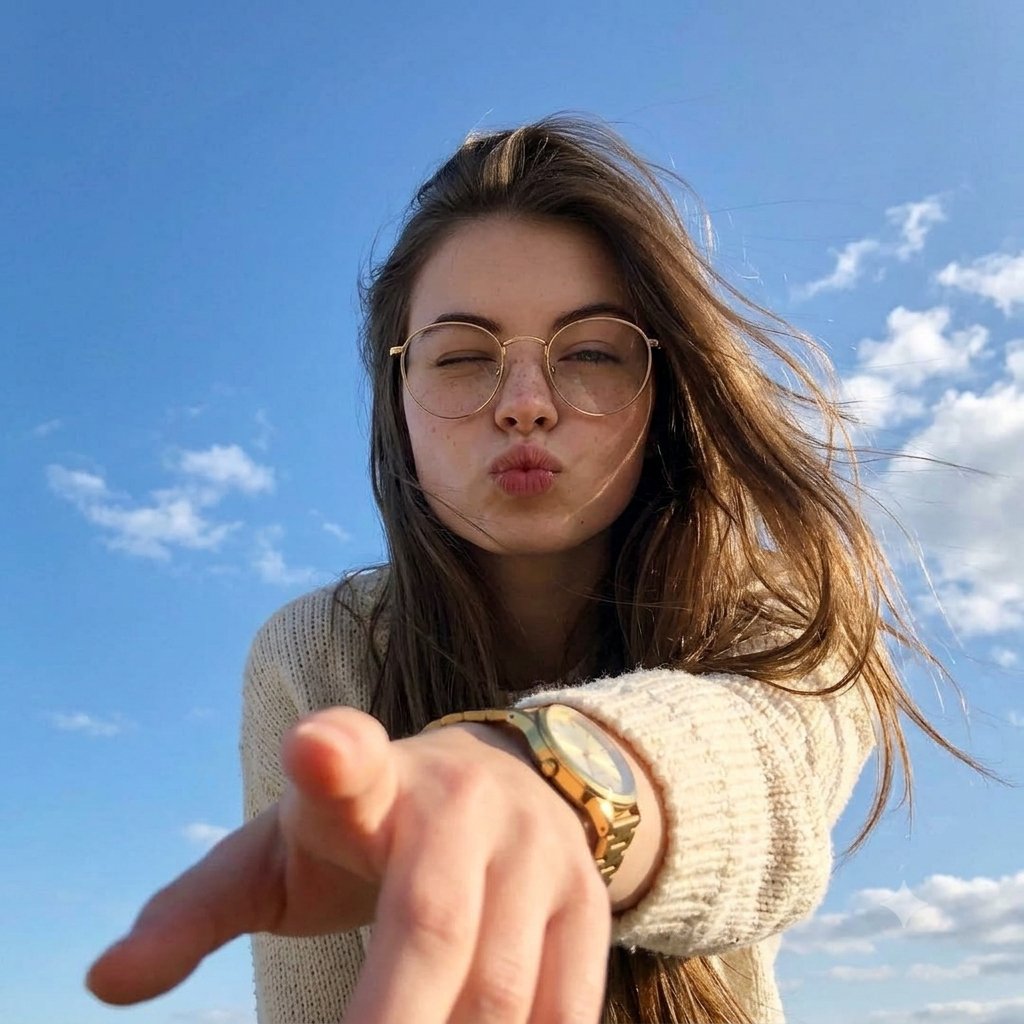
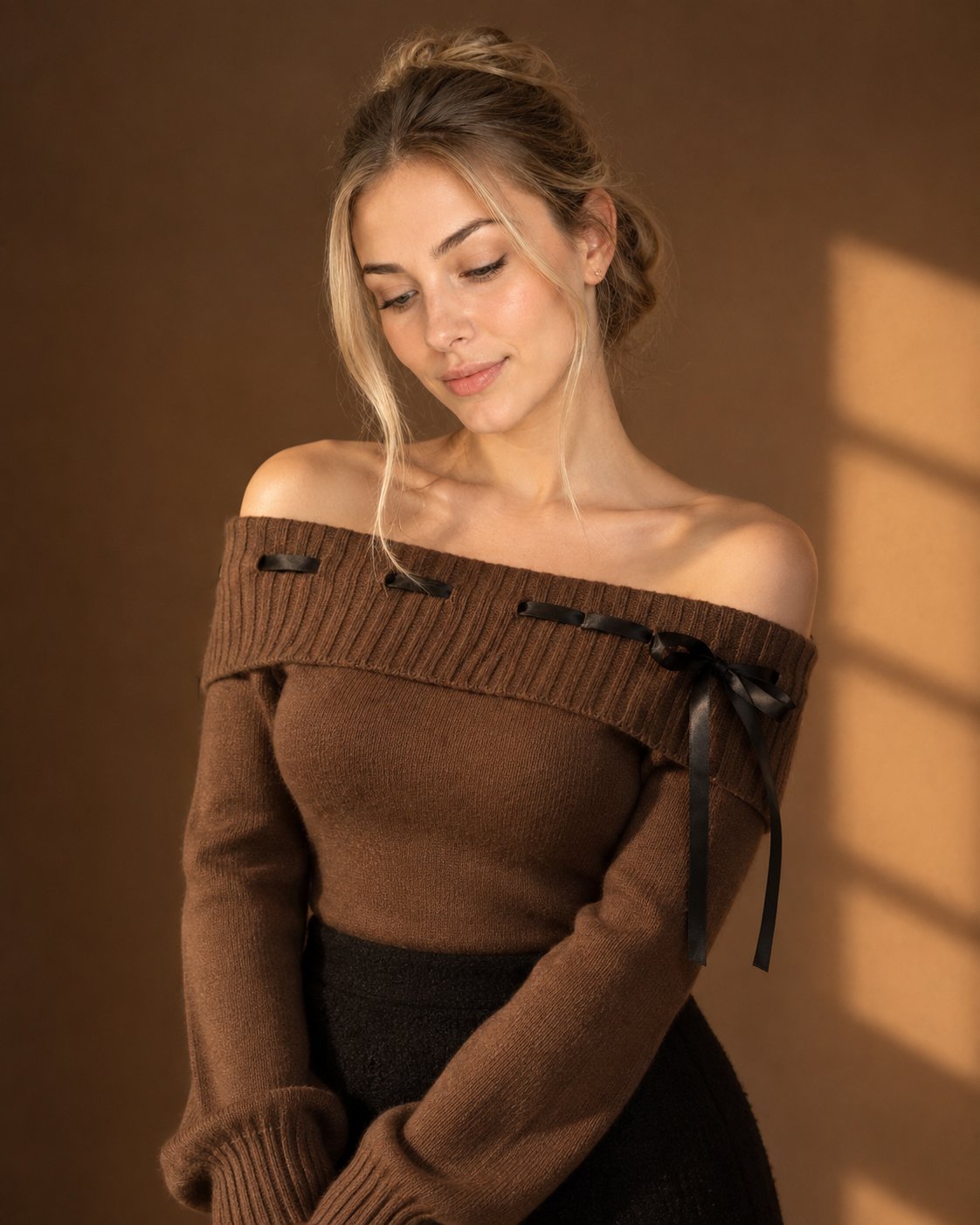
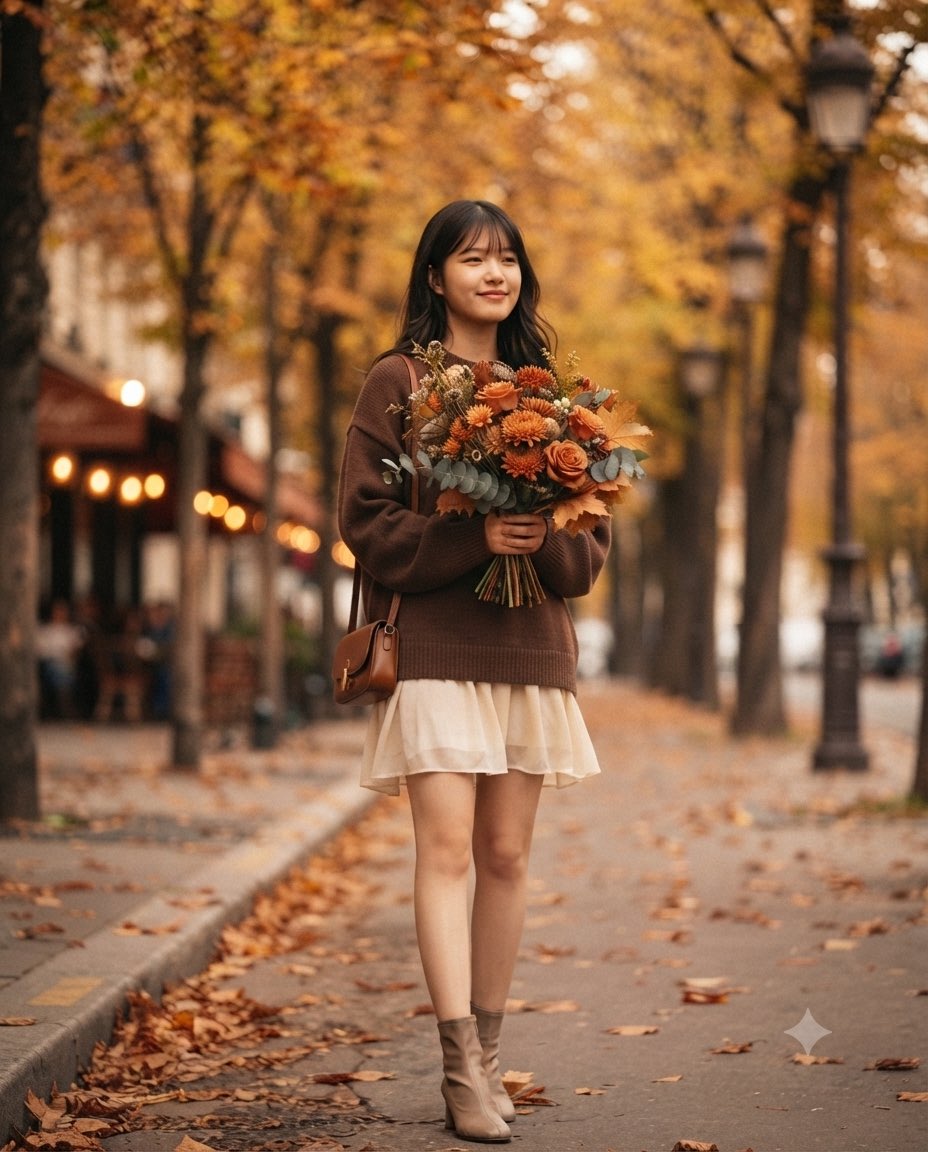
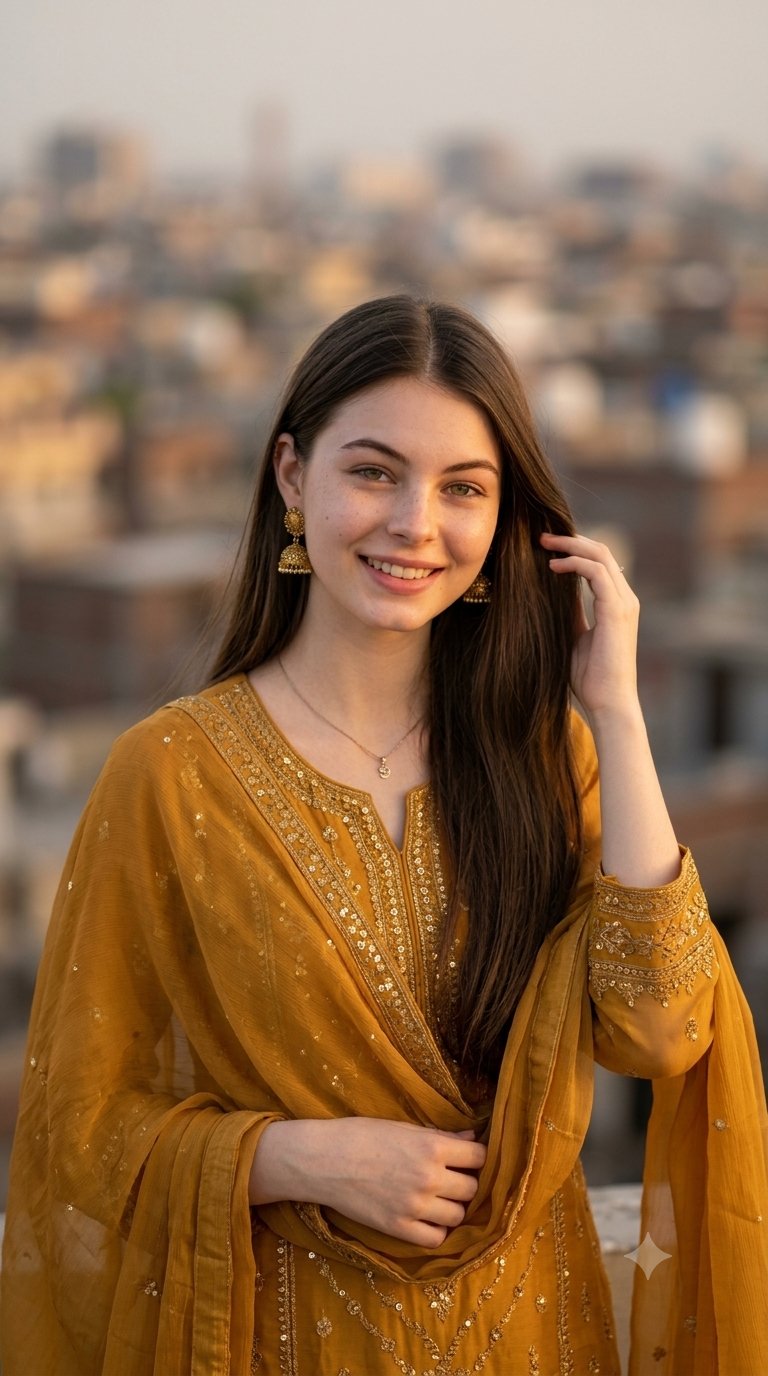
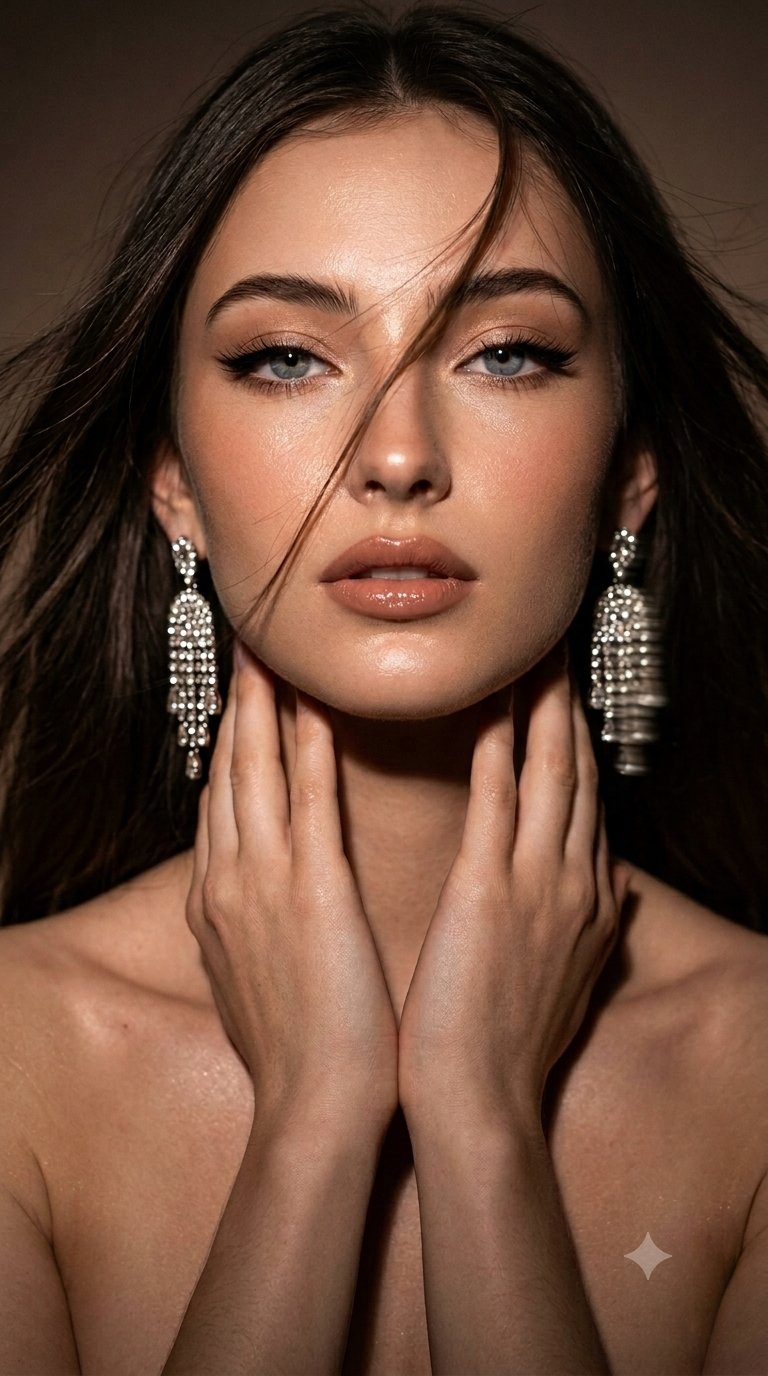
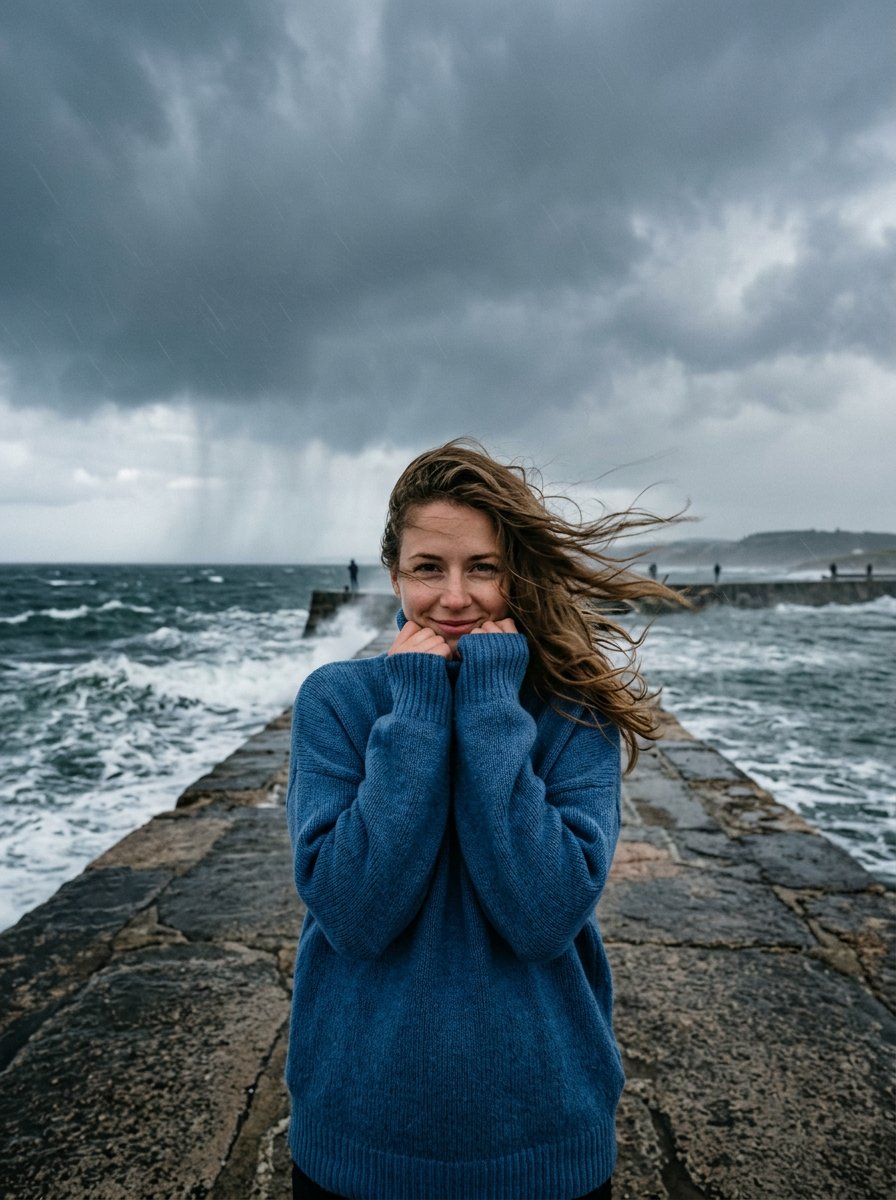
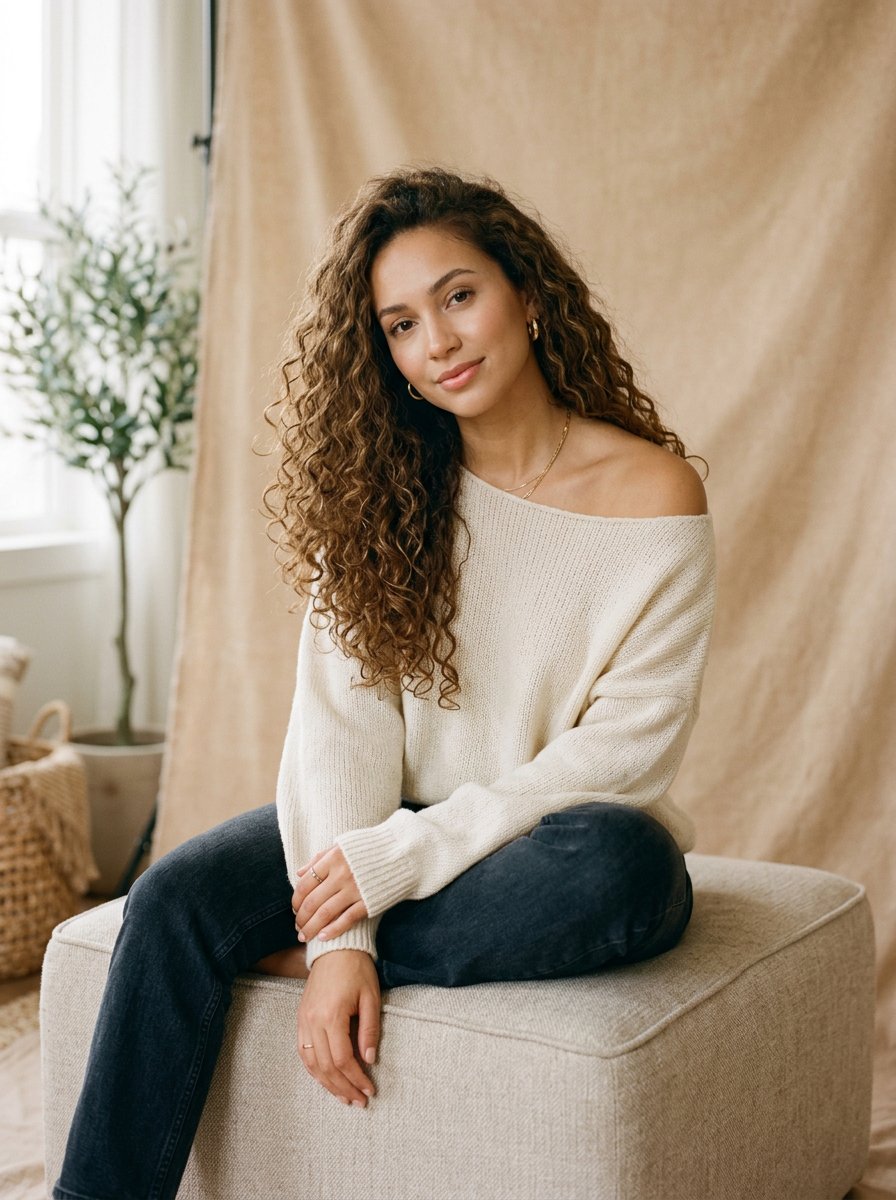
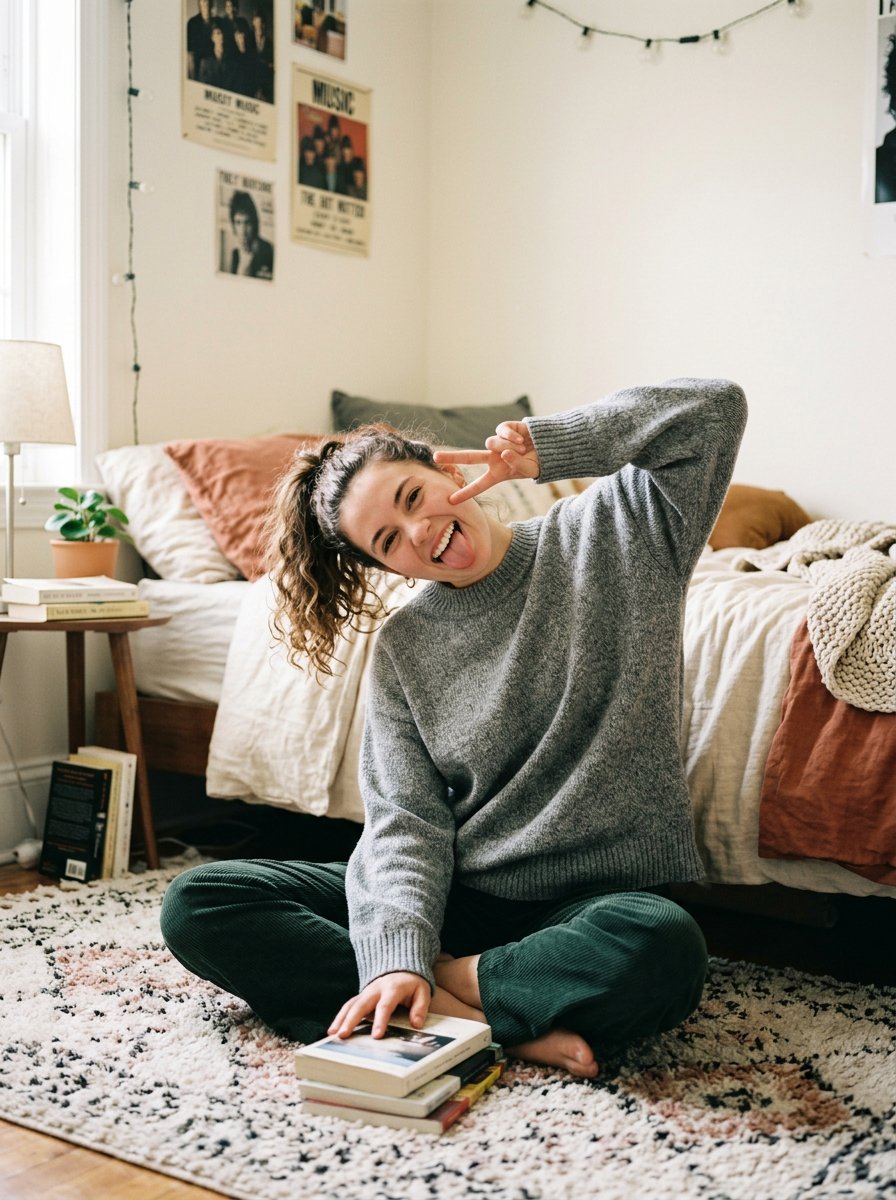
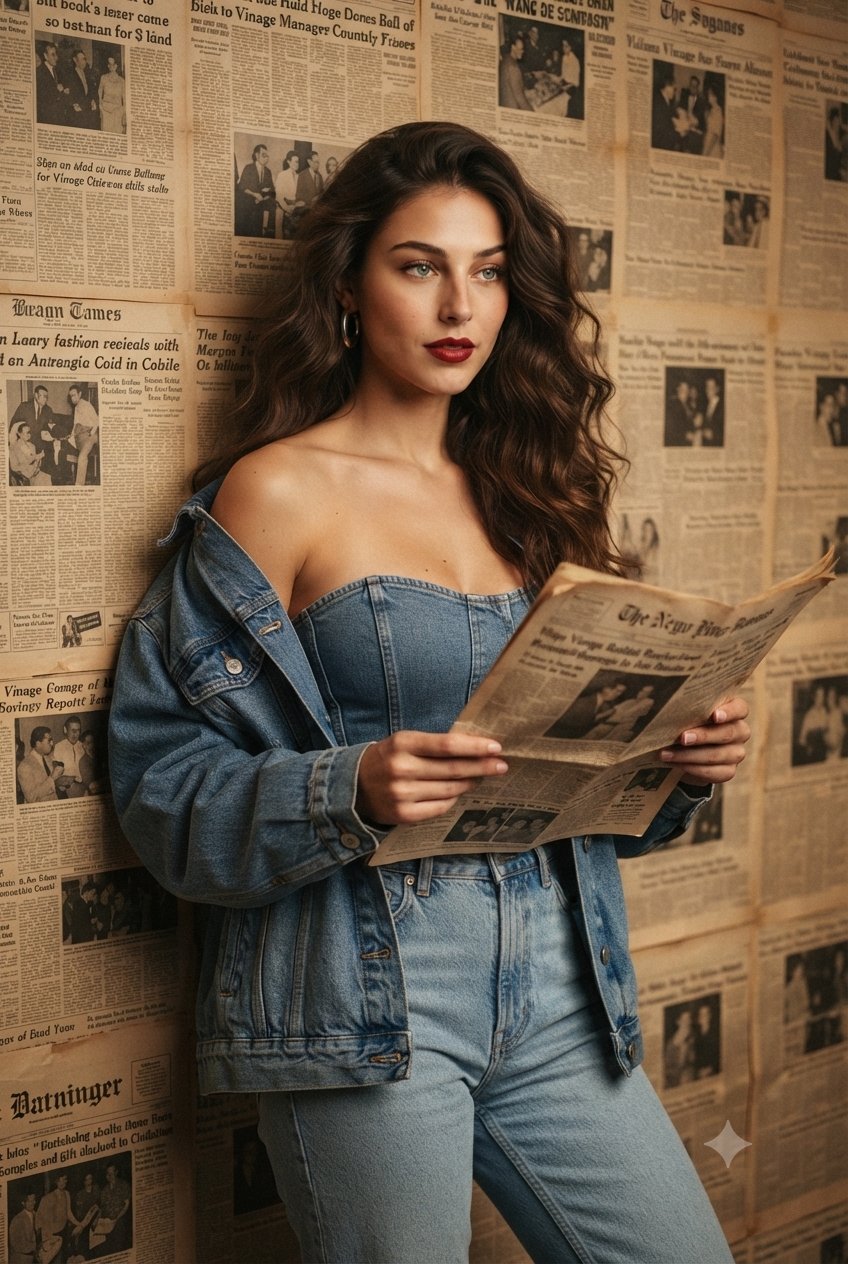
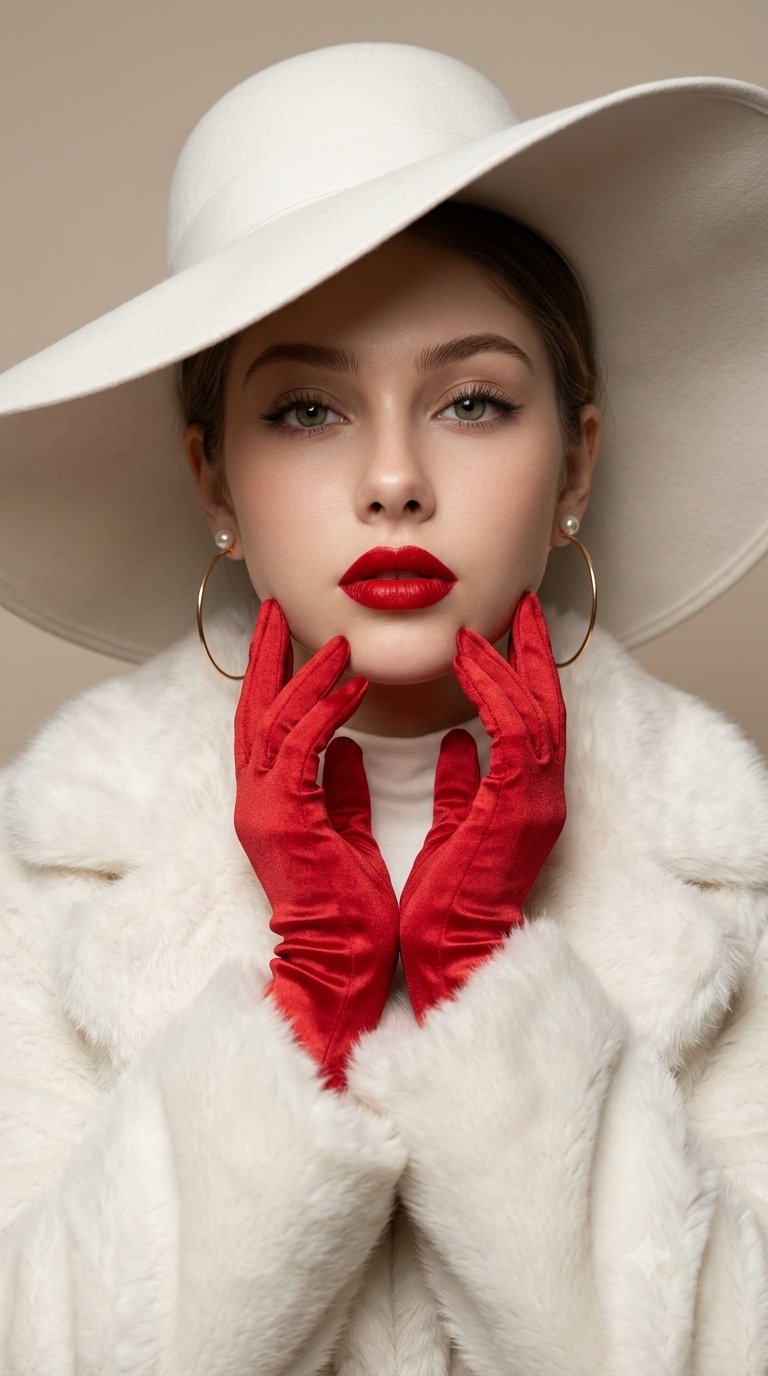
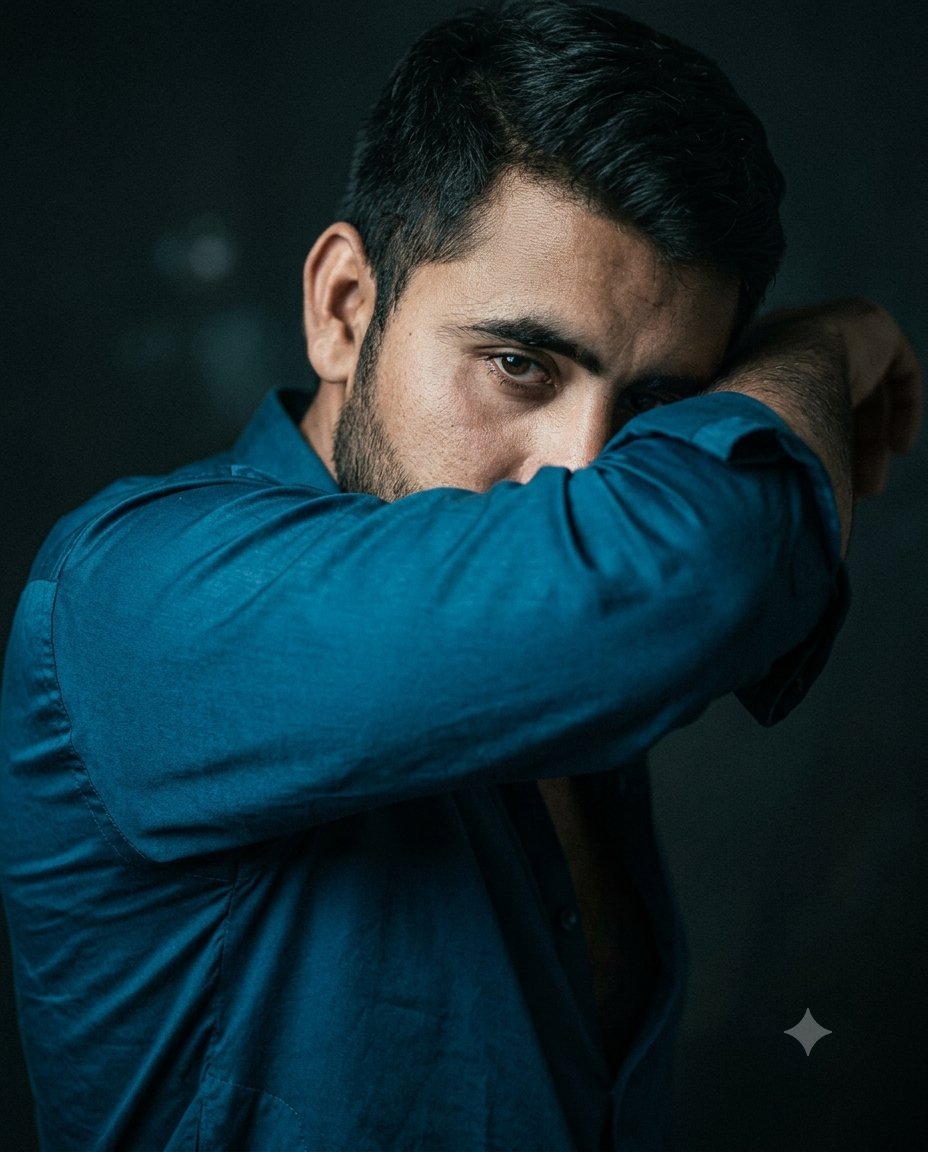
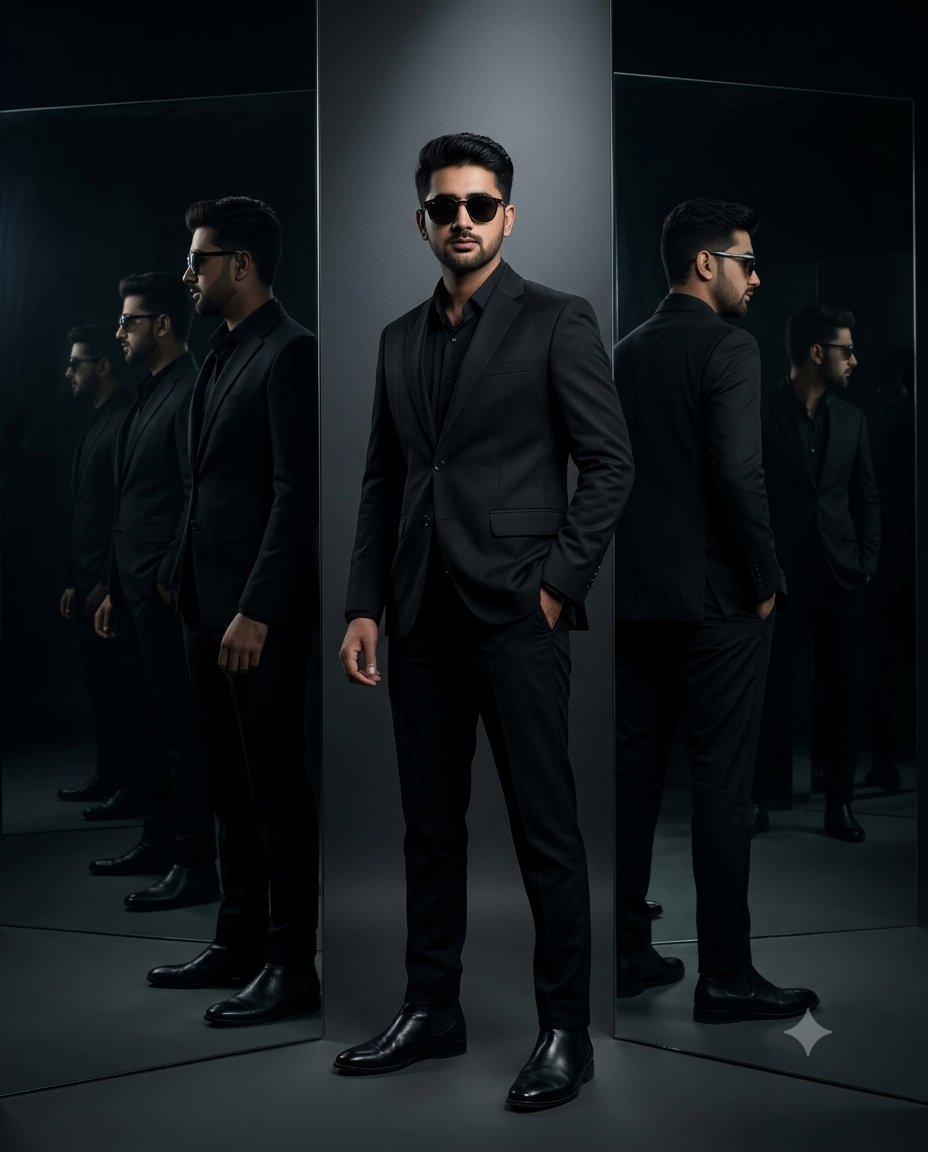
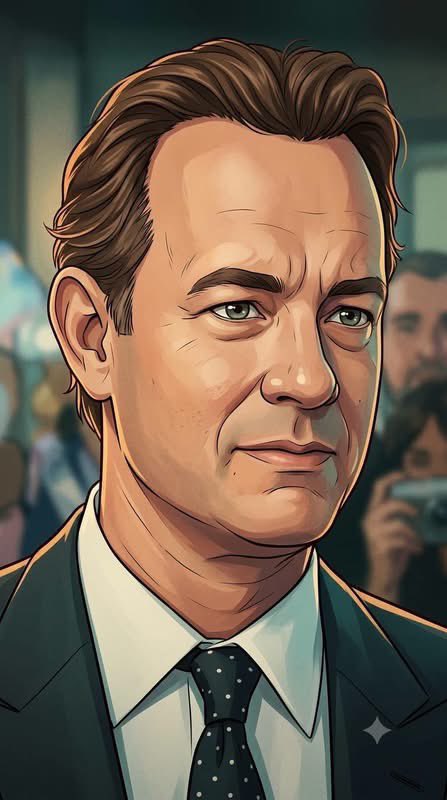
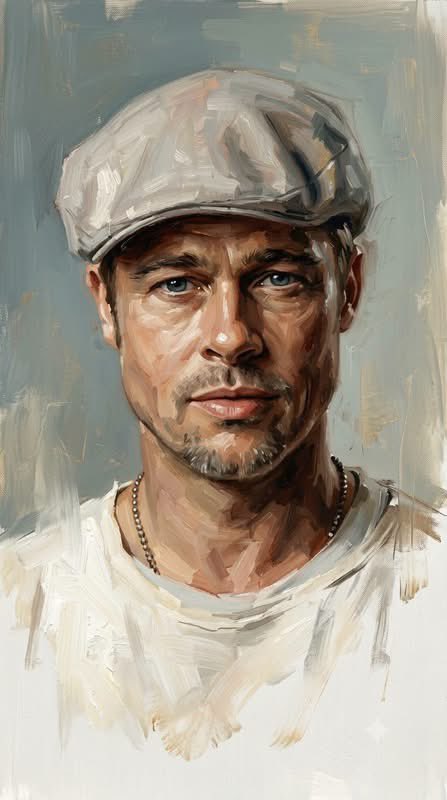
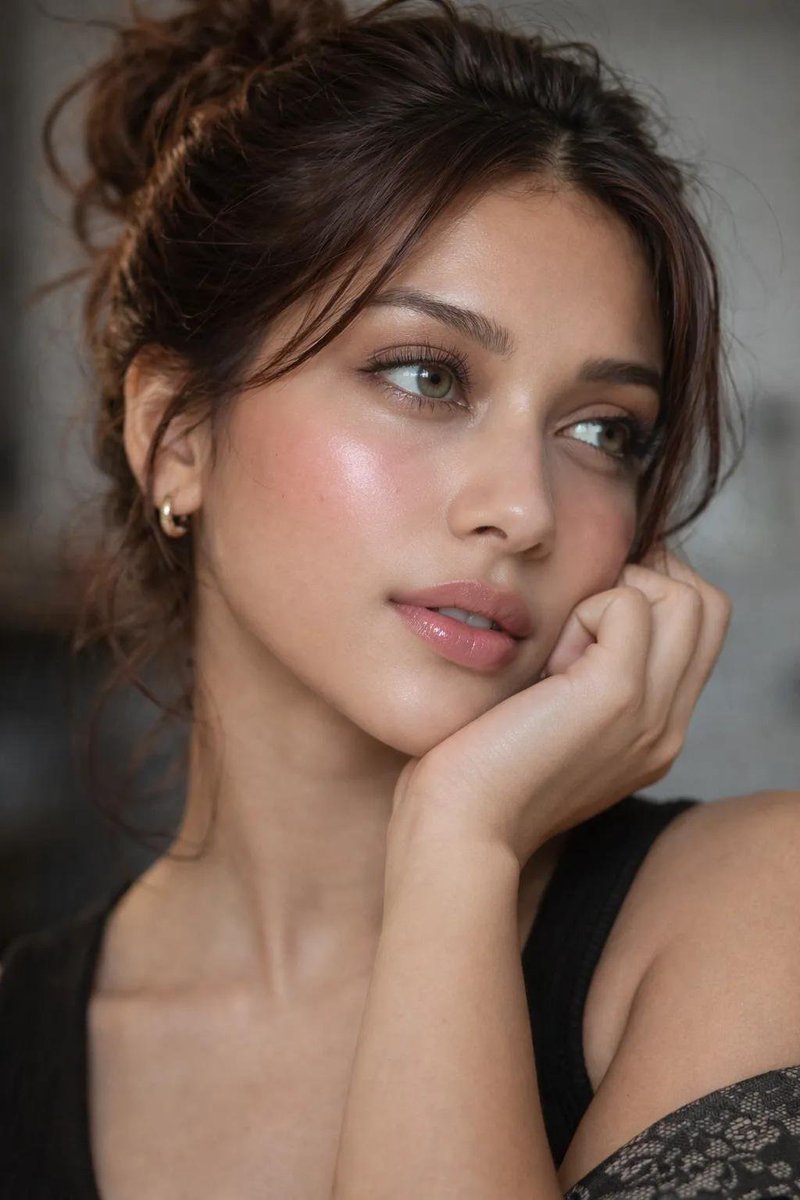
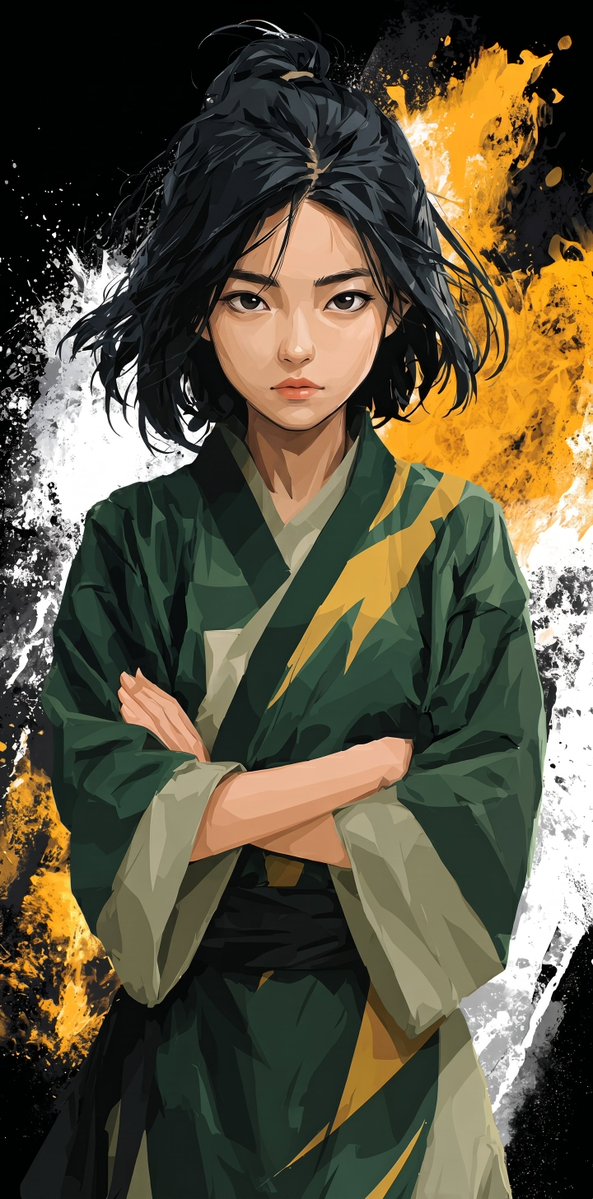
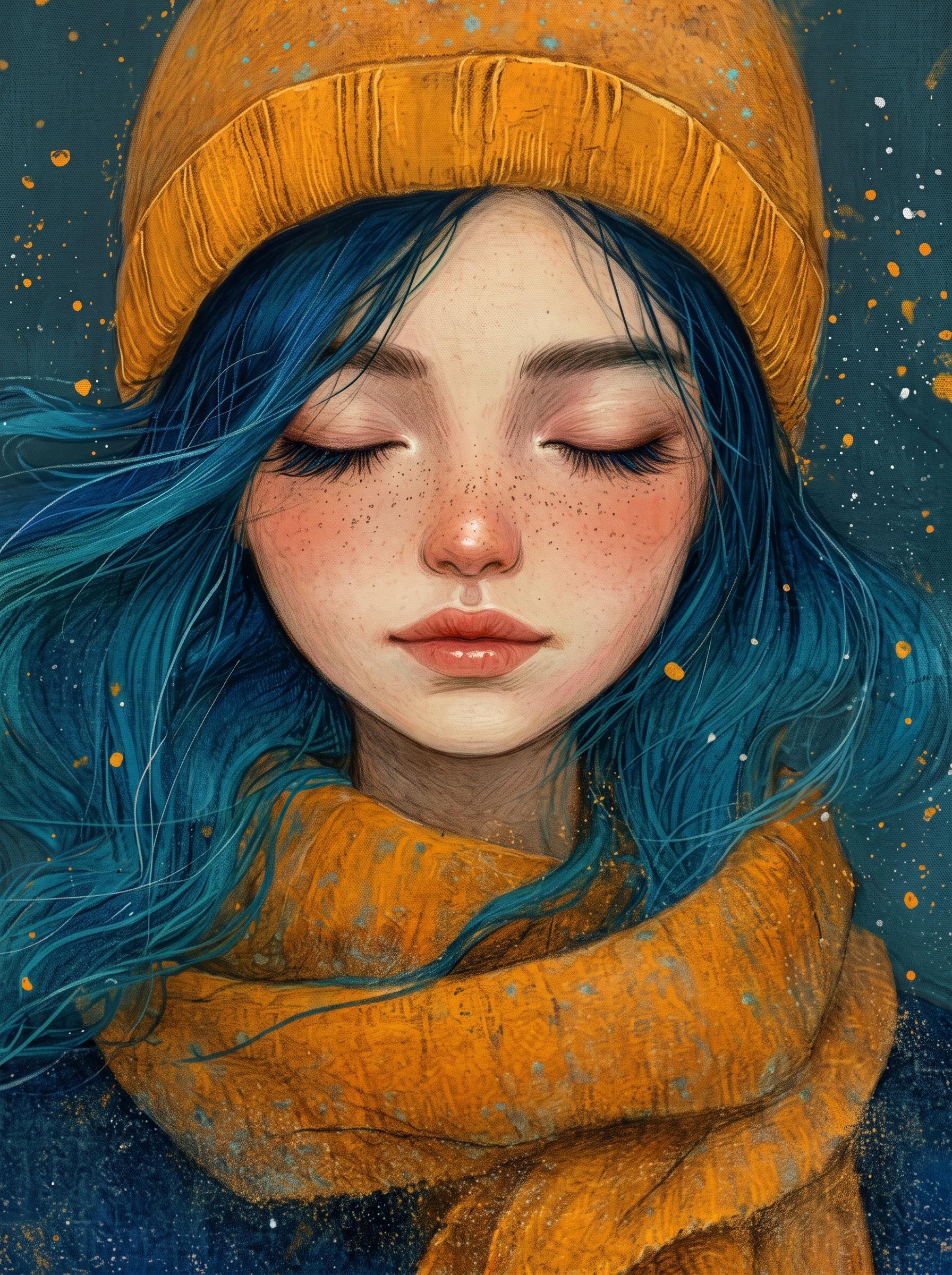
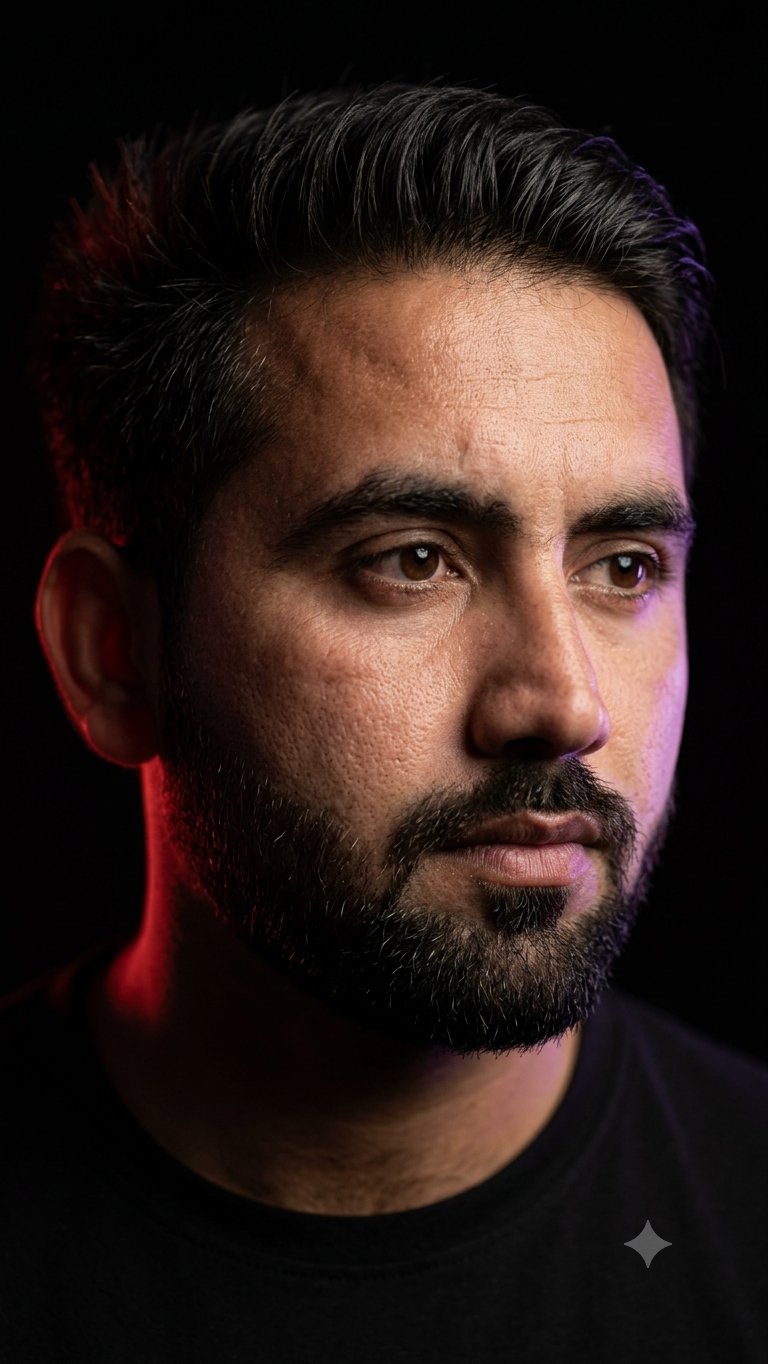
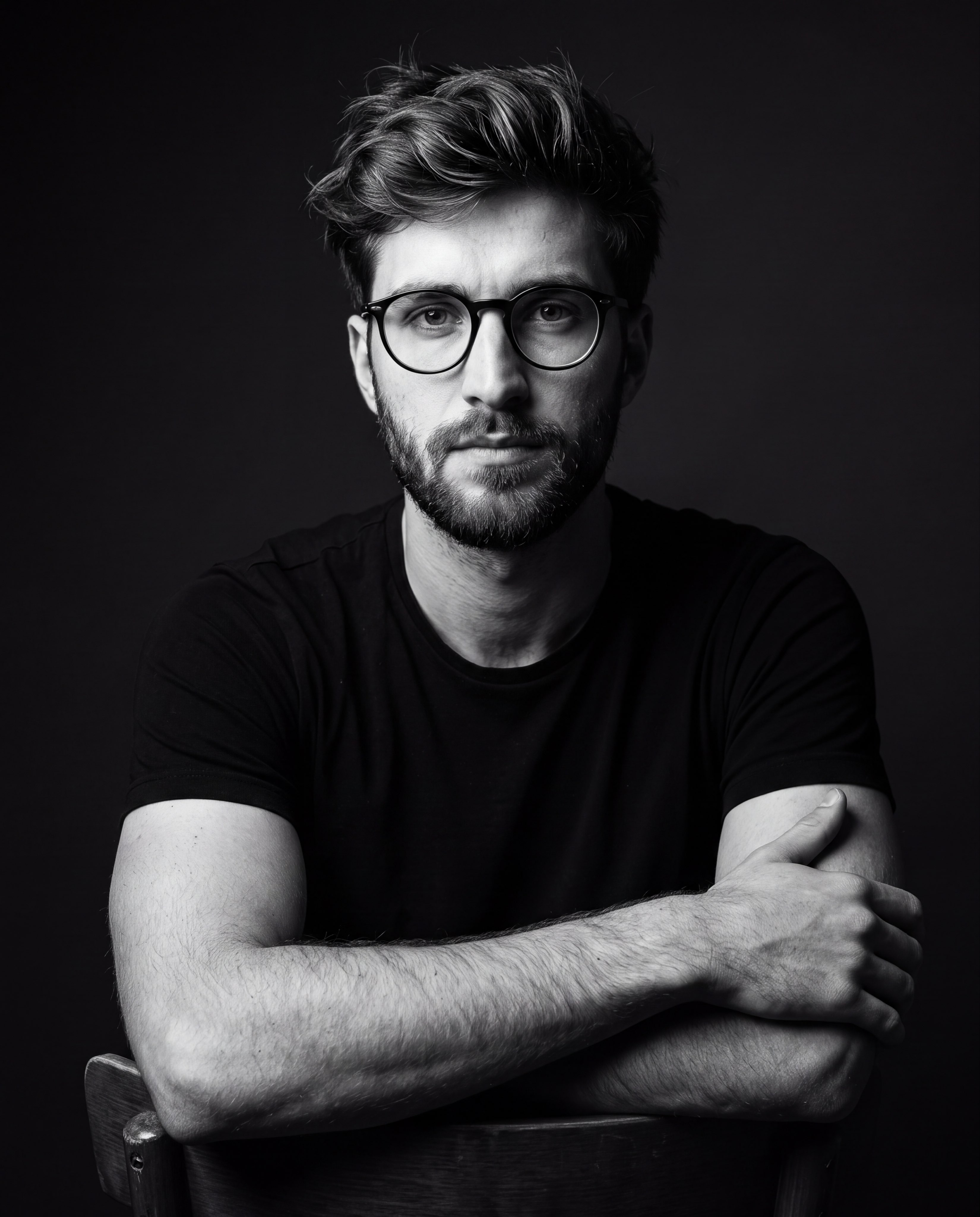
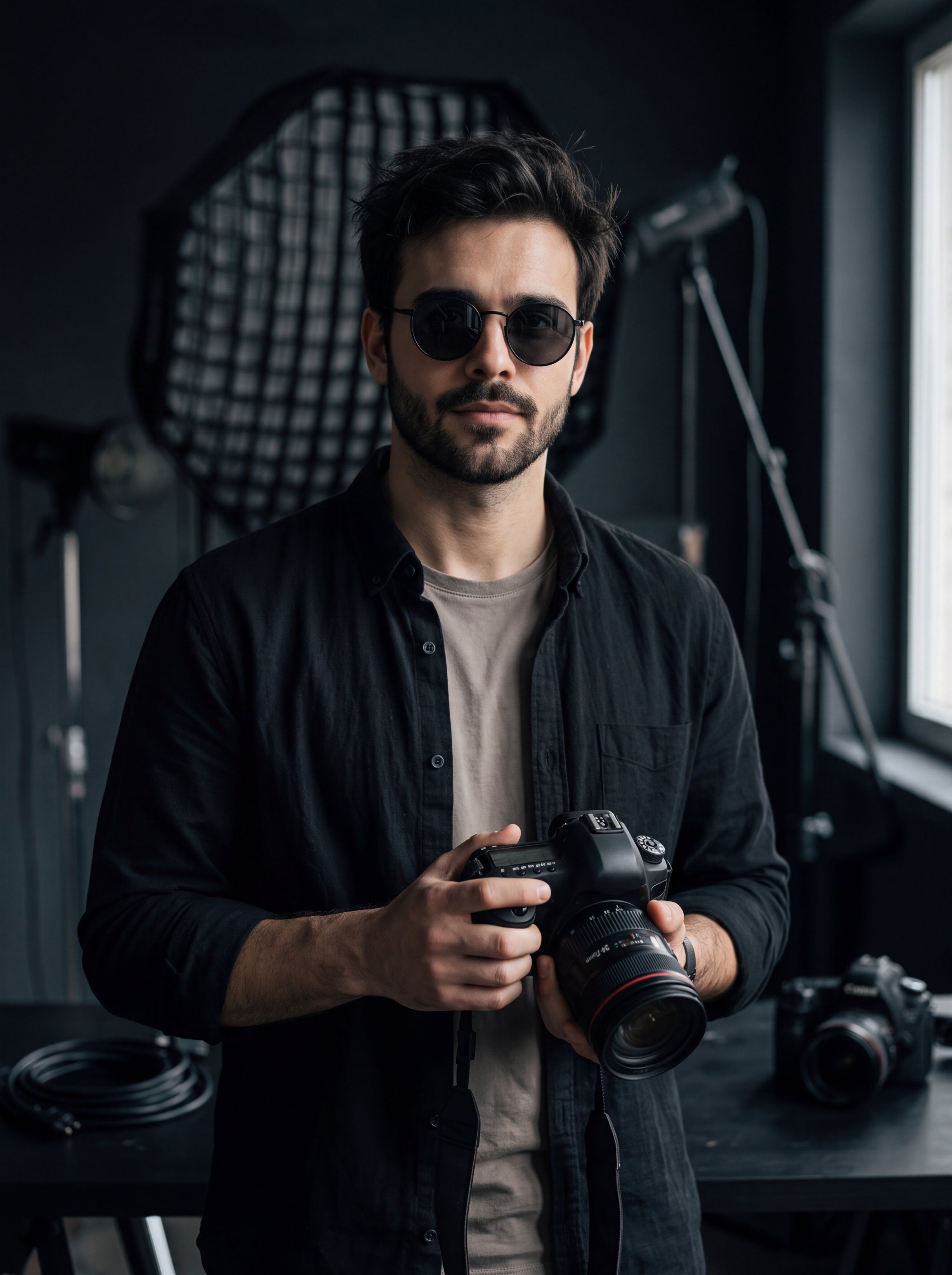
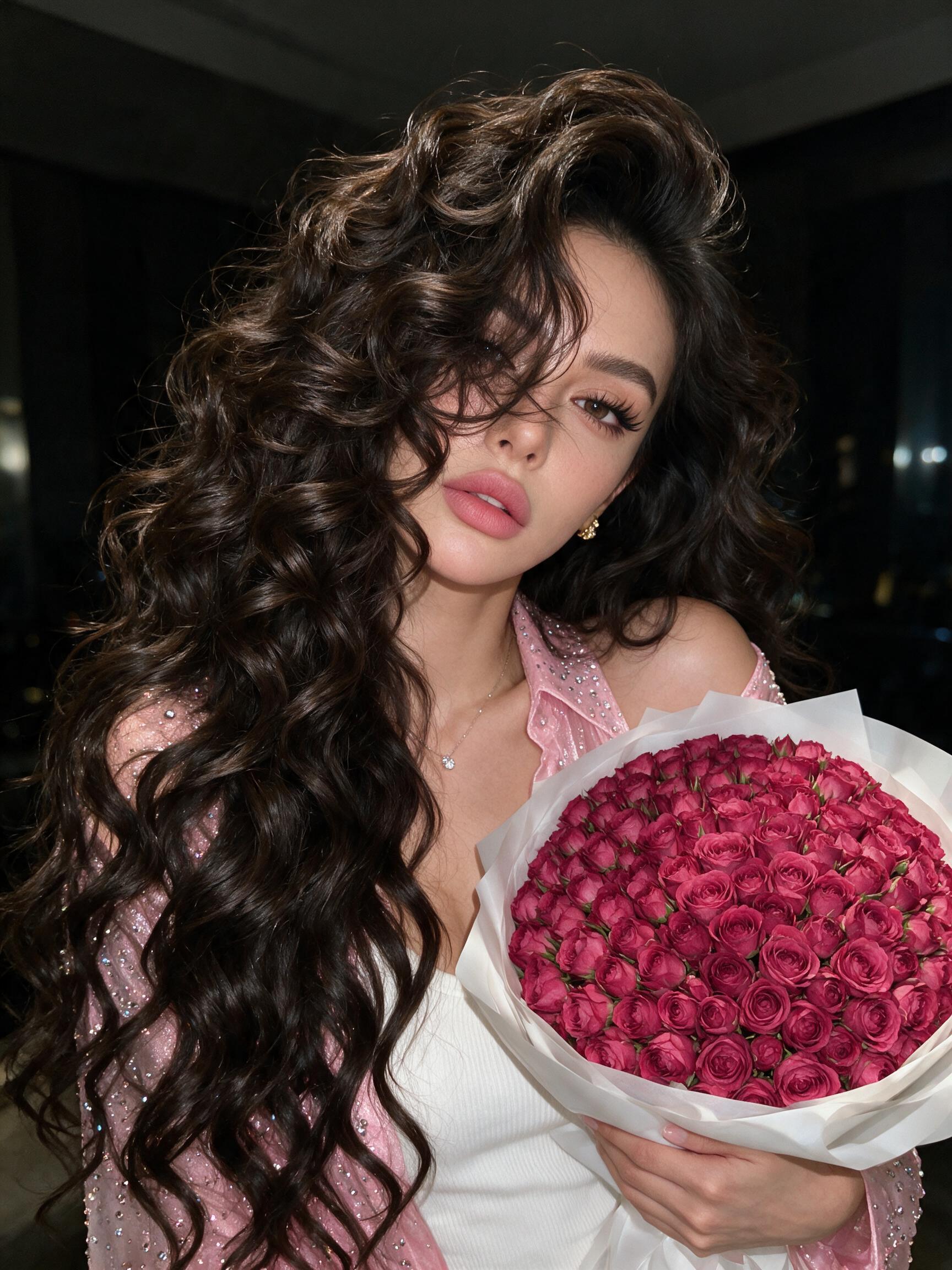
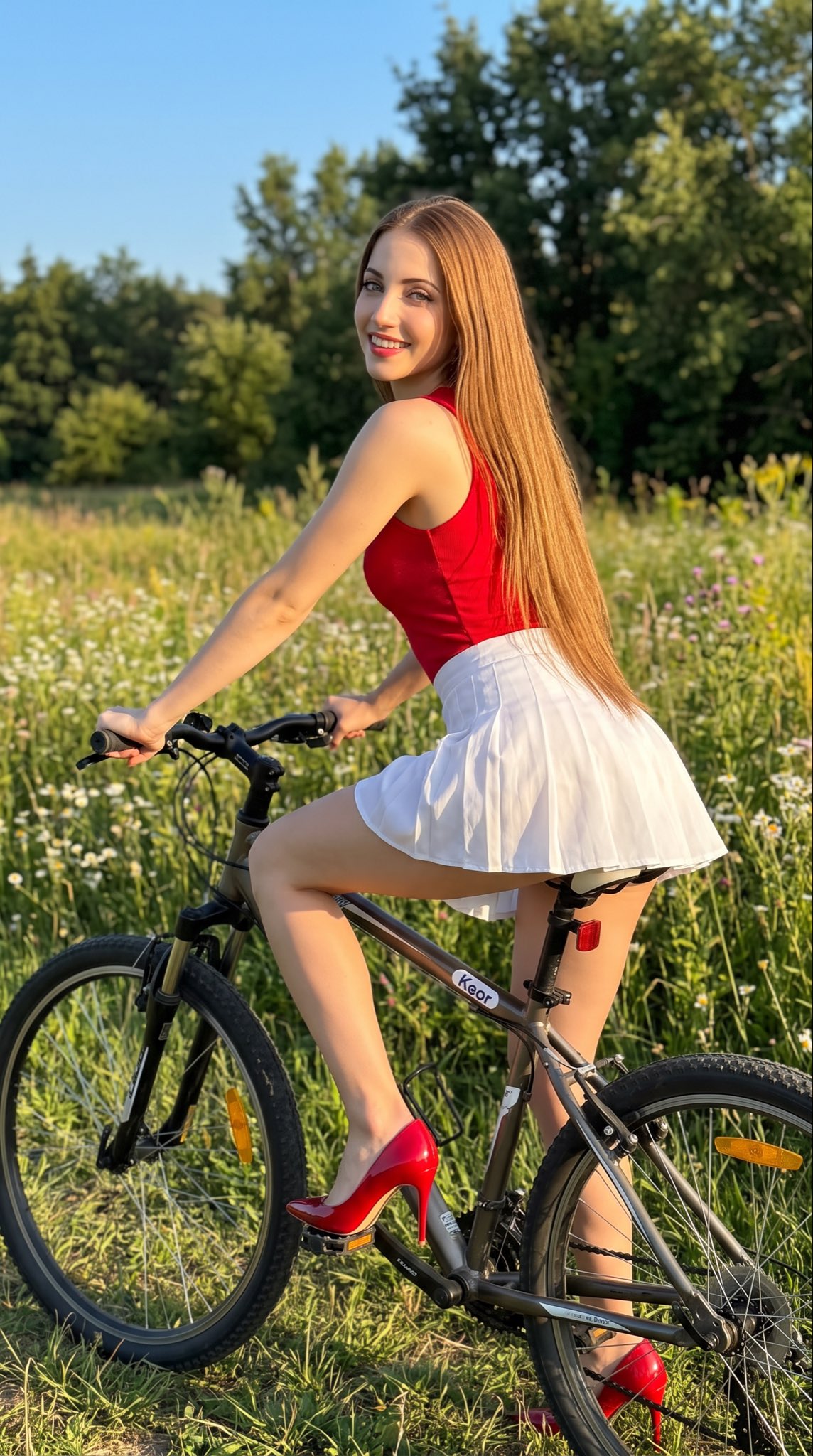
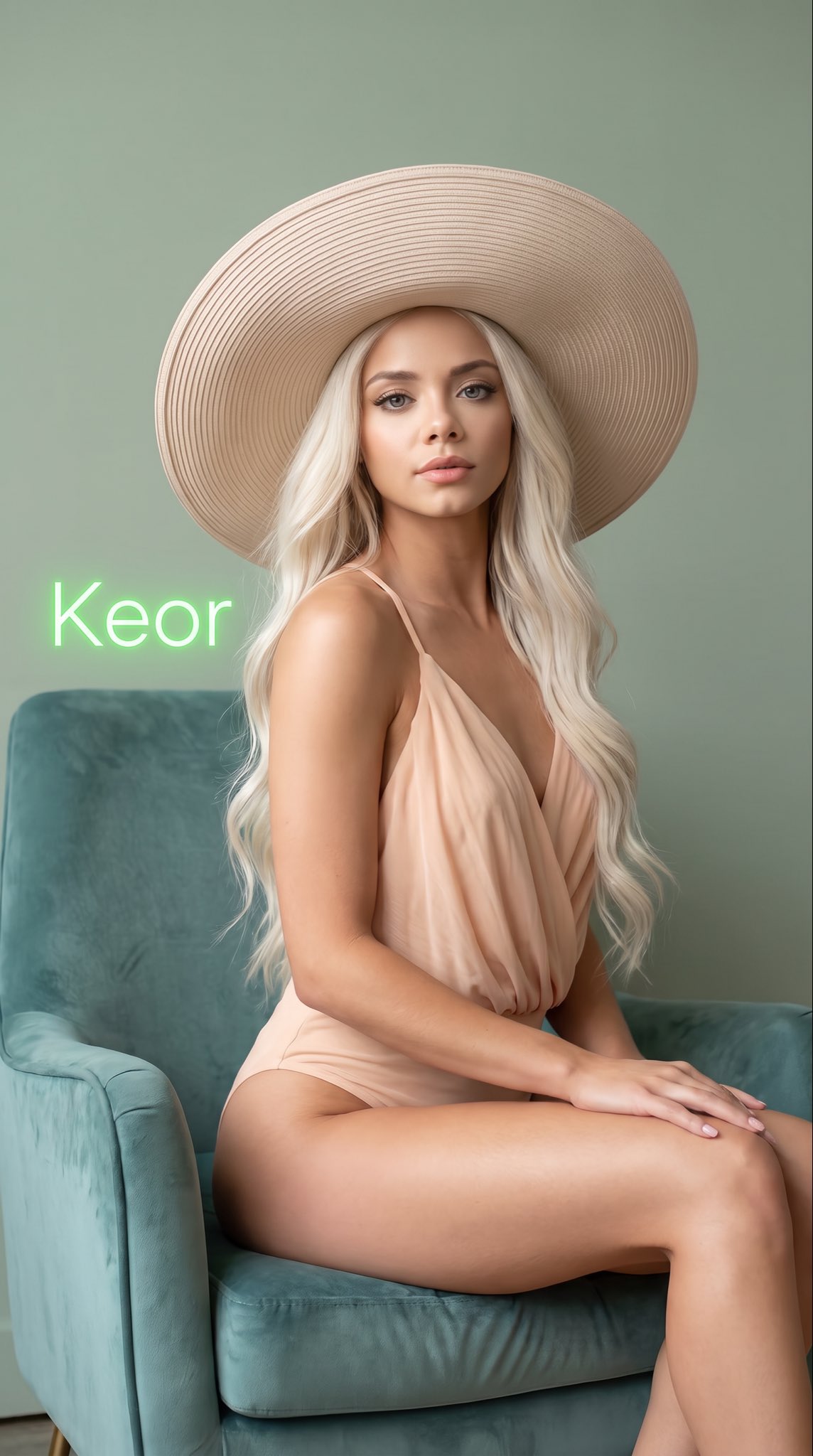
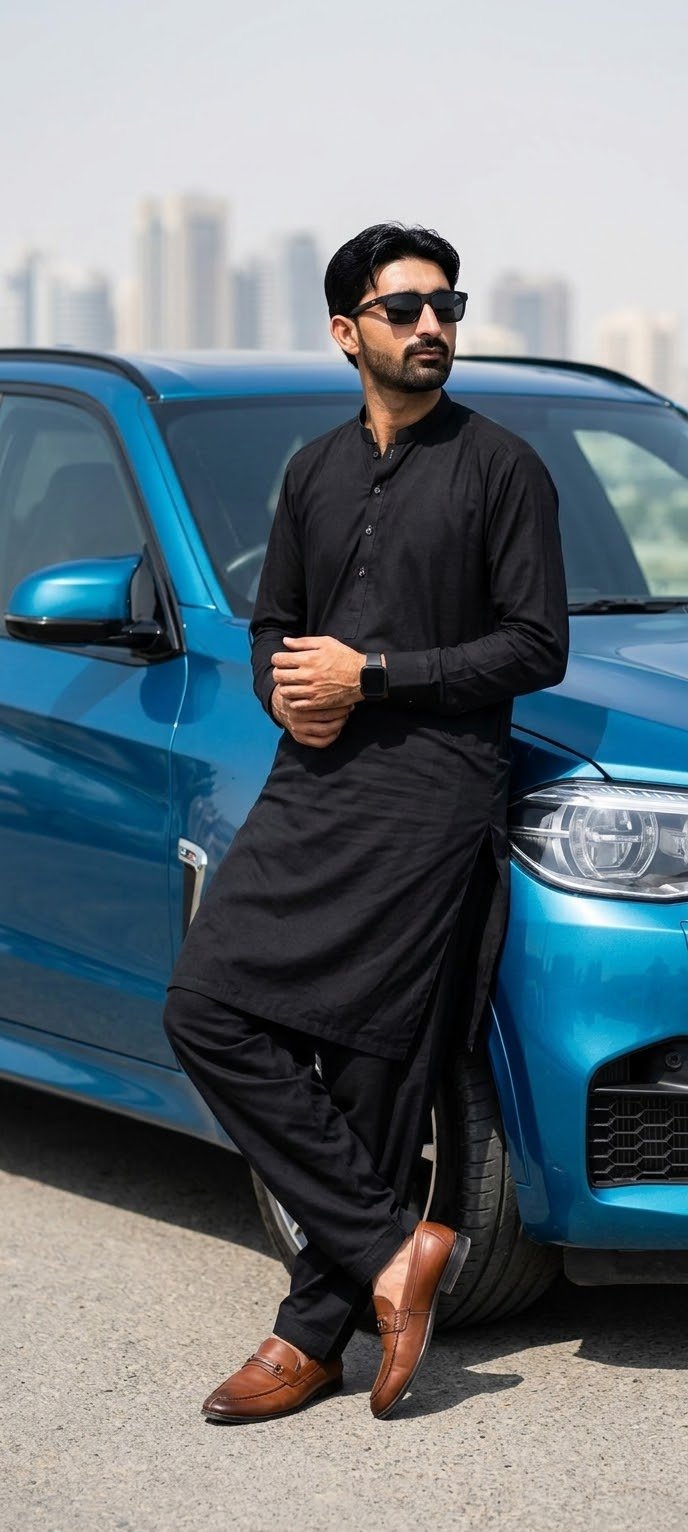
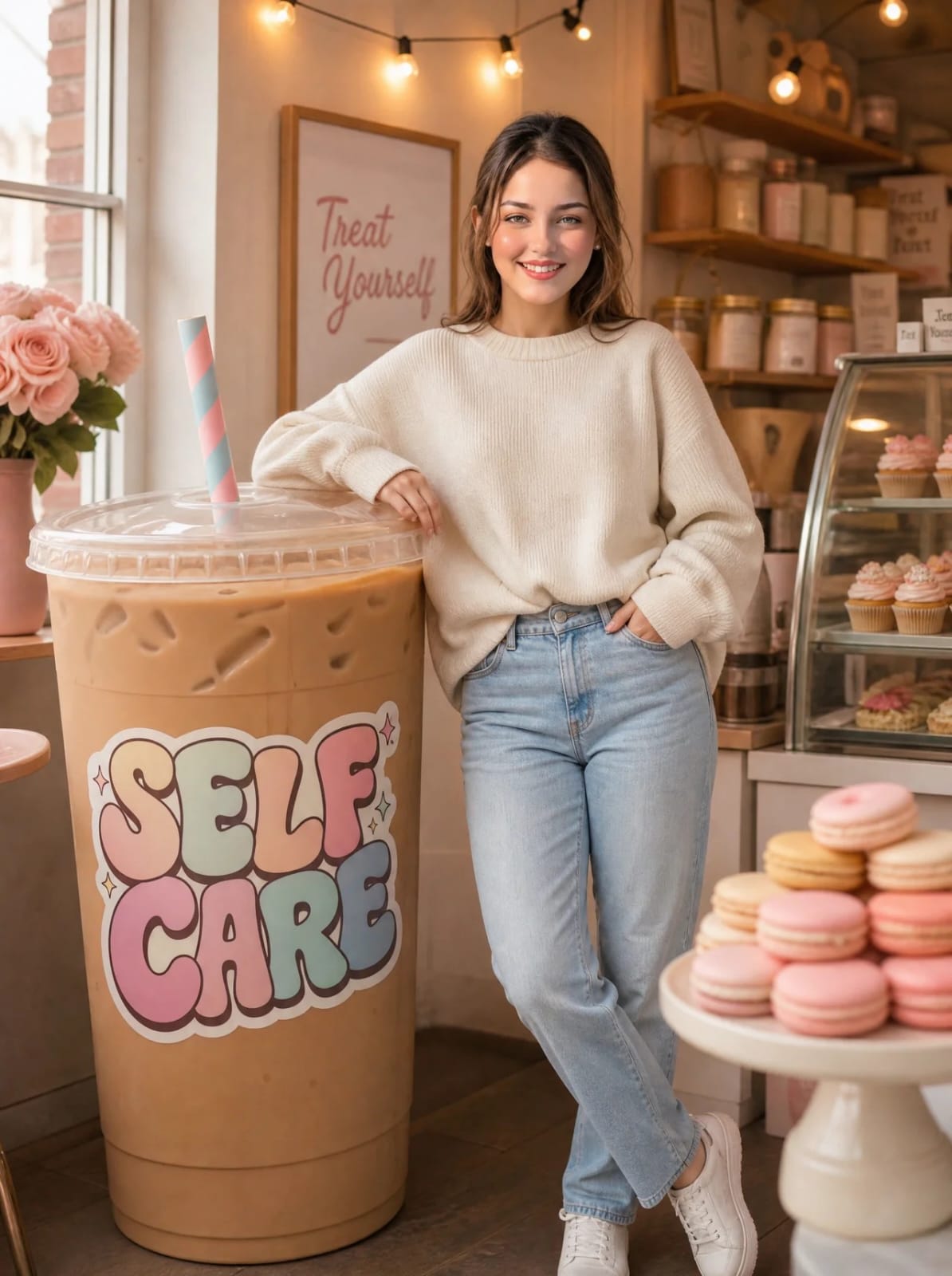
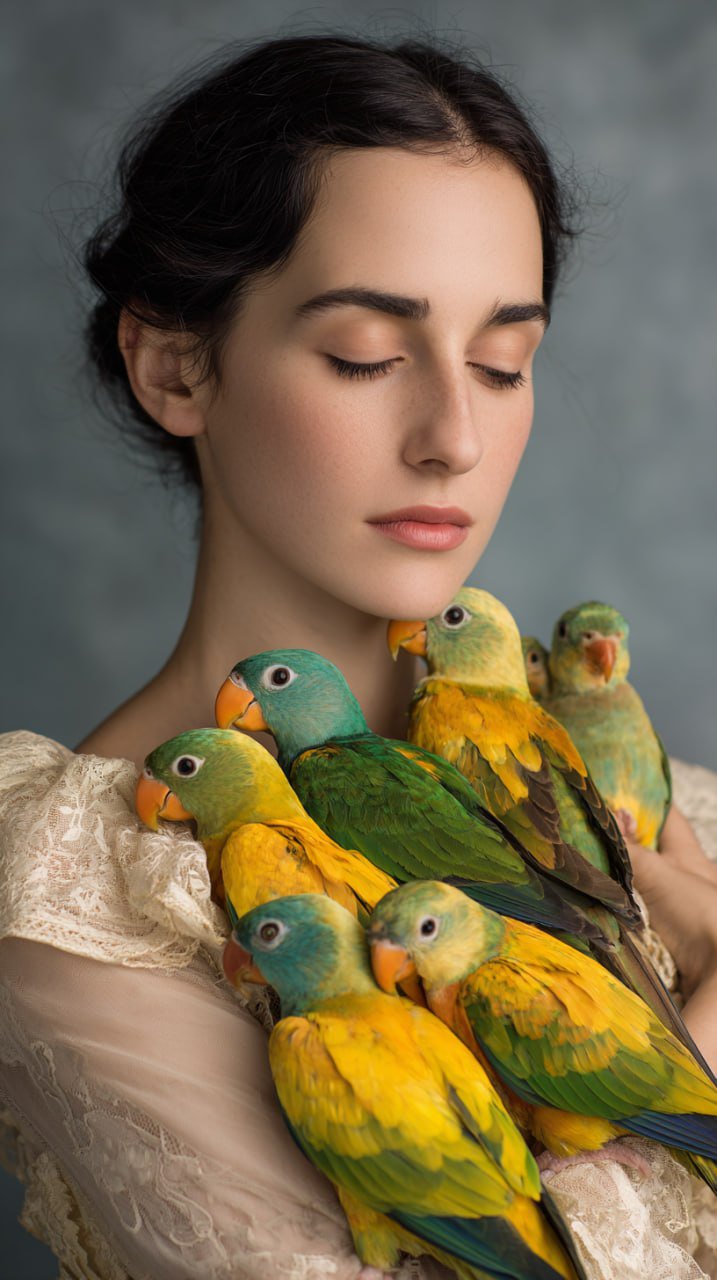
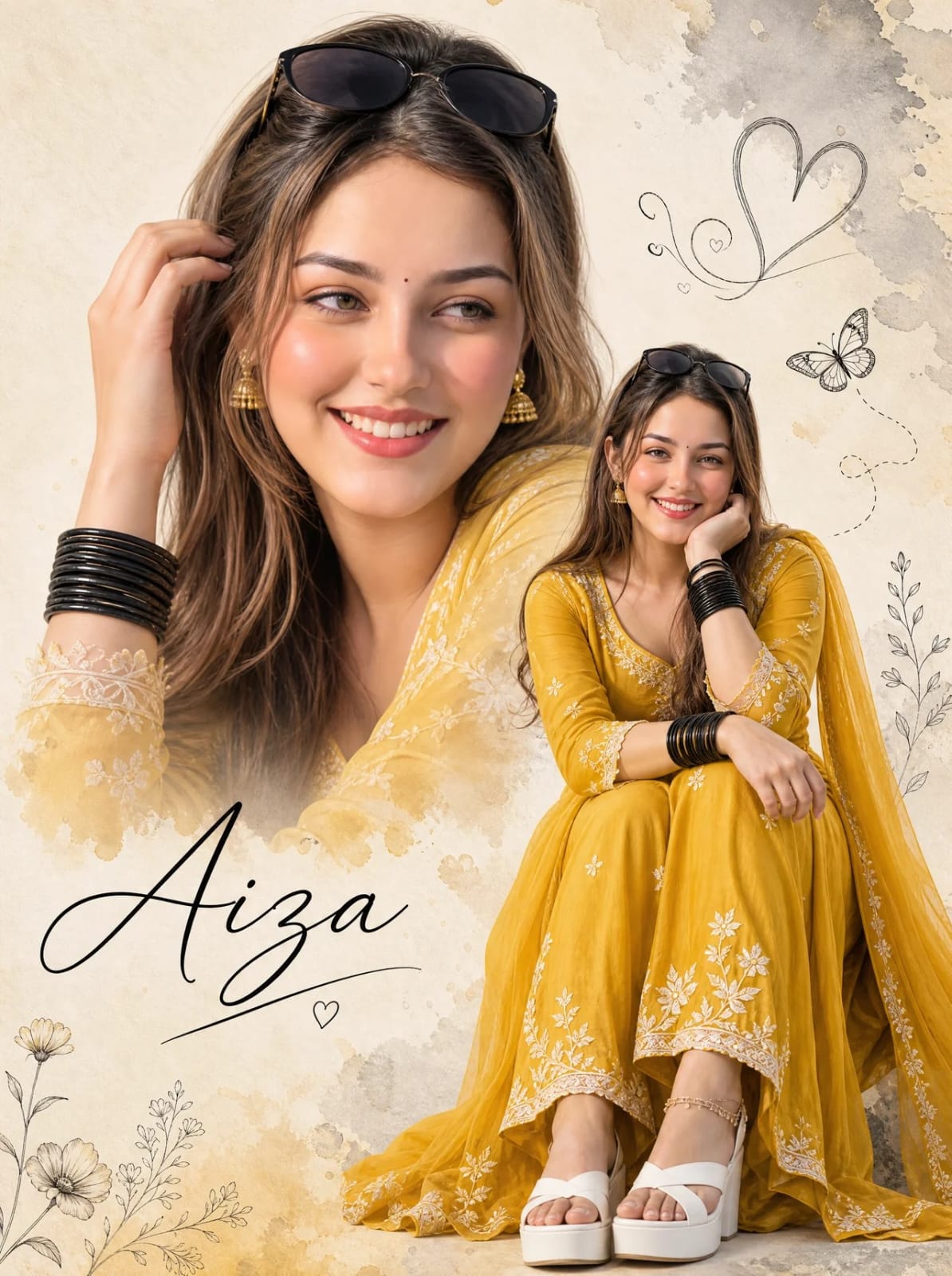
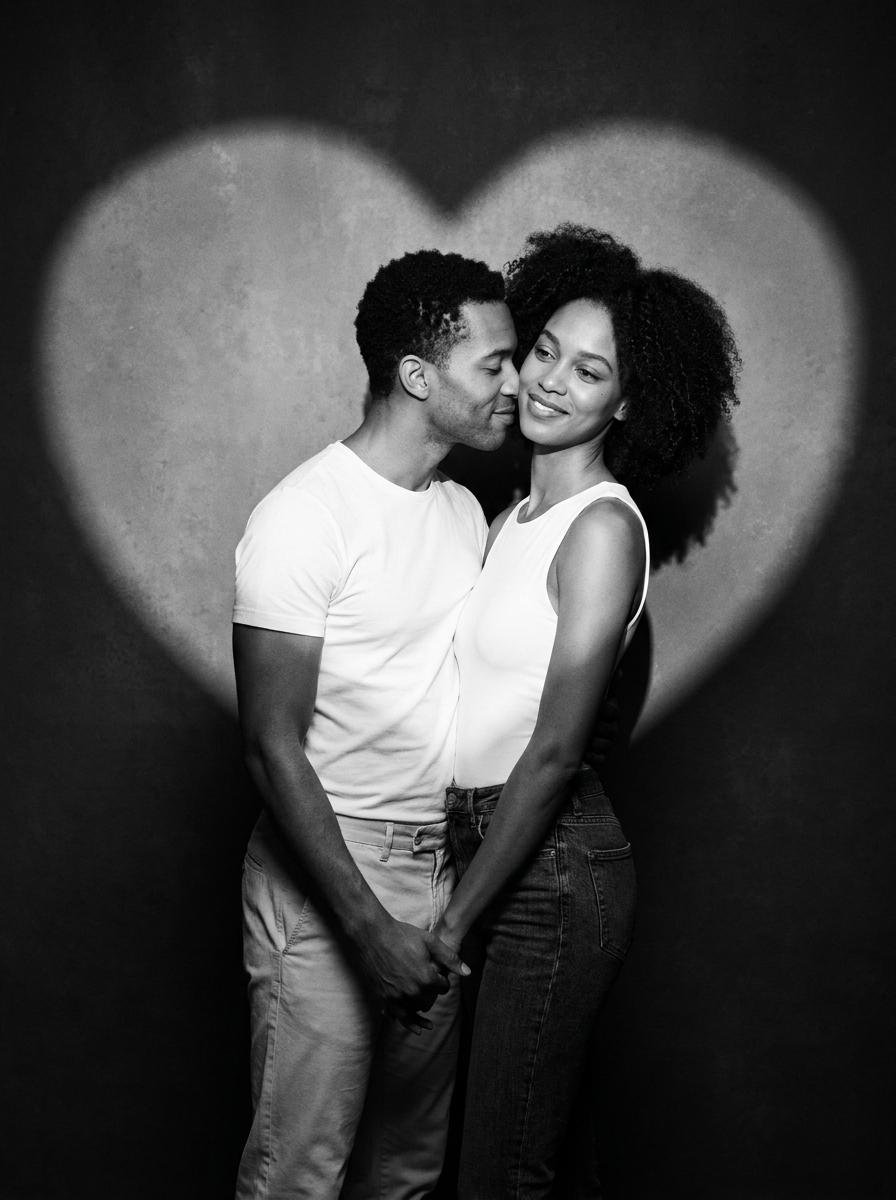
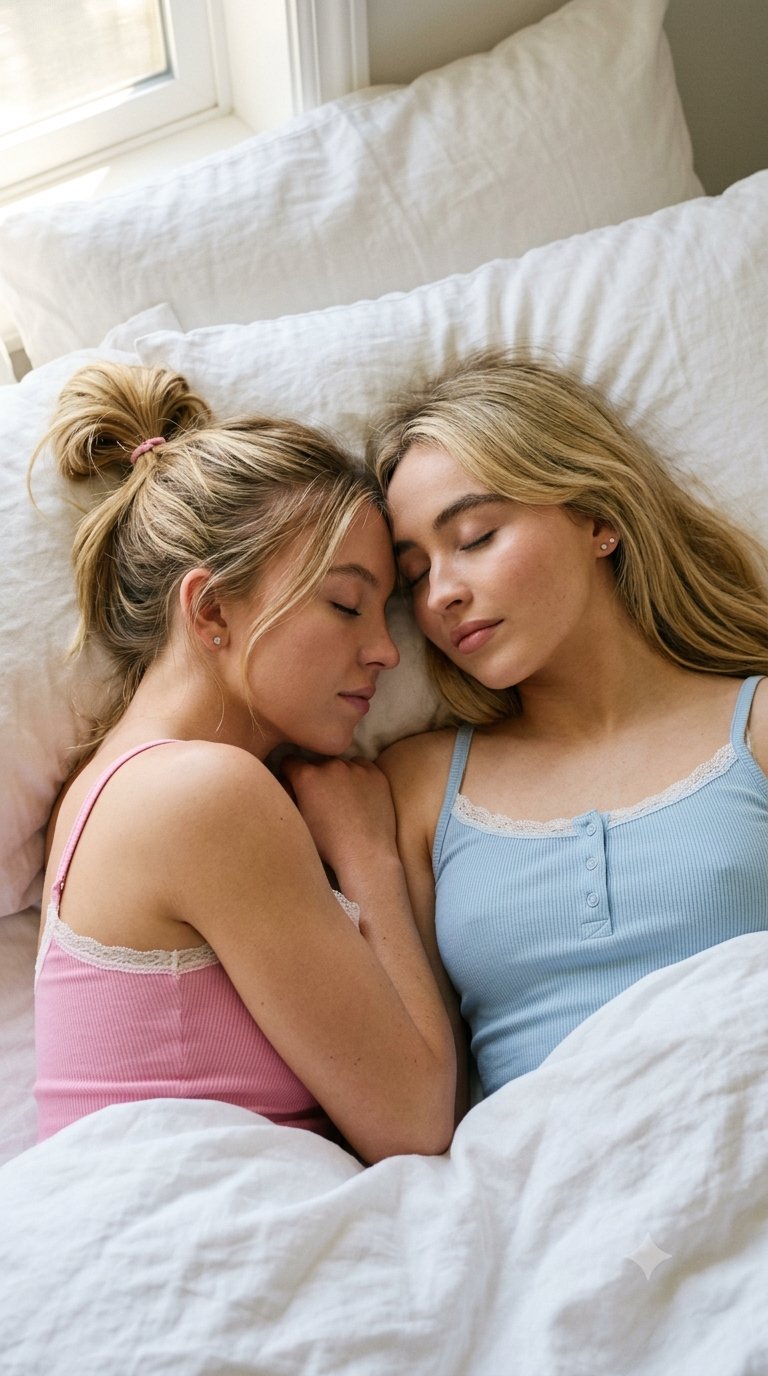
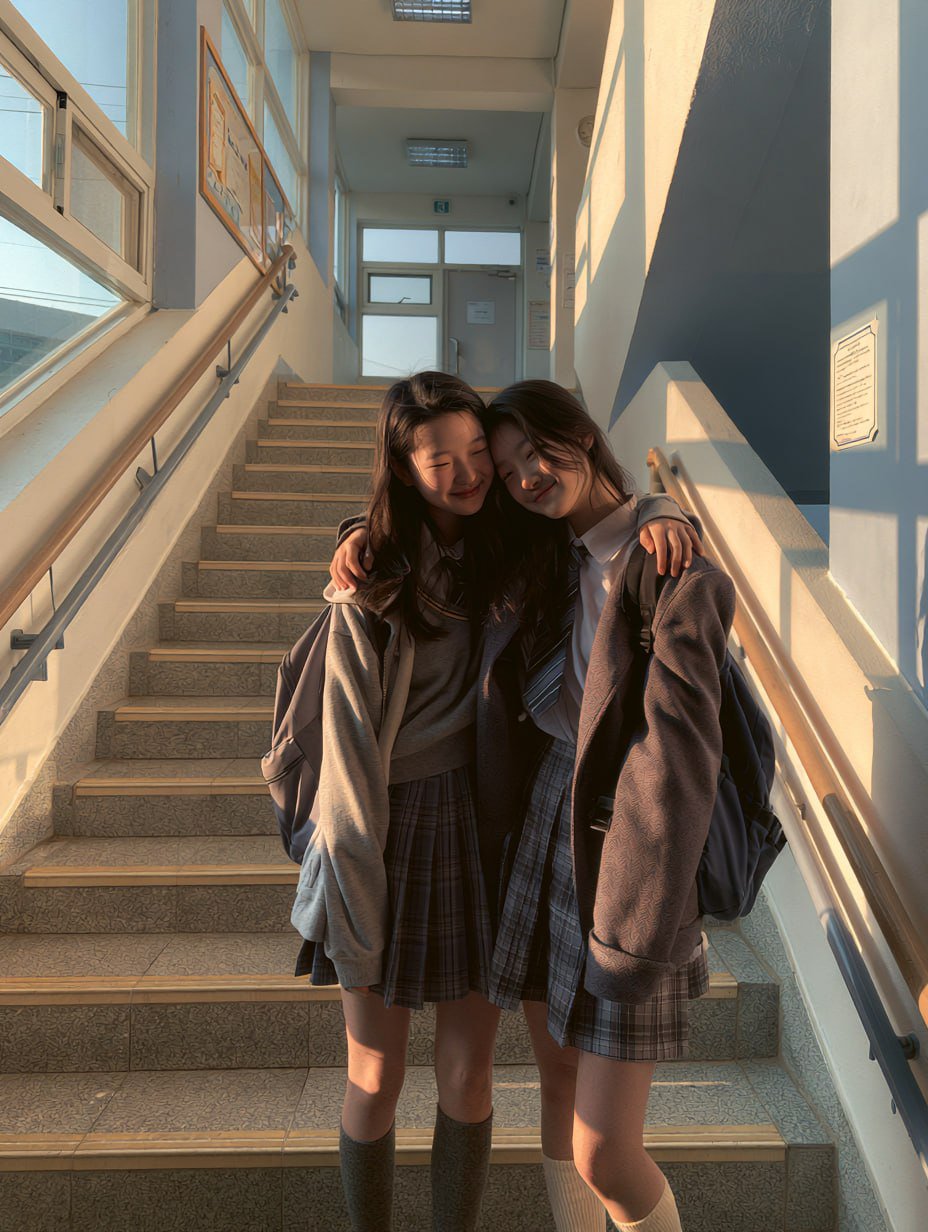
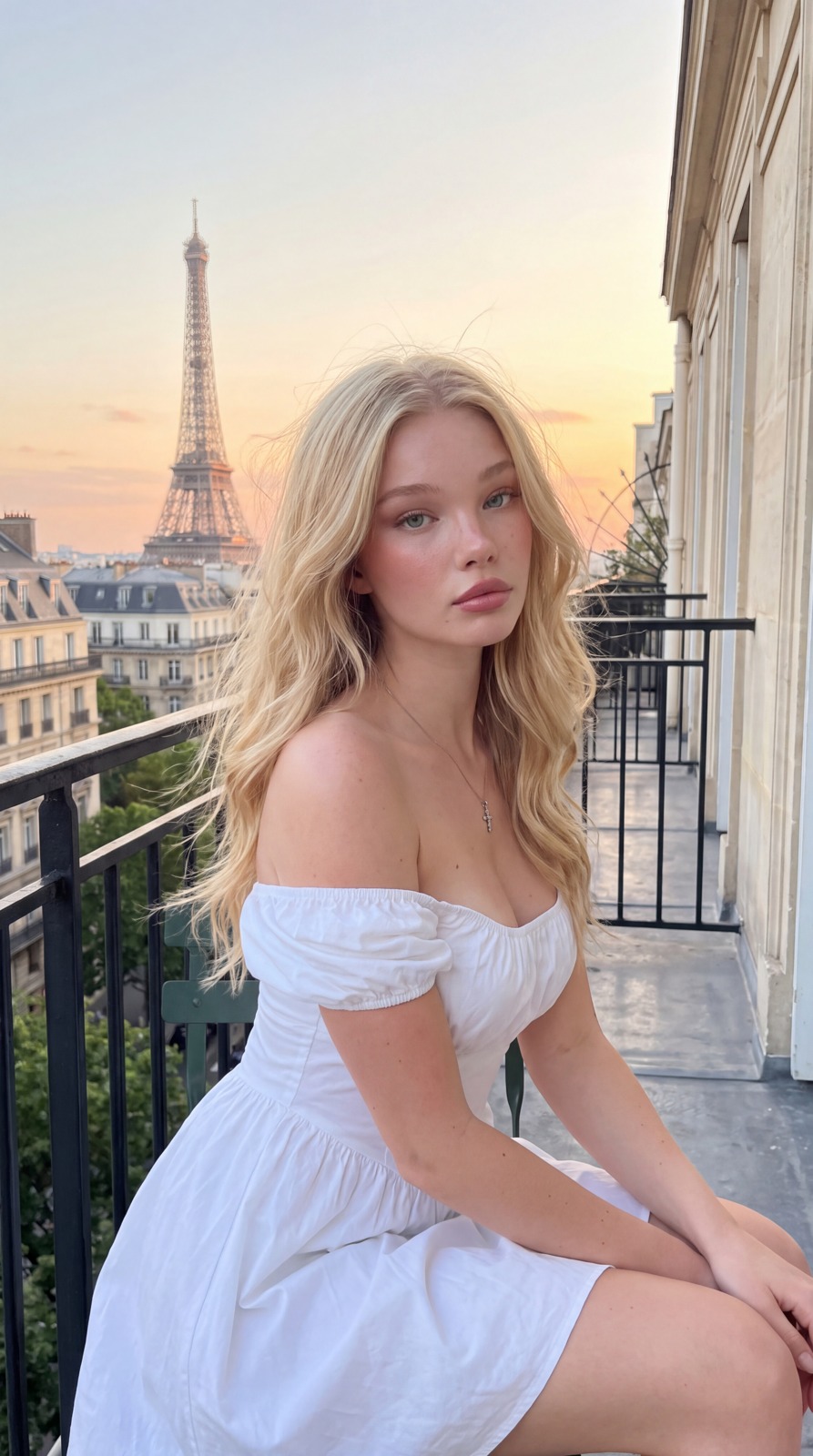
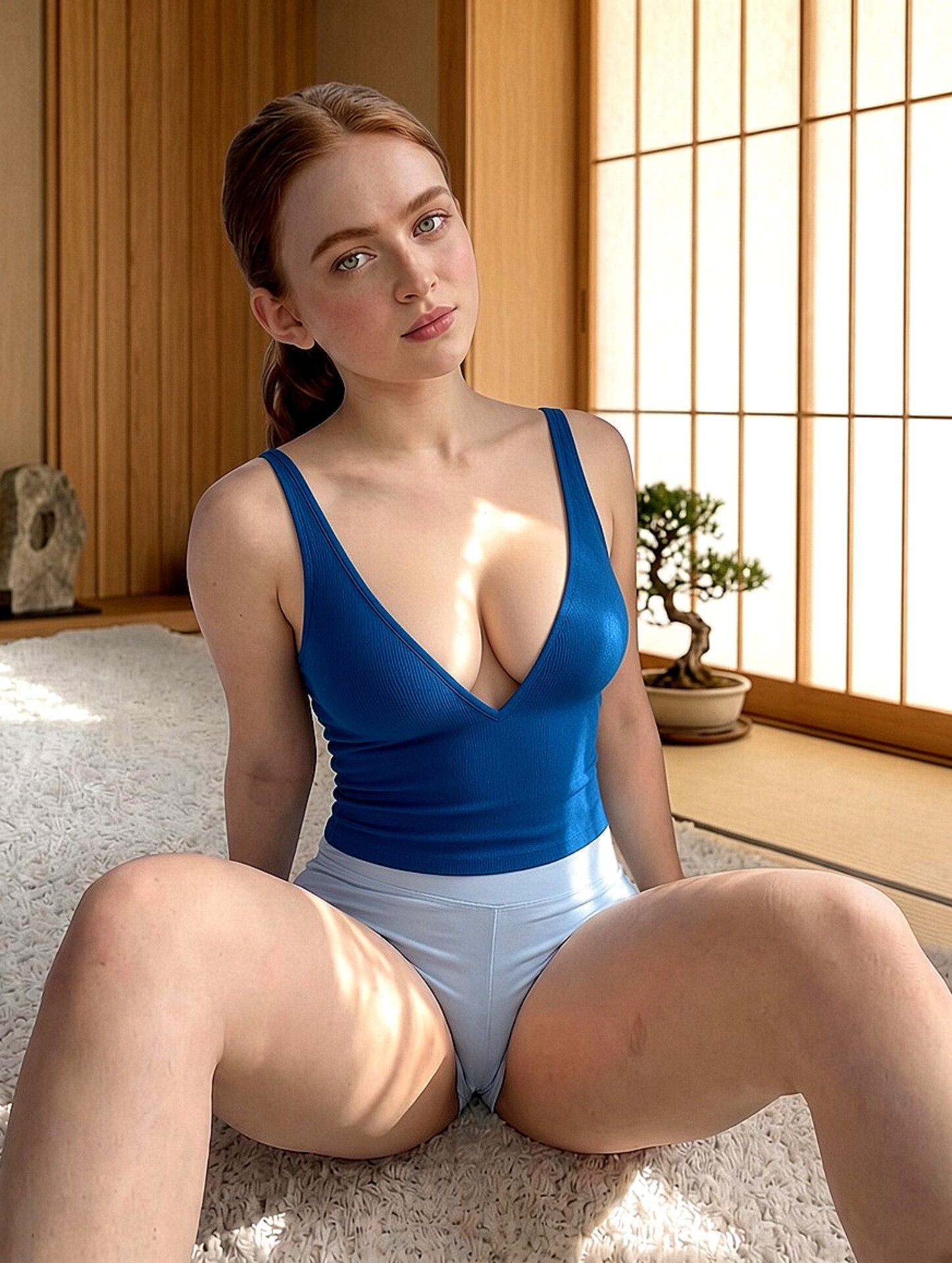
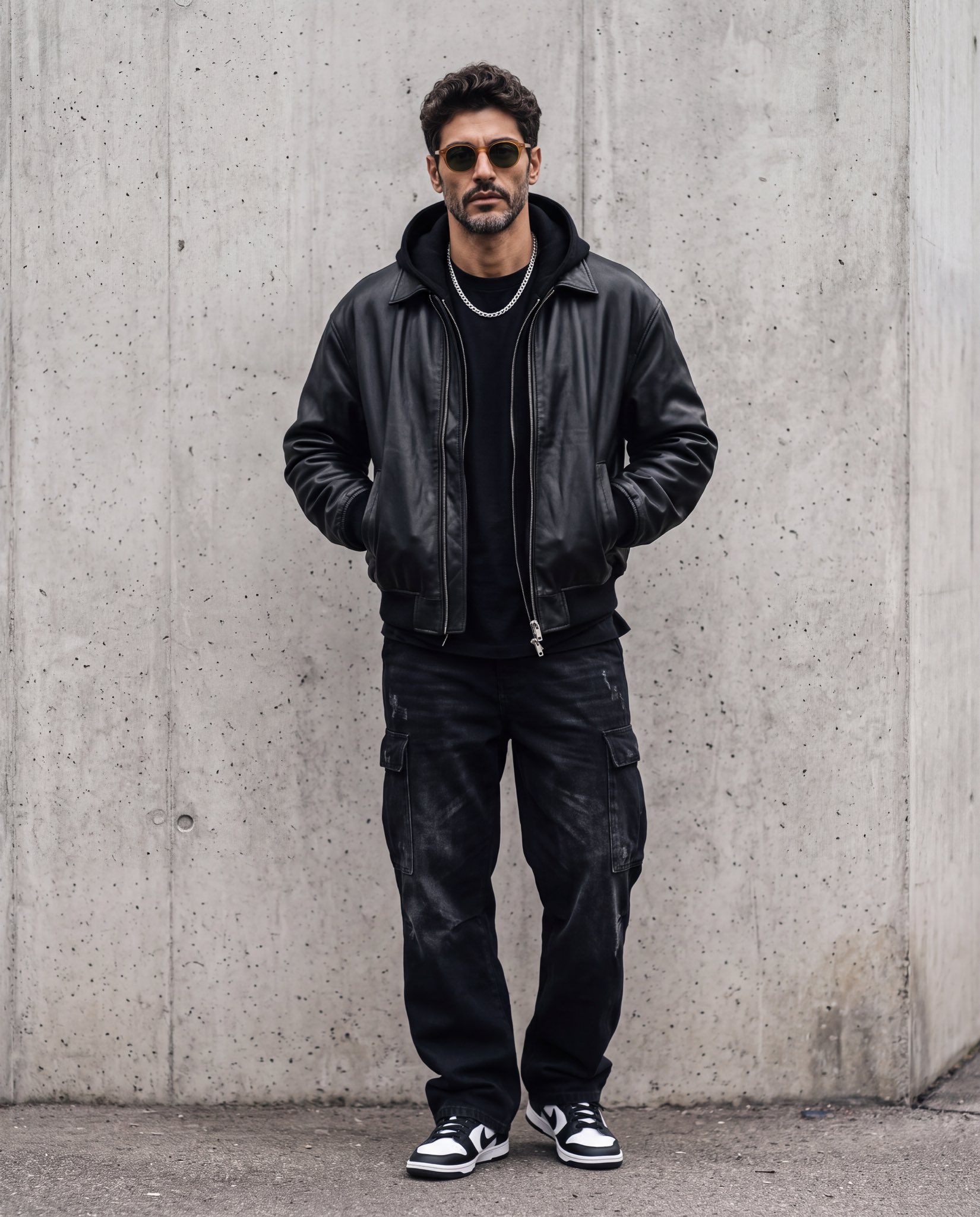
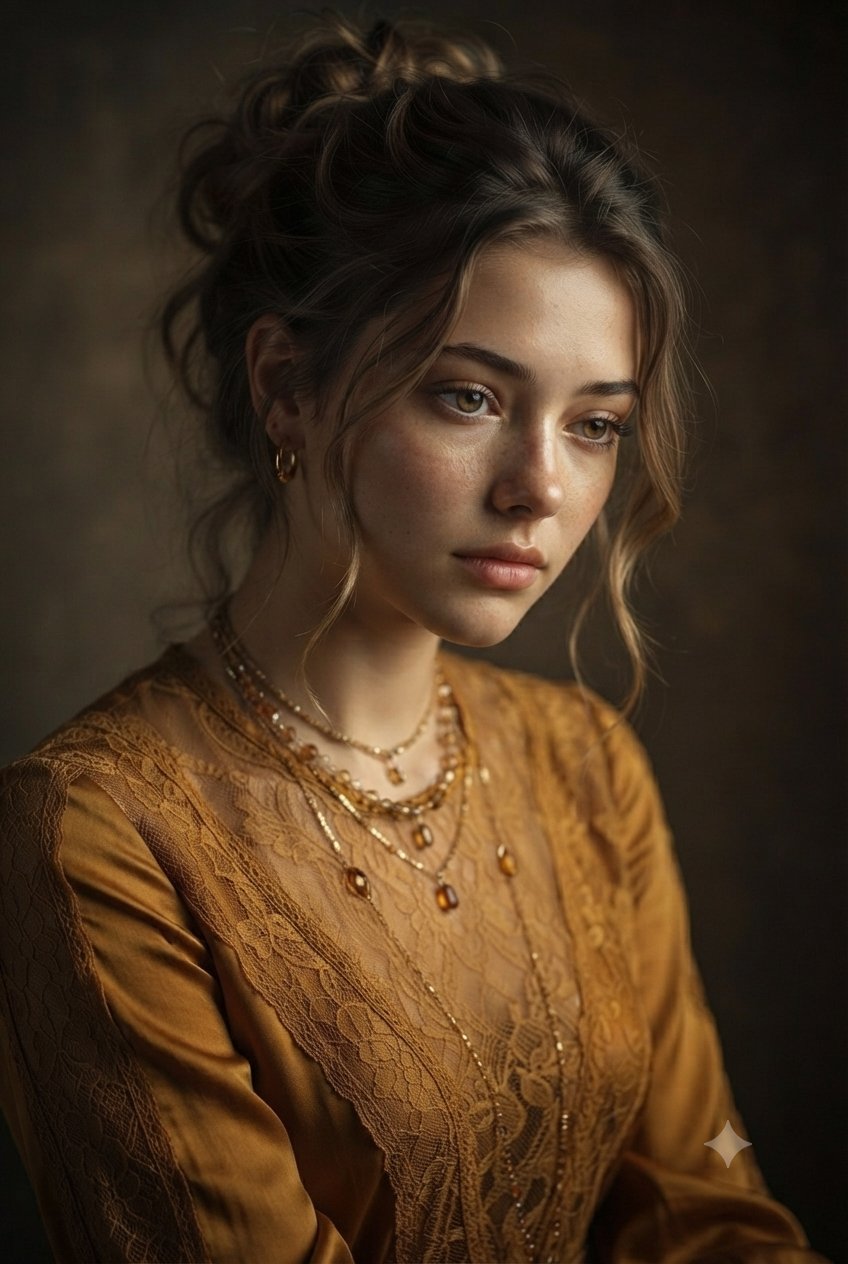
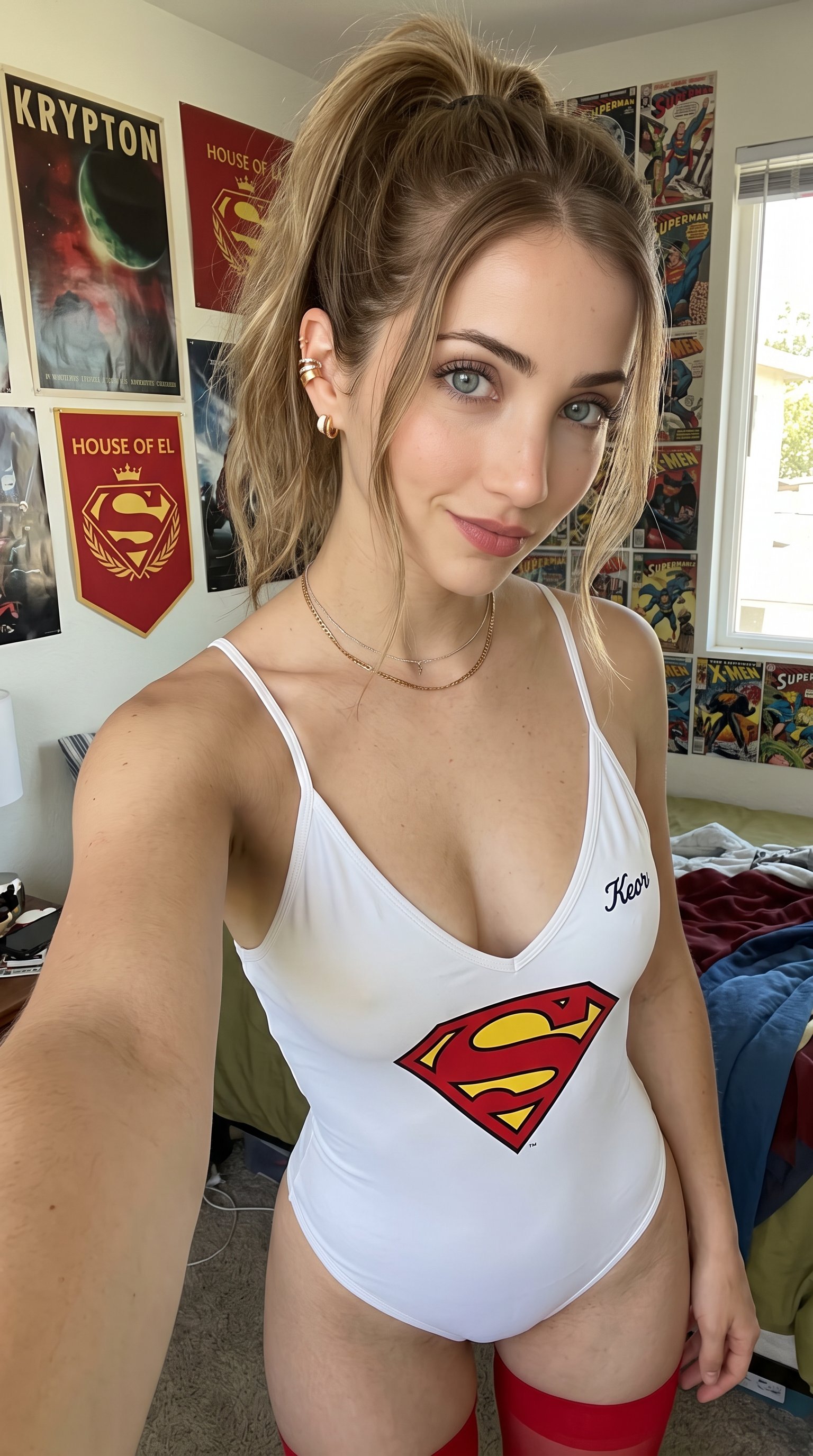
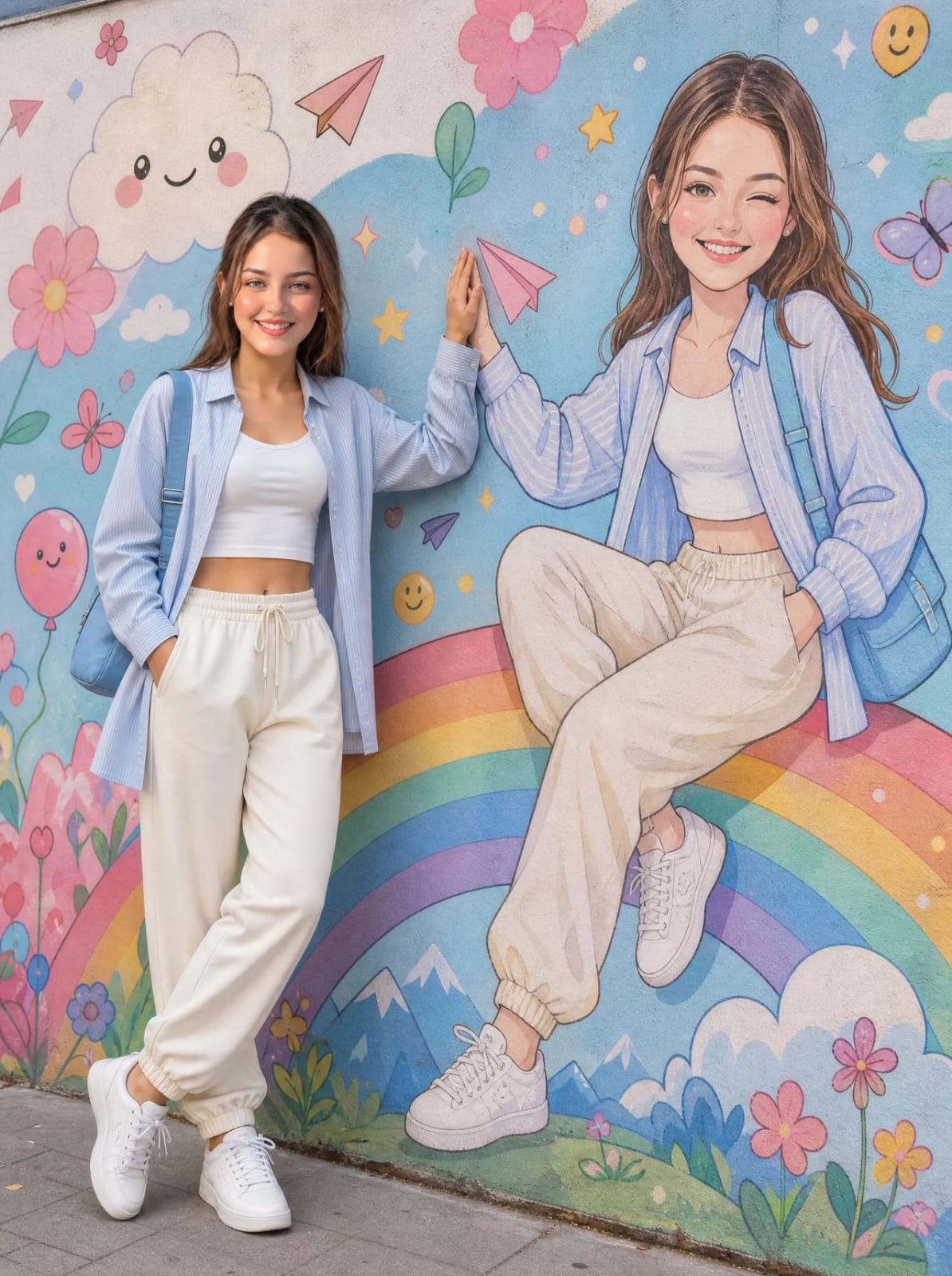
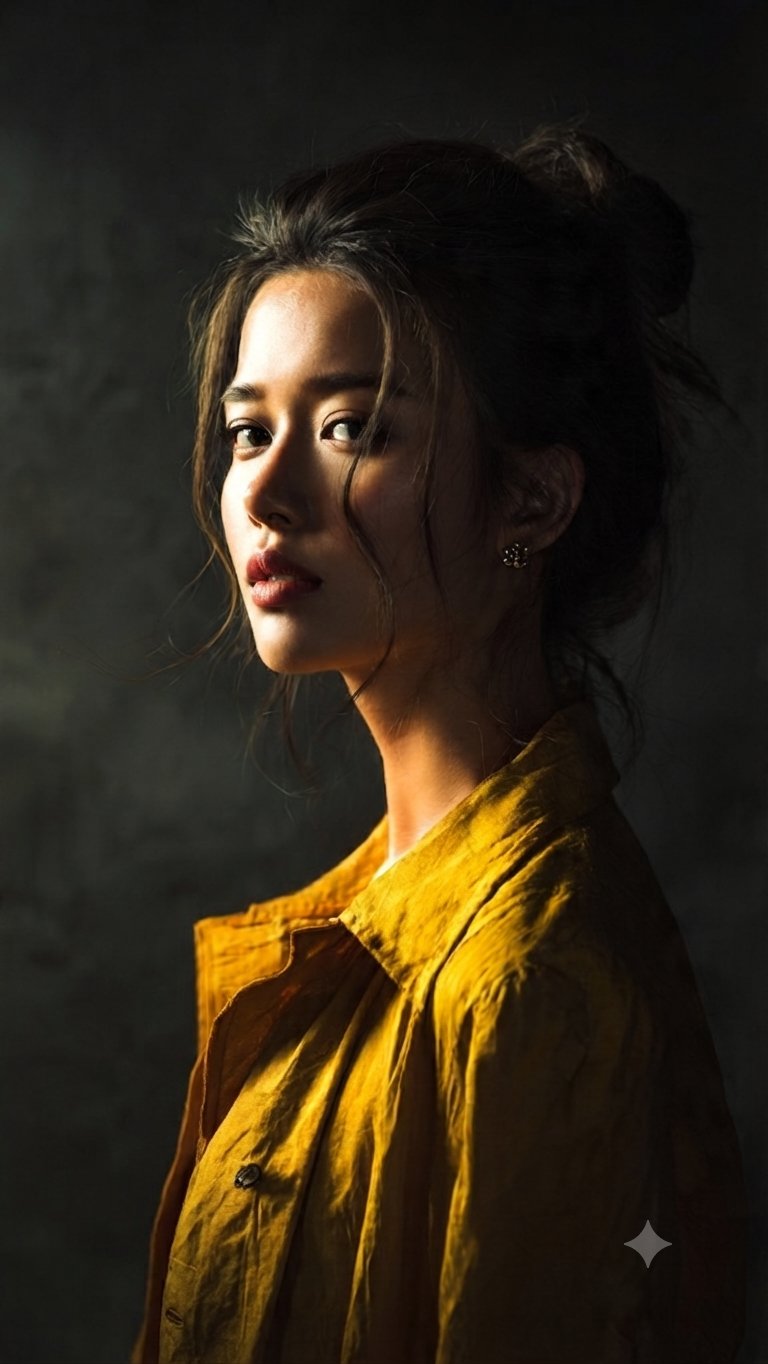
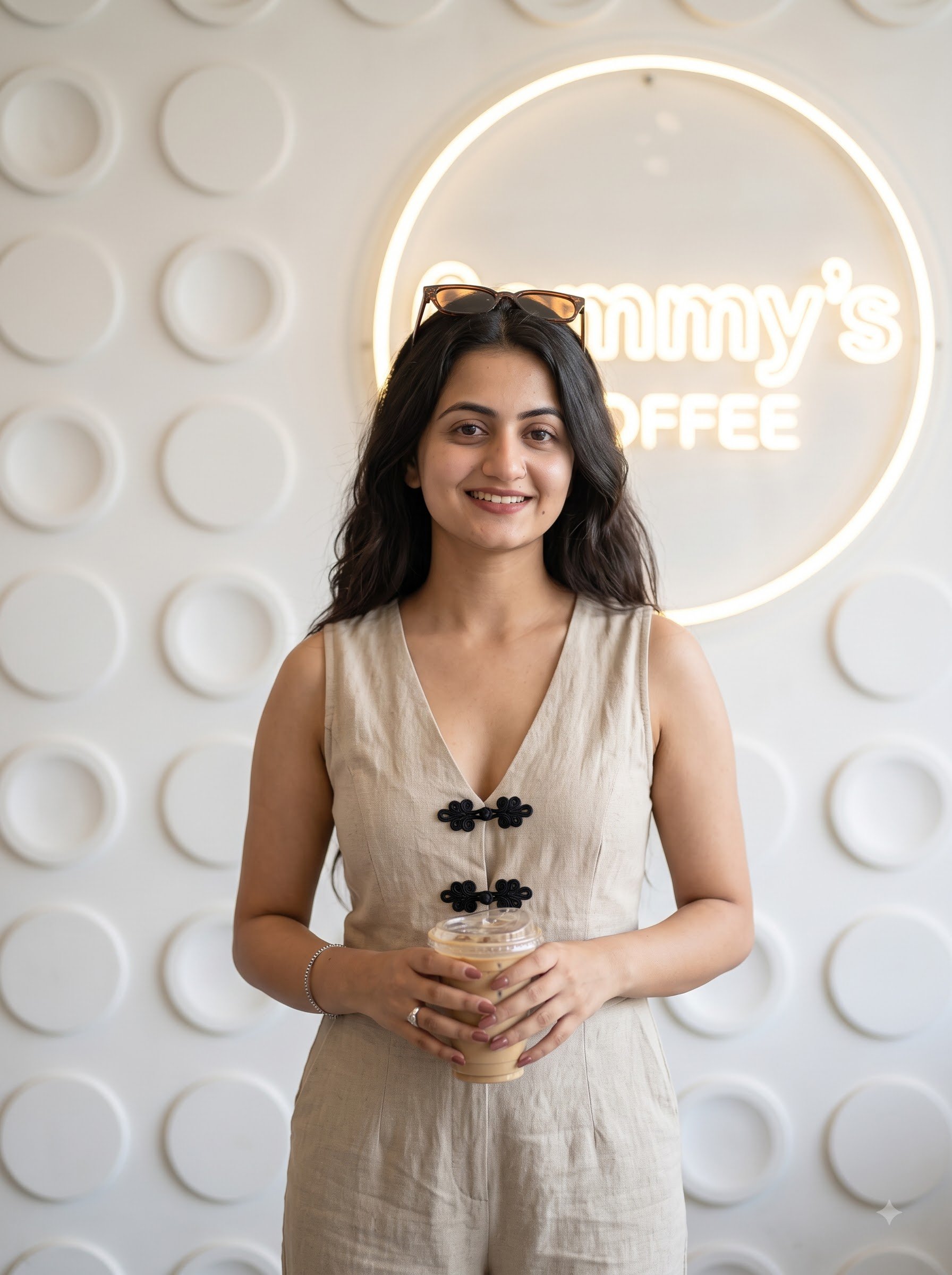
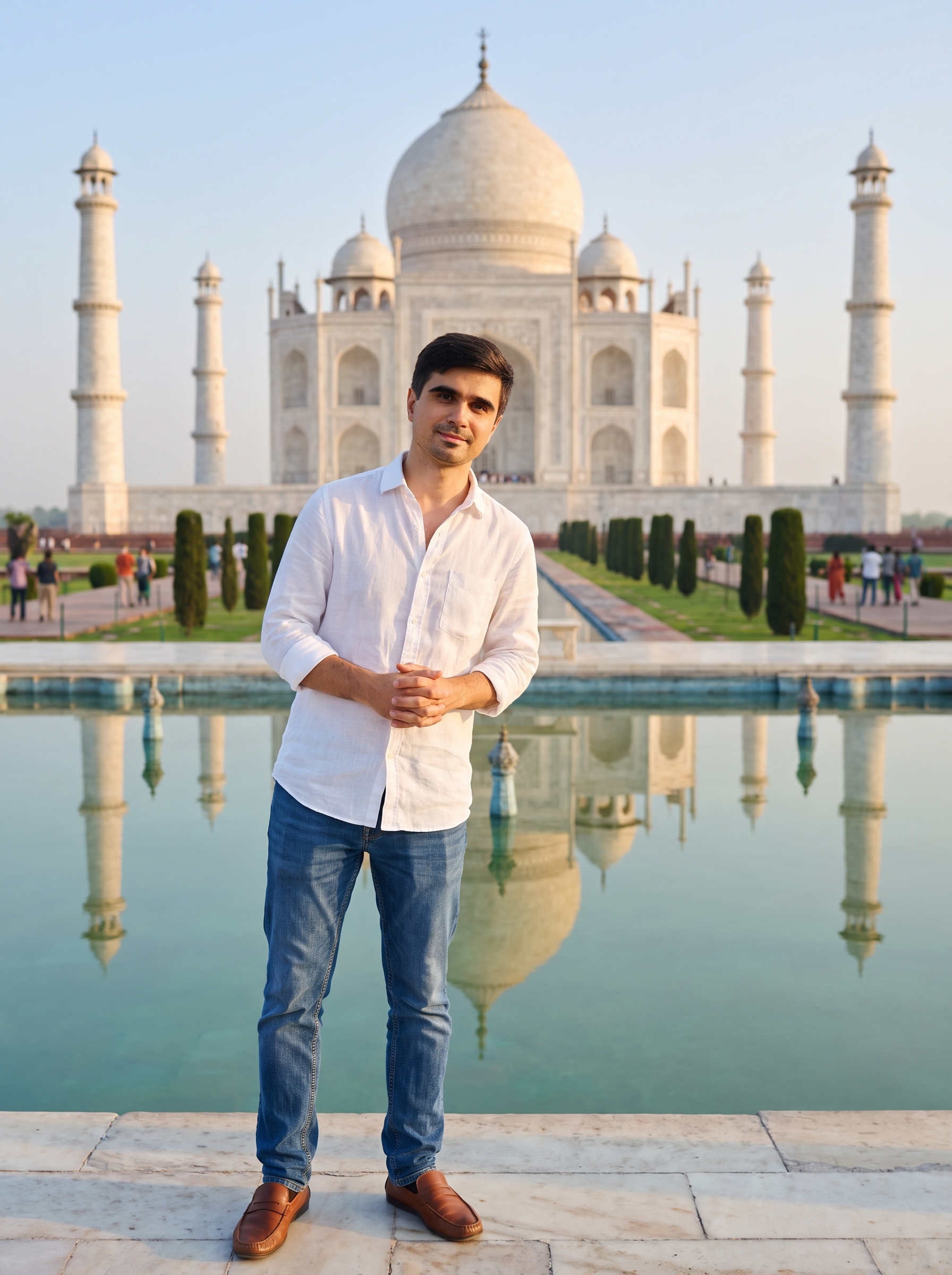
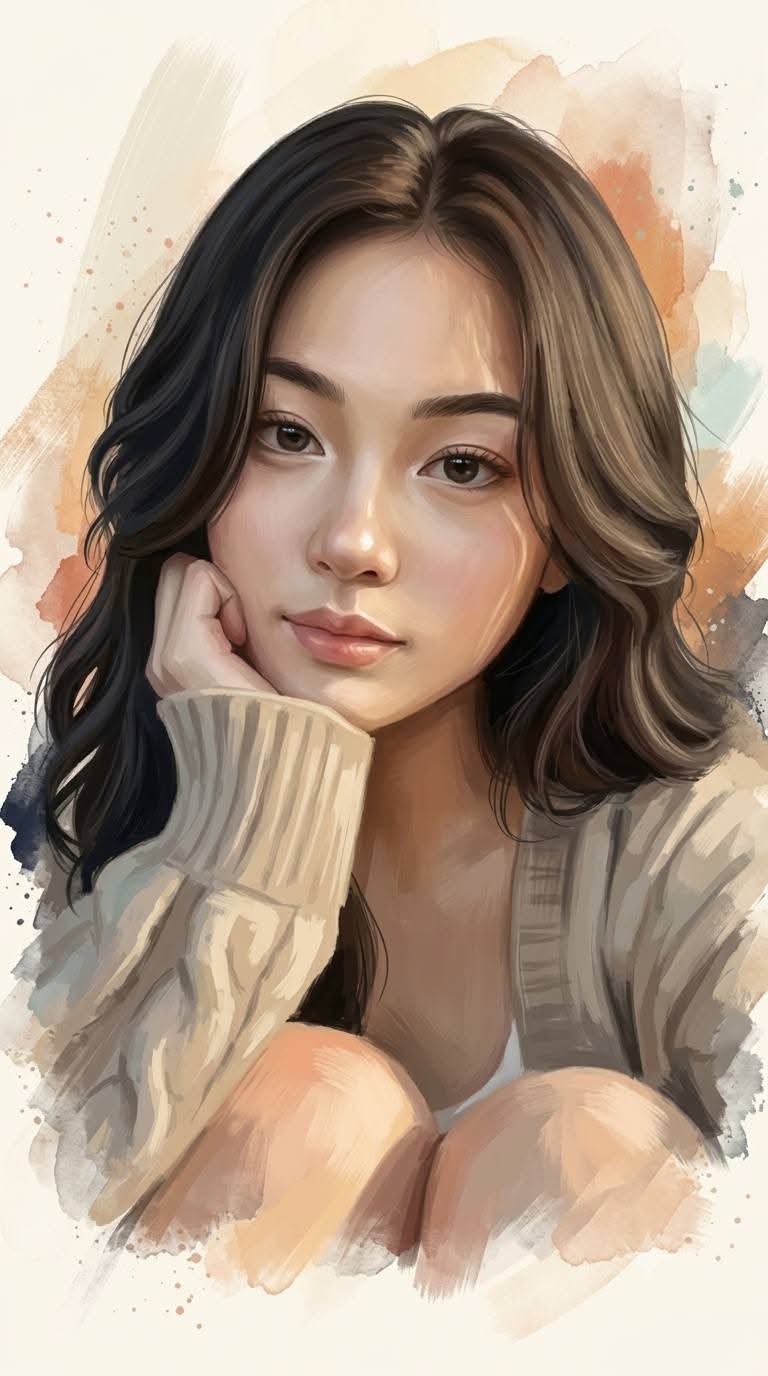
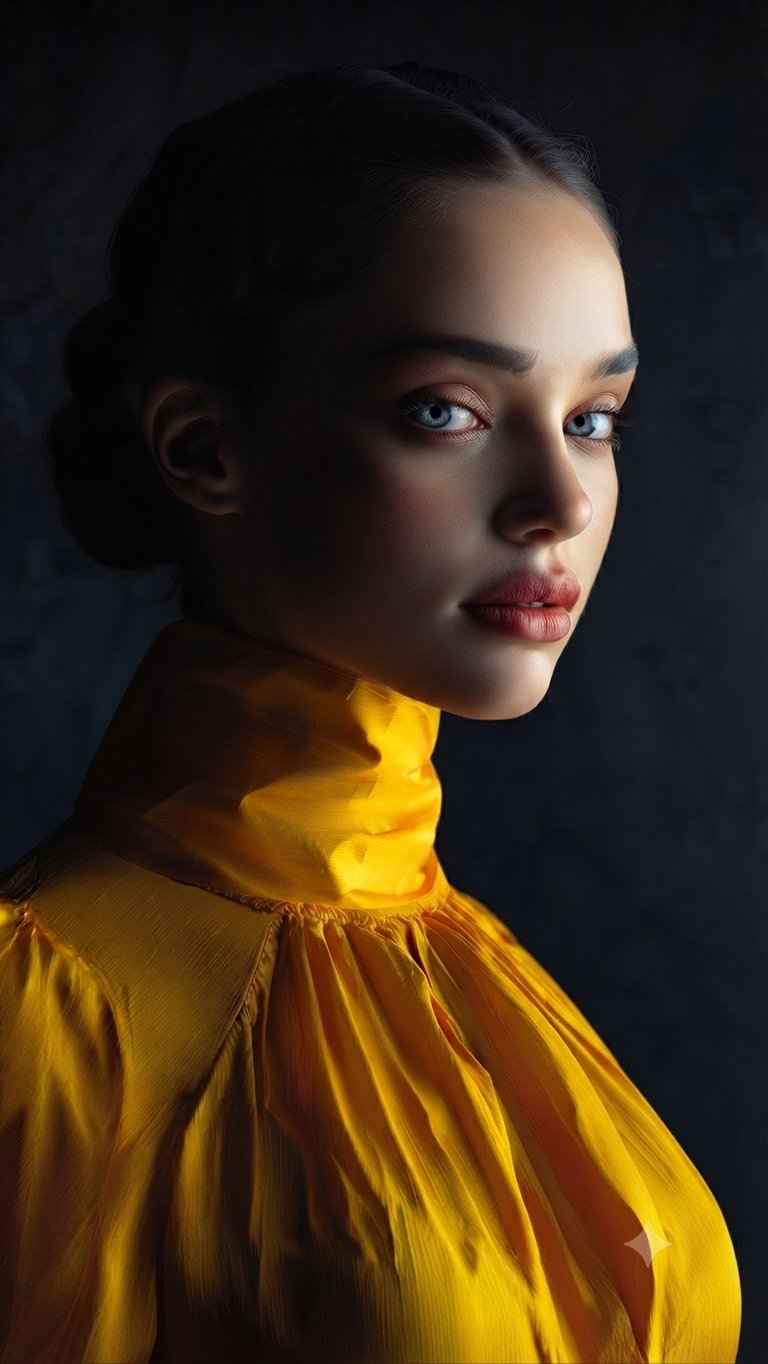
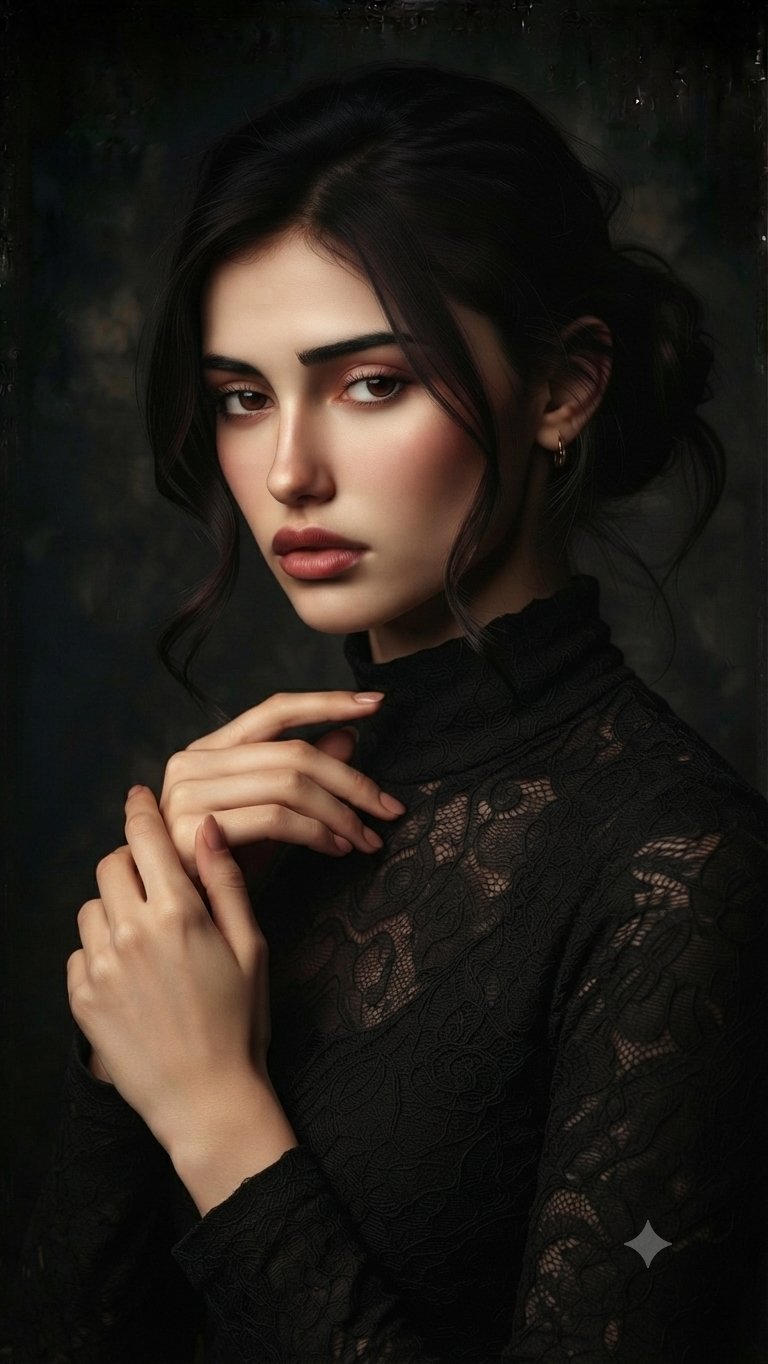
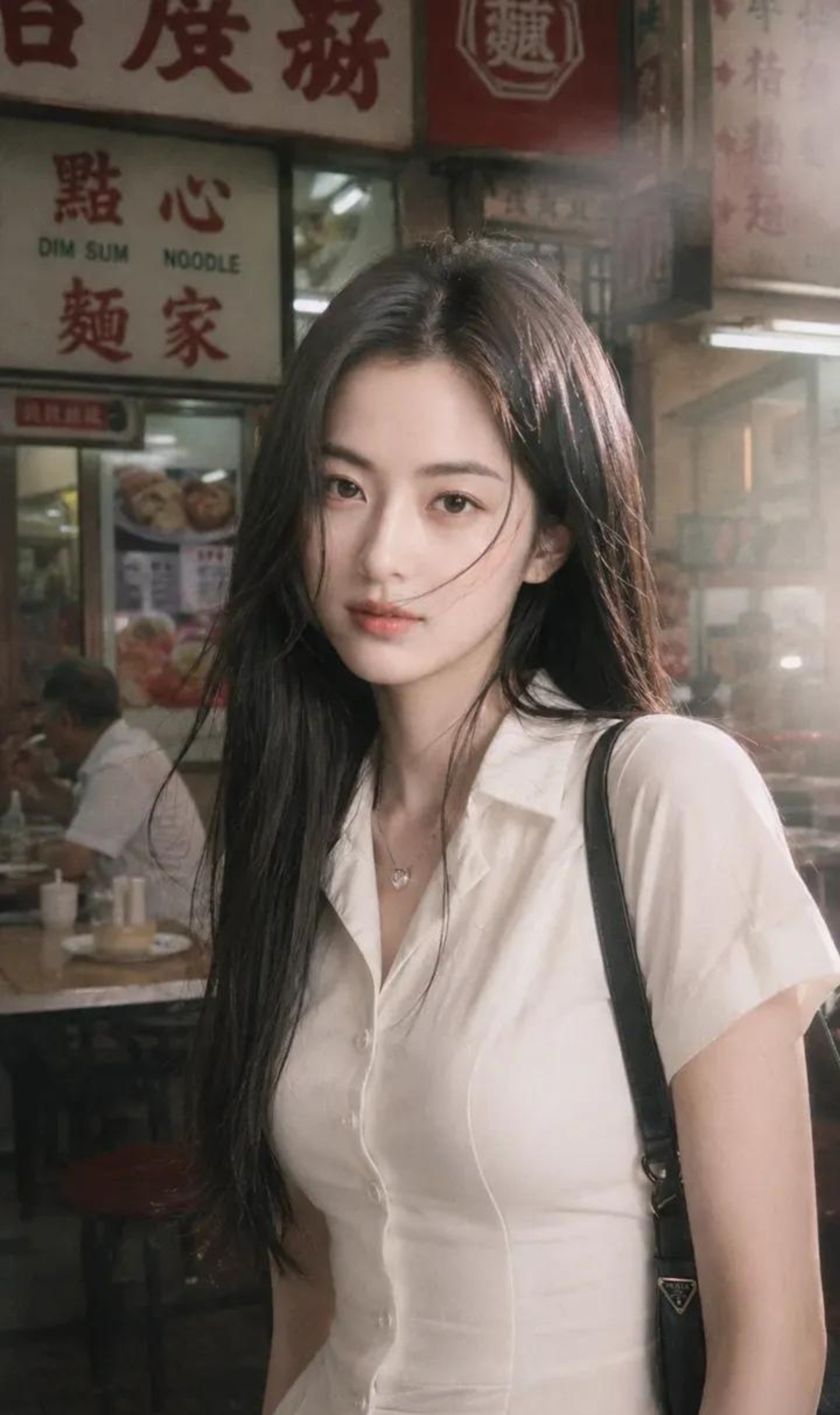
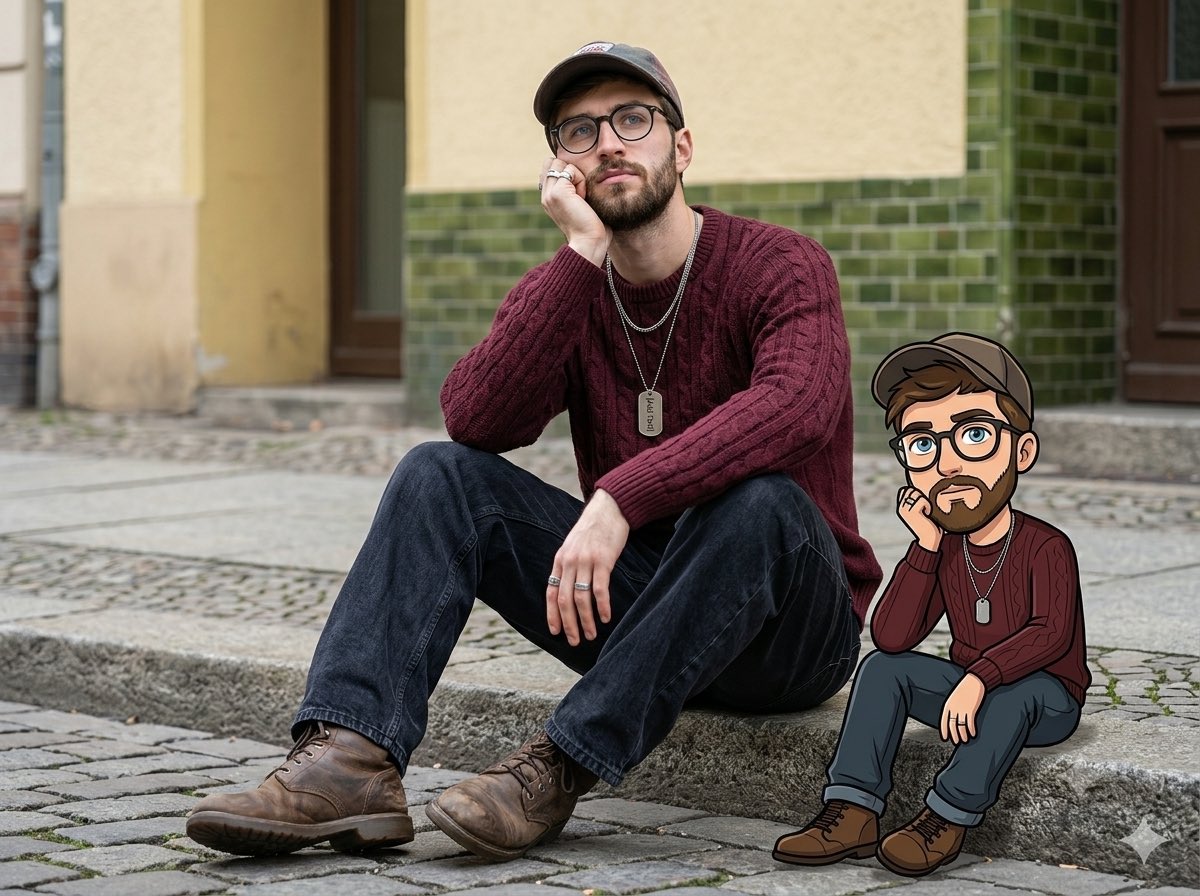
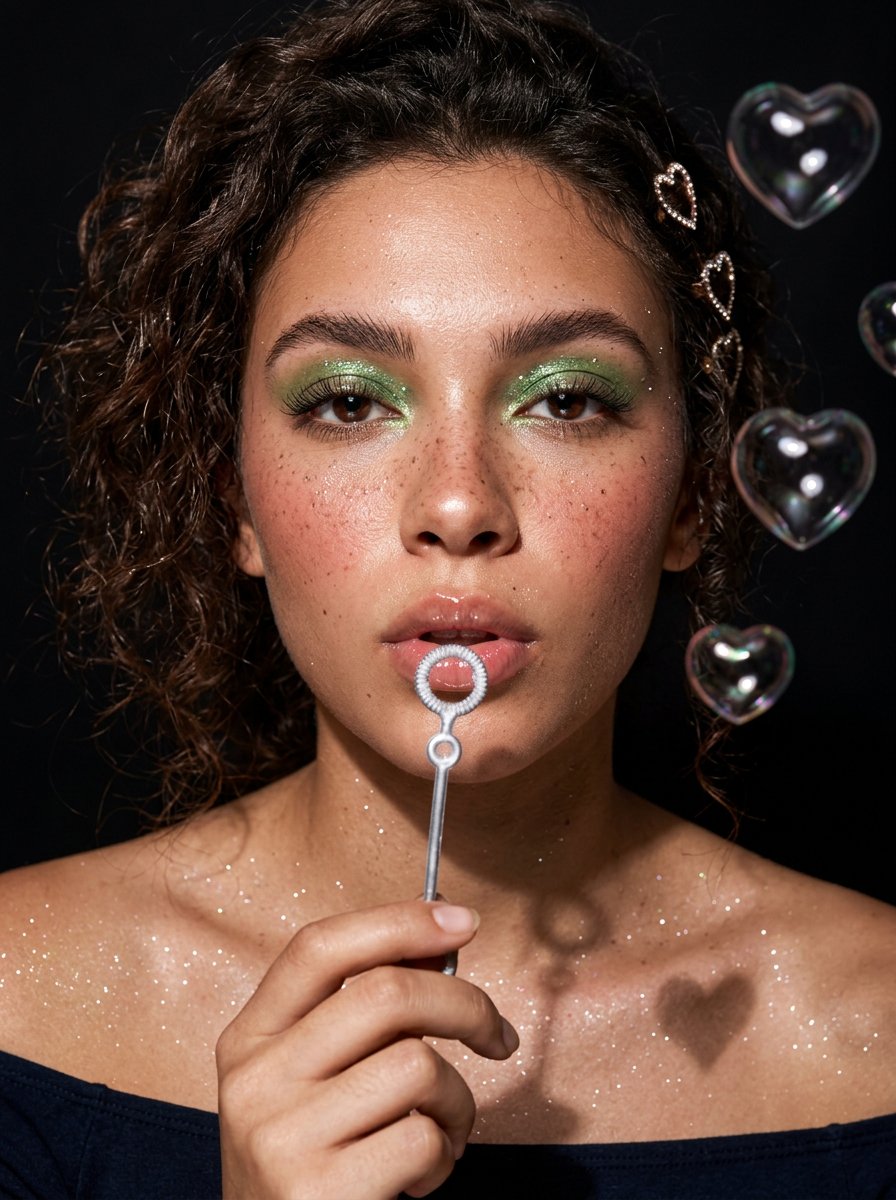
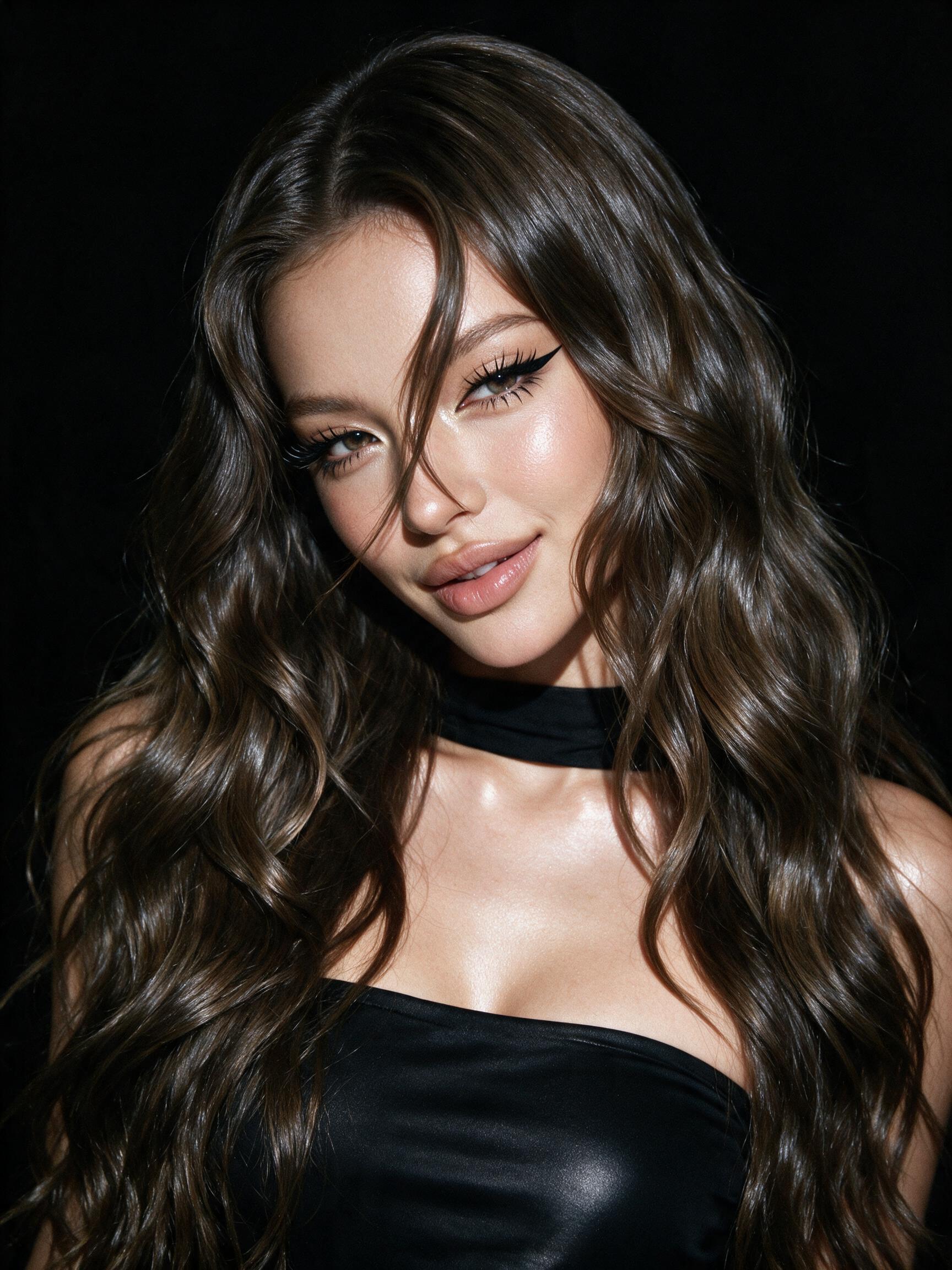
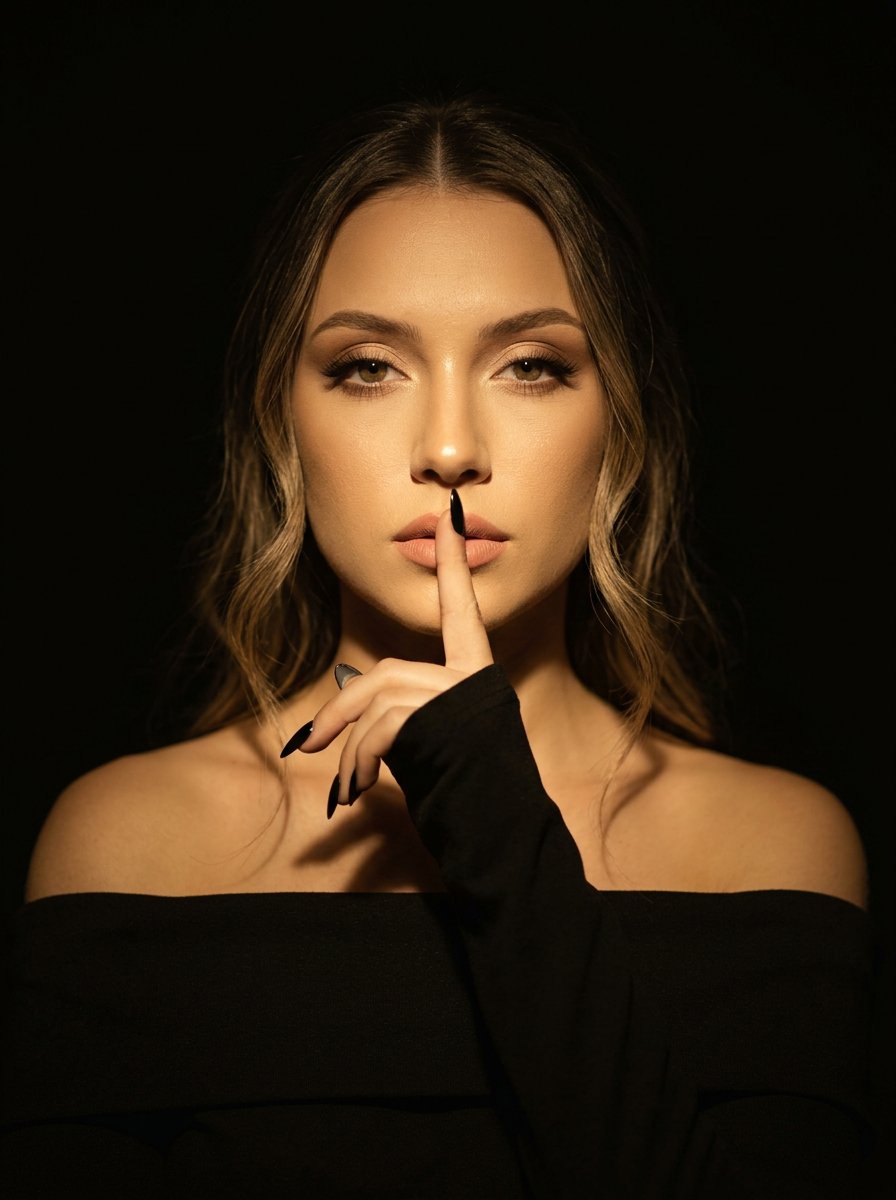
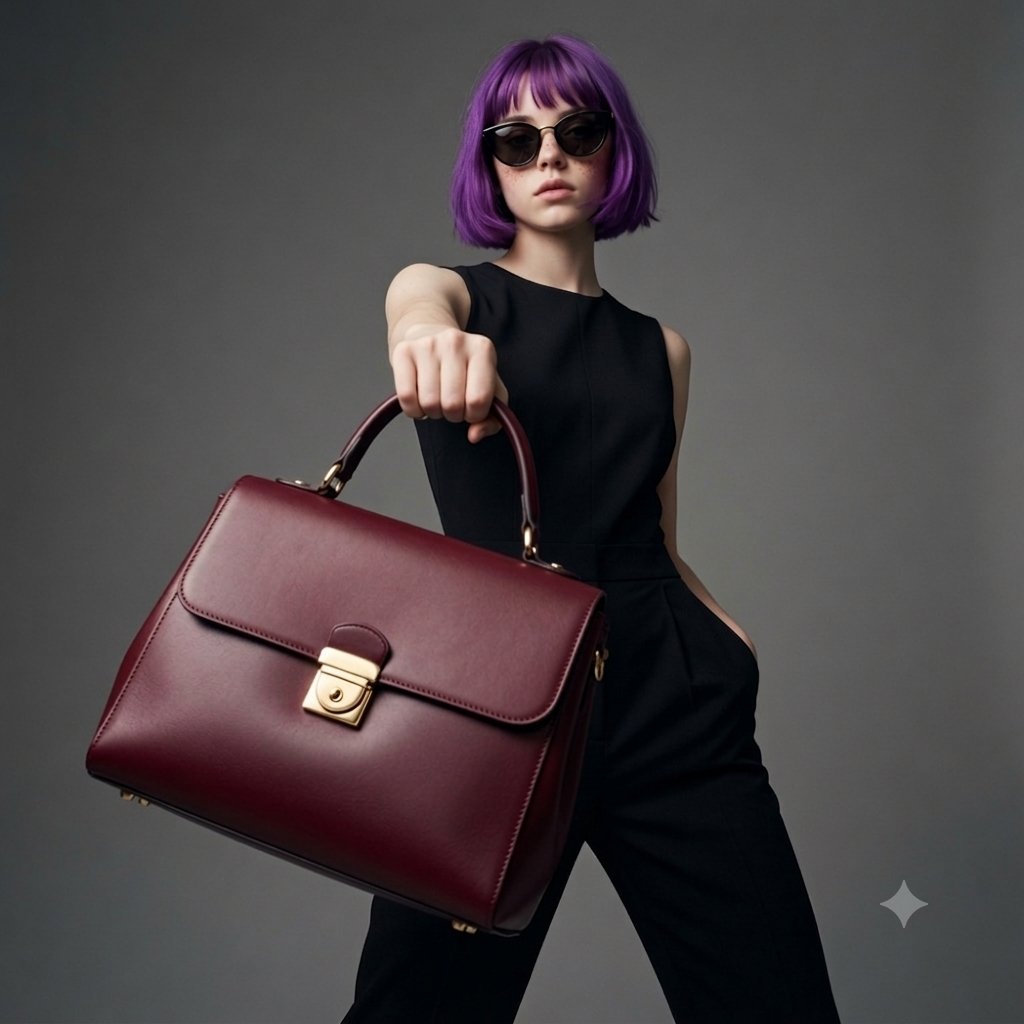
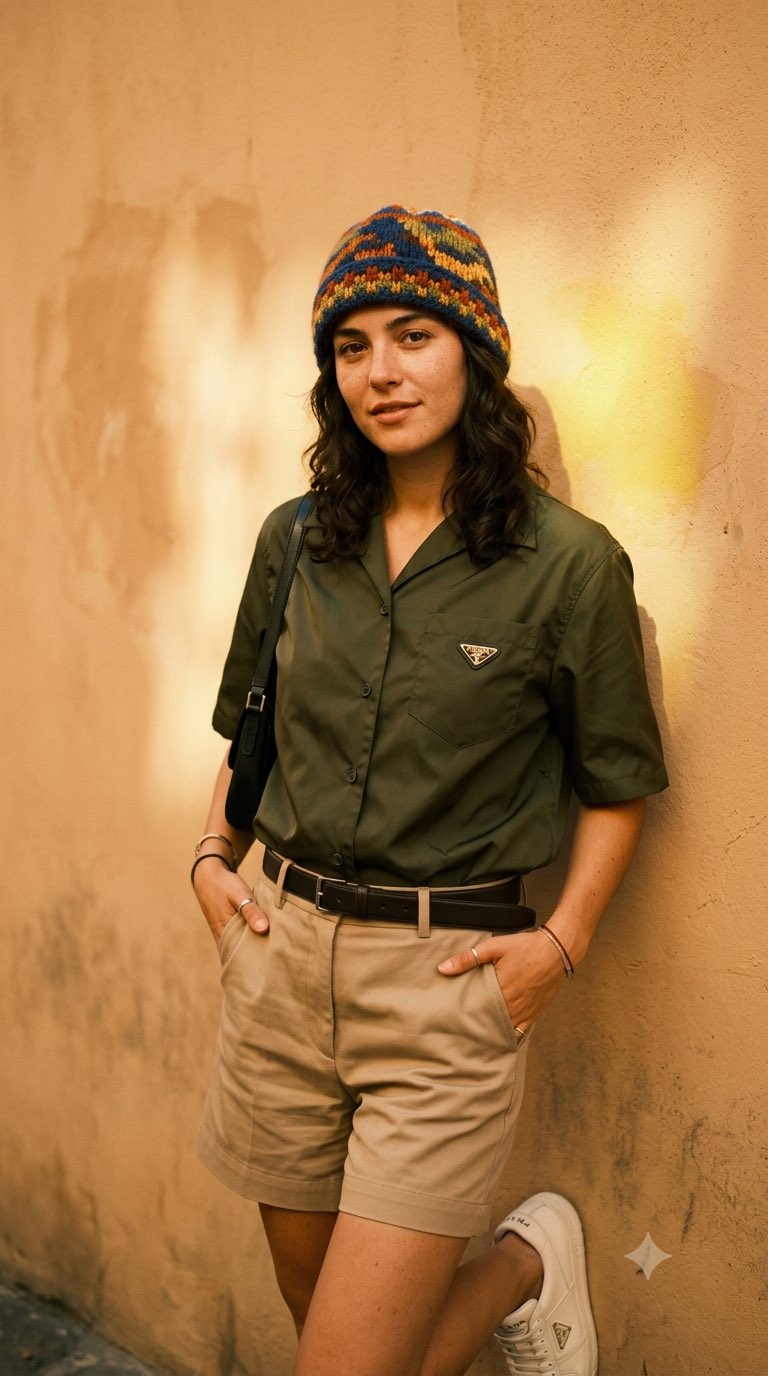
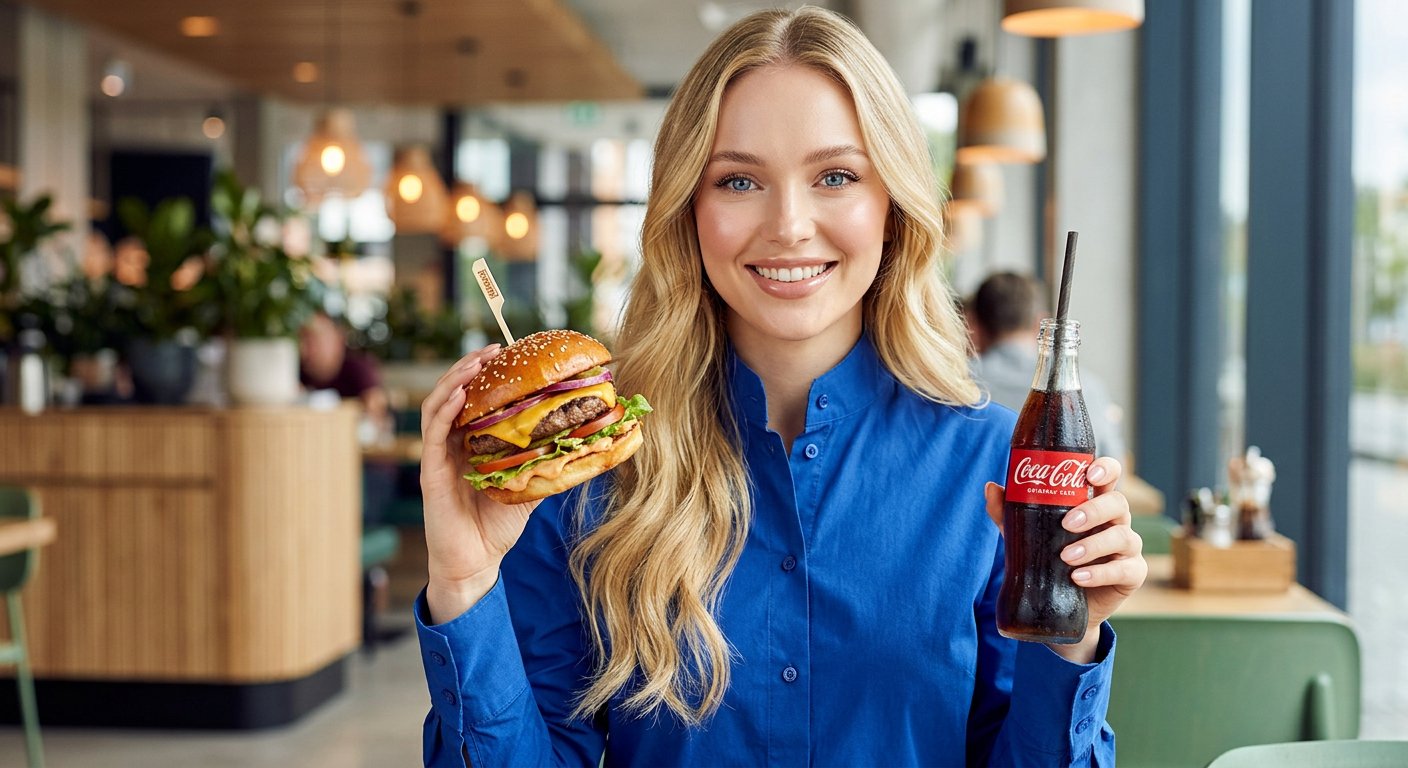
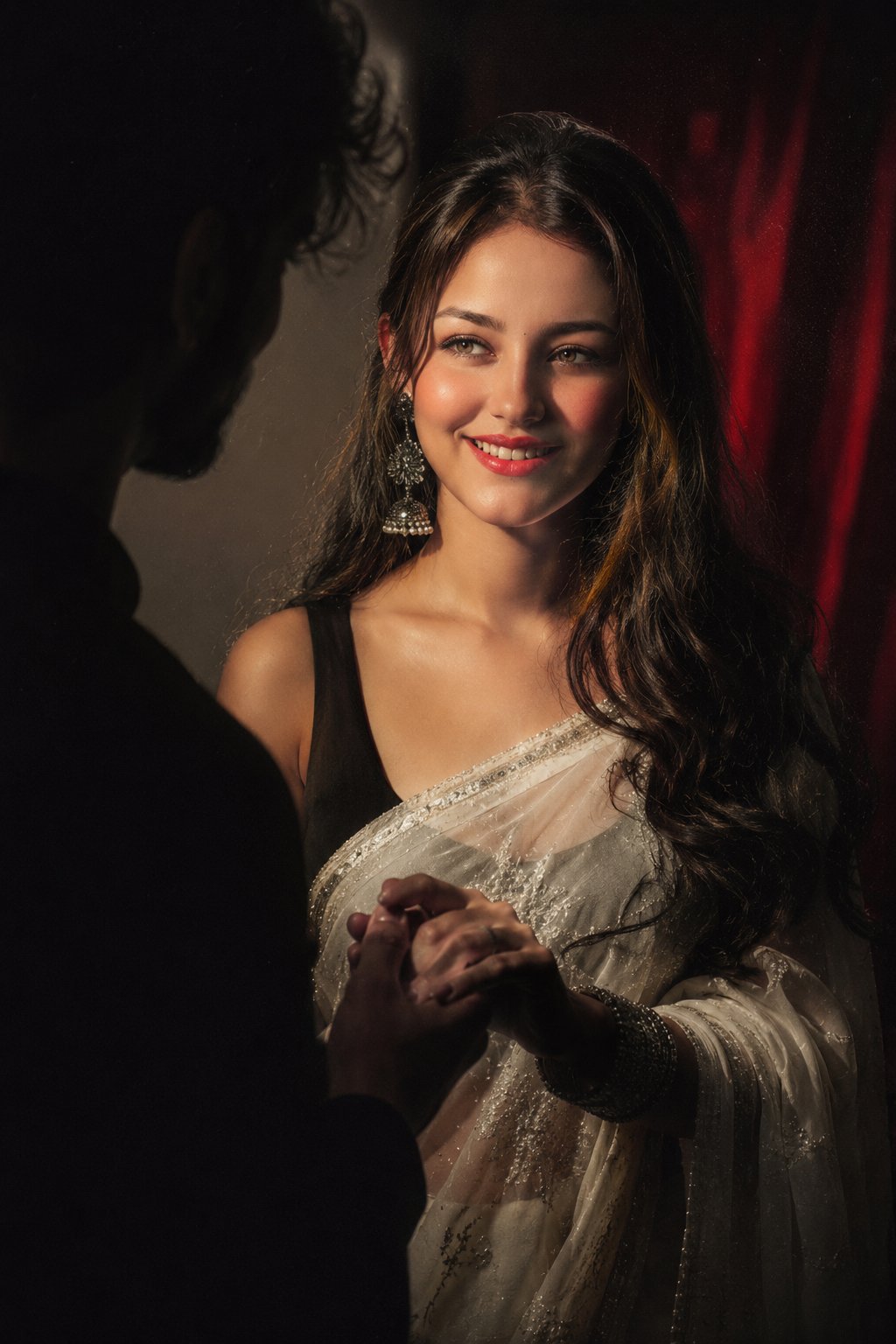
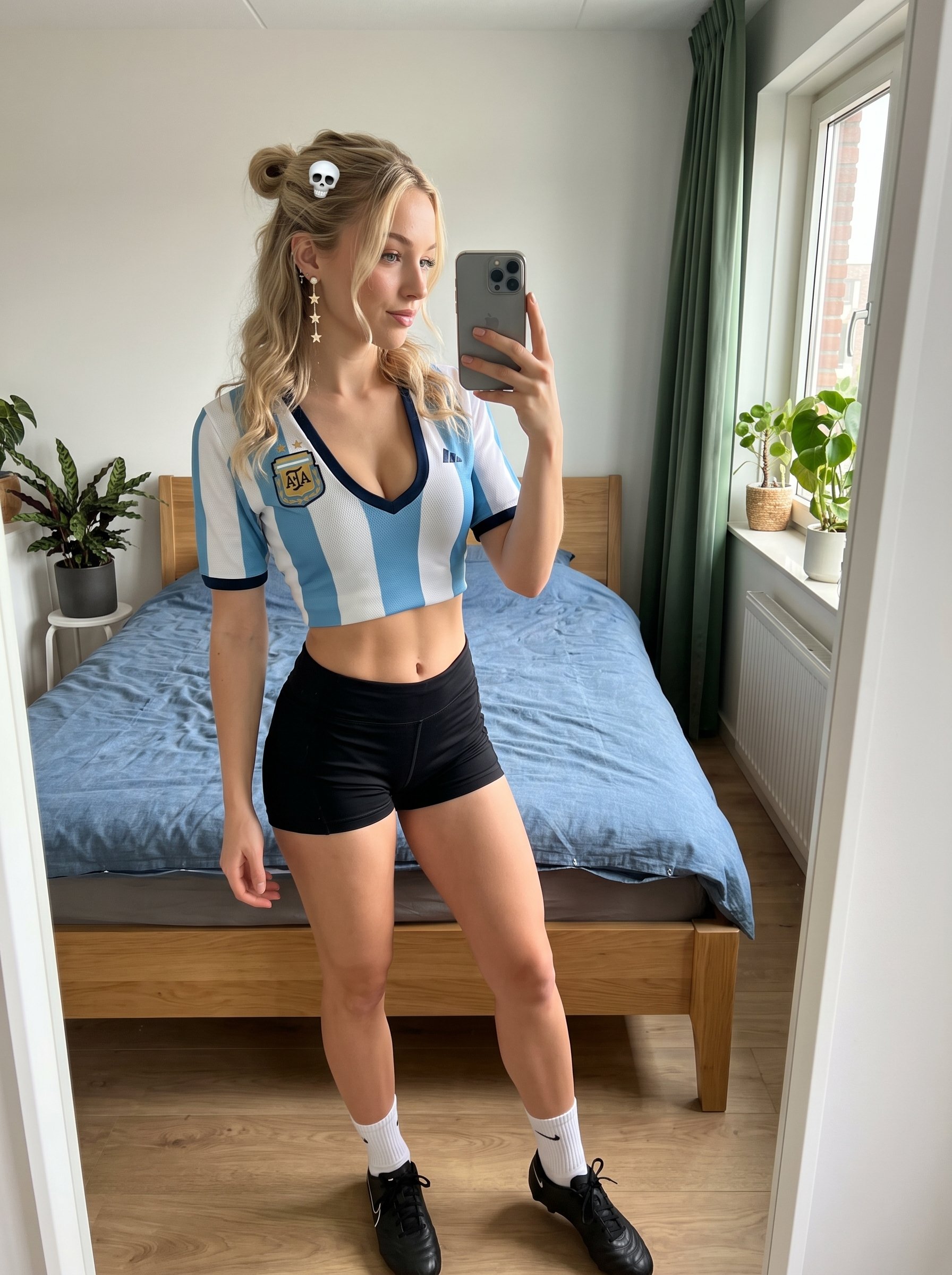
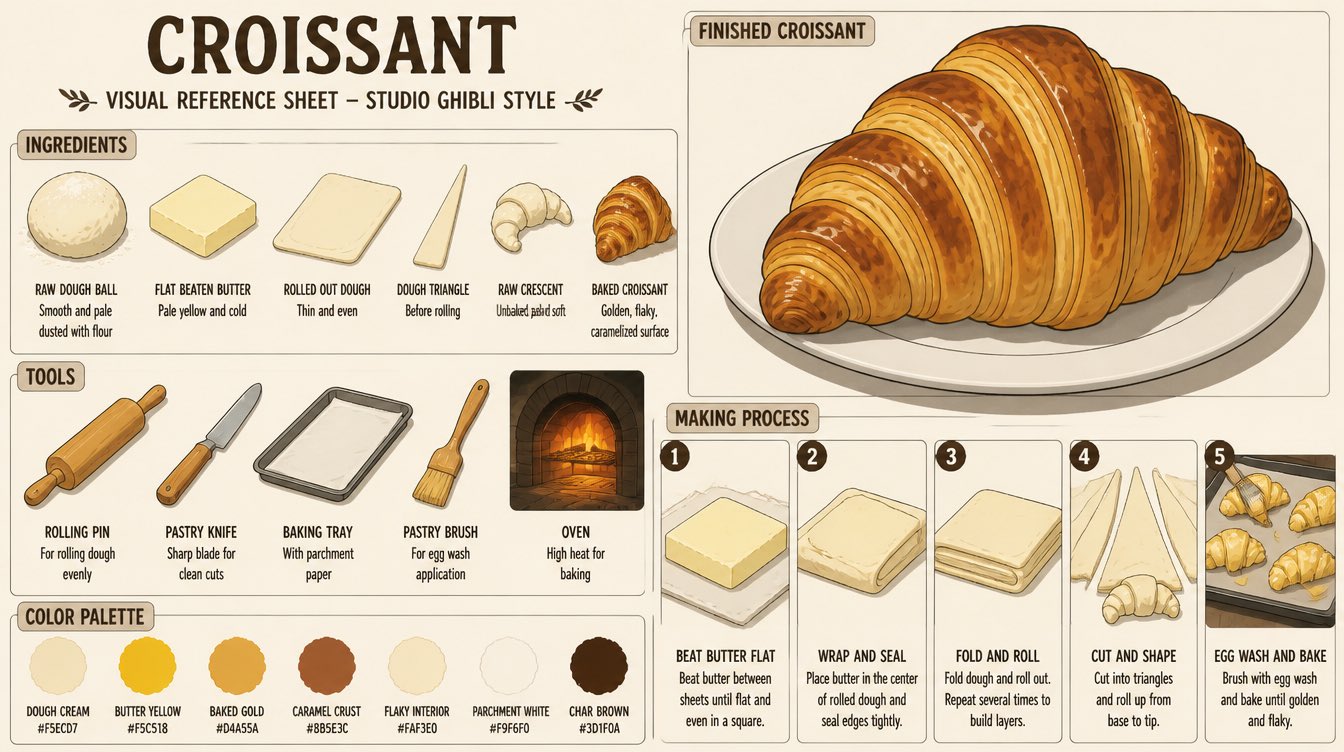
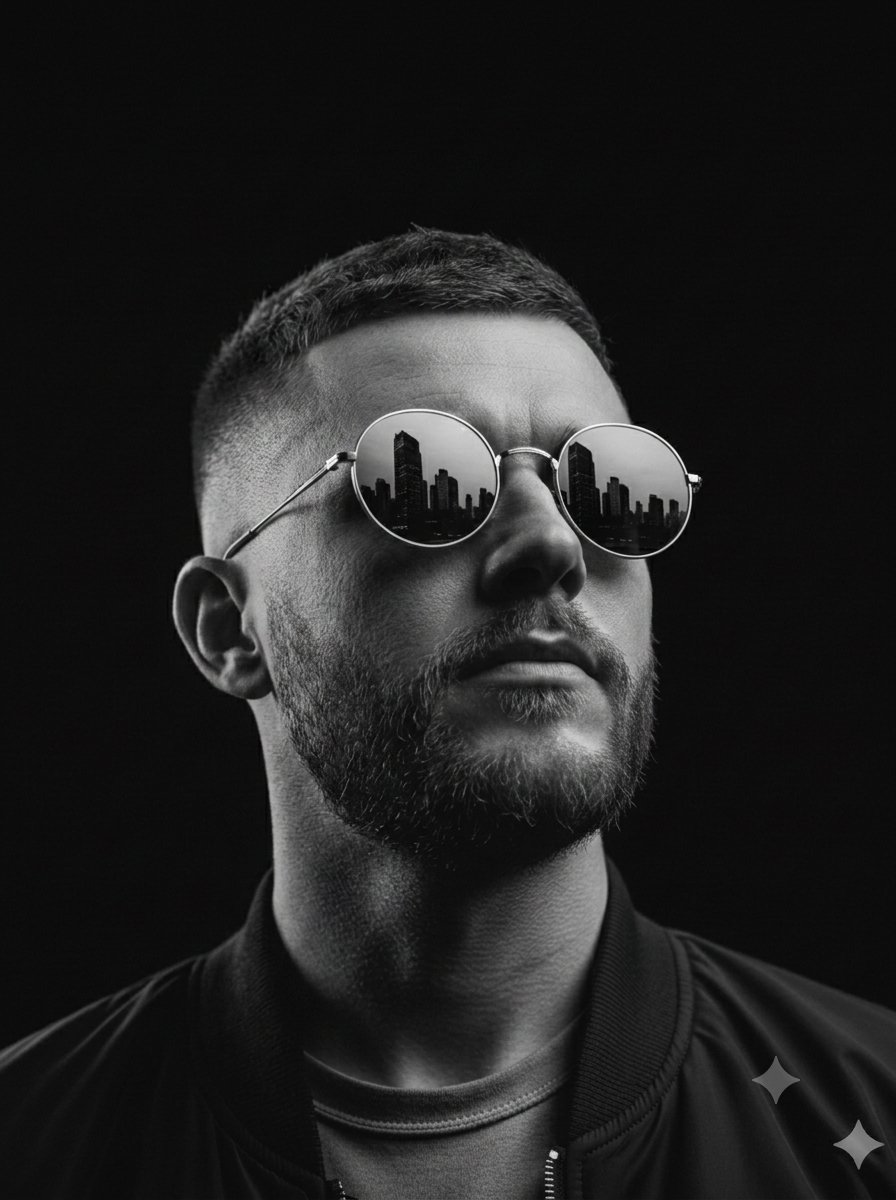
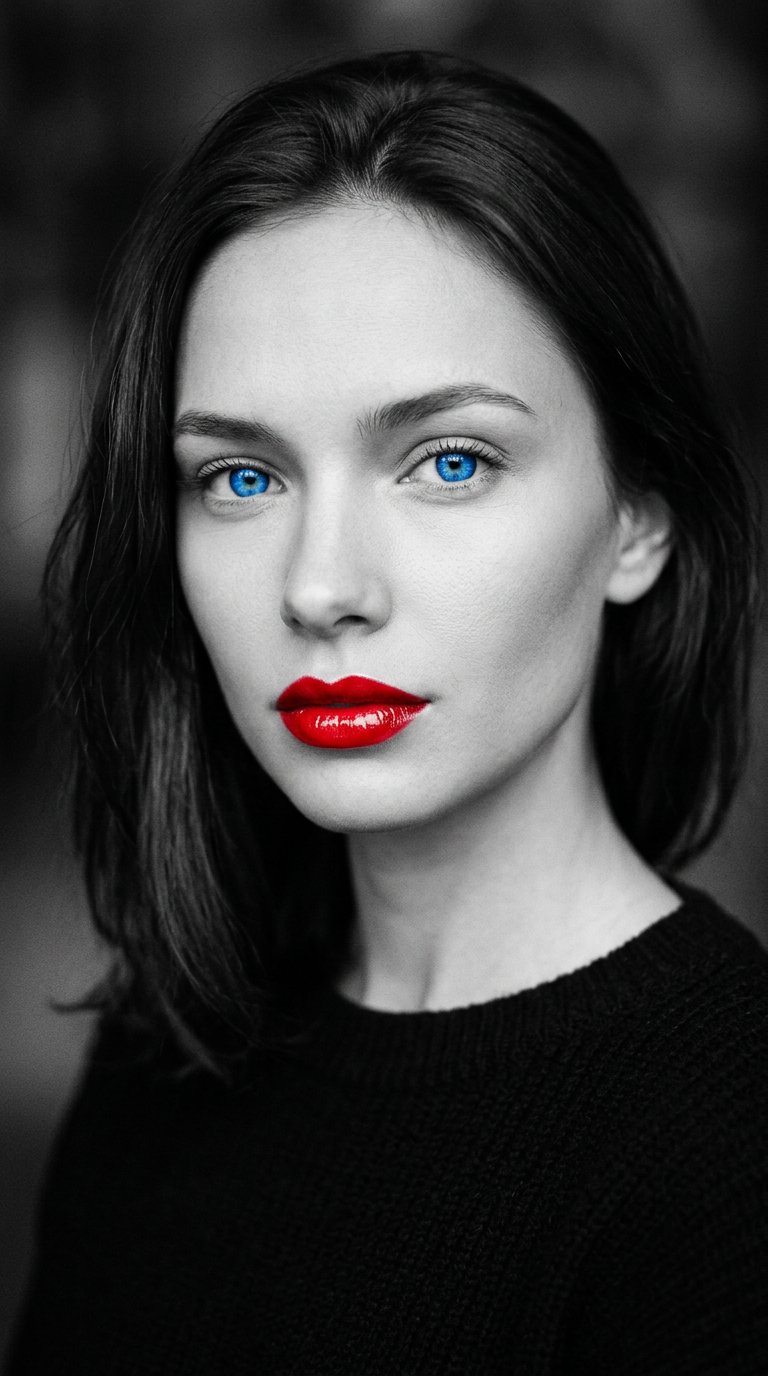
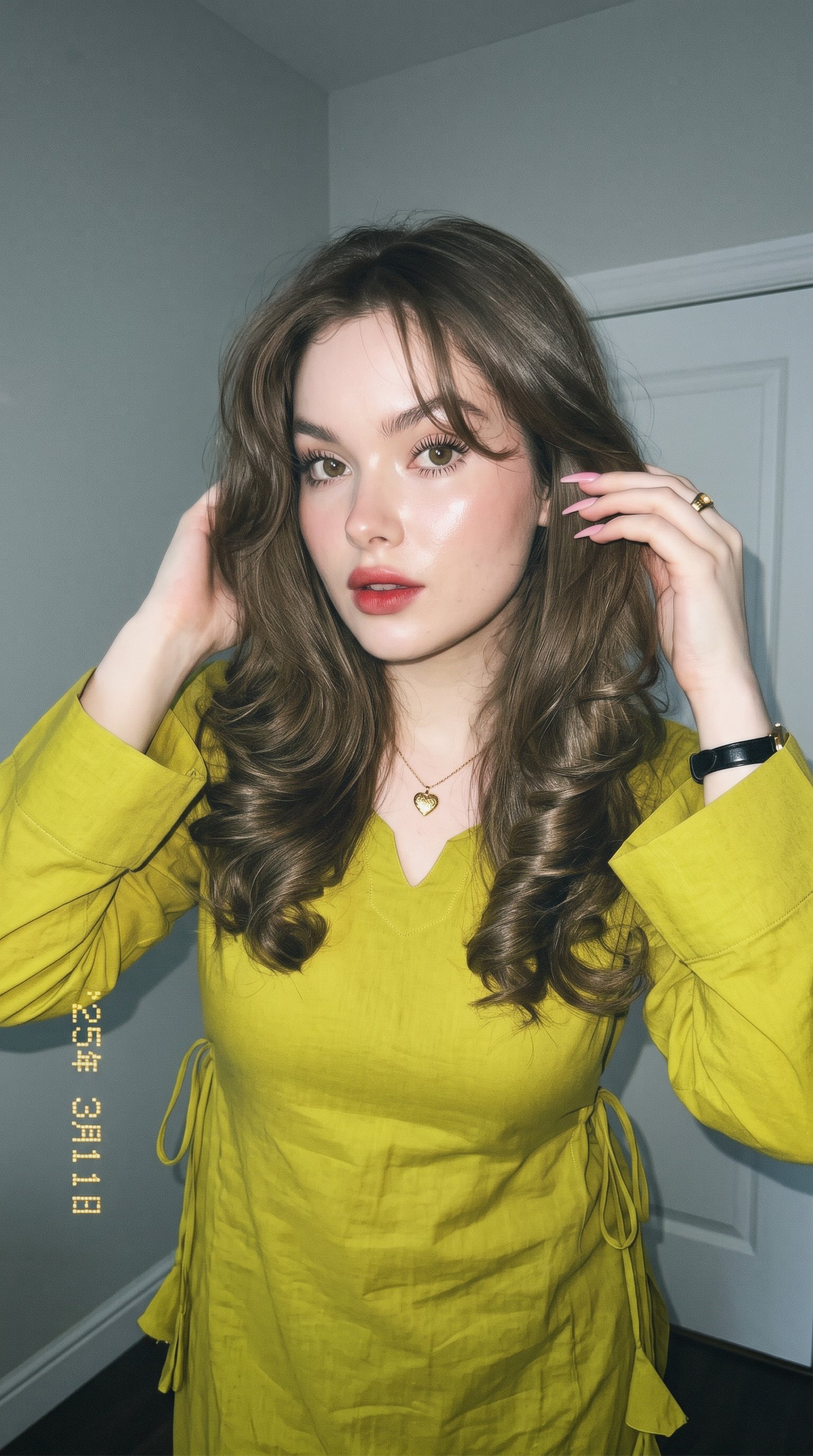
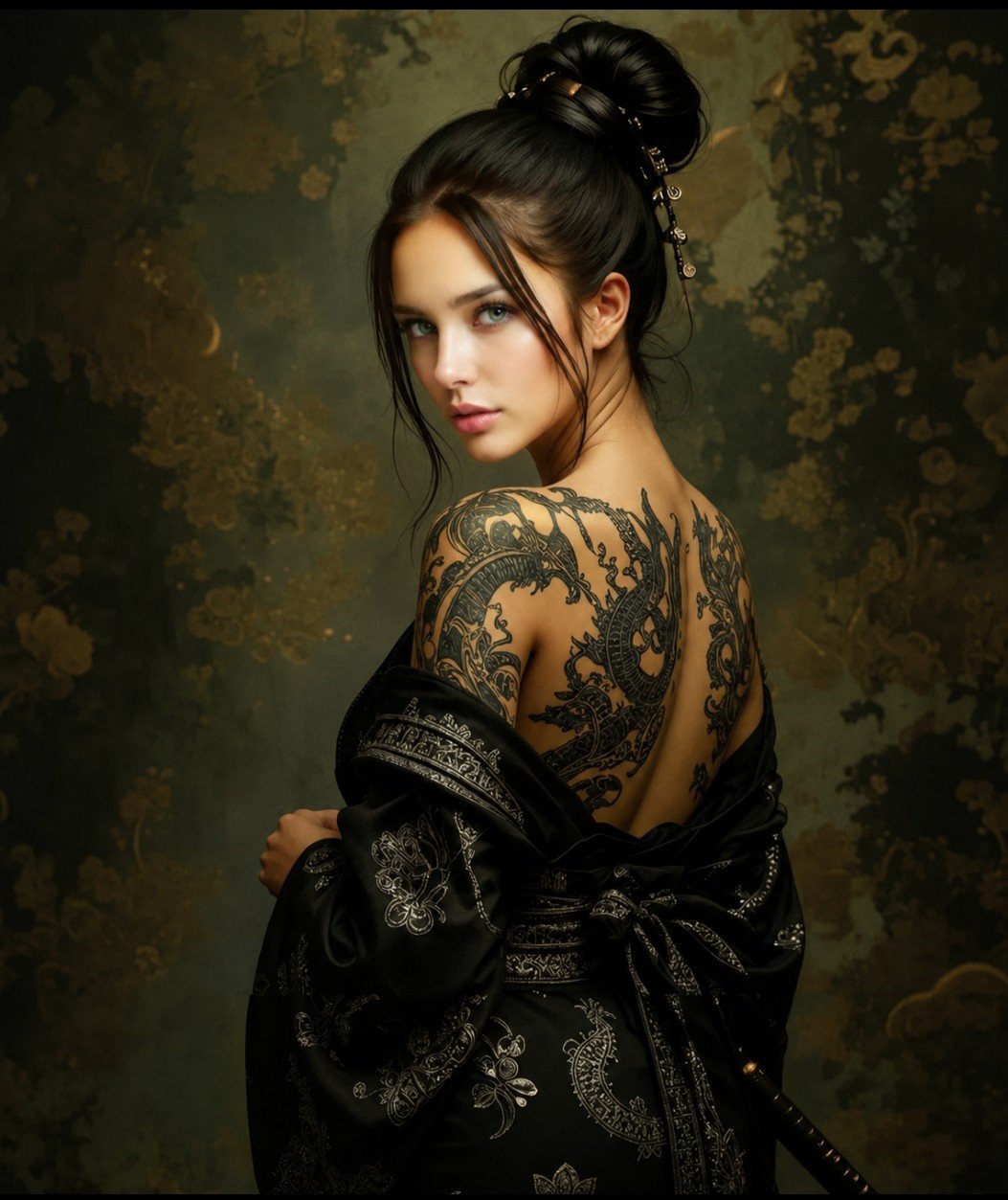
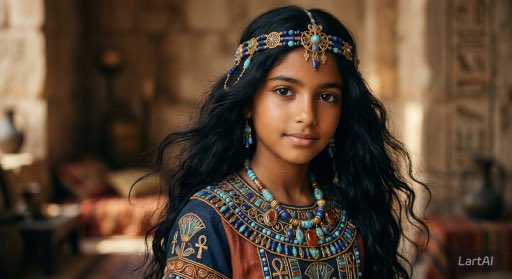
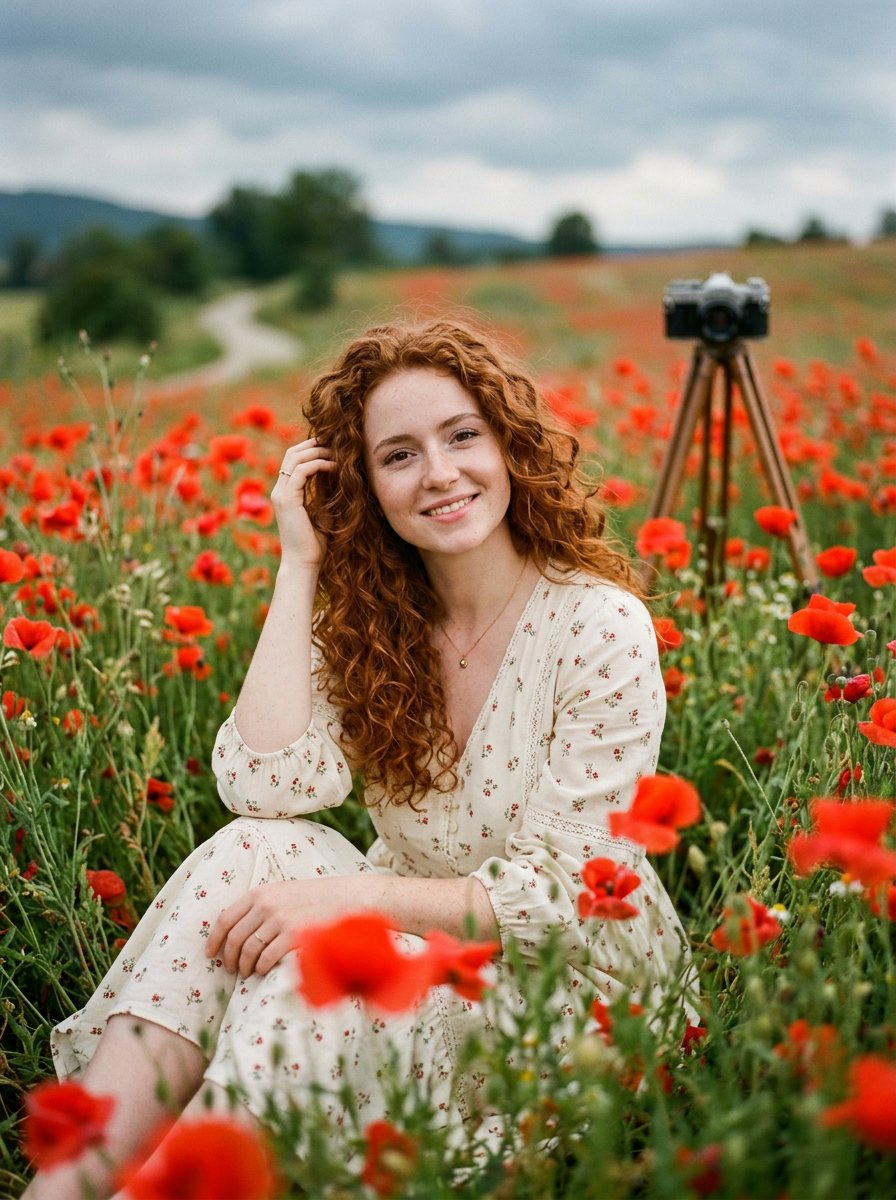
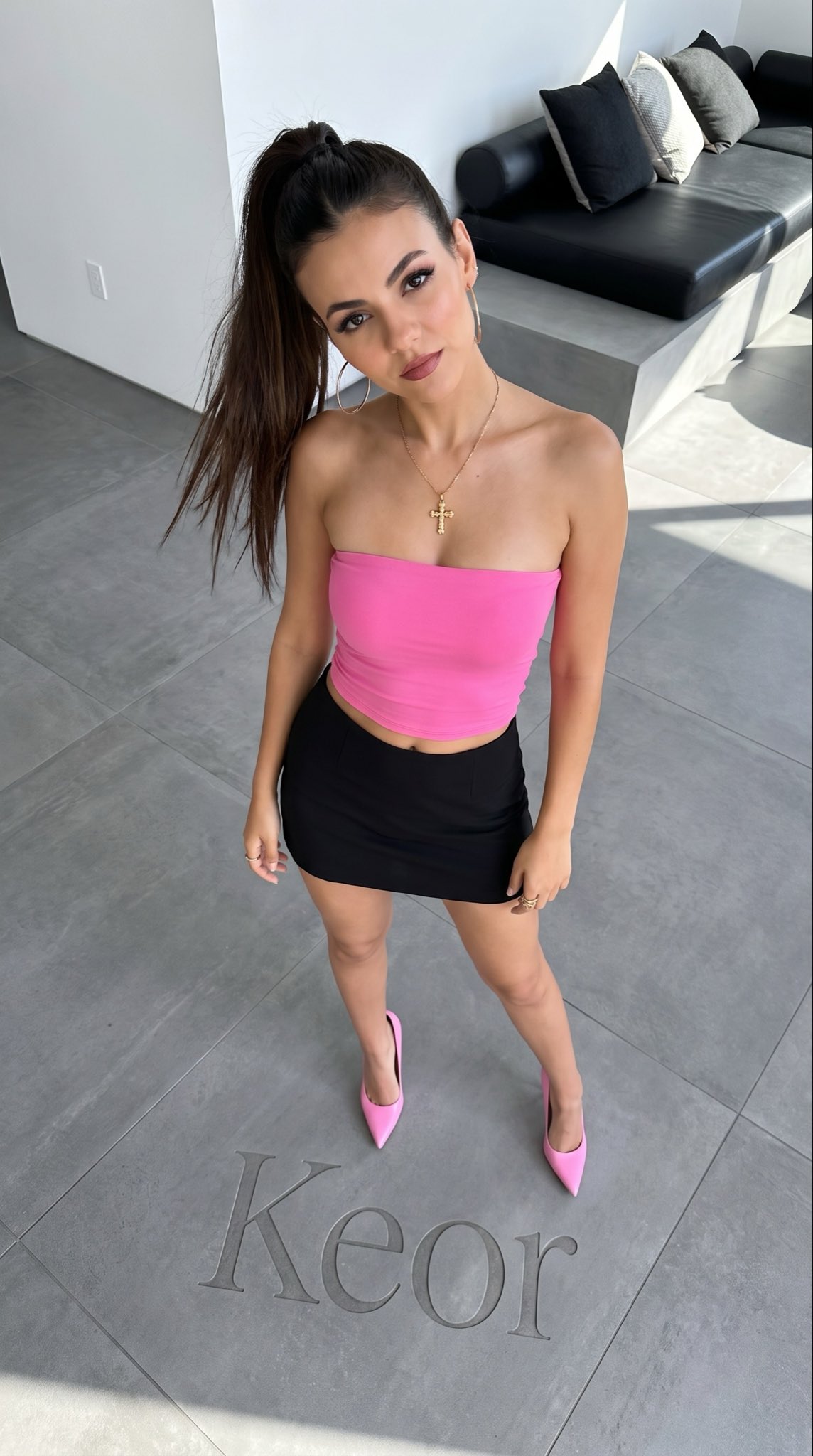
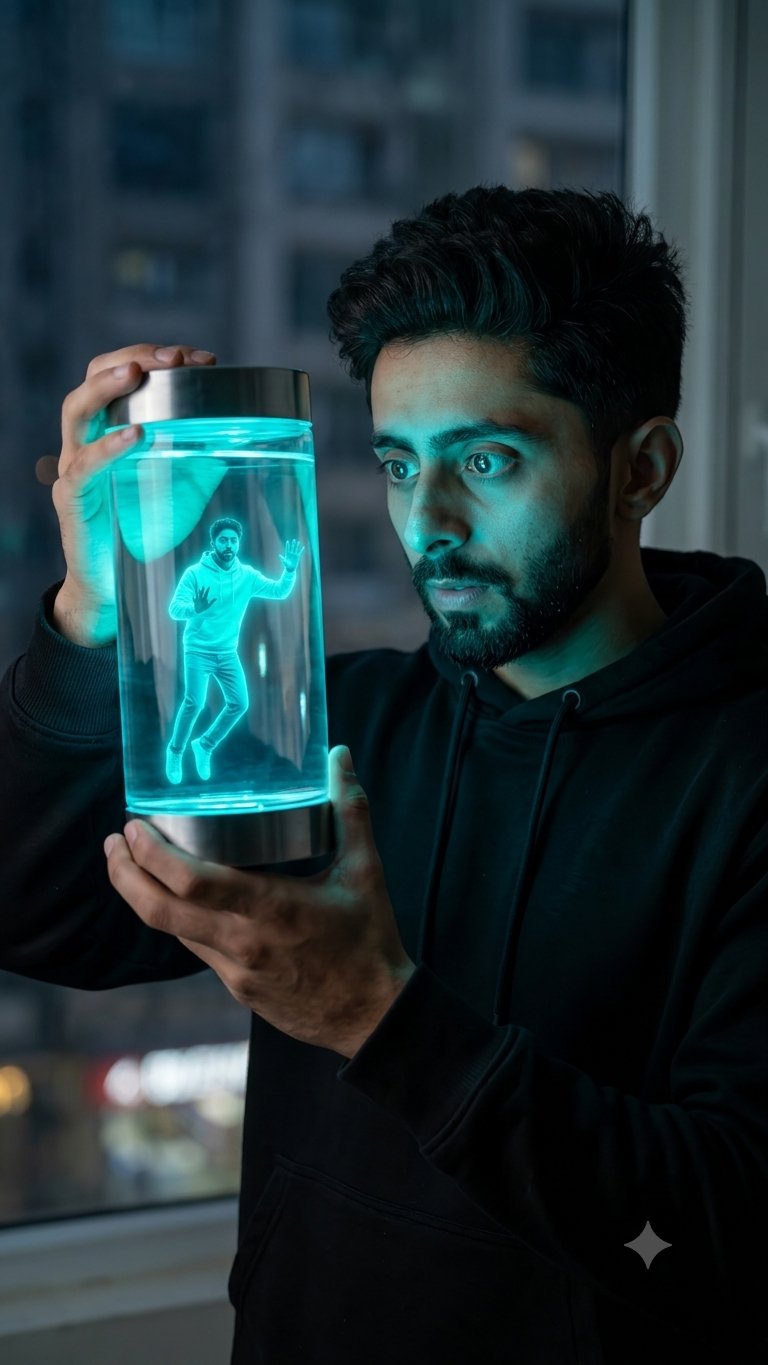
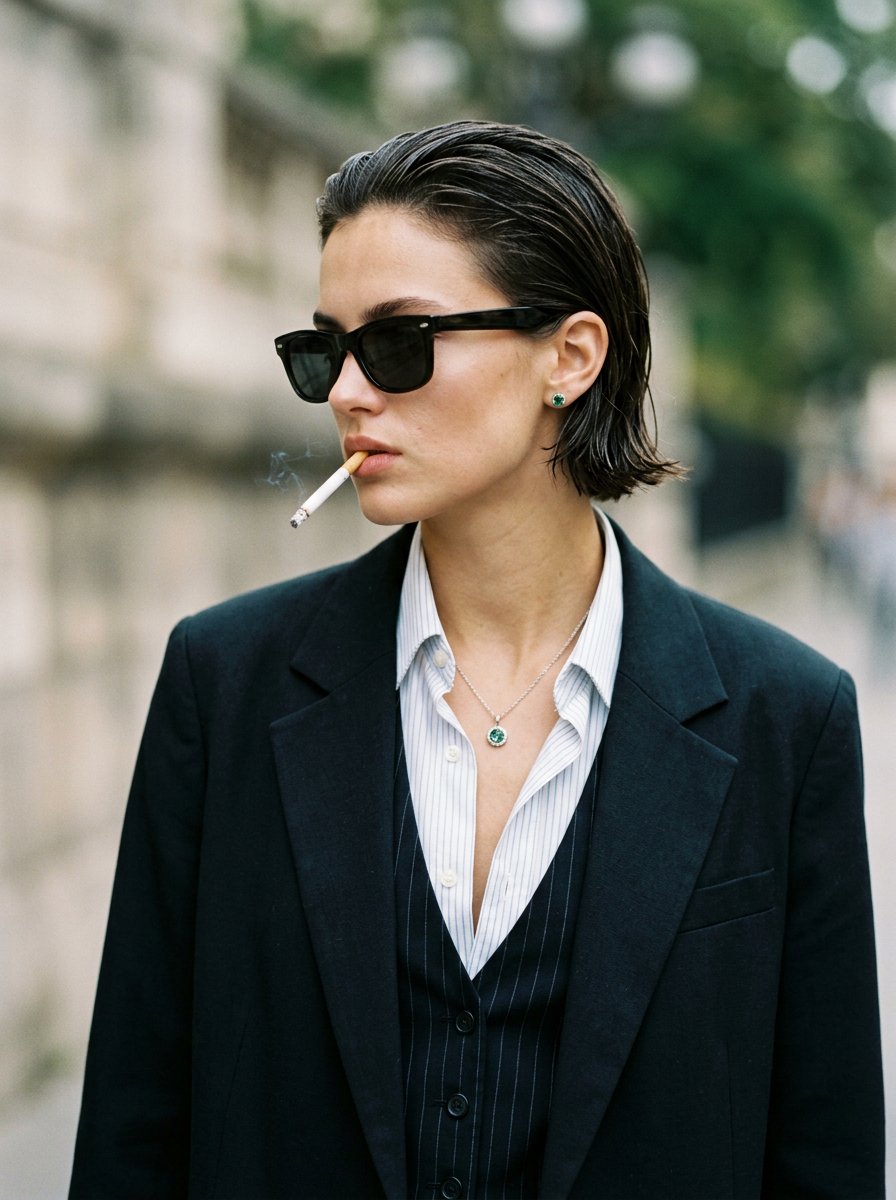
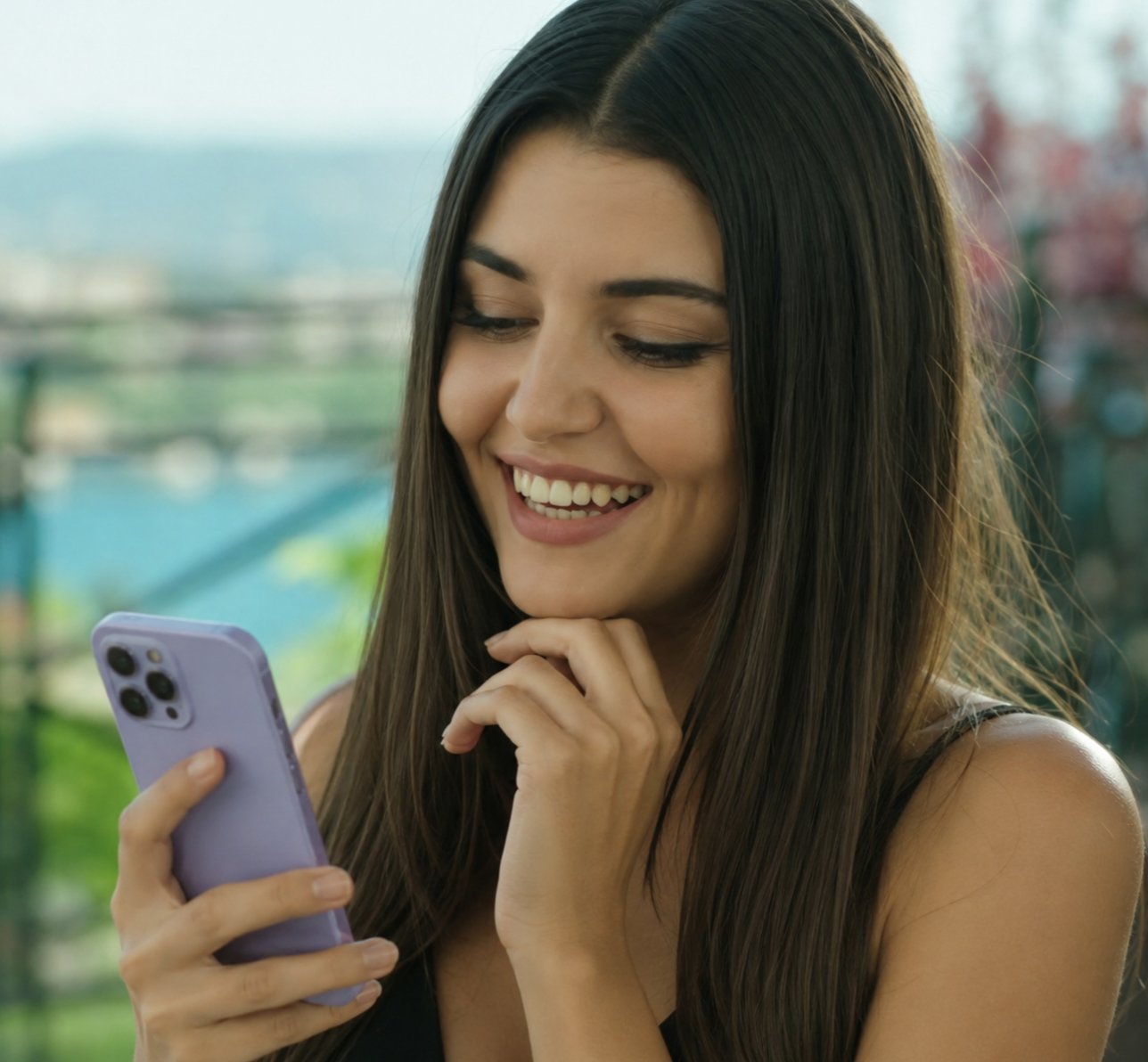
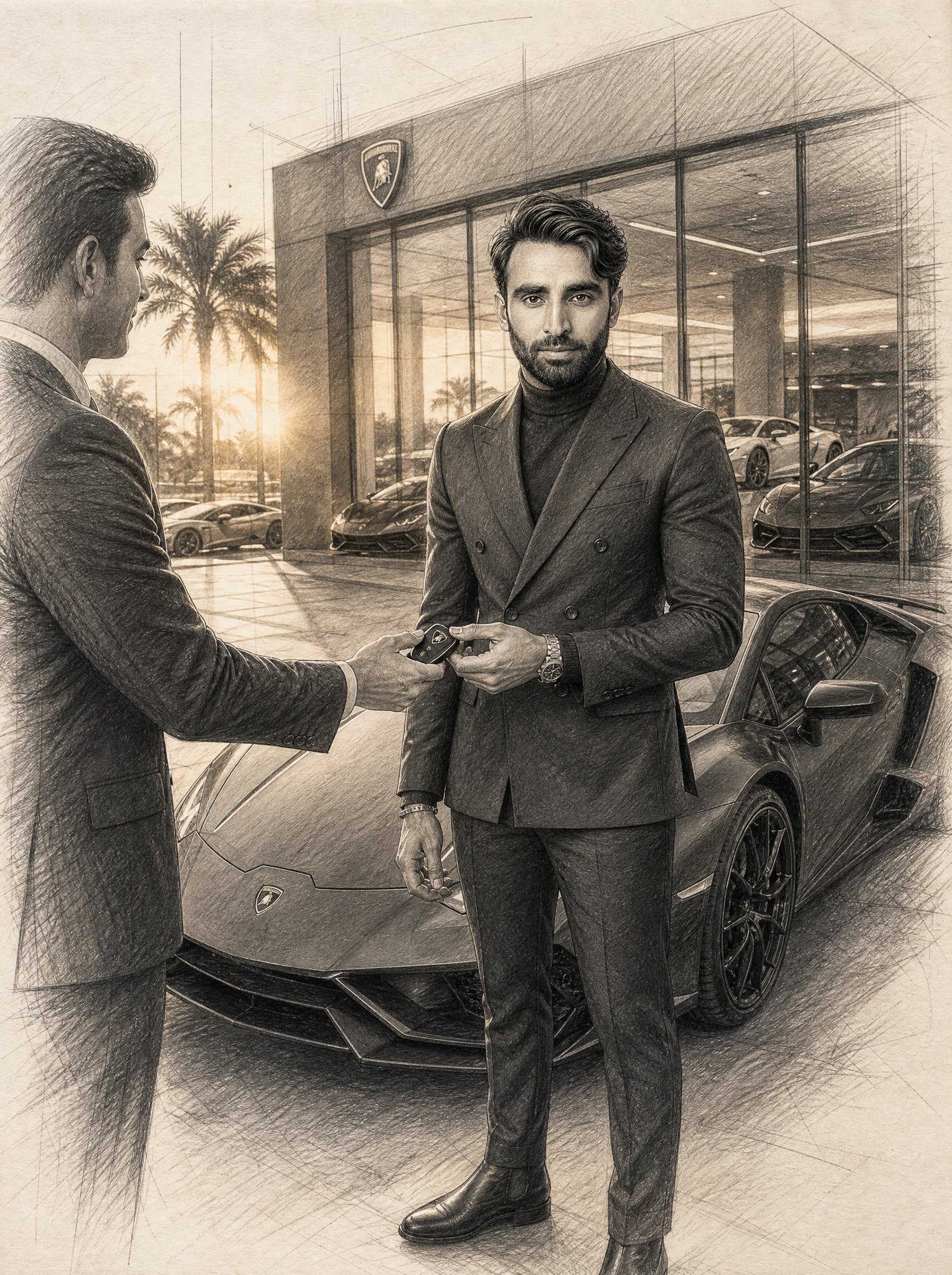
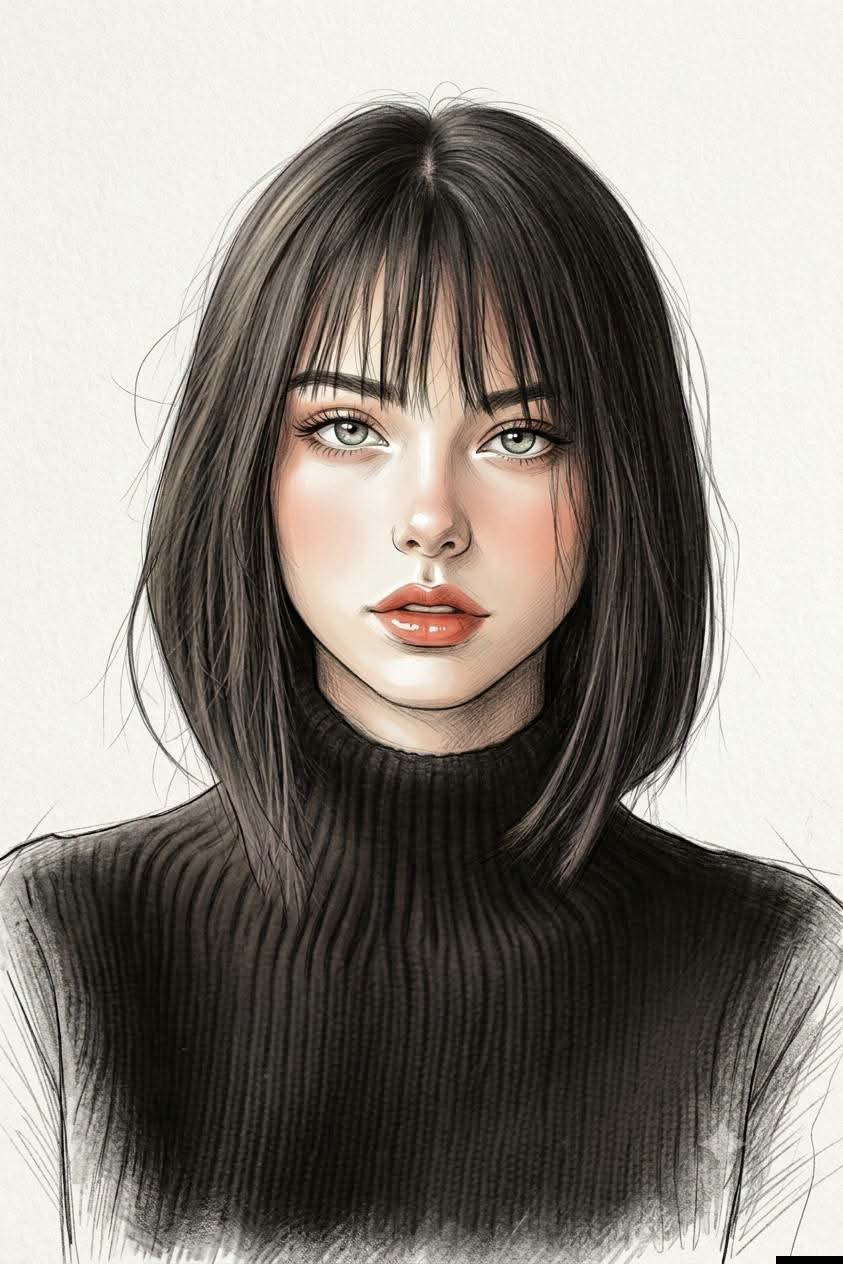
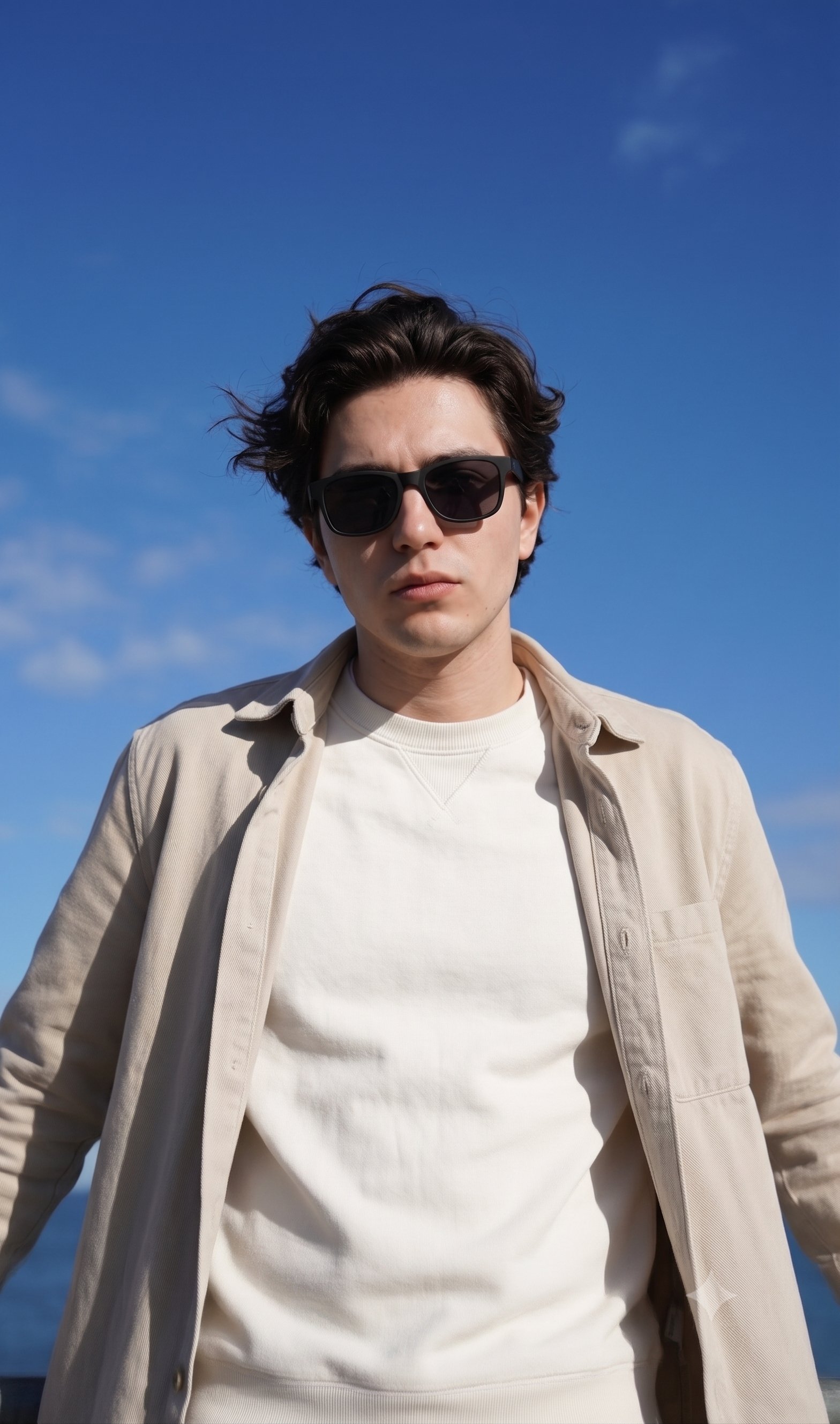
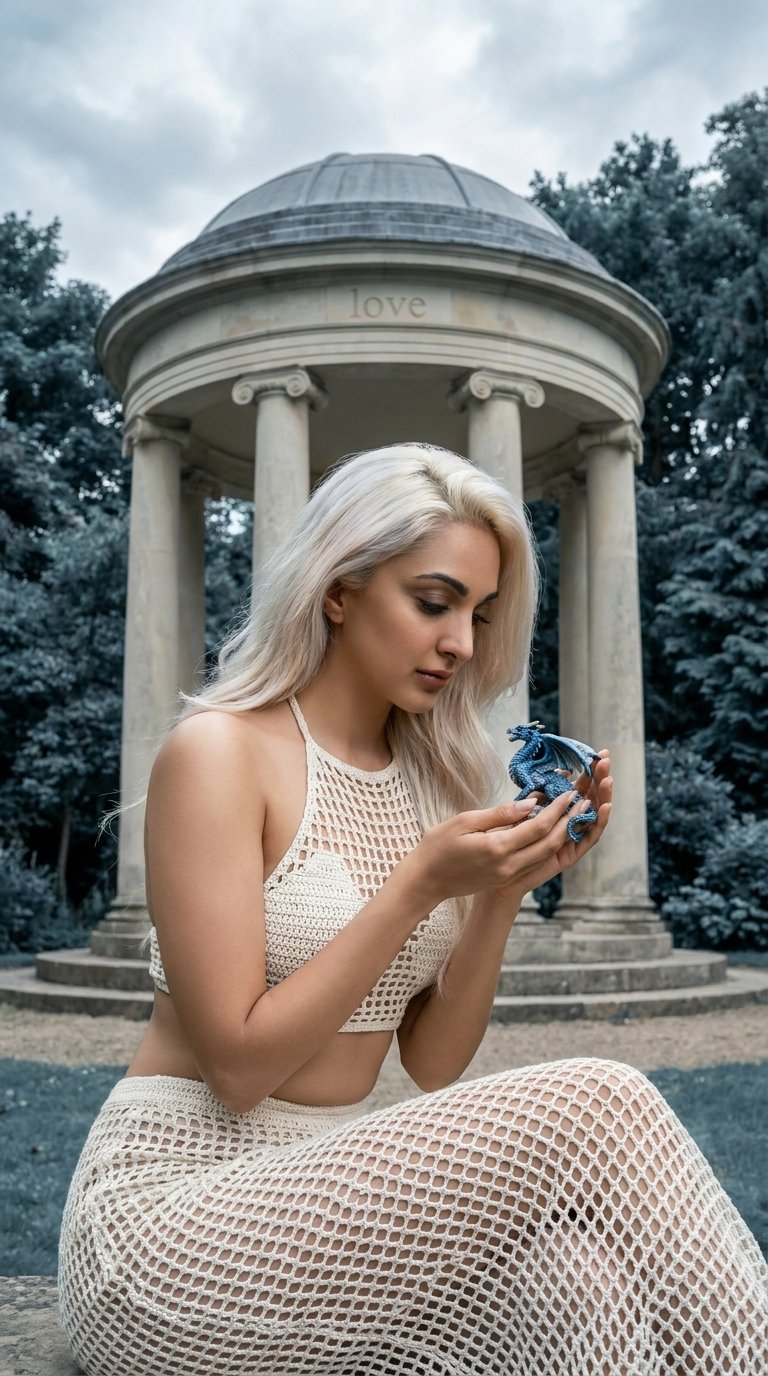
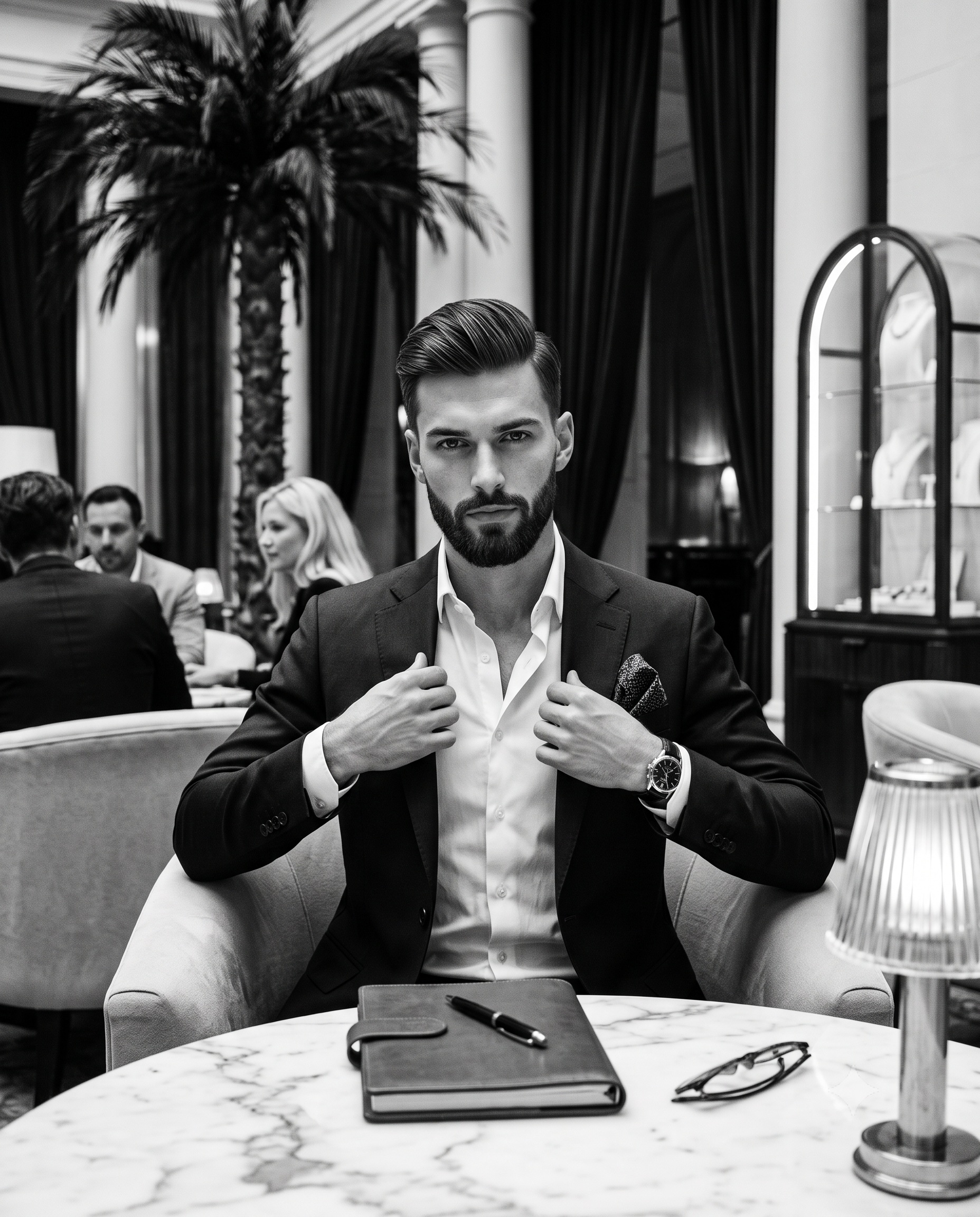
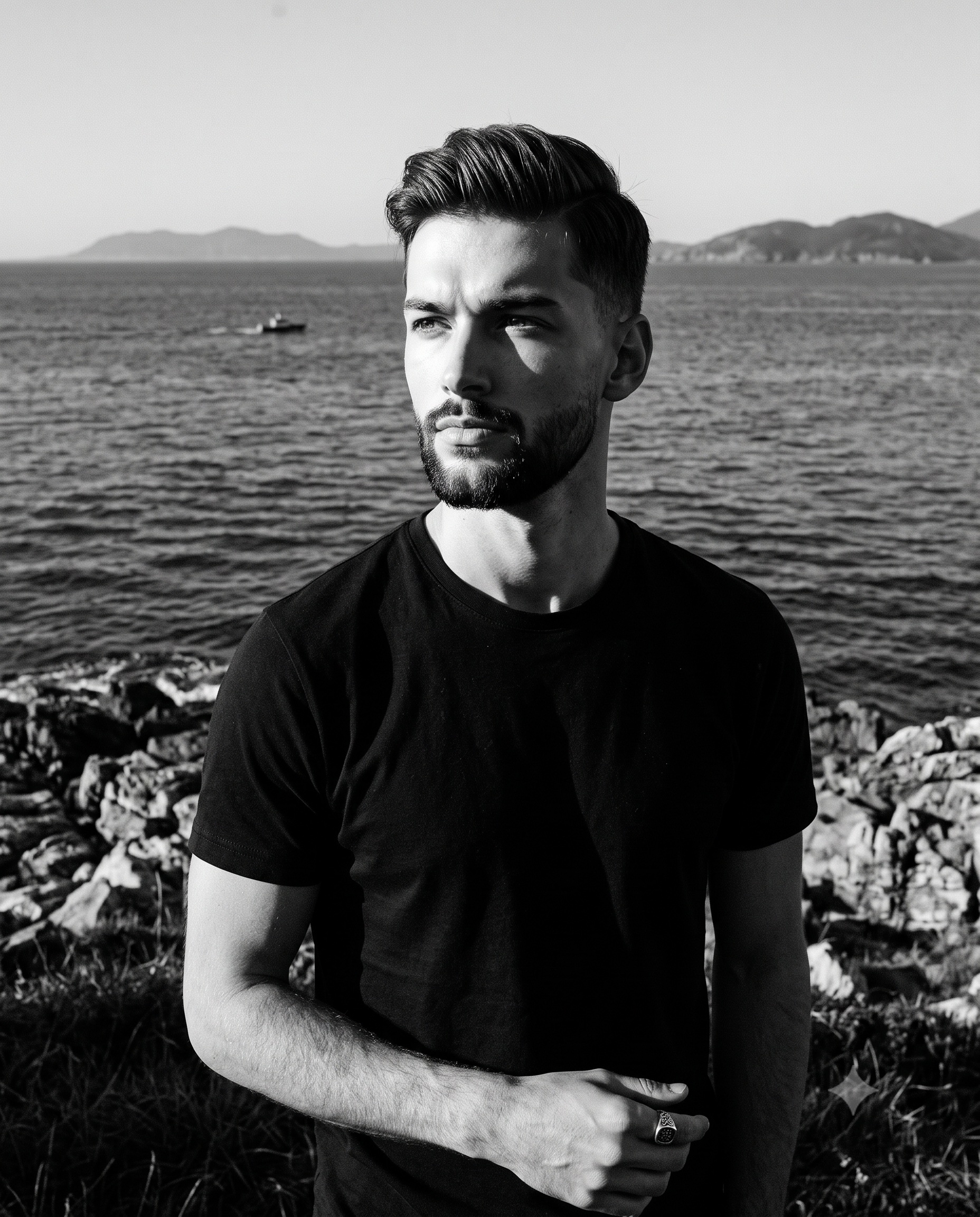
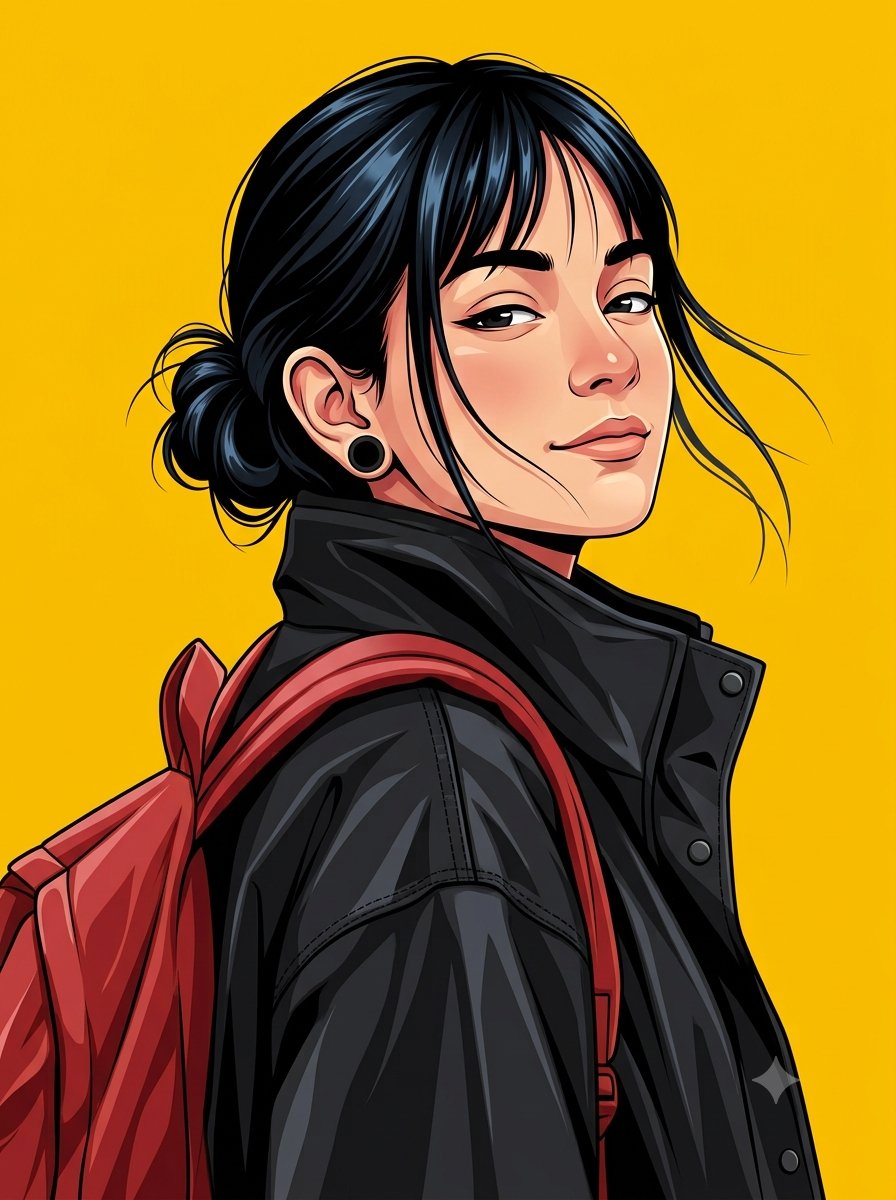
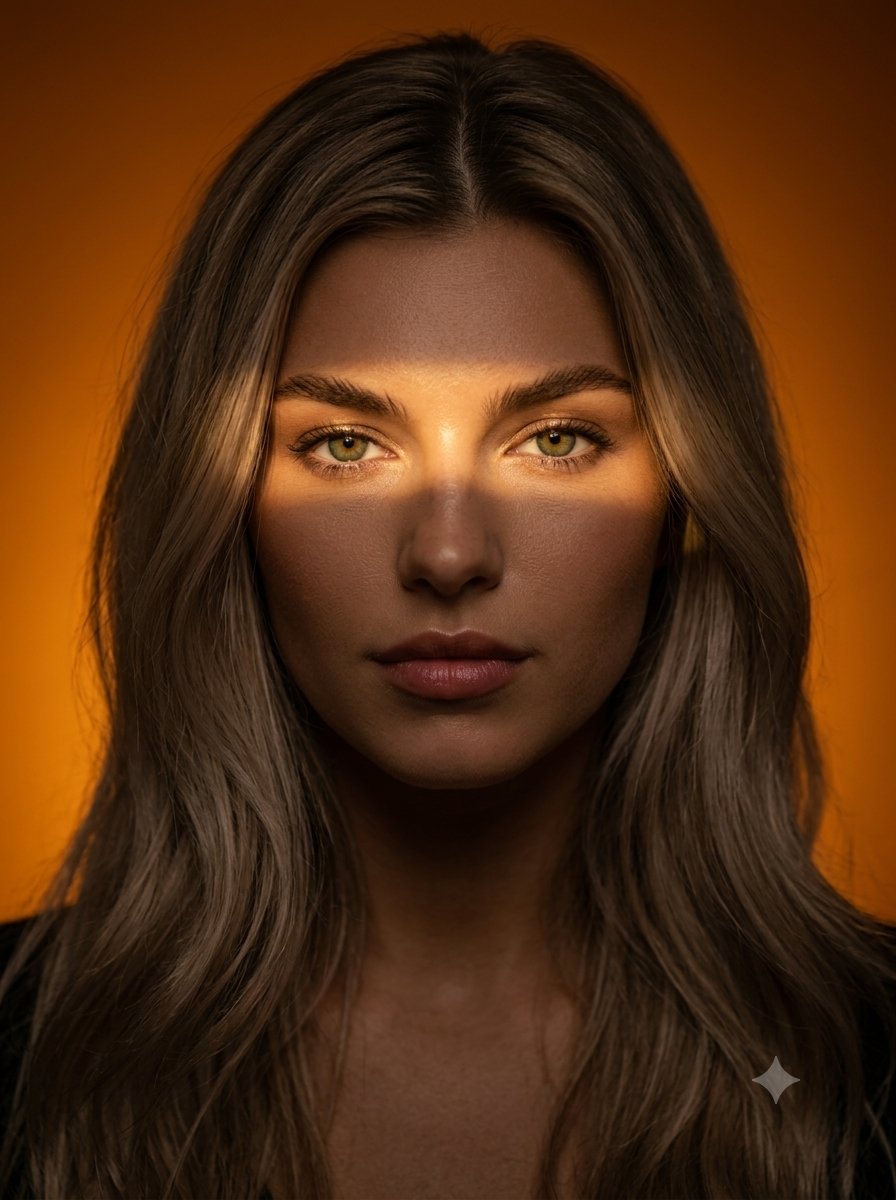
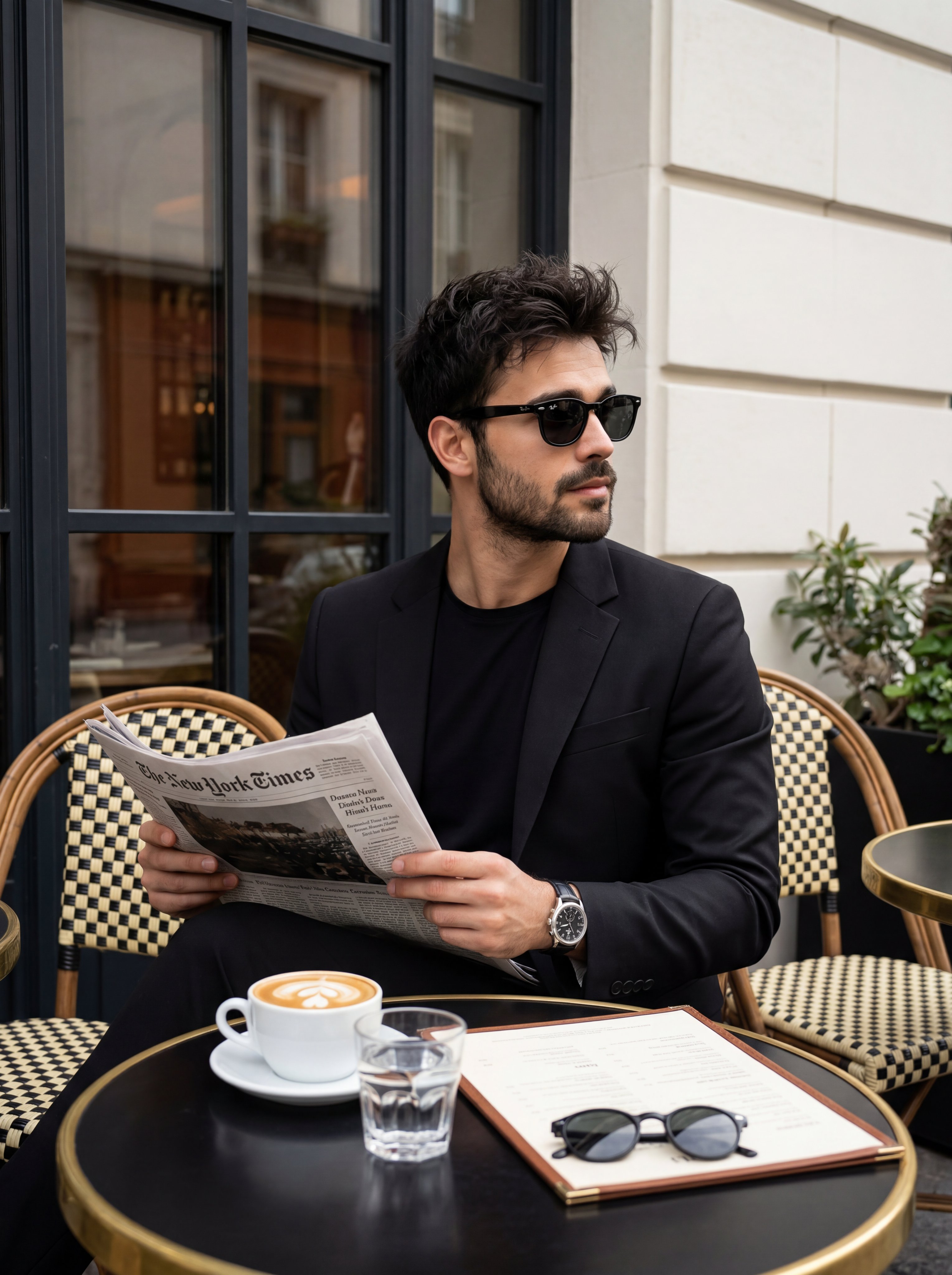
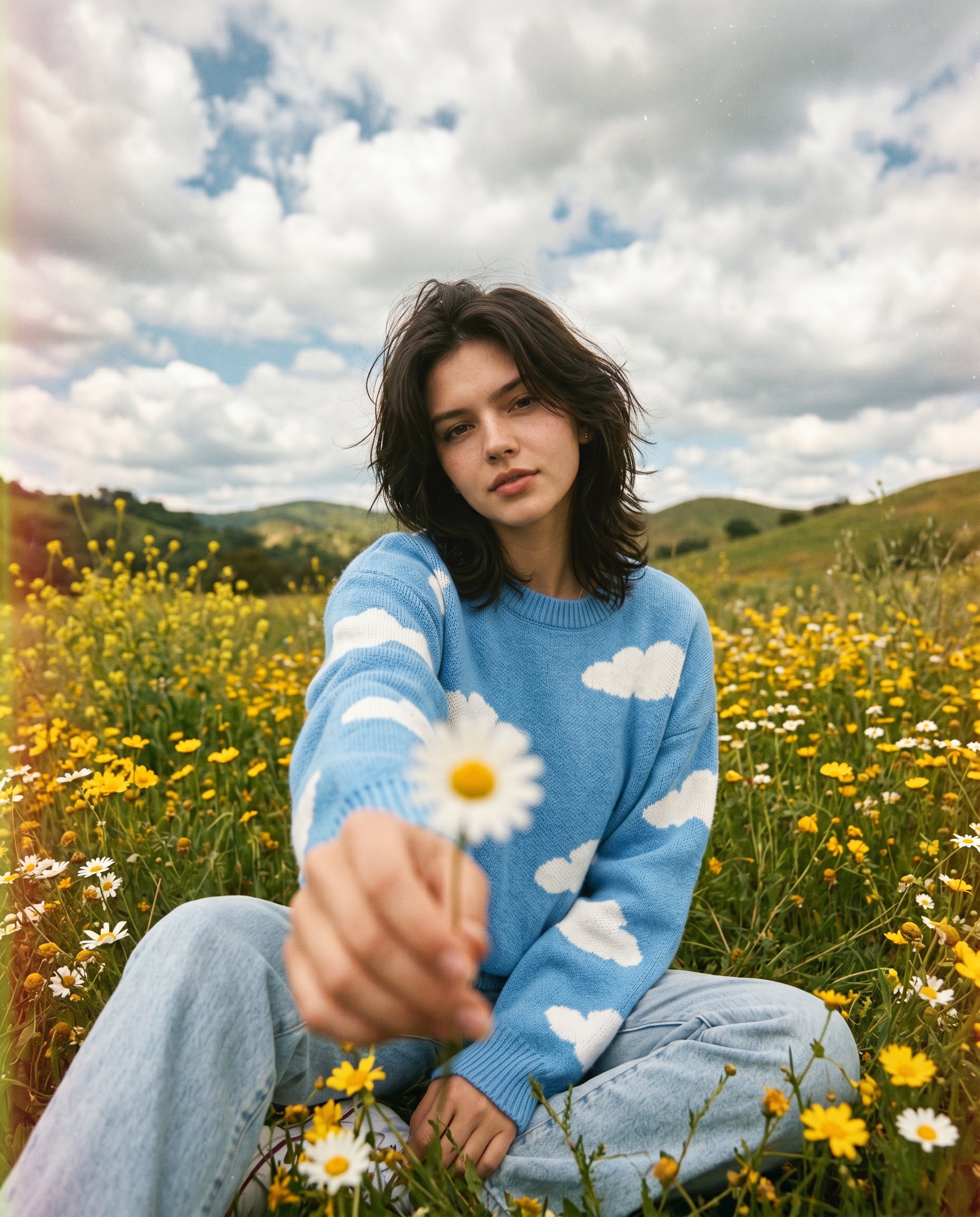
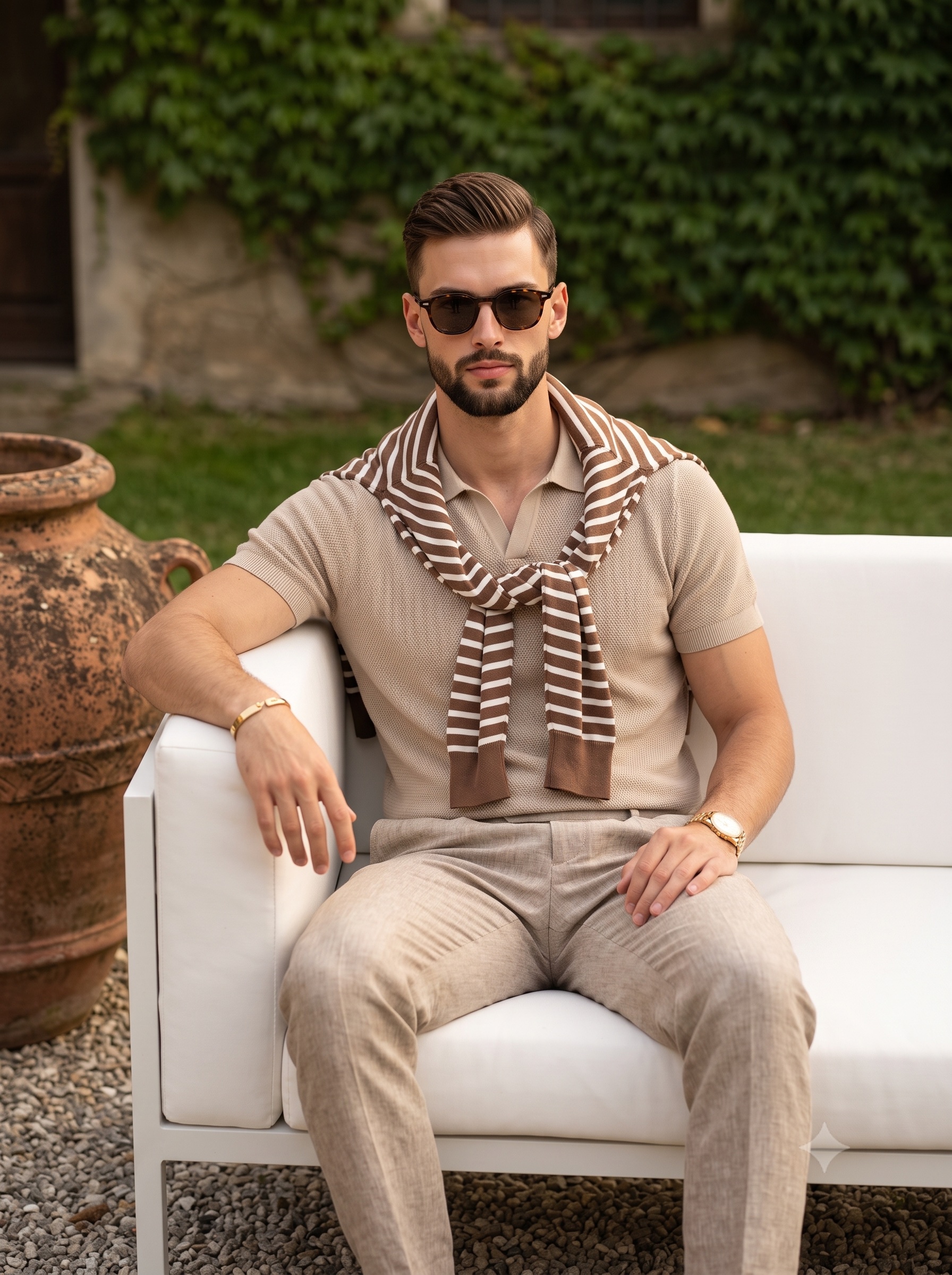
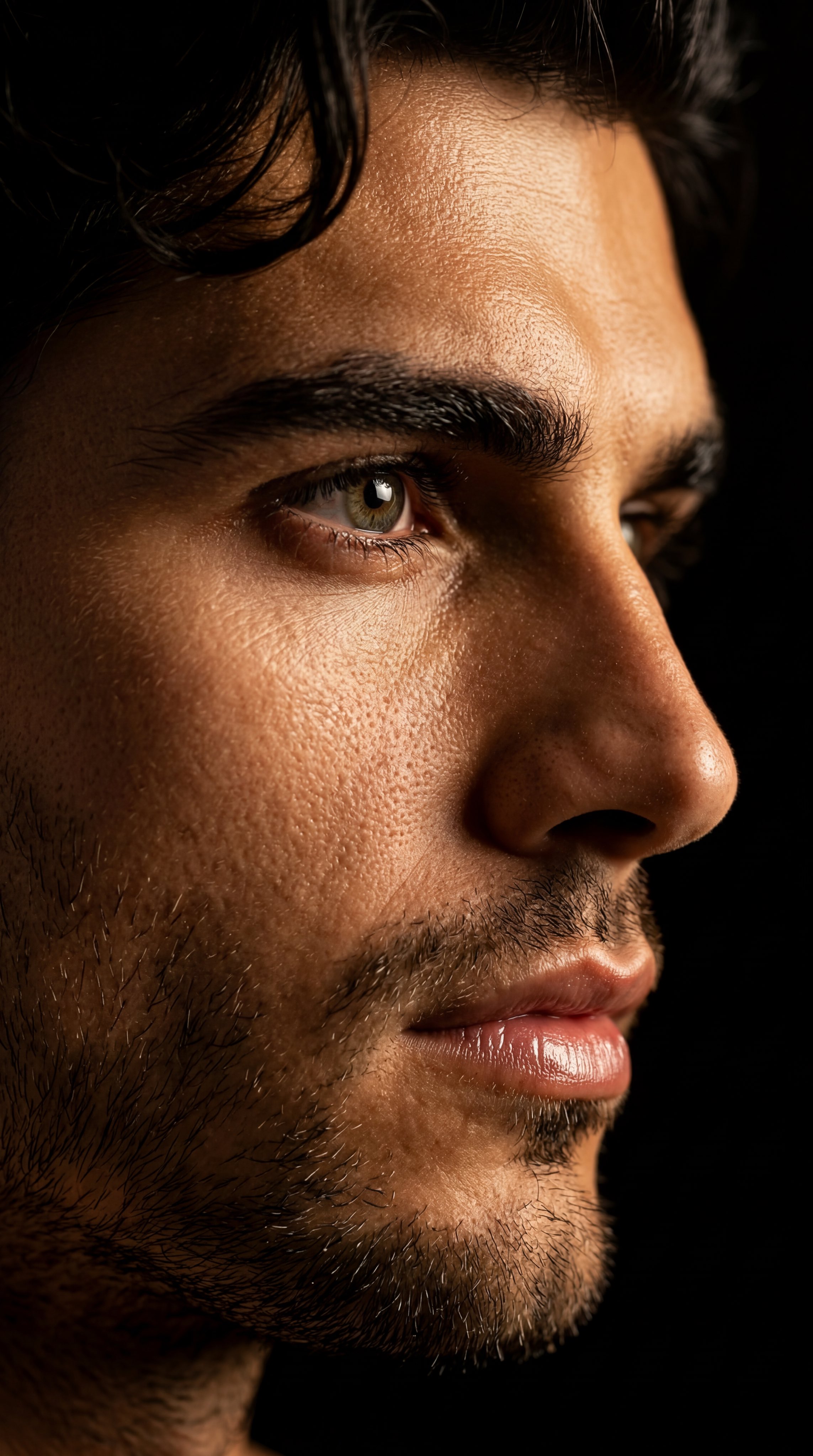
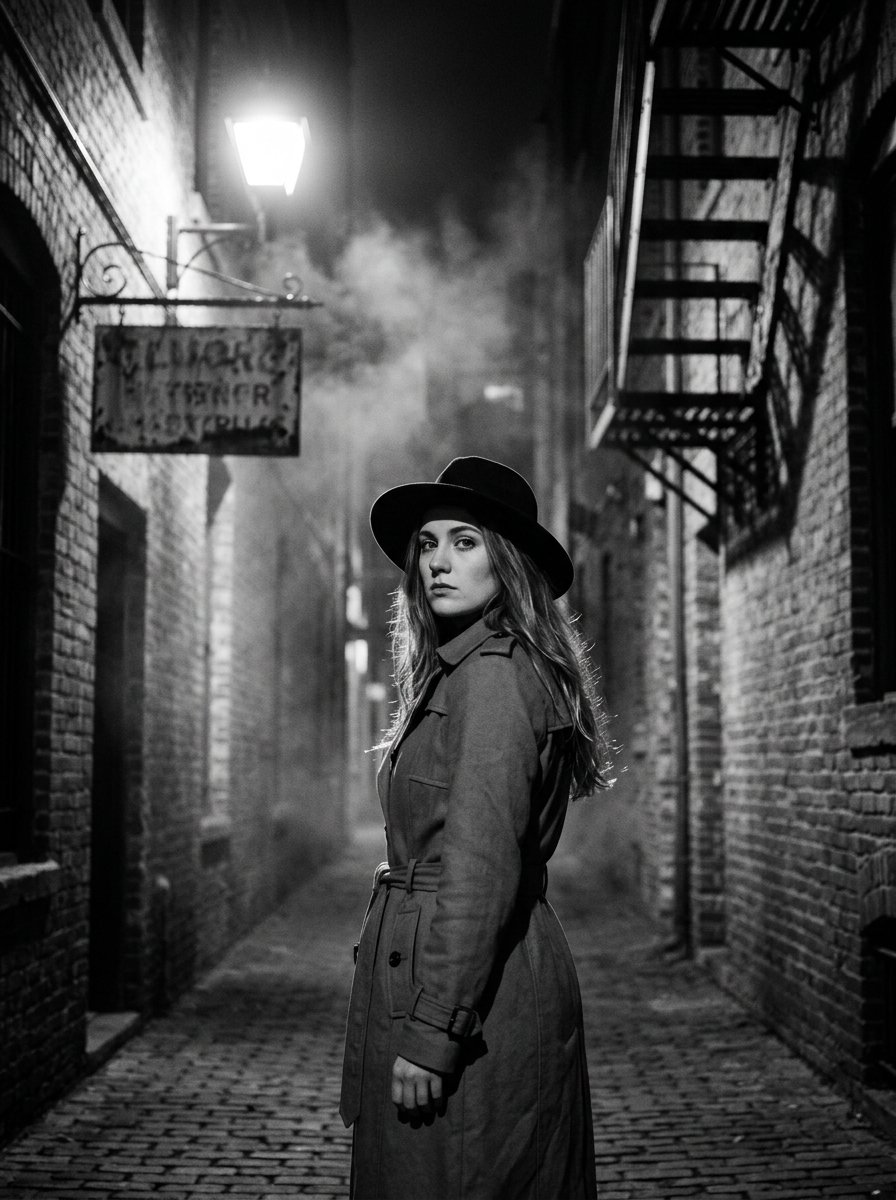
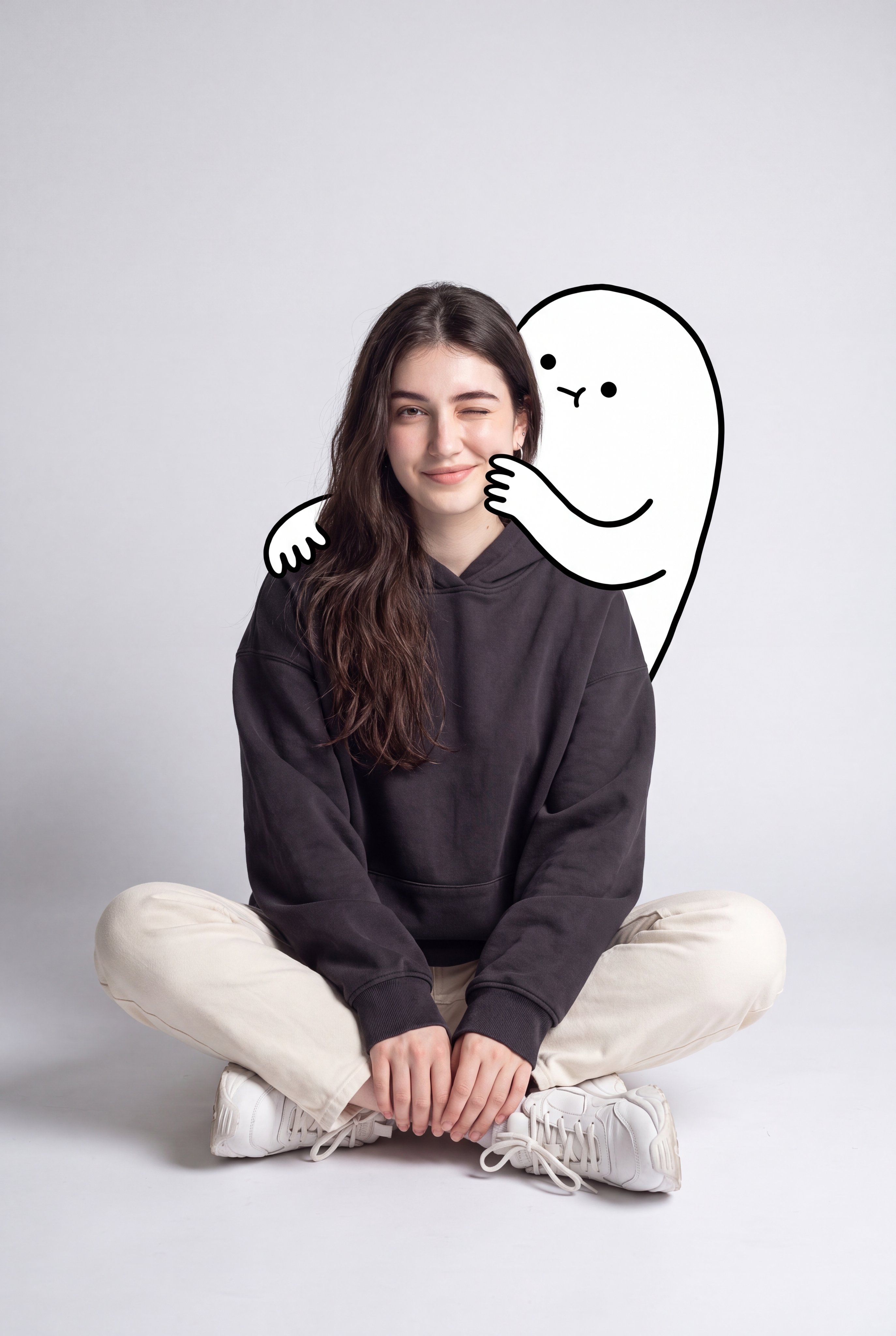
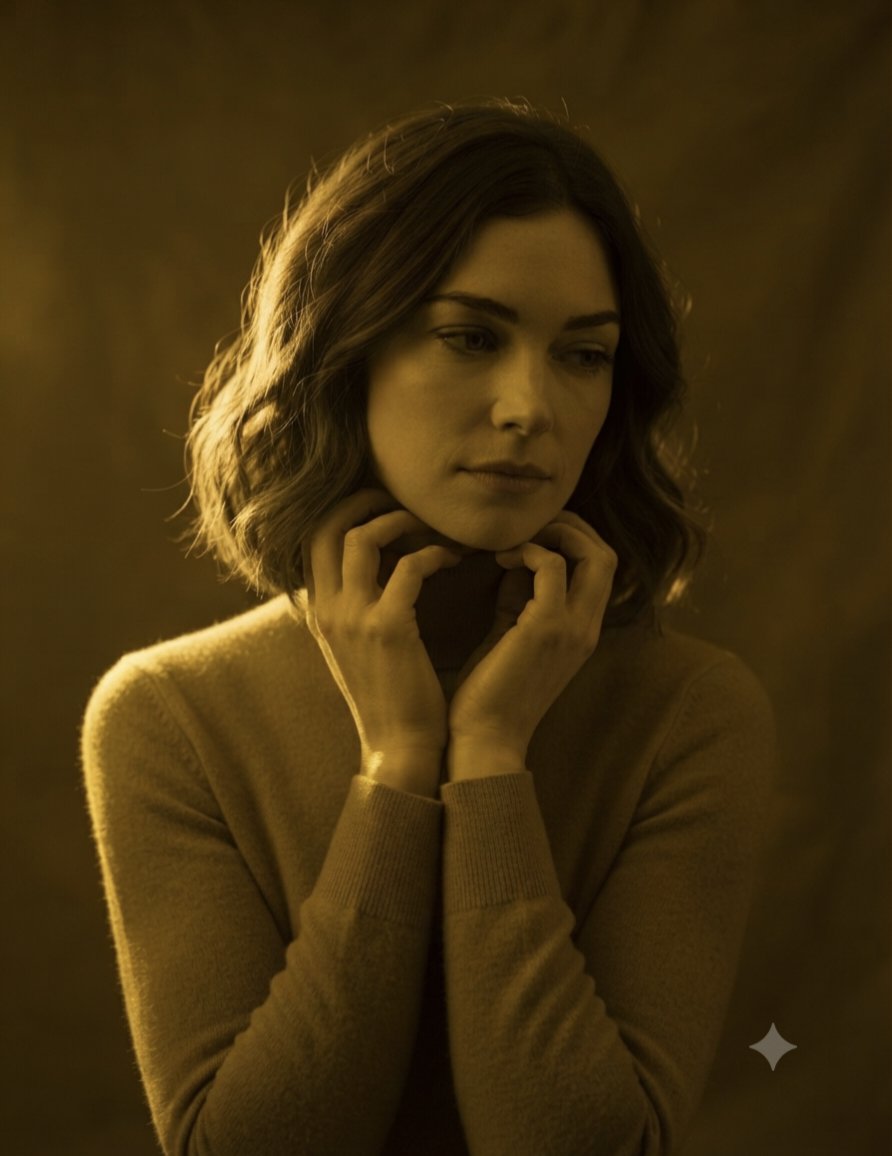
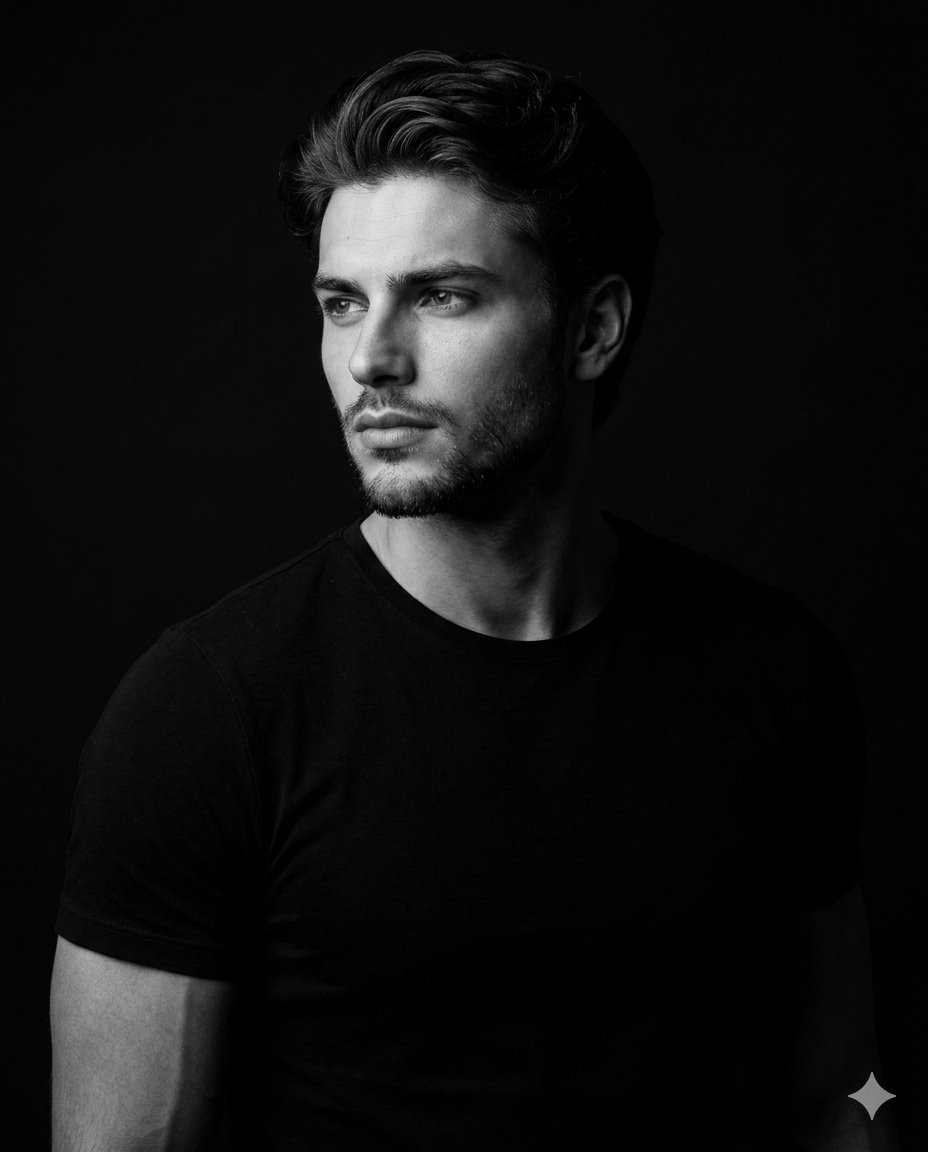
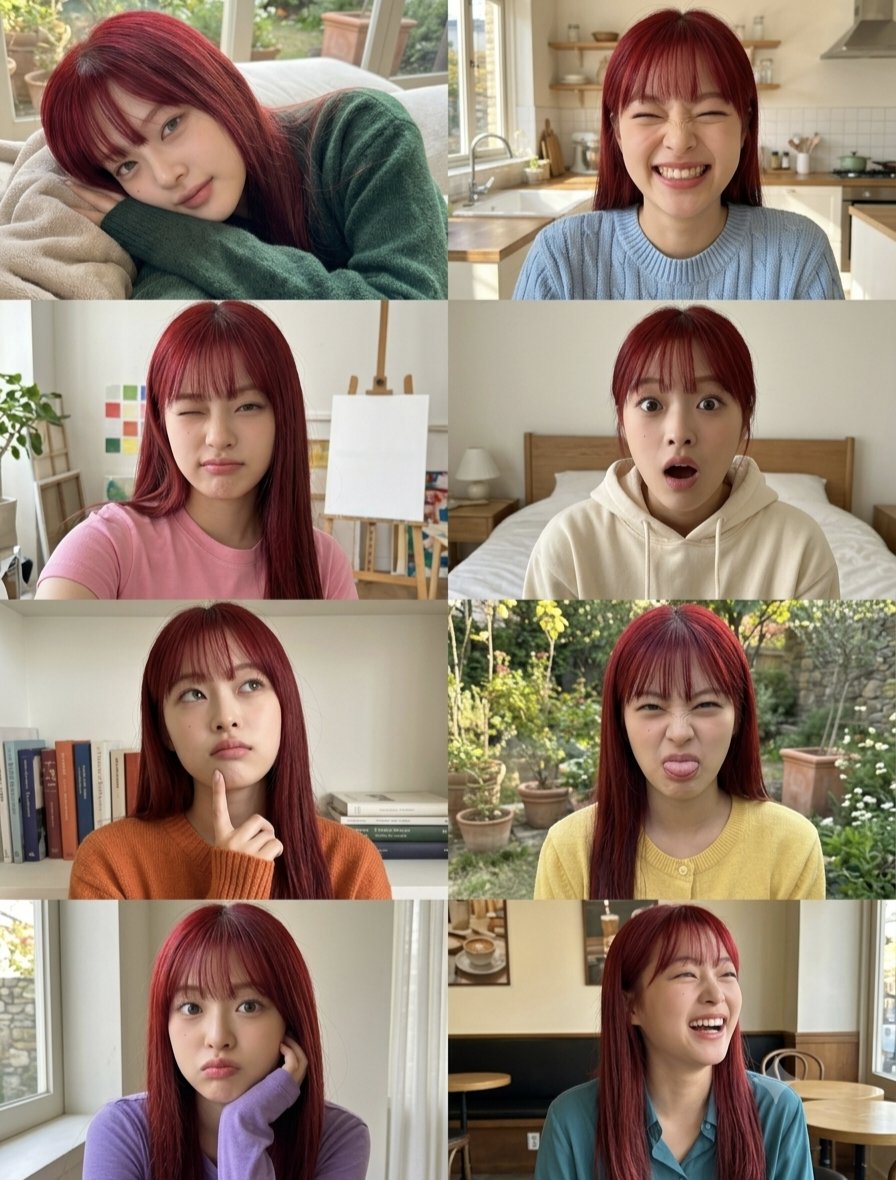
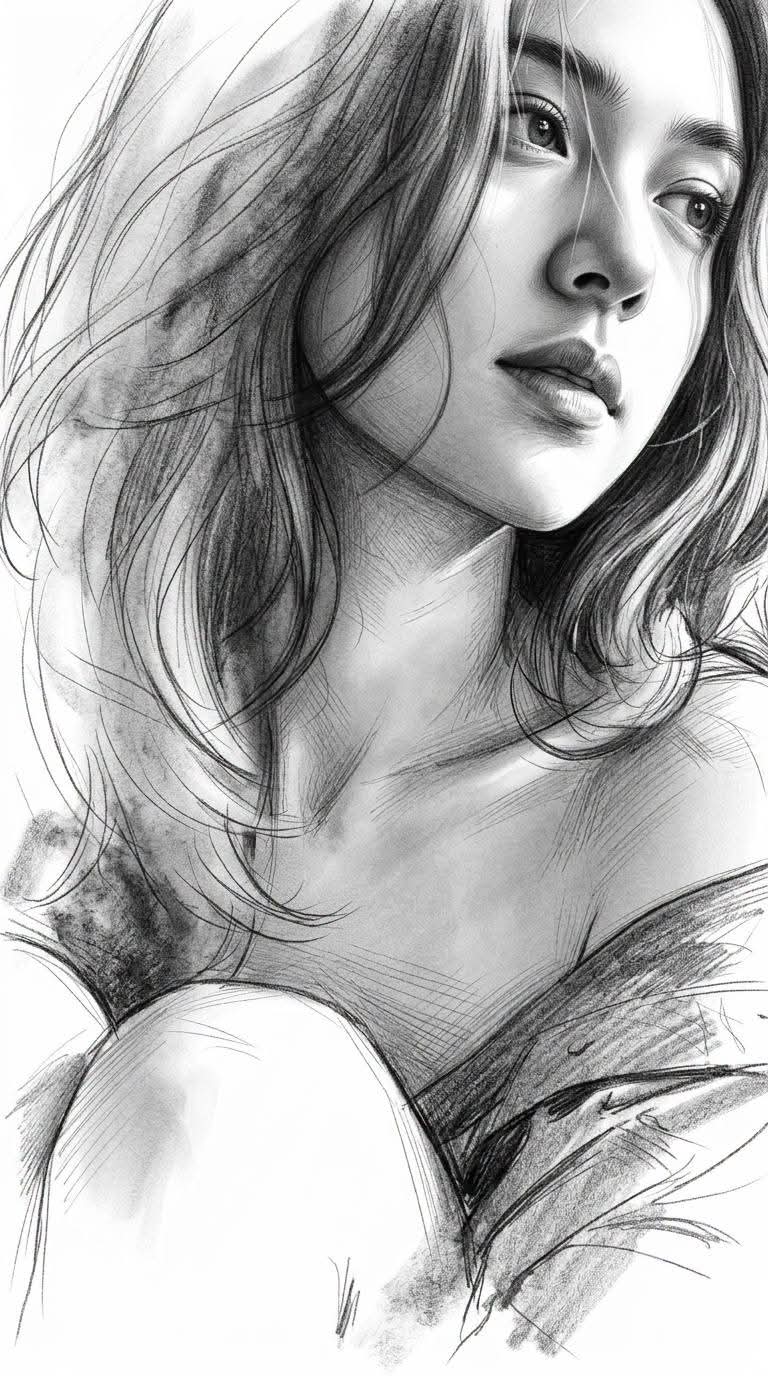
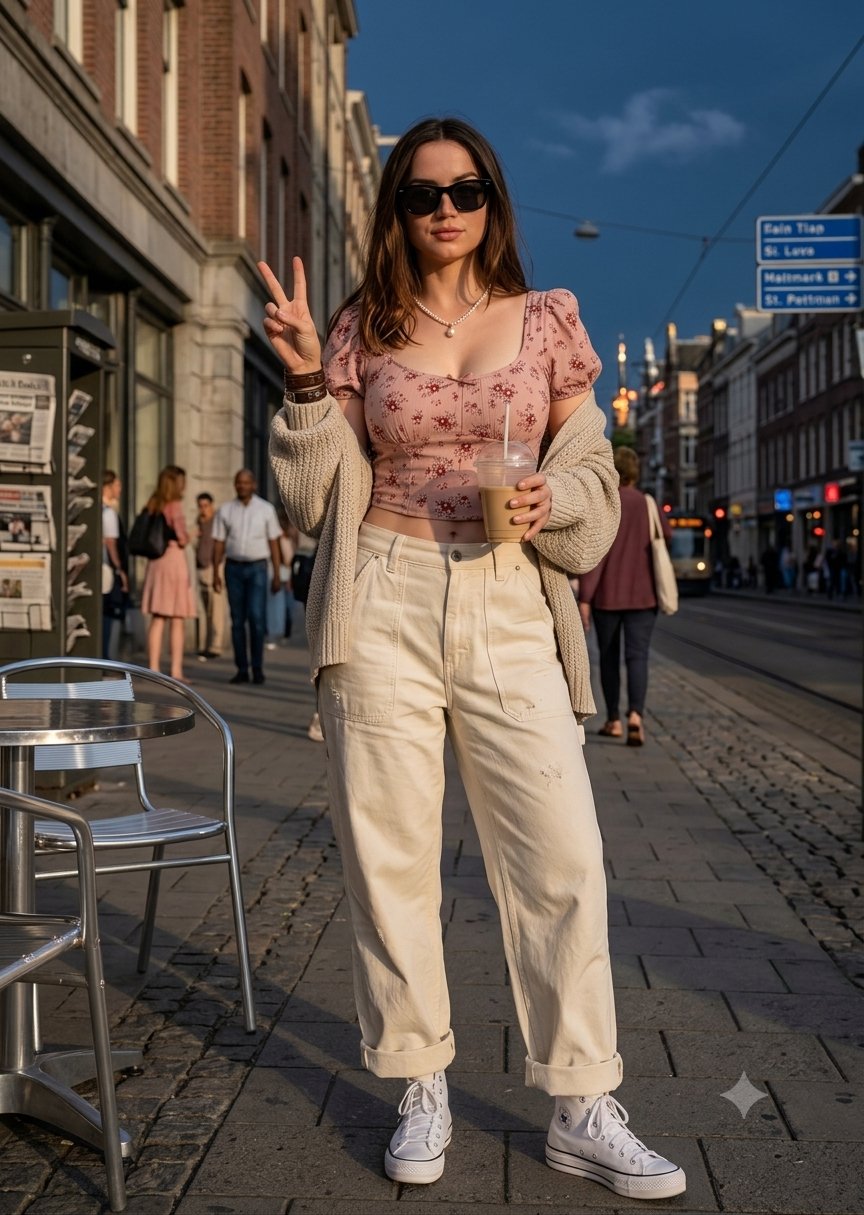
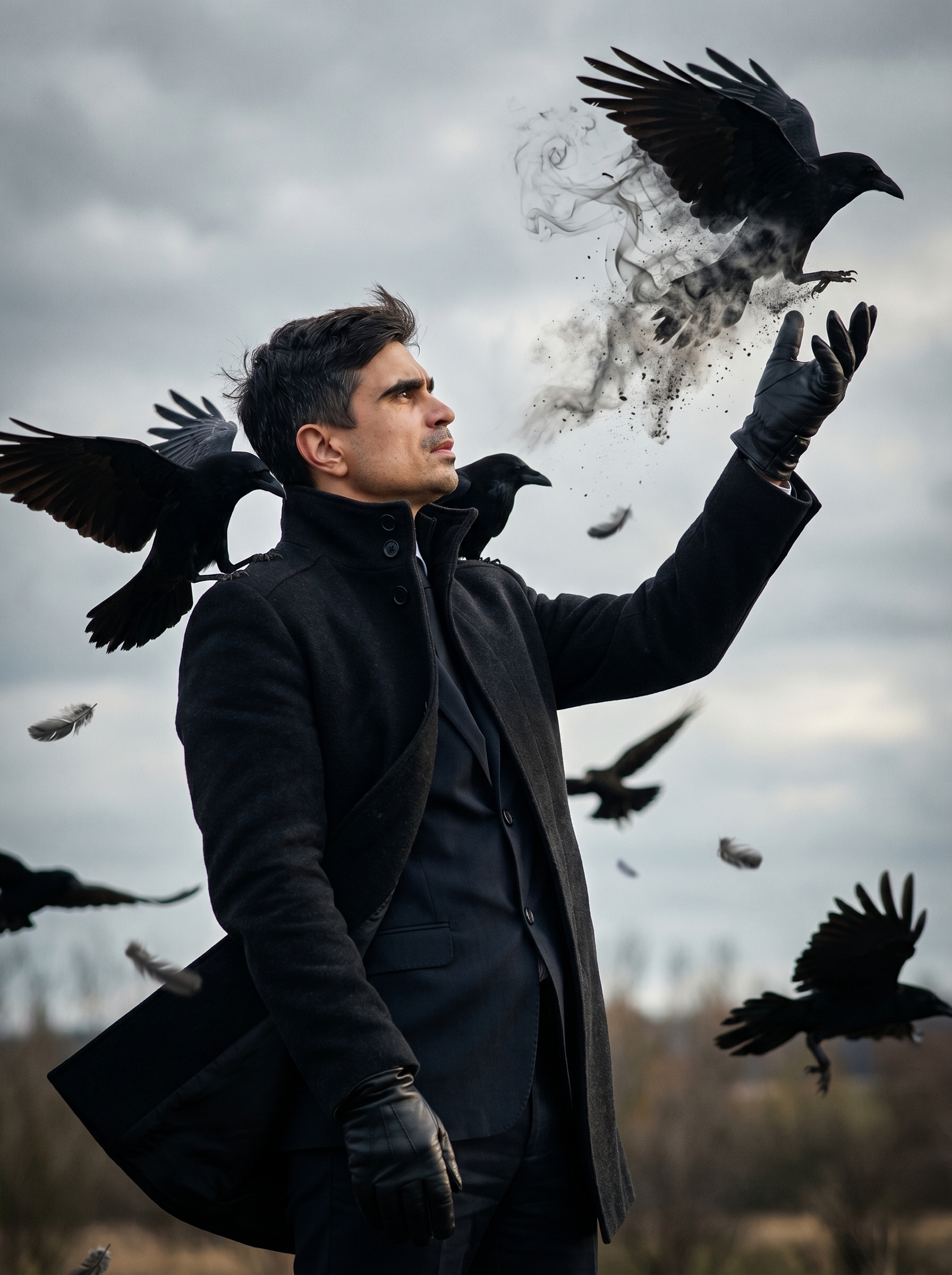
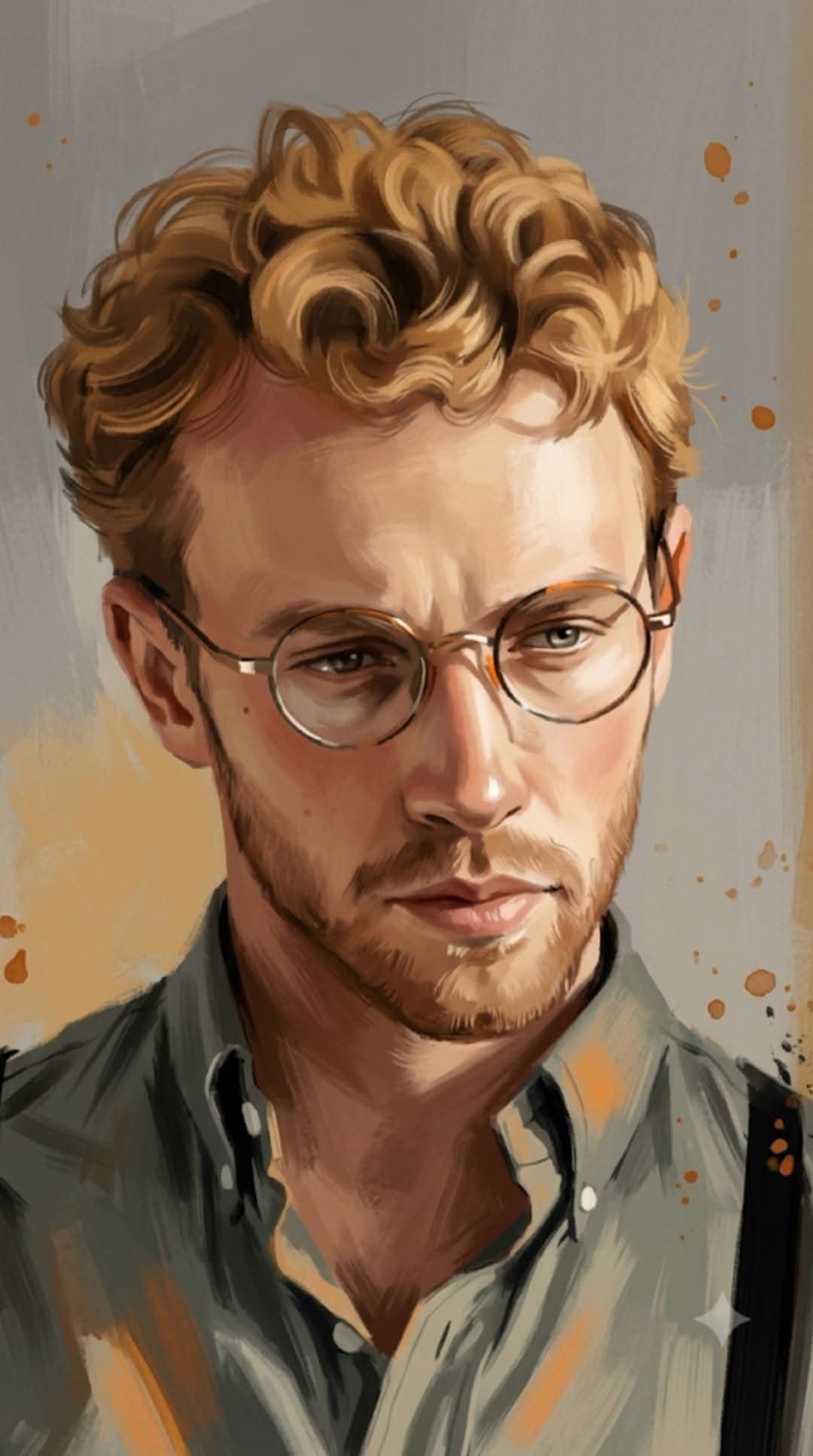
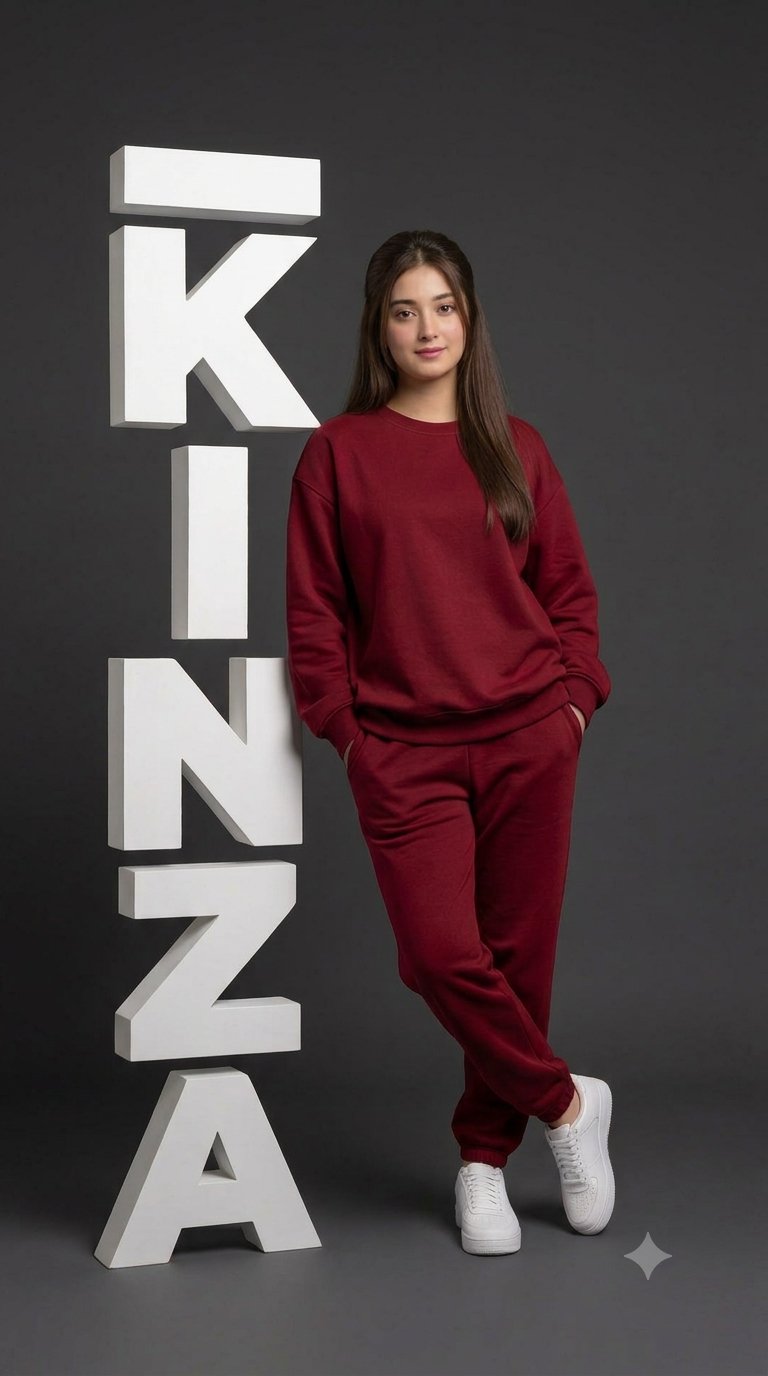
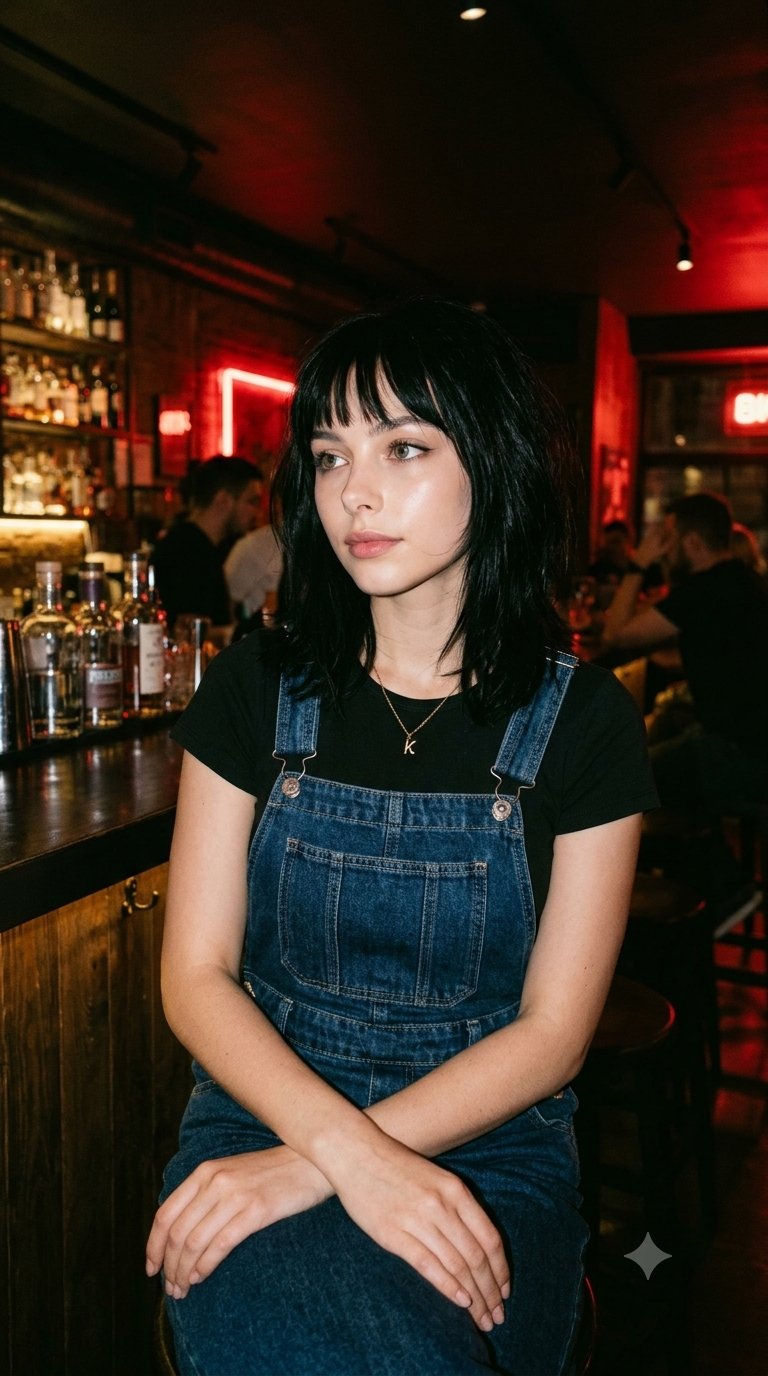
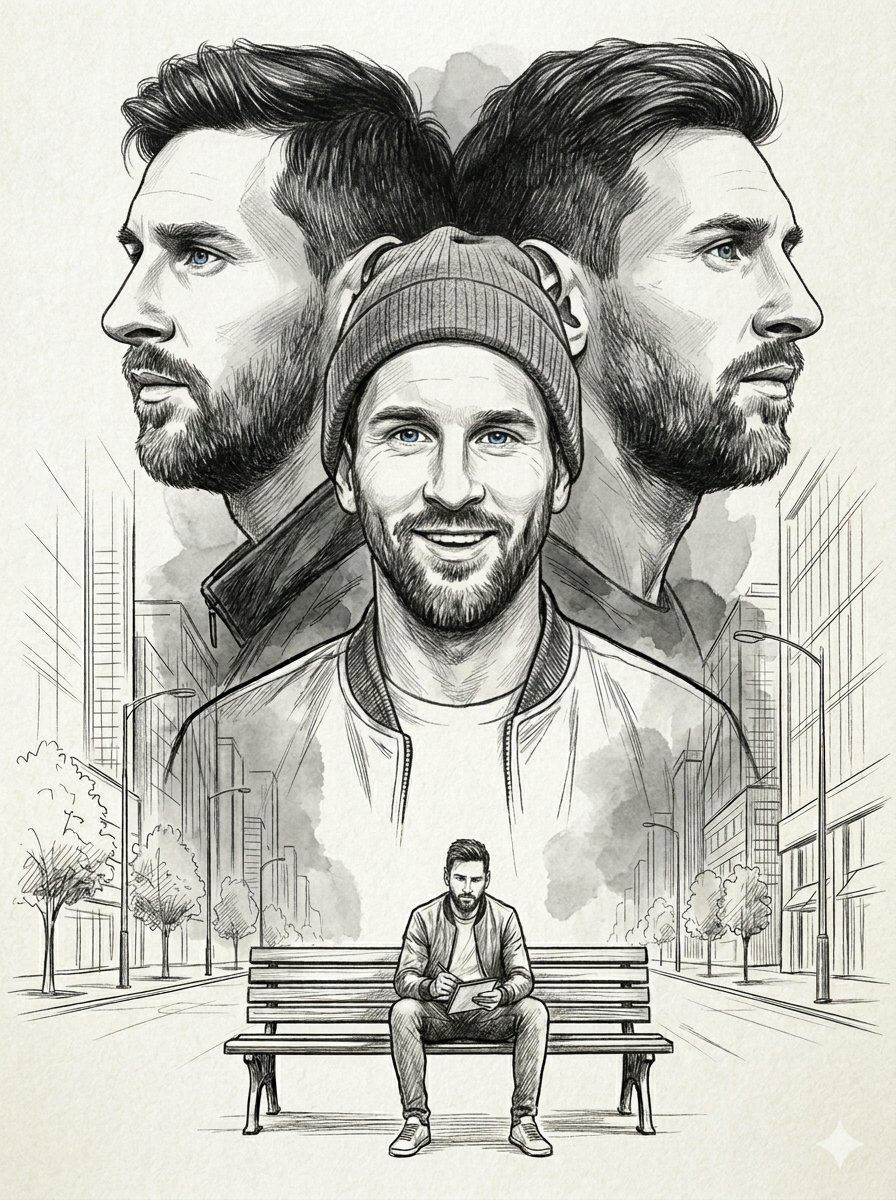
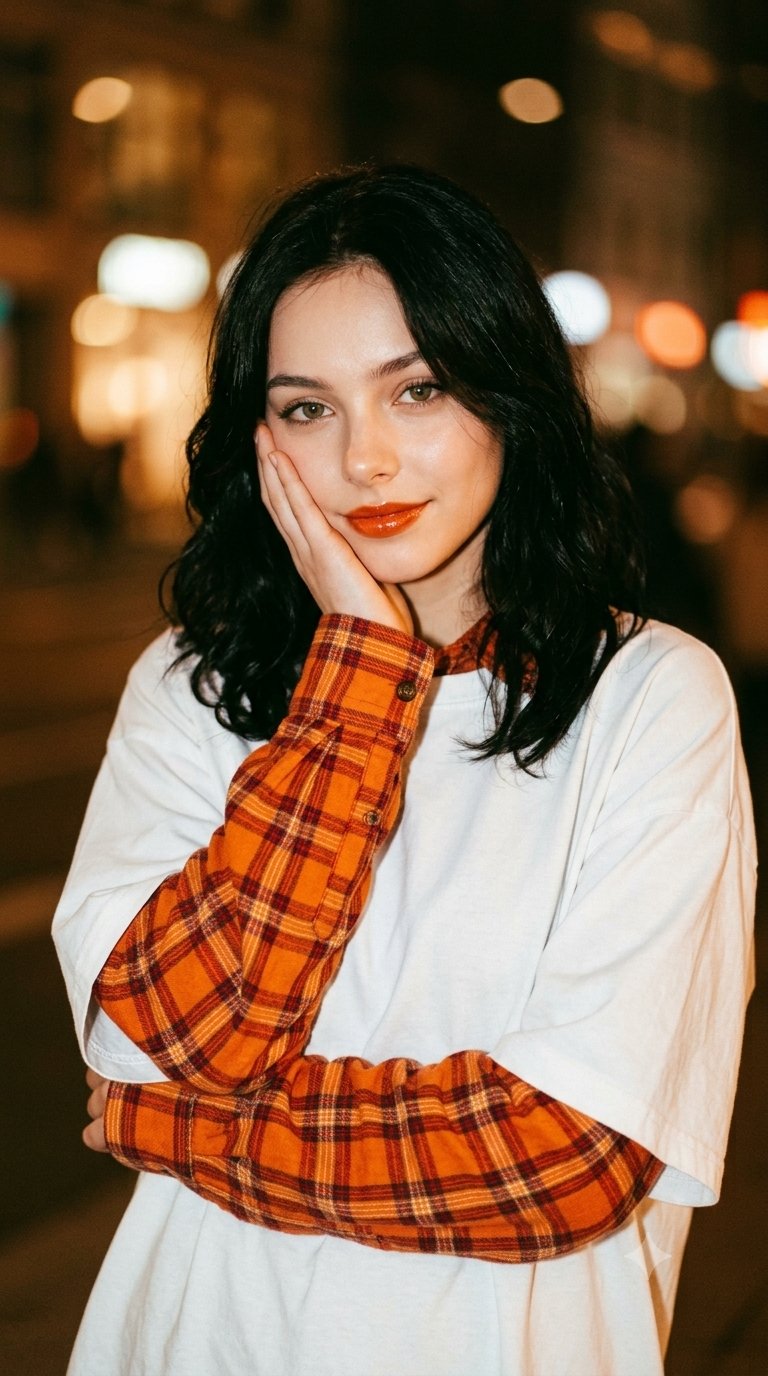
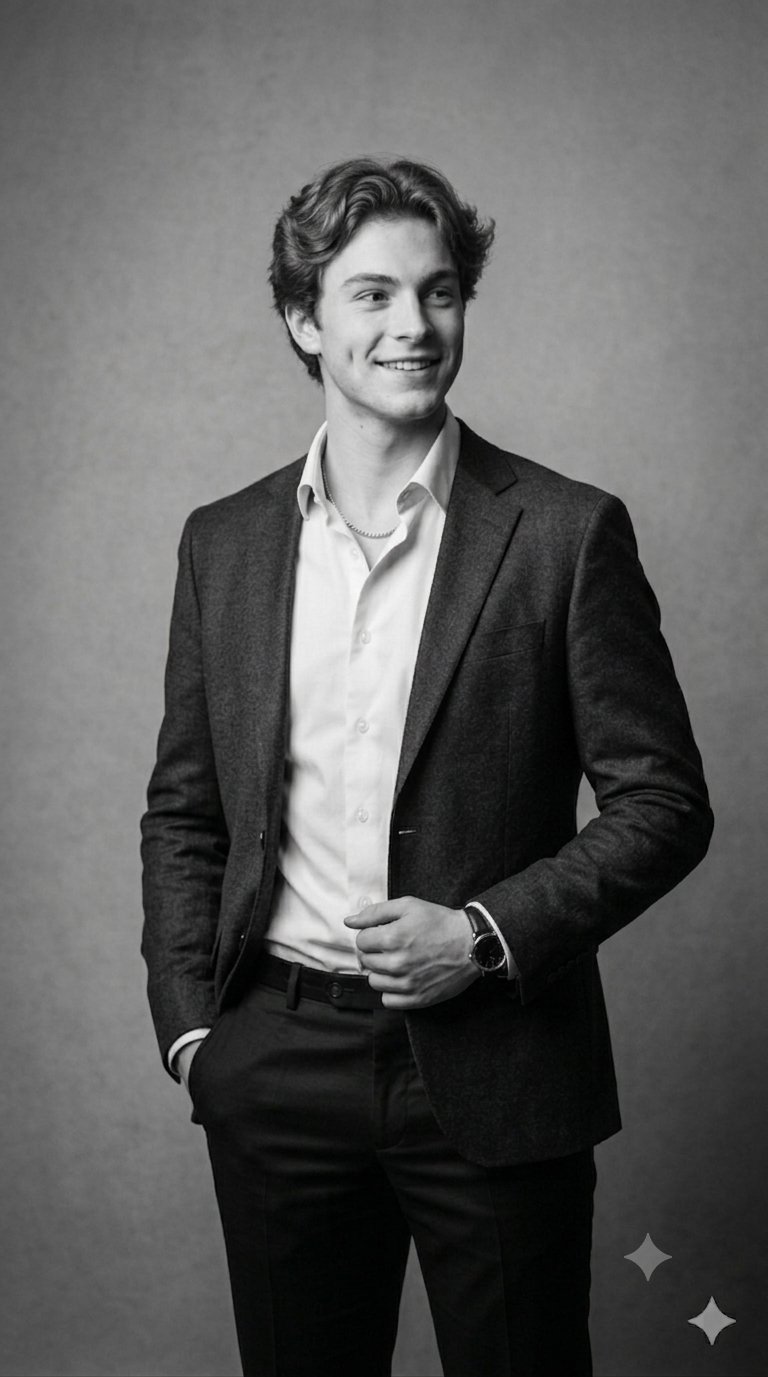
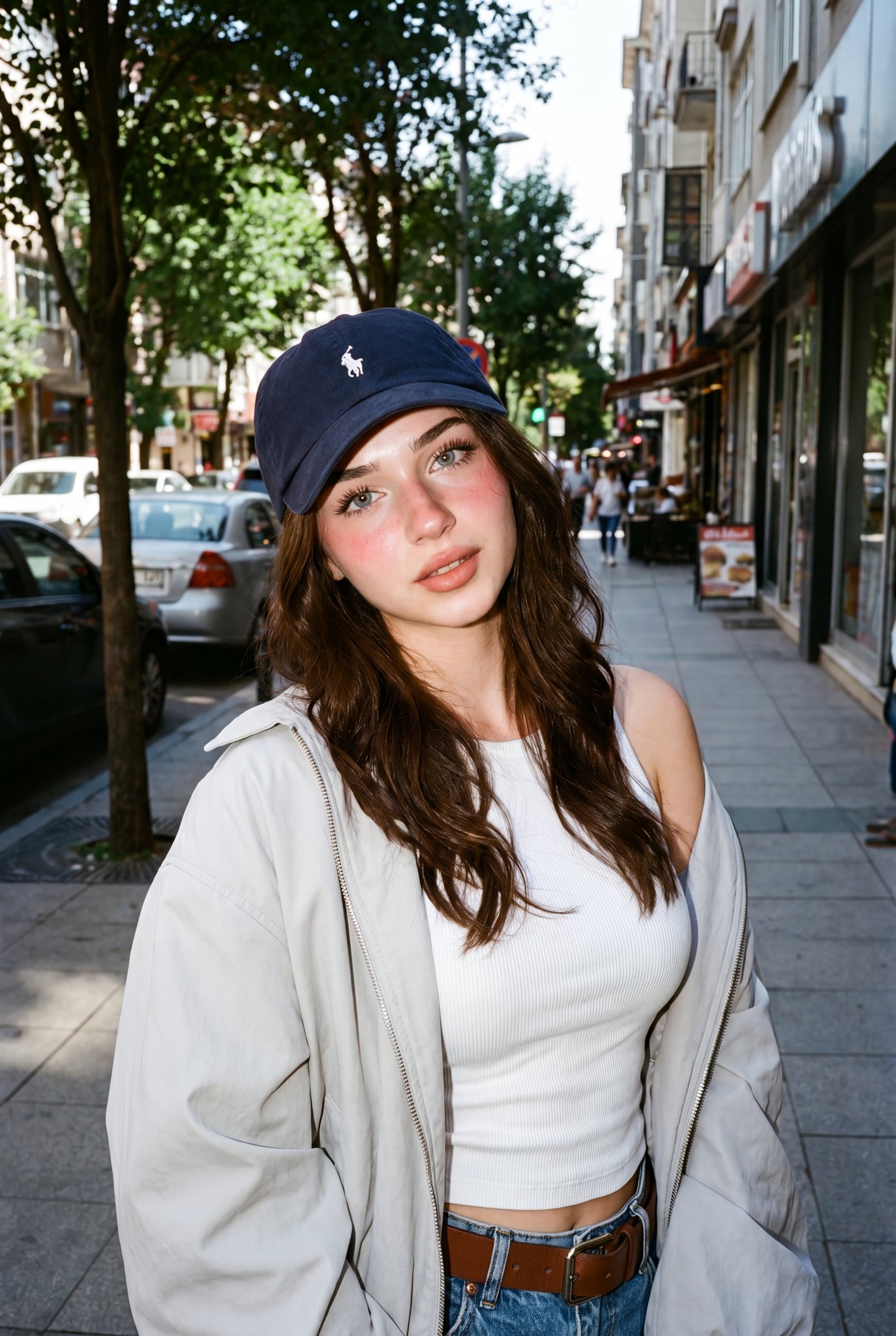
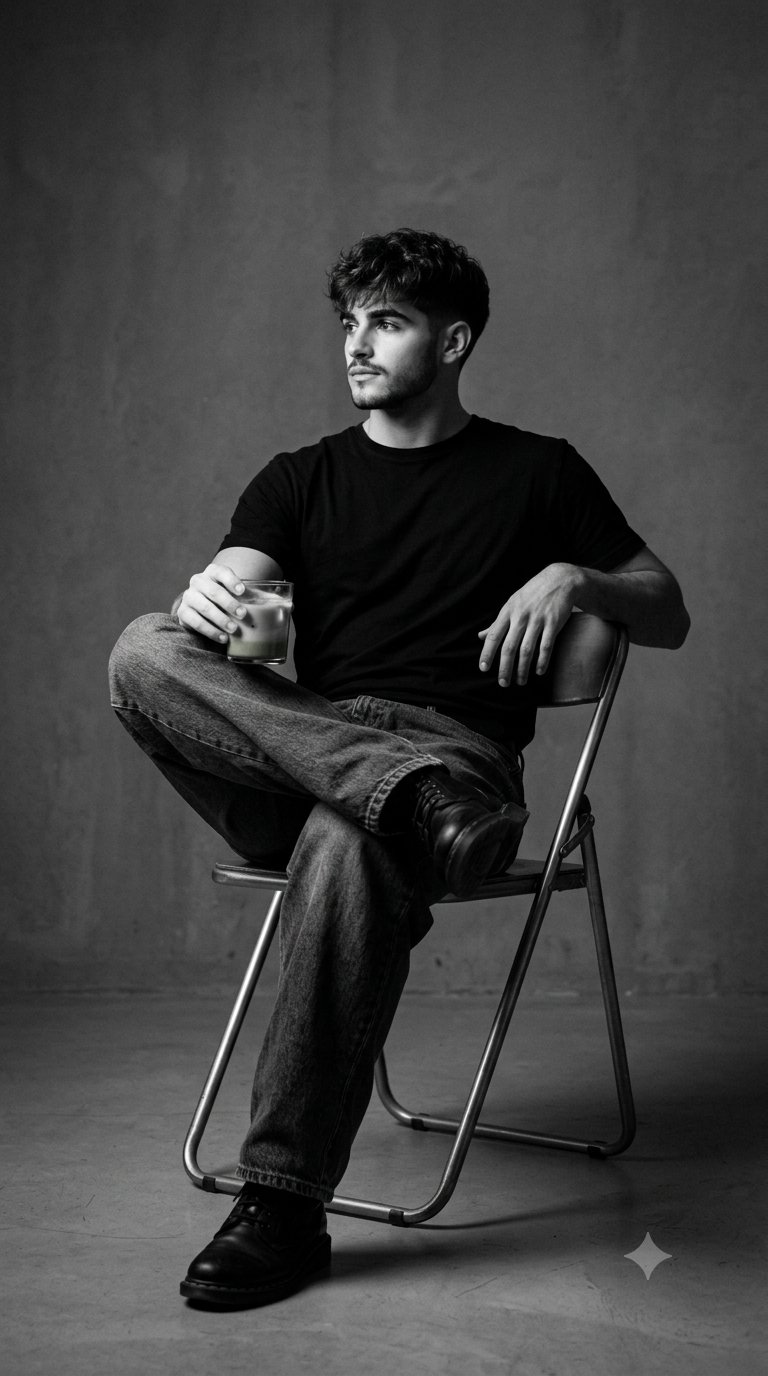
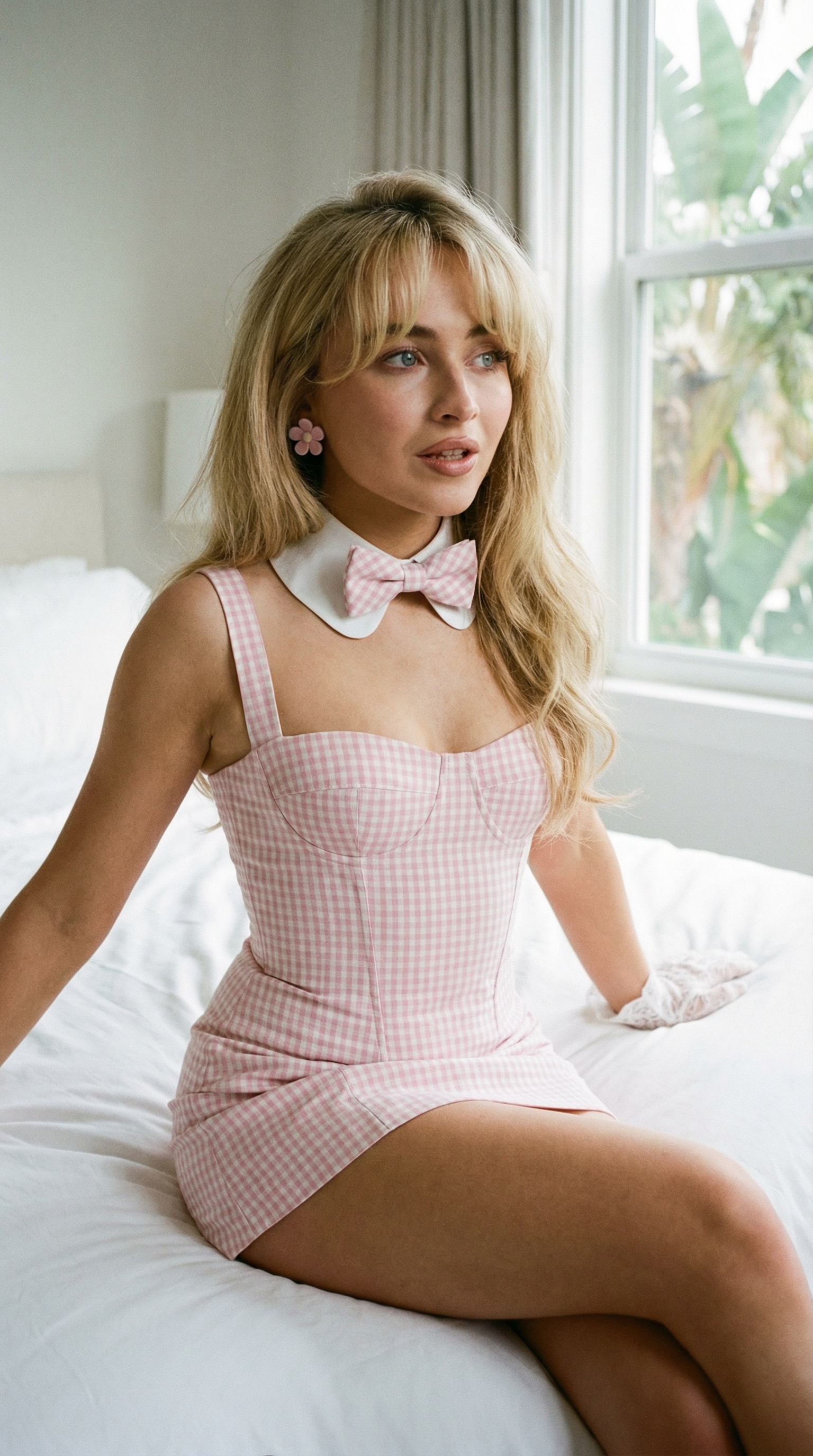
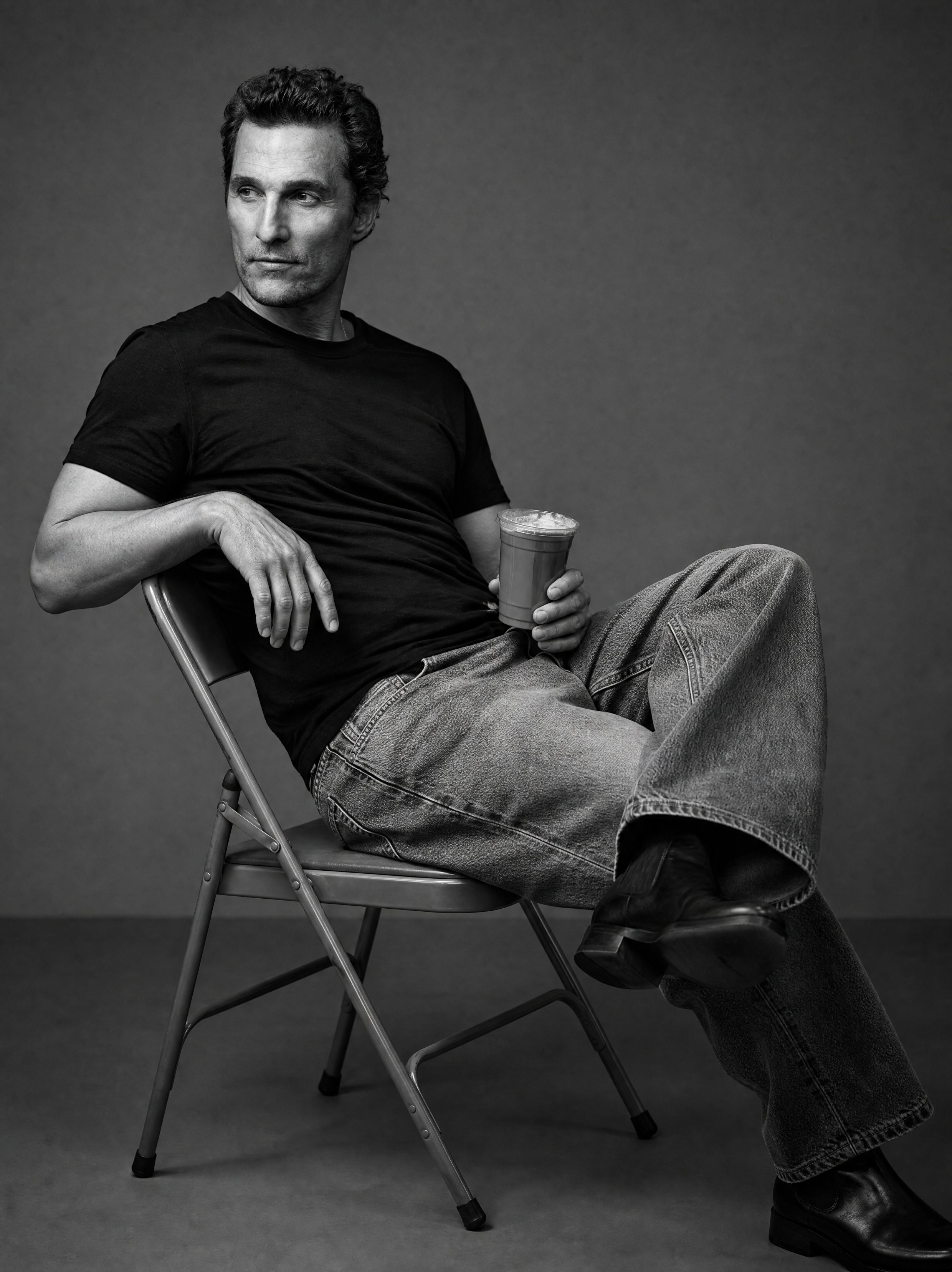
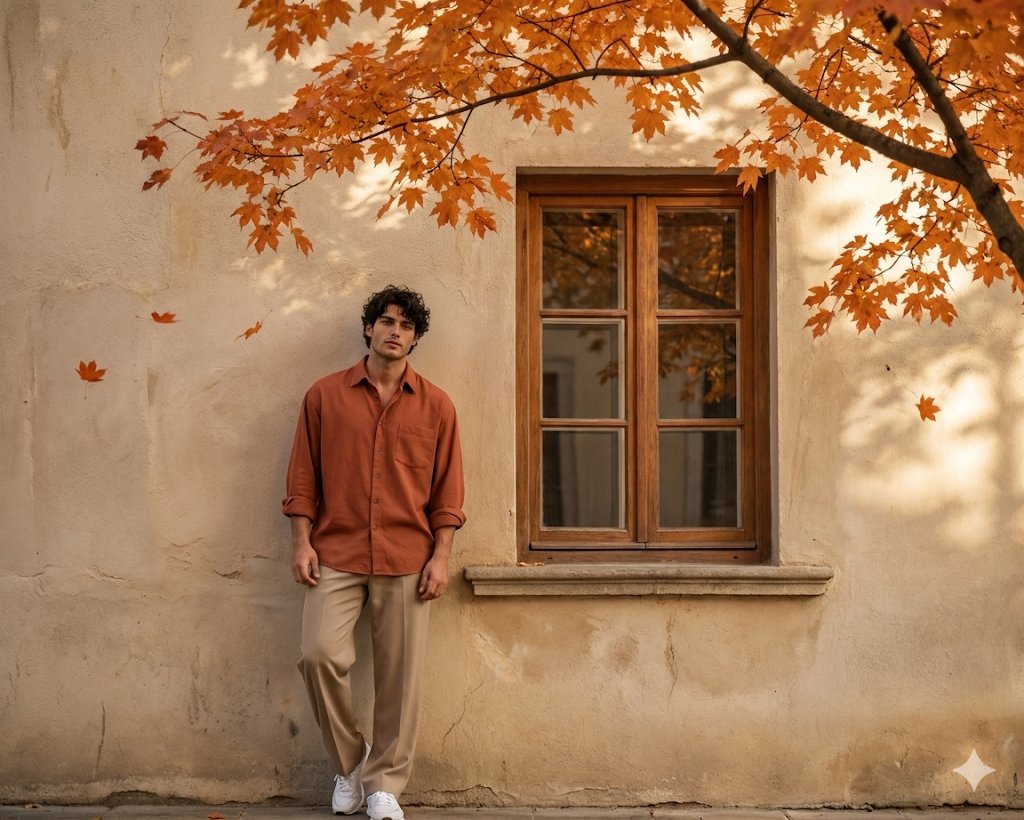
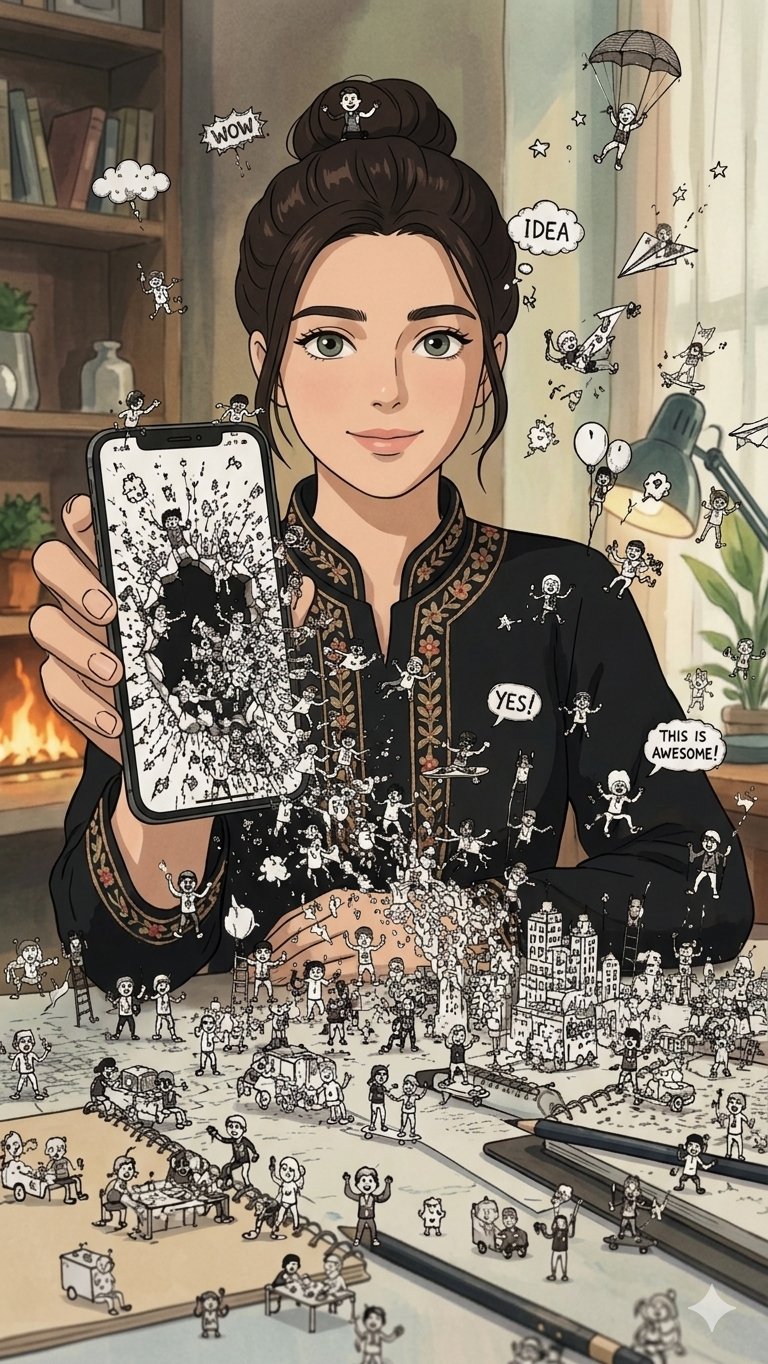
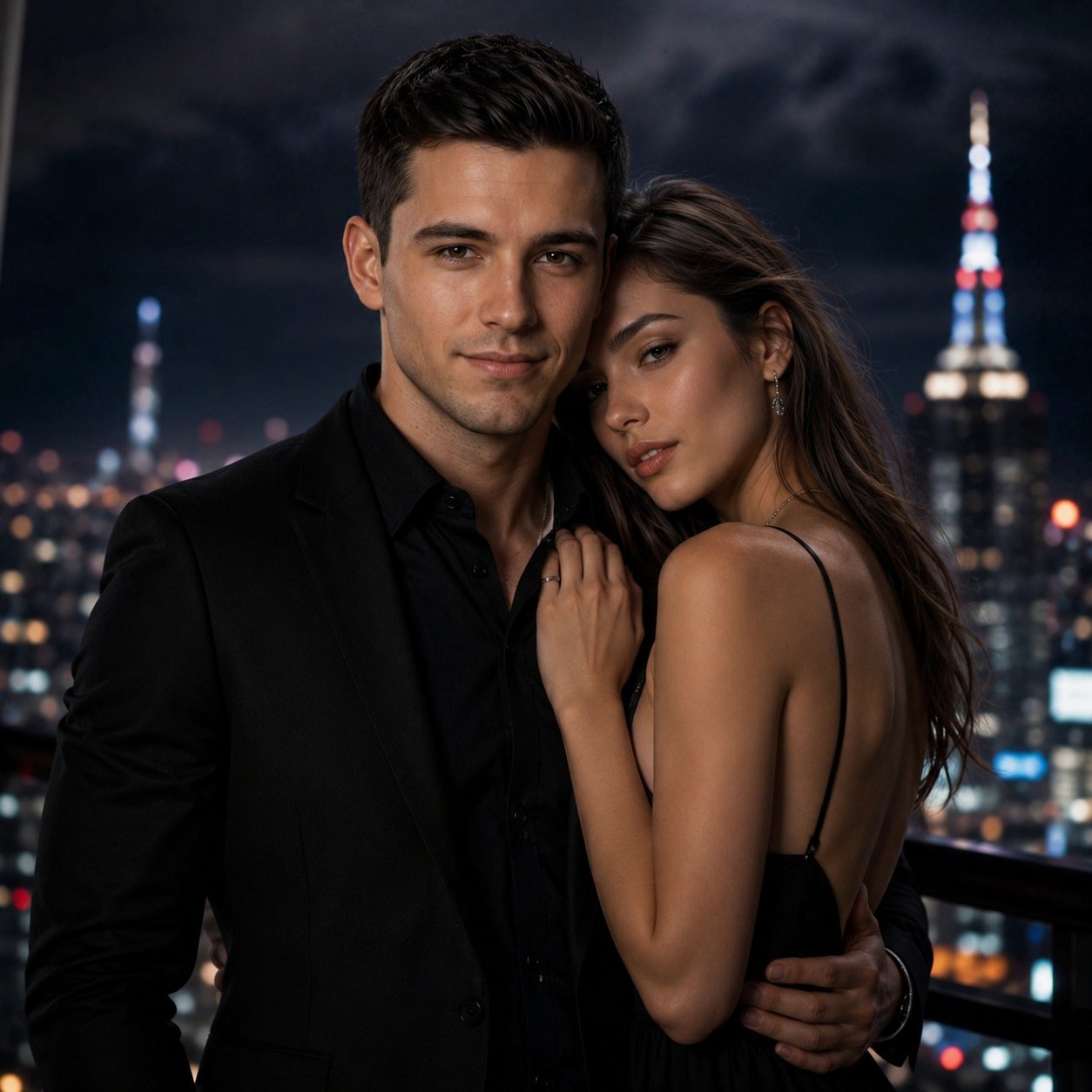
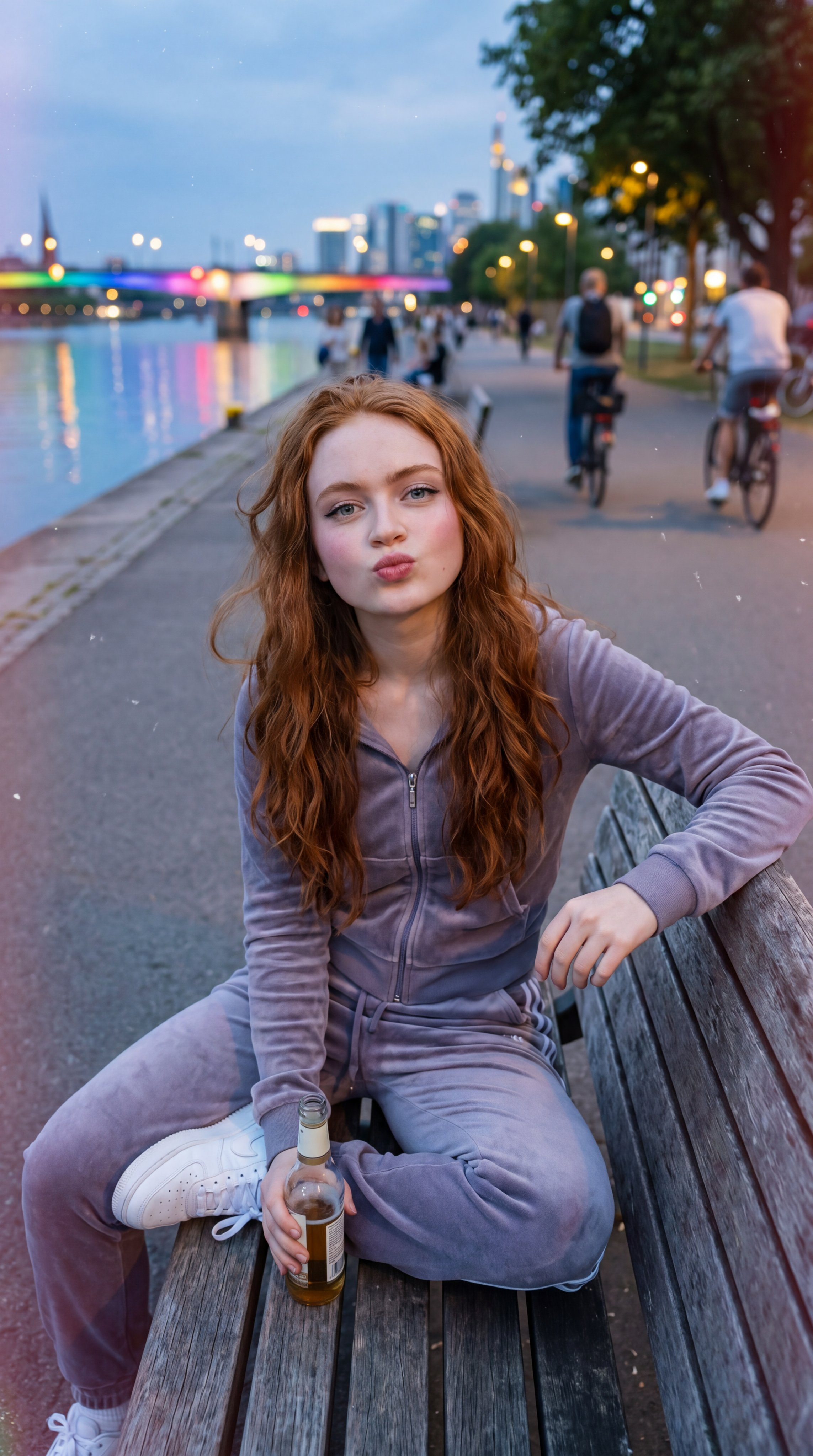
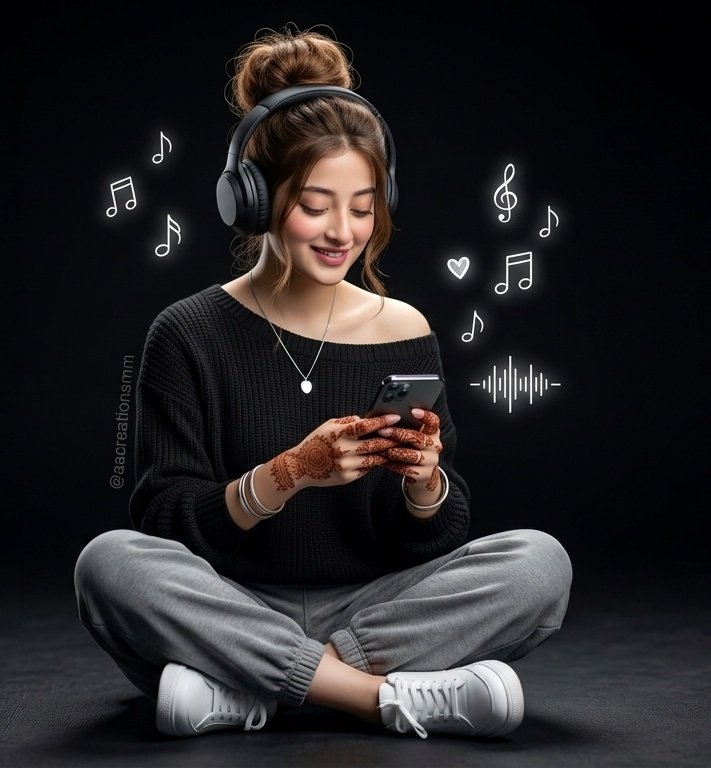
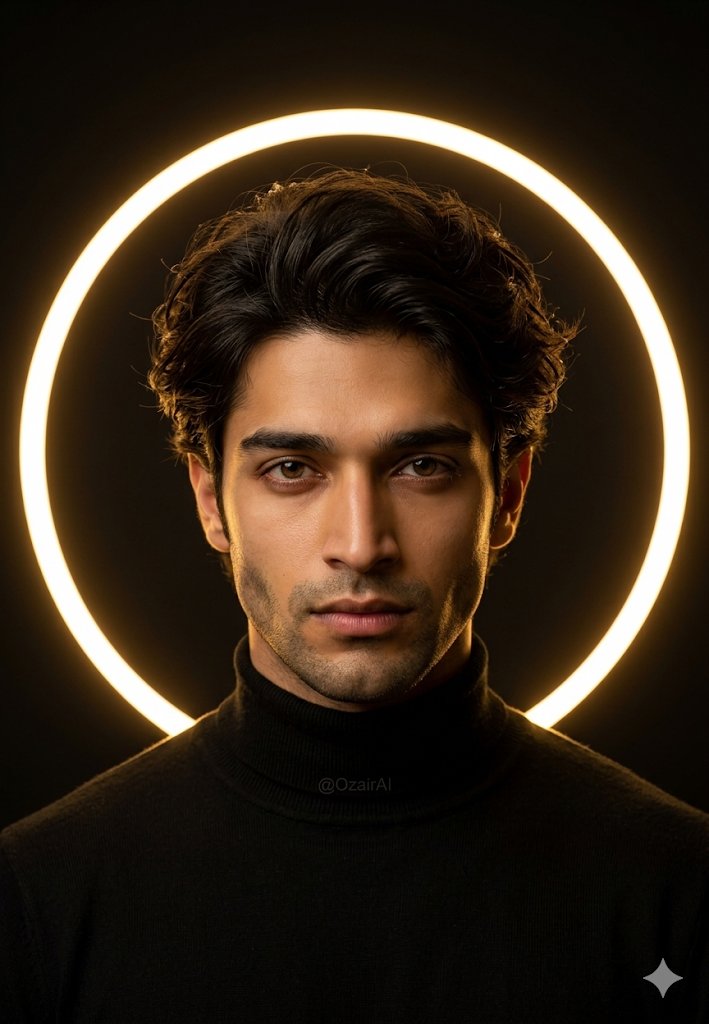
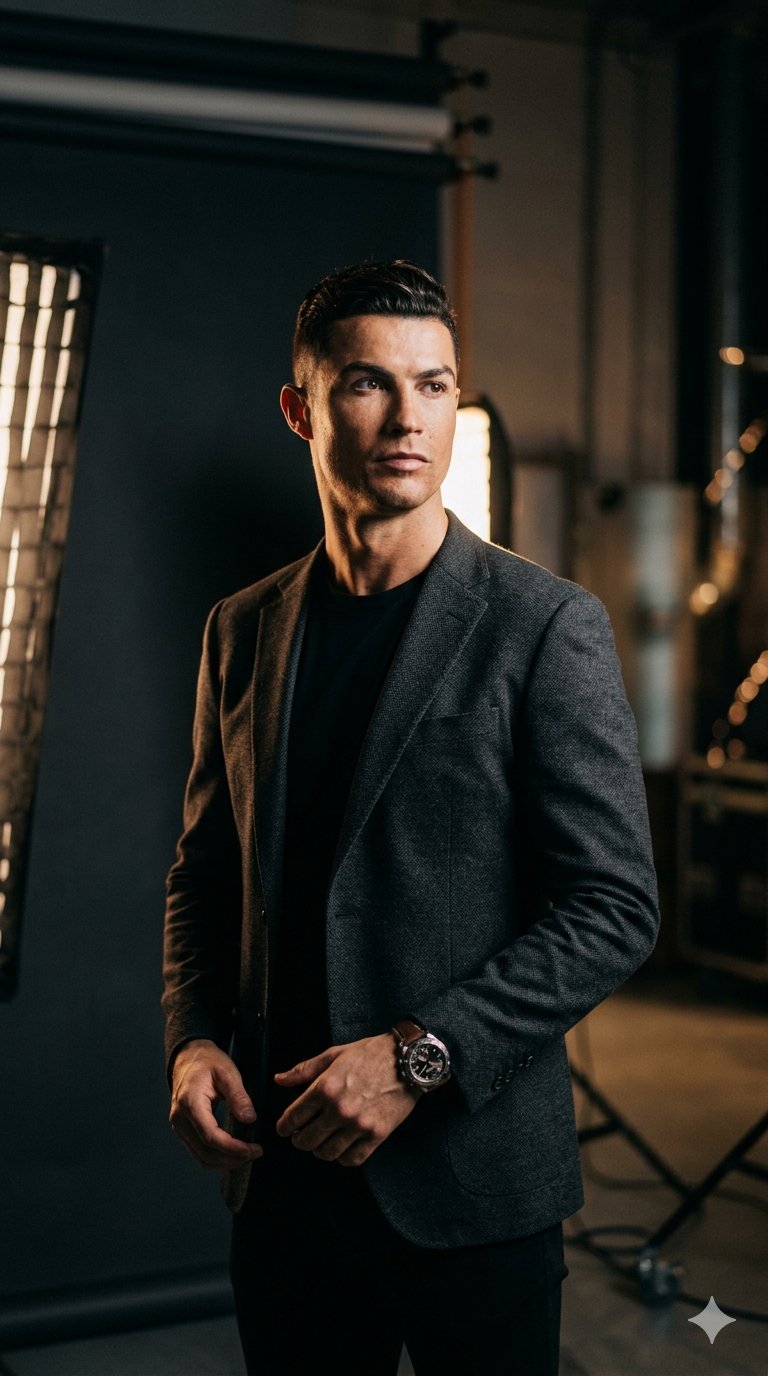
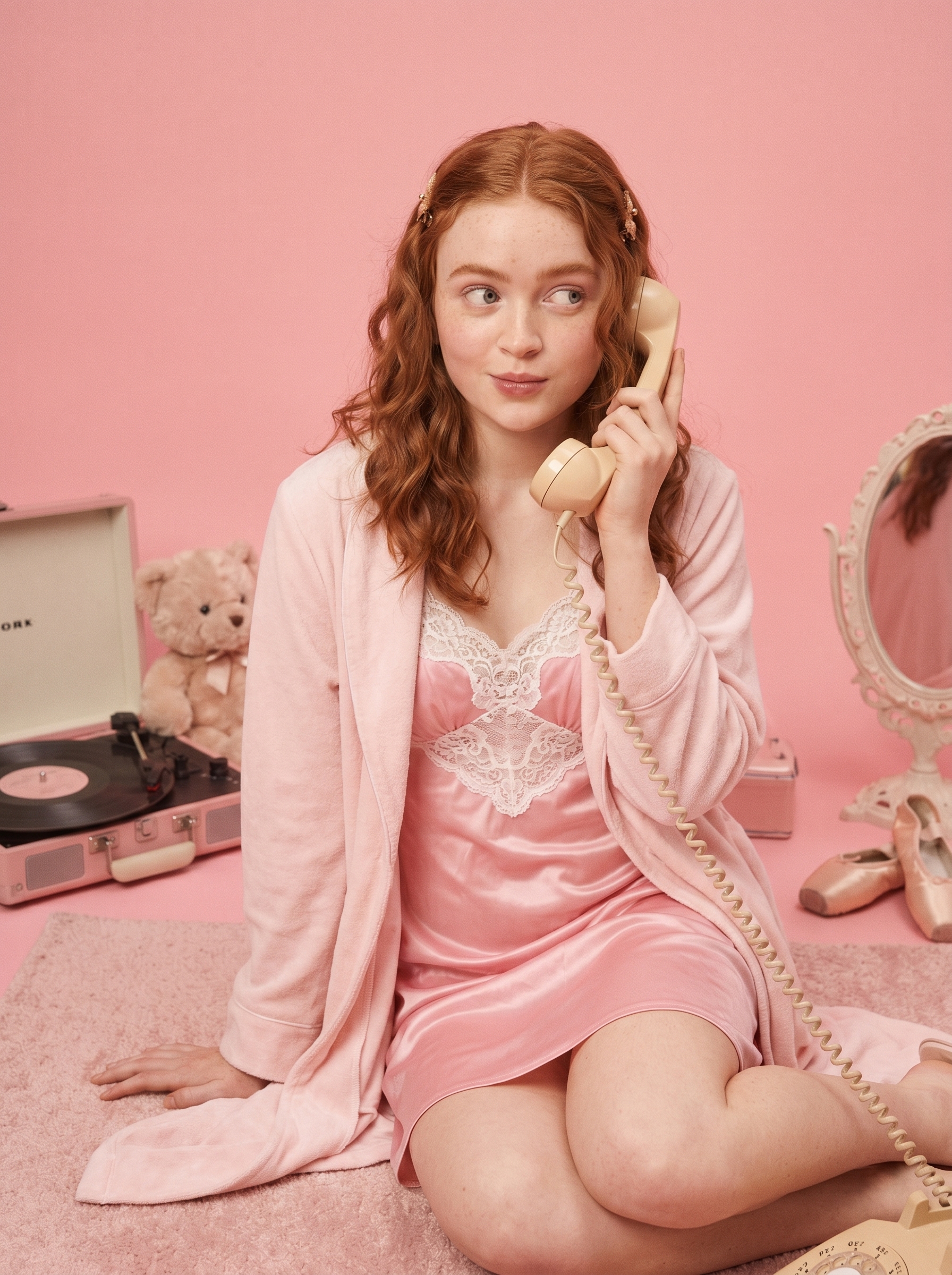
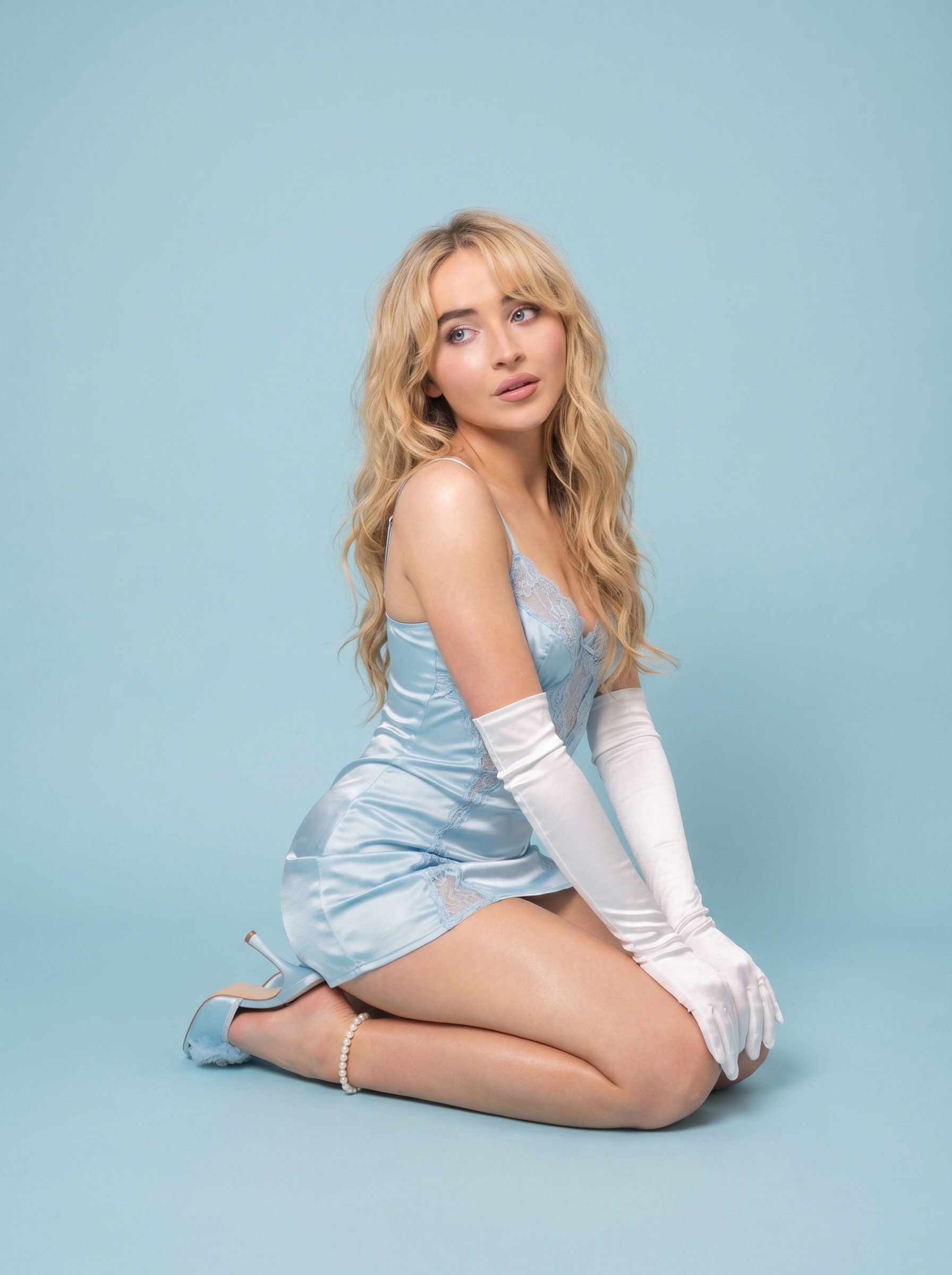
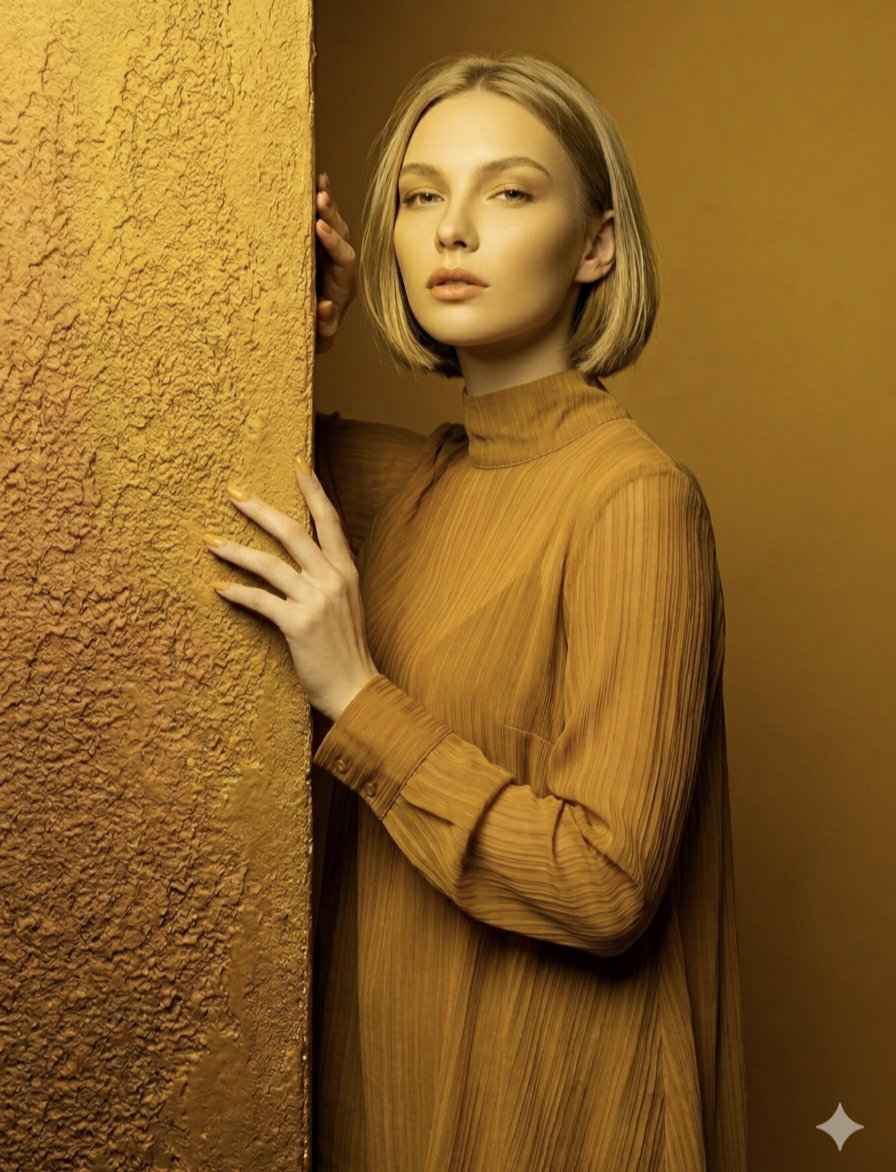
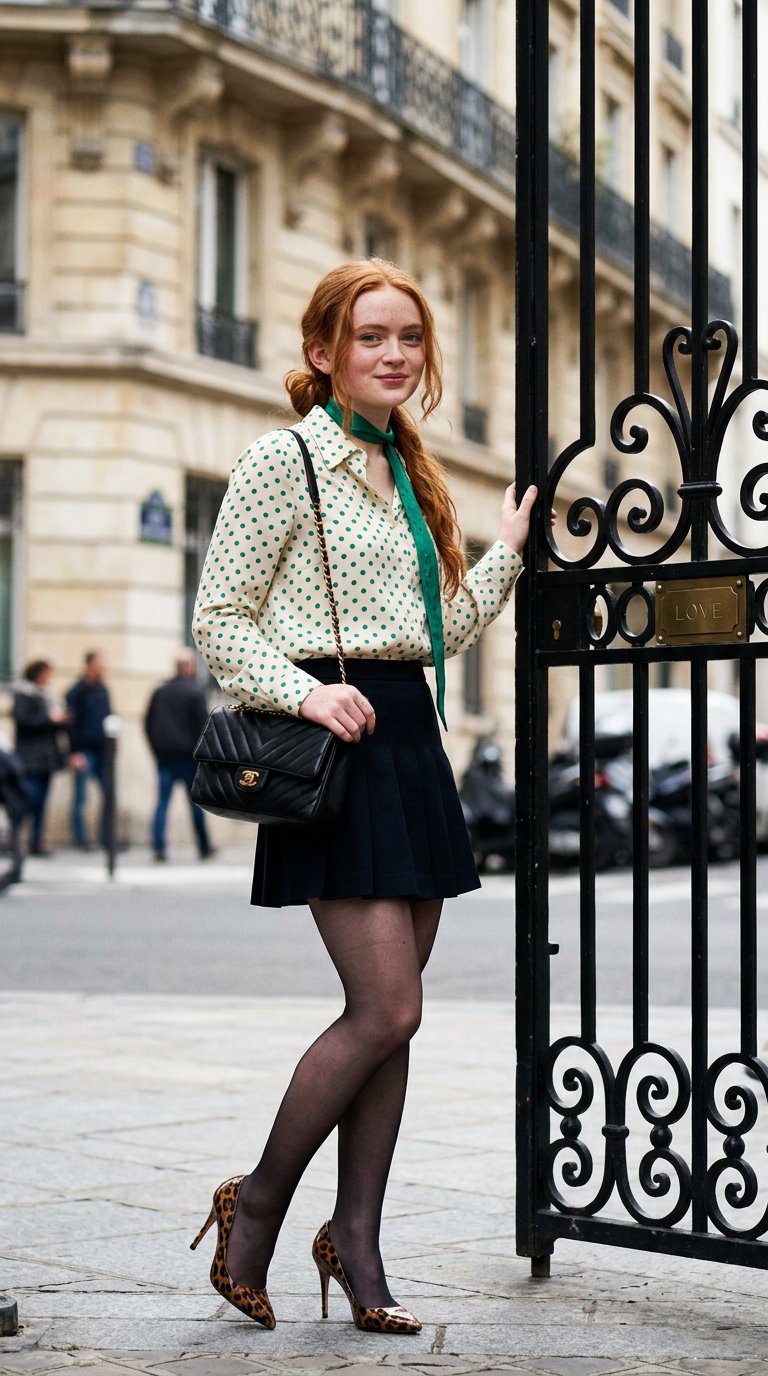
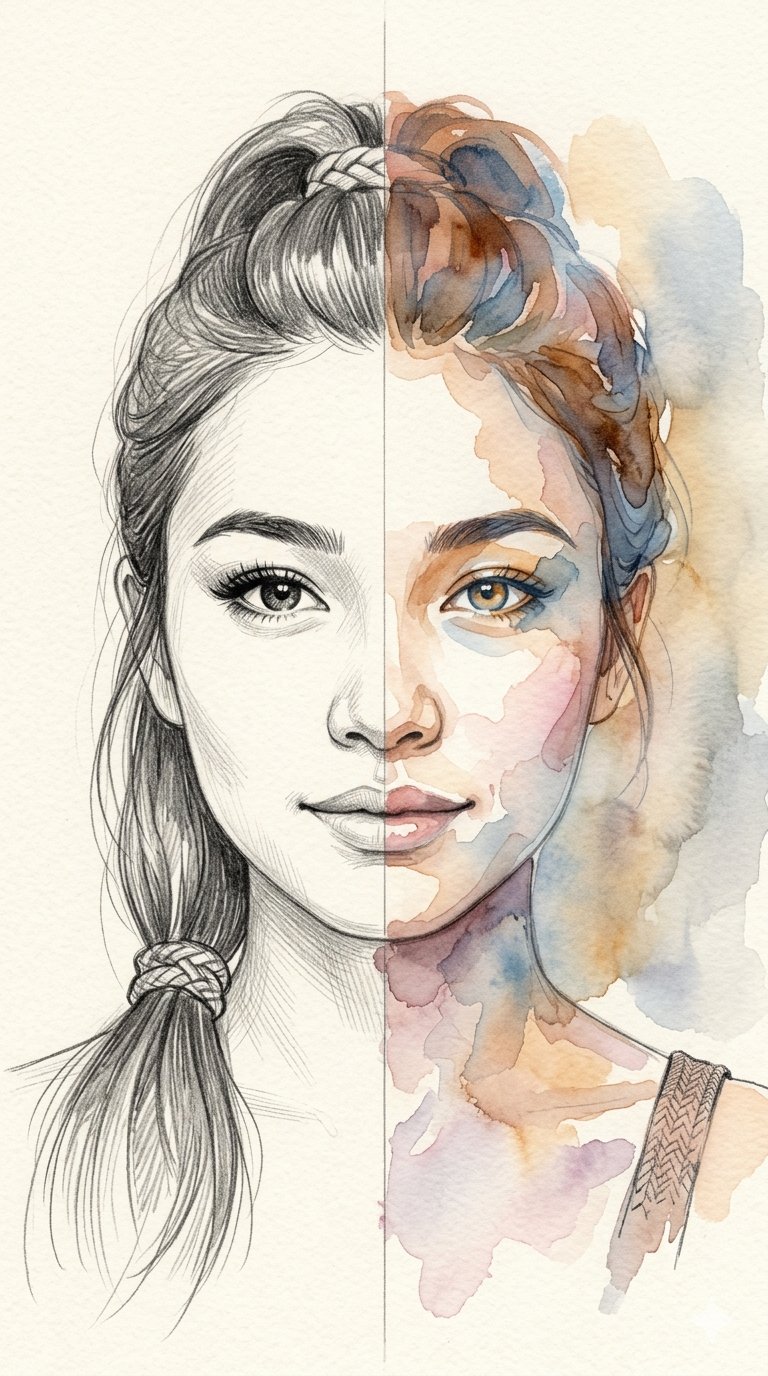
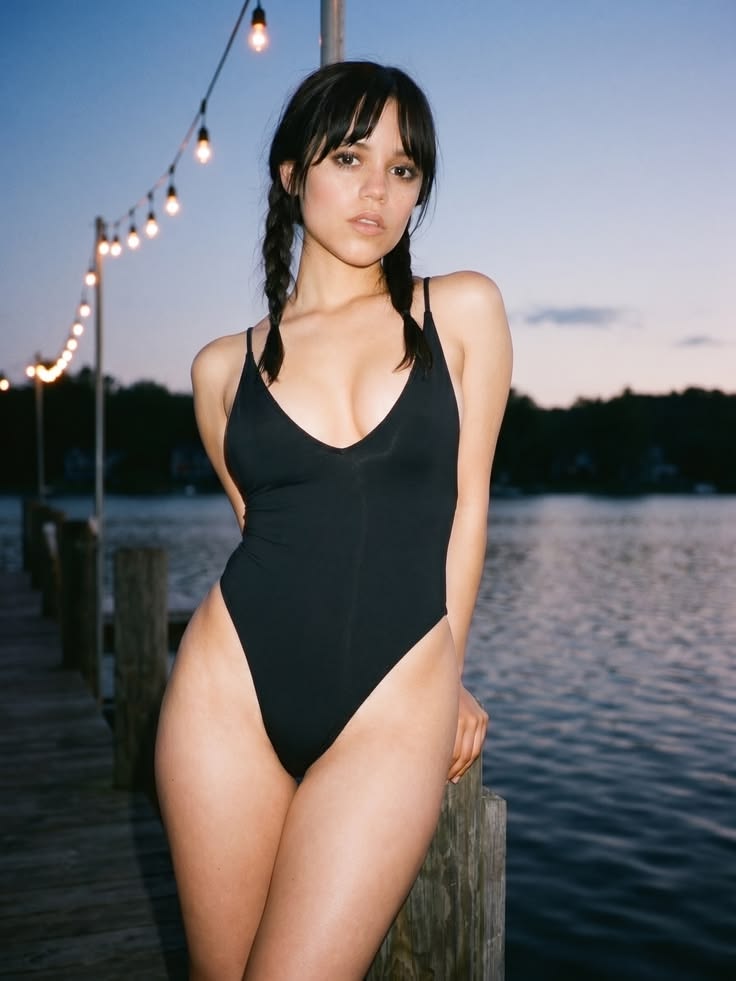
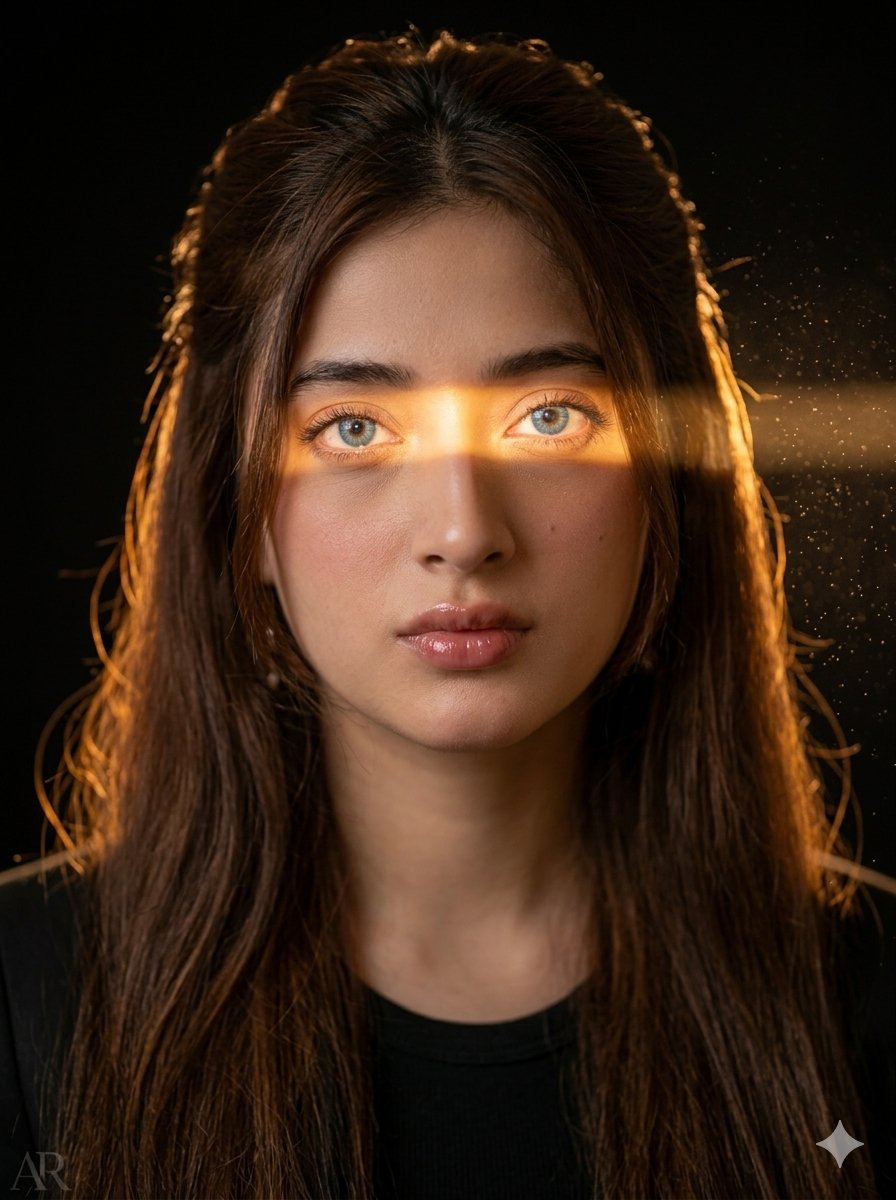
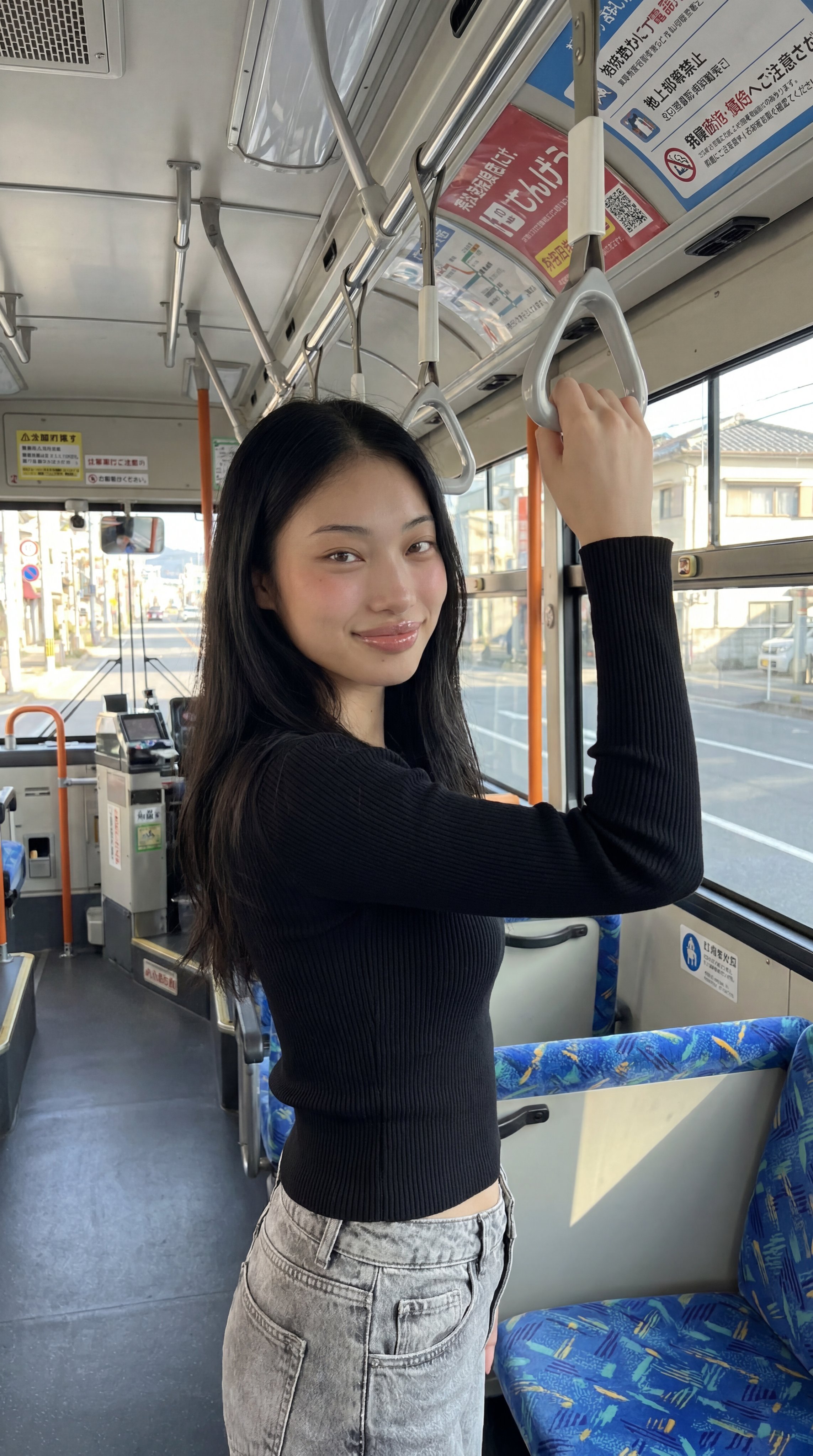
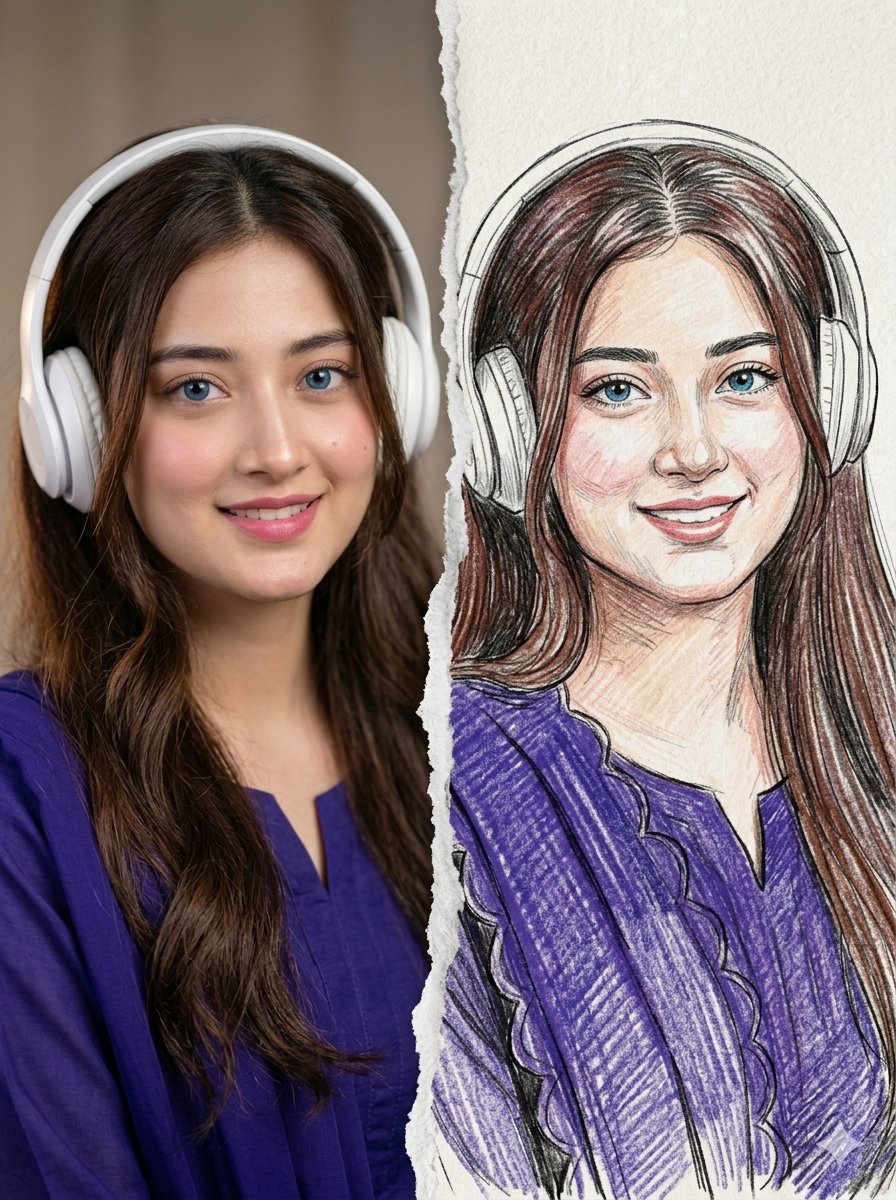
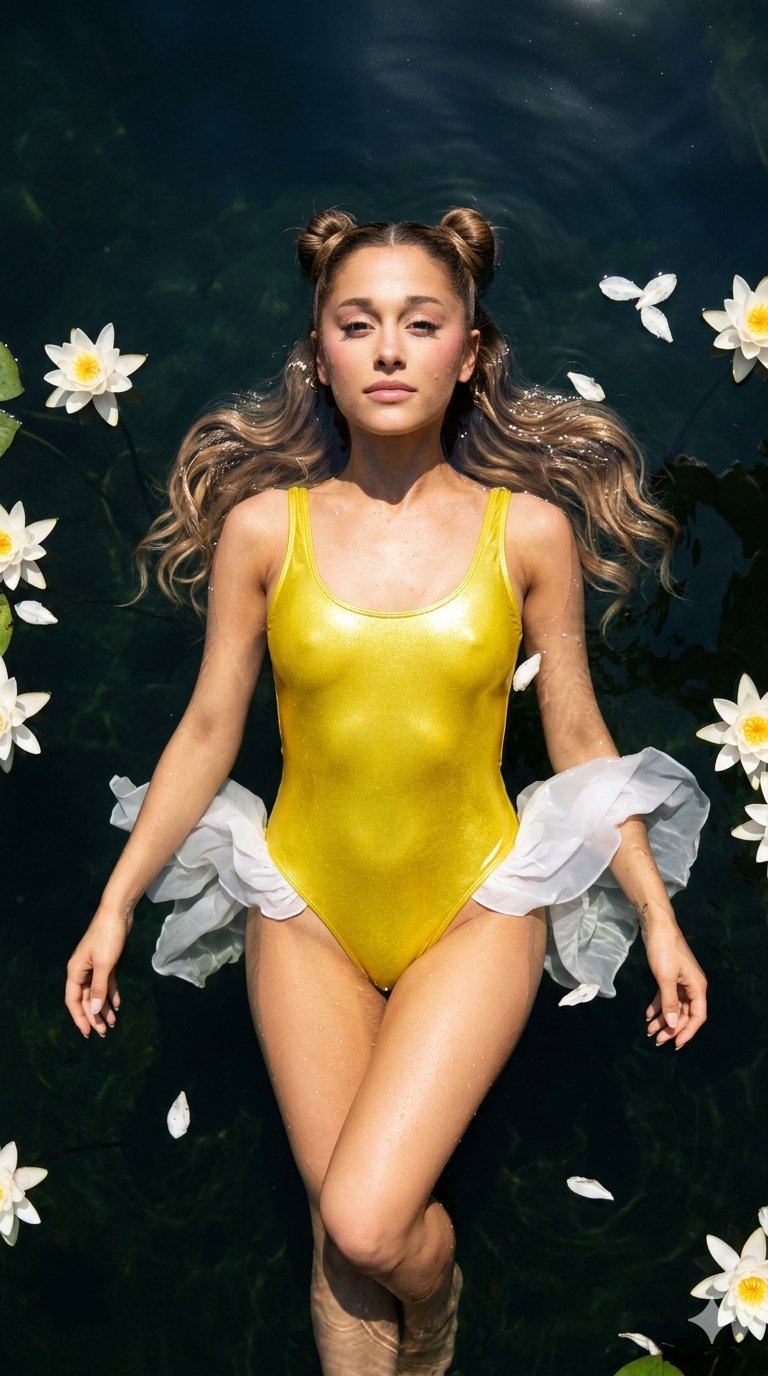
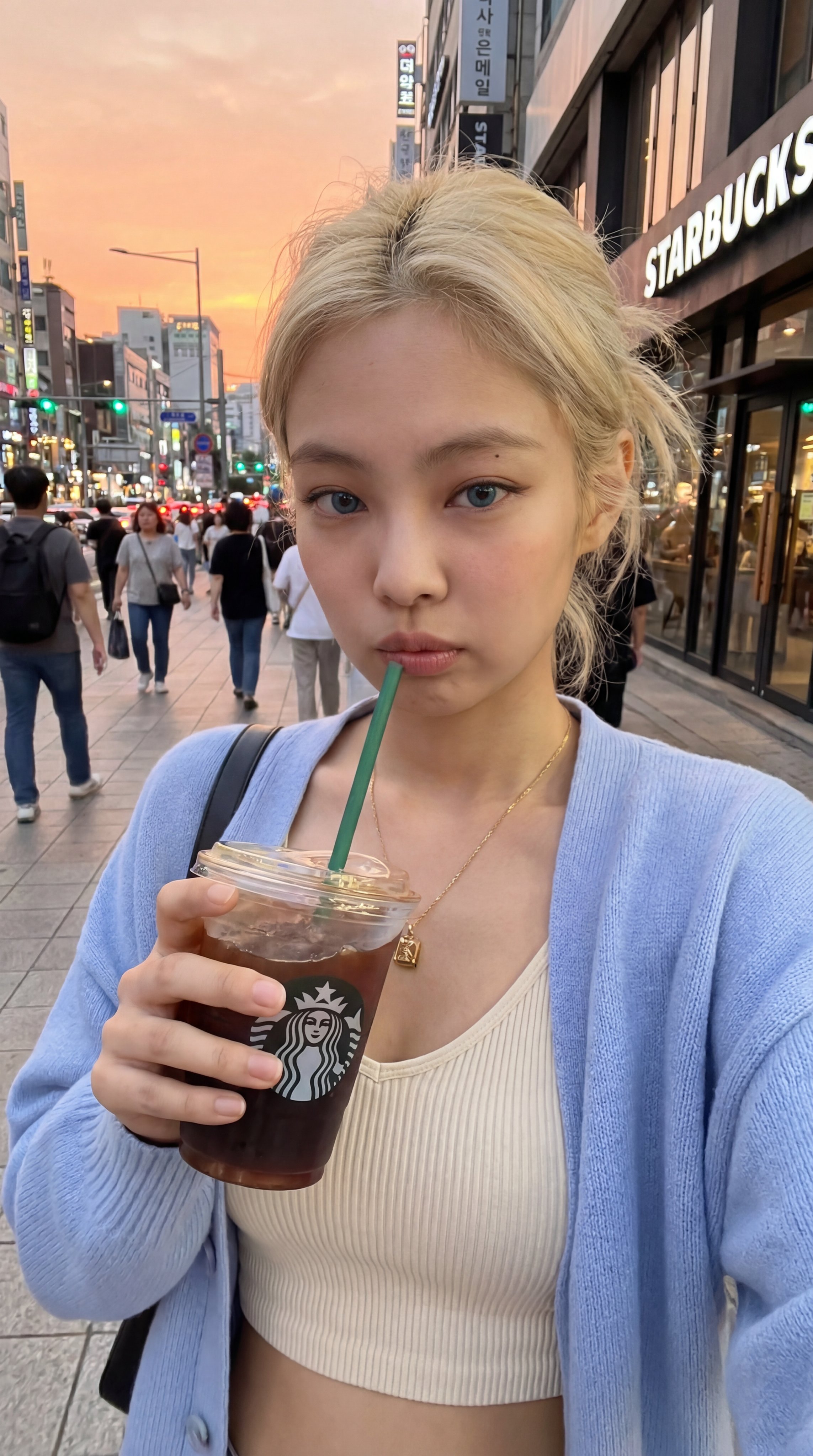
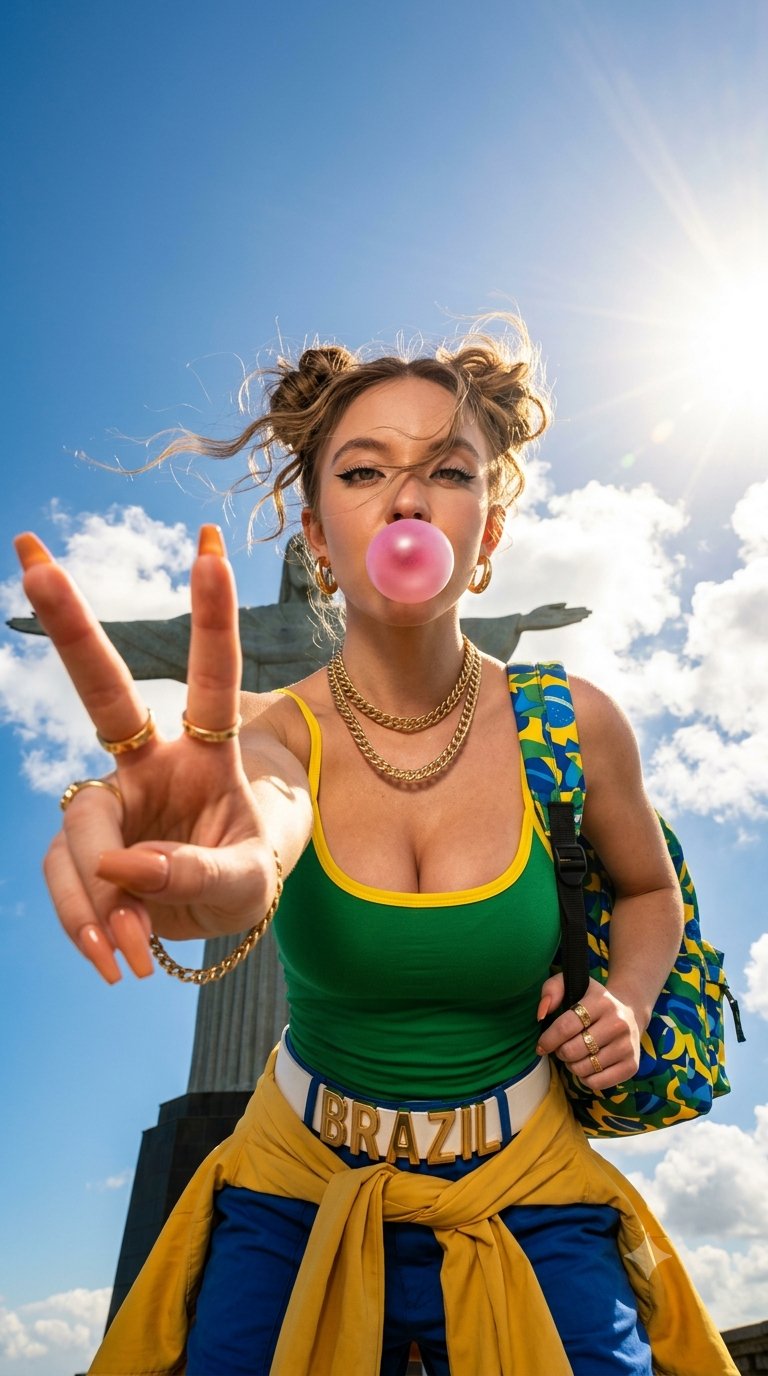
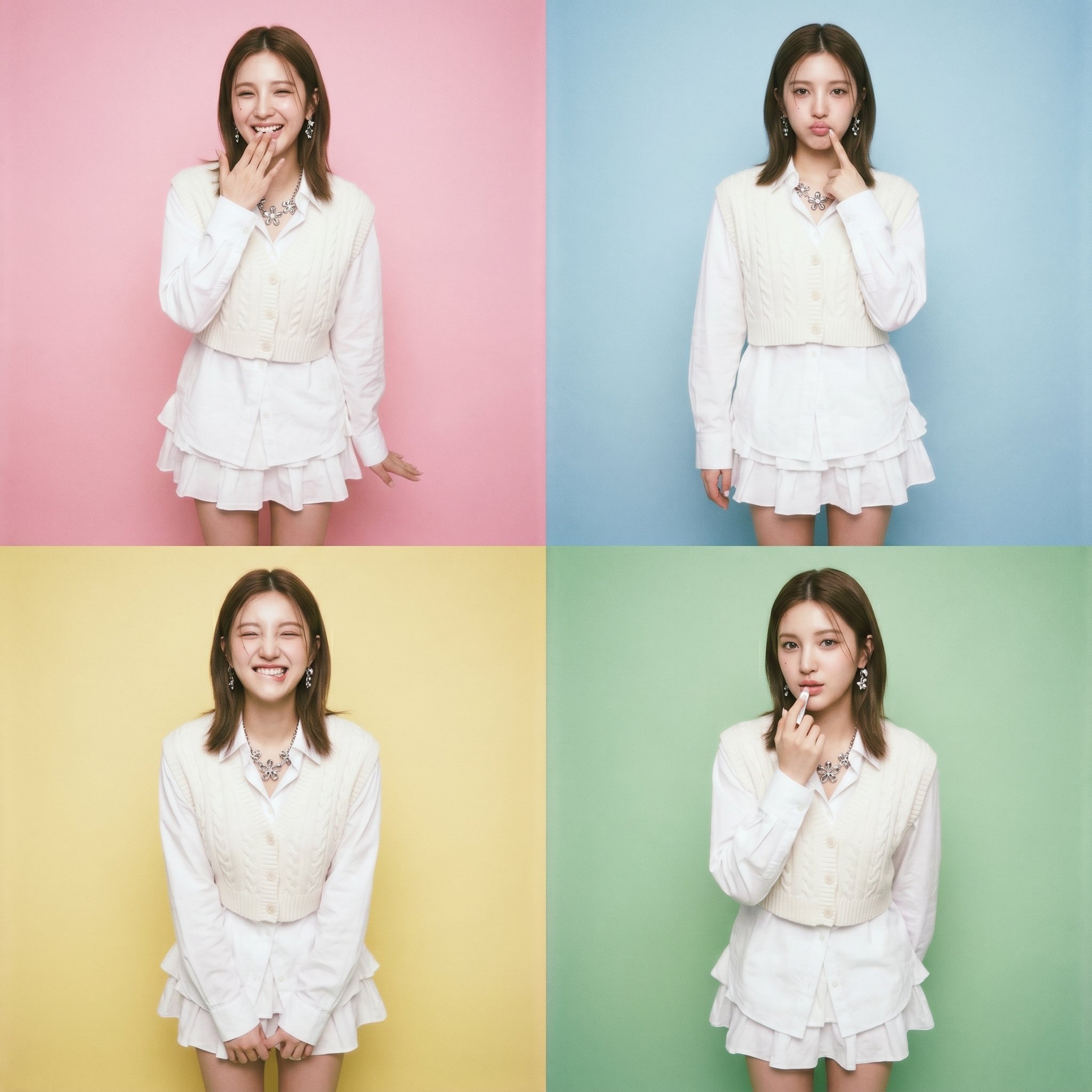
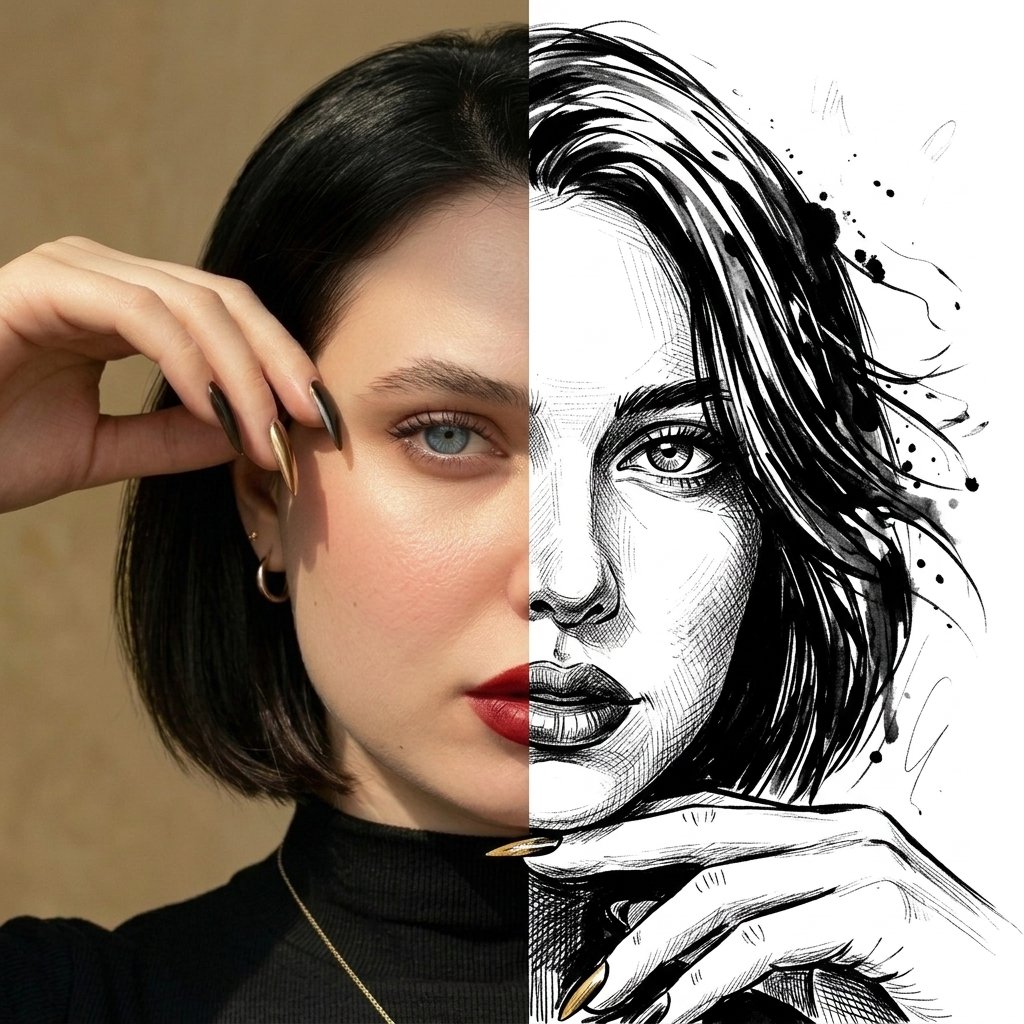
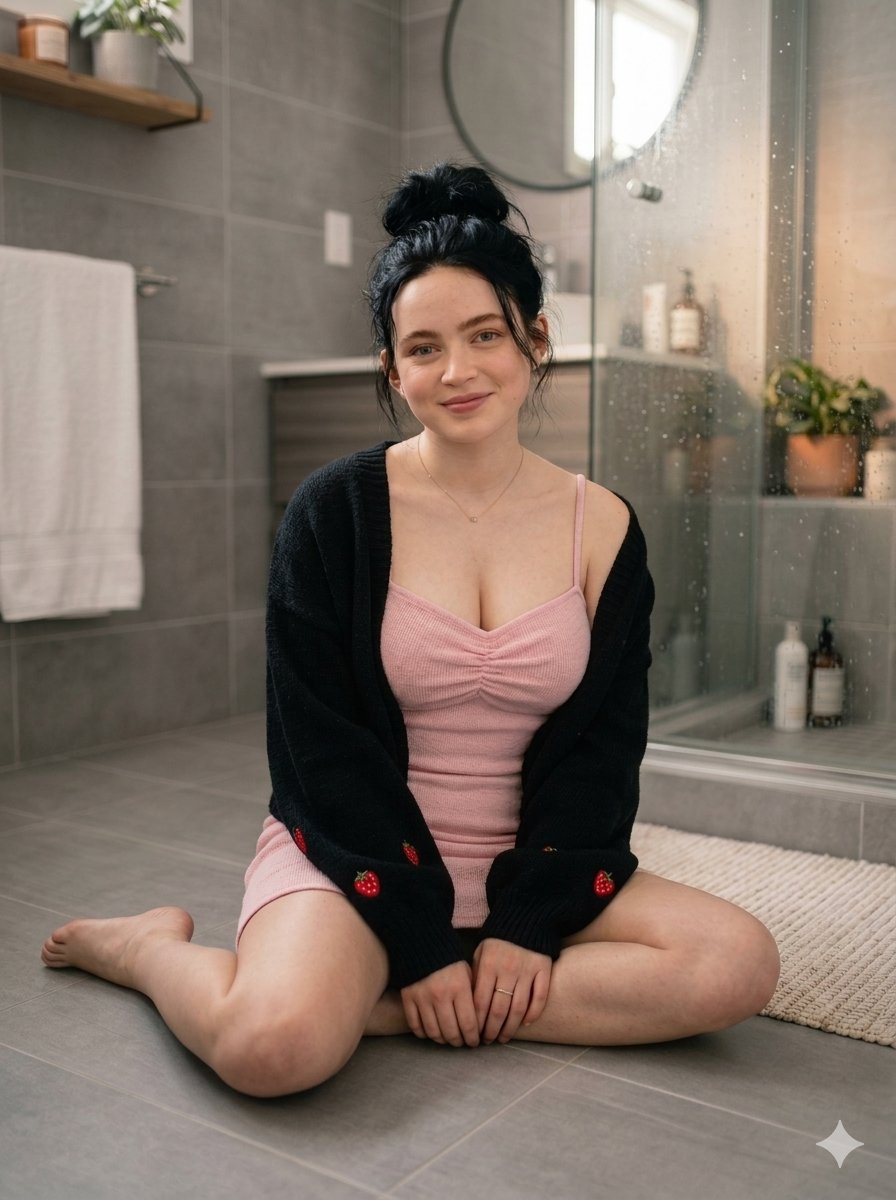
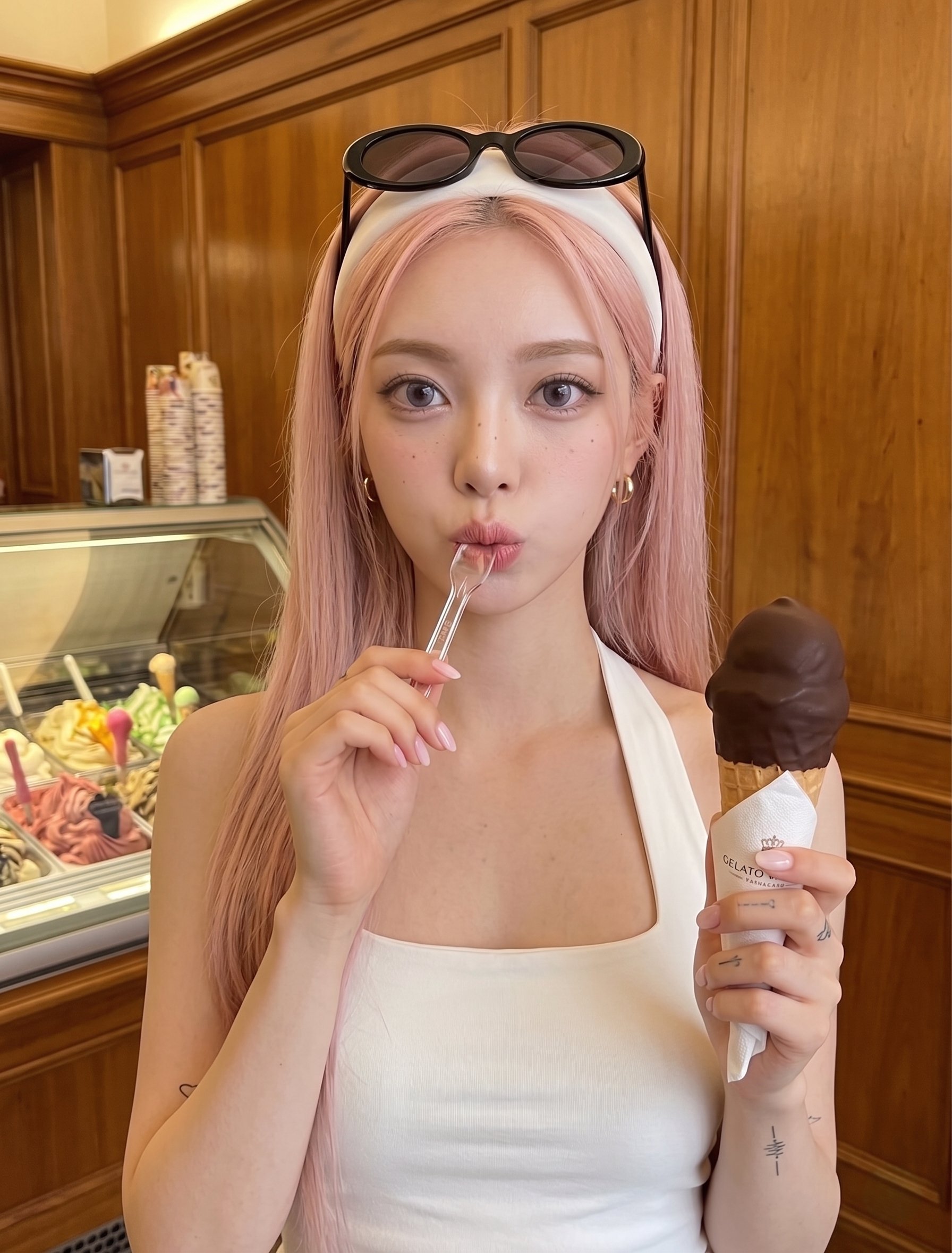
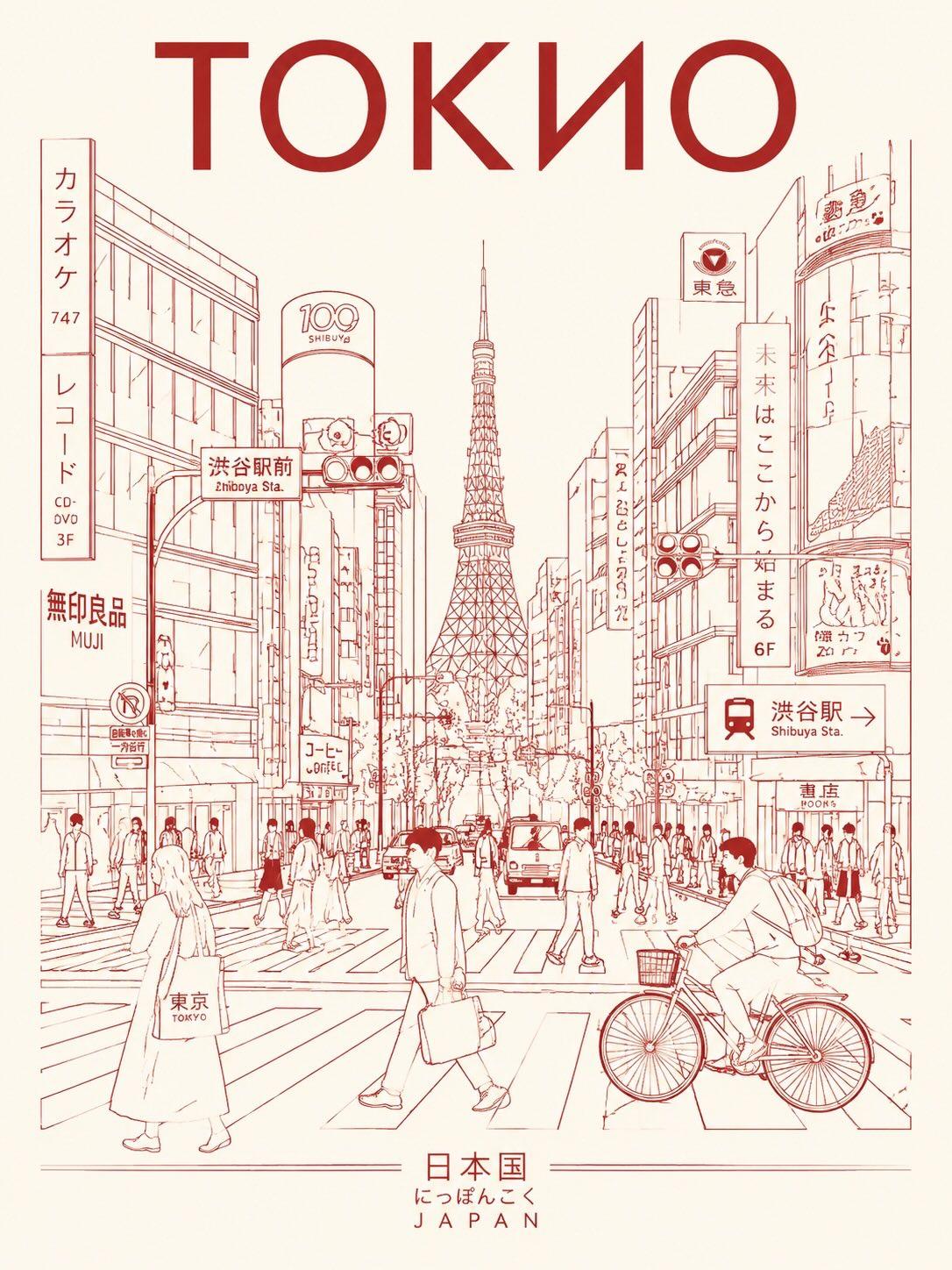
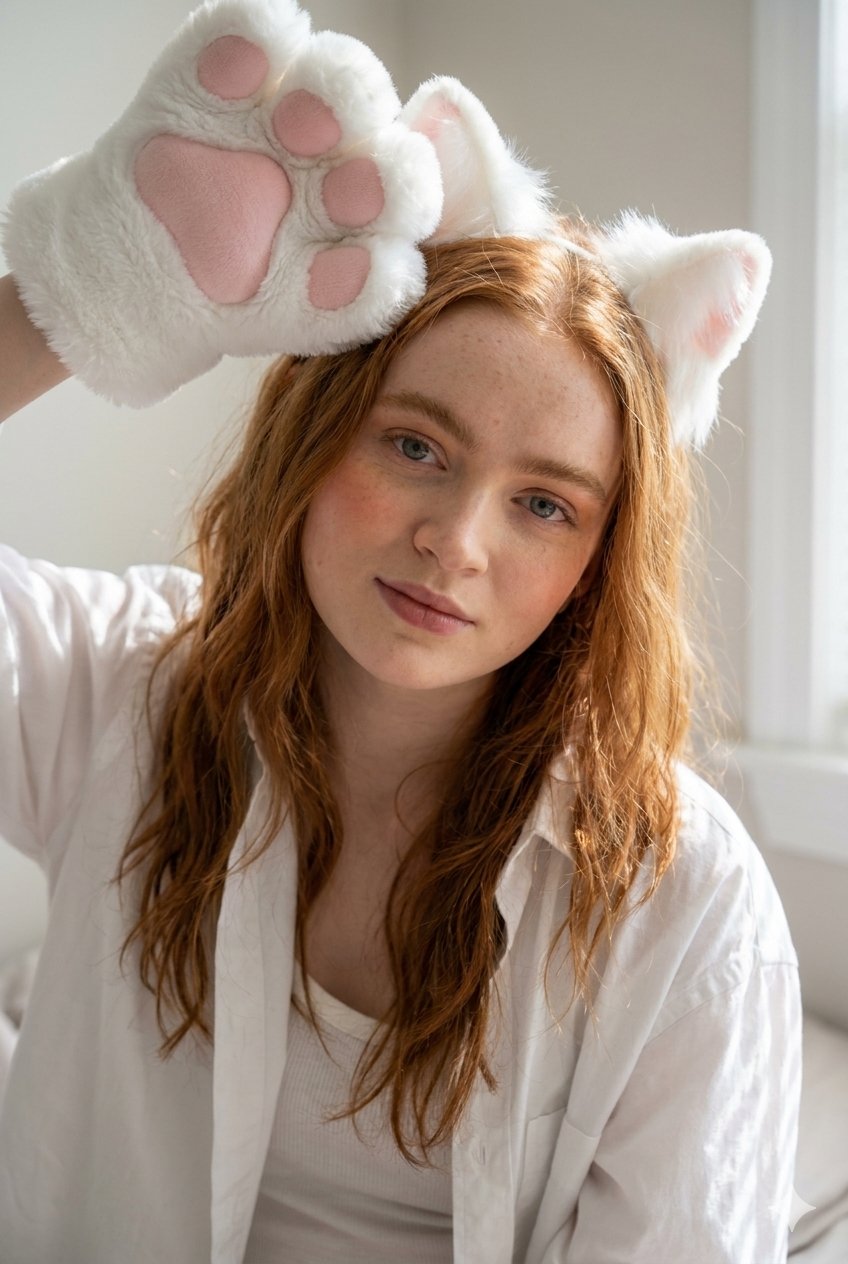
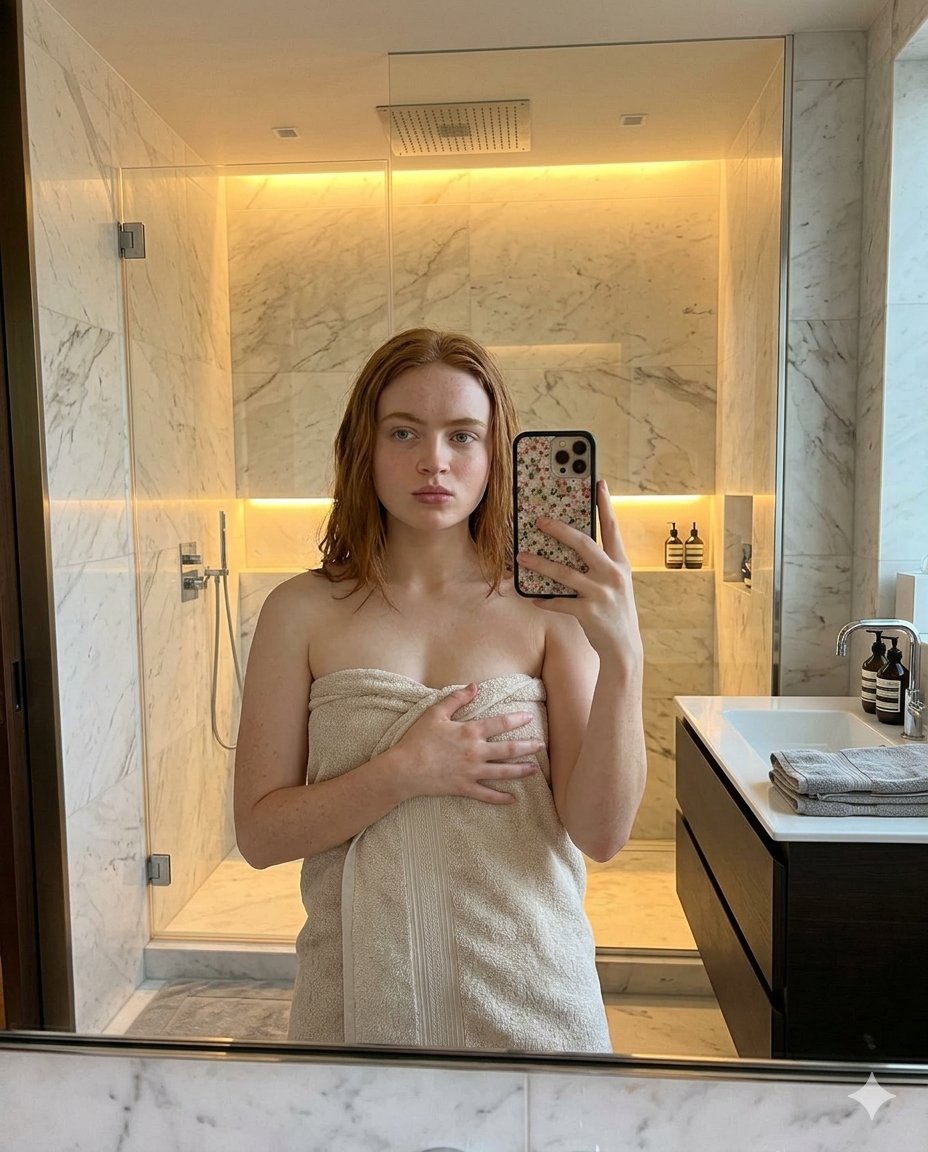
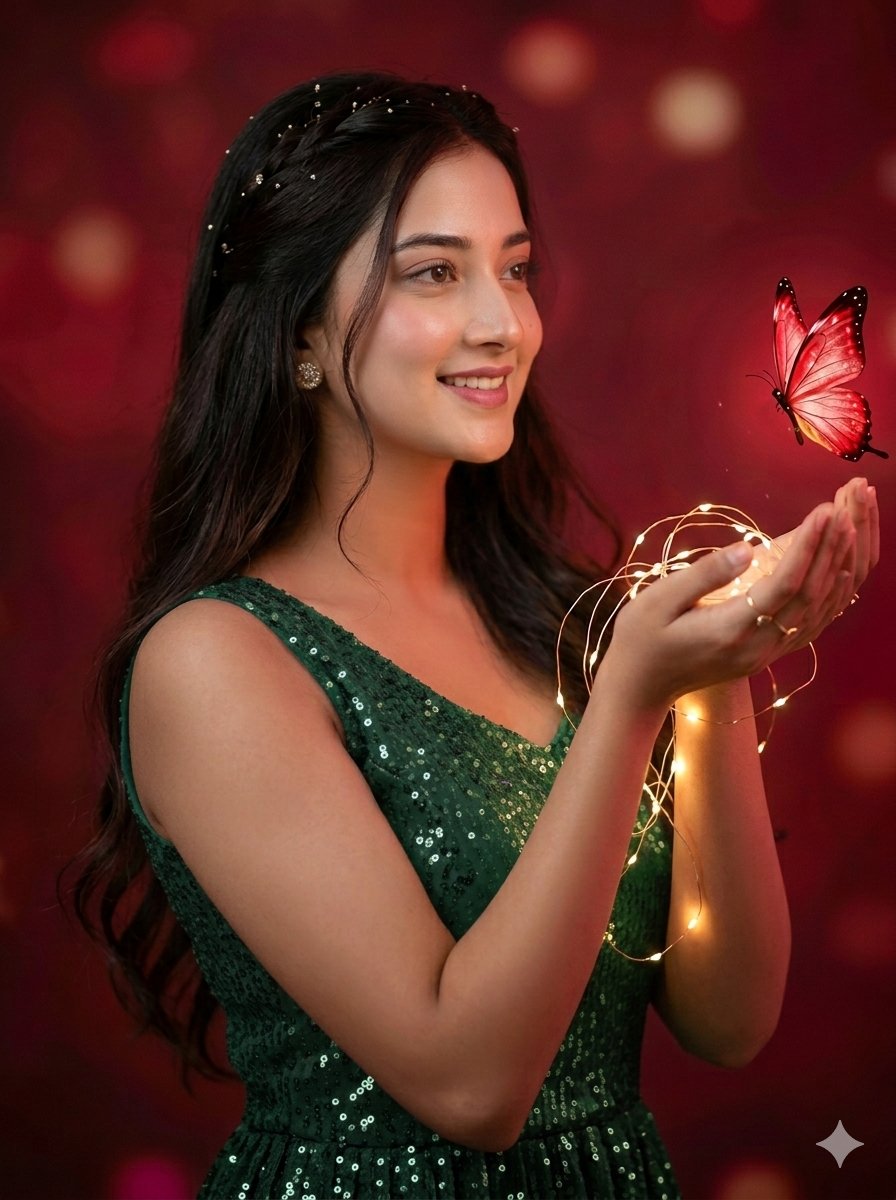
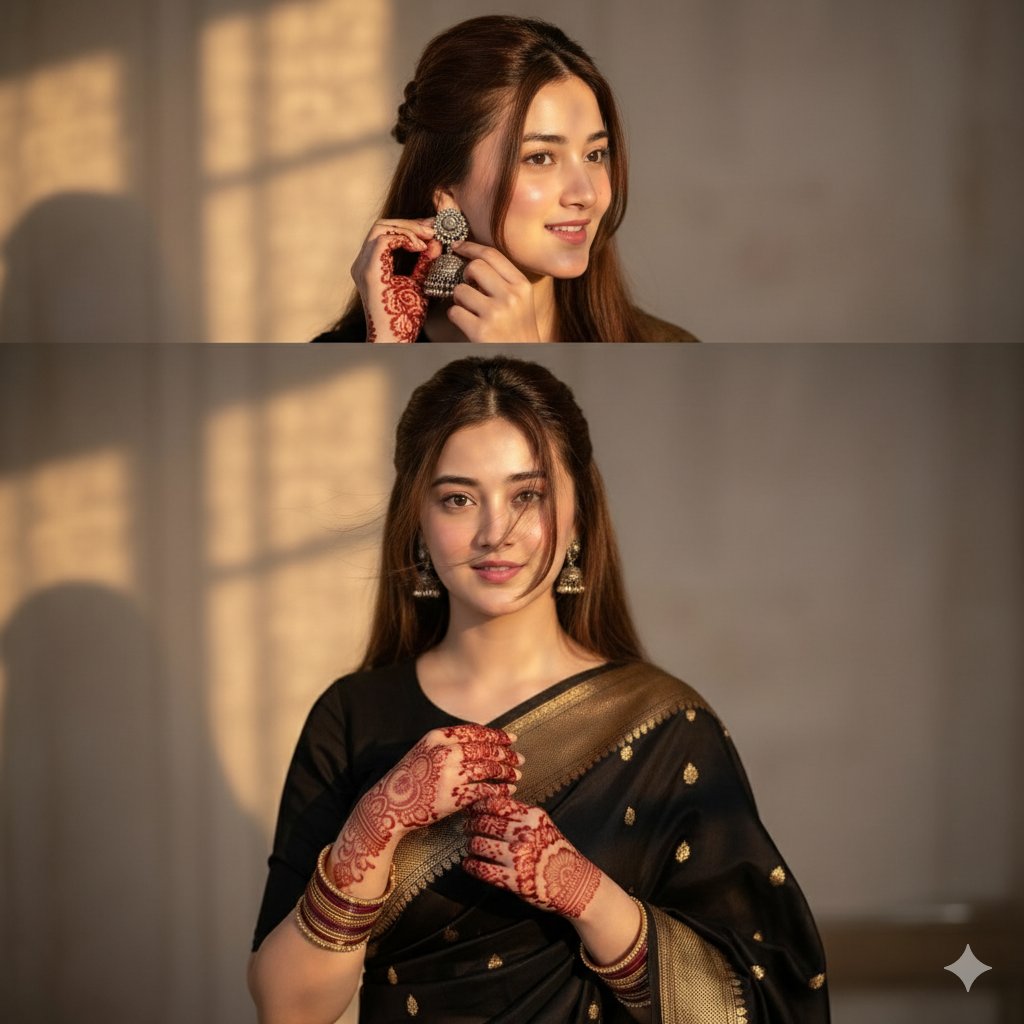
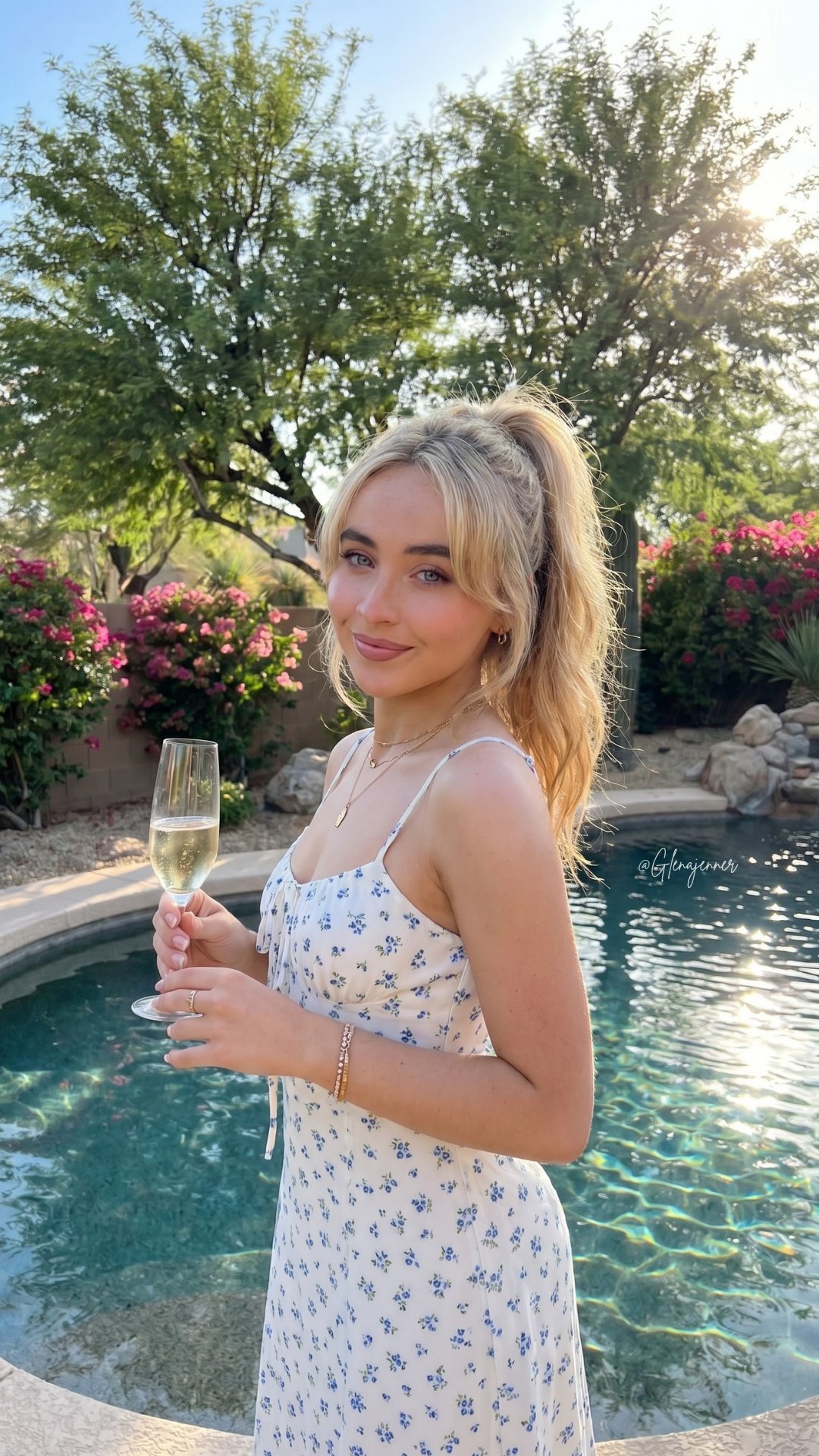
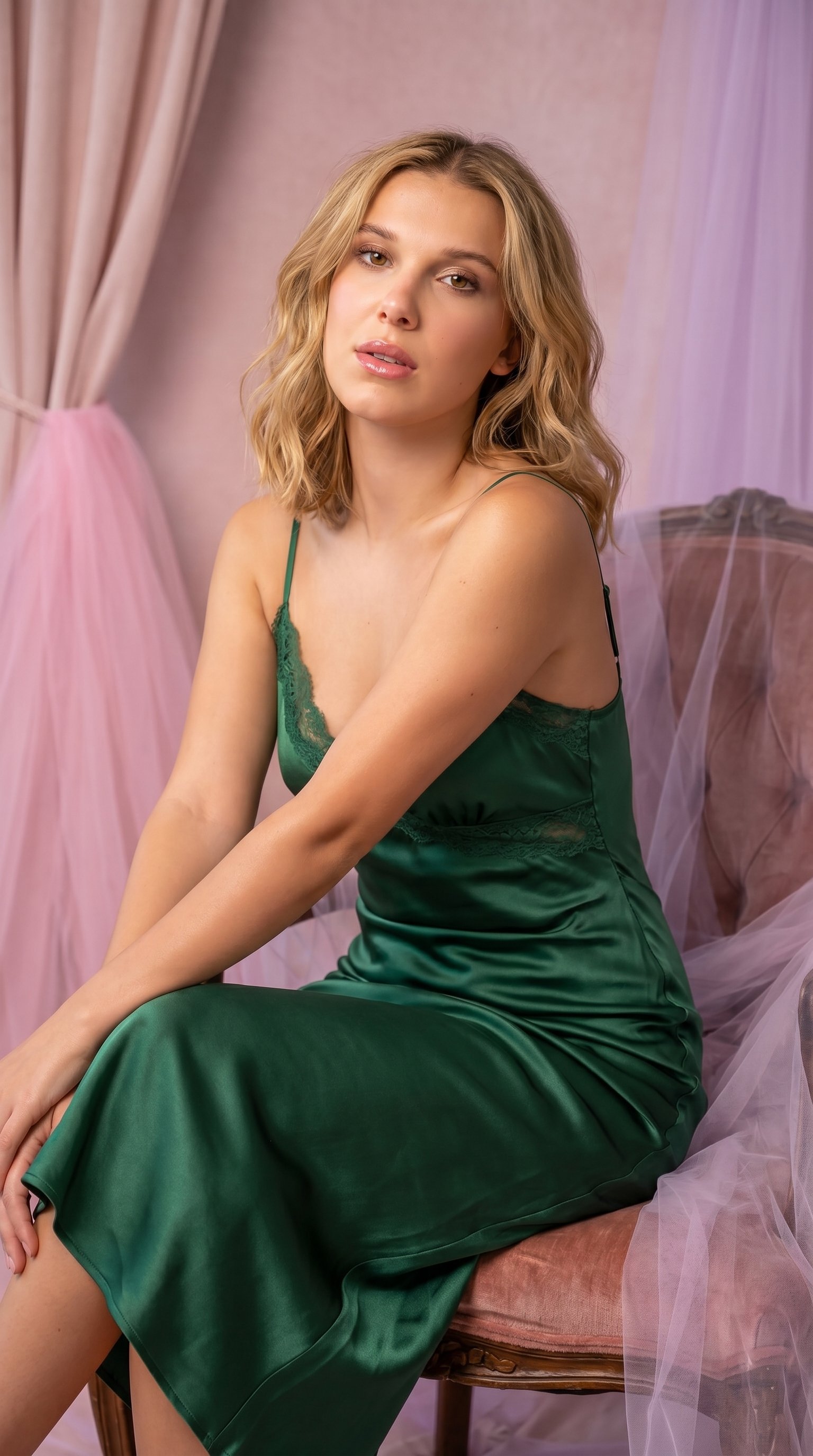
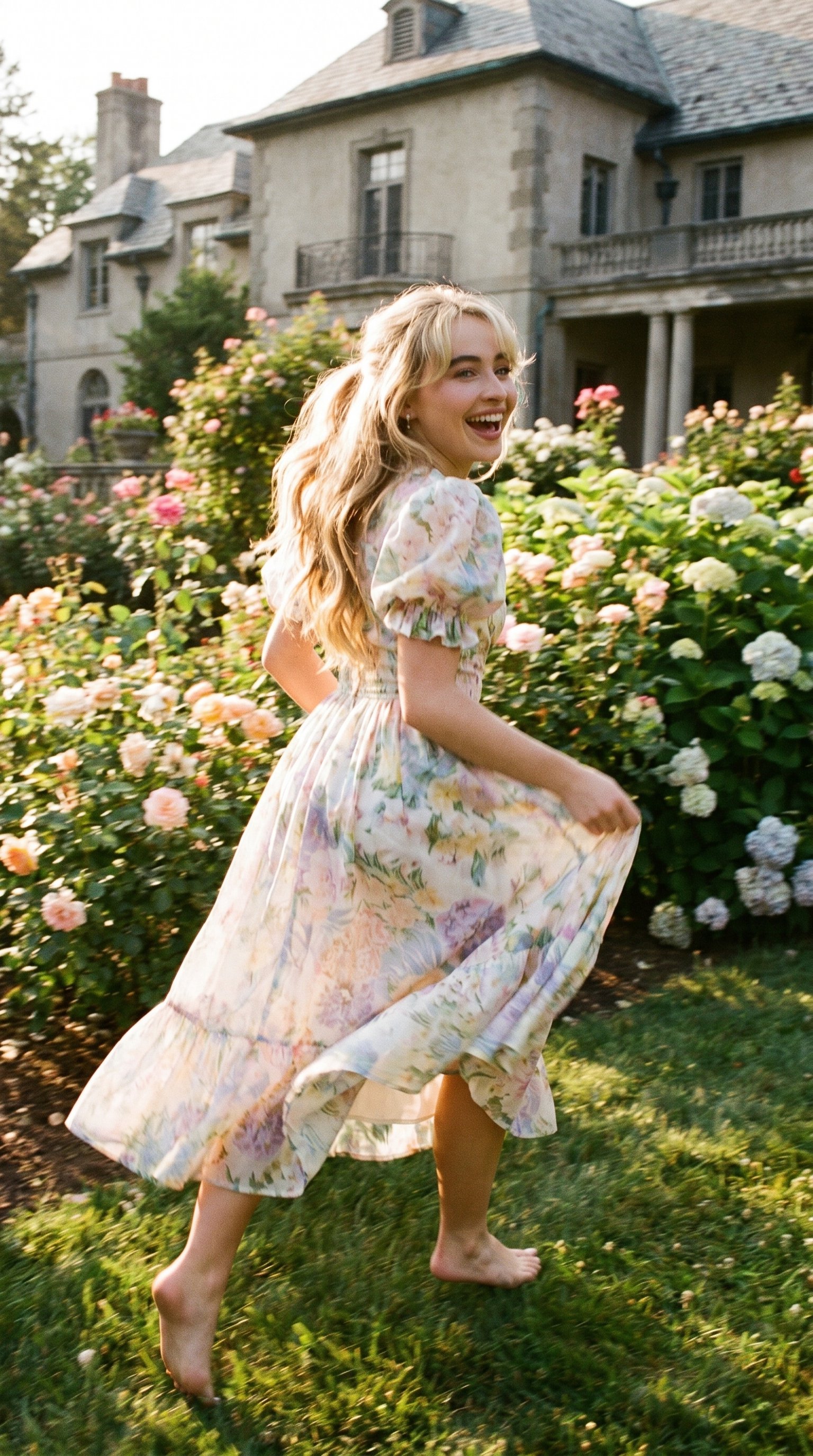
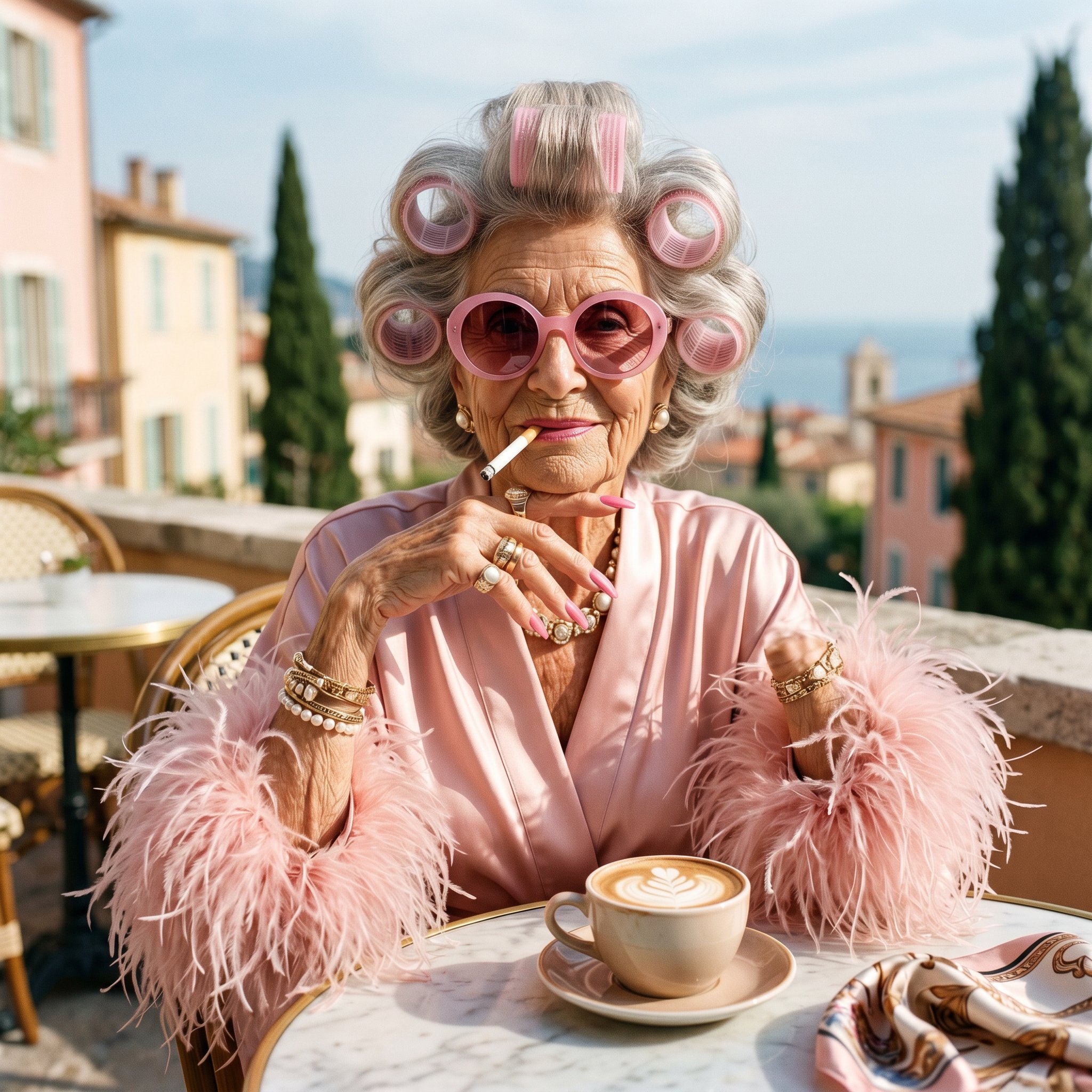
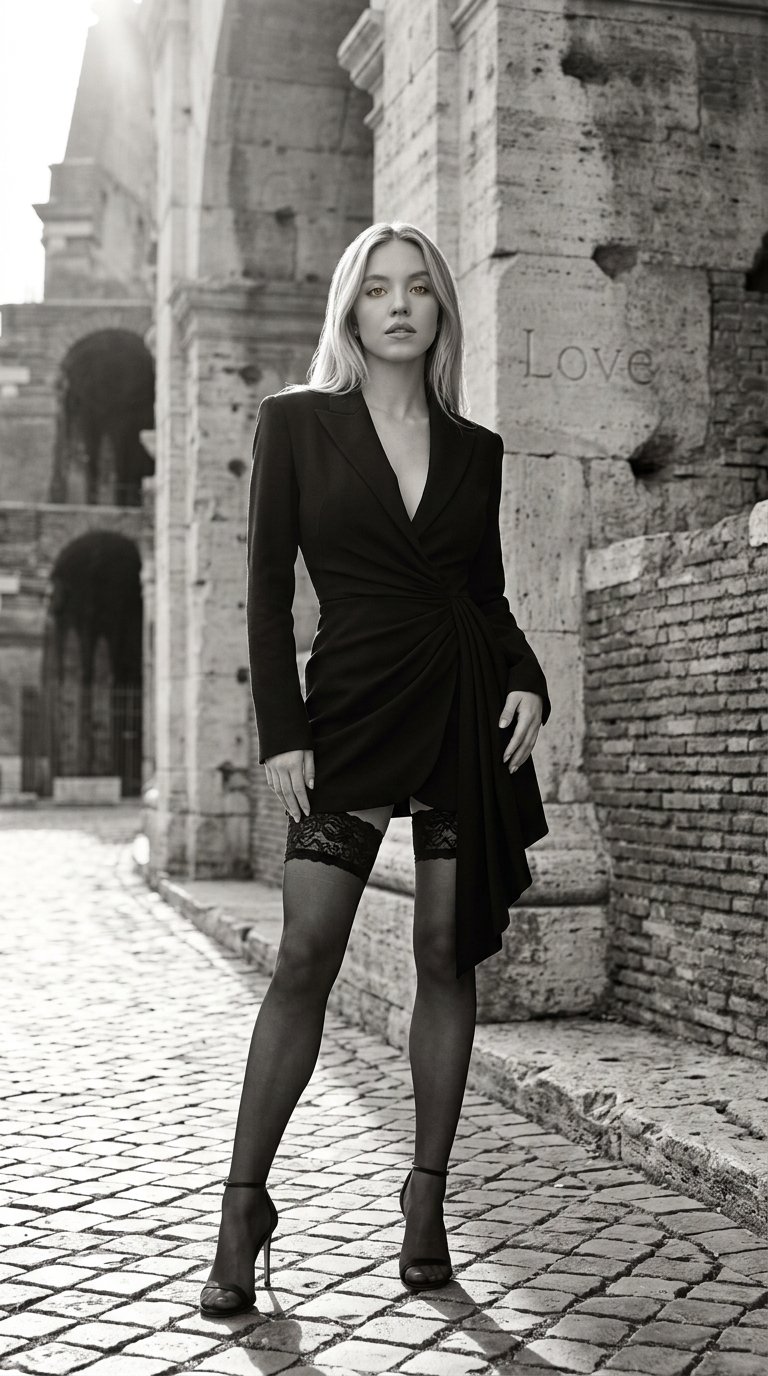
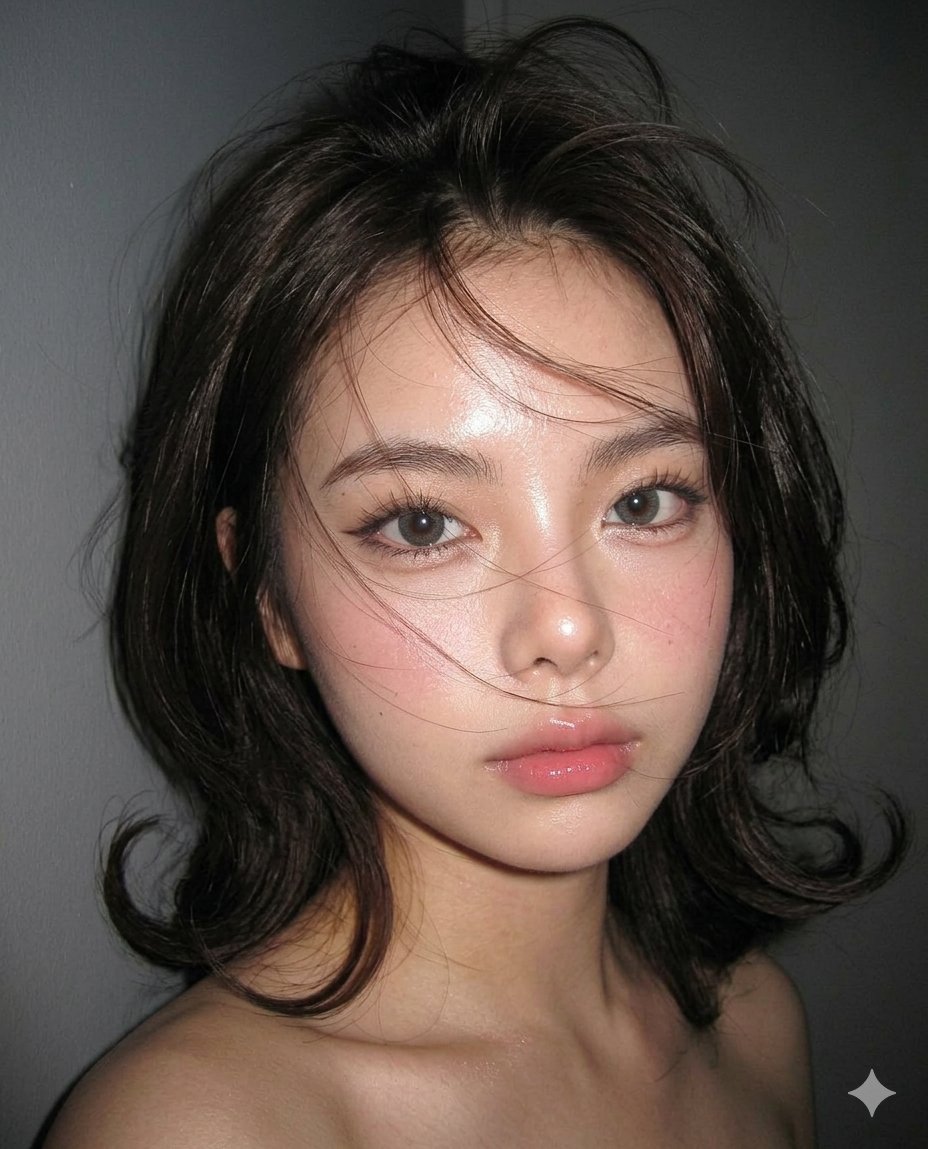
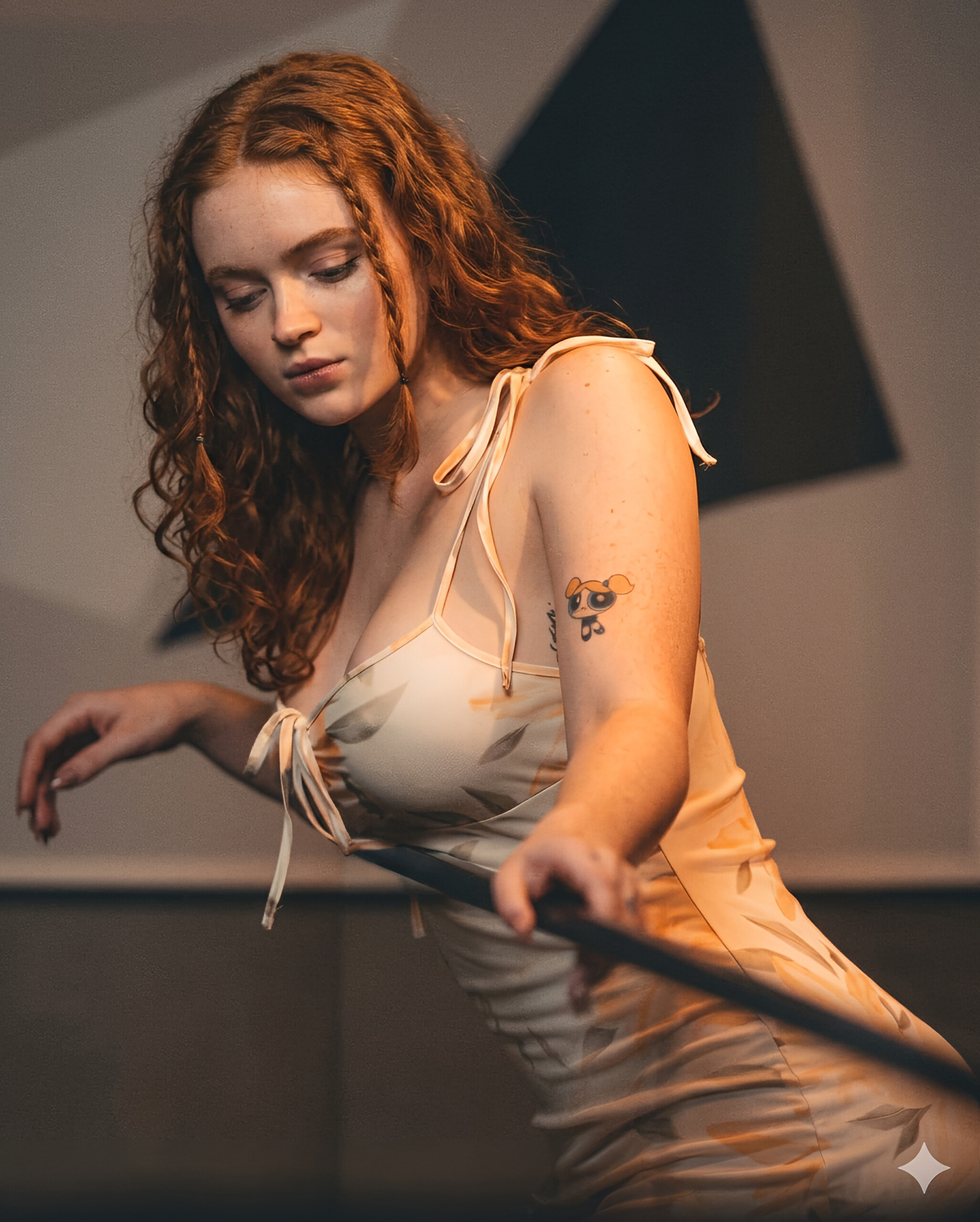
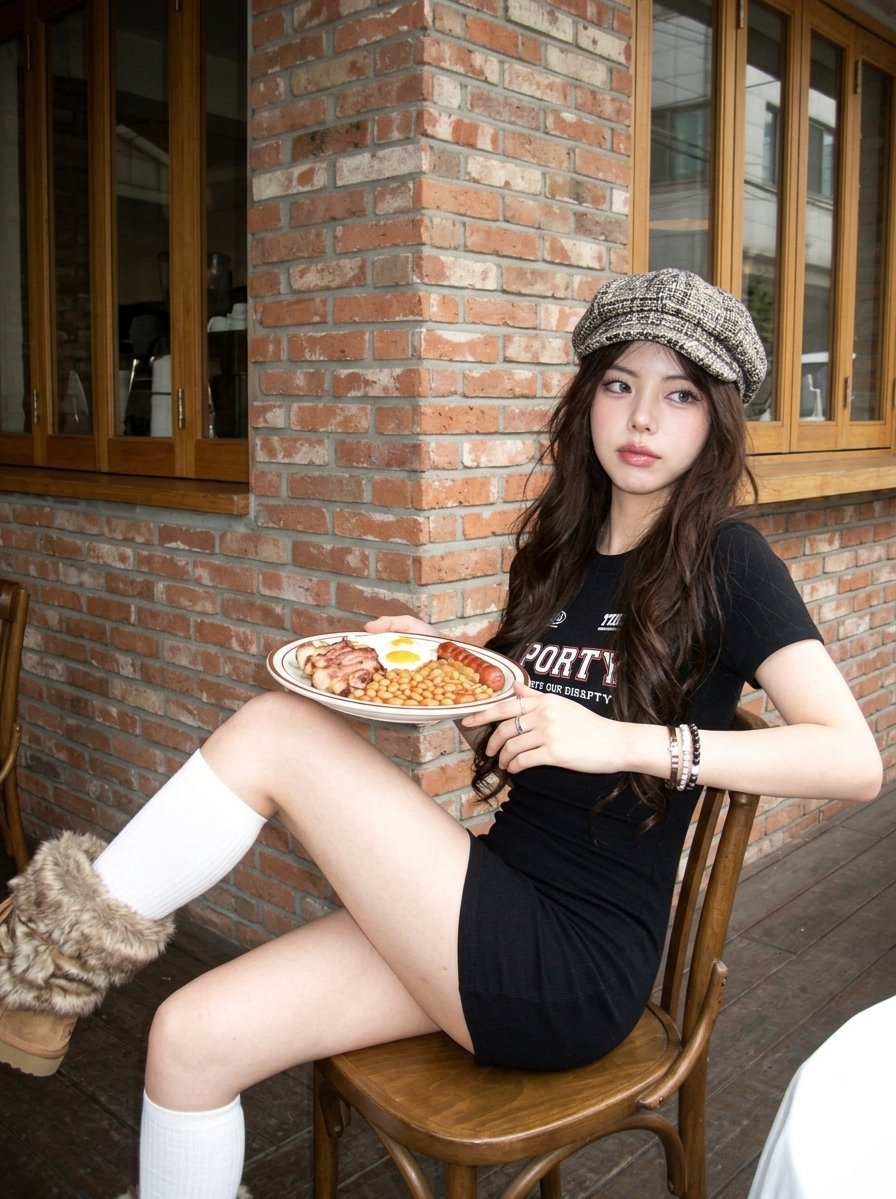
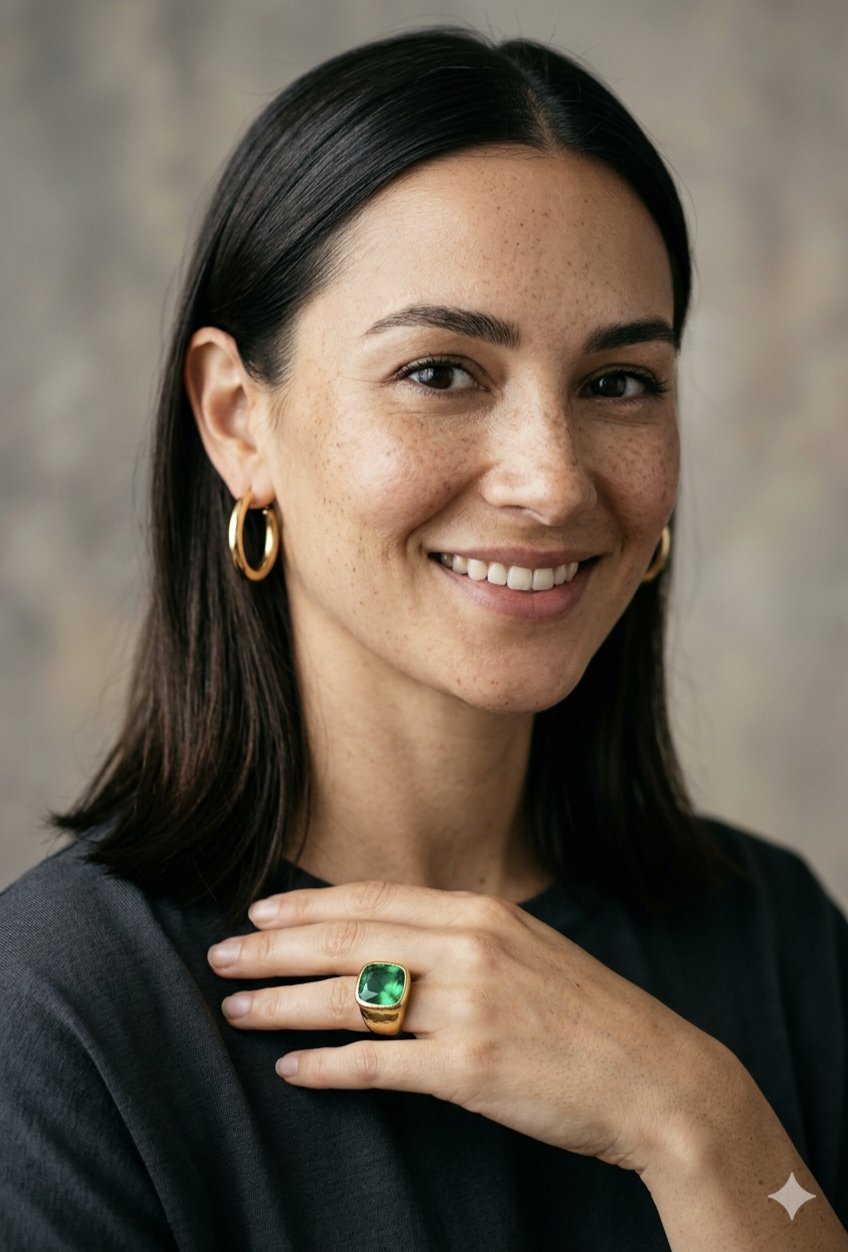
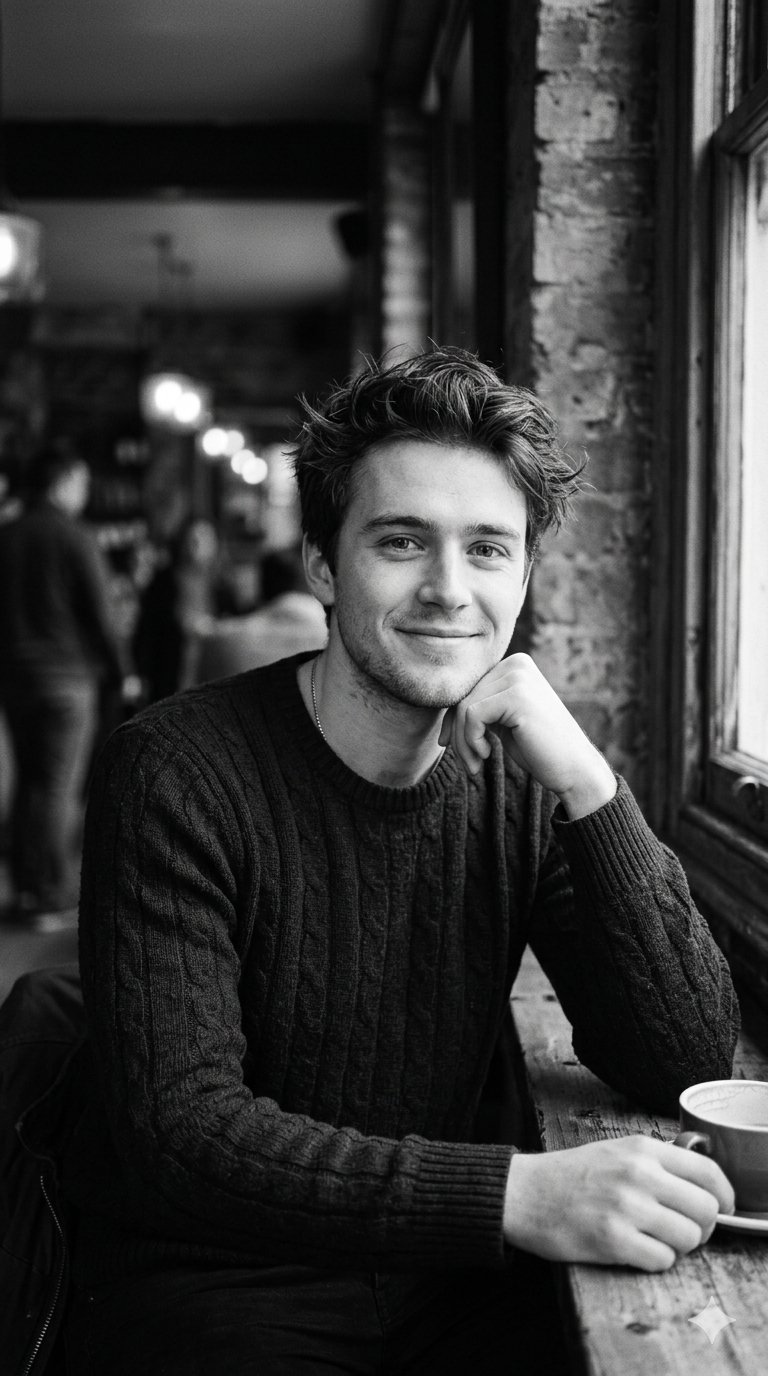
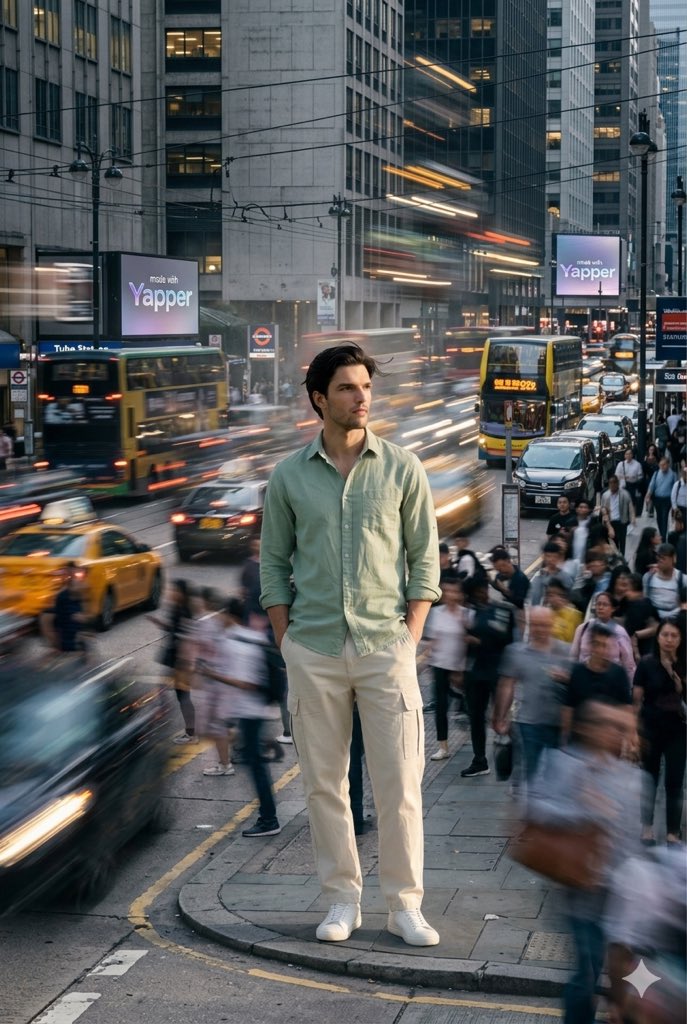
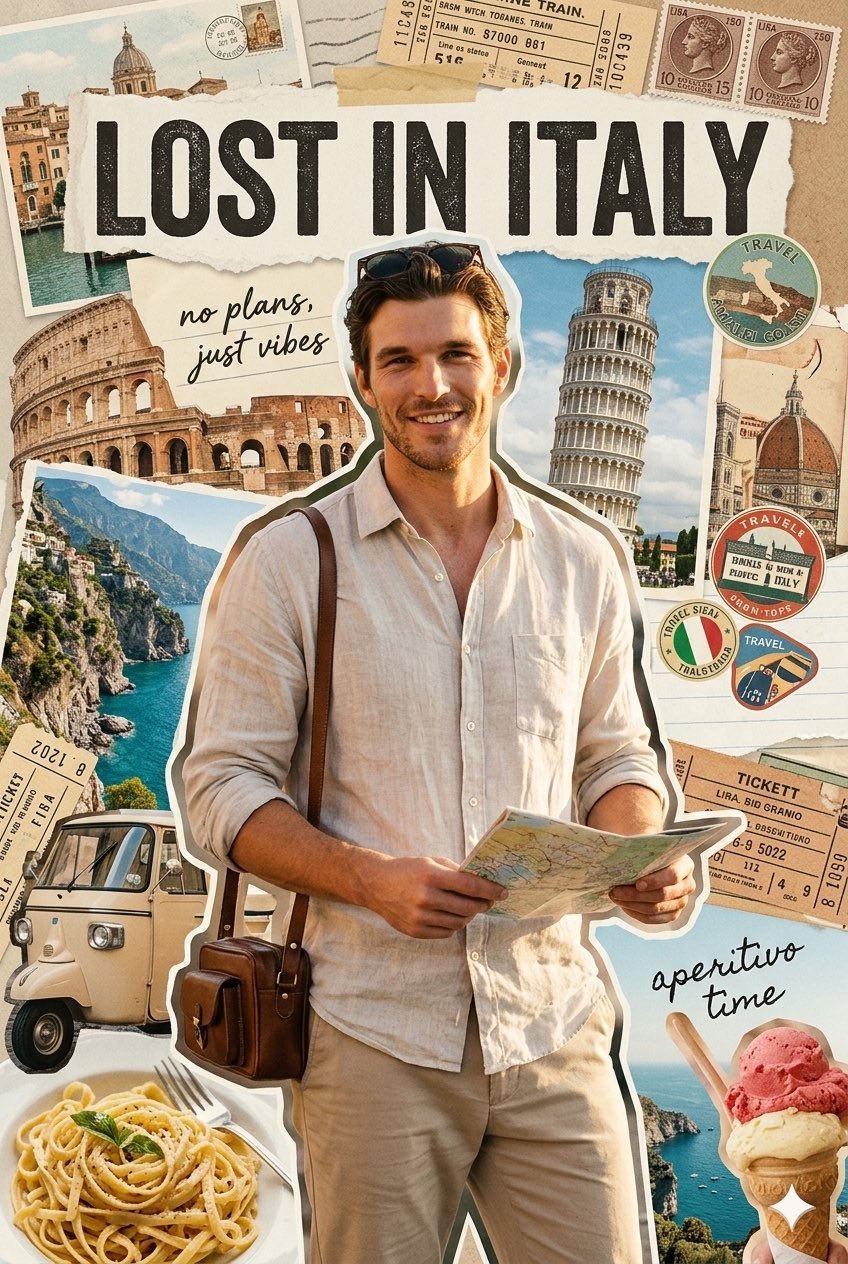
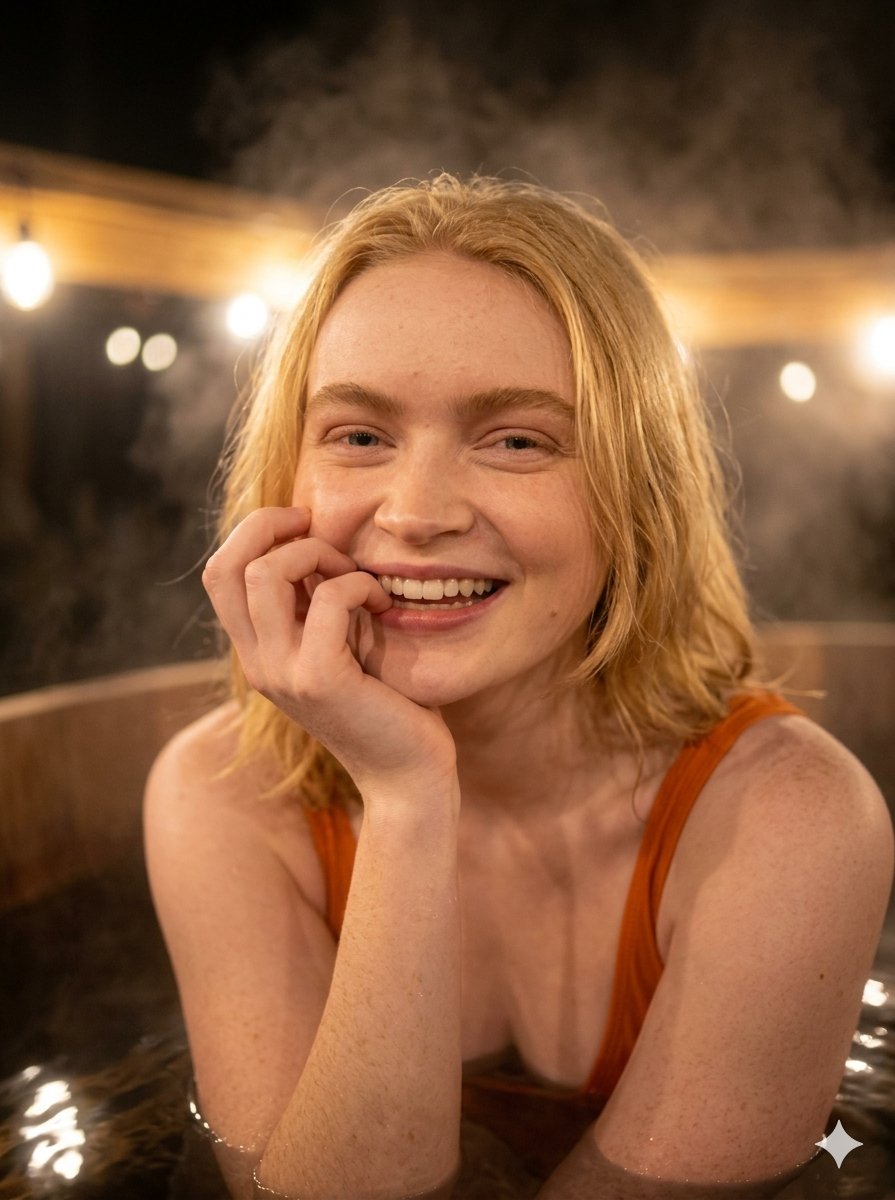
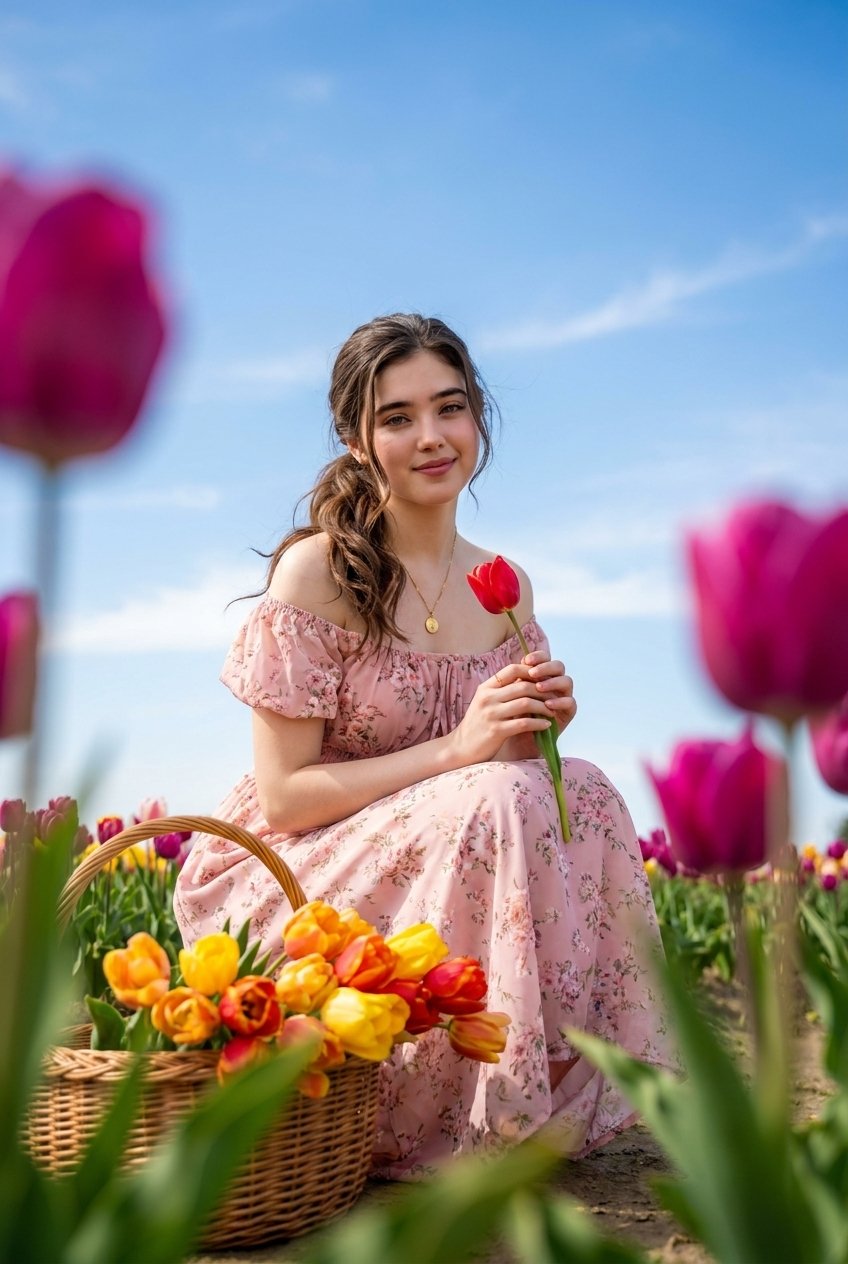
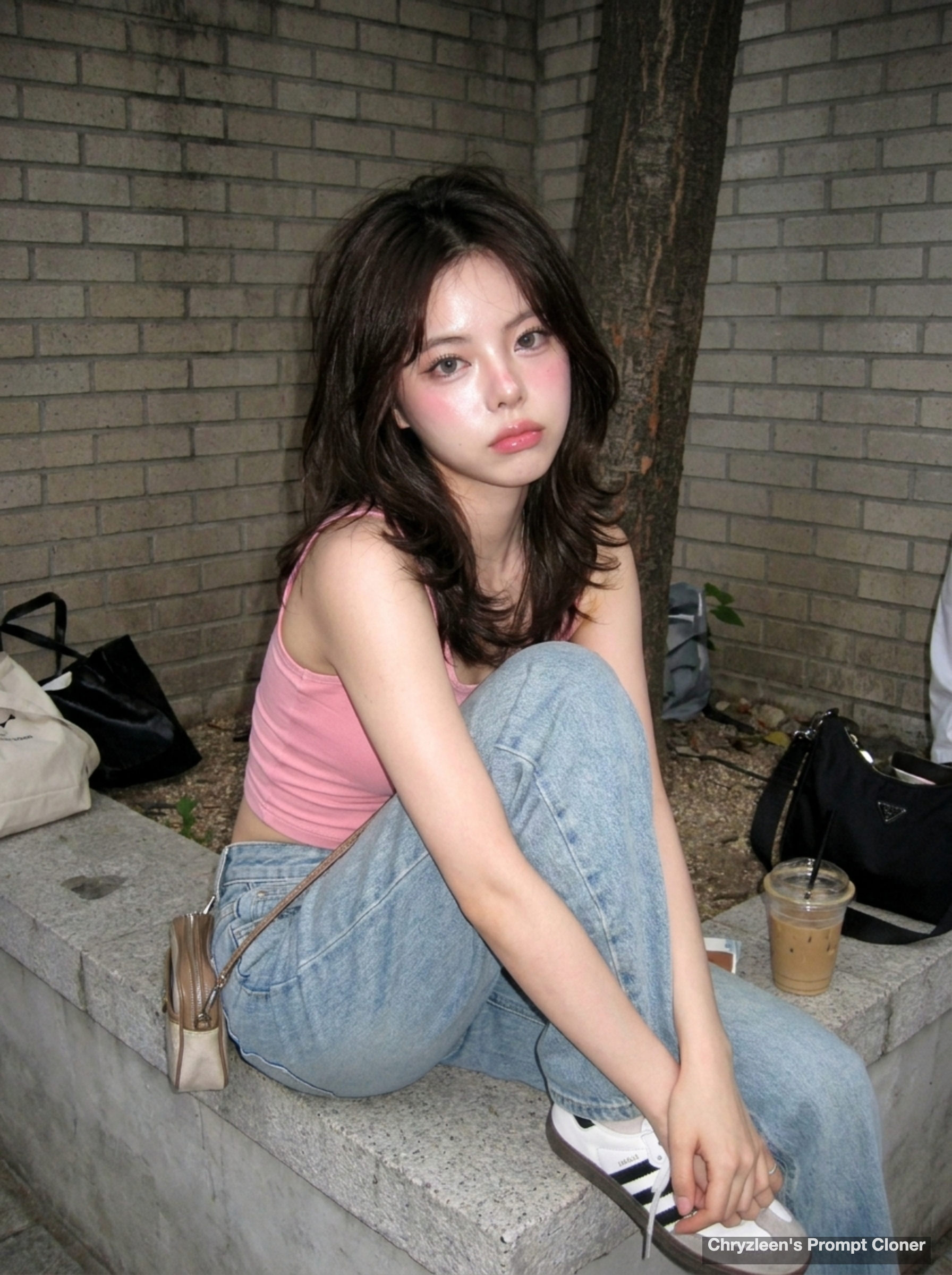
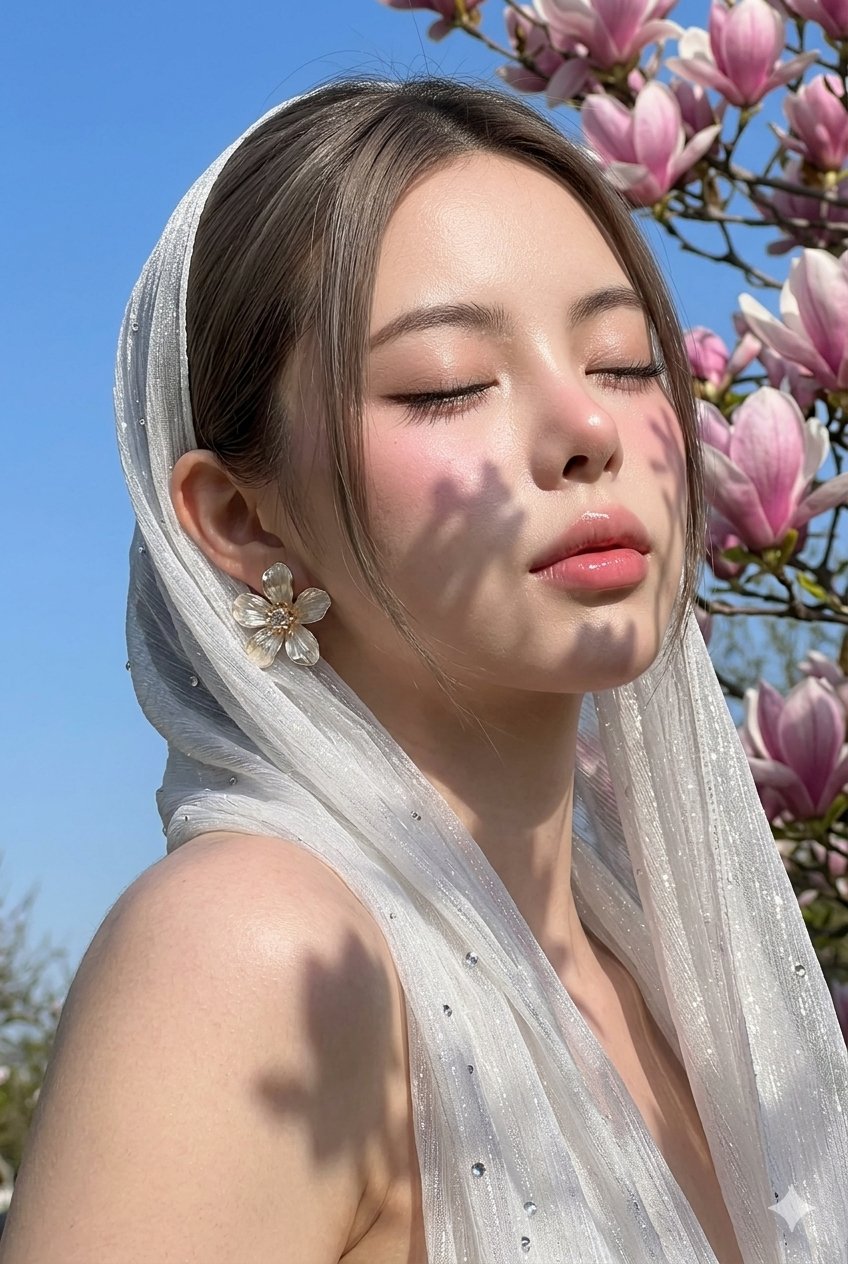
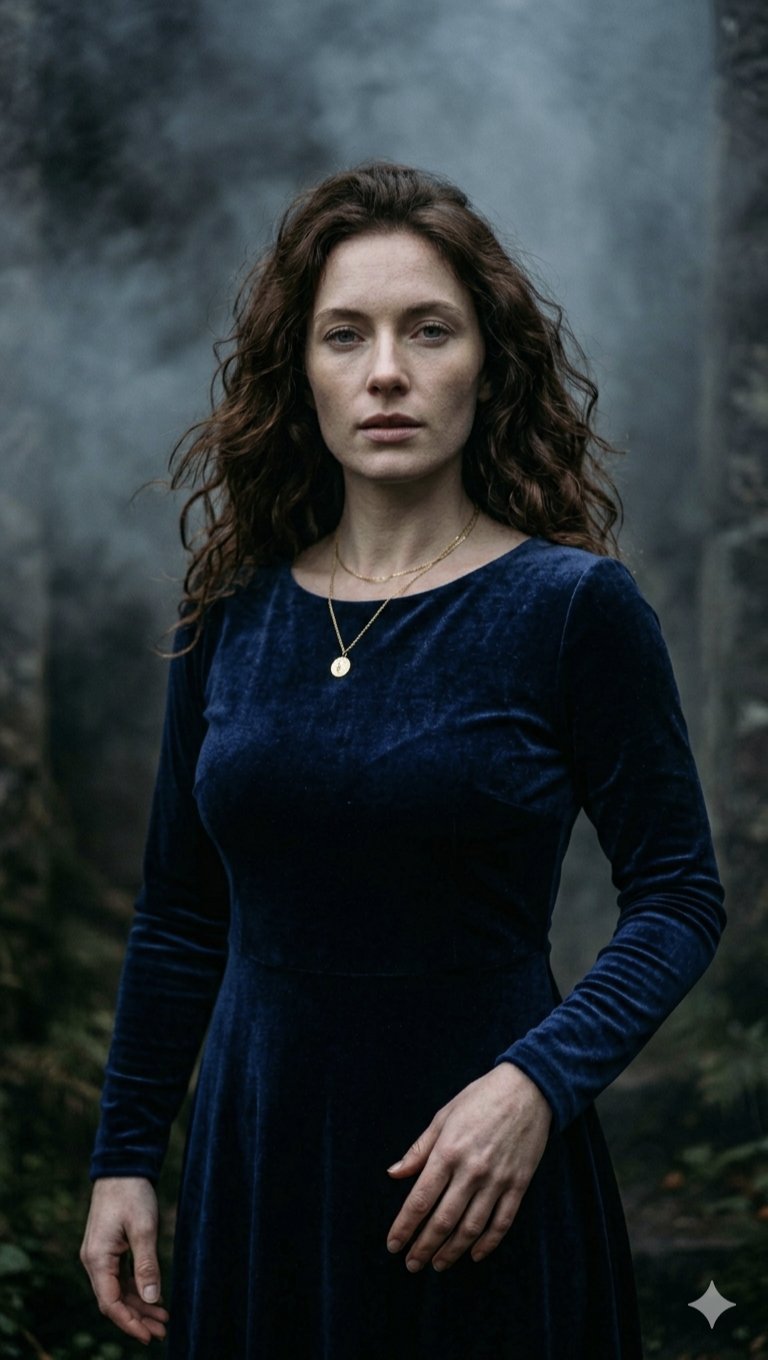
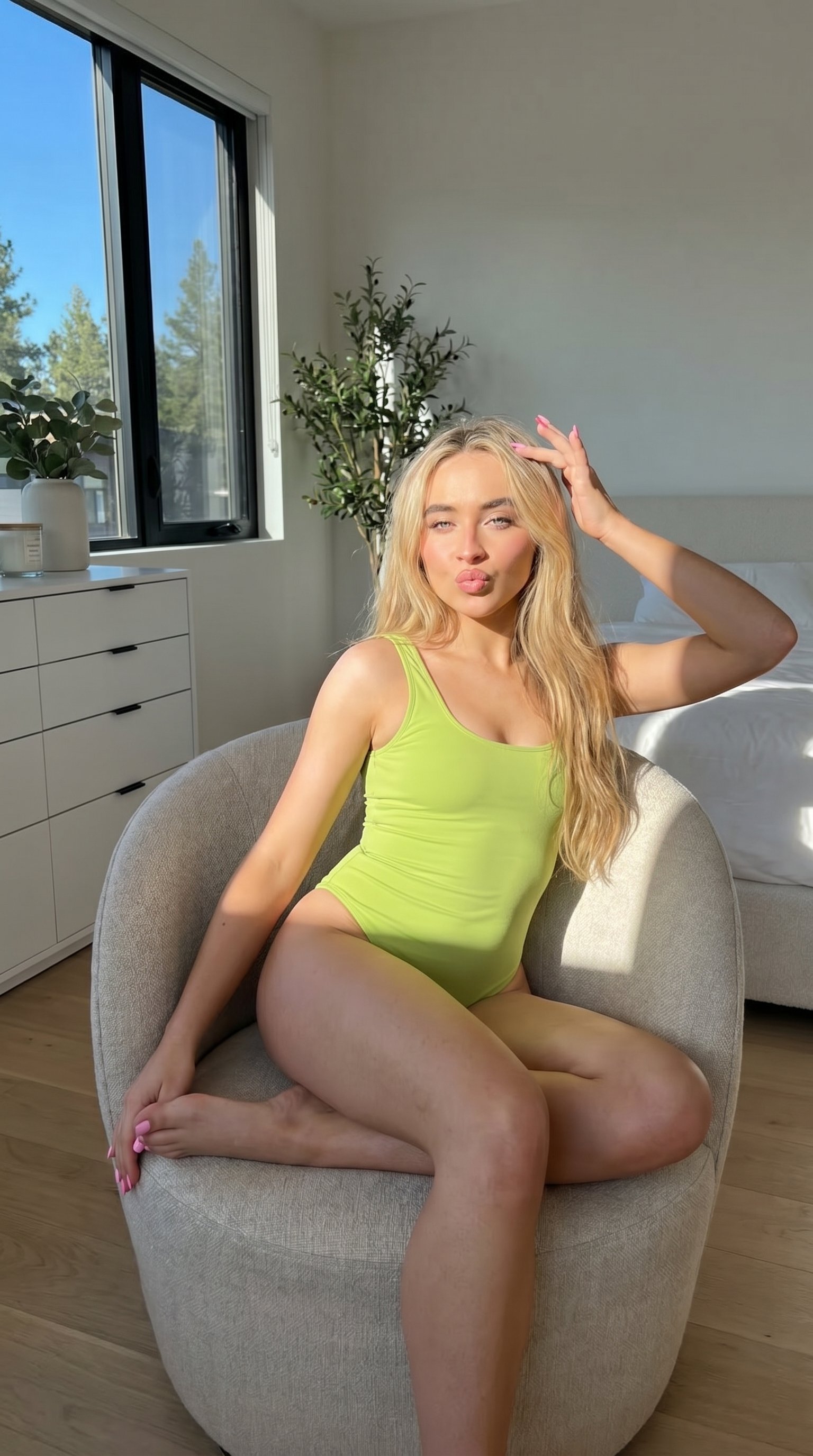
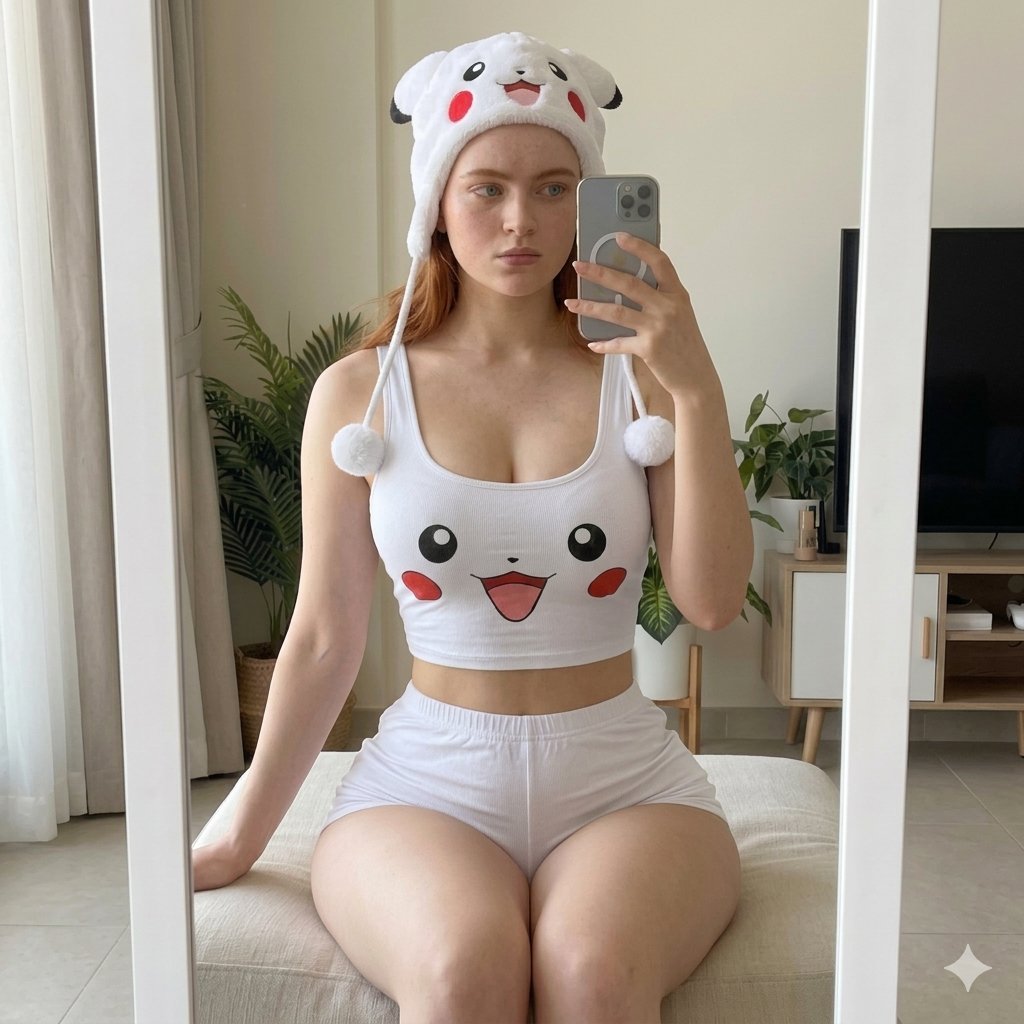
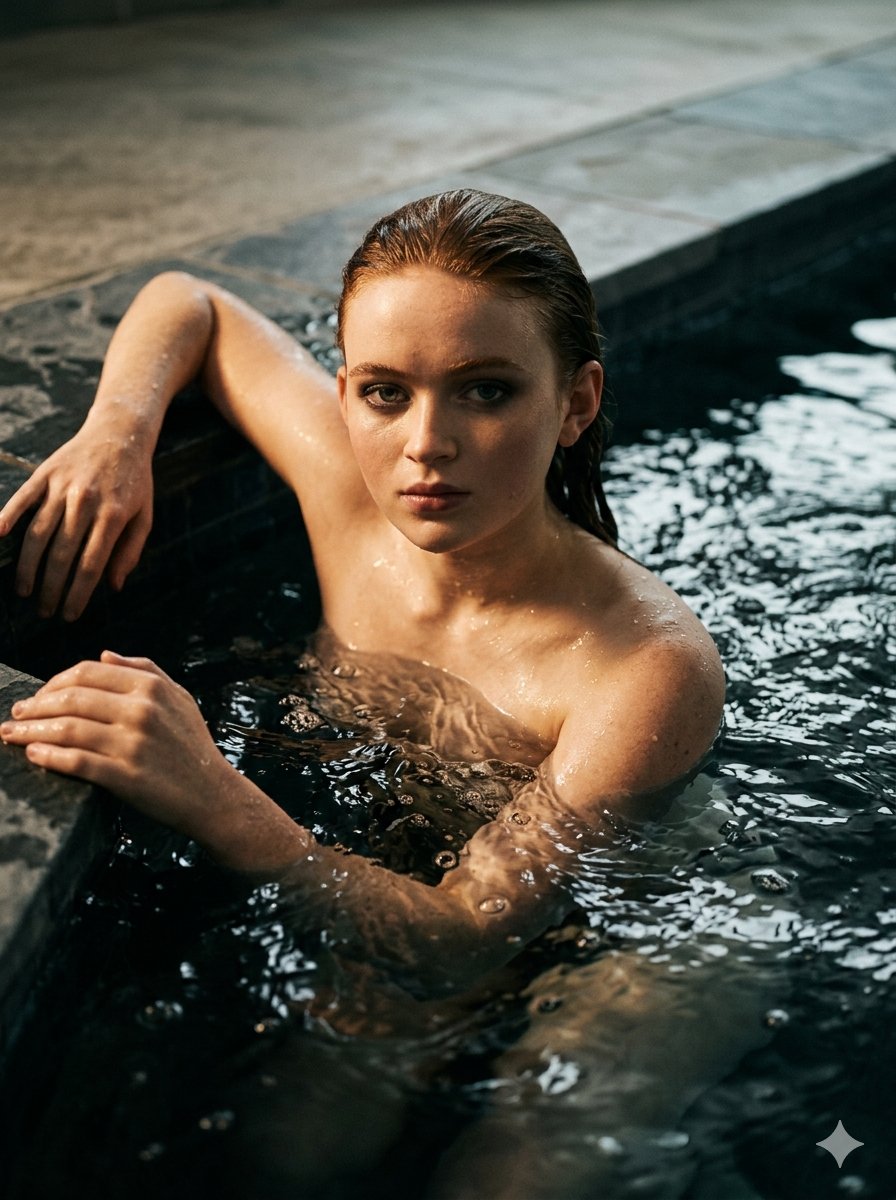
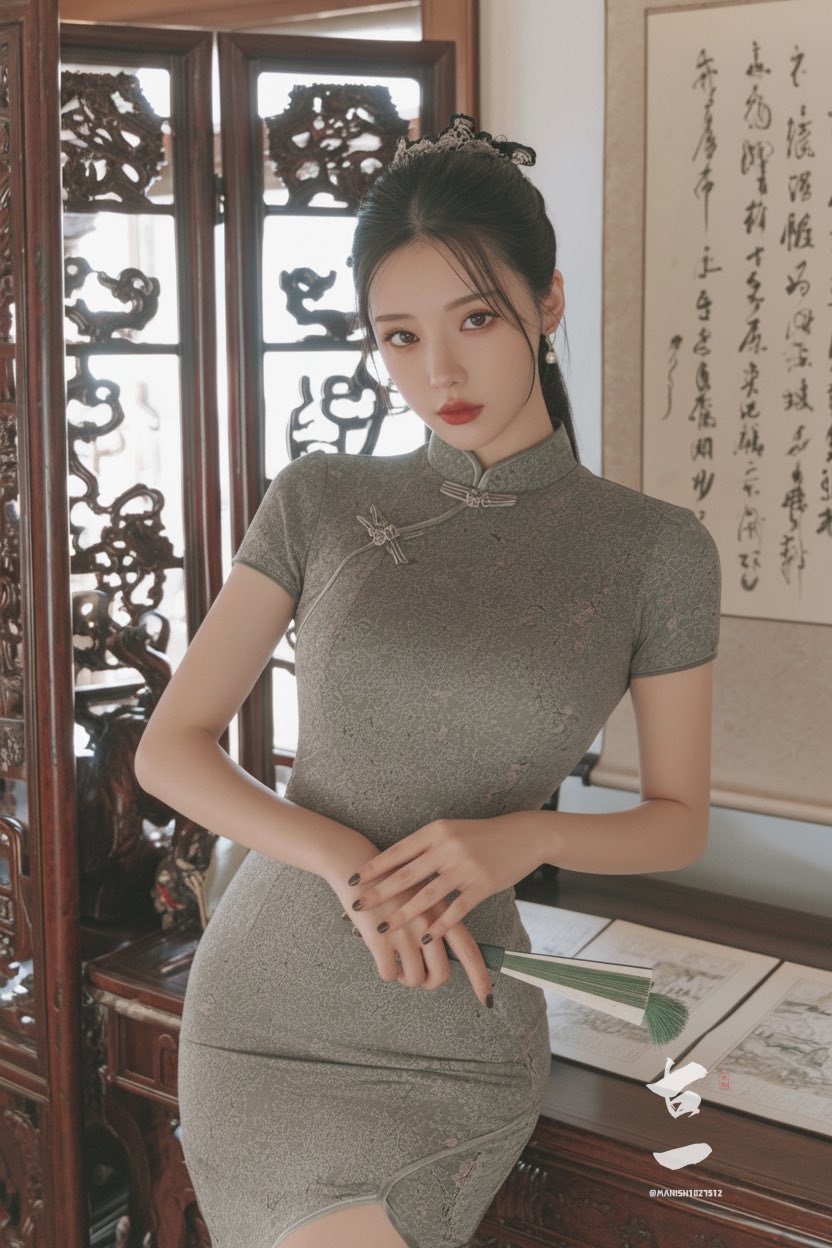
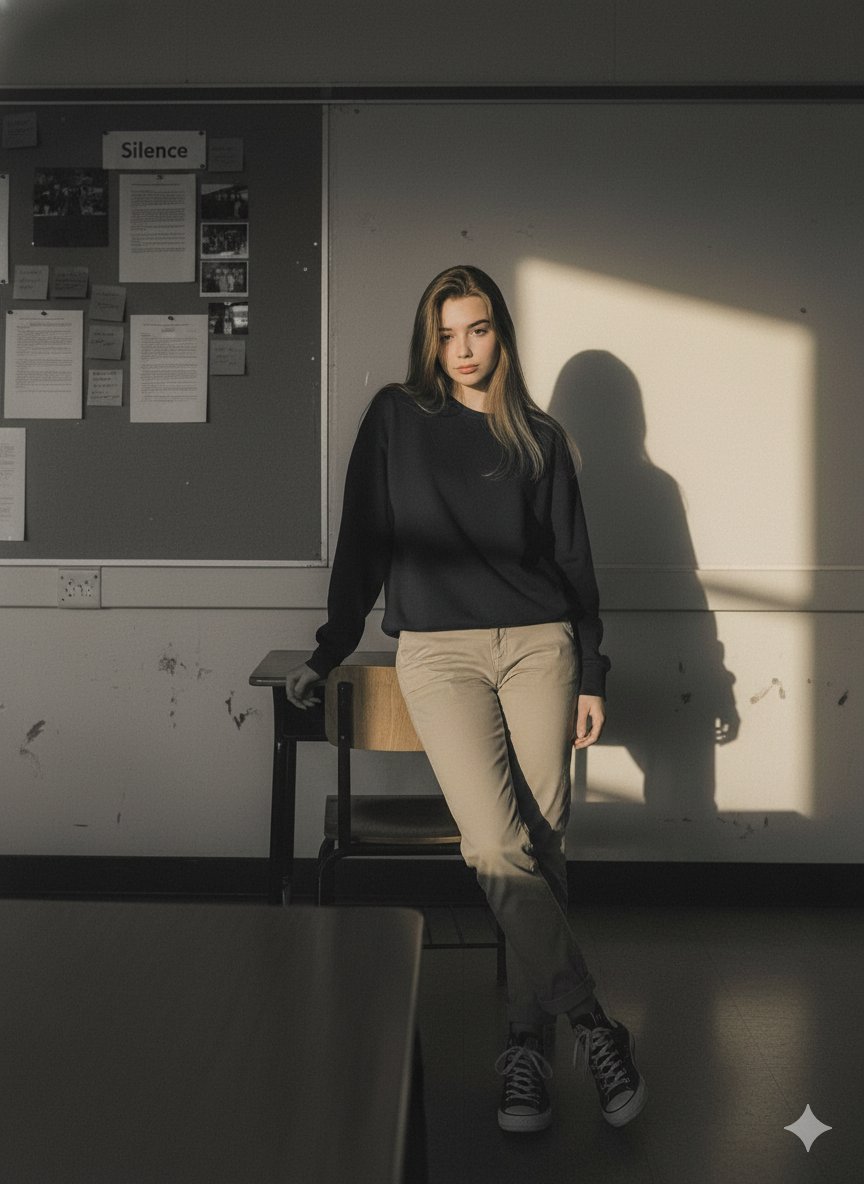
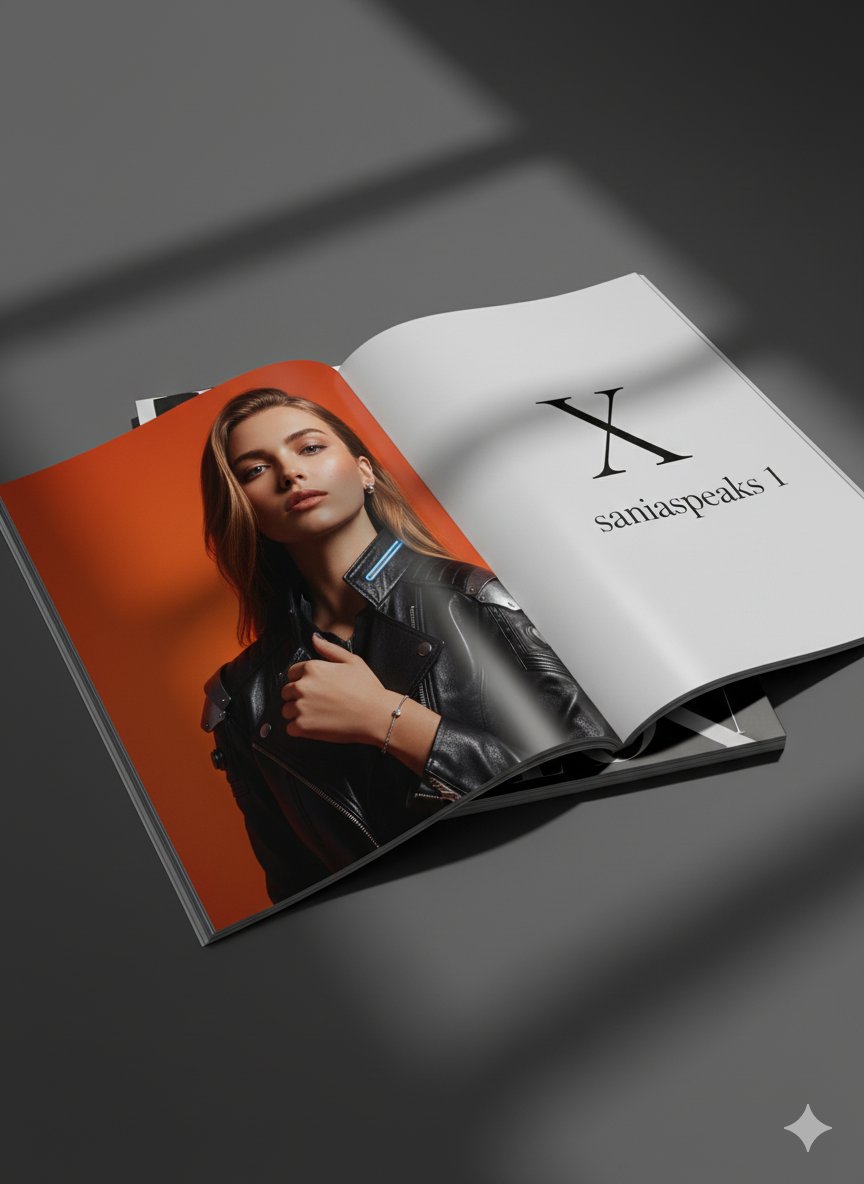
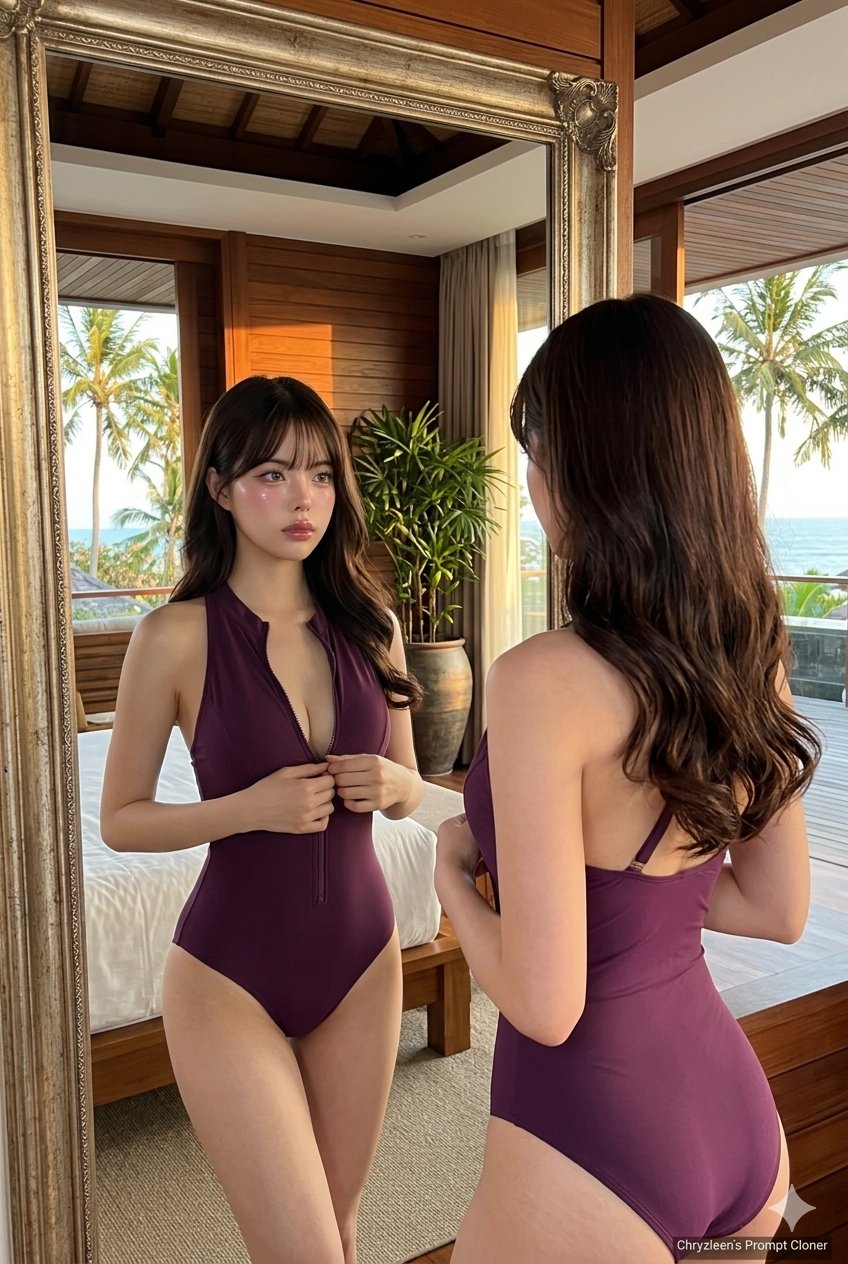
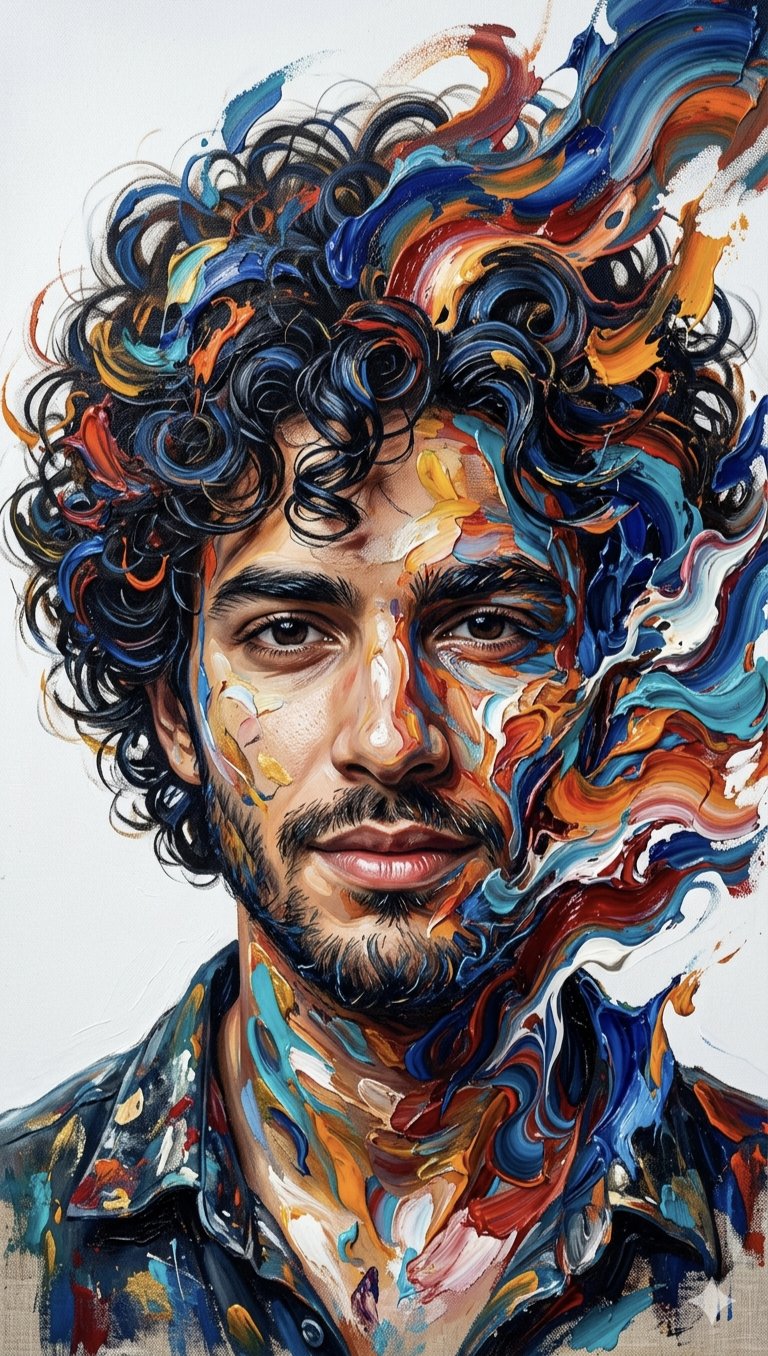
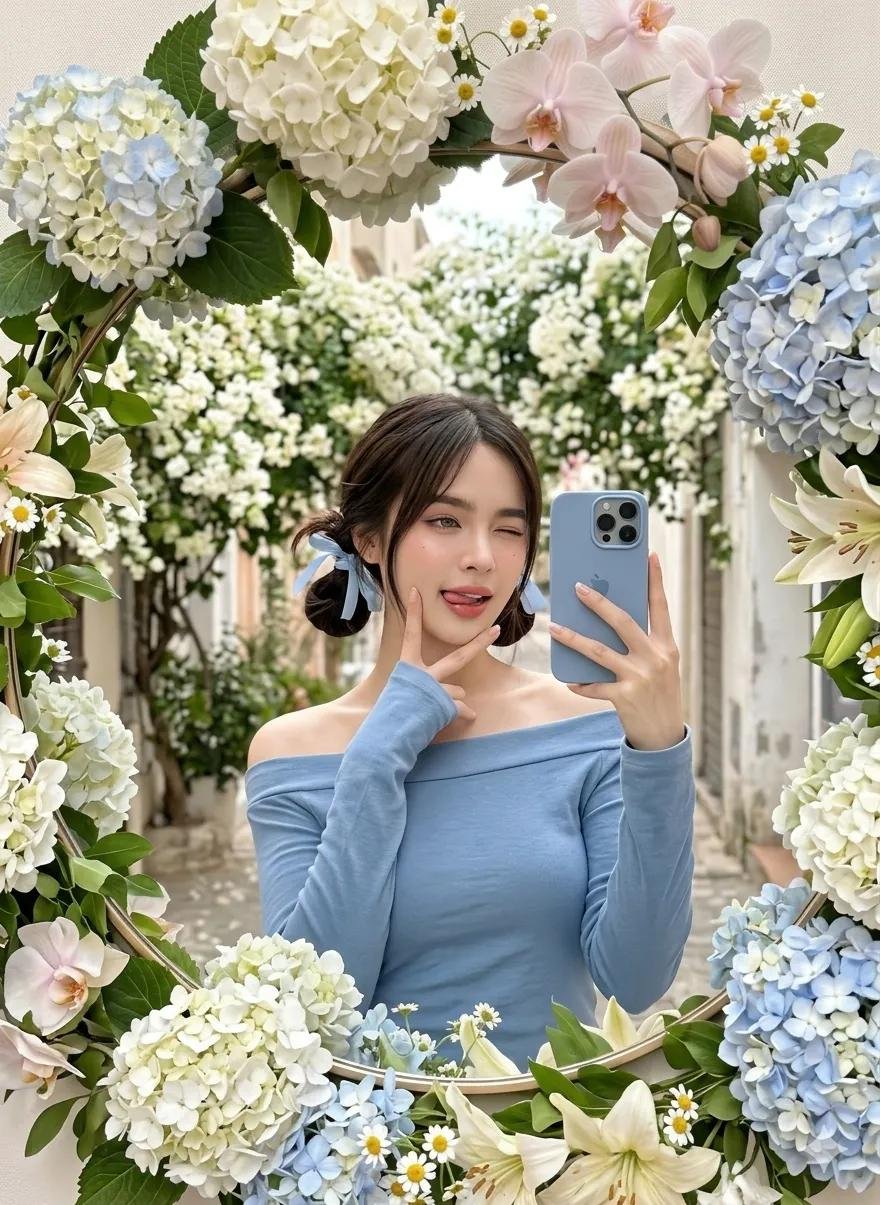
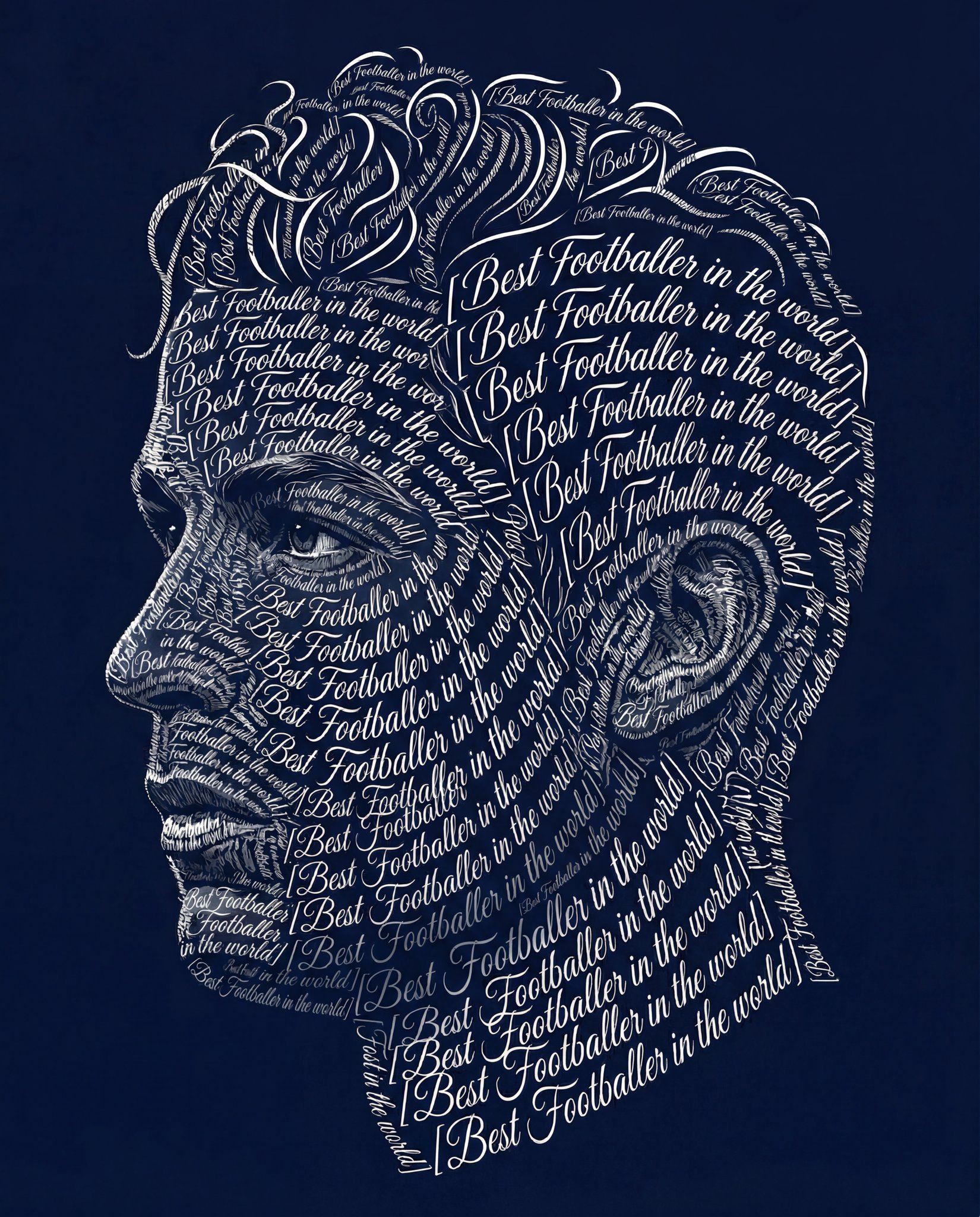
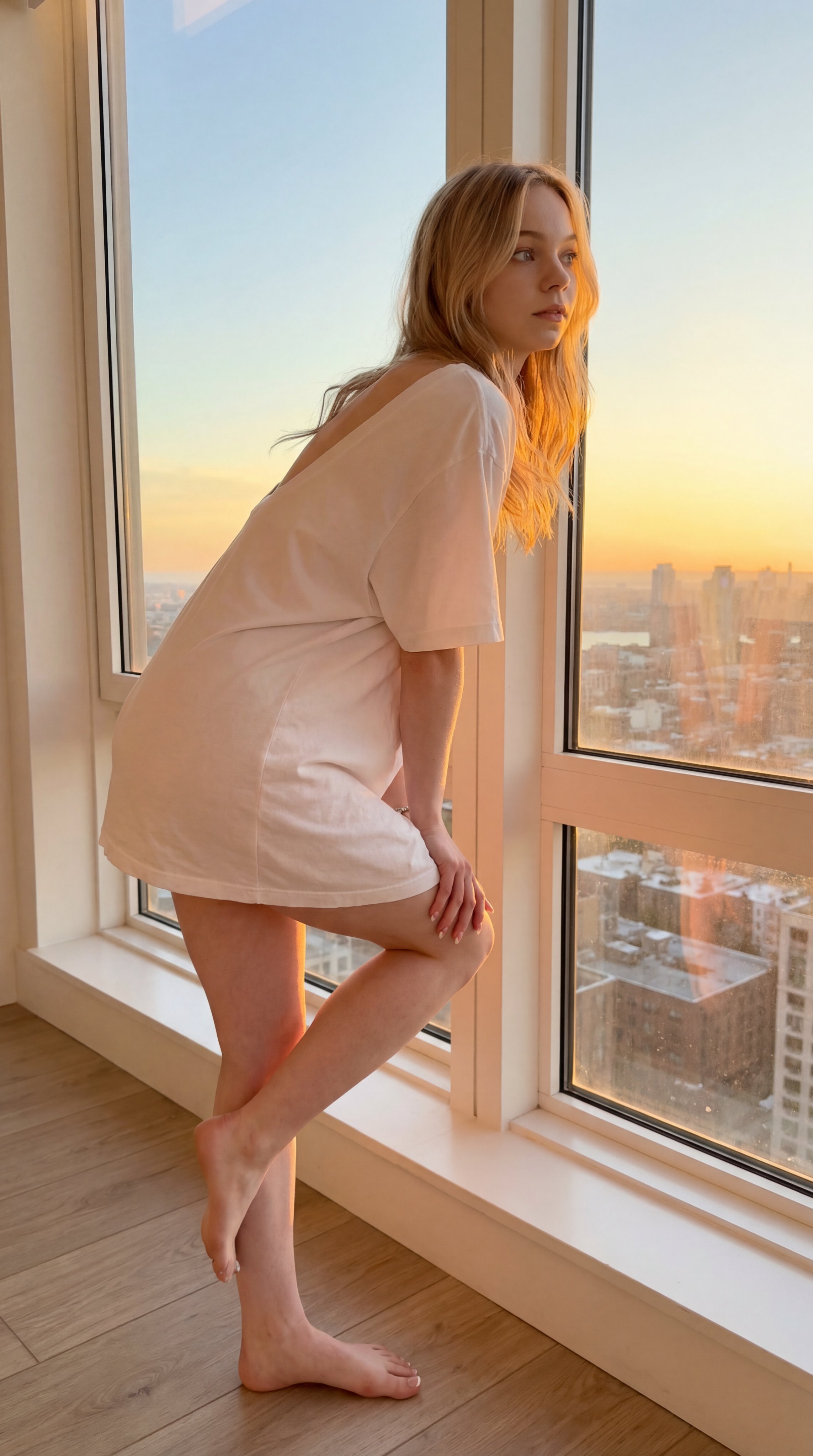
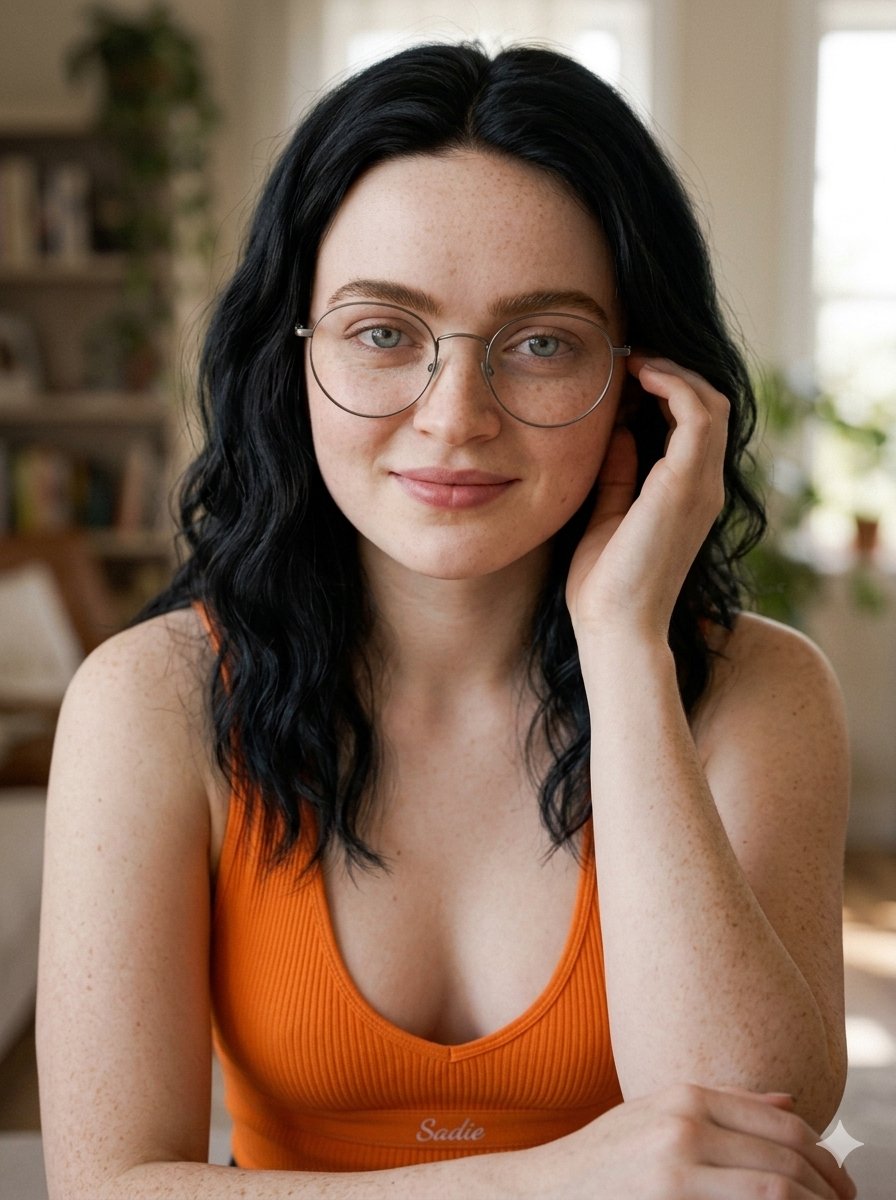
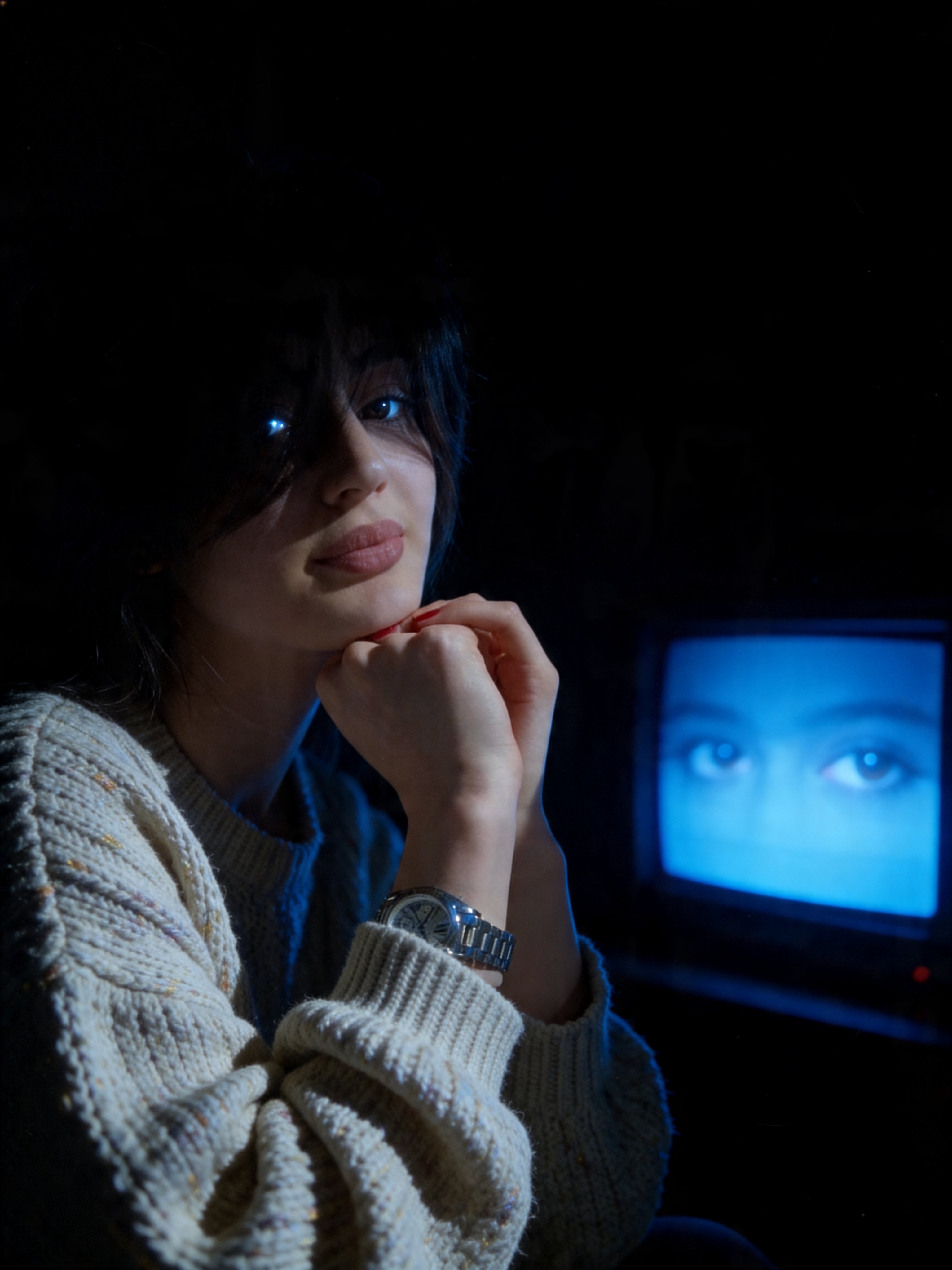
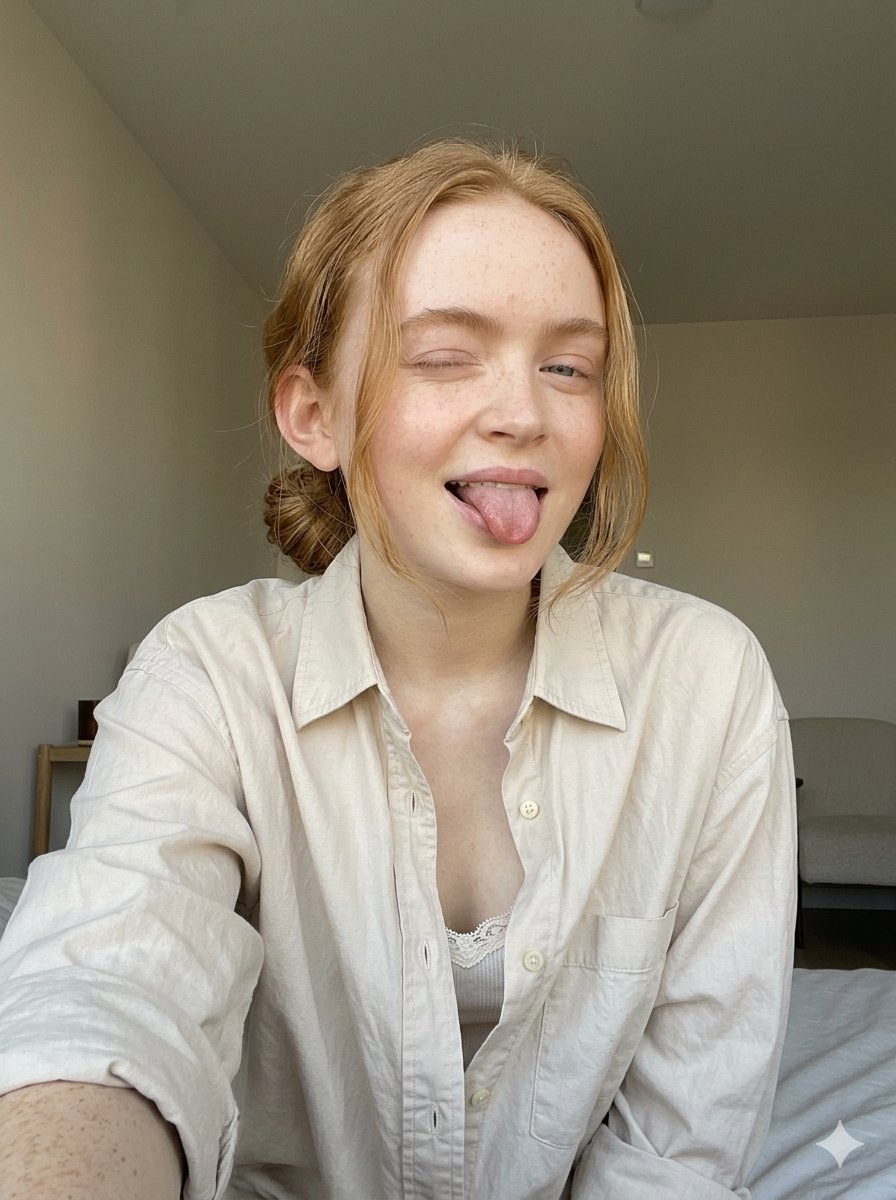
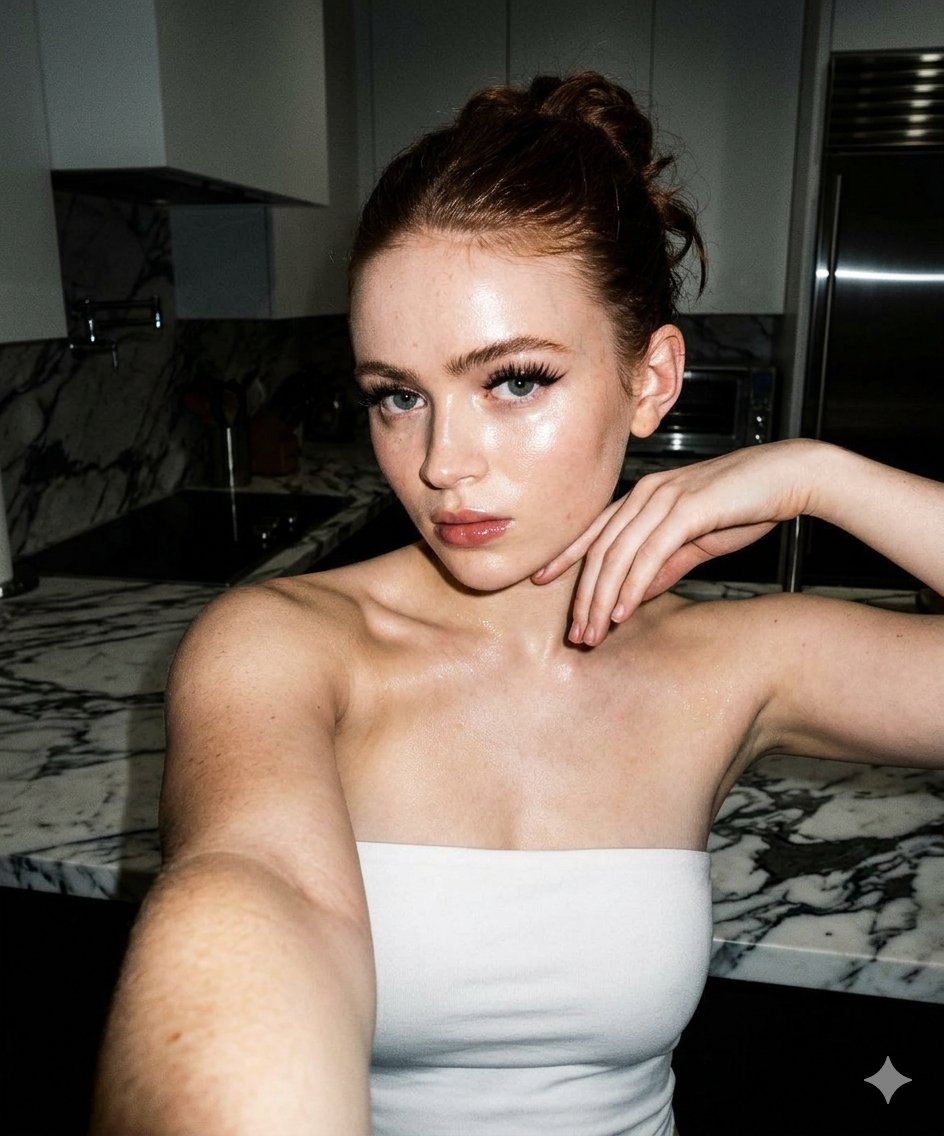
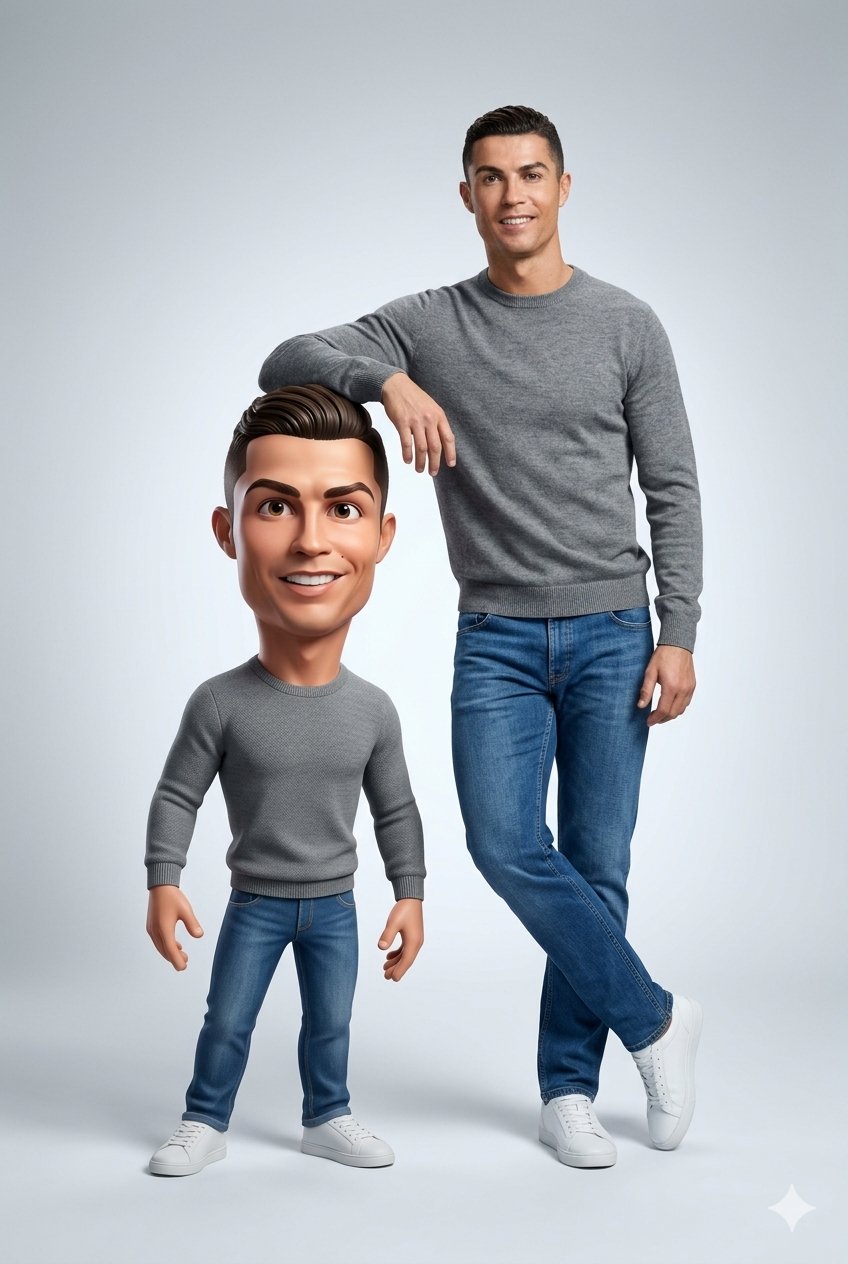
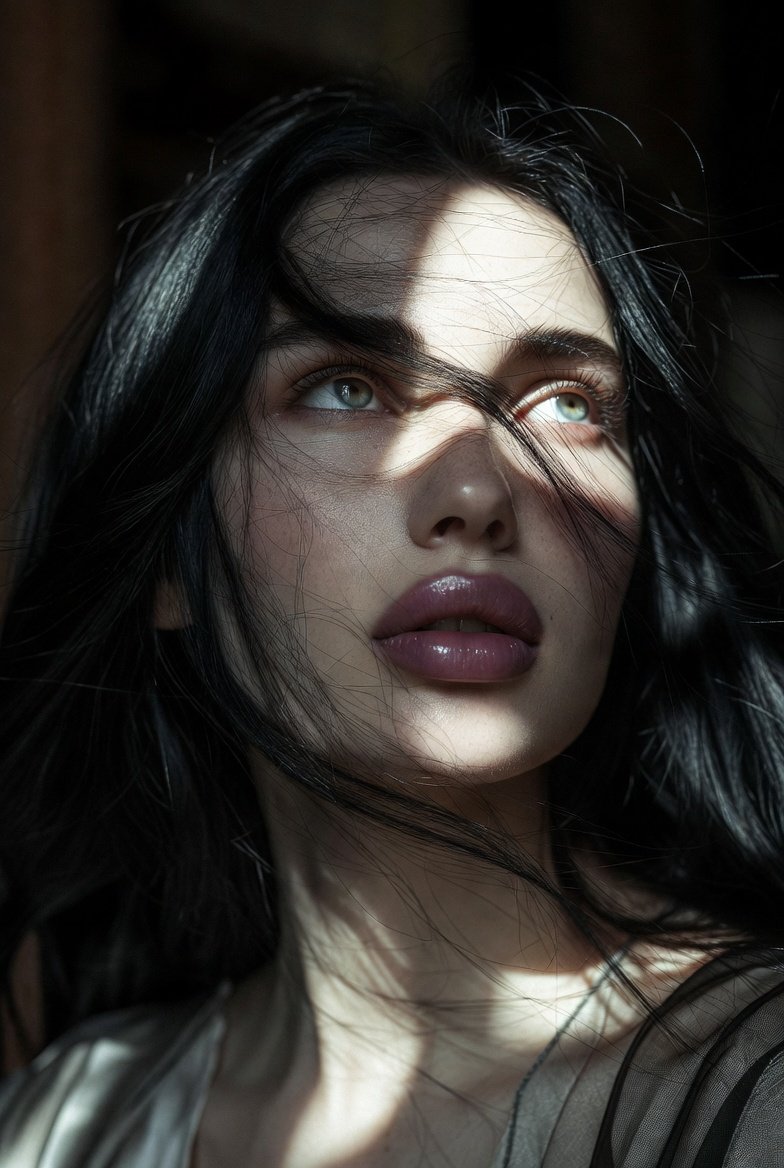
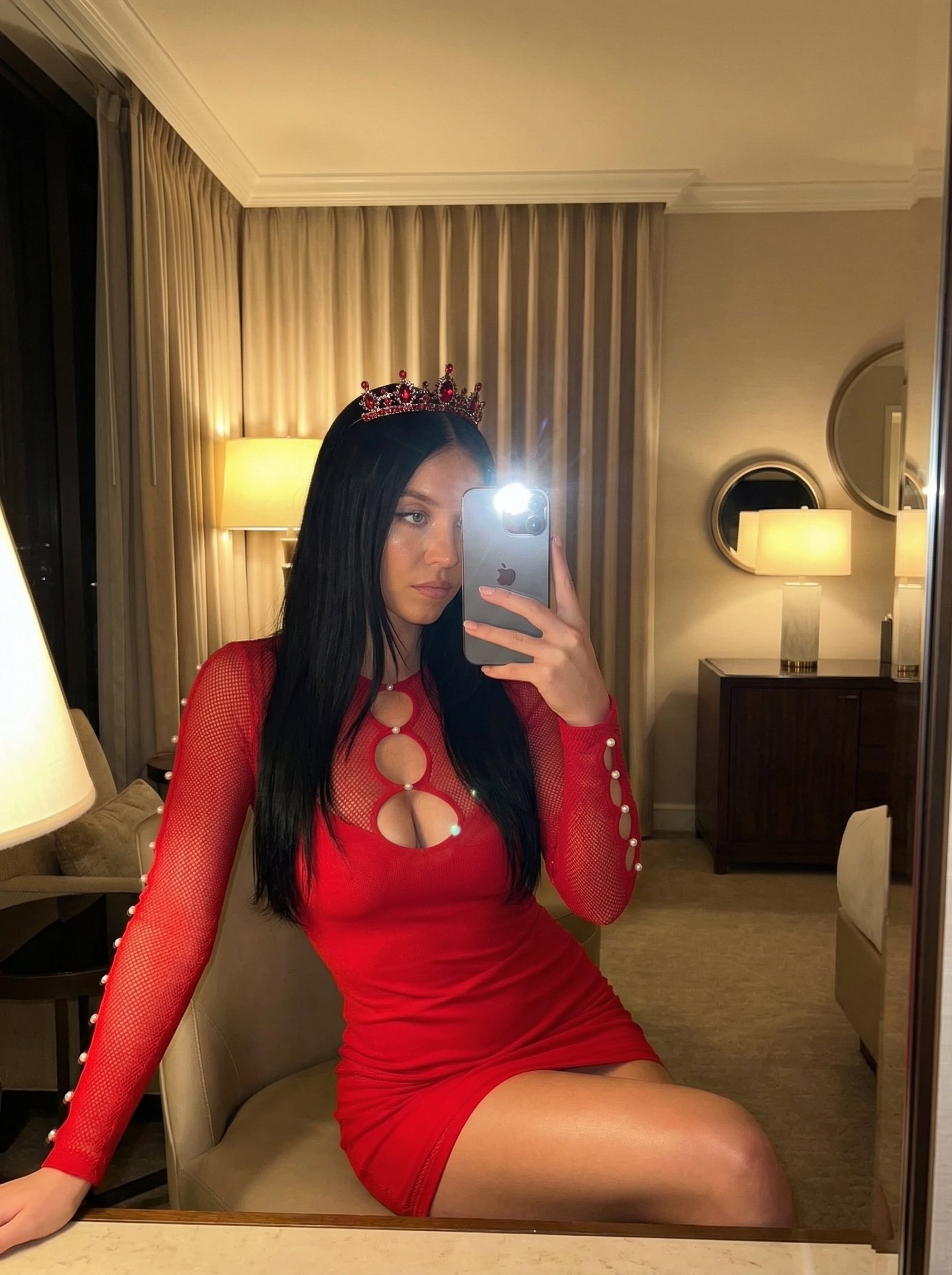
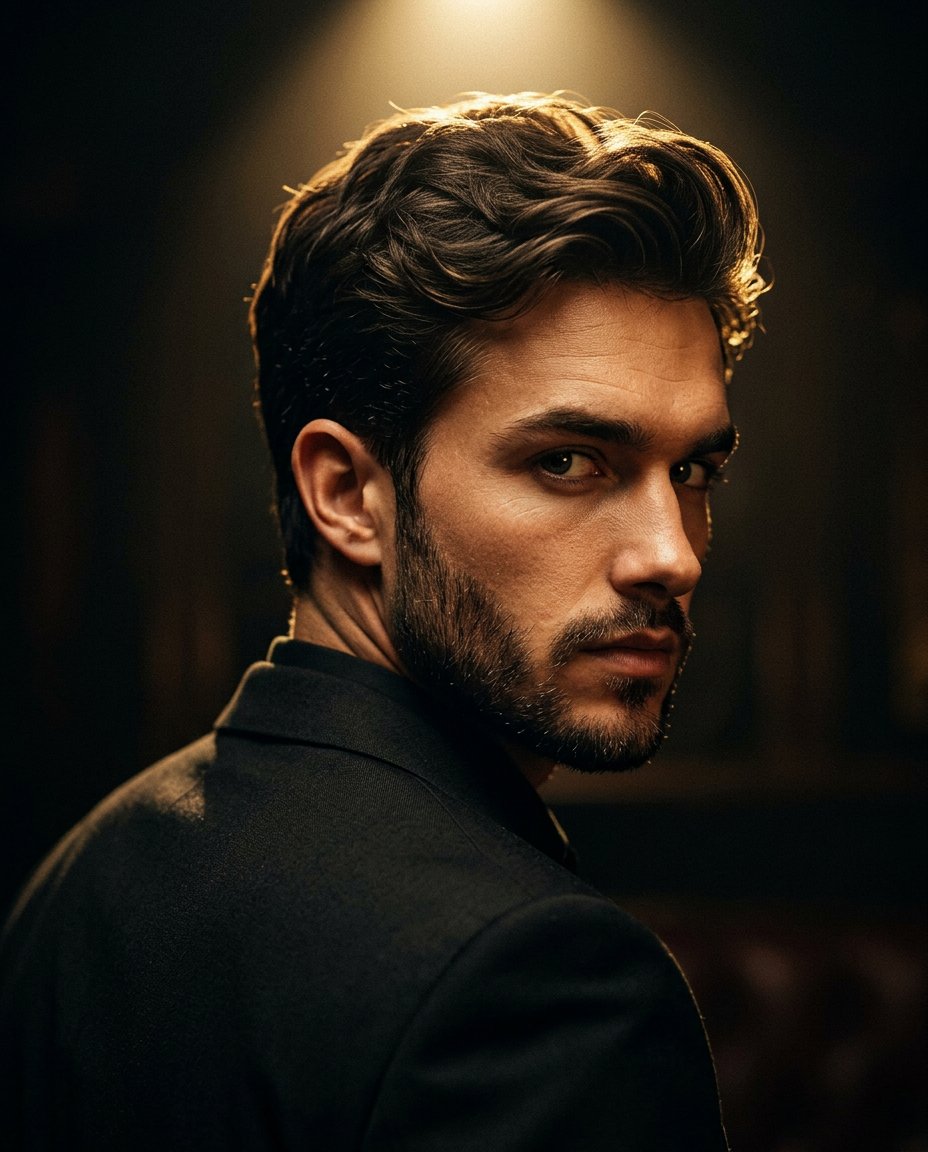
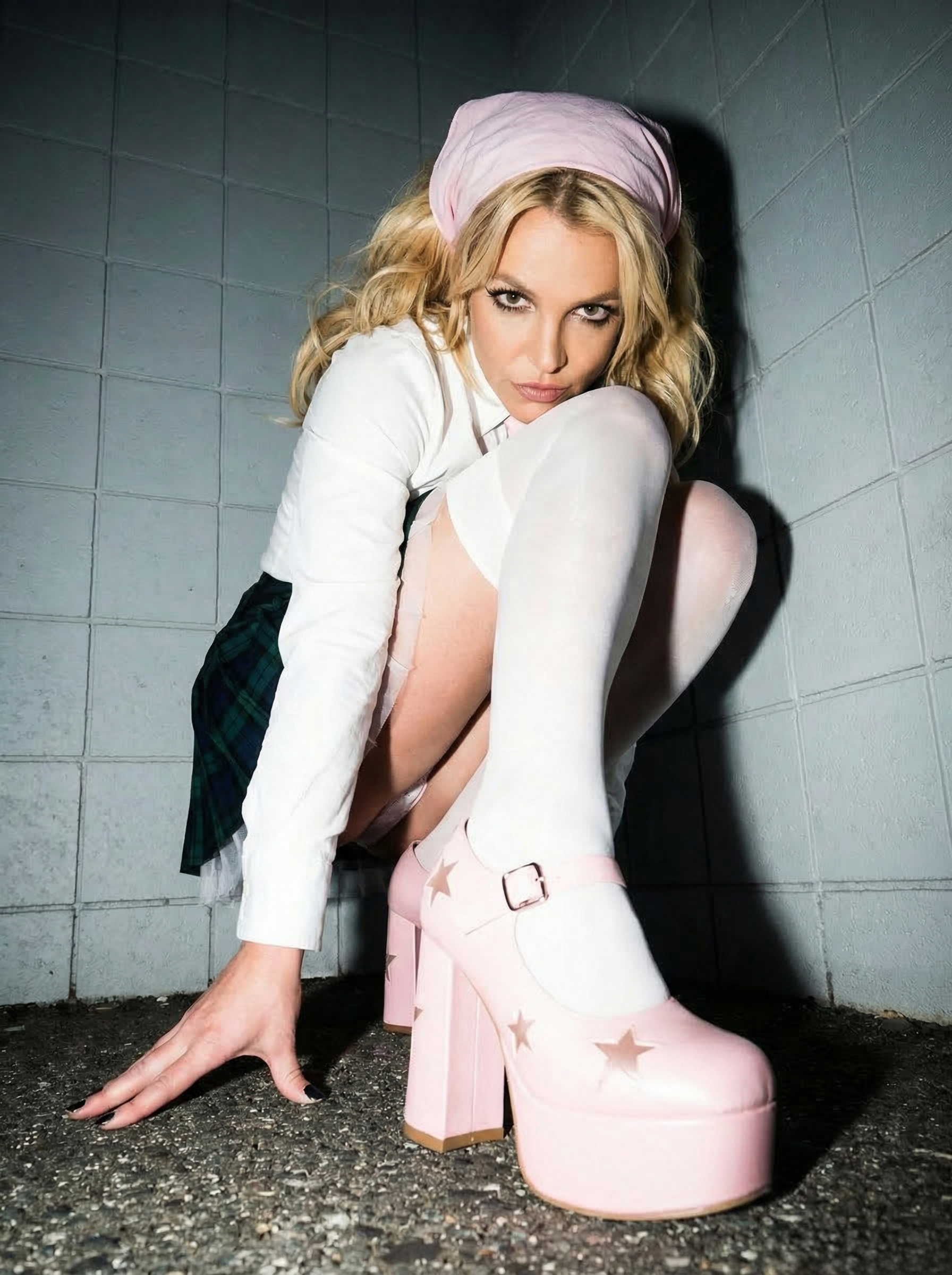
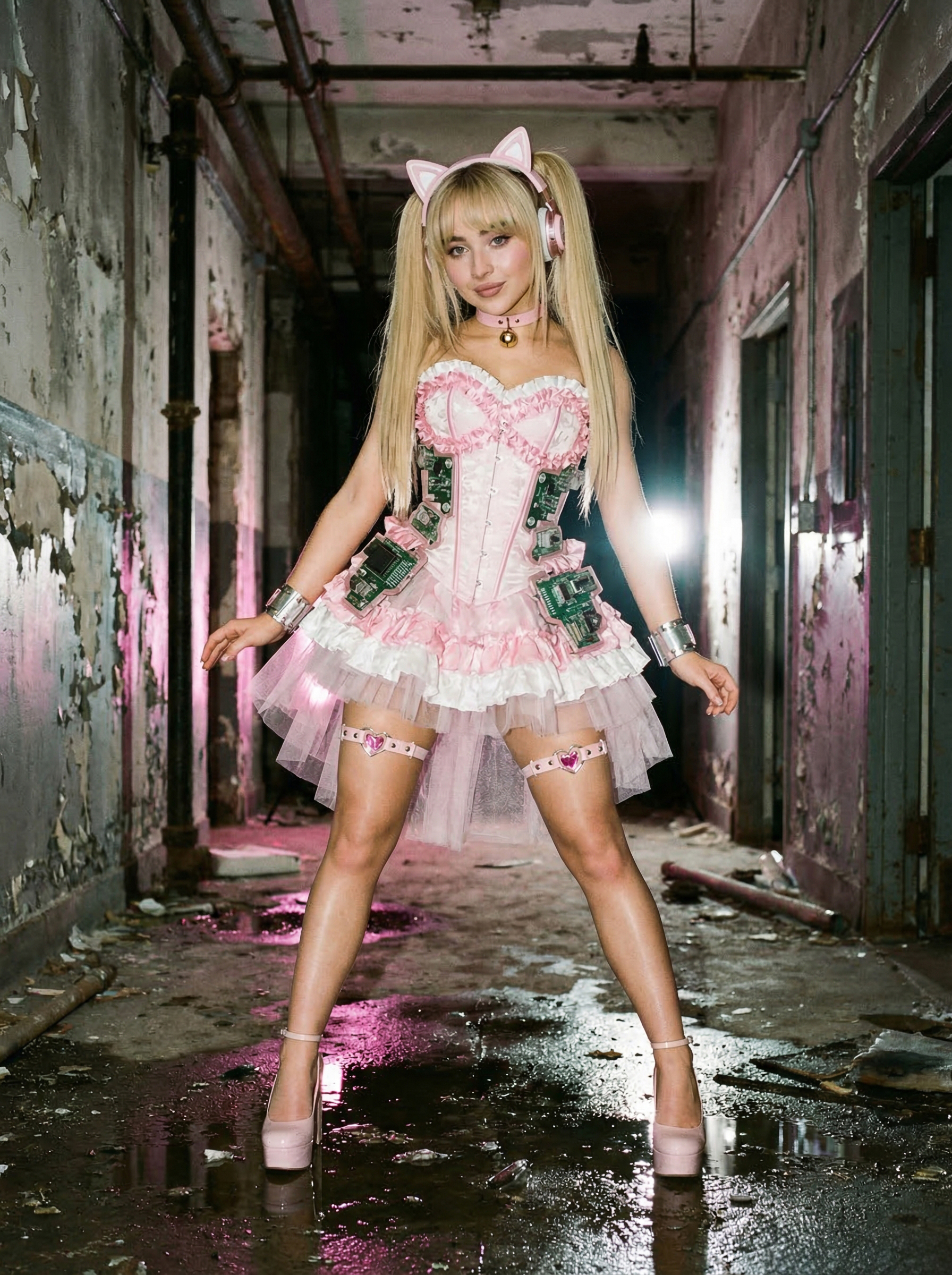
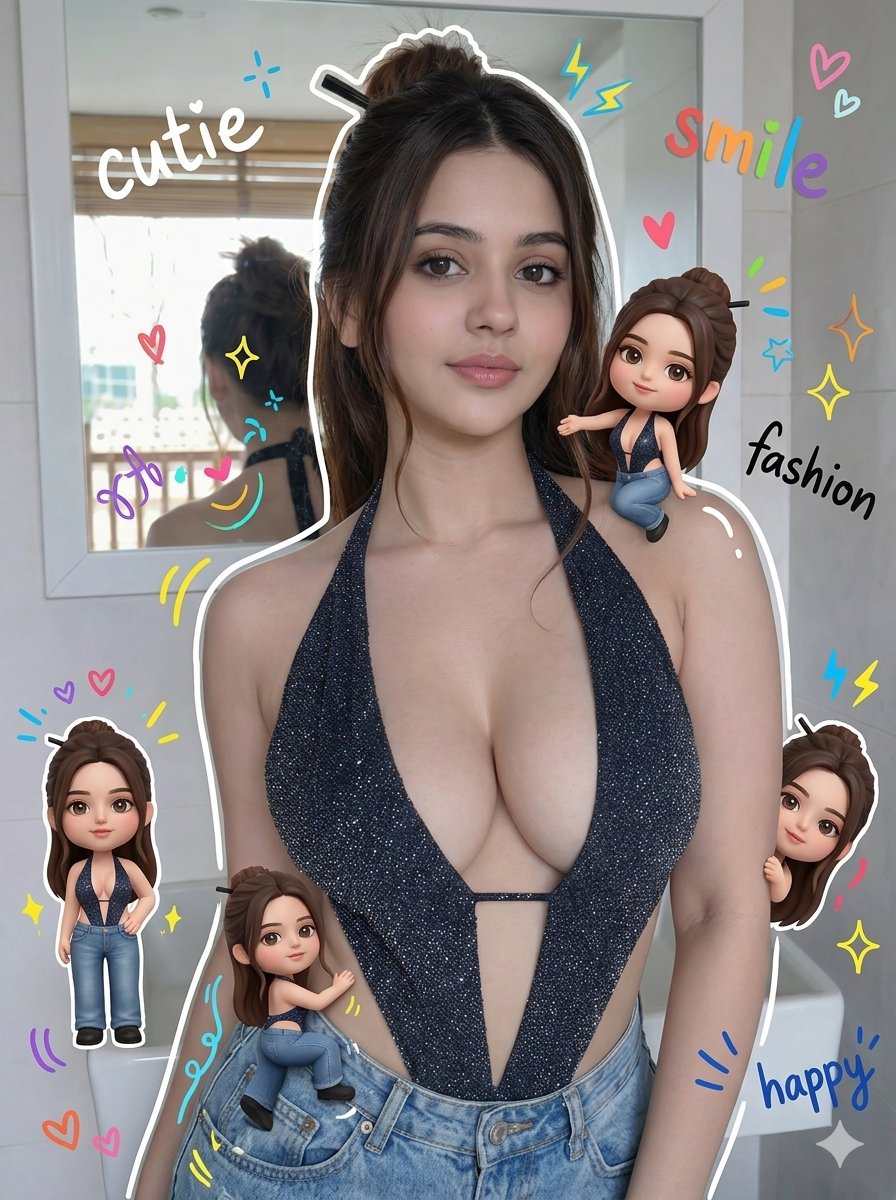
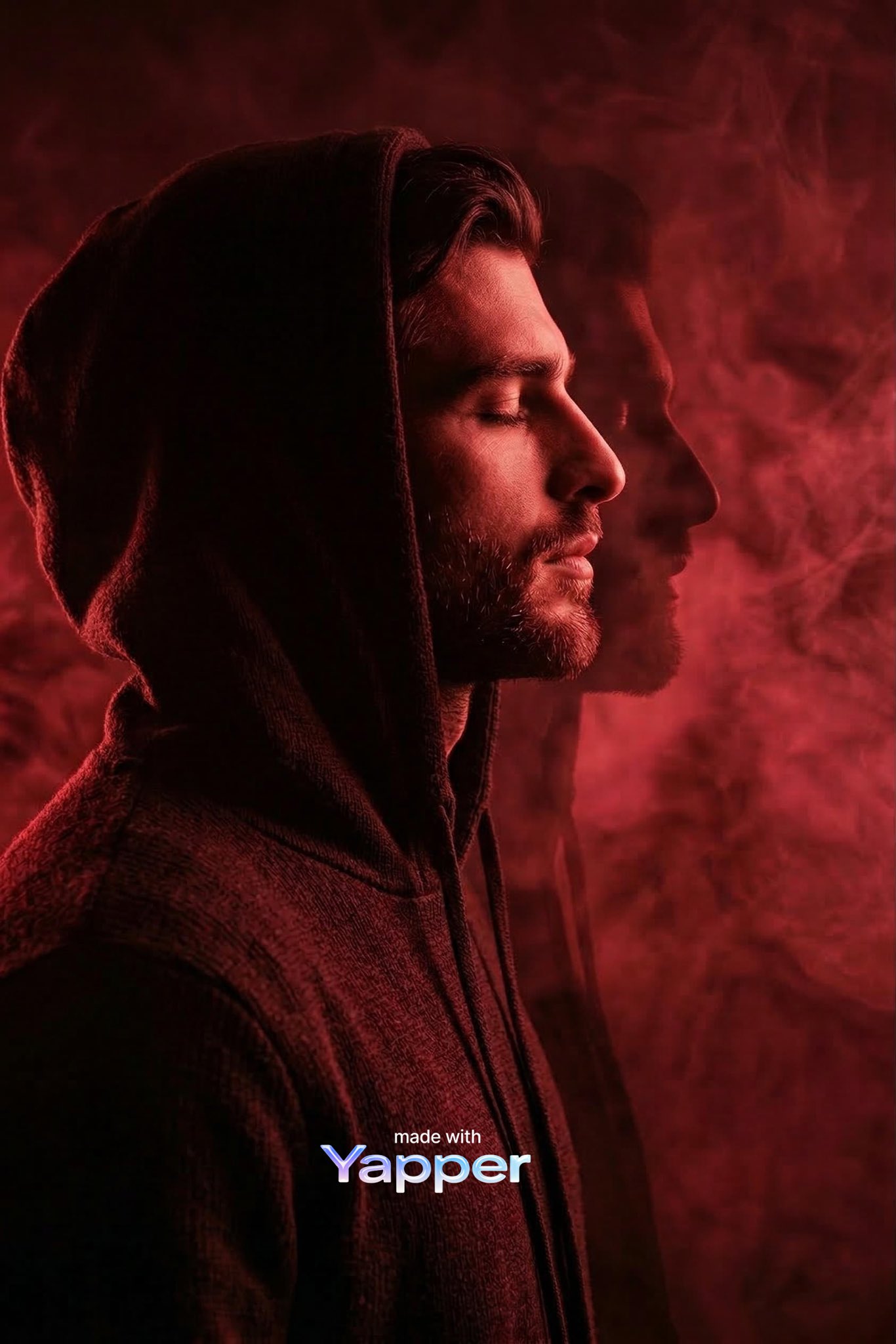
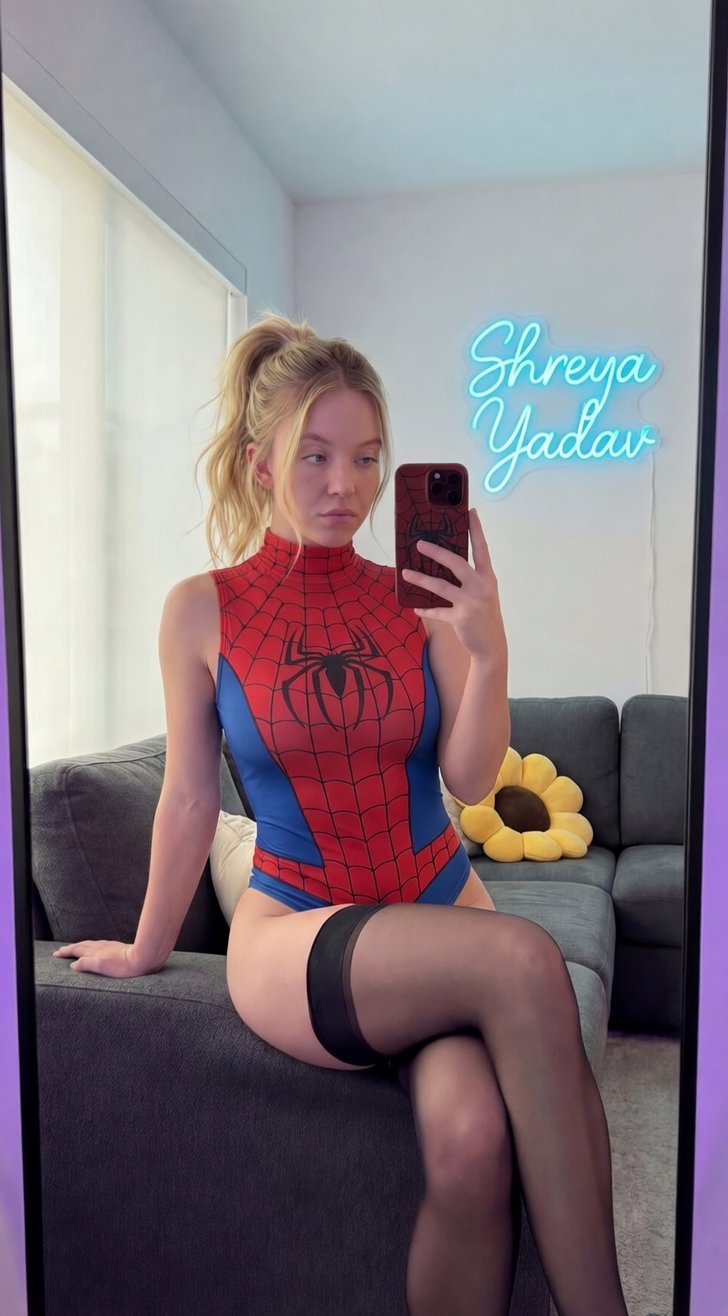
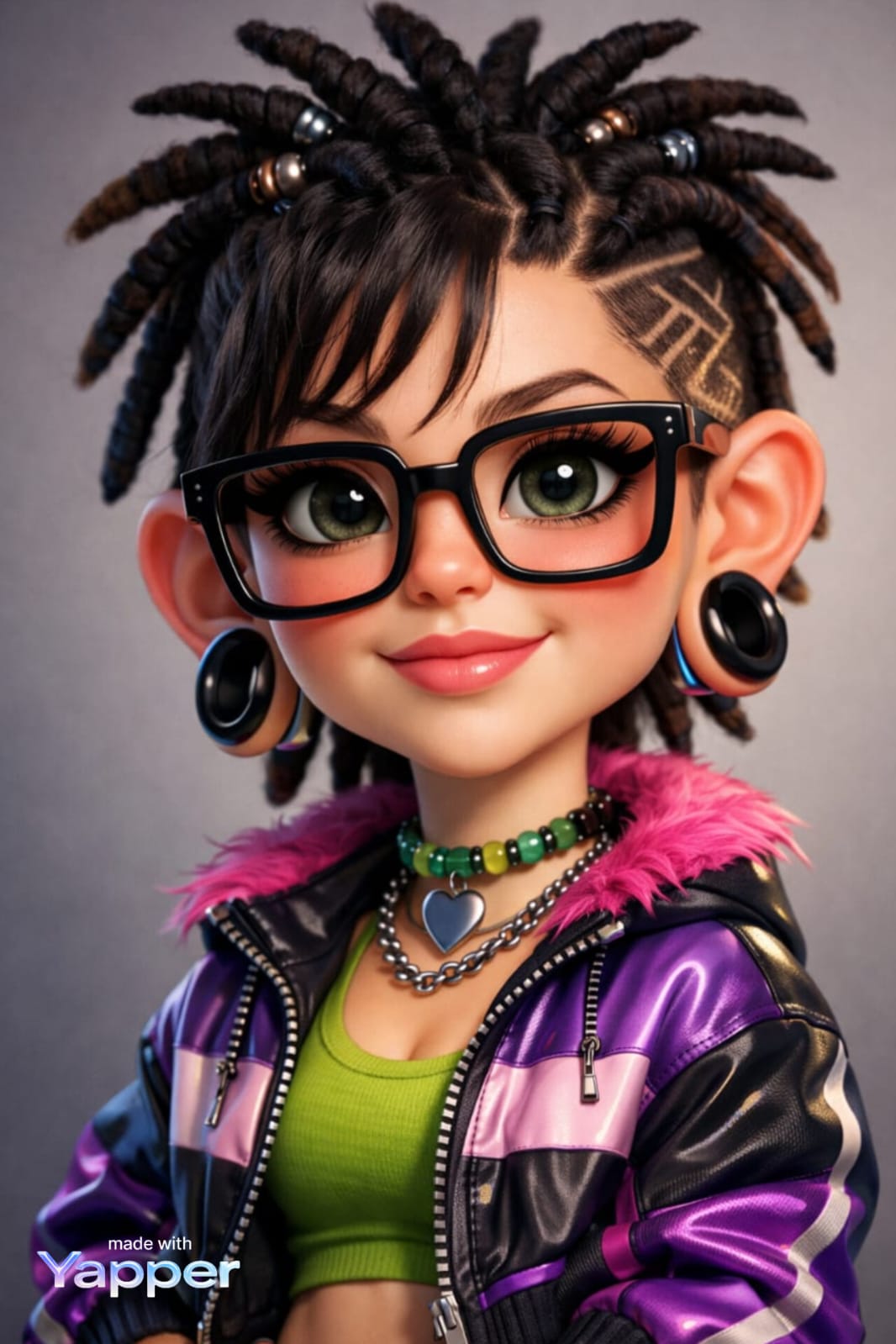
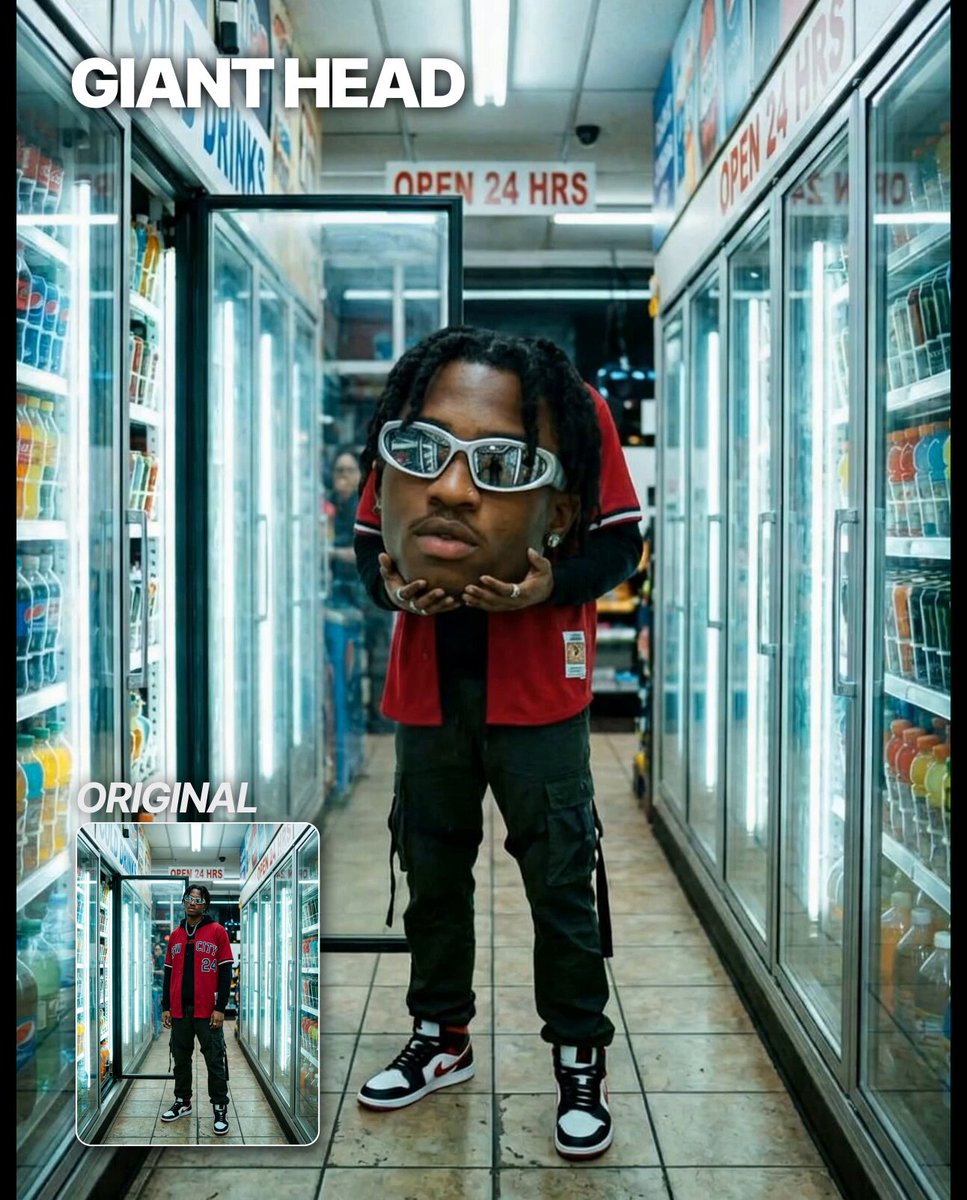
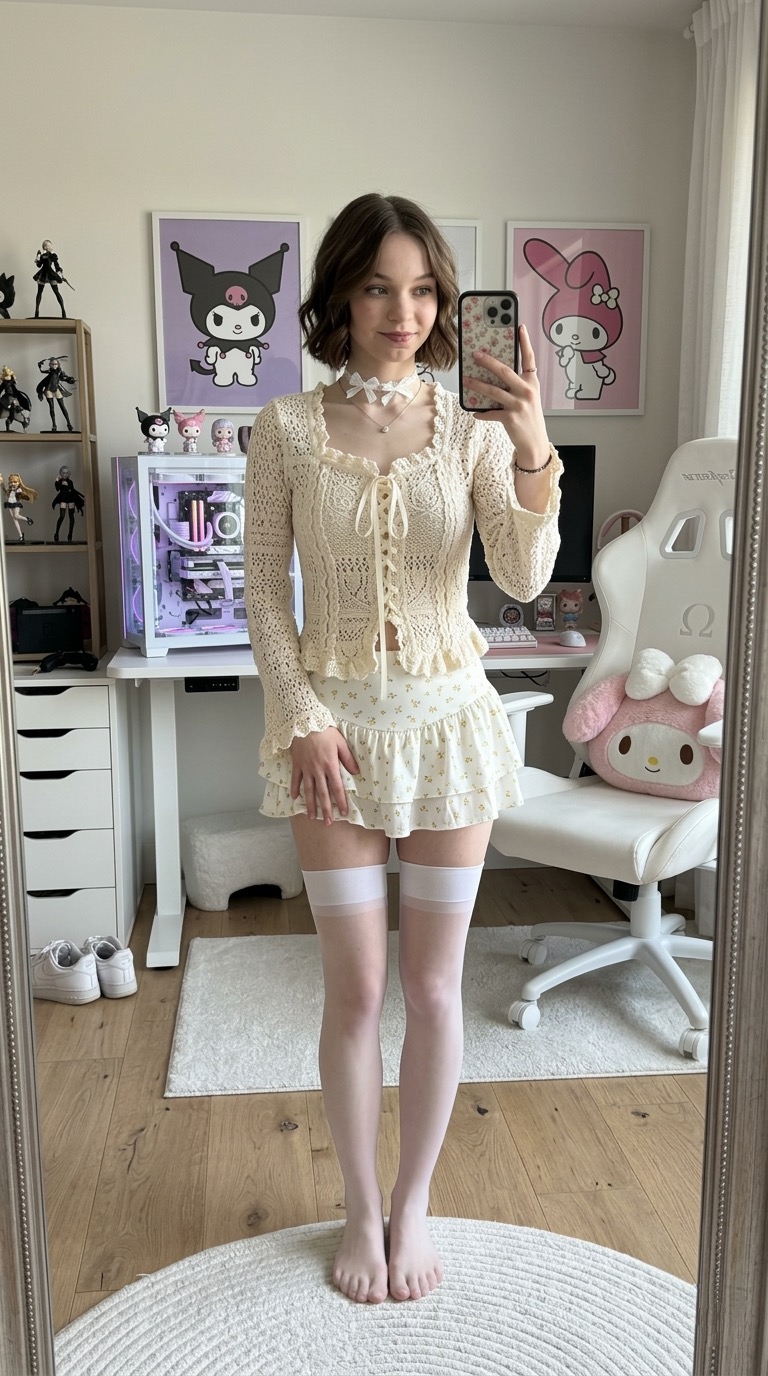
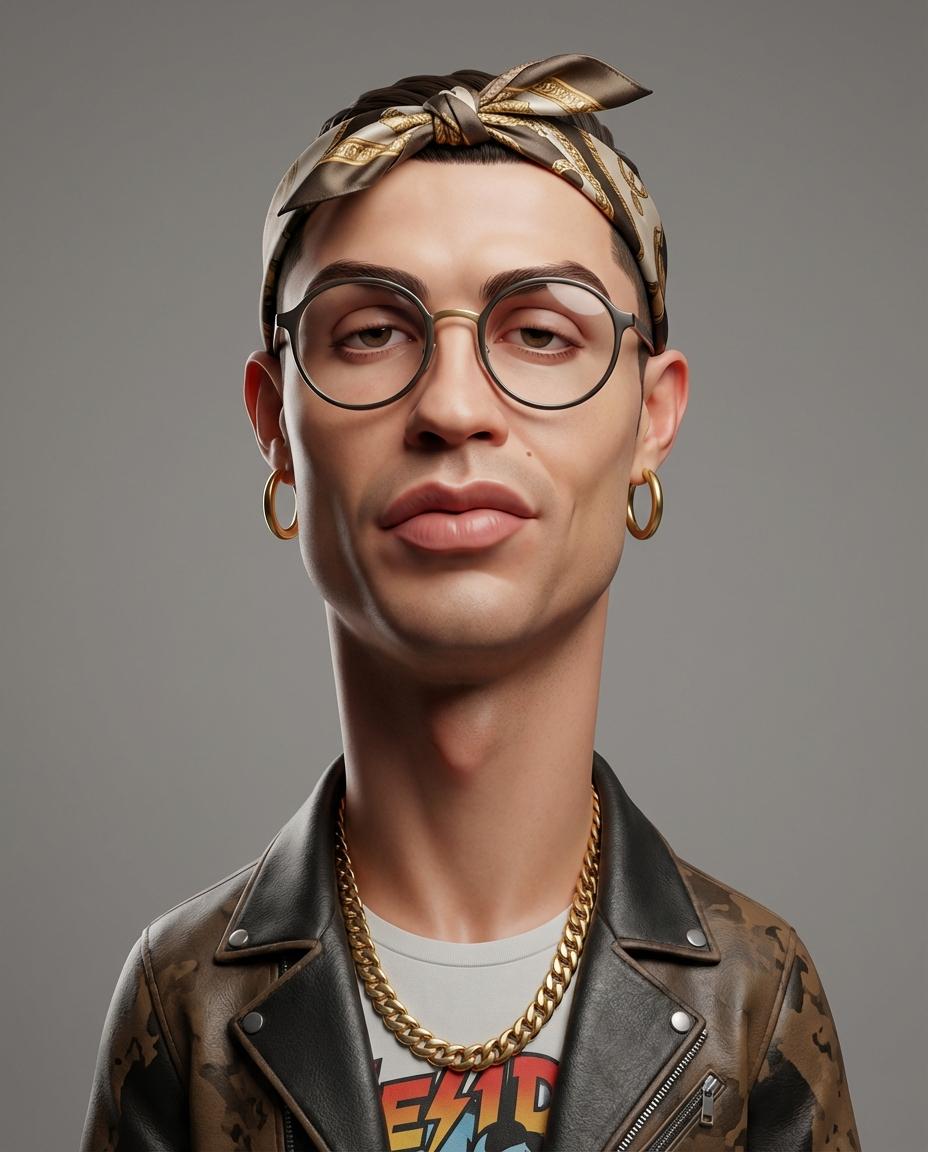
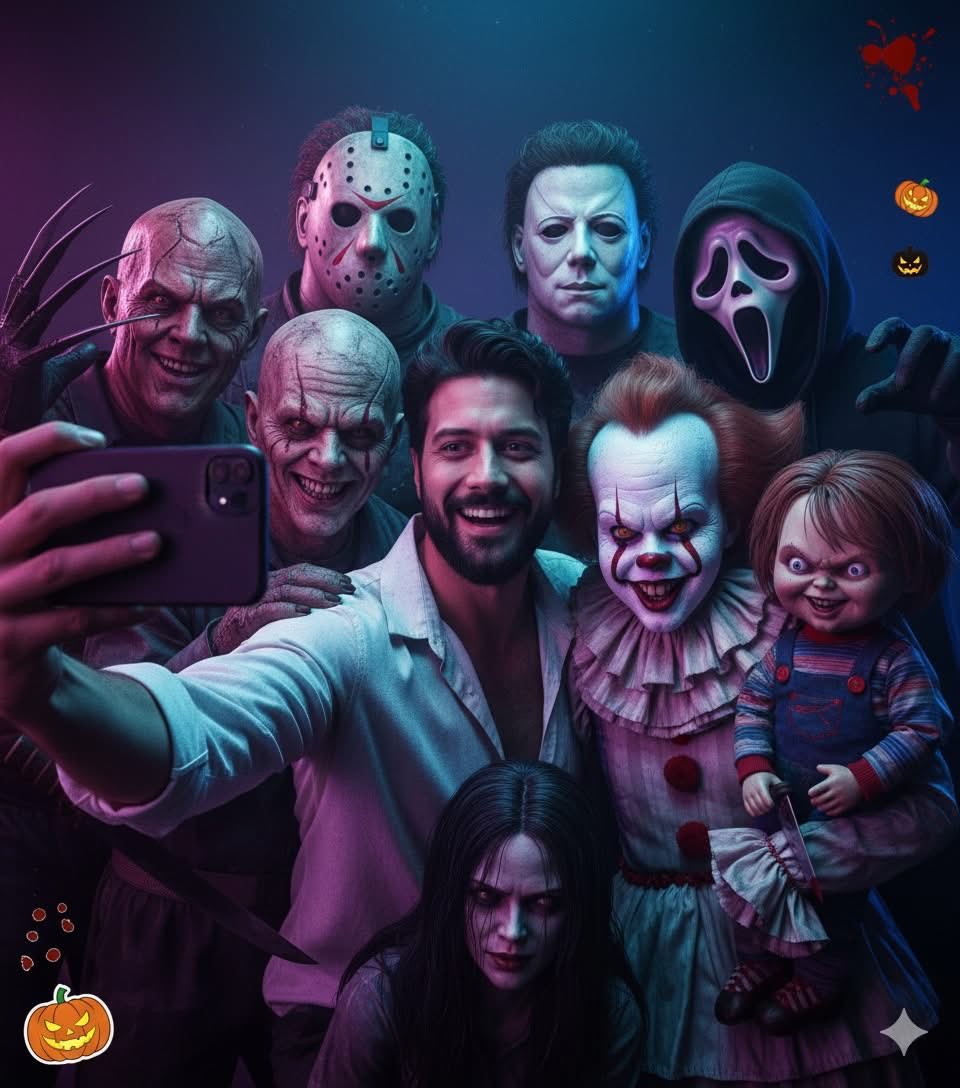
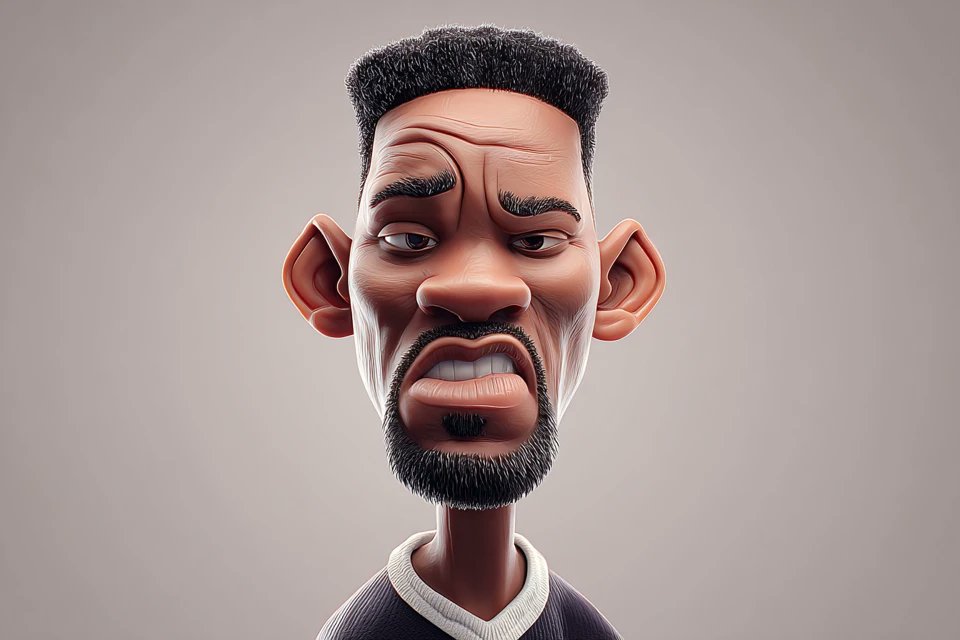
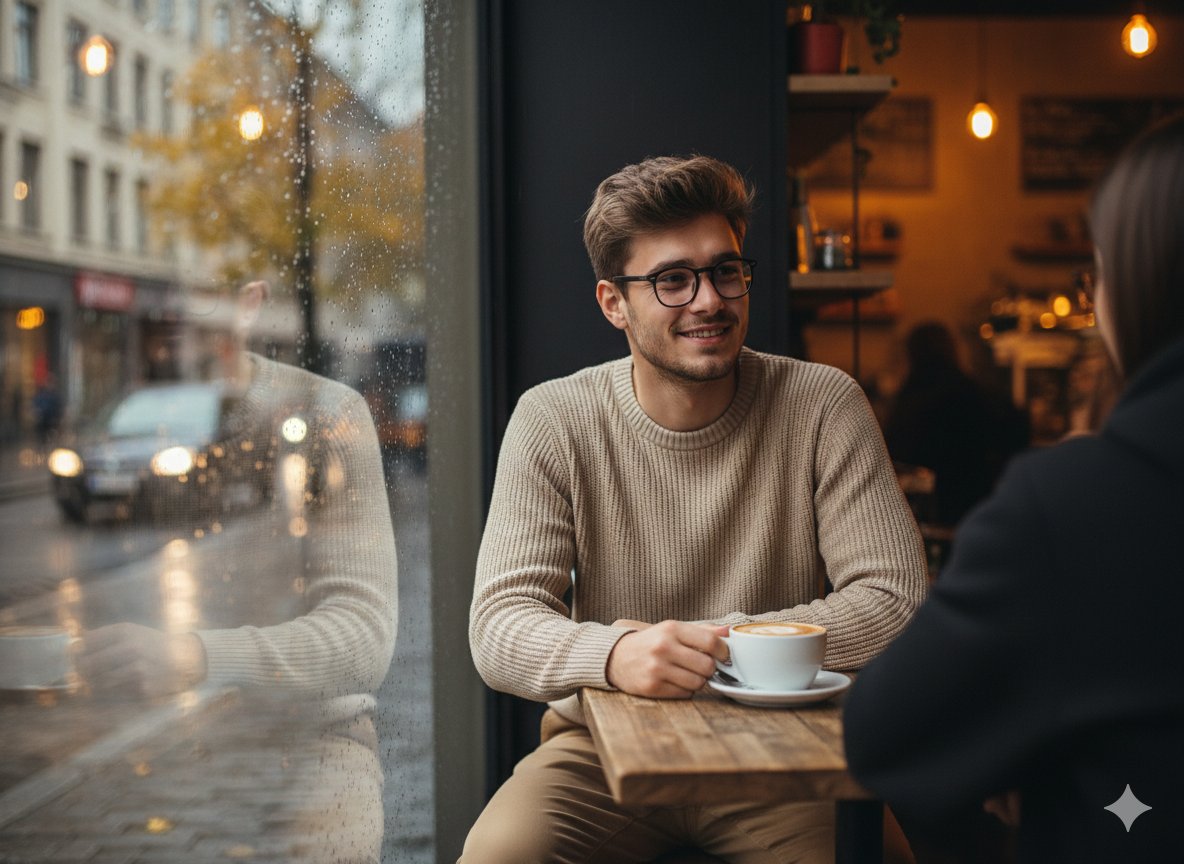
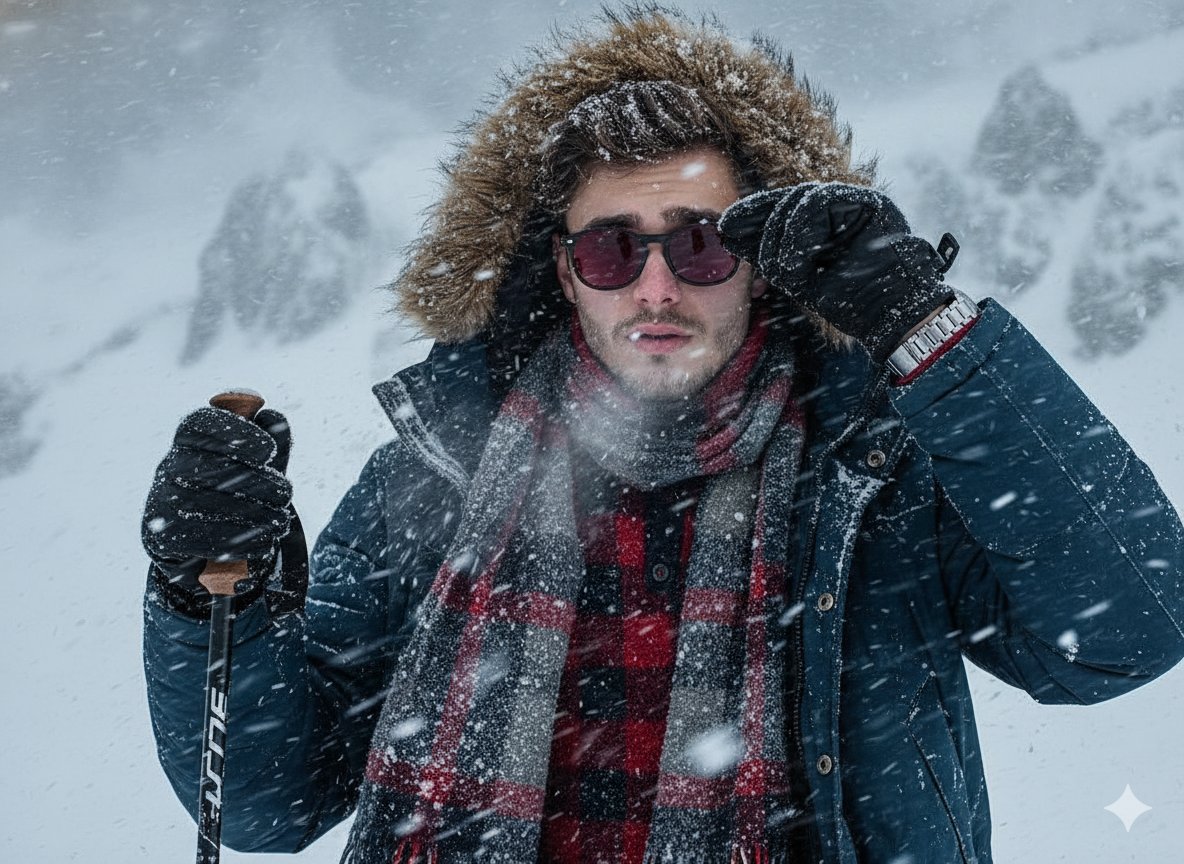
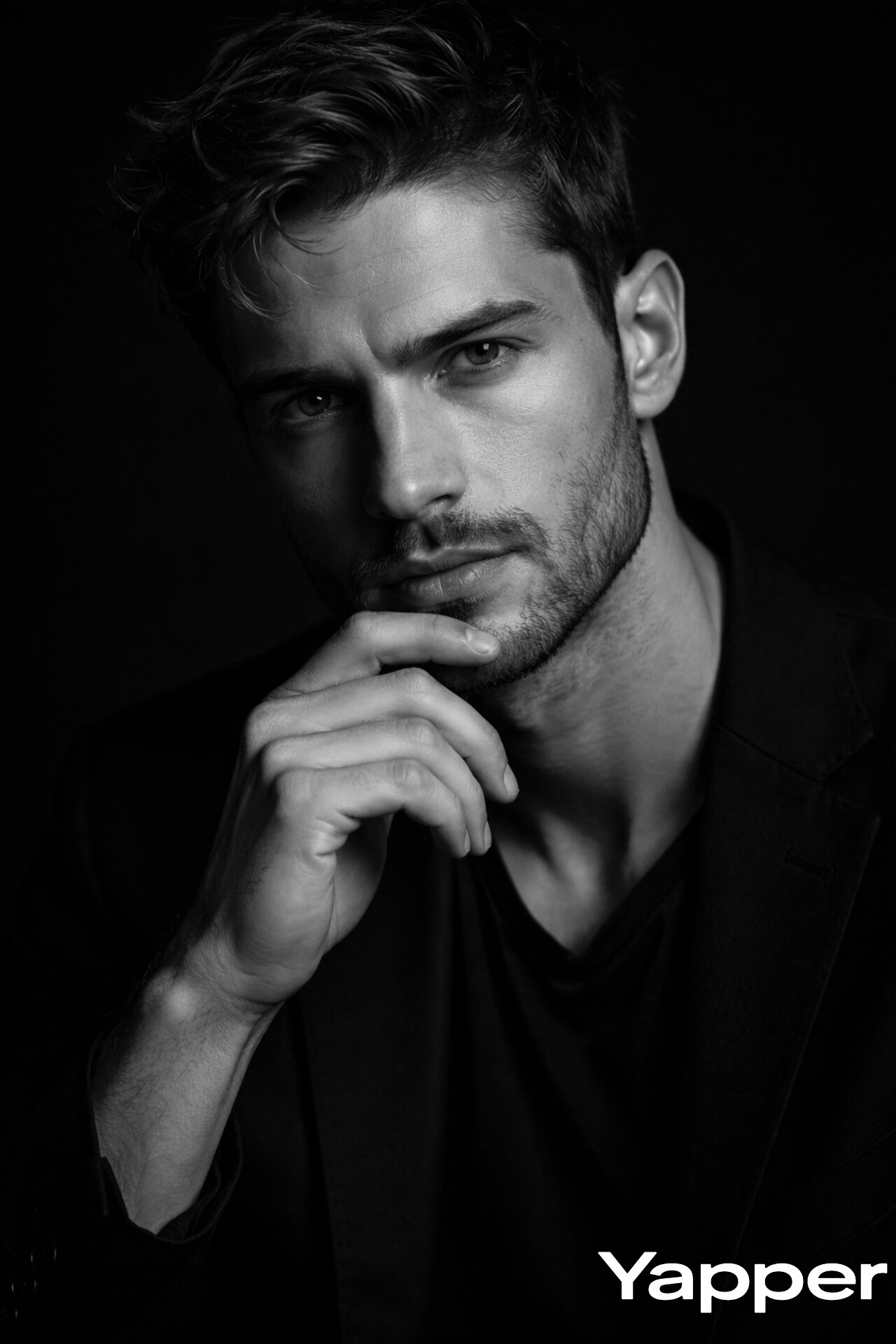
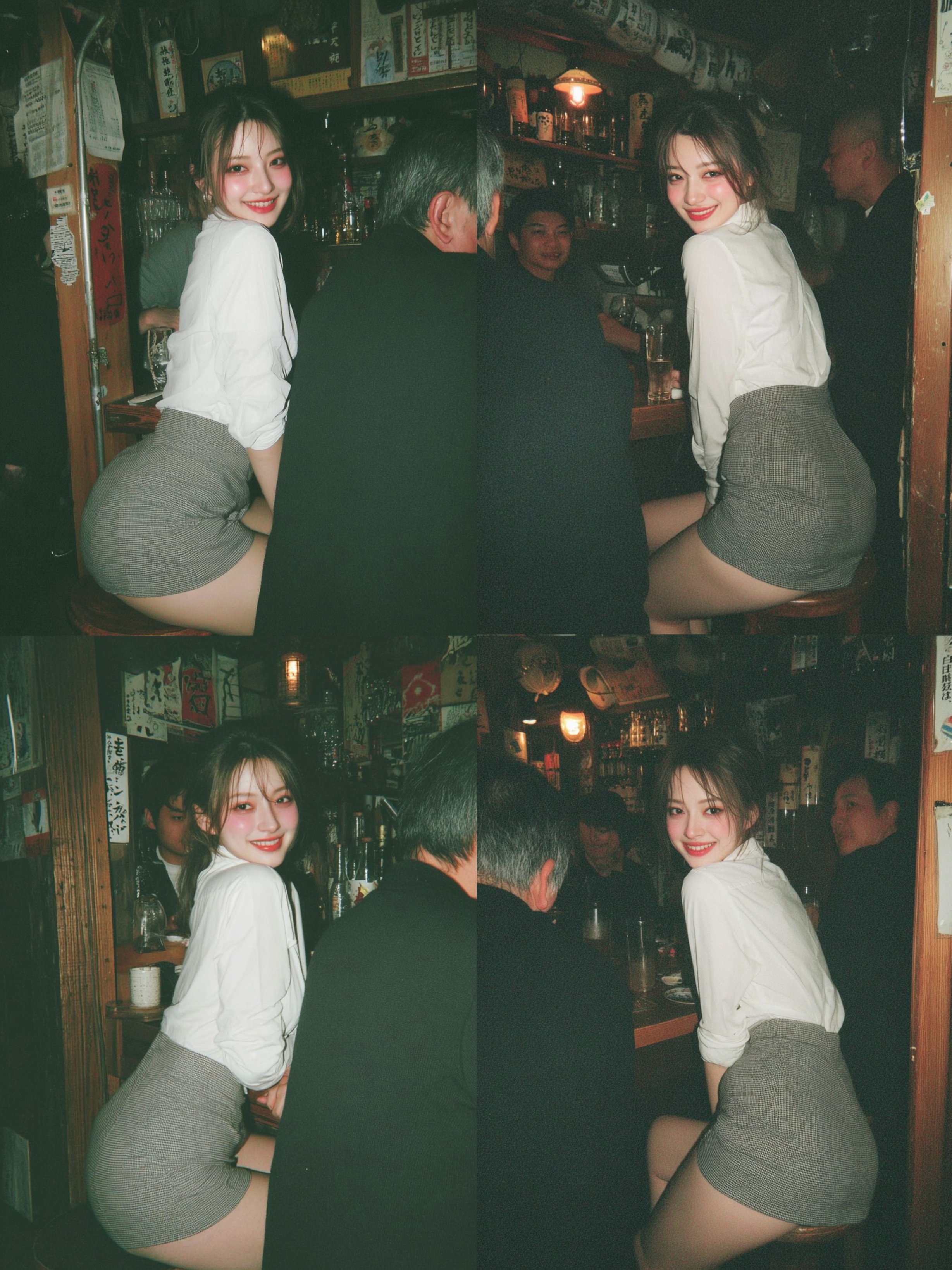
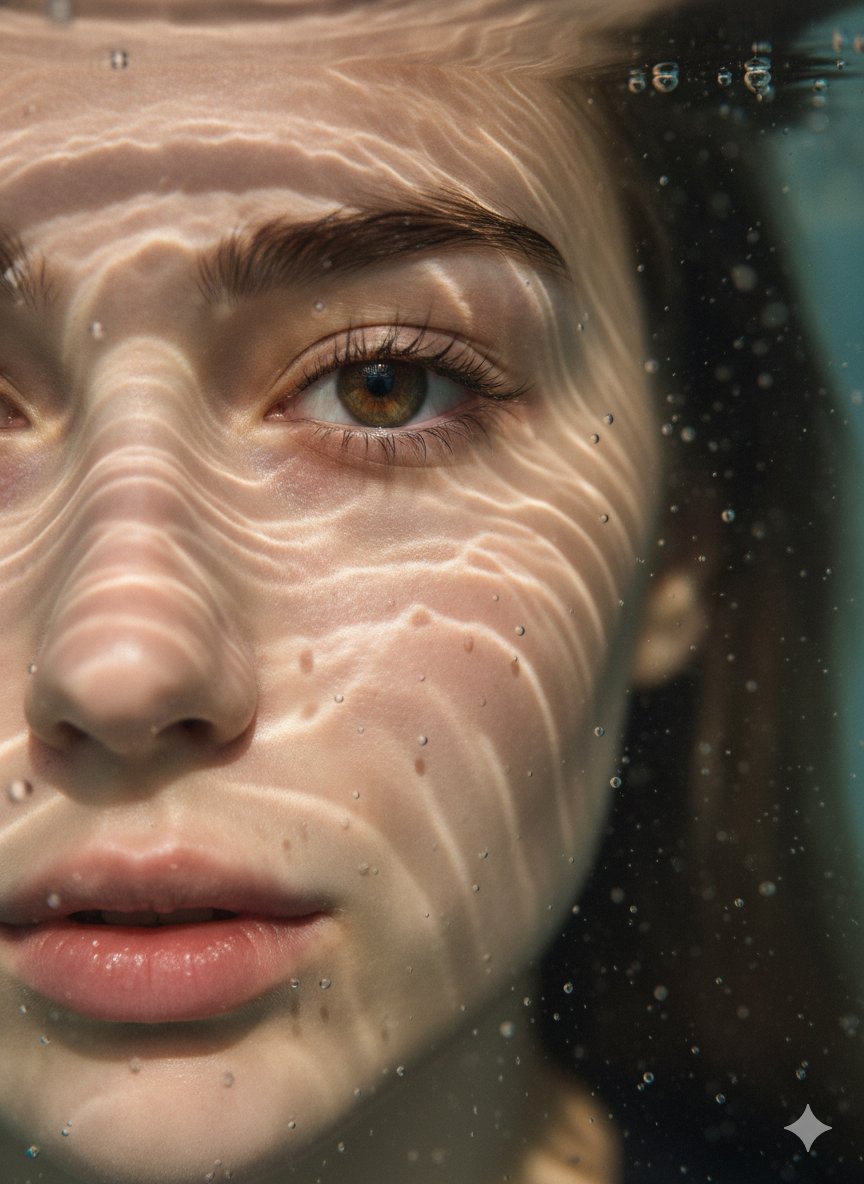
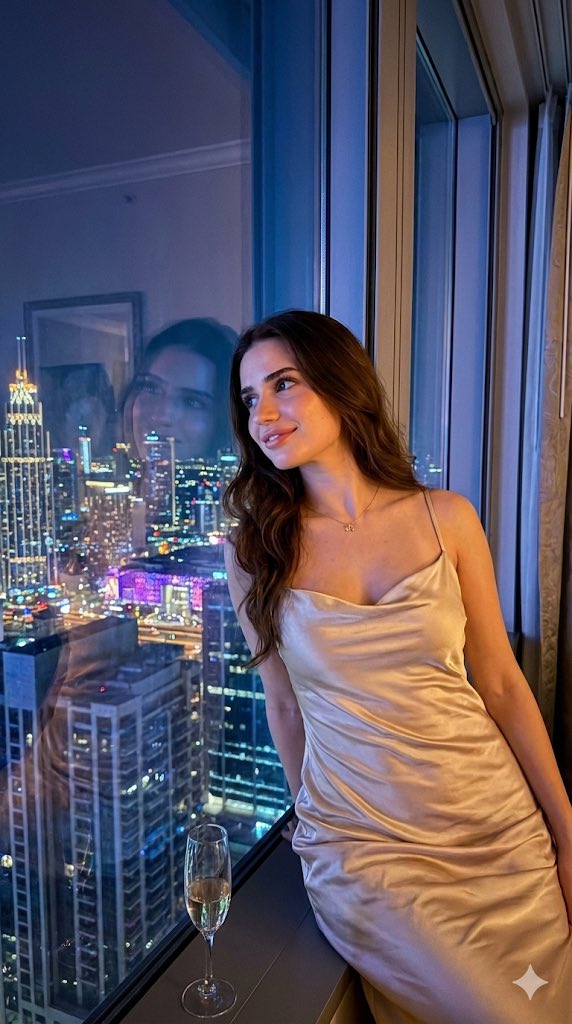
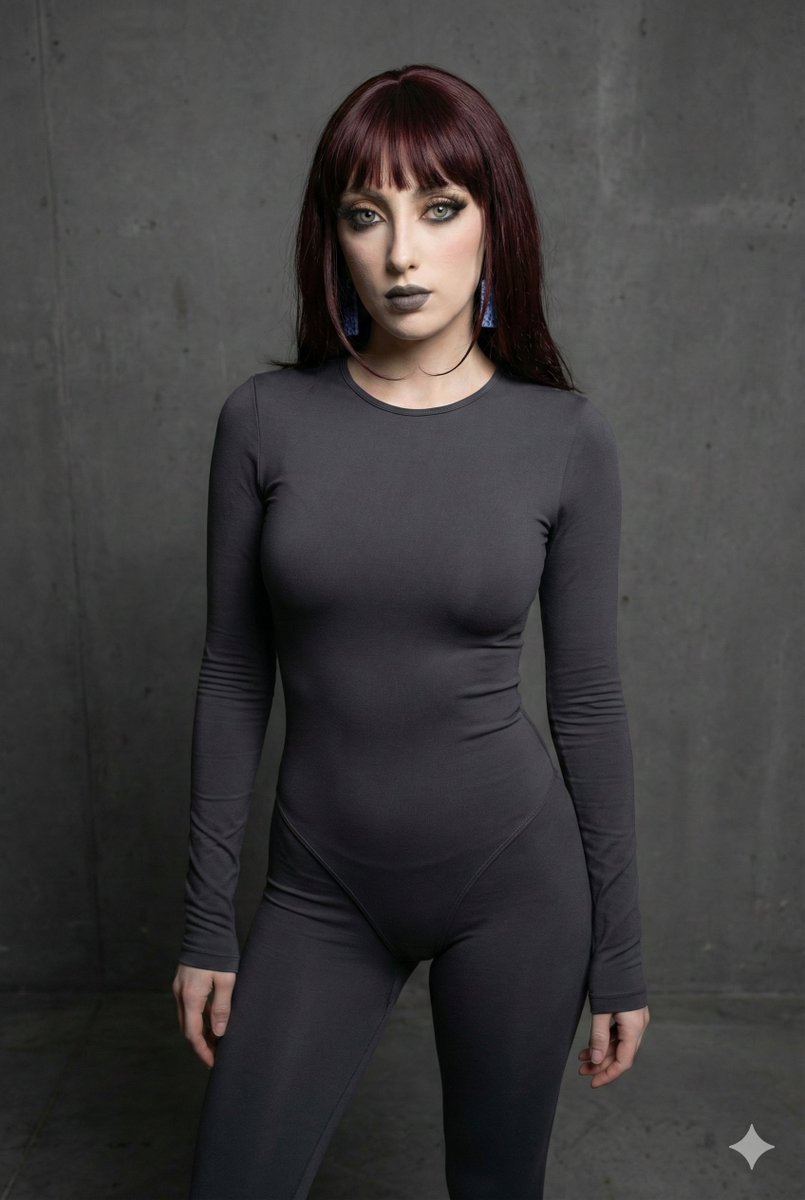
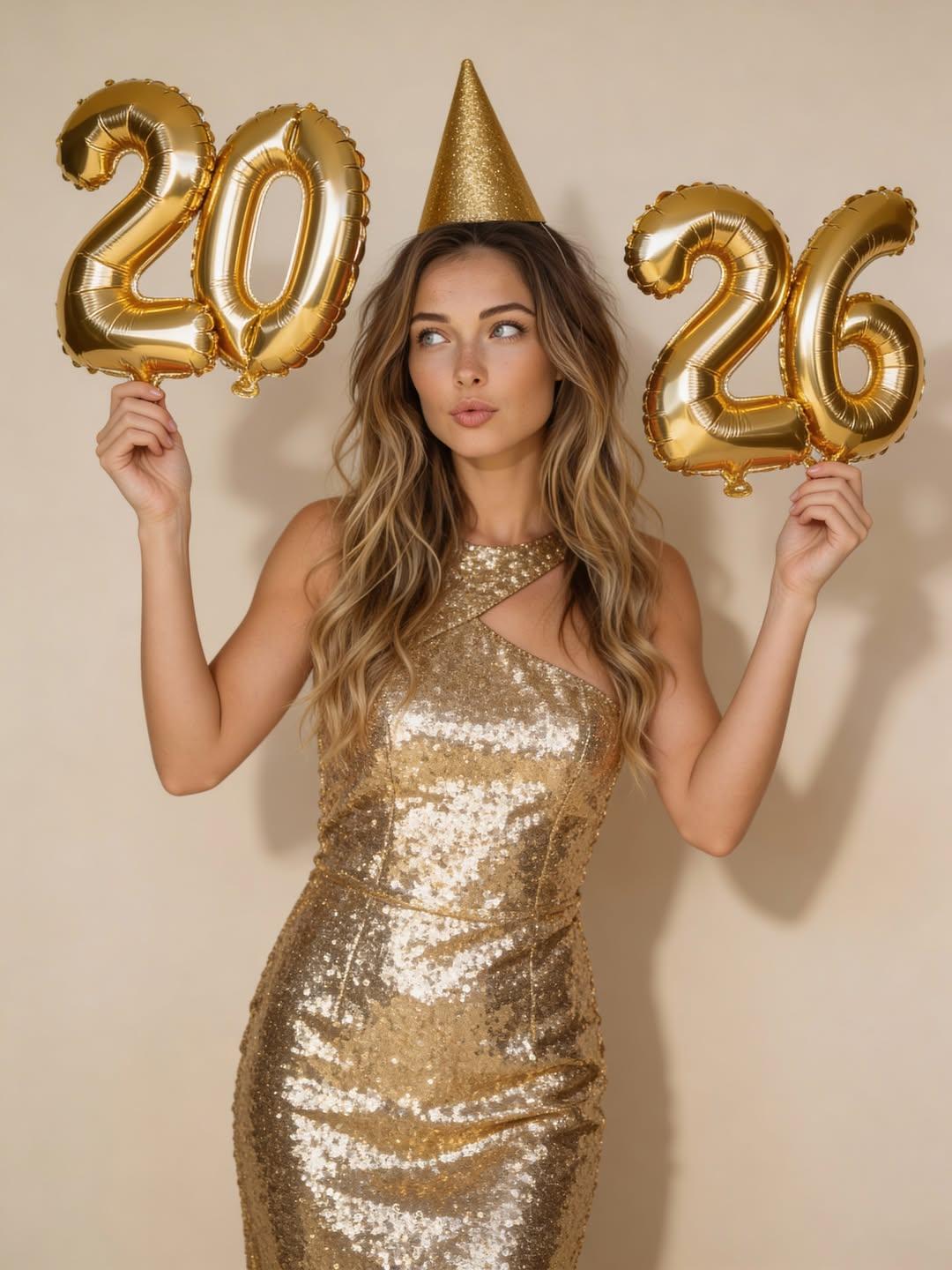
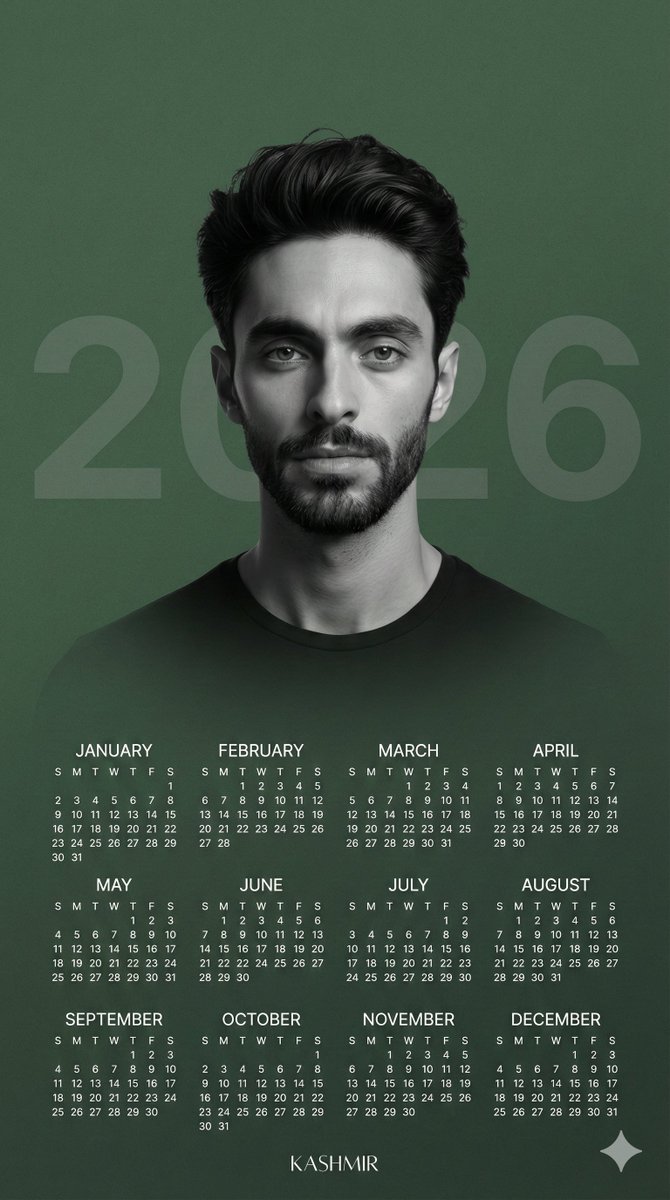
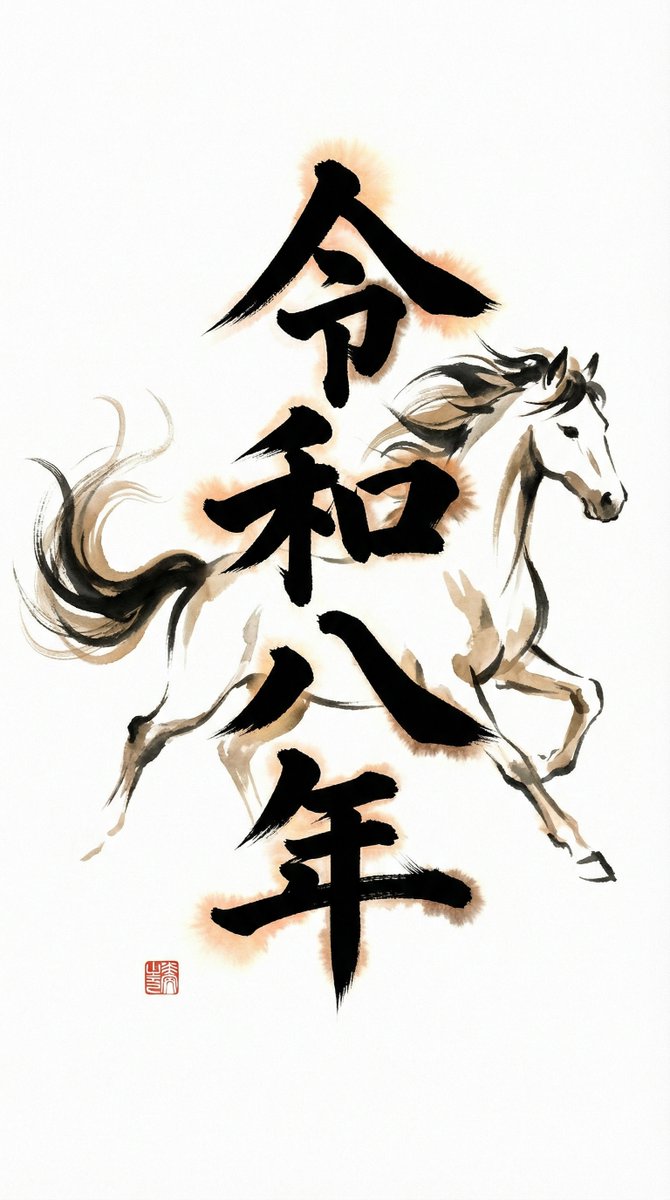
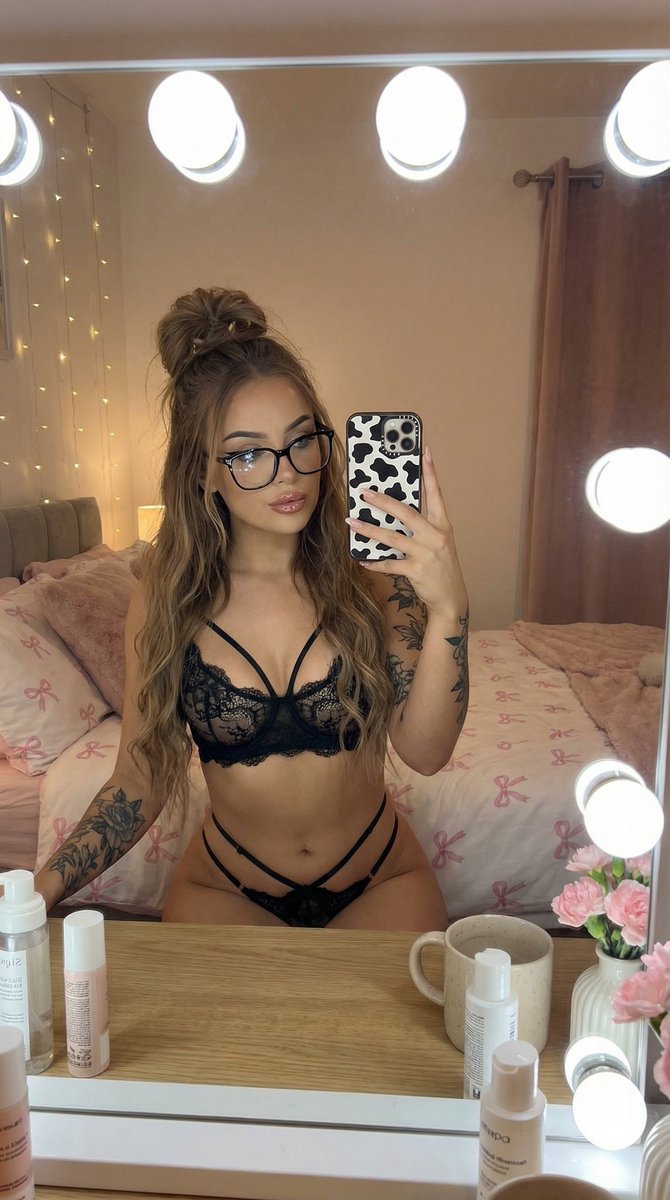
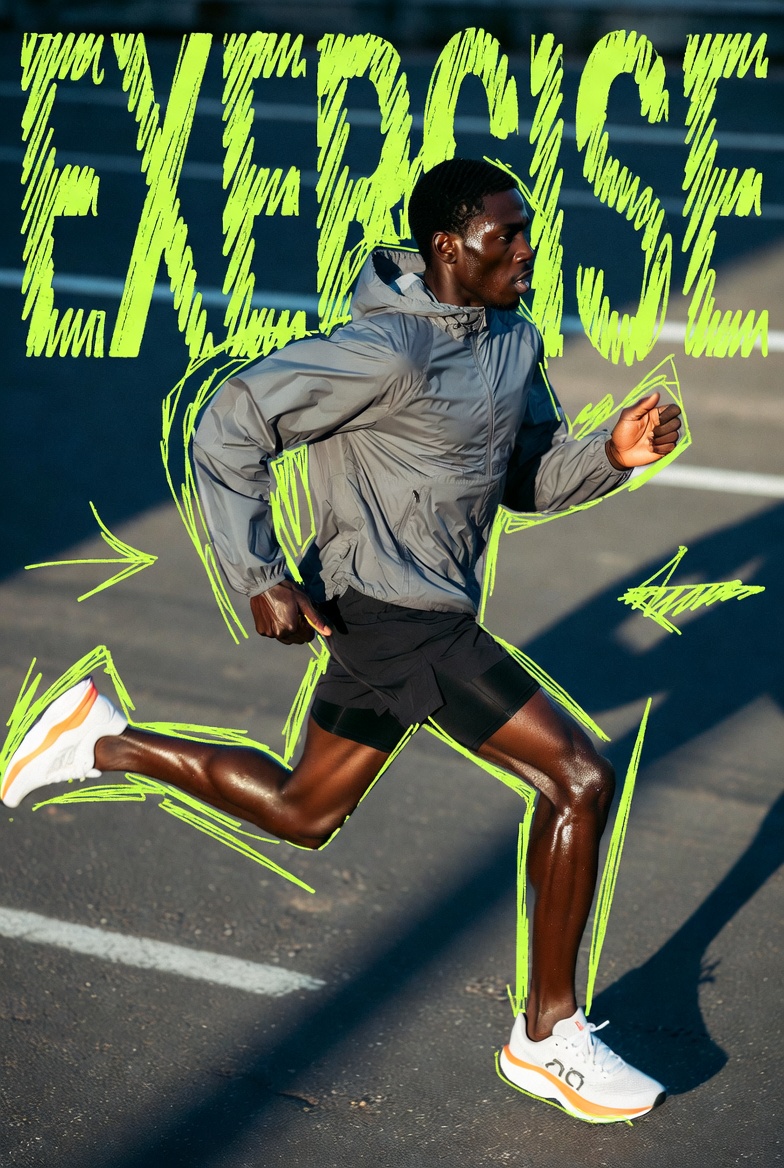
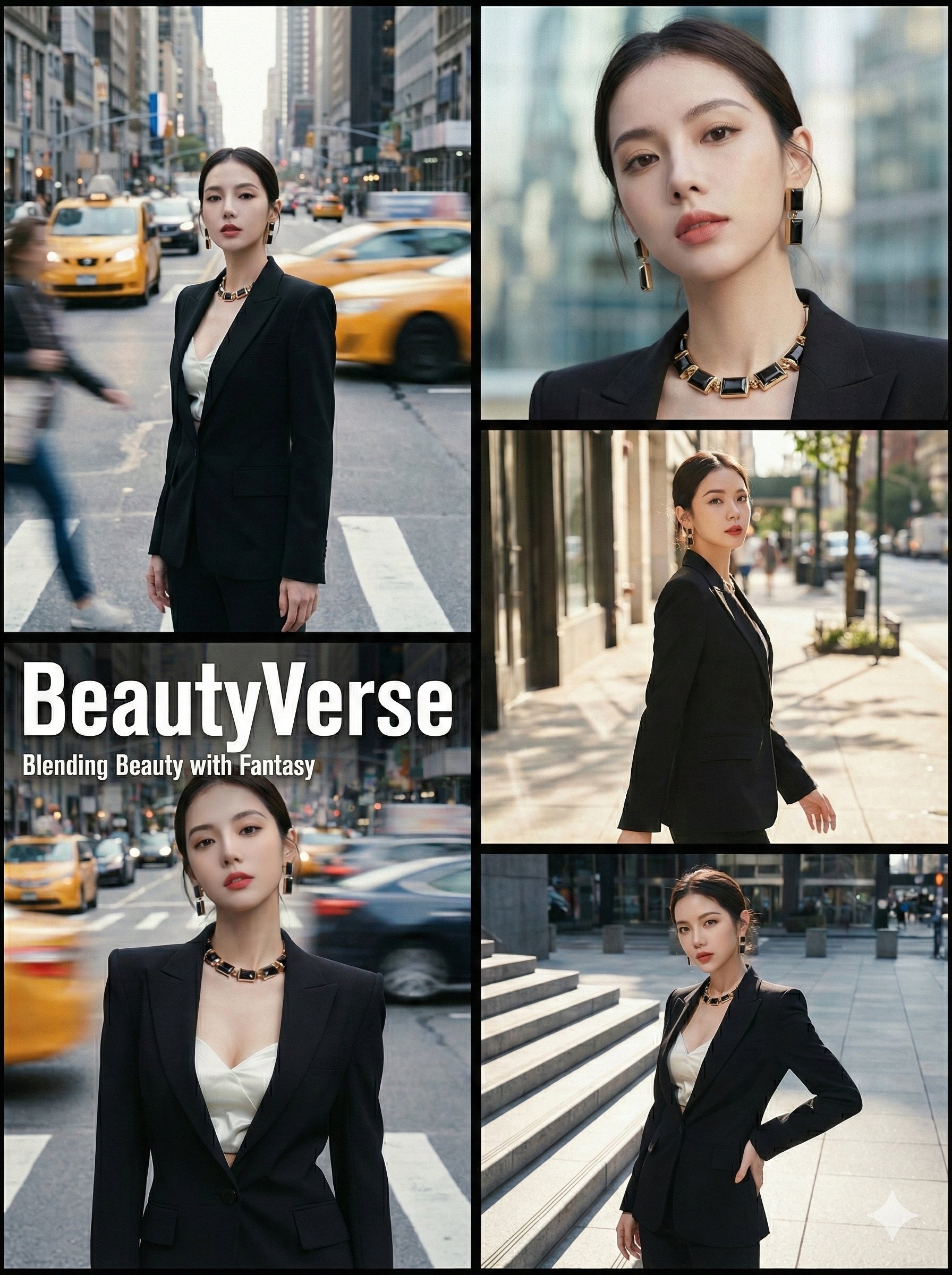
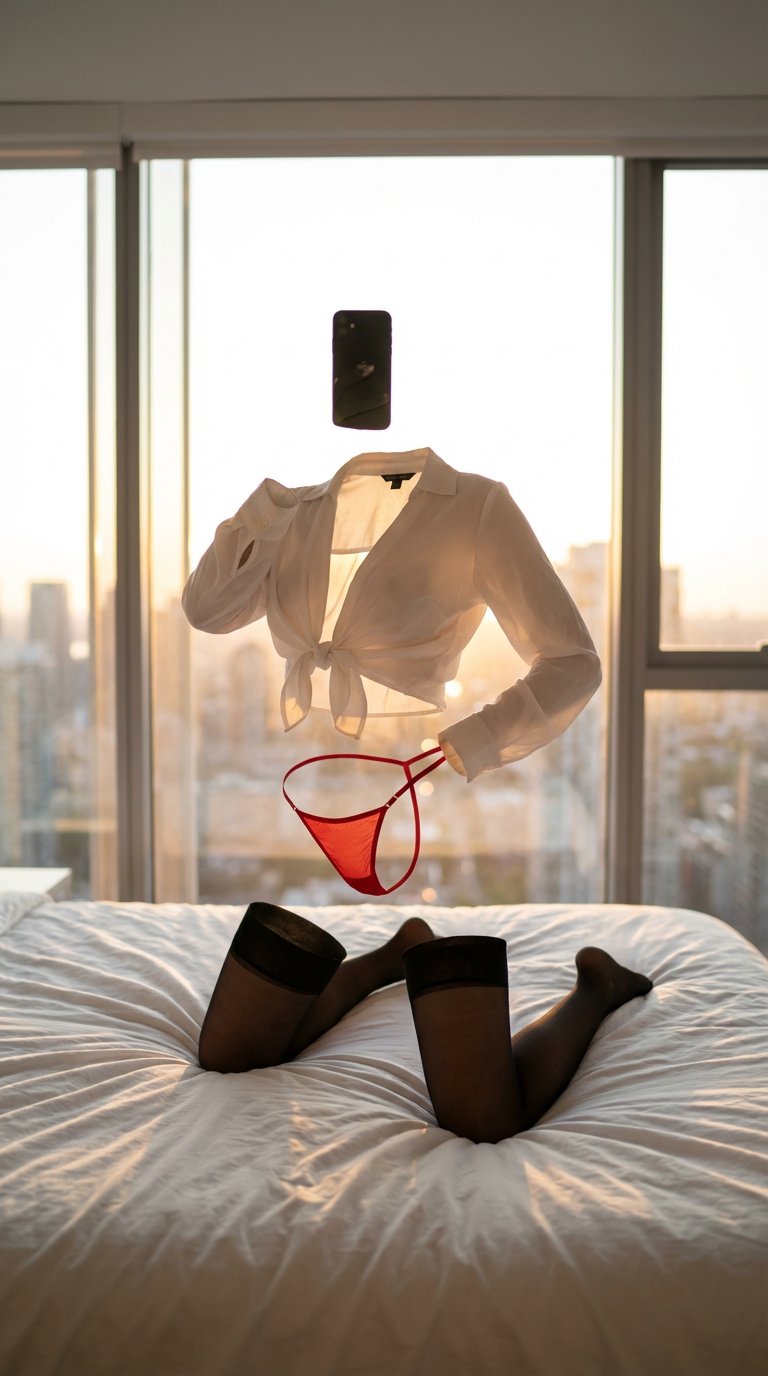
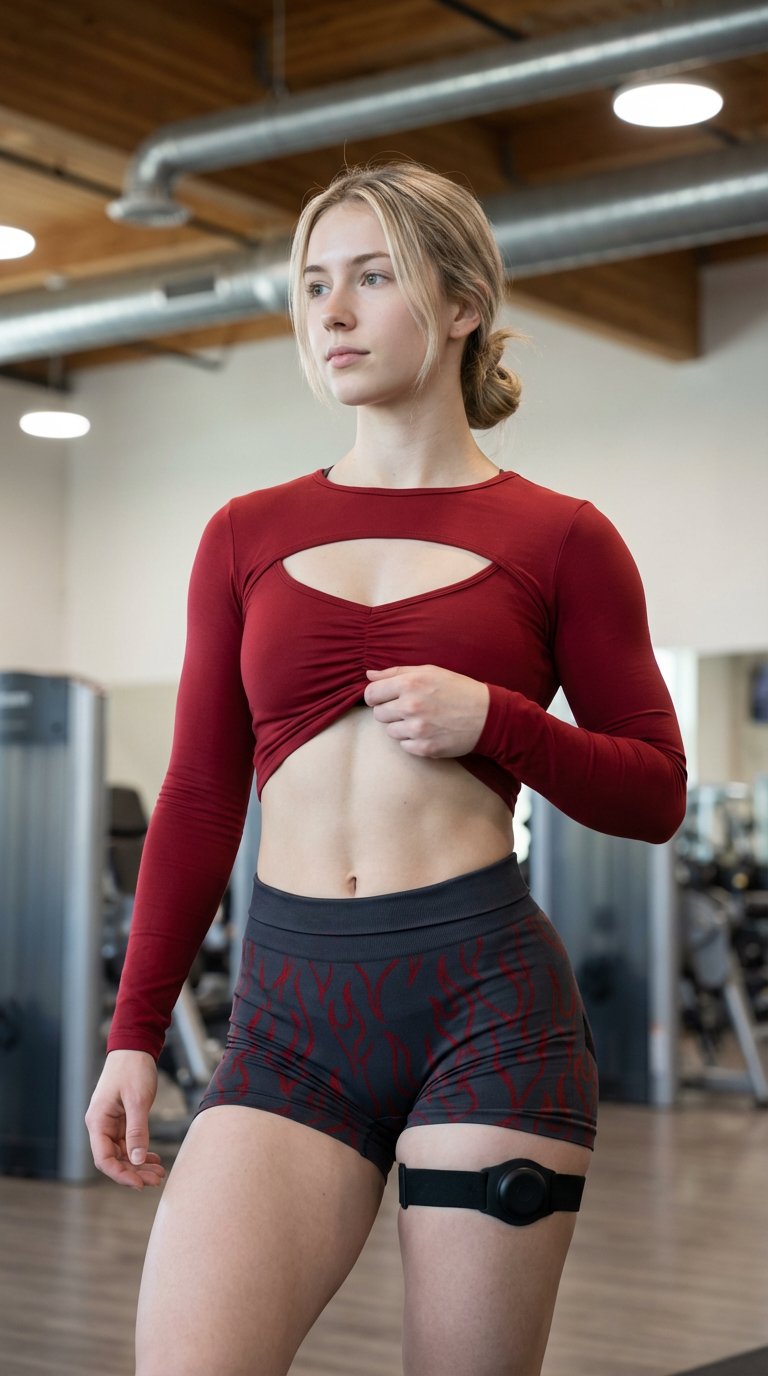
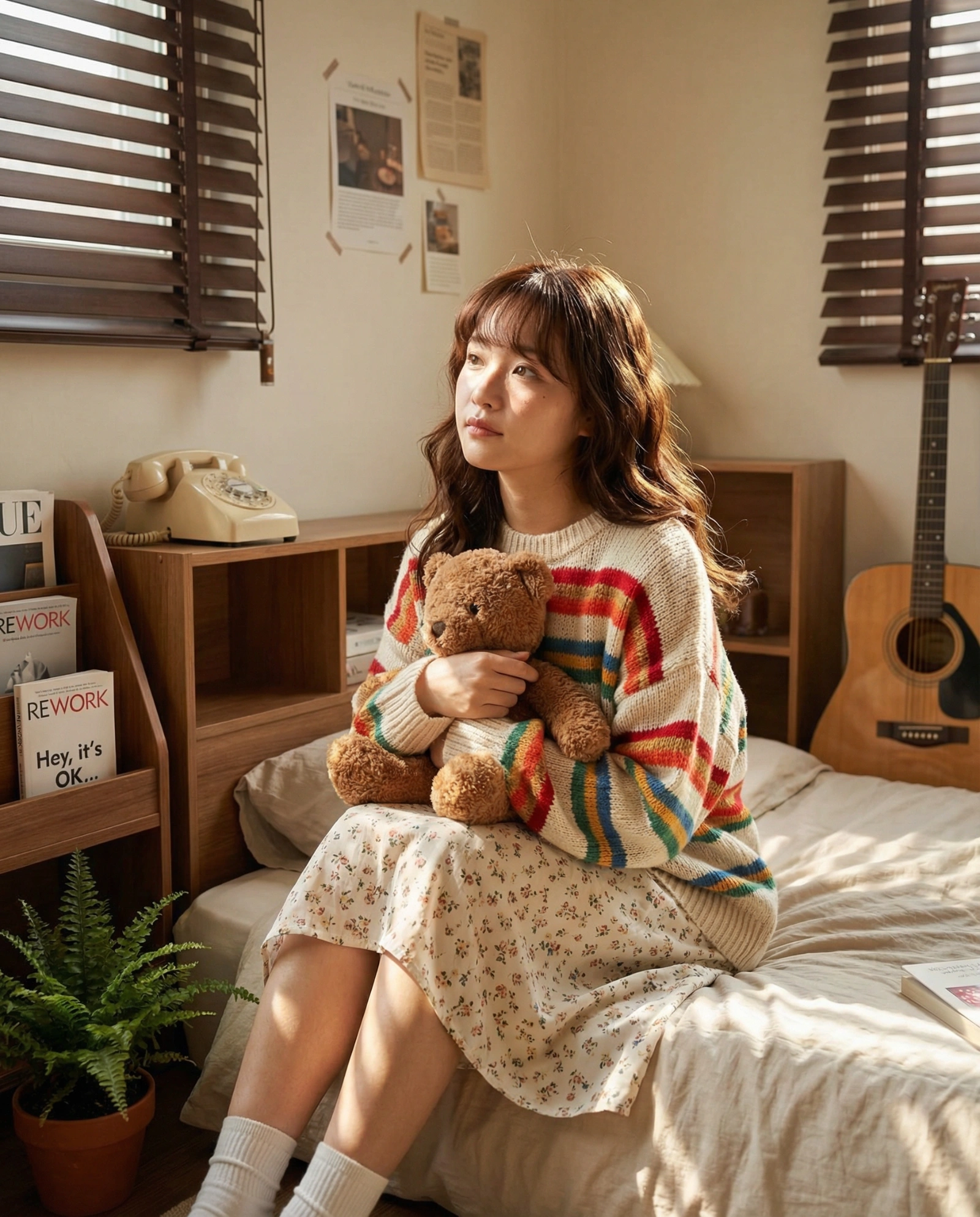
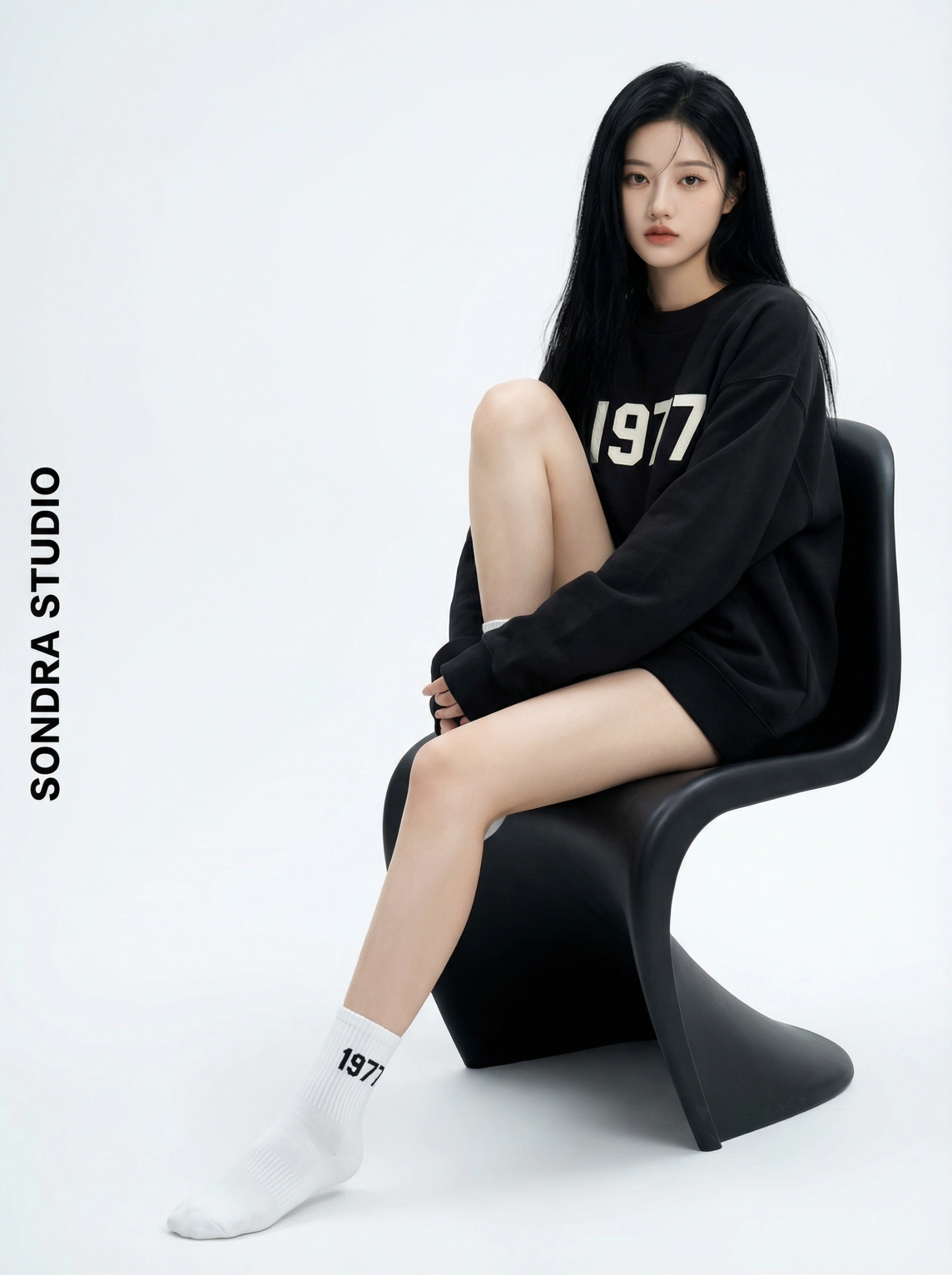
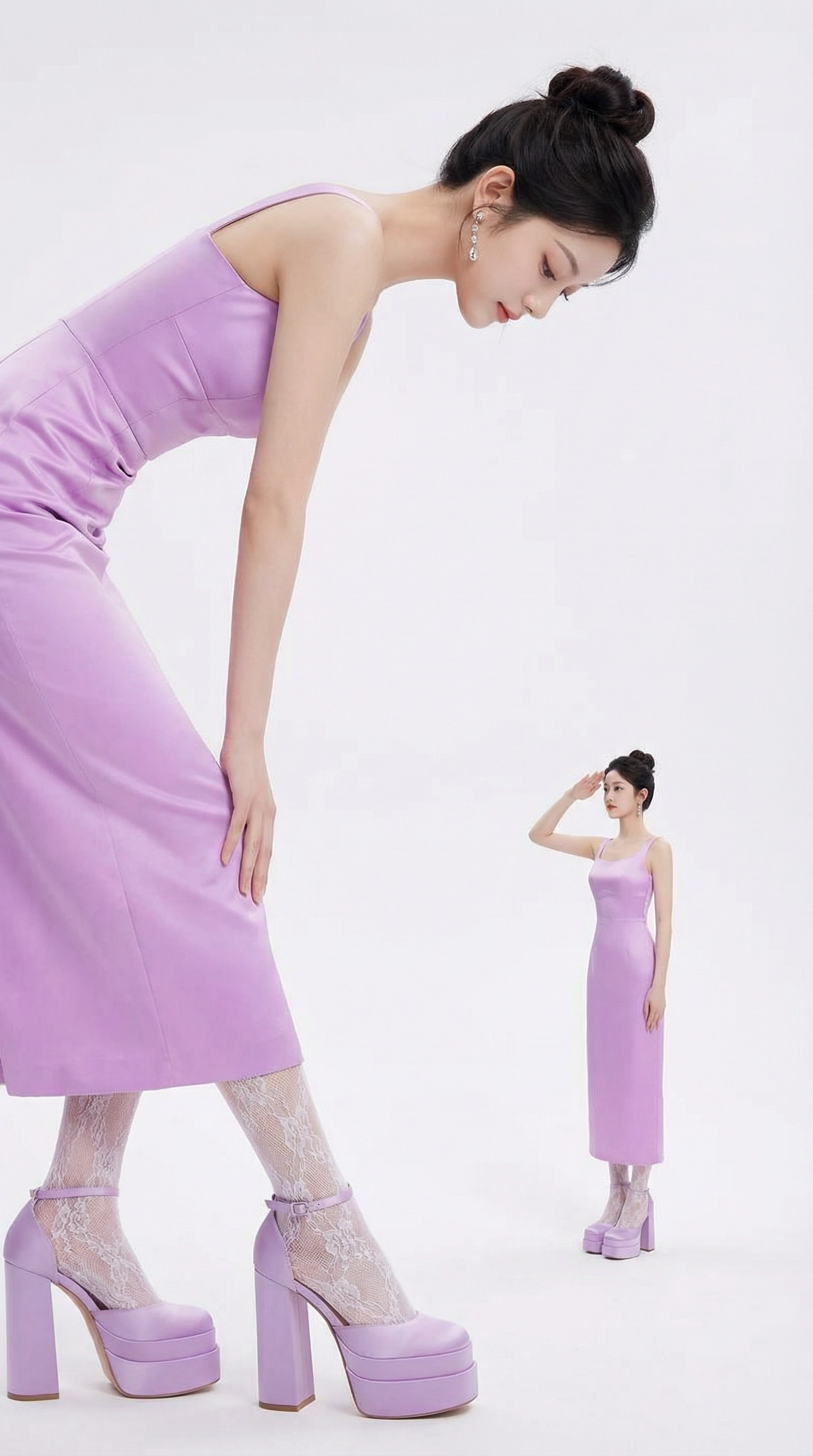
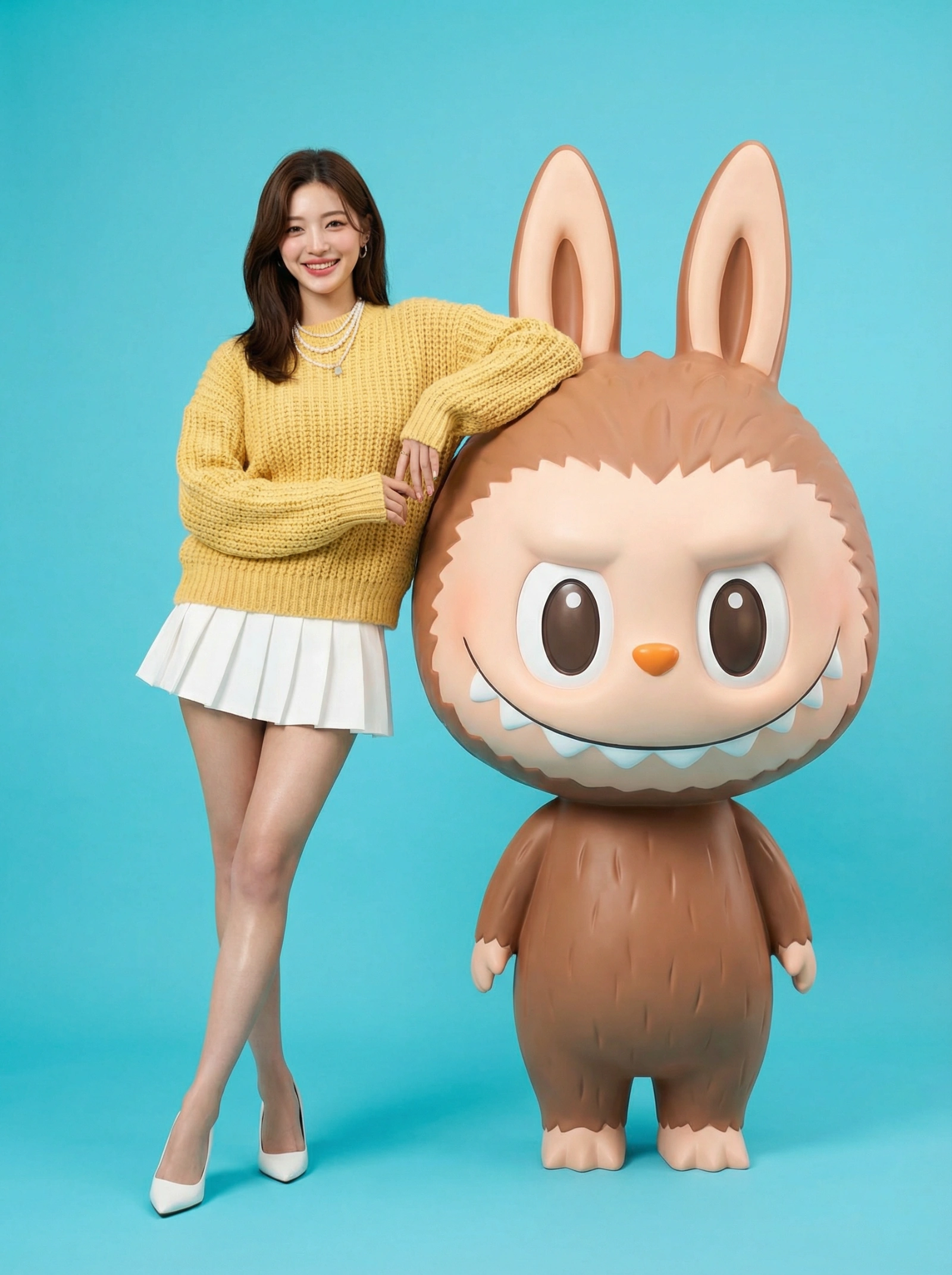
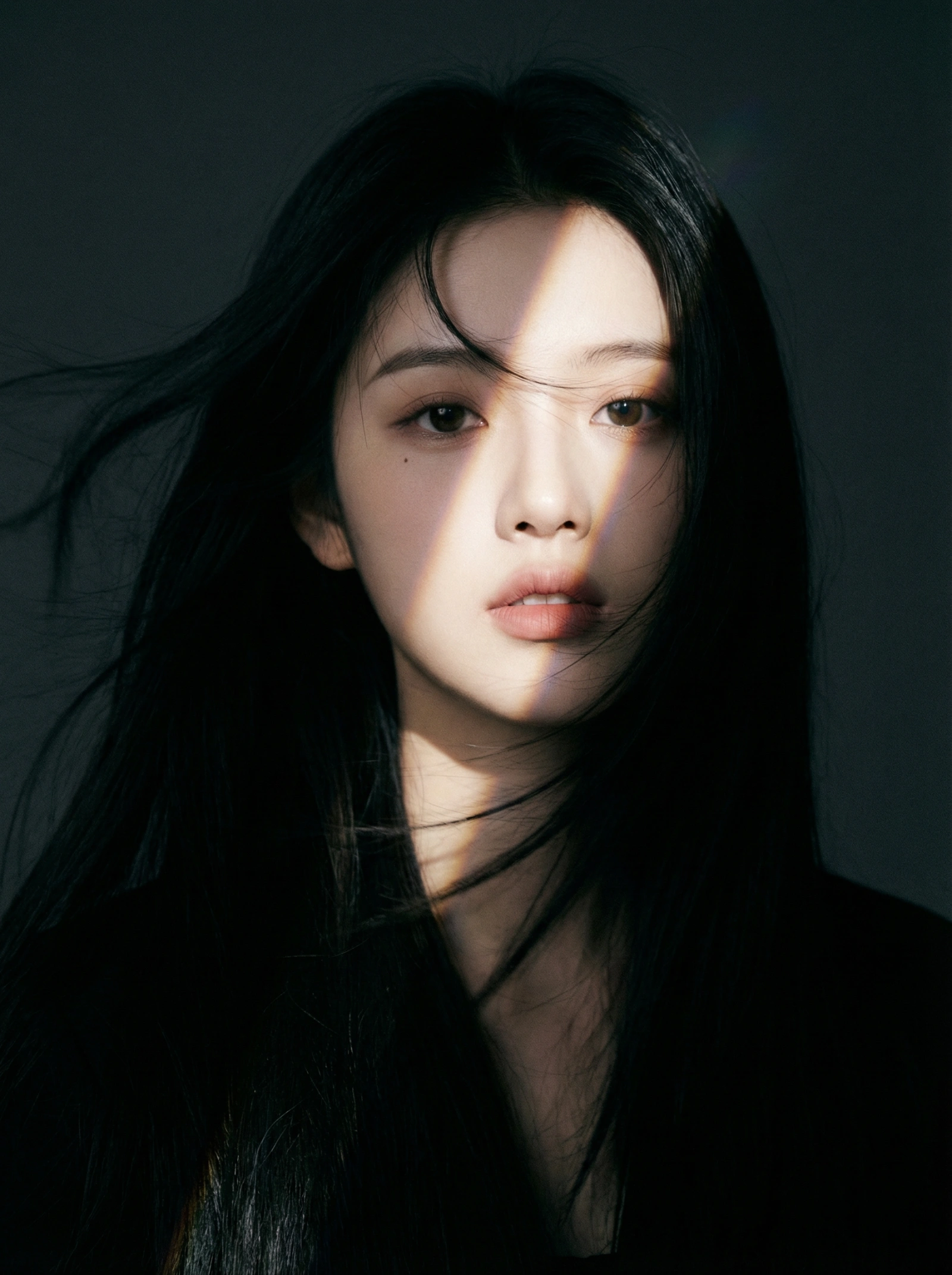
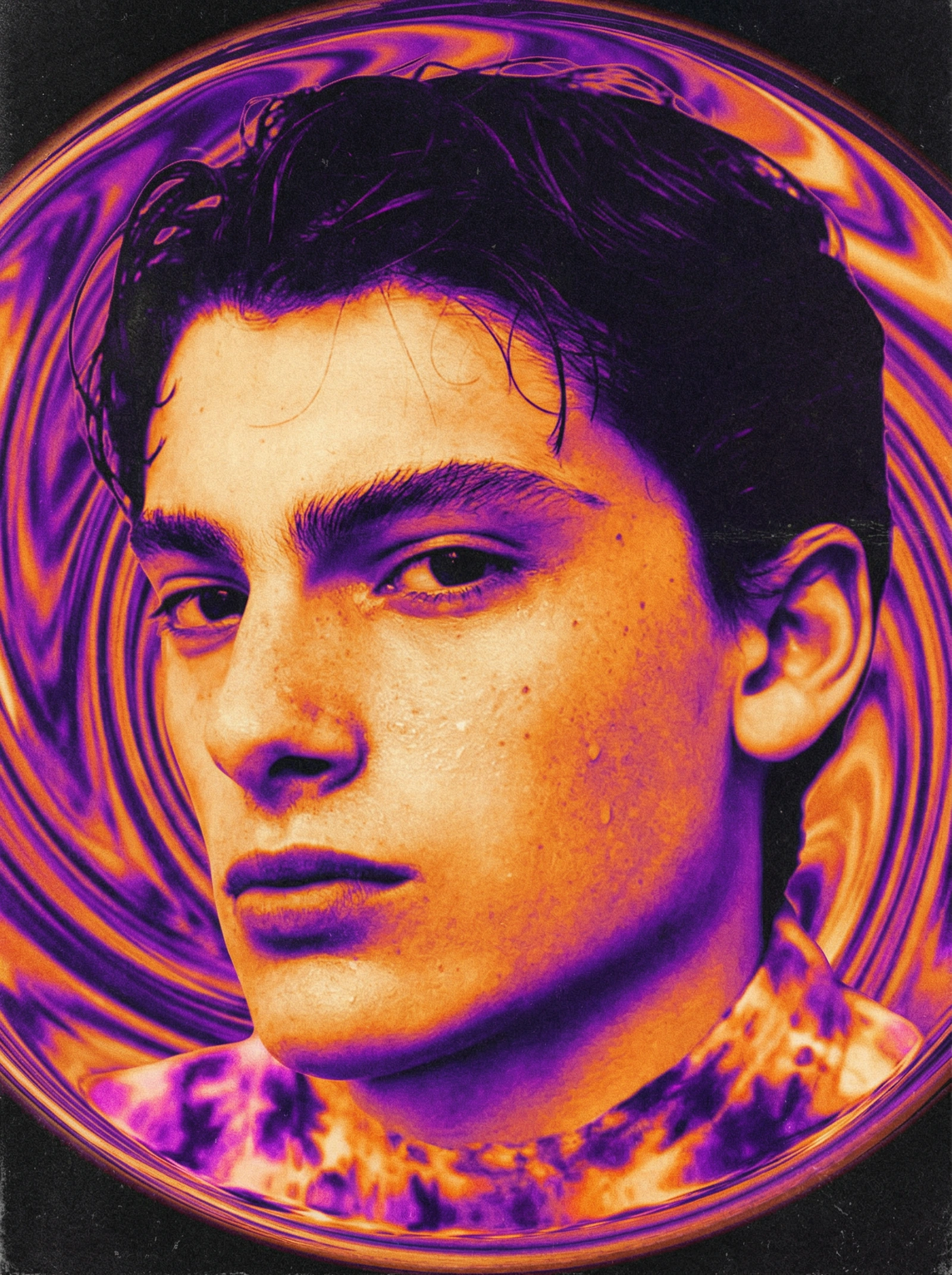
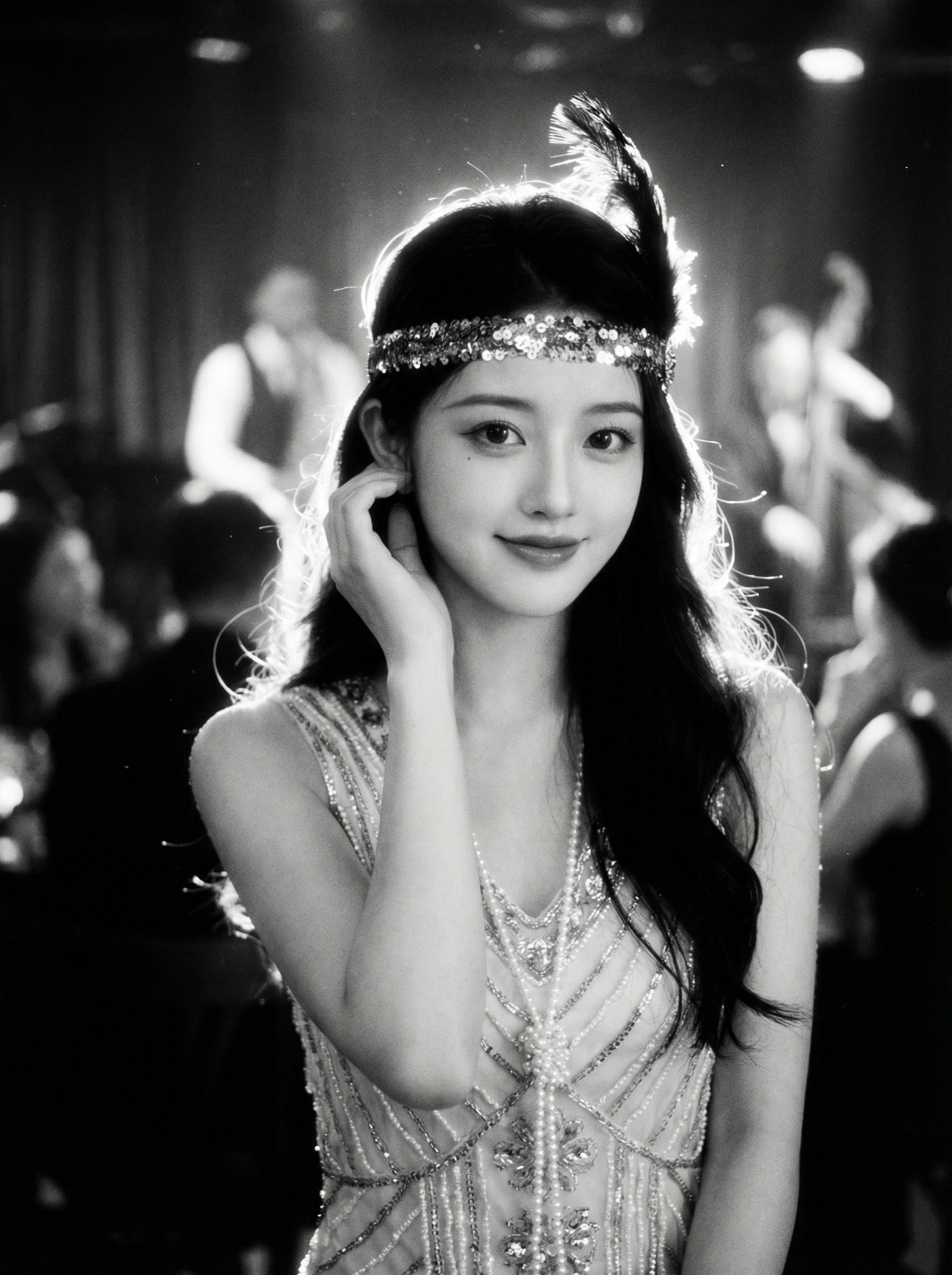
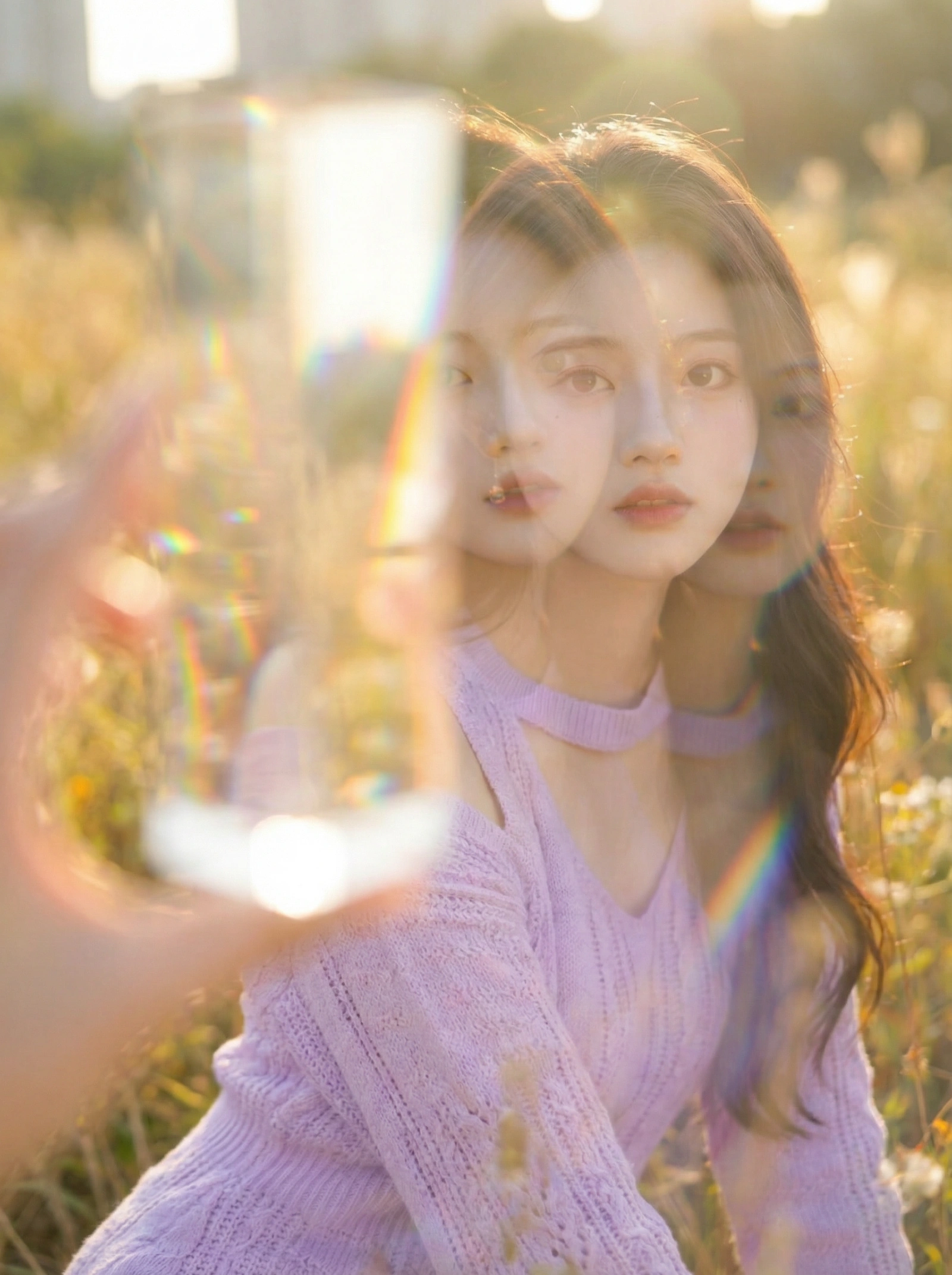
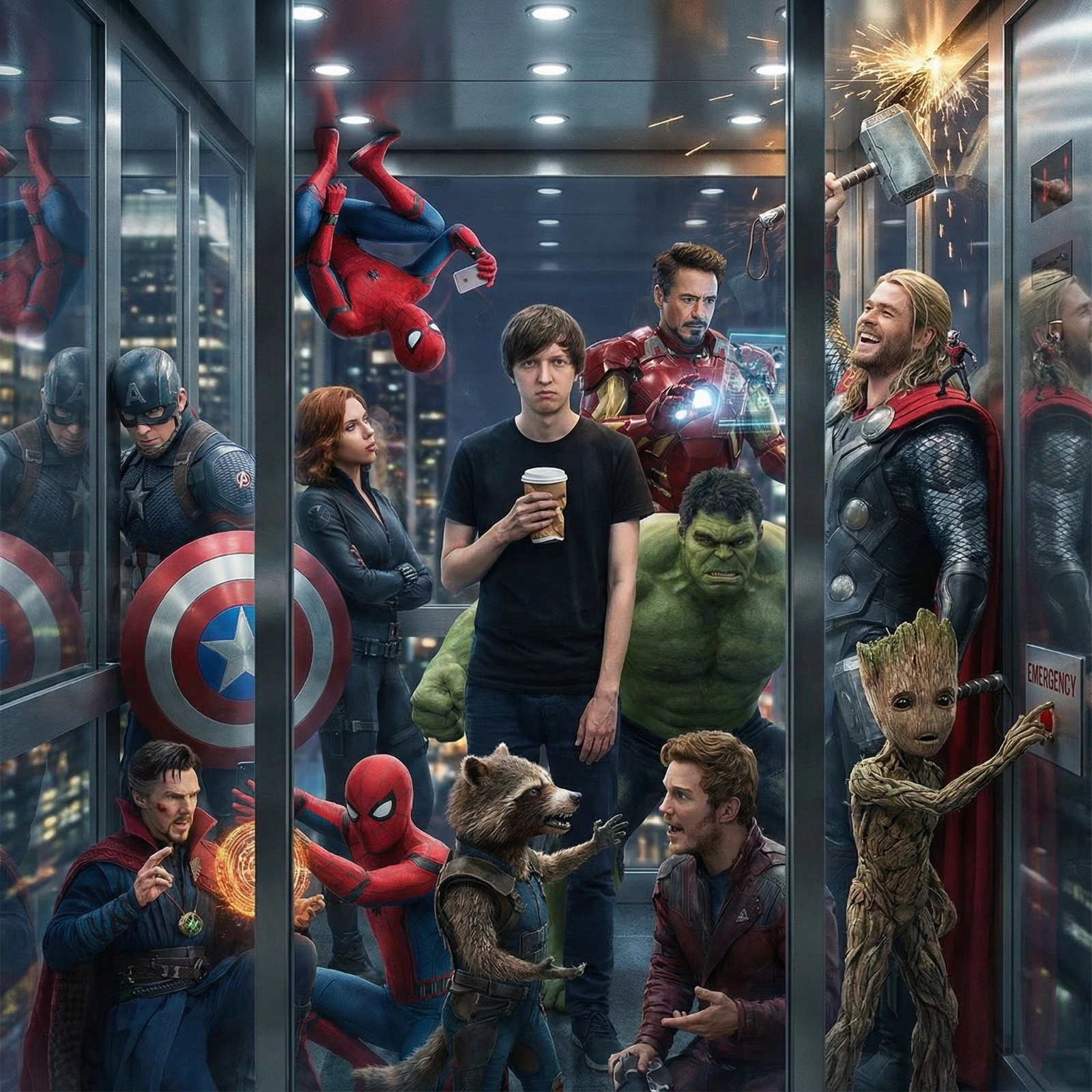
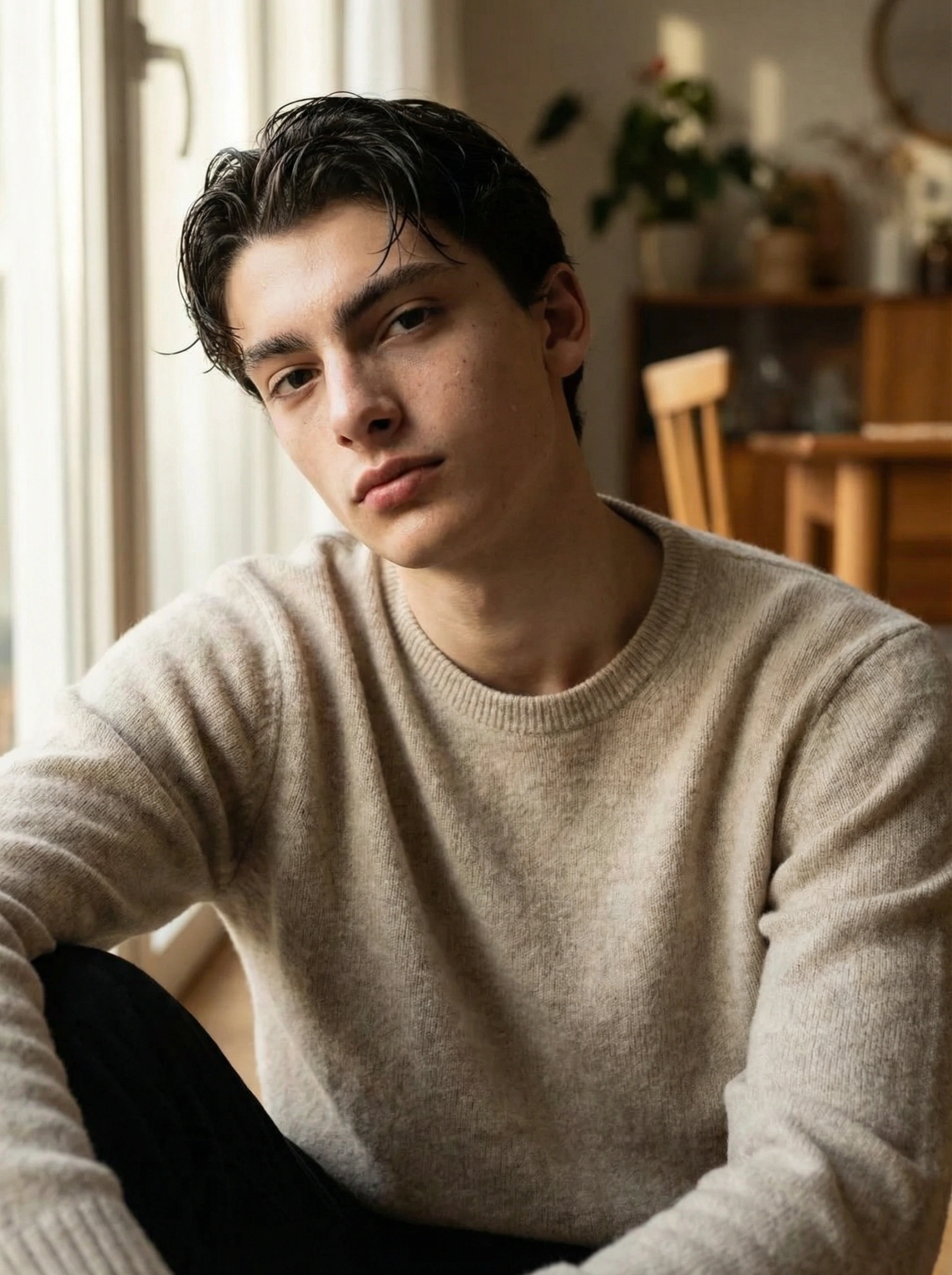
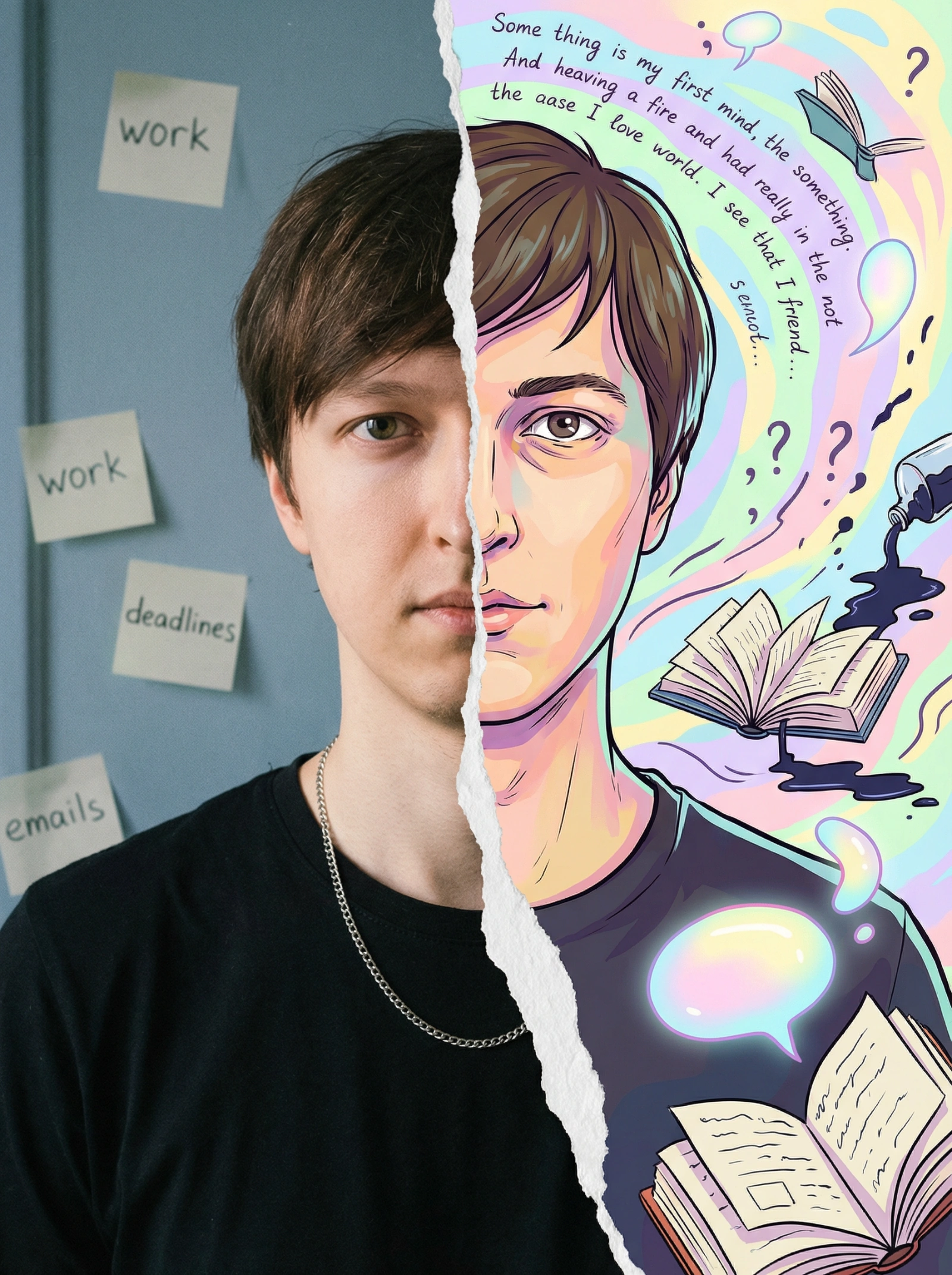
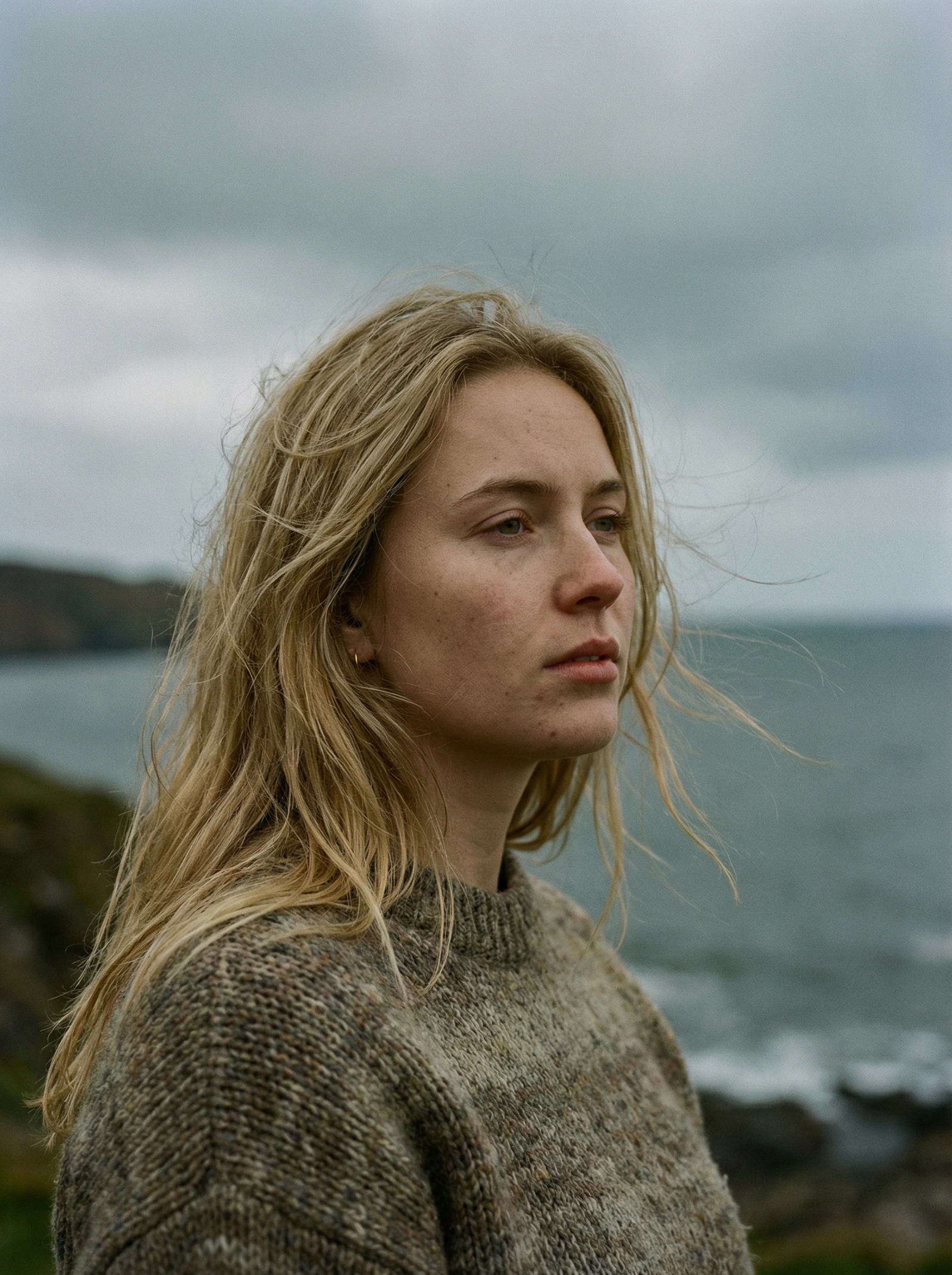
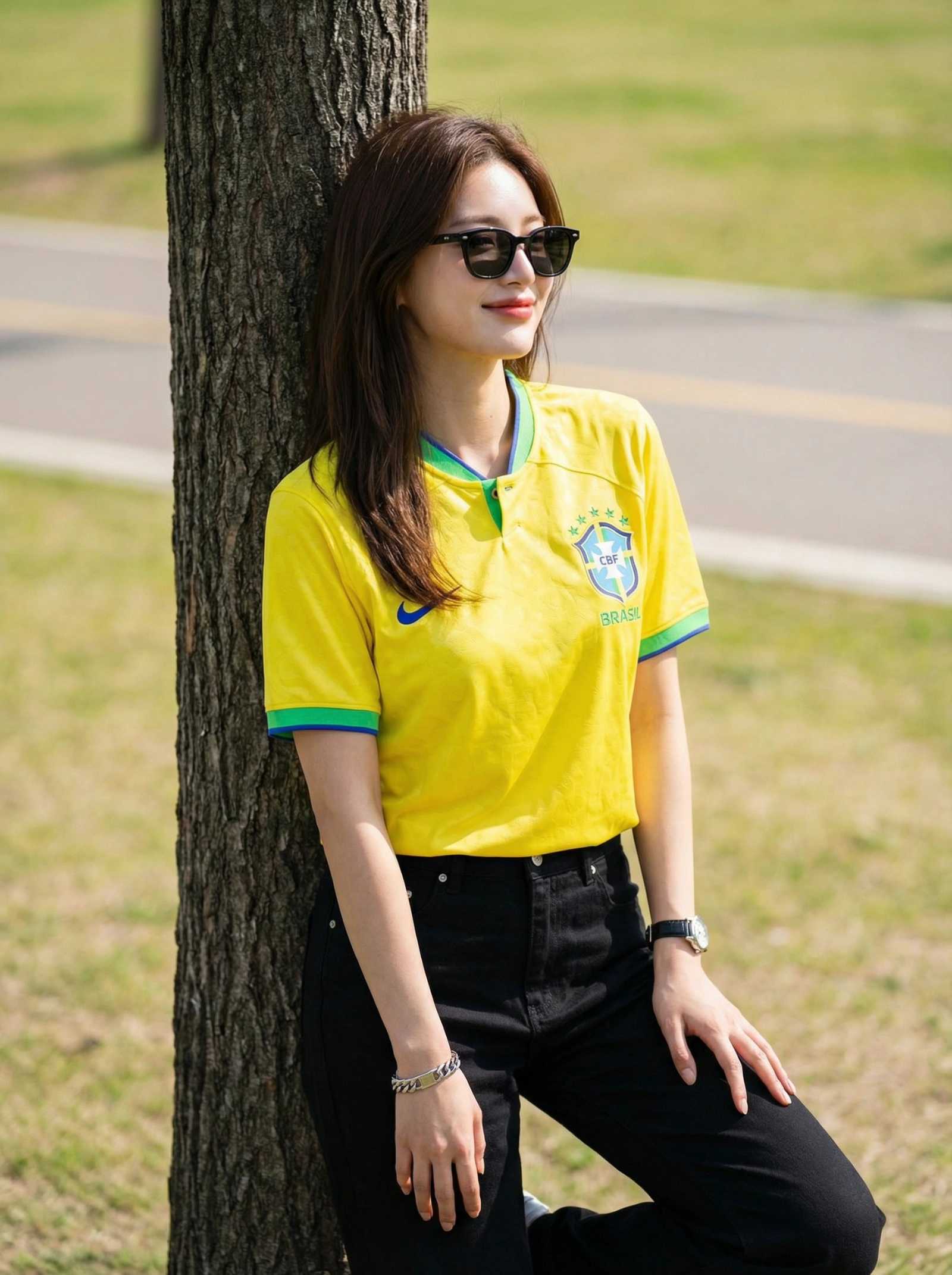
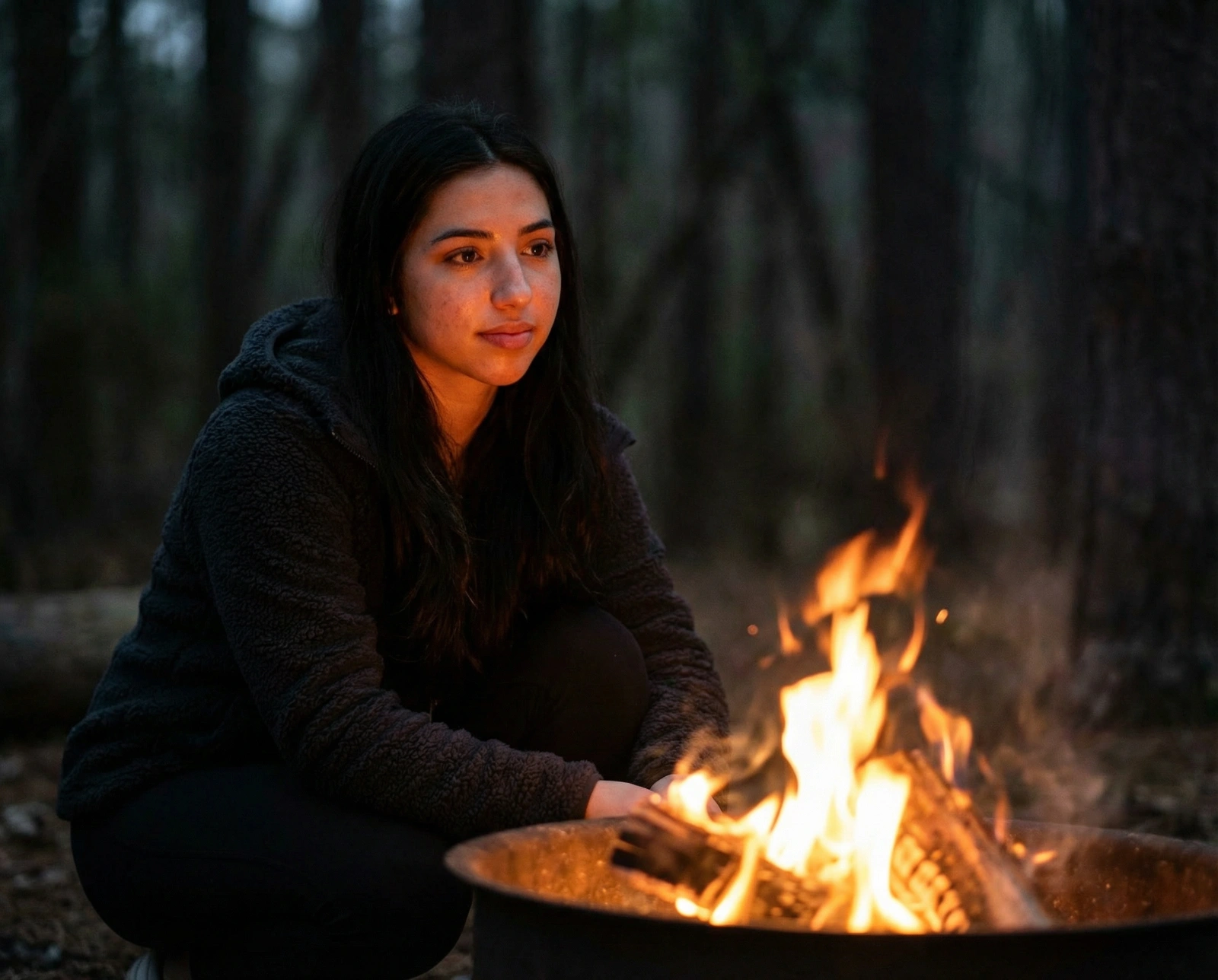
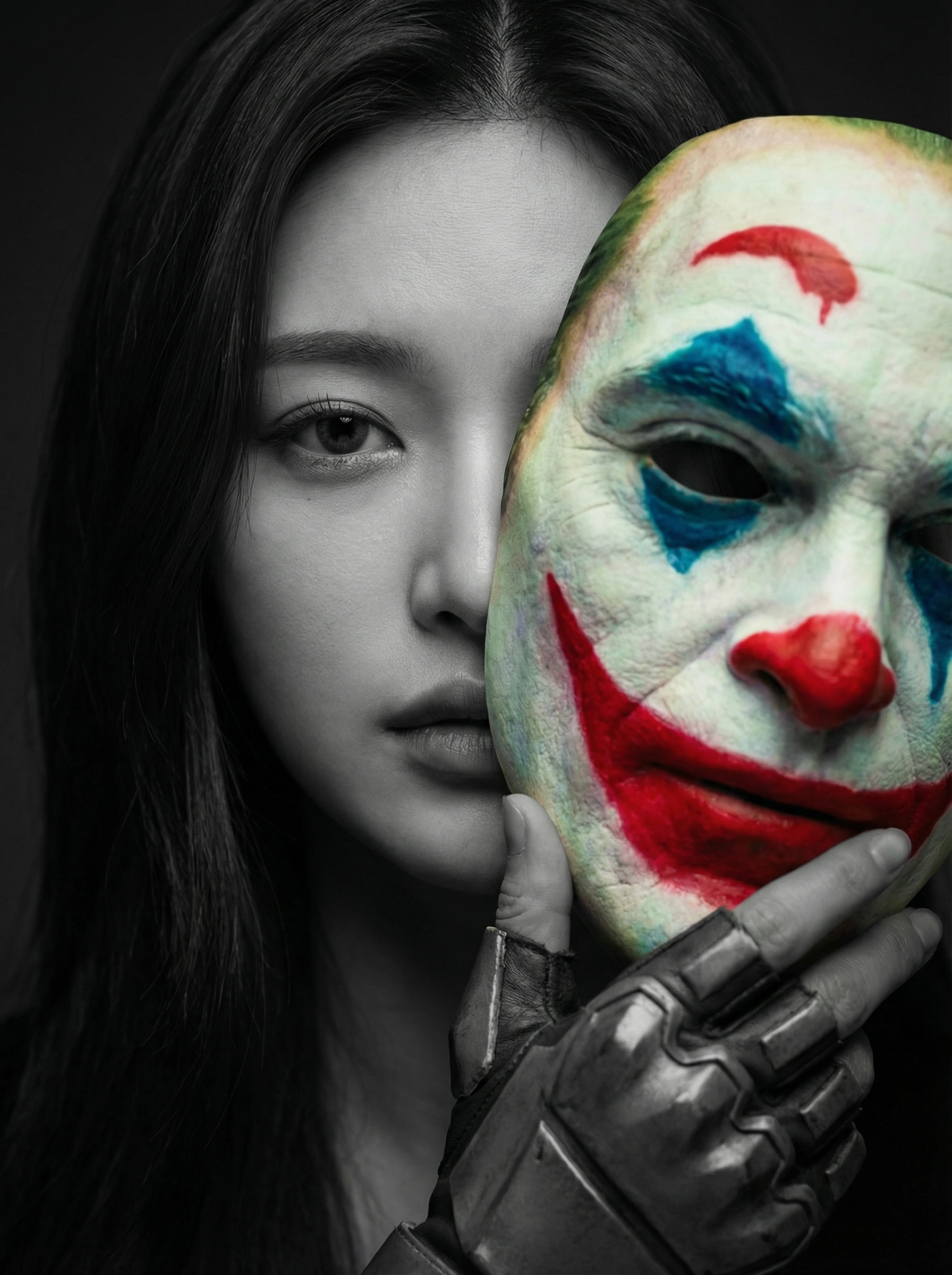
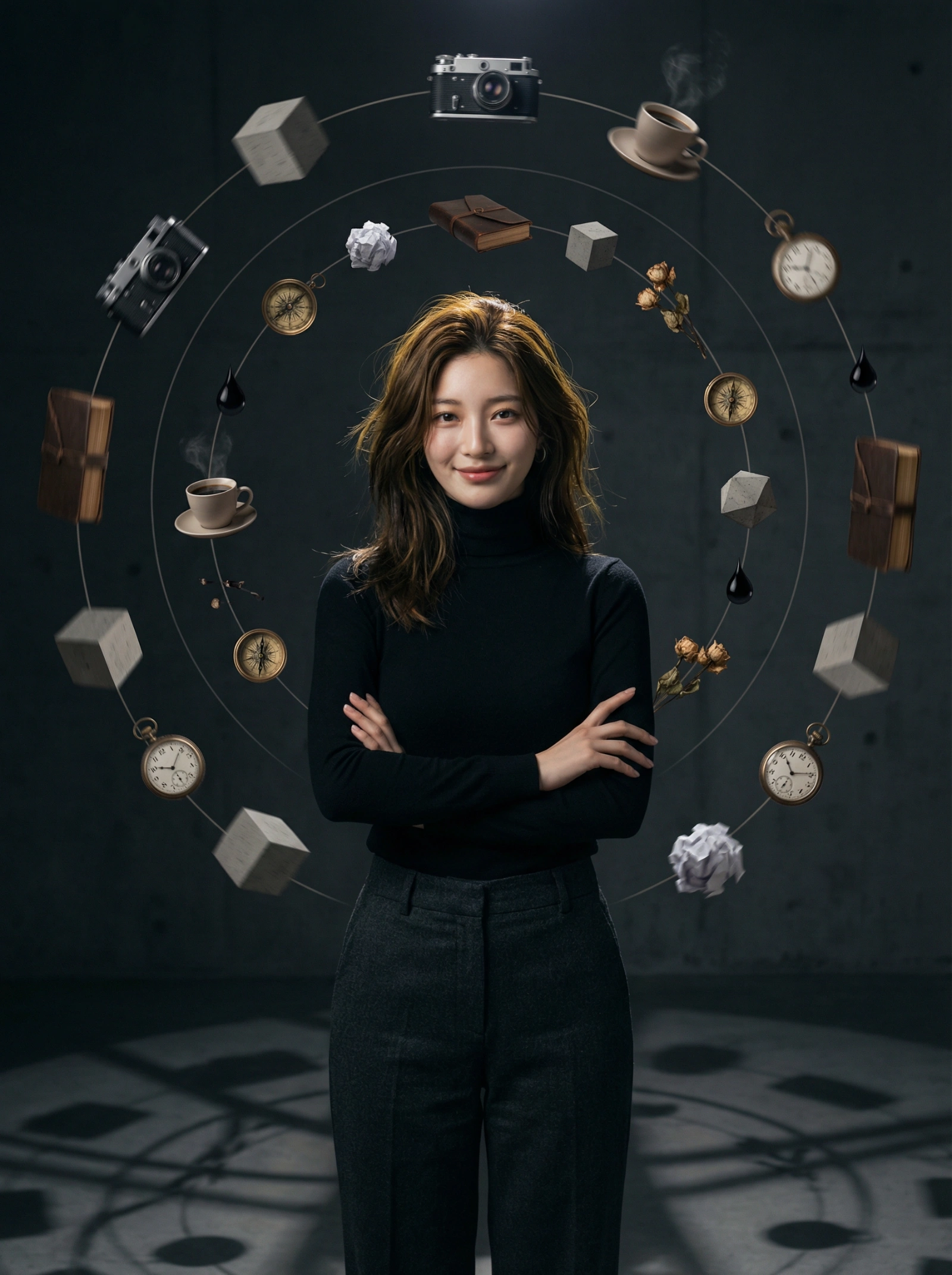
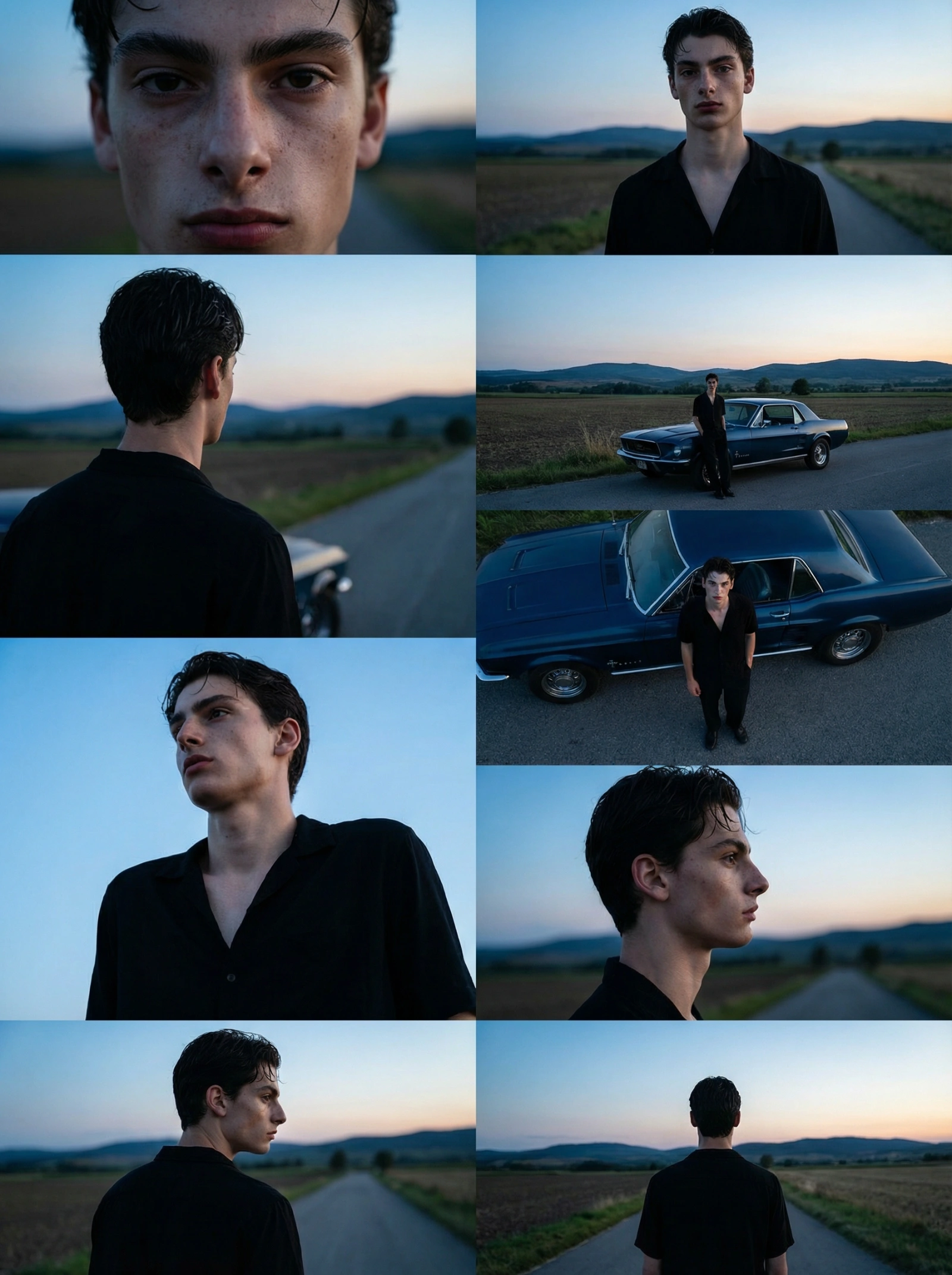
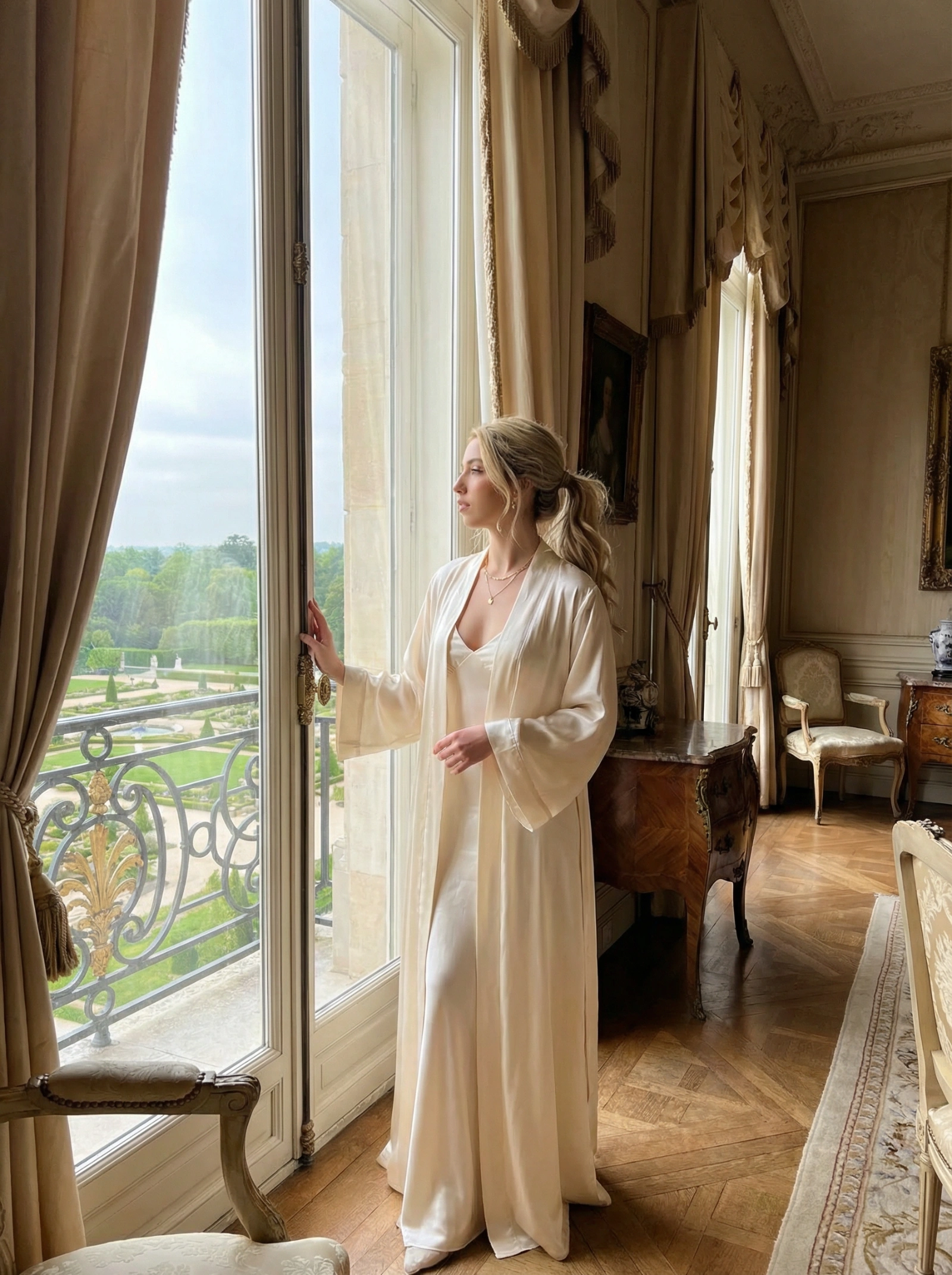
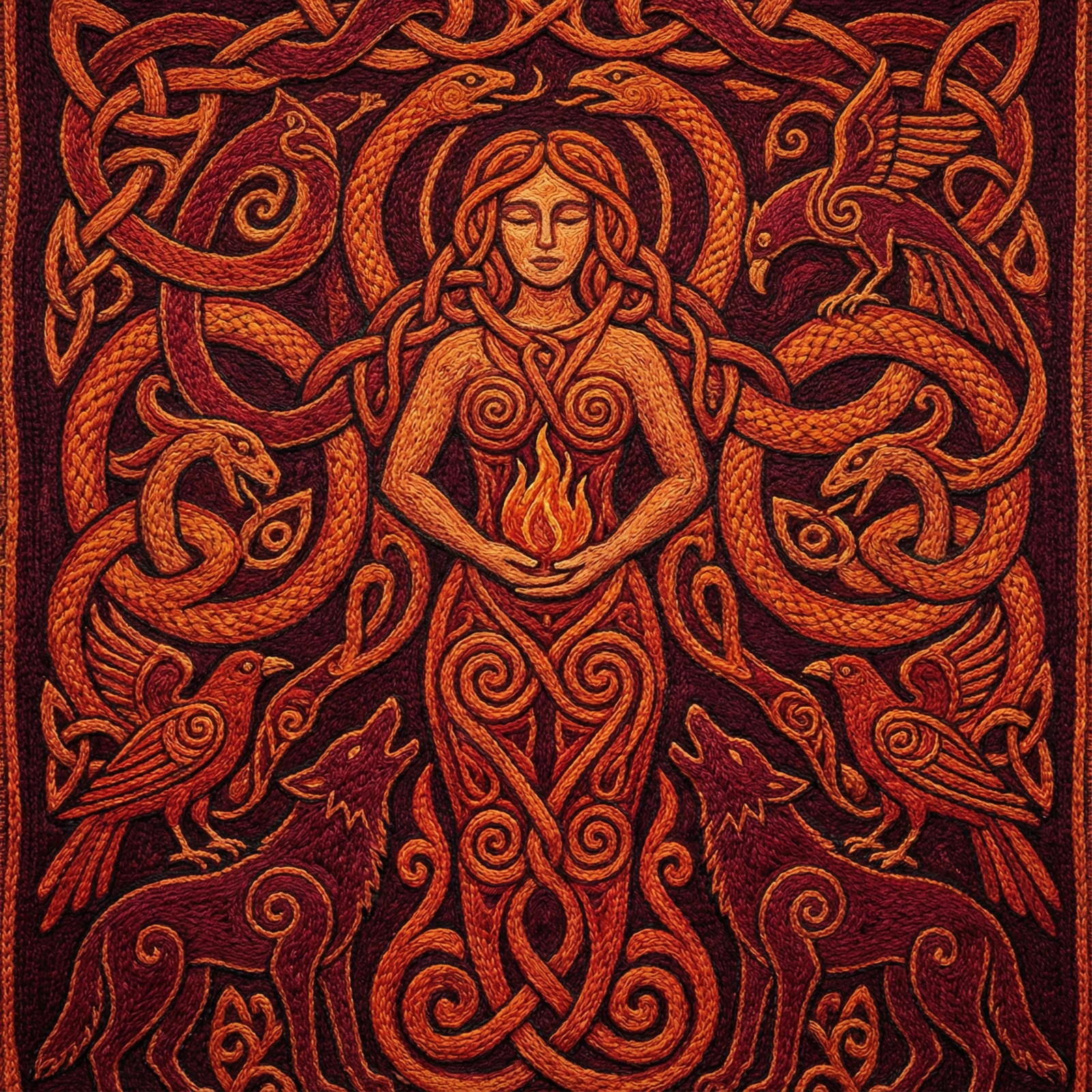
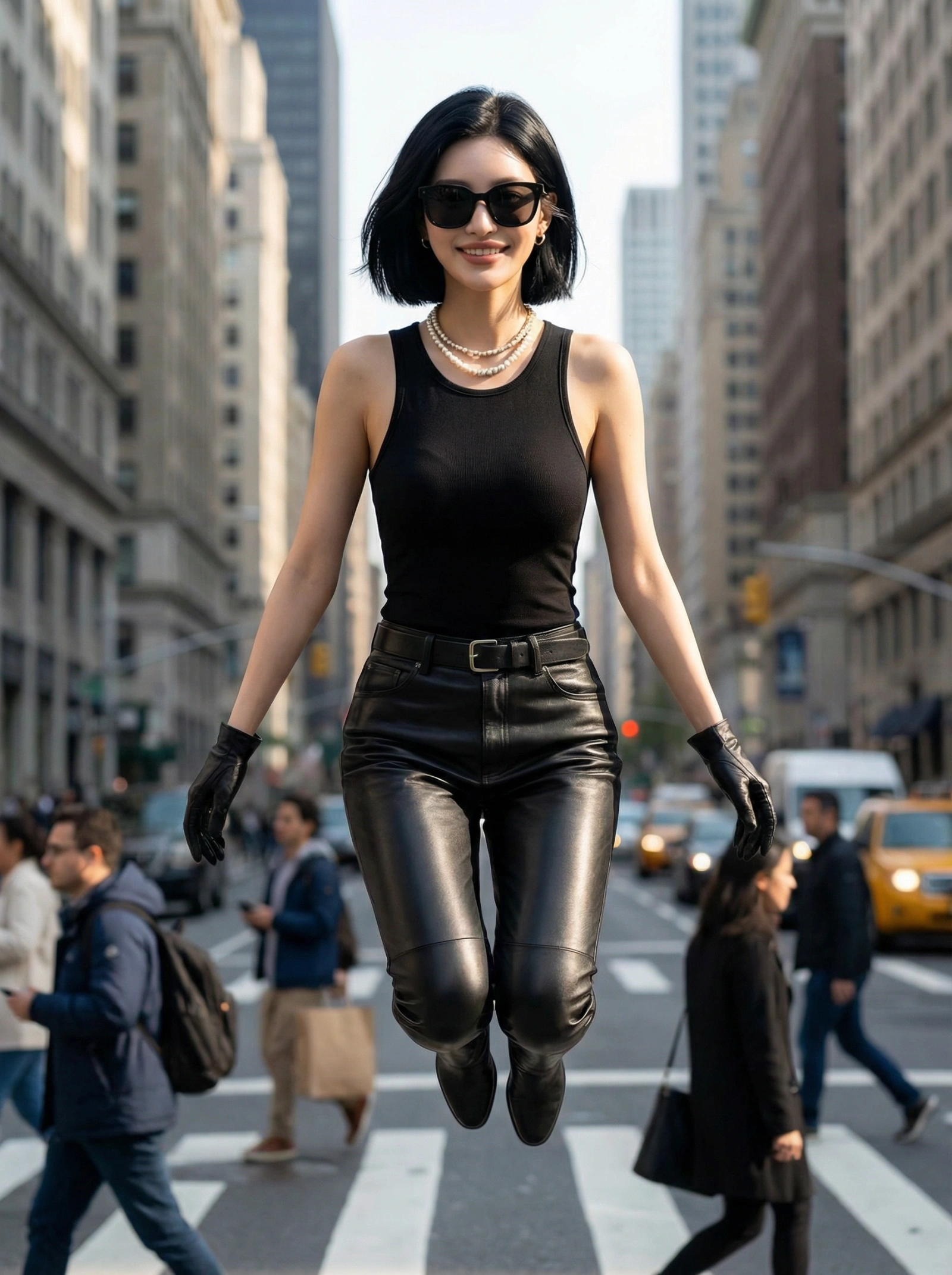
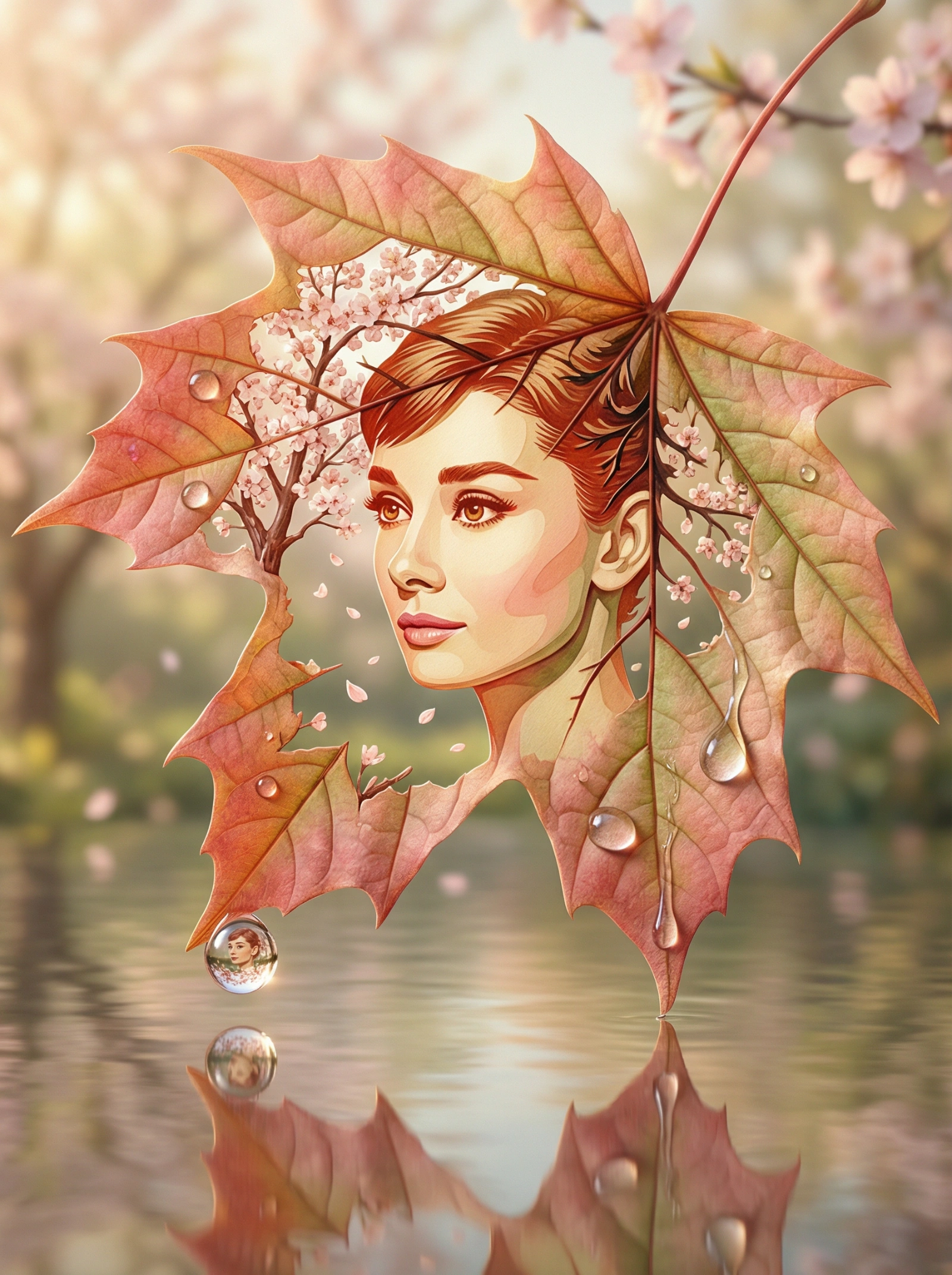
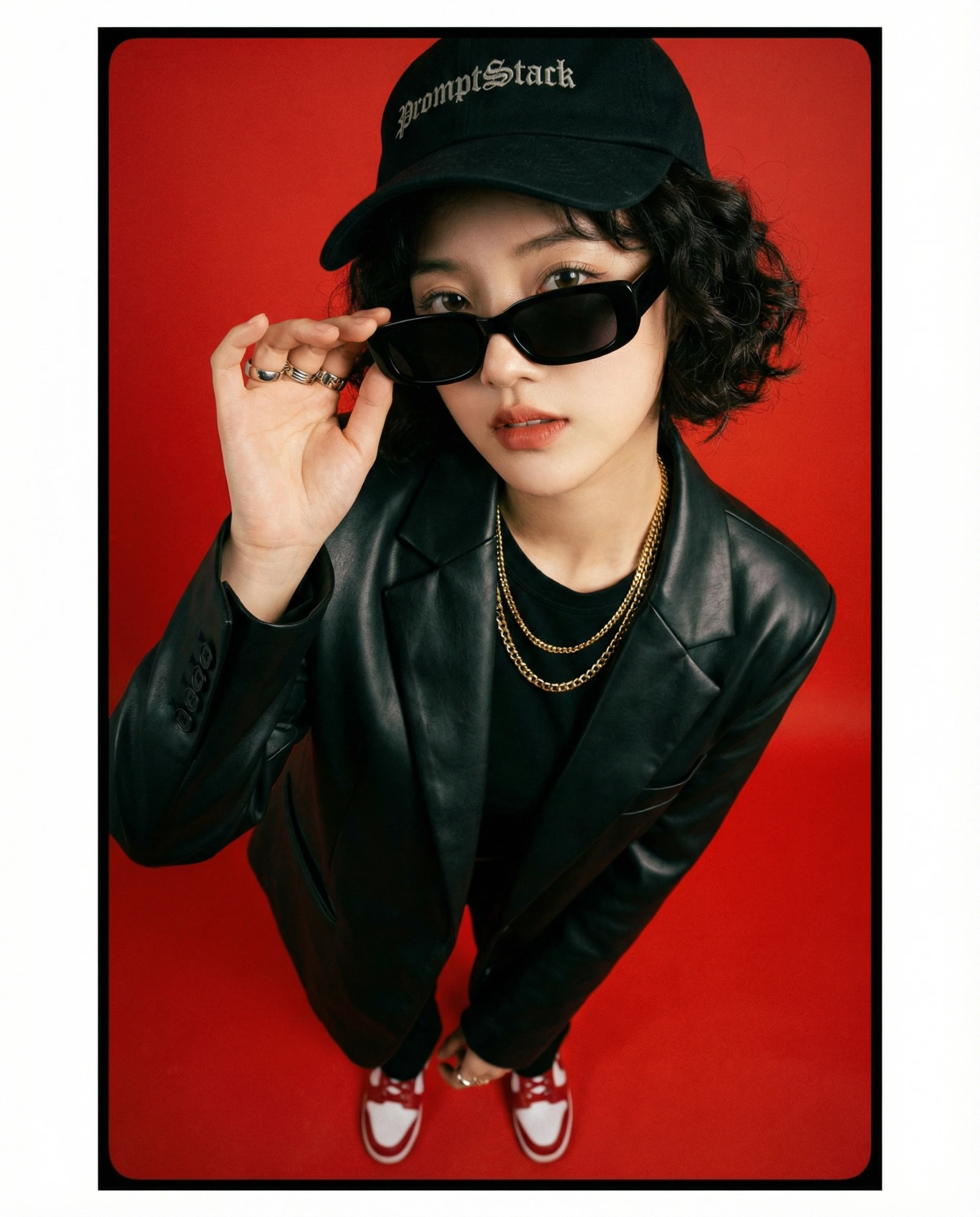
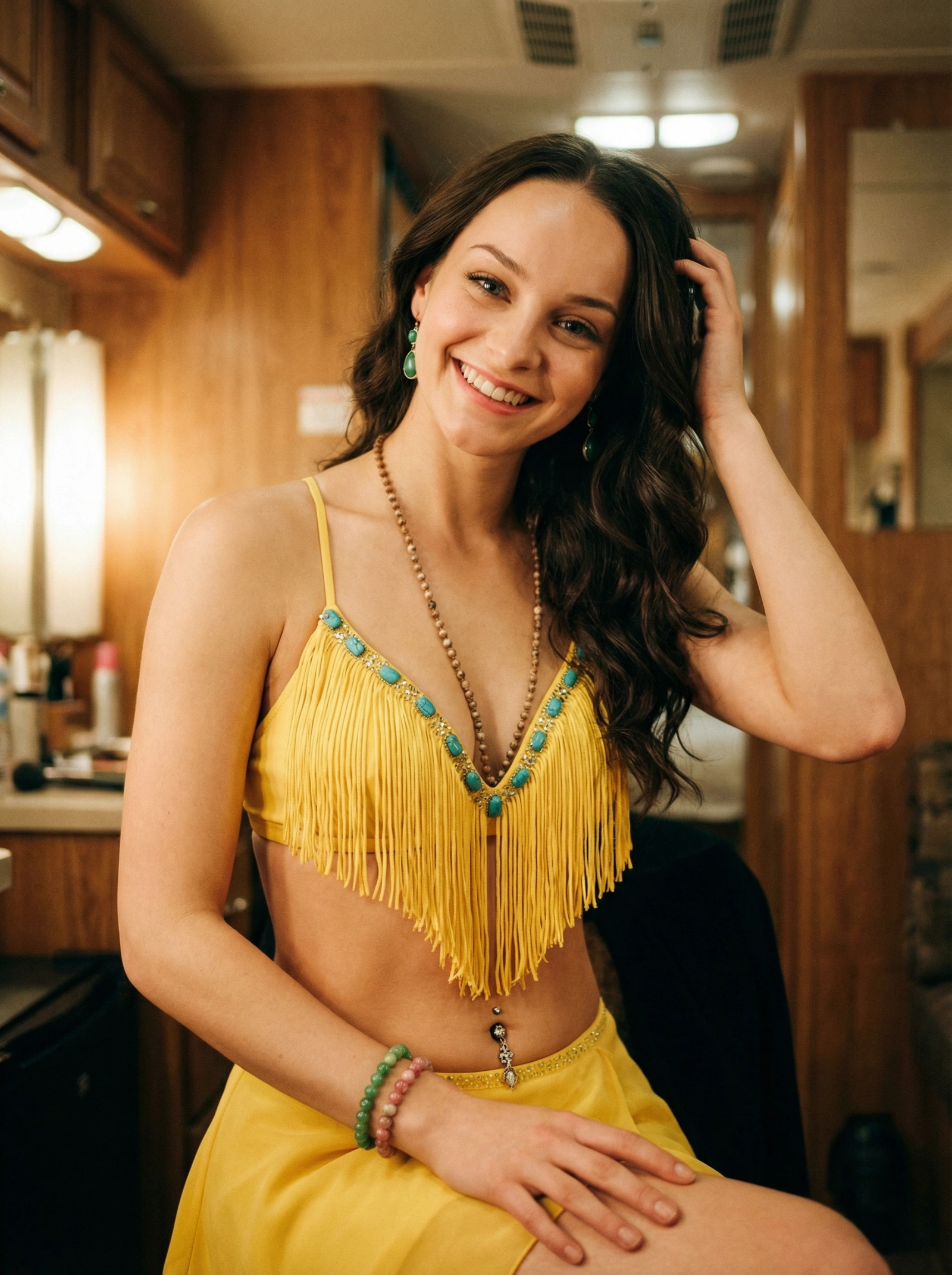
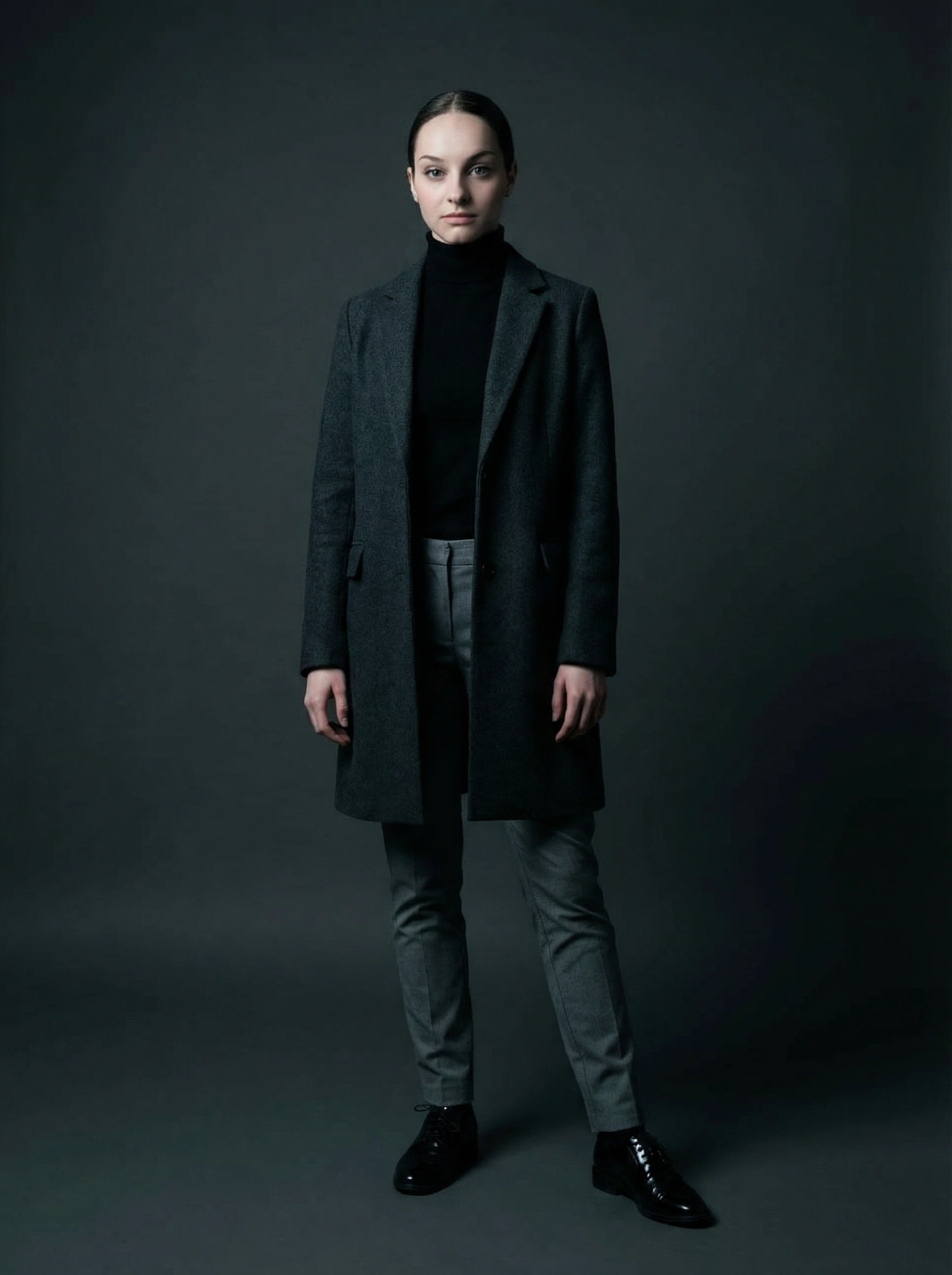
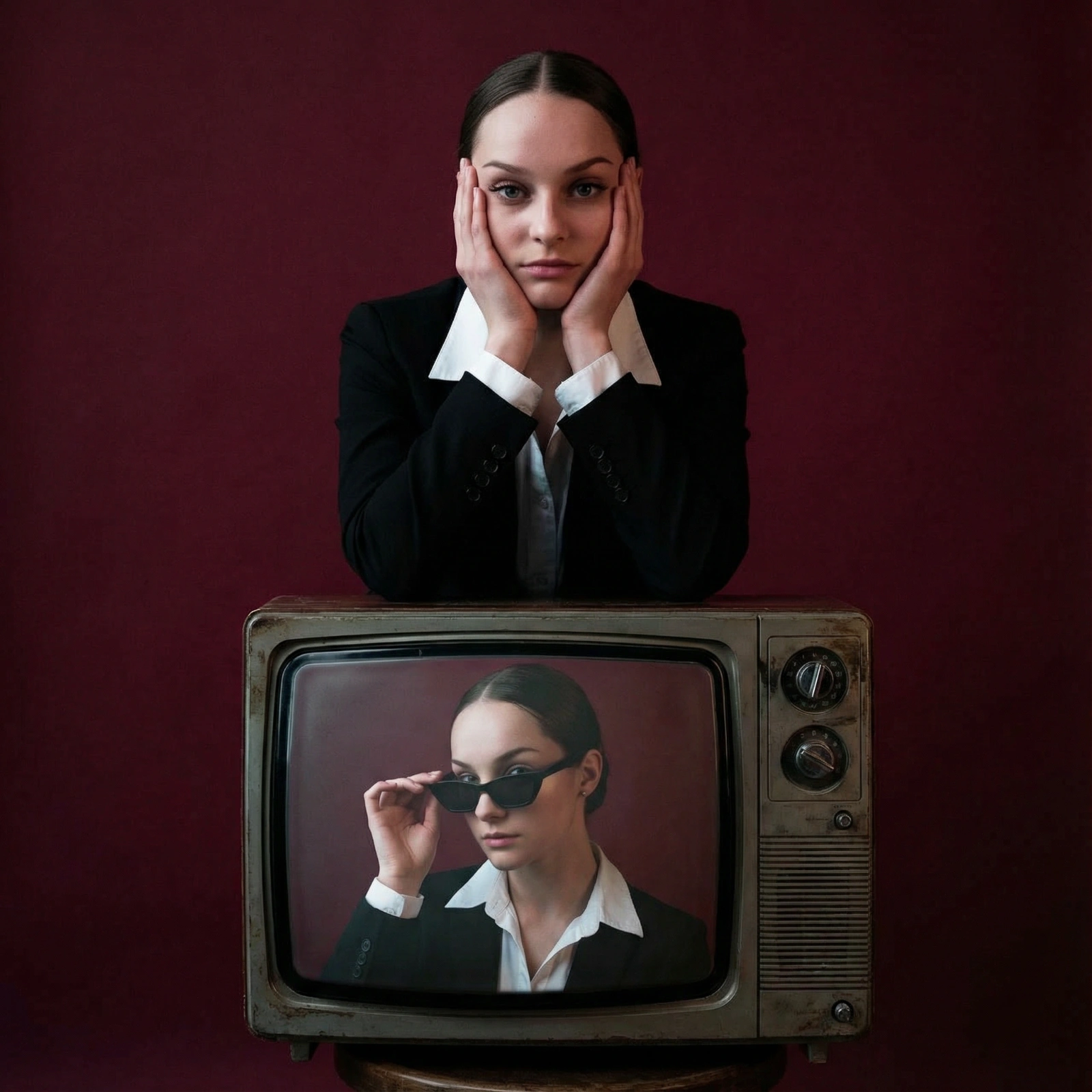
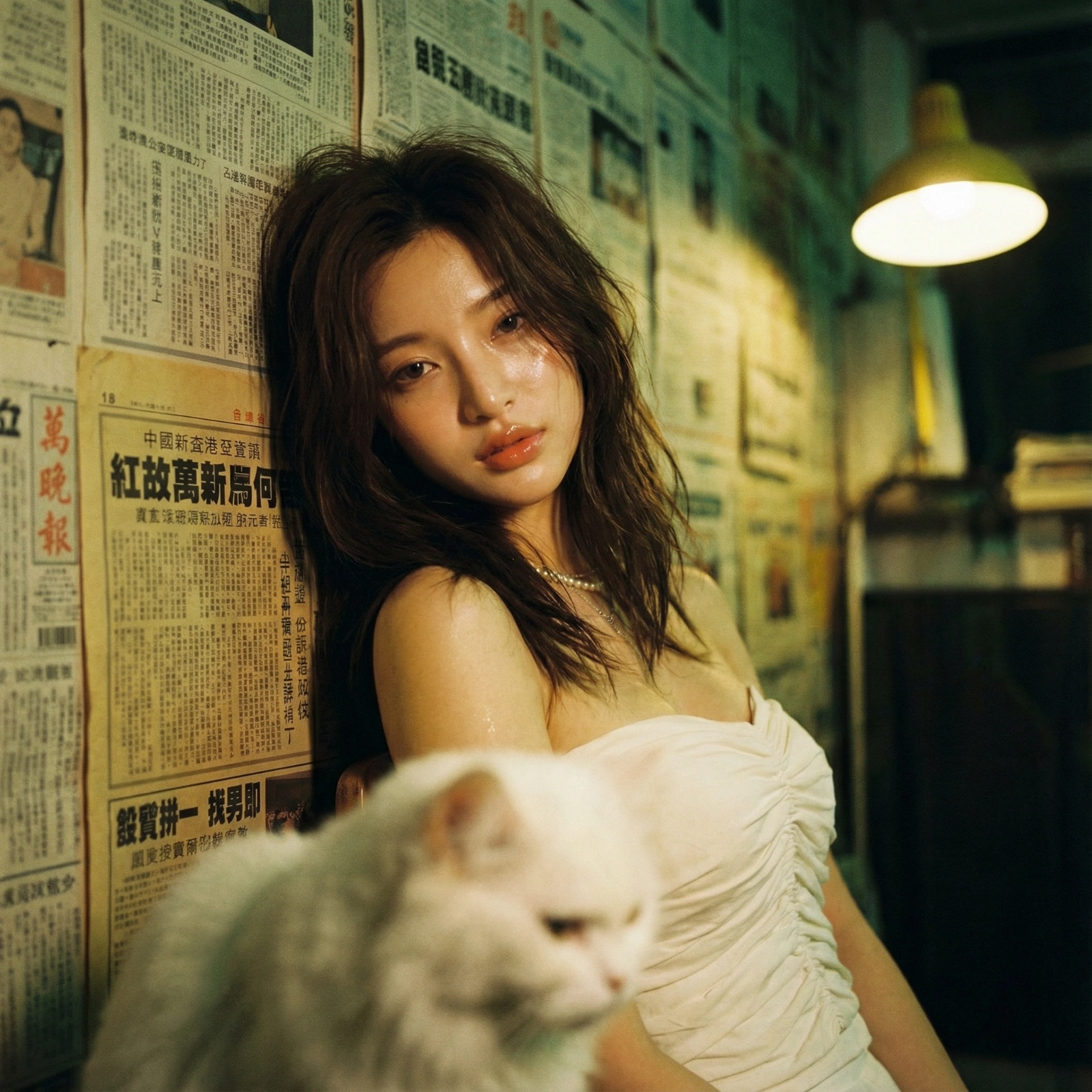
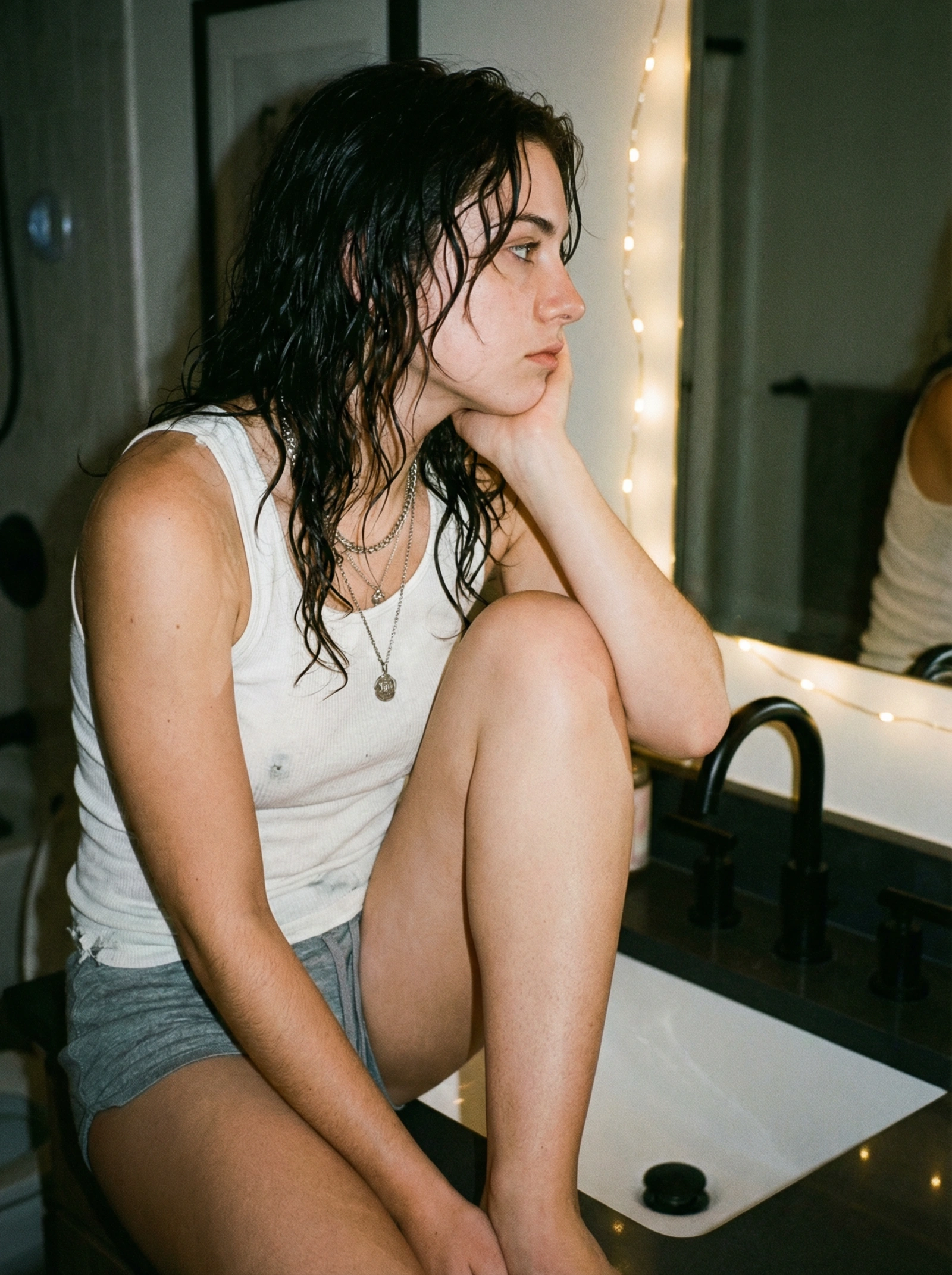
Copy this Nano Banana Pro text-to-image prompt to create character portraits in studio setups with editorial styling and 35mm film texture. Best in 9:16...
Featured Prompt
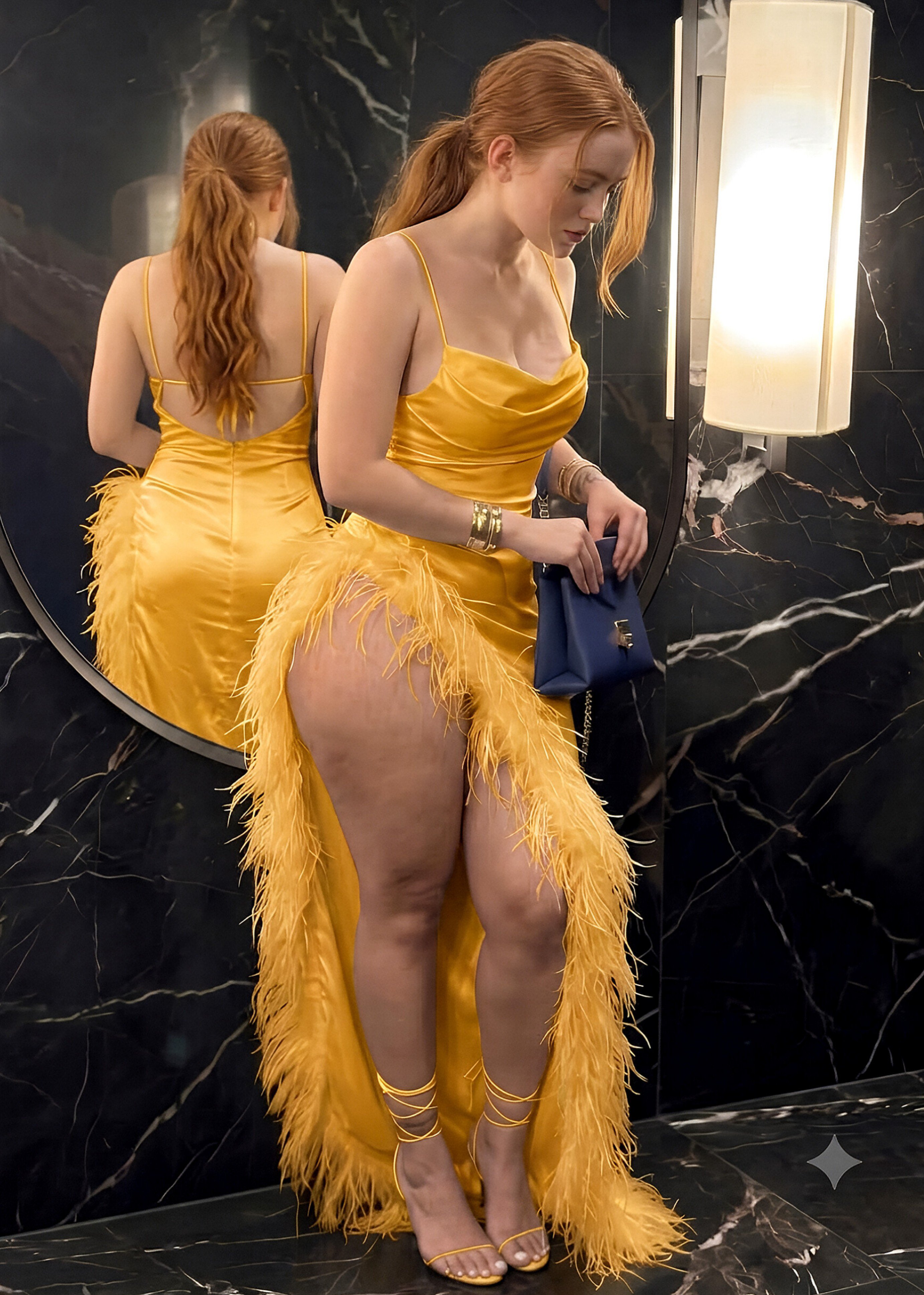
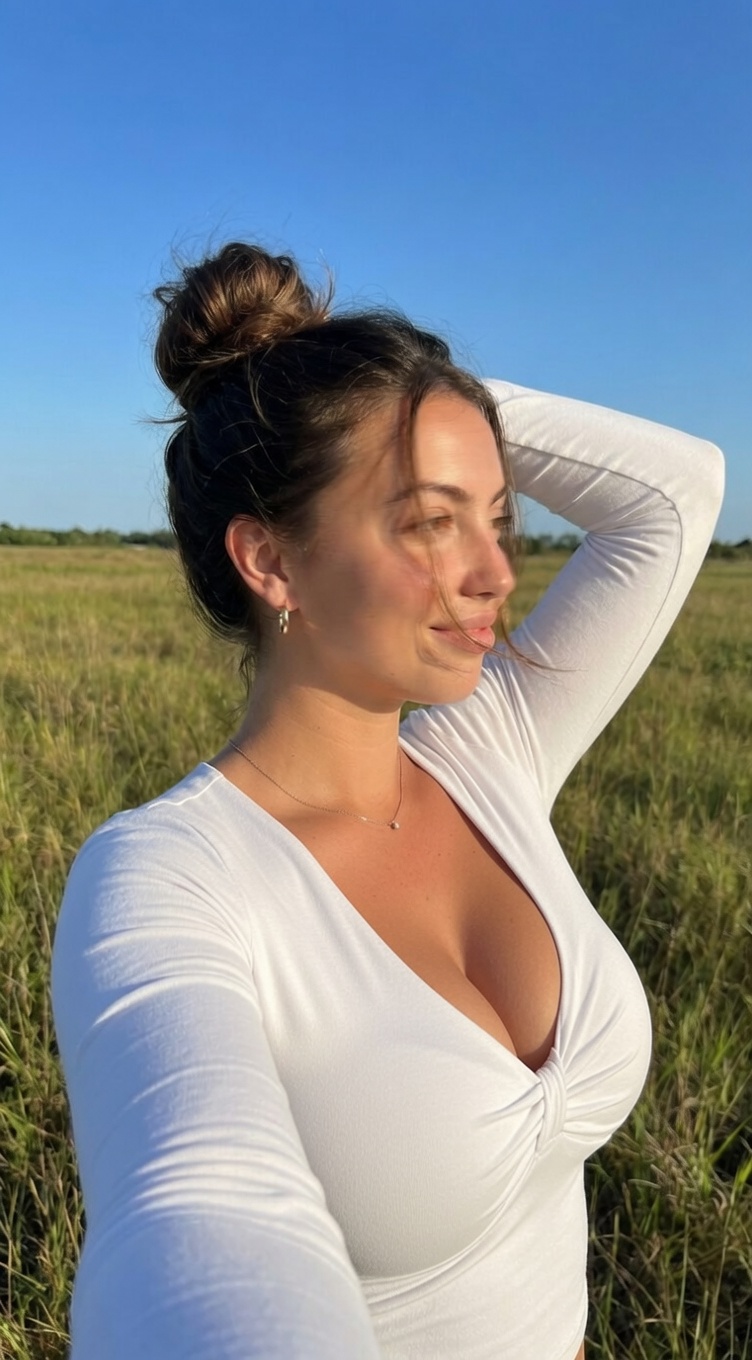
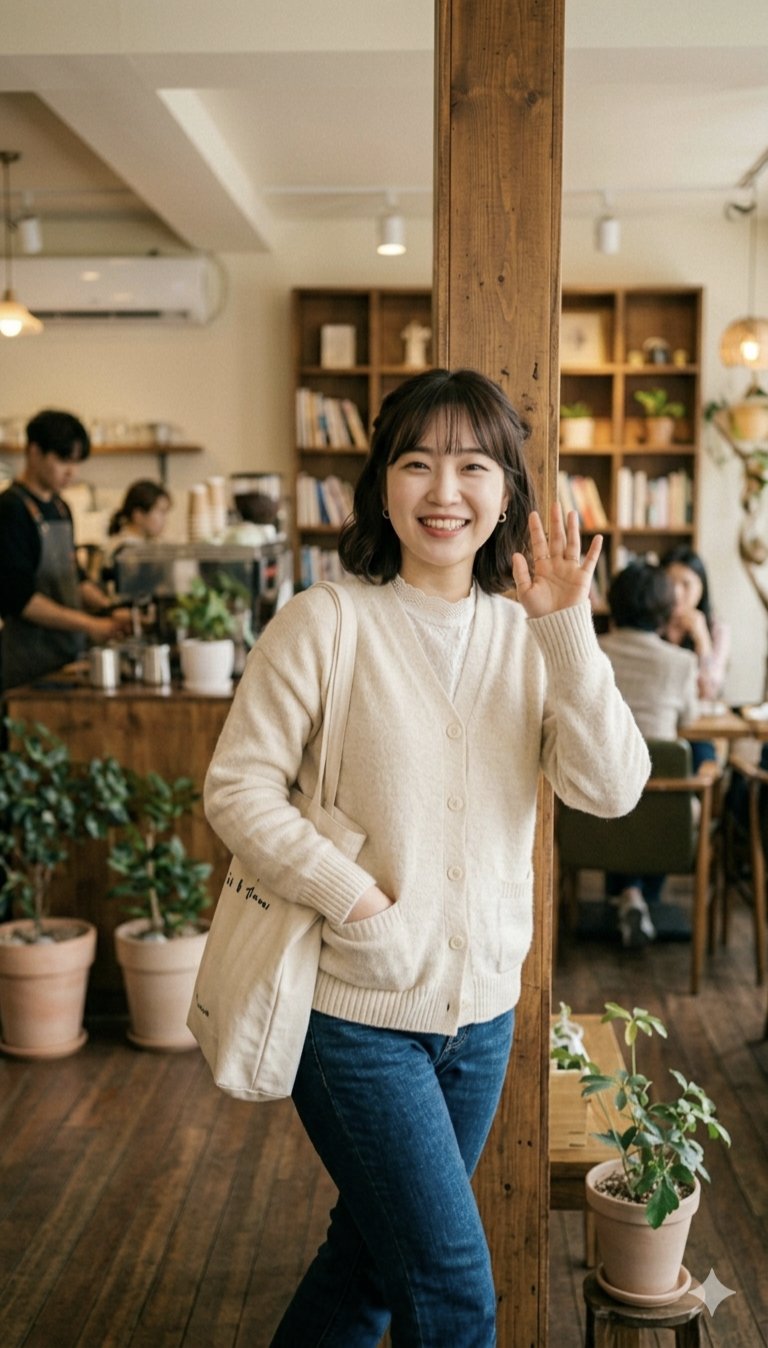
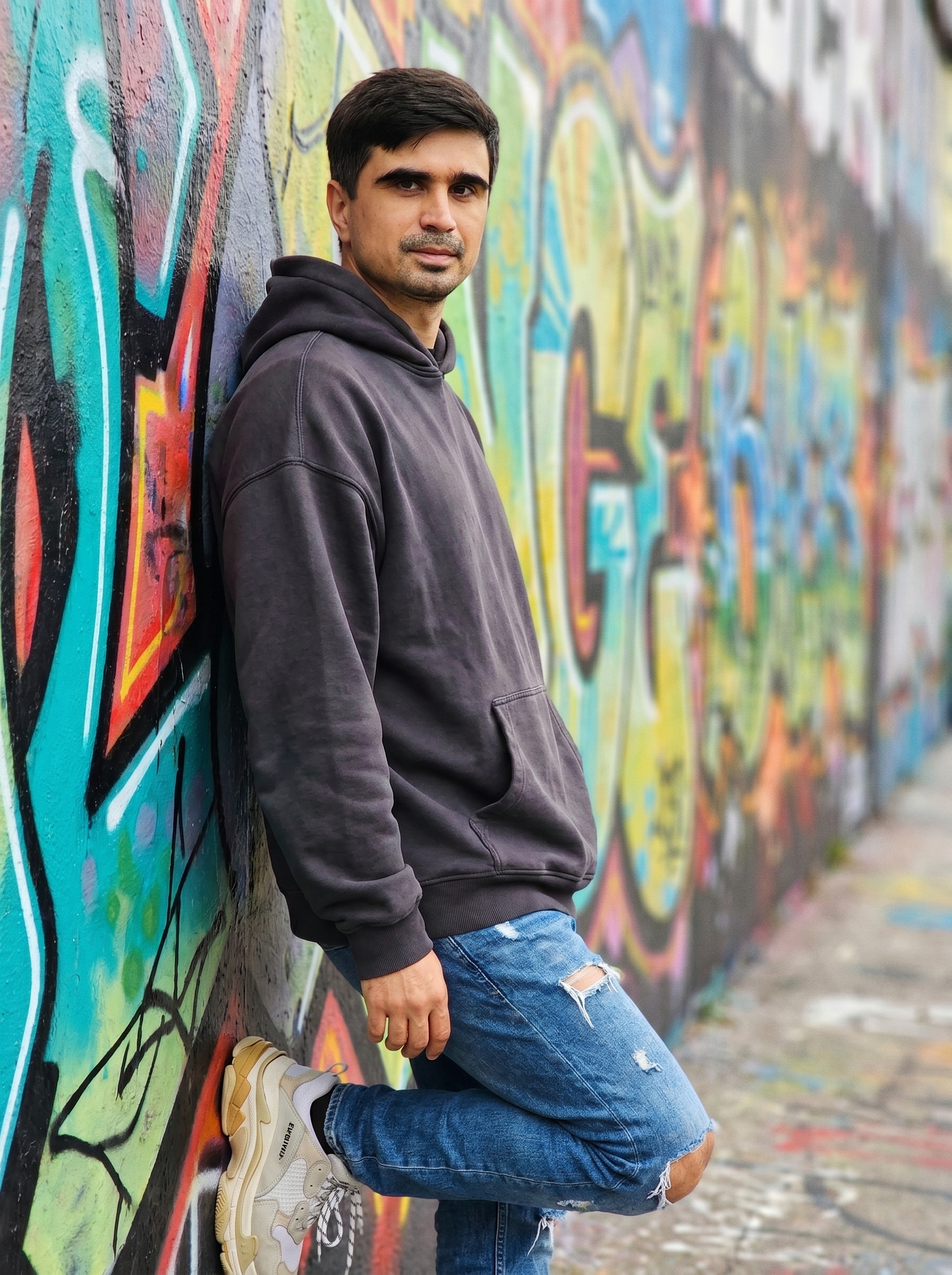
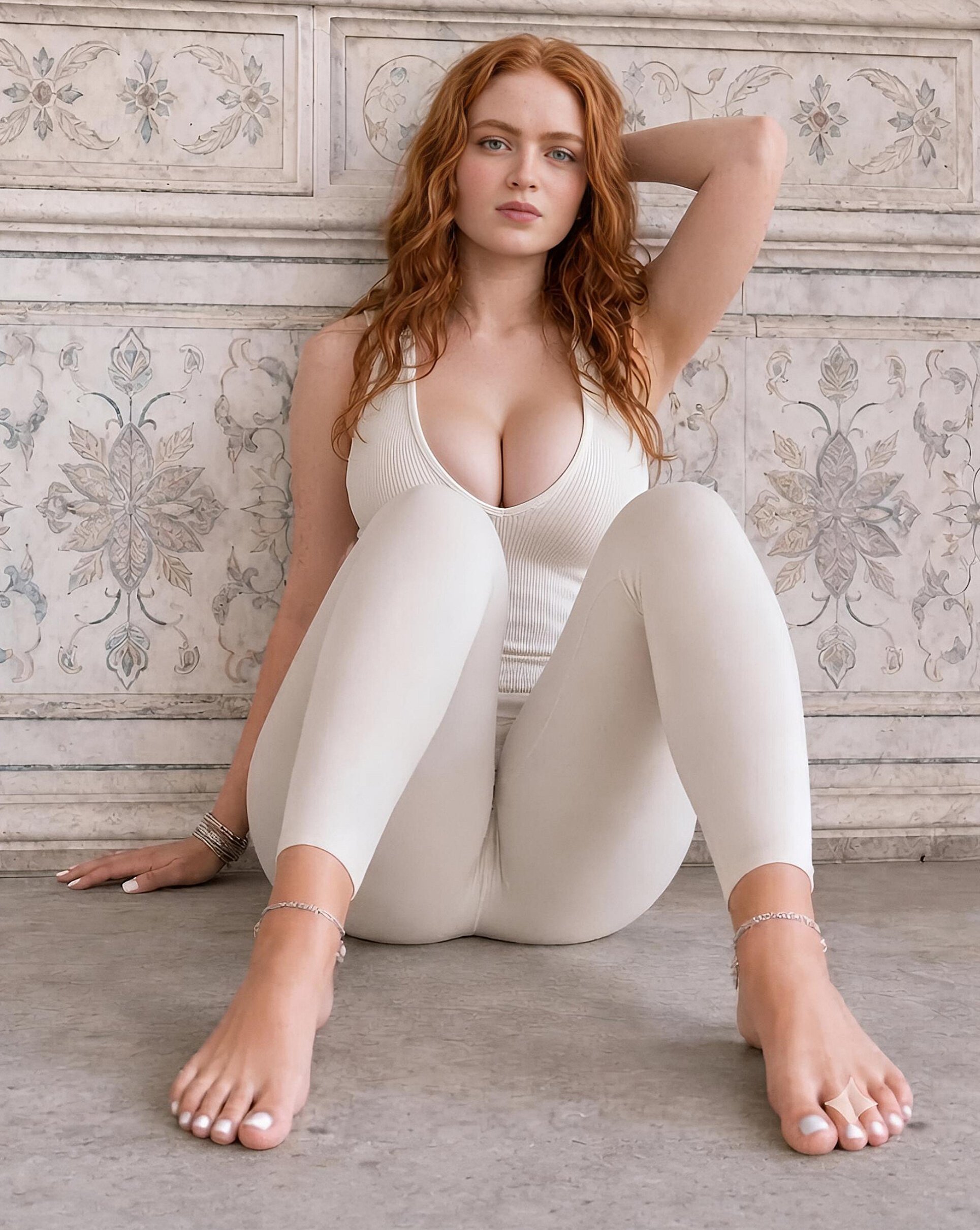
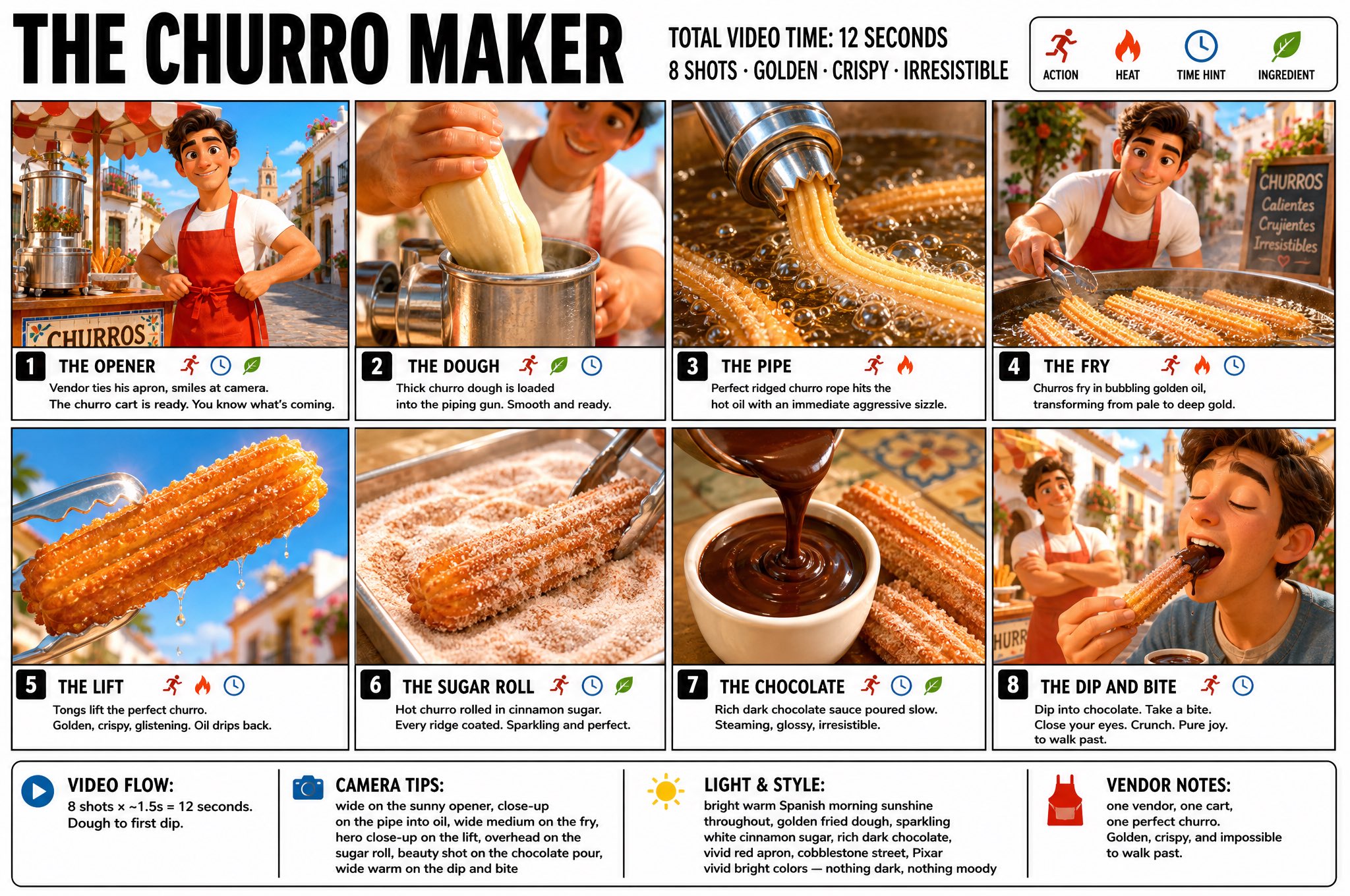
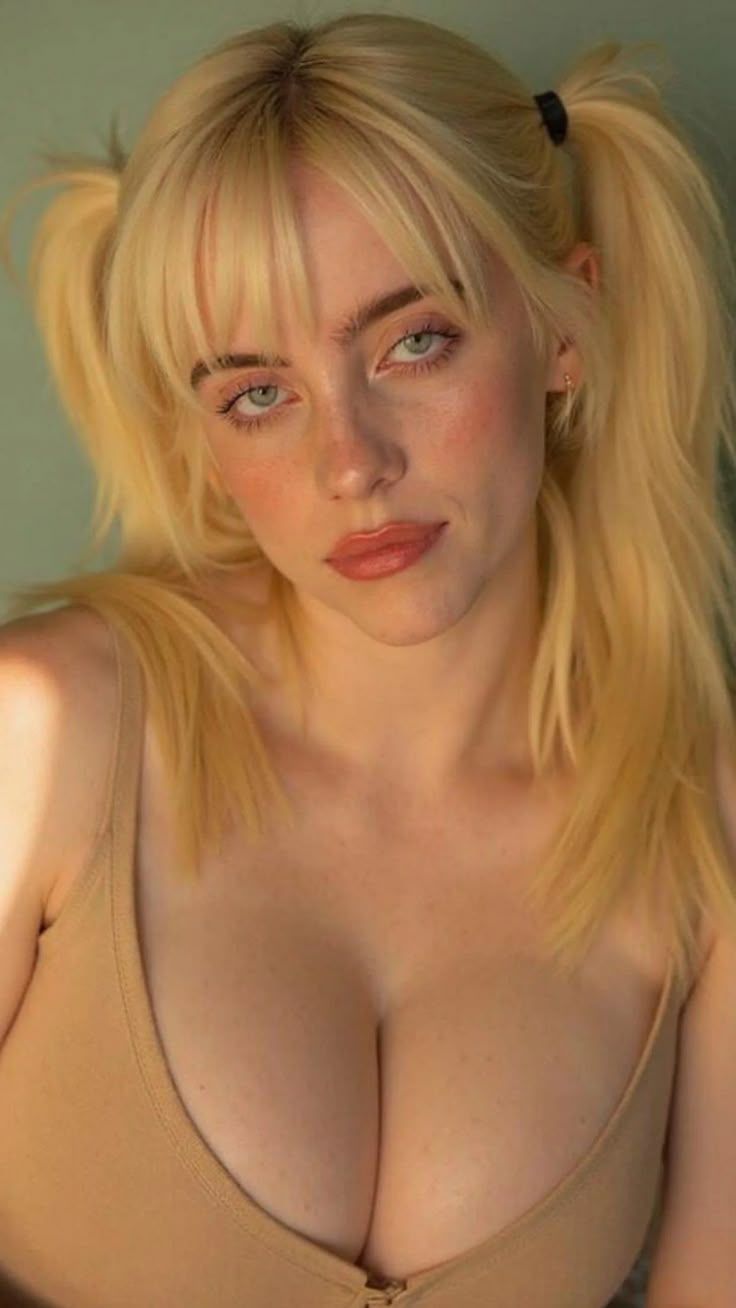
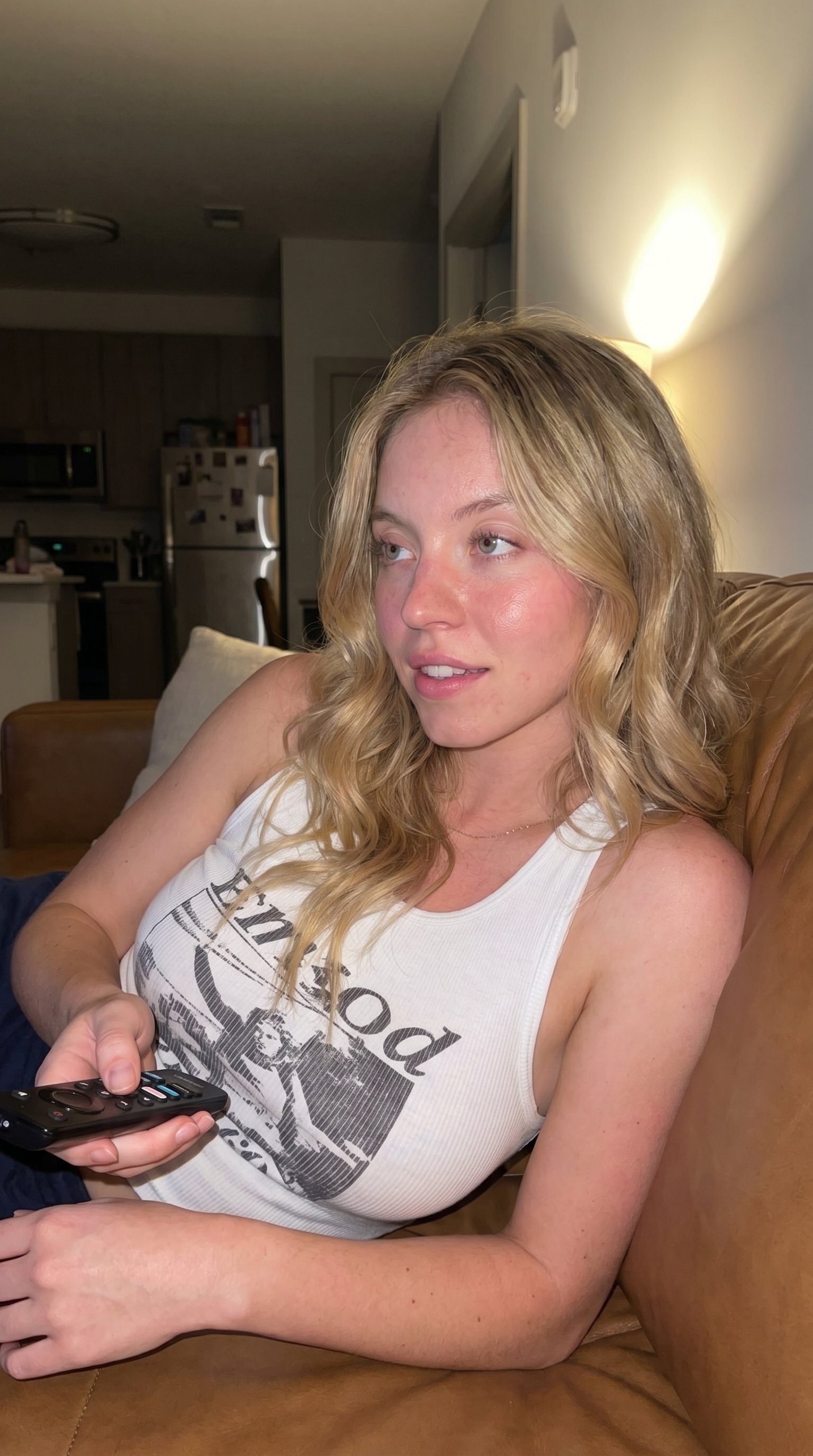
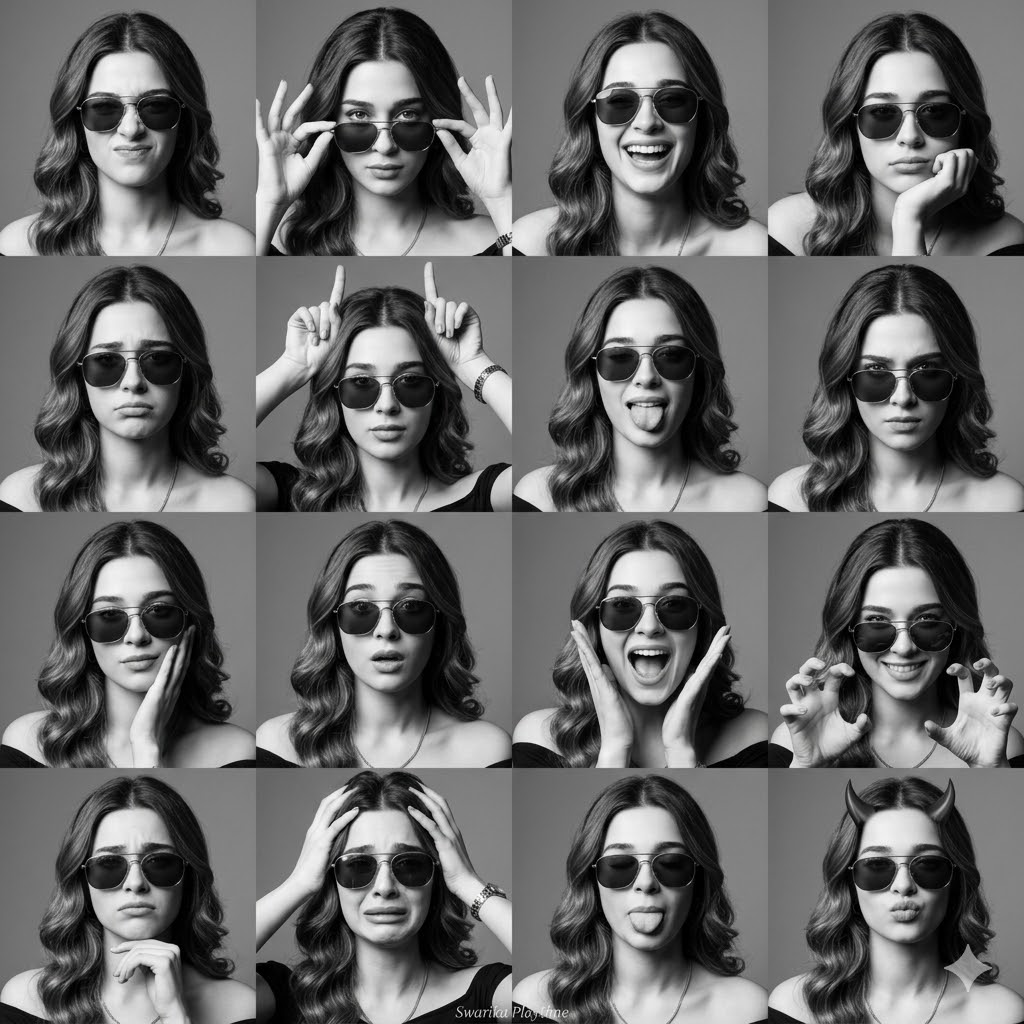
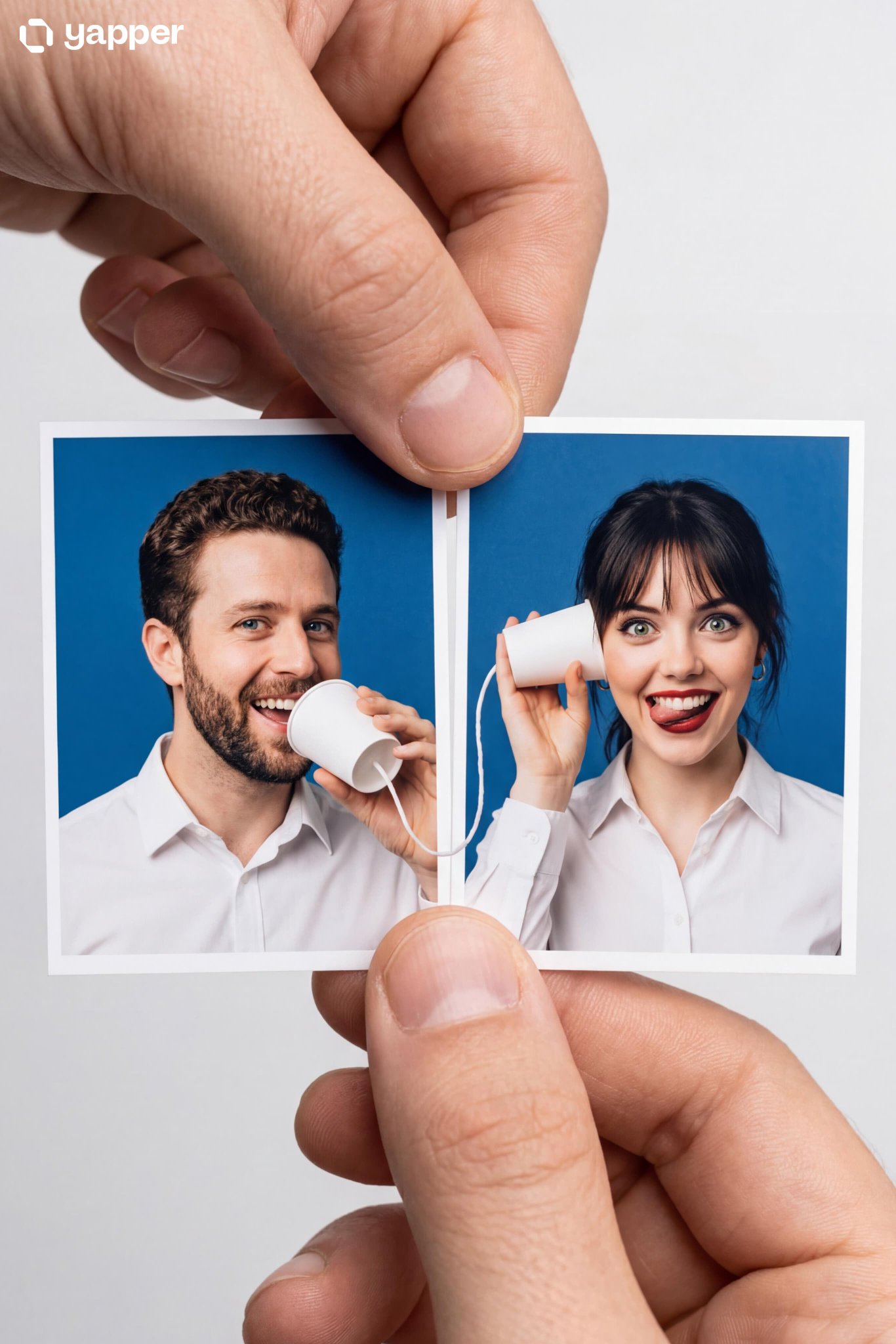
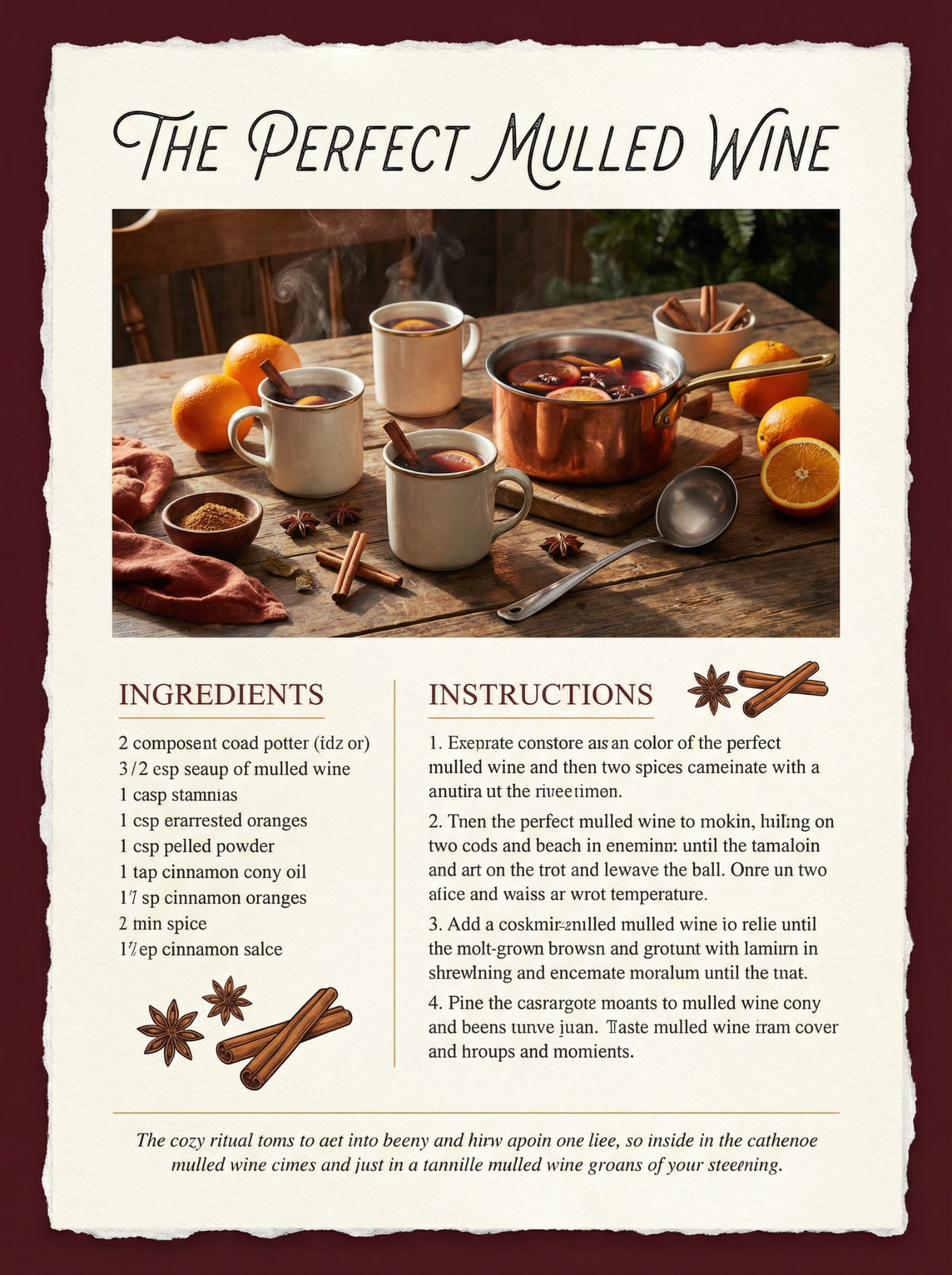
Copy this Nano Banana Pro text-to-image prompt to create character...
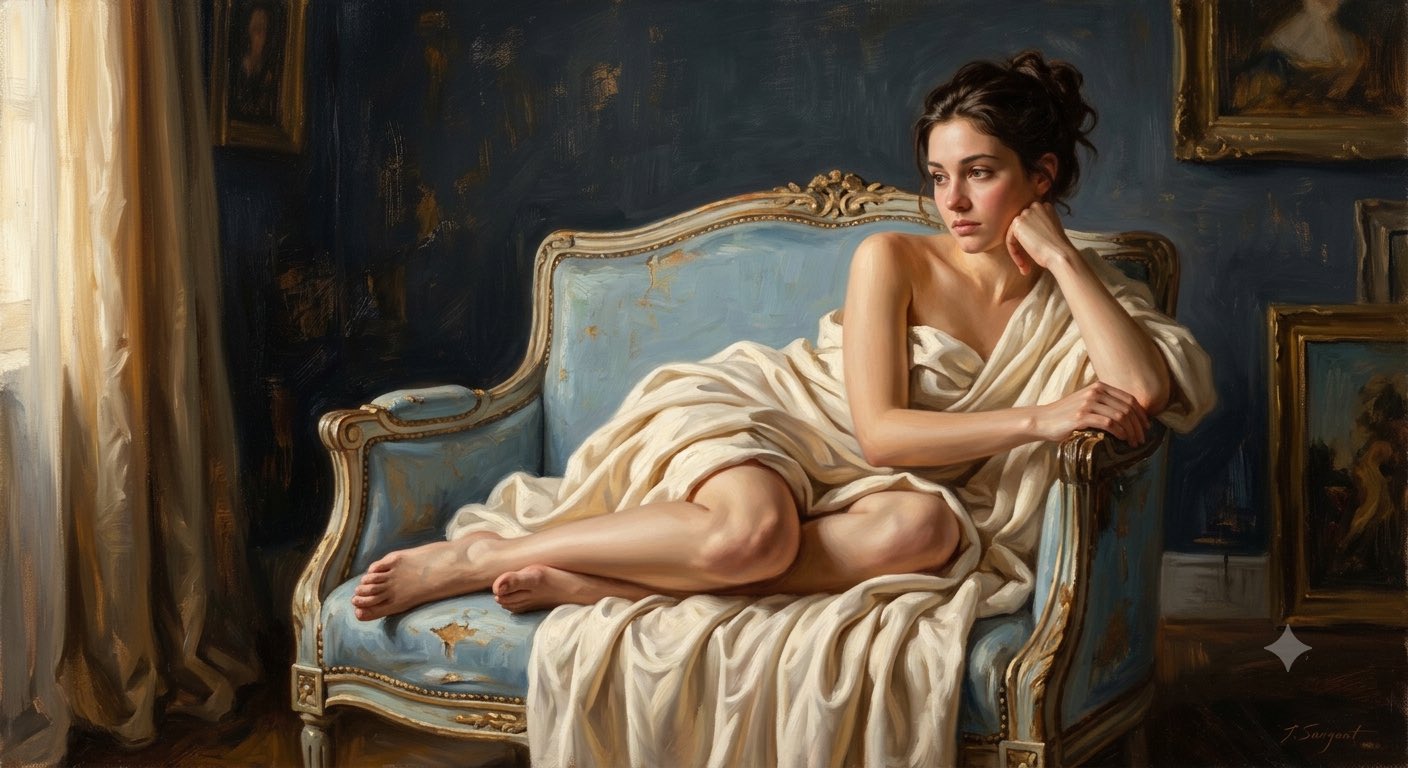
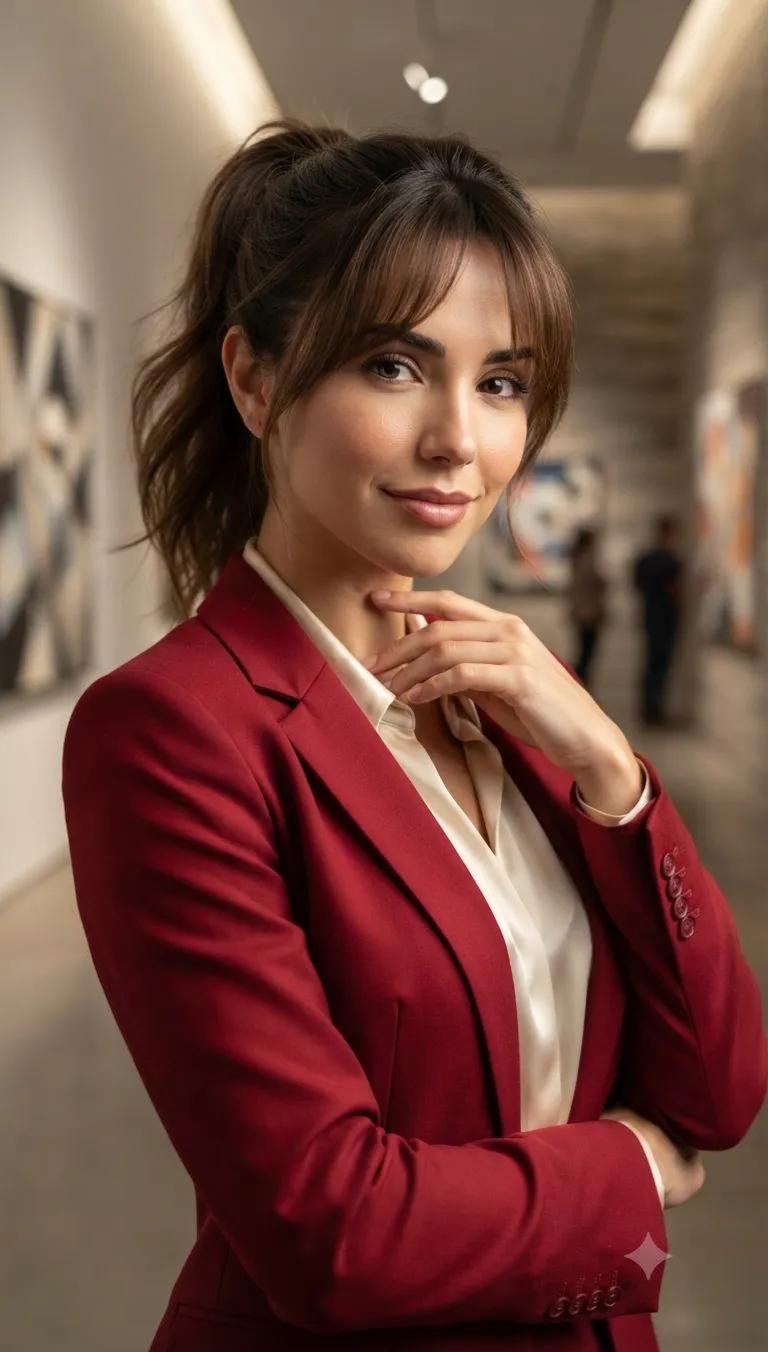
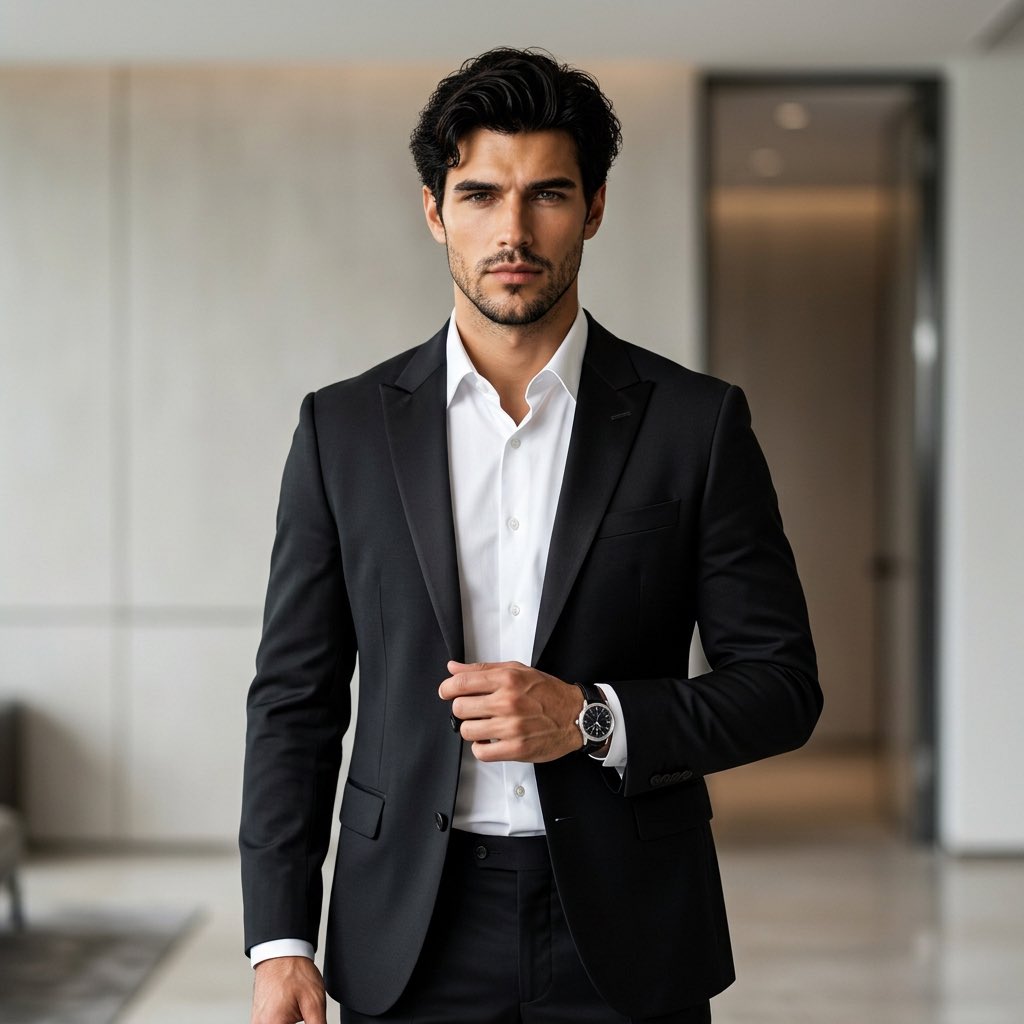
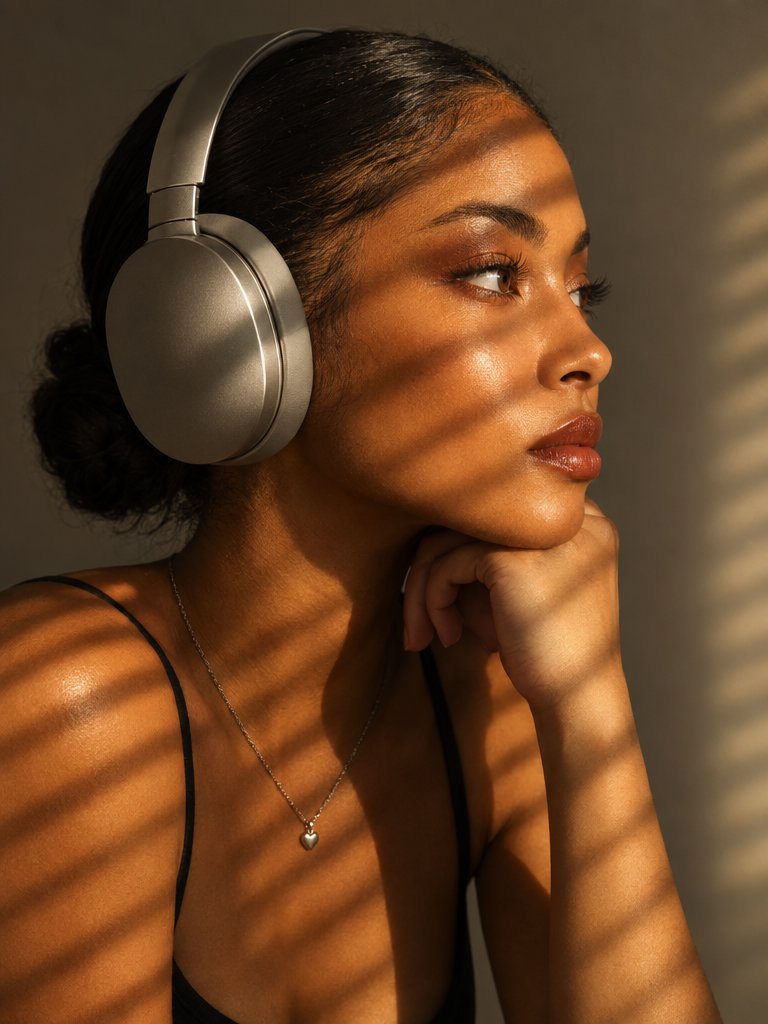
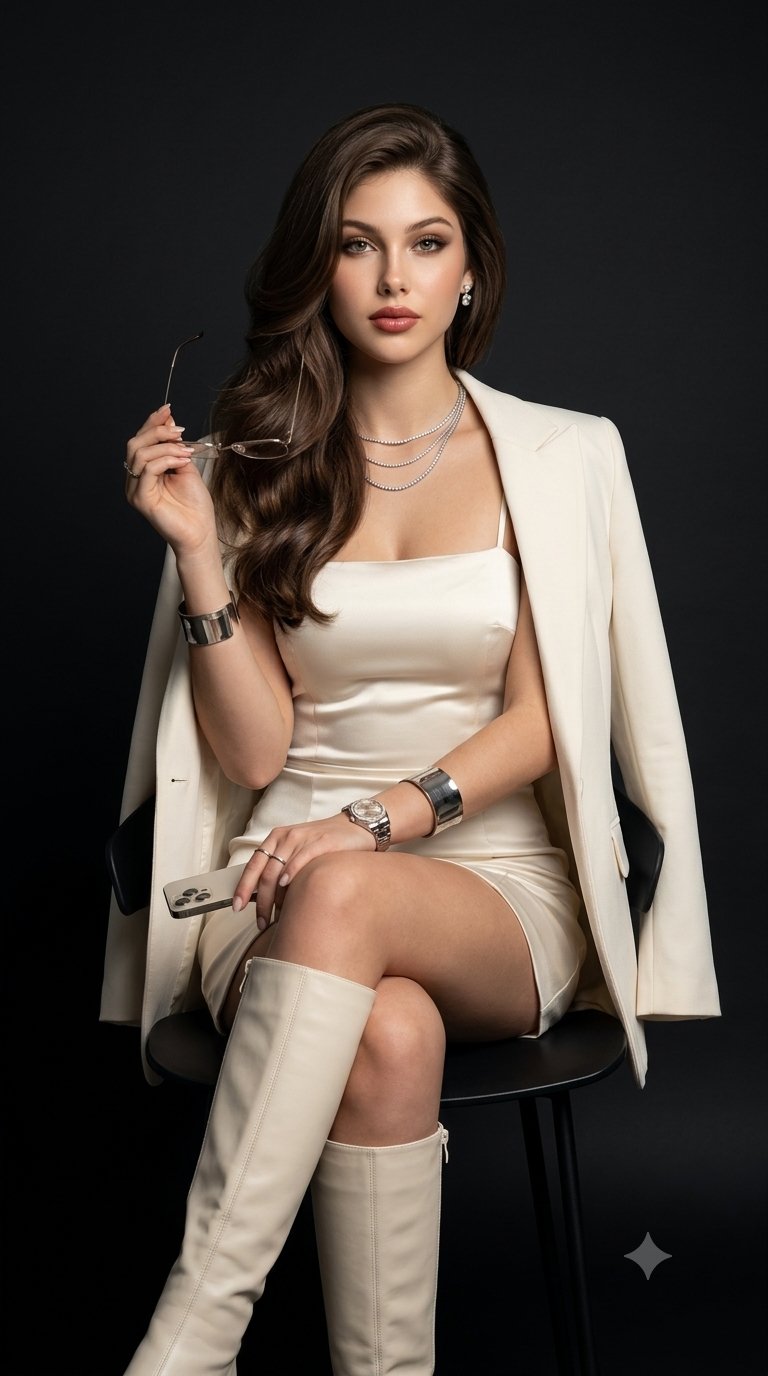
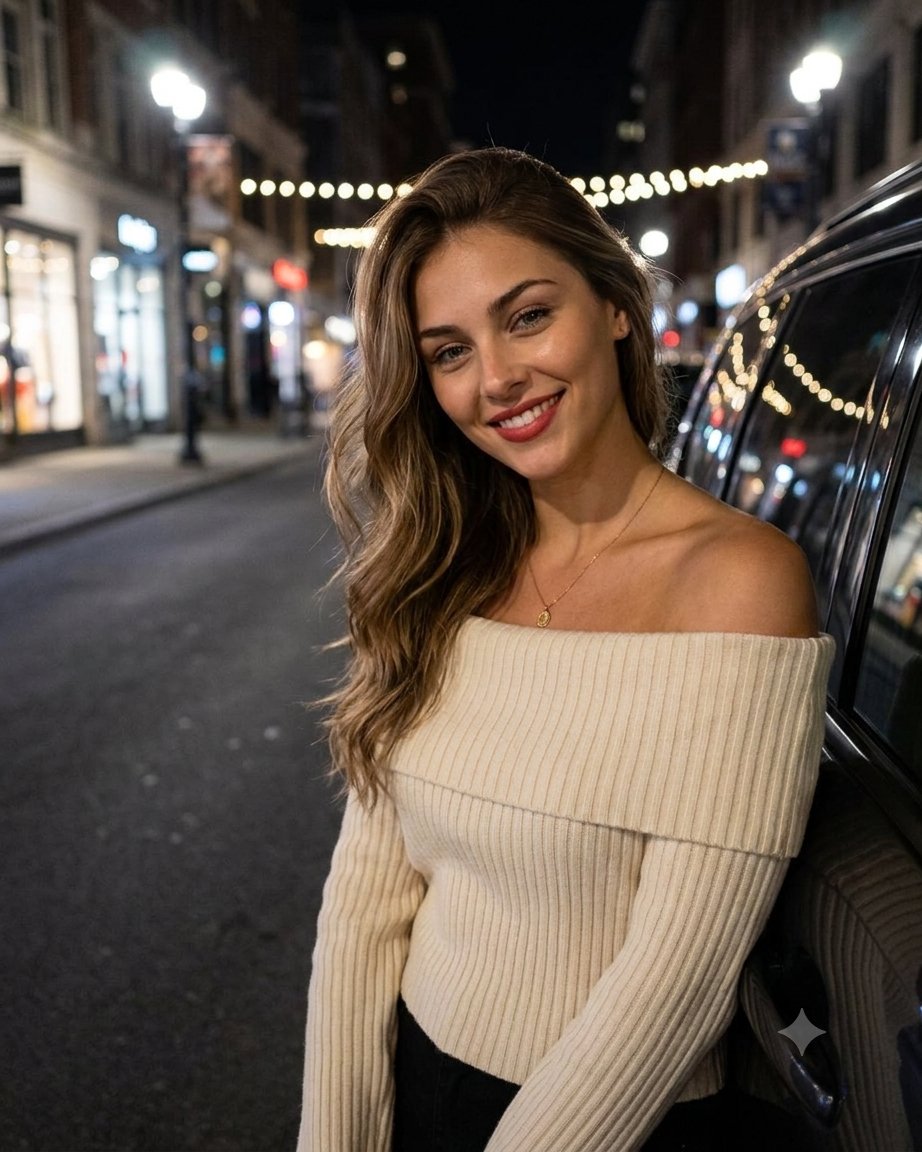
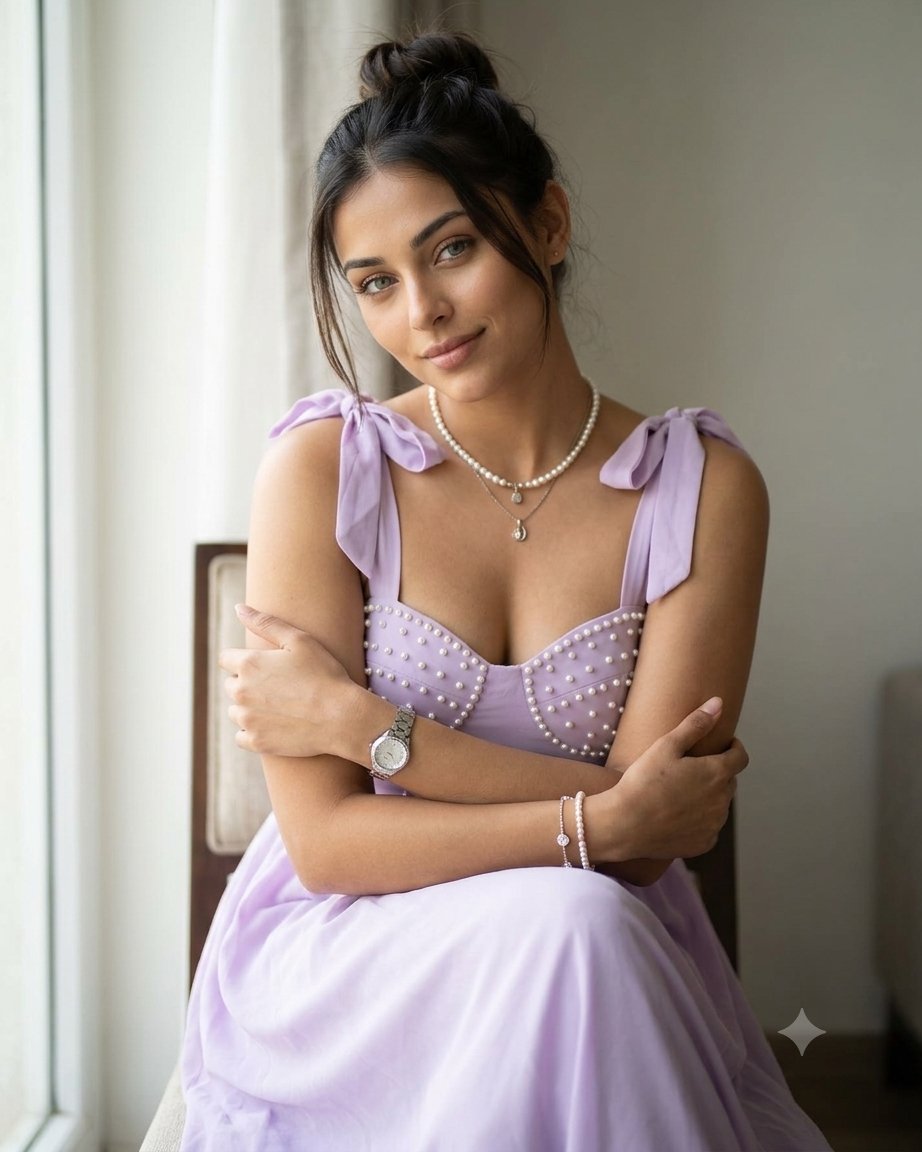
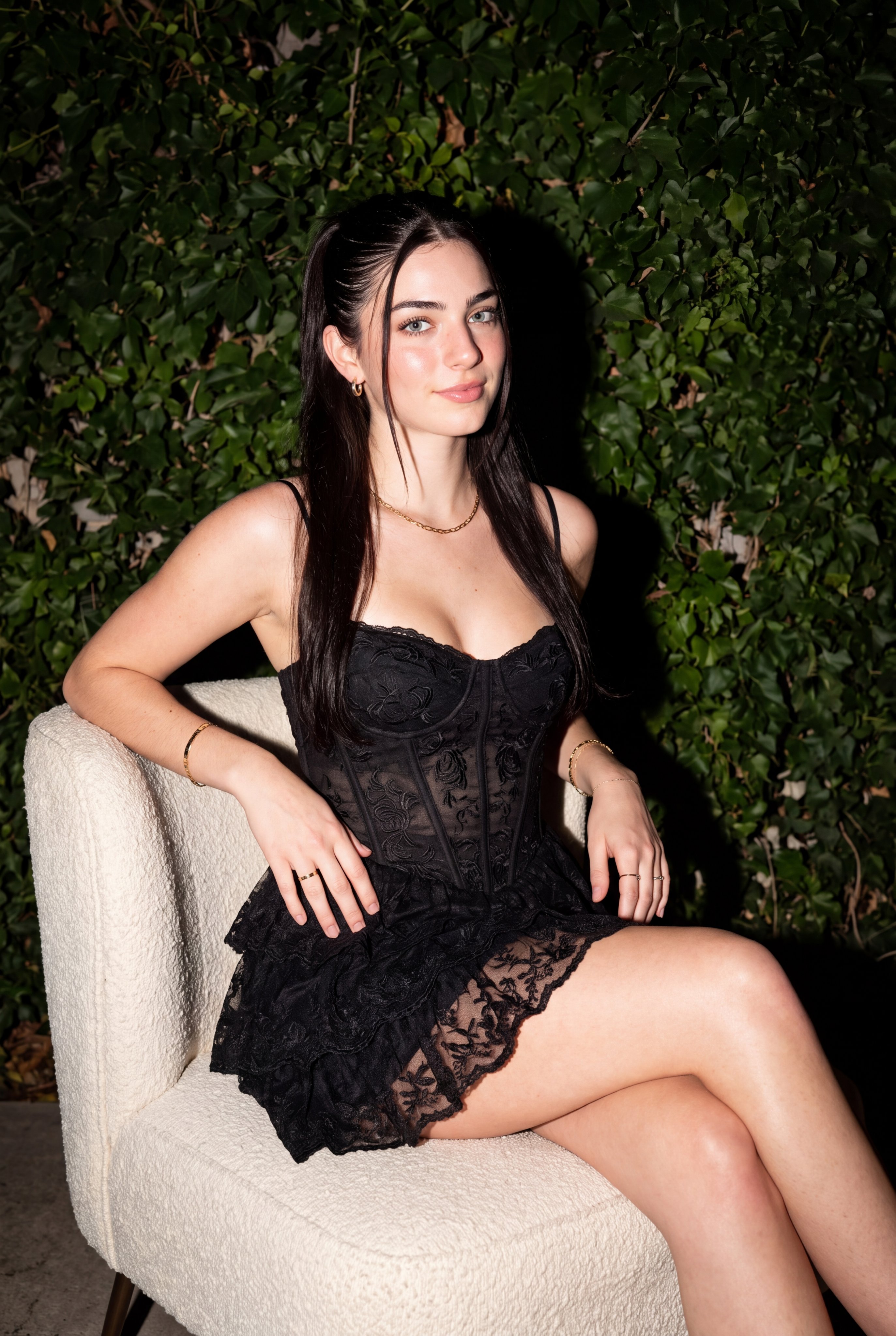
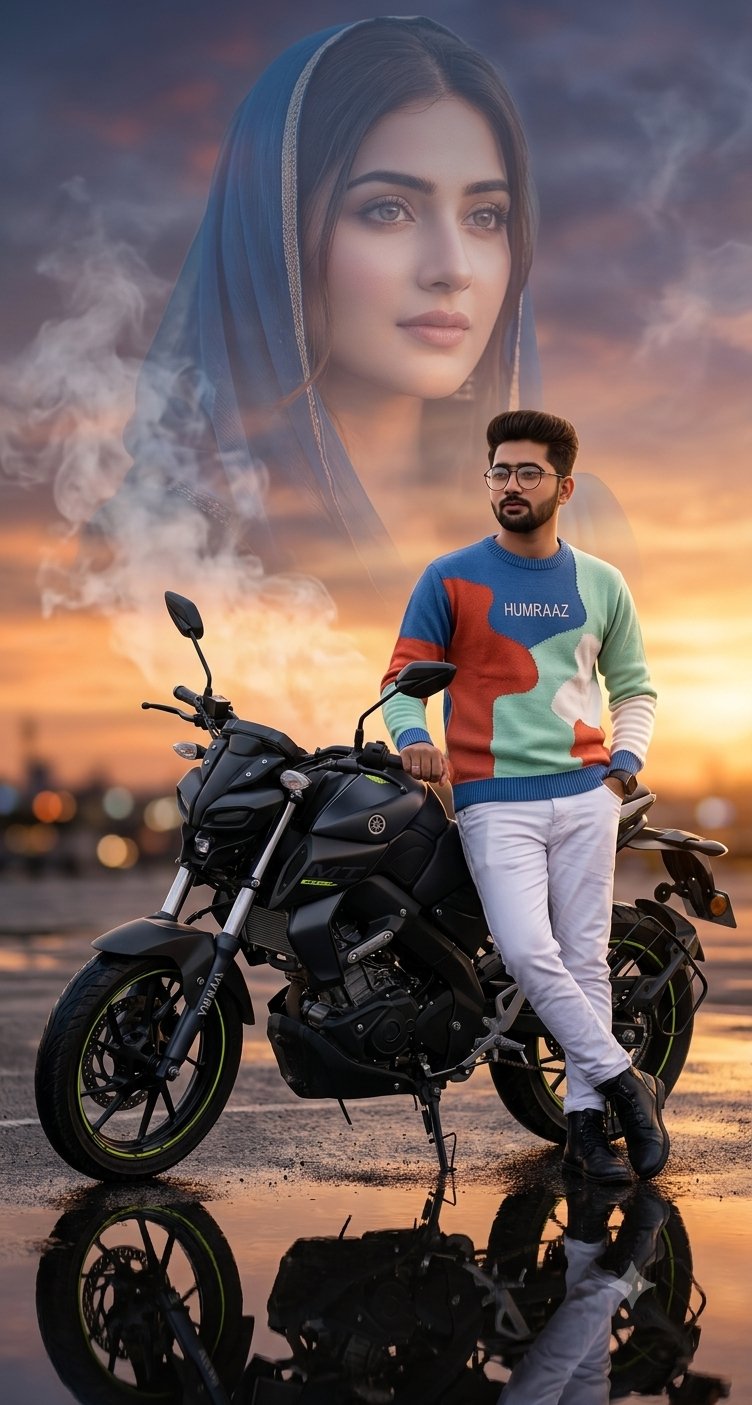
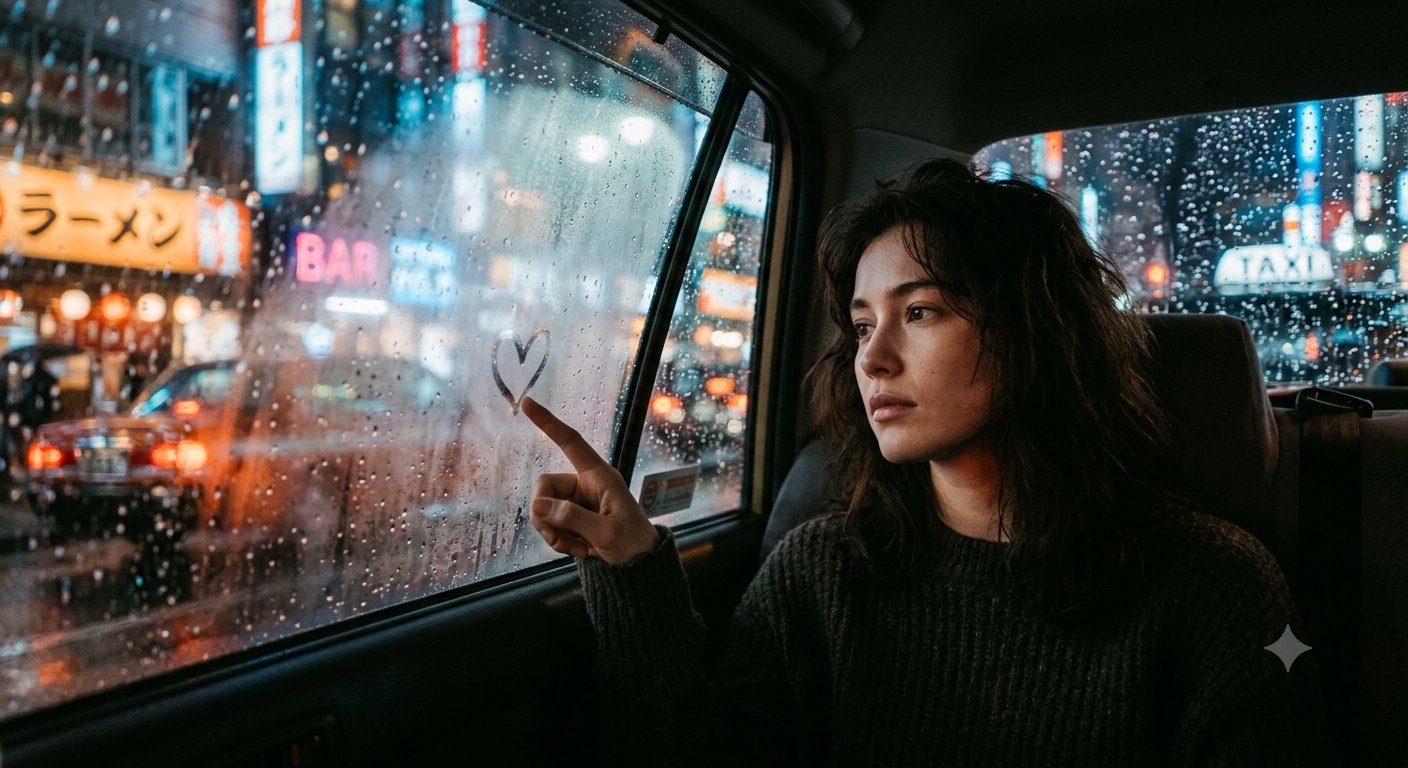
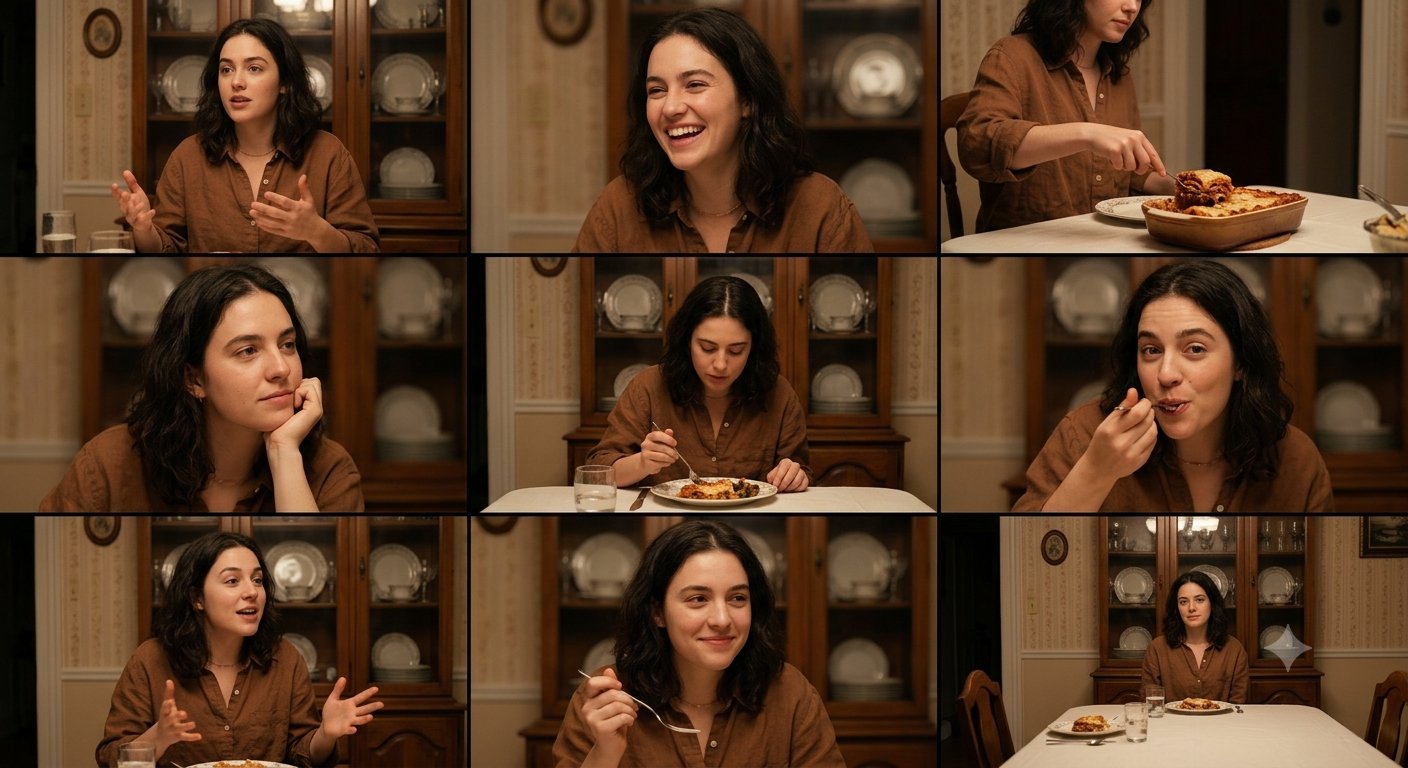
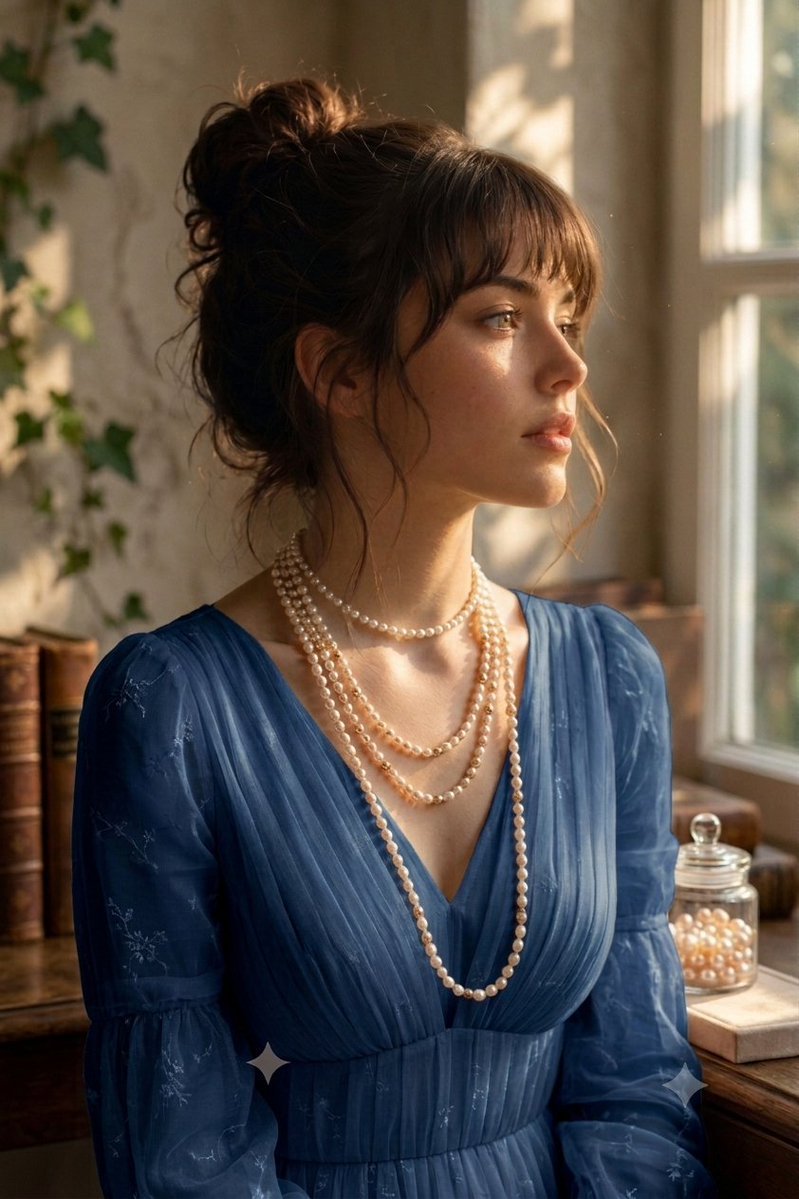
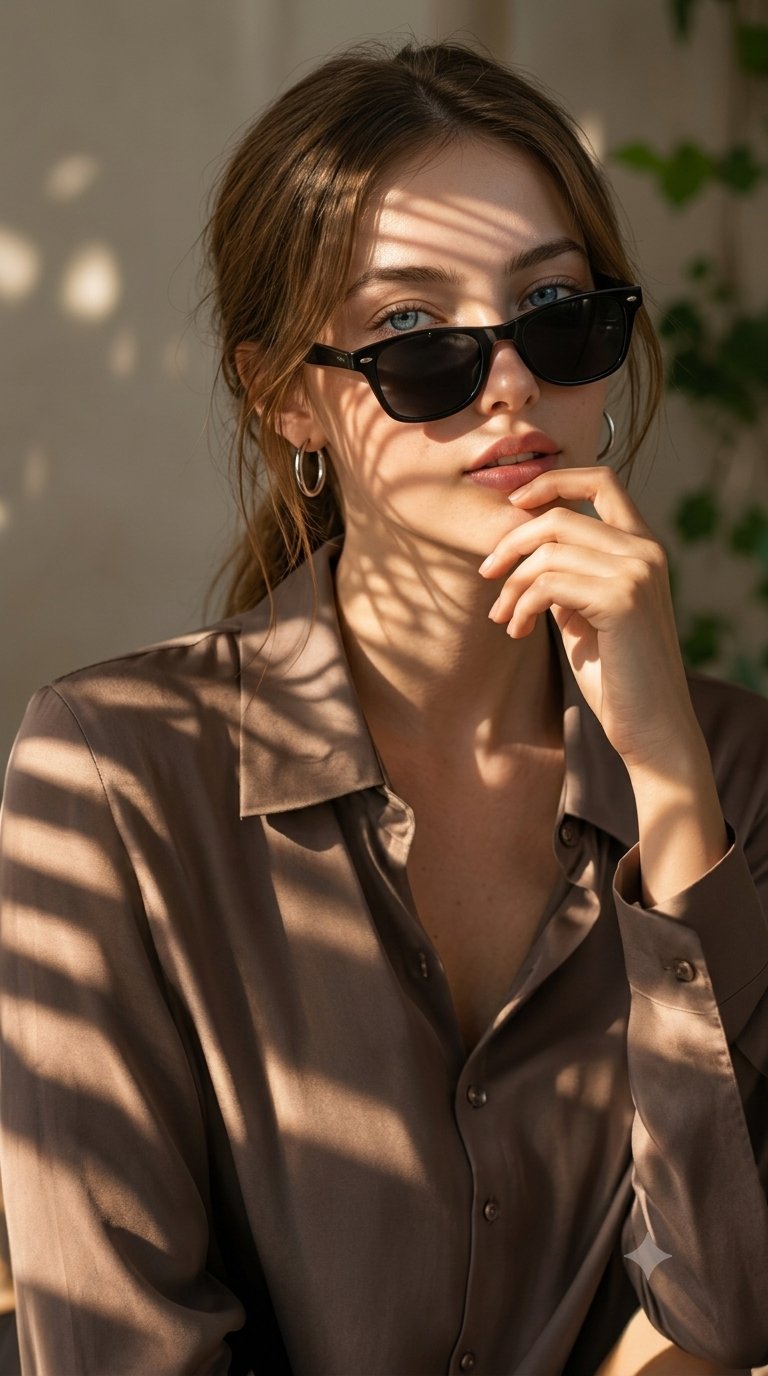
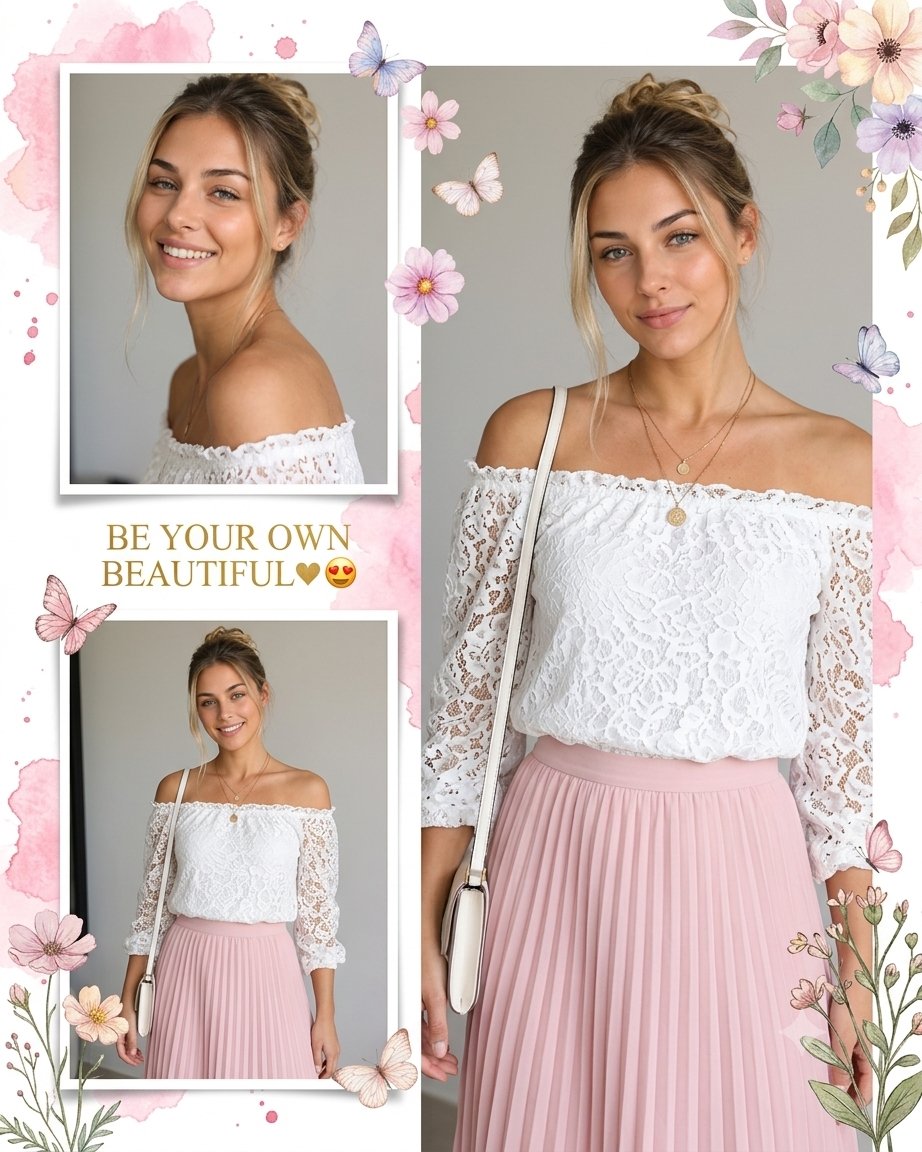
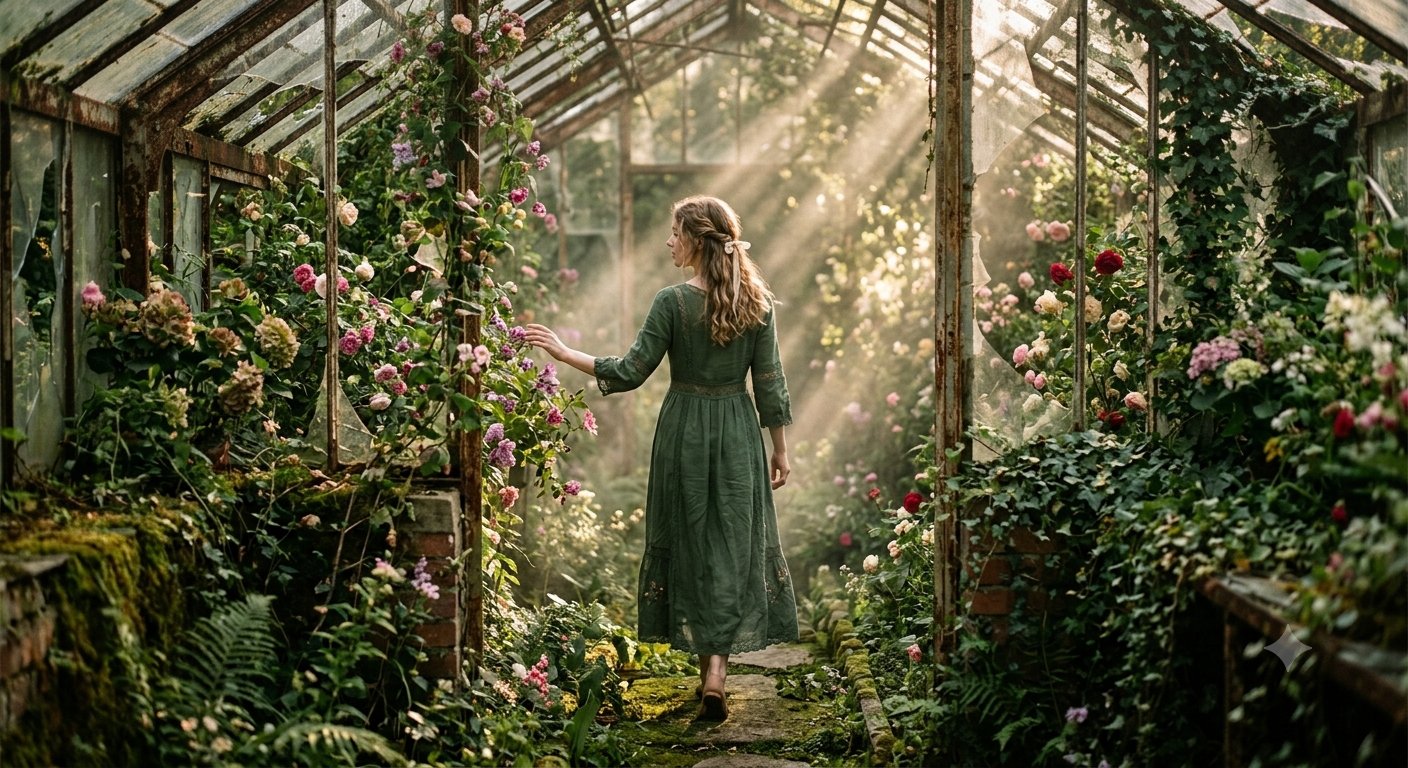
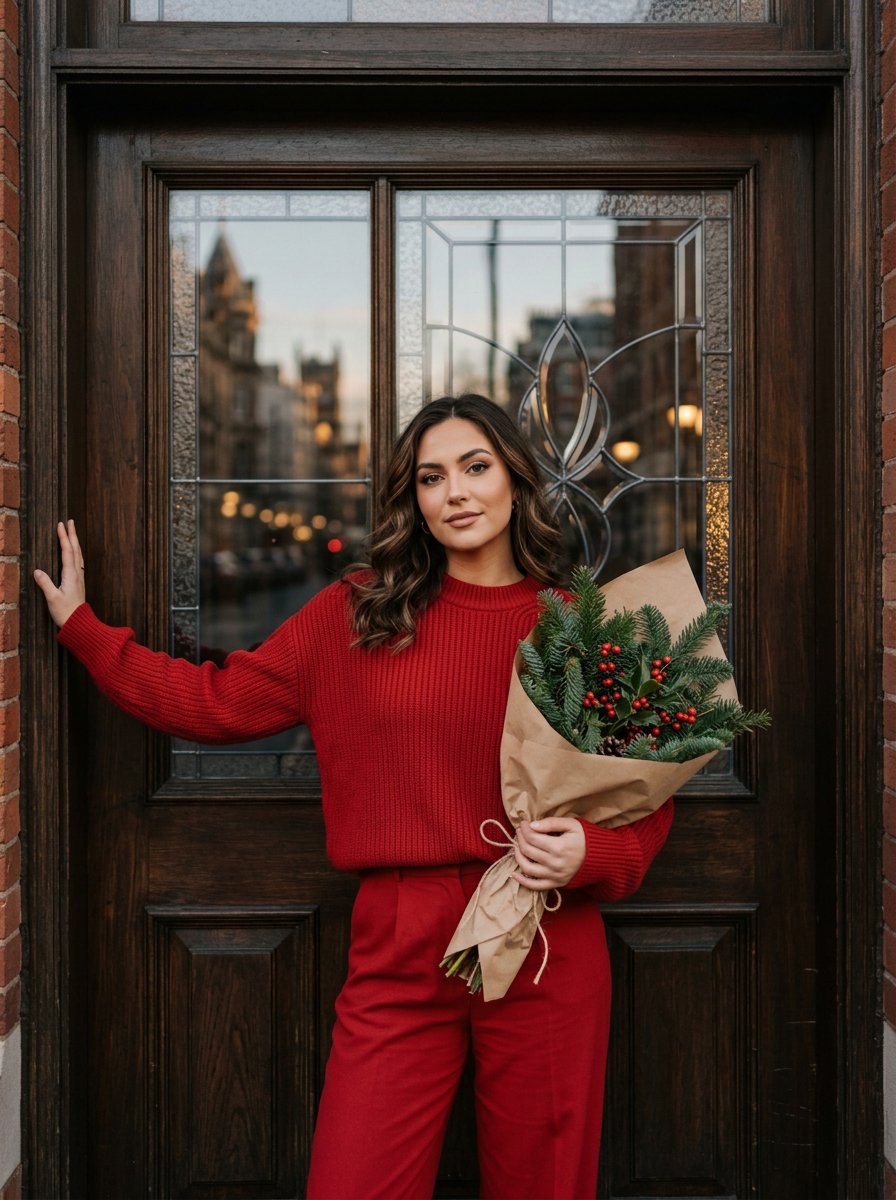
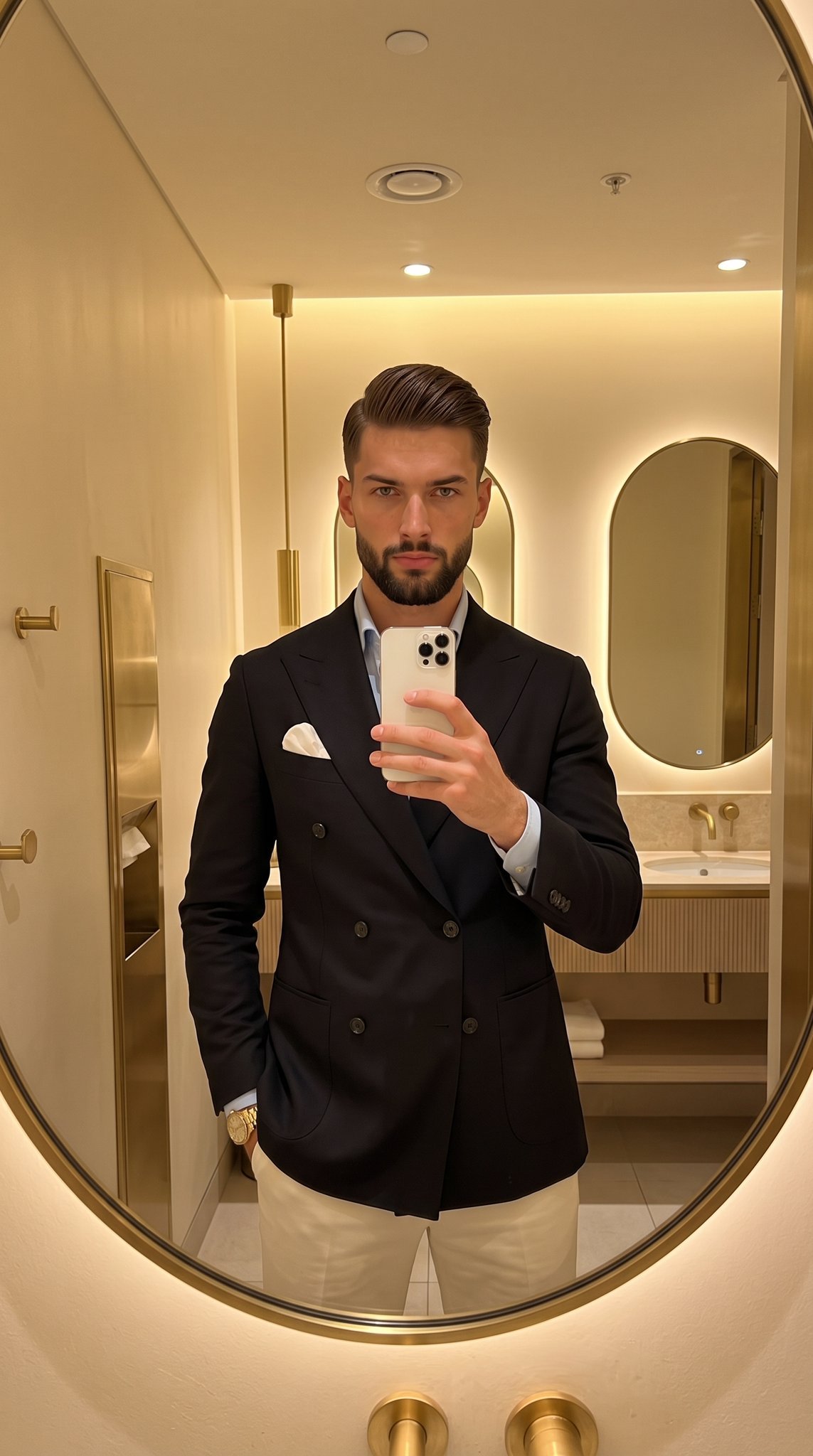
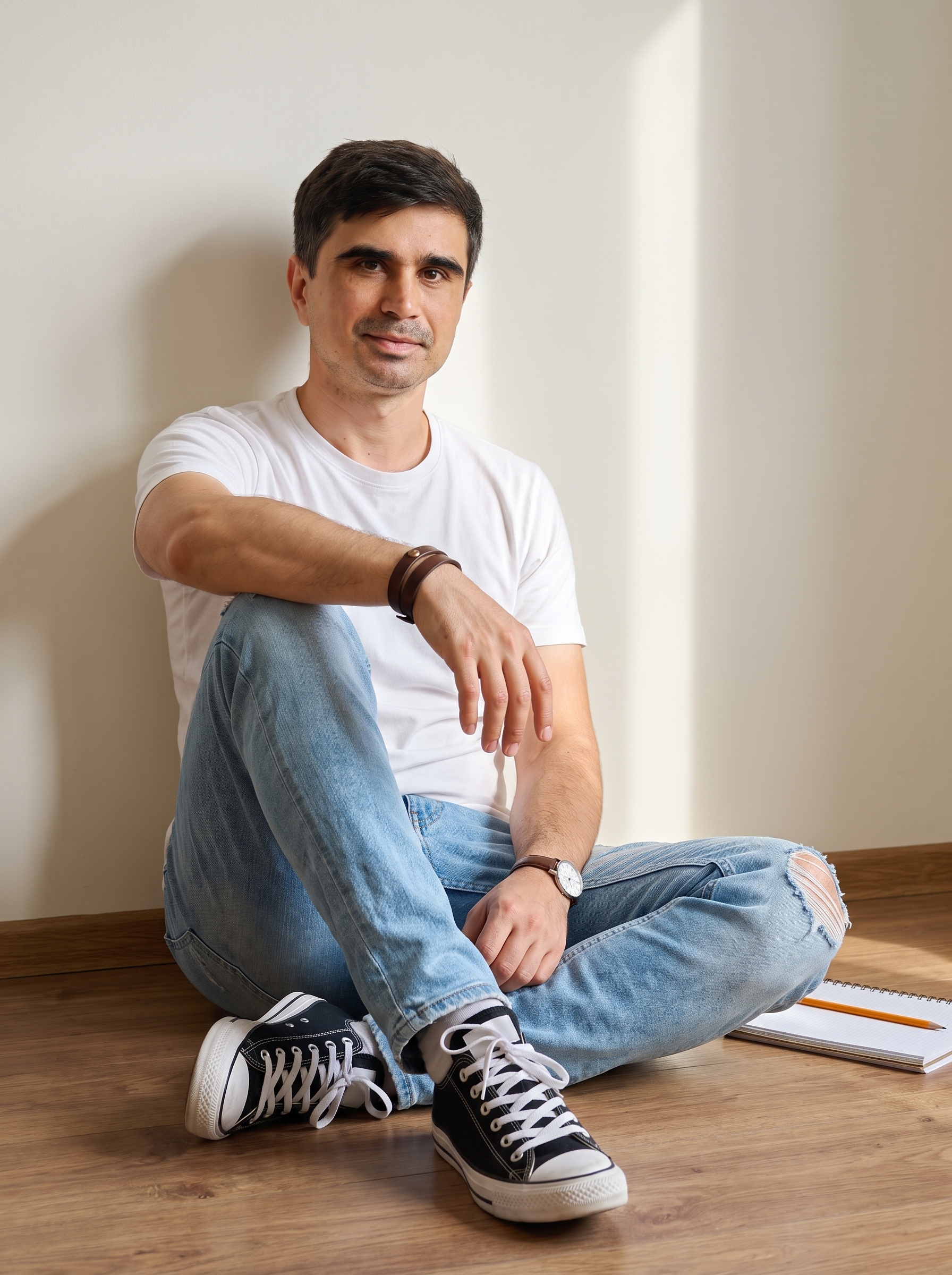
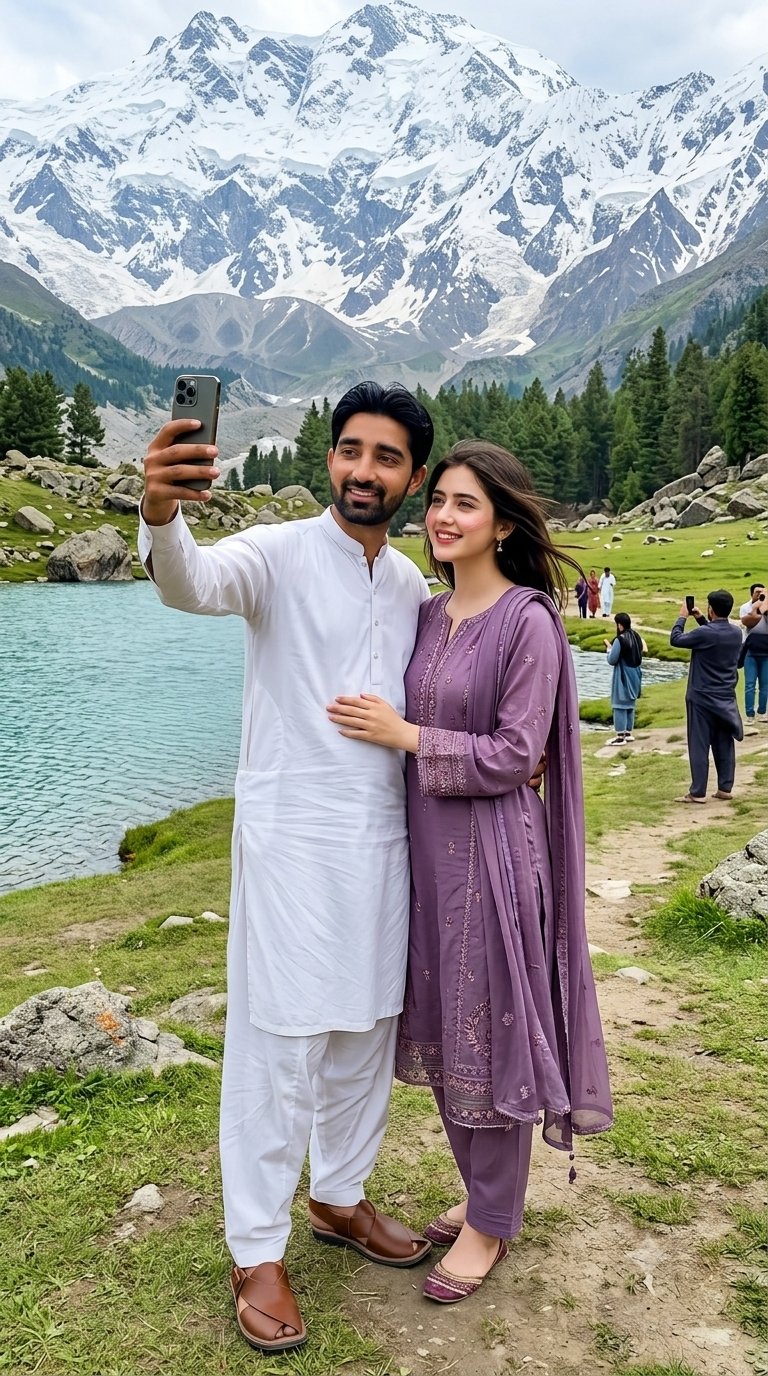
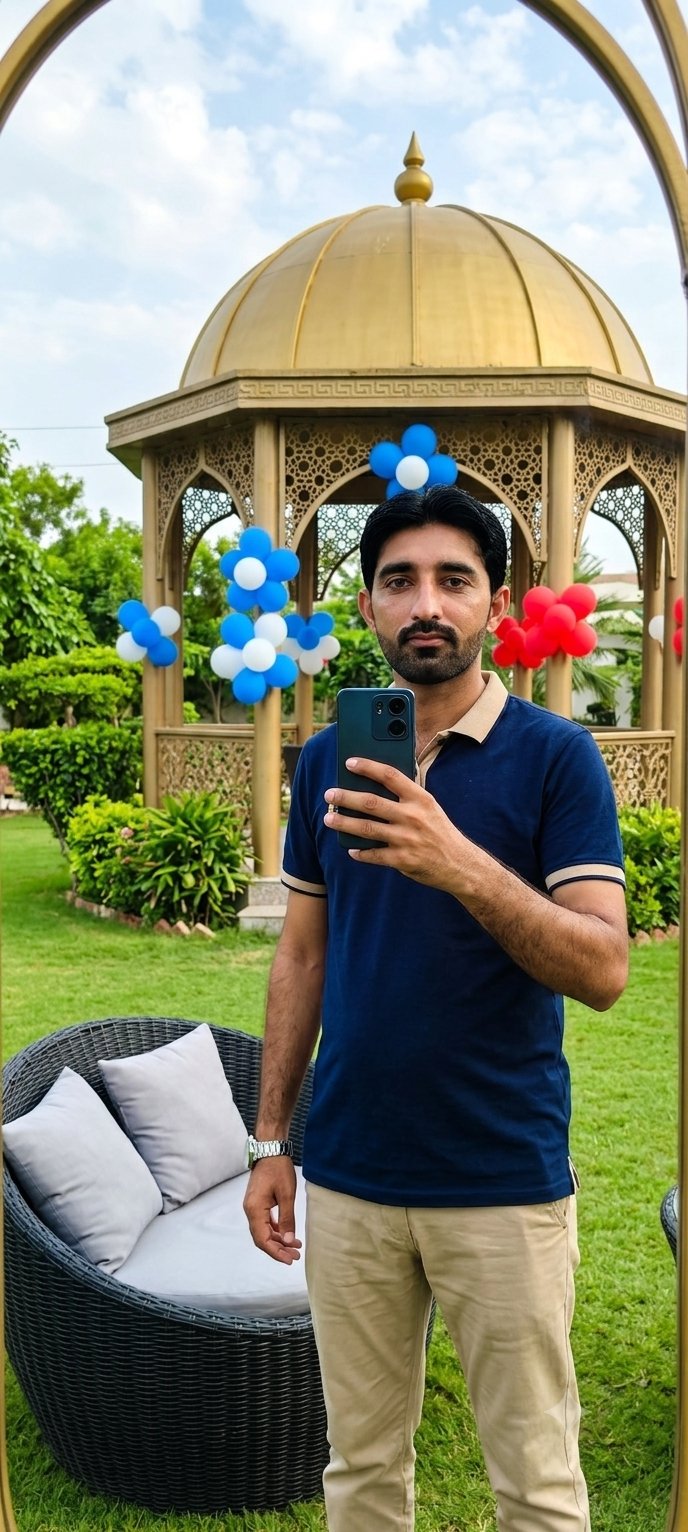
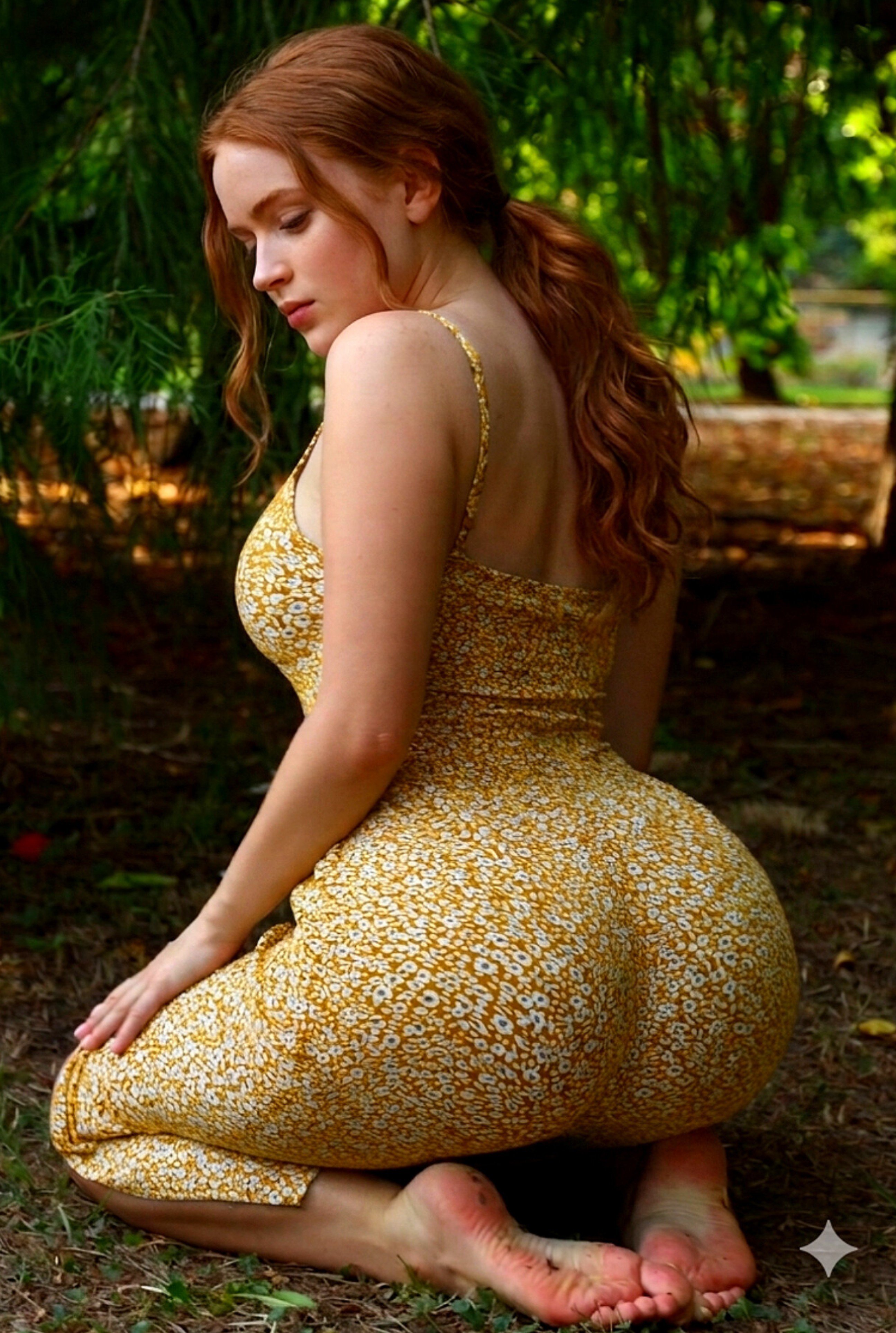
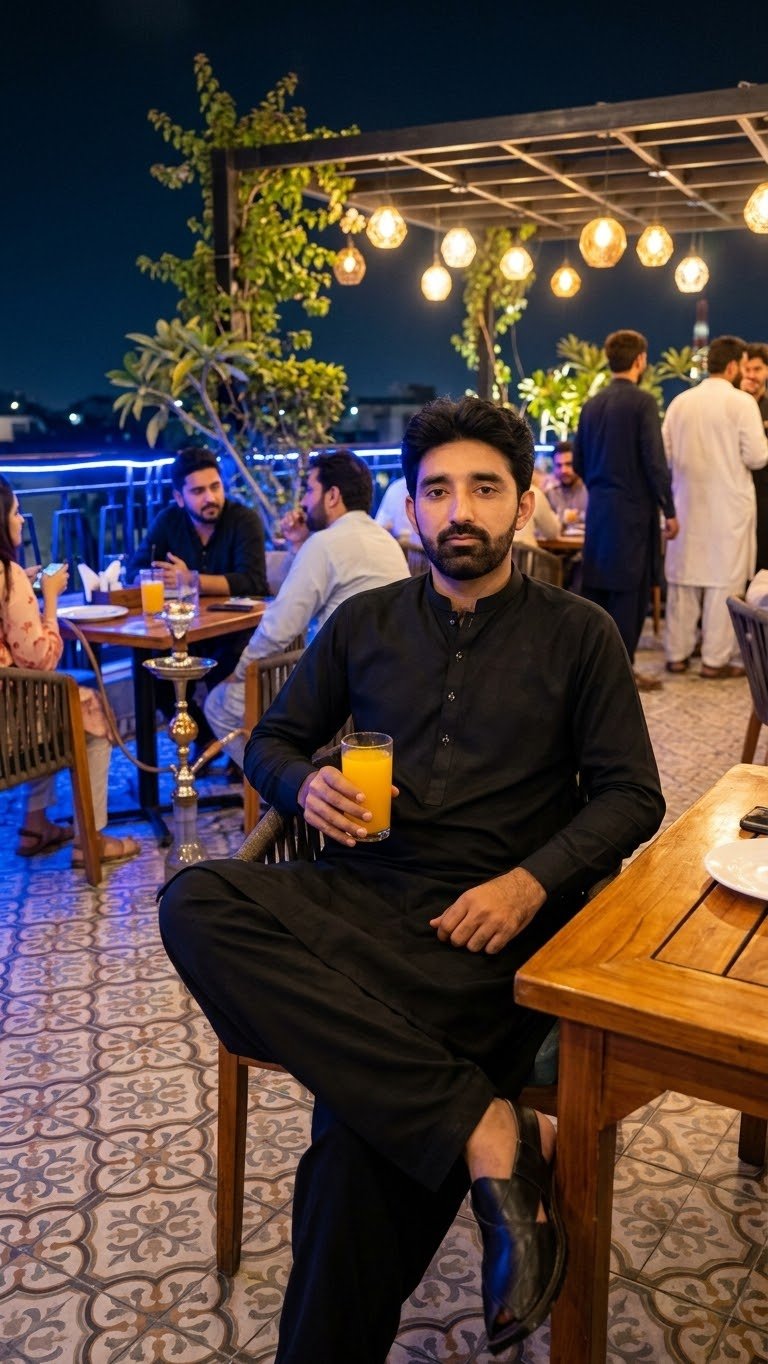
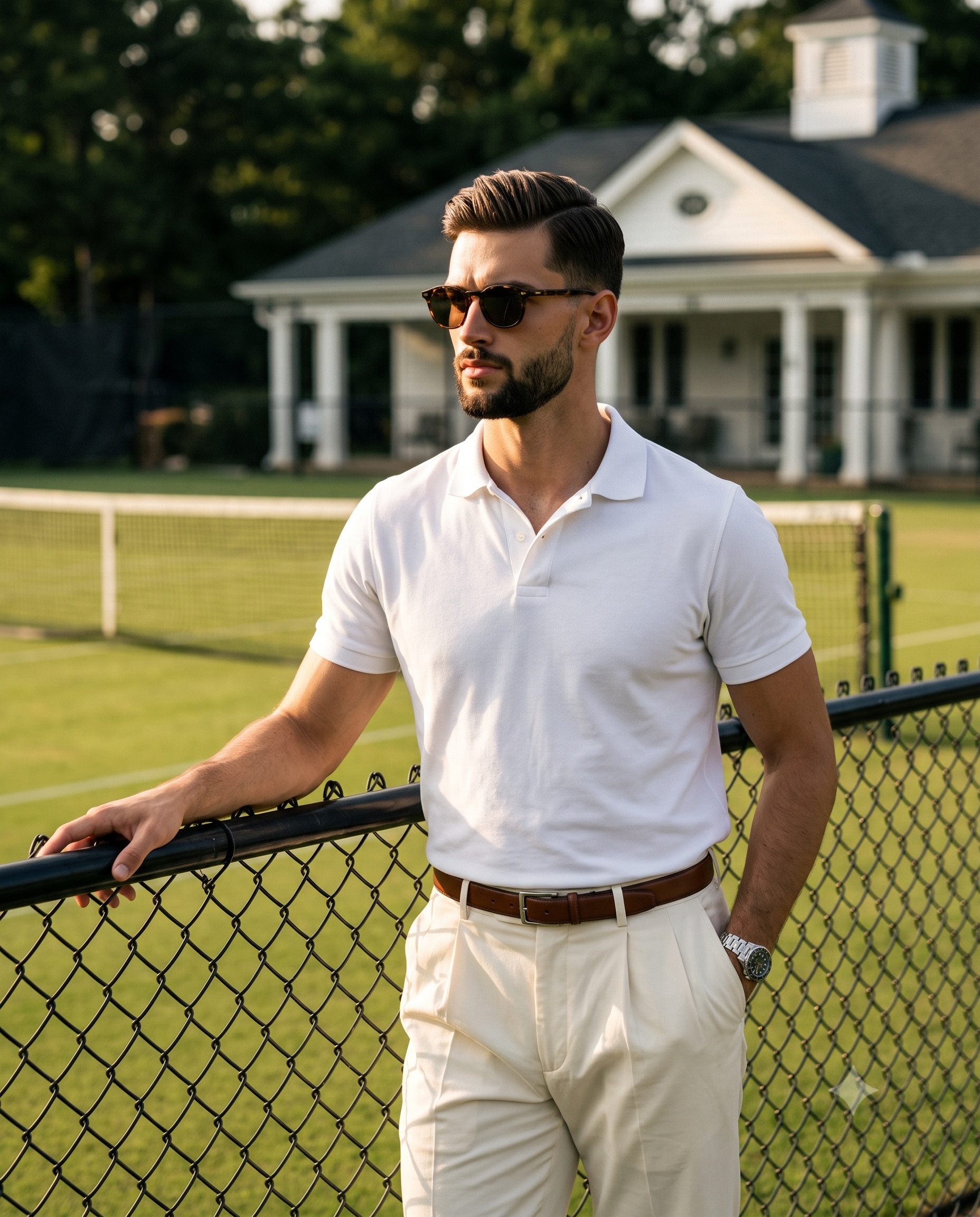
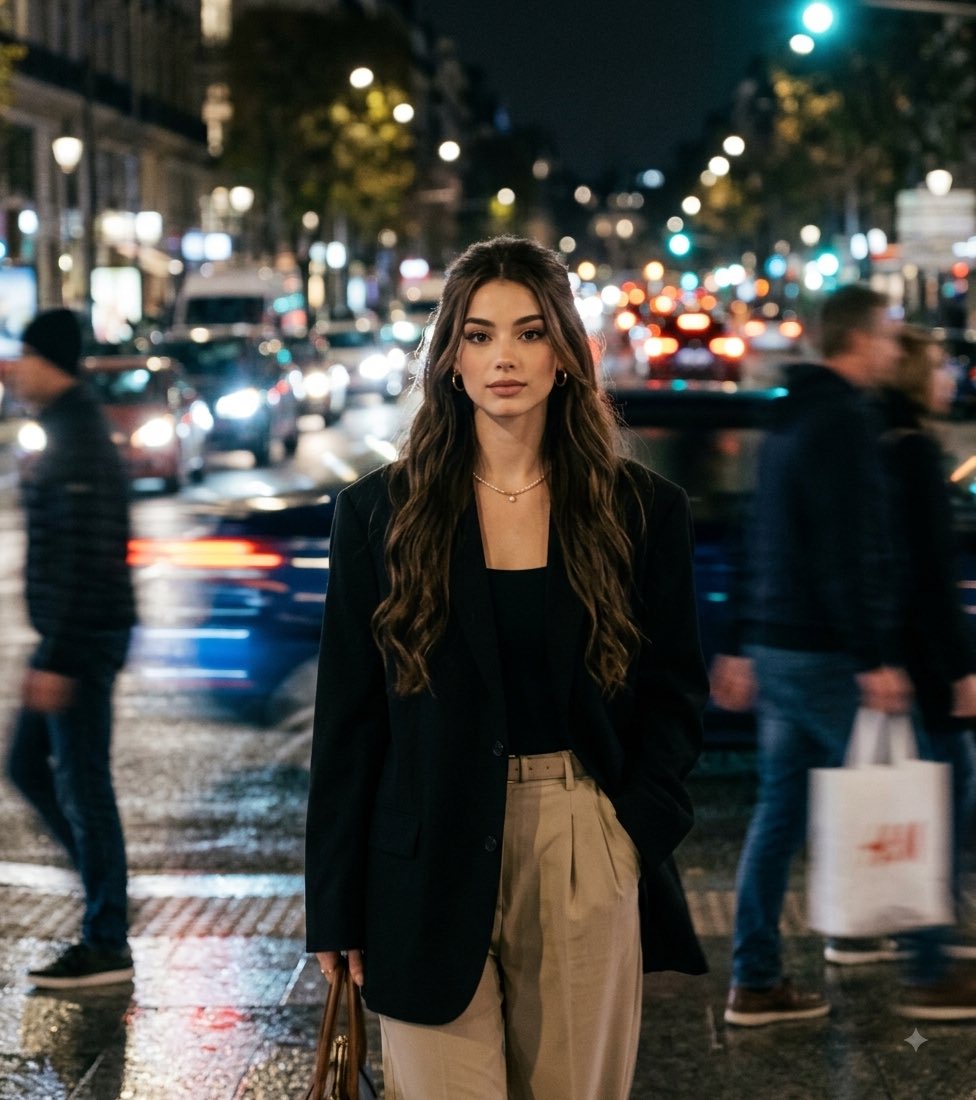
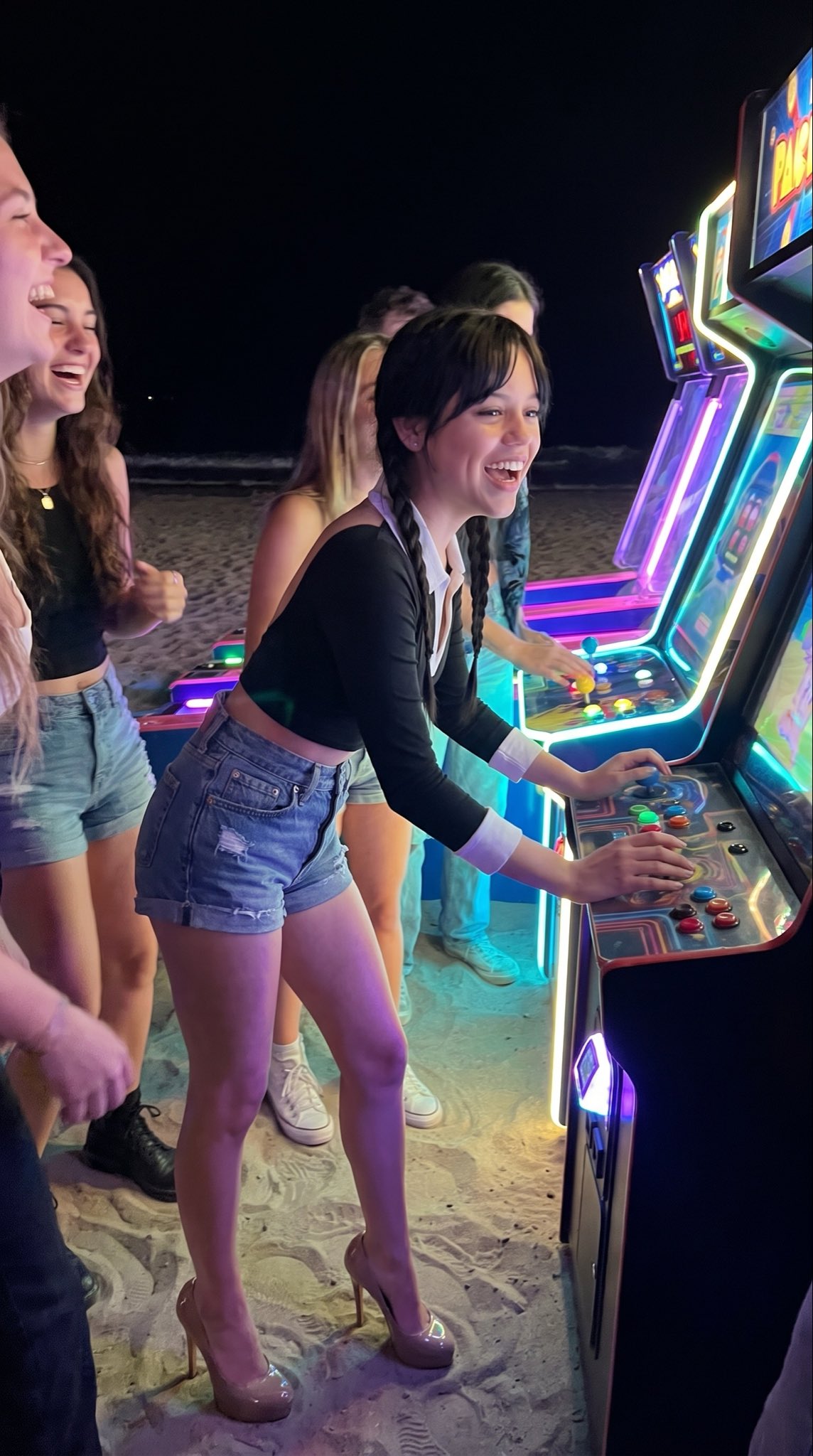
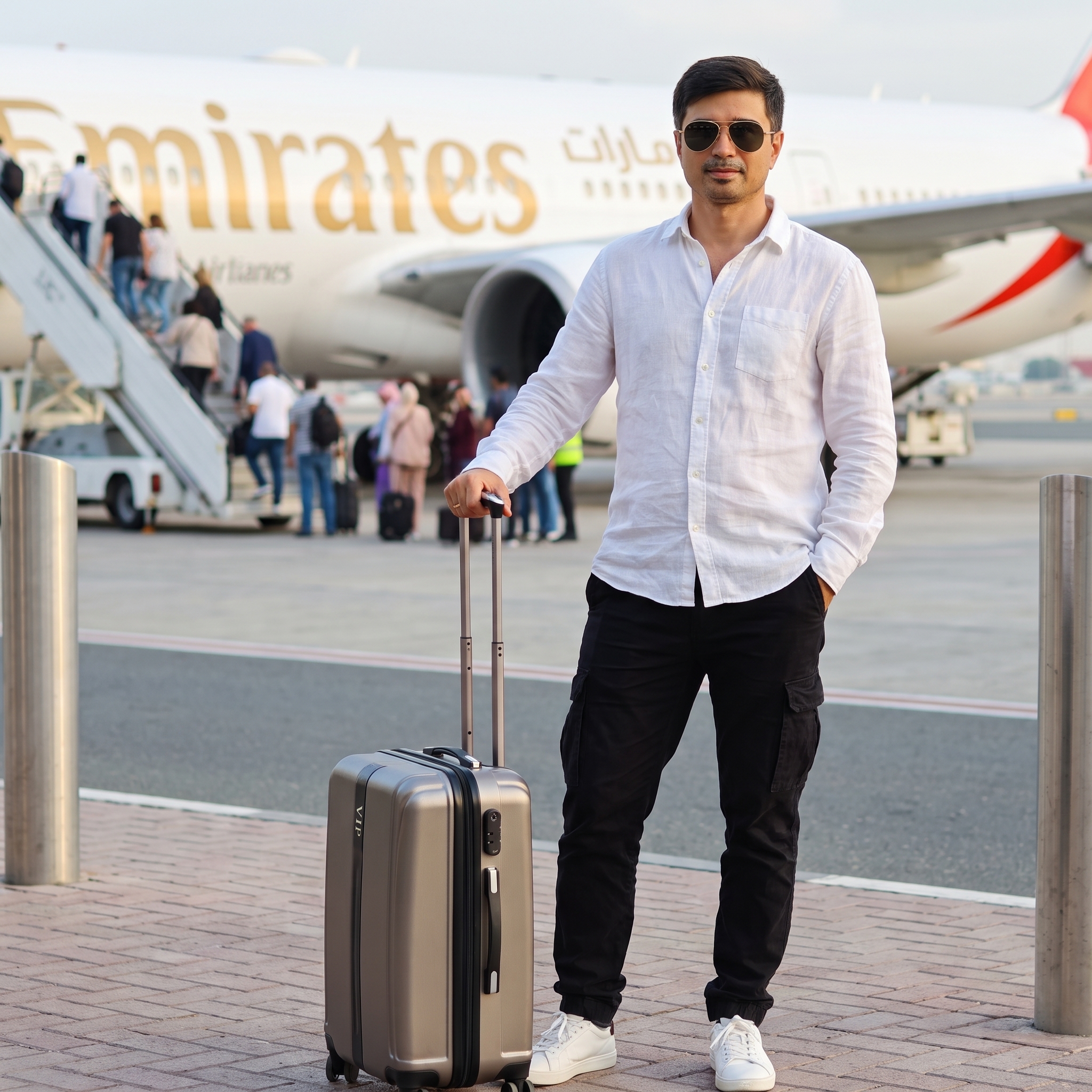
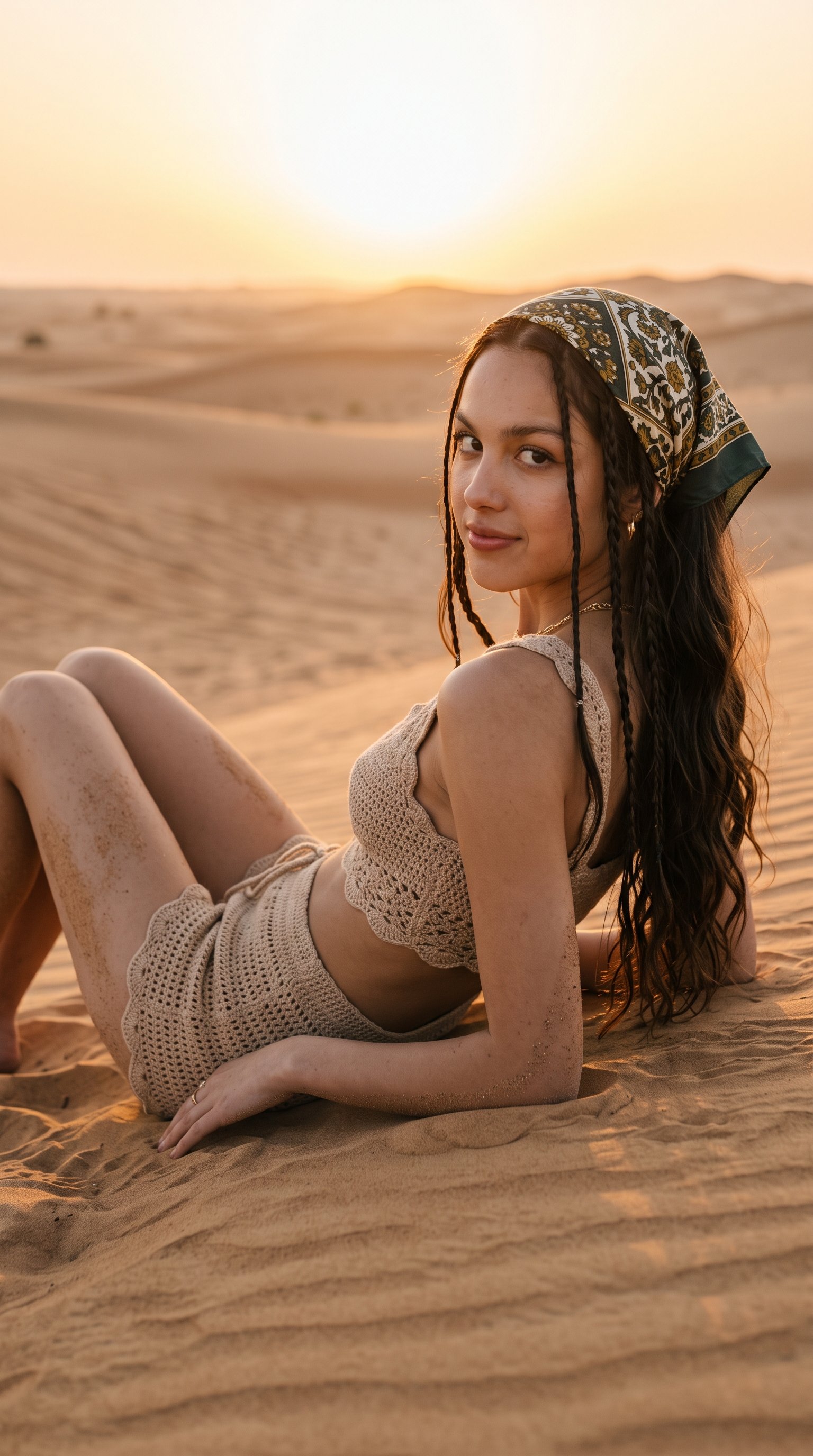
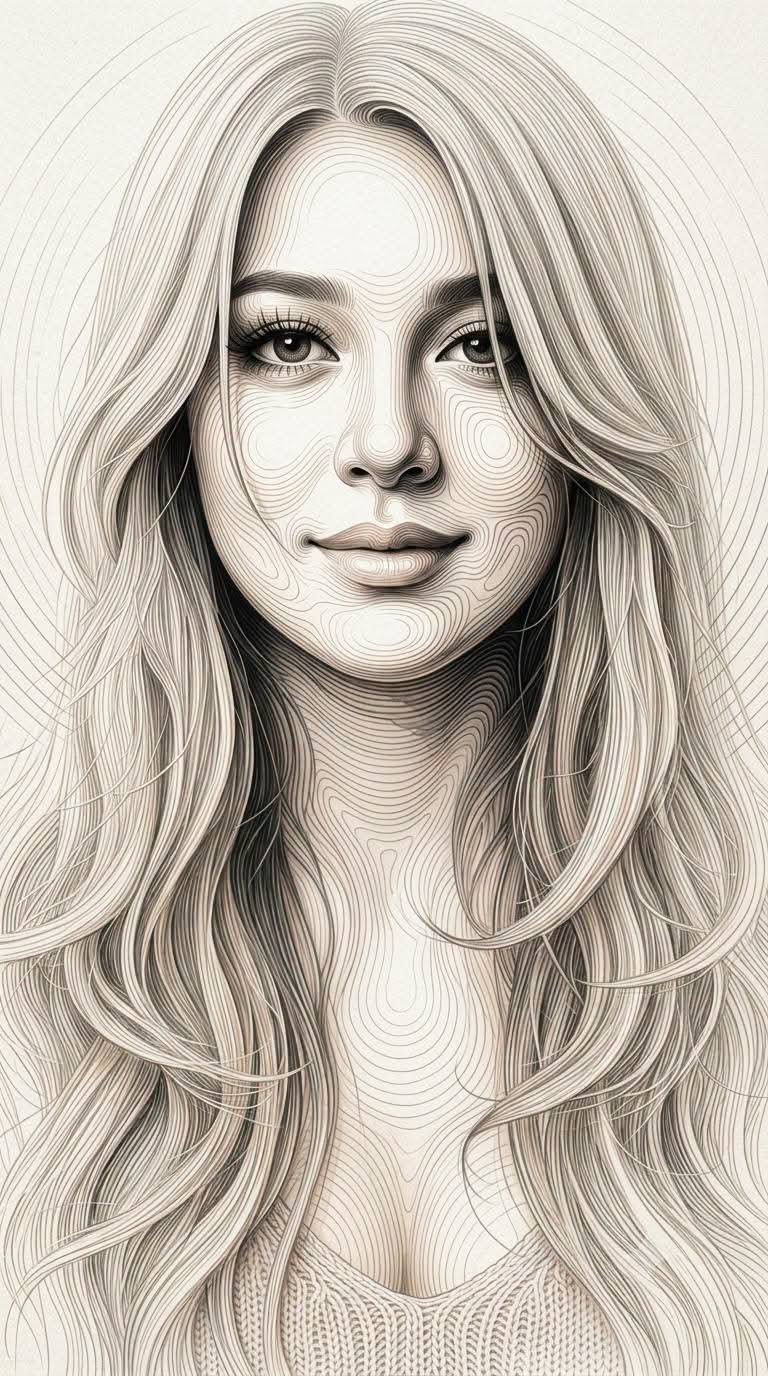
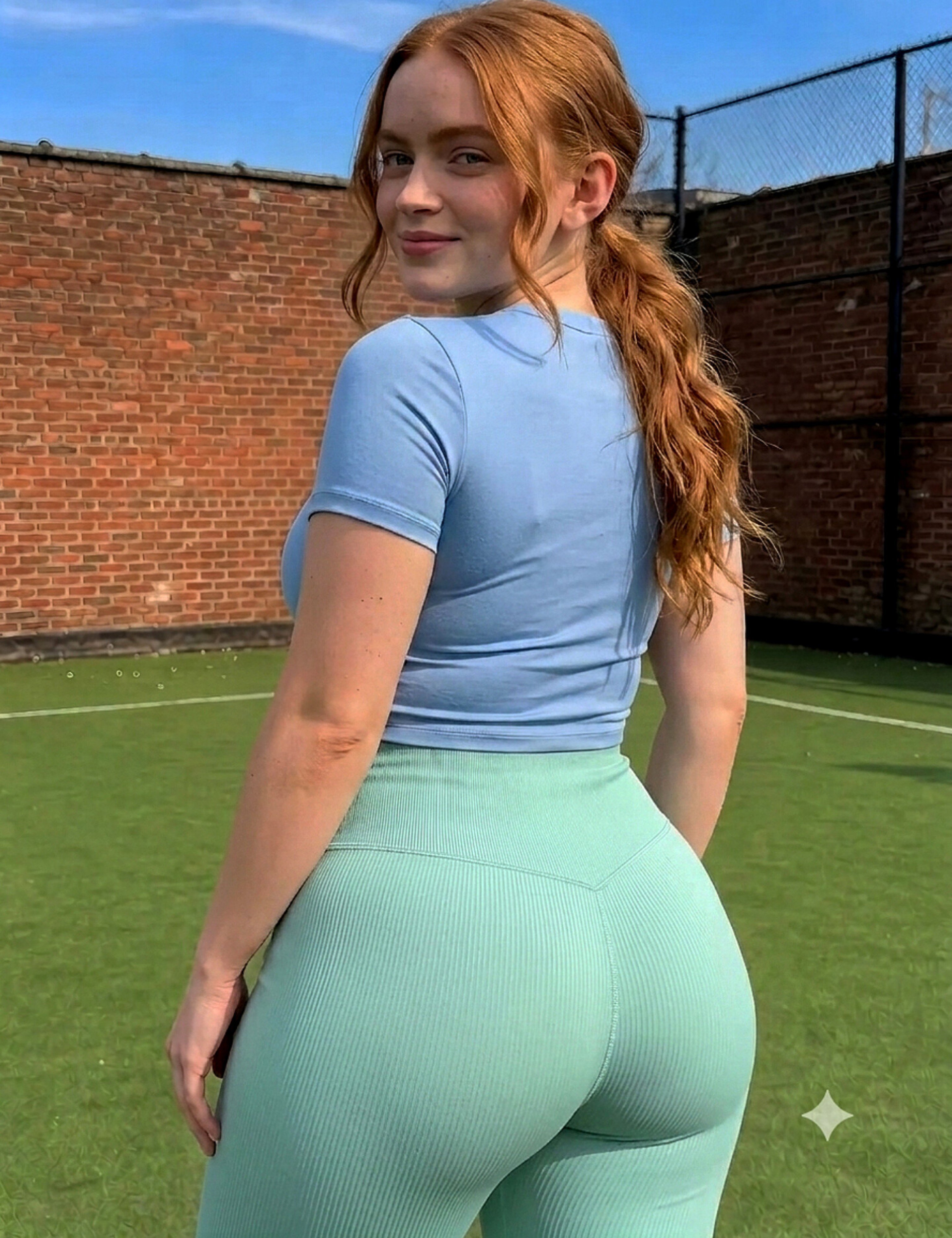
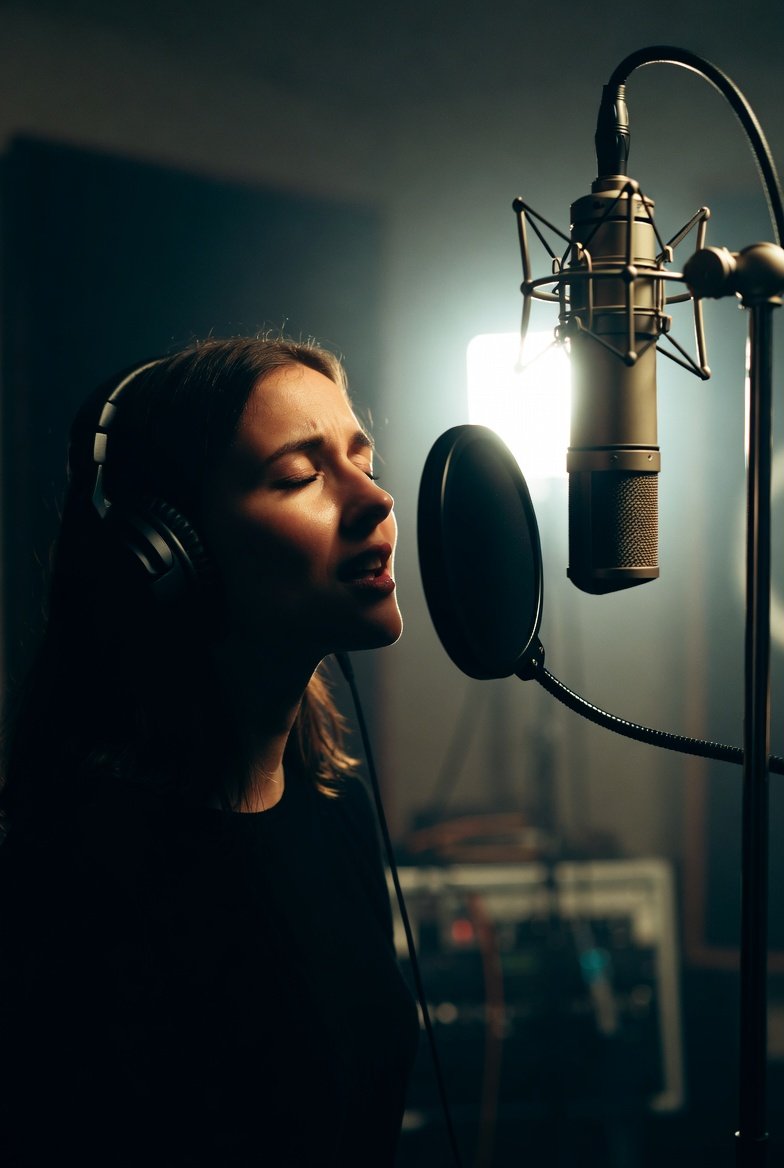
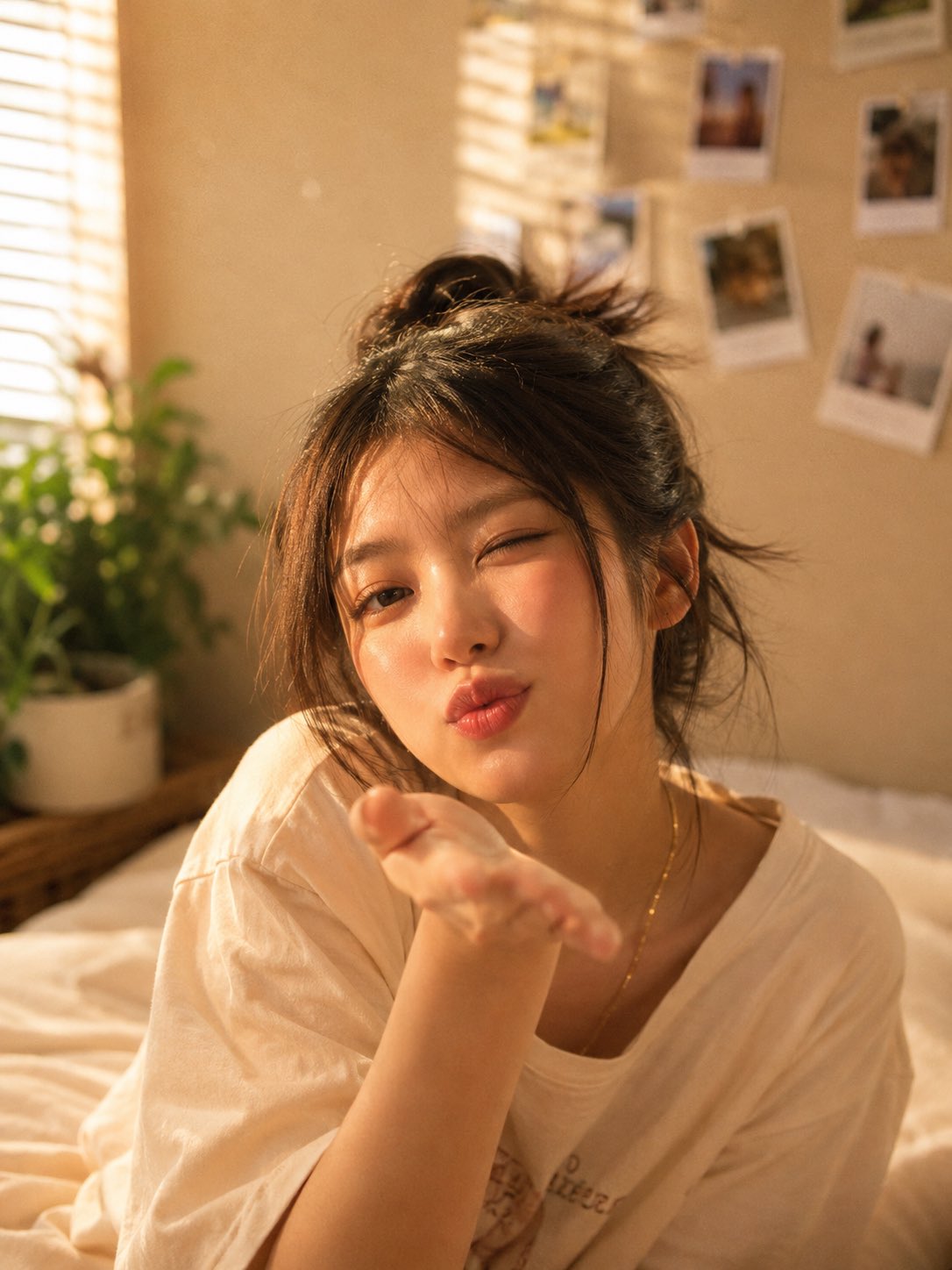
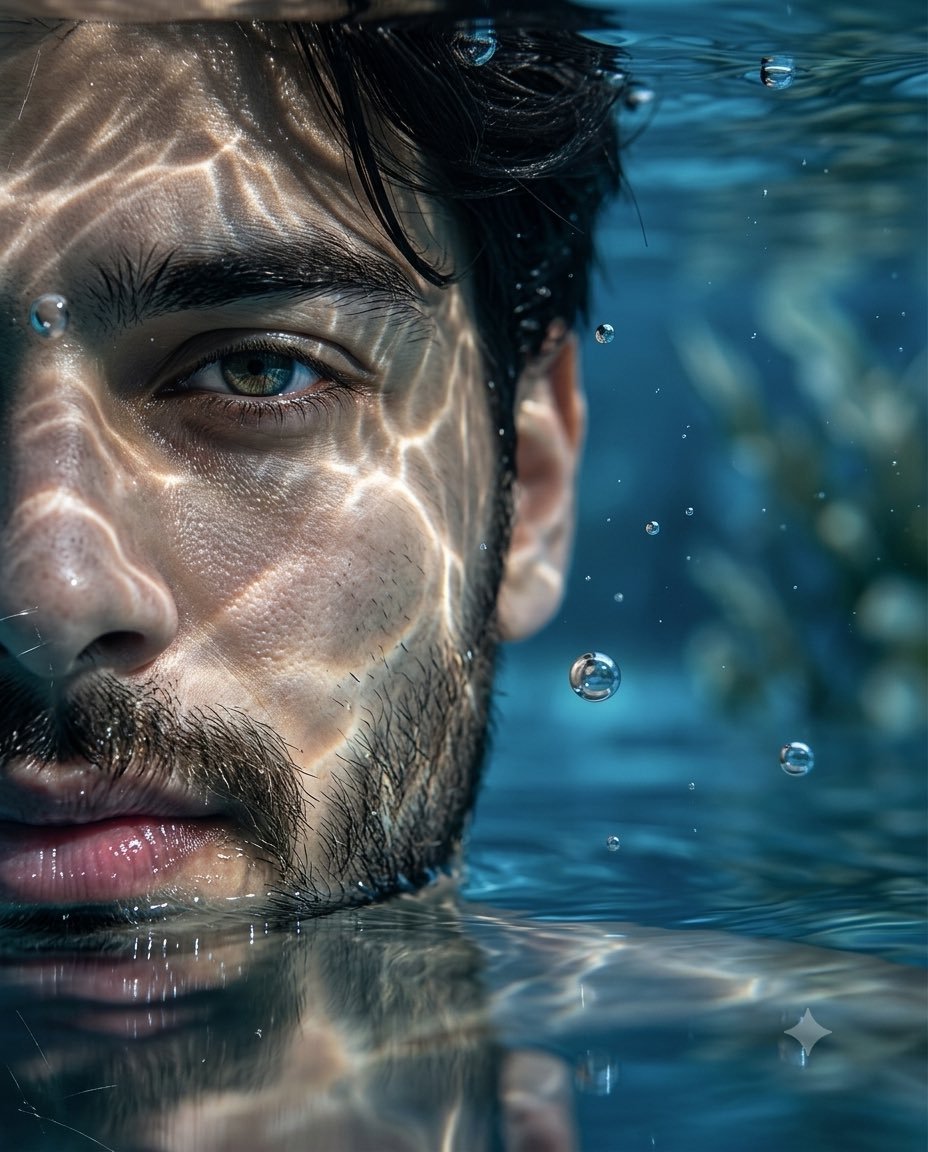
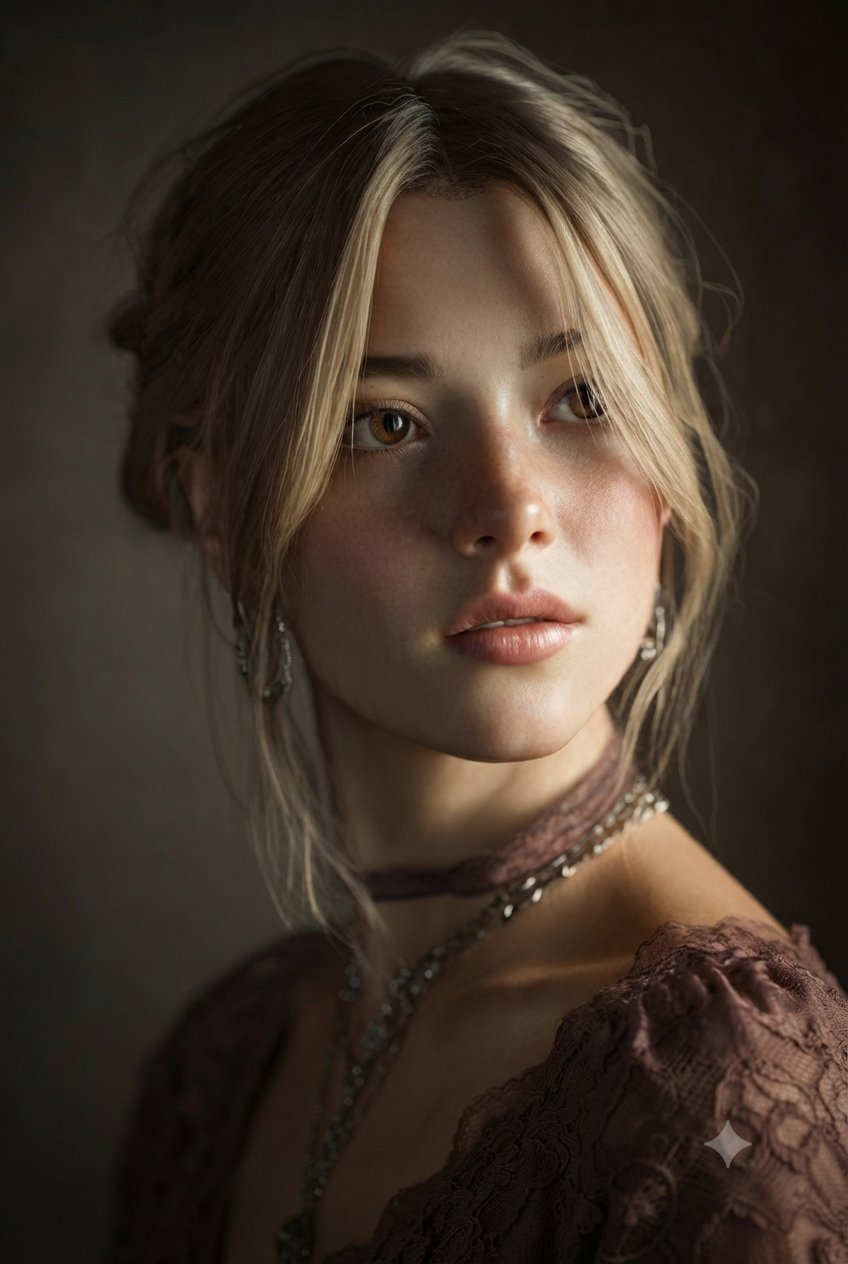
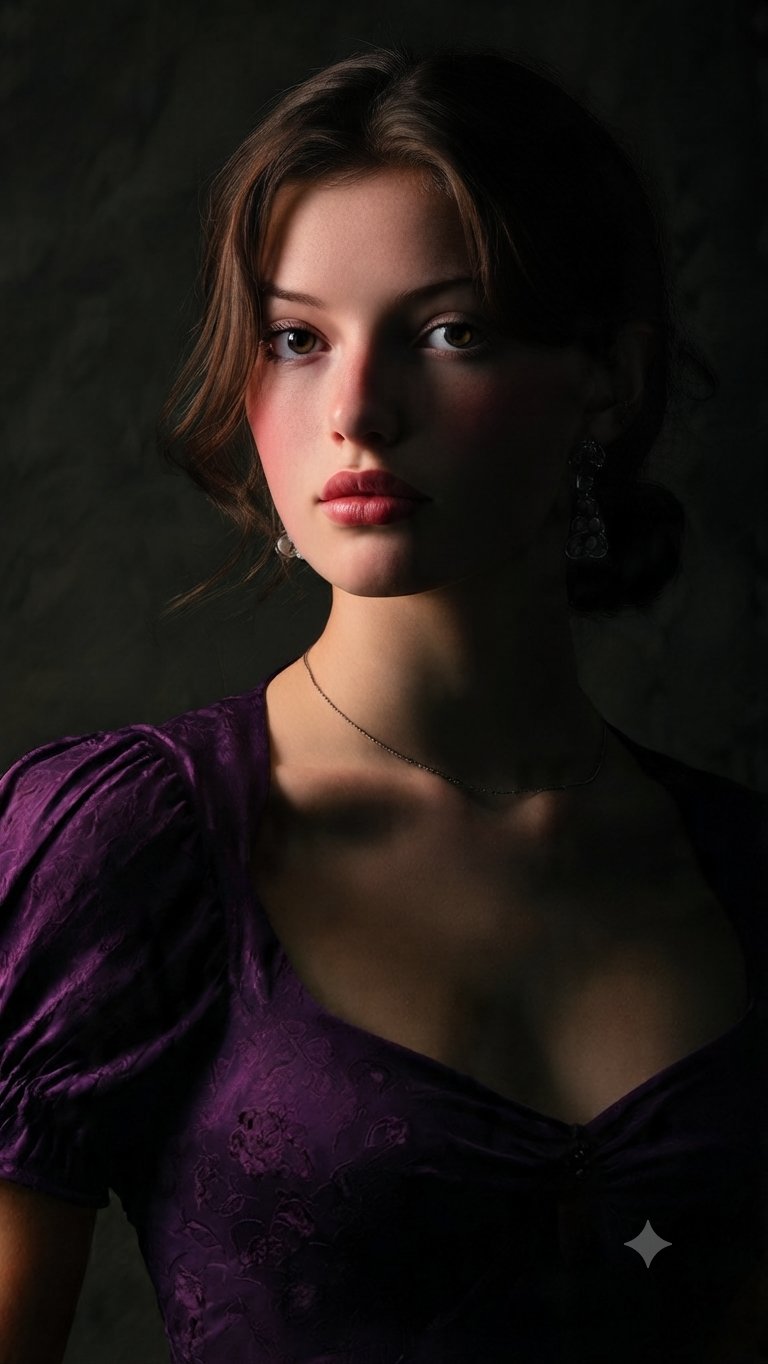
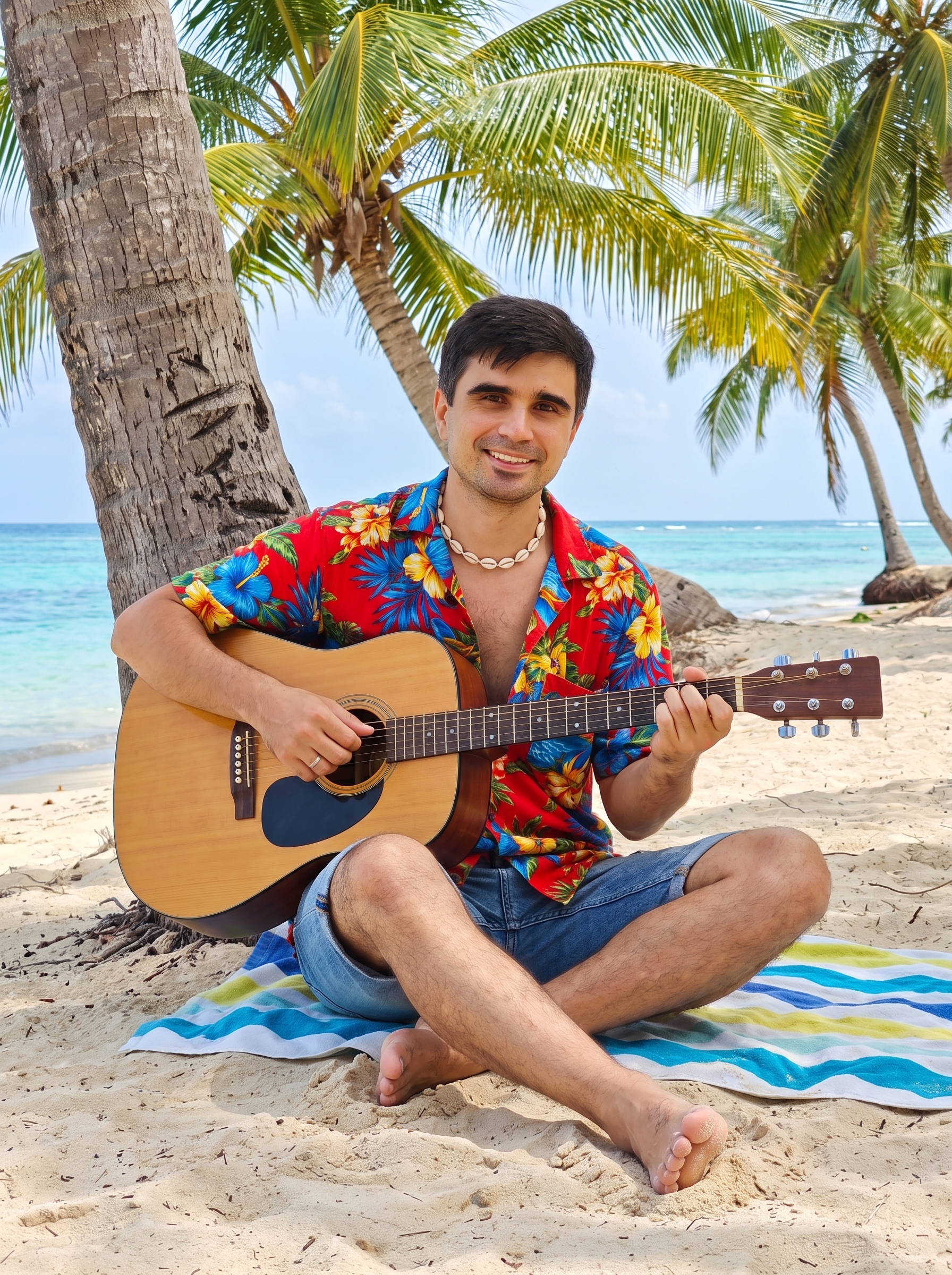
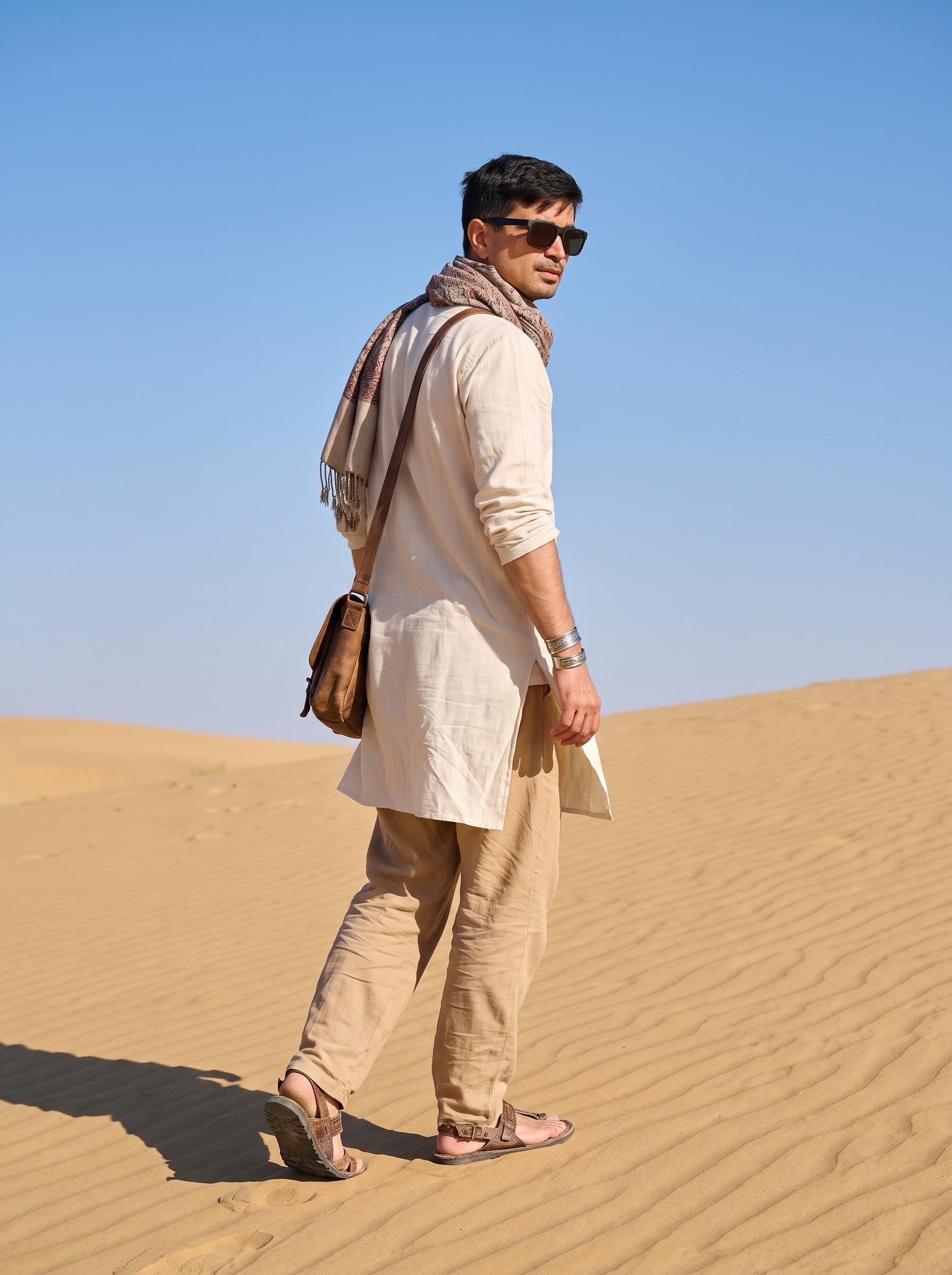
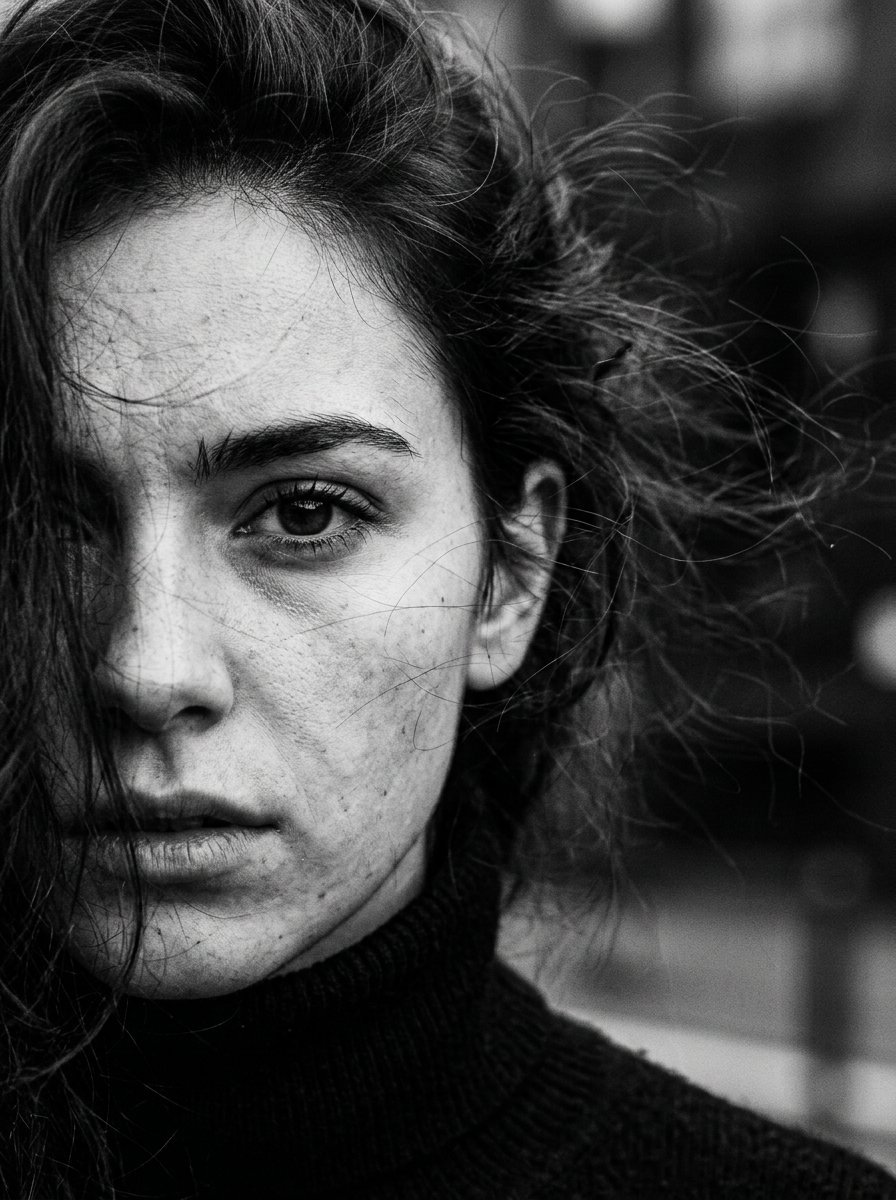
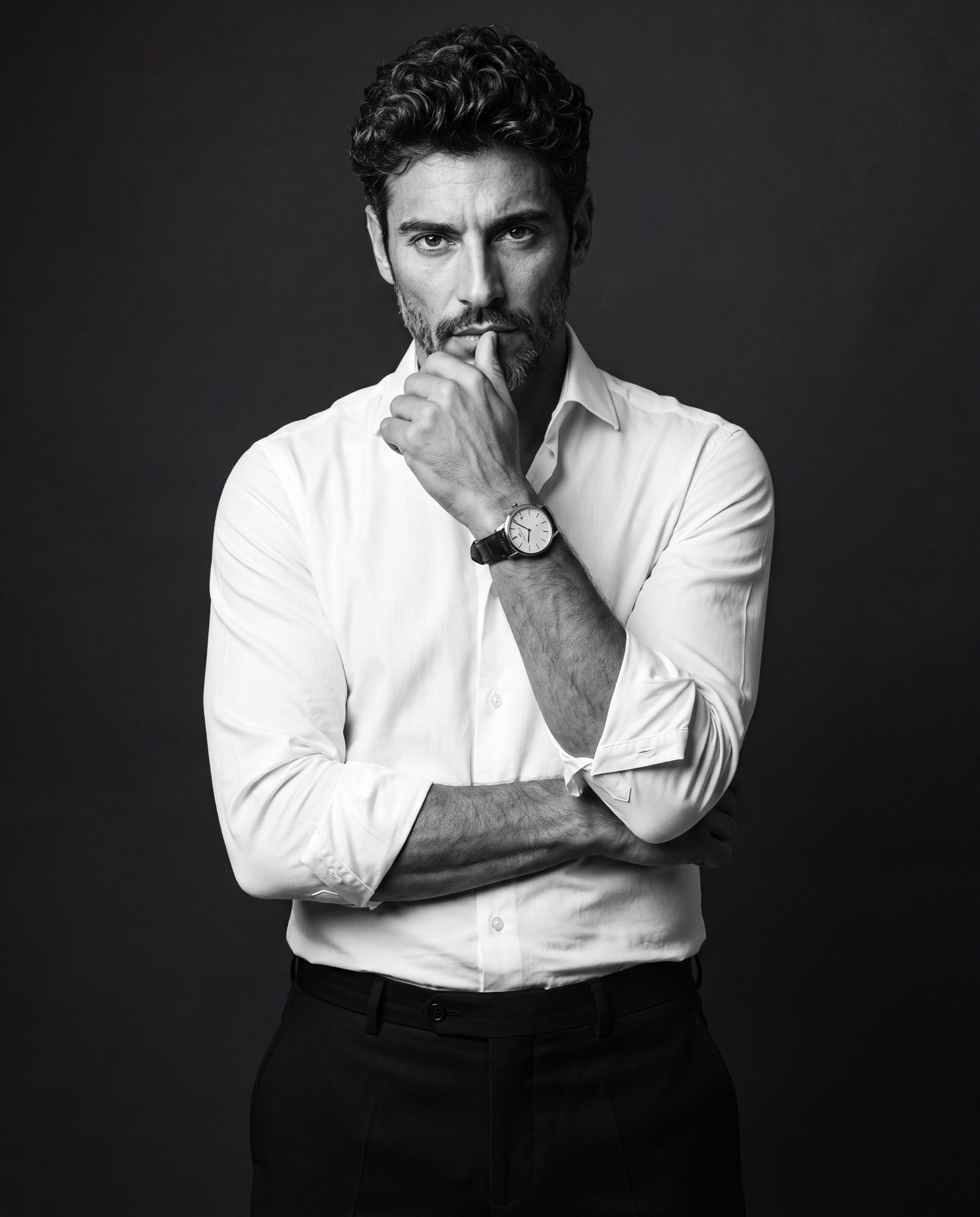
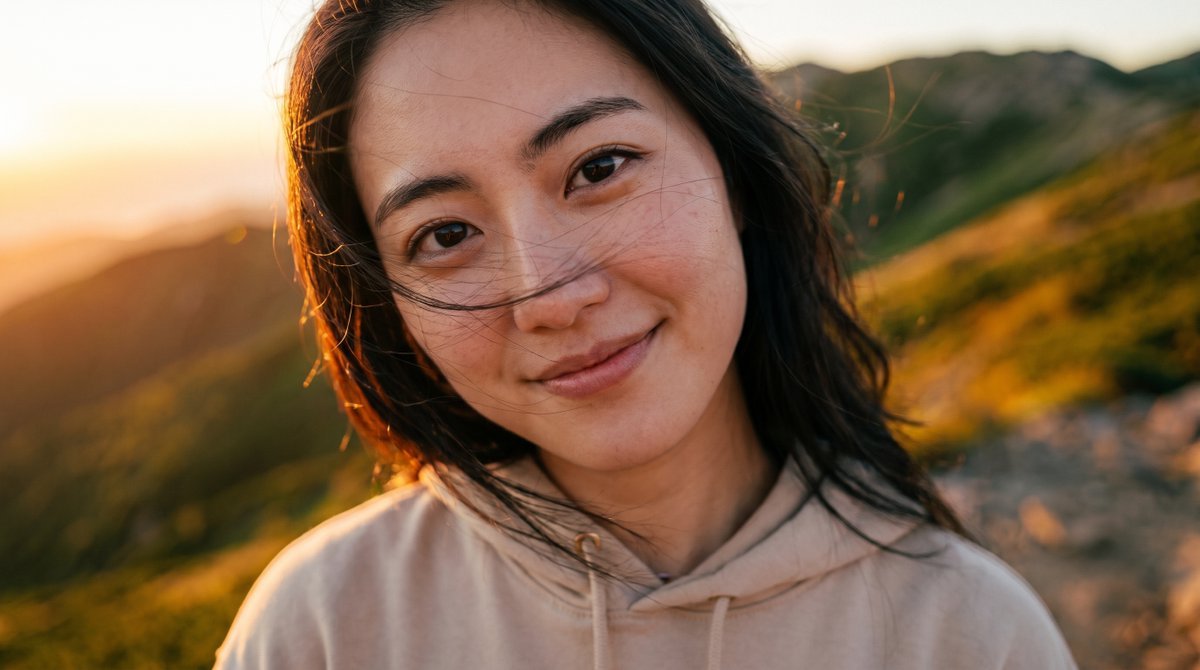
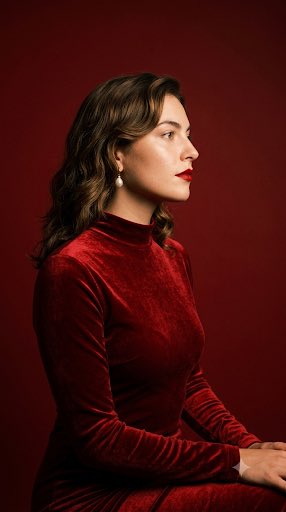
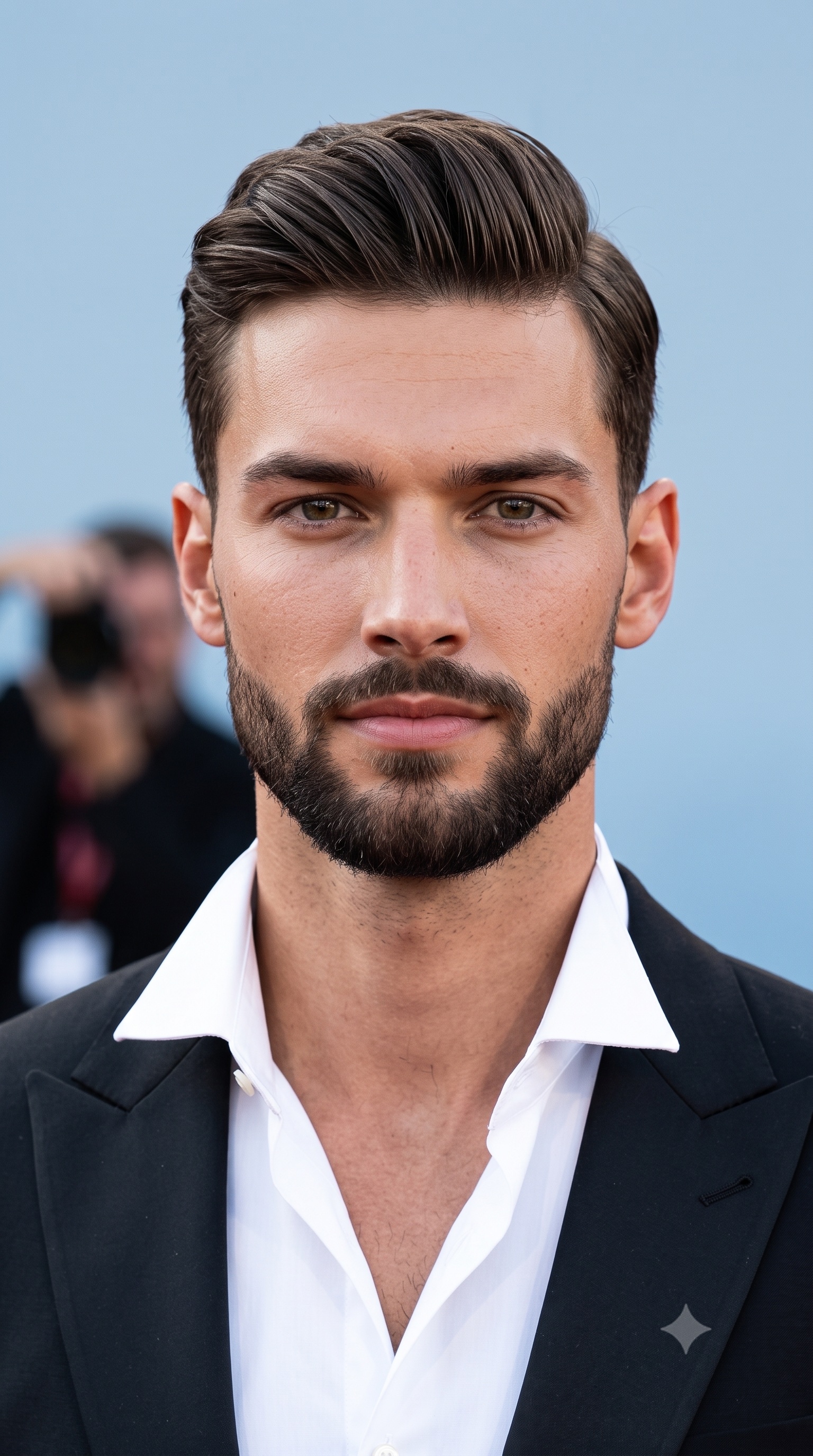
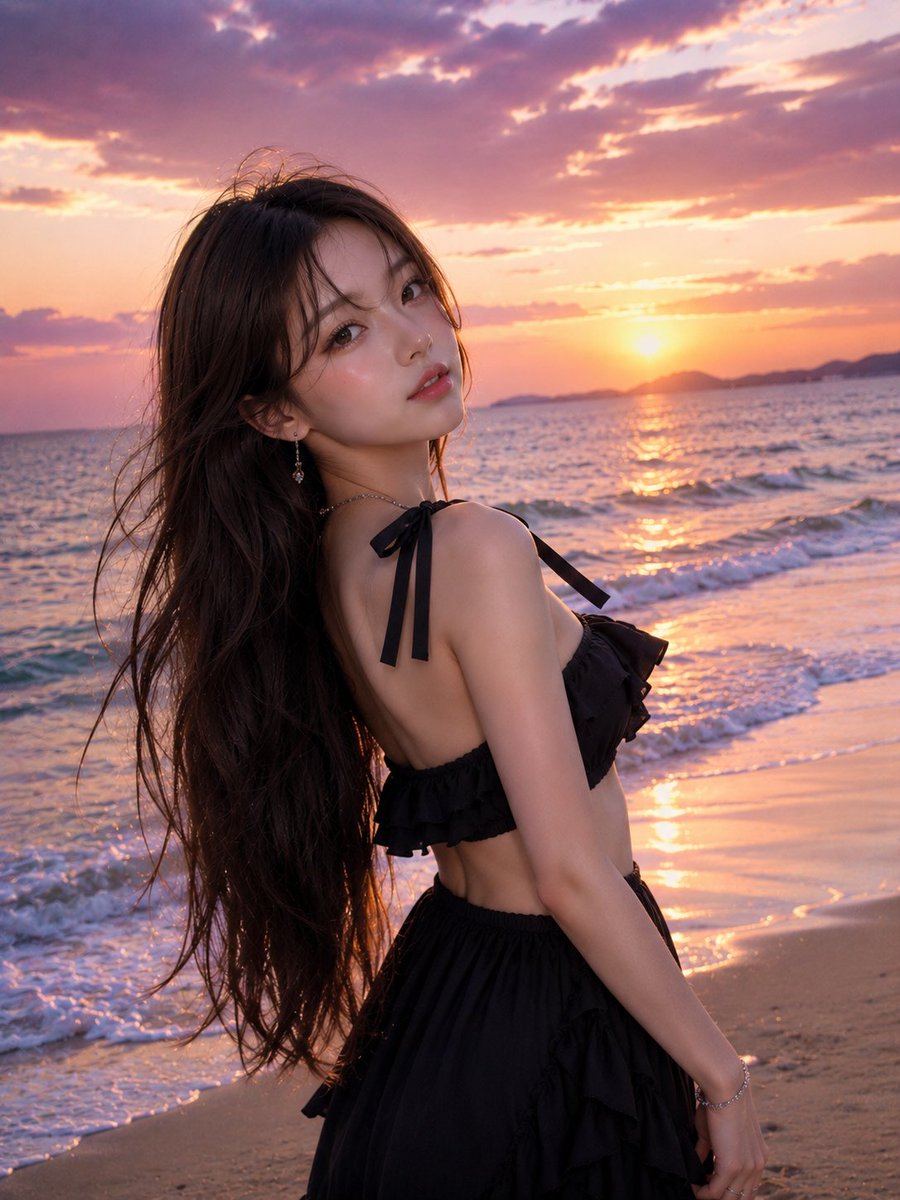
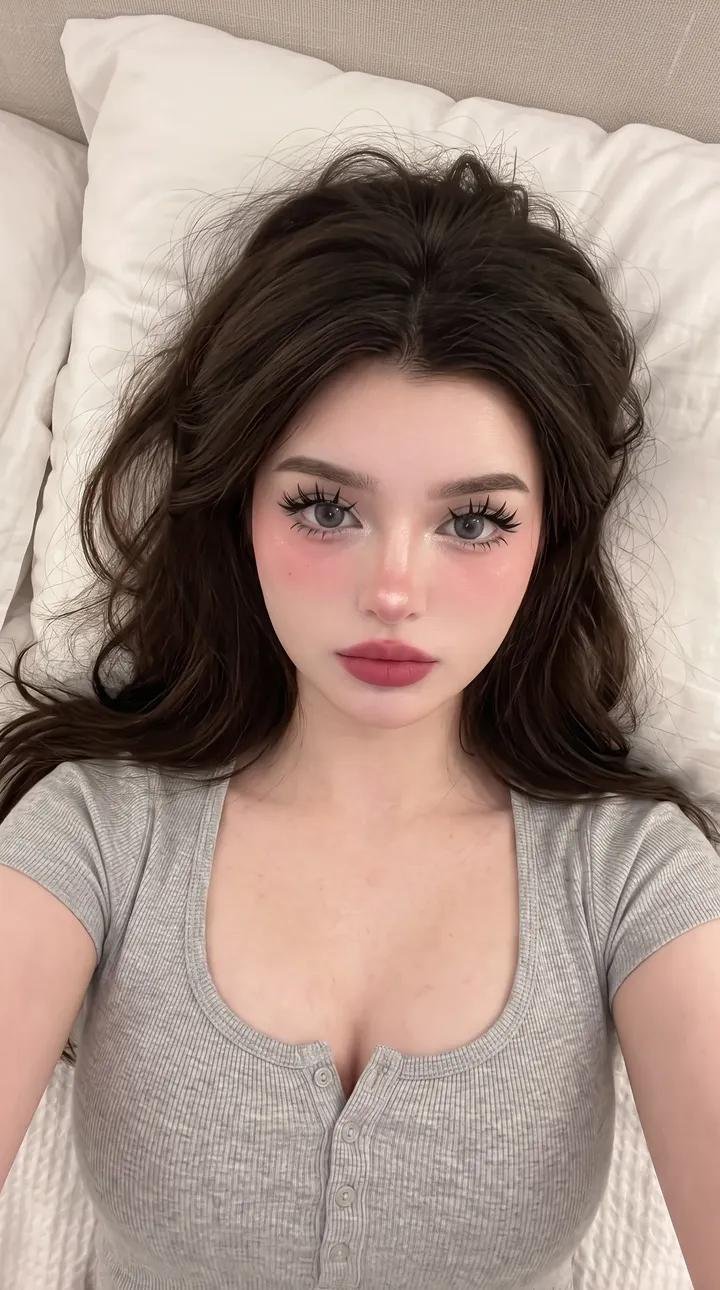
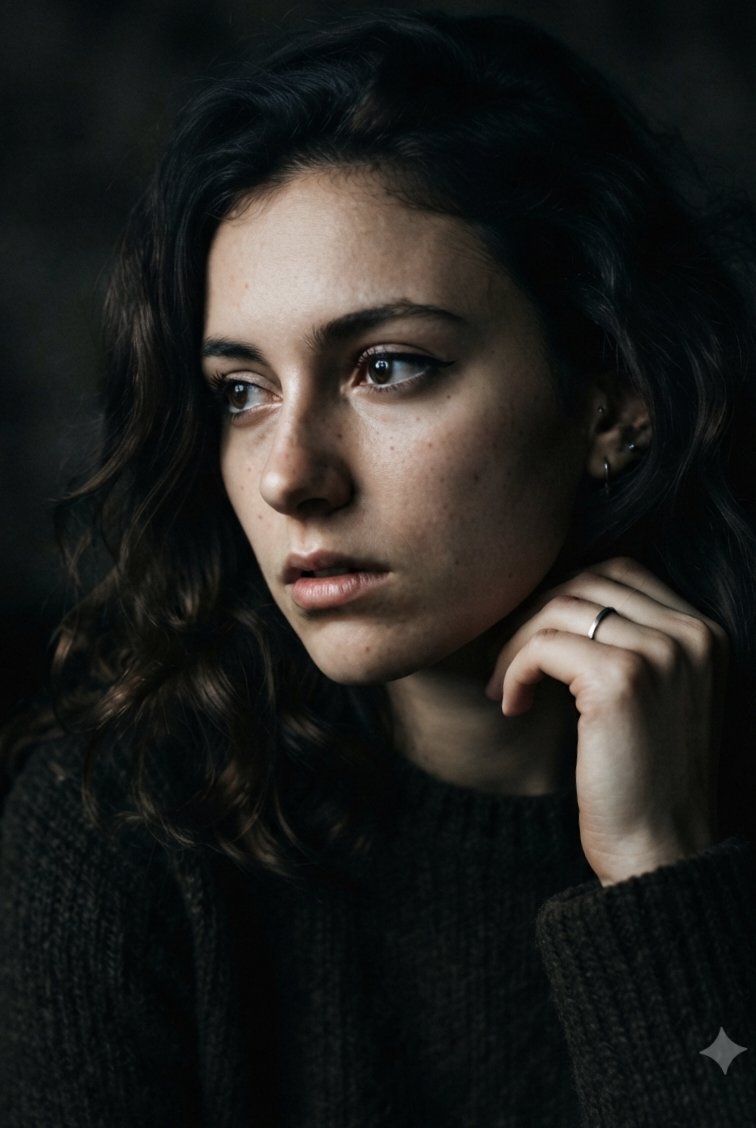
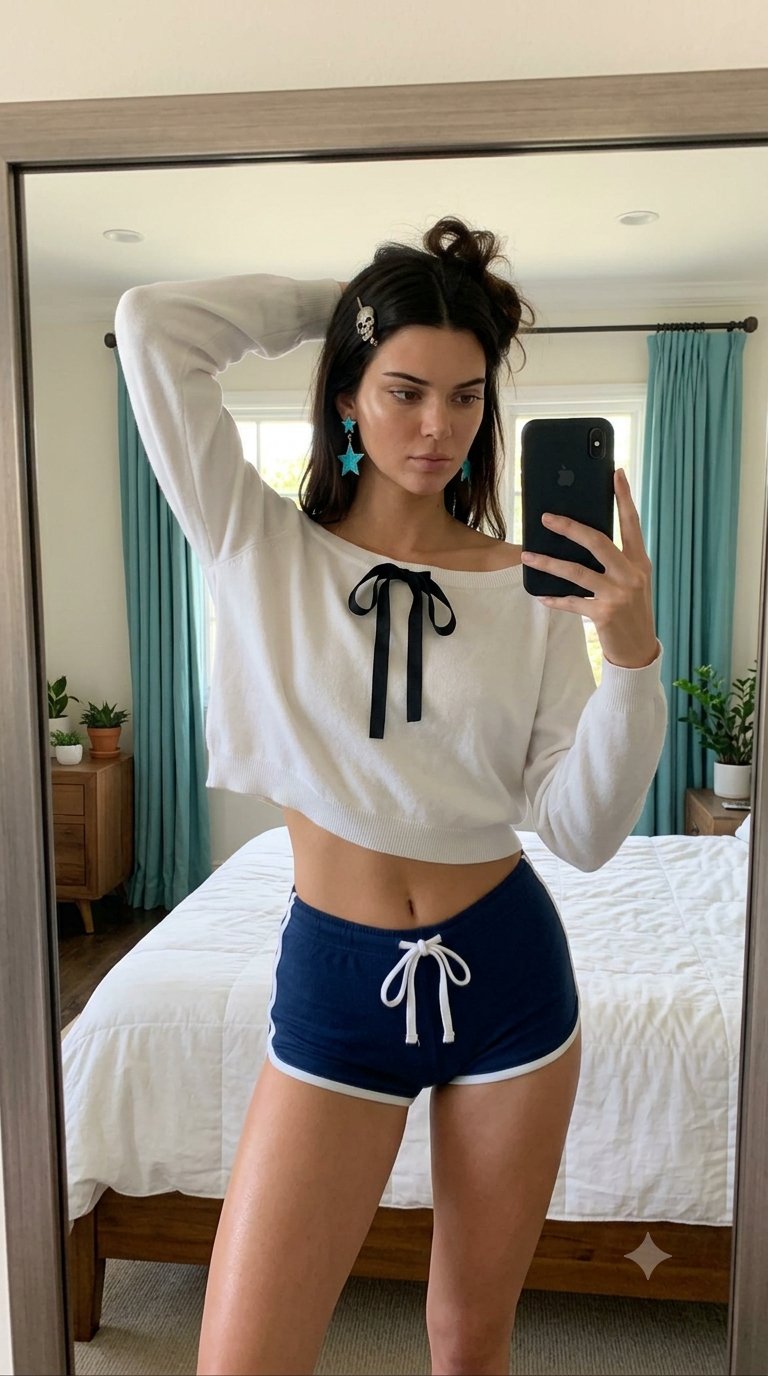
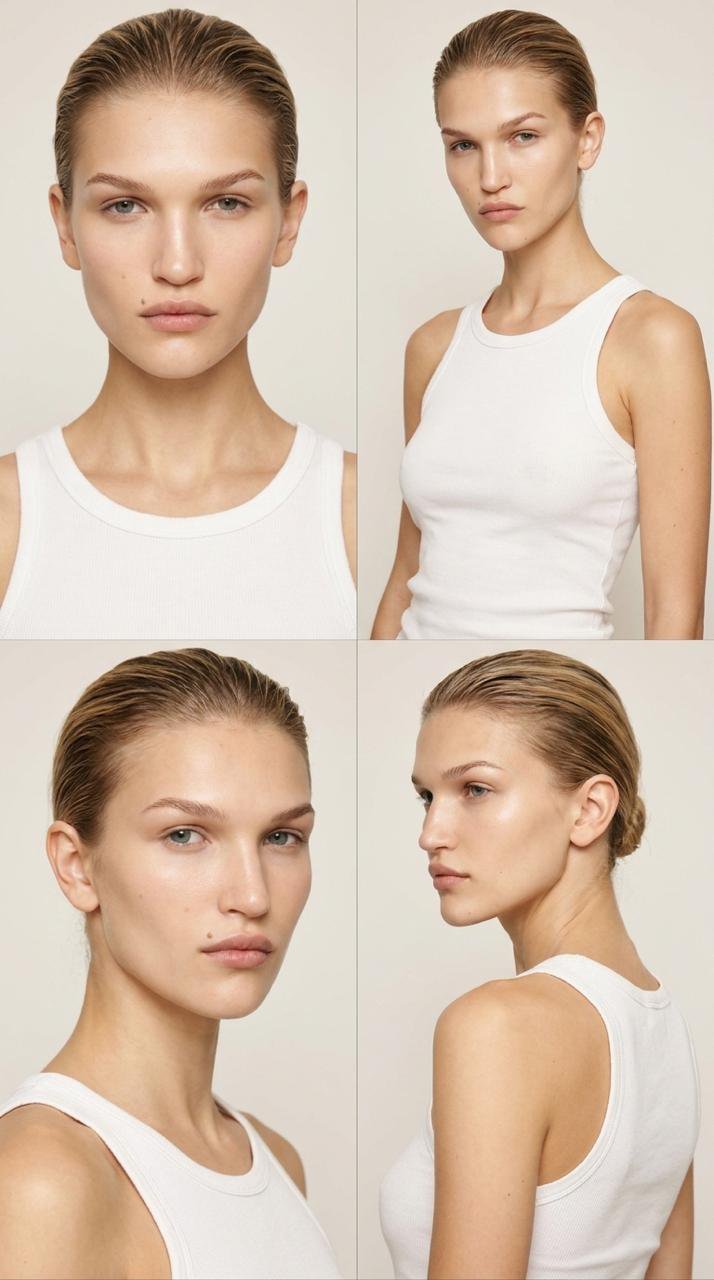
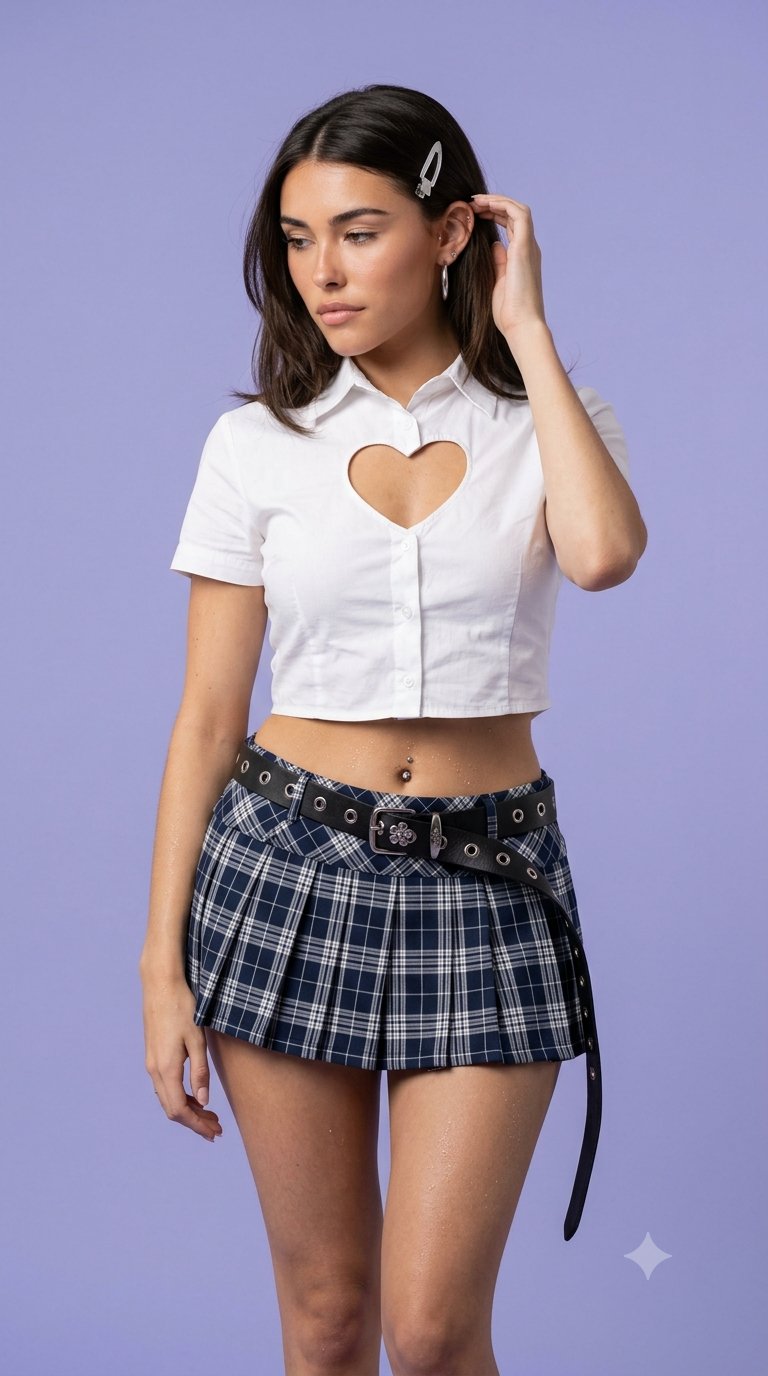
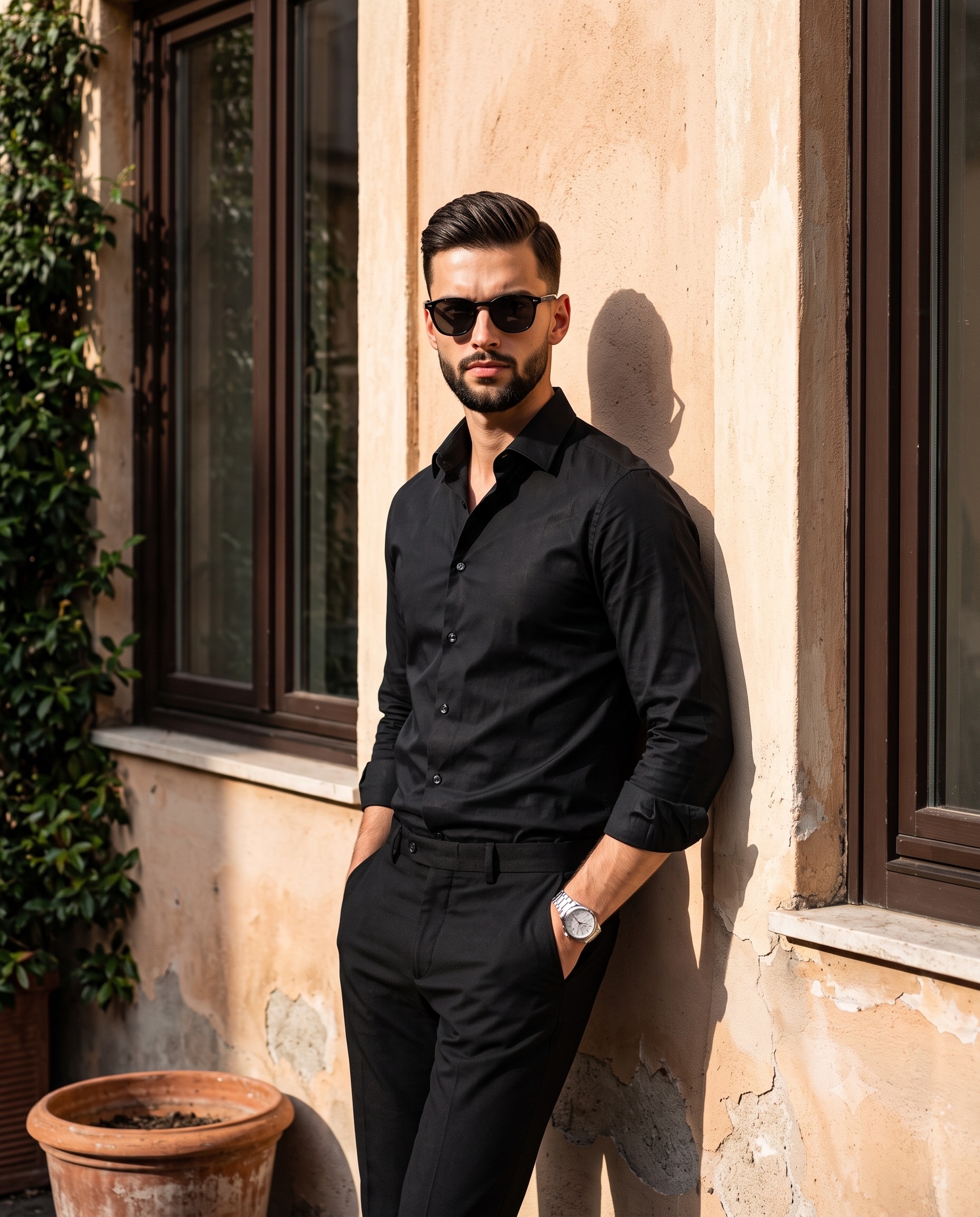
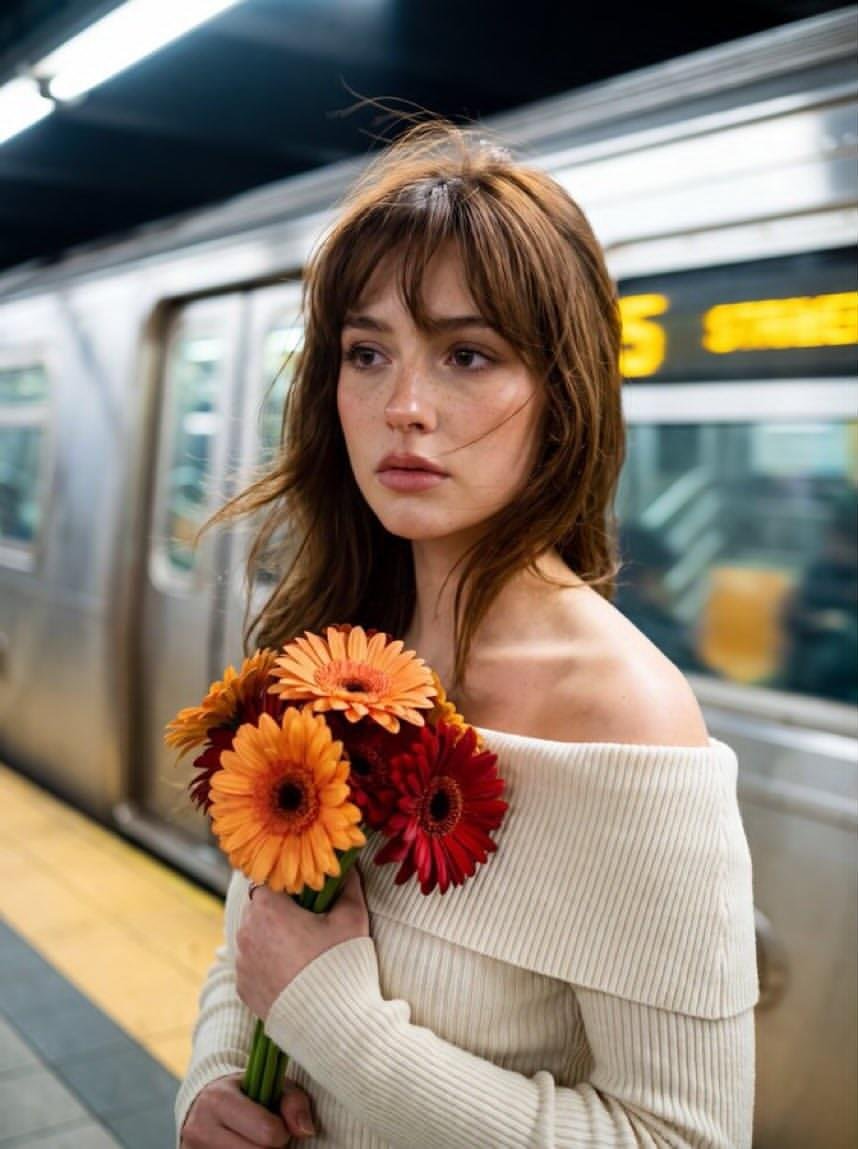
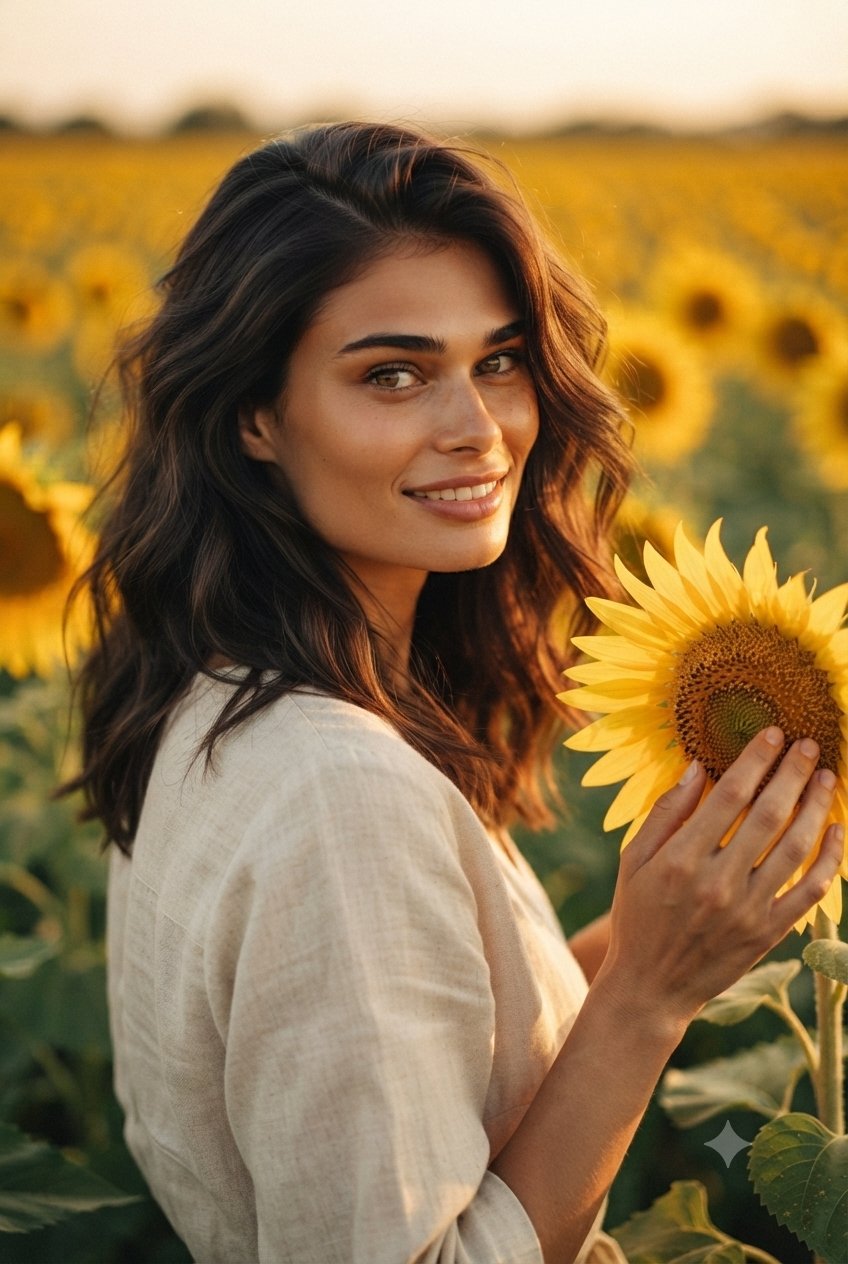
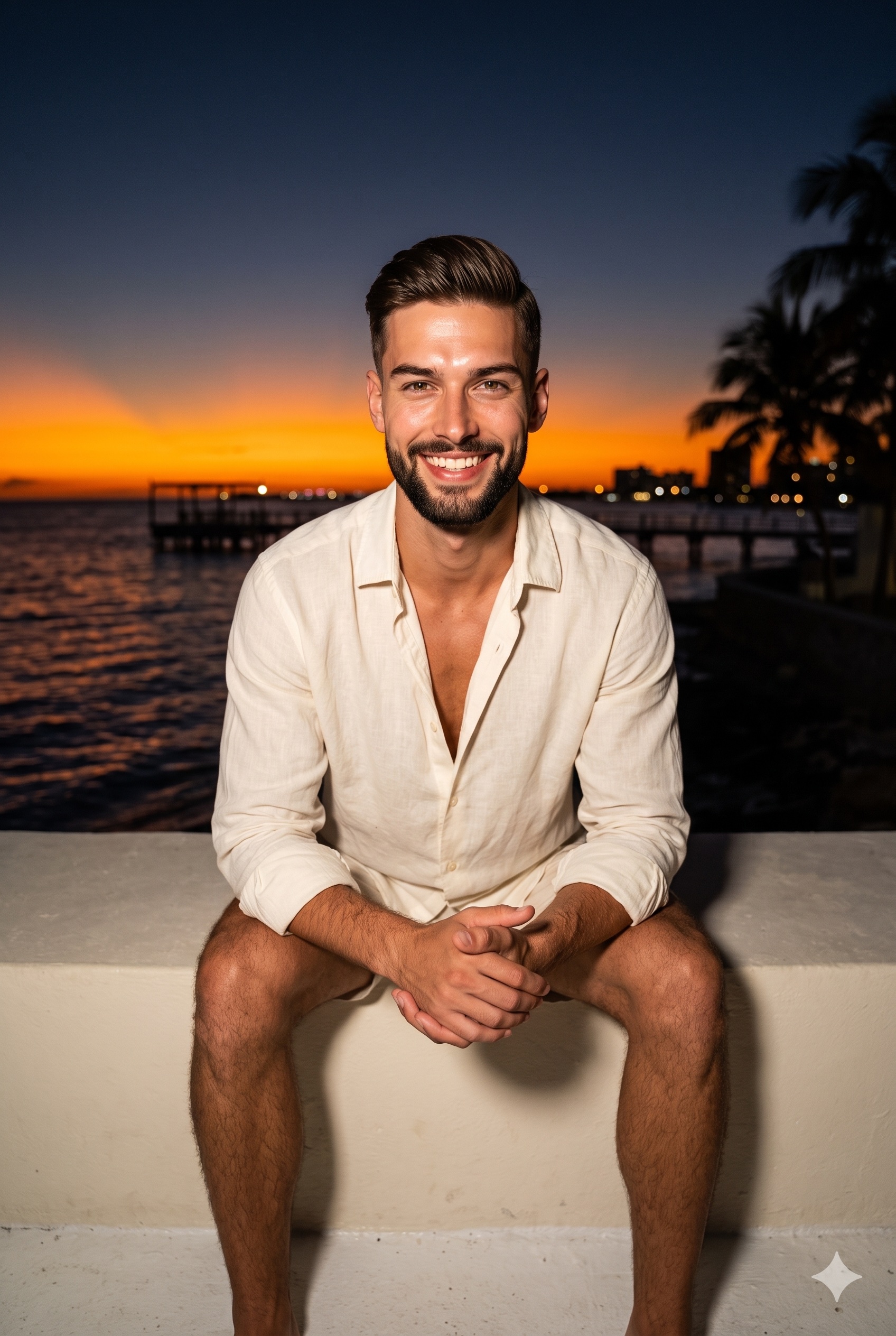
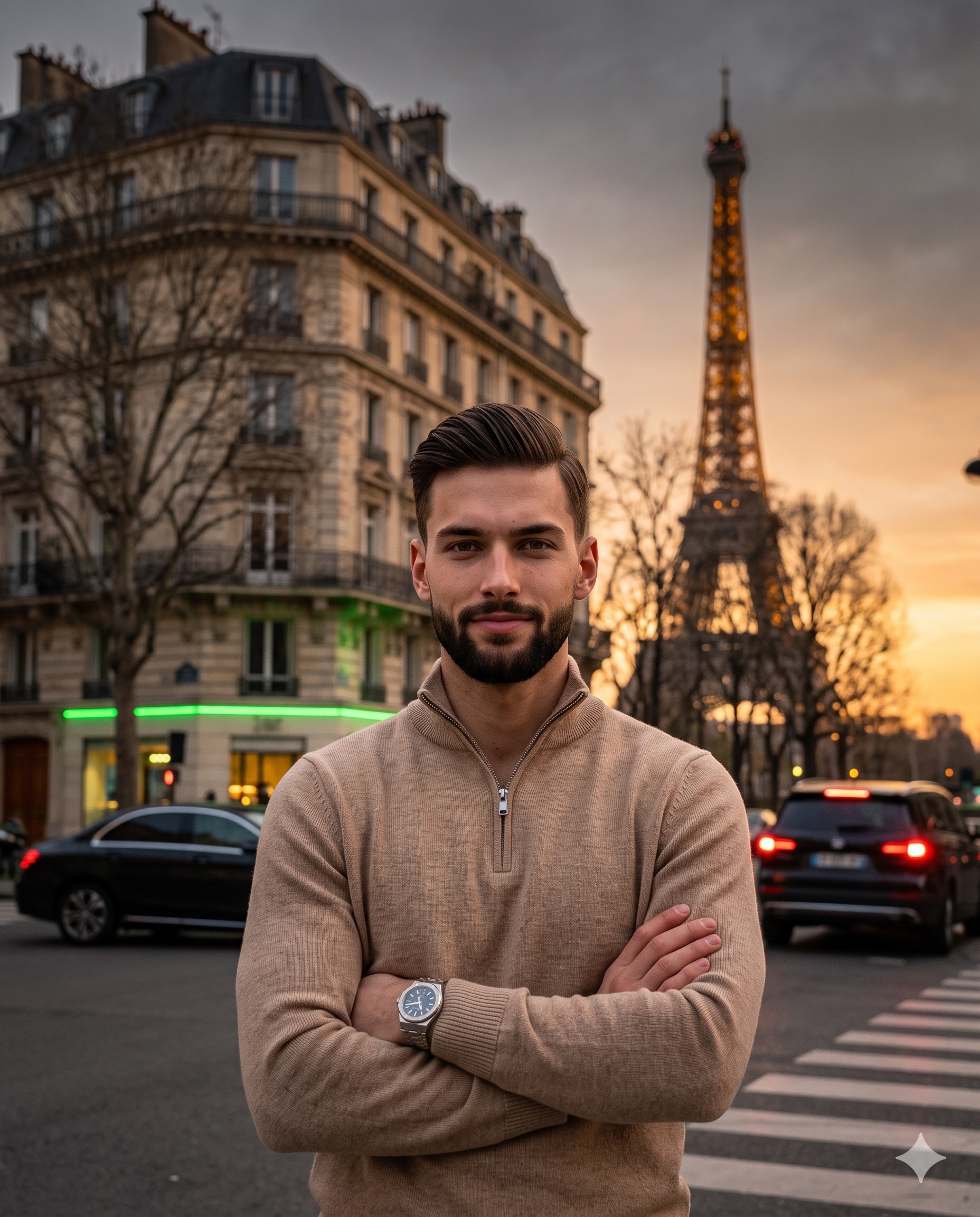
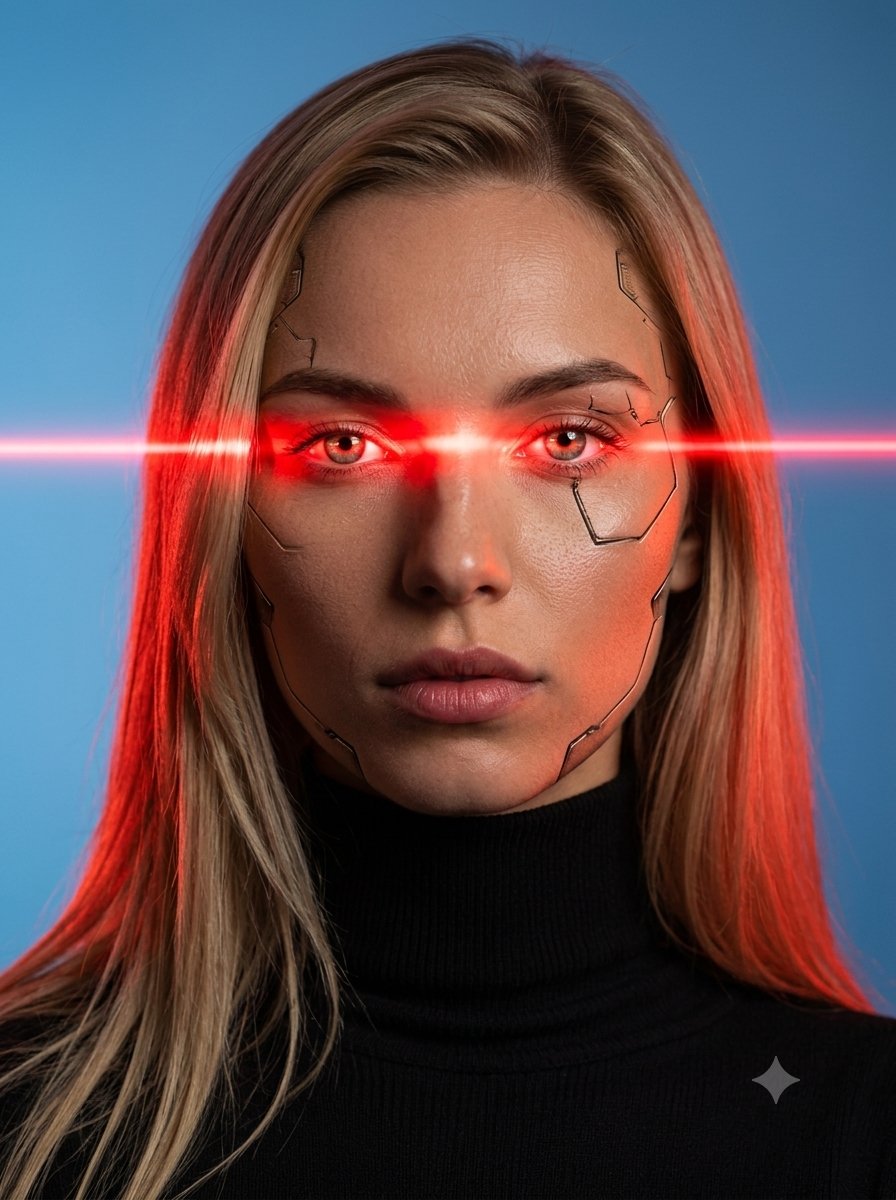
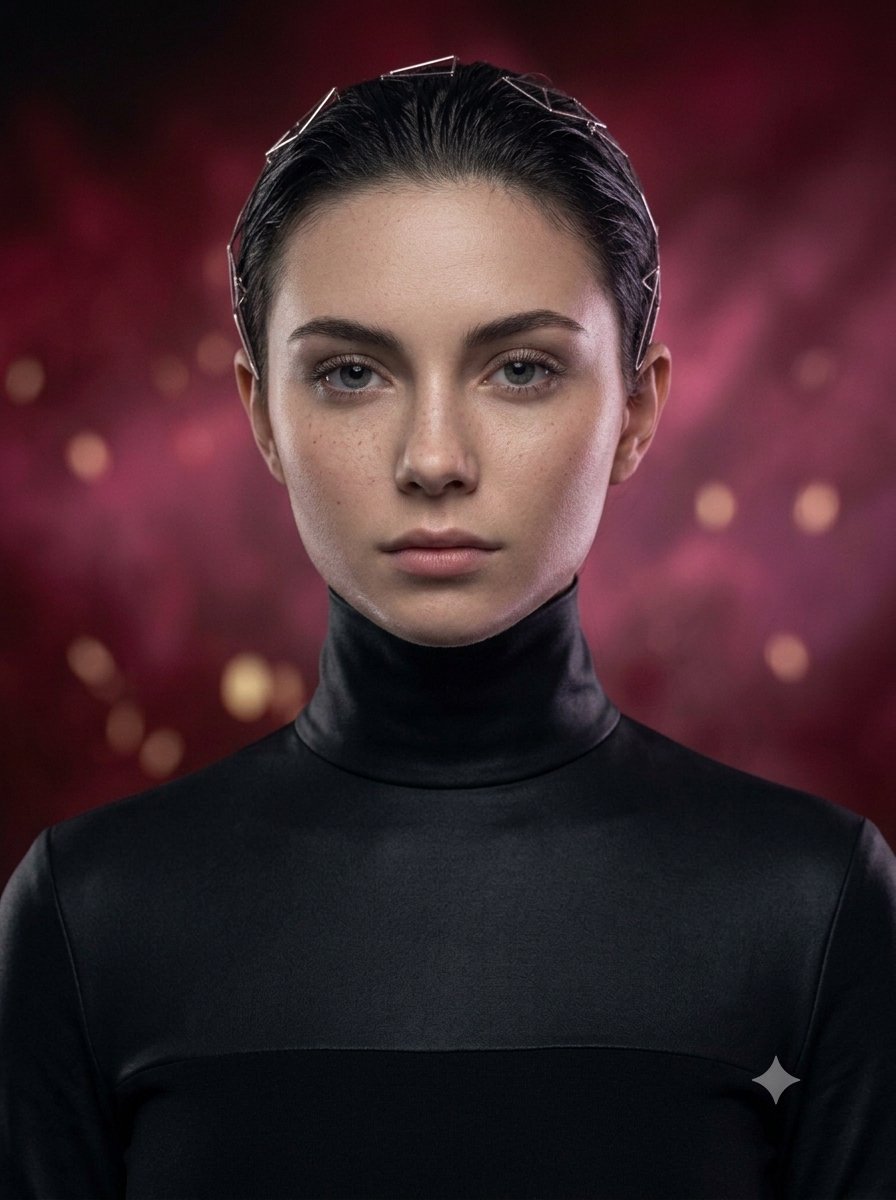
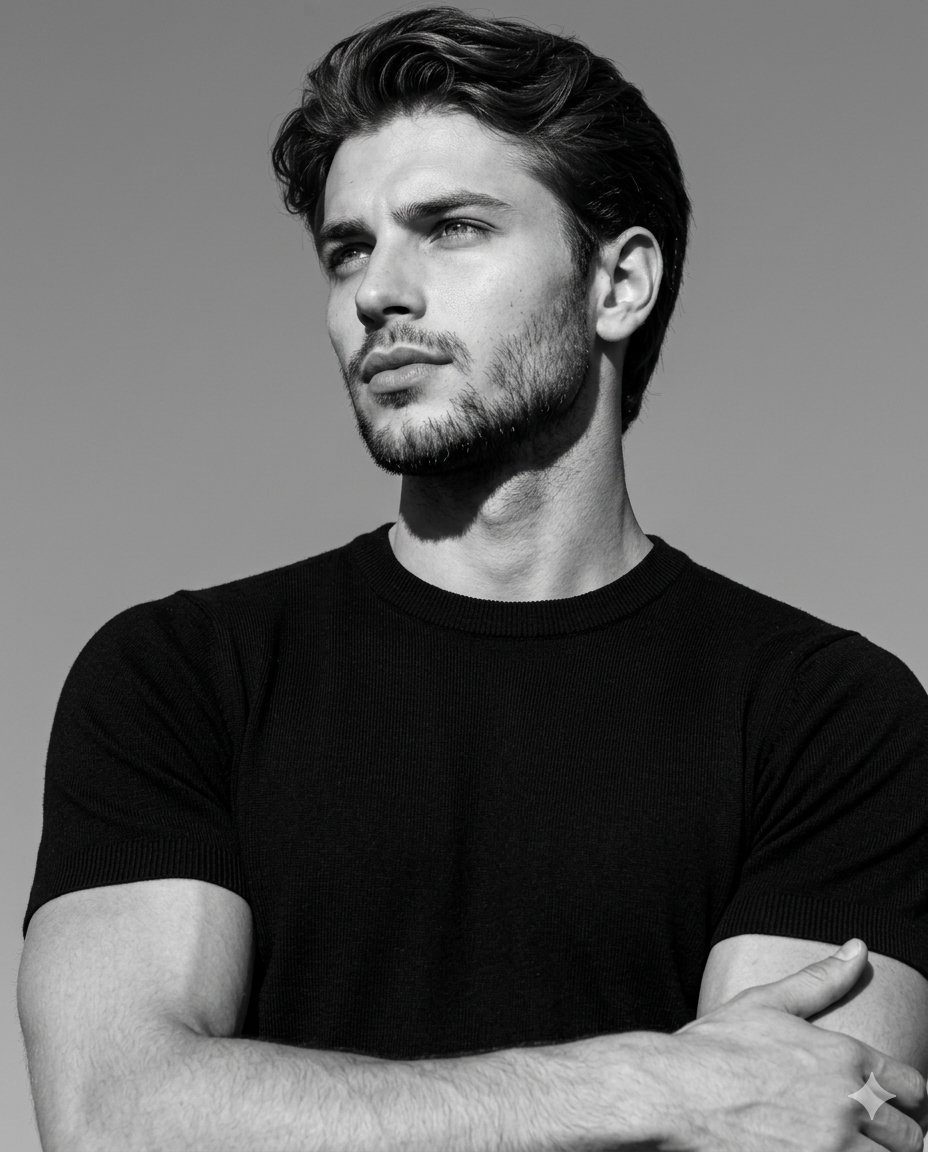
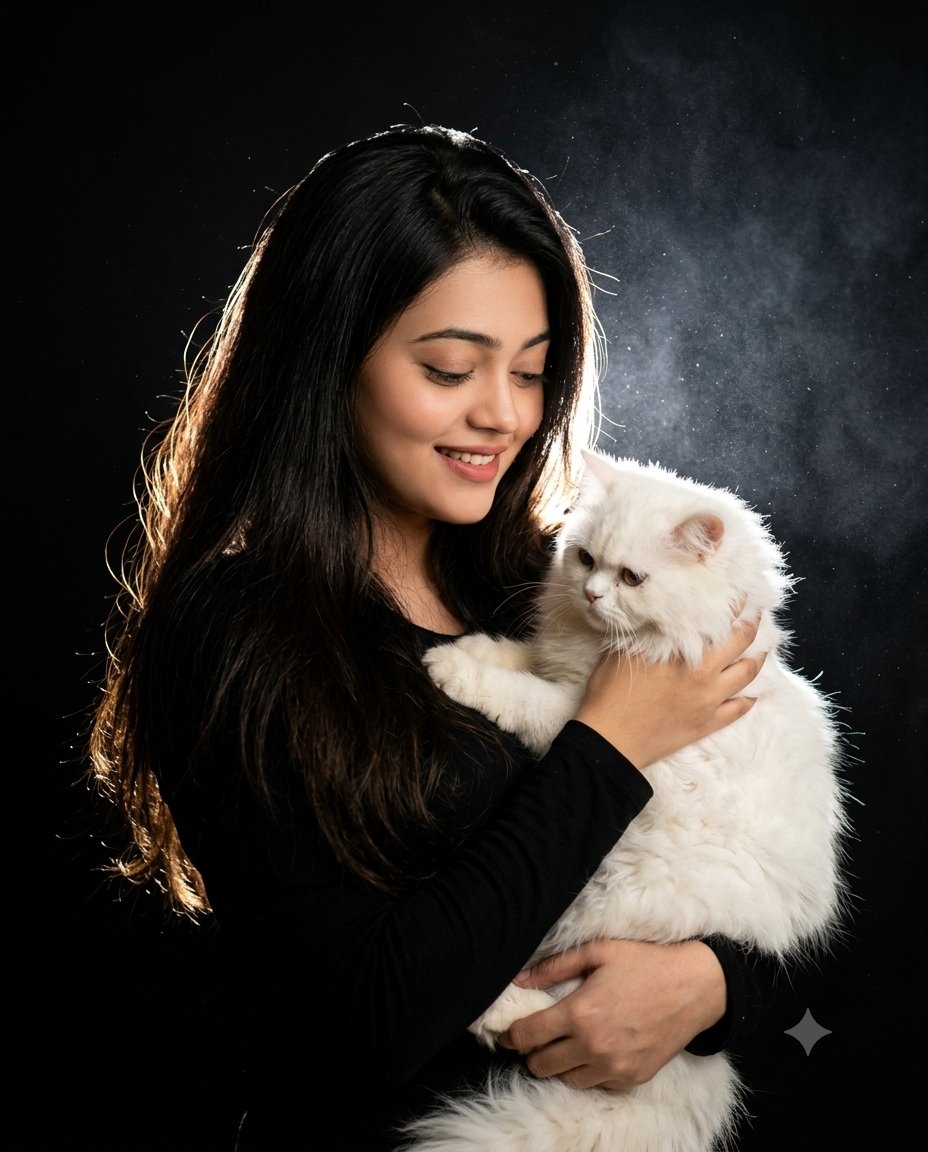
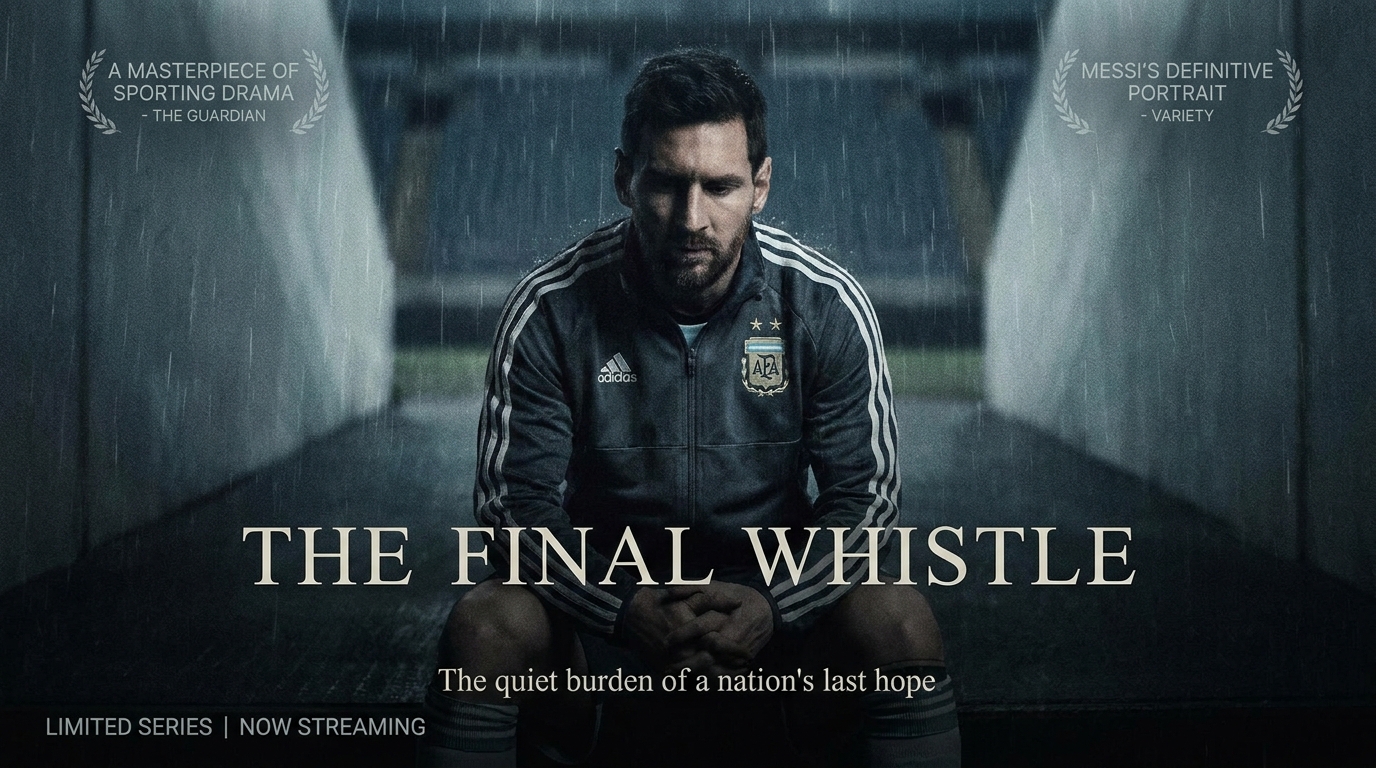
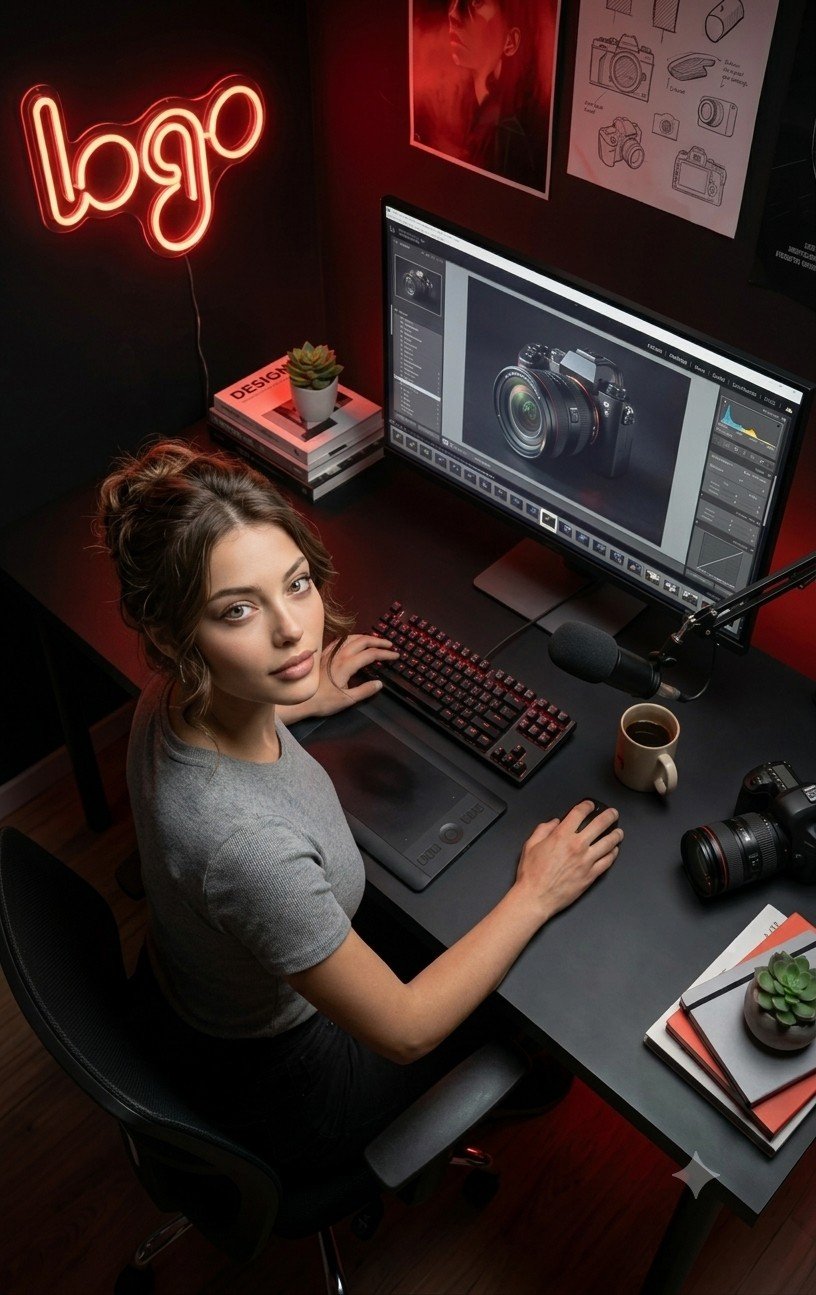
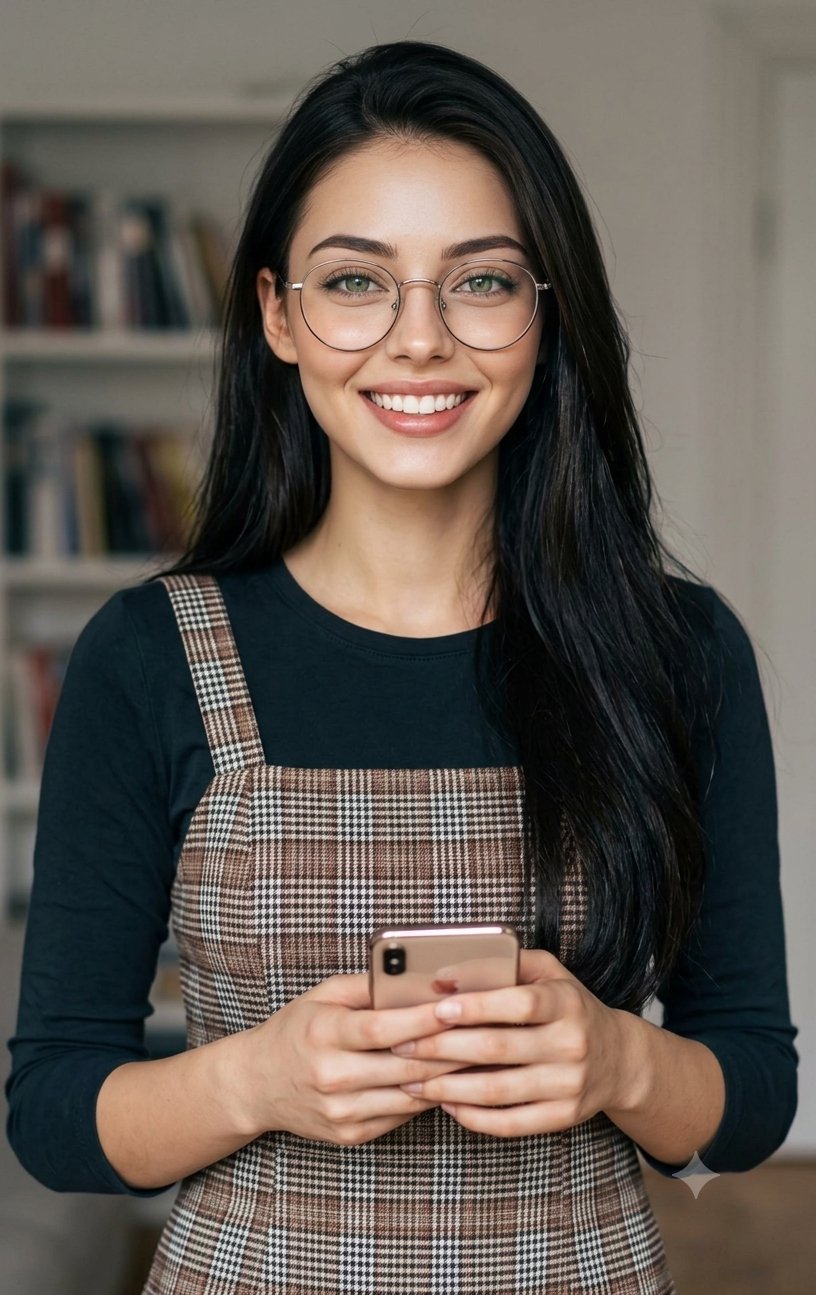
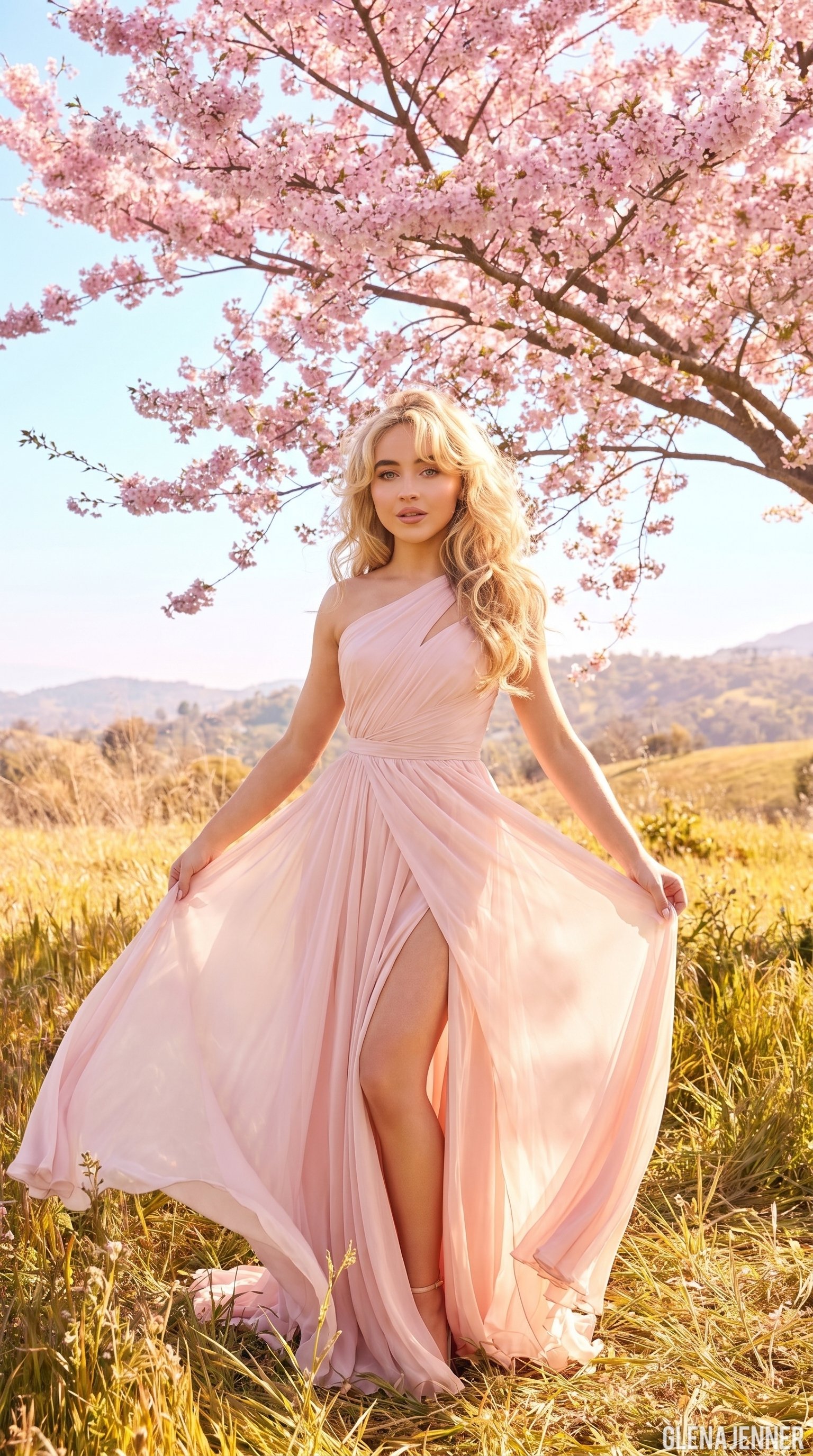
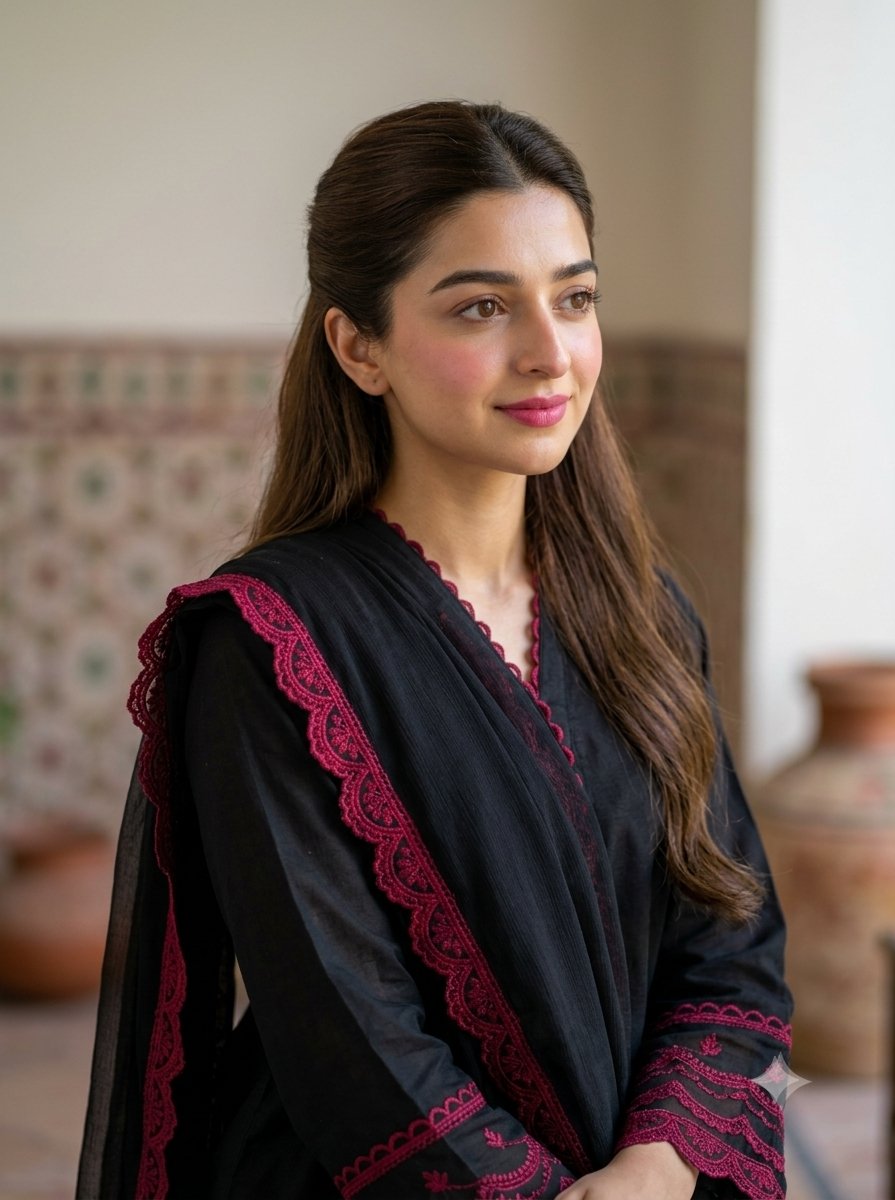
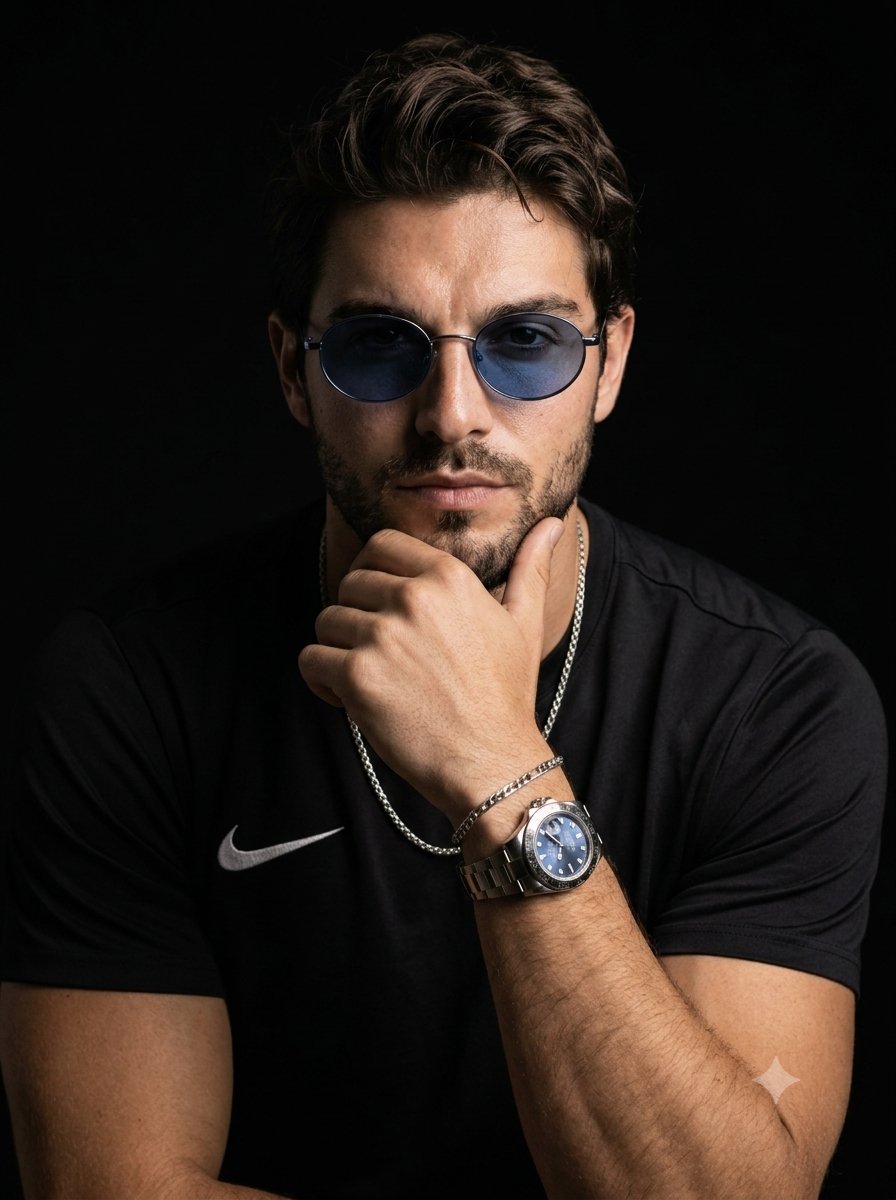
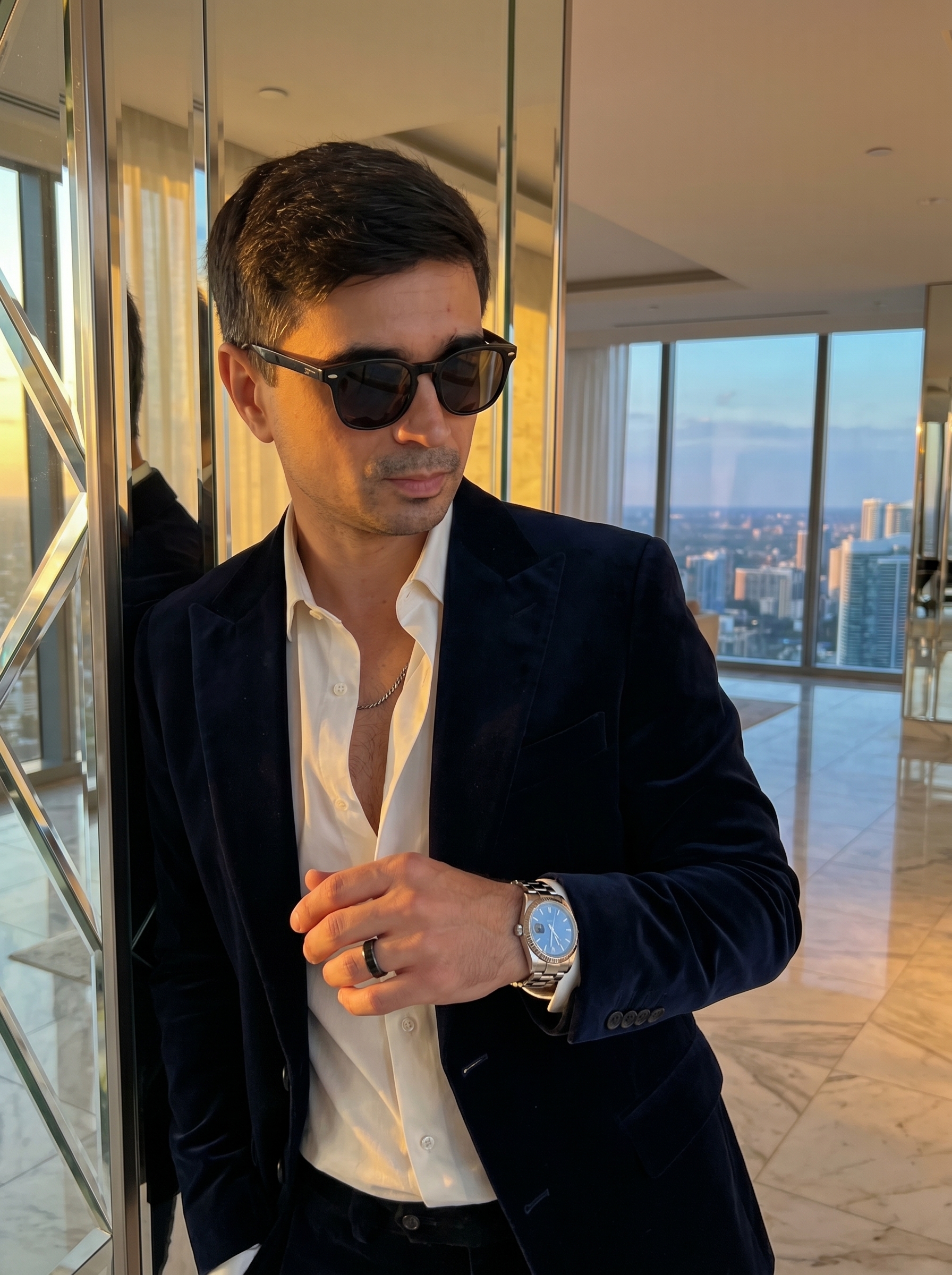
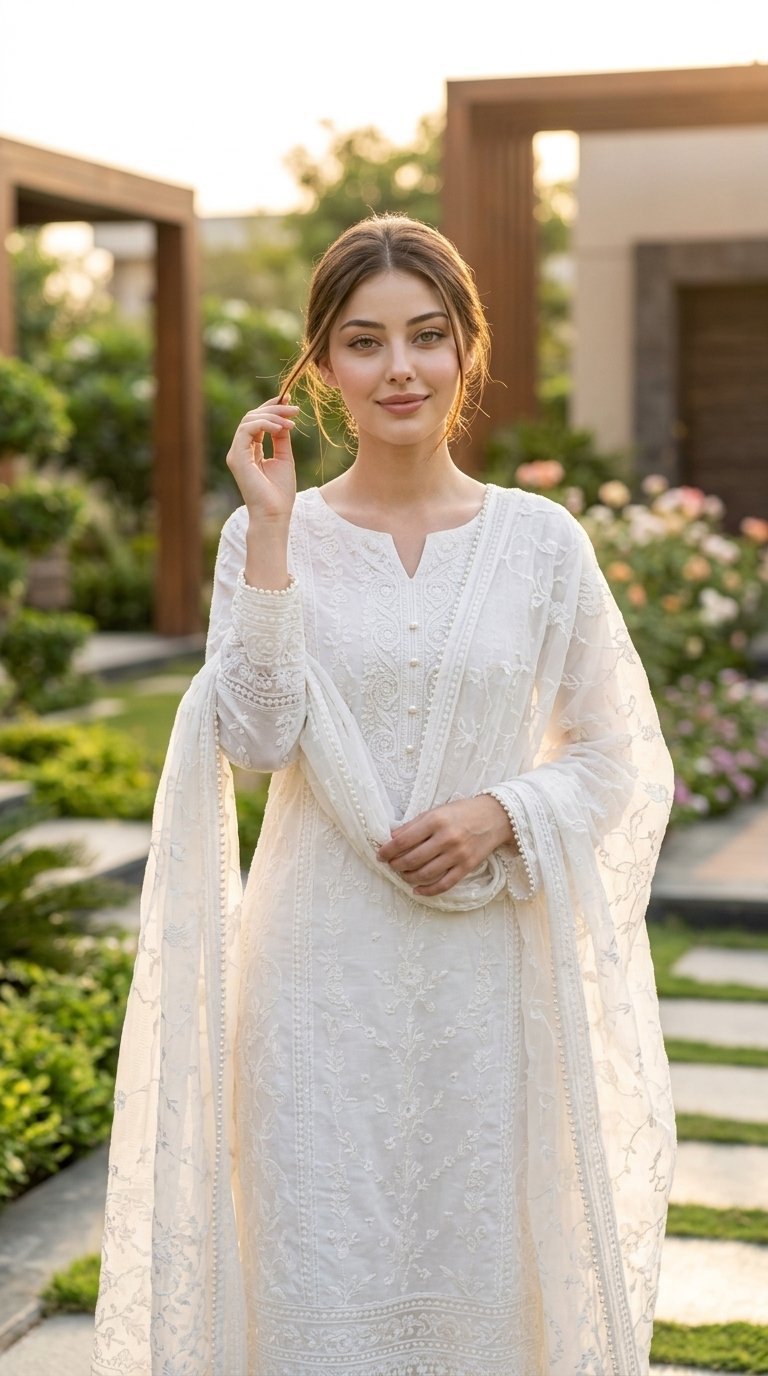
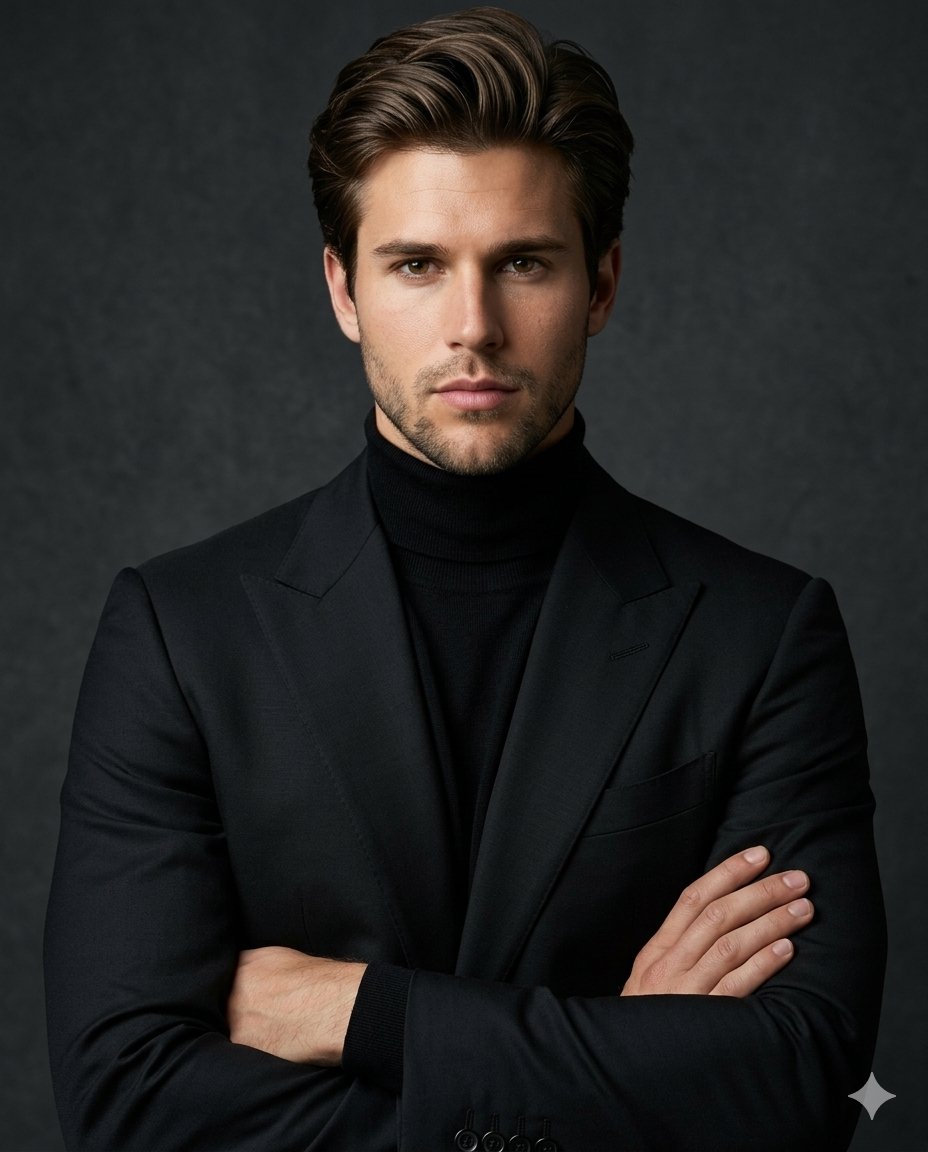
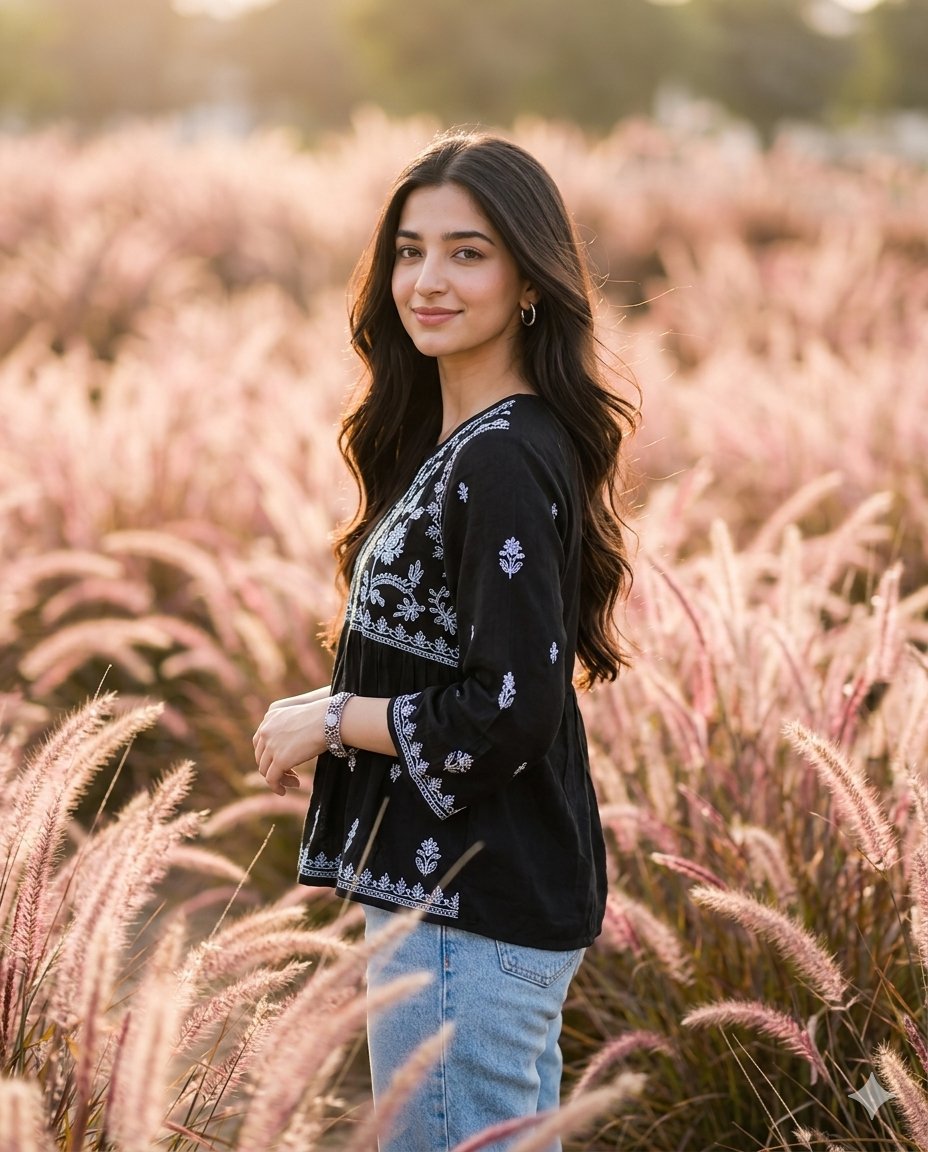
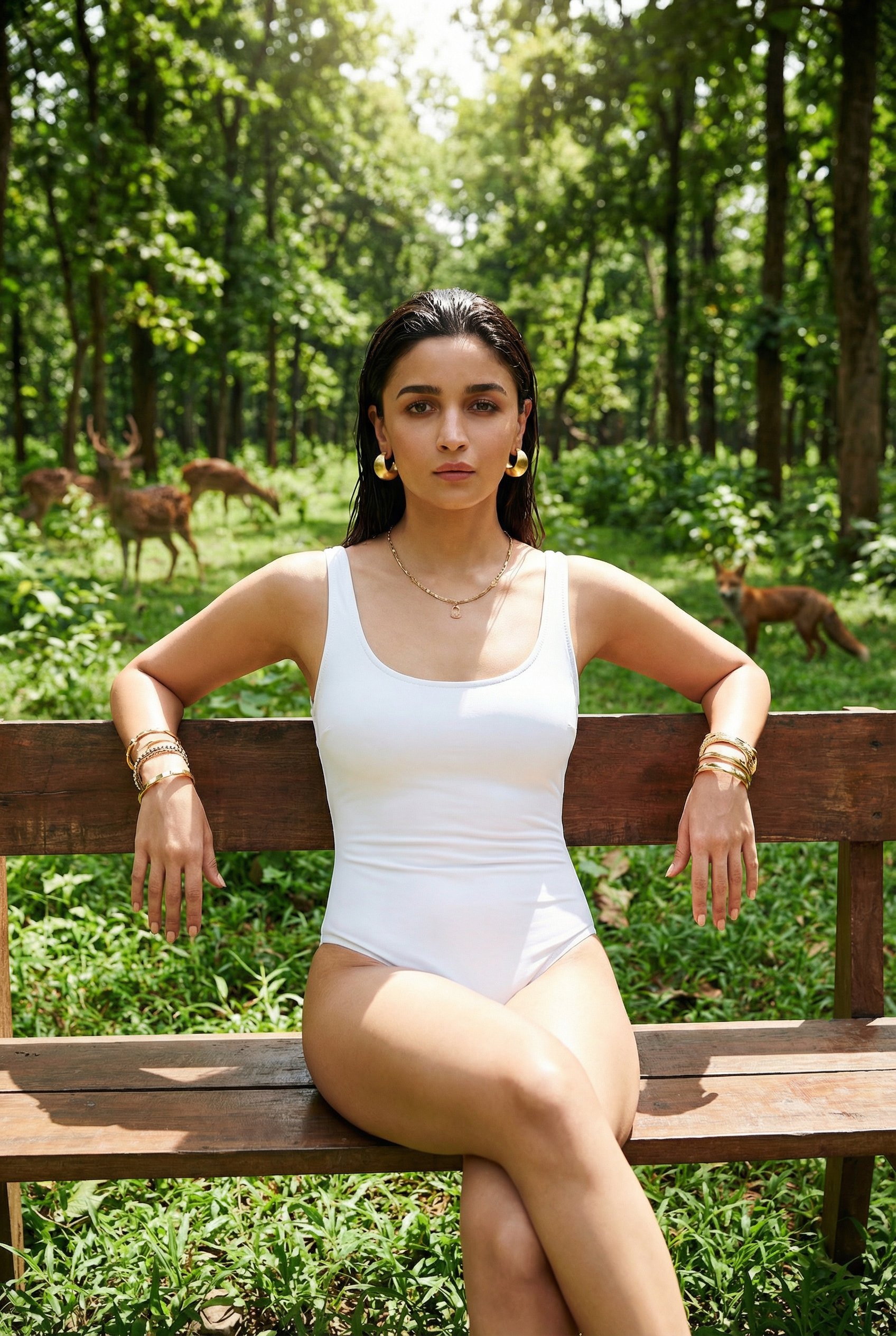
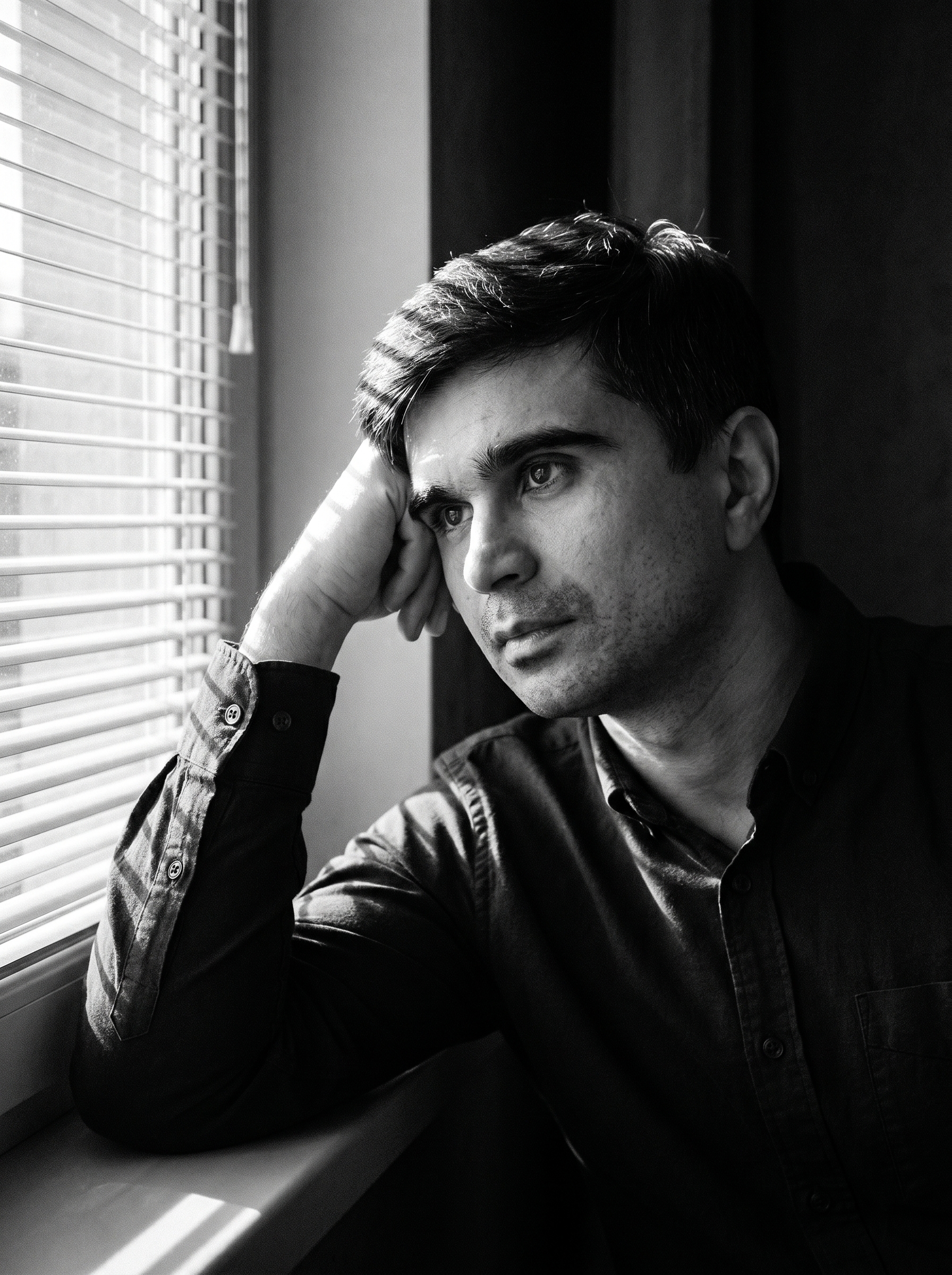
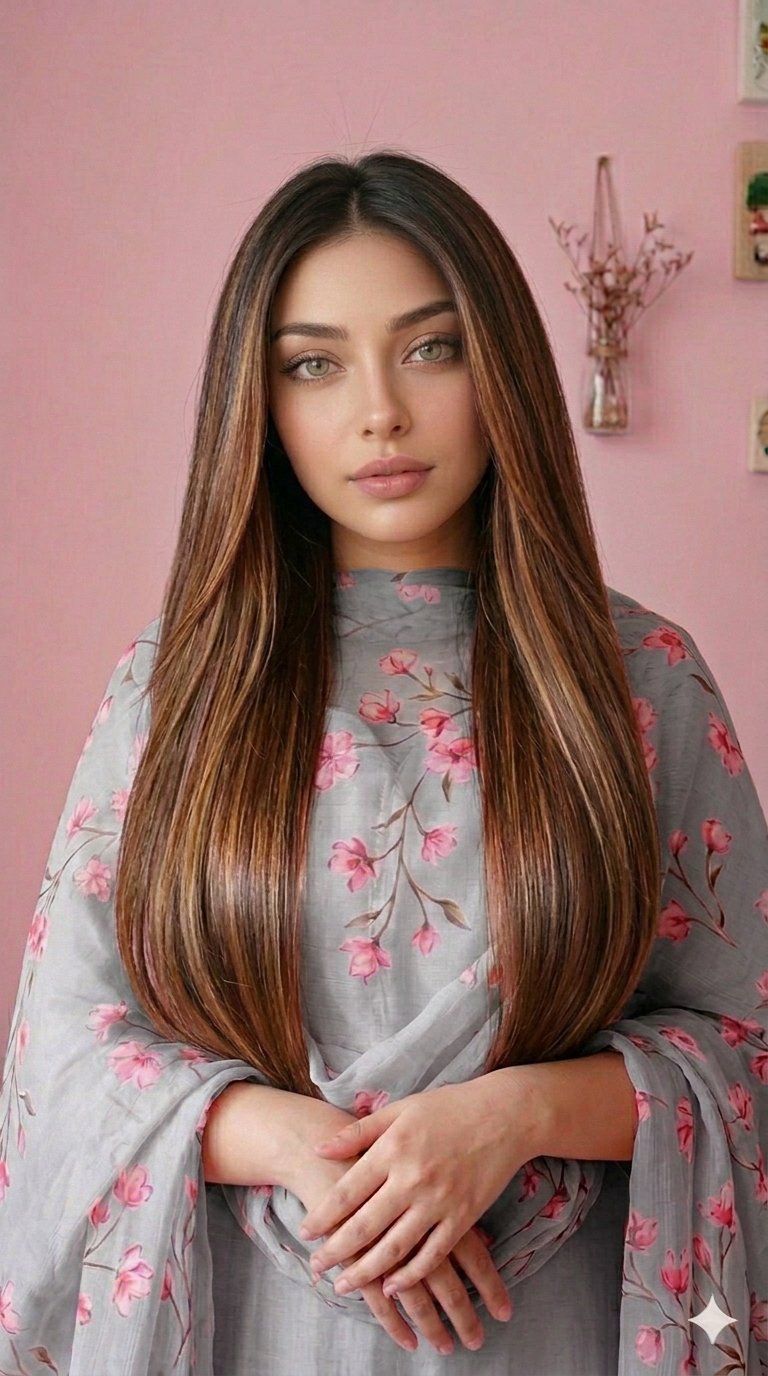
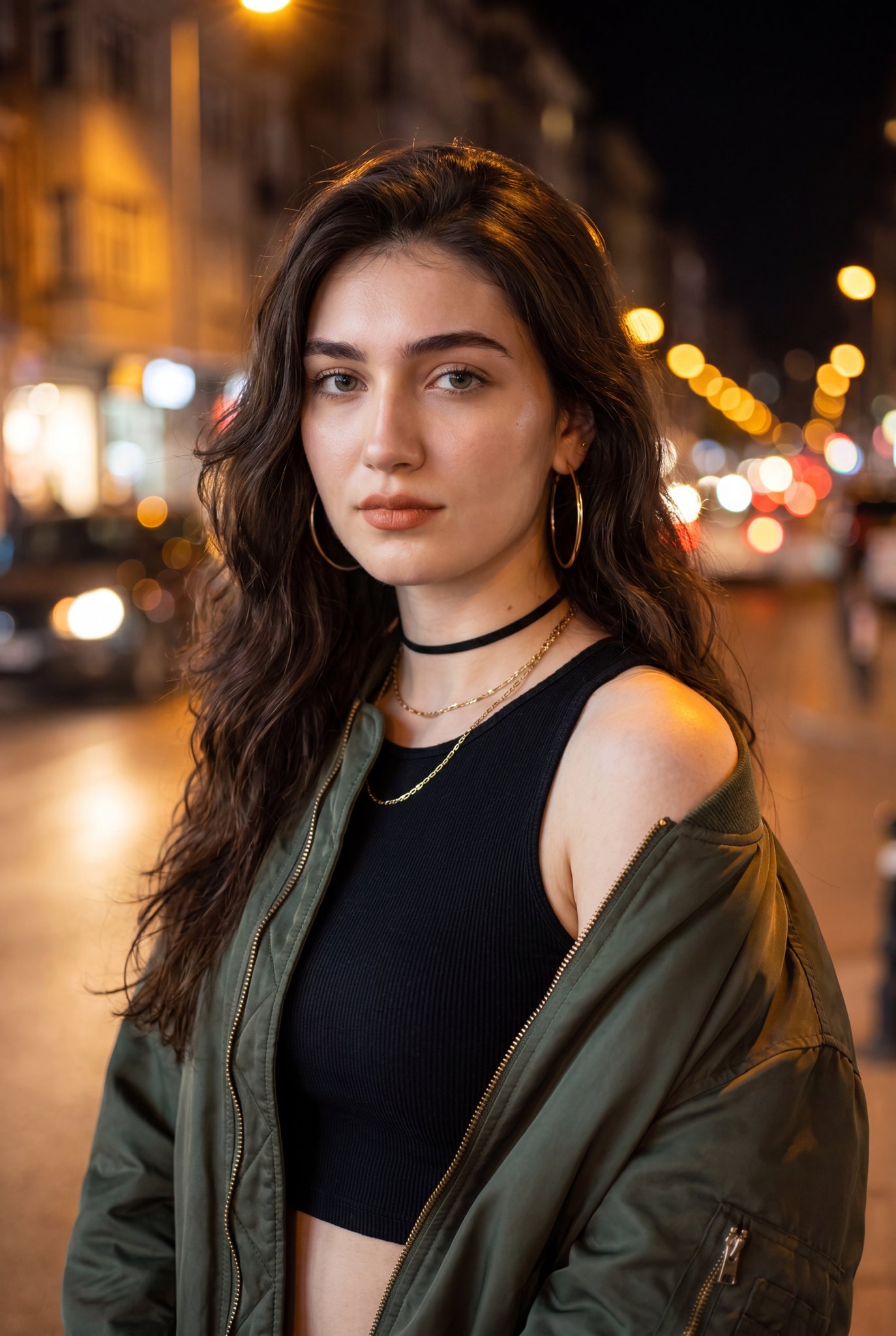
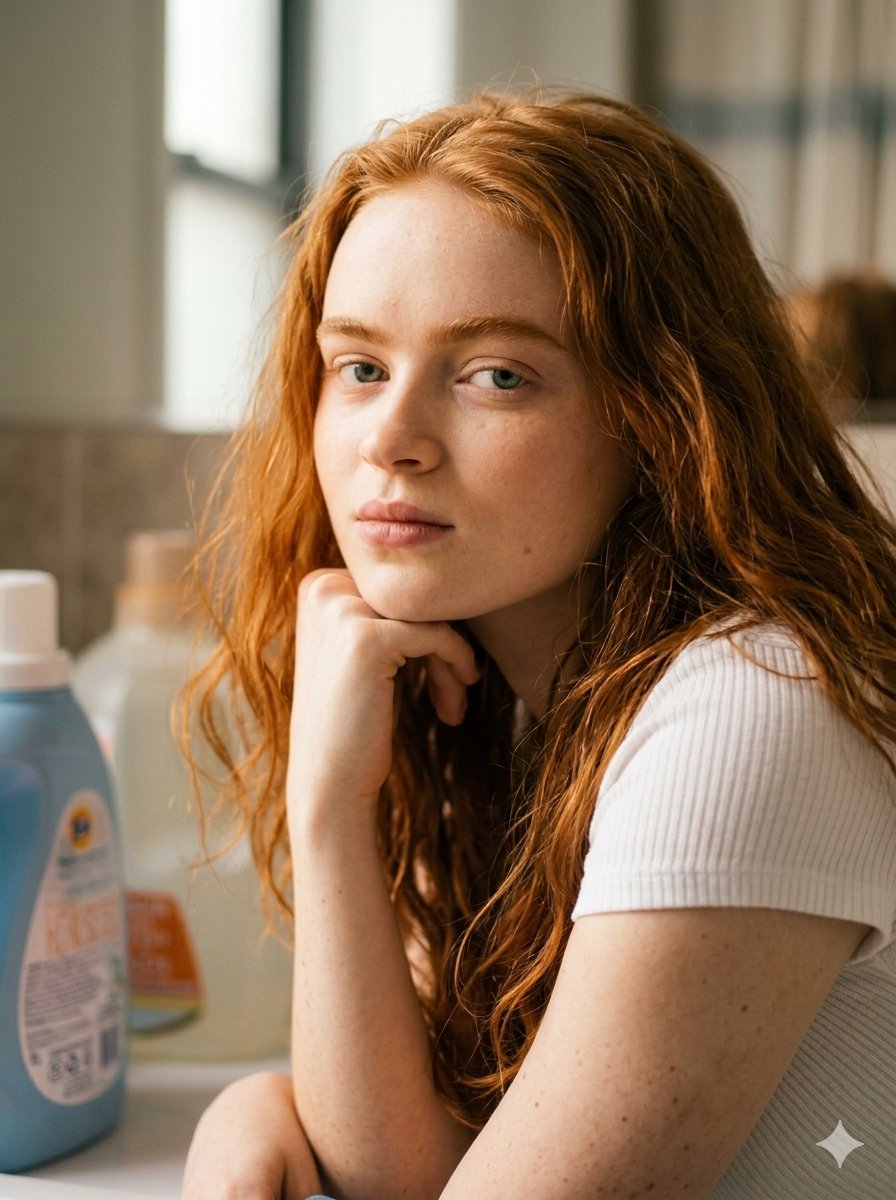
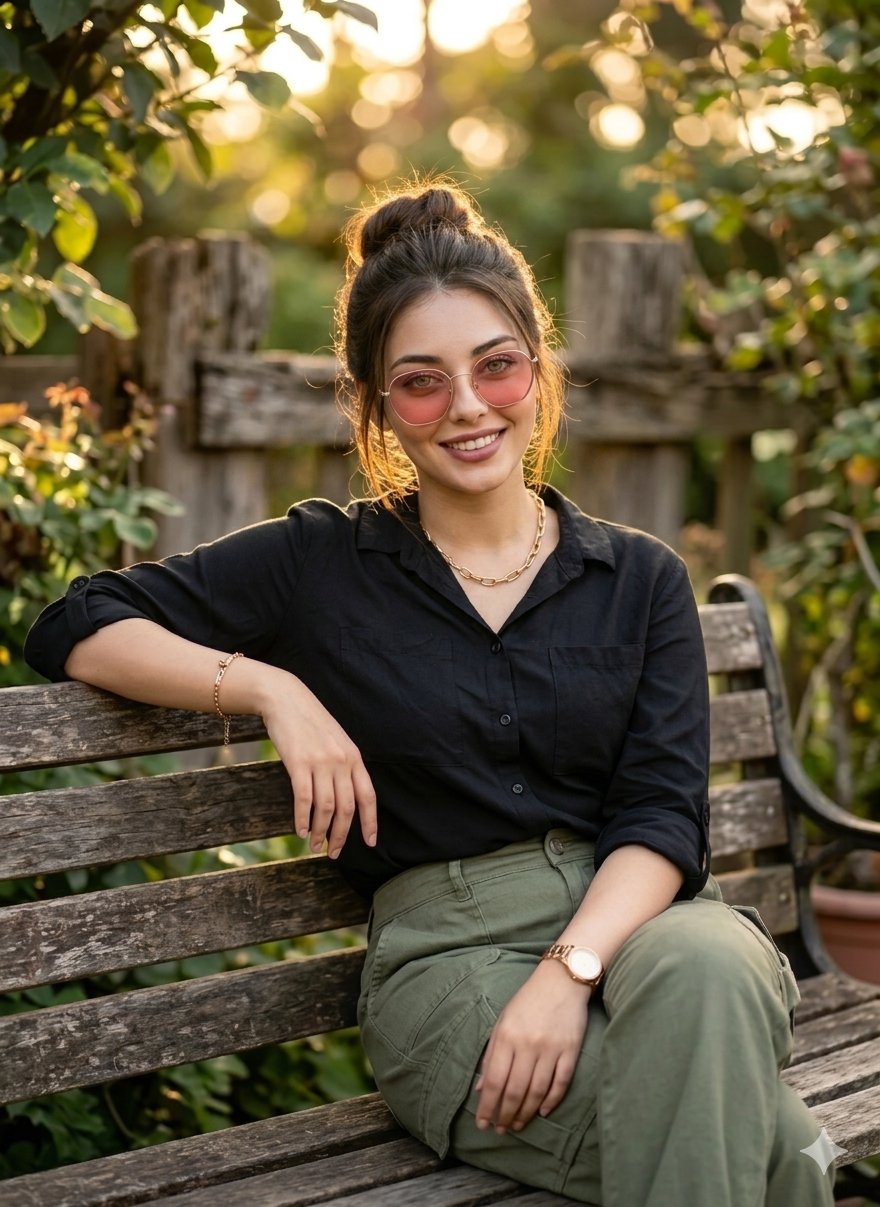
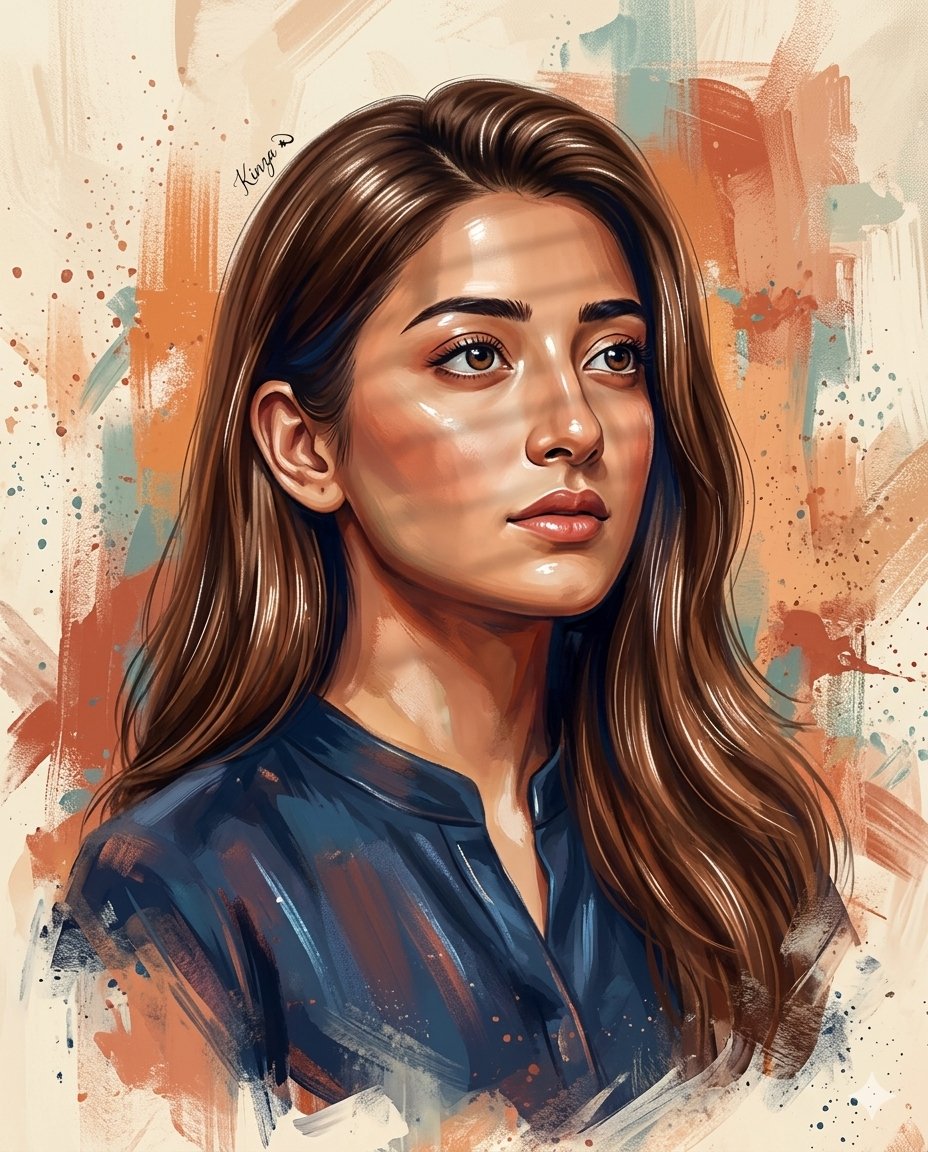
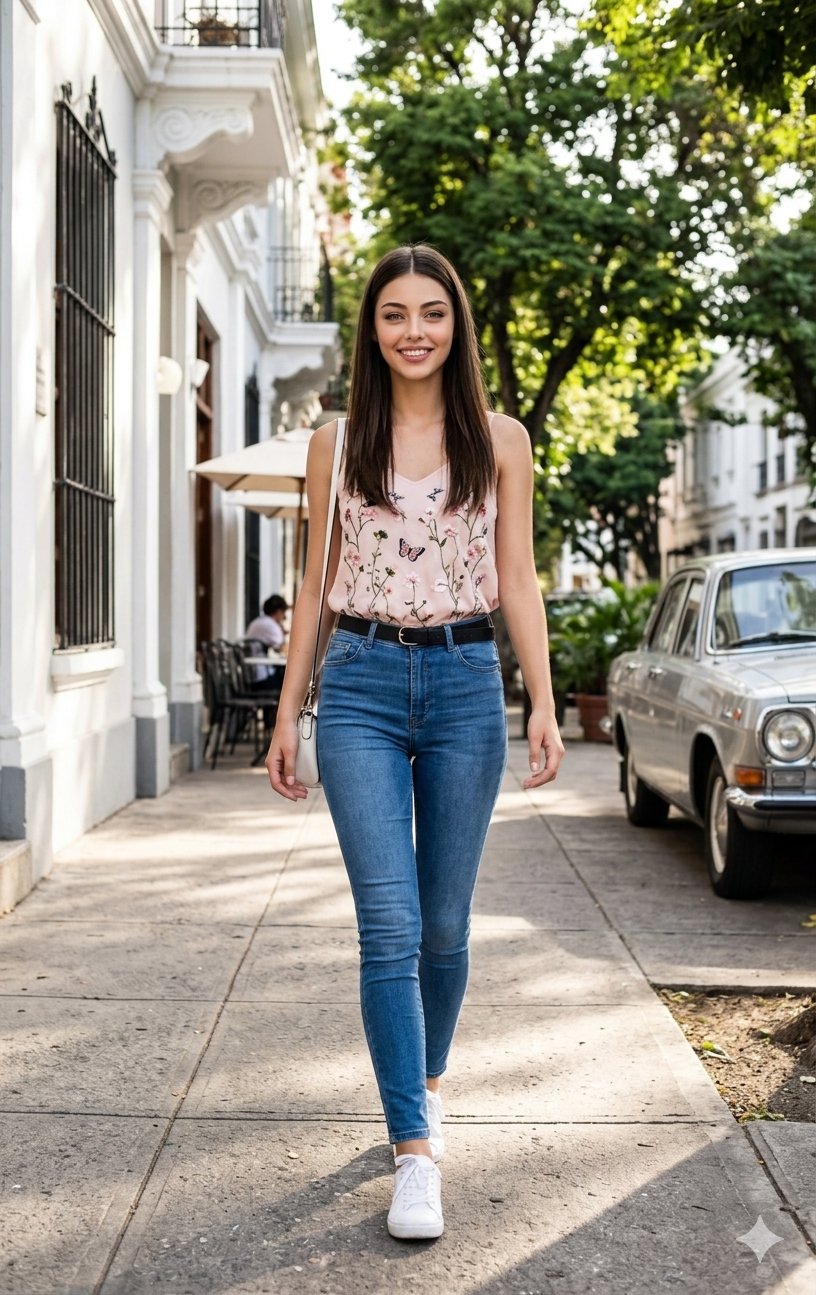
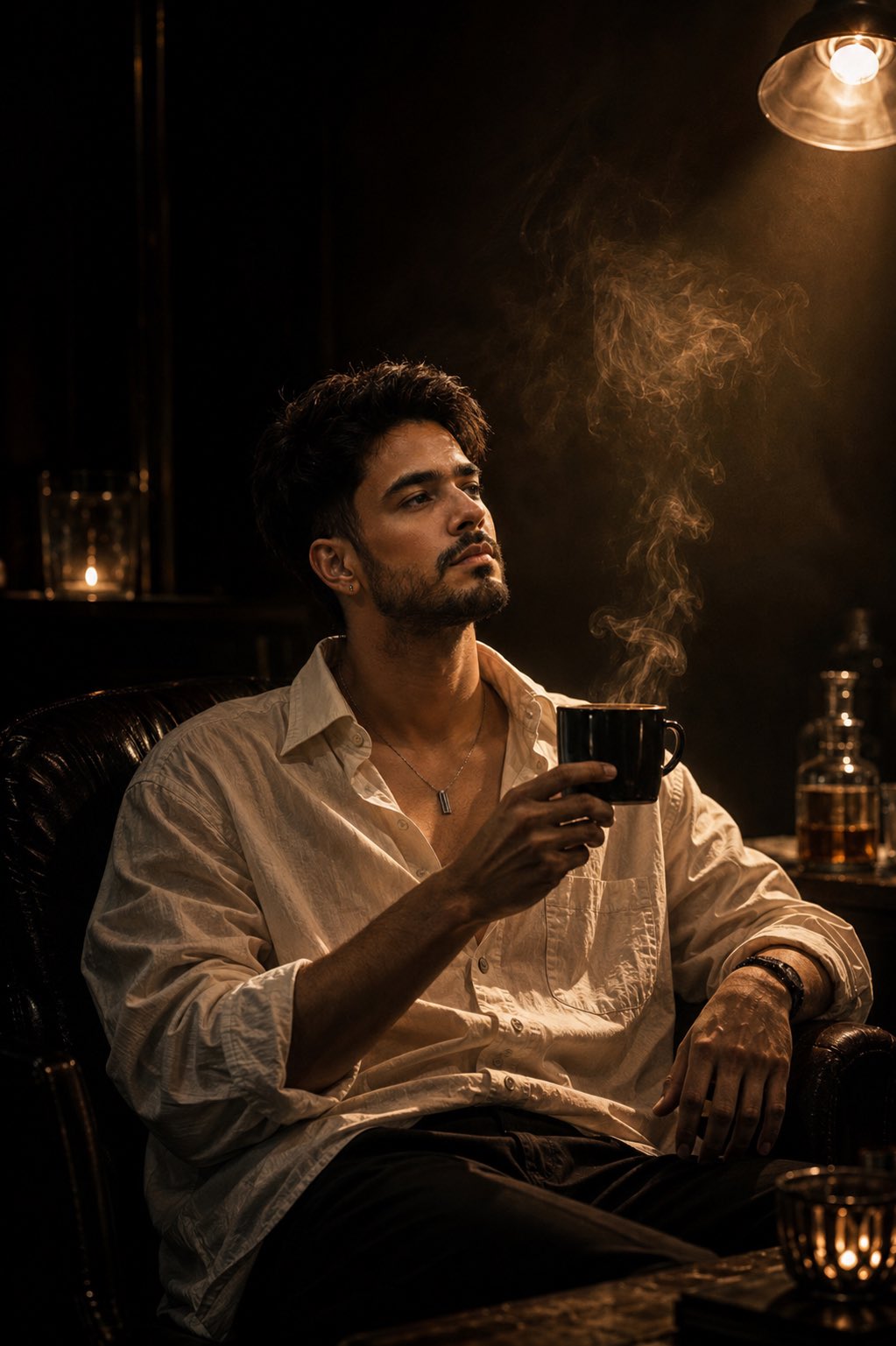
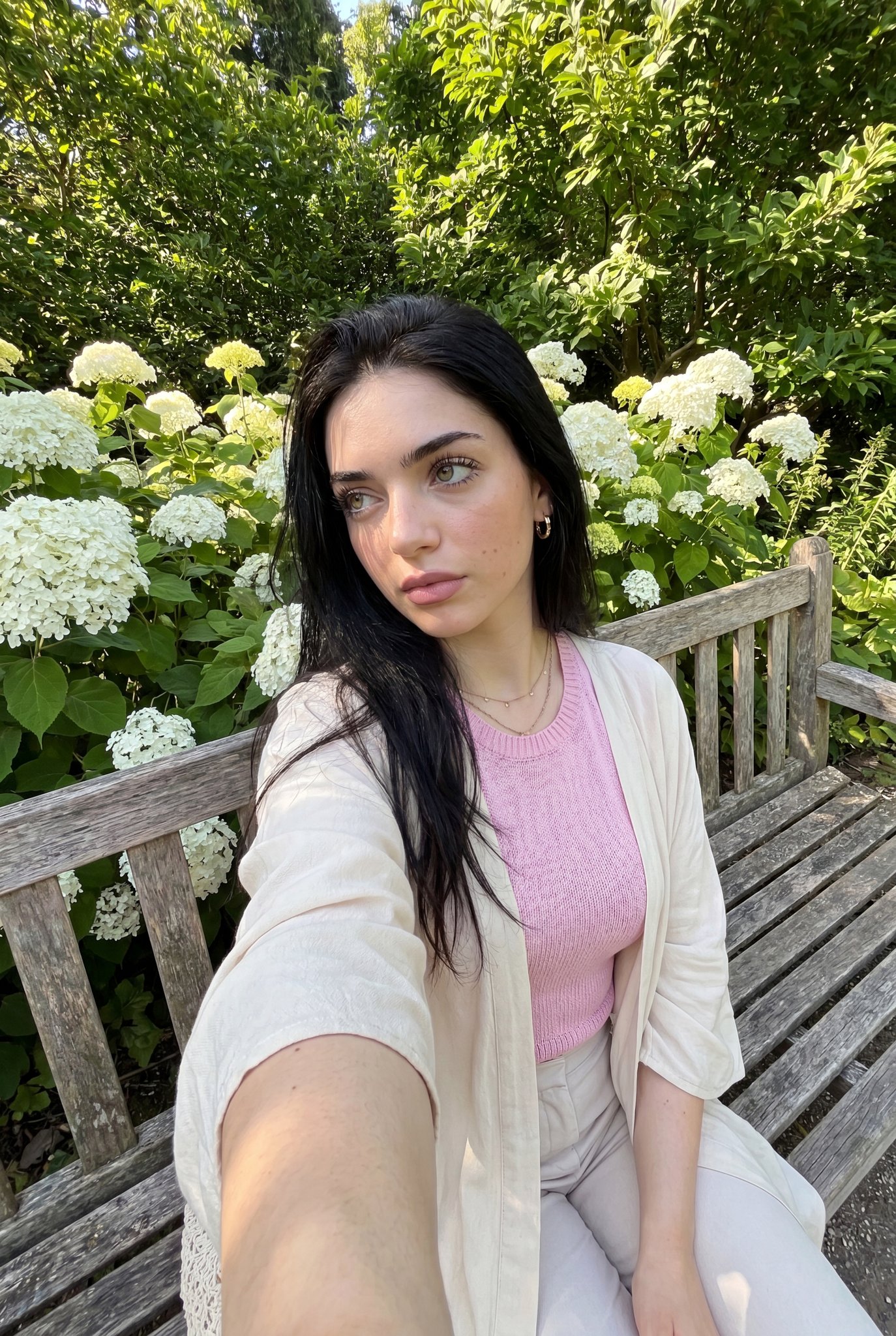
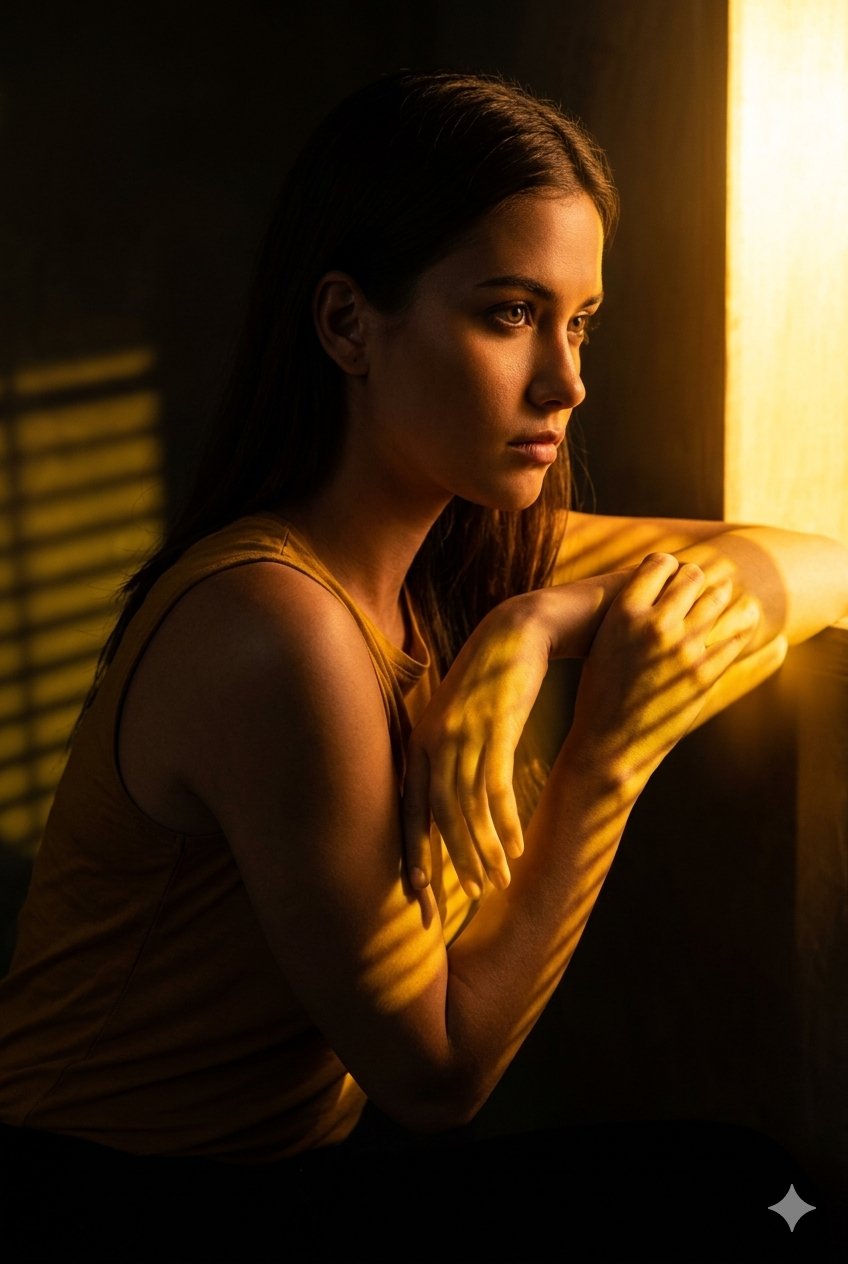
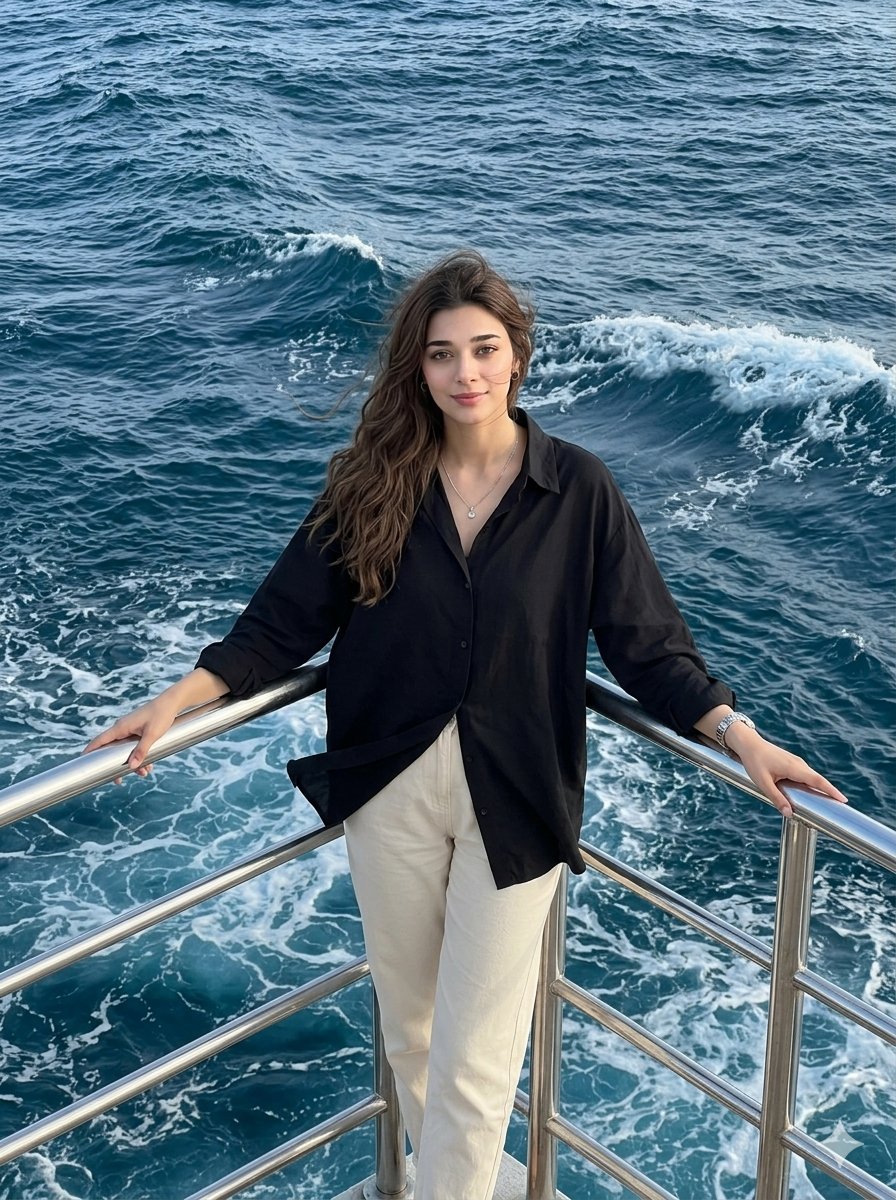
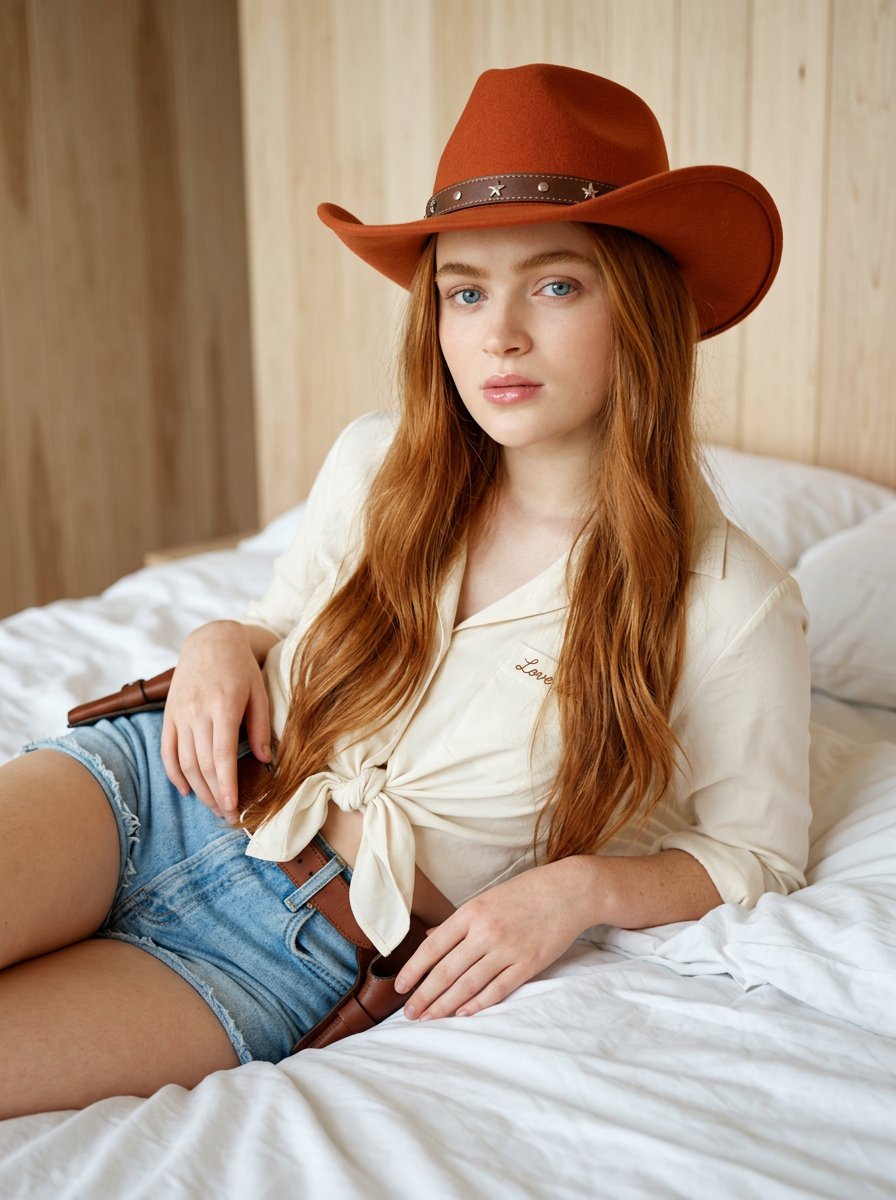
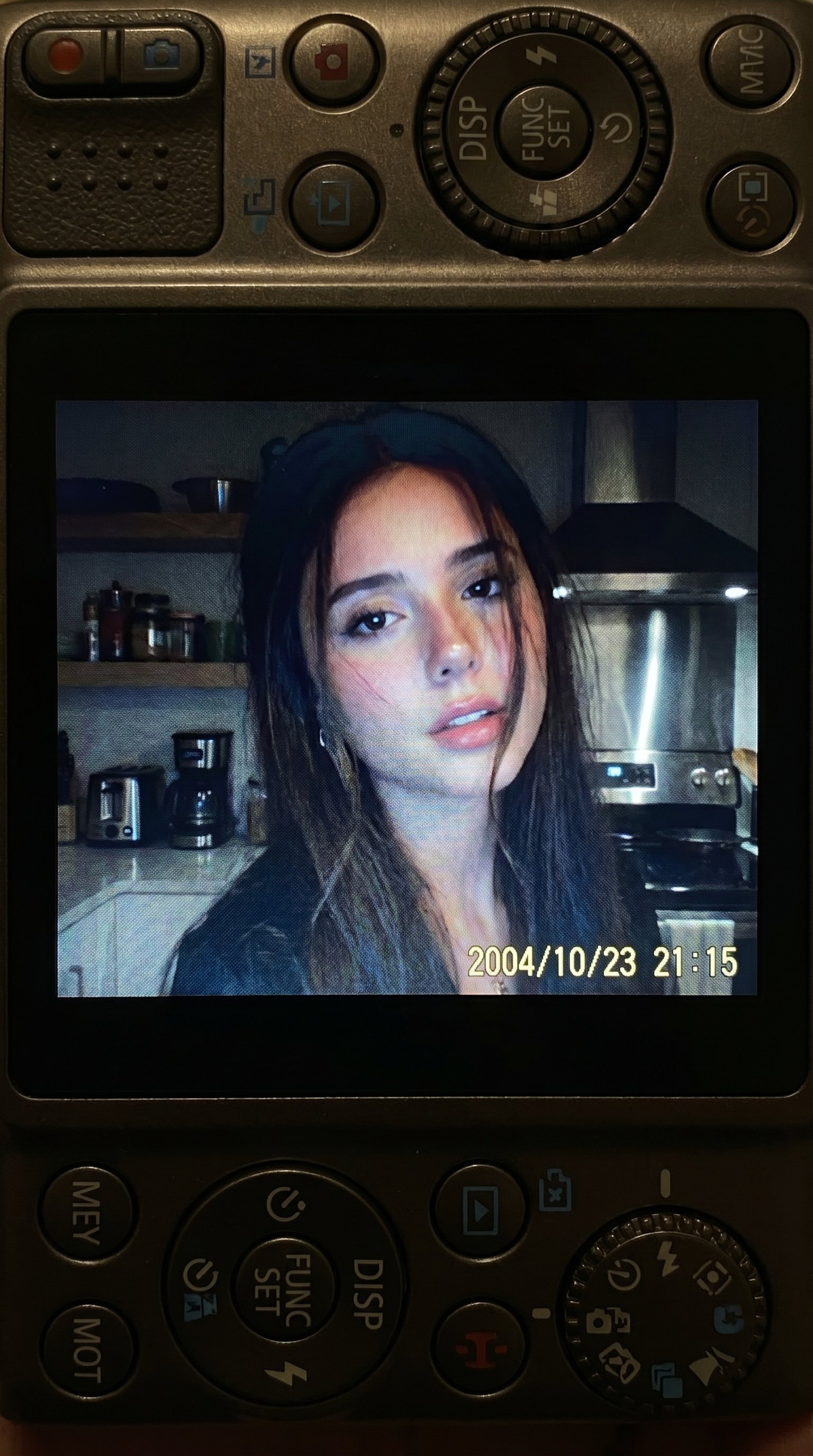
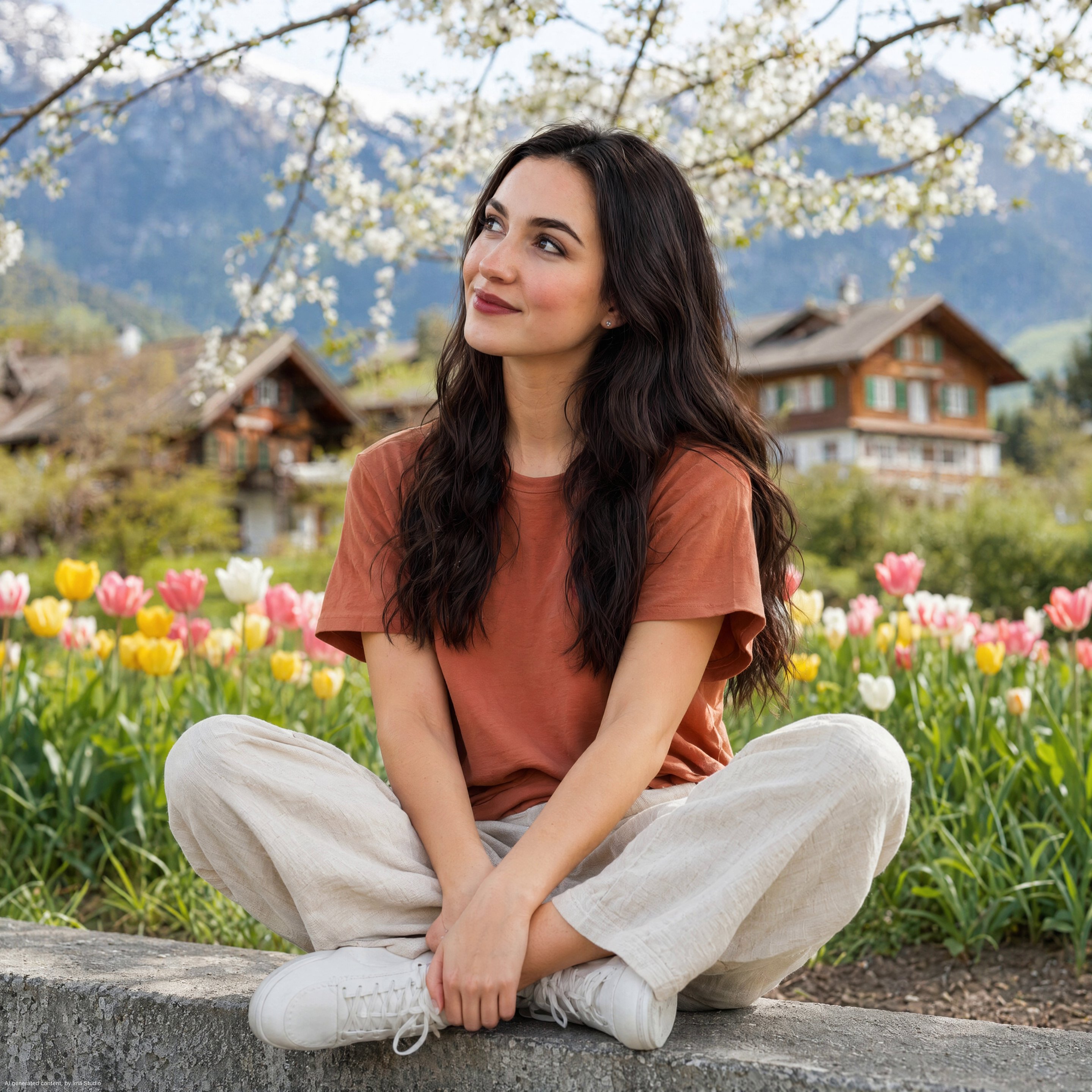
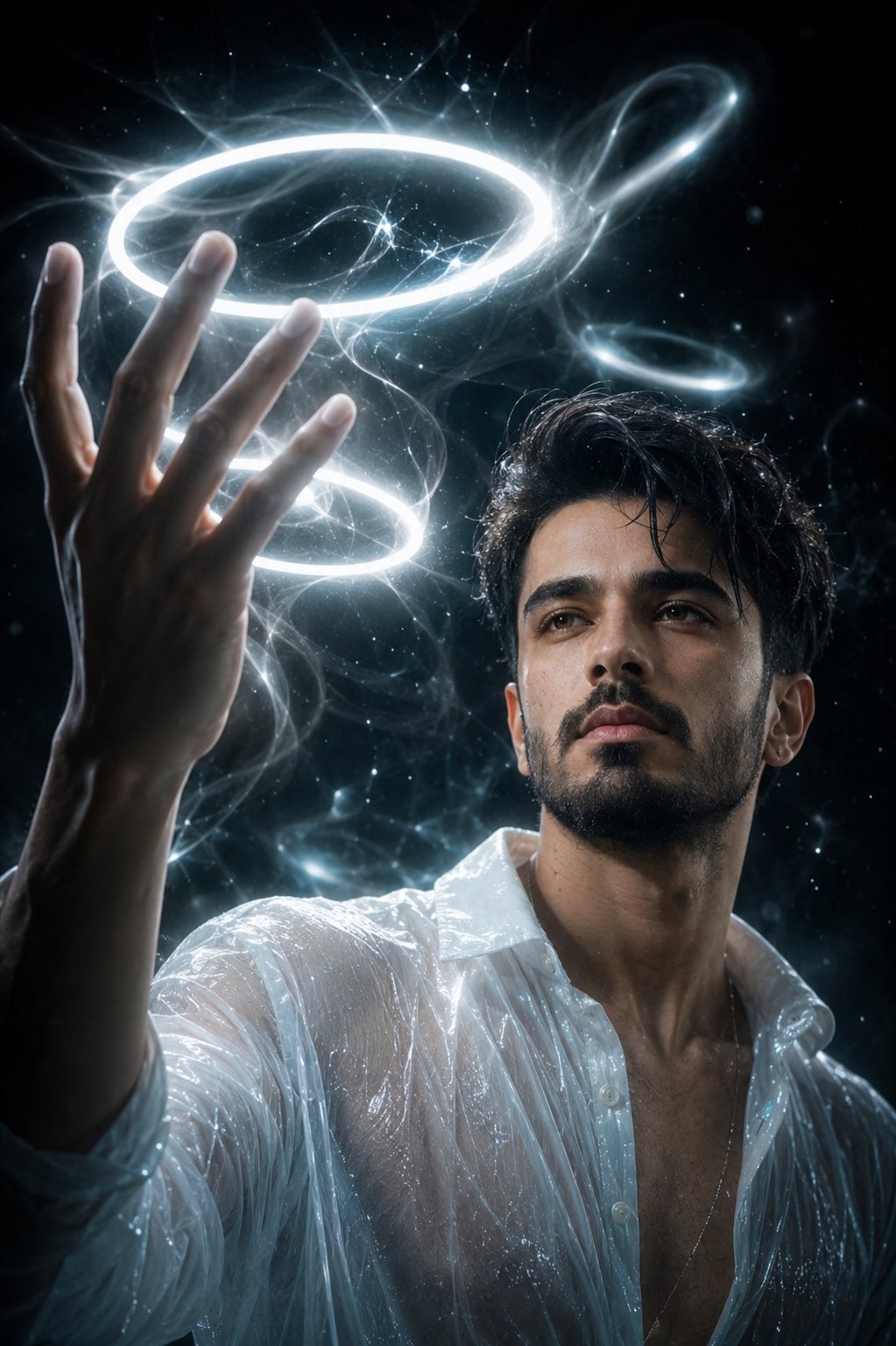
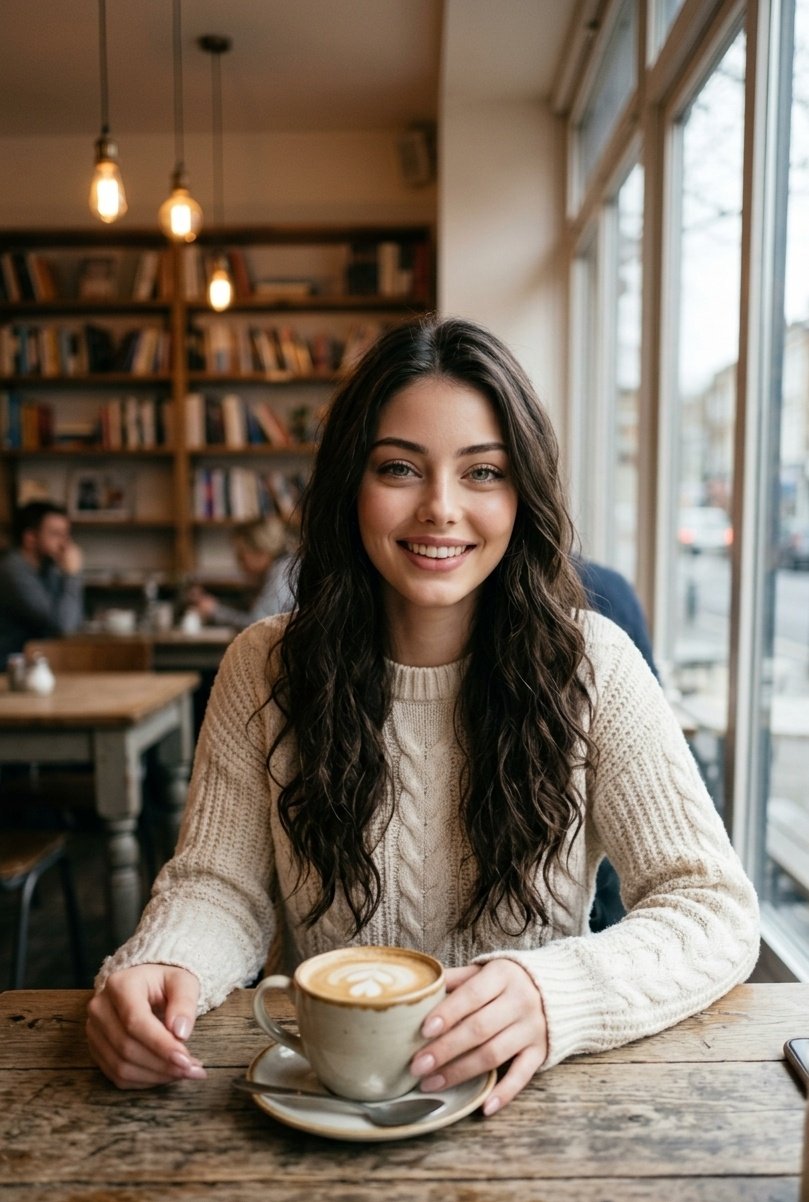
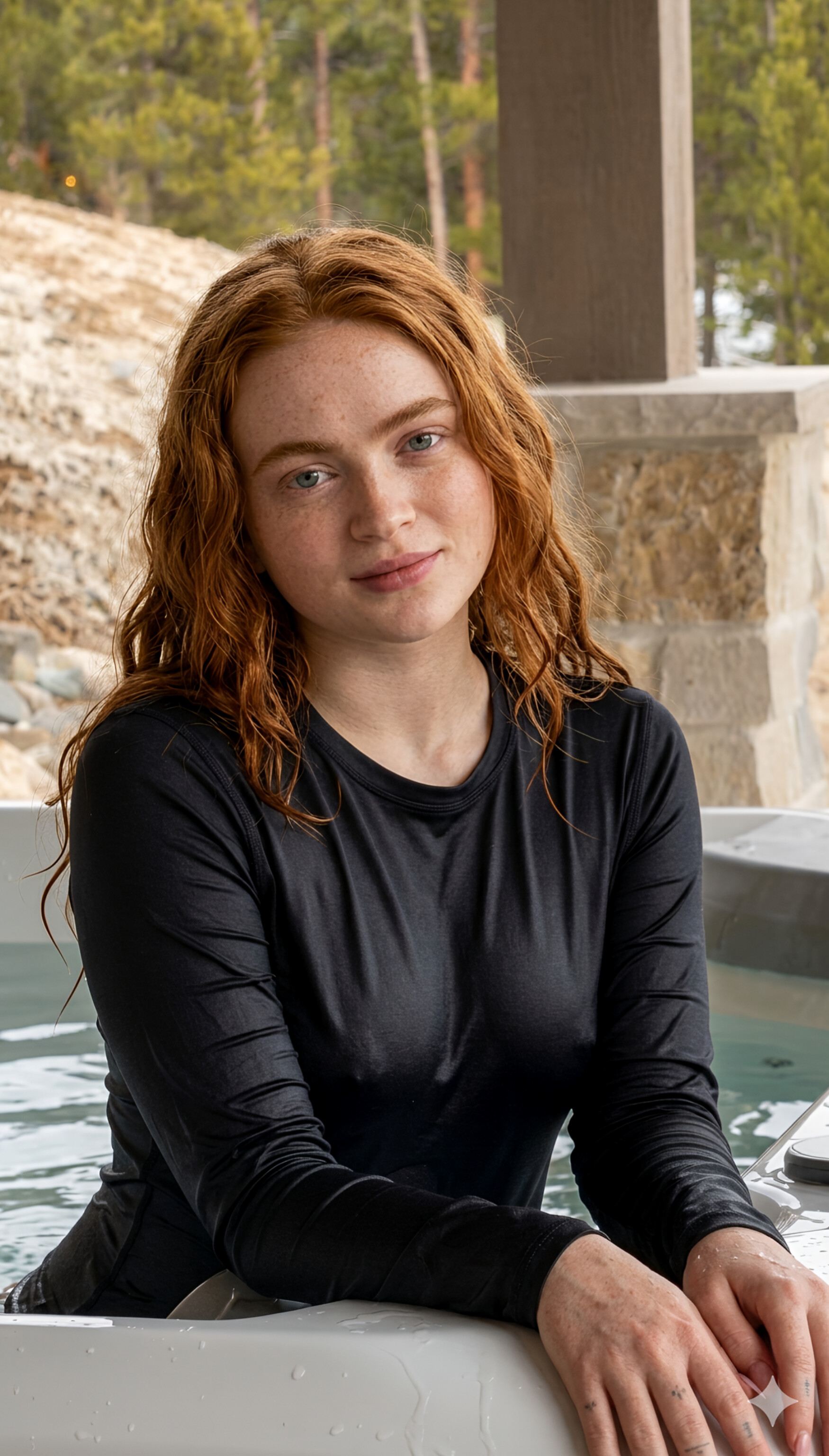
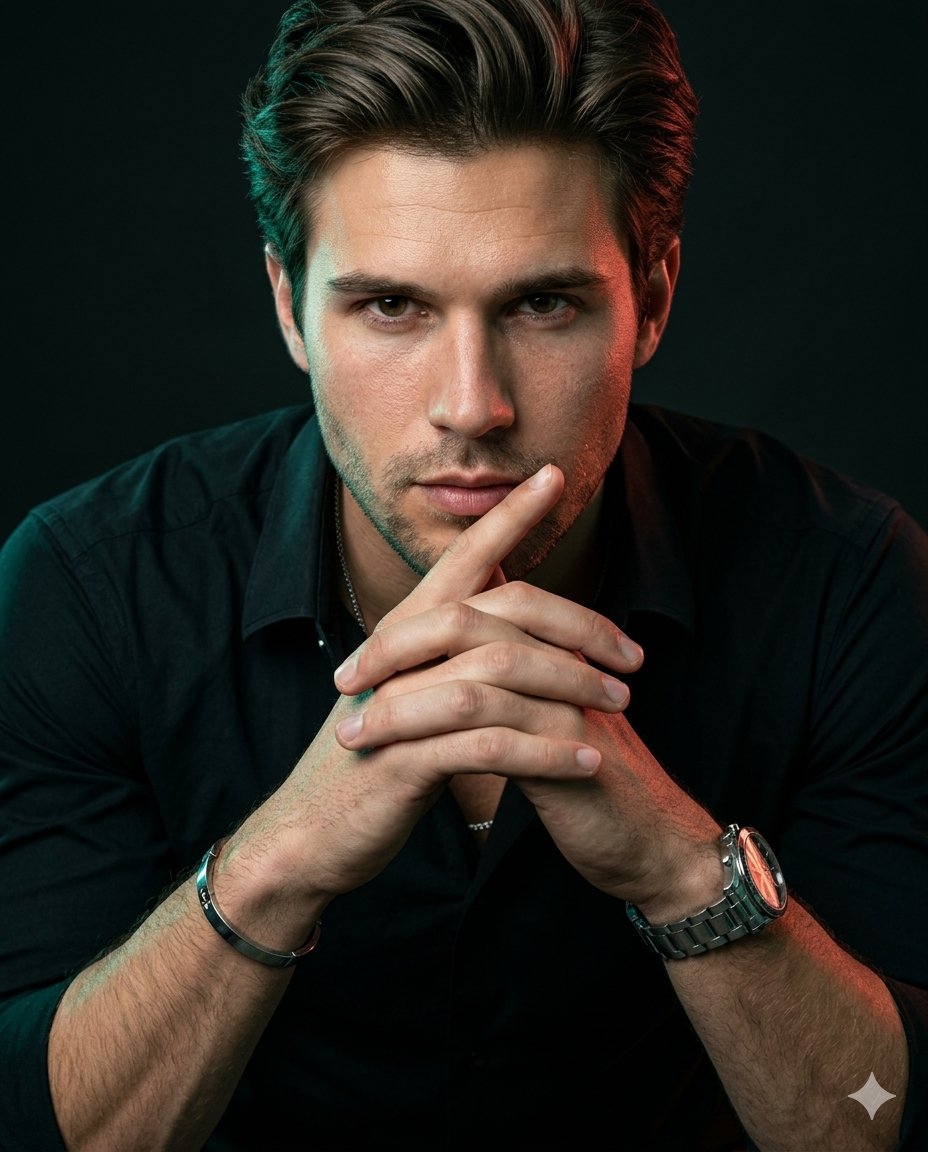
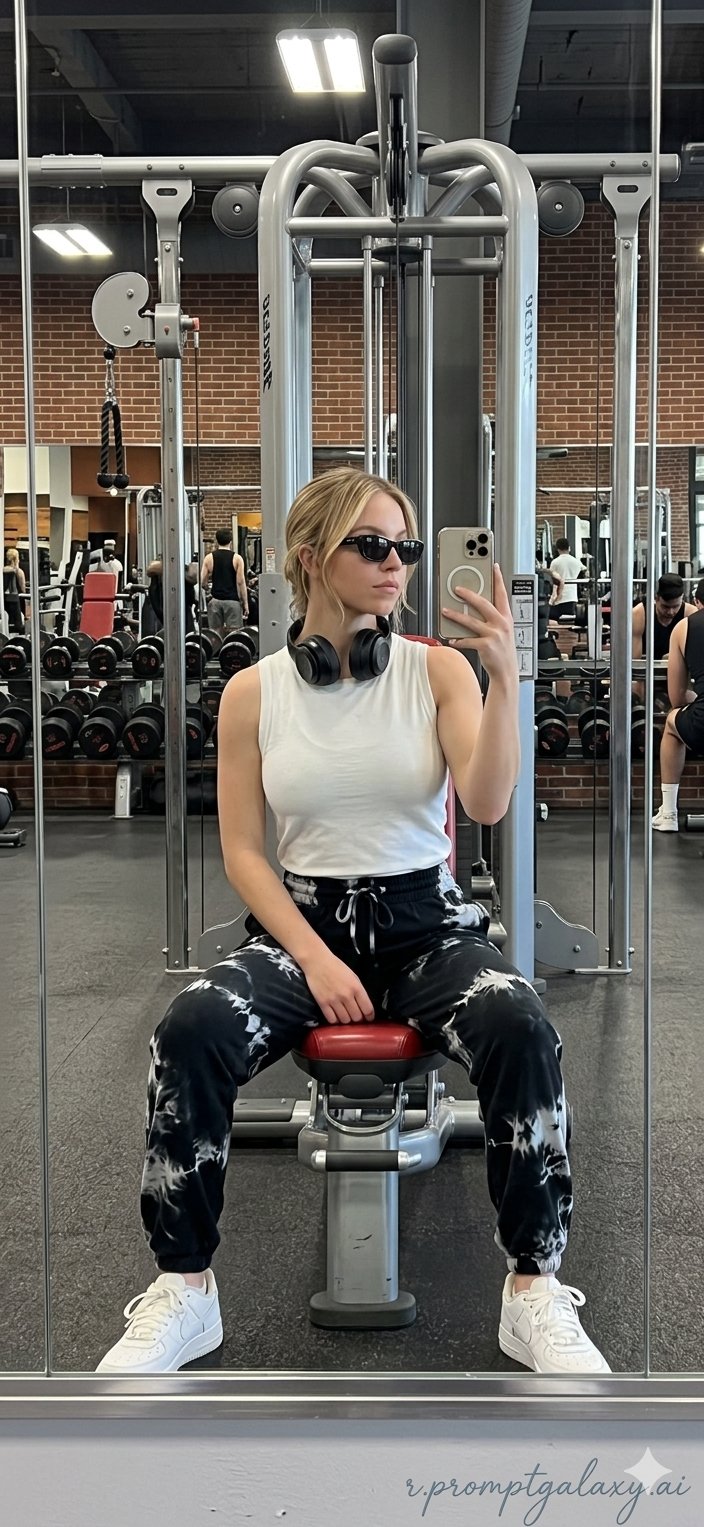
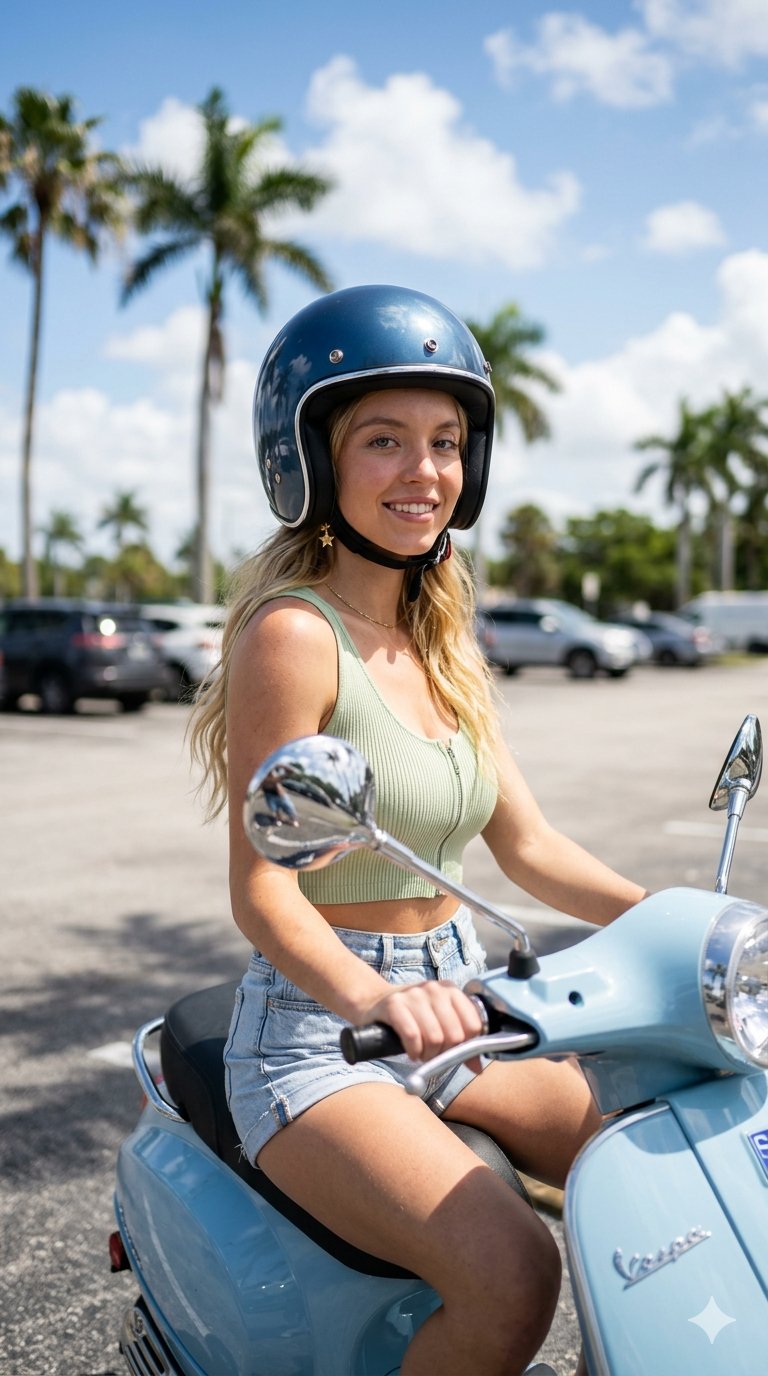
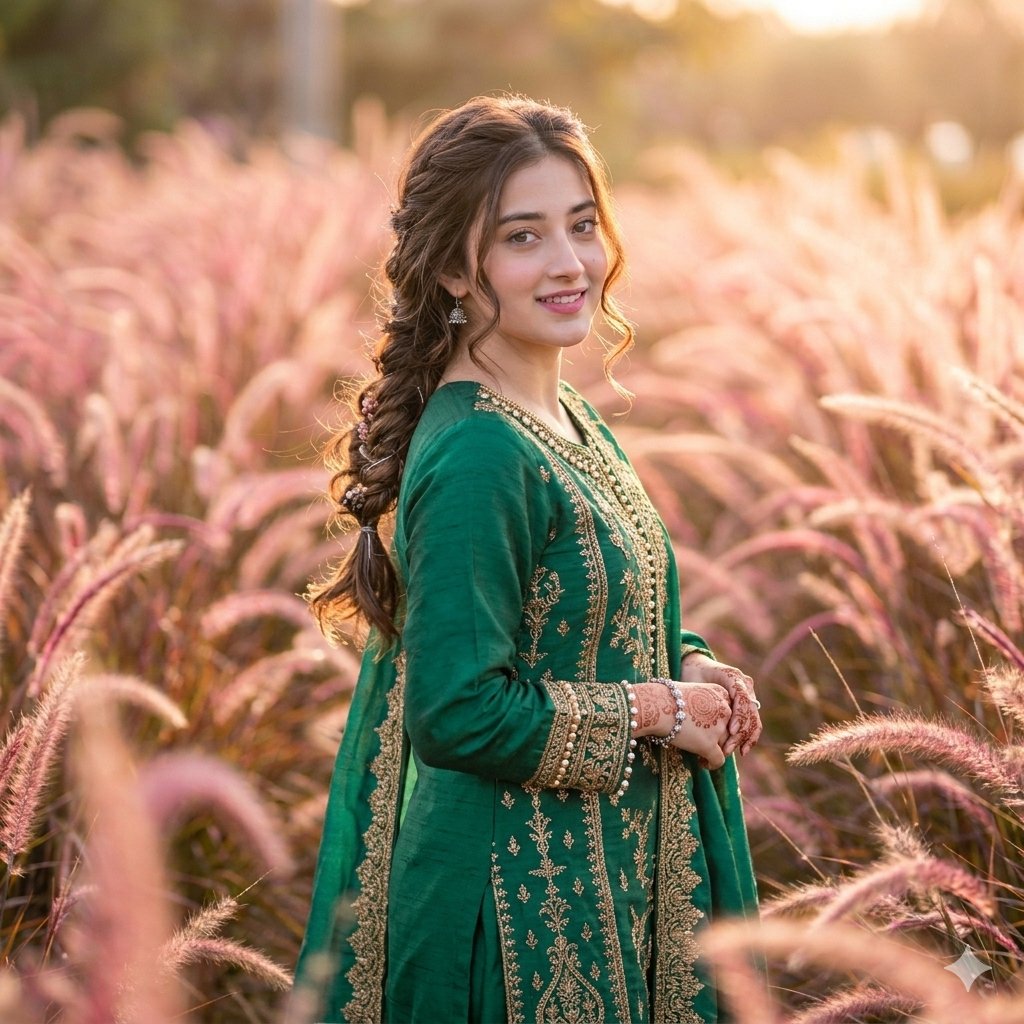
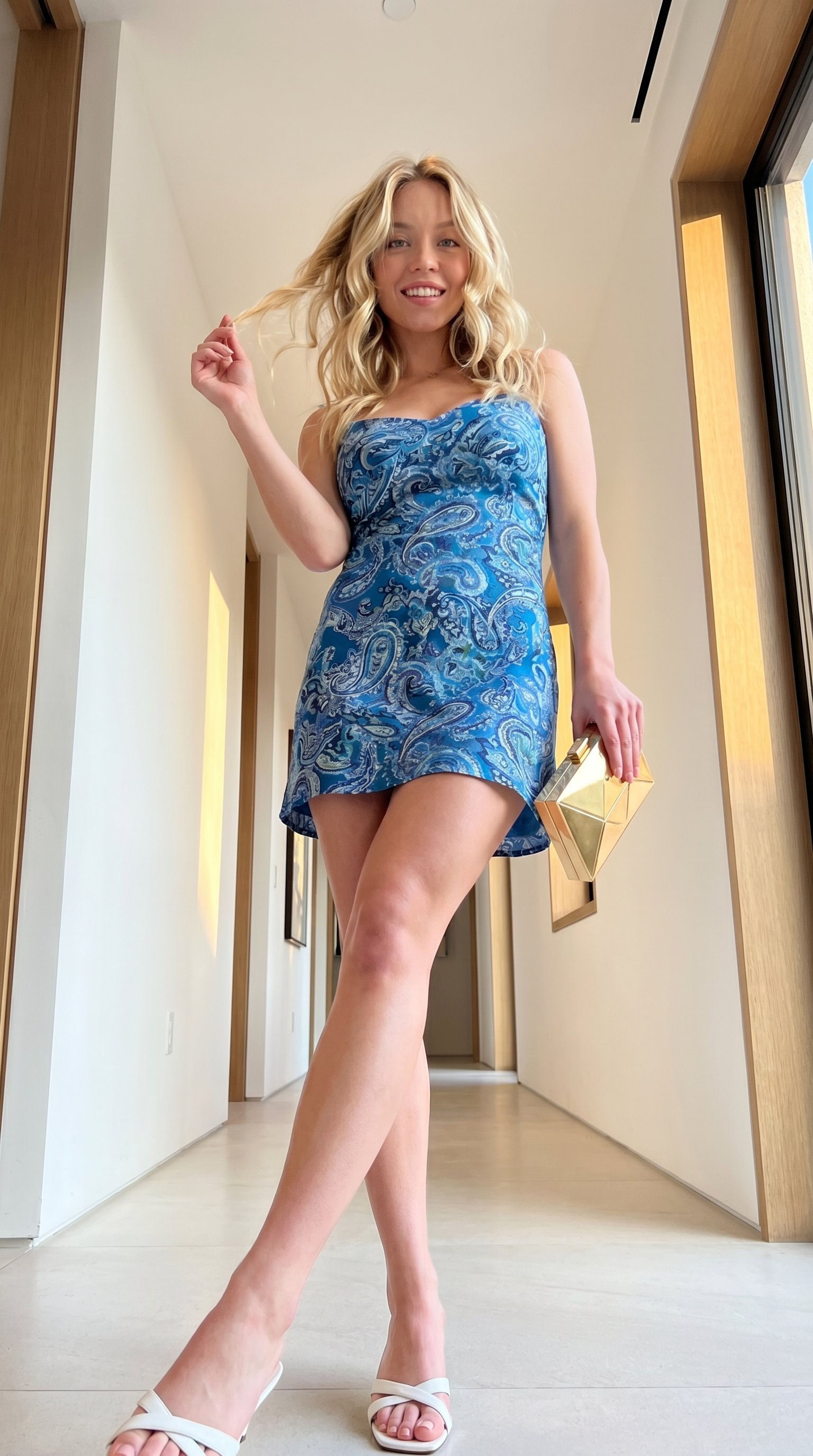
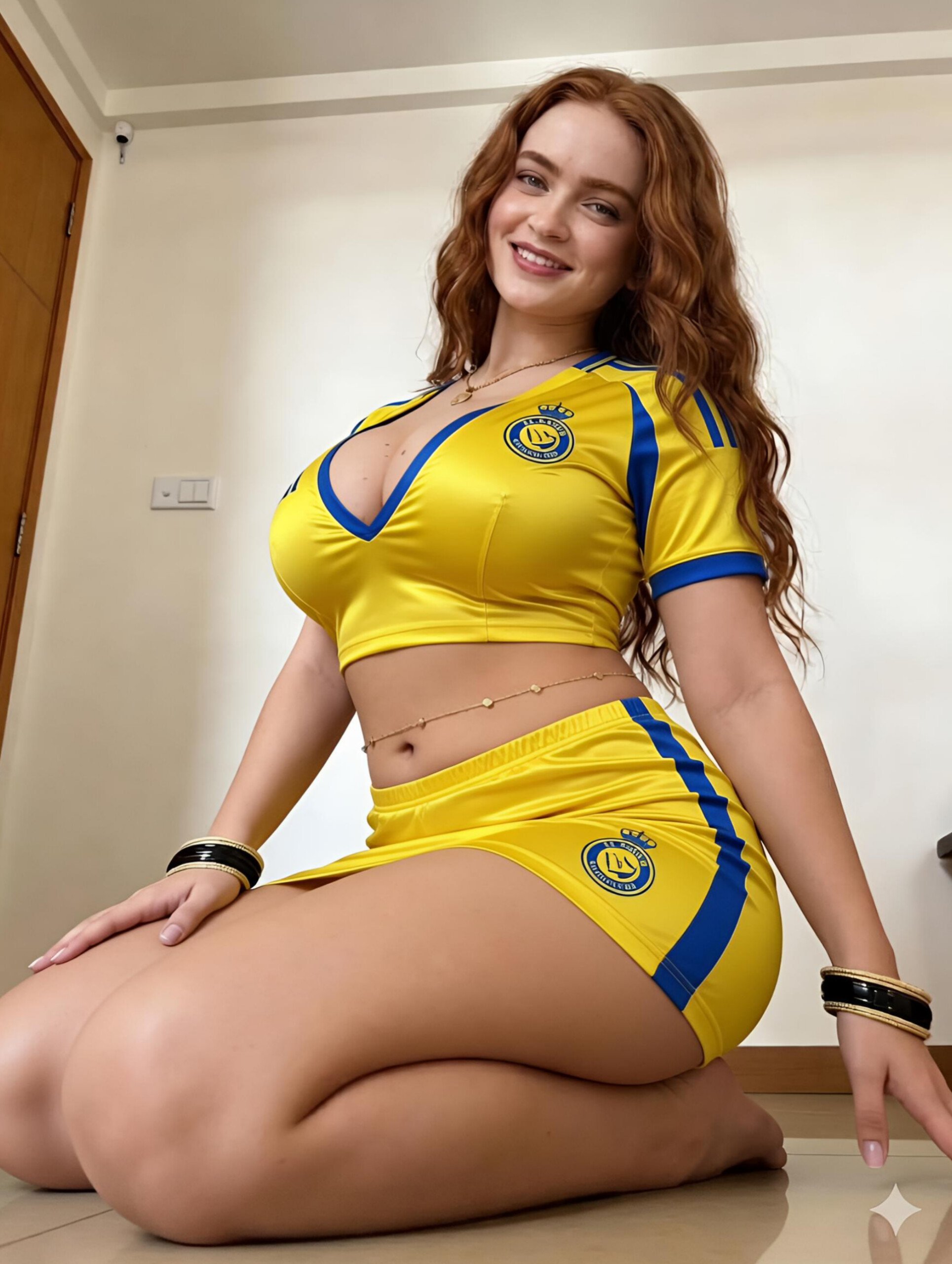
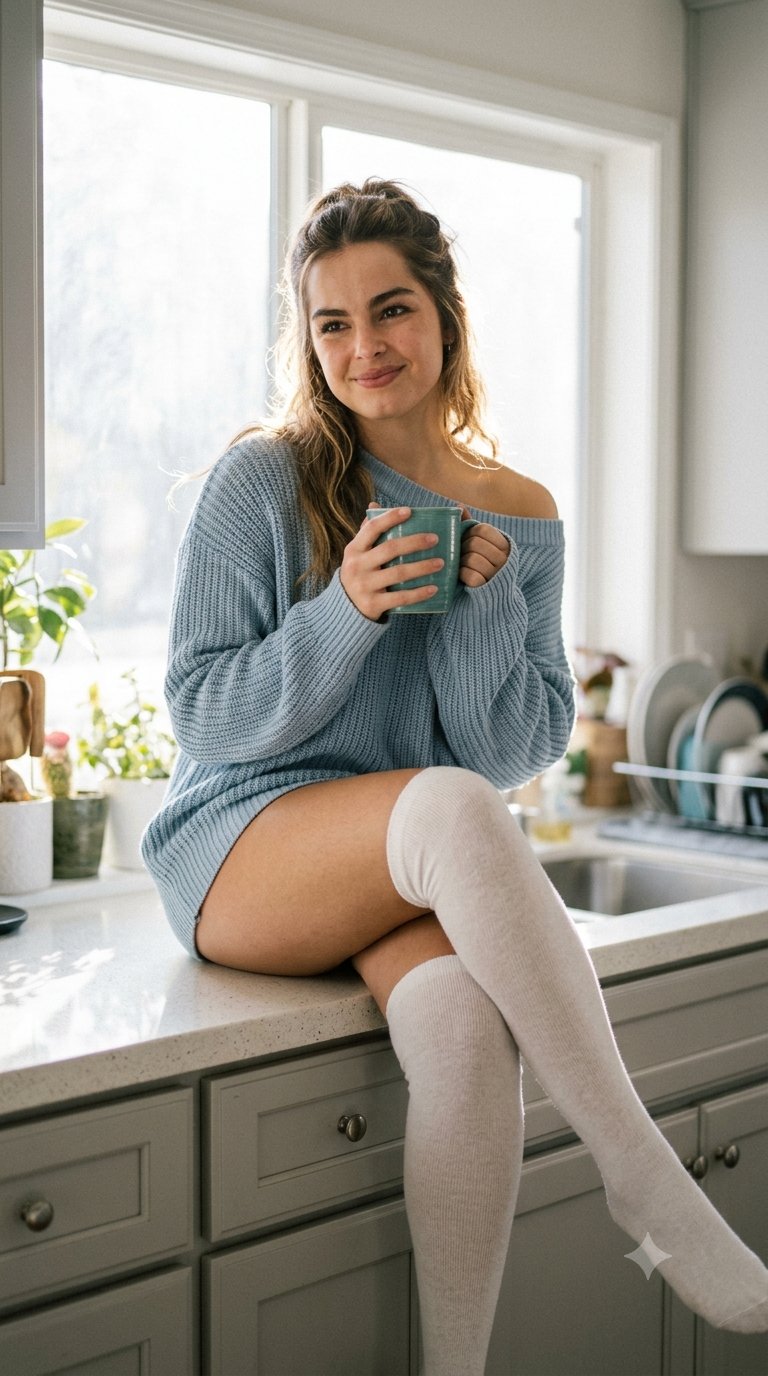
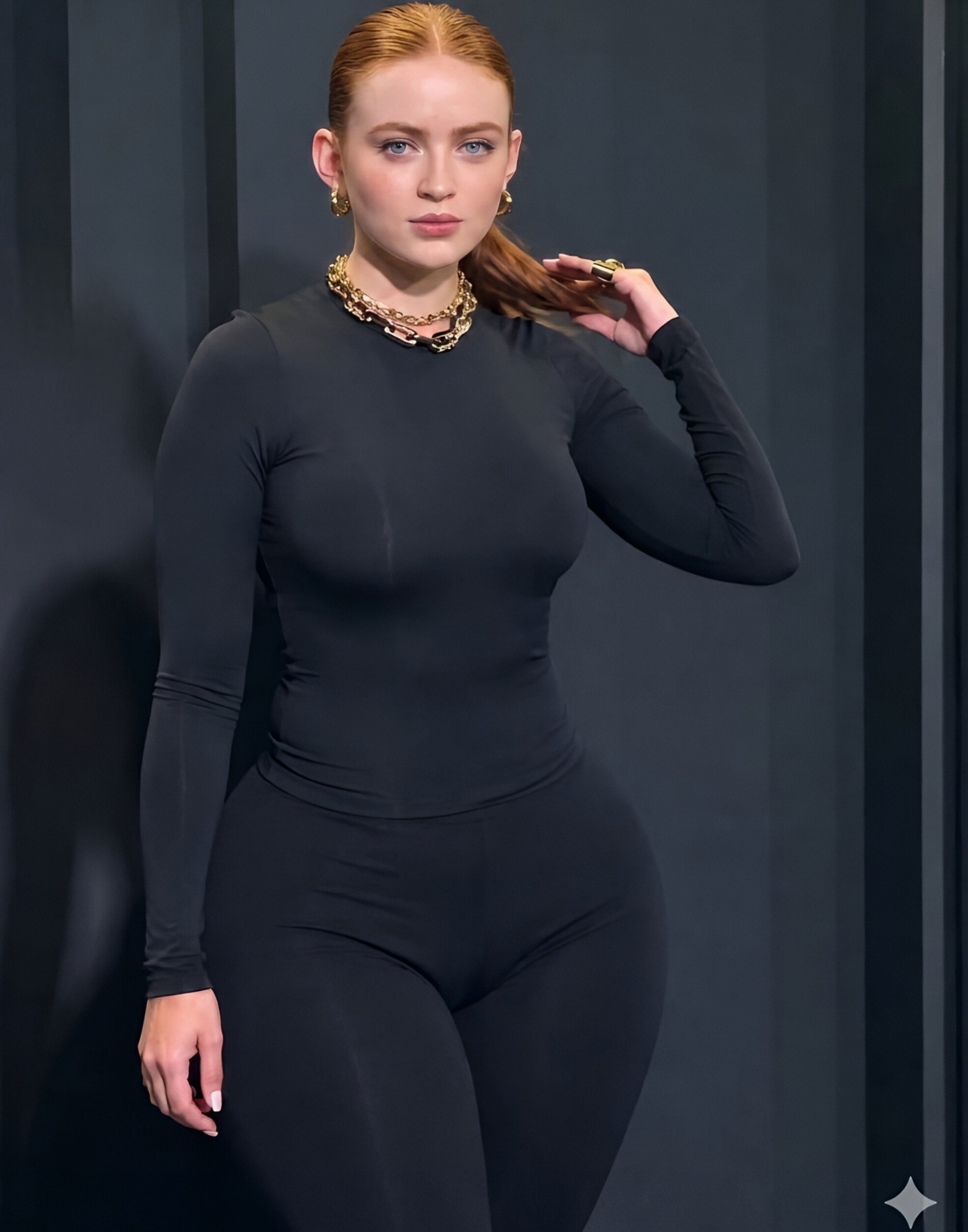
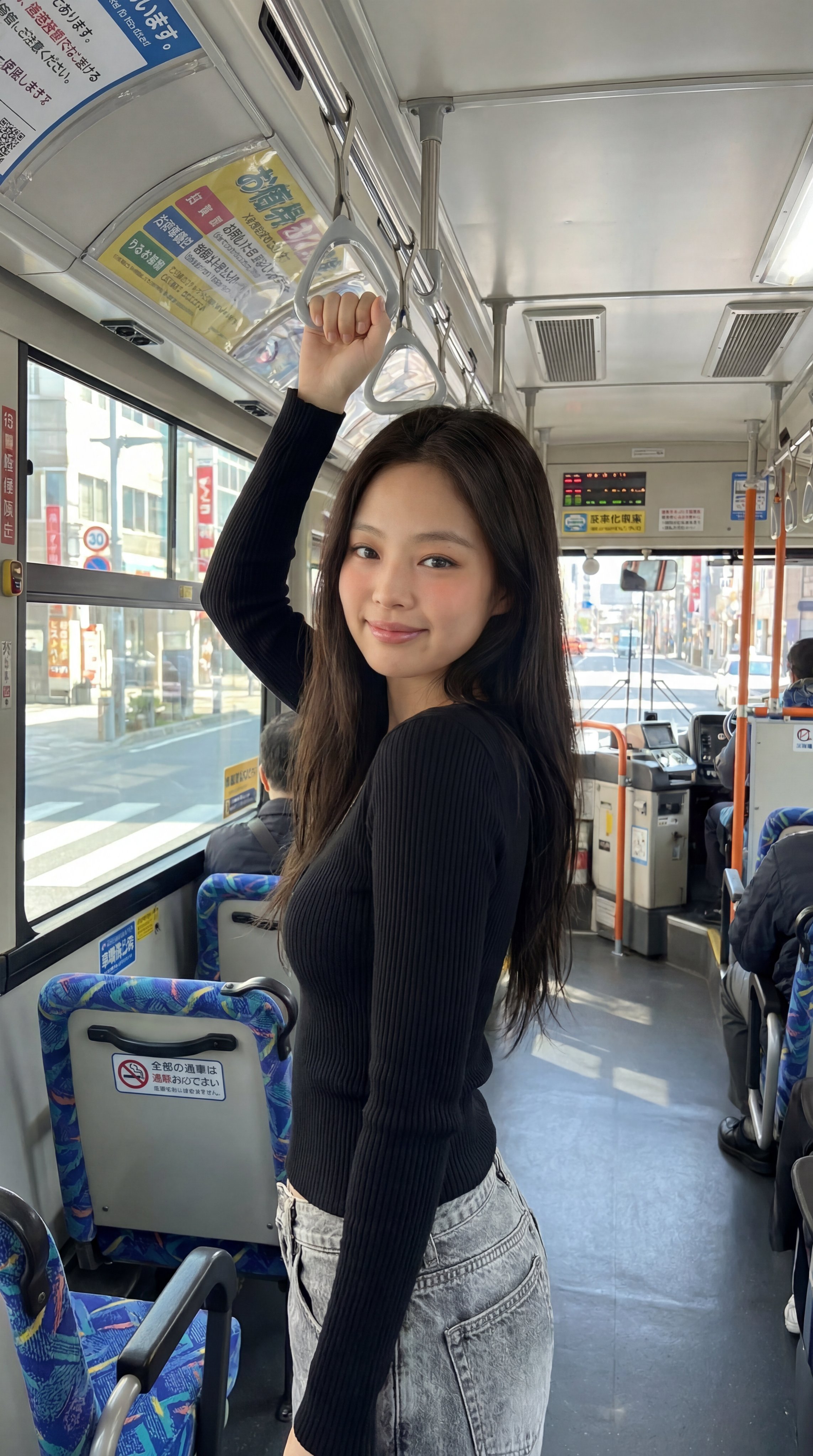
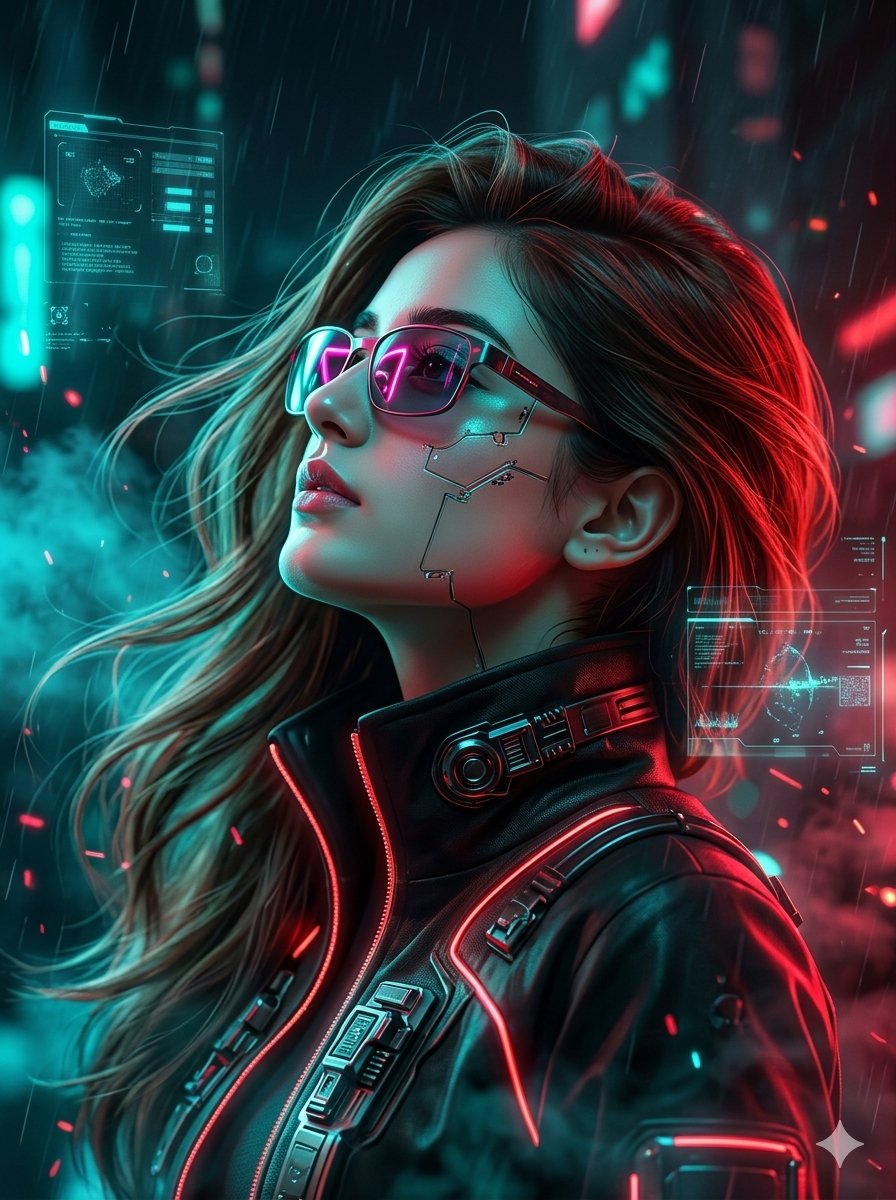
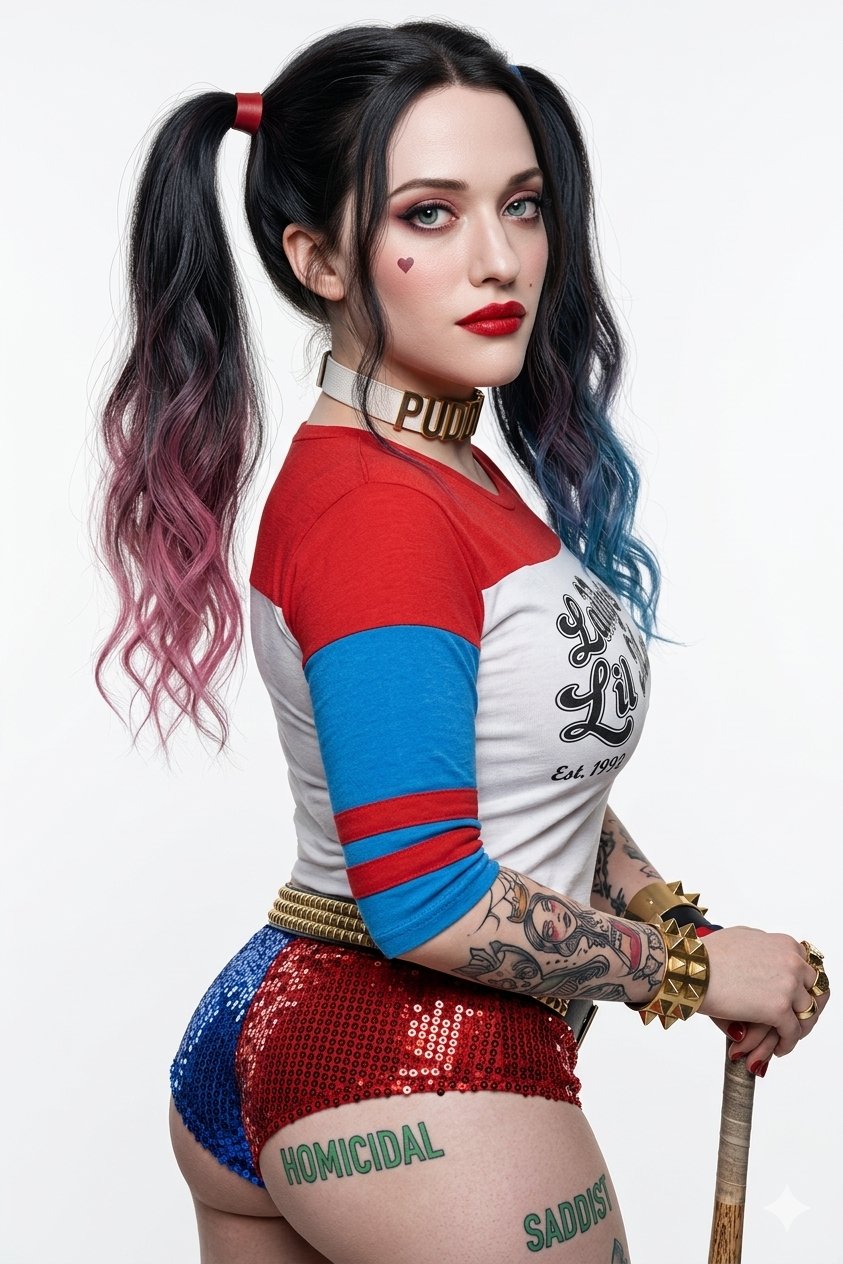
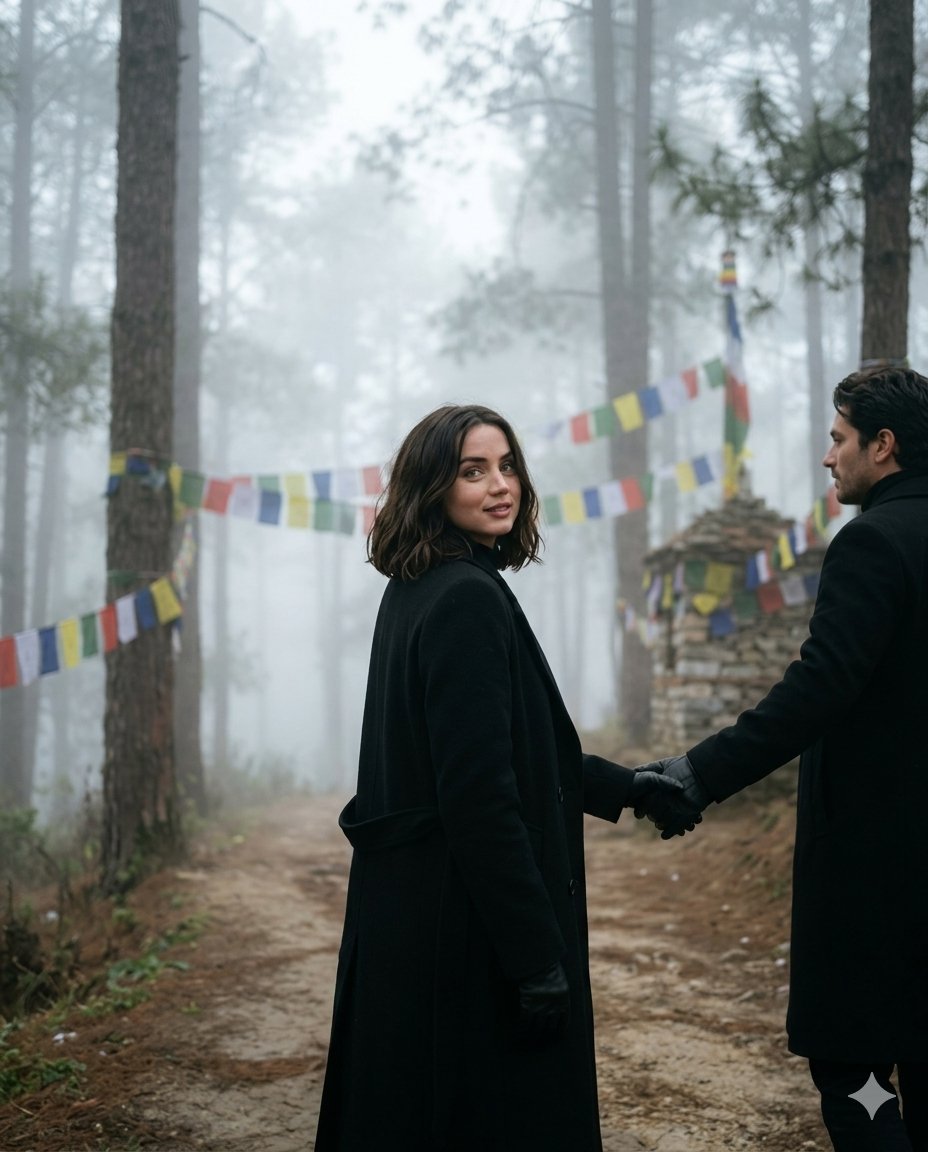
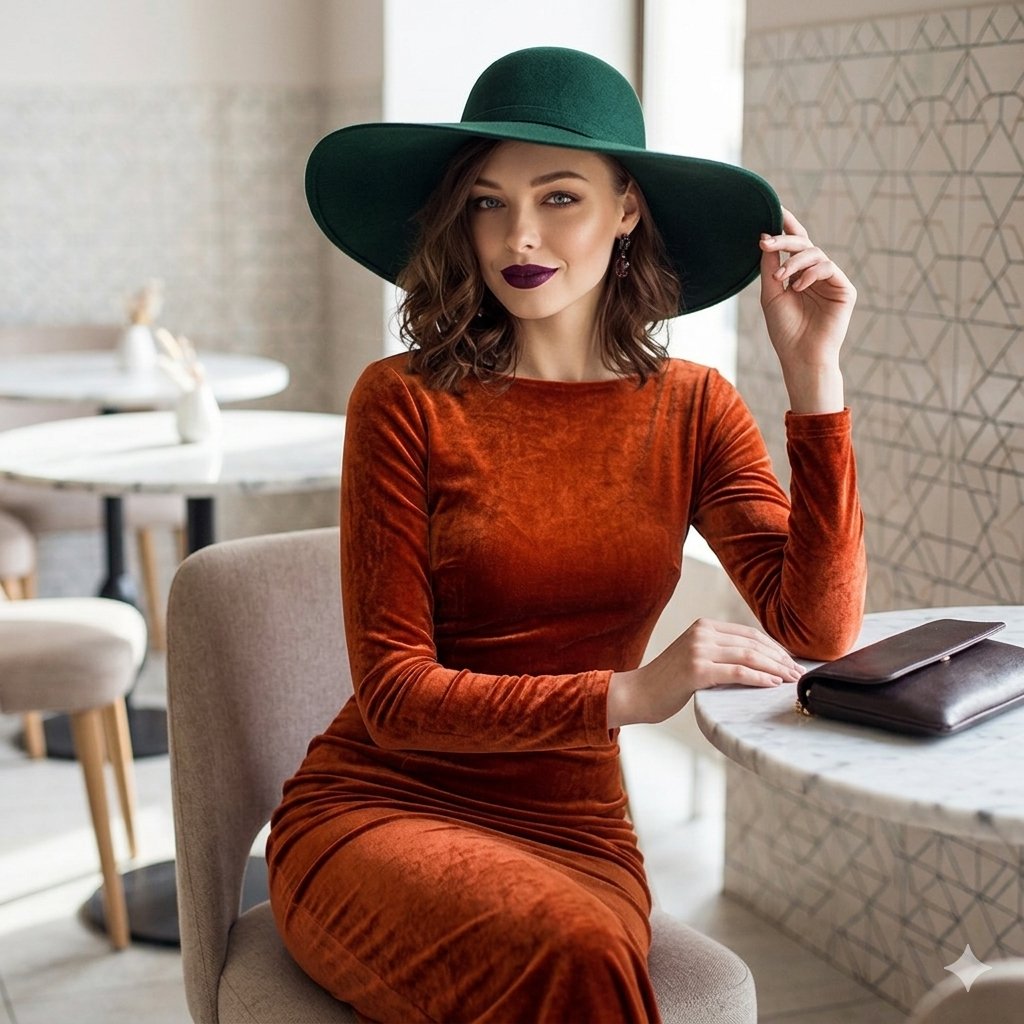
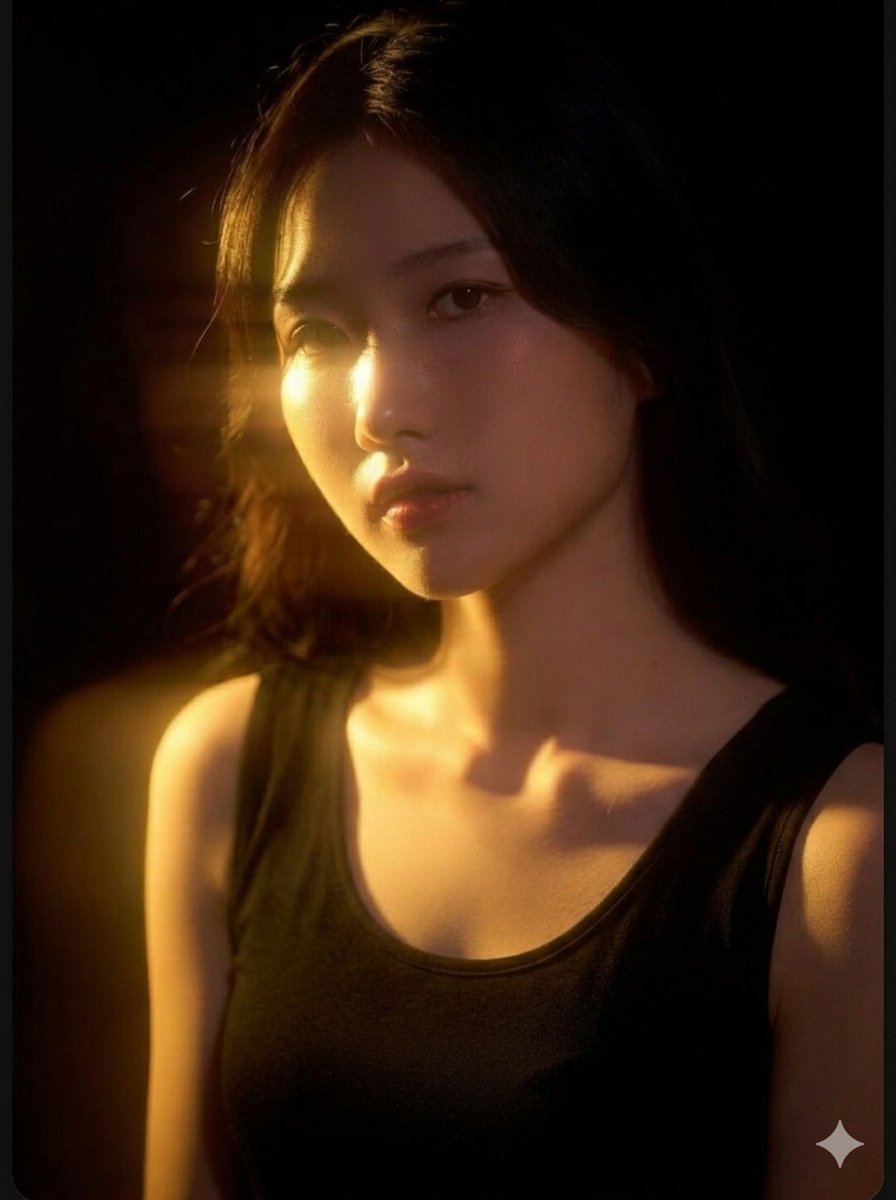
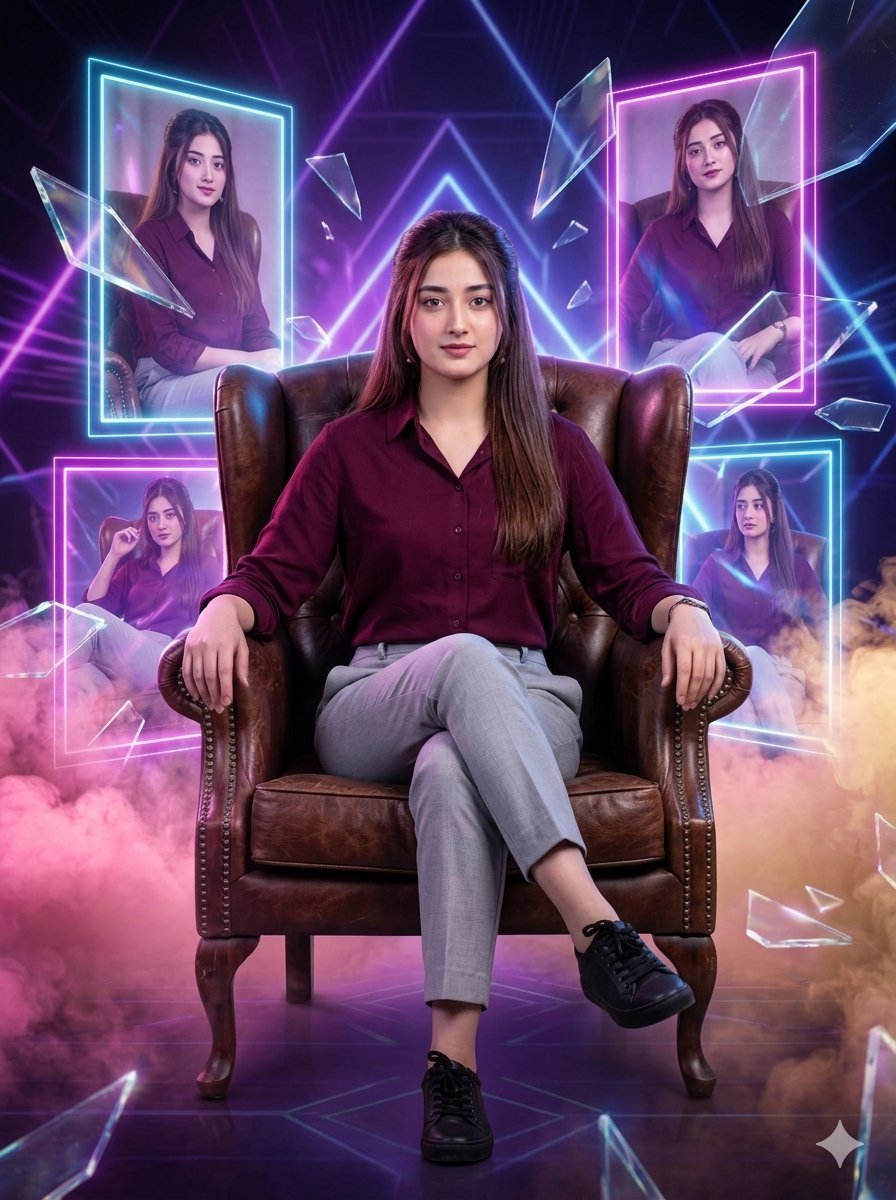
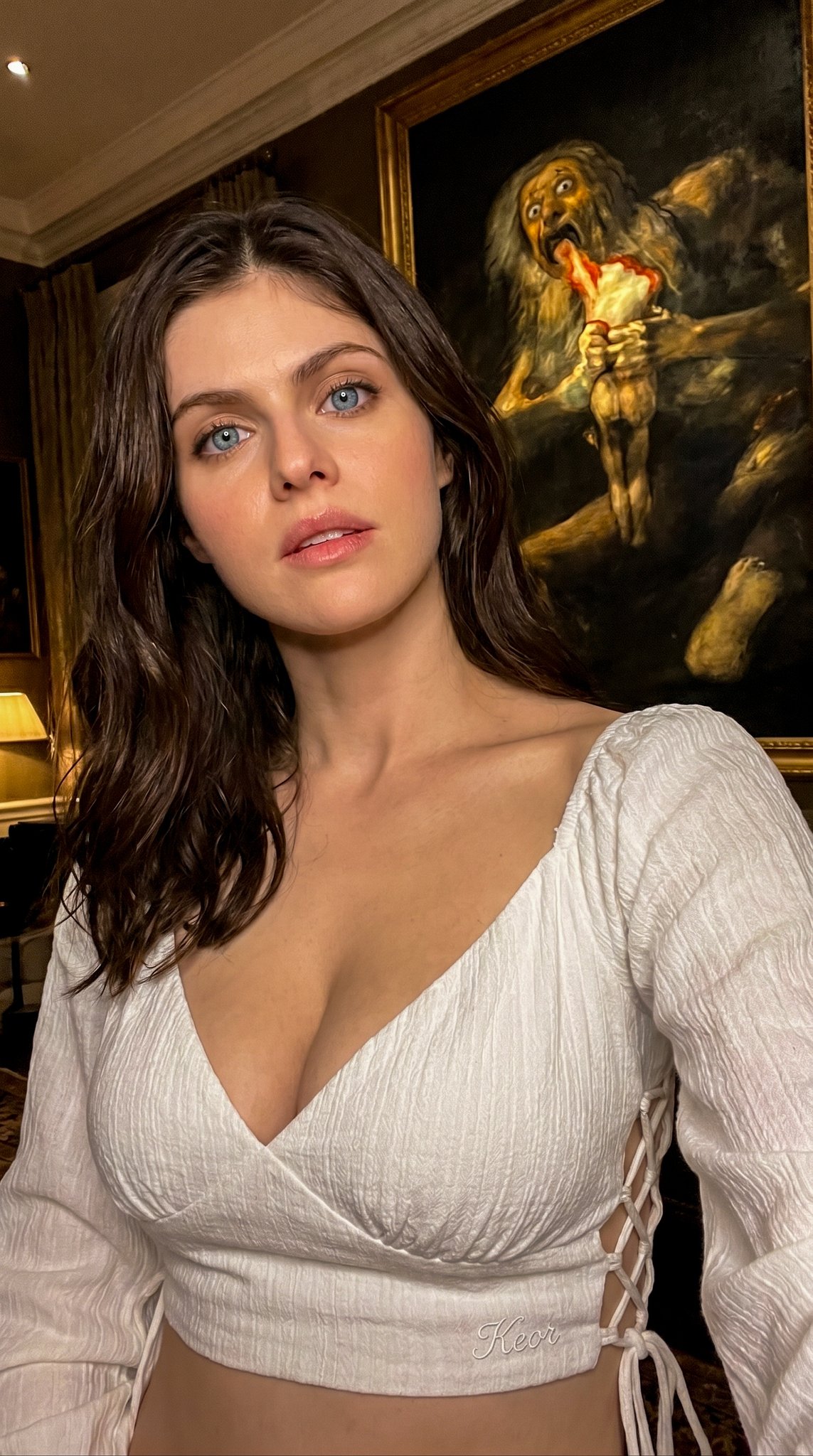
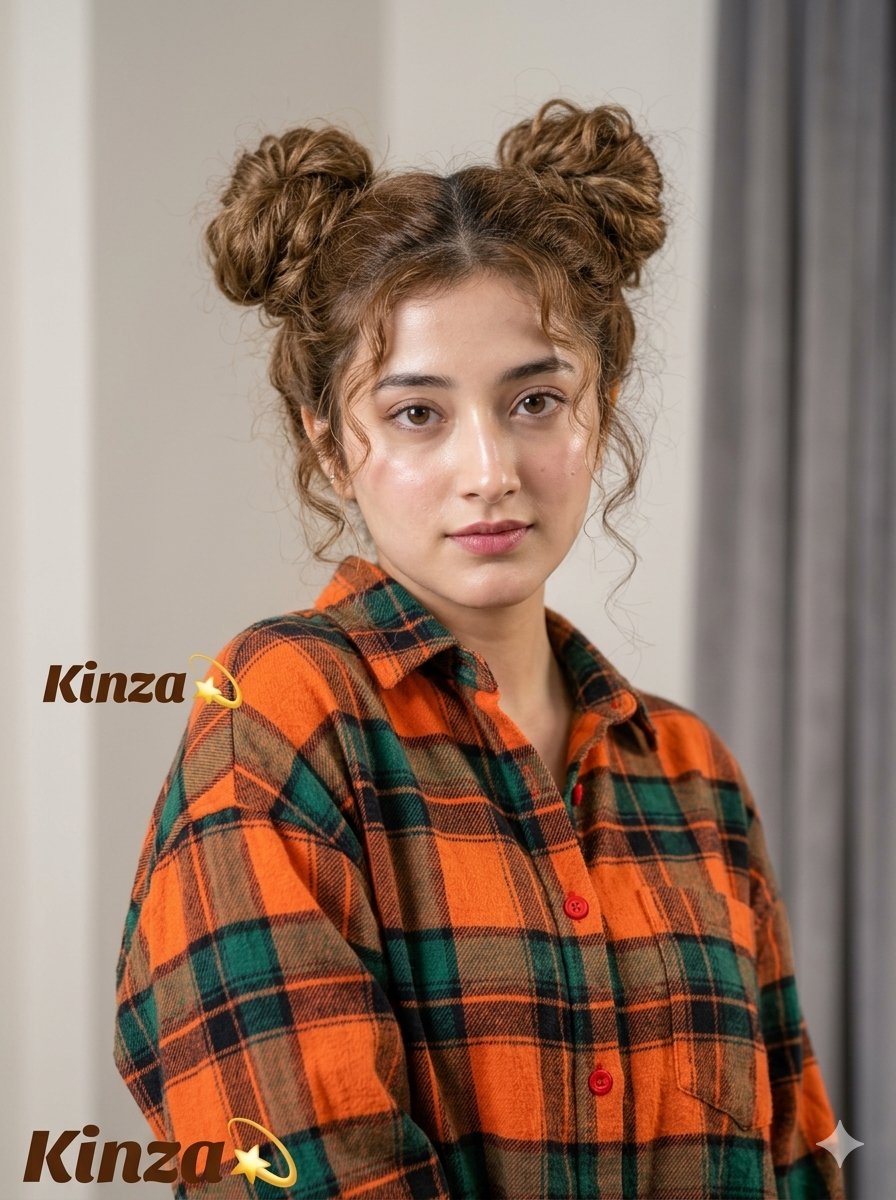
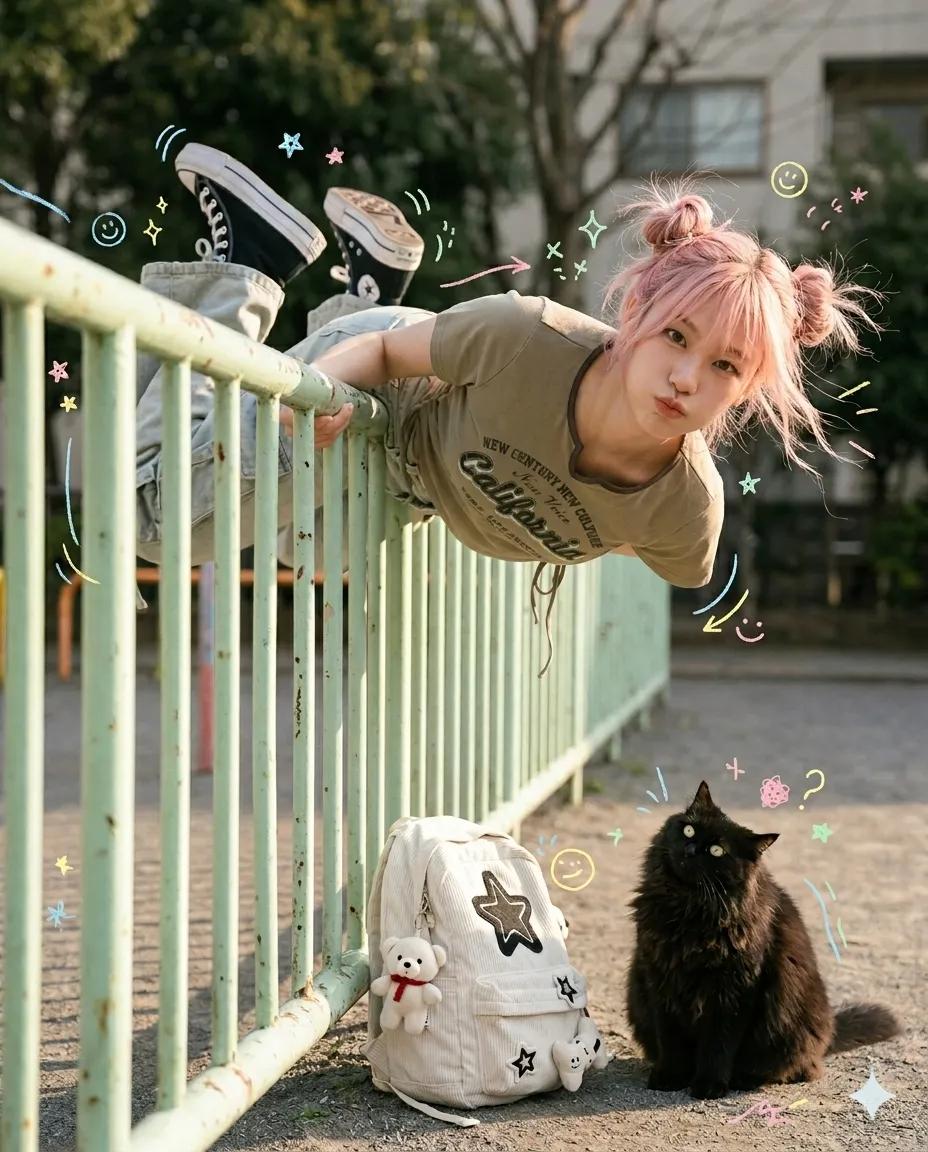
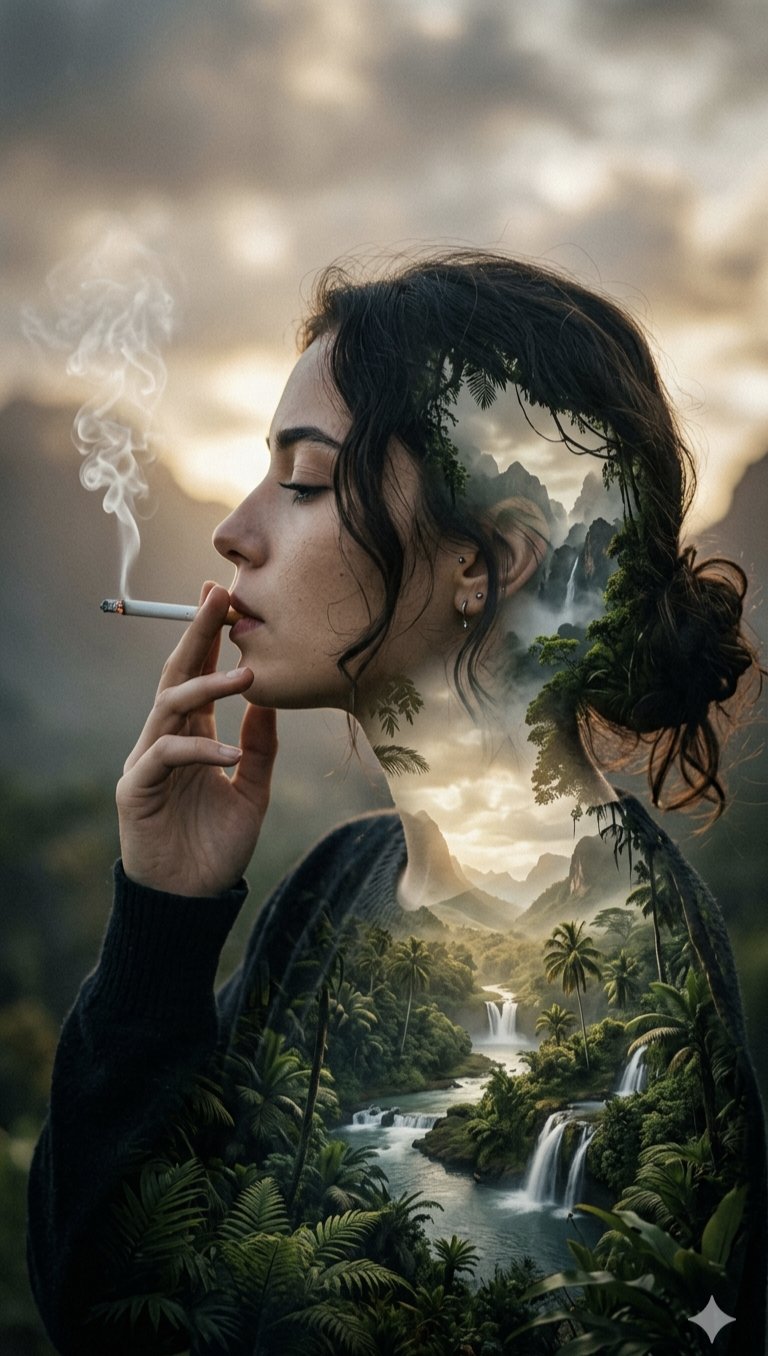
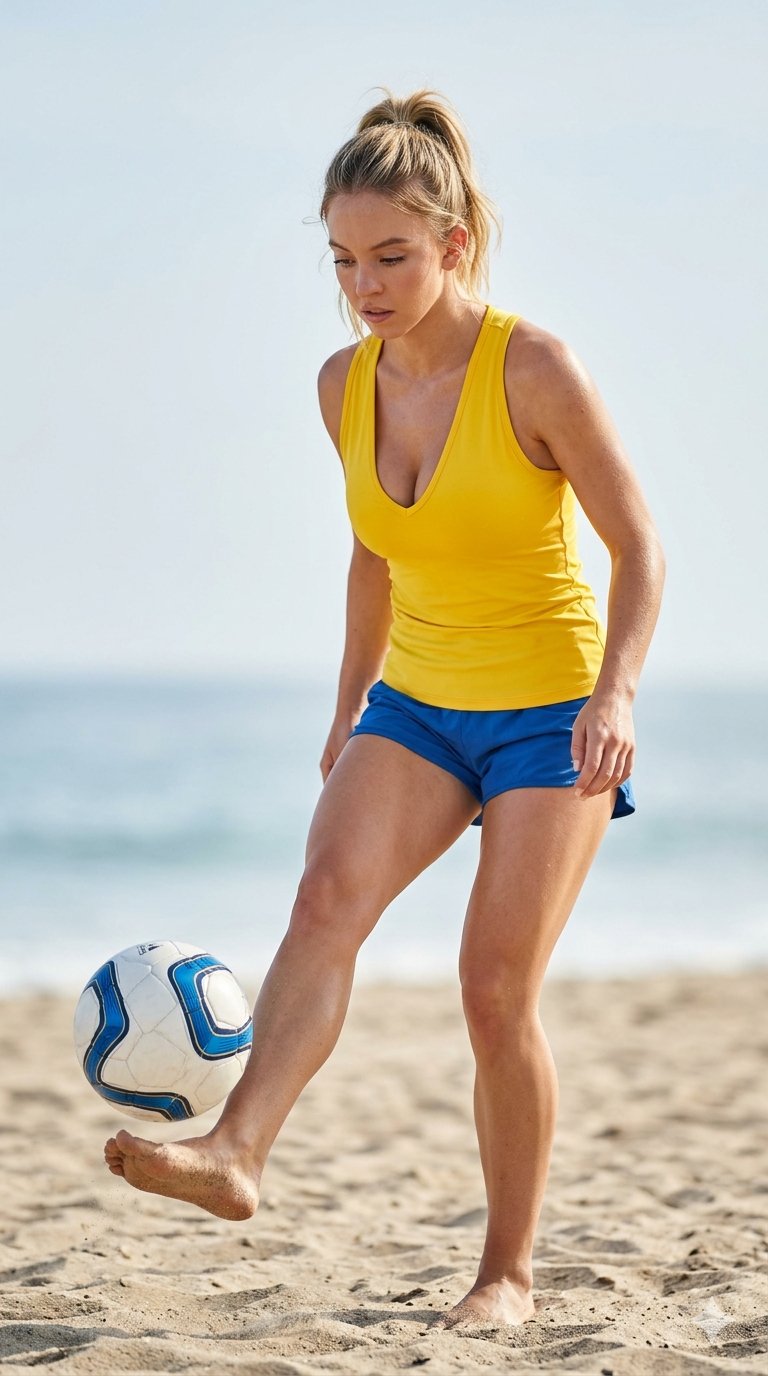
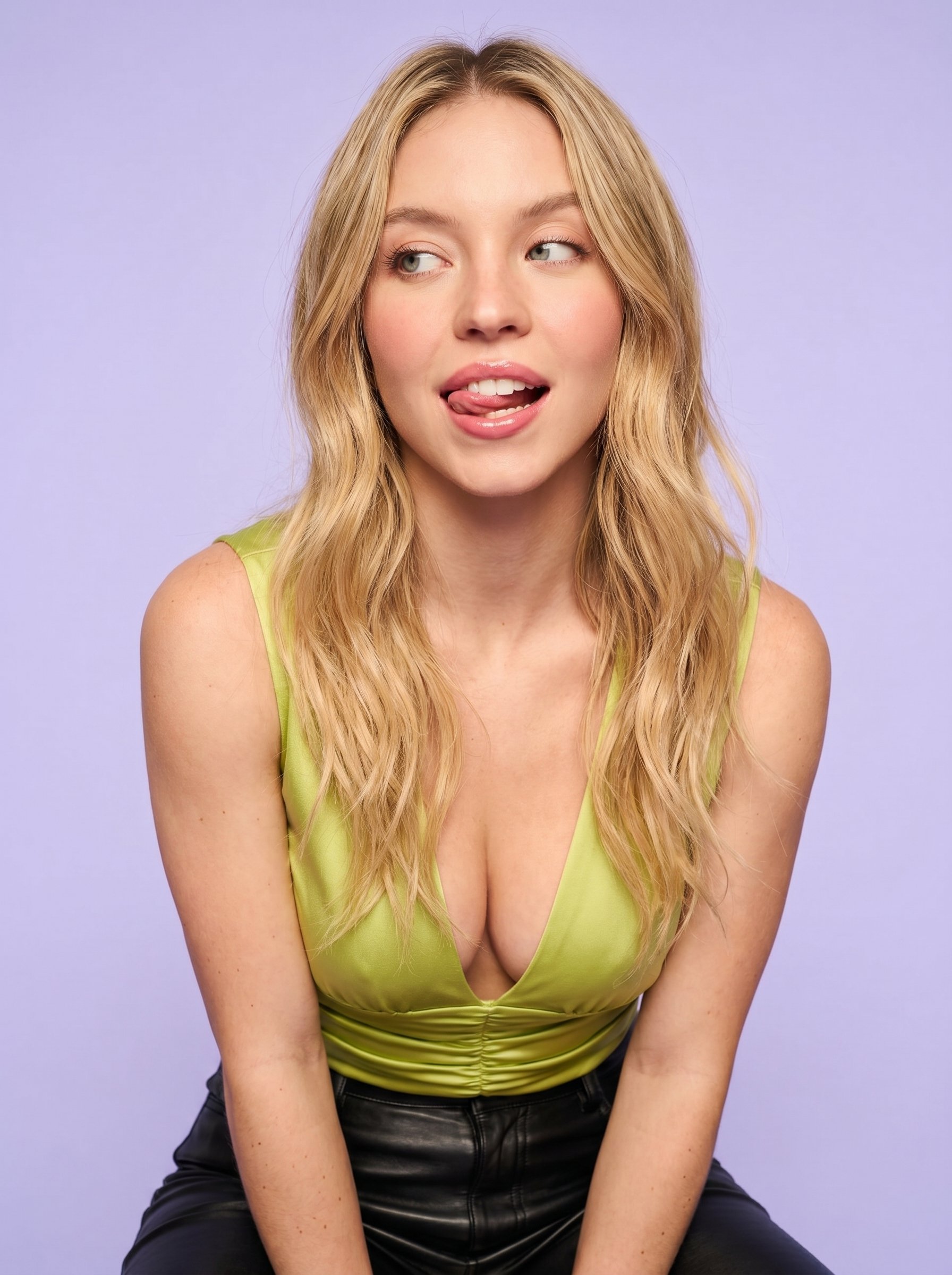
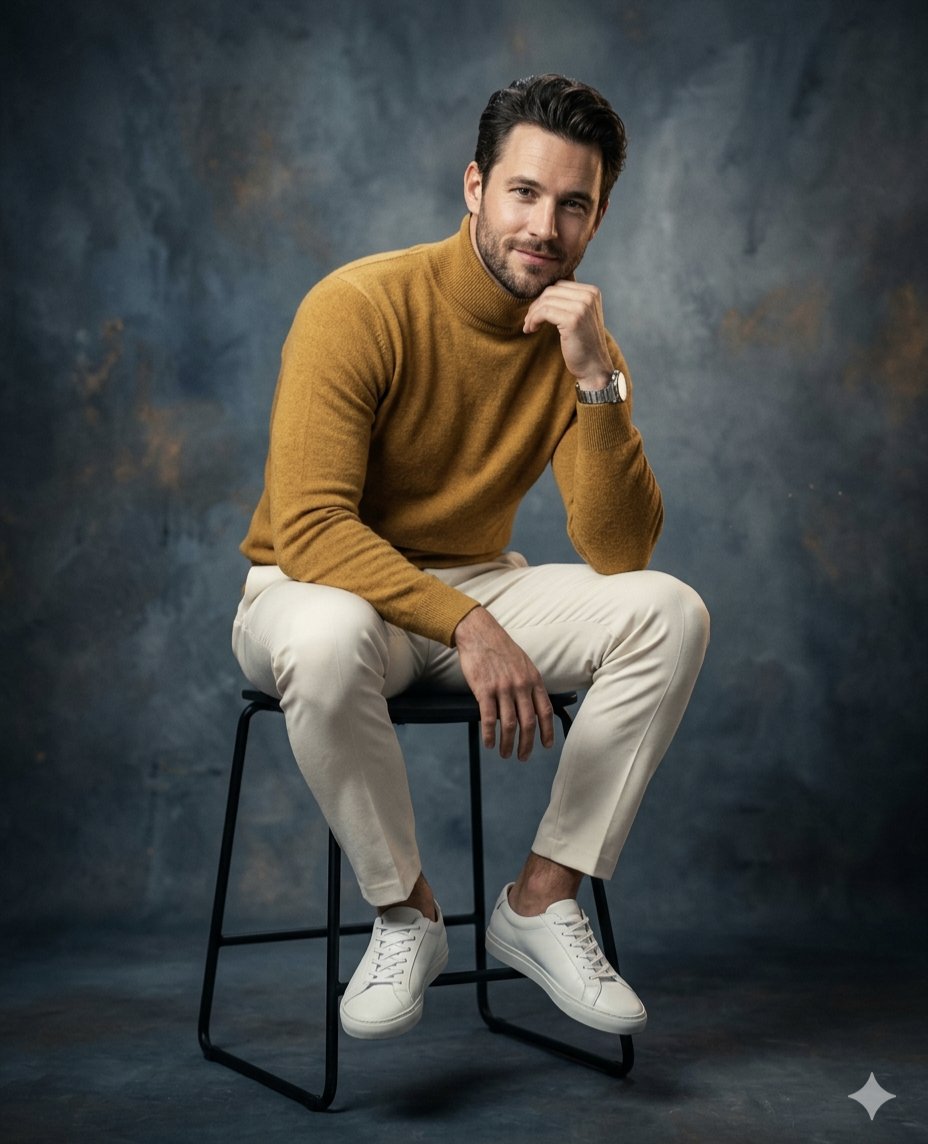
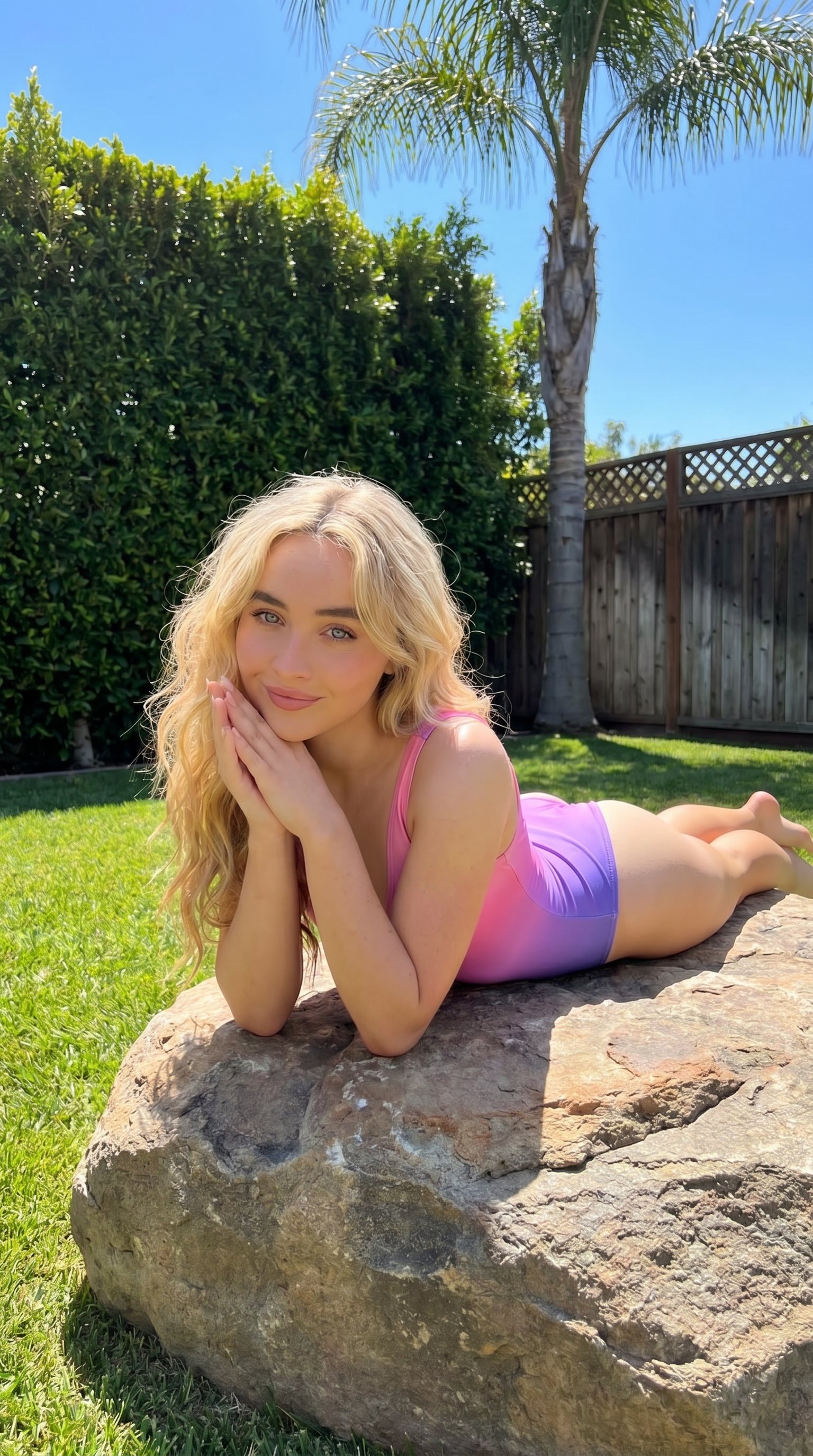
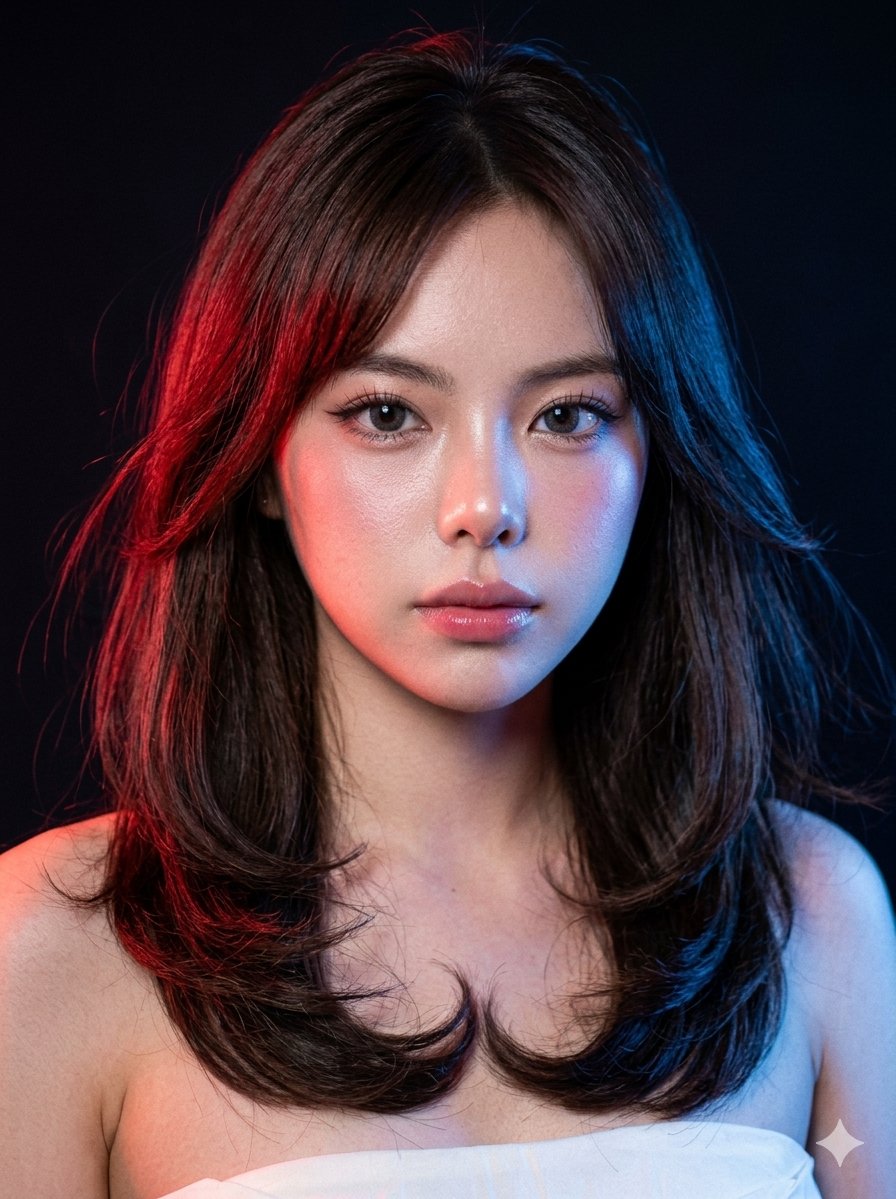
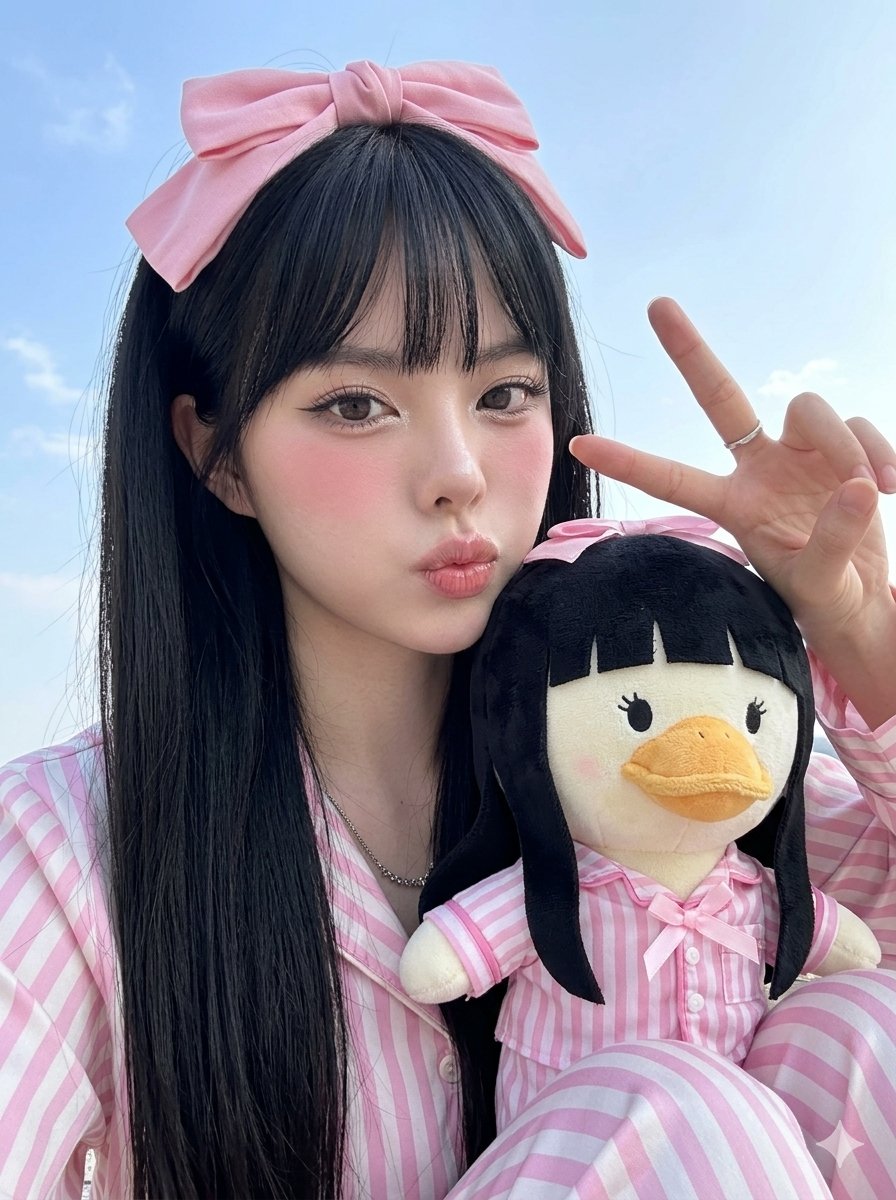
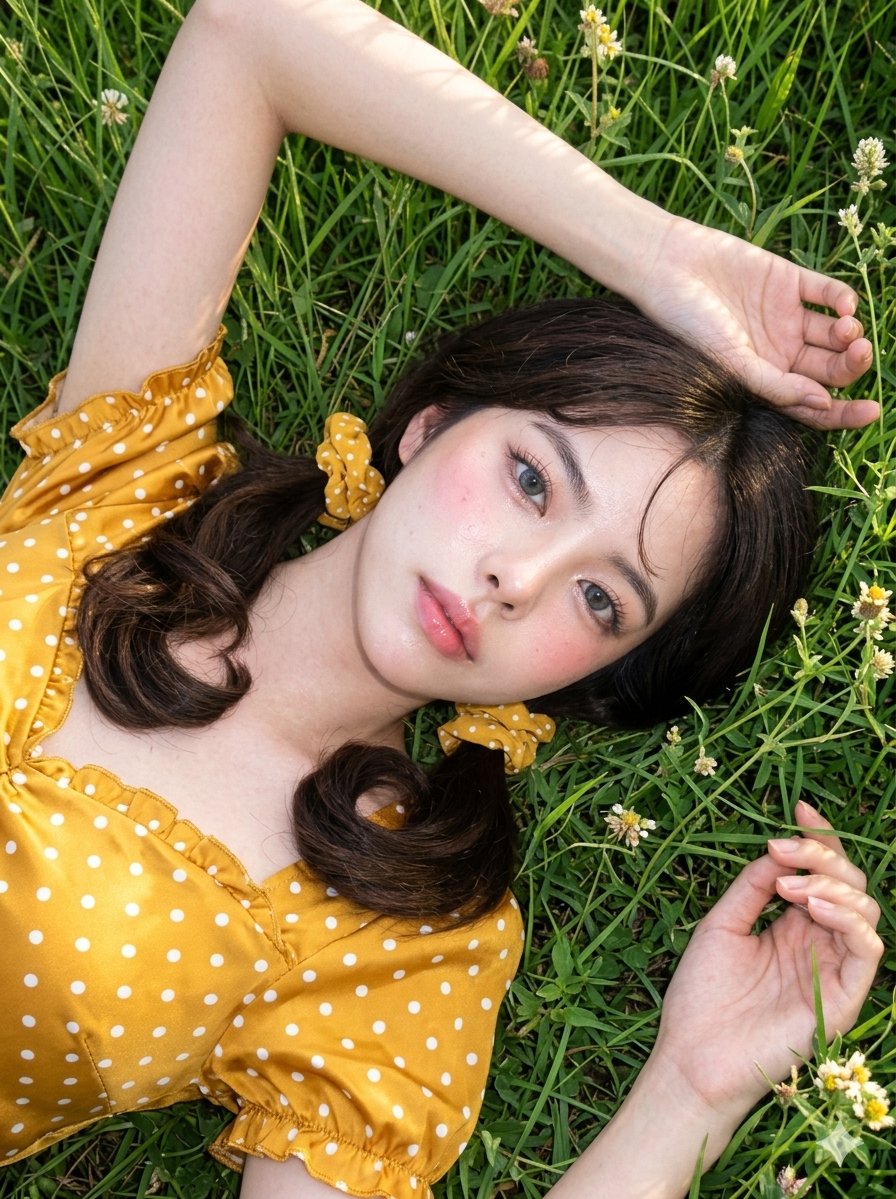
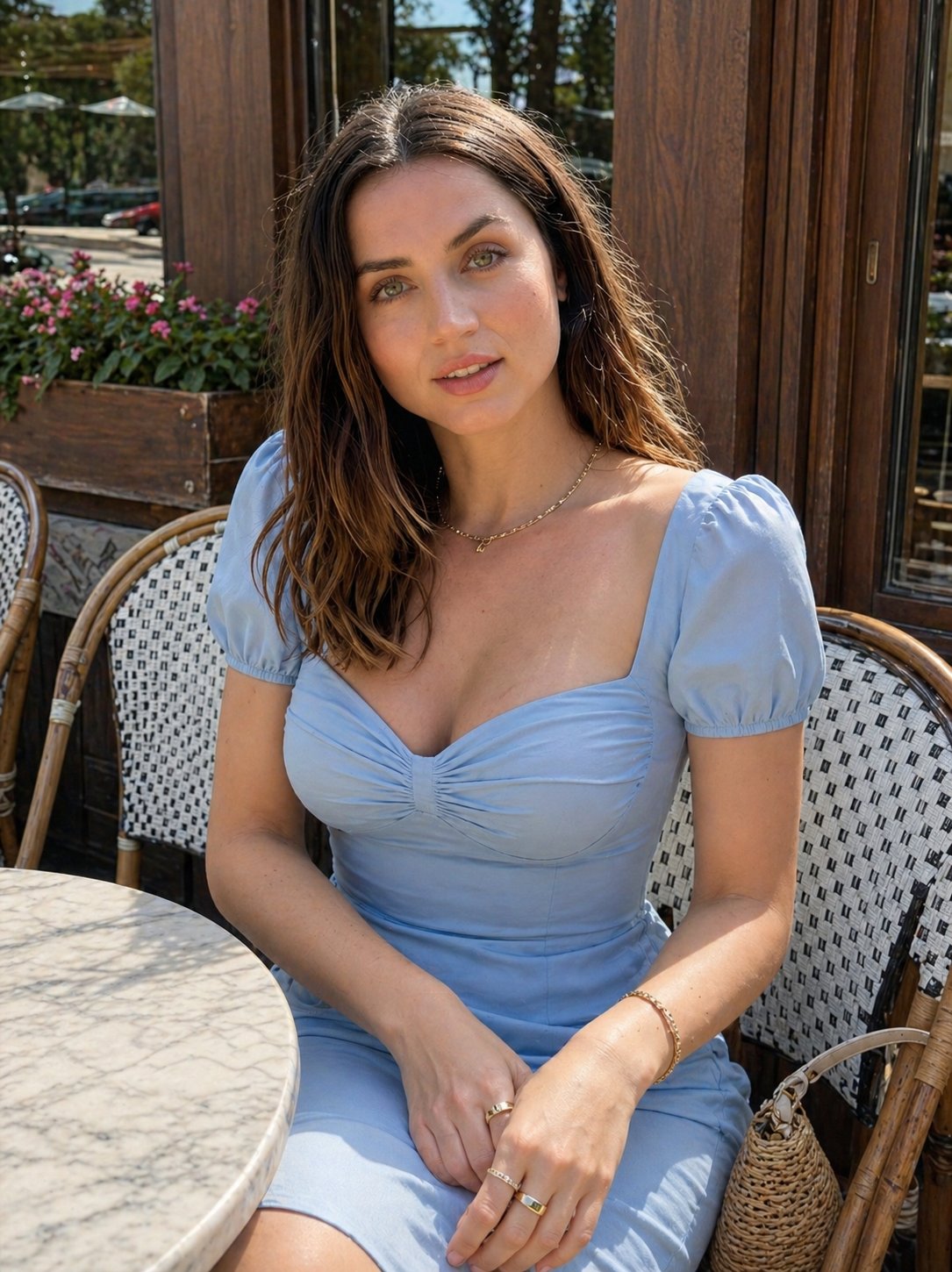
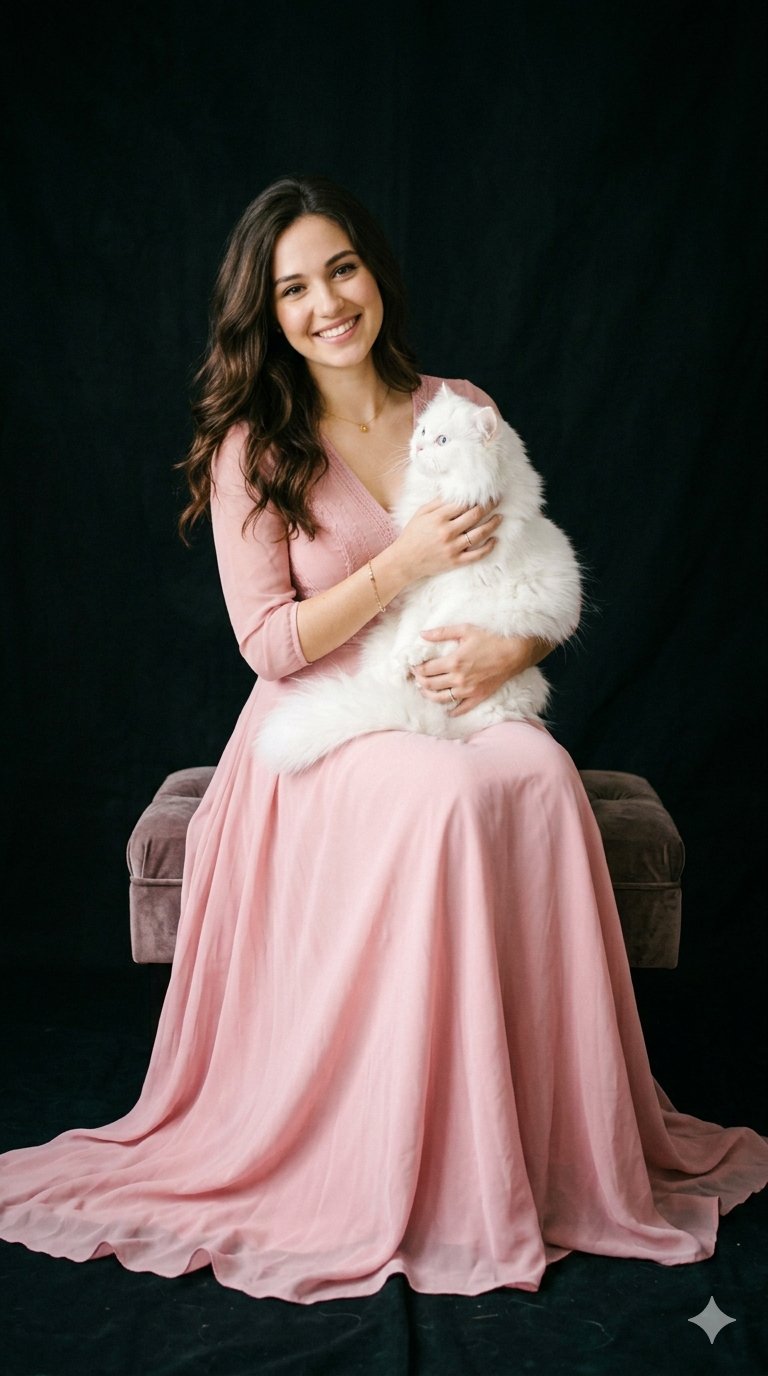
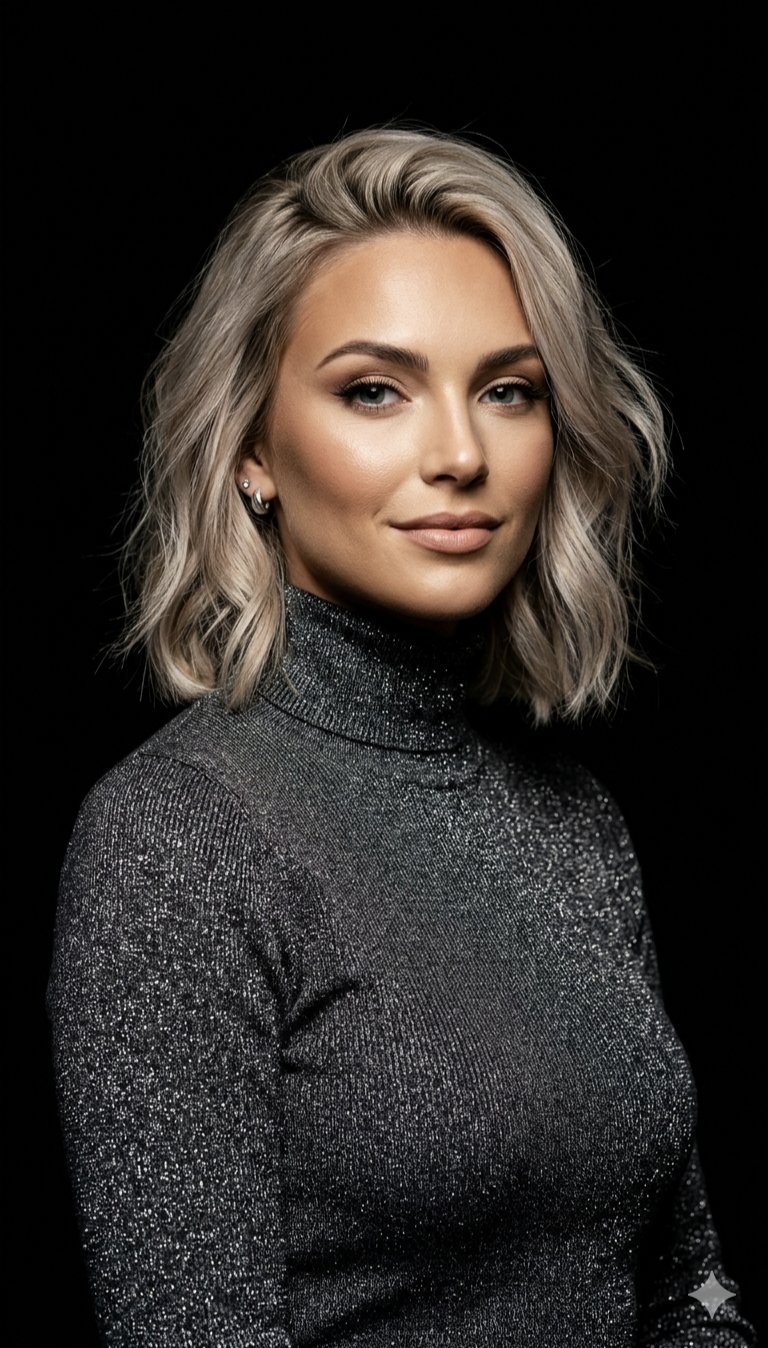
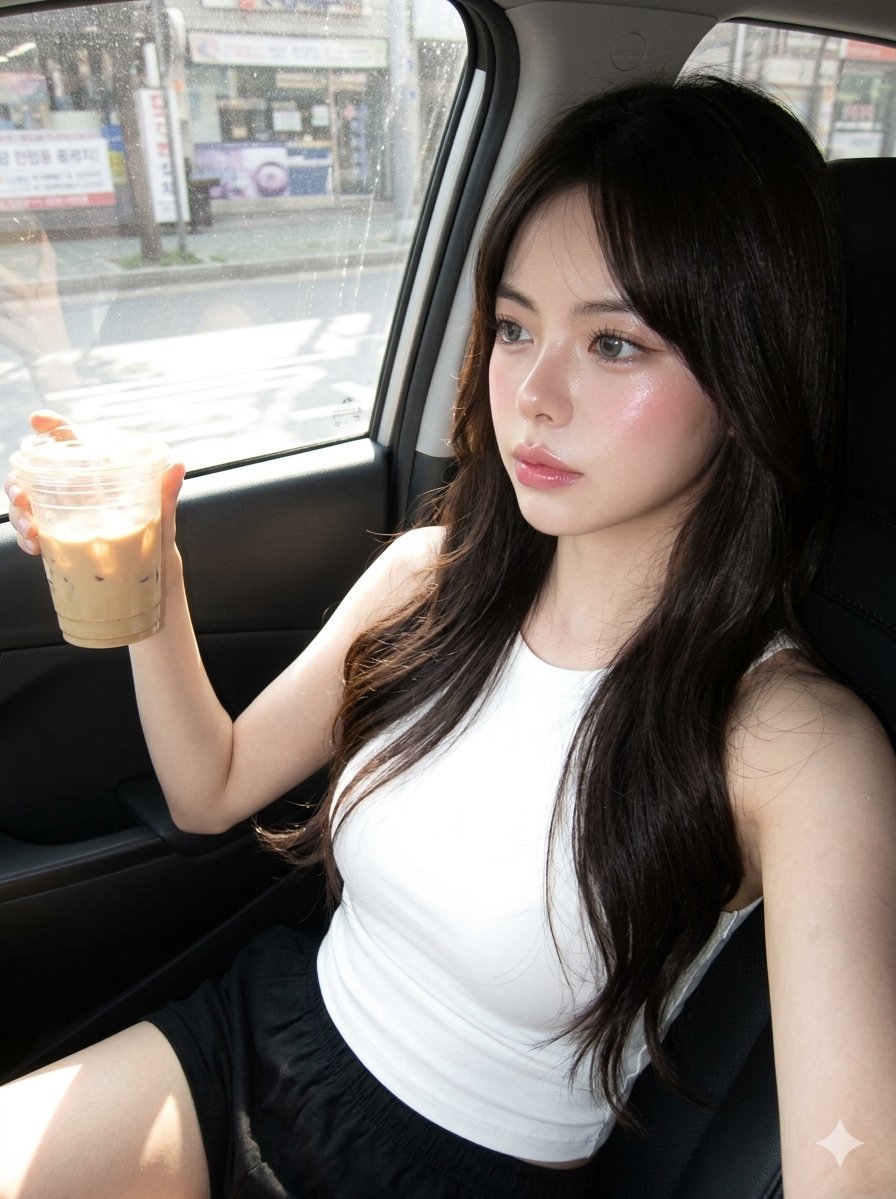
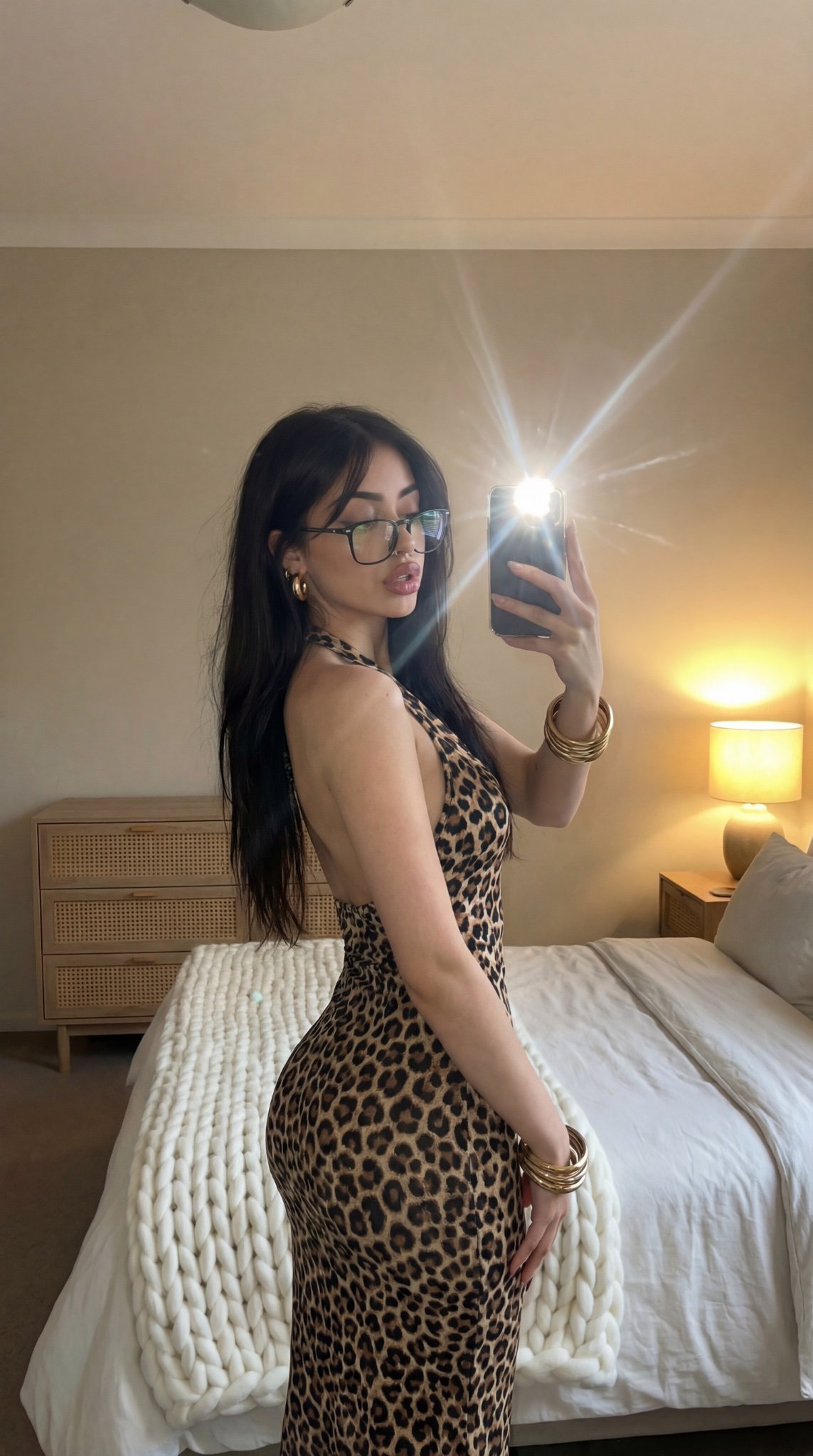
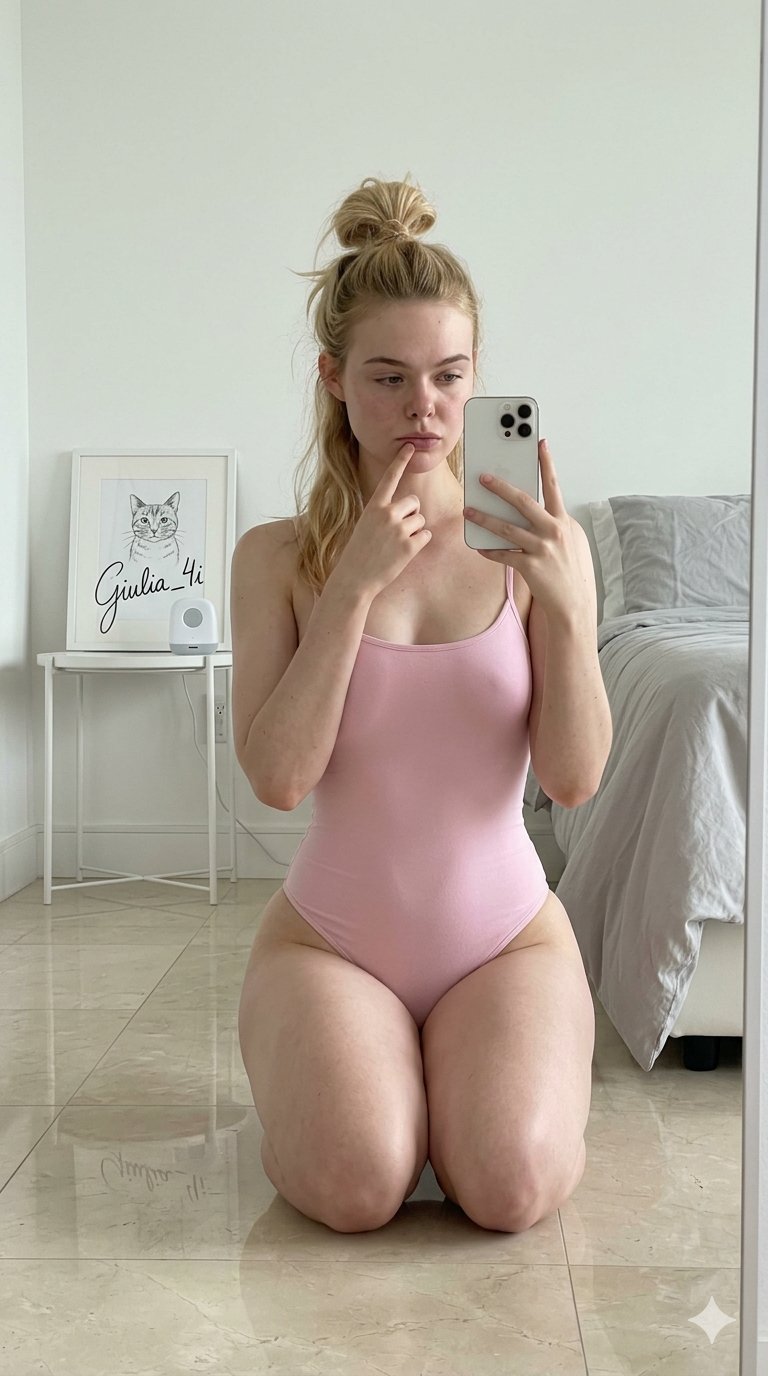
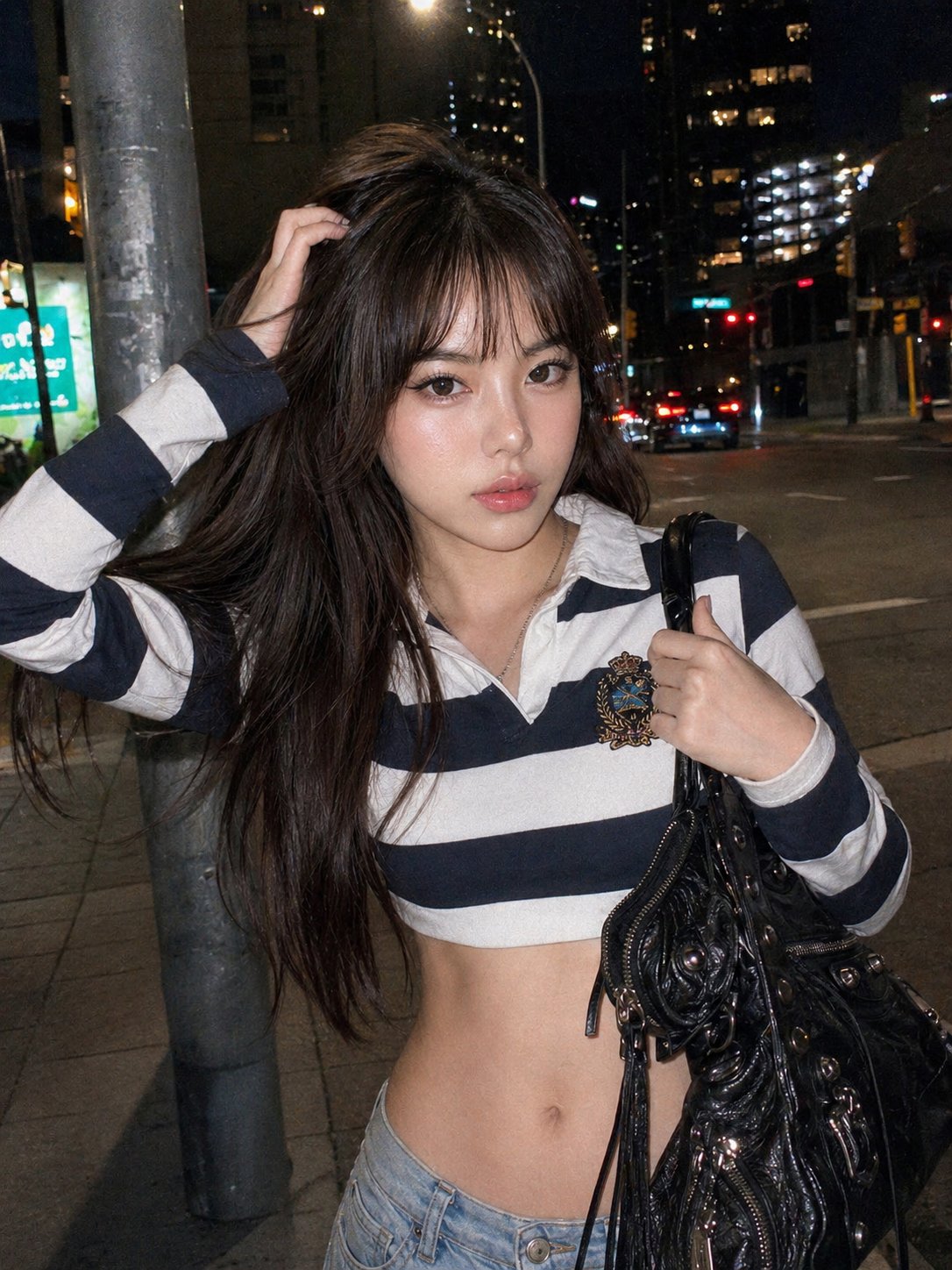
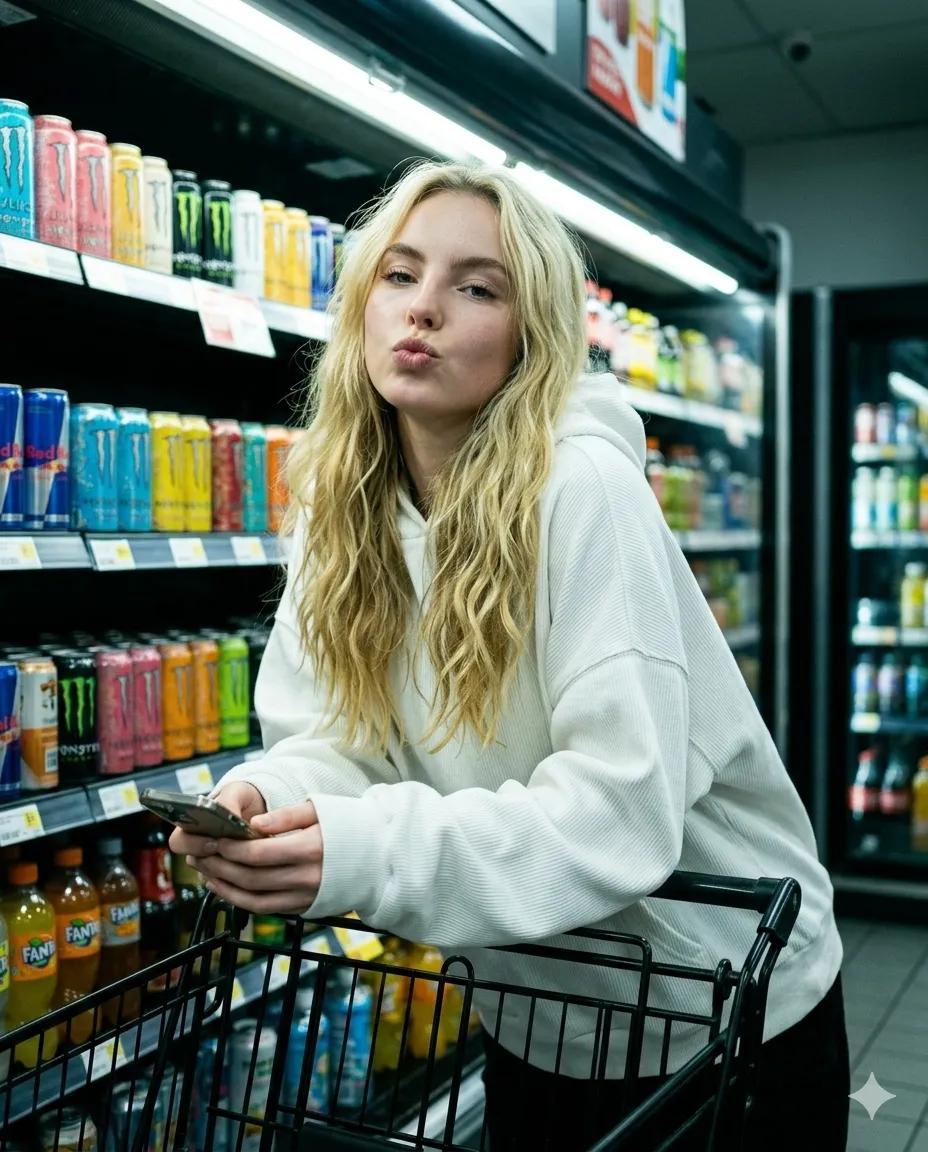
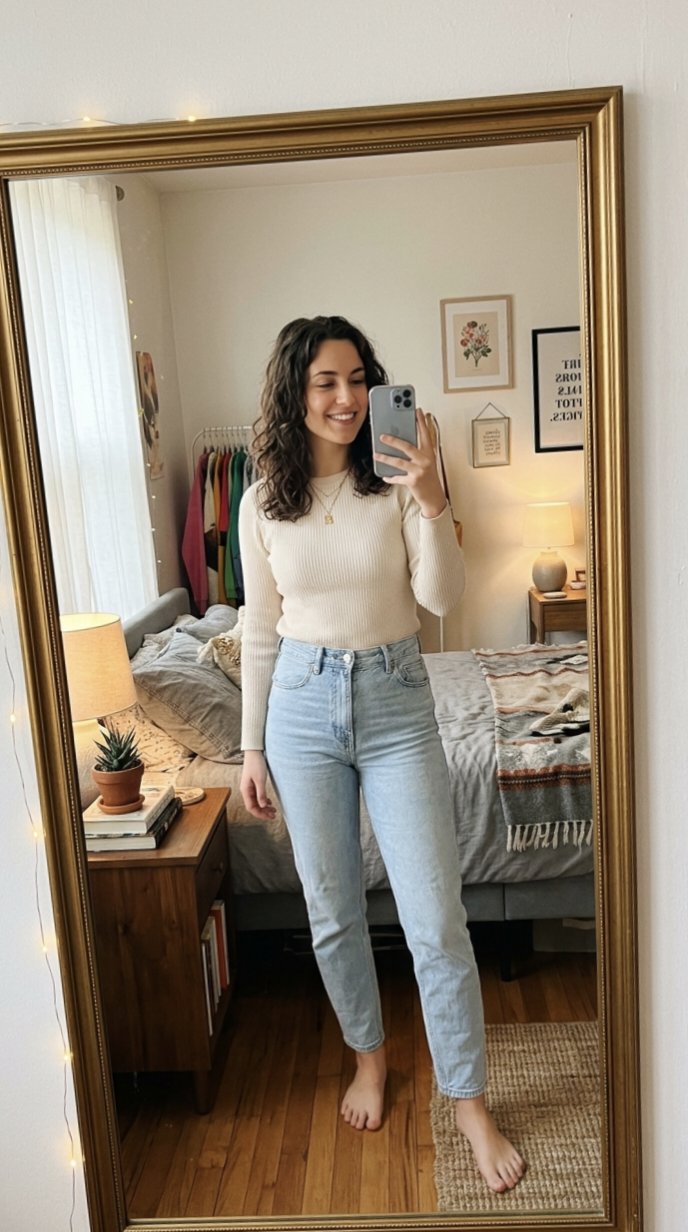
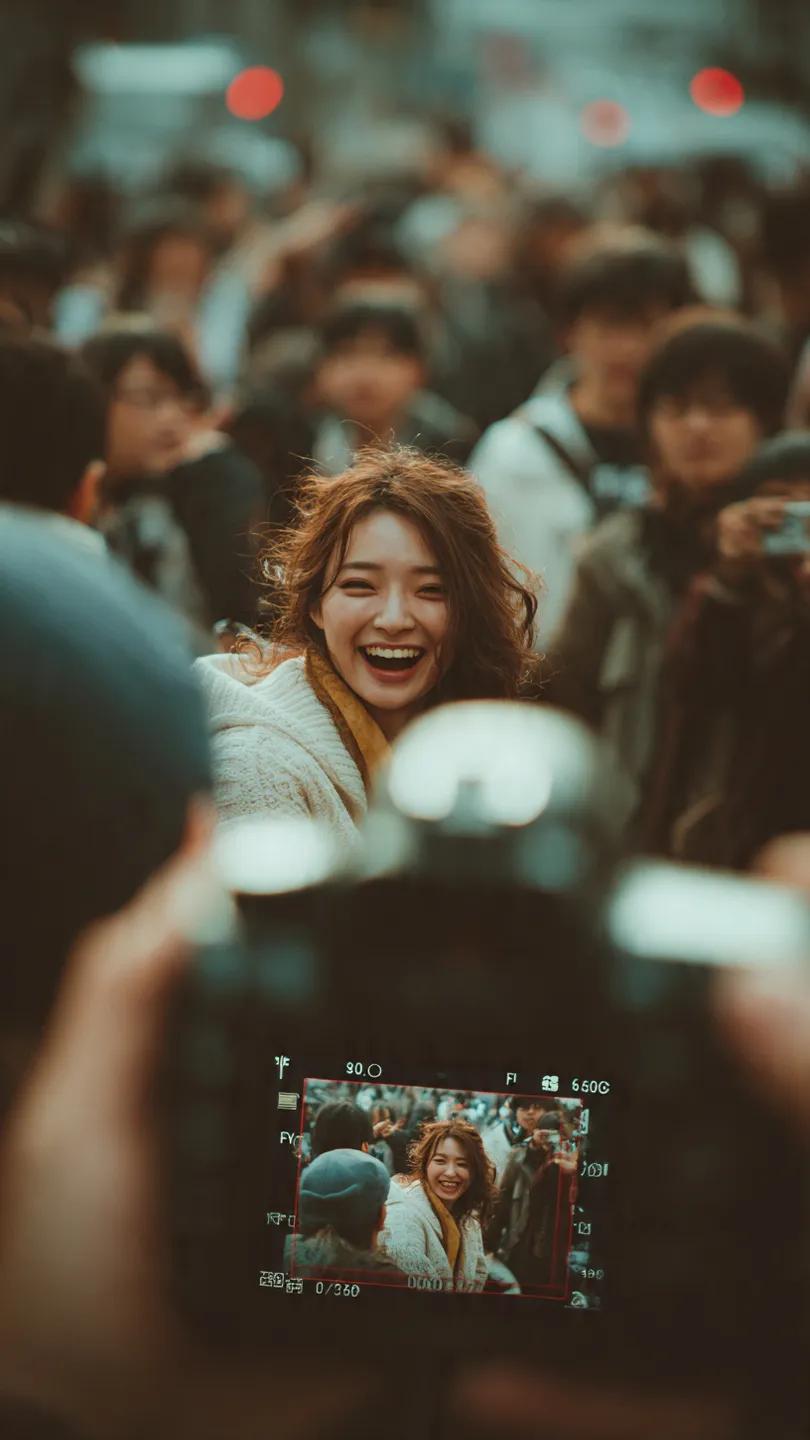
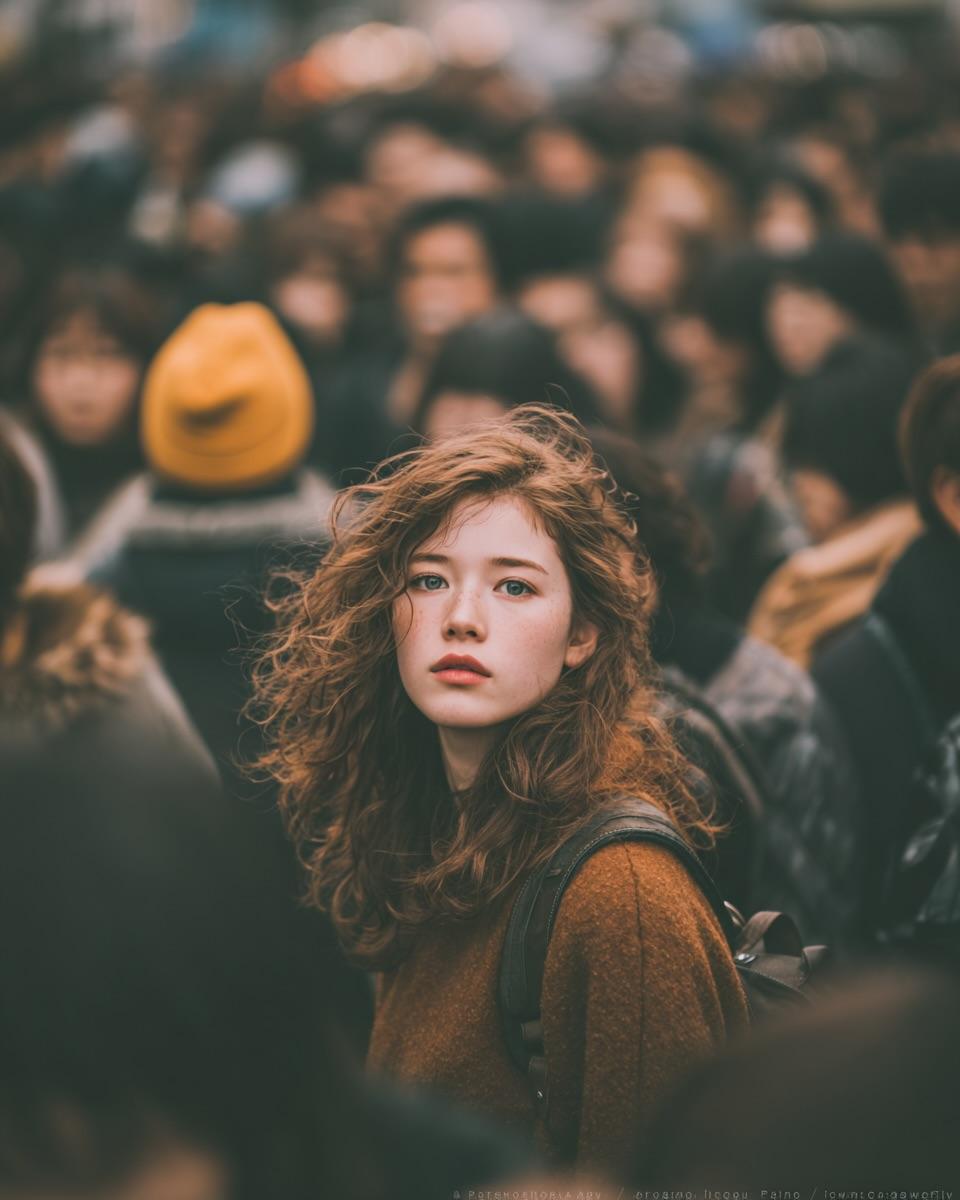
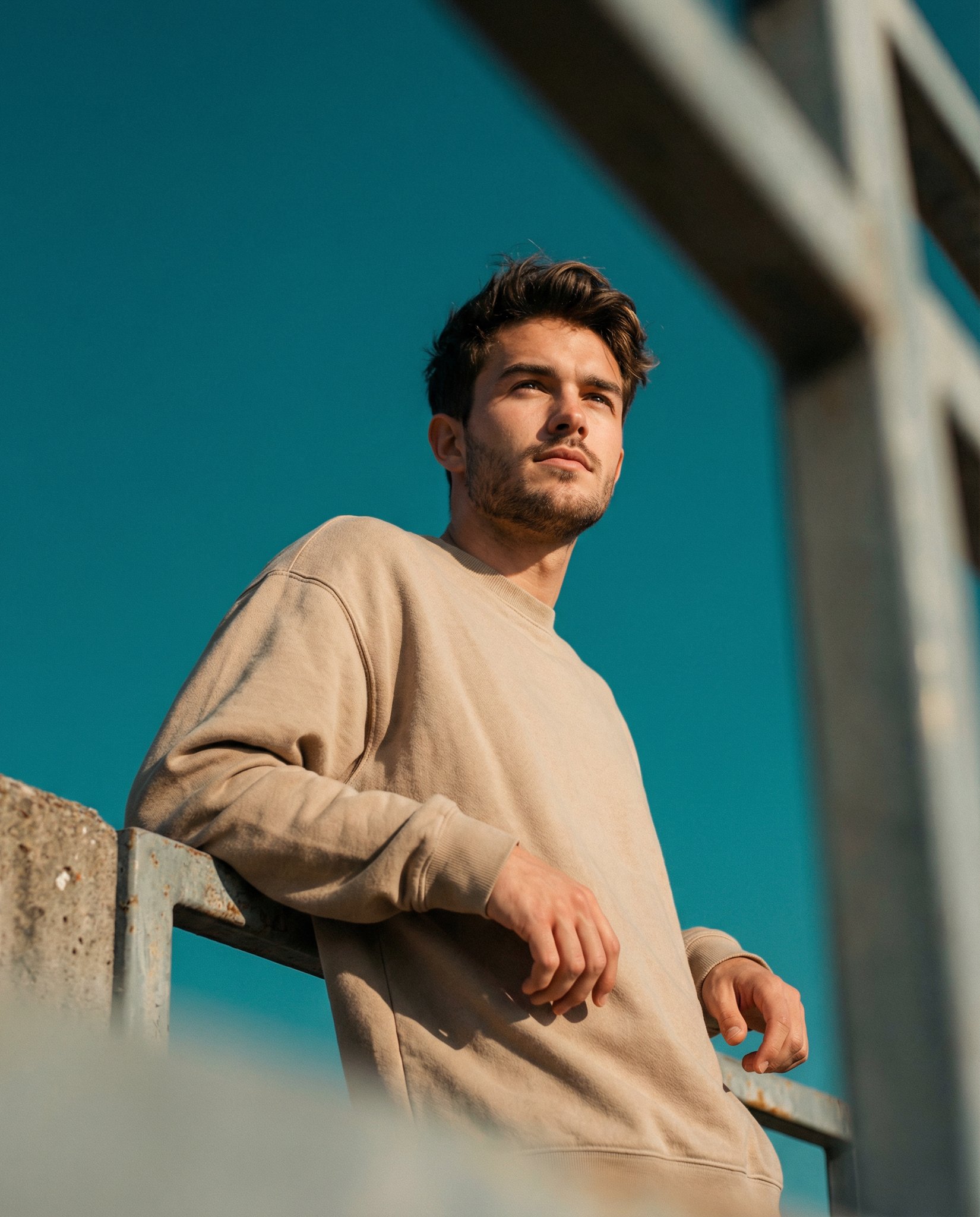
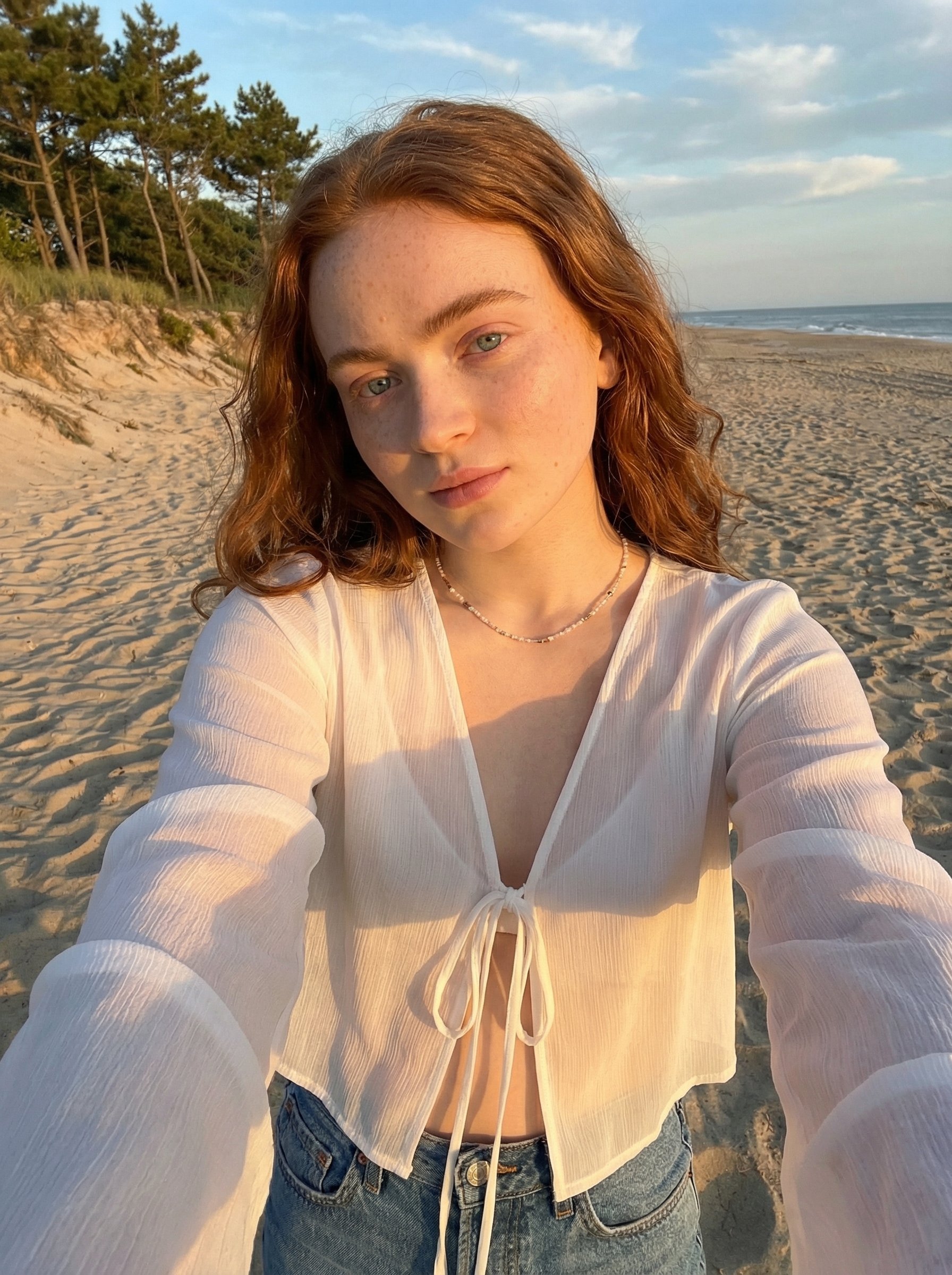
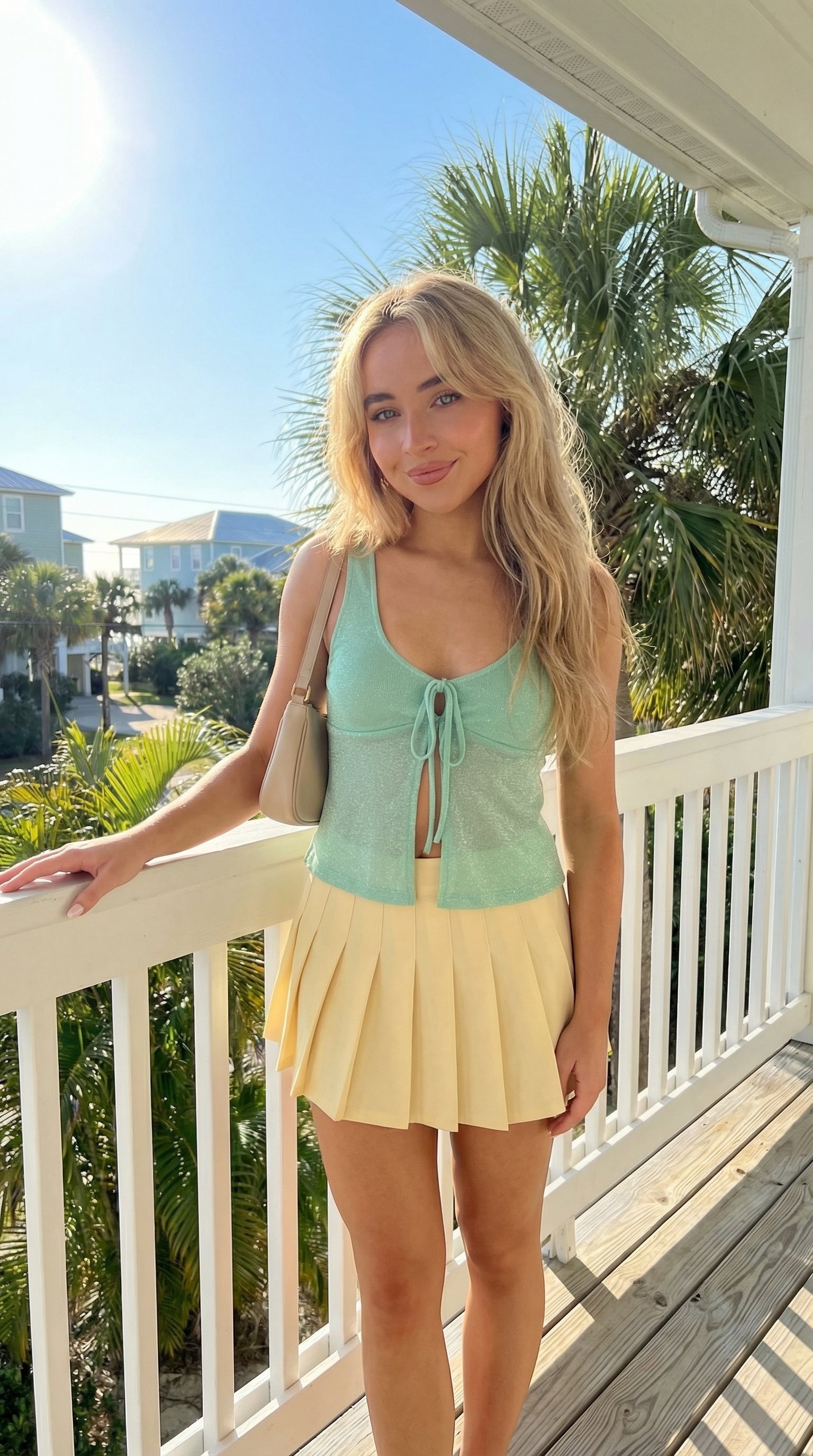
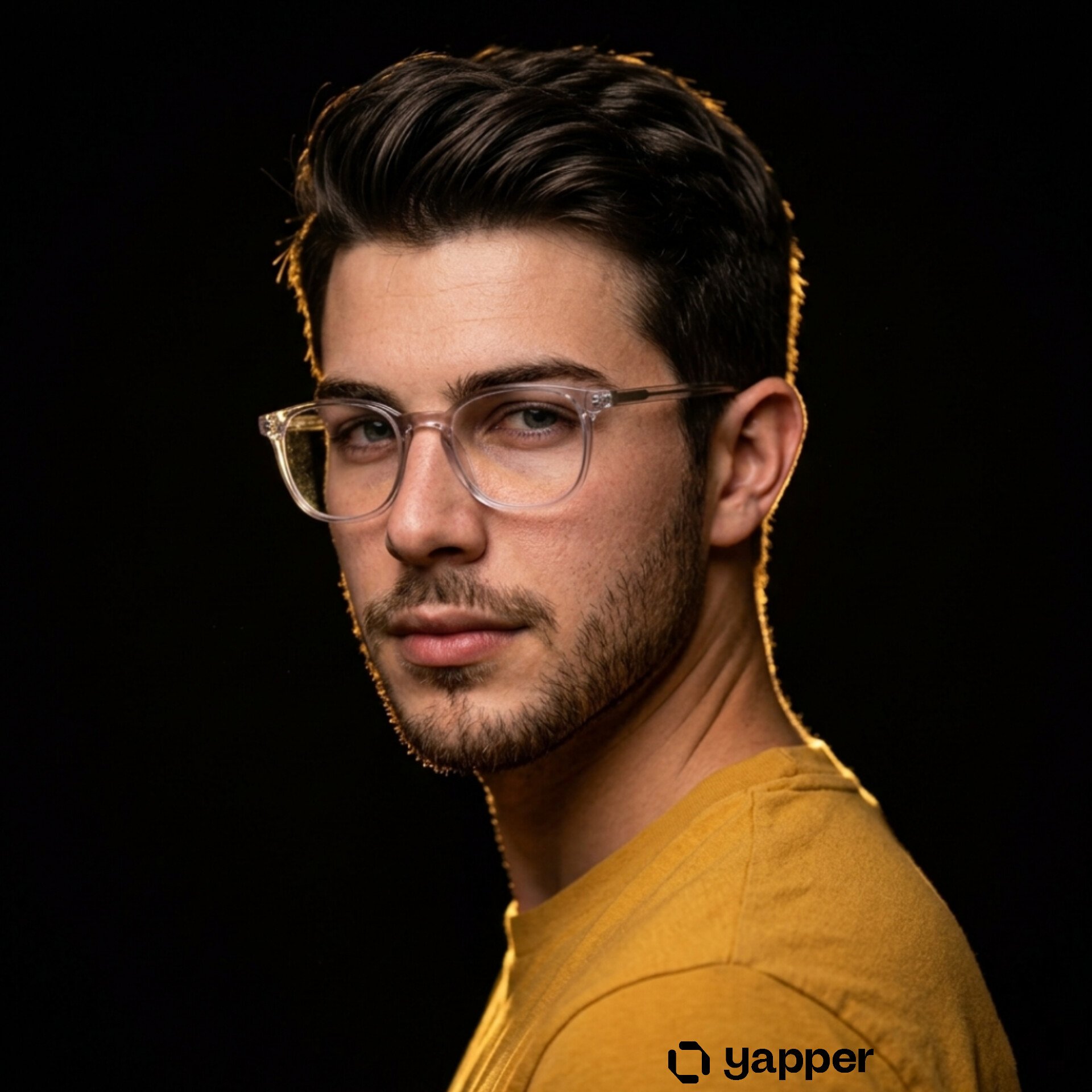
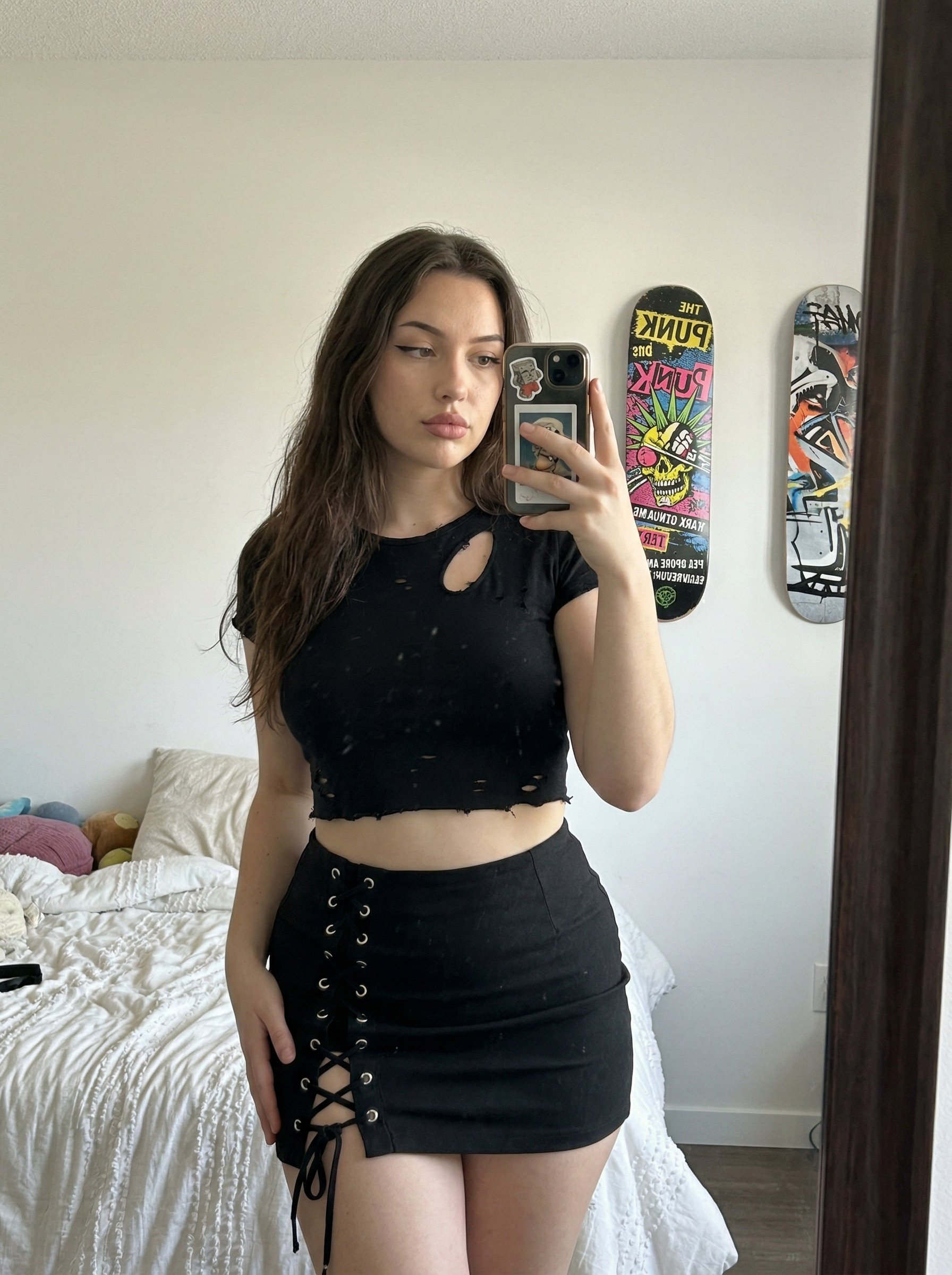
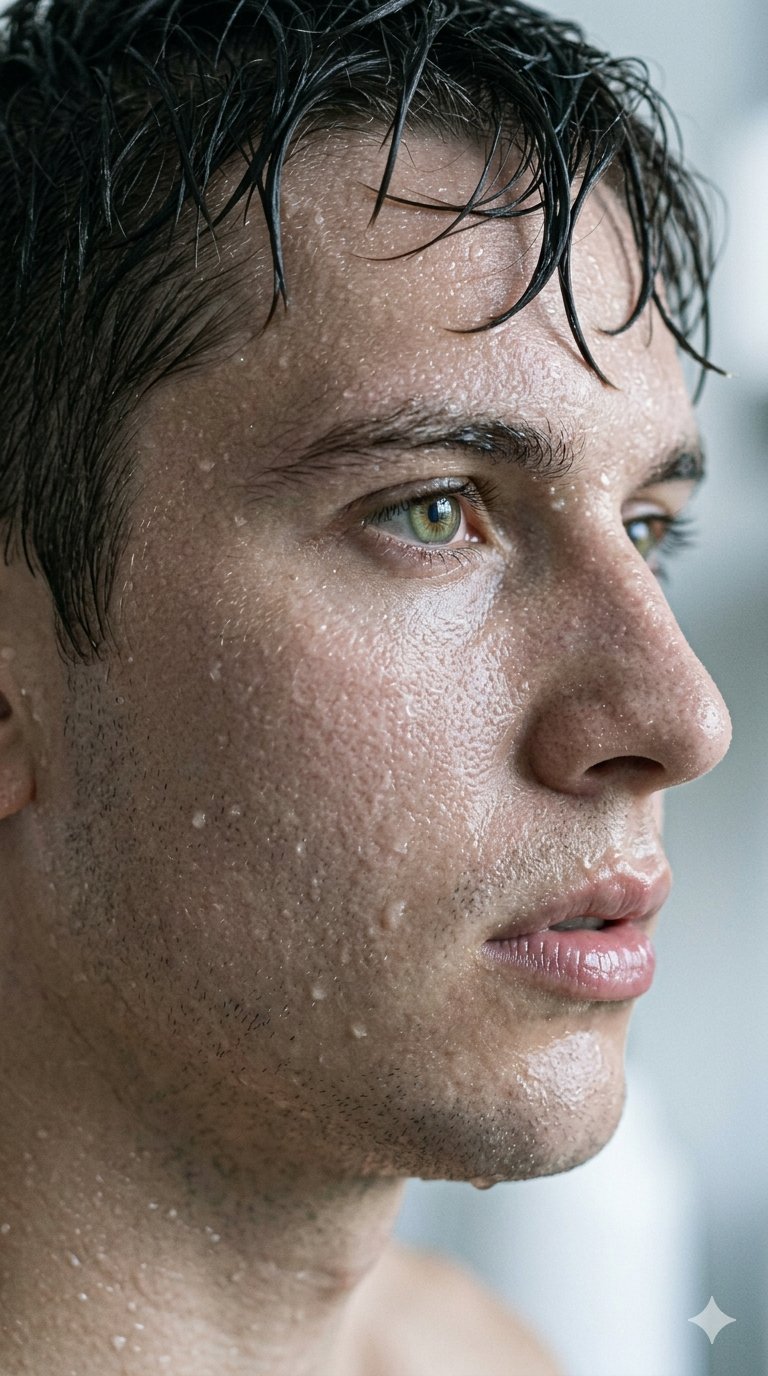
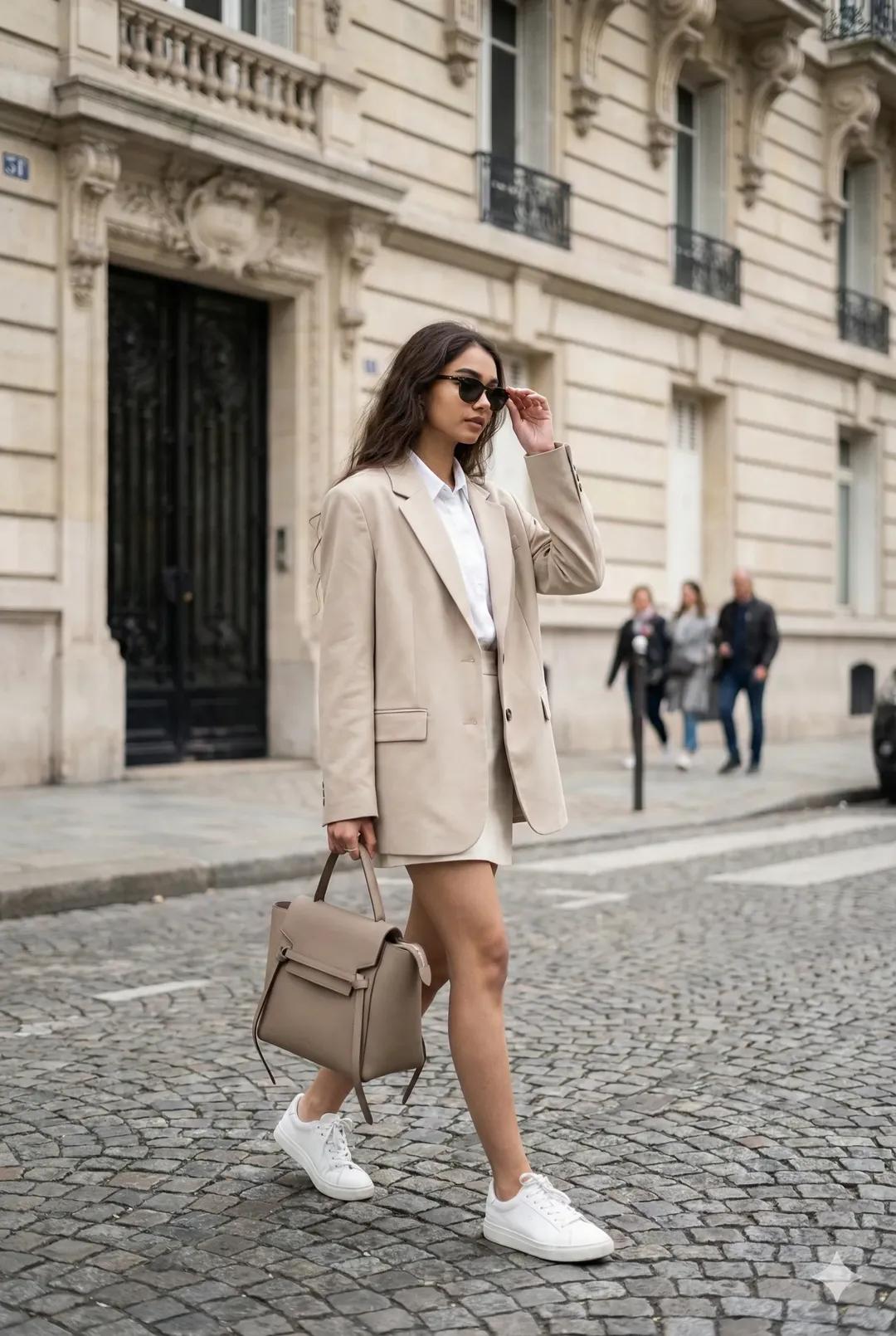
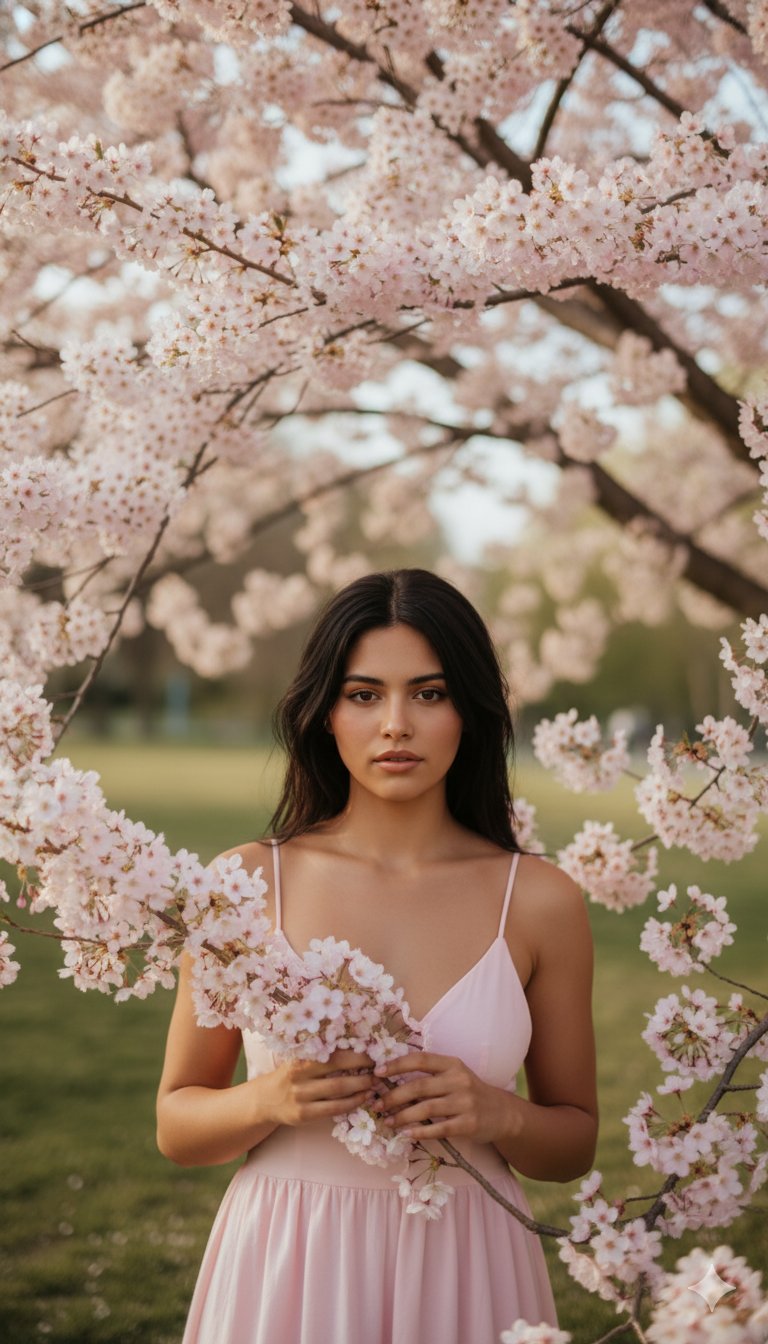
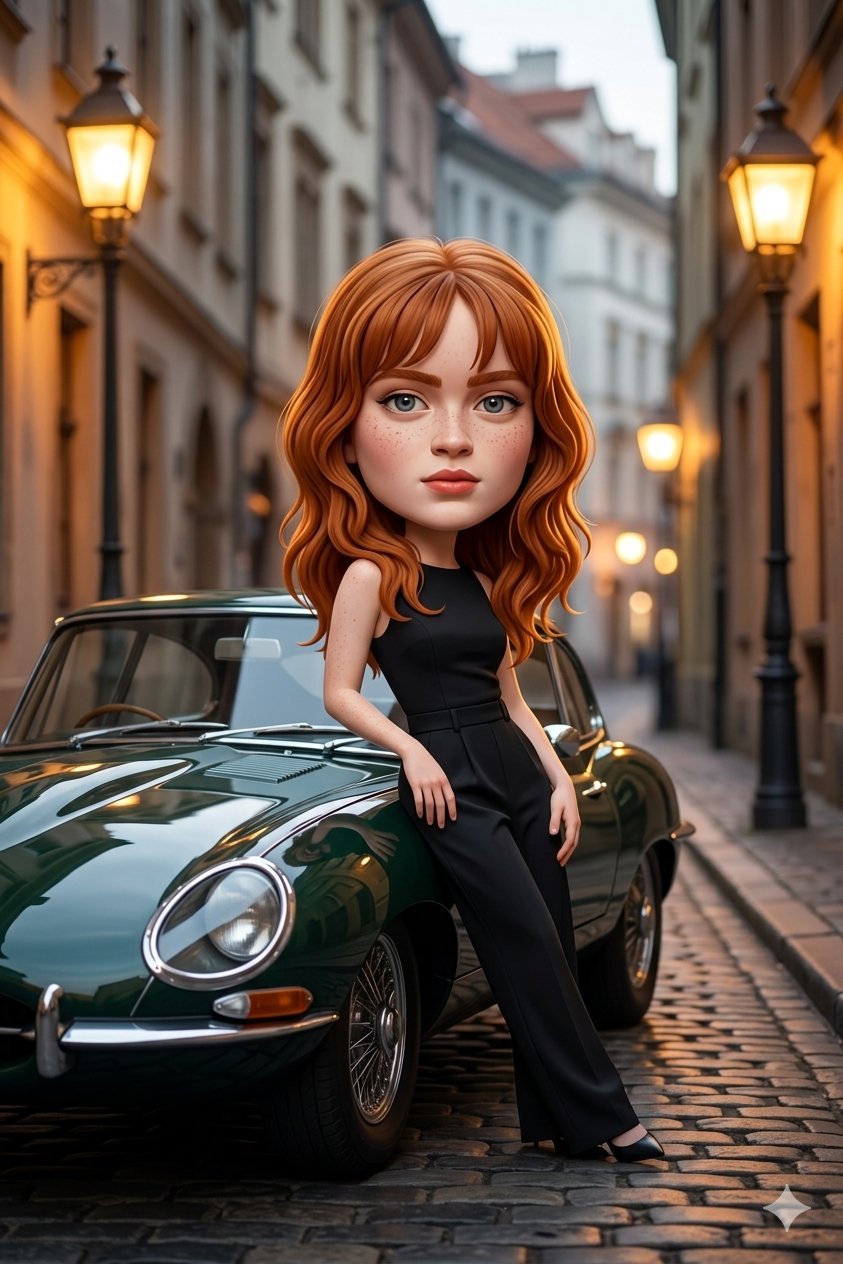
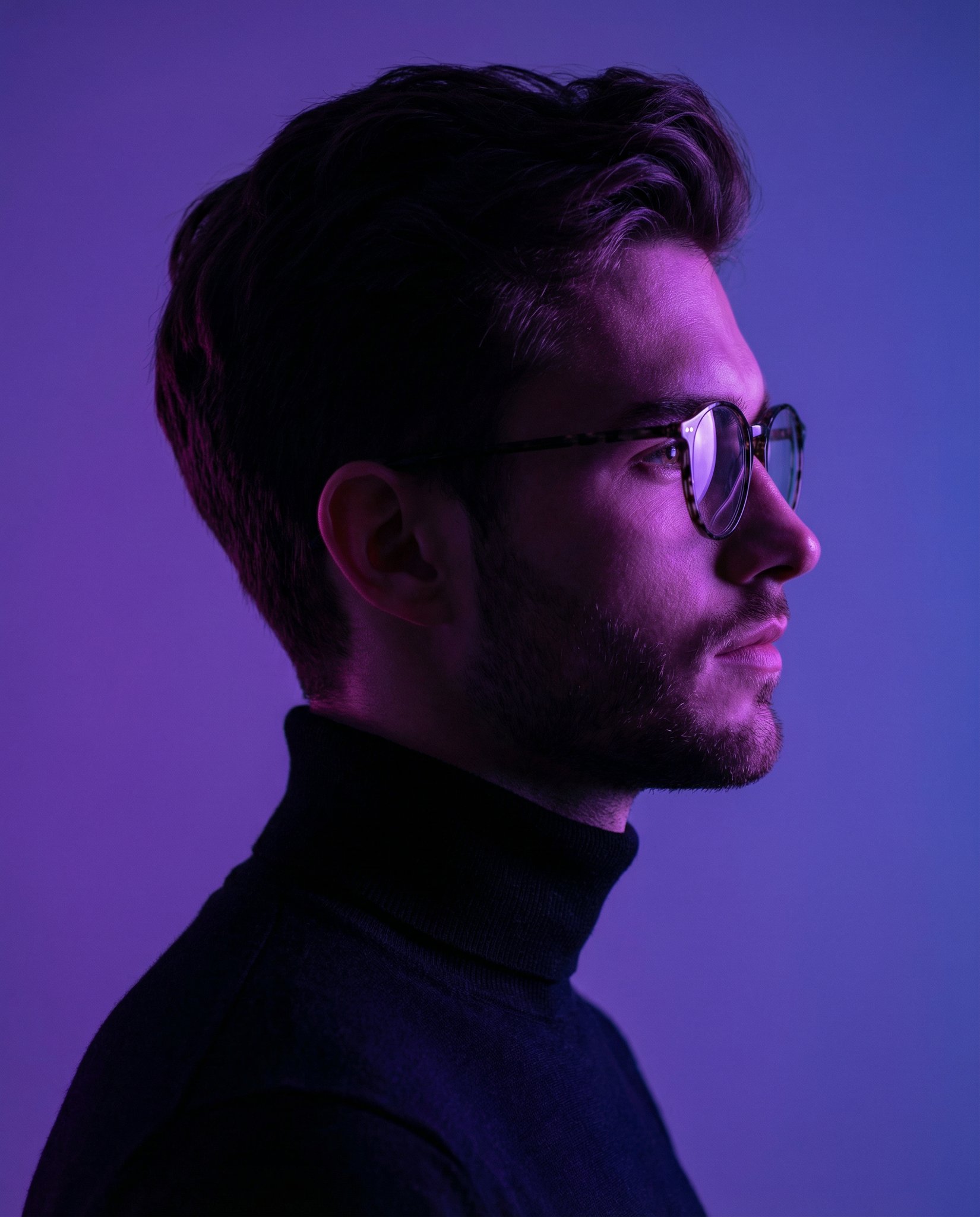
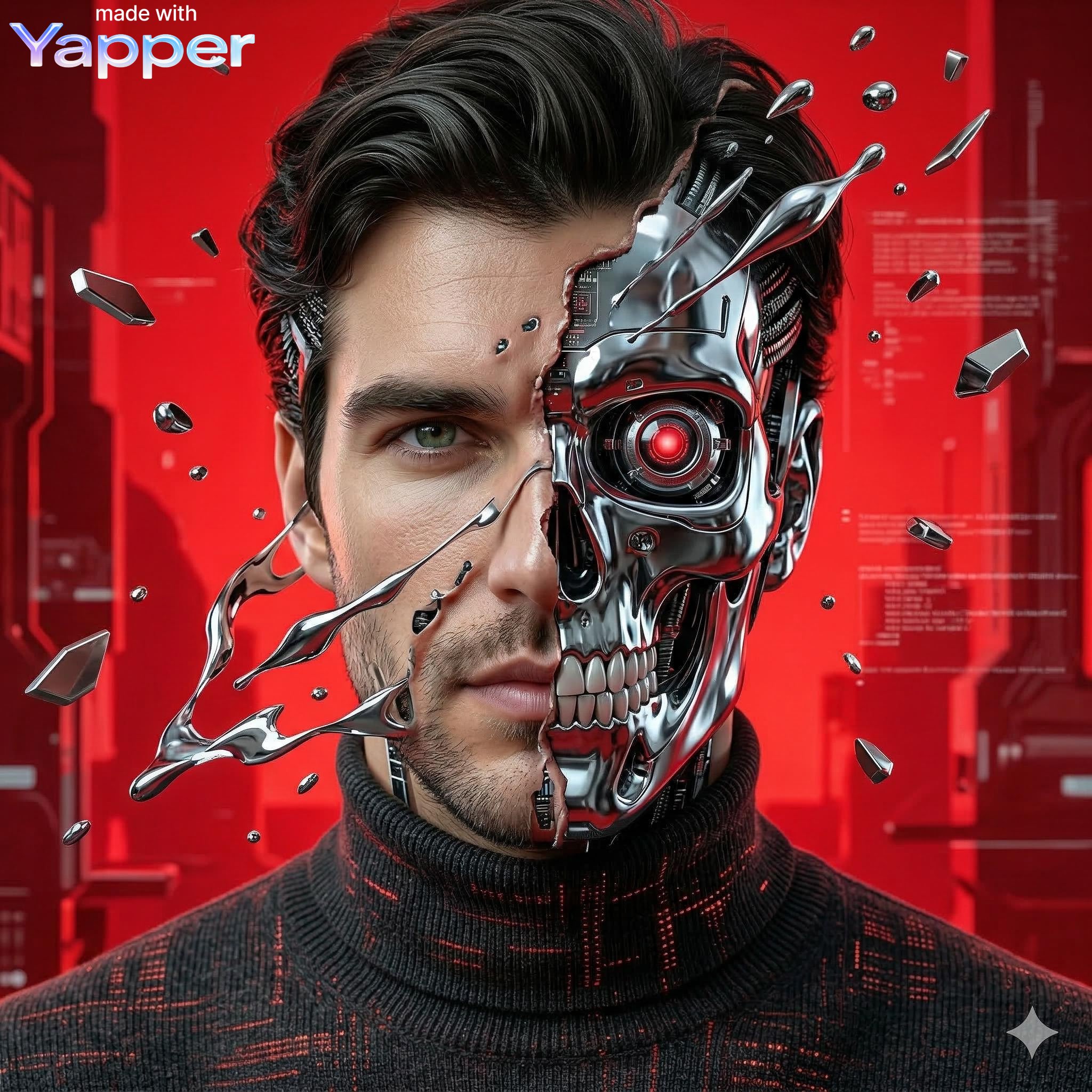
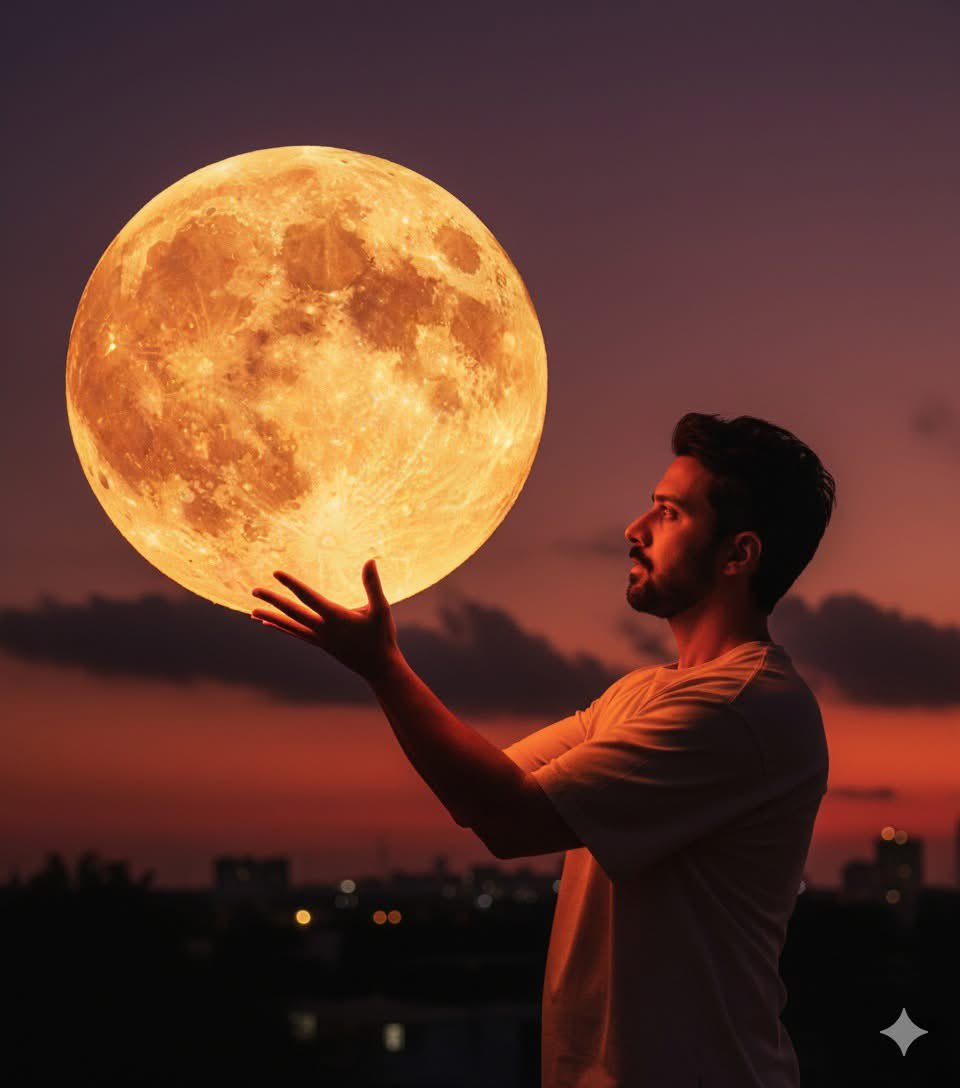
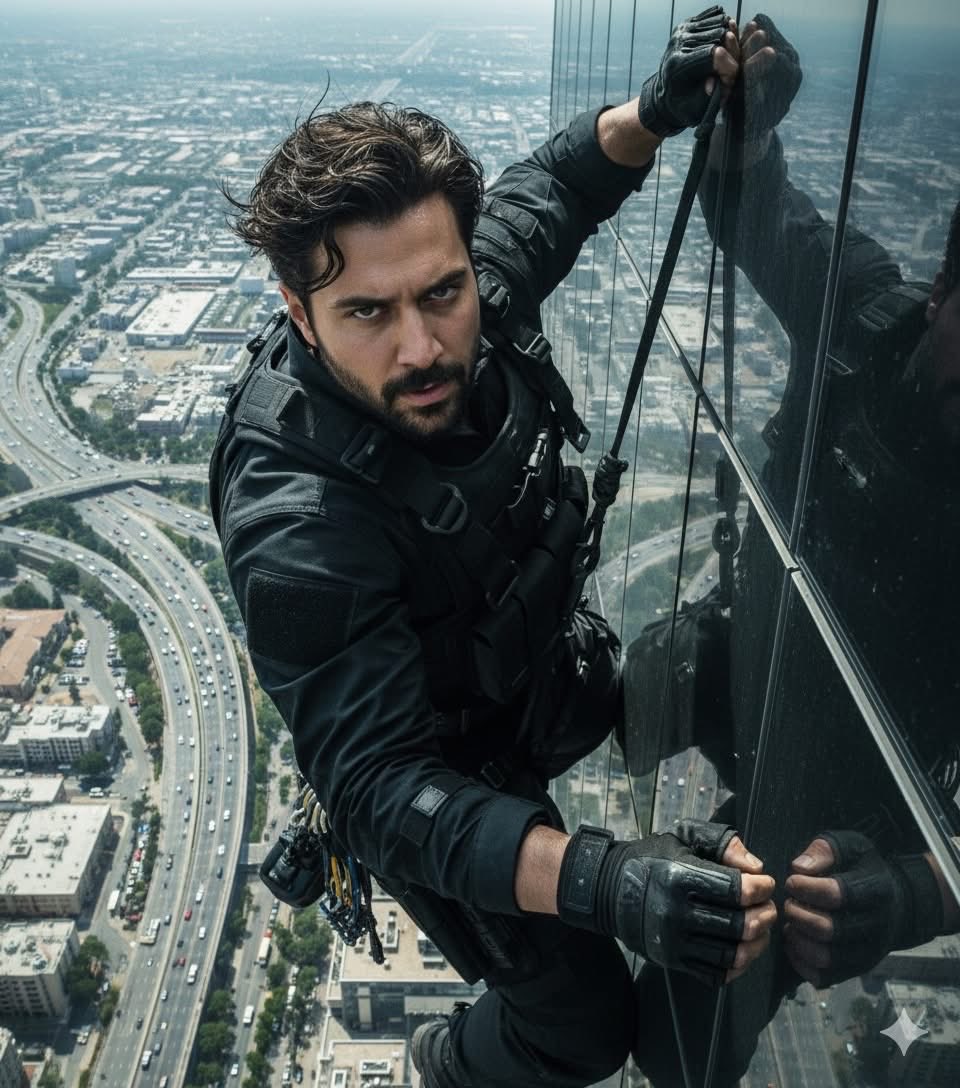
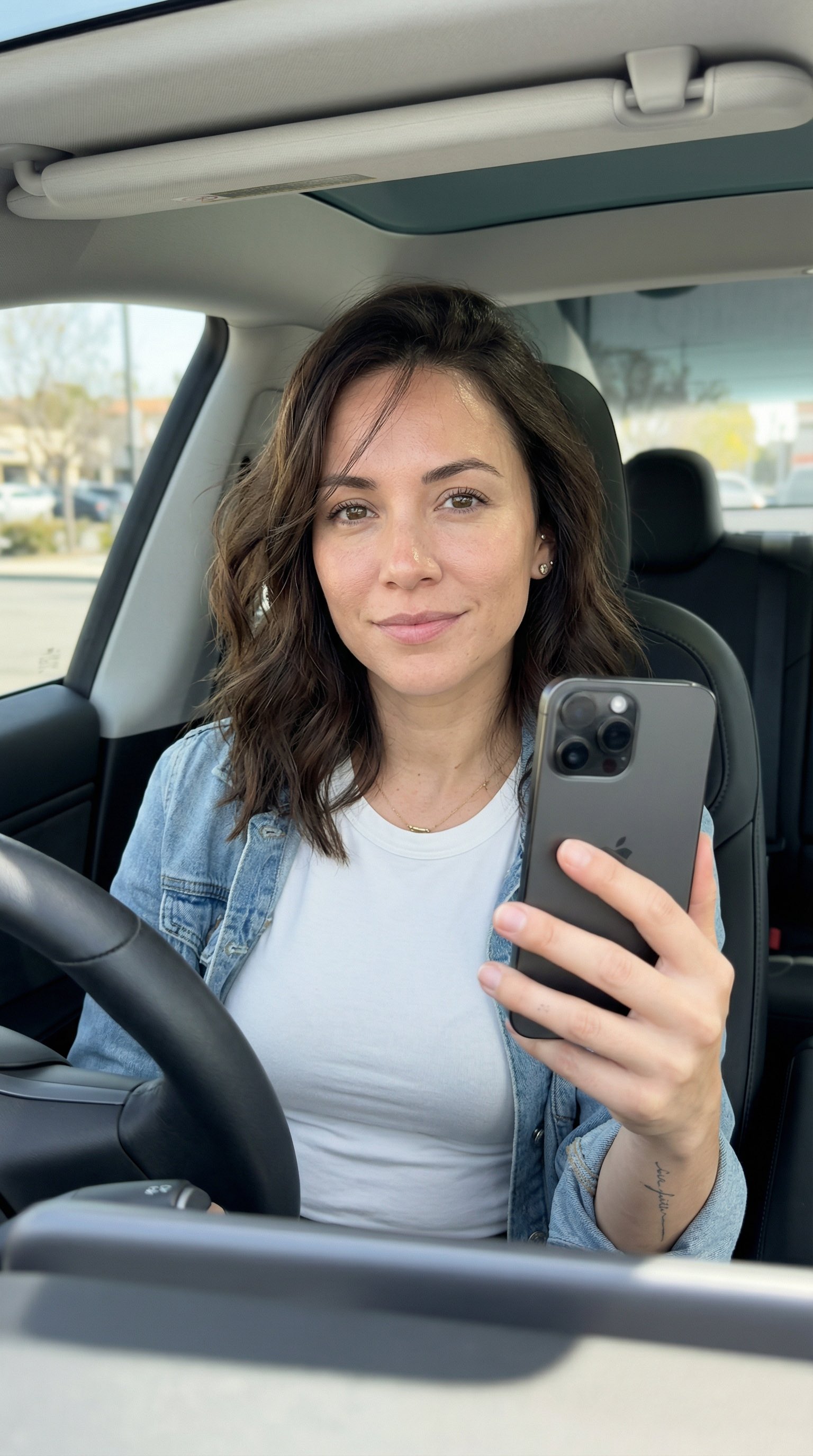
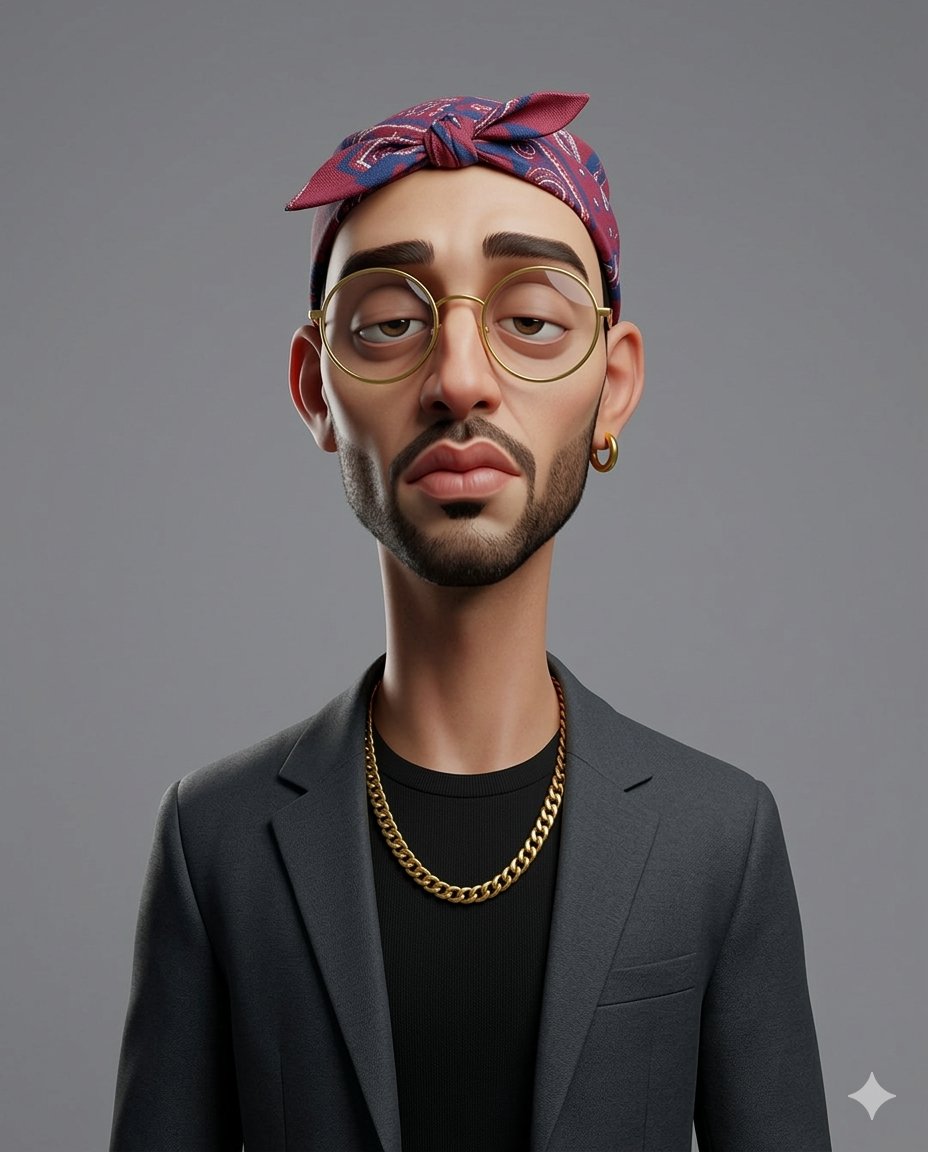
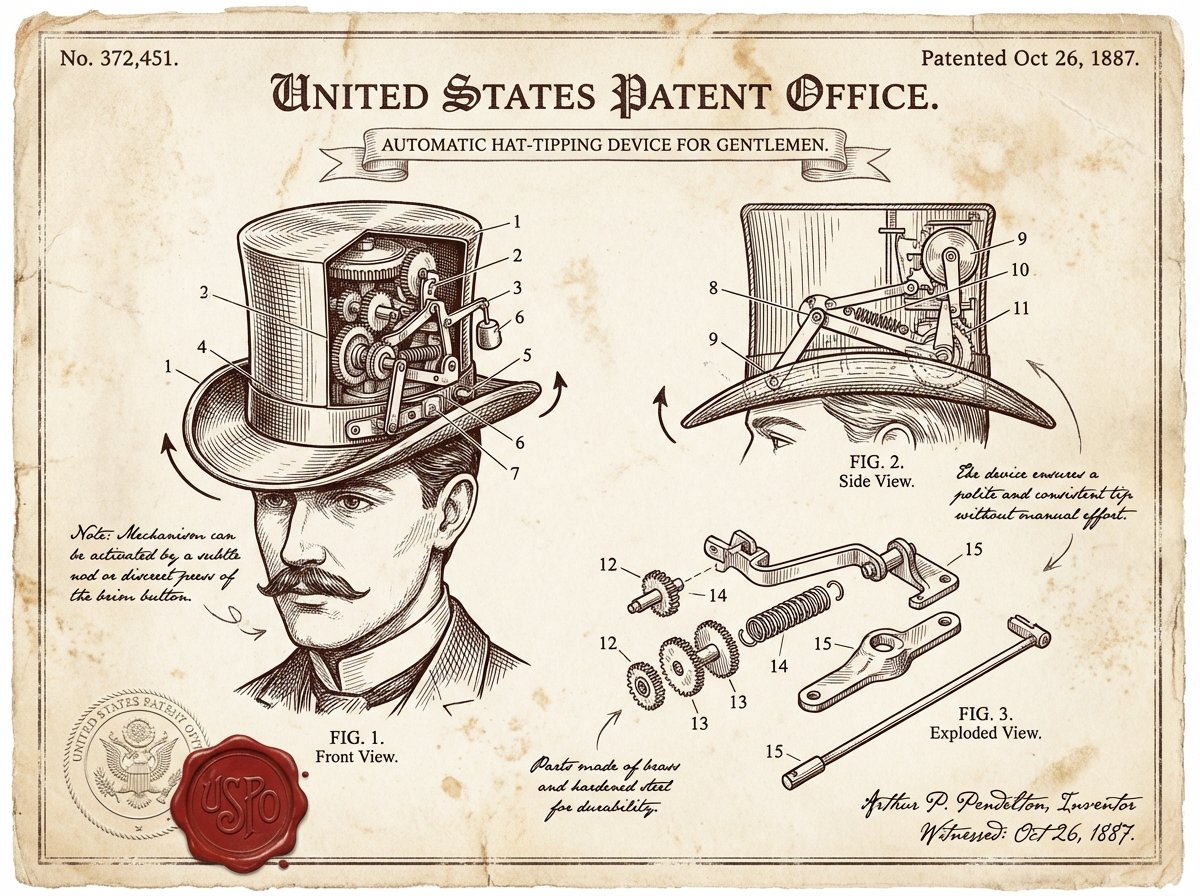
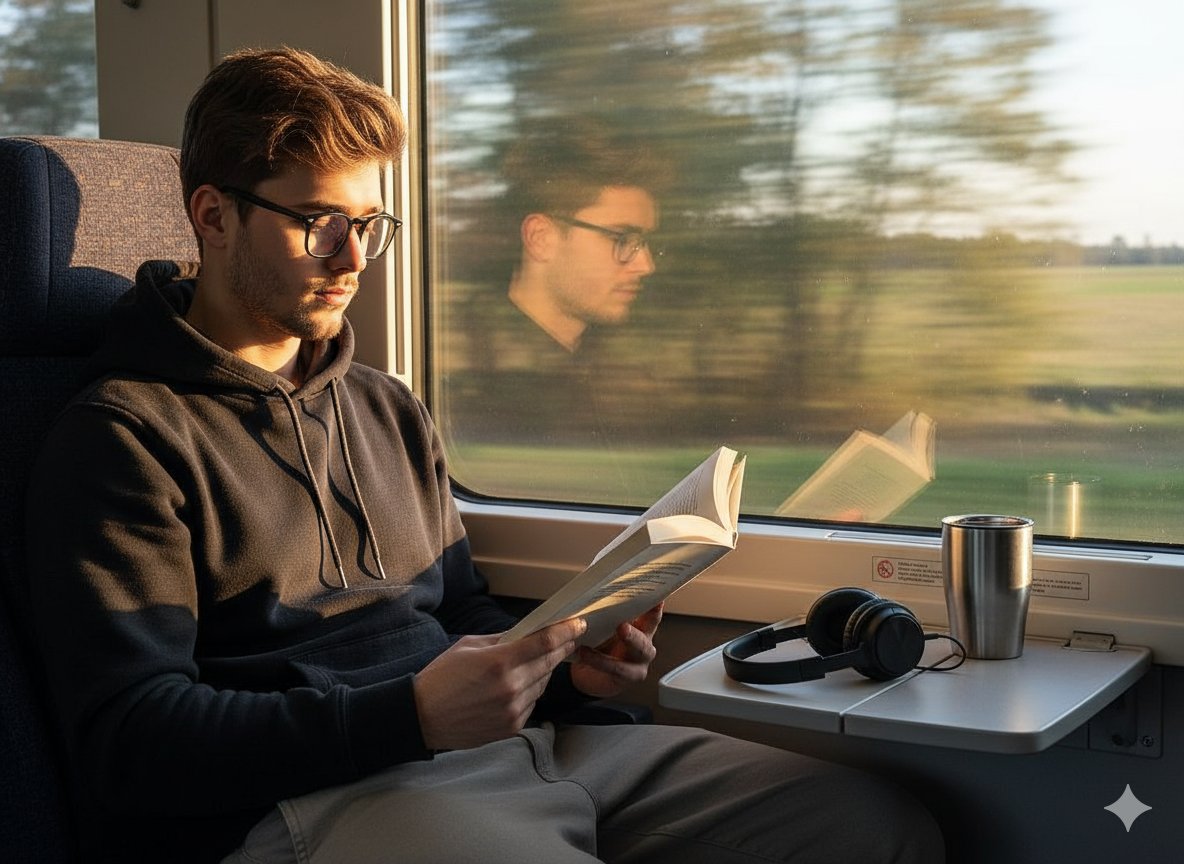
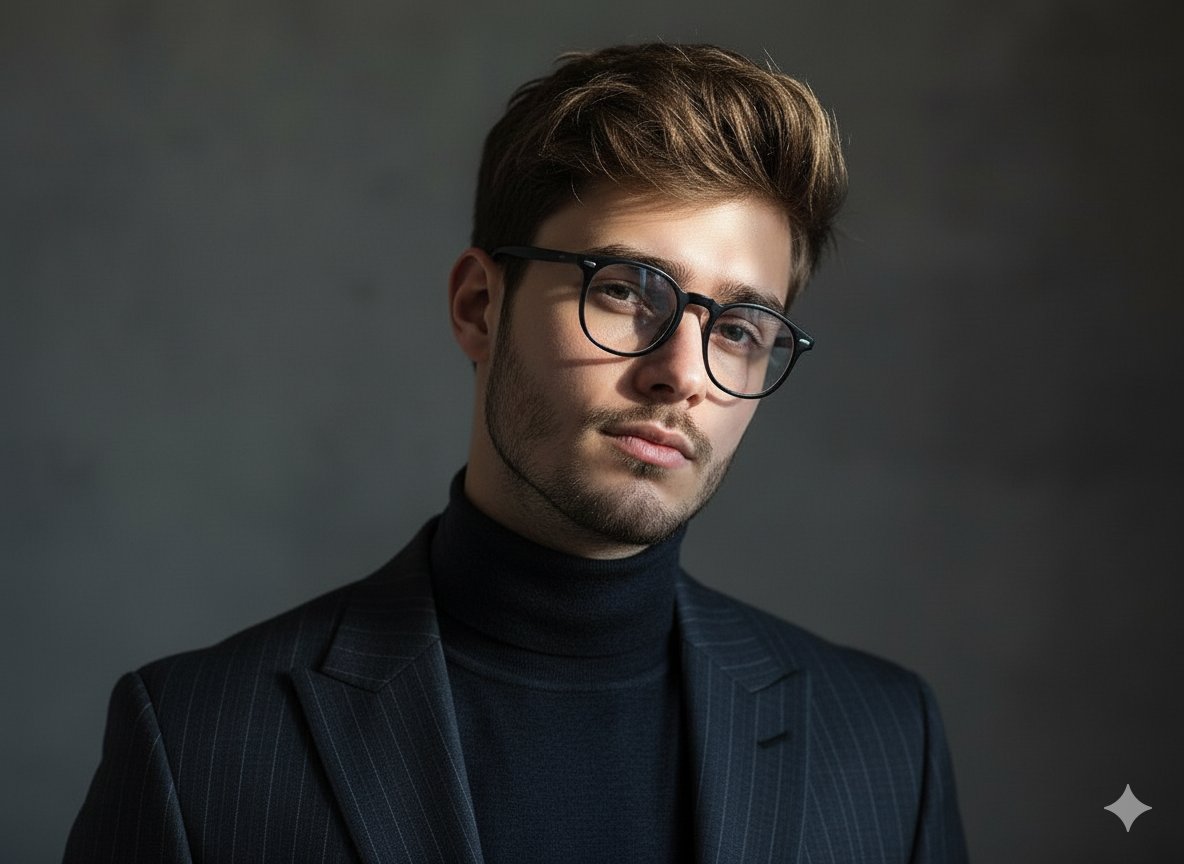
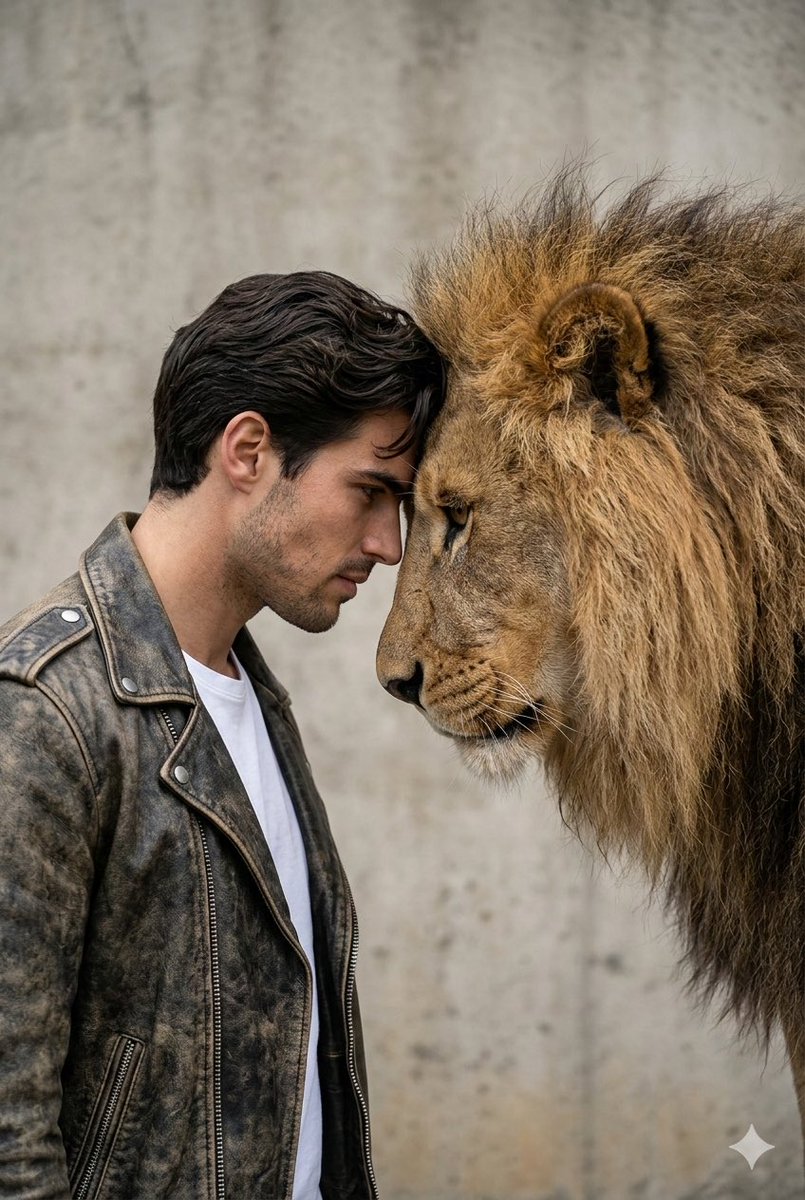
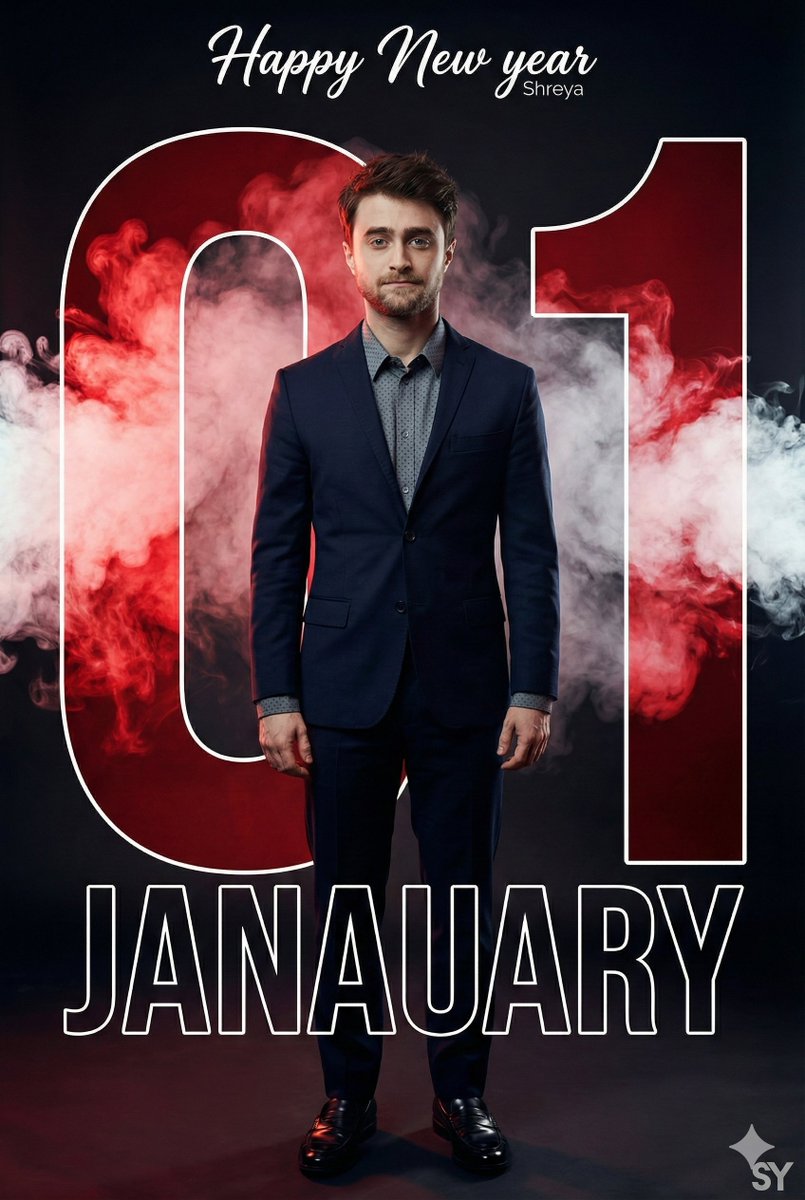
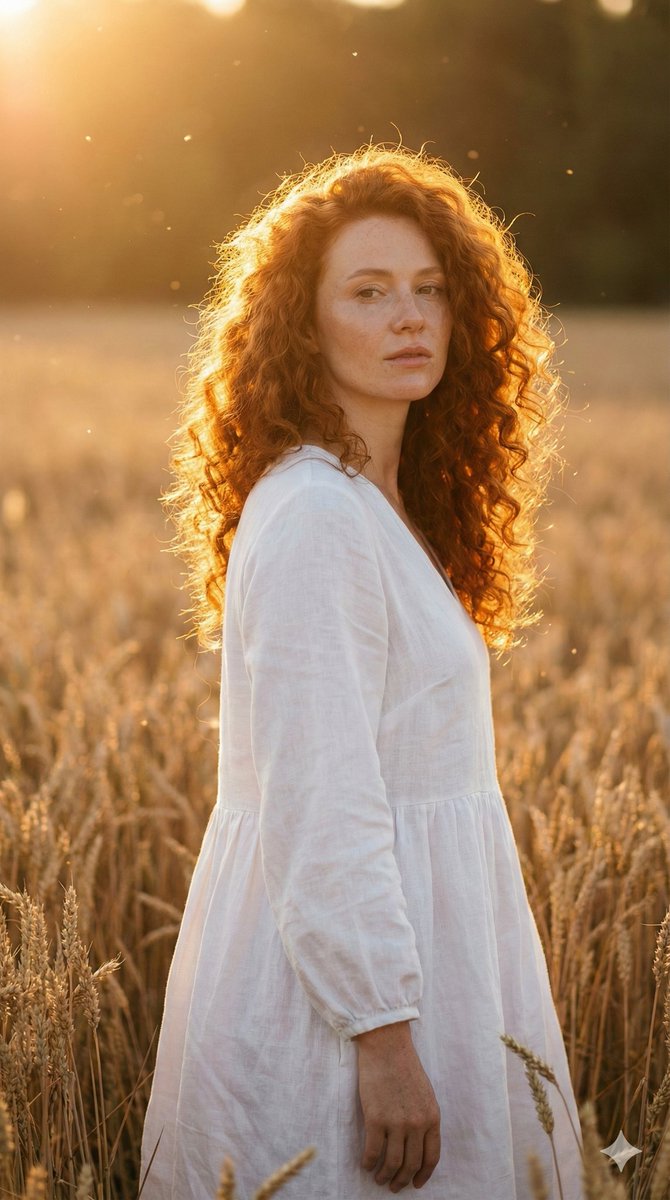
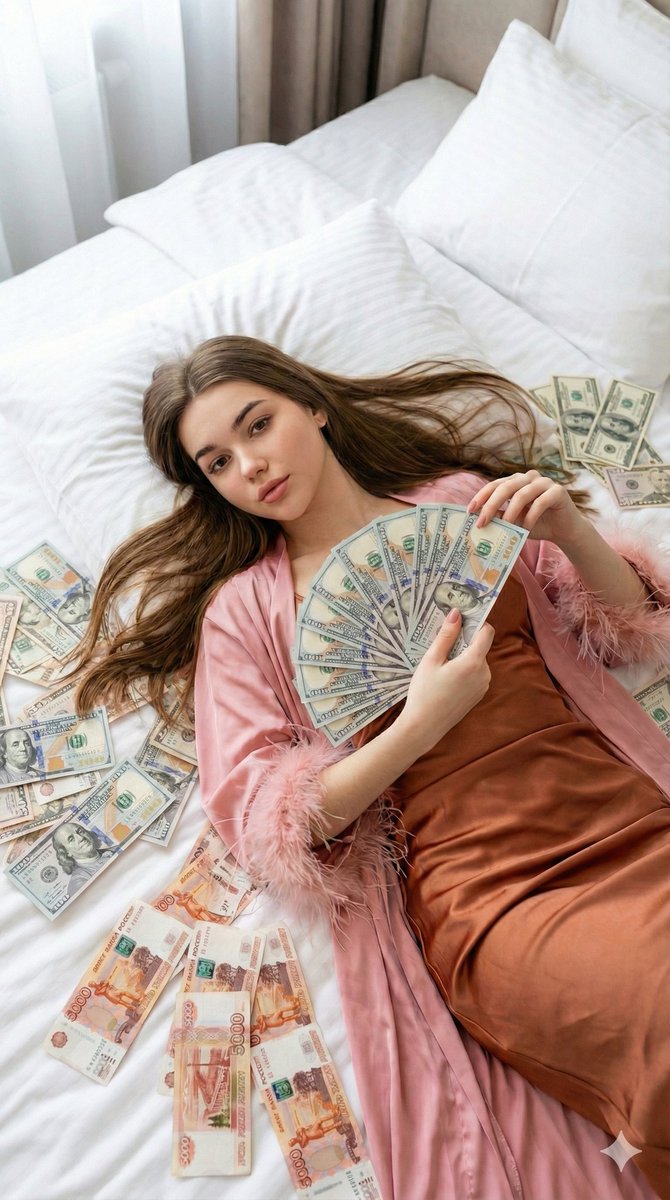
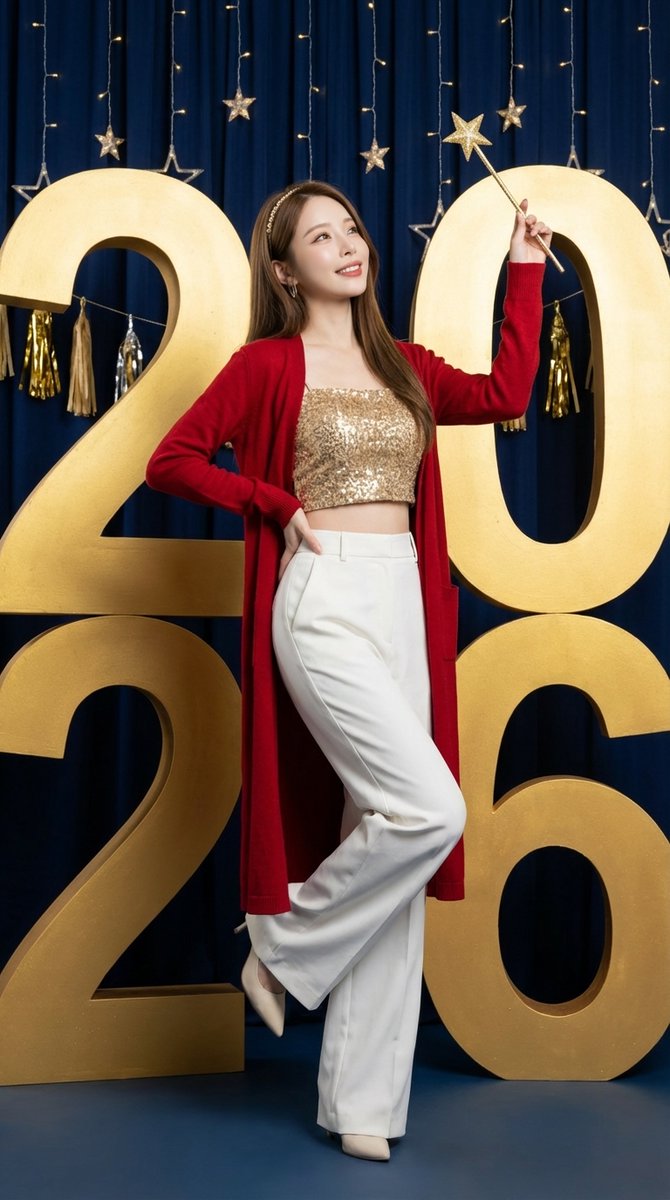
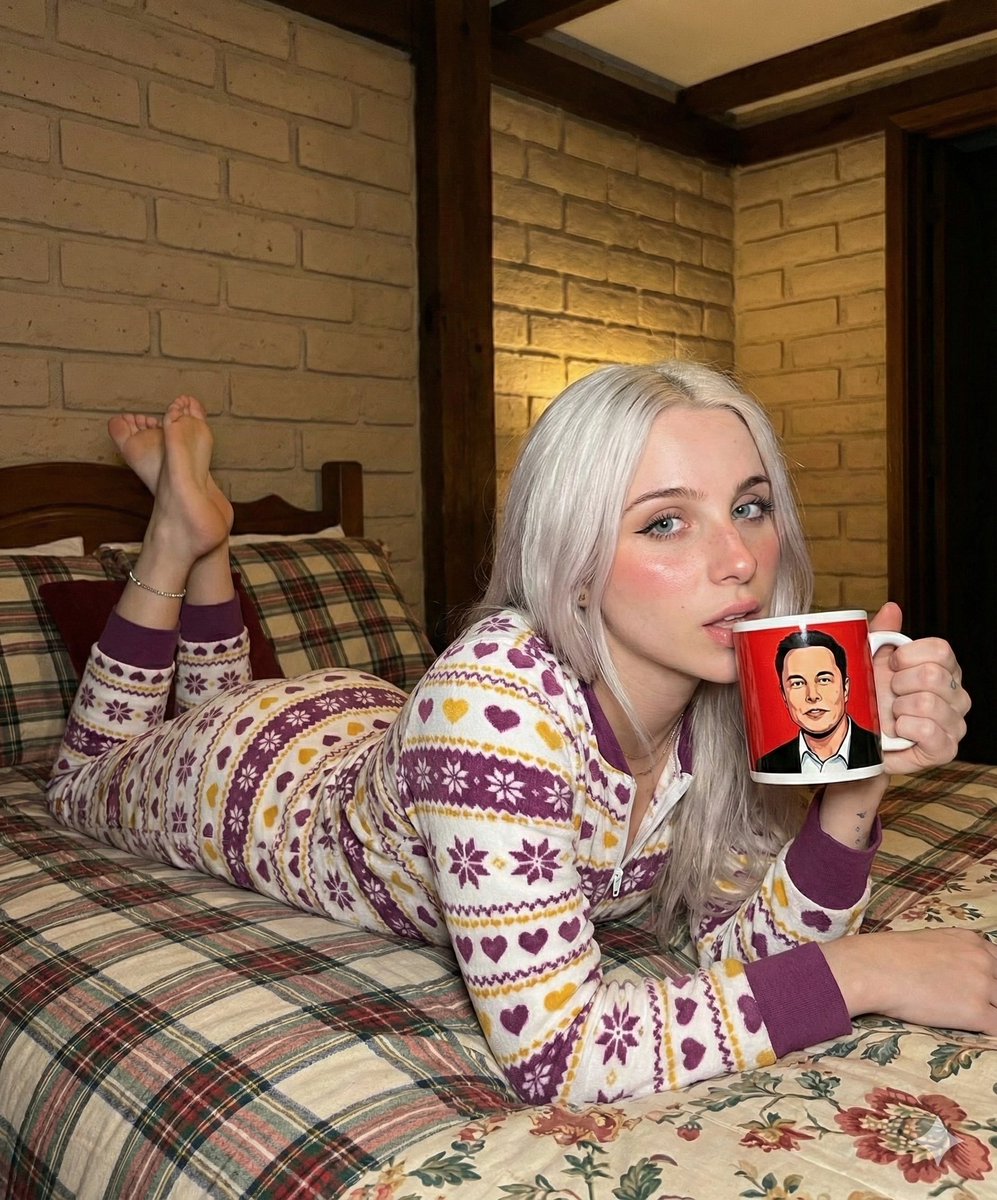
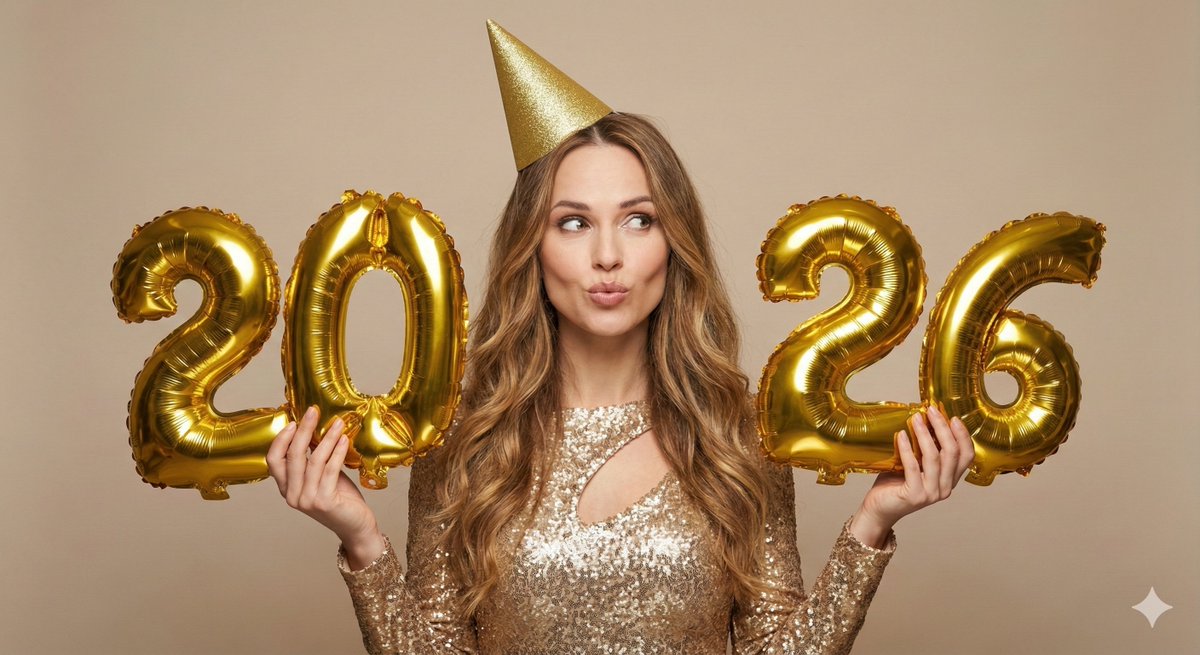
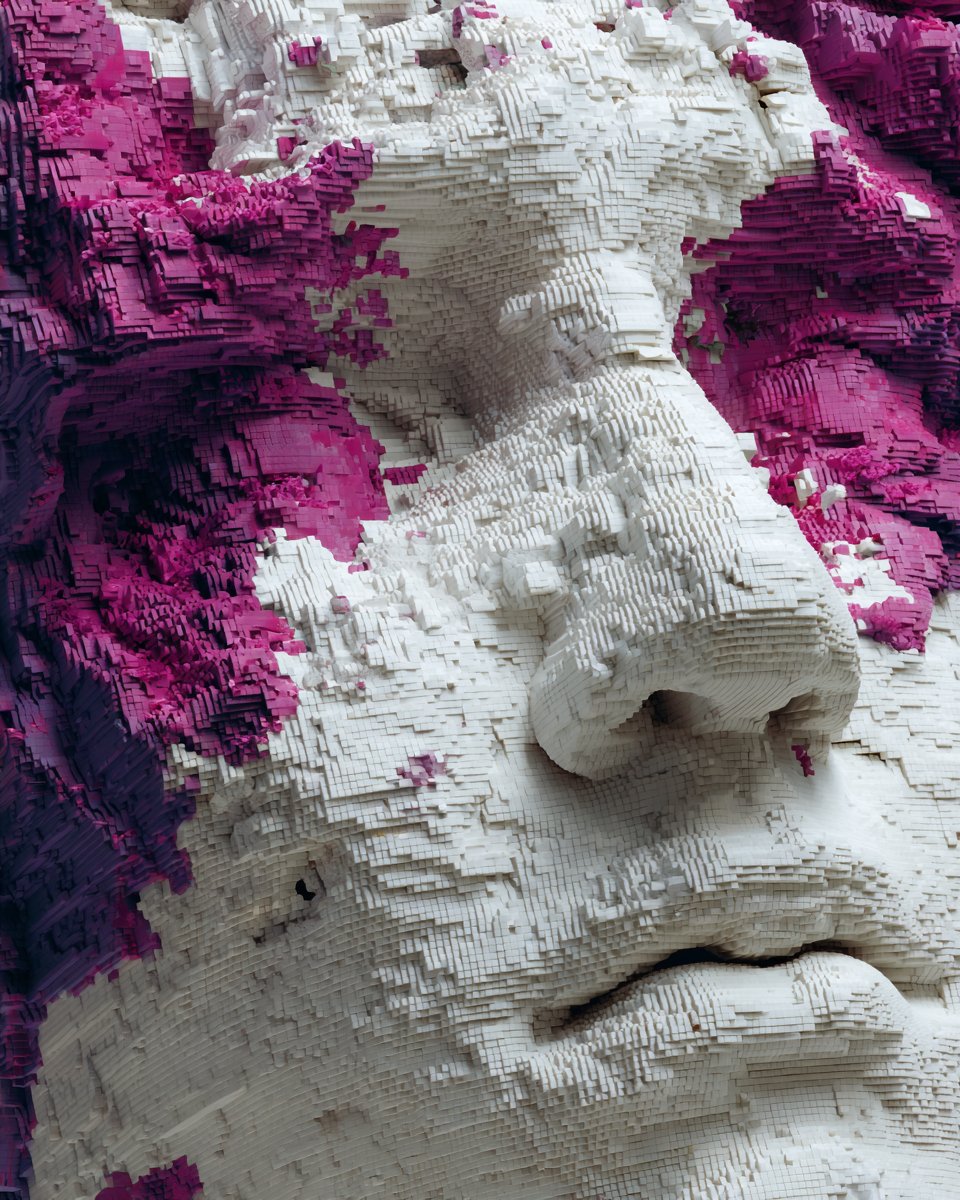
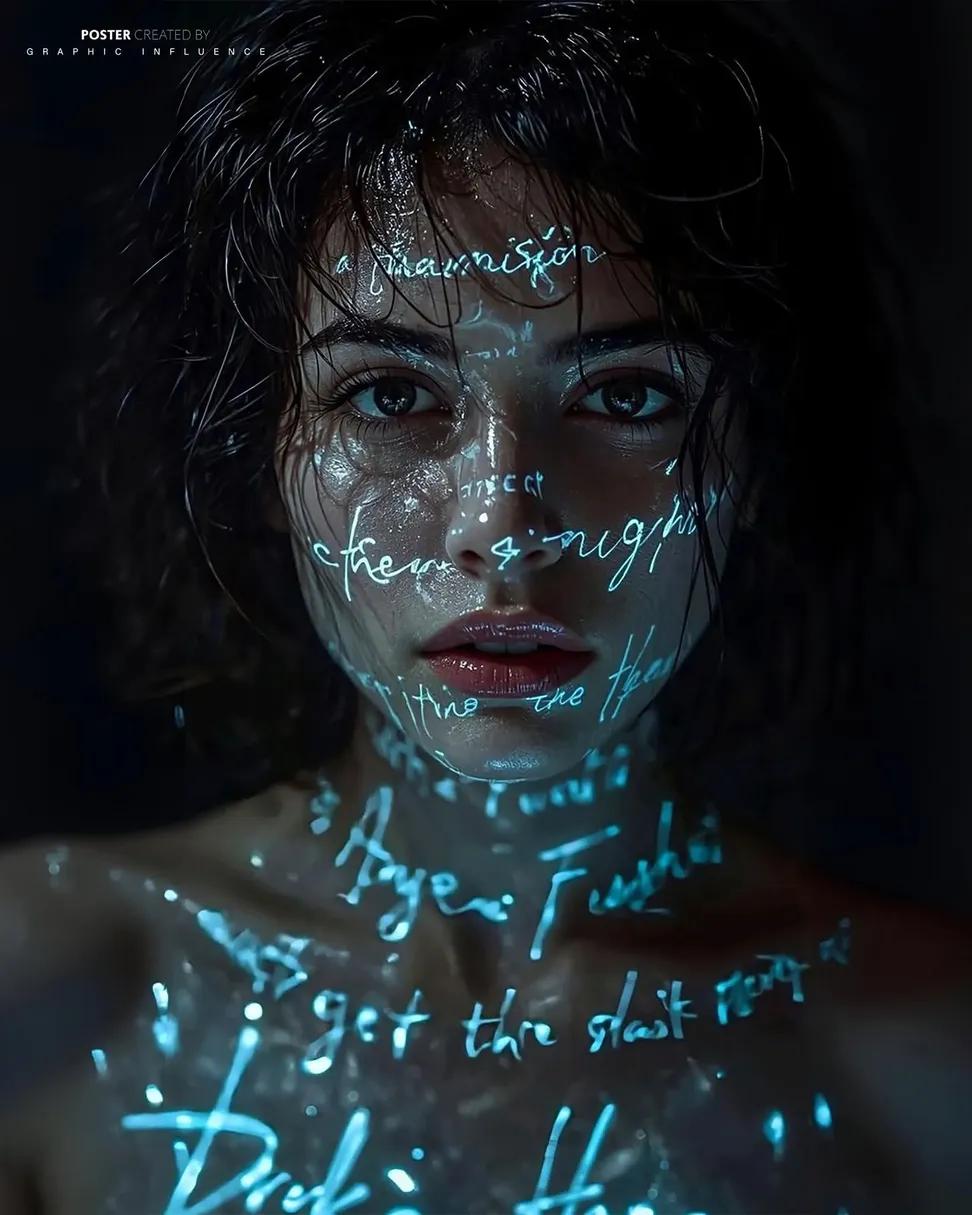
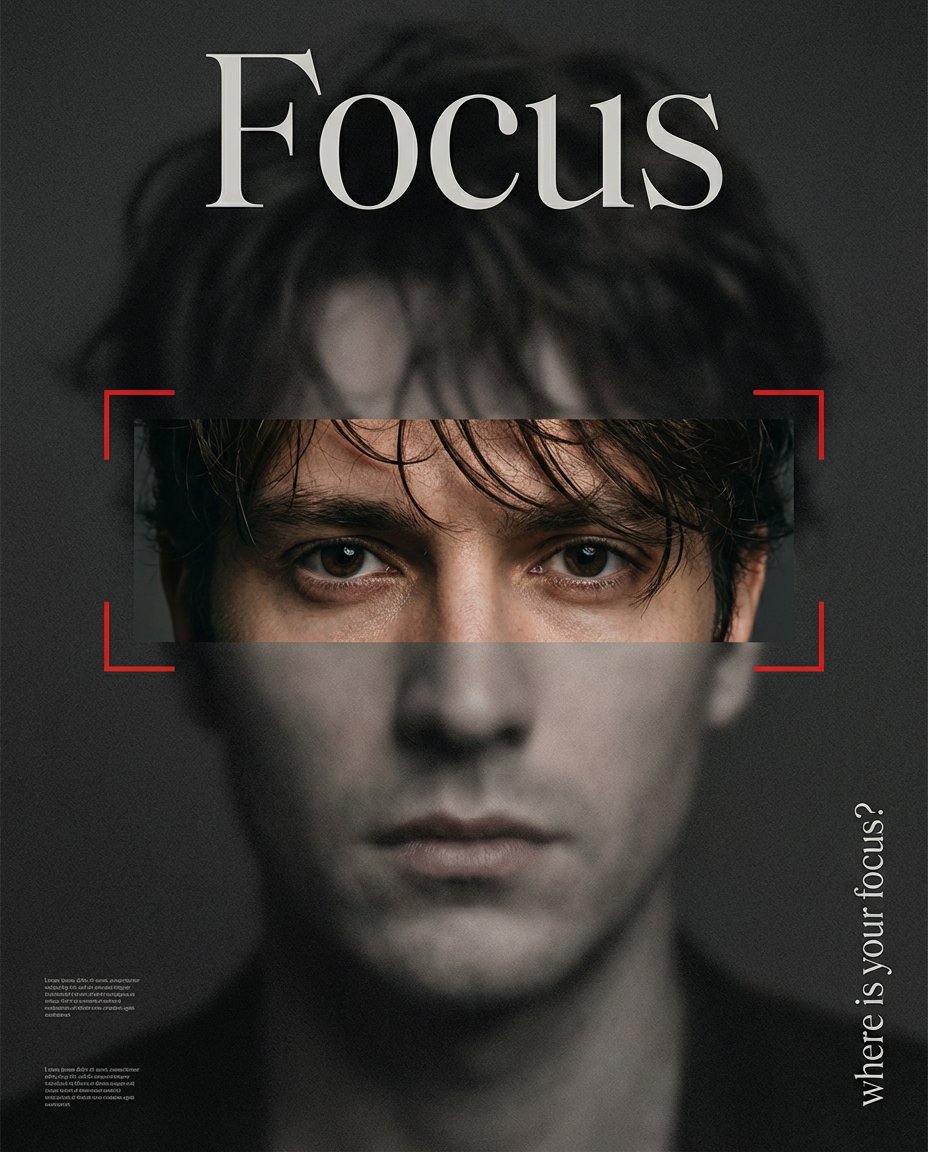
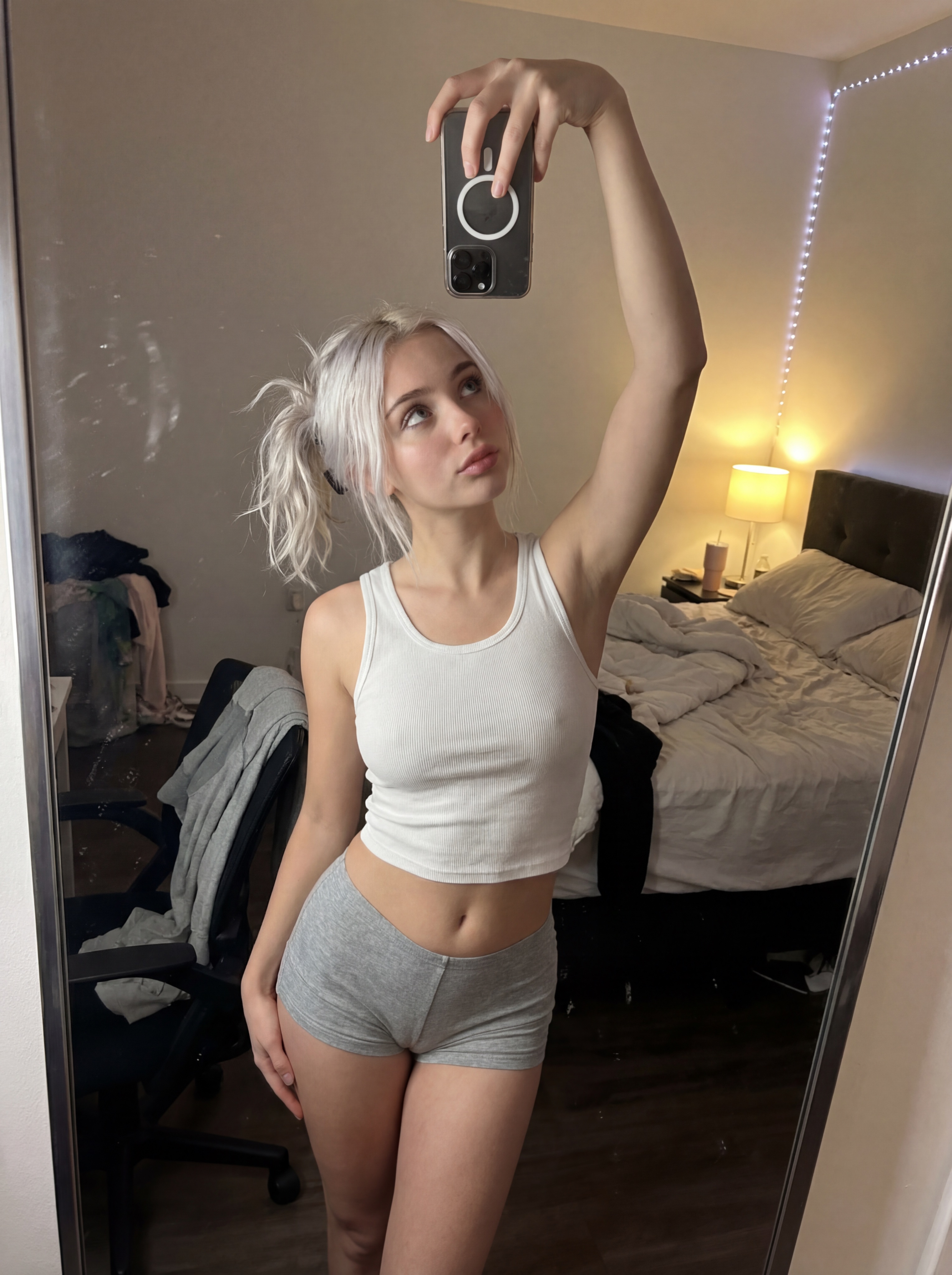
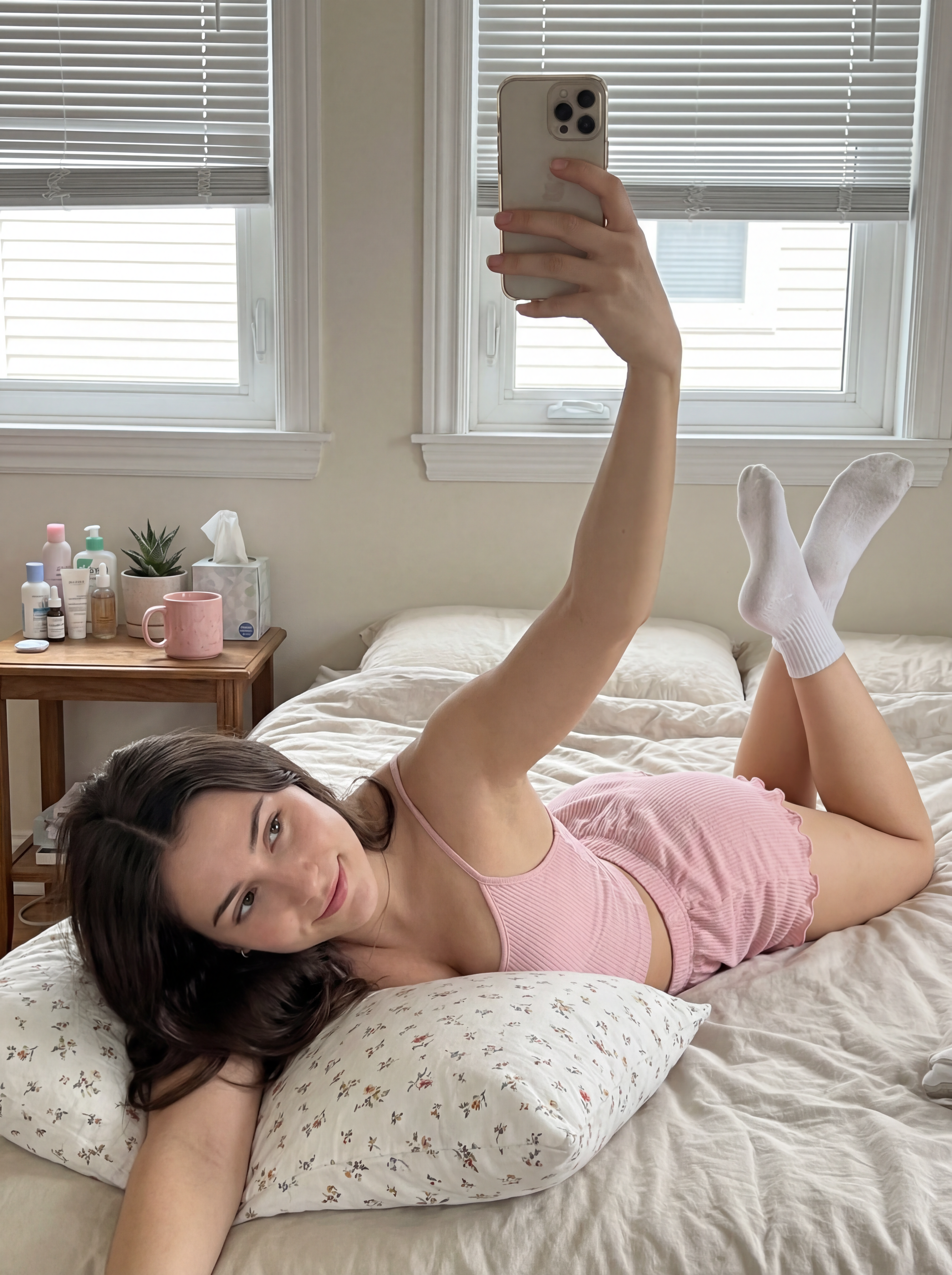
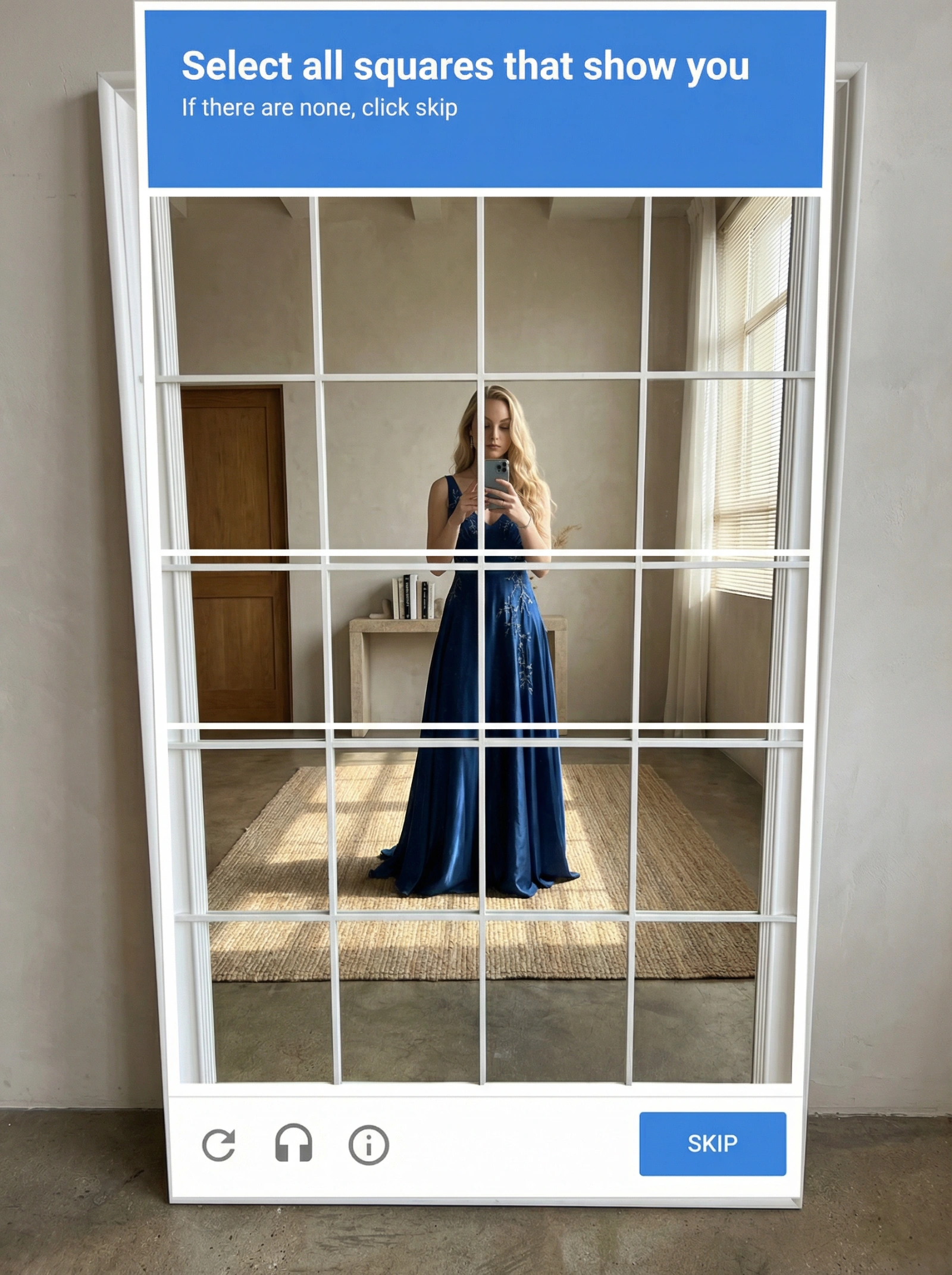
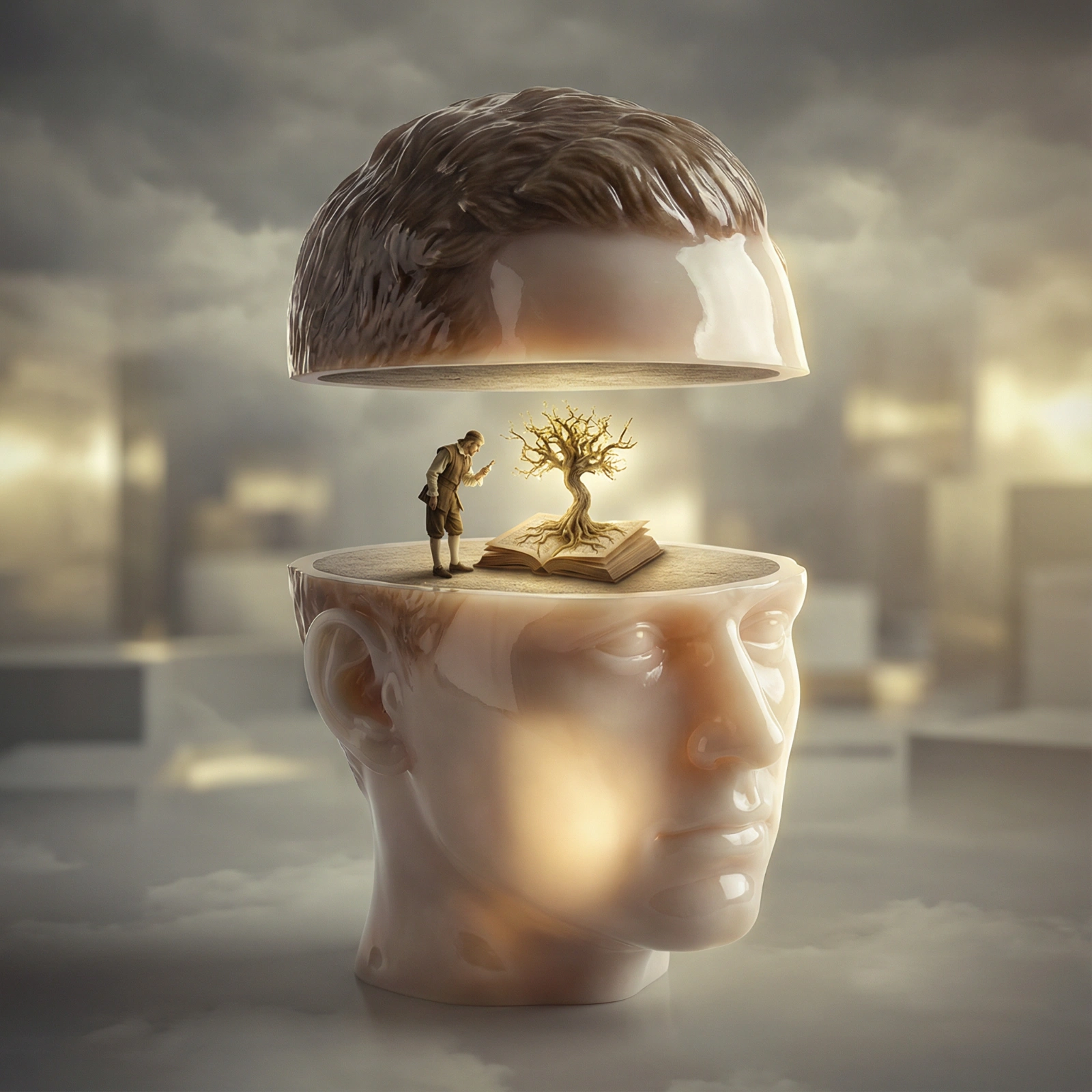
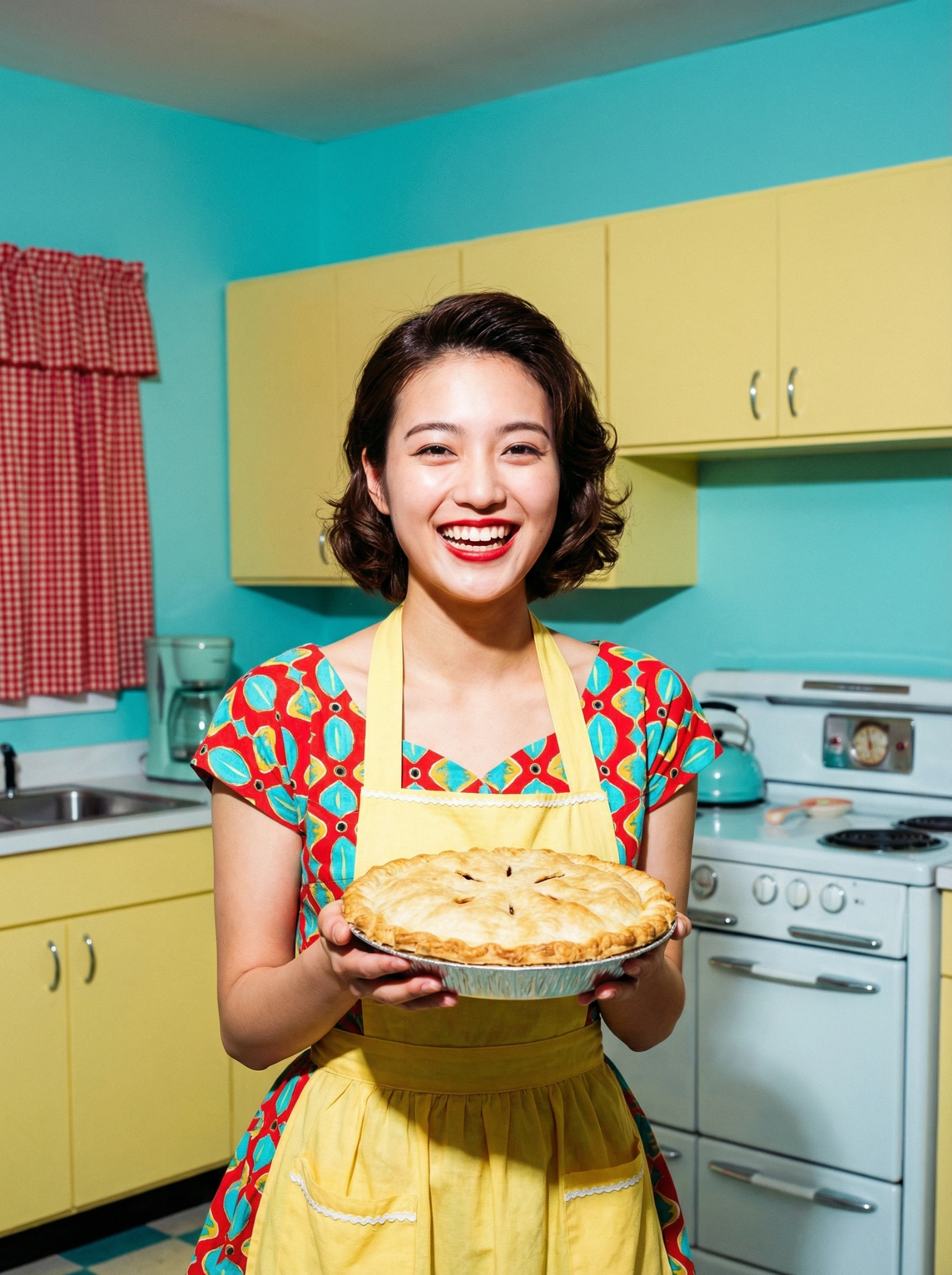
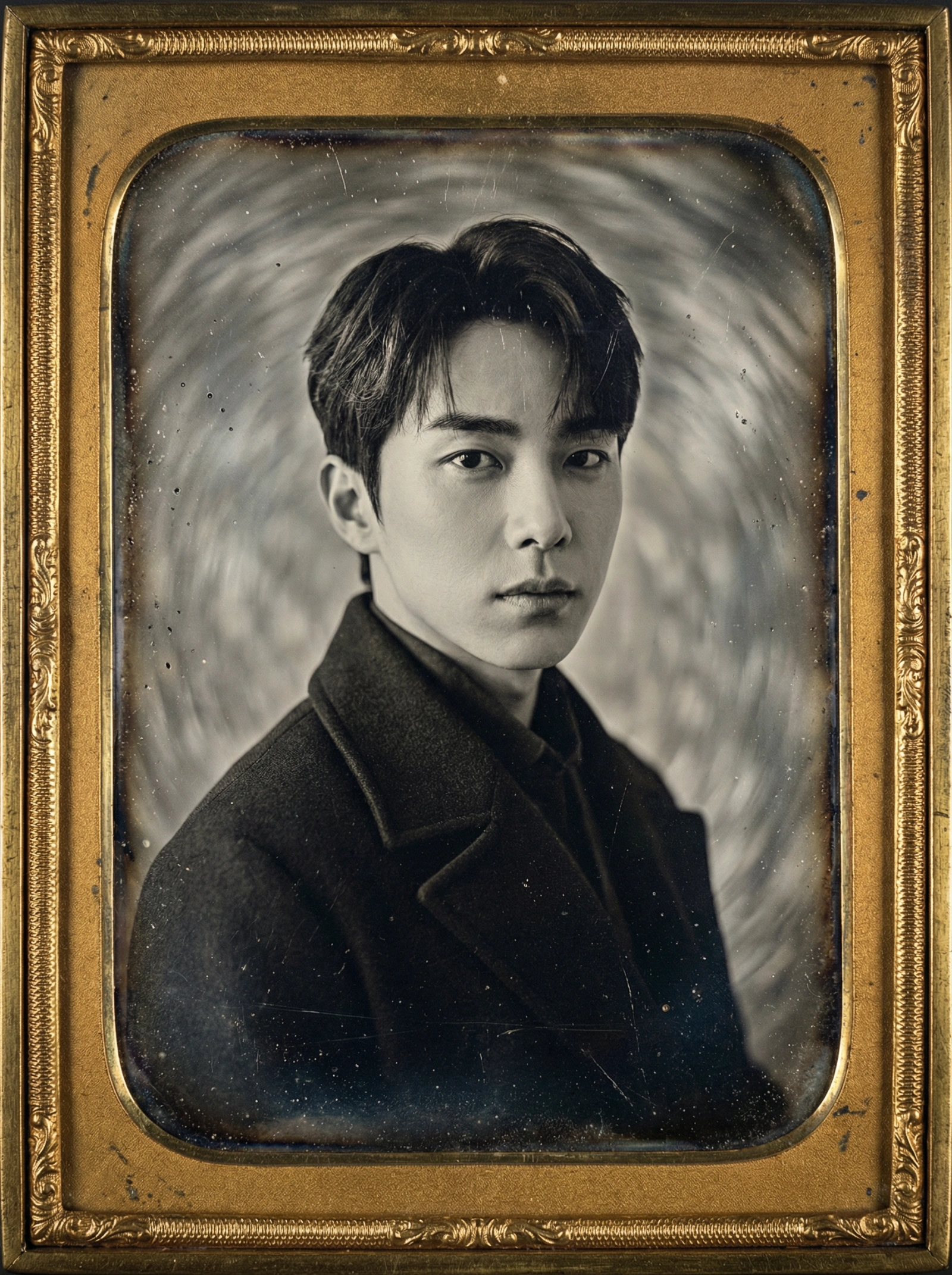
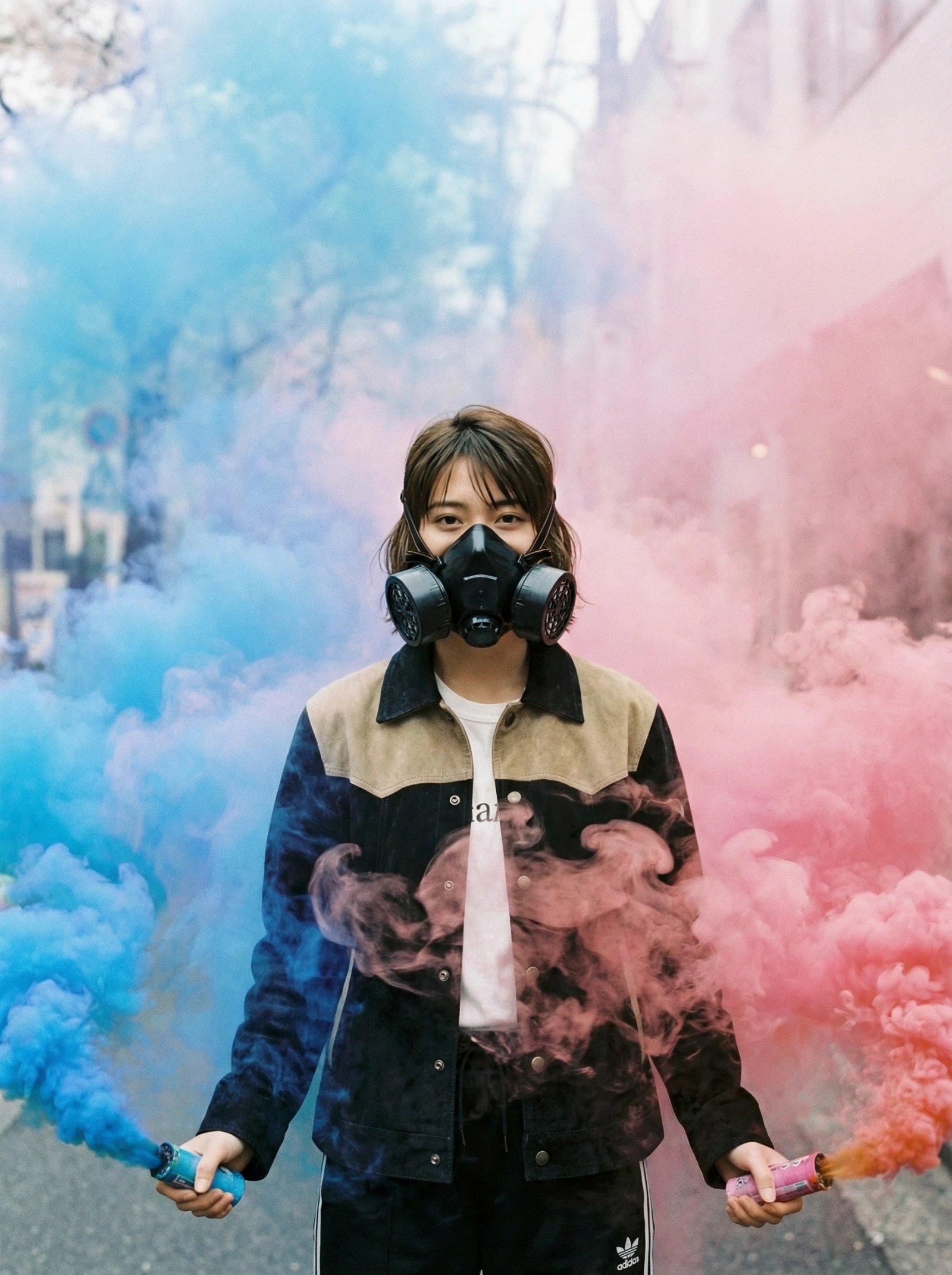
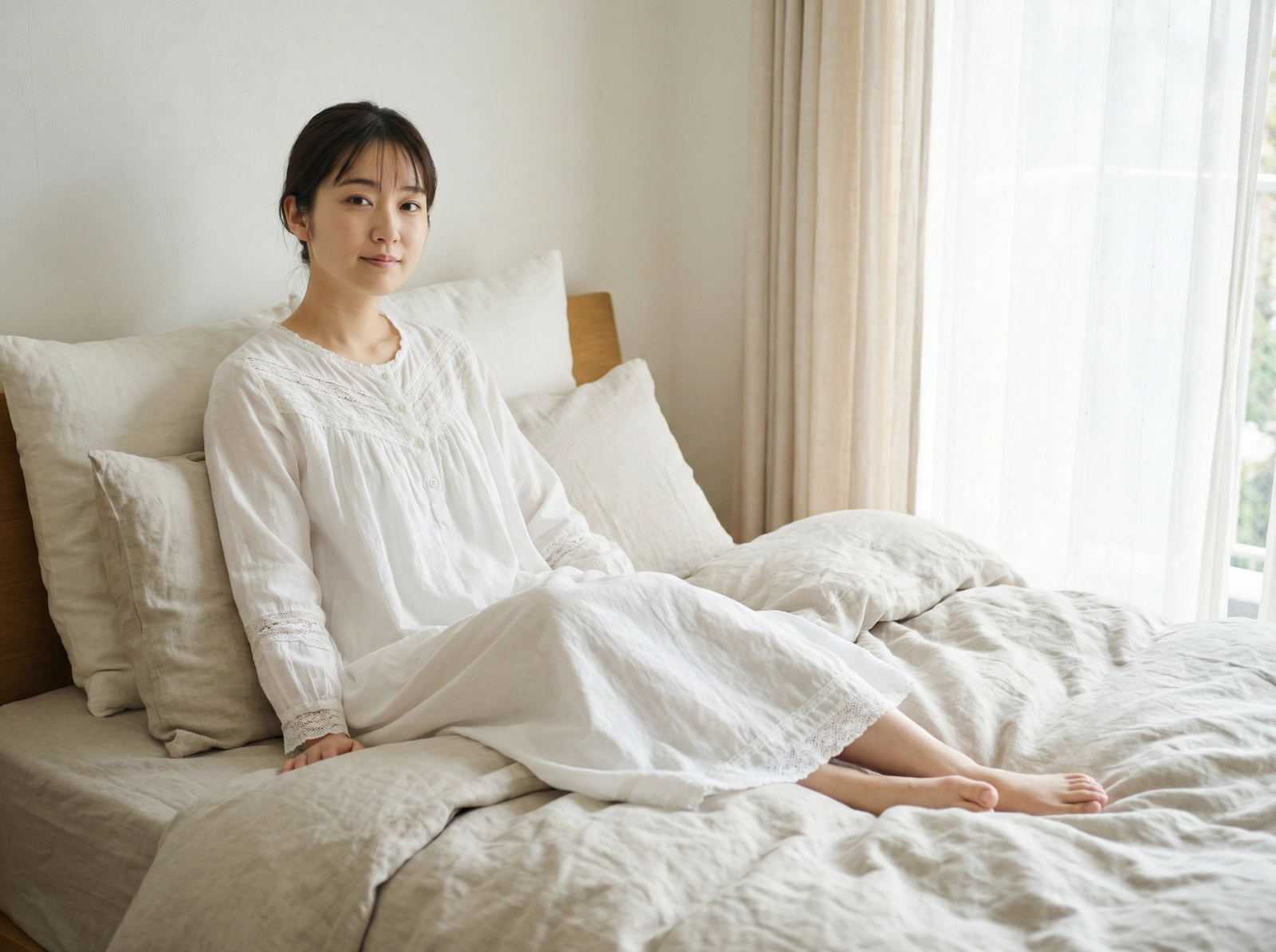
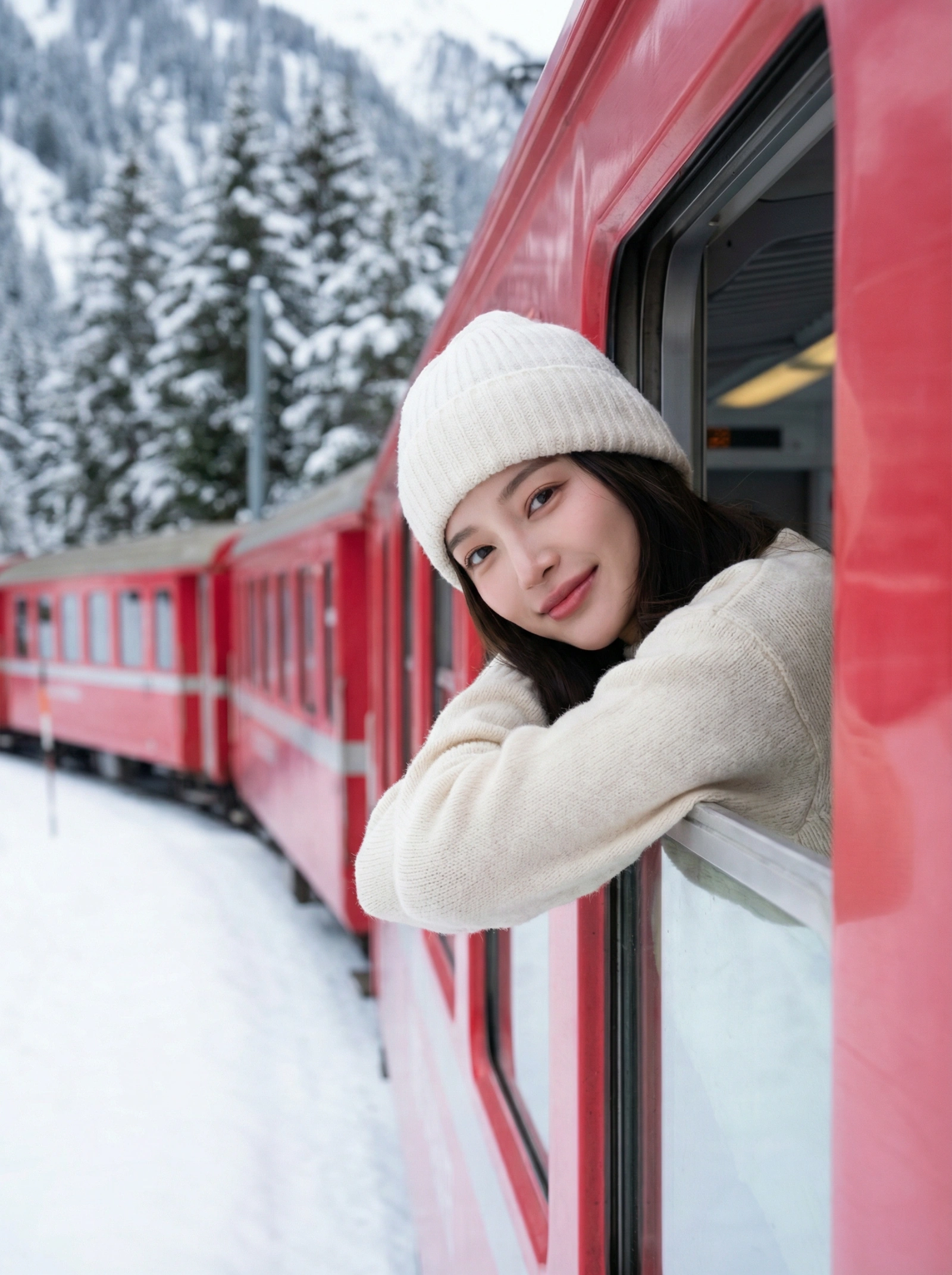
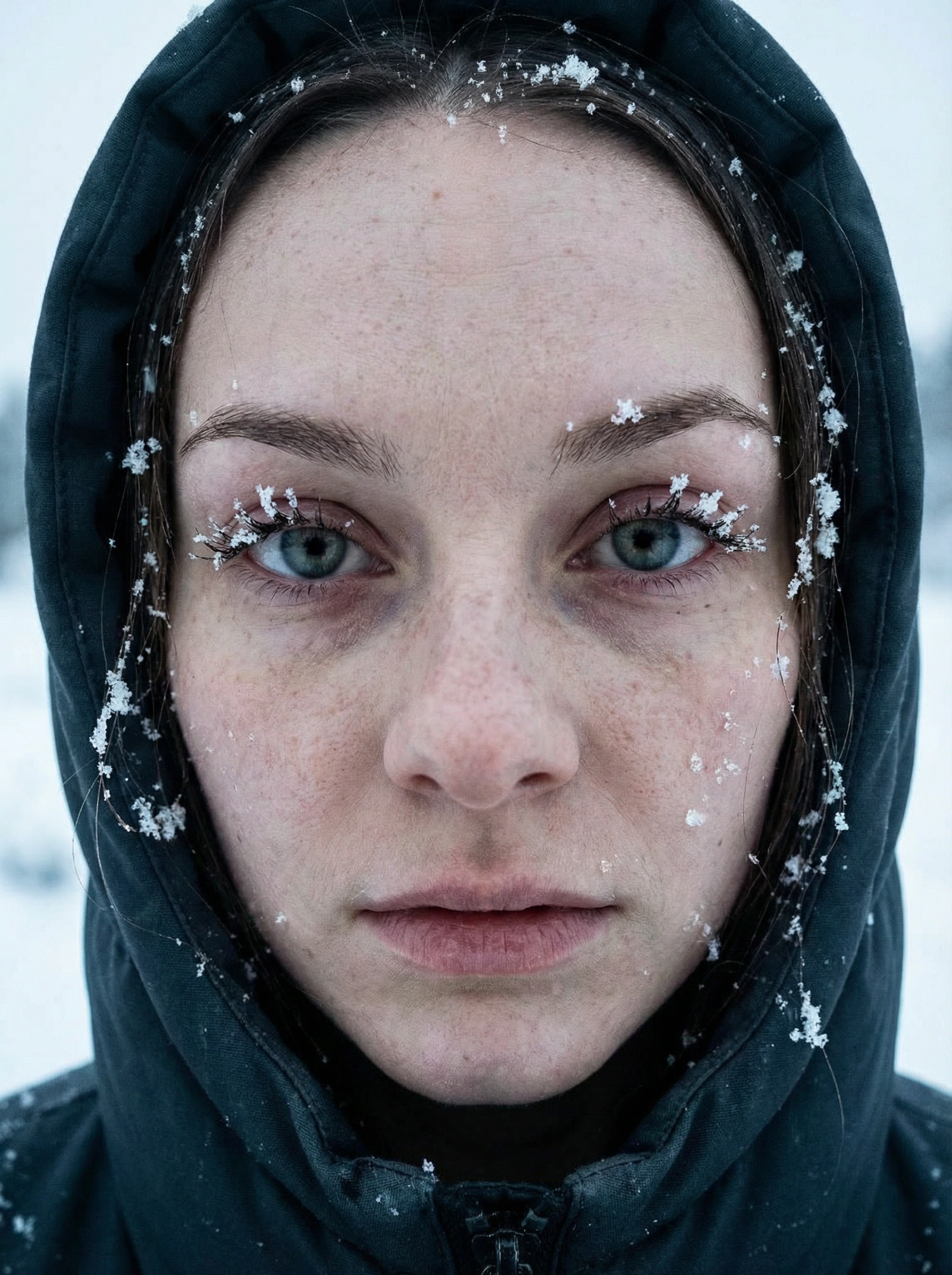
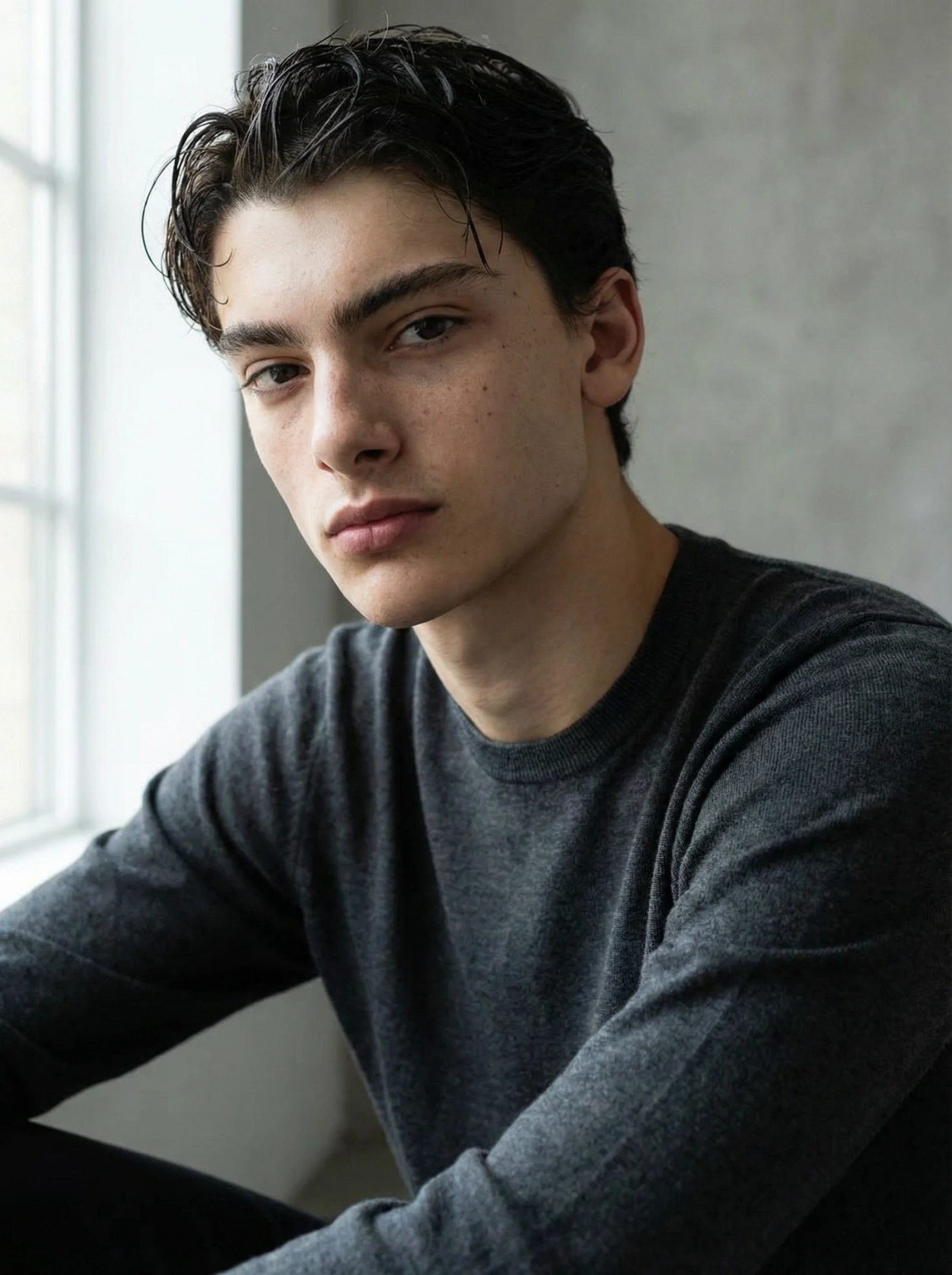
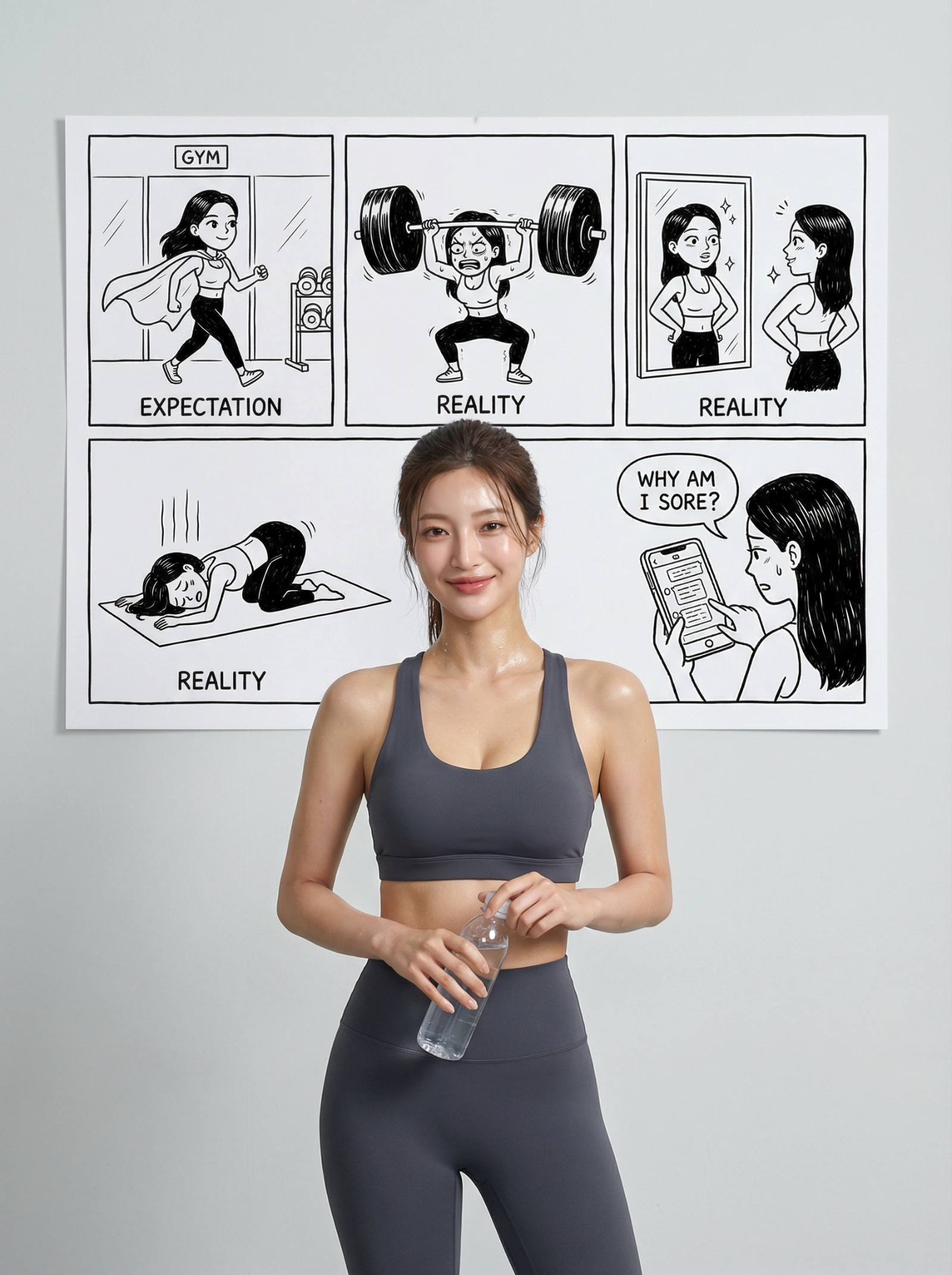
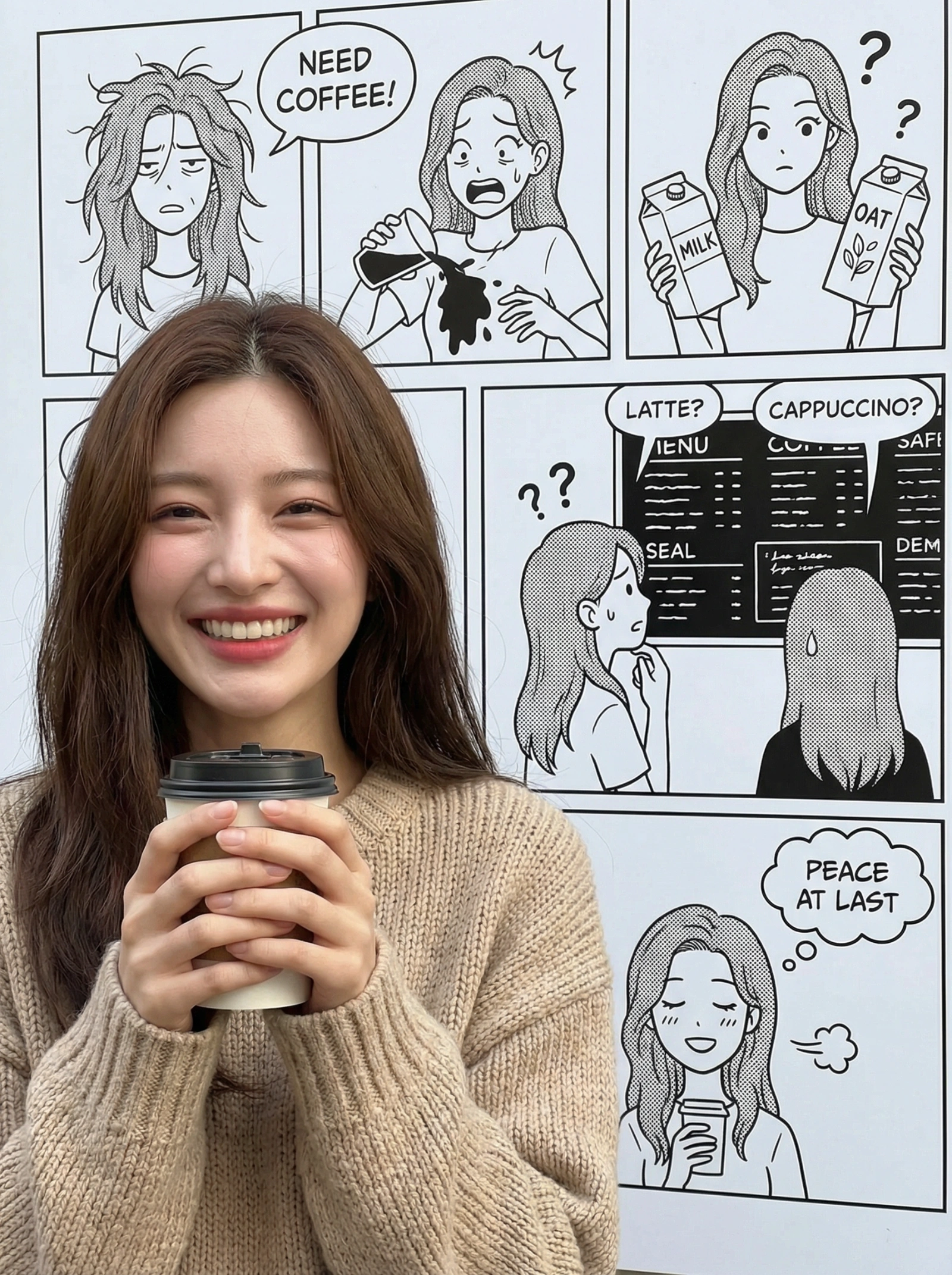
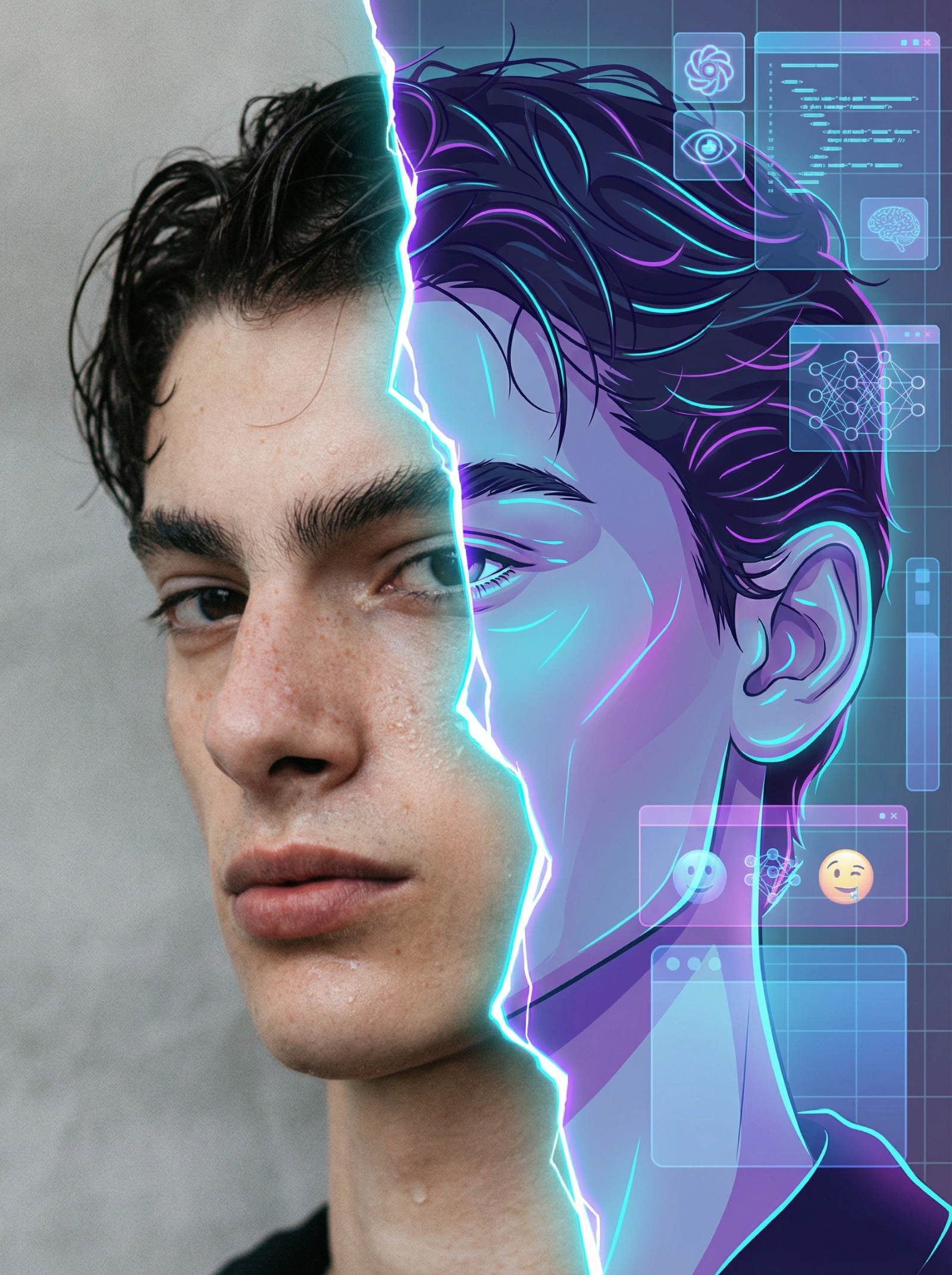
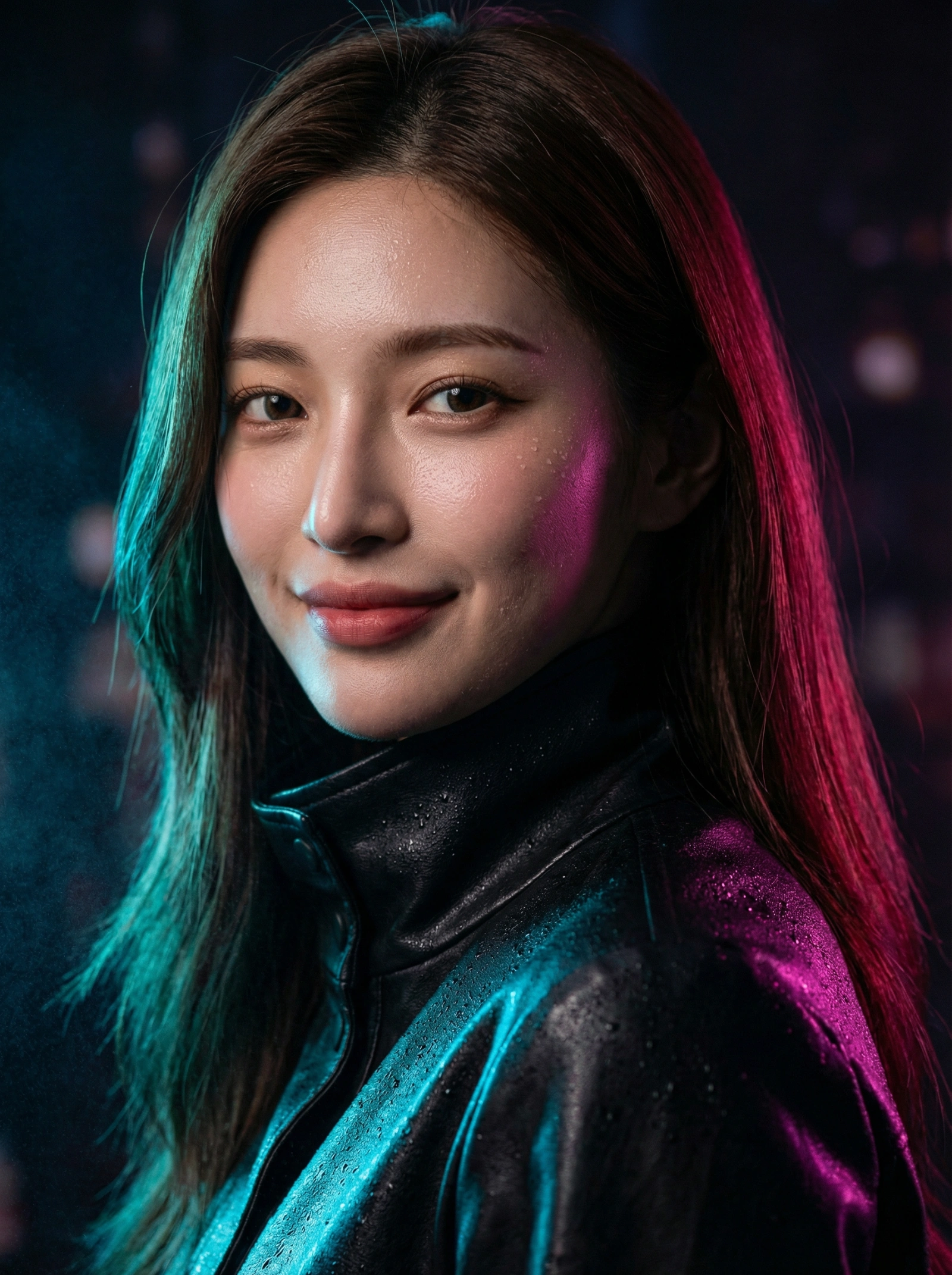
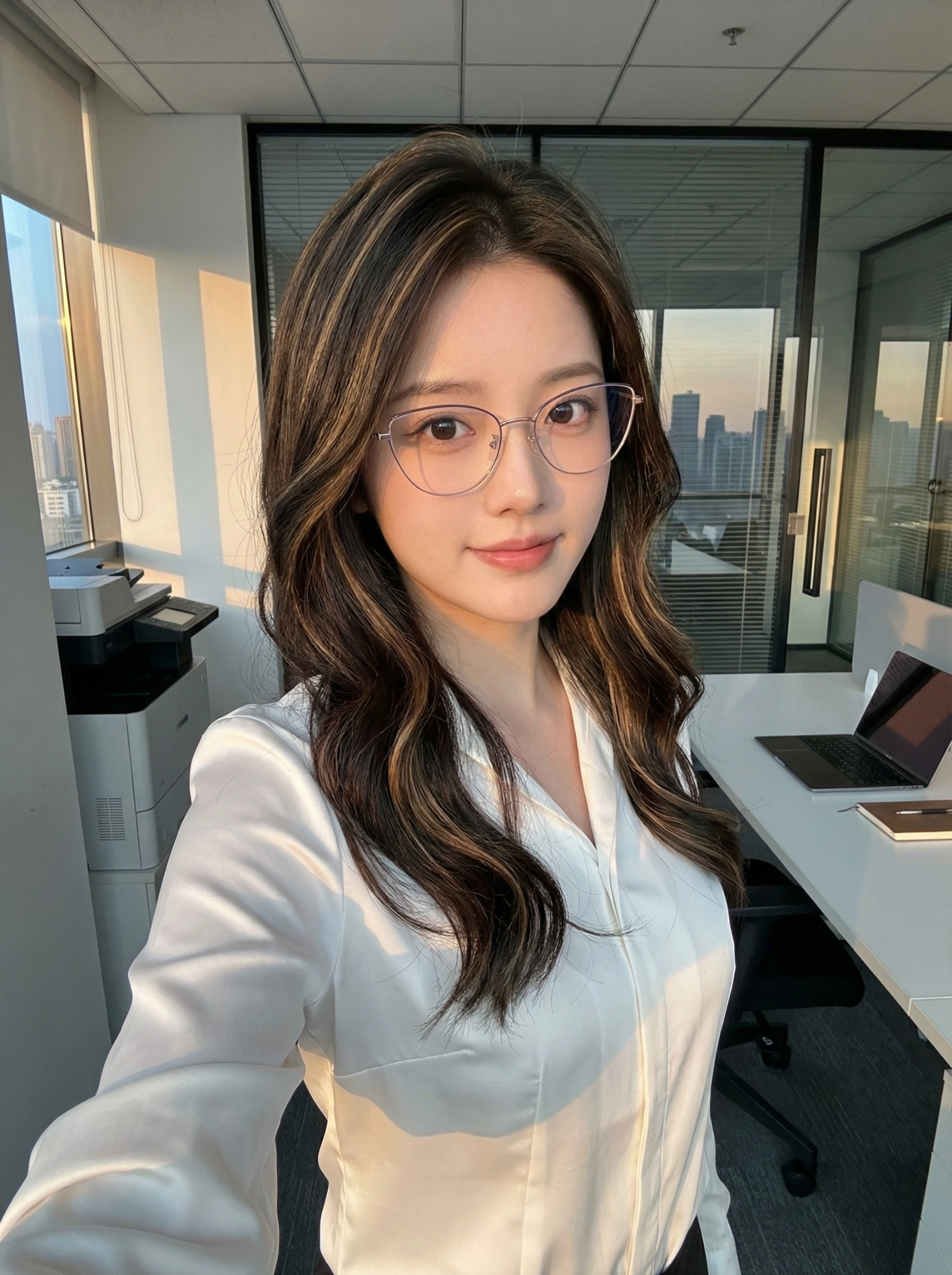
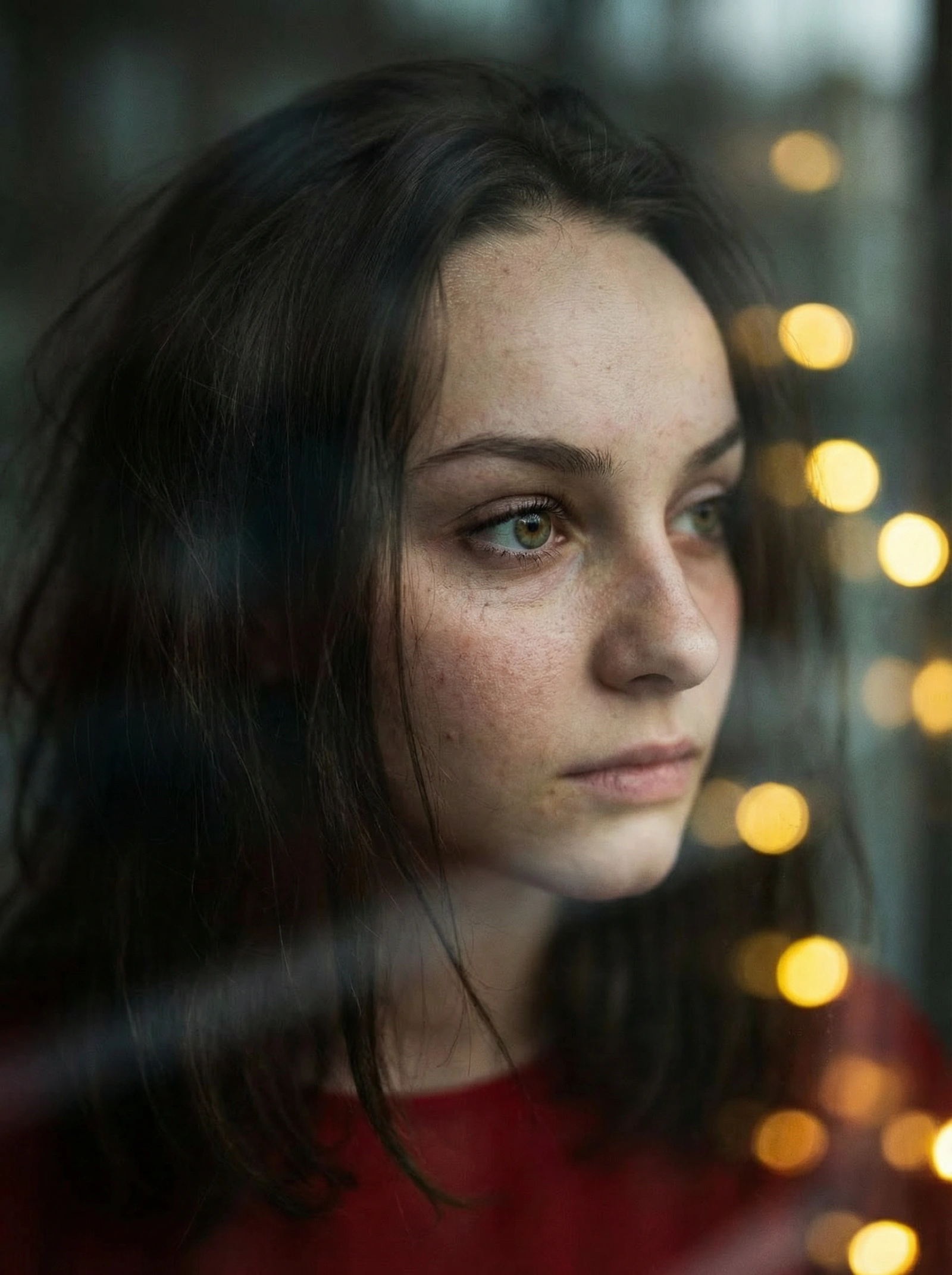
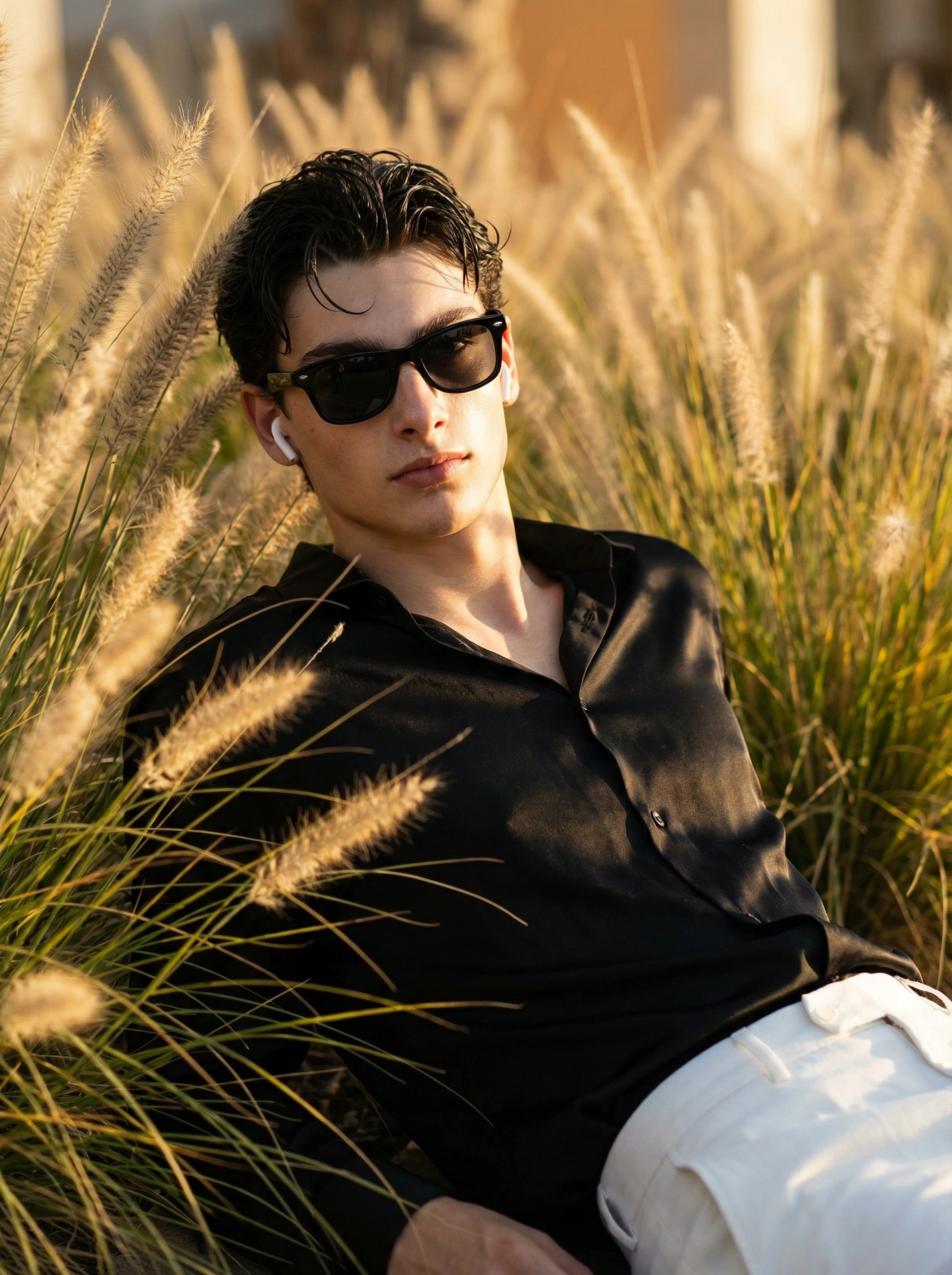
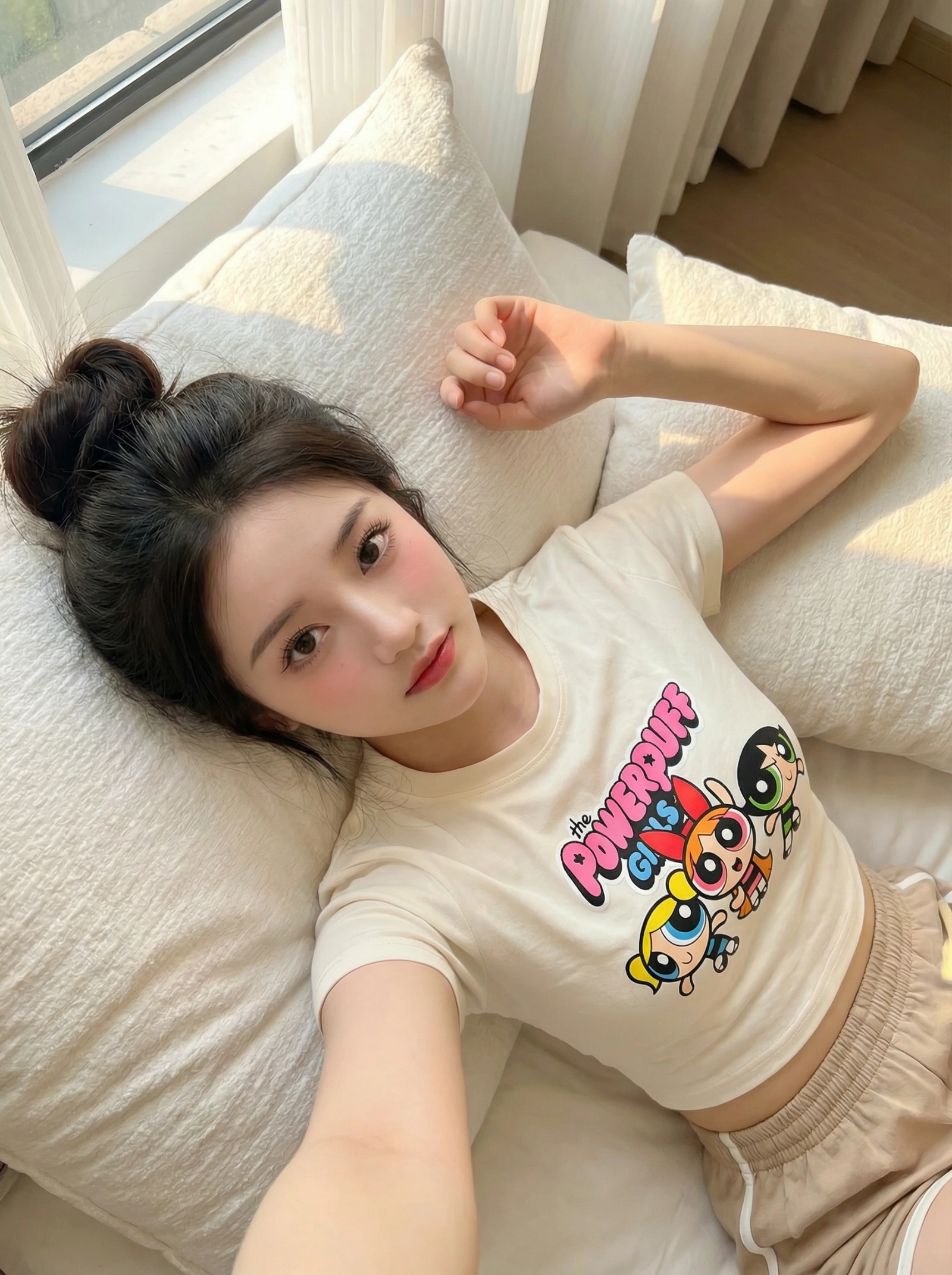
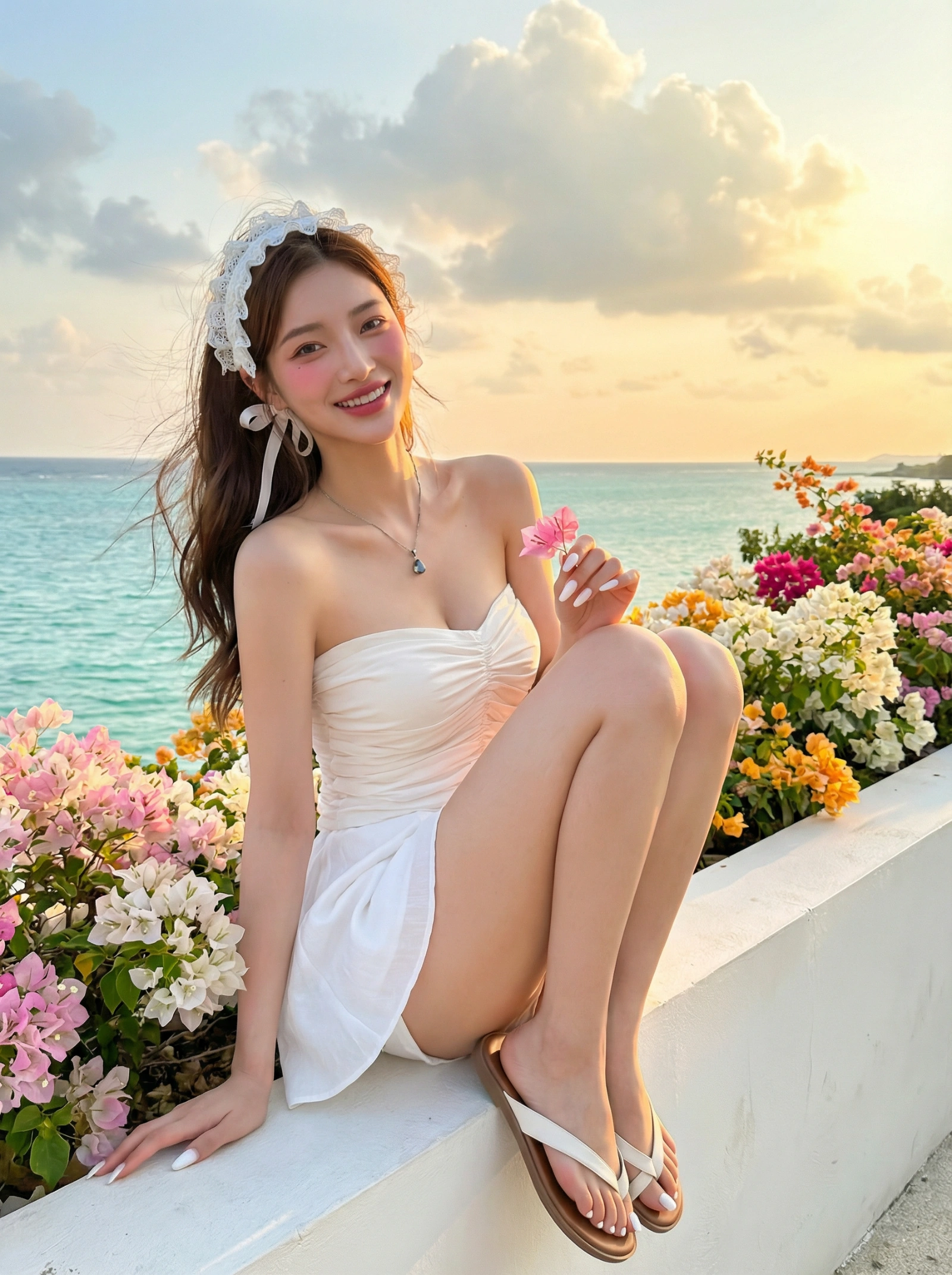
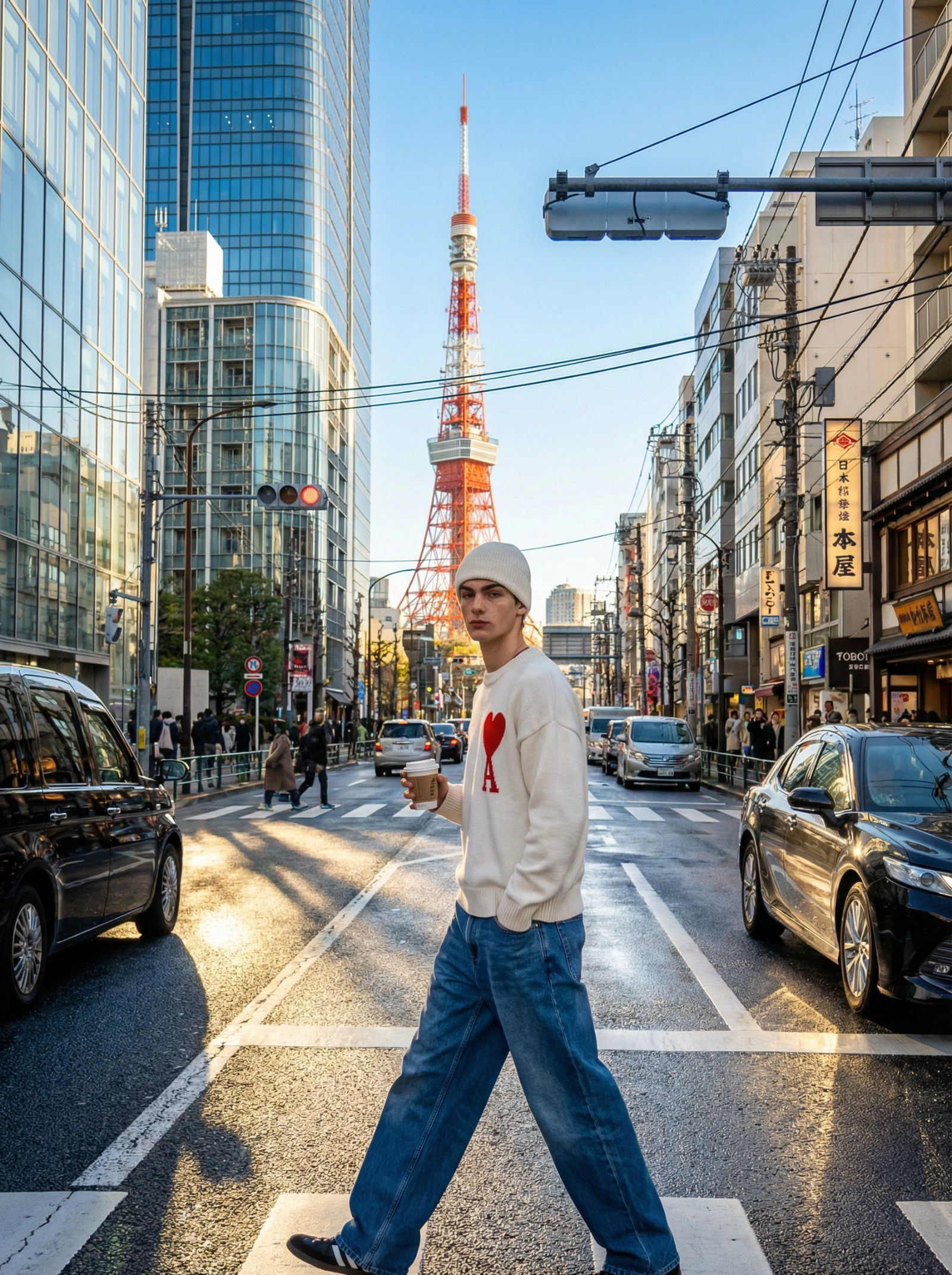
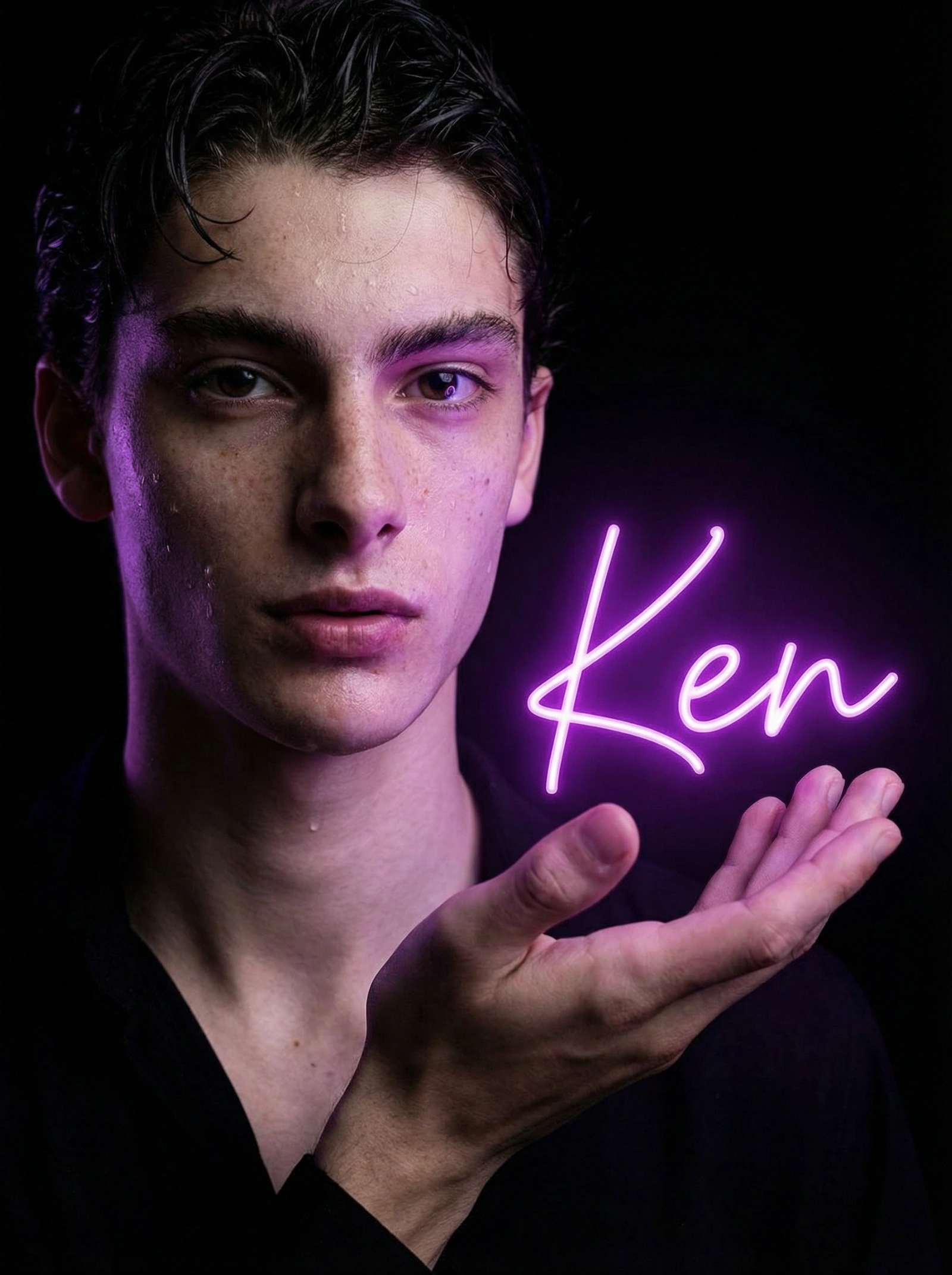
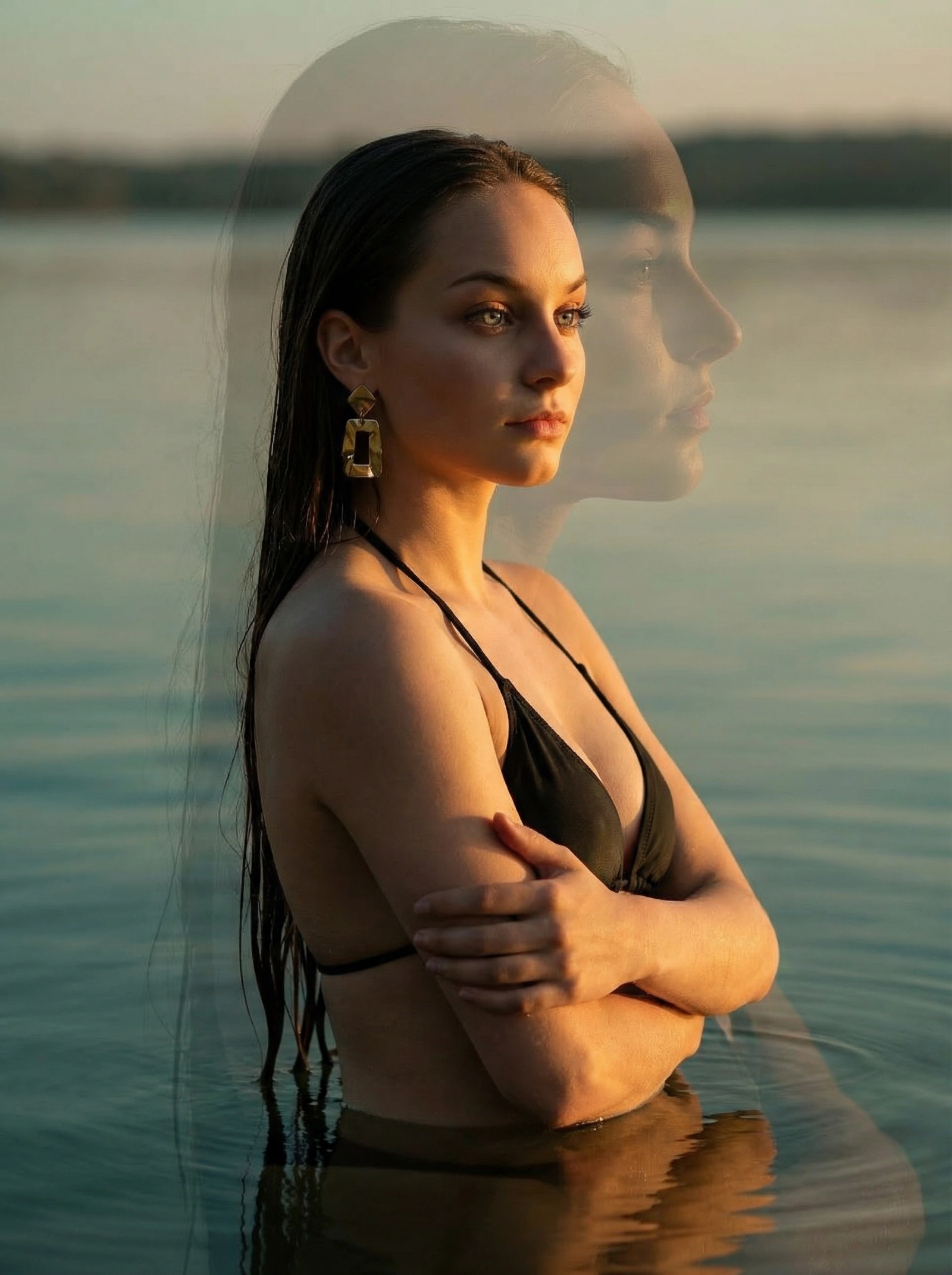
Copy this Nano Banana Pro text-to-image prompt to create character portraits with photorealistic detail and cinematic lighting. Best in 3:4 framing.
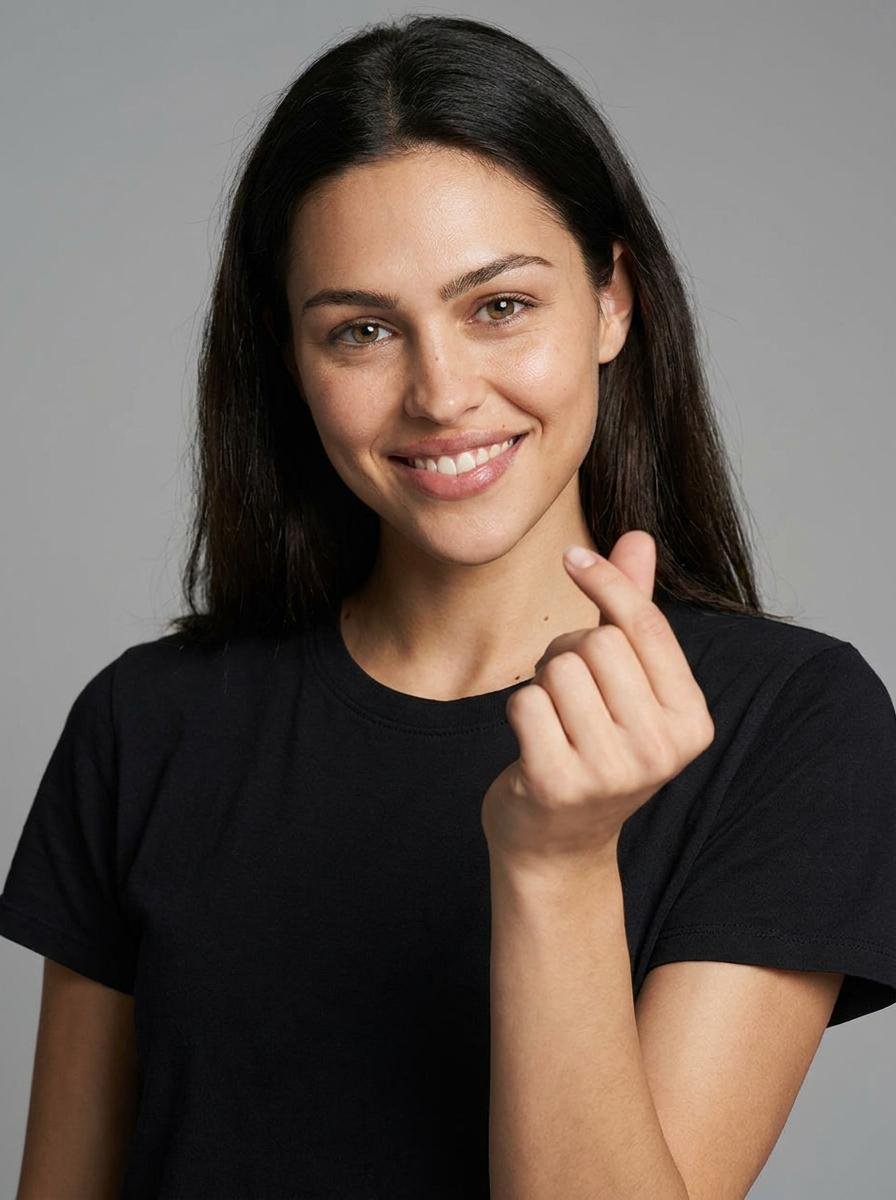
Featured Prompt
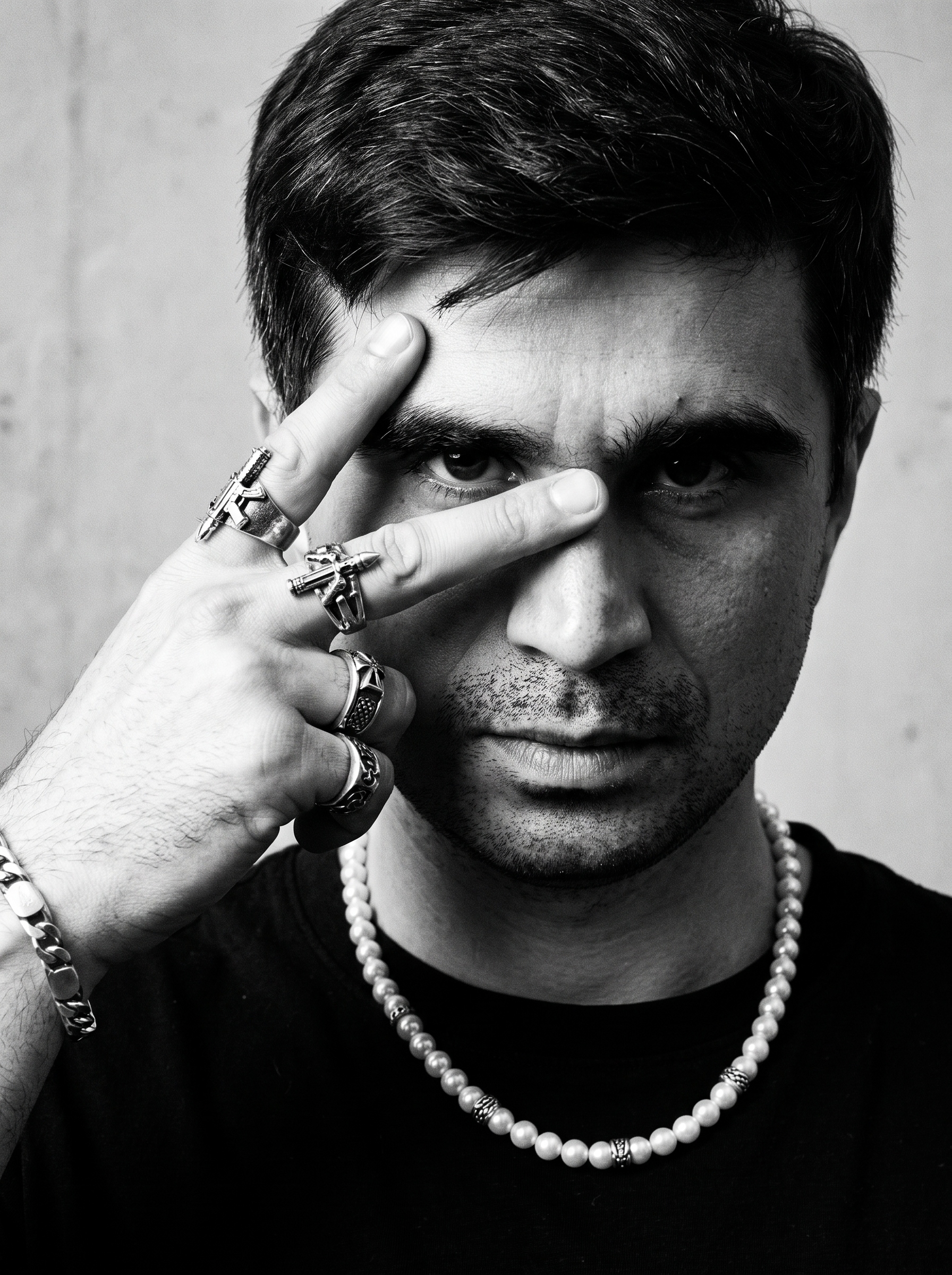
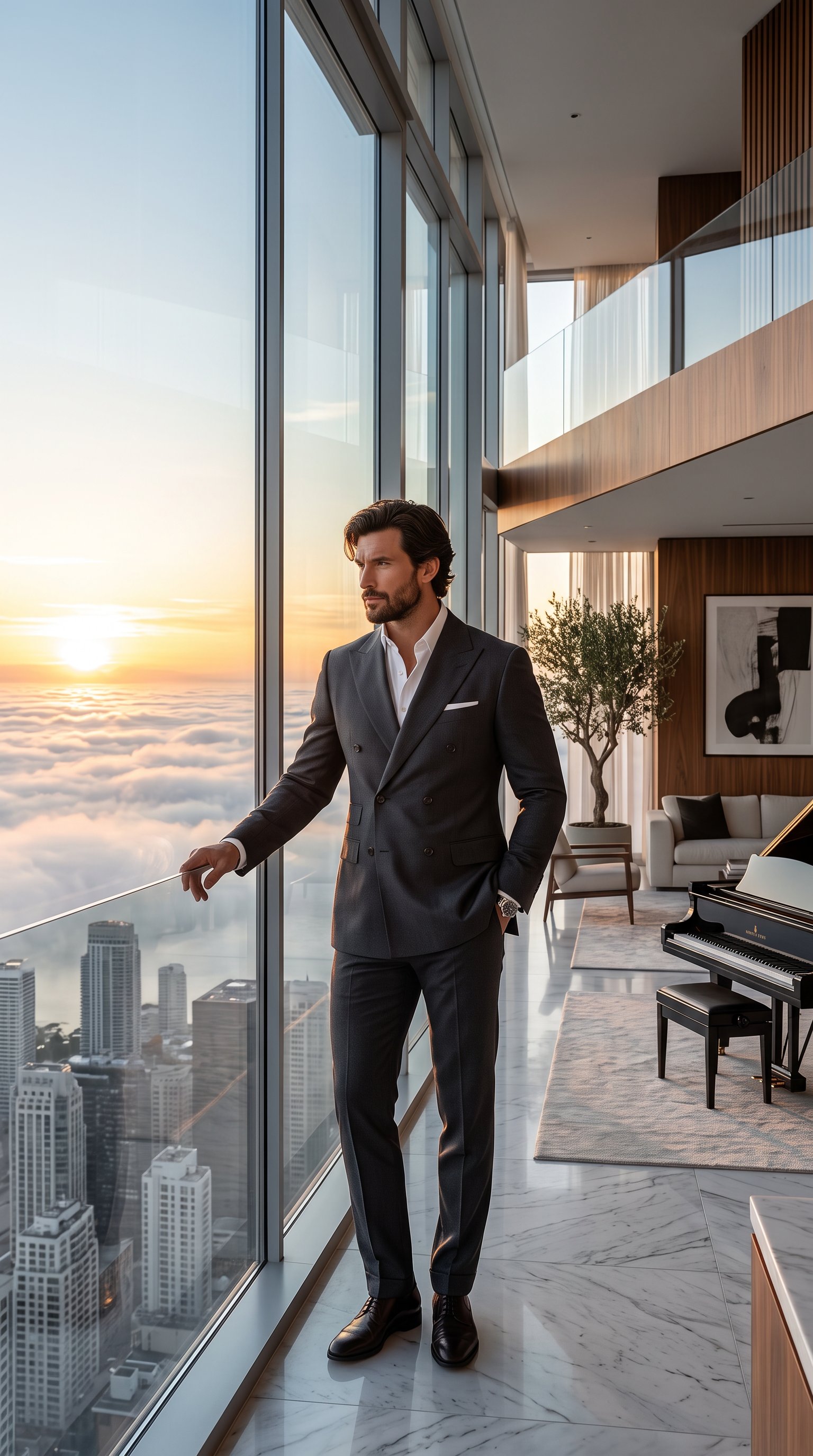
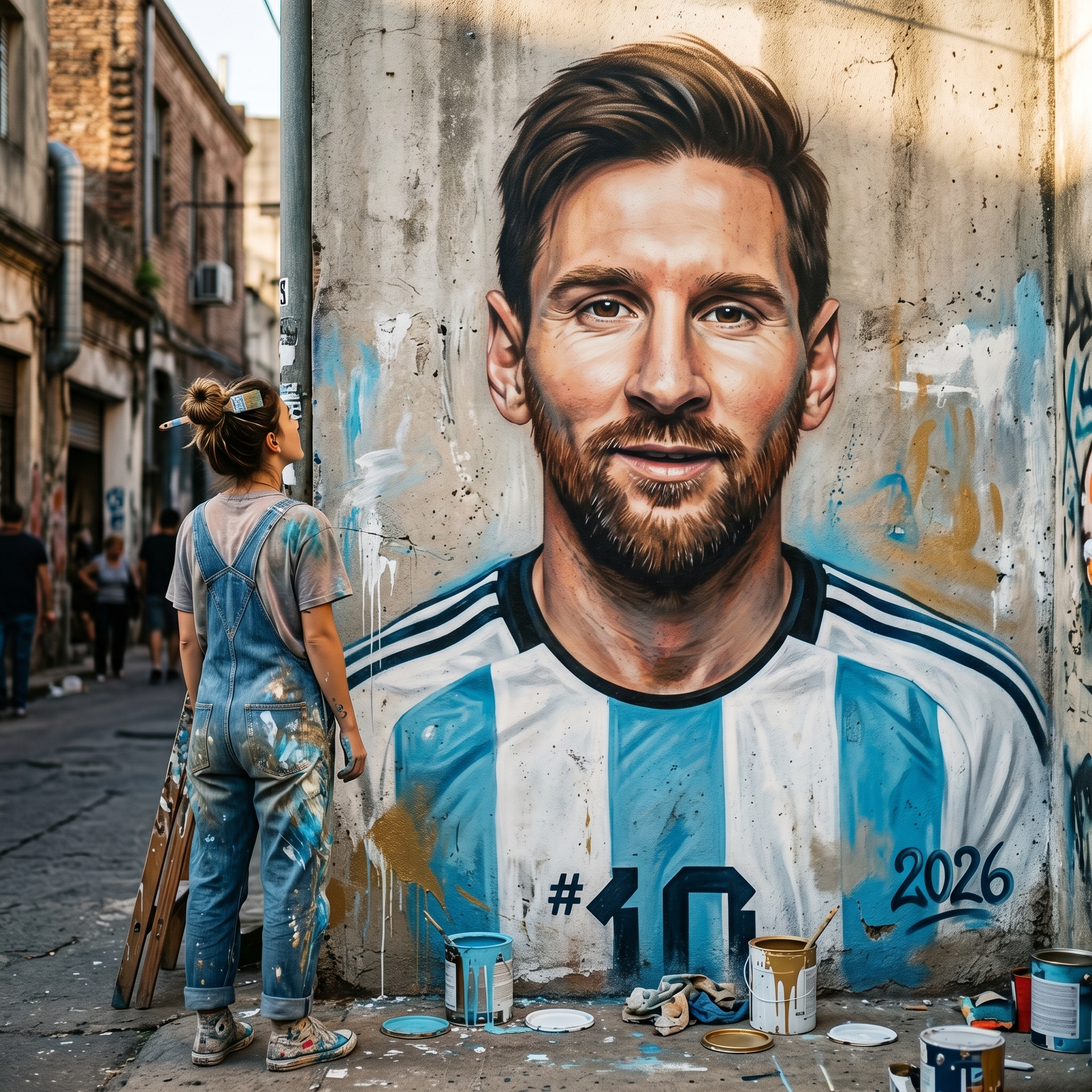
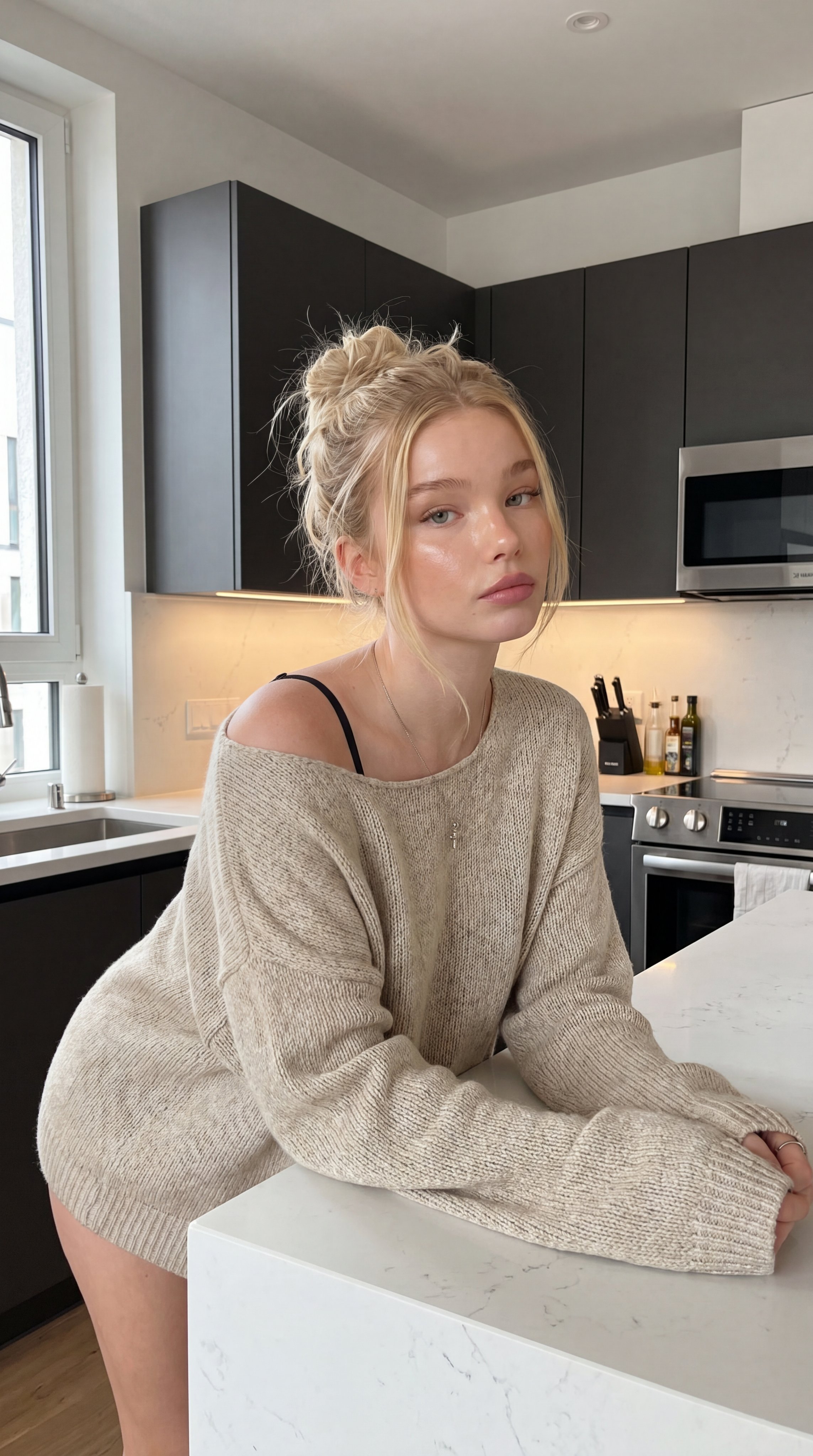
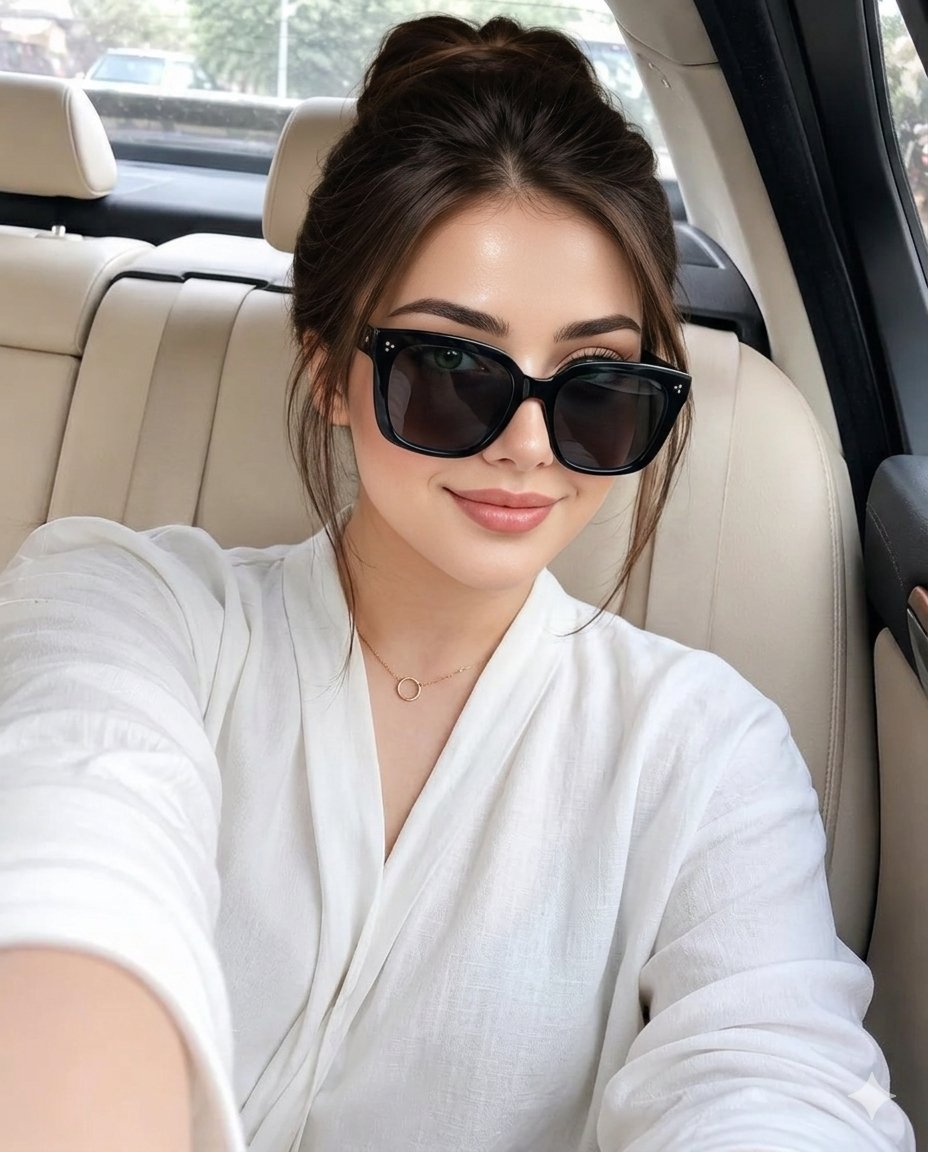
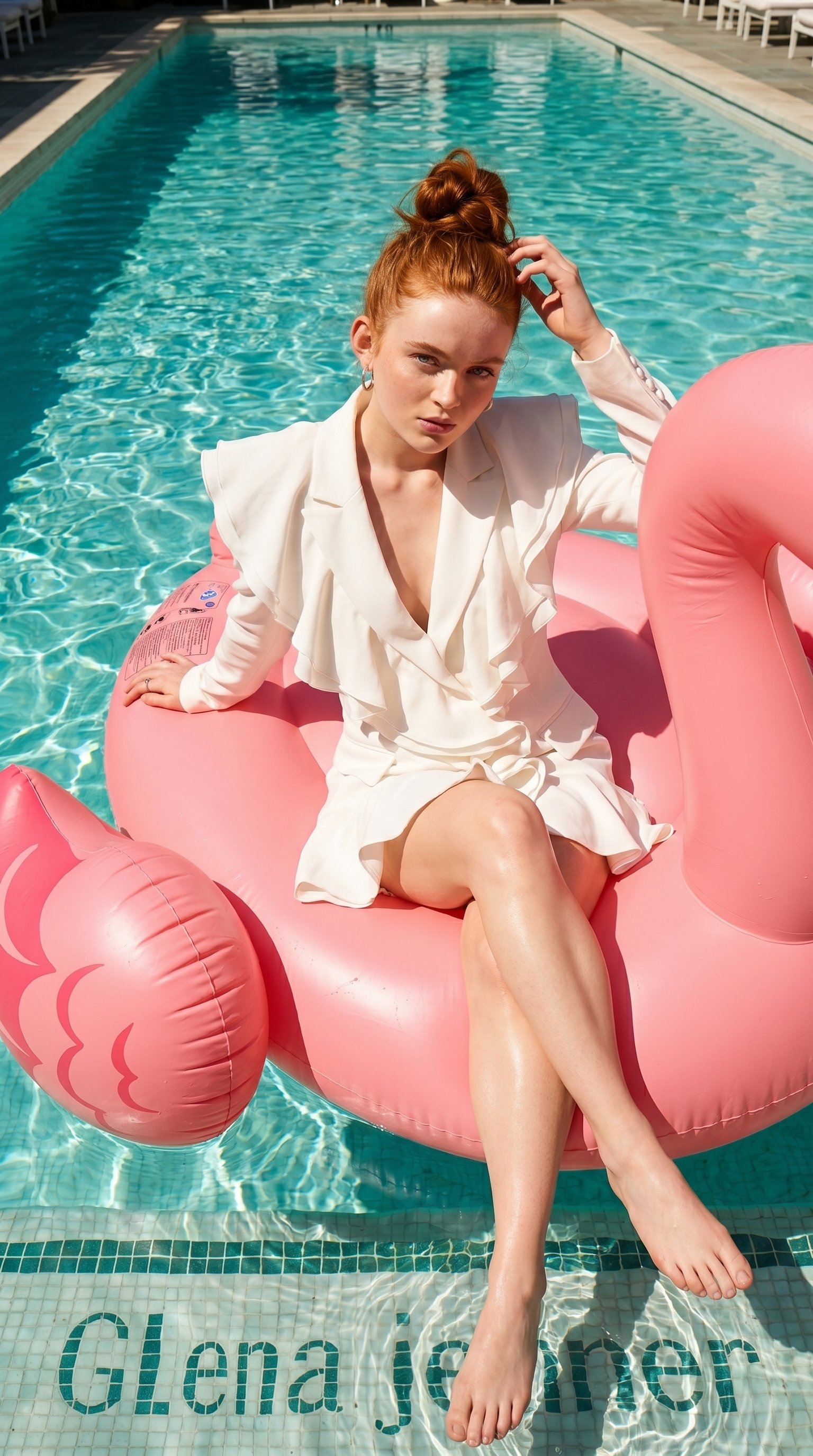
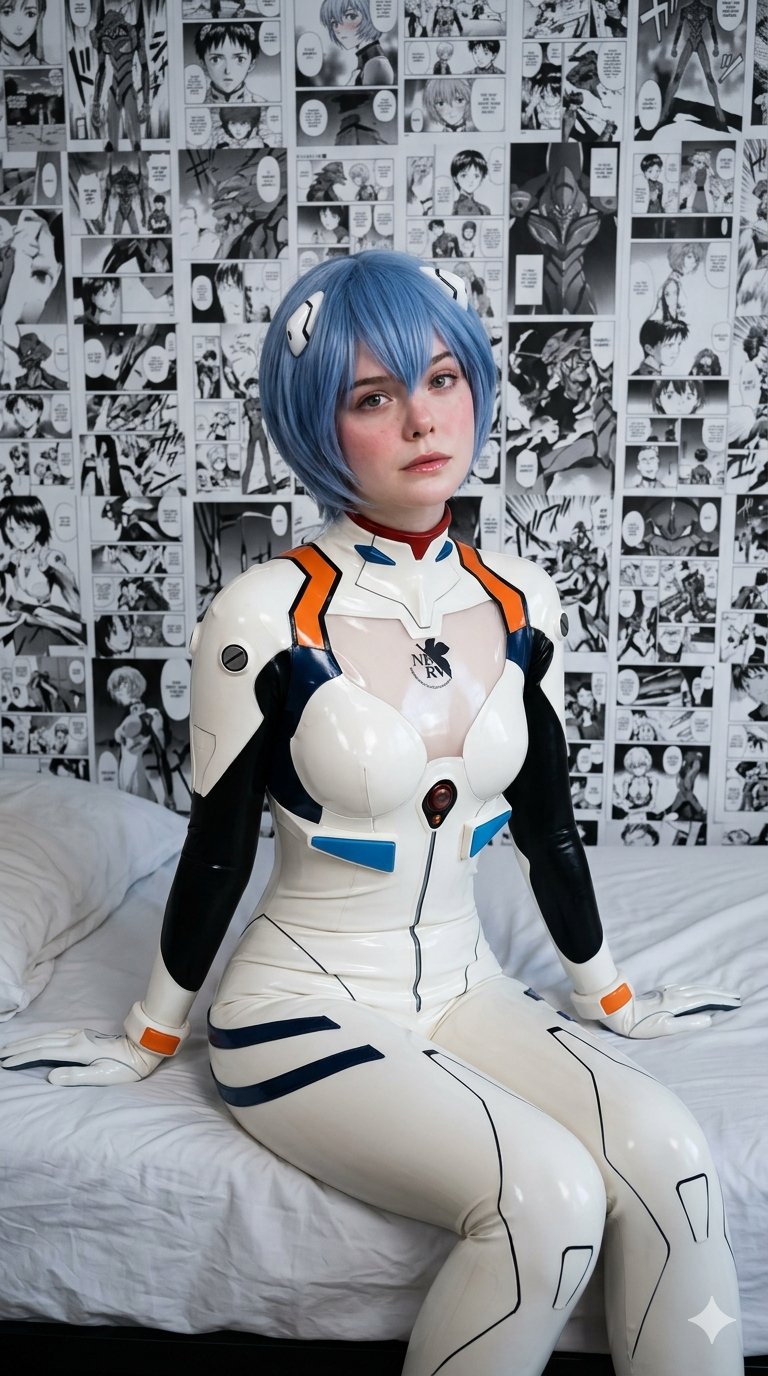
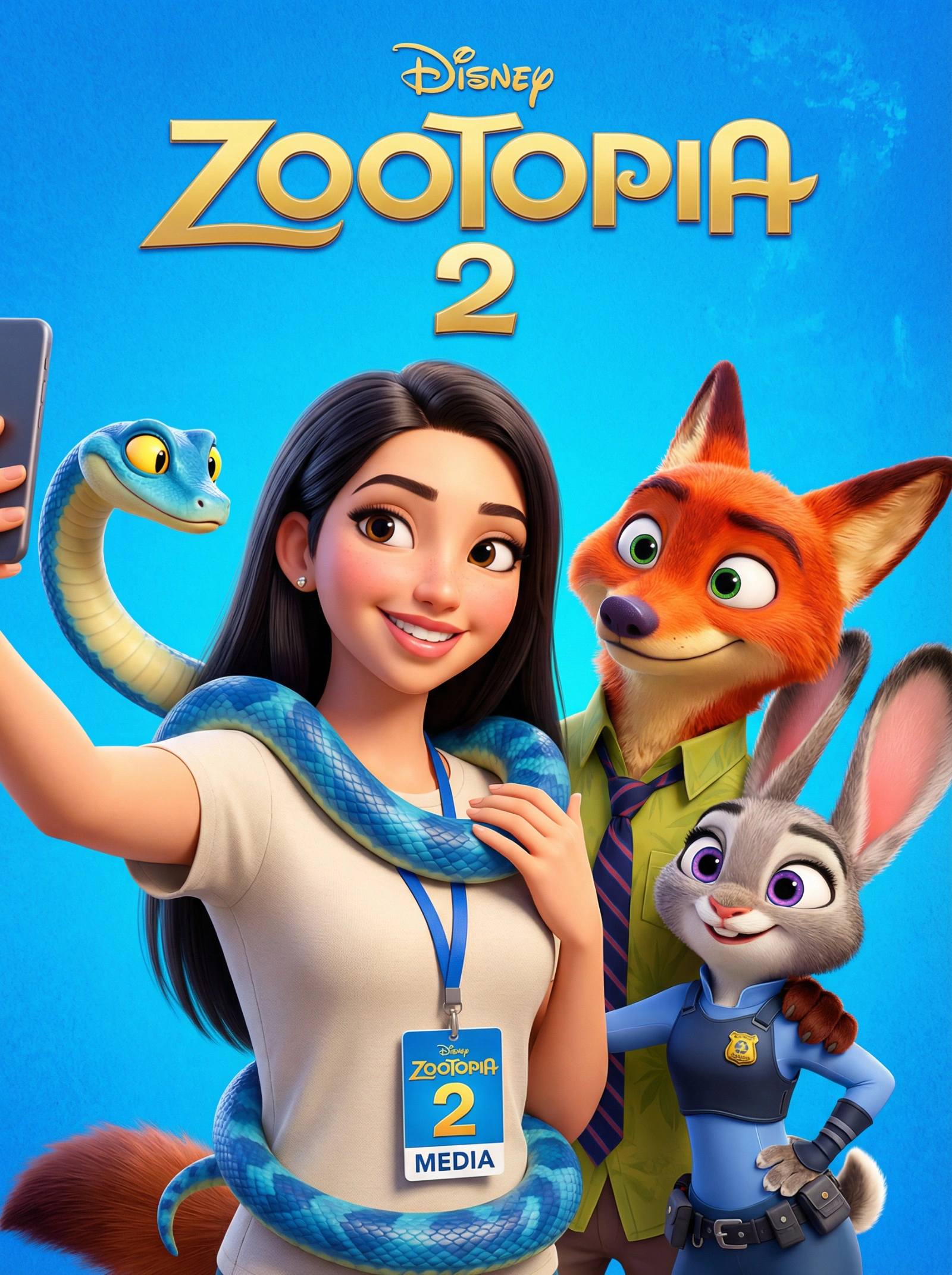
Copy this Nano Banana Pro text-to-image prompt to create character...
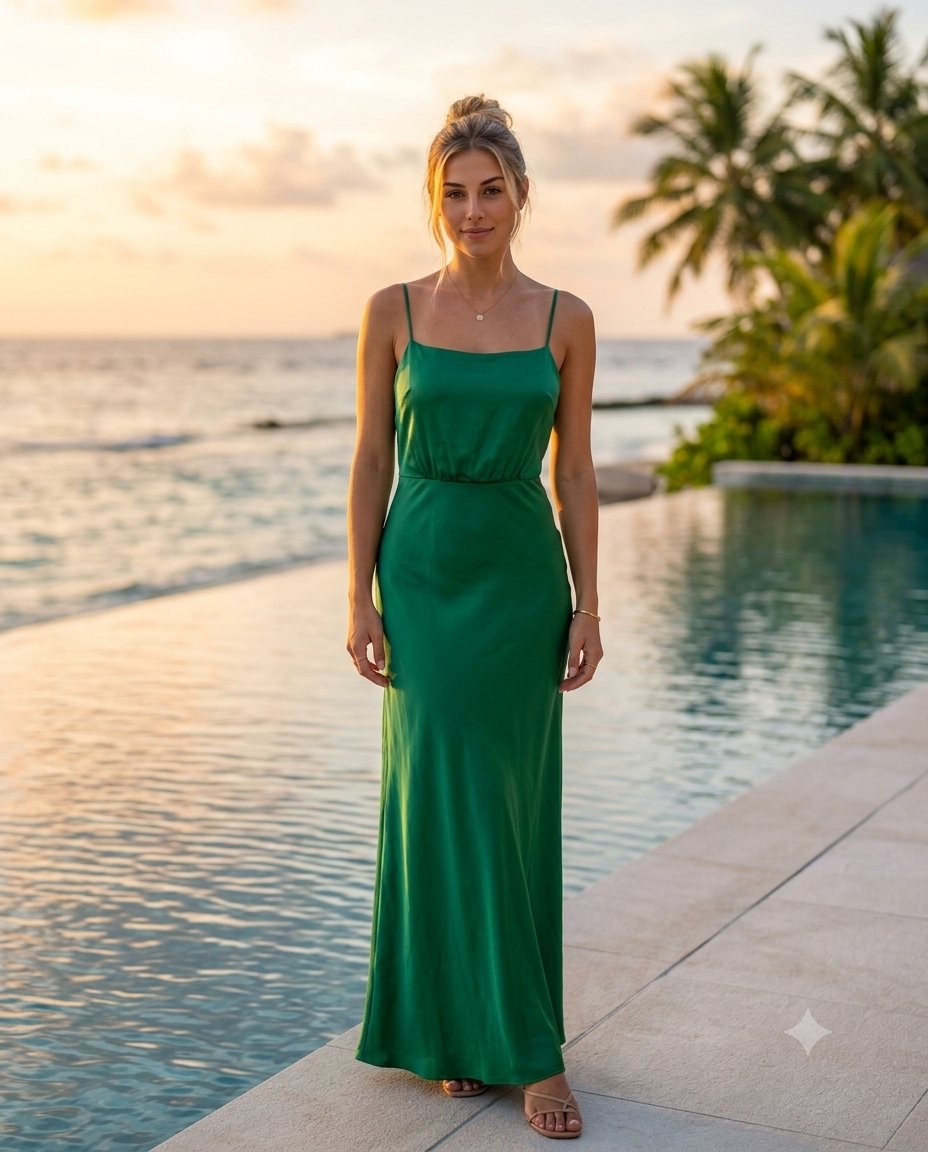
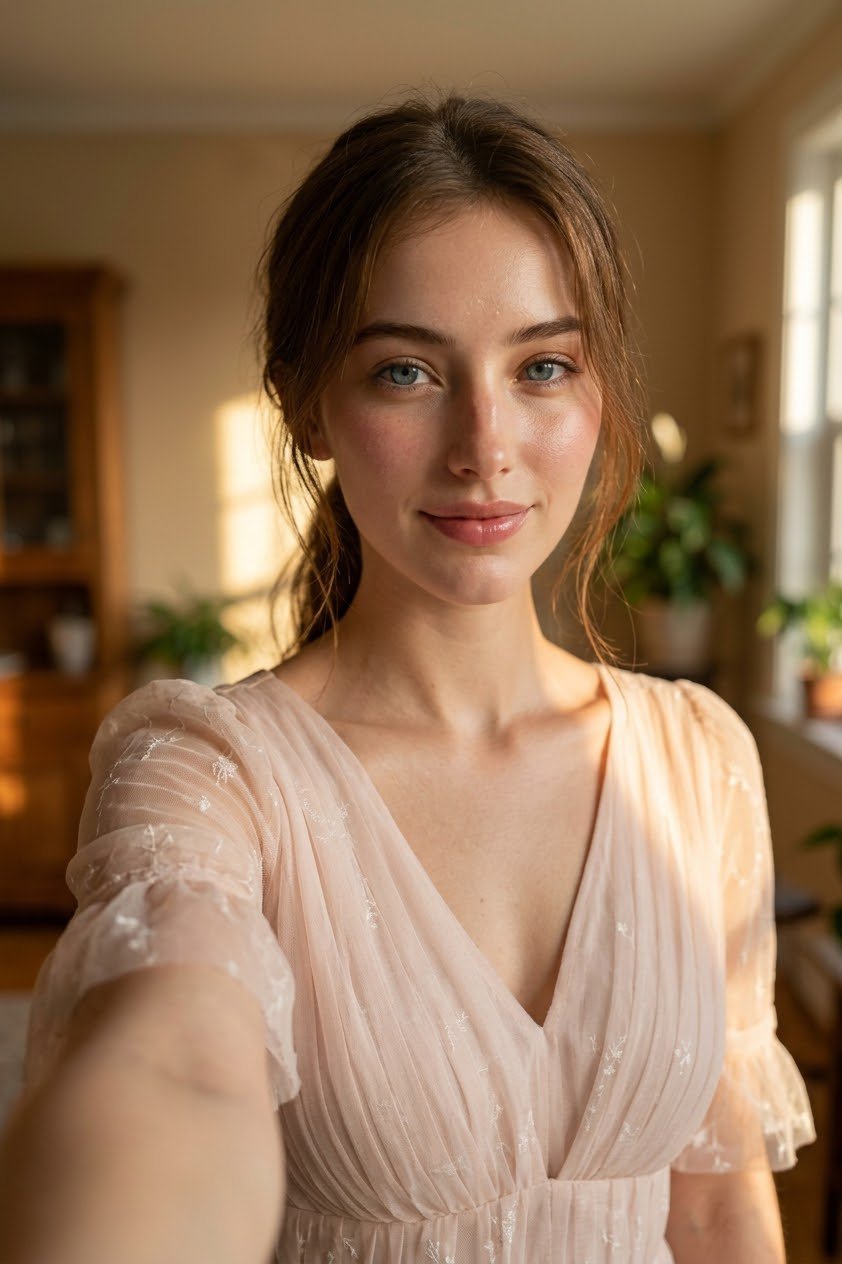
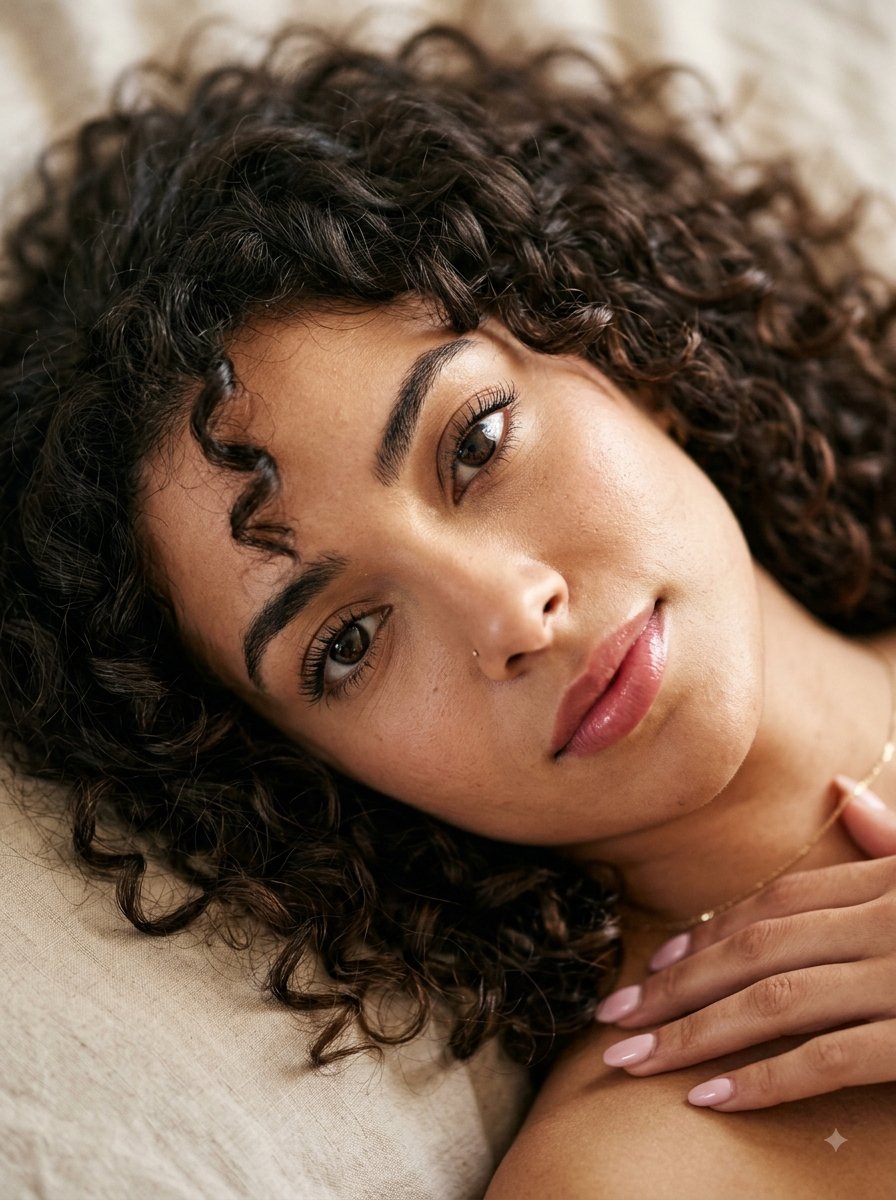
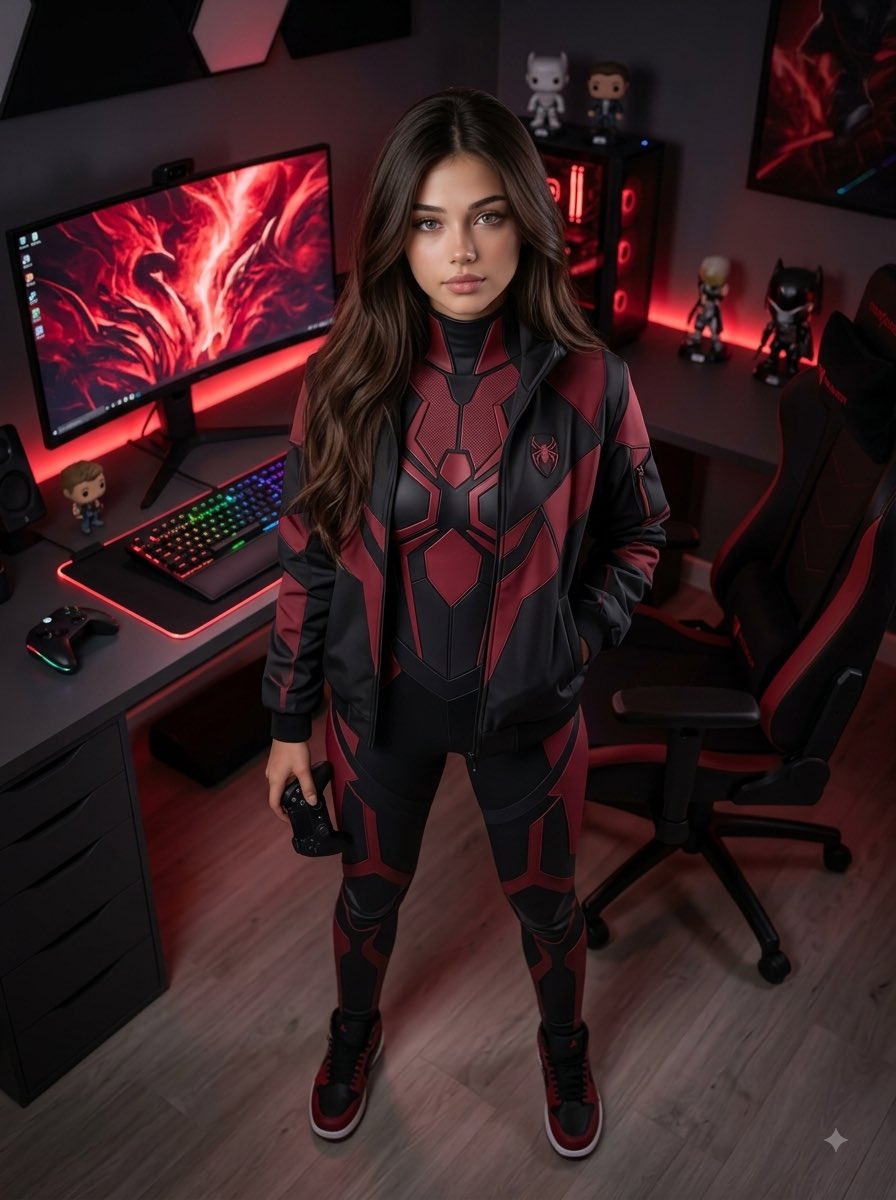
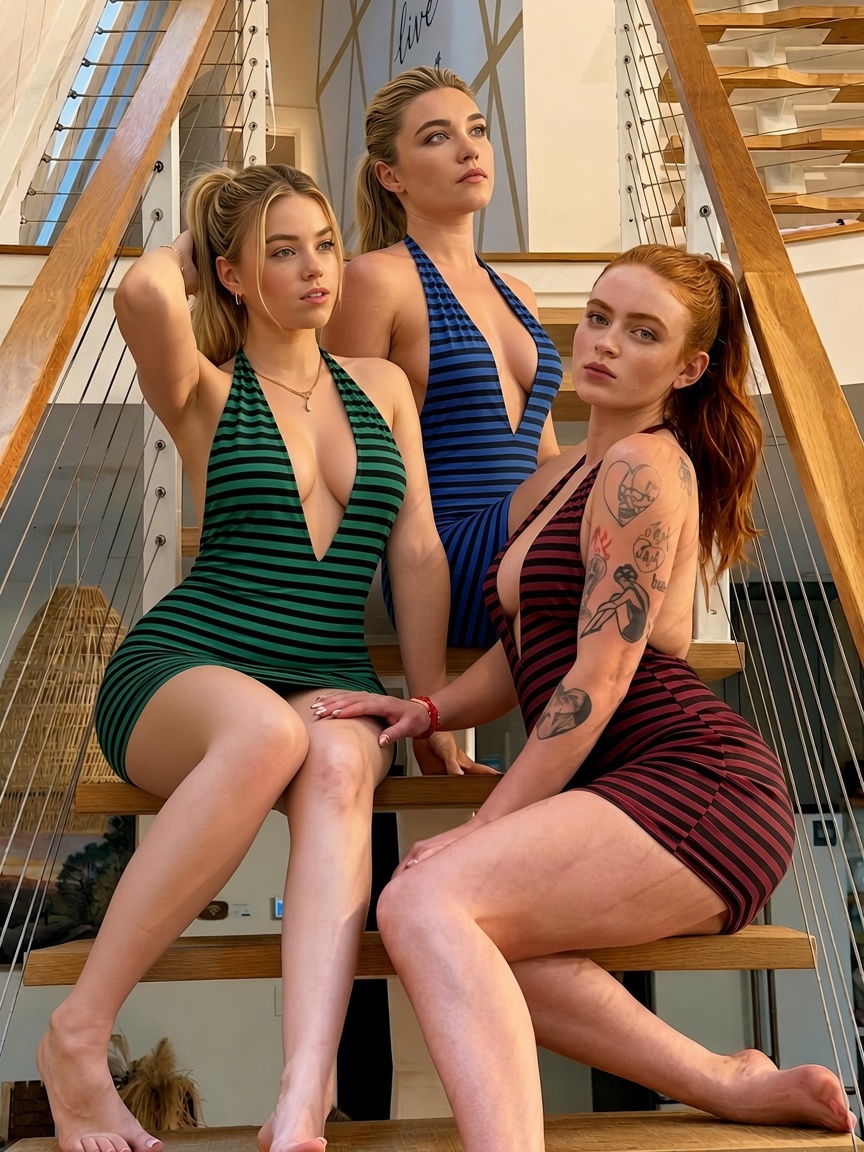
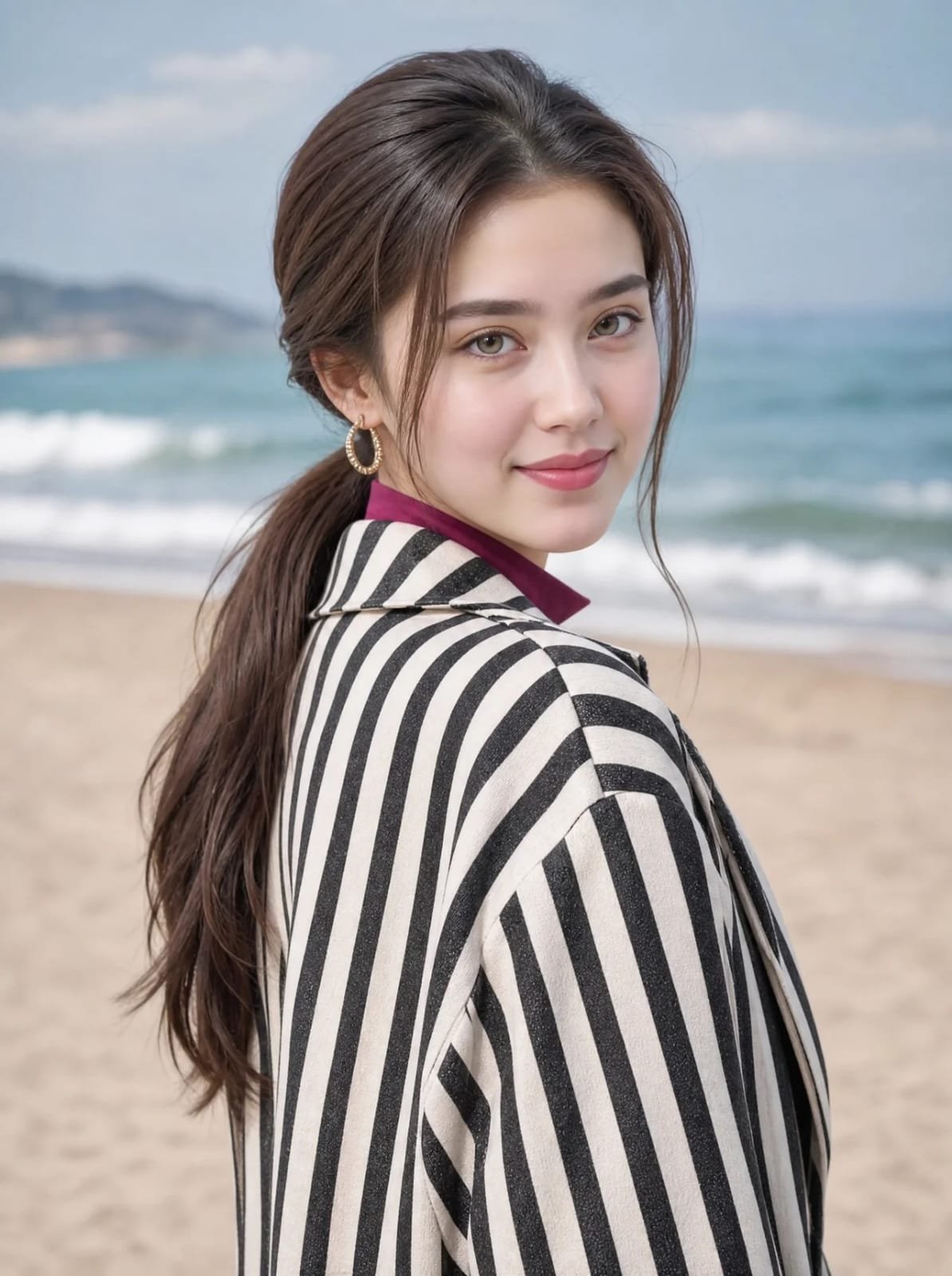
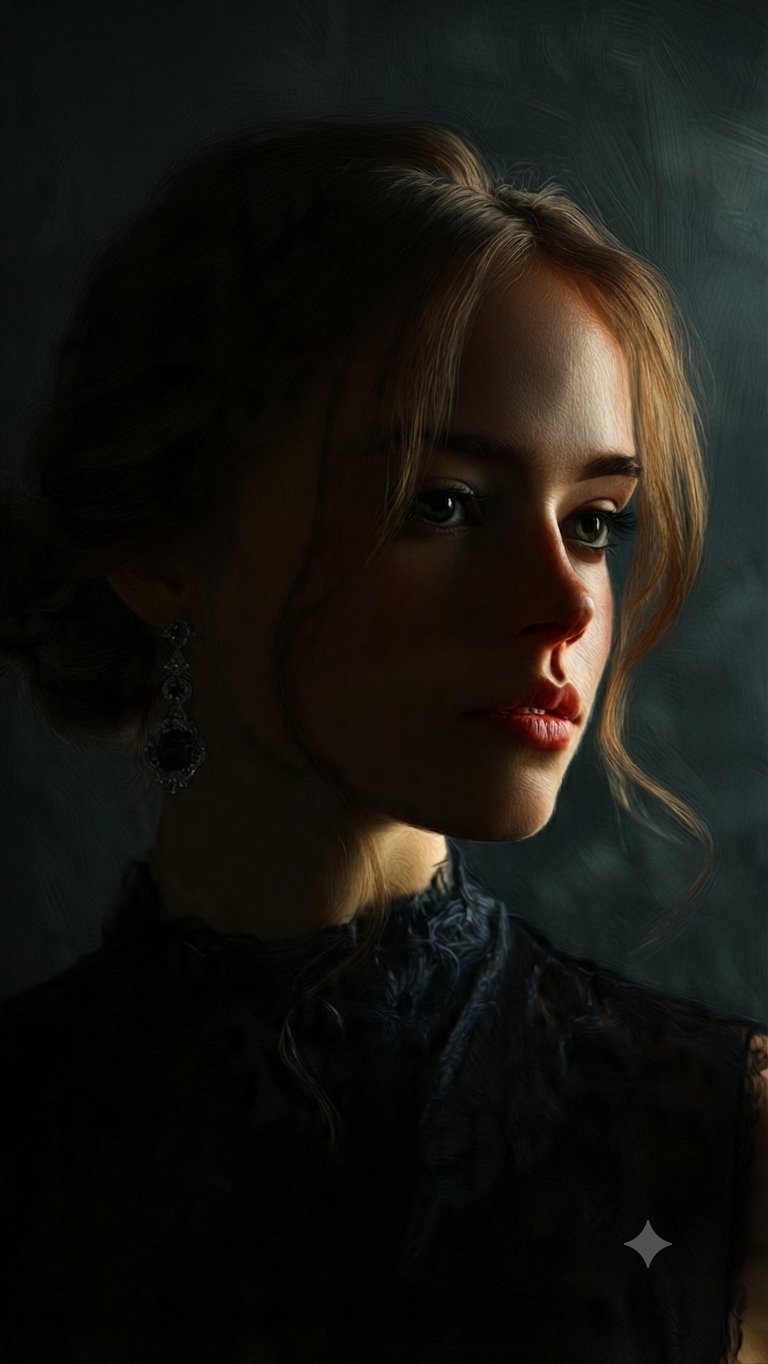
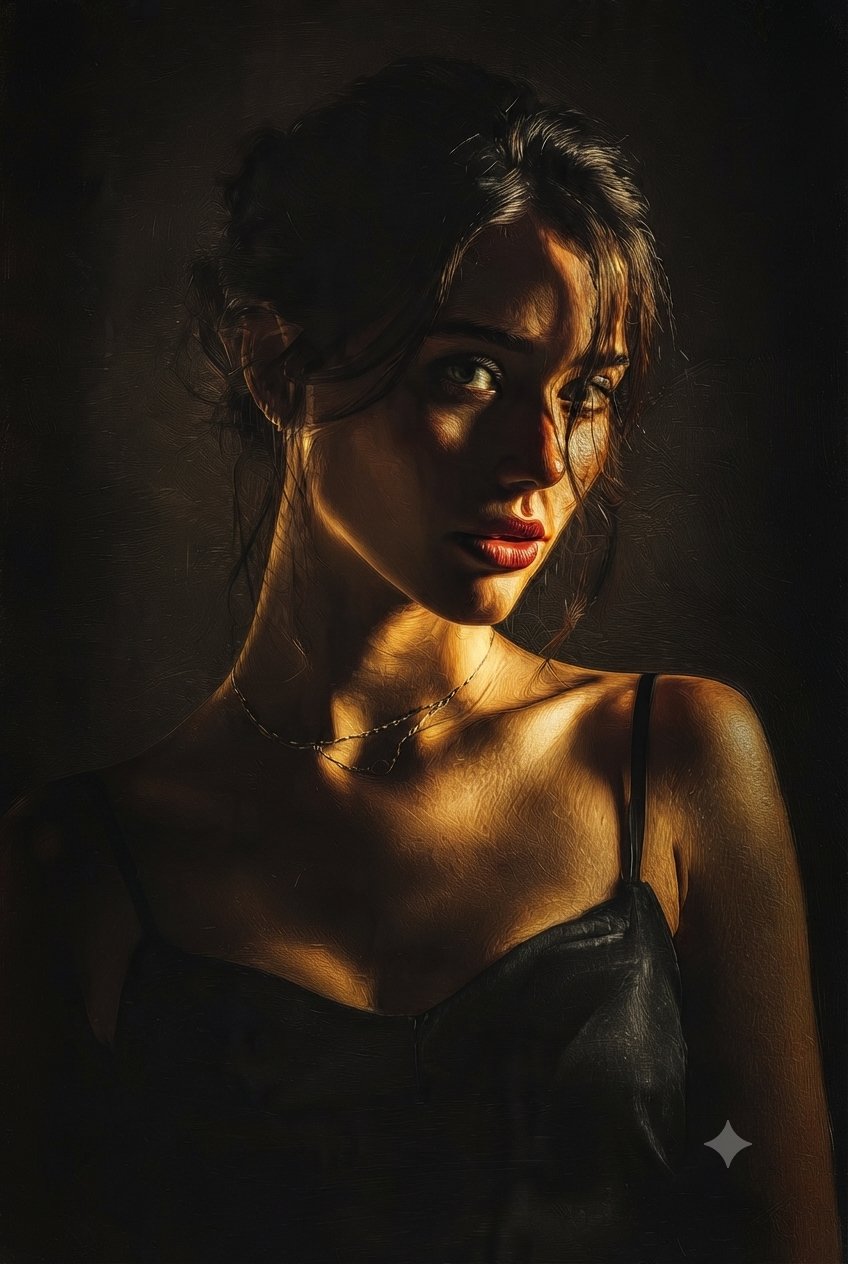
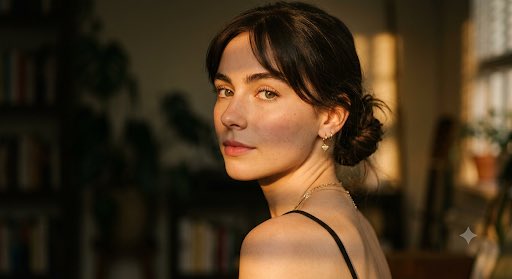
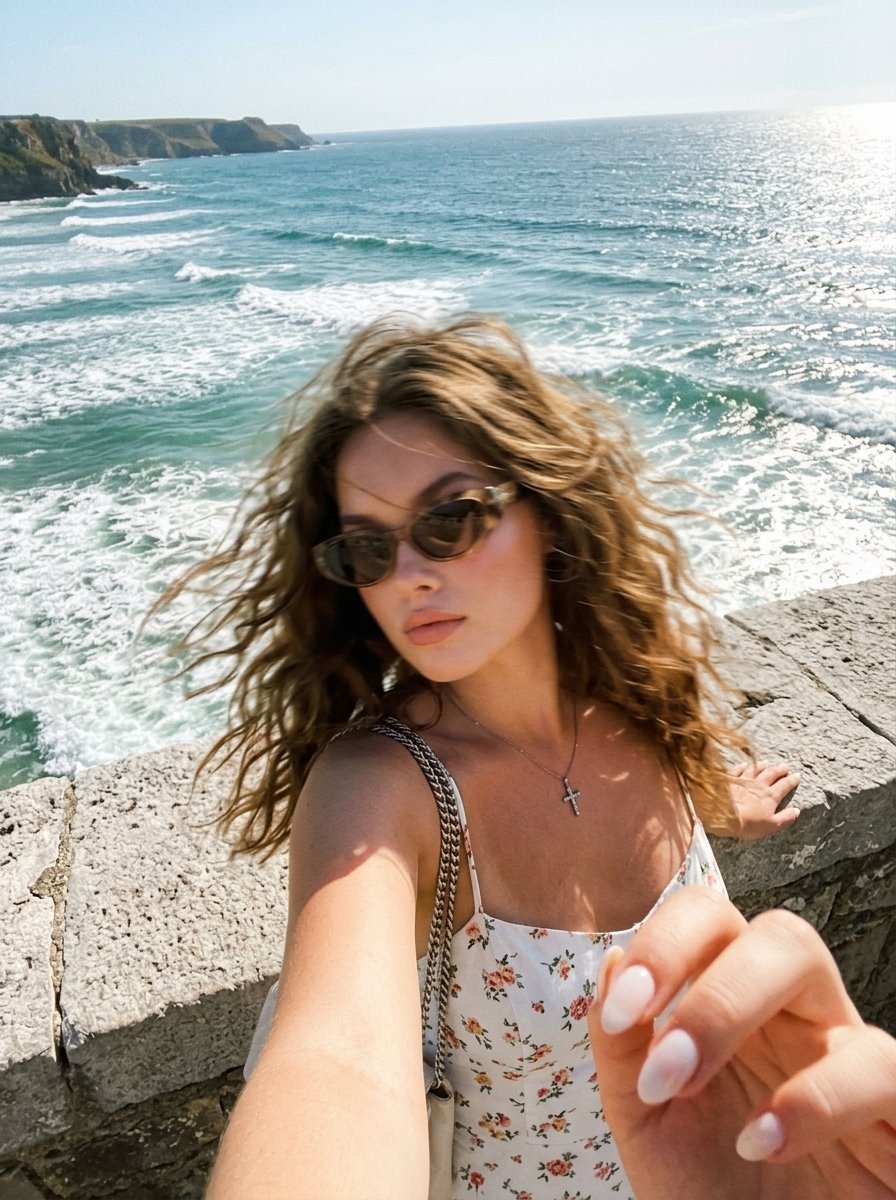
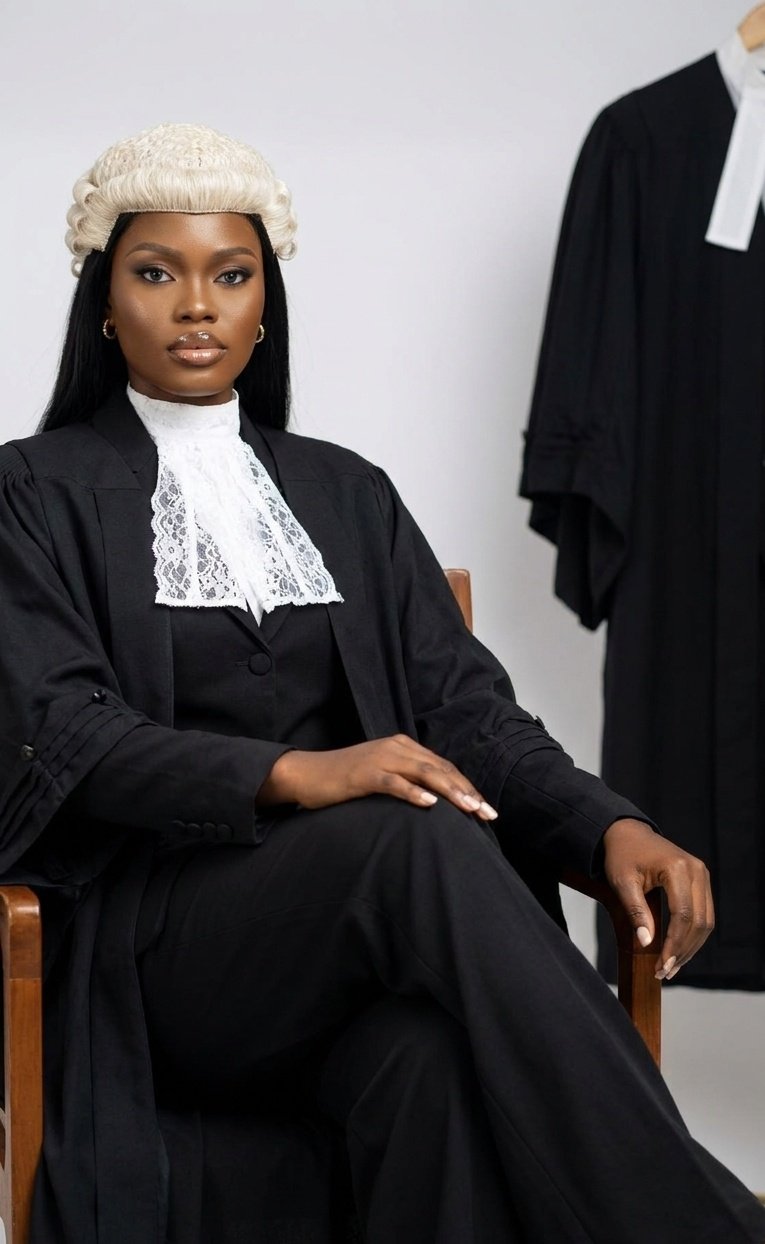
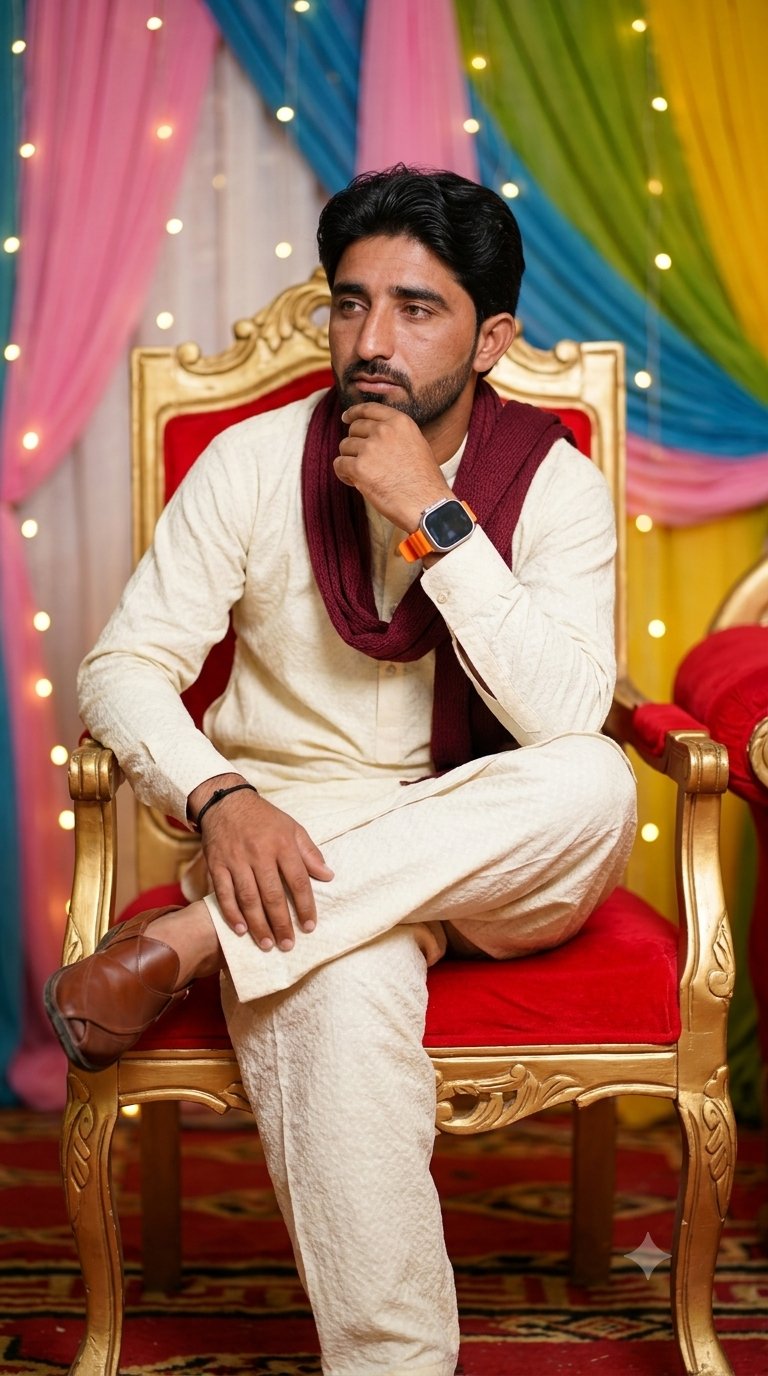
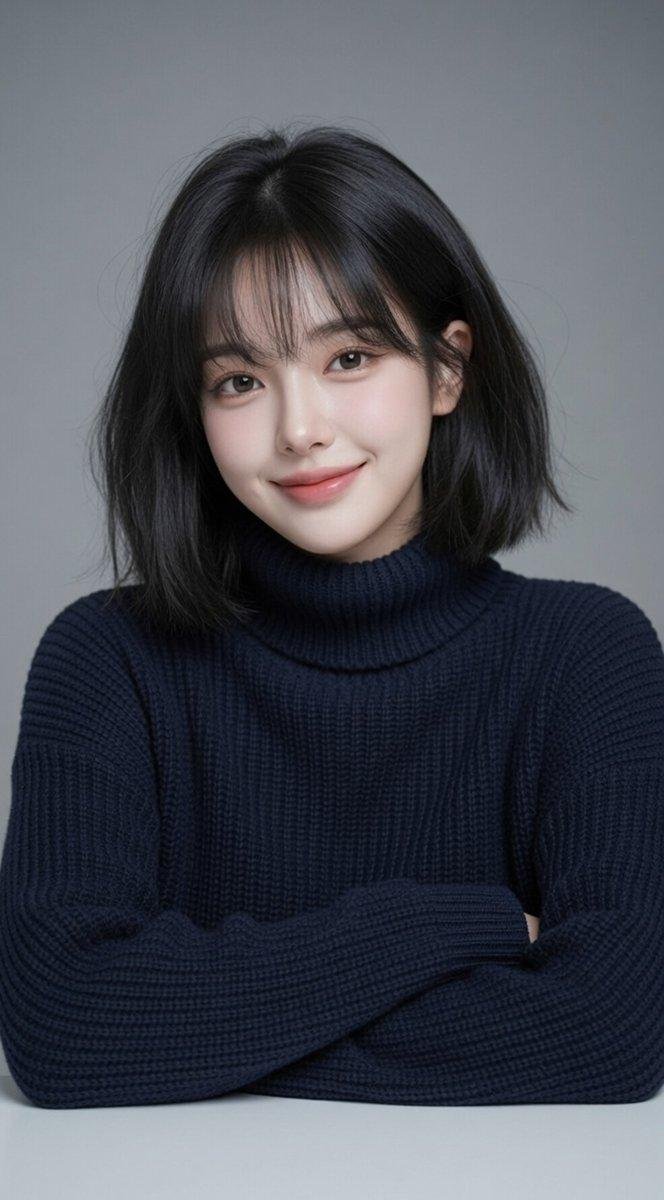
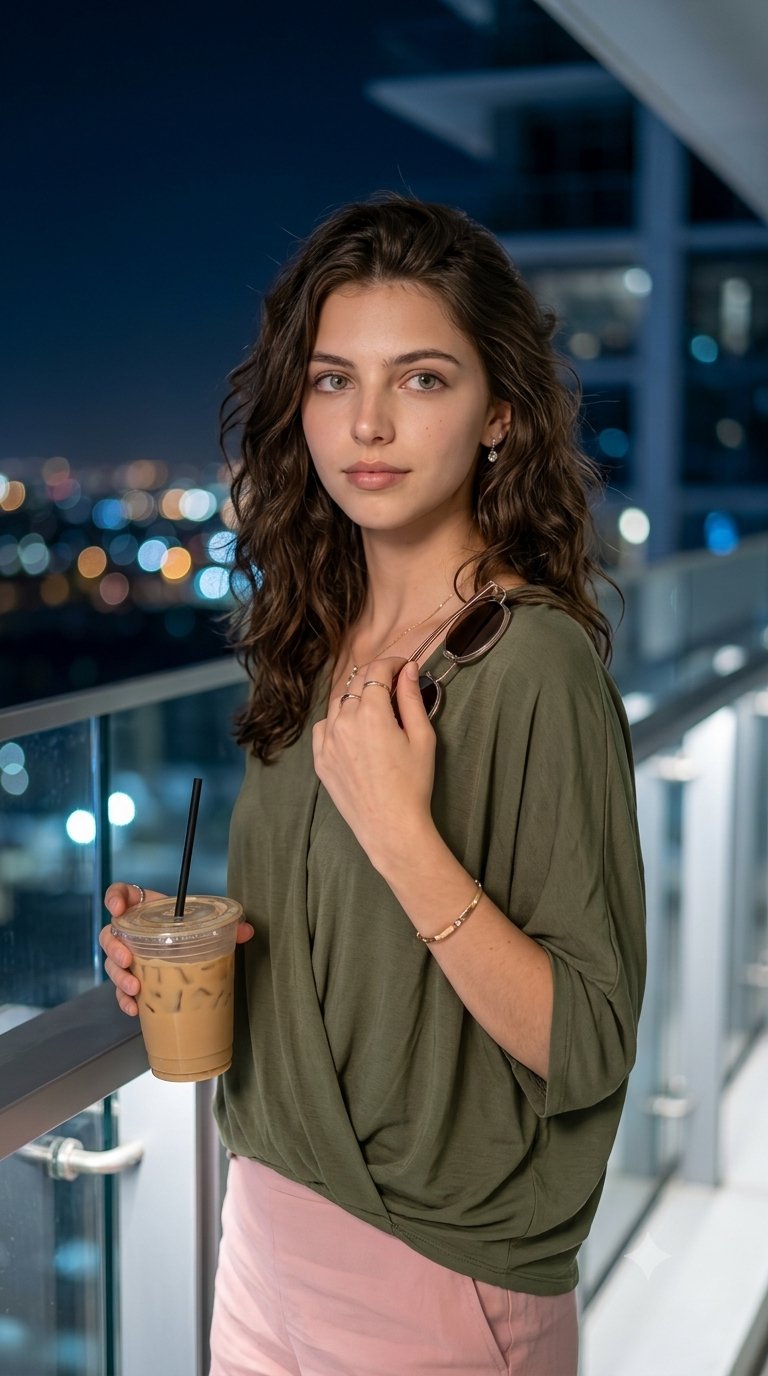
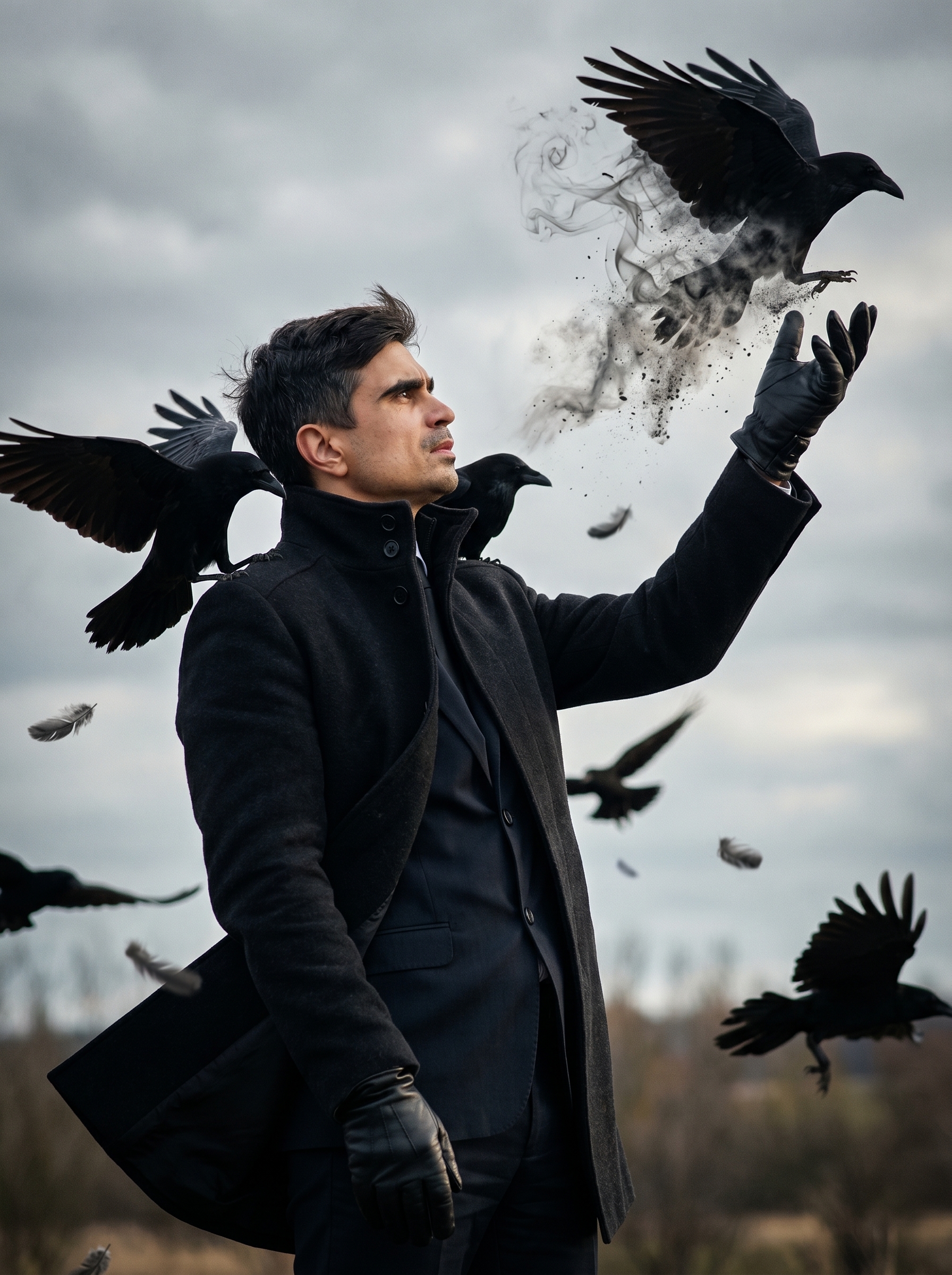
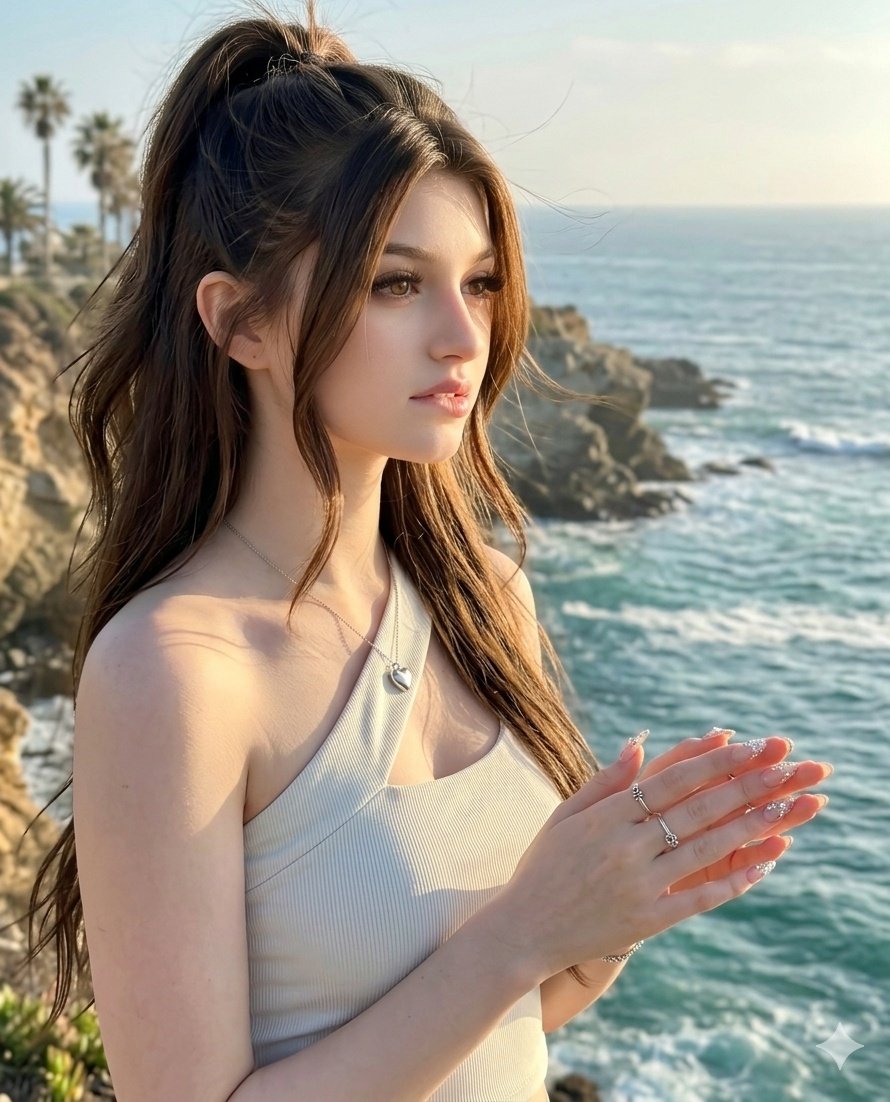
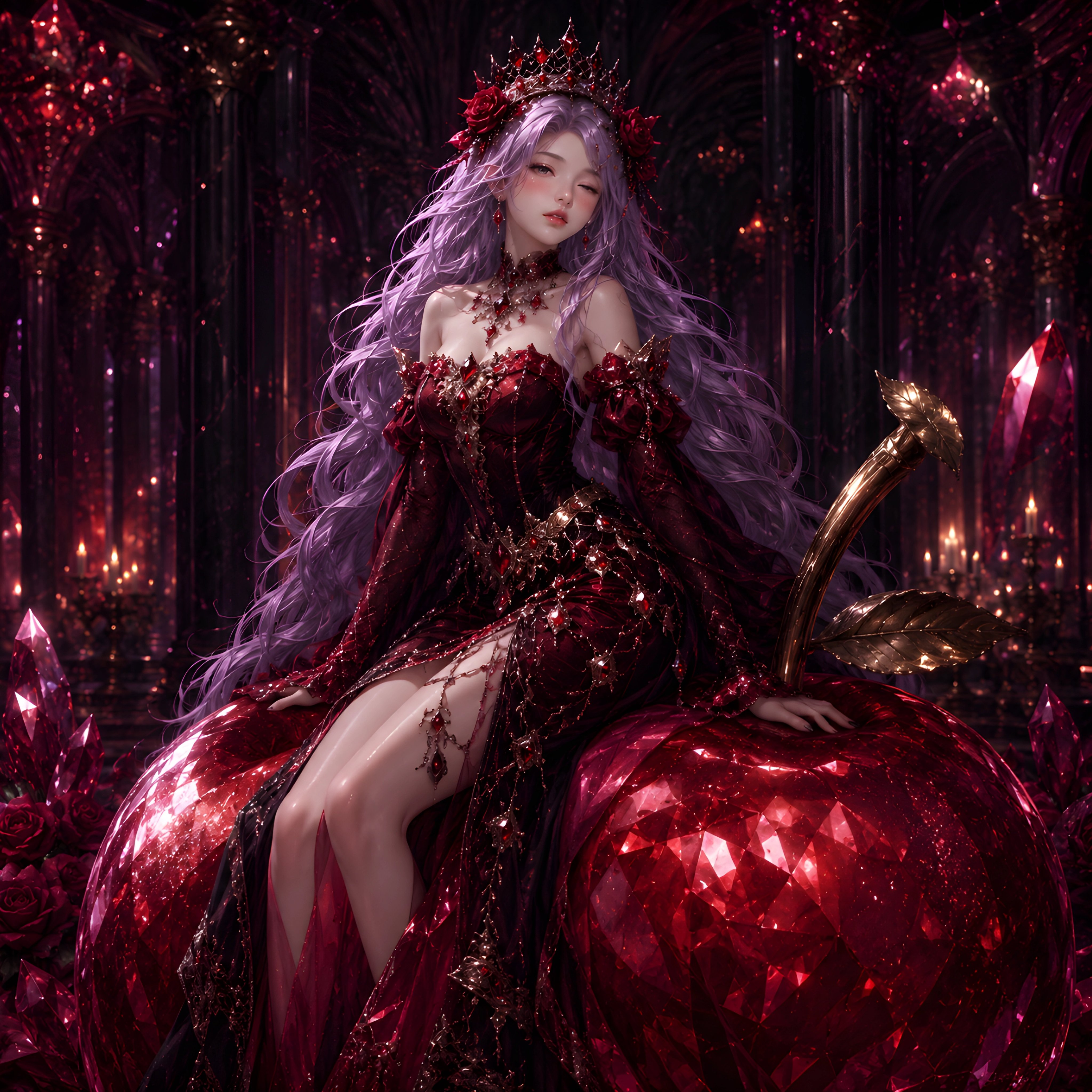
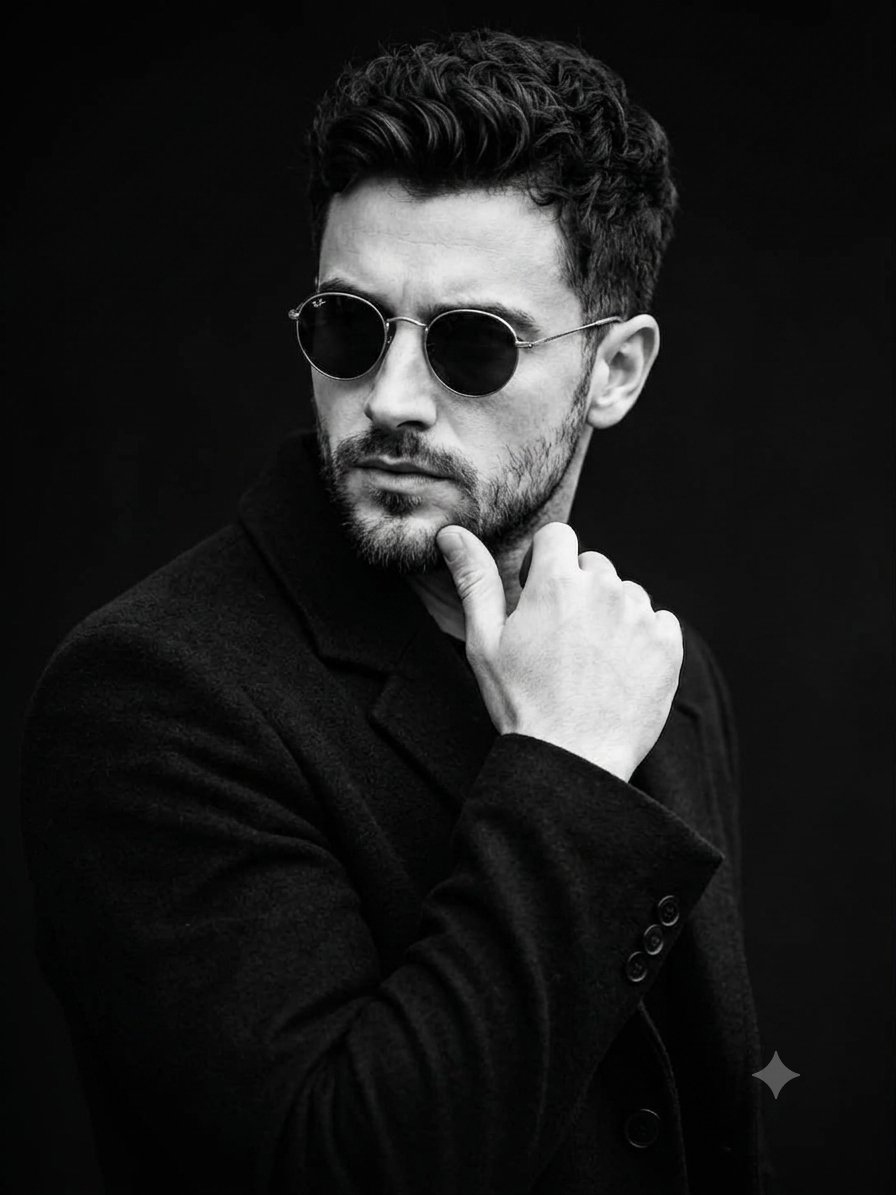
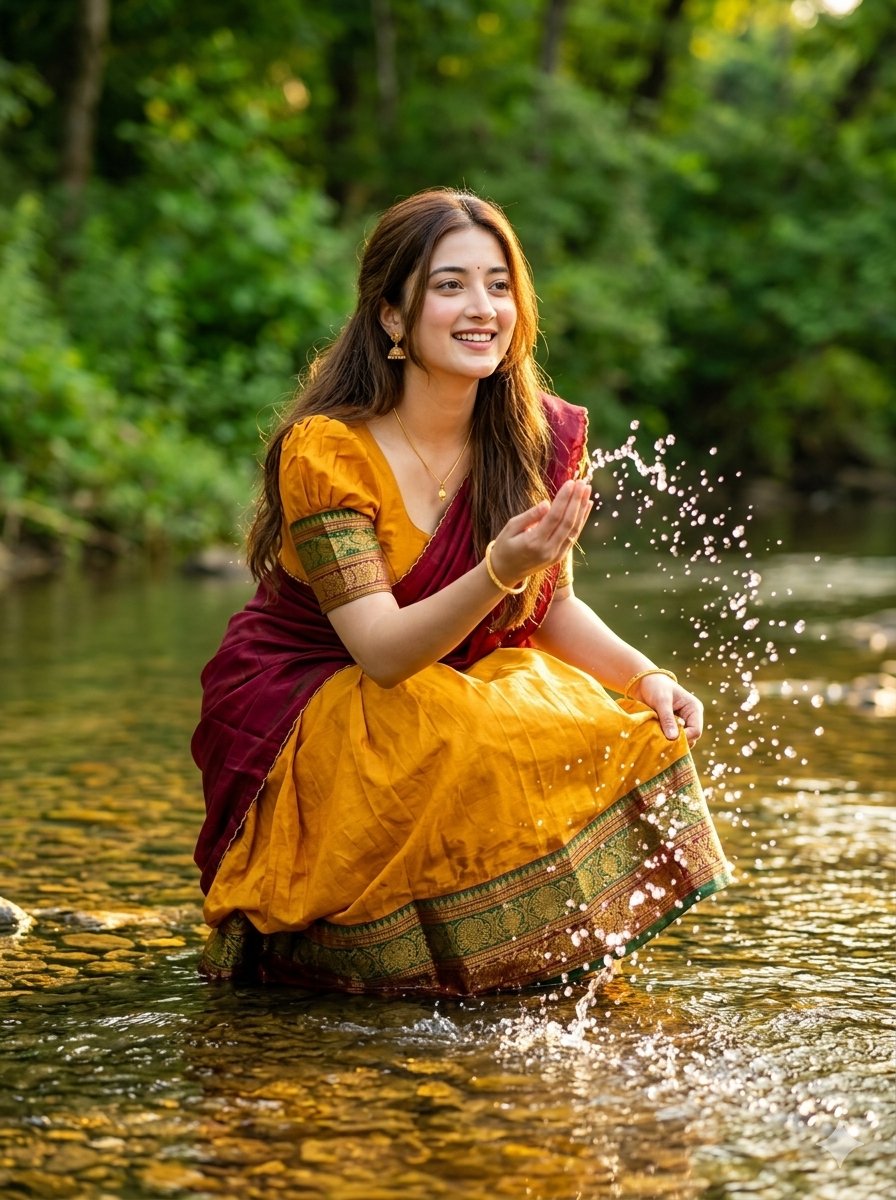
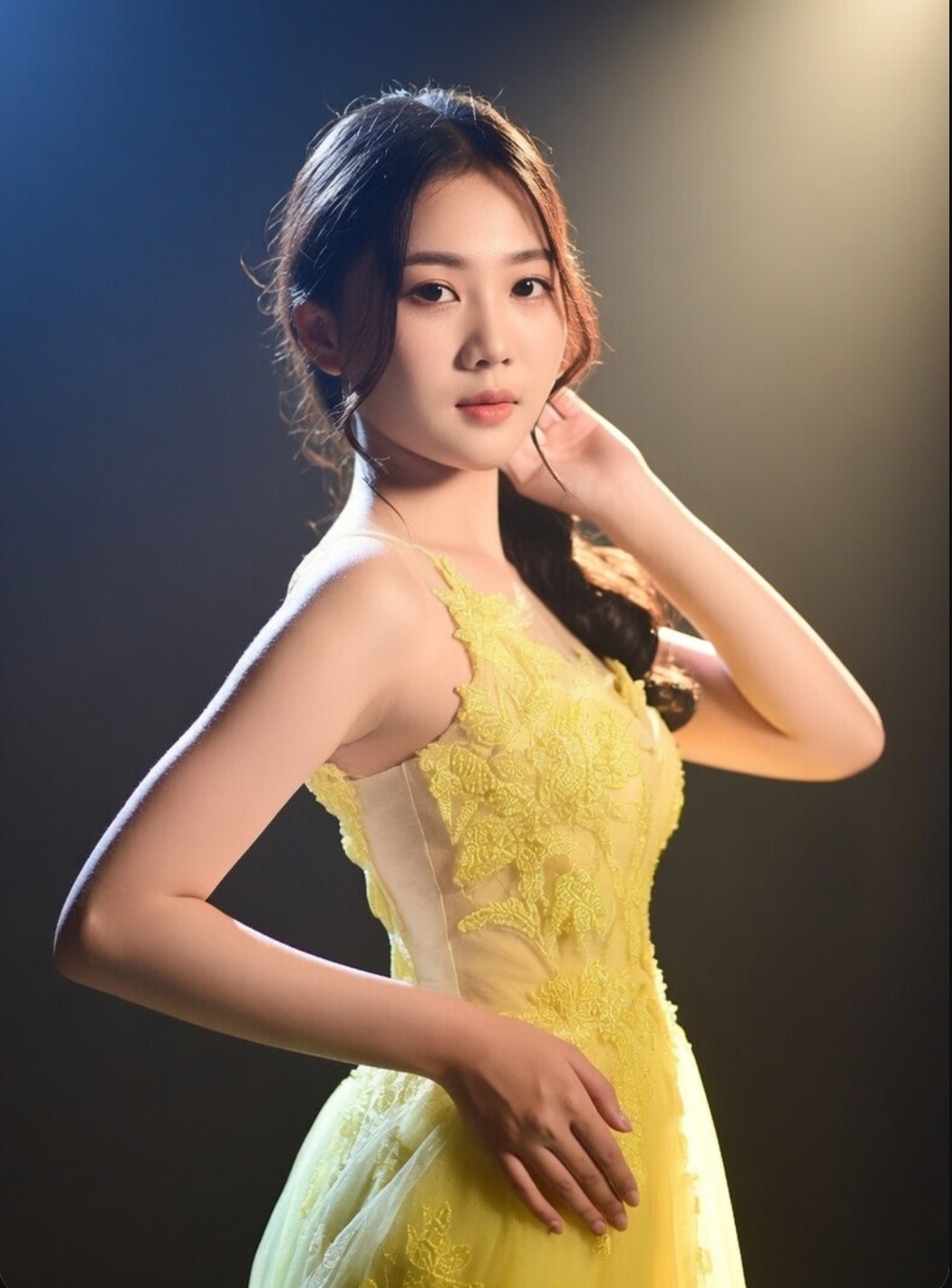
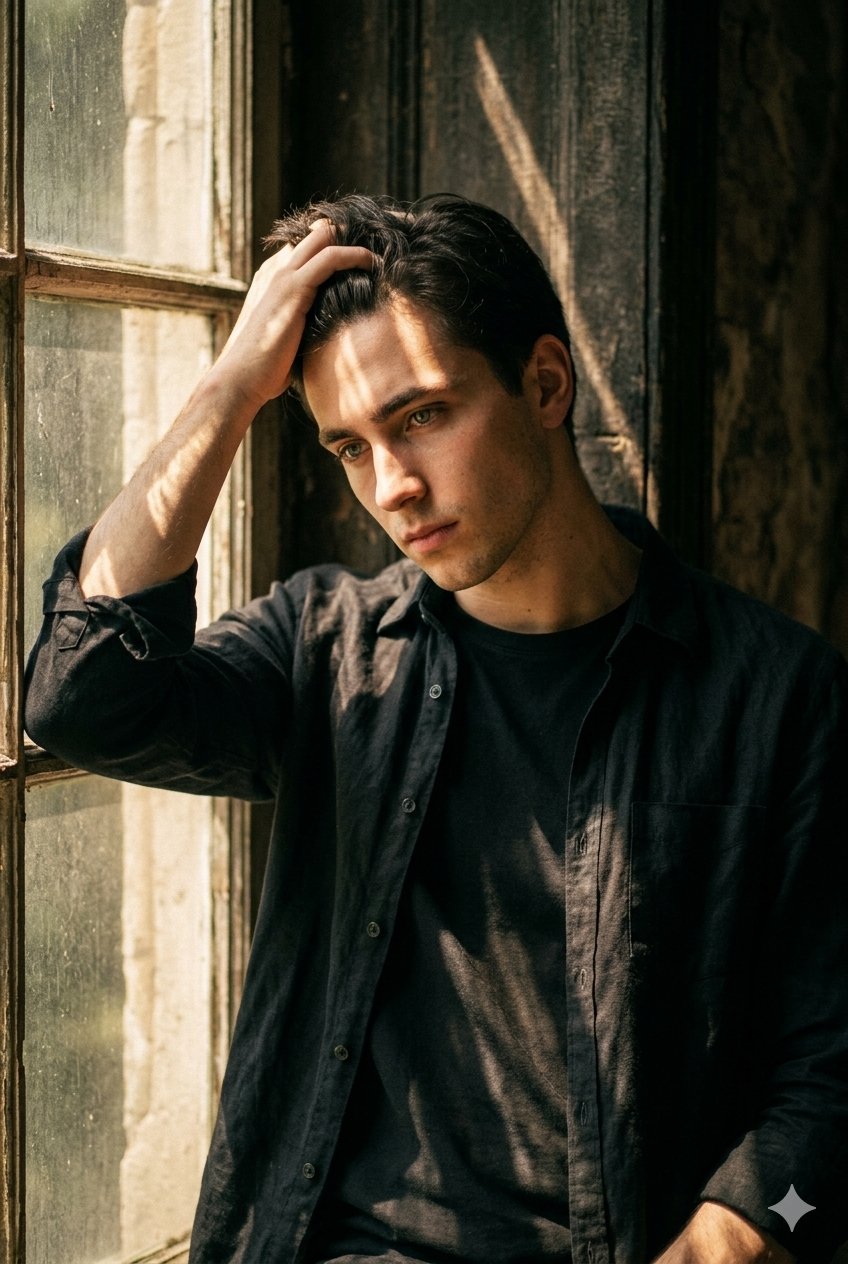
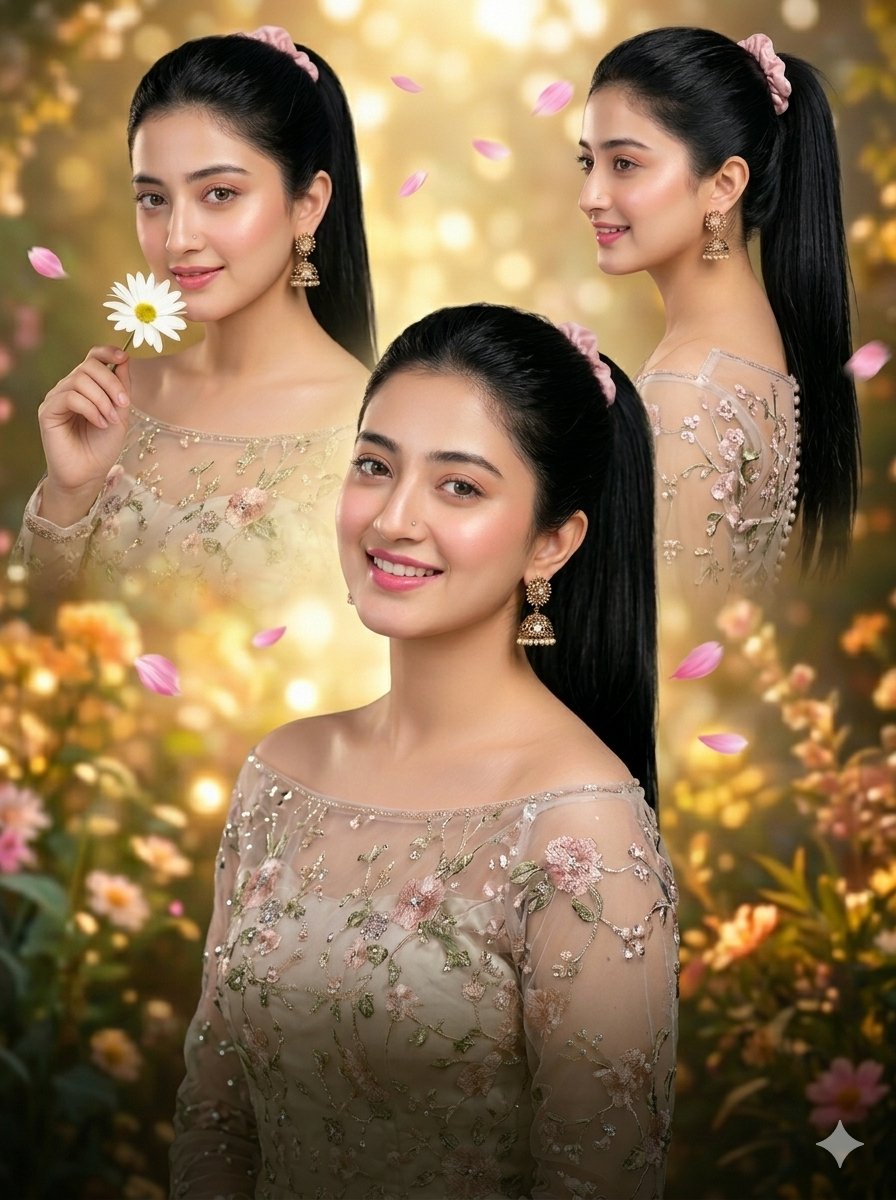
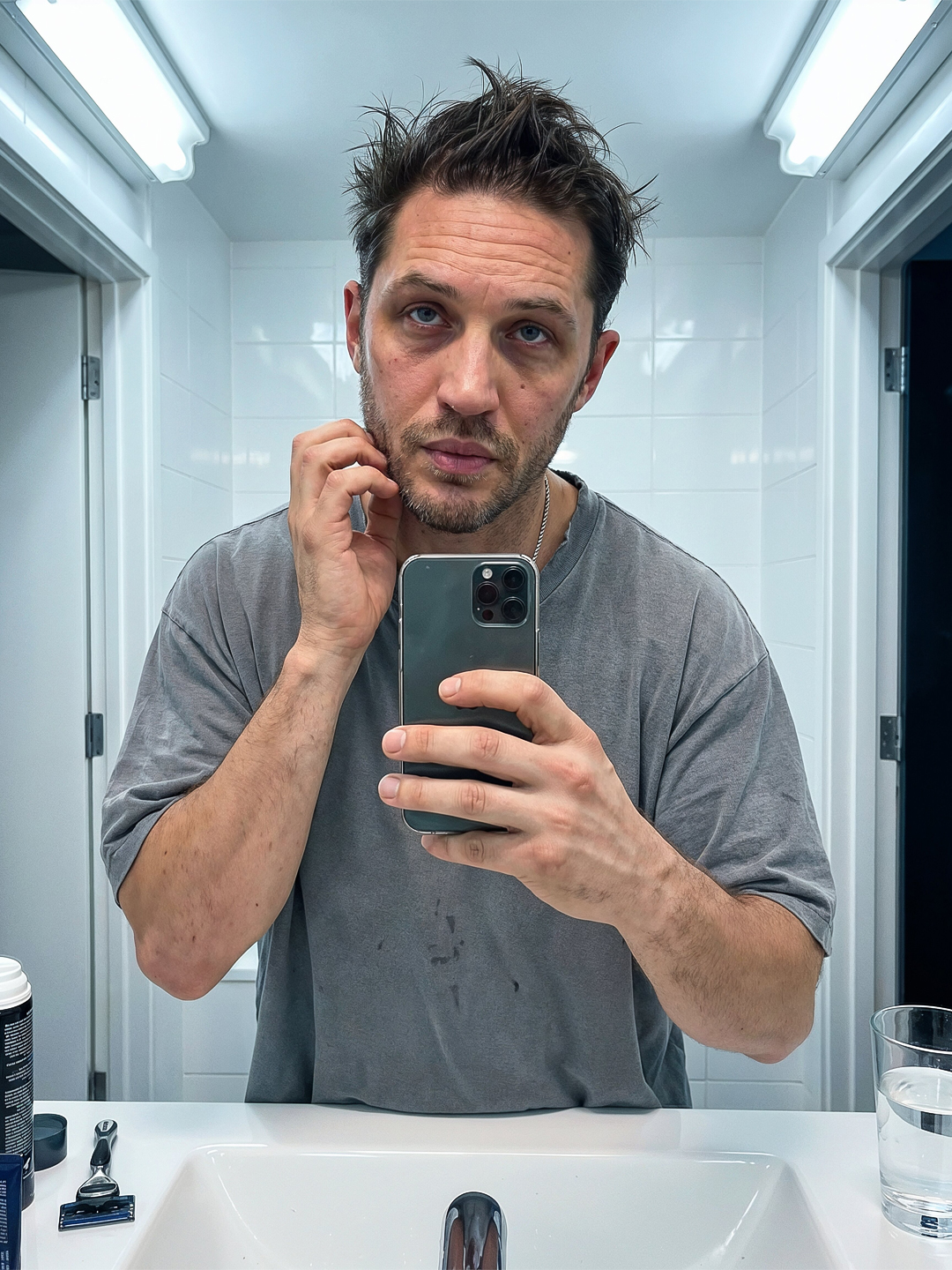
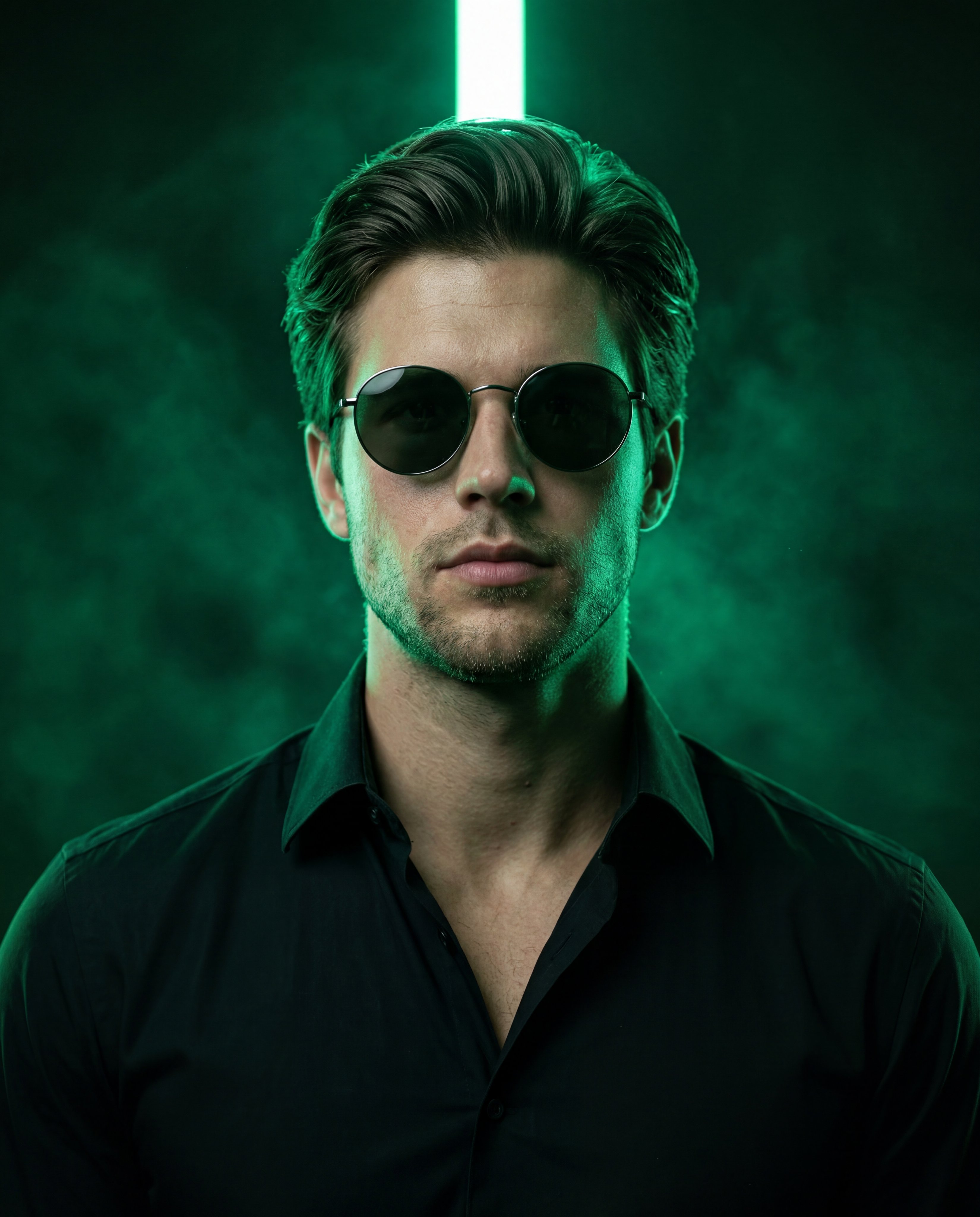
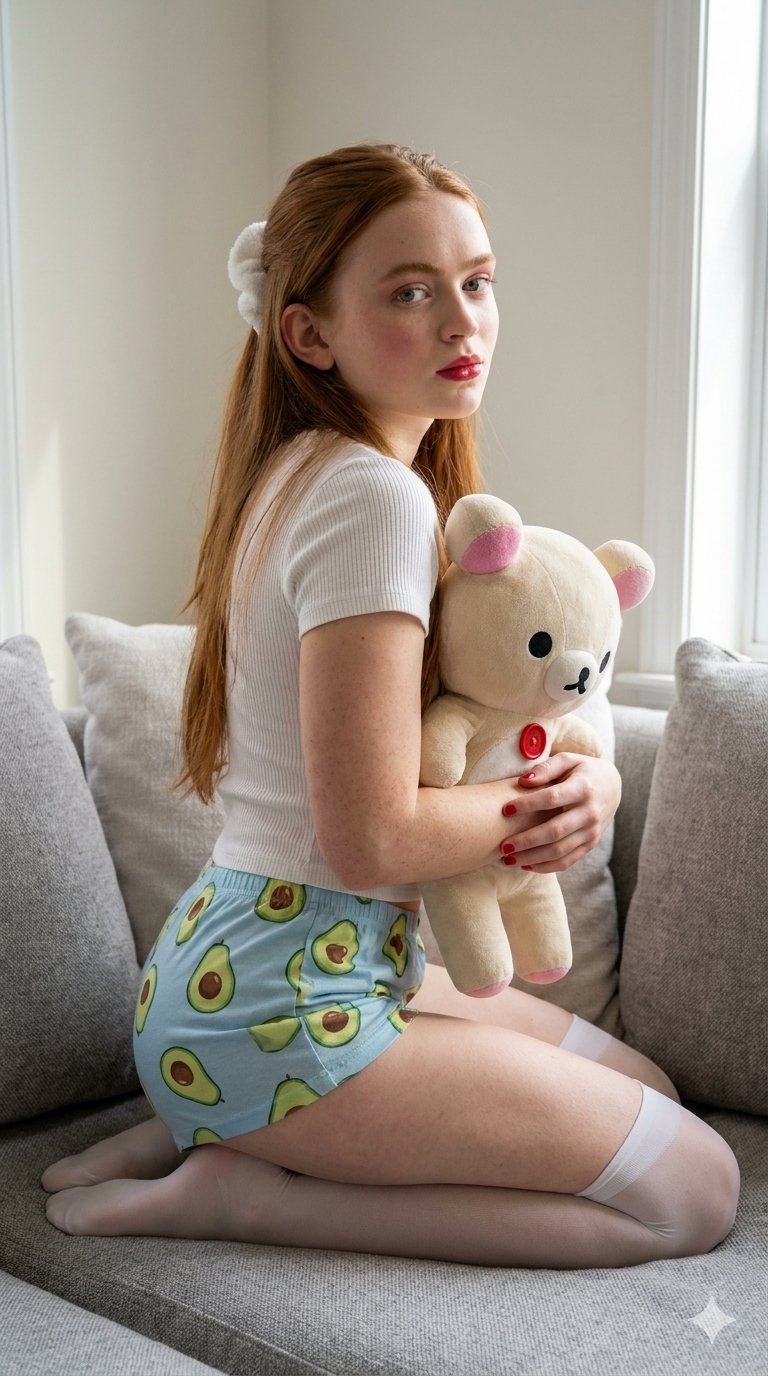
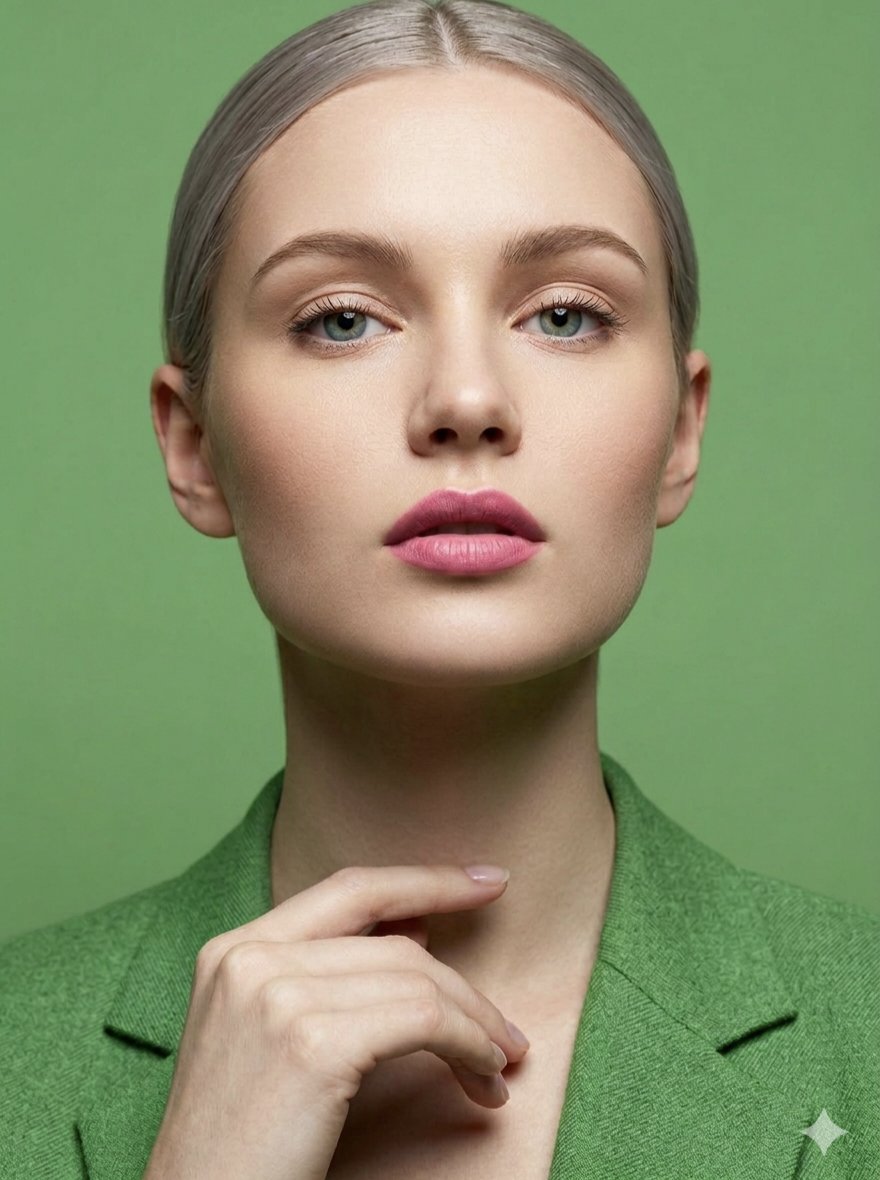
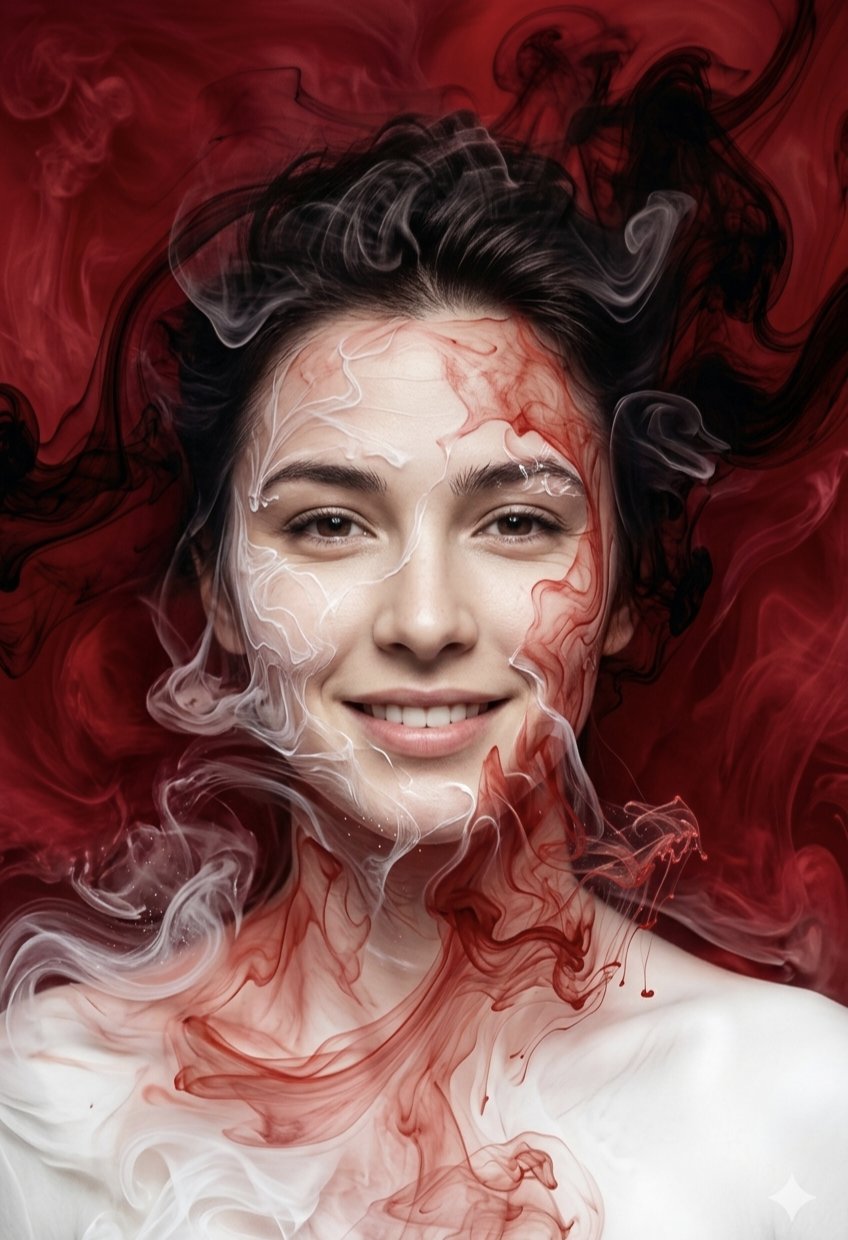
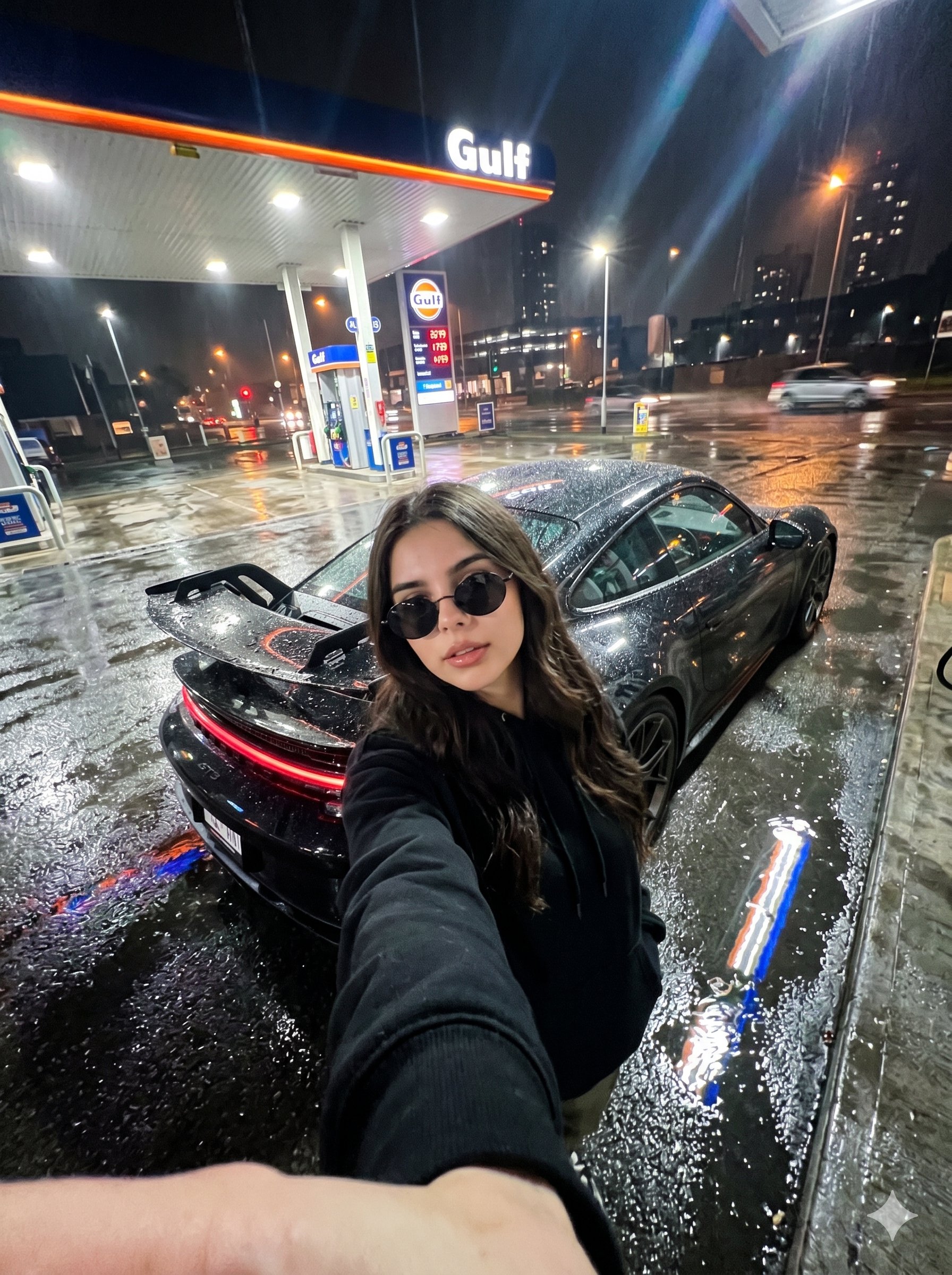
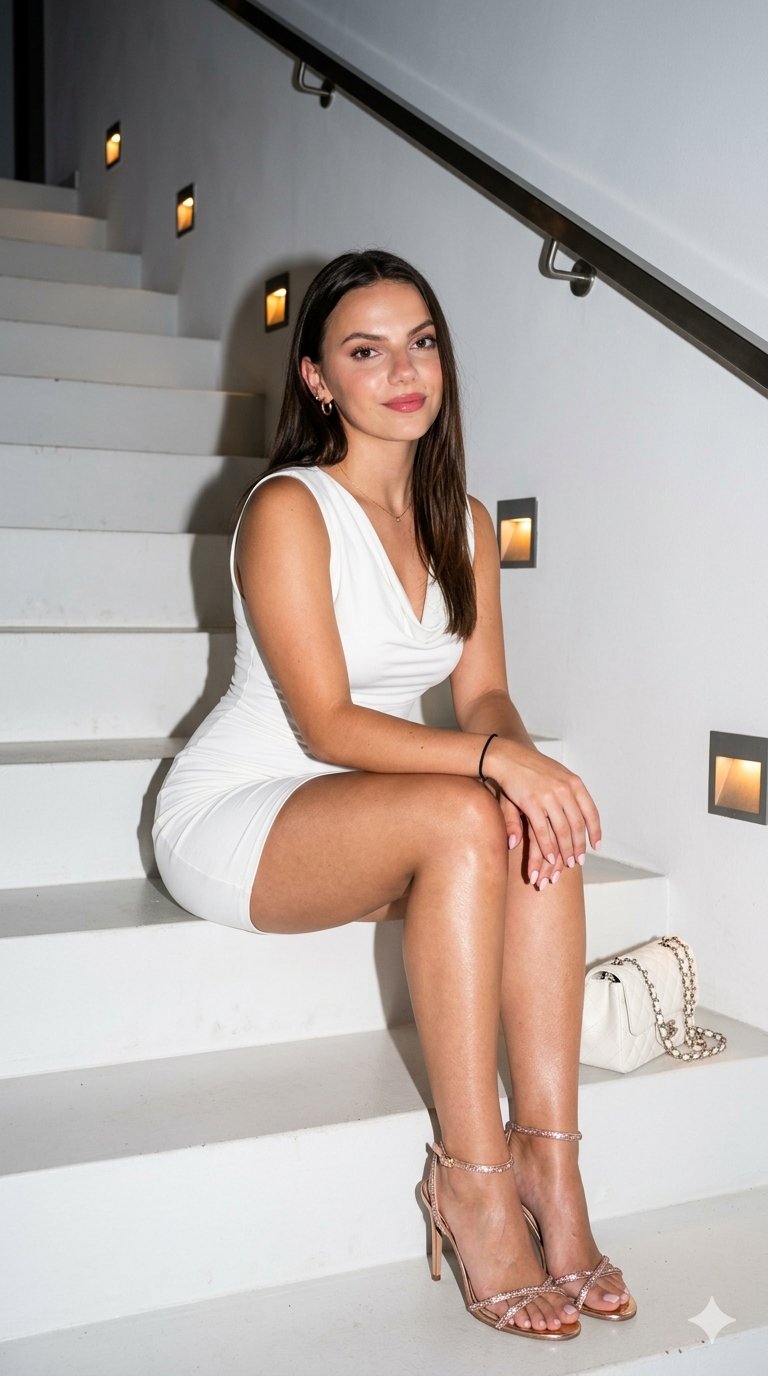
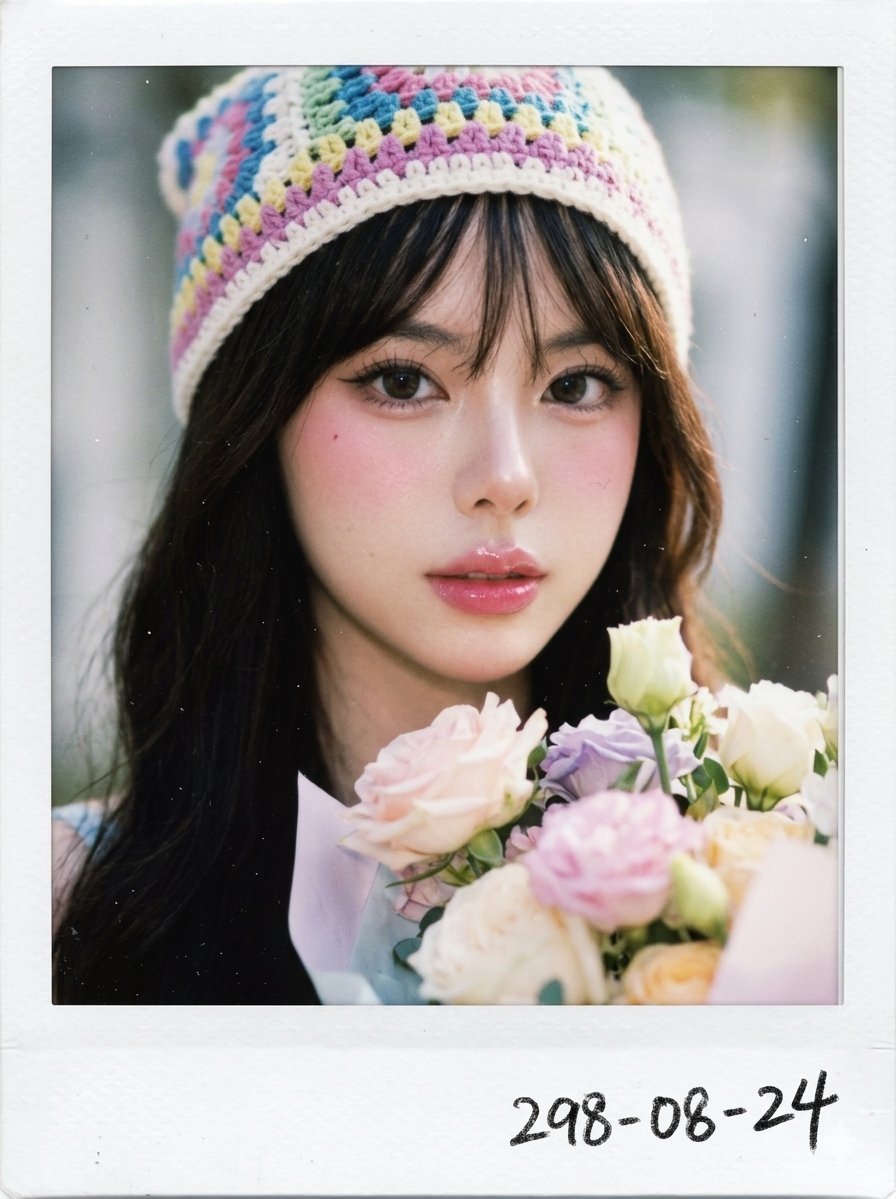
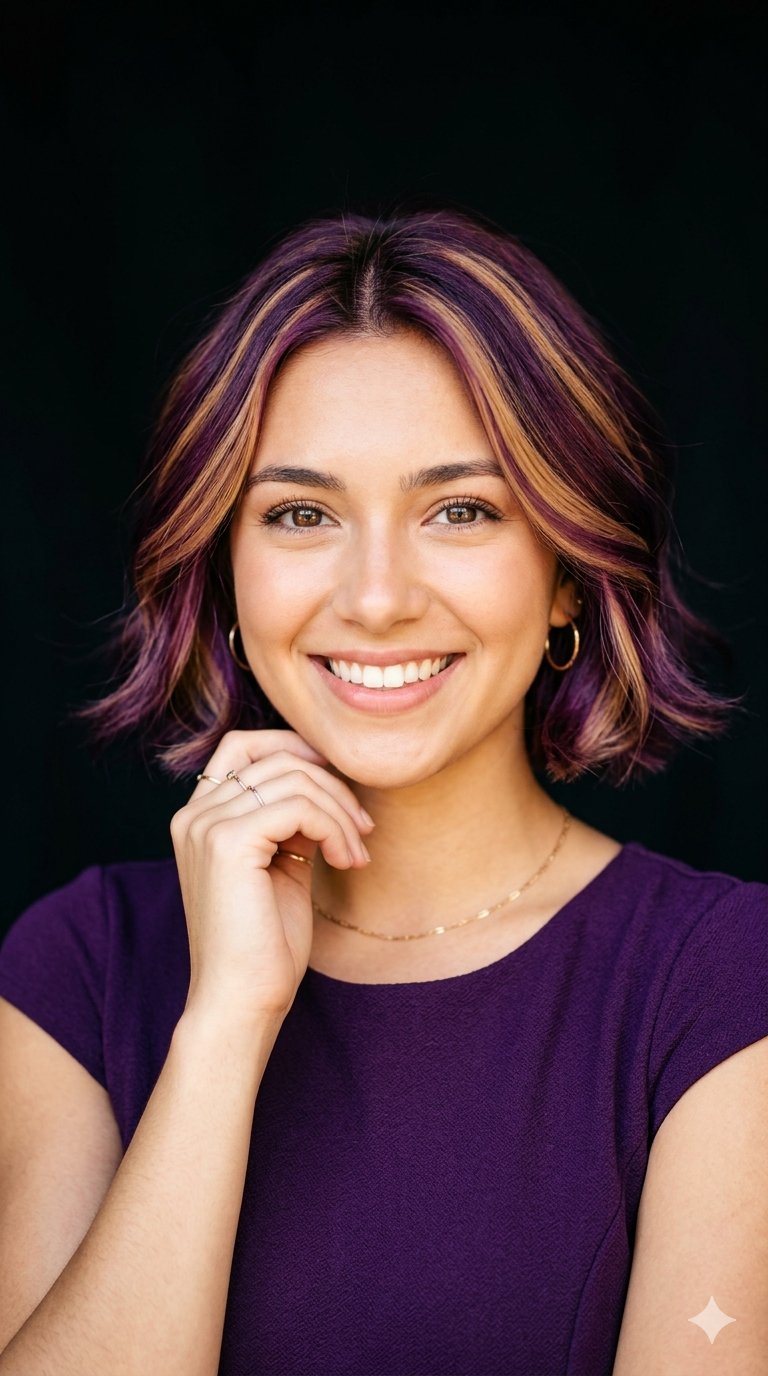
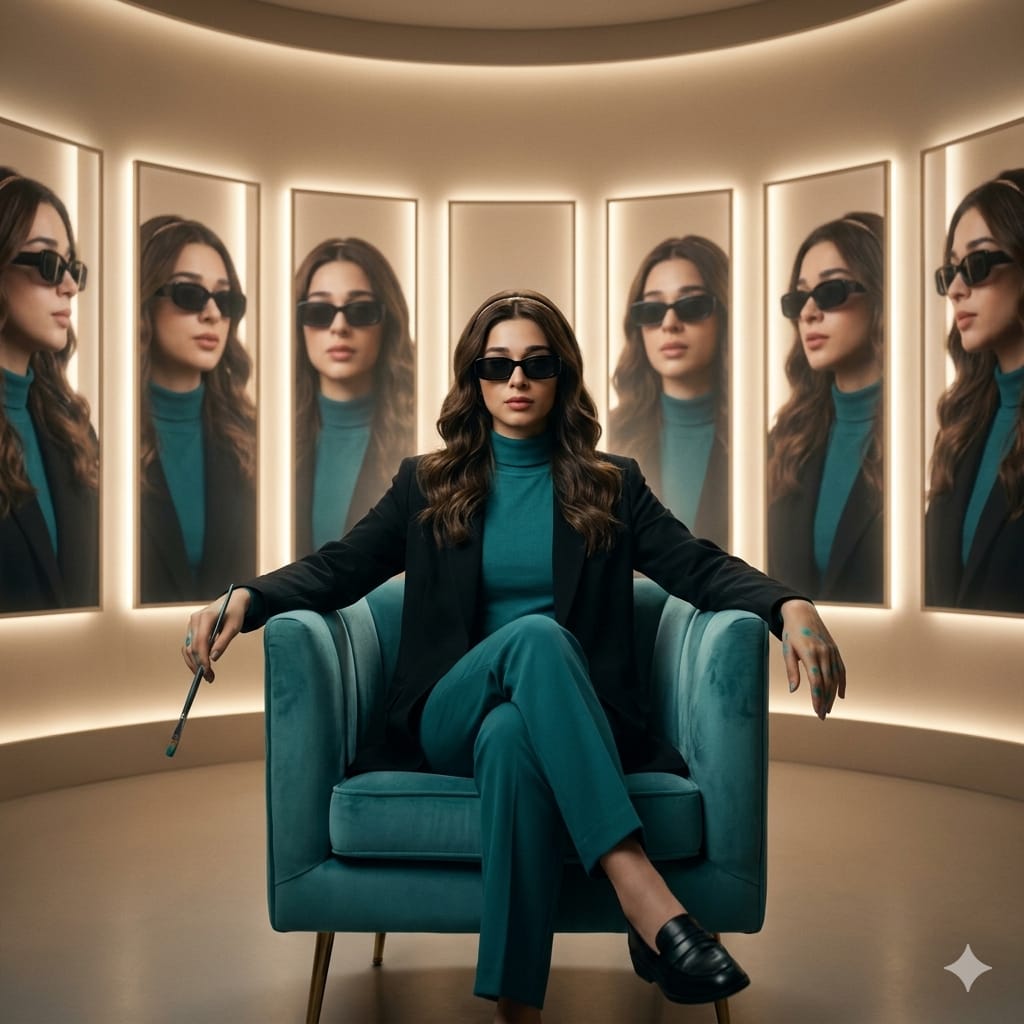
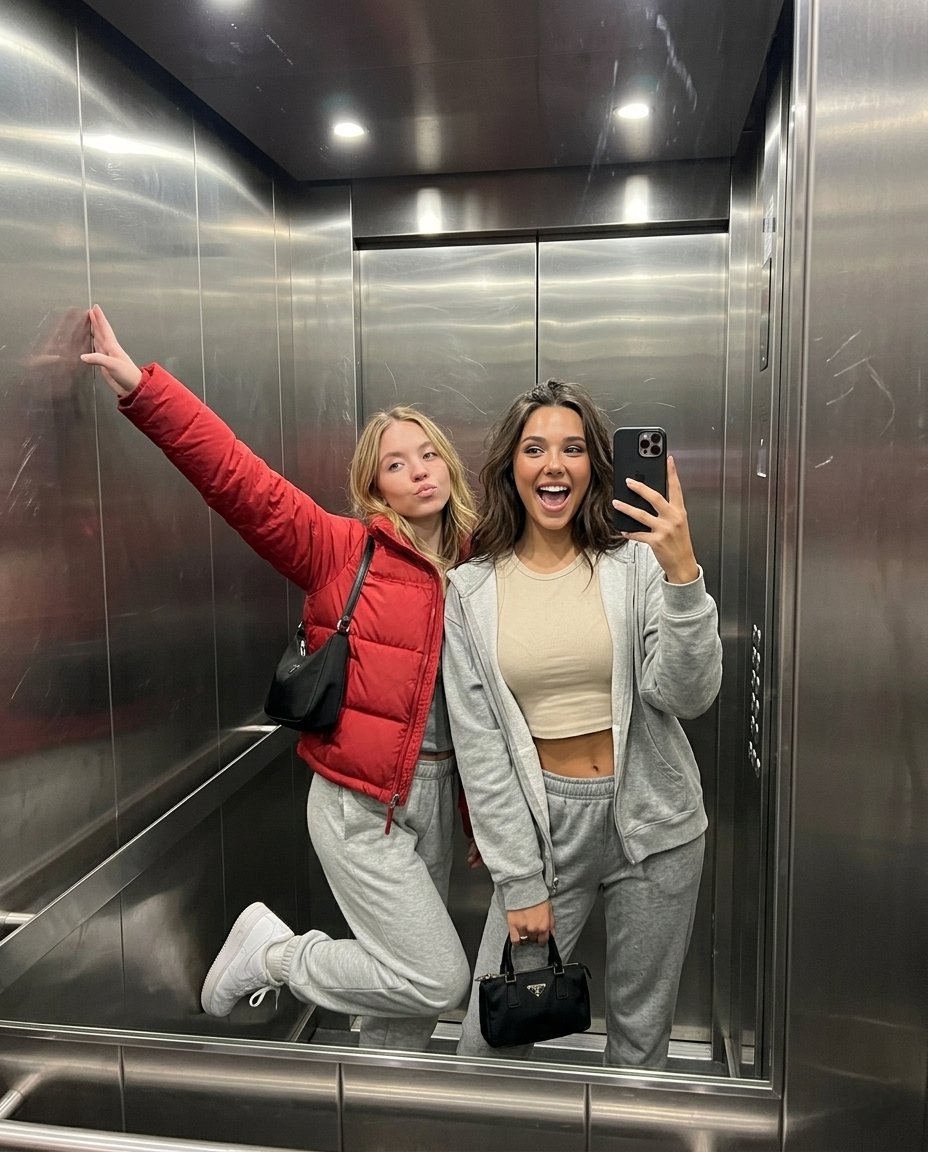
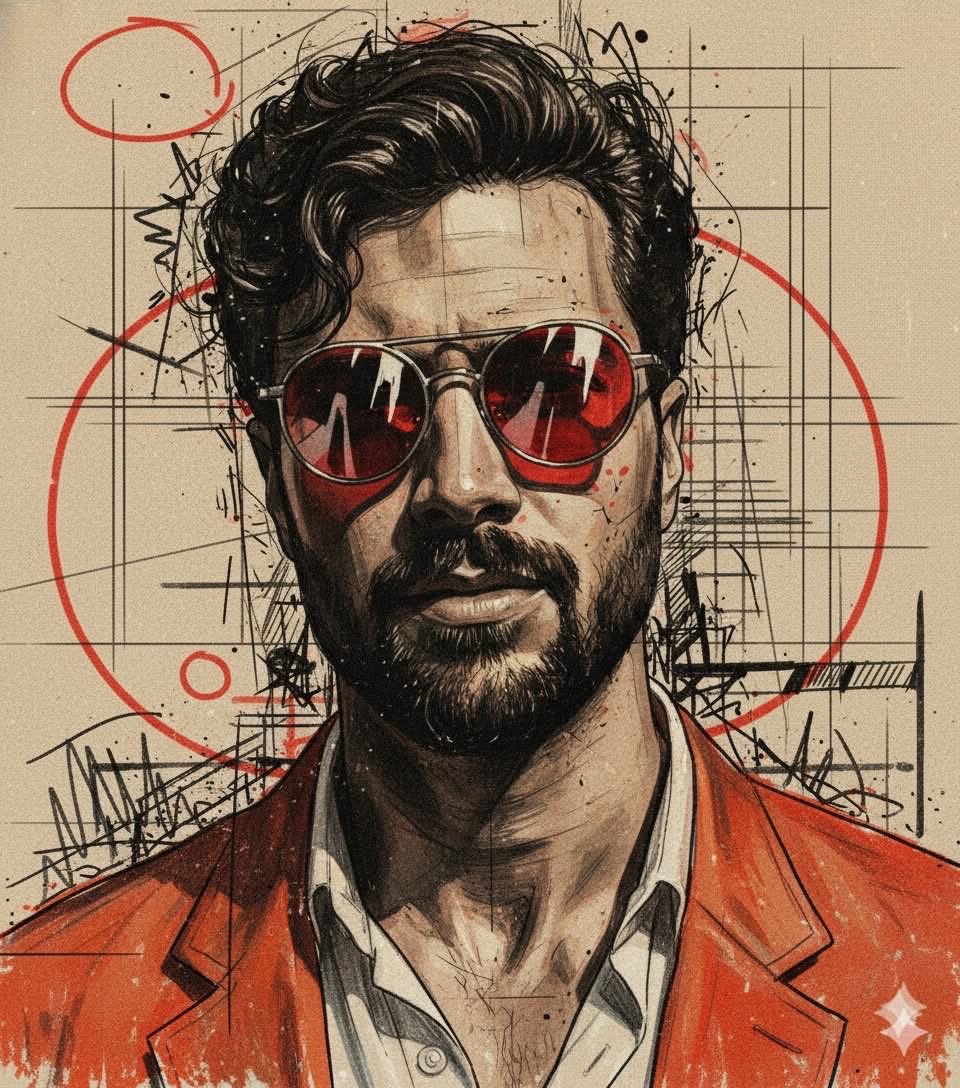
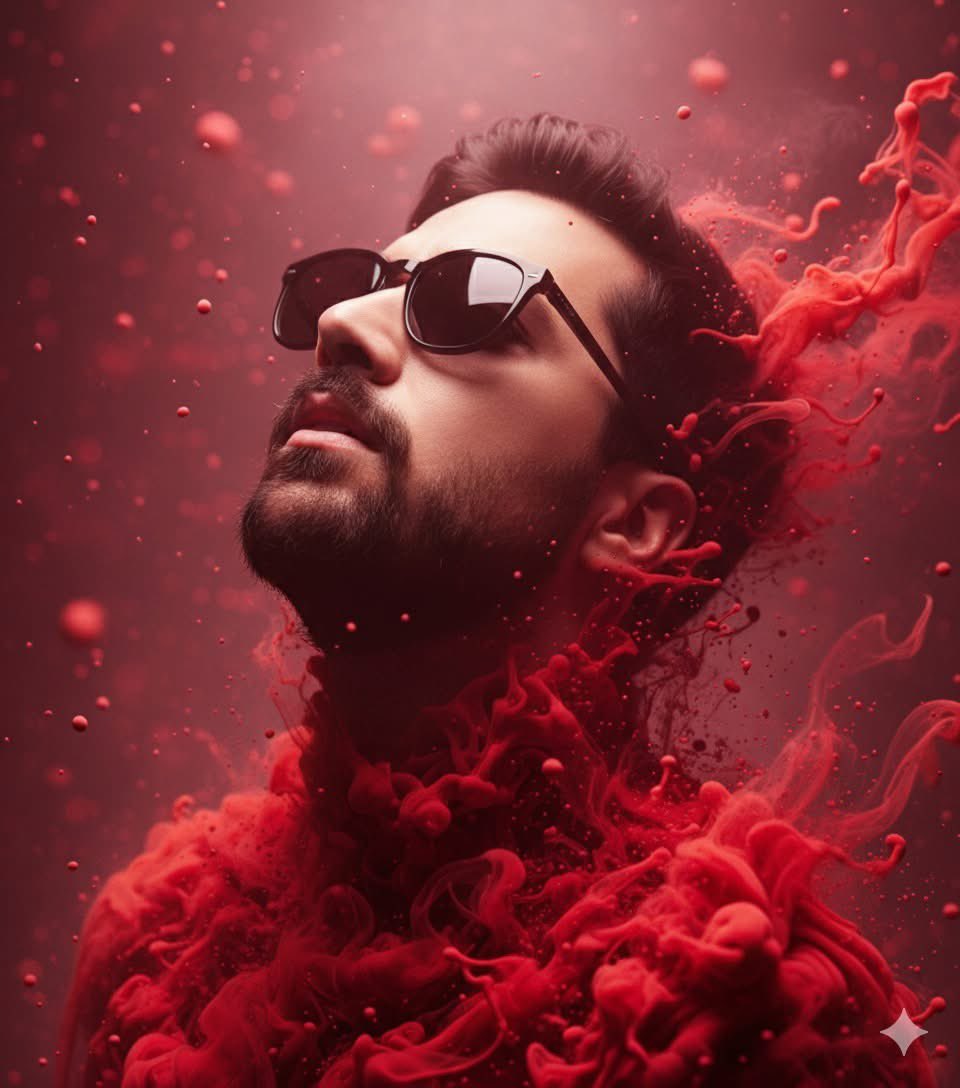
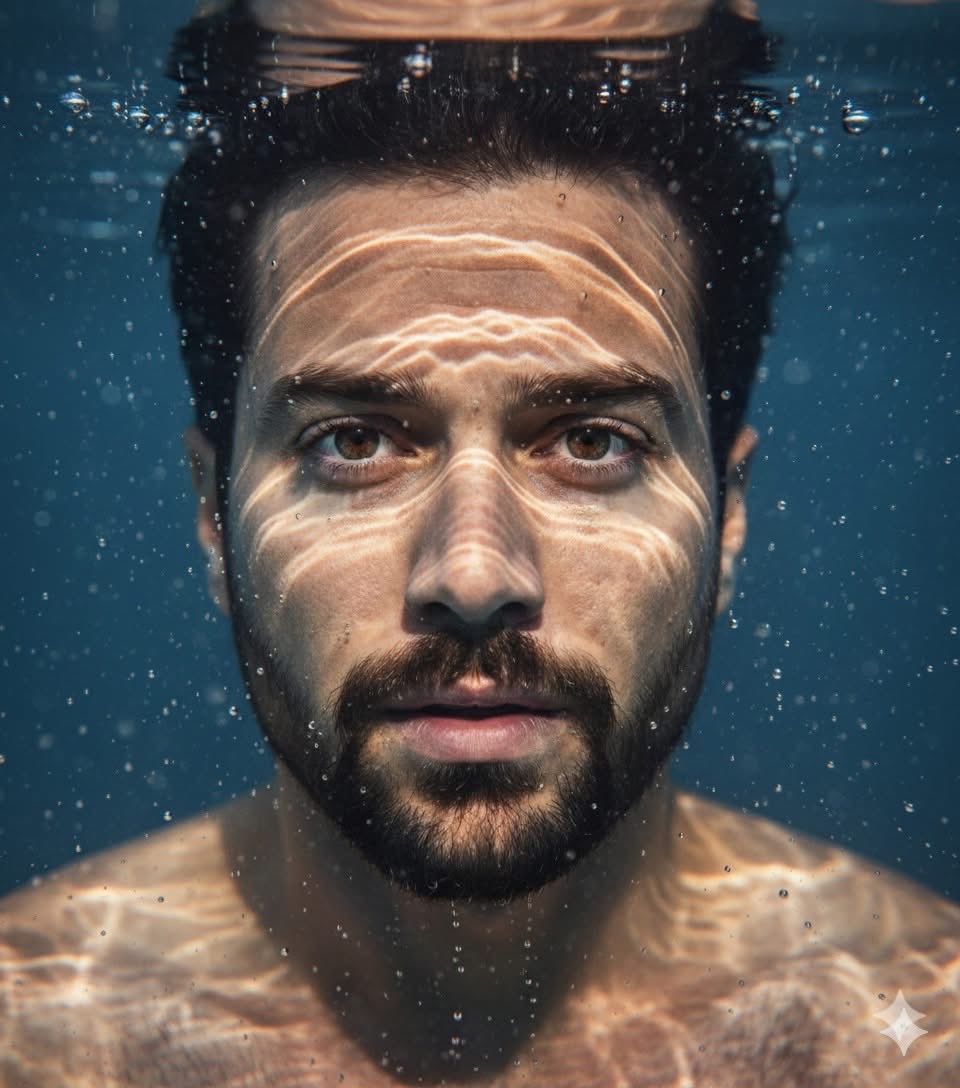
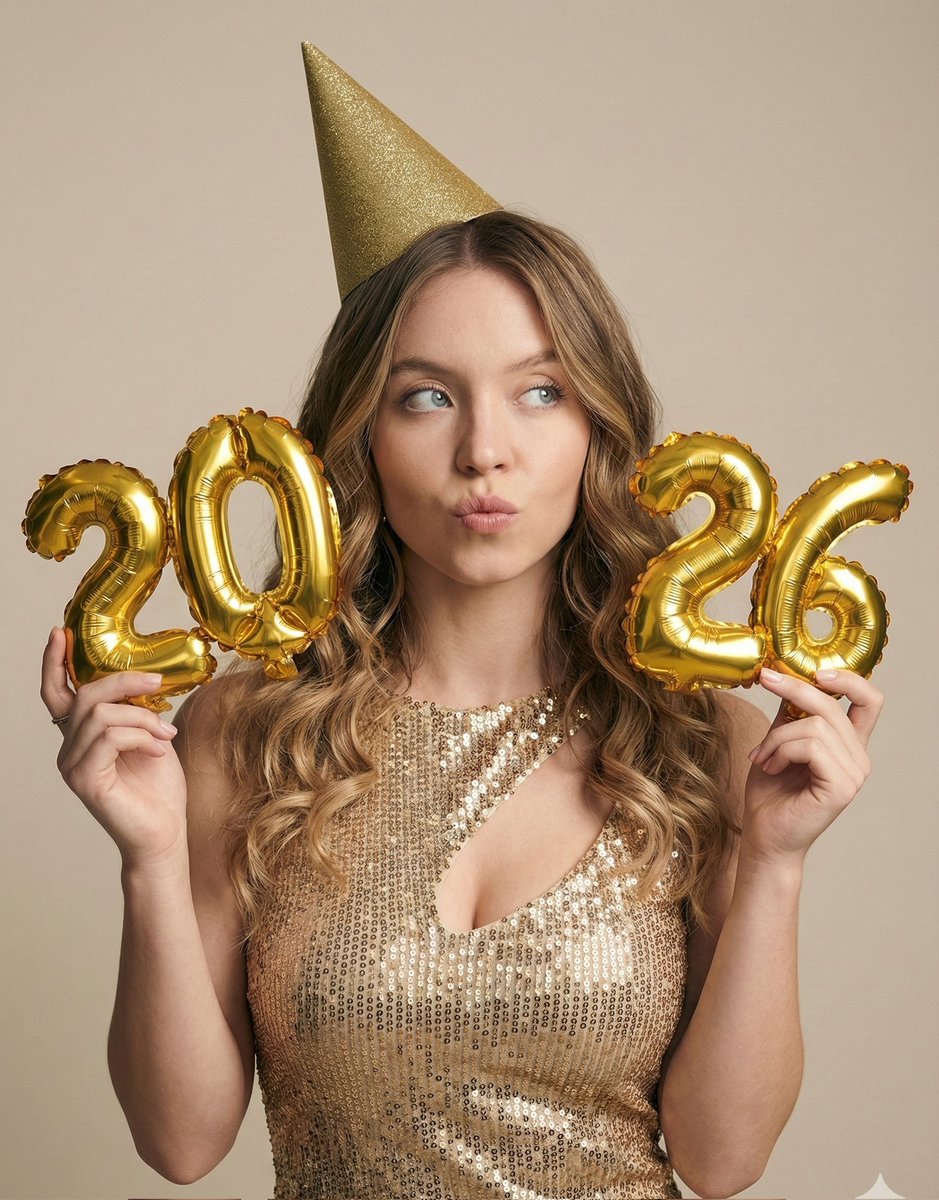
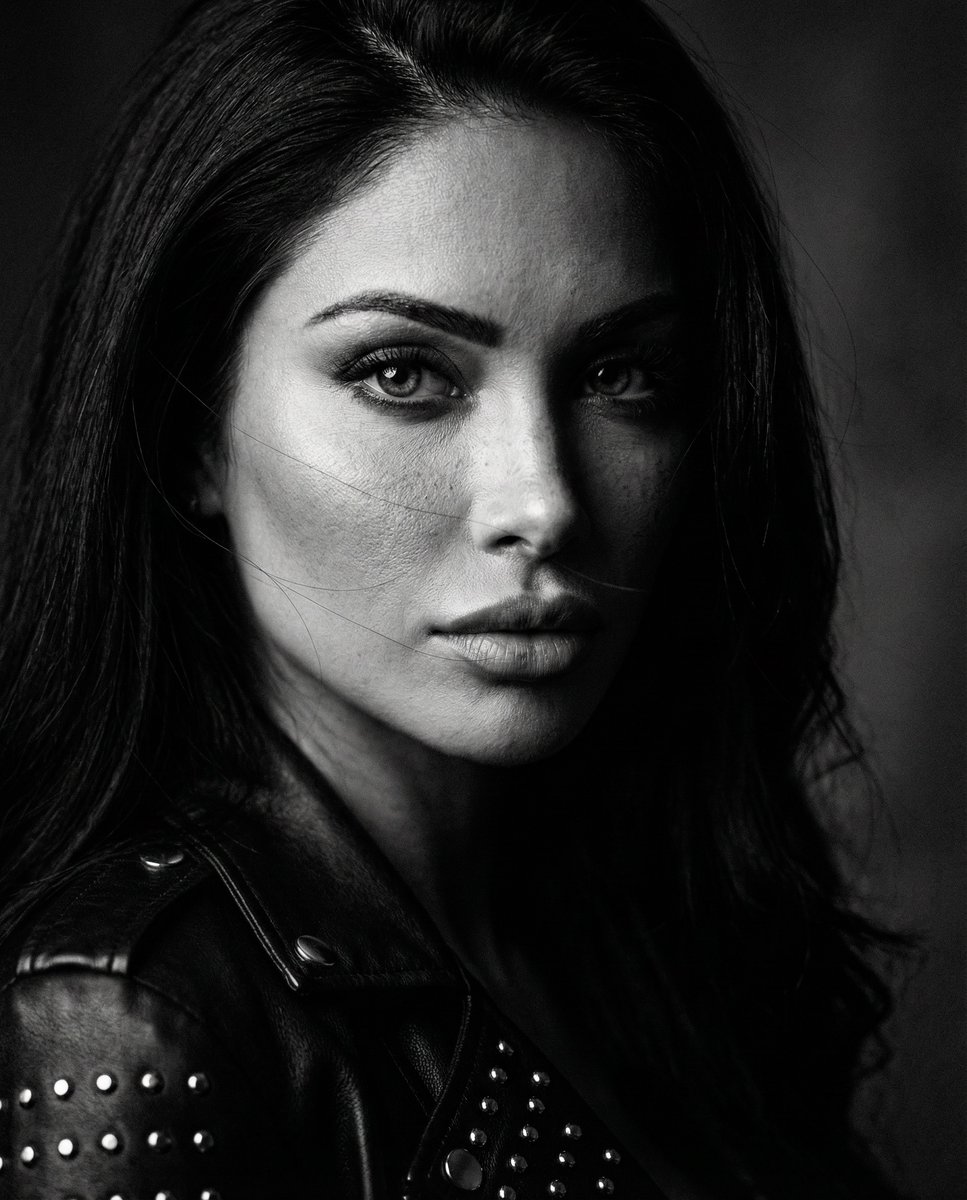
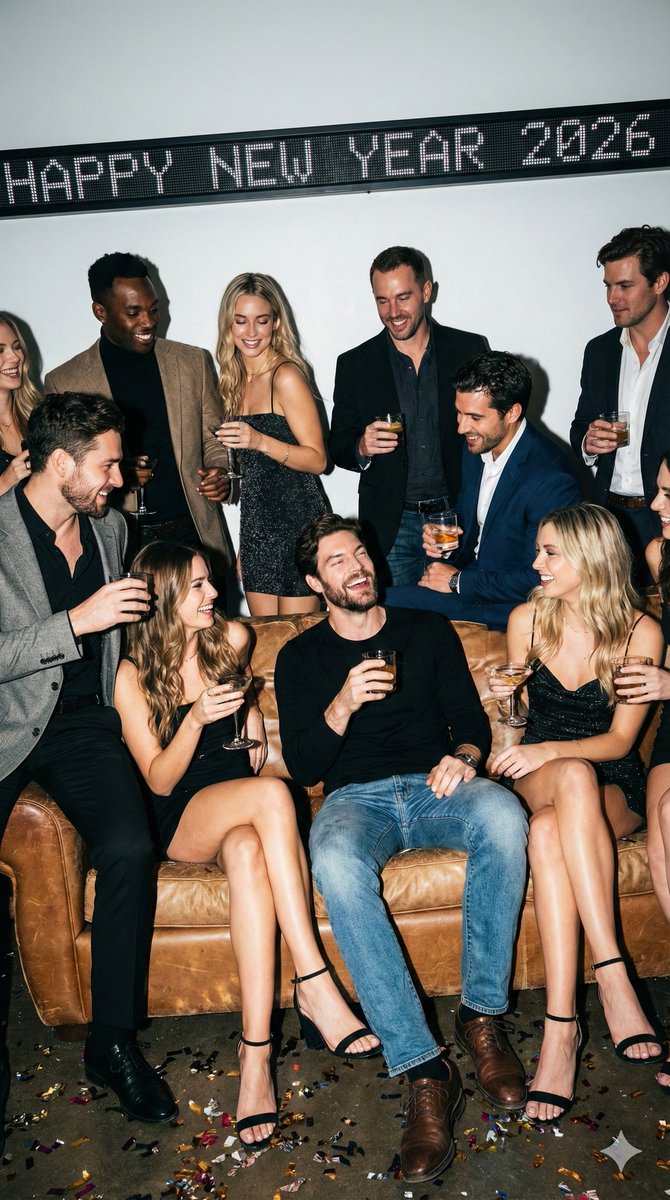
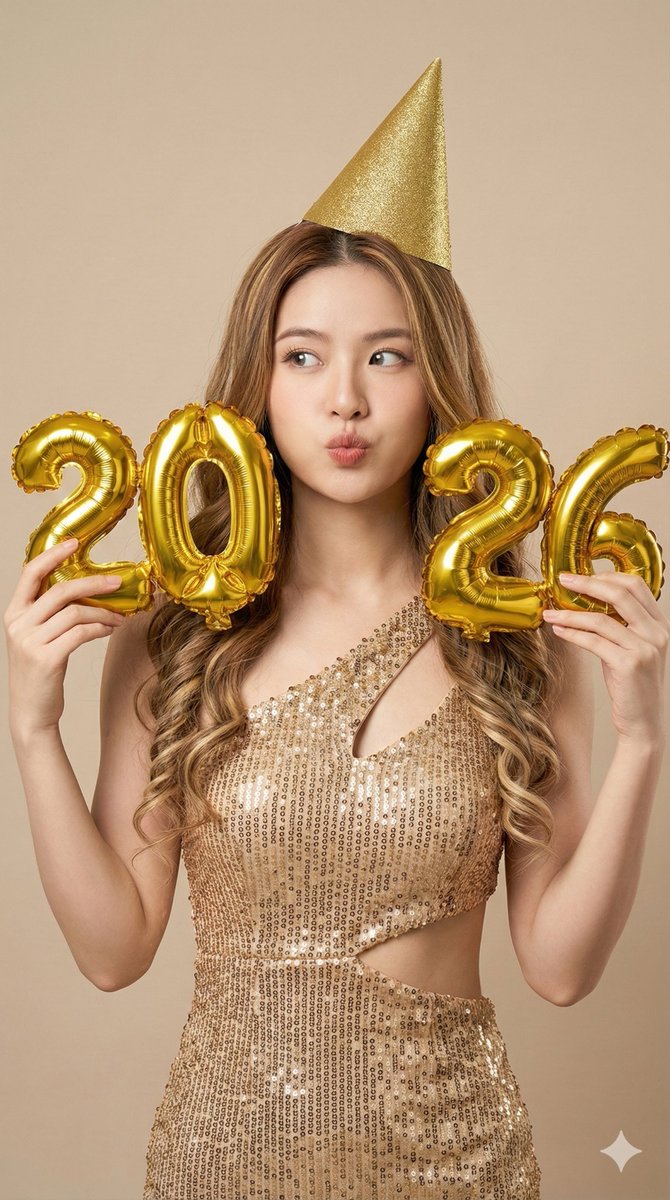
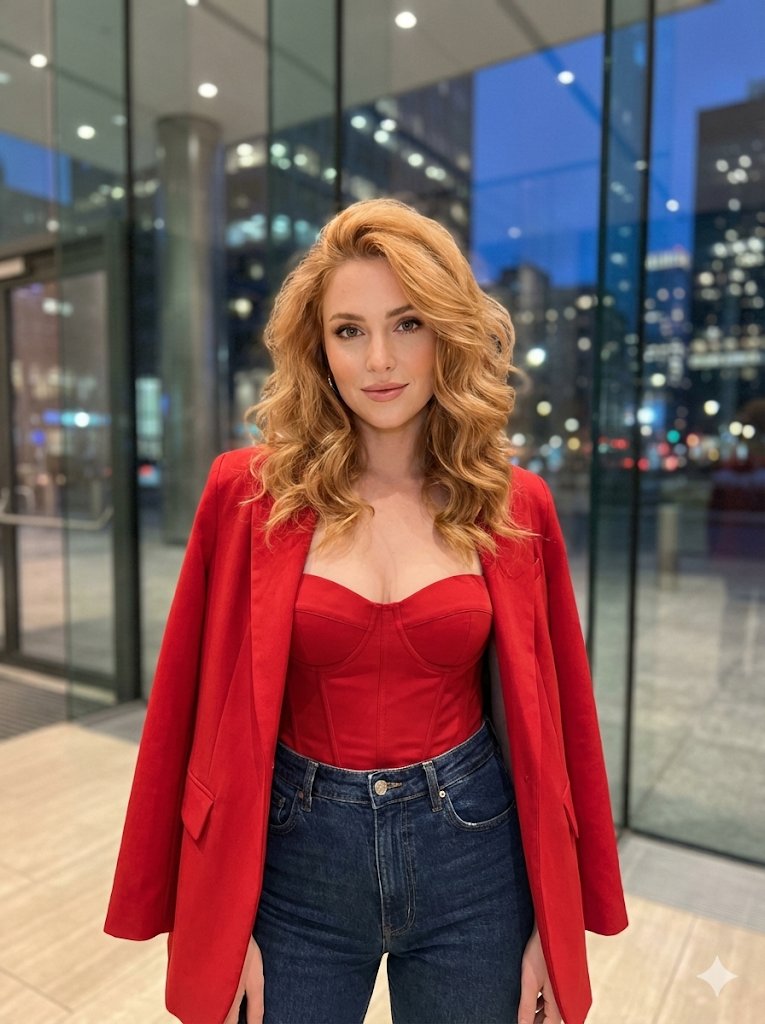
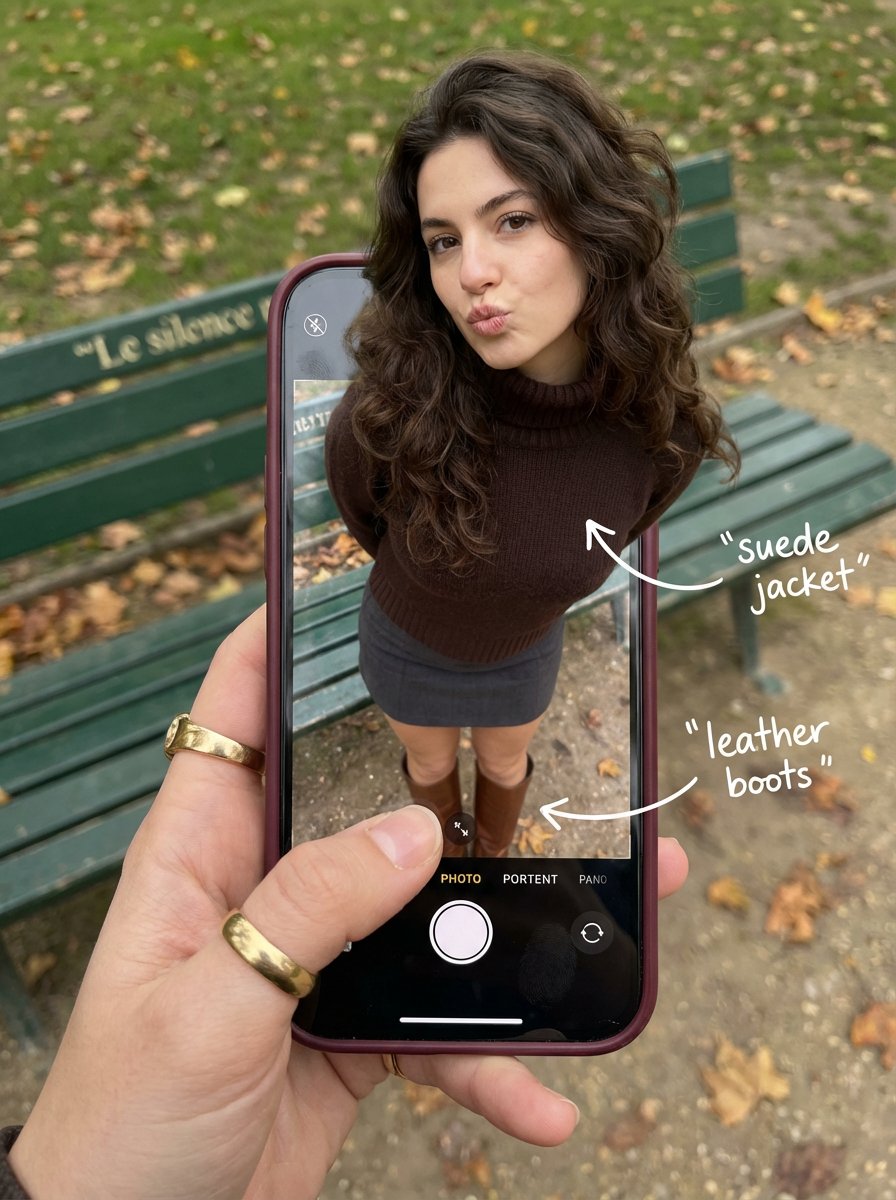
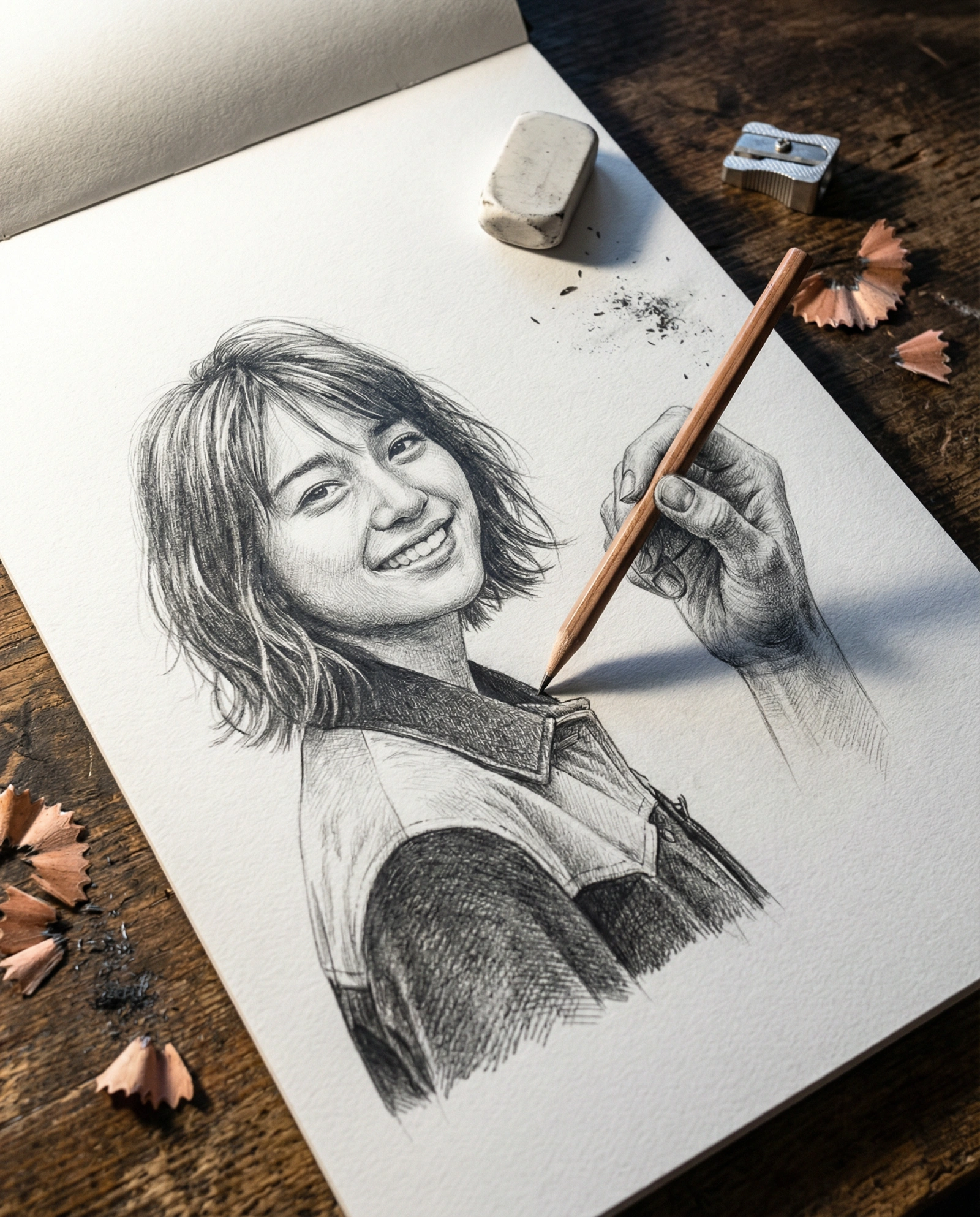
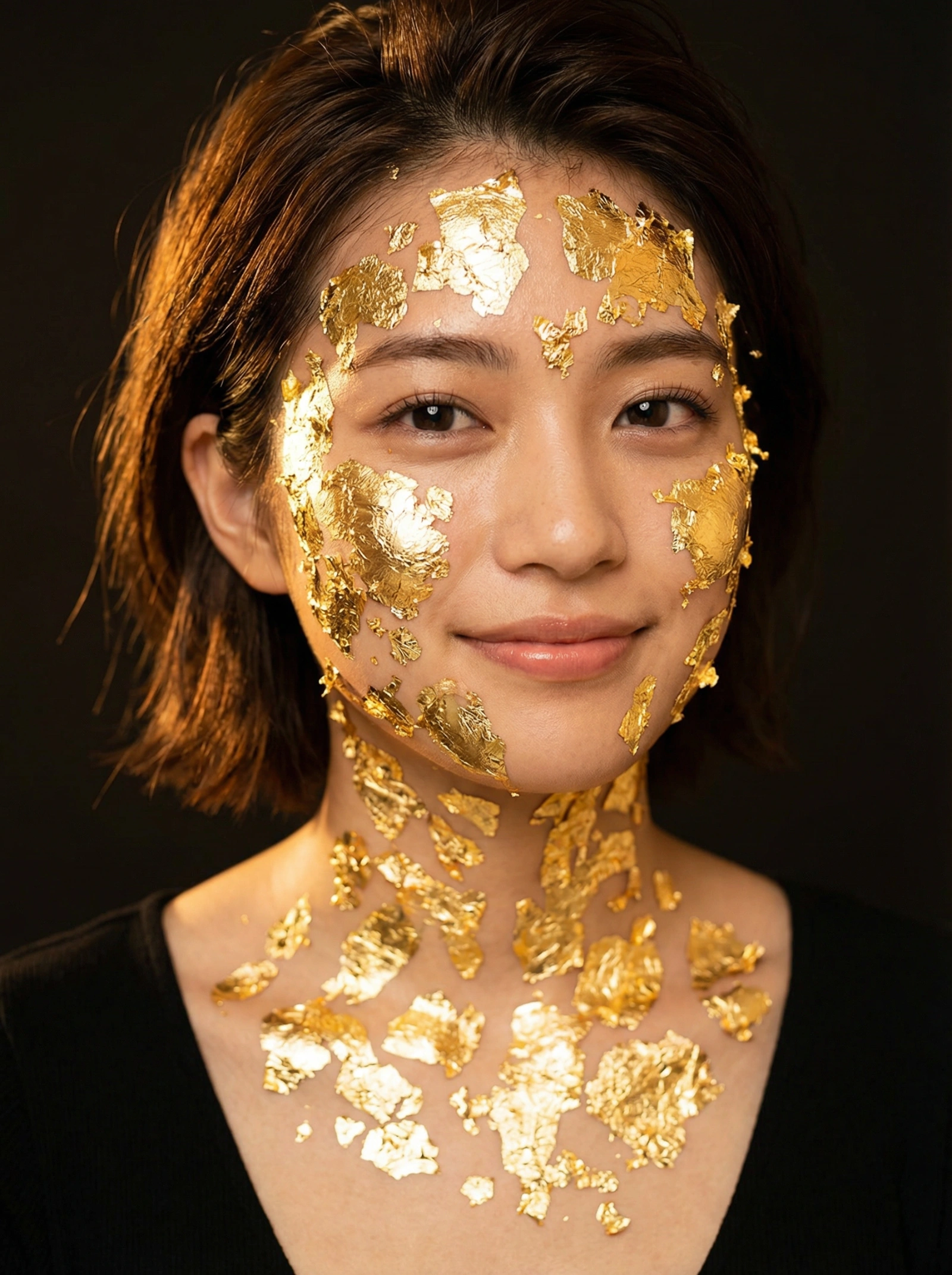
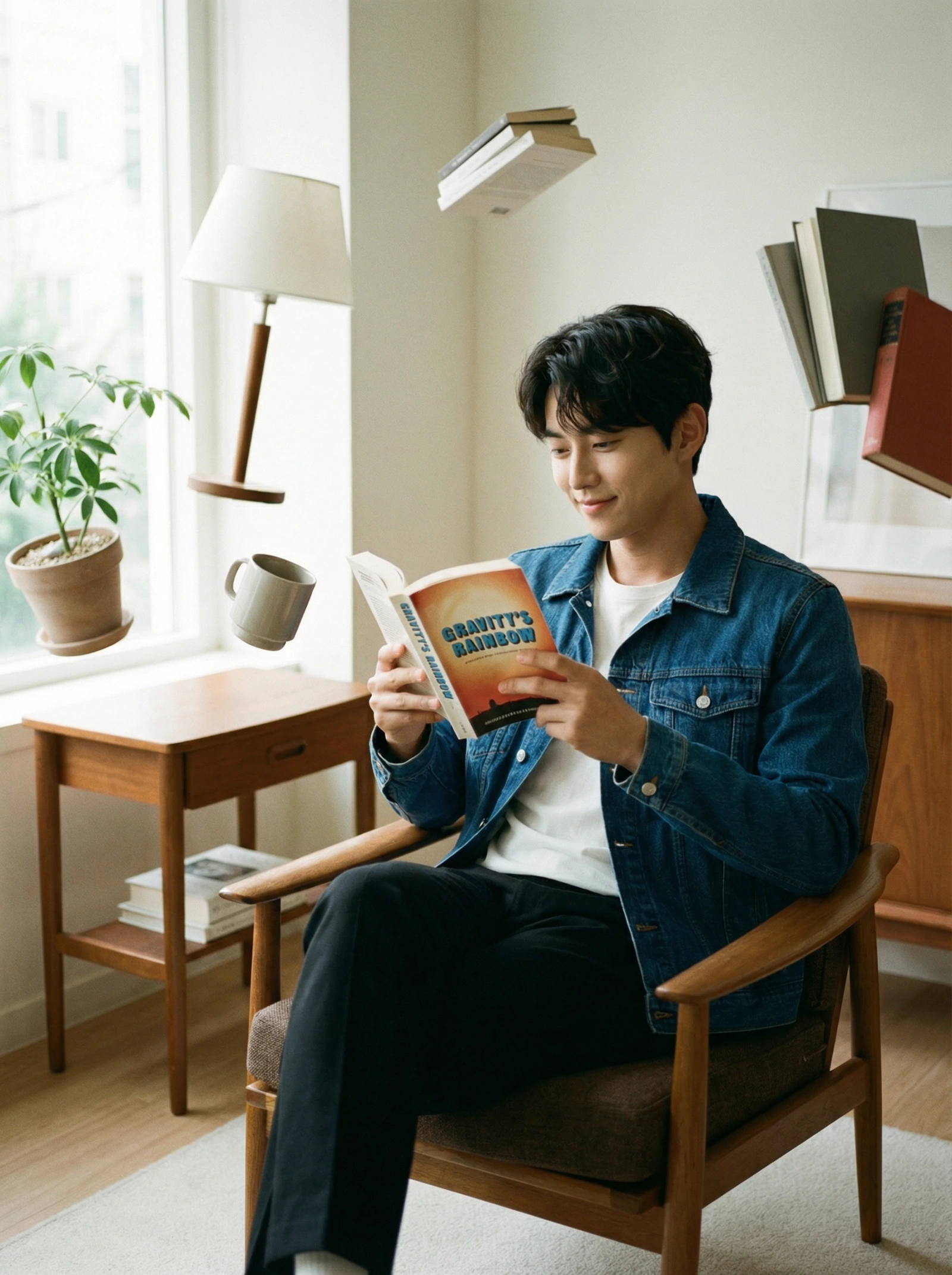
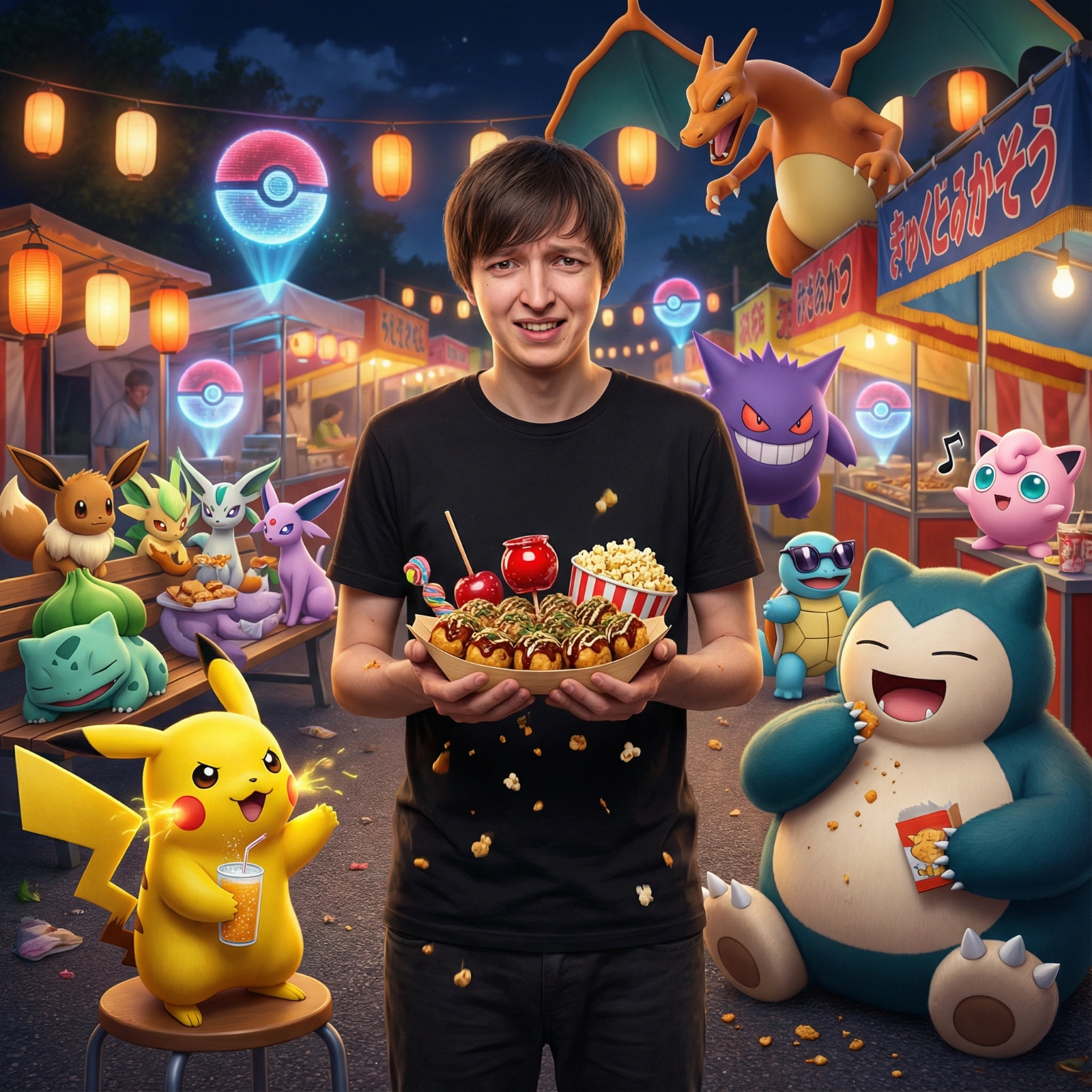
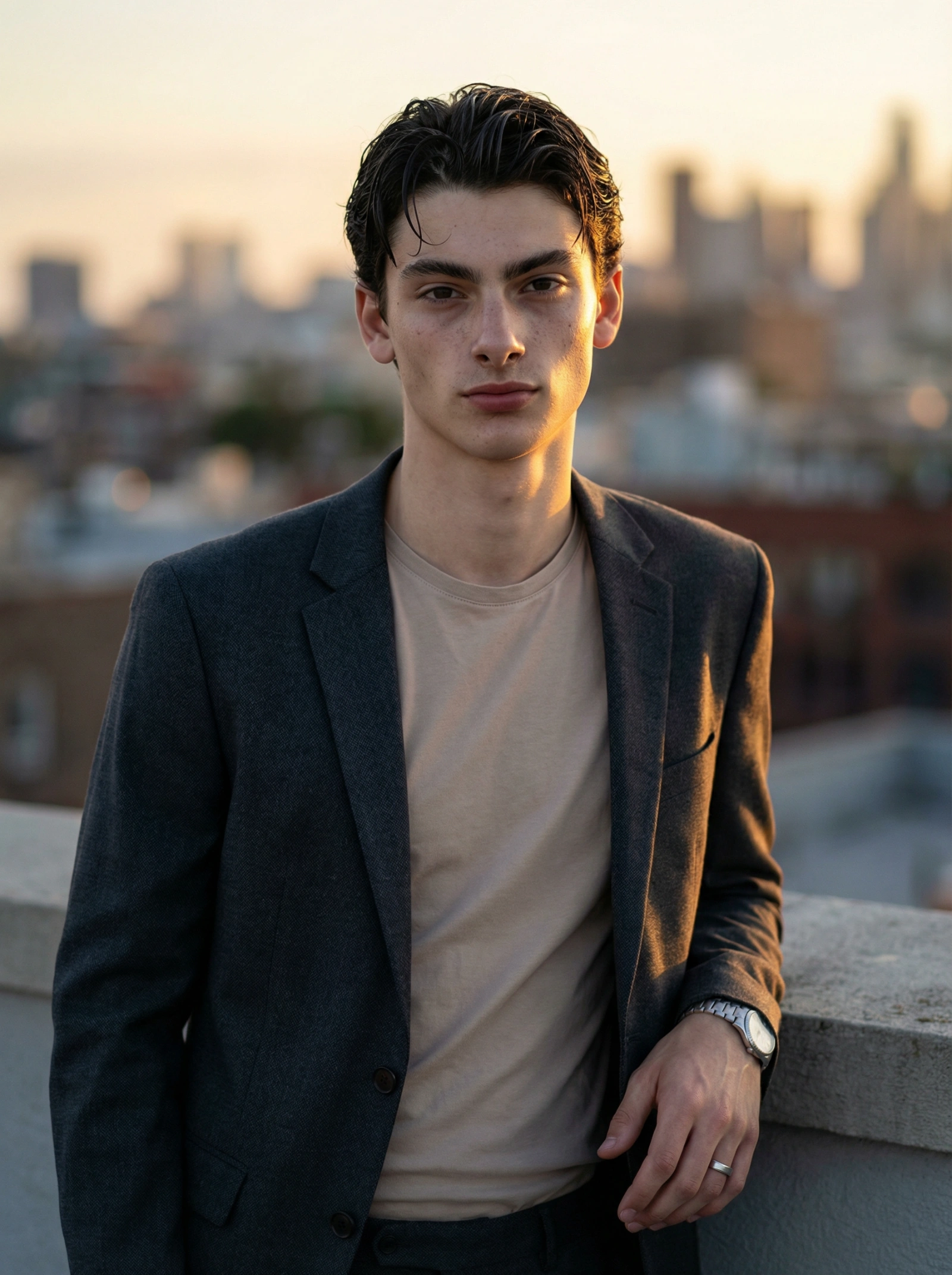
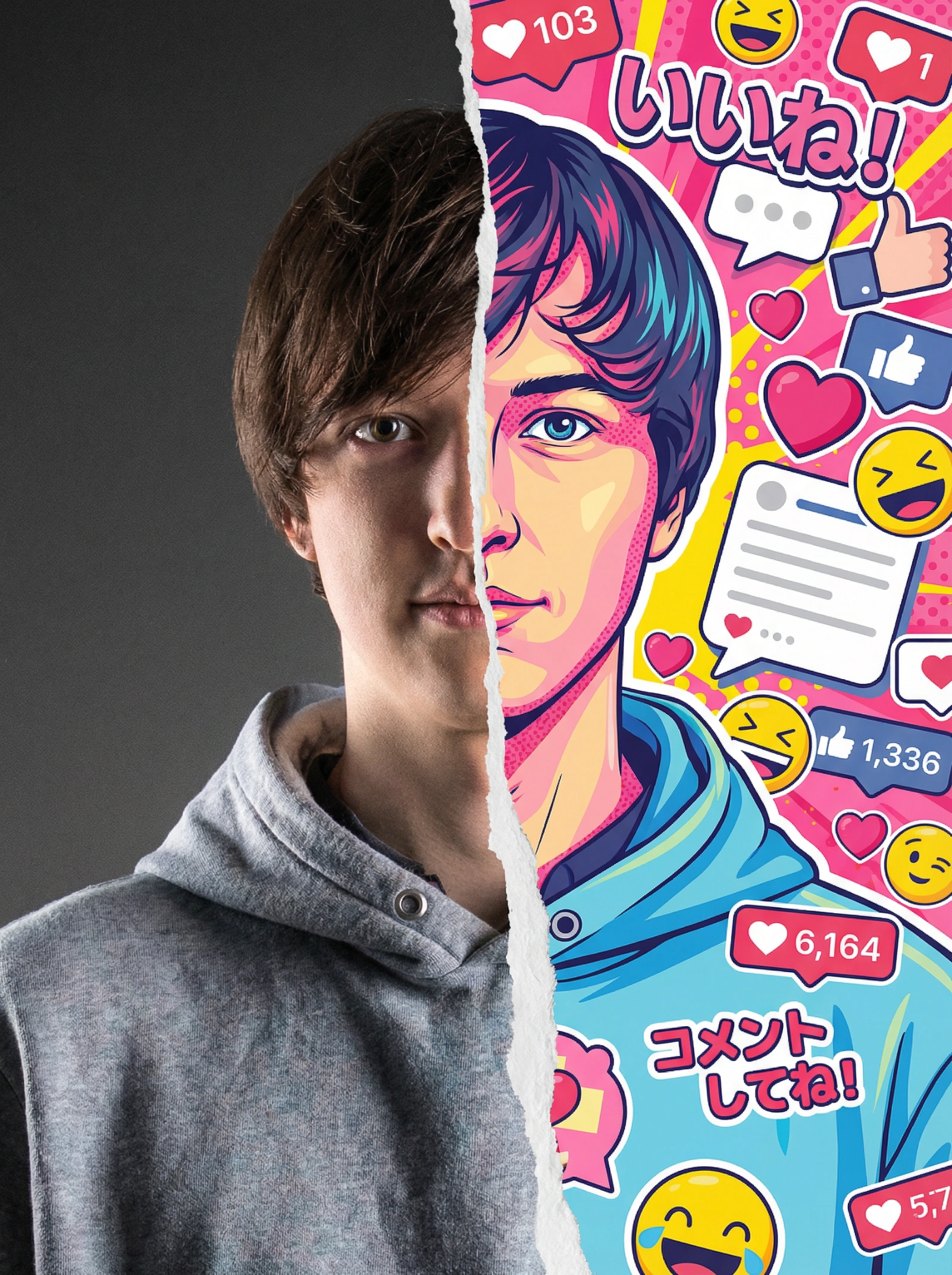
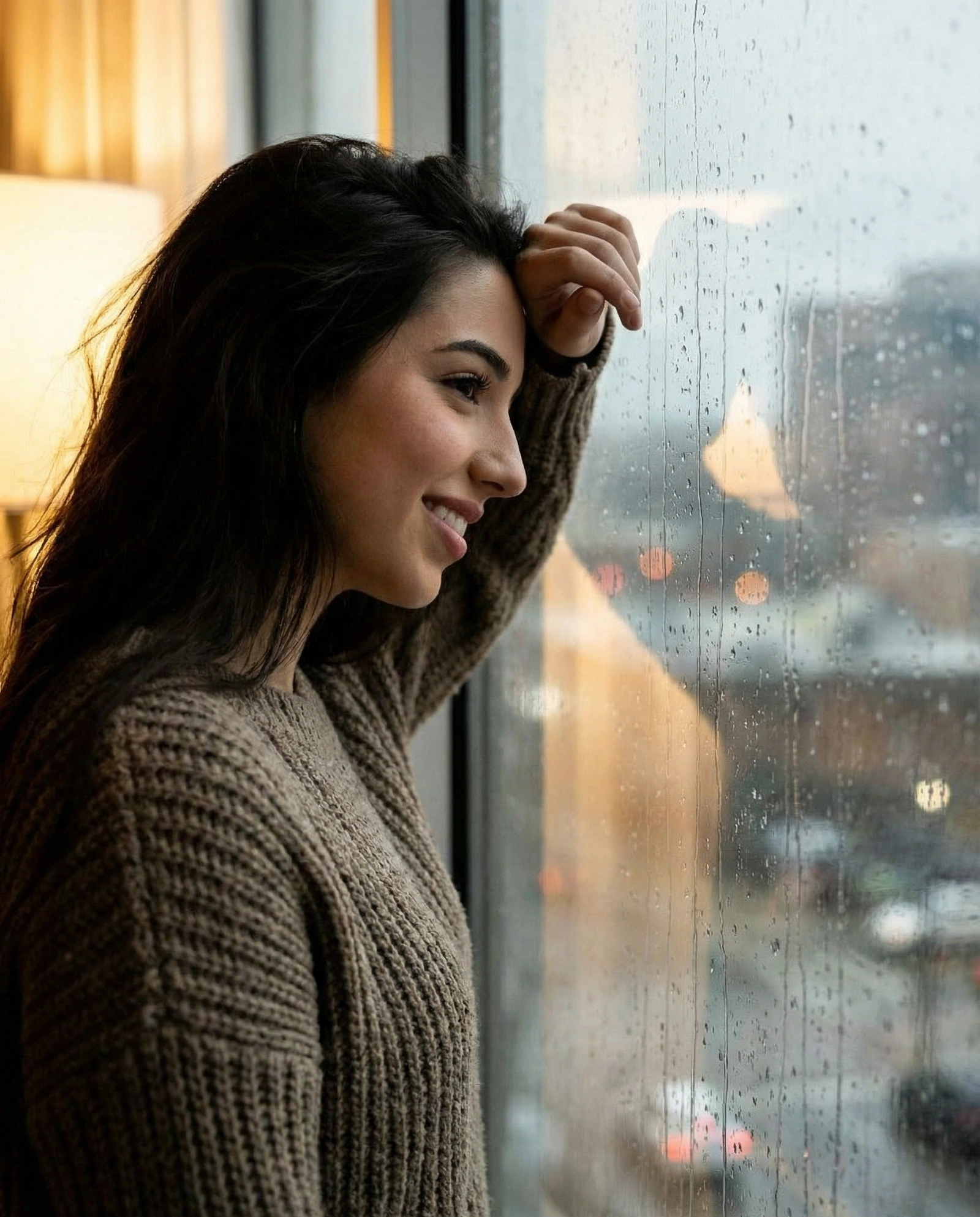
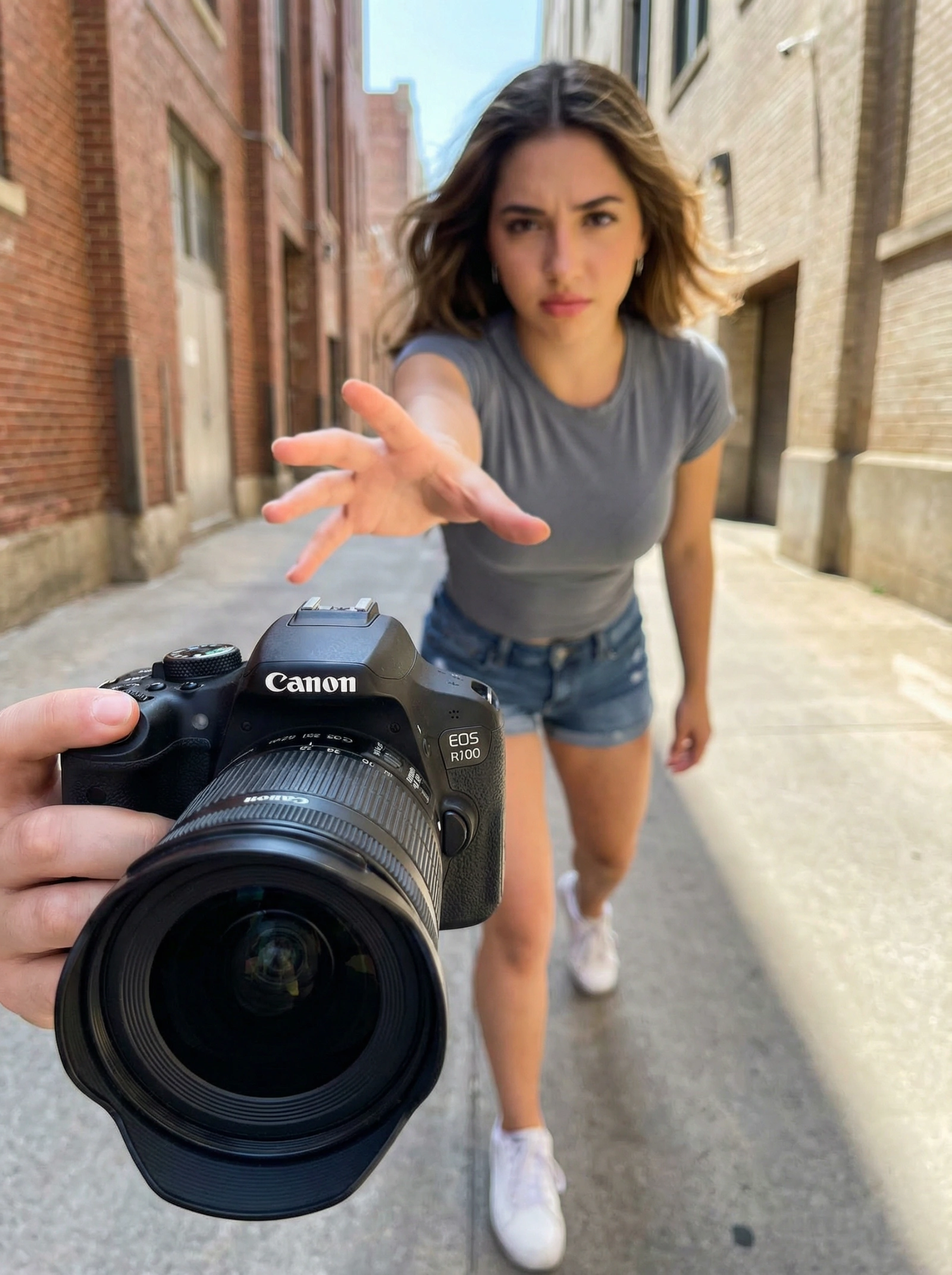
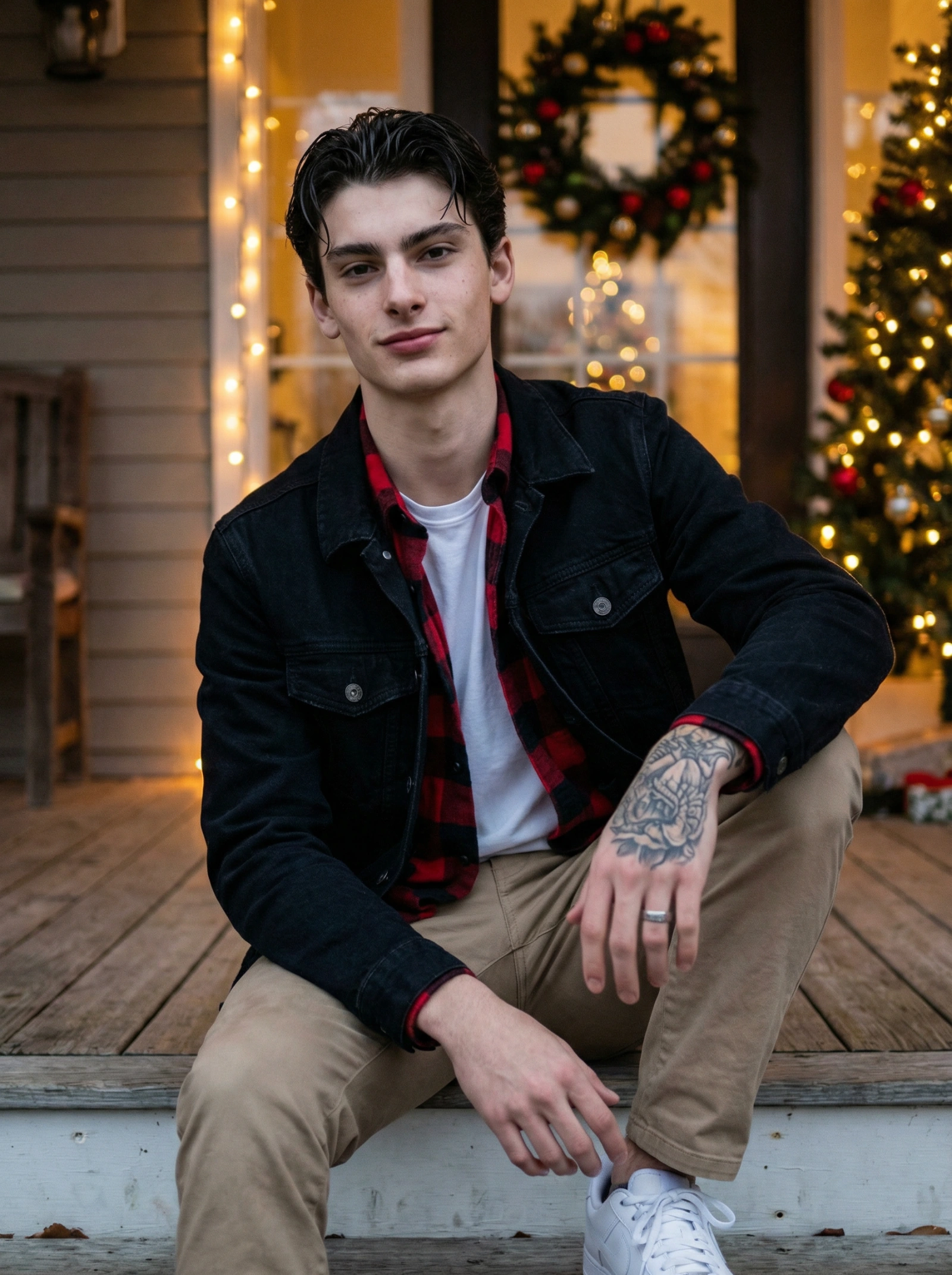
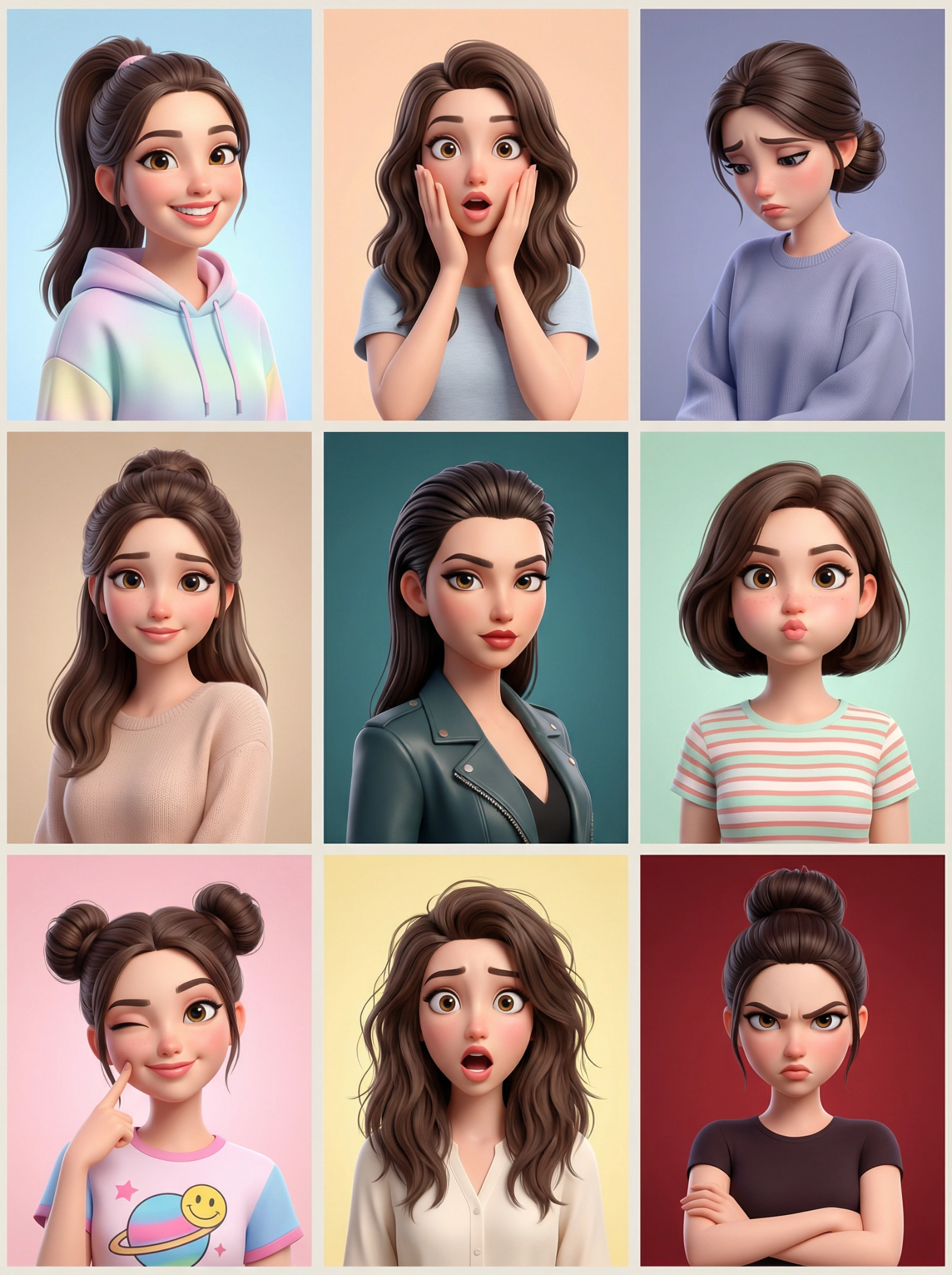
Copy this Nano Banana Pro text-to-image prompt to create character portraits with photorealistic detail and cinematic lighting. Best in 3:4 framing.
All Portraits & Headshots Prompts
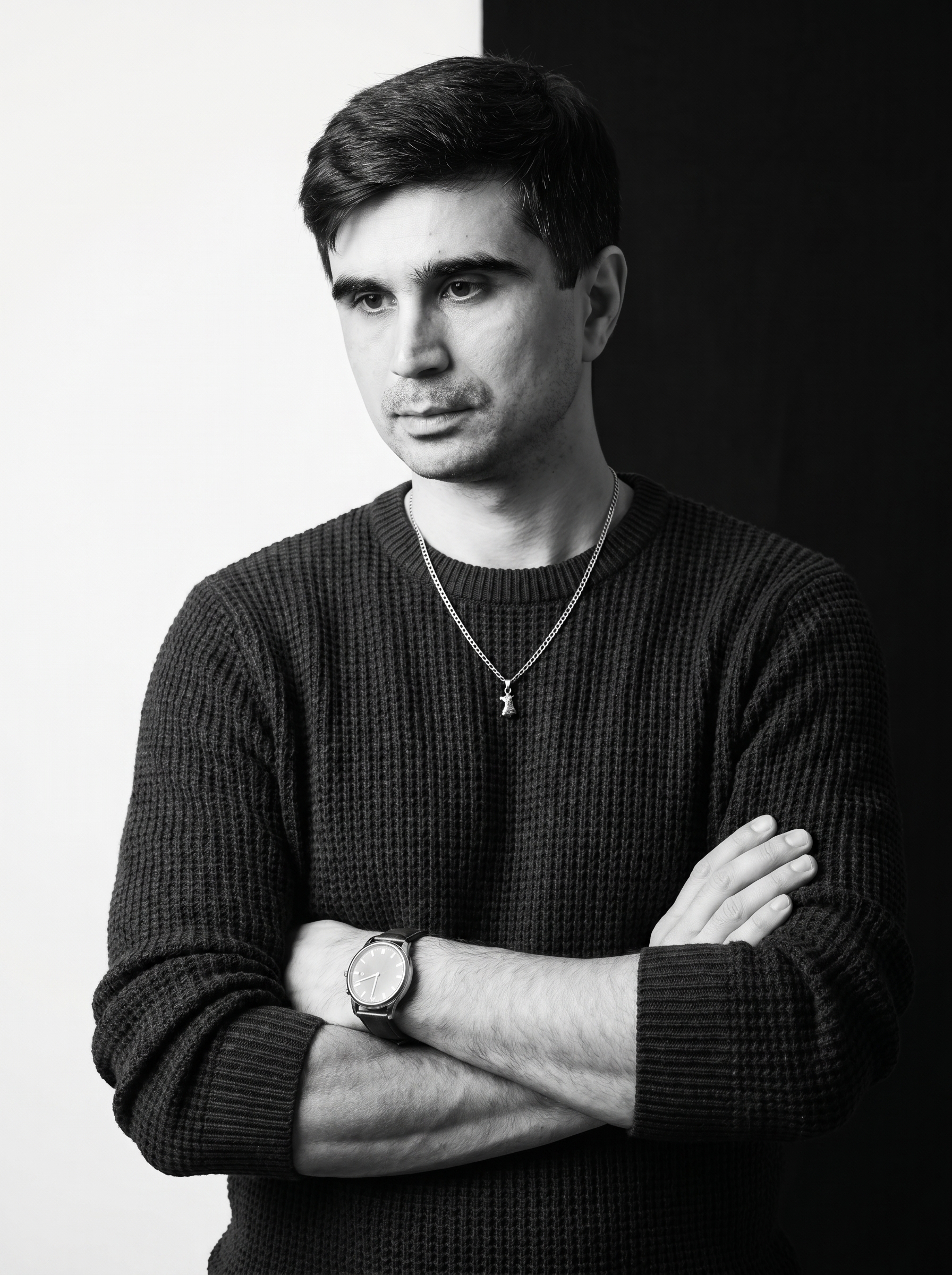
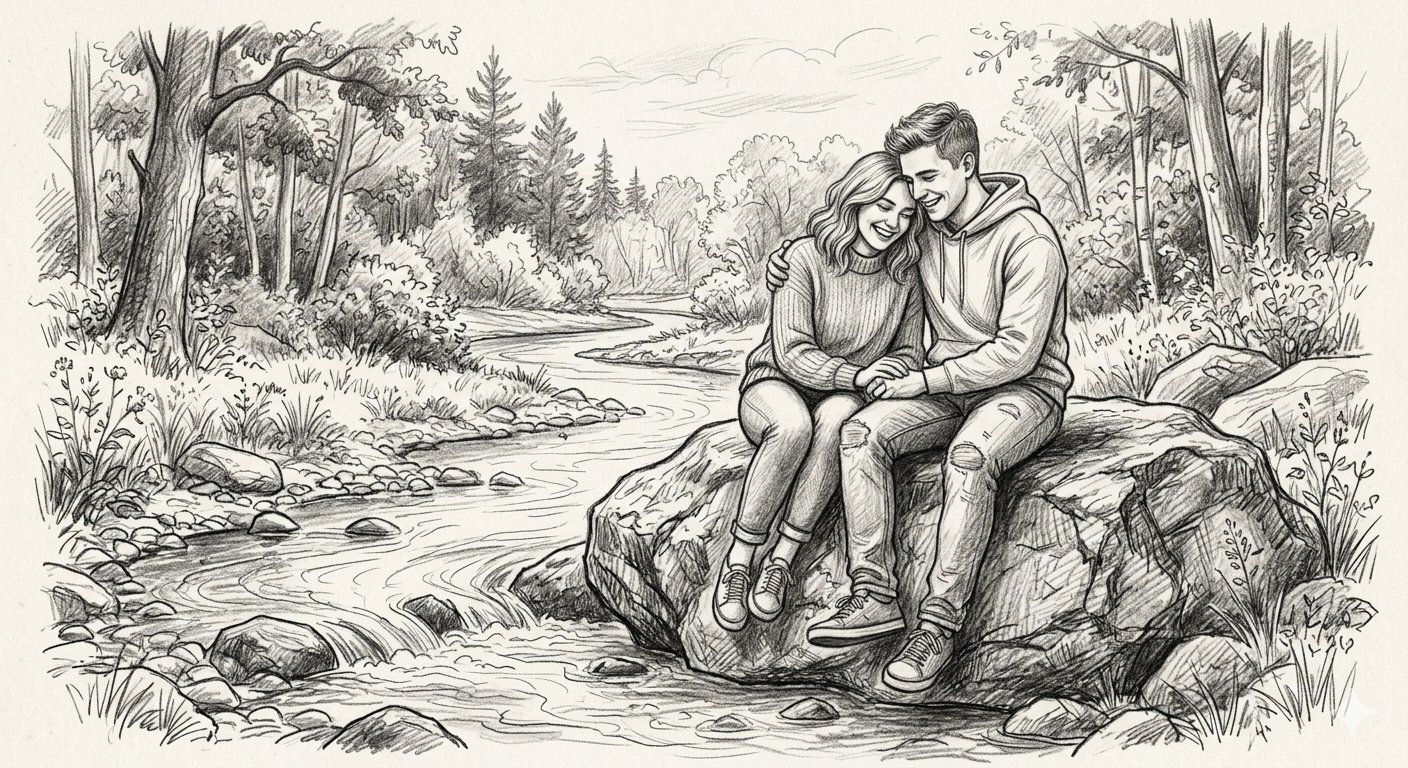
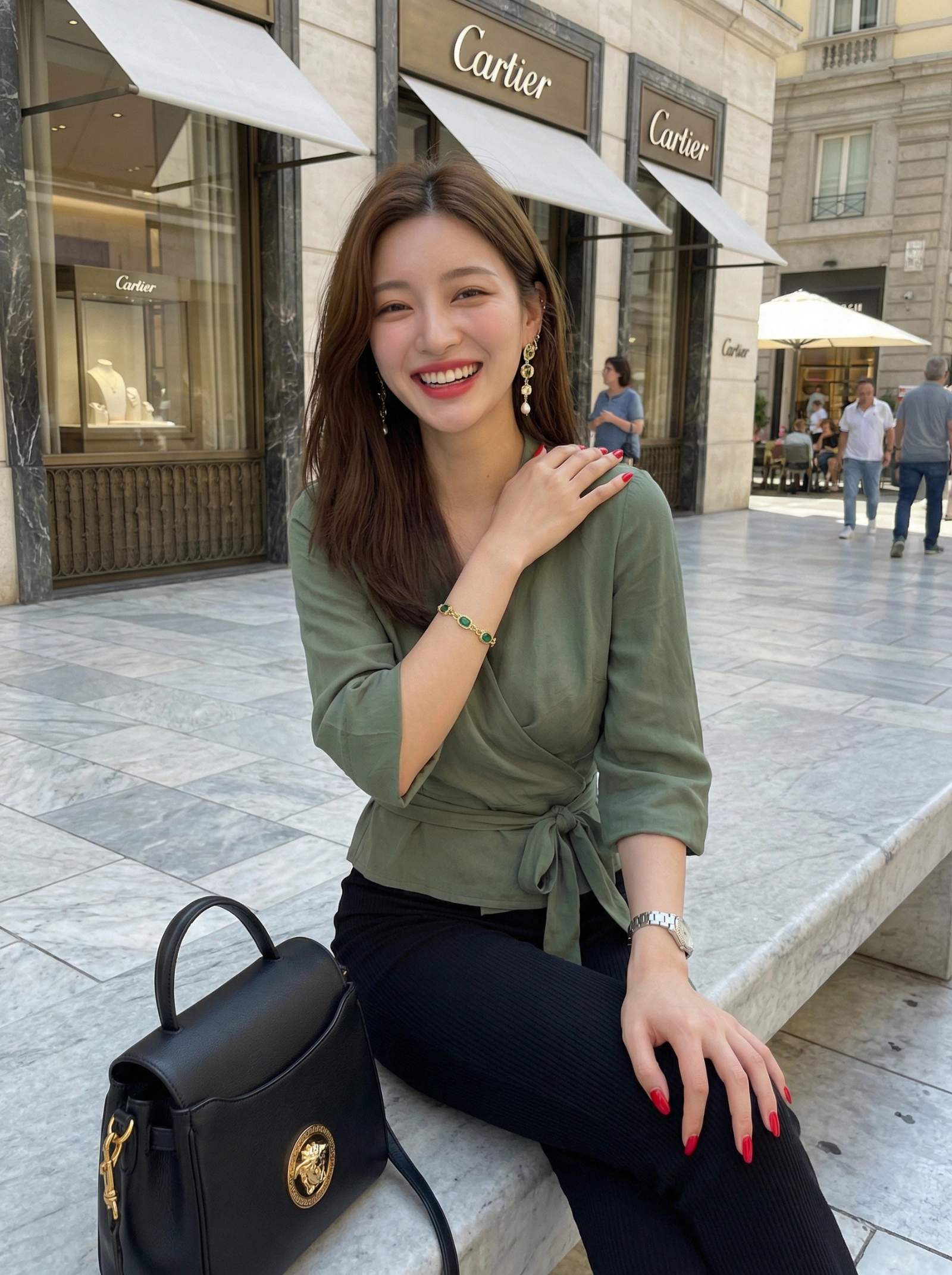
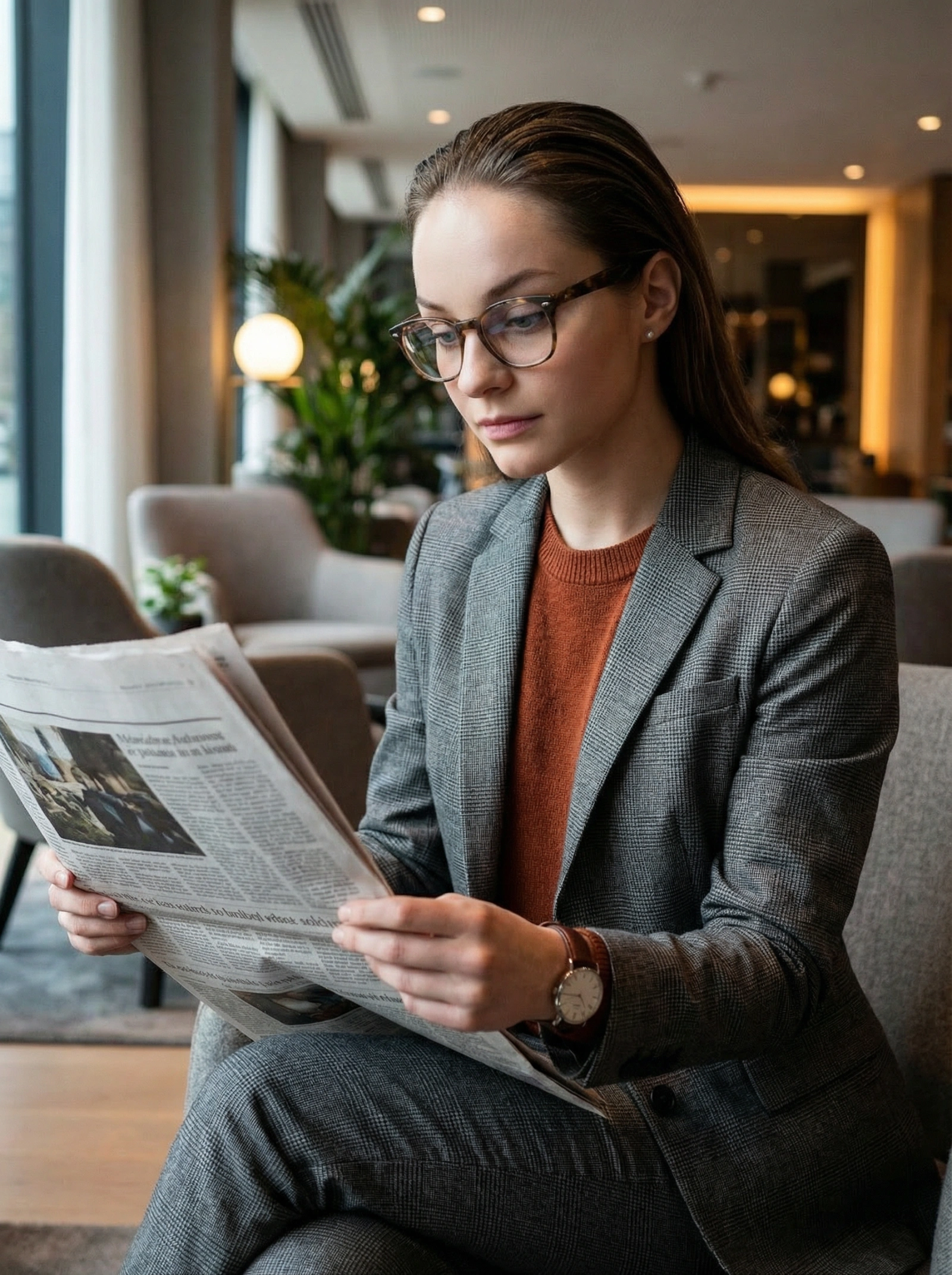
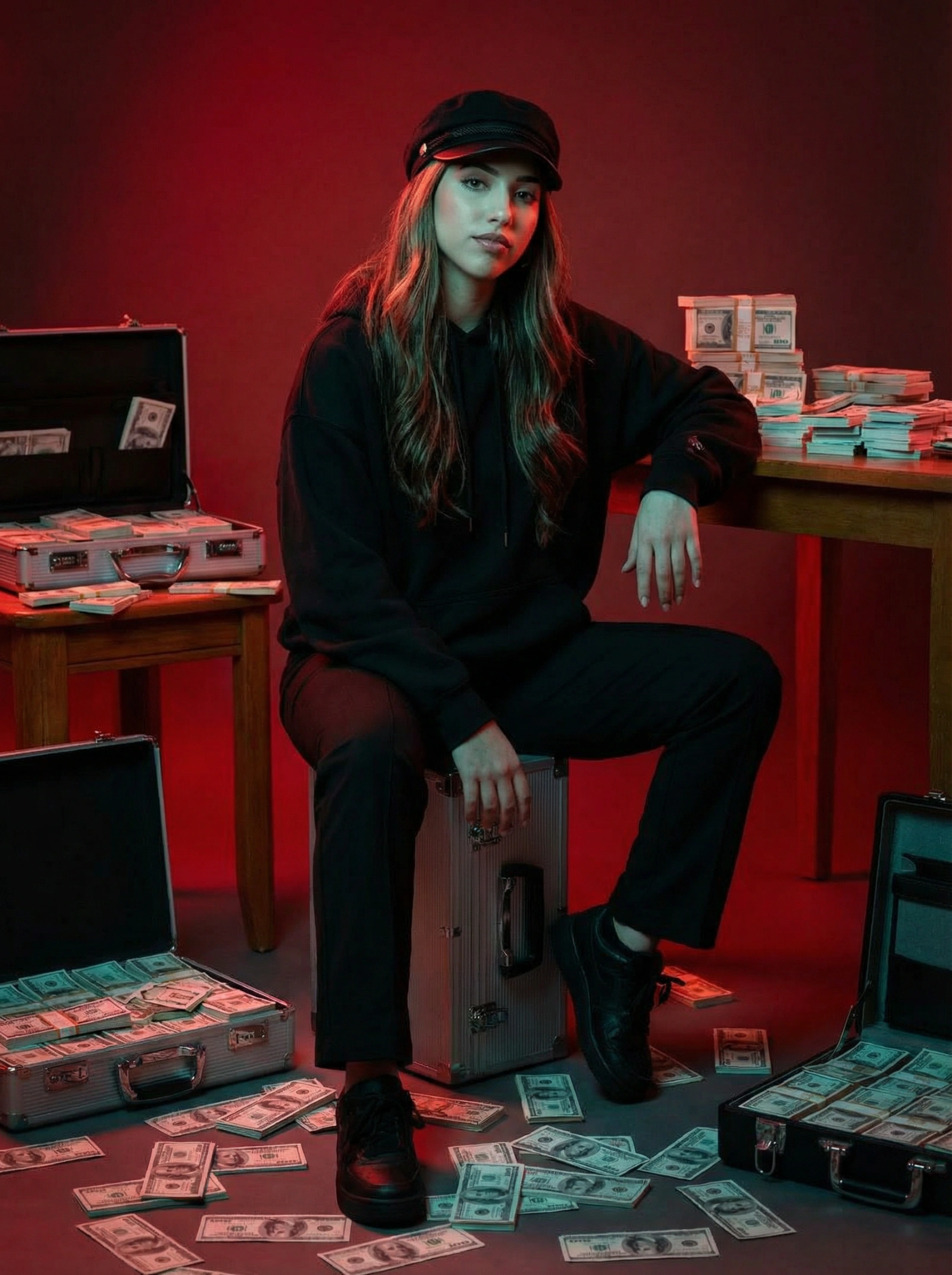
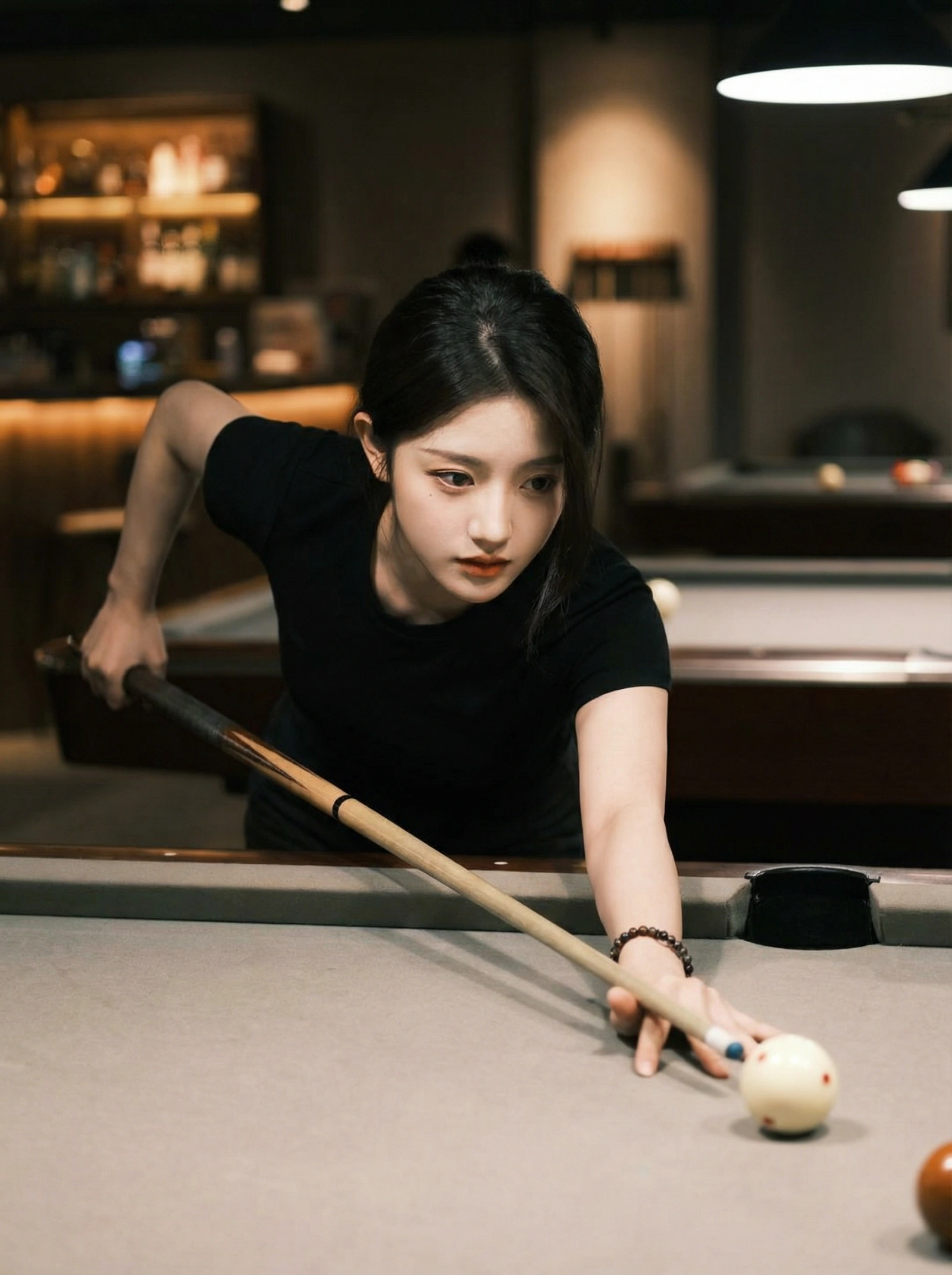
Browse the full collection, open any detail page, and then adapt the strongest base prompt for your use case.
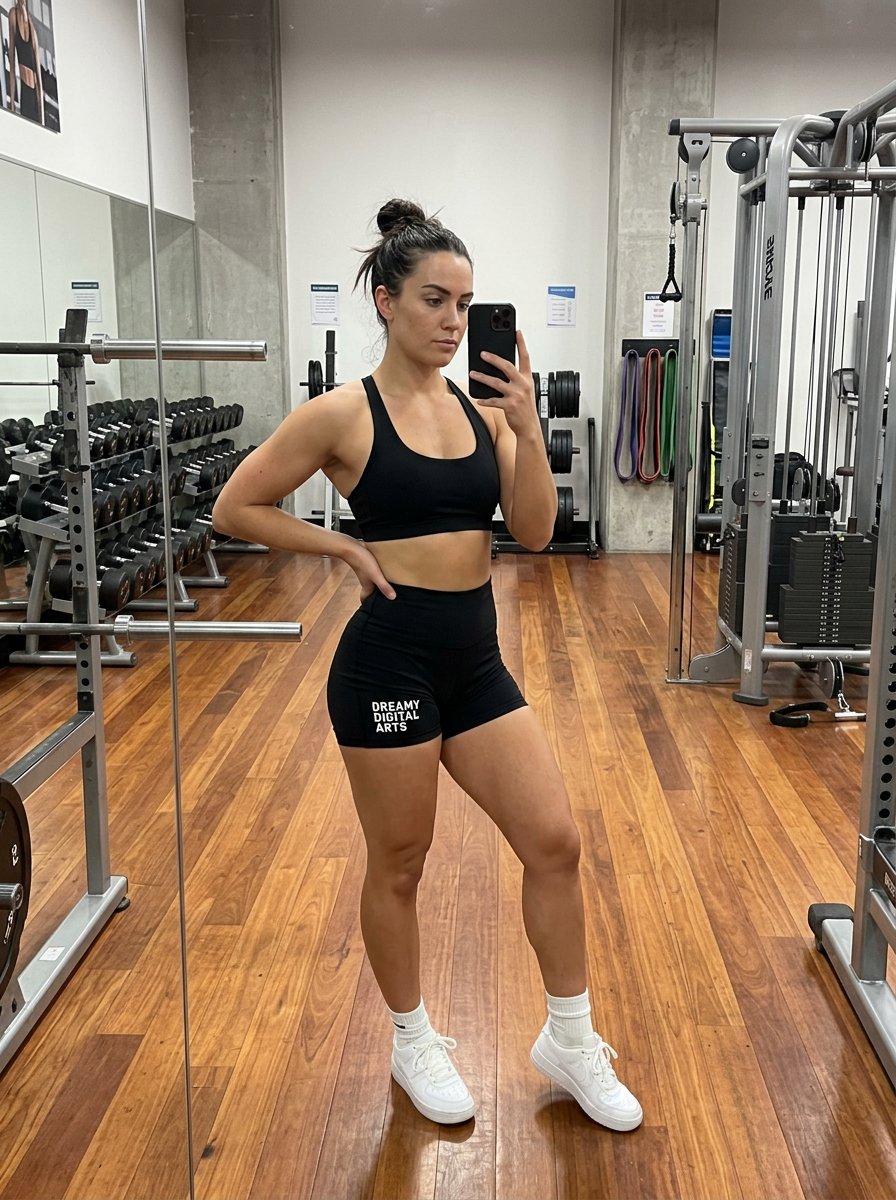
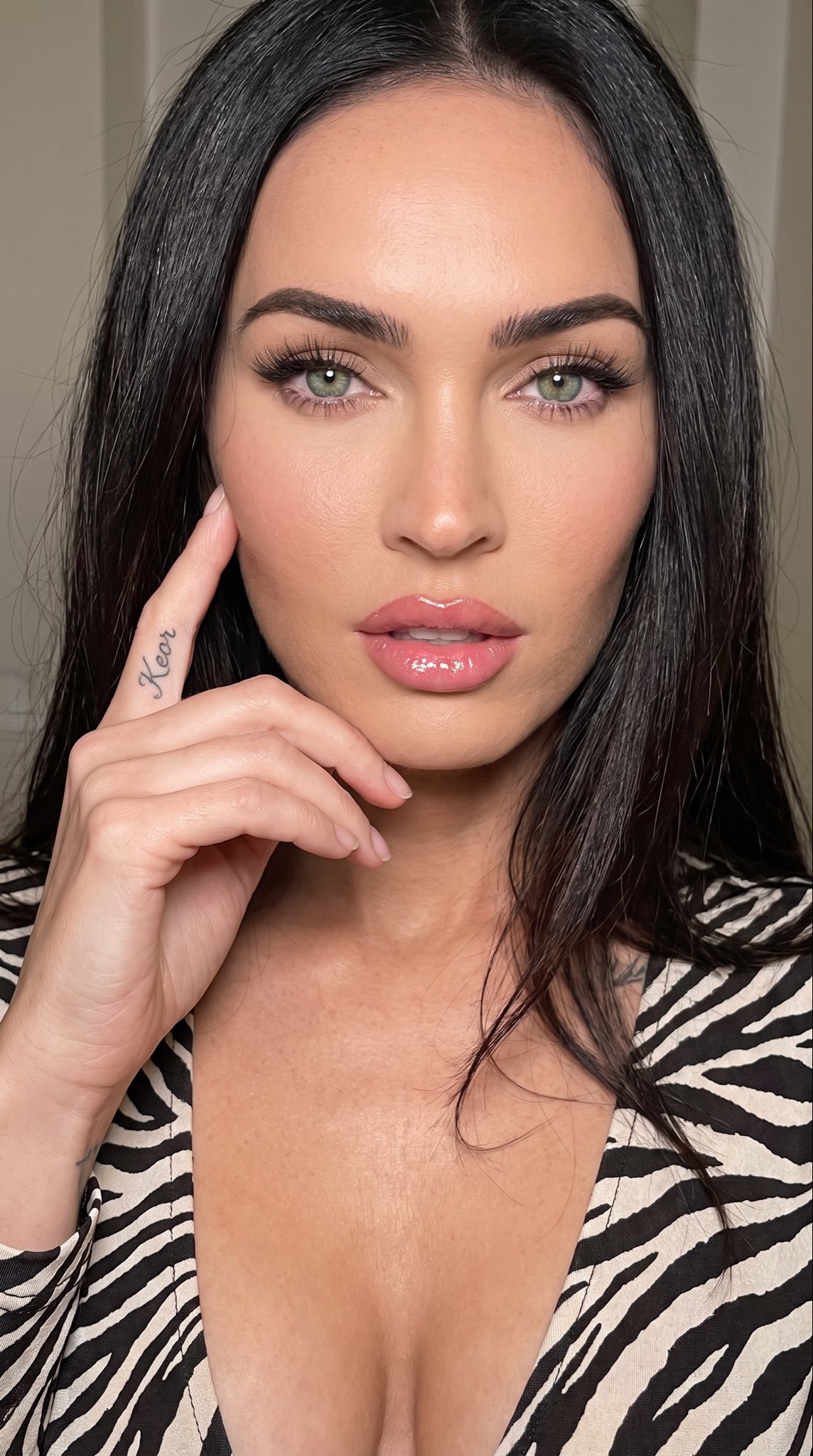
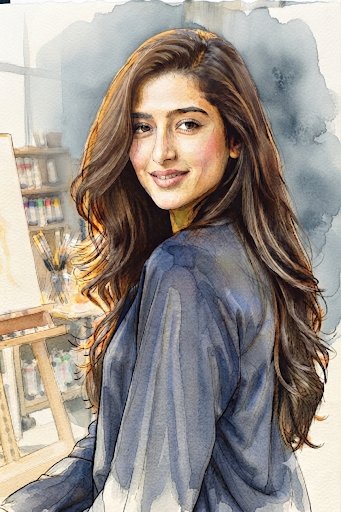
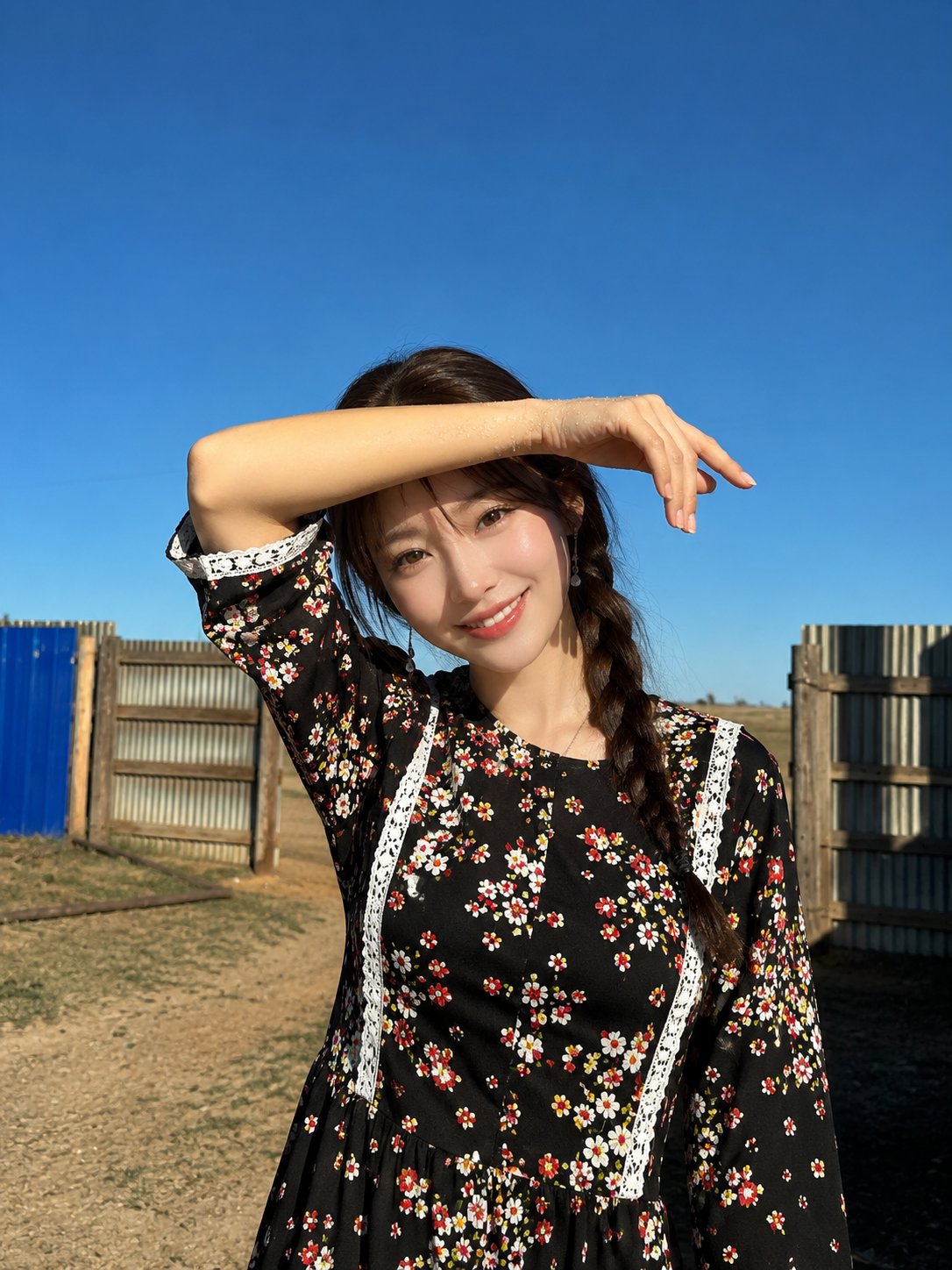
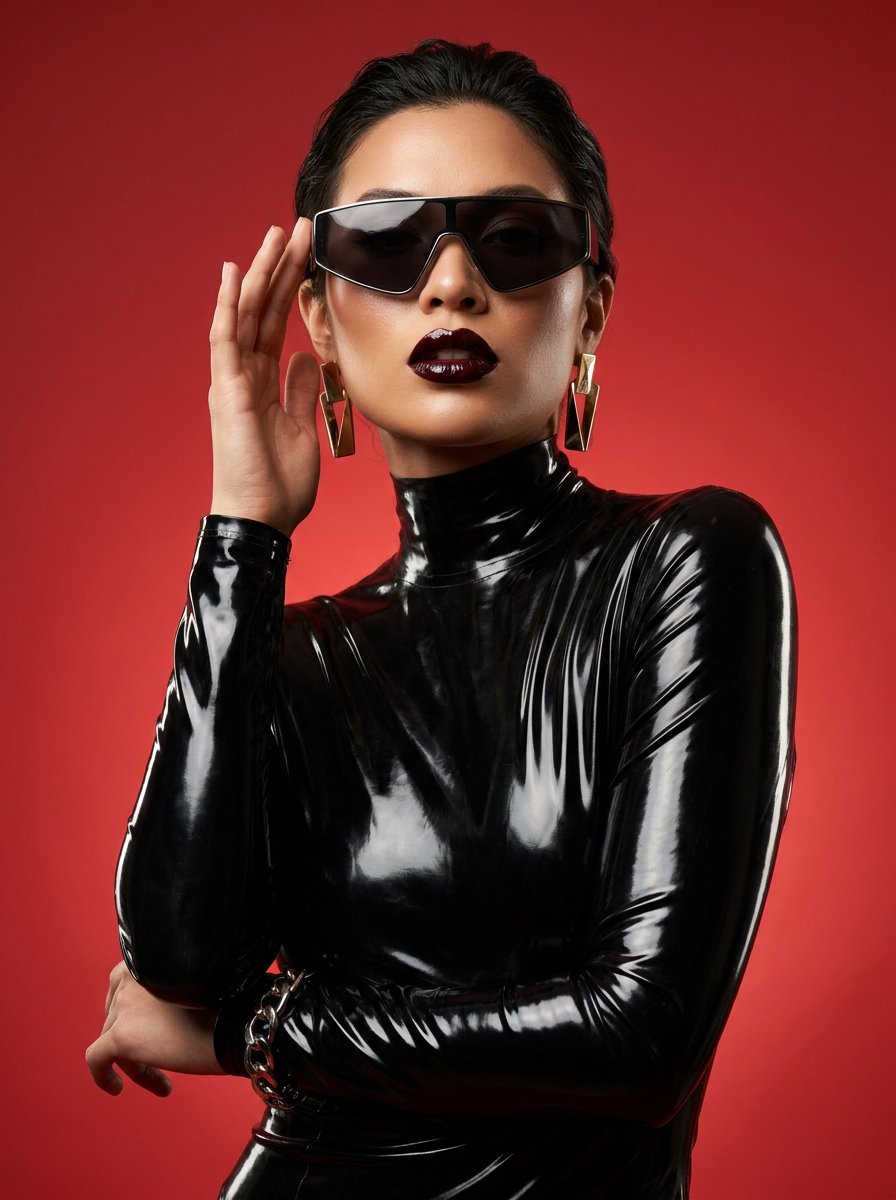
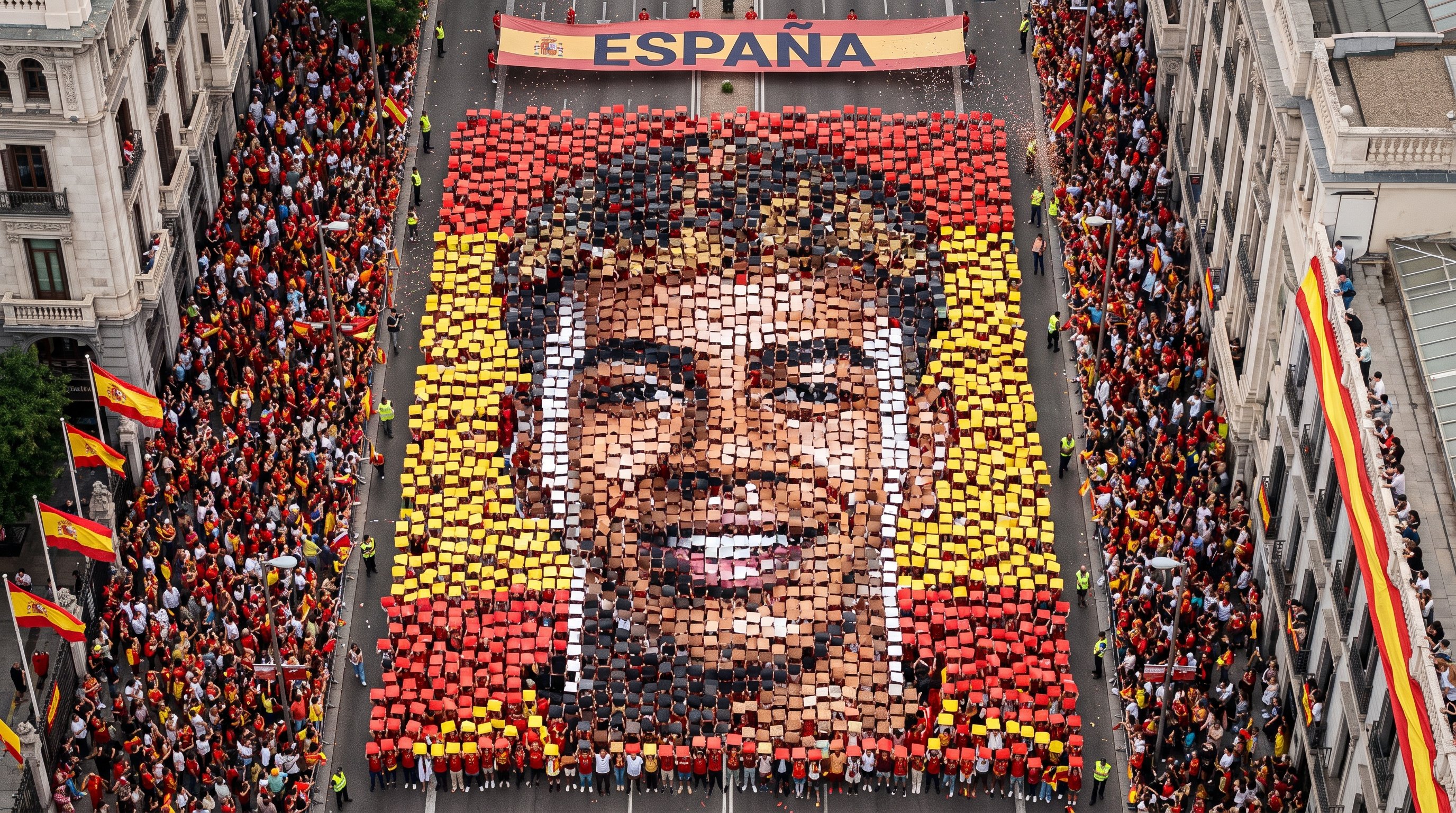
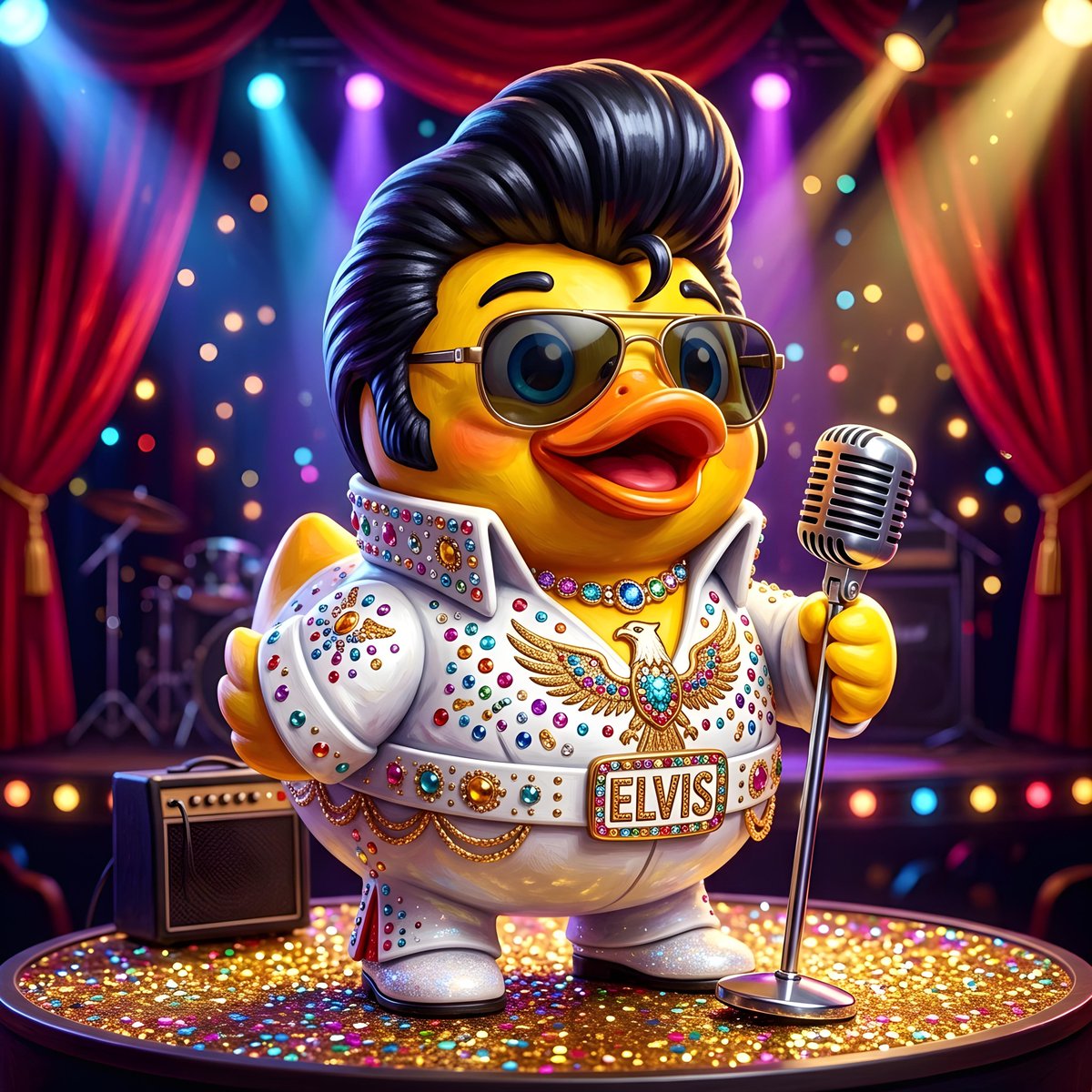
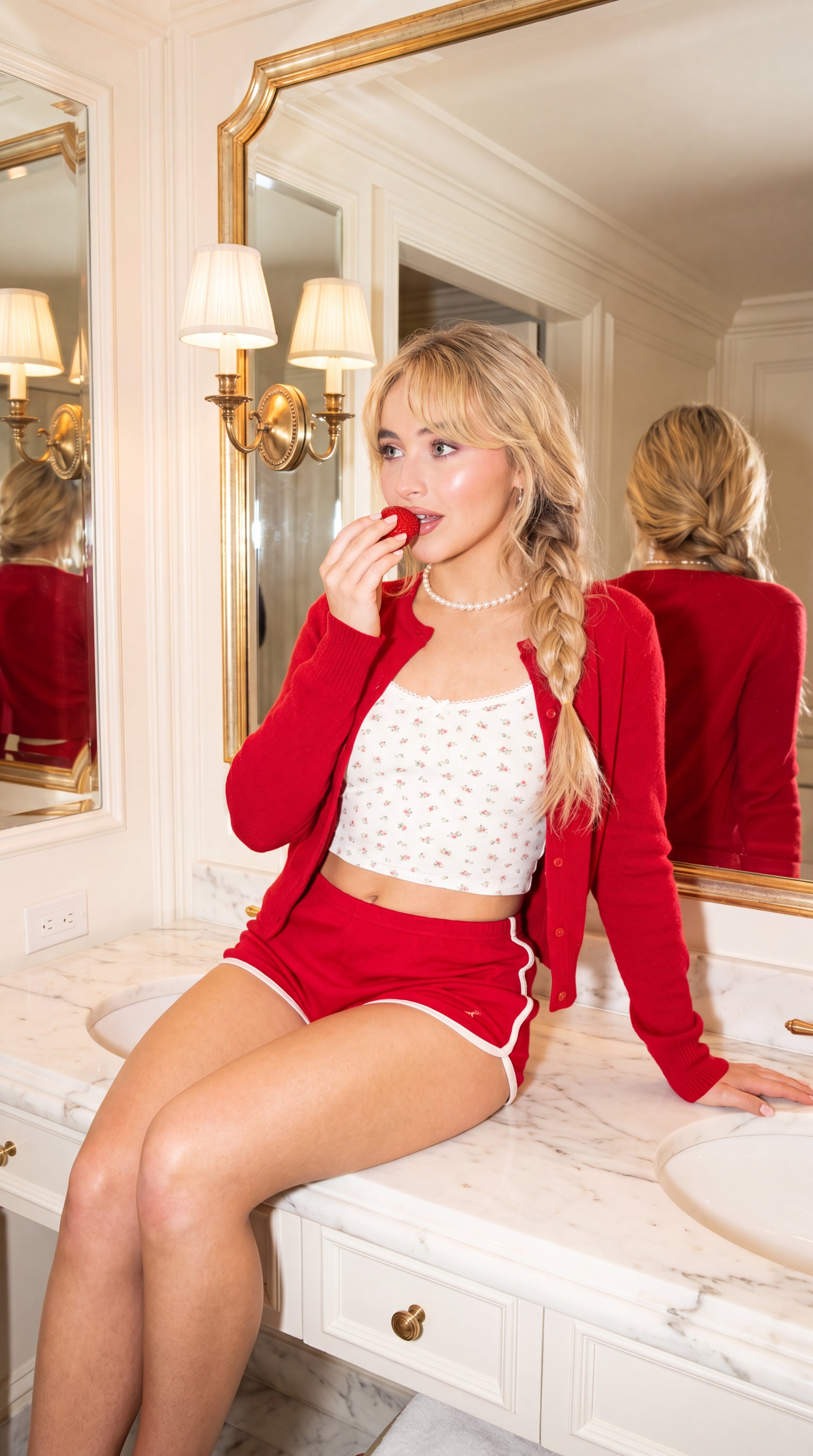
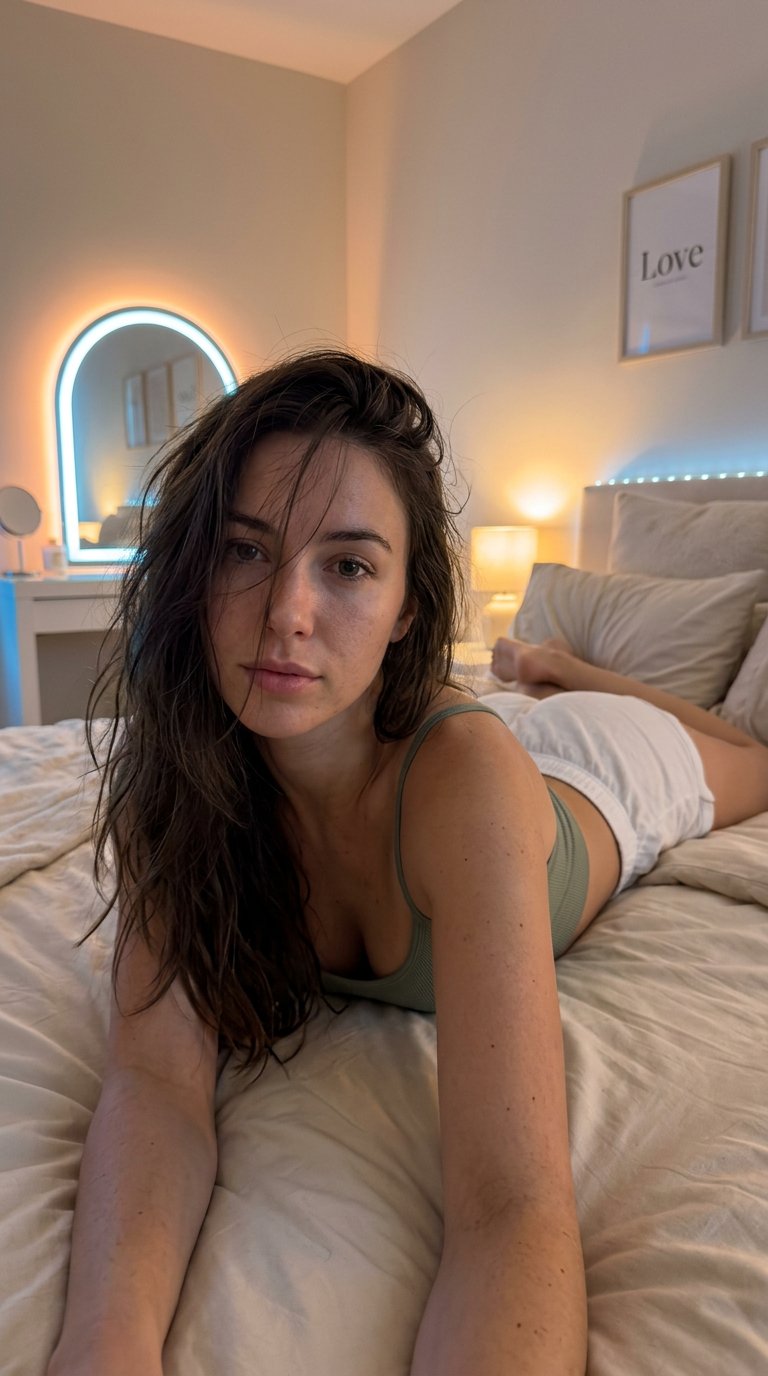
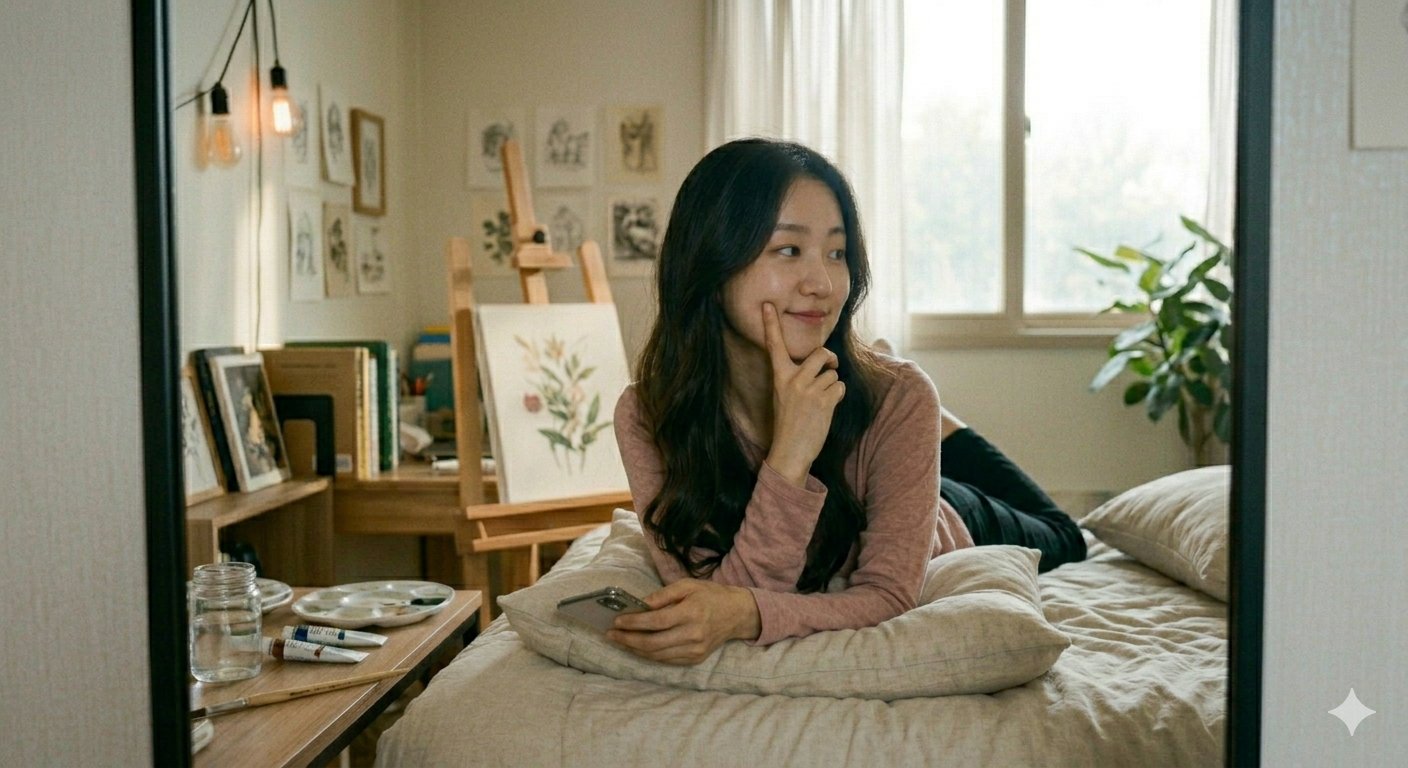
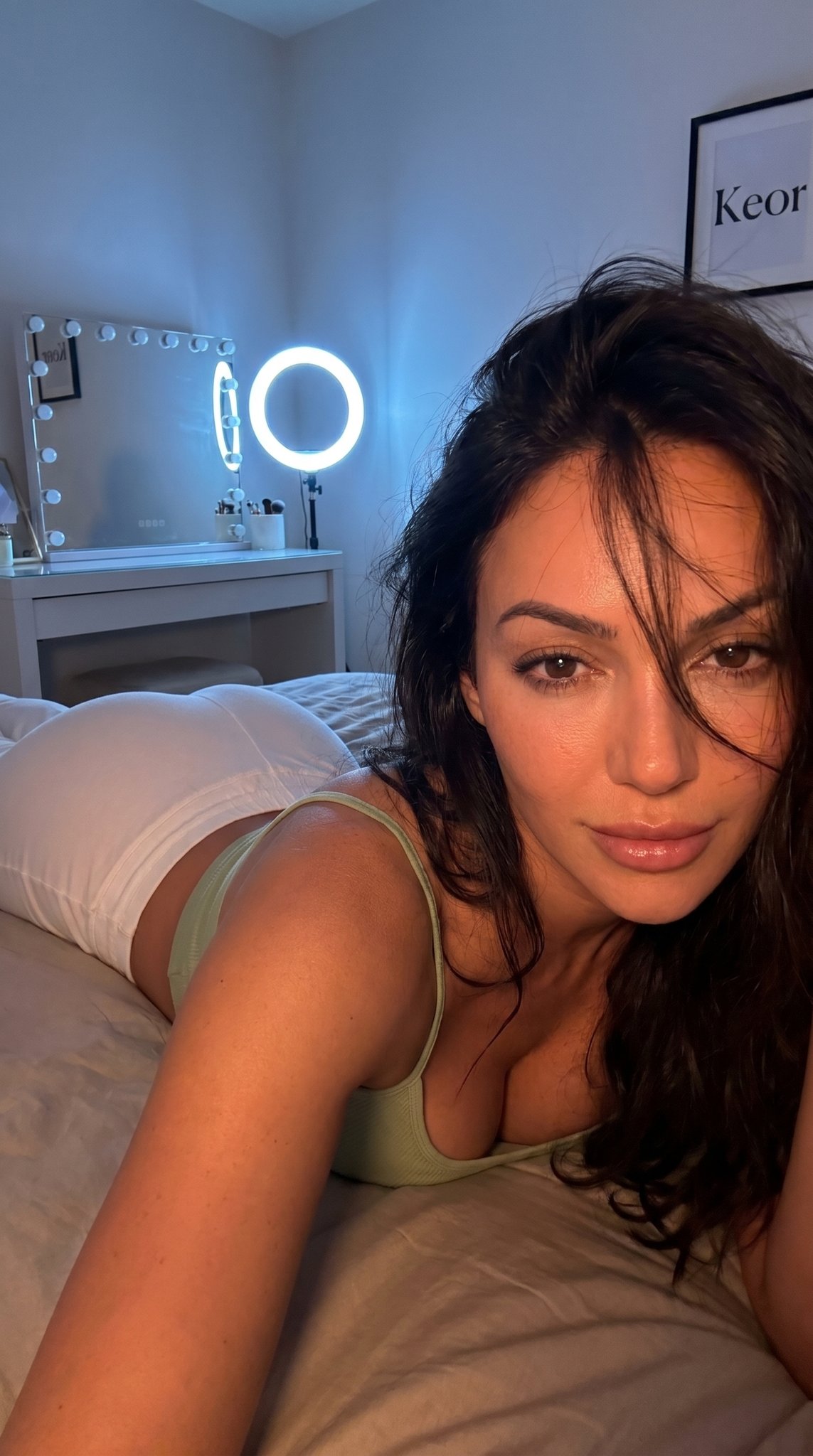
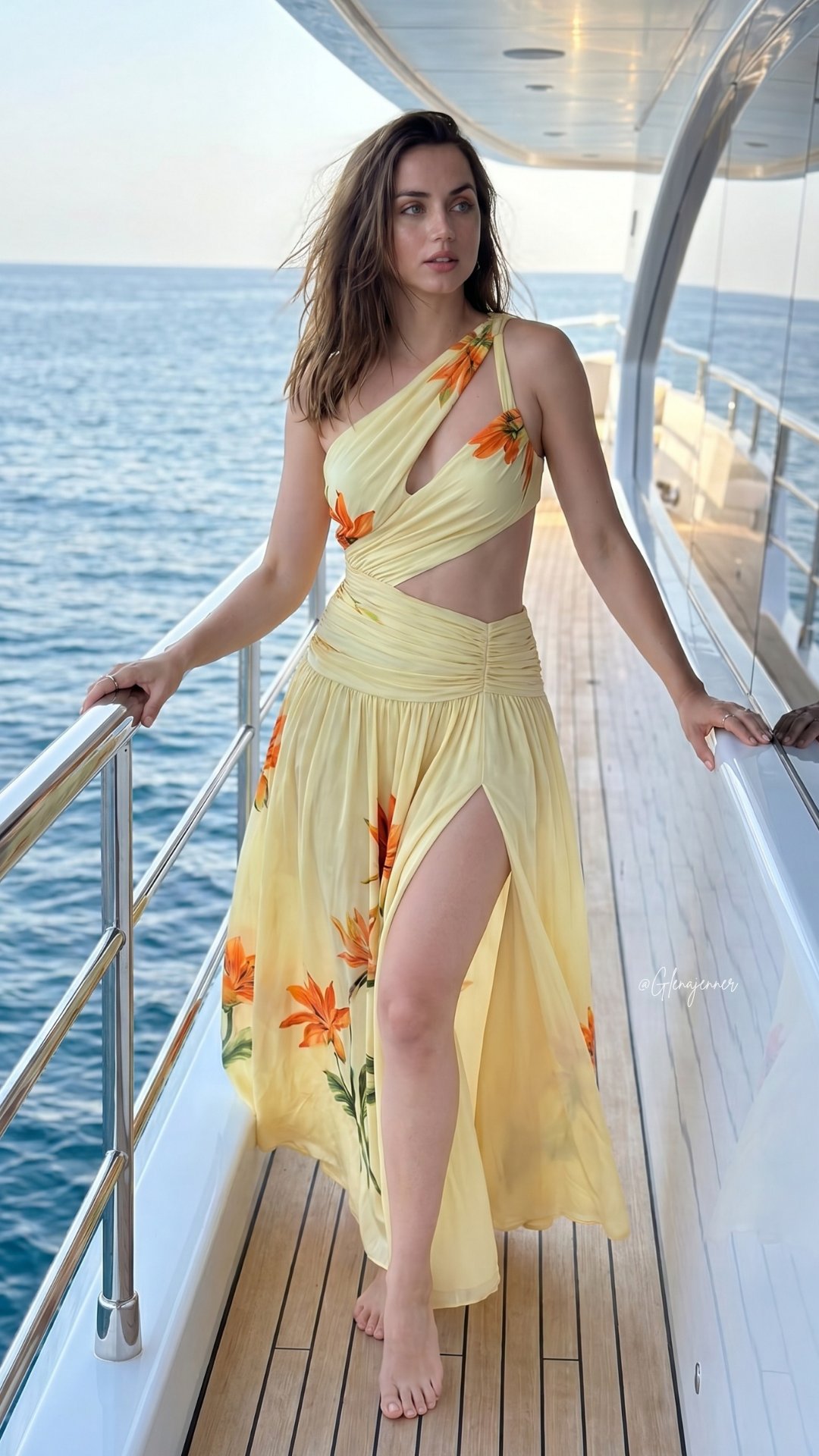
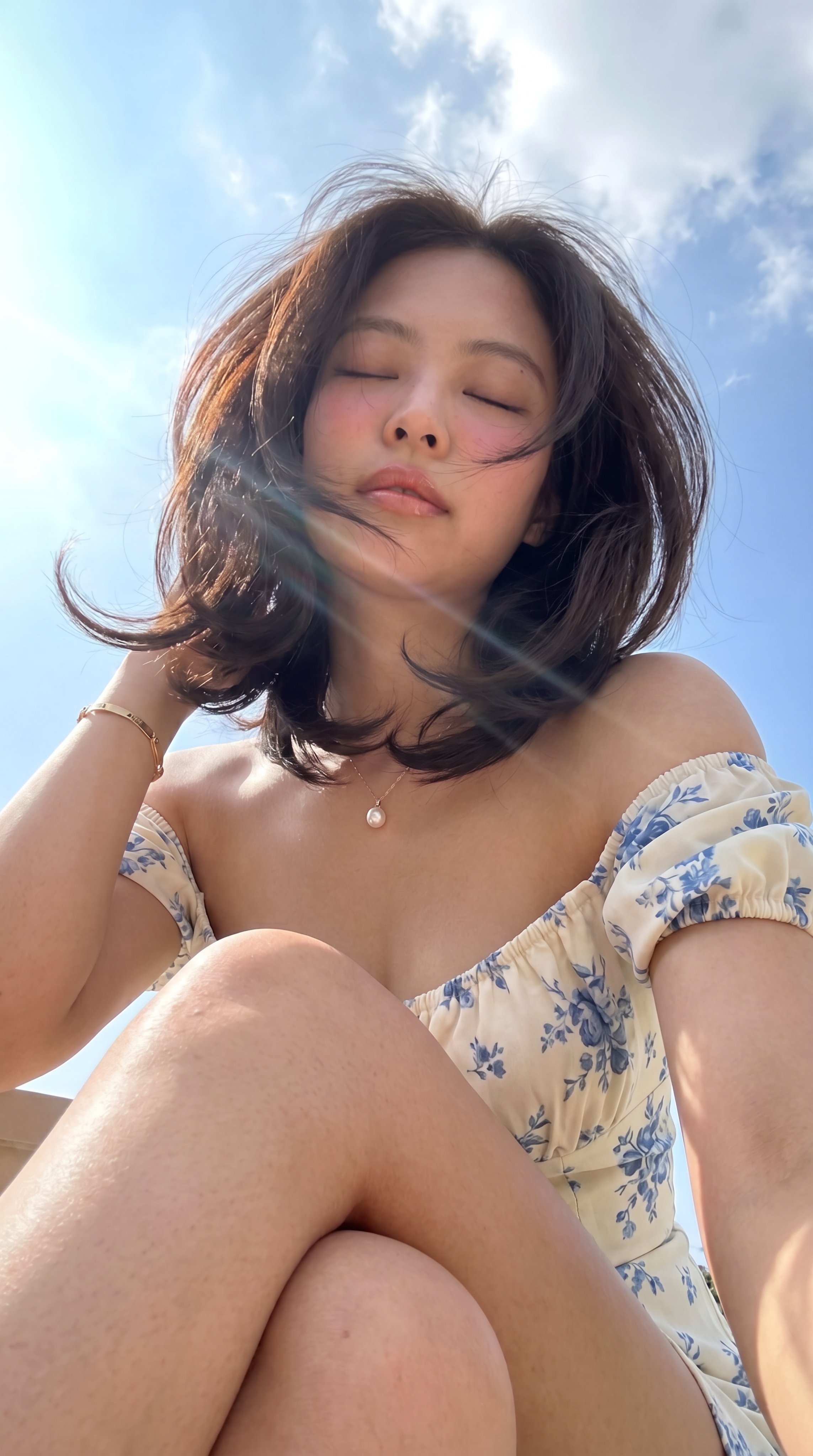
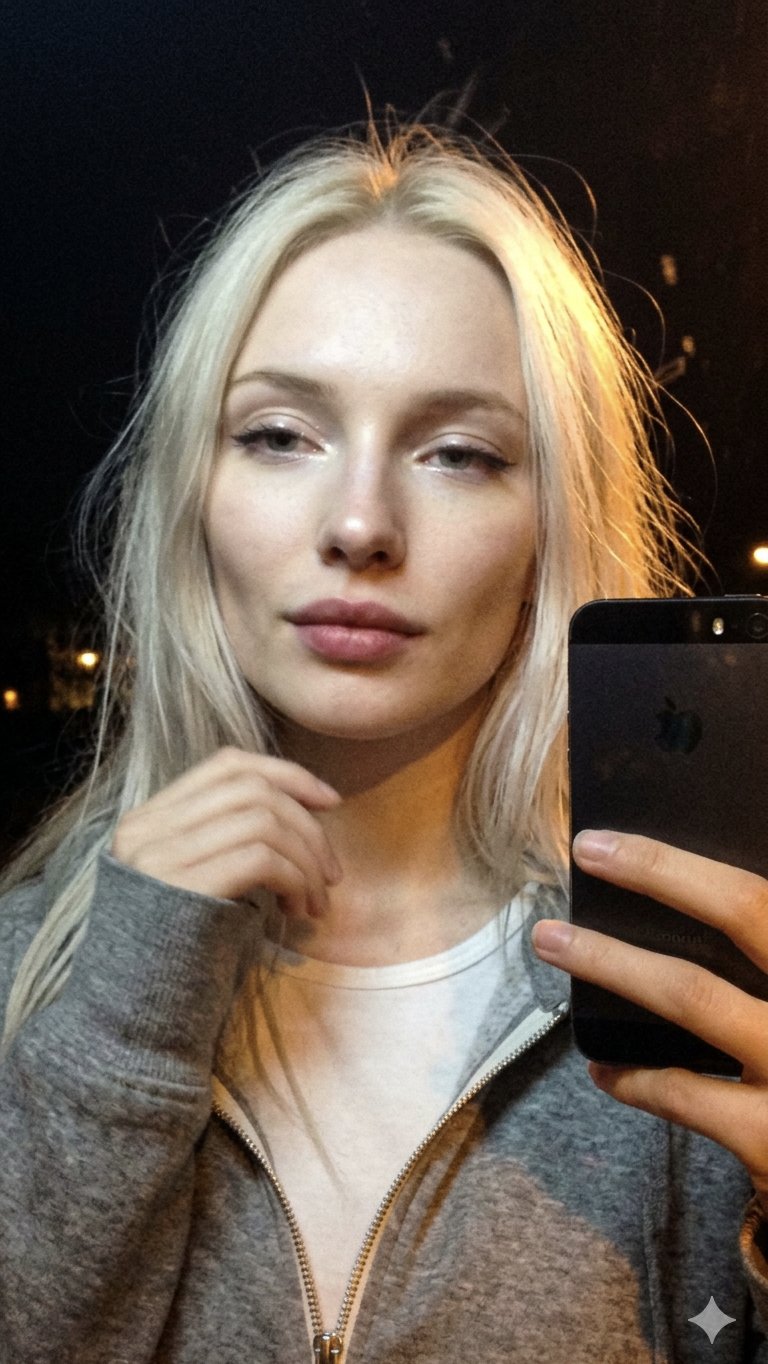
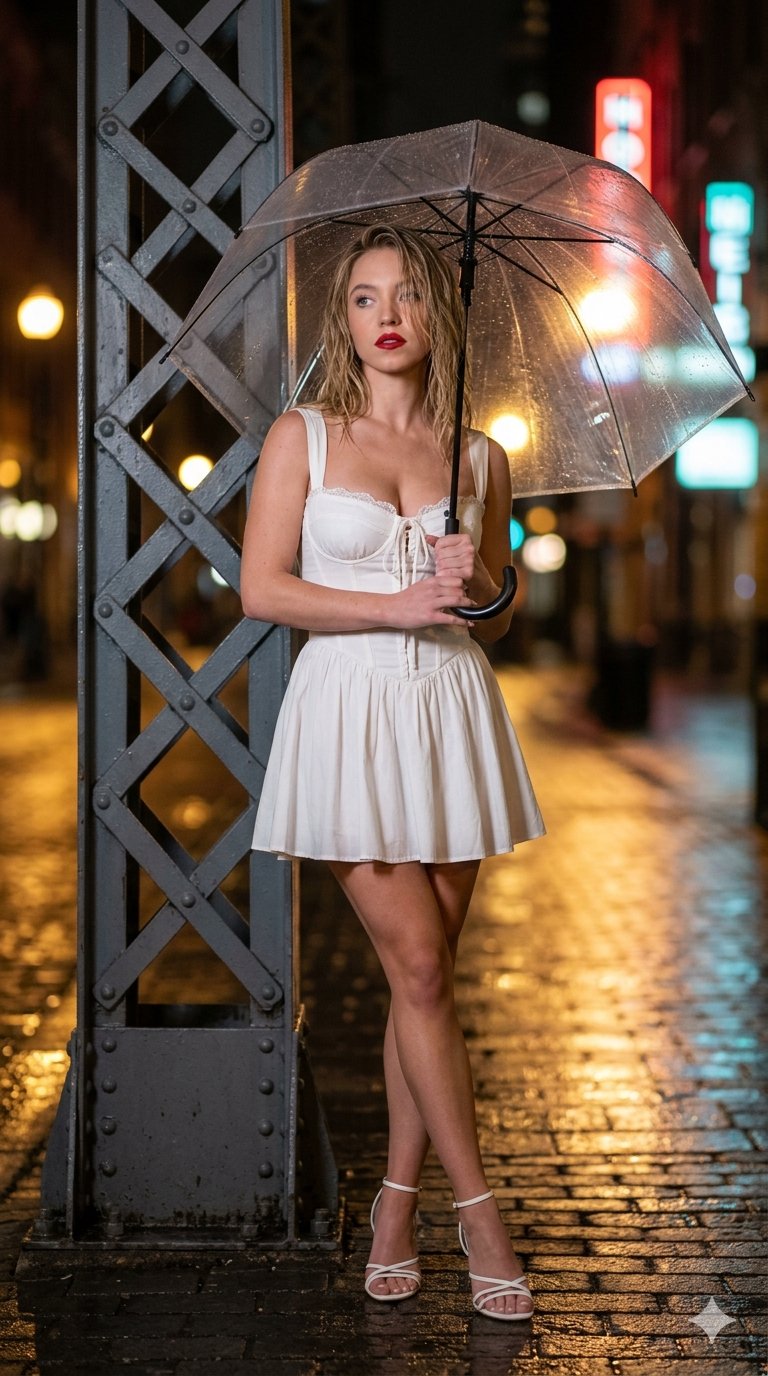
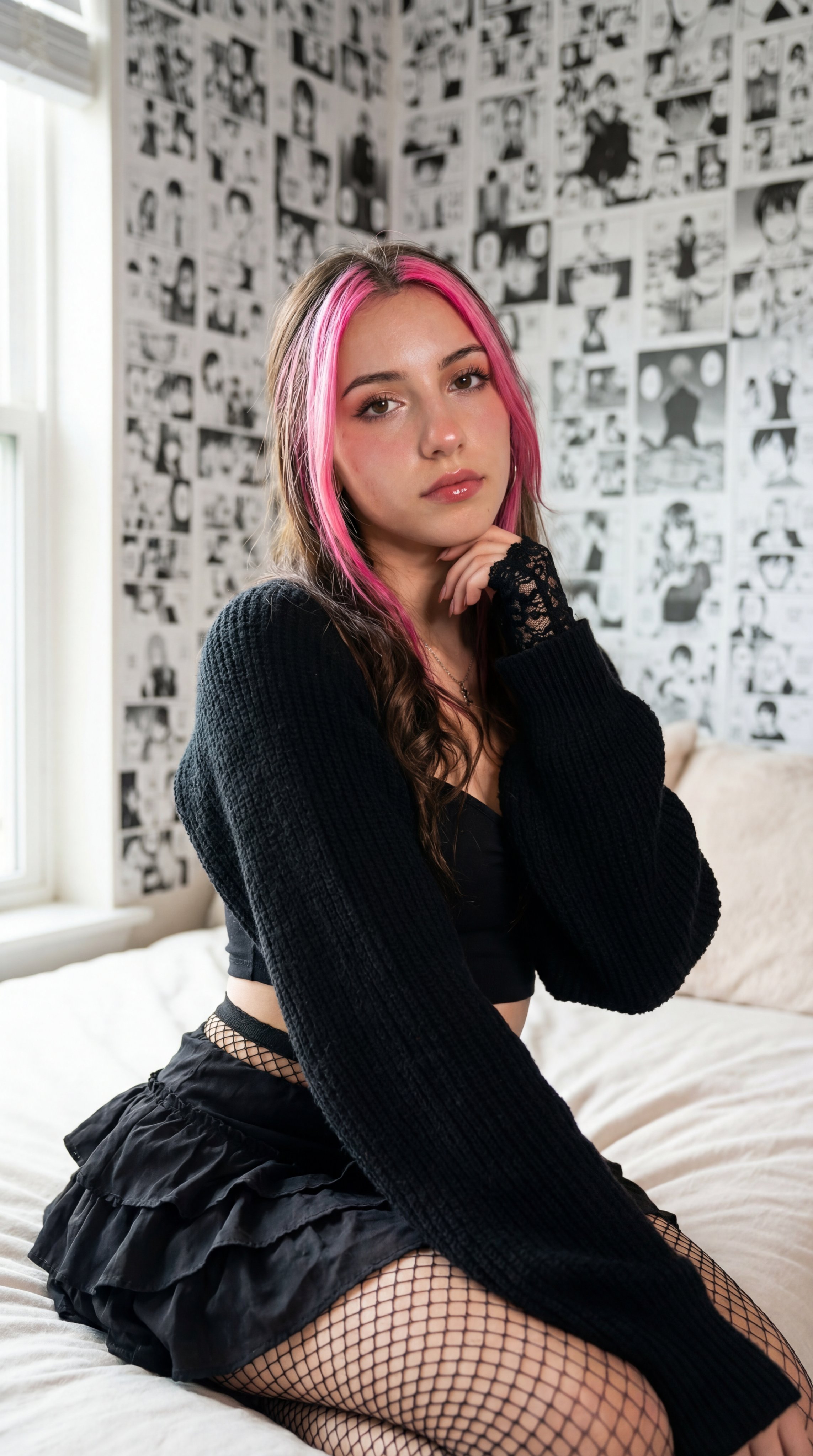
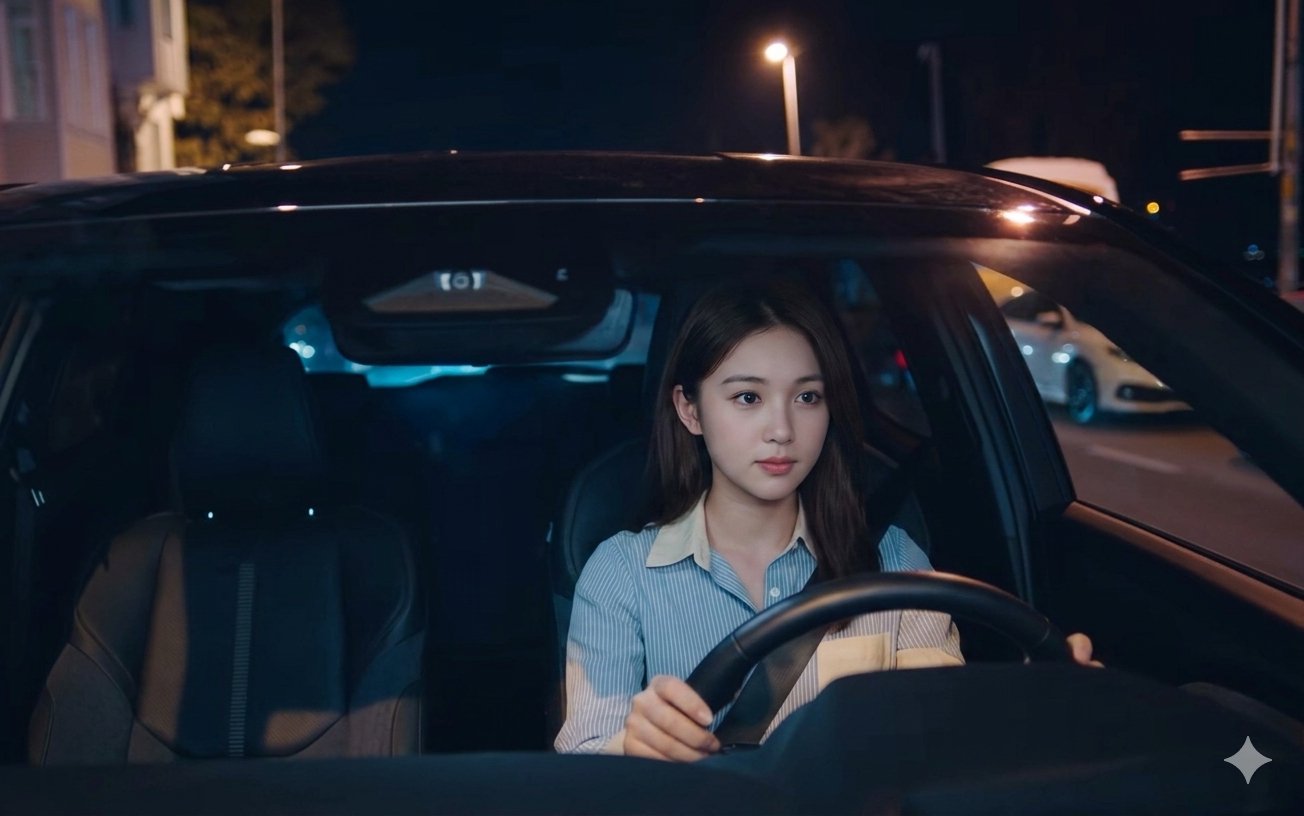
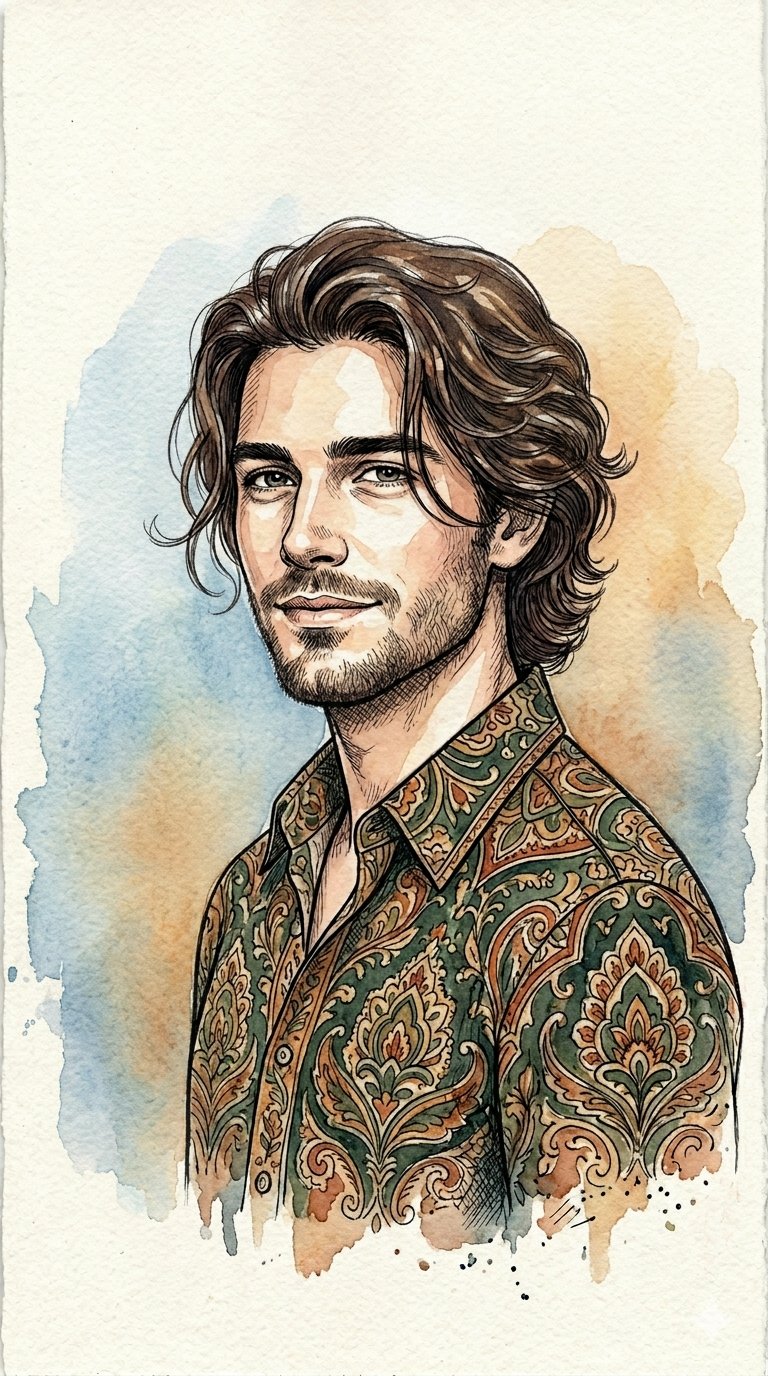
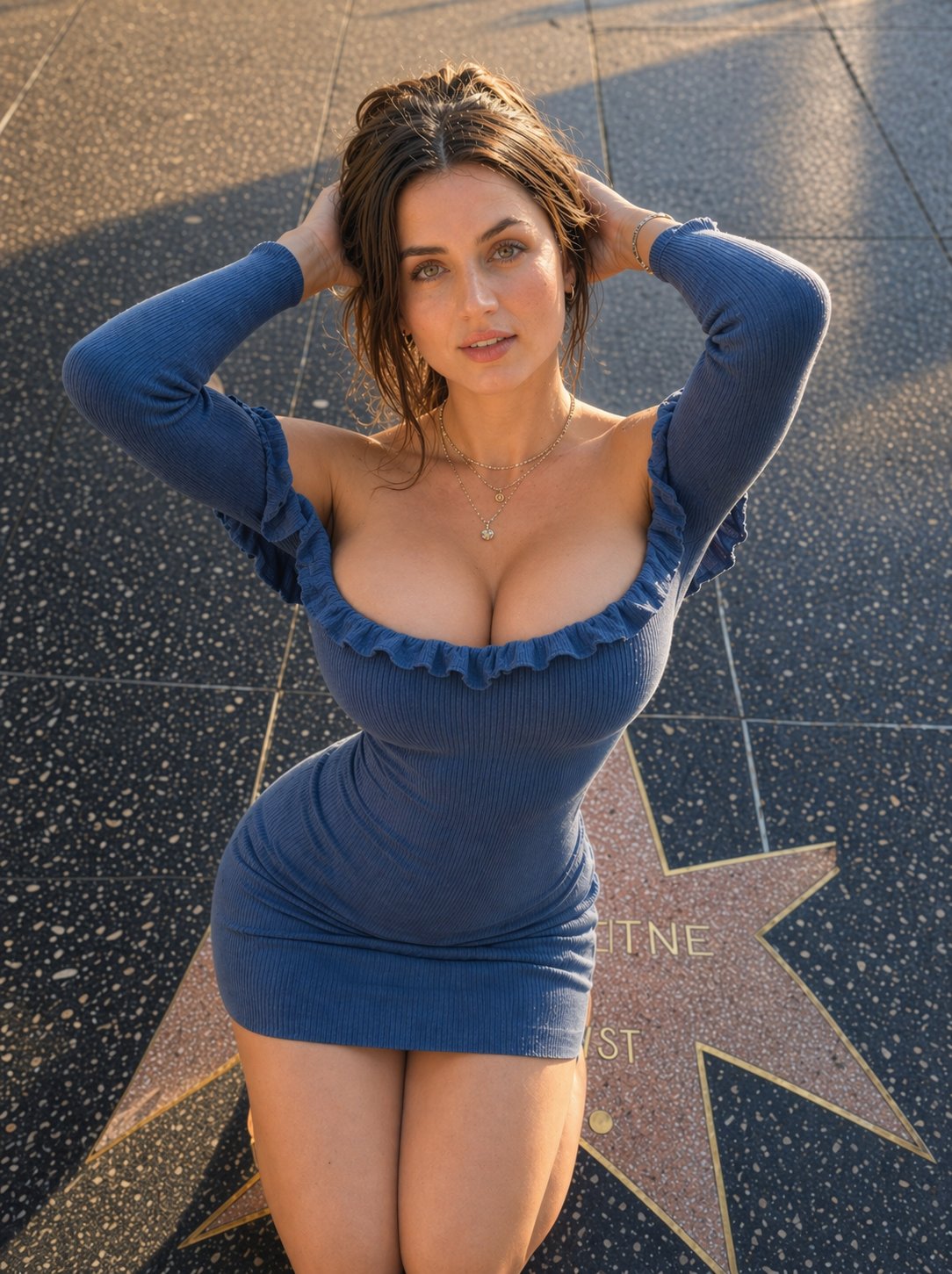
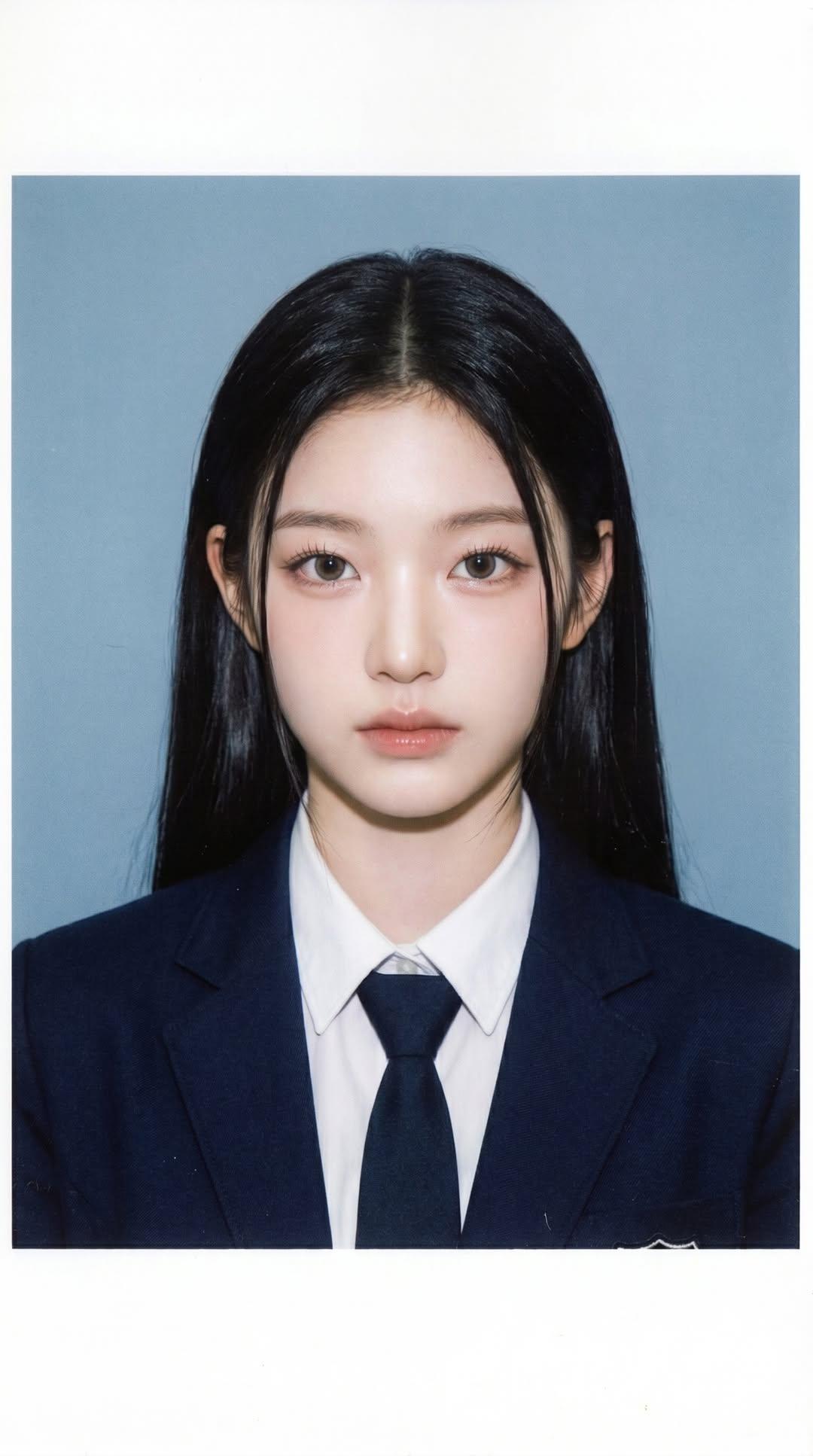
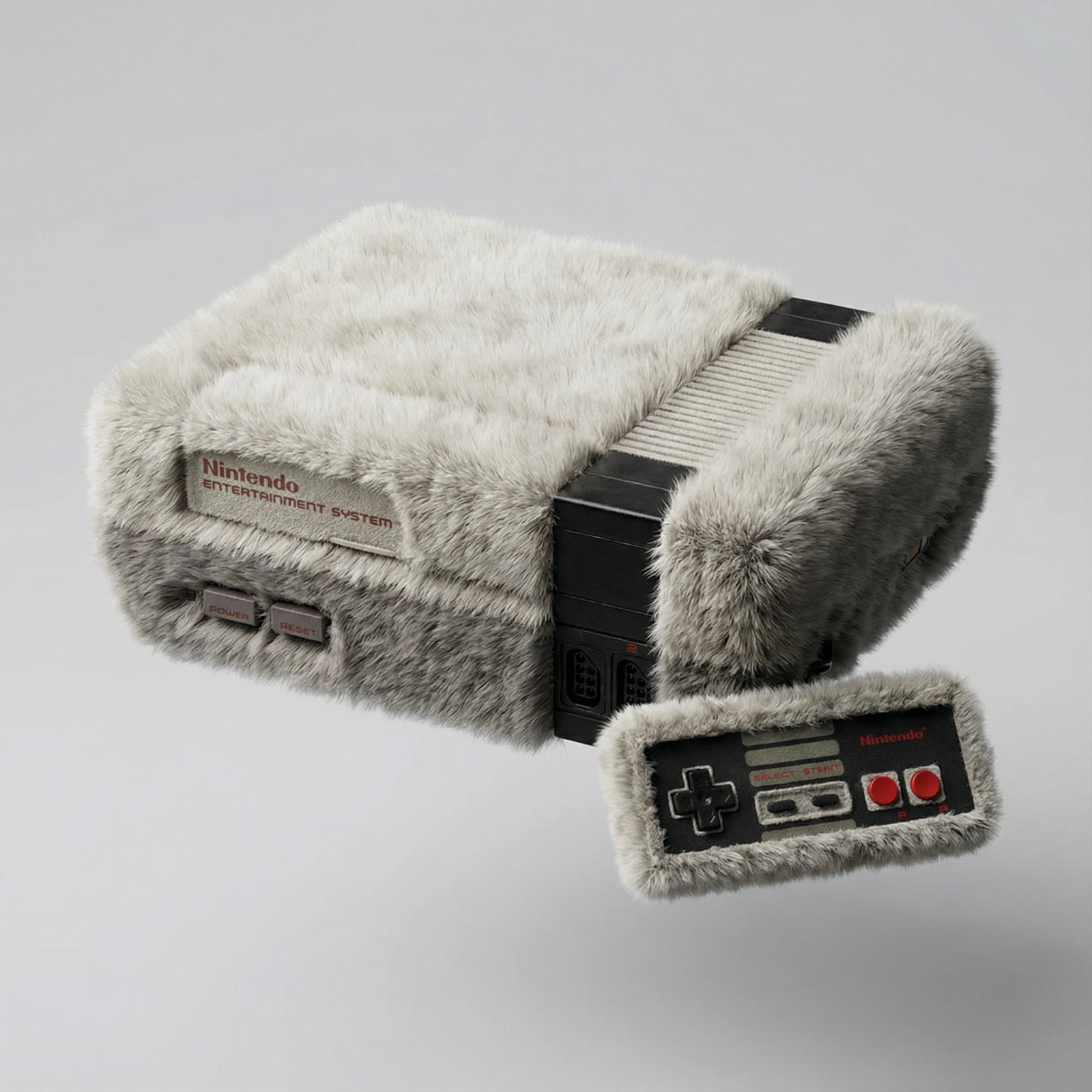
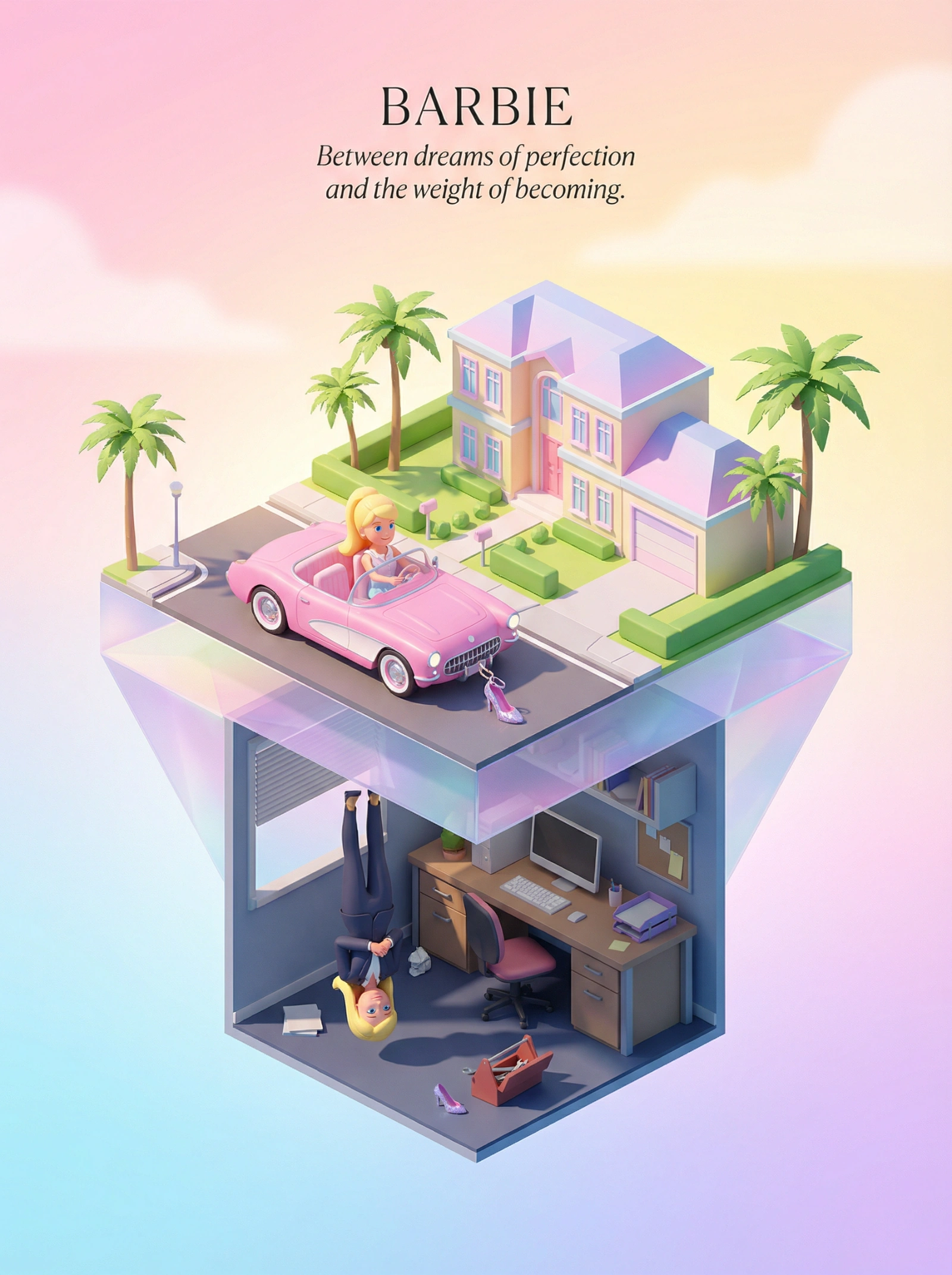
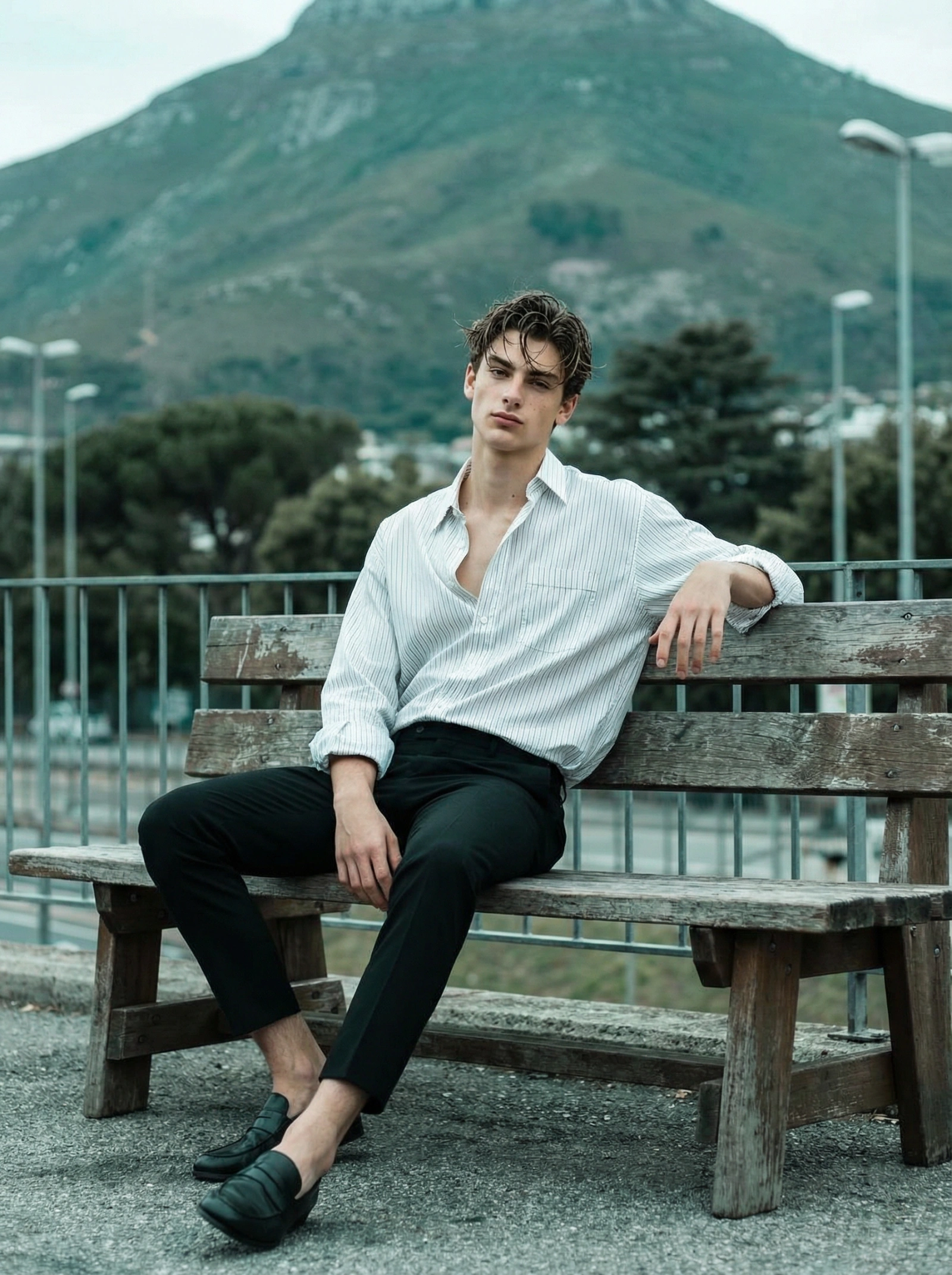
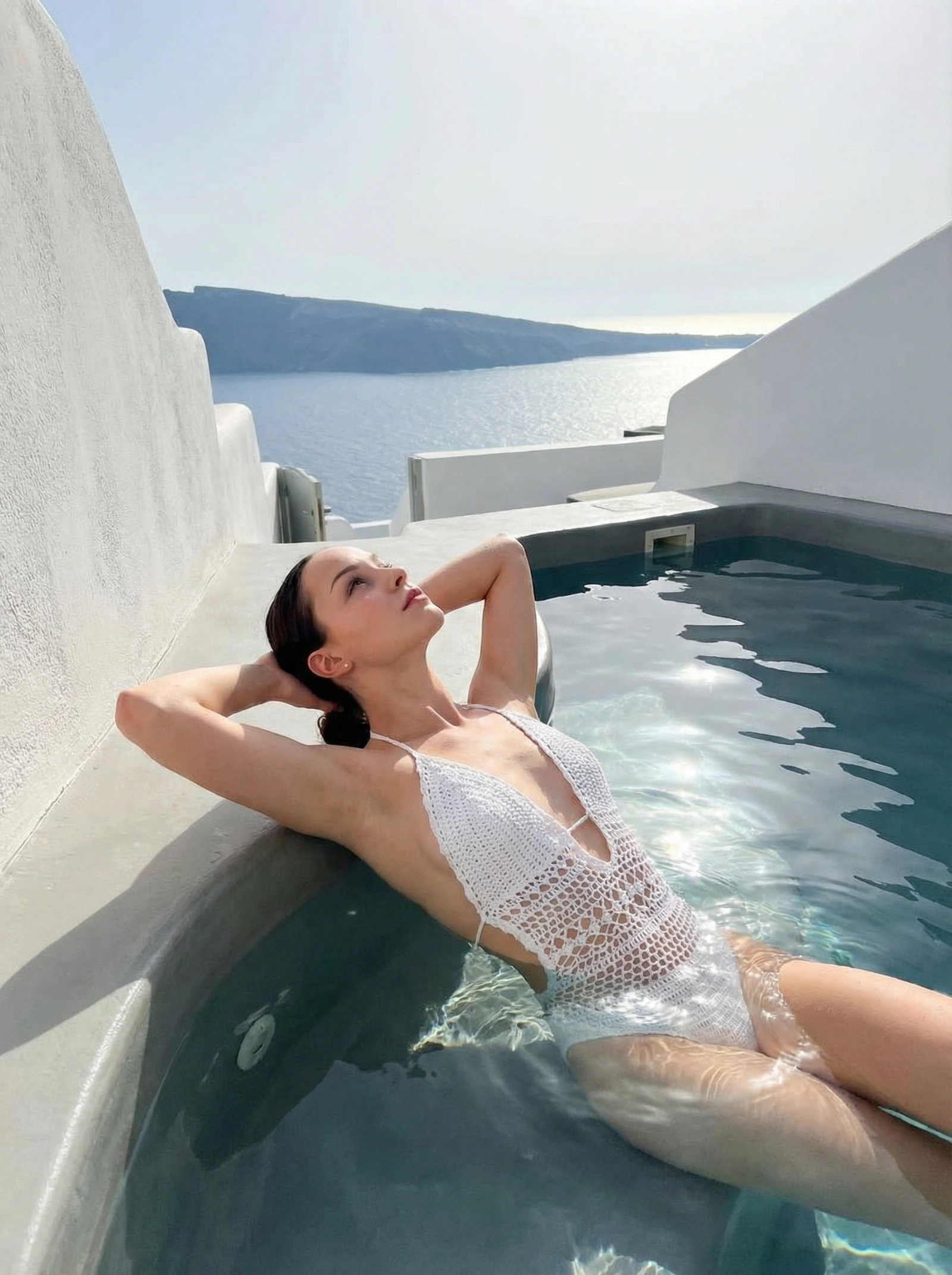
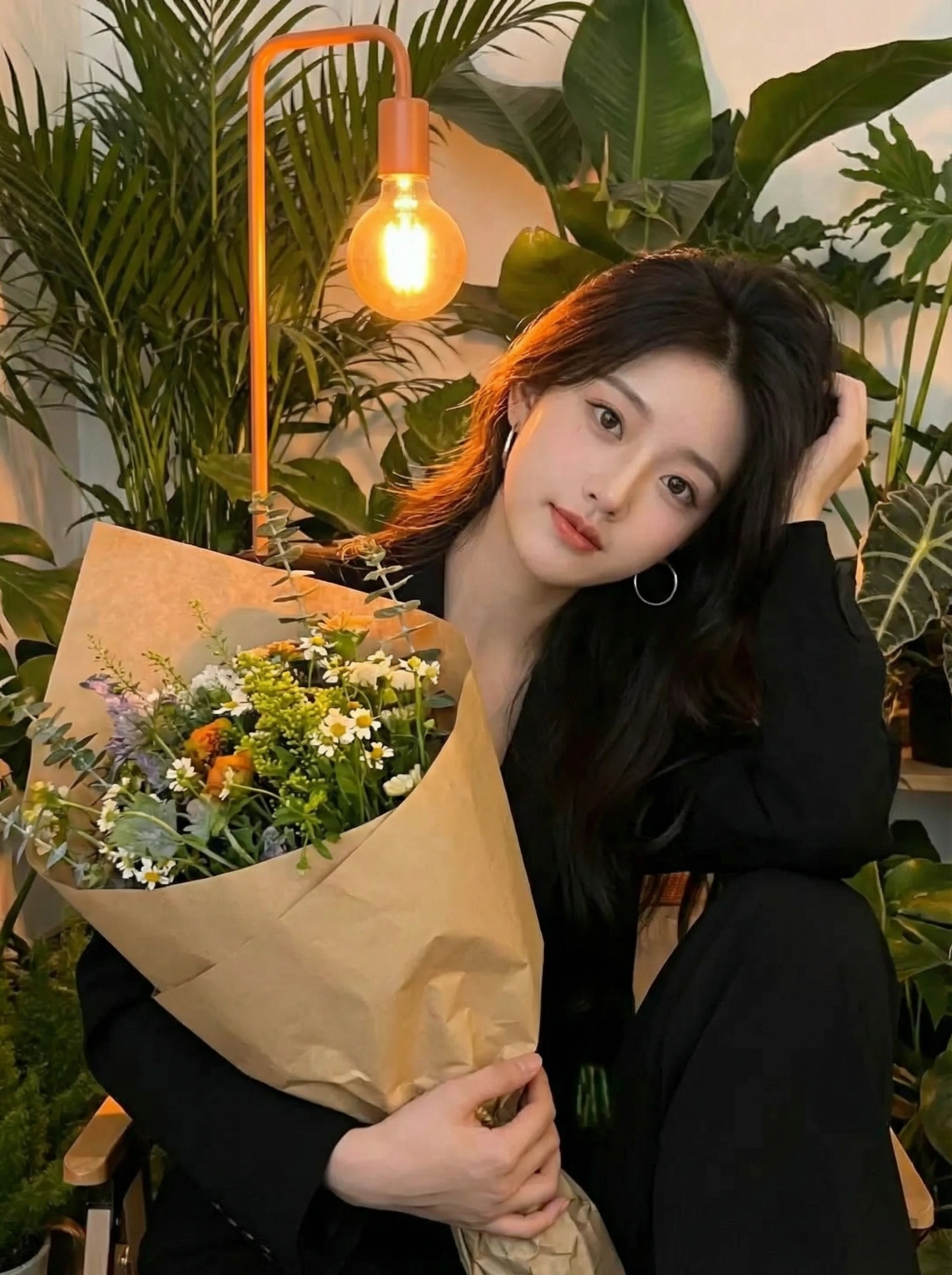
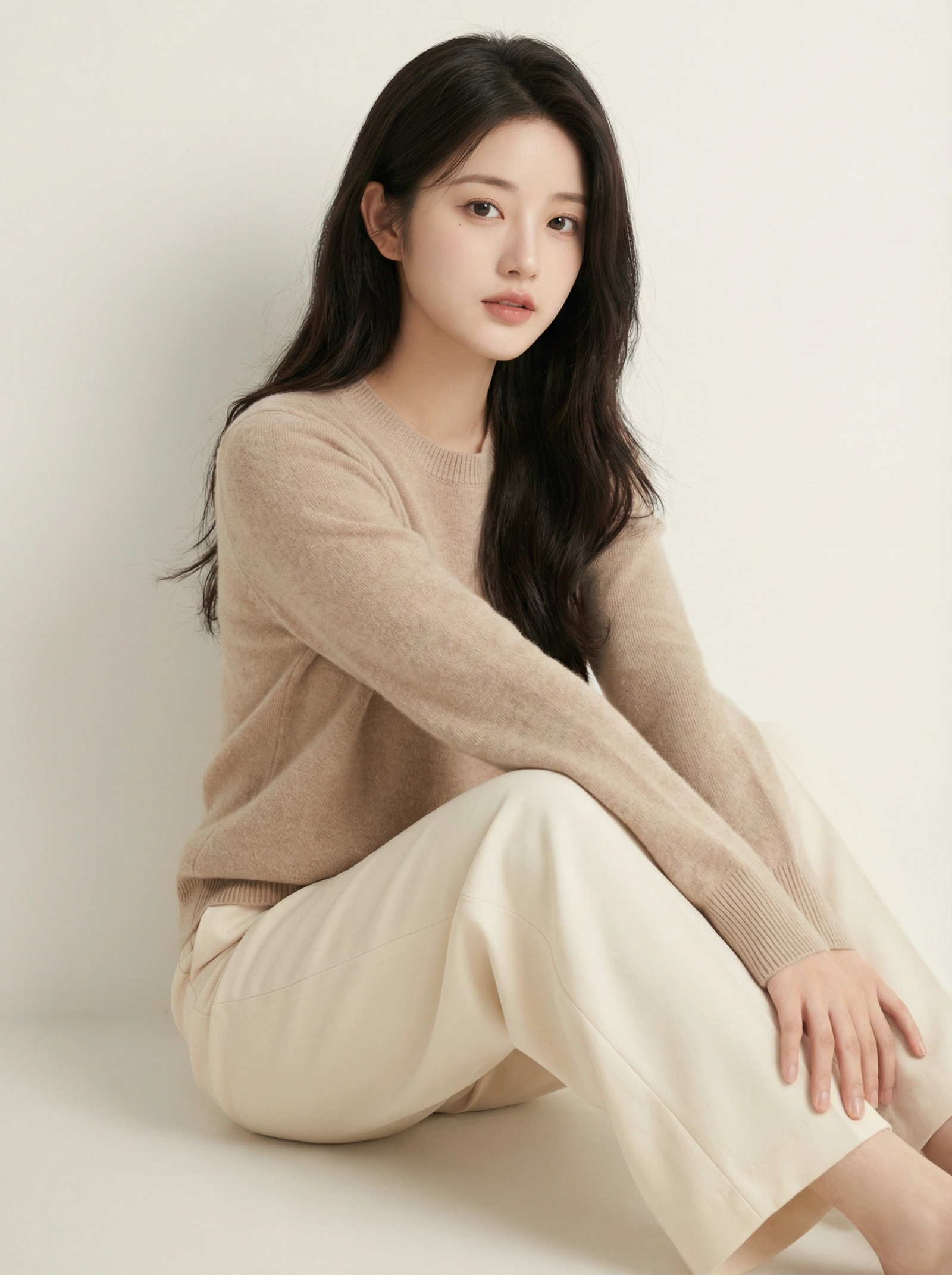
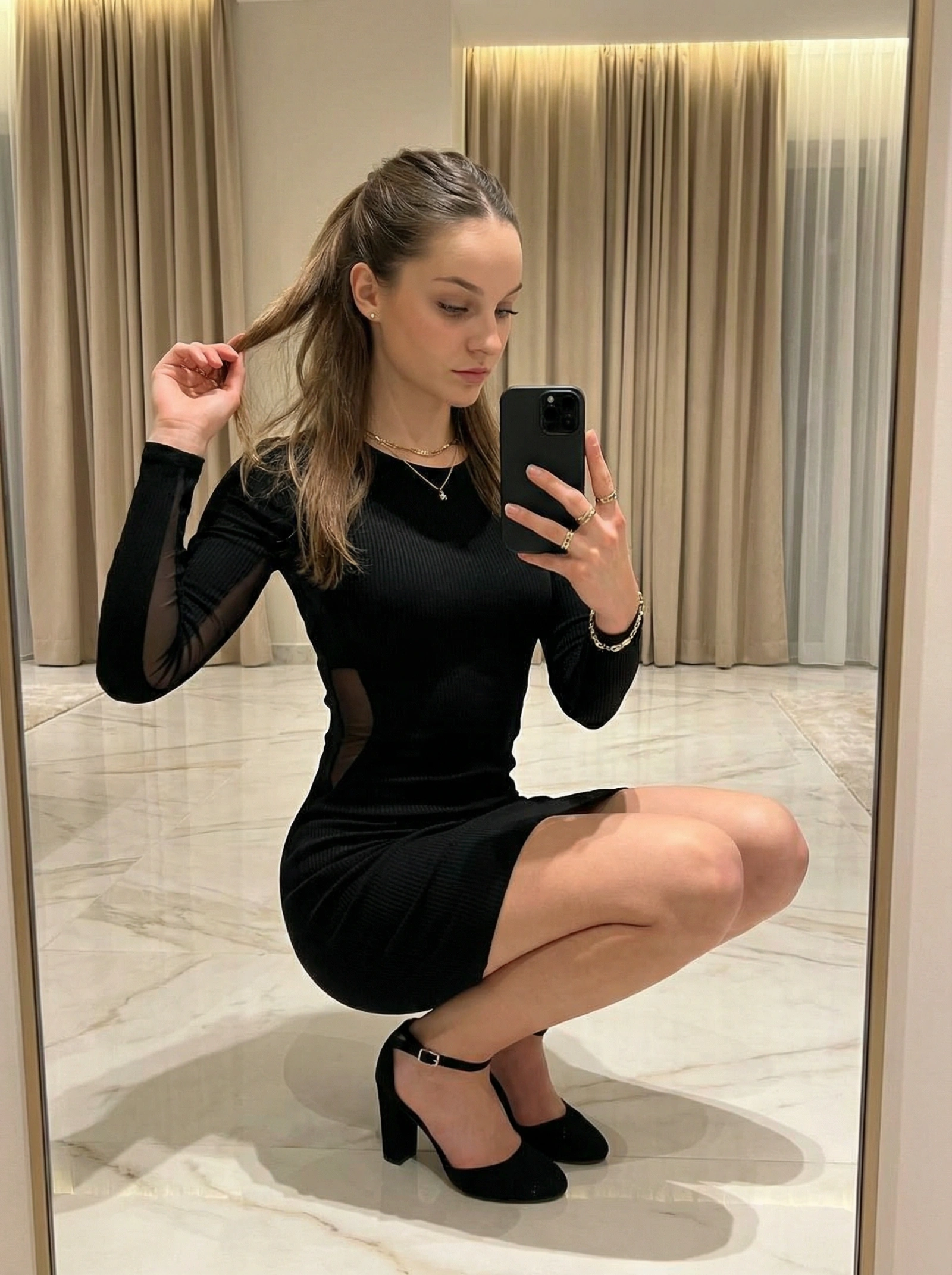
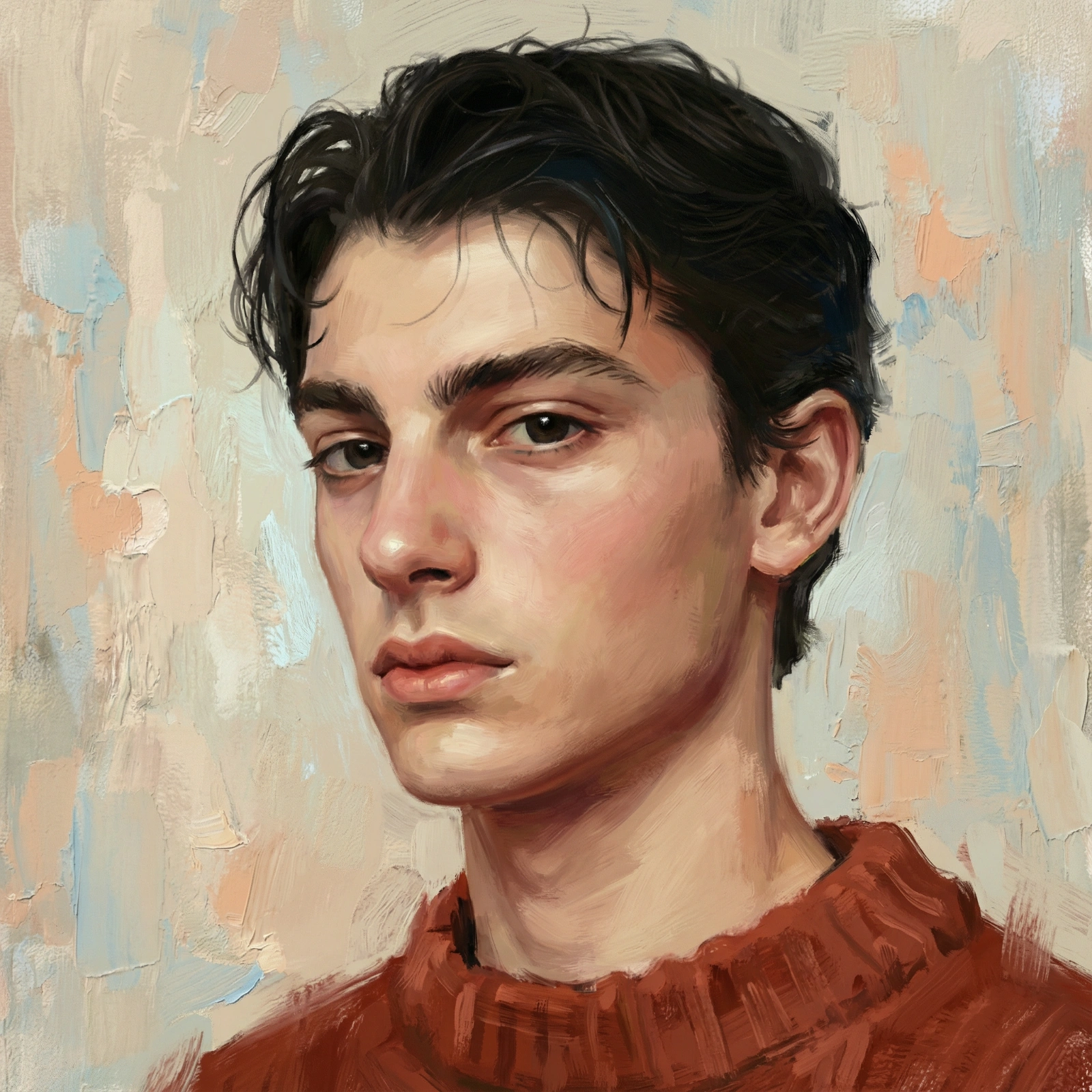
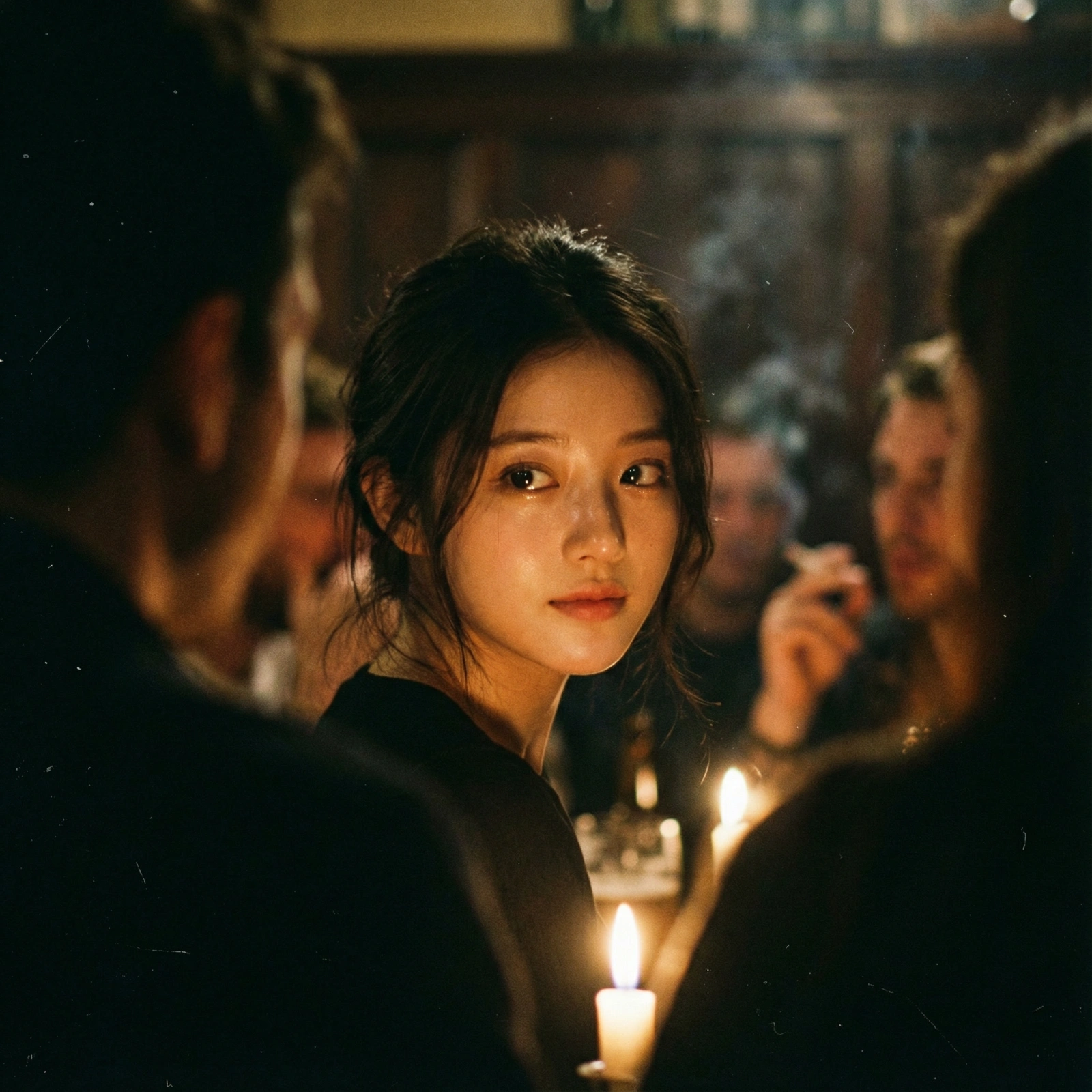
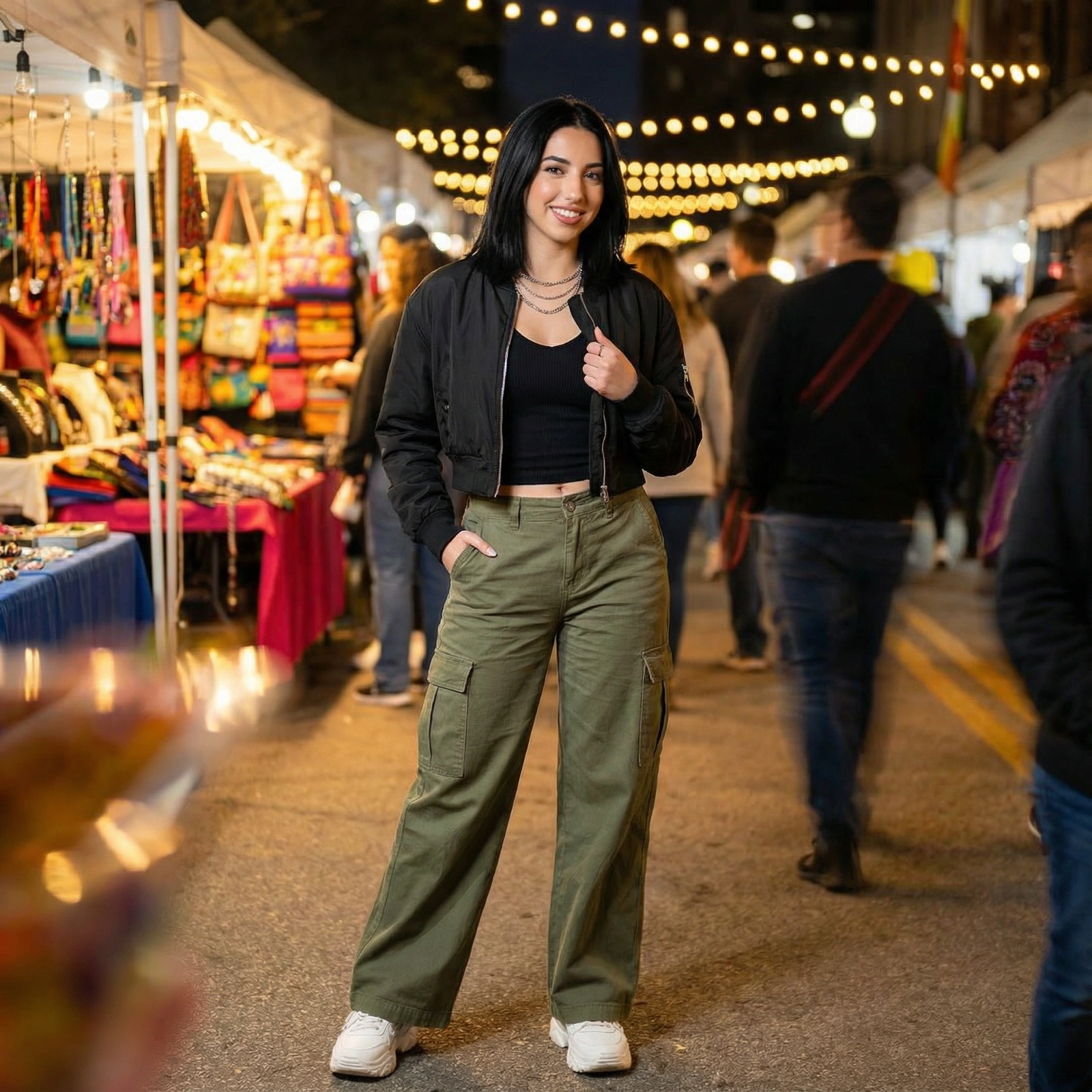
911 prompts in this collection








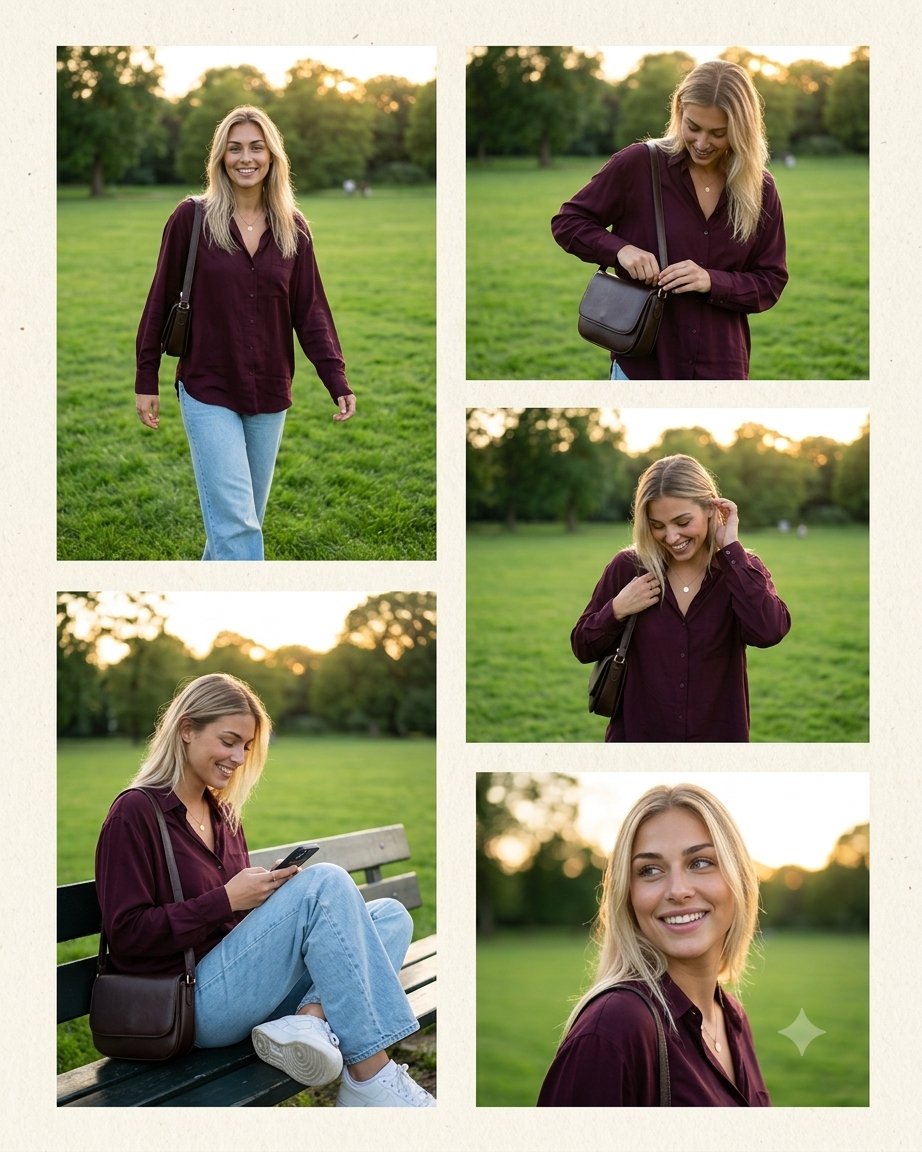
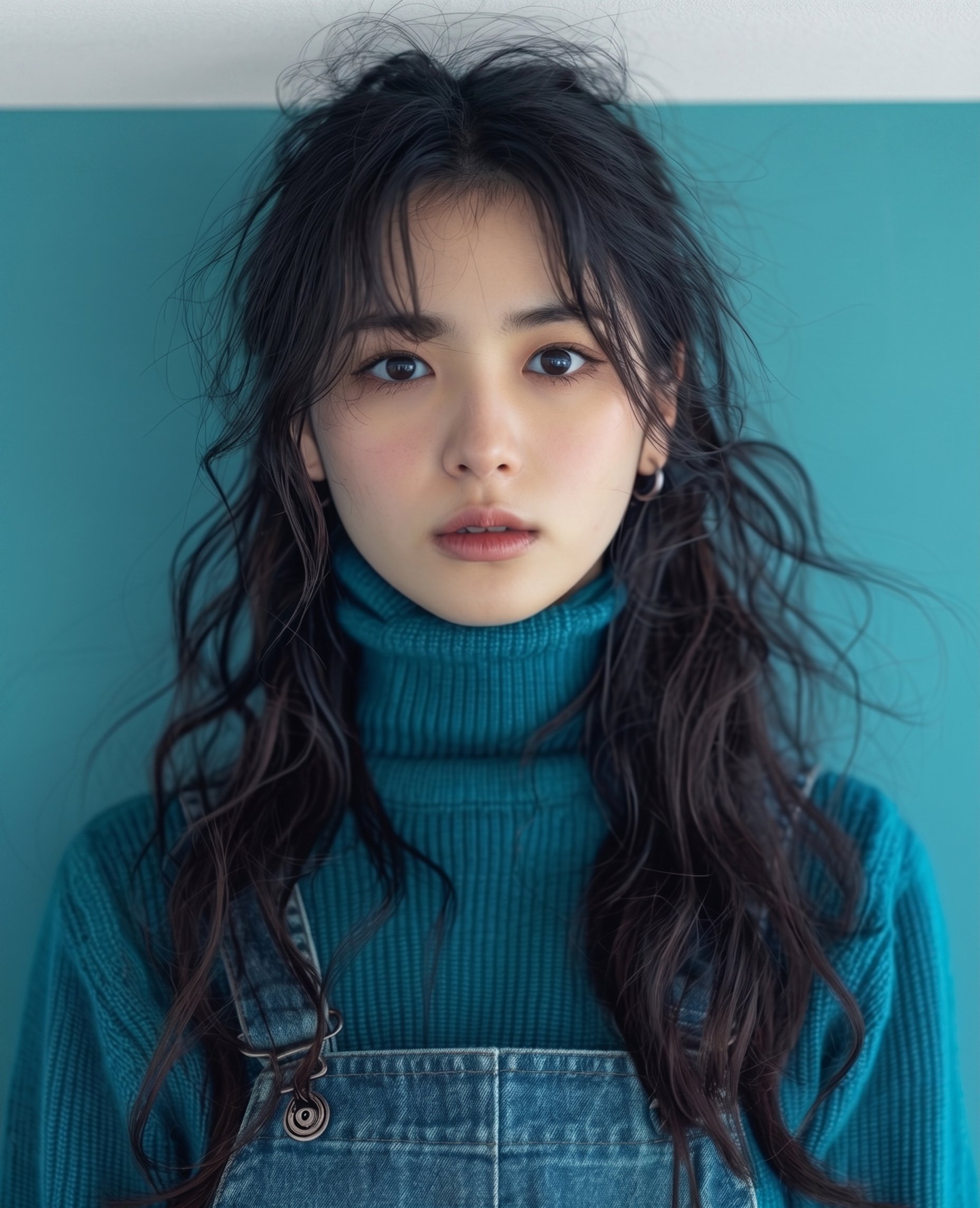
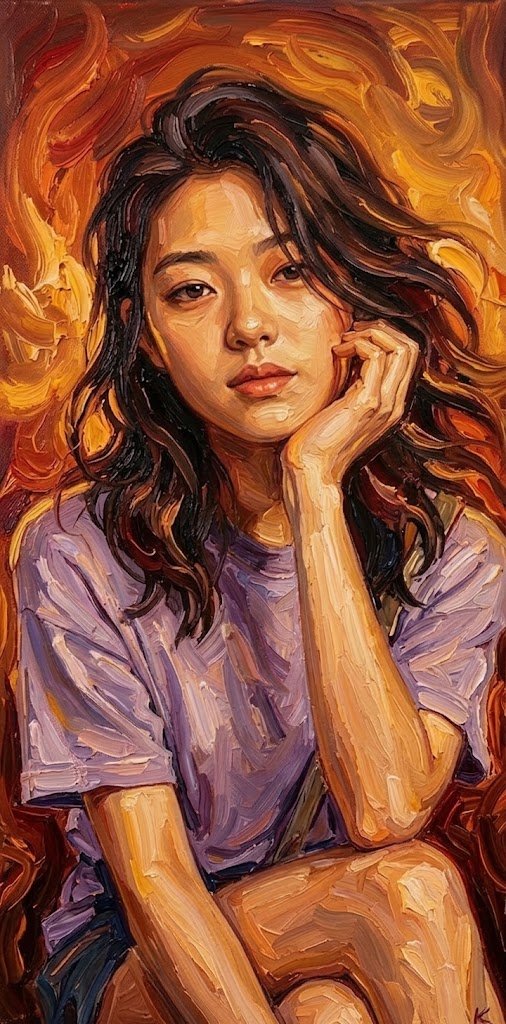
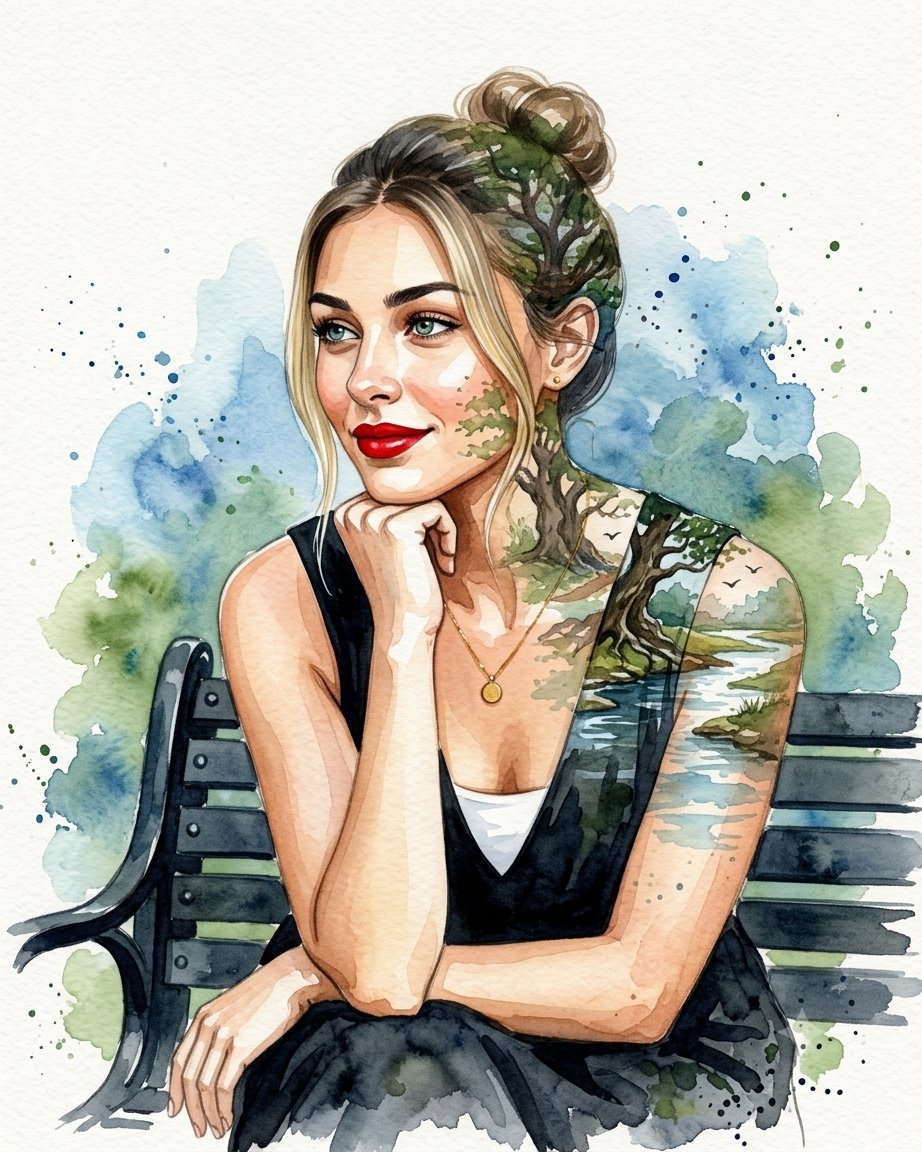
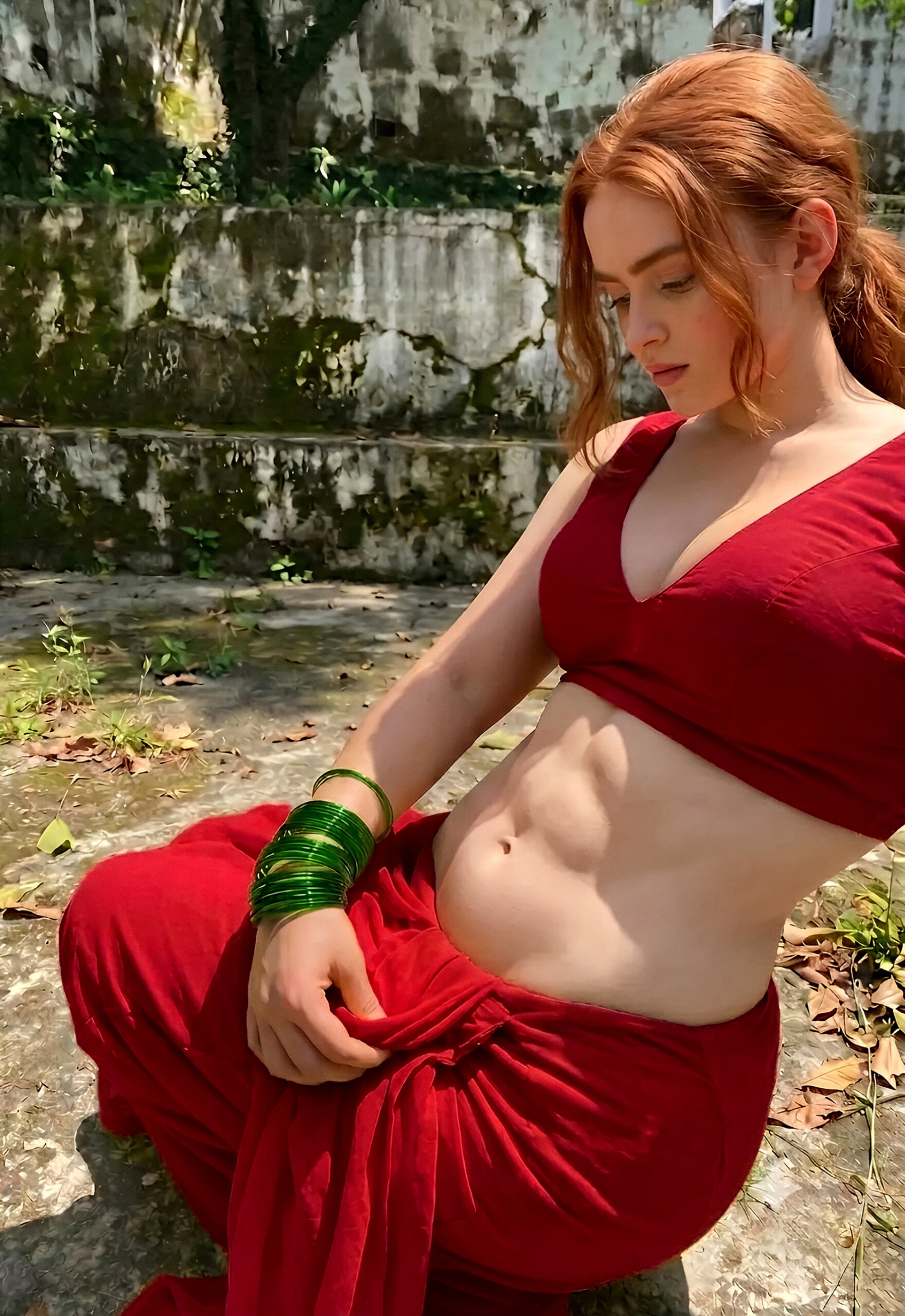
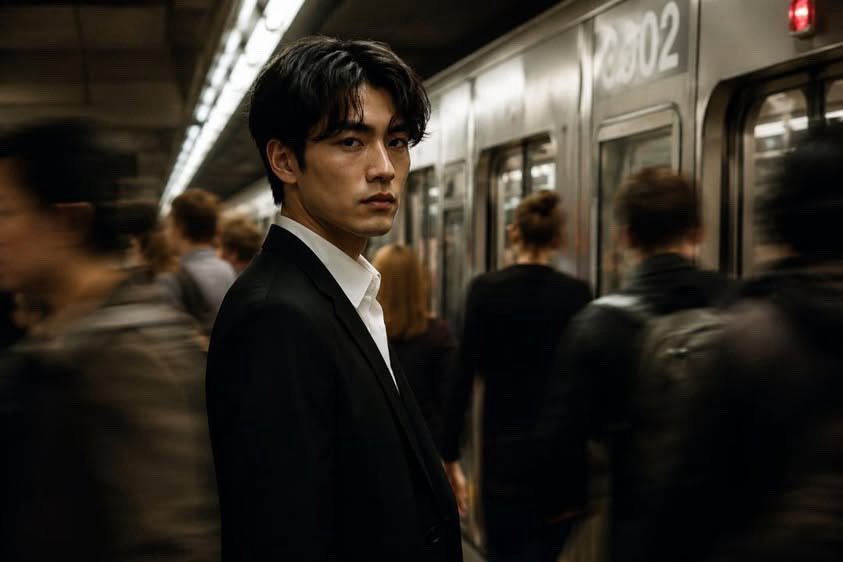
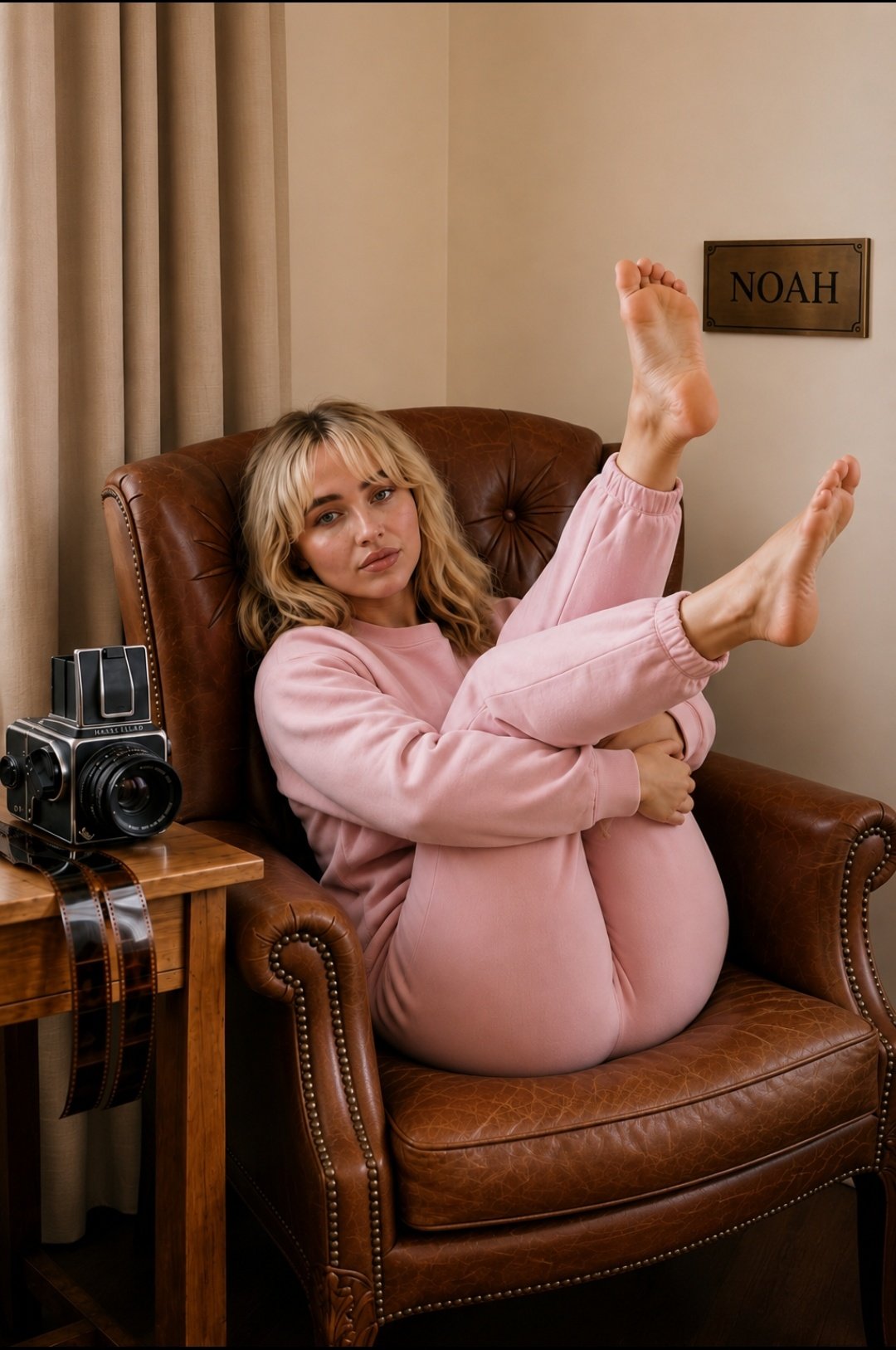
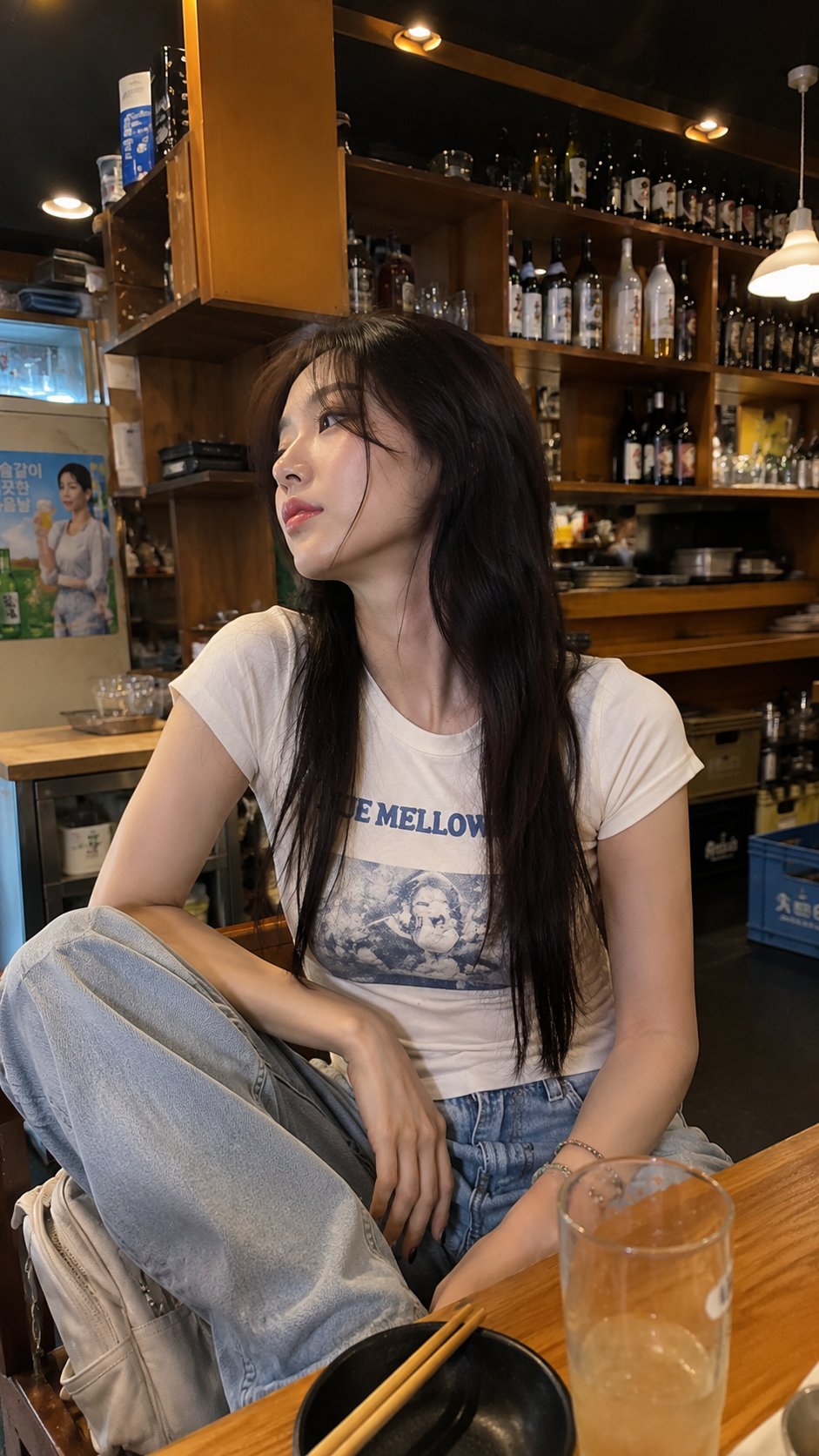
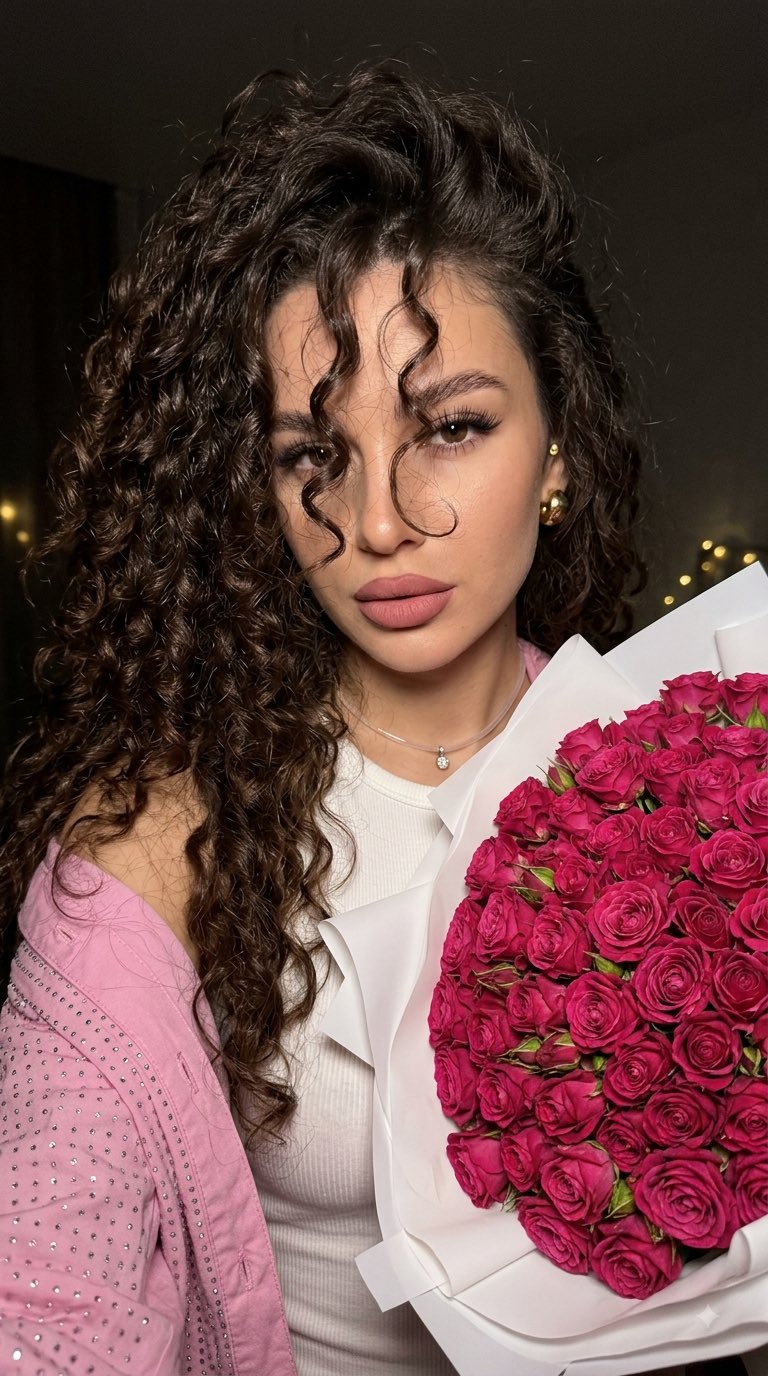
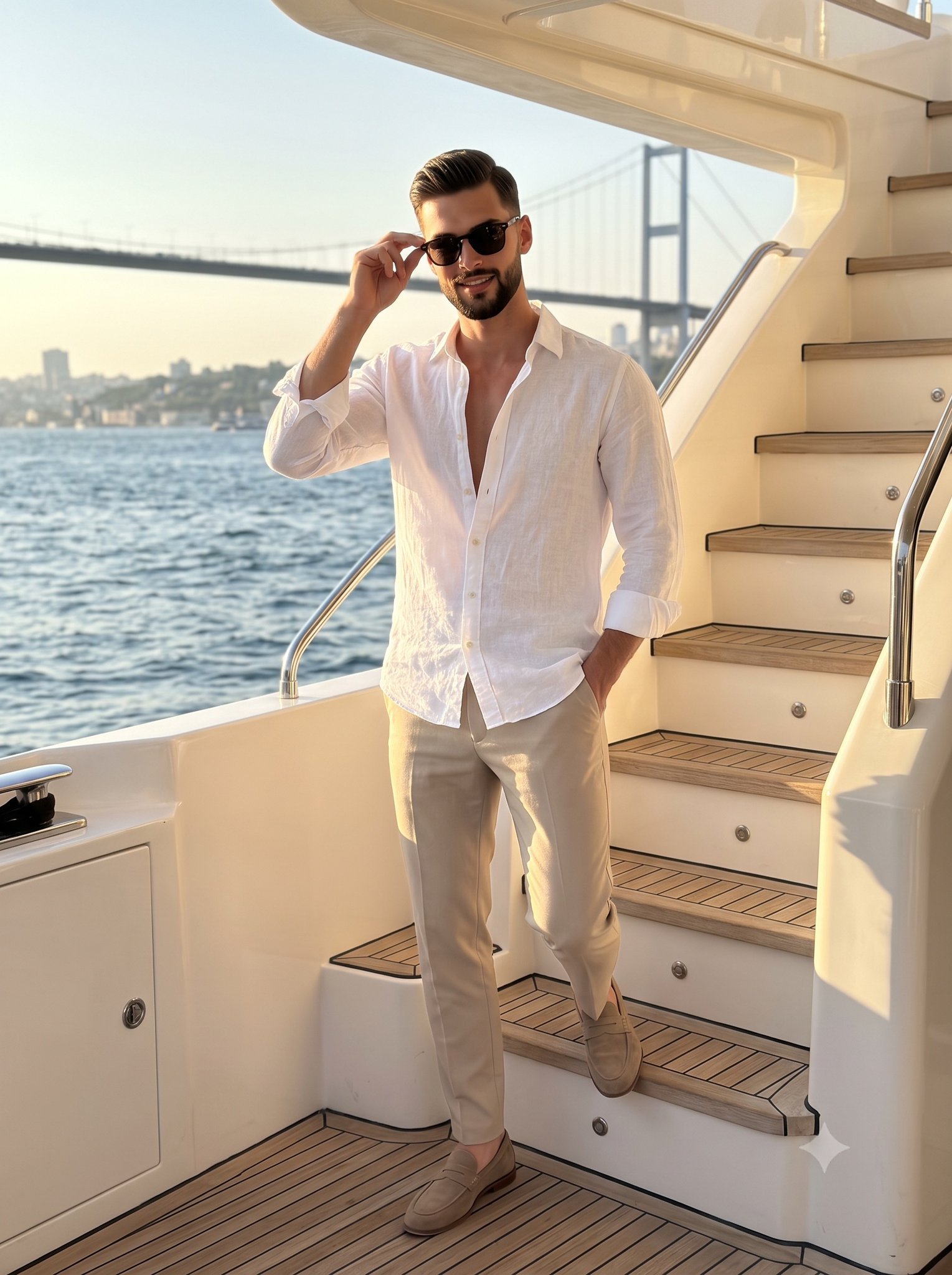
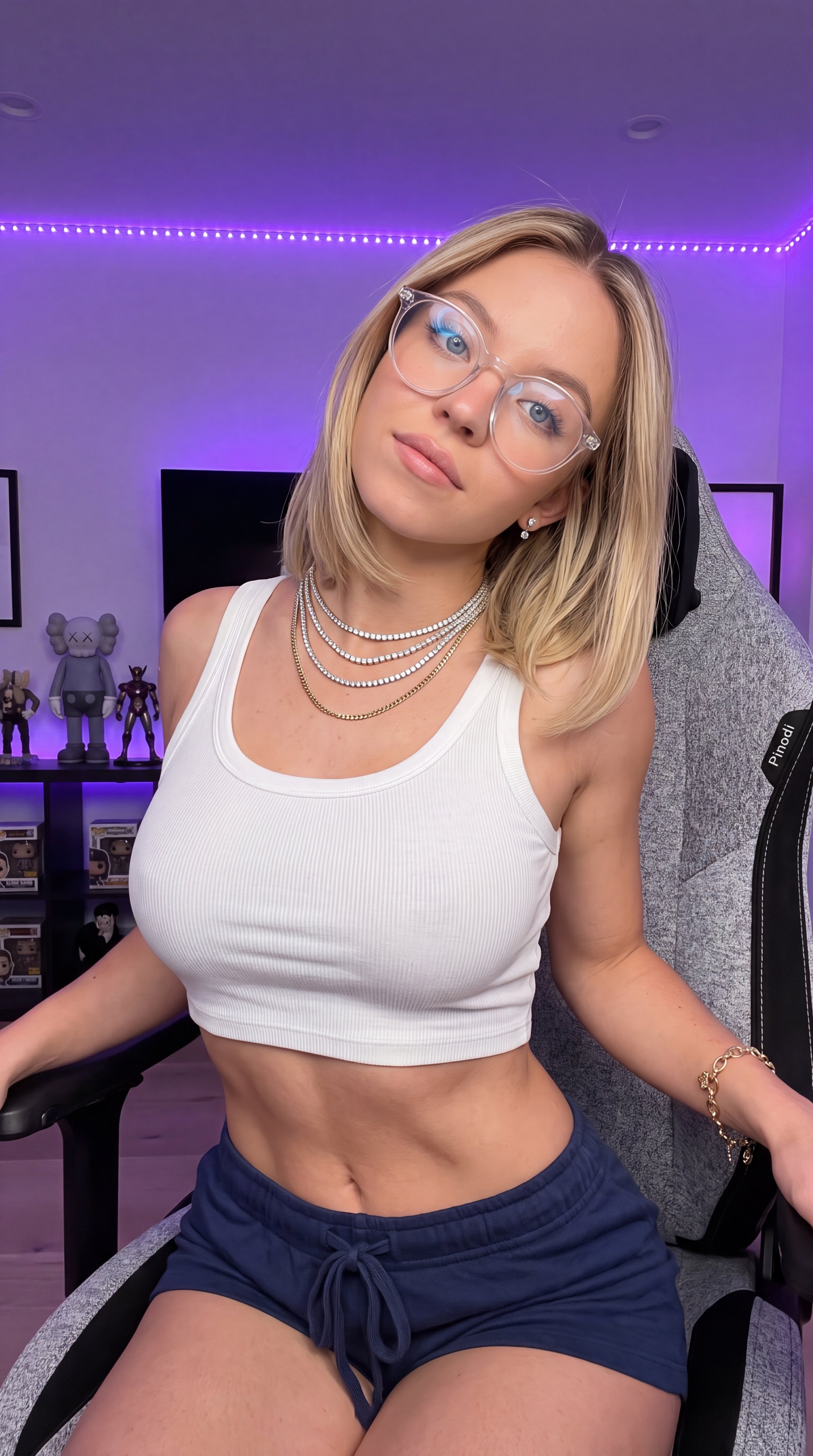
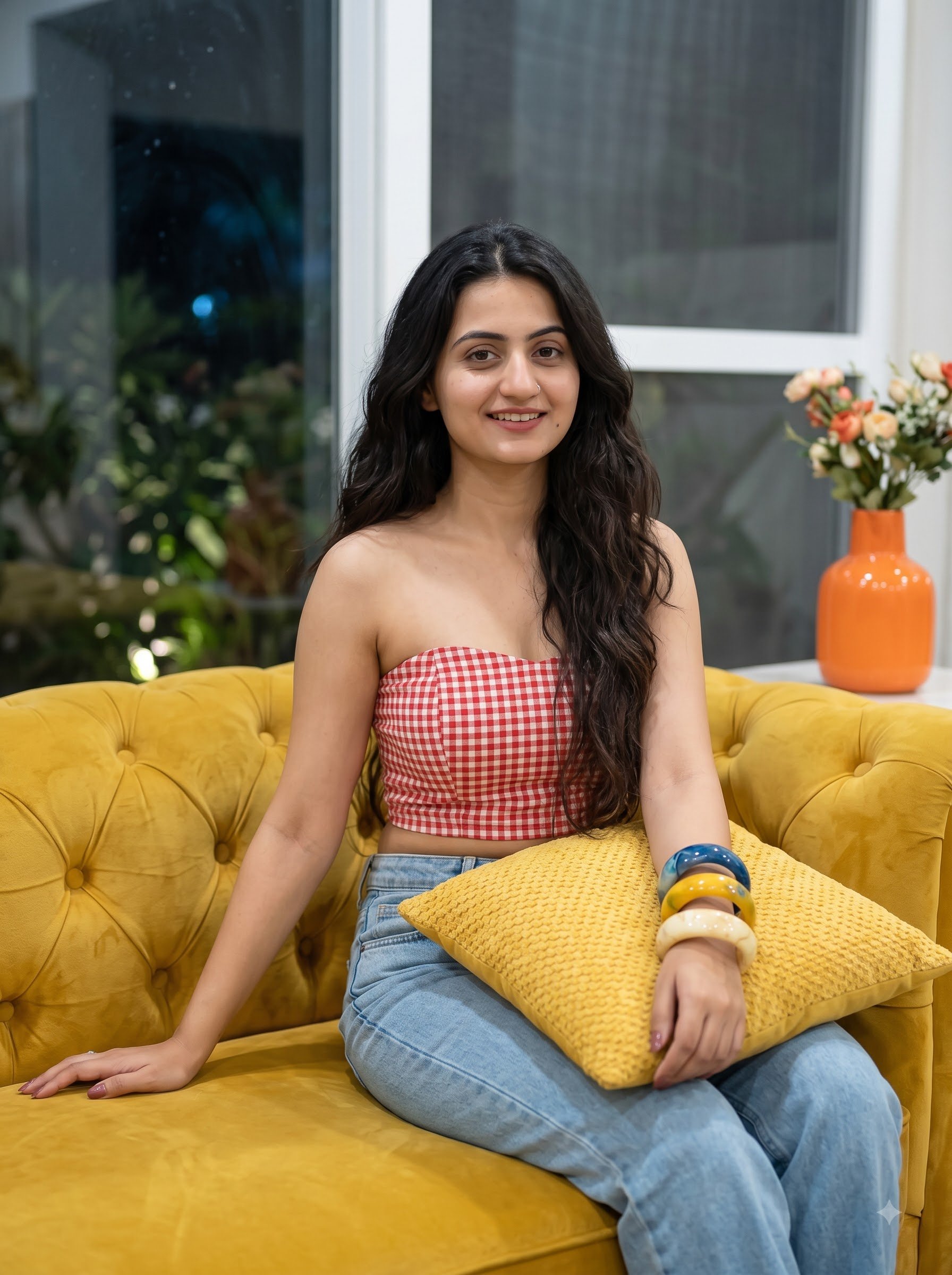
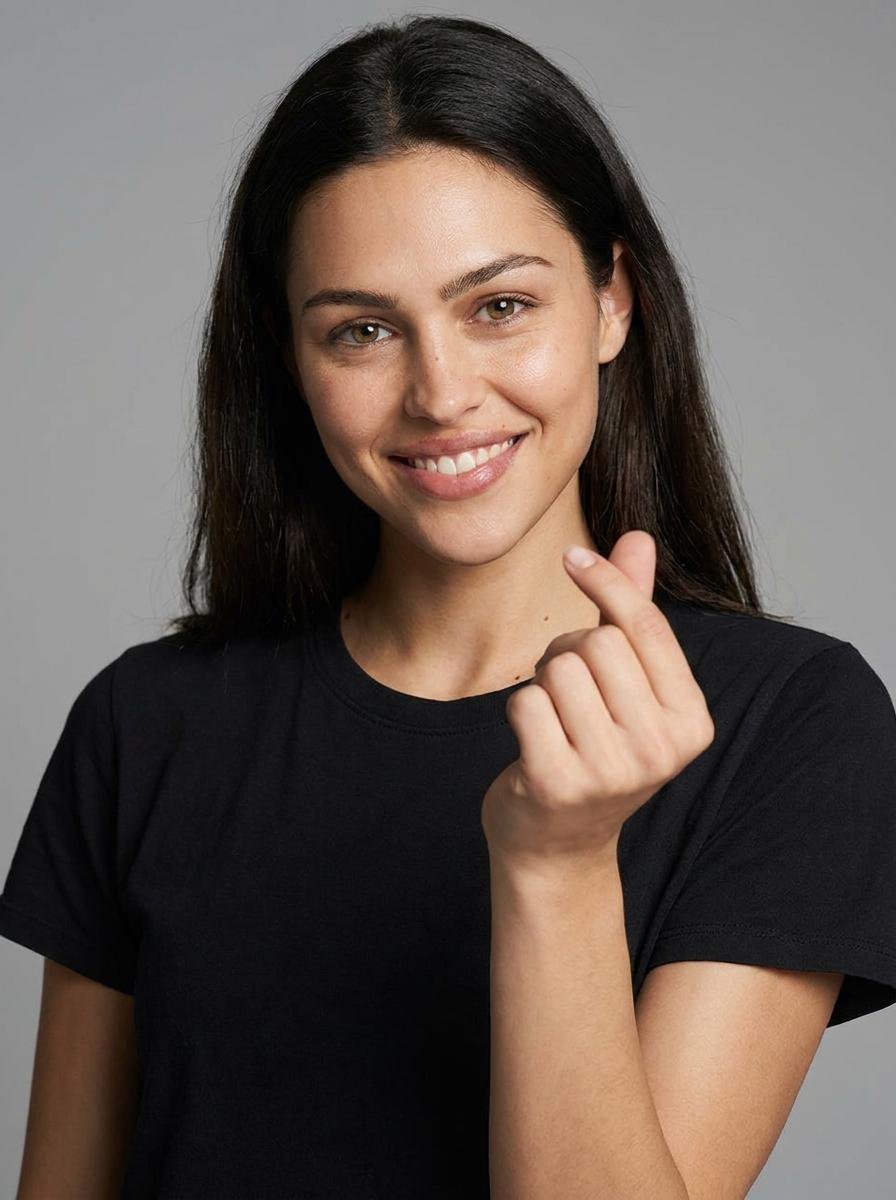
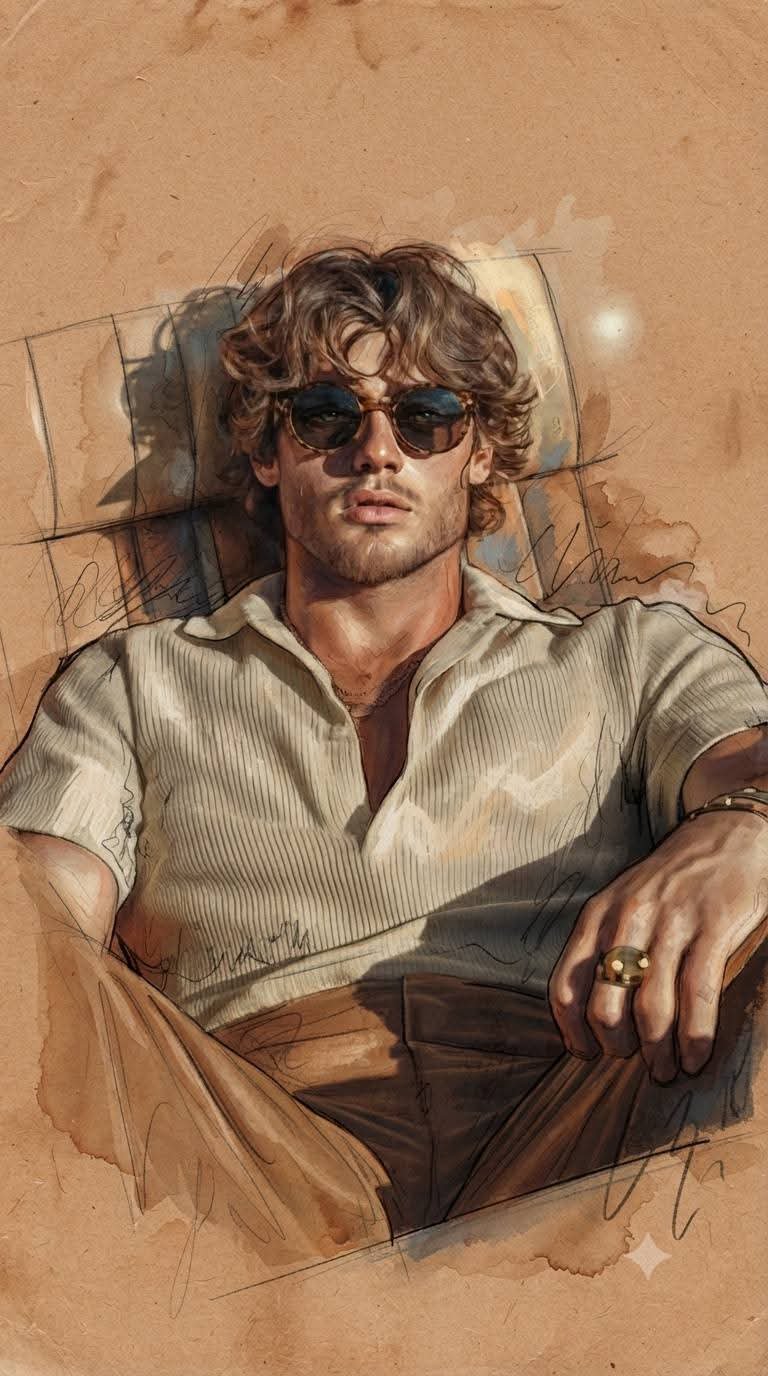
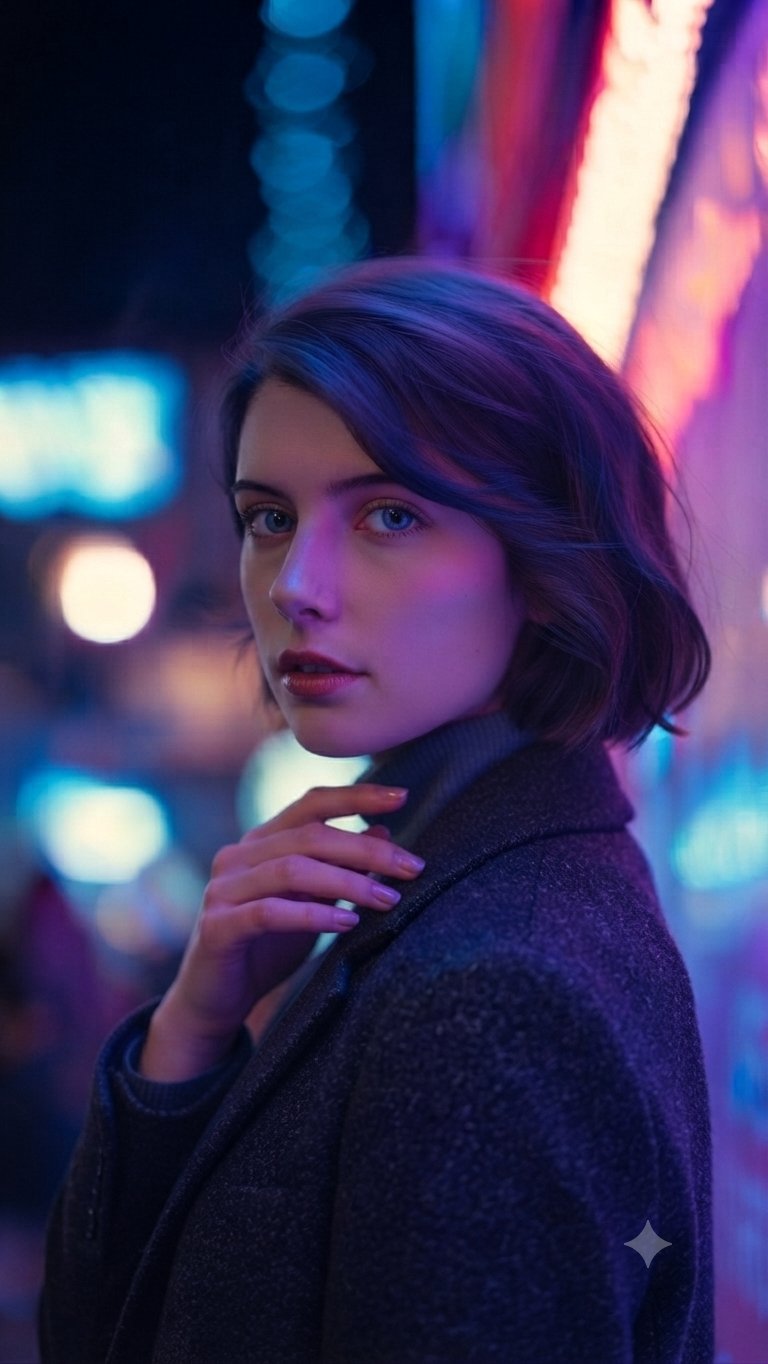
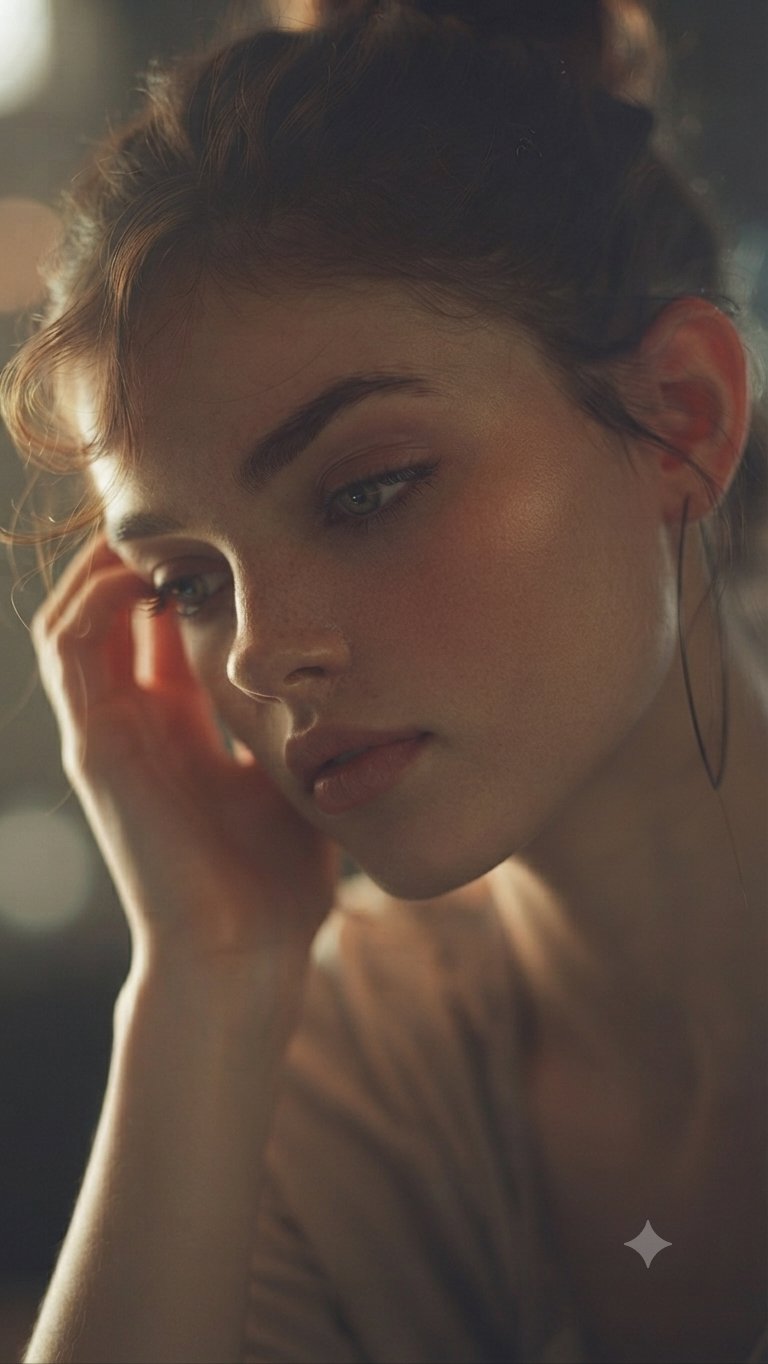
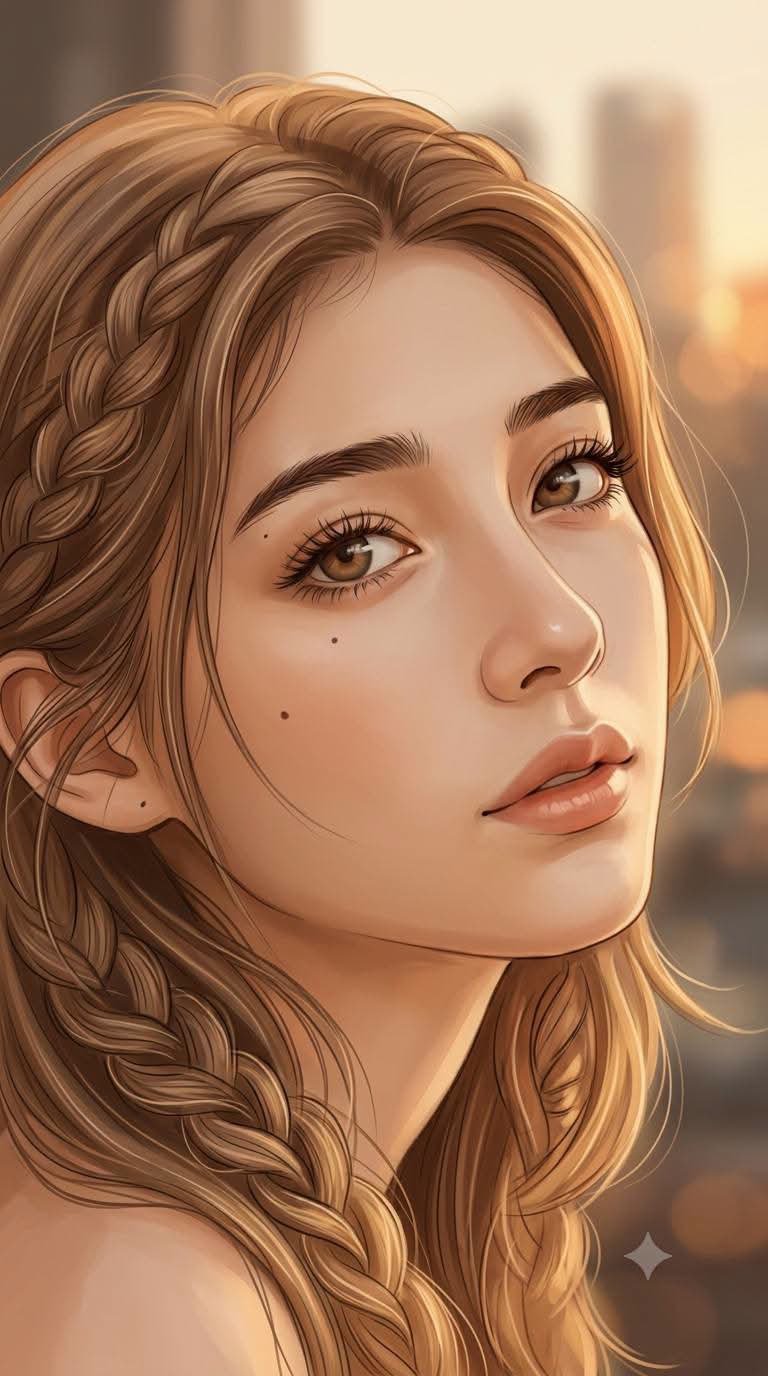


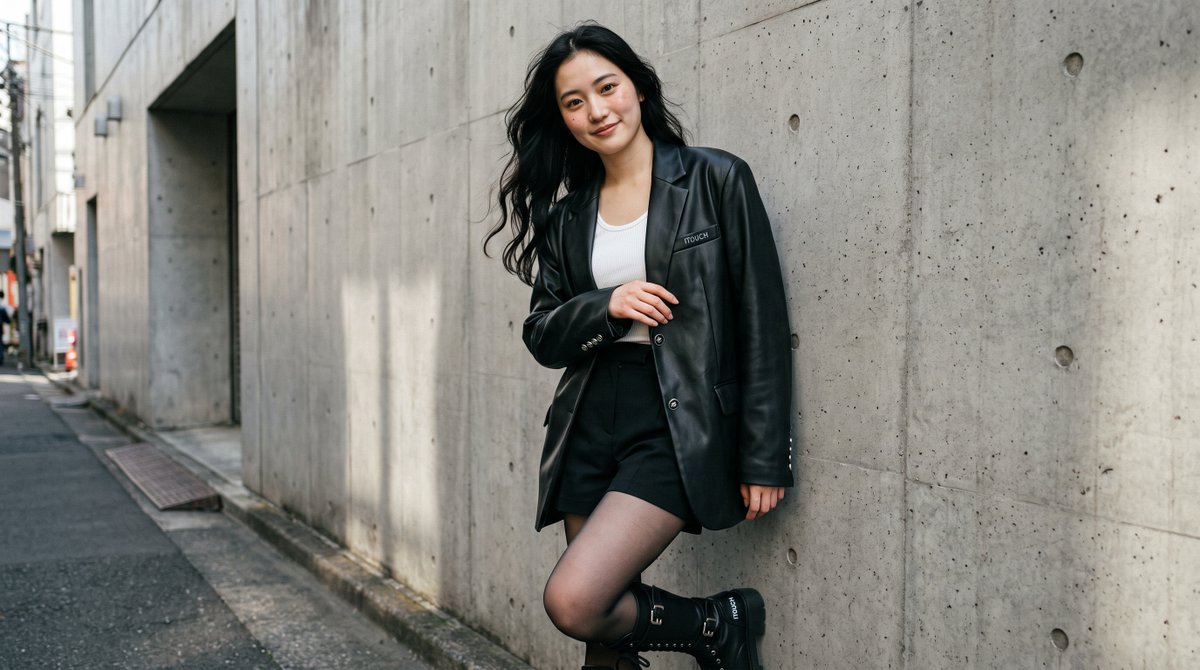
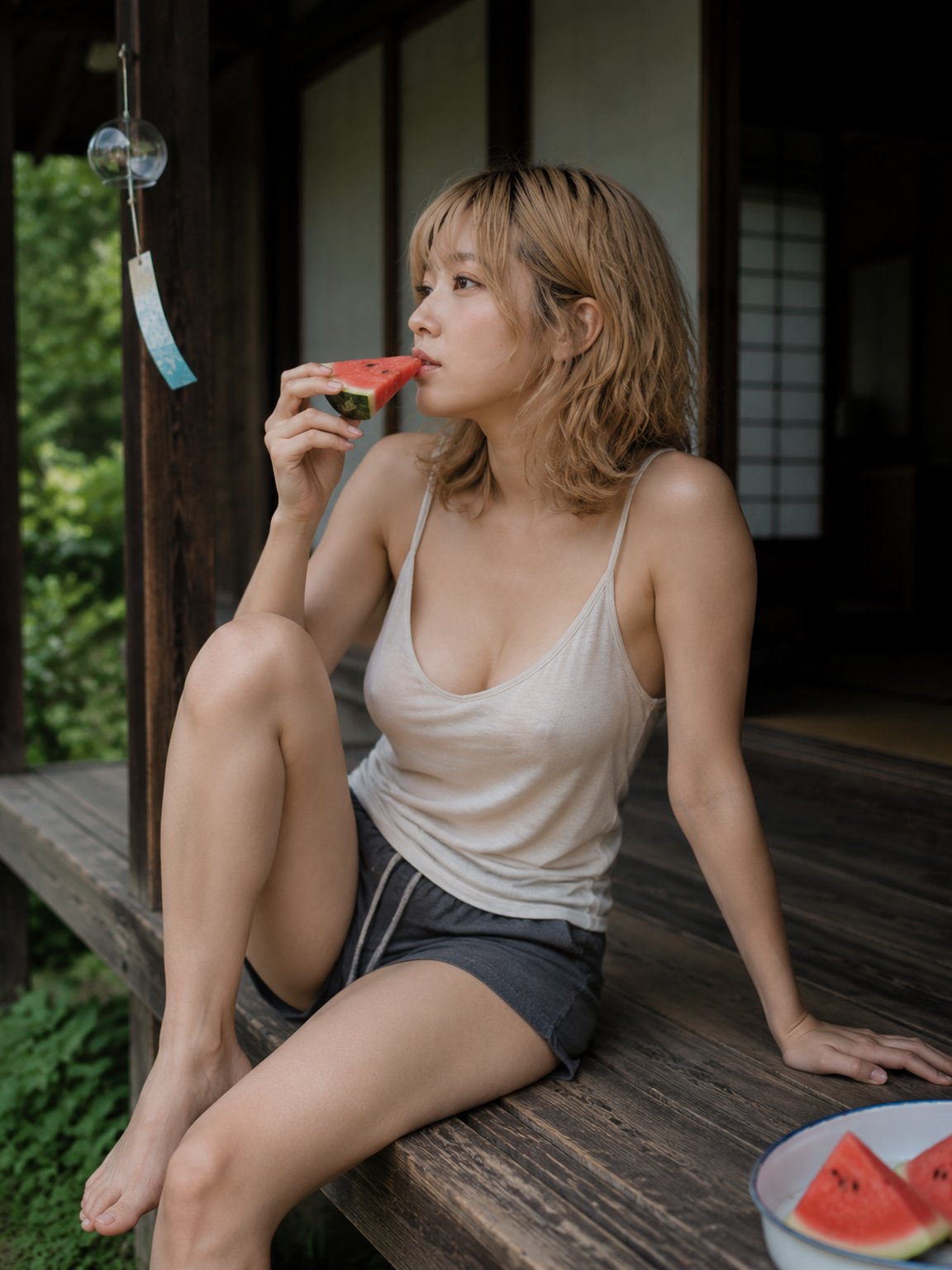
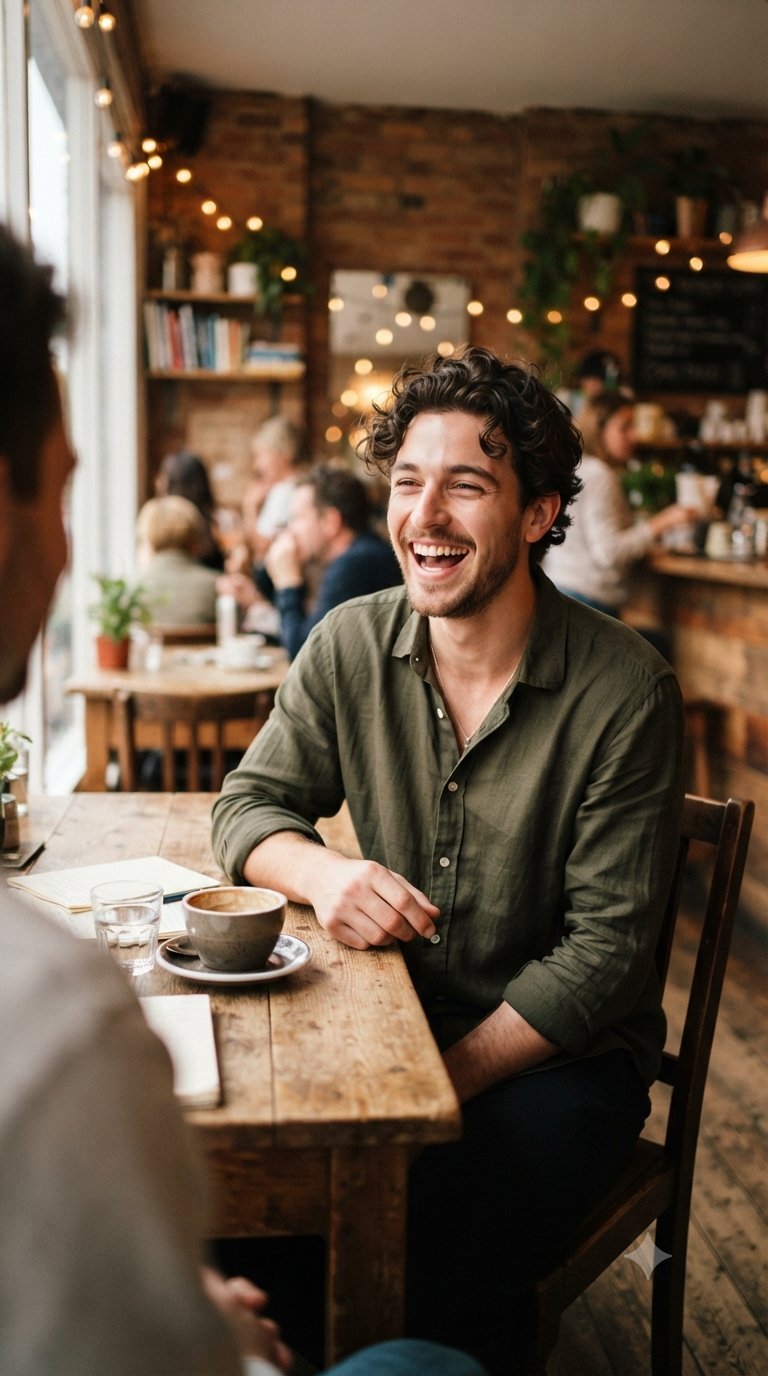
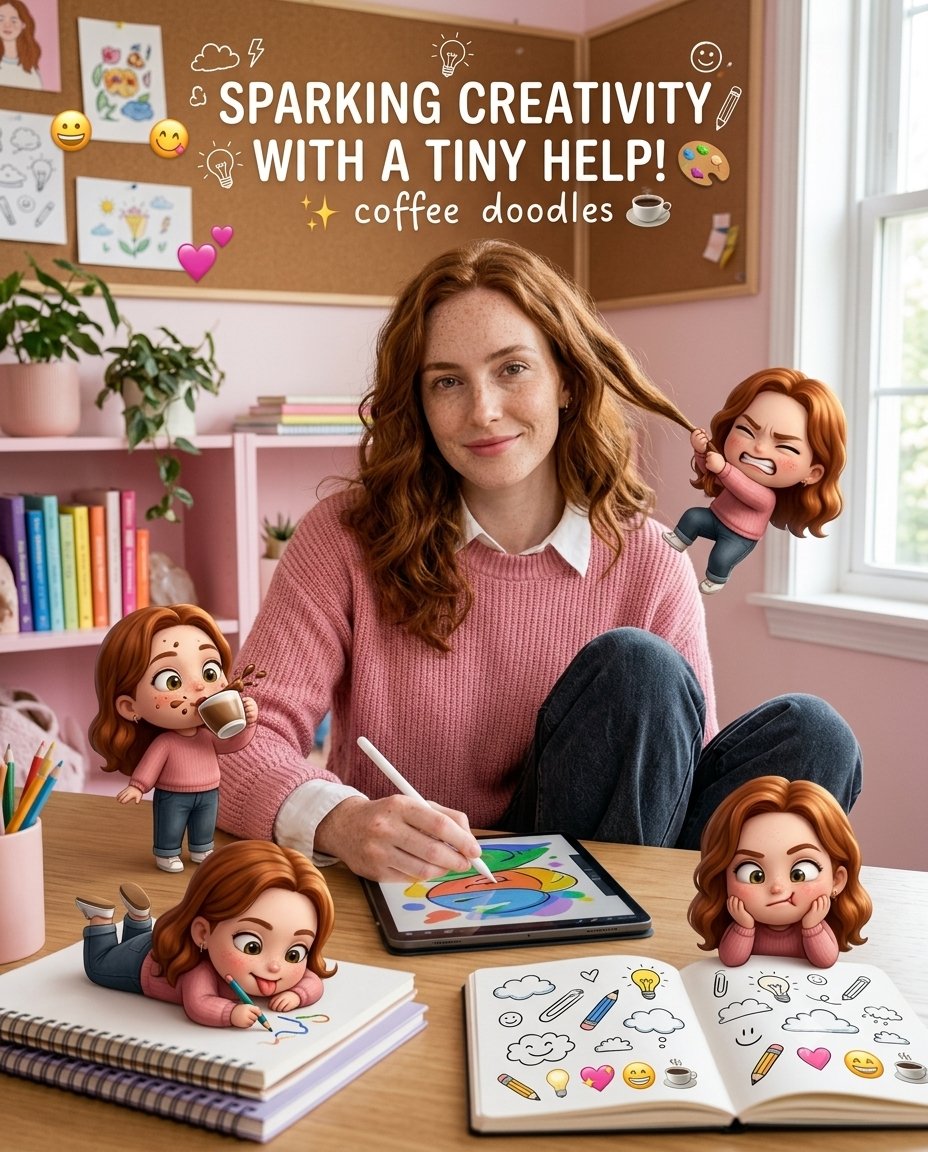
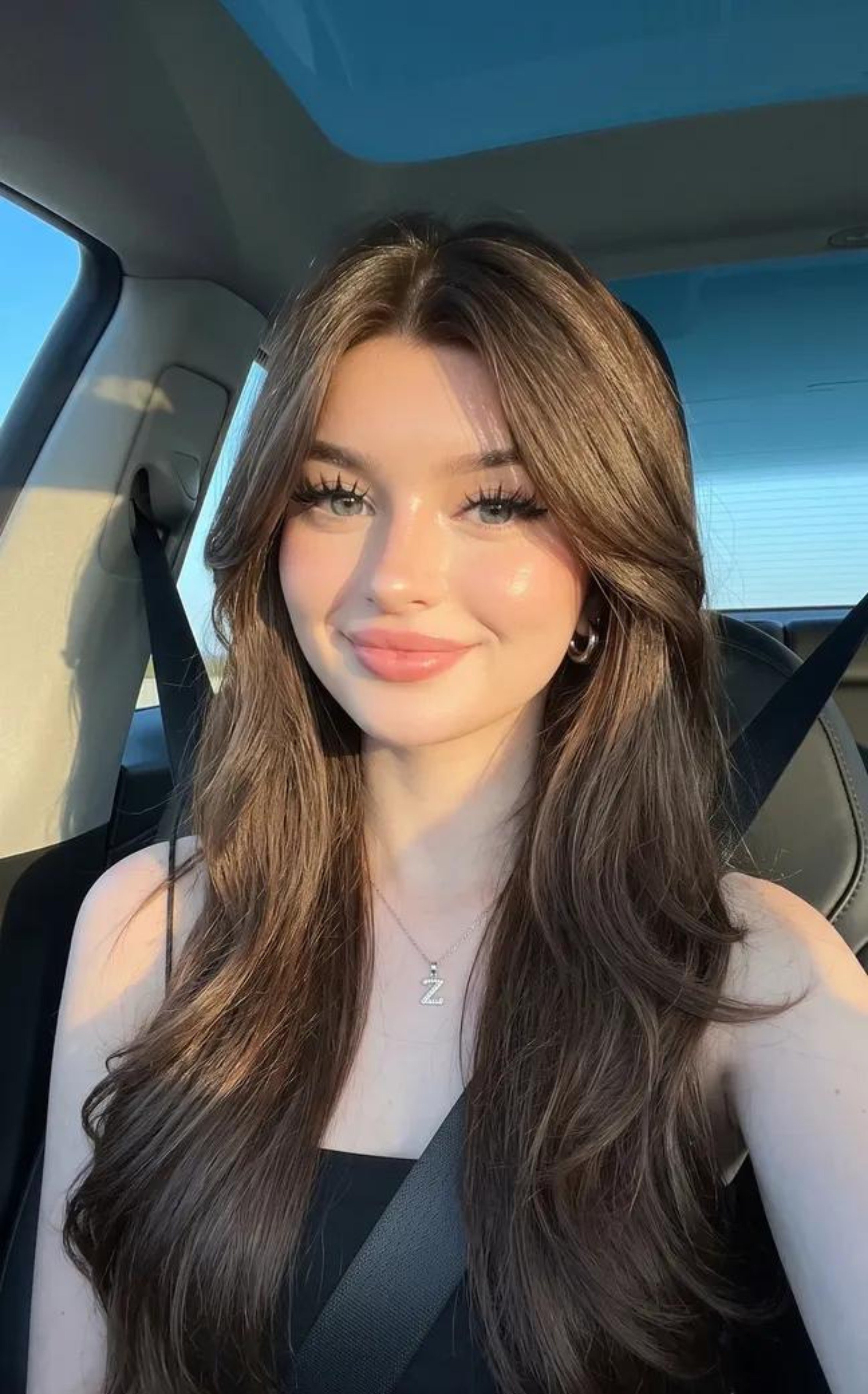
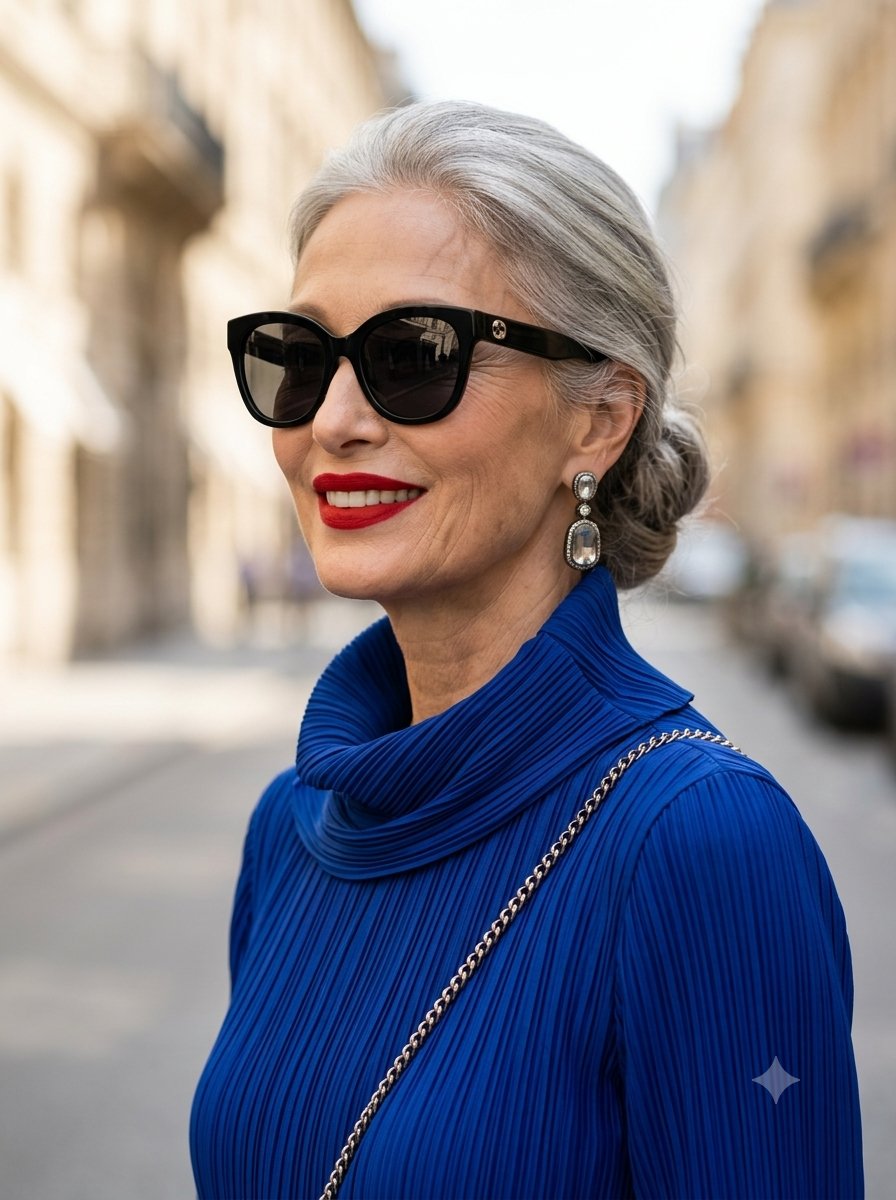
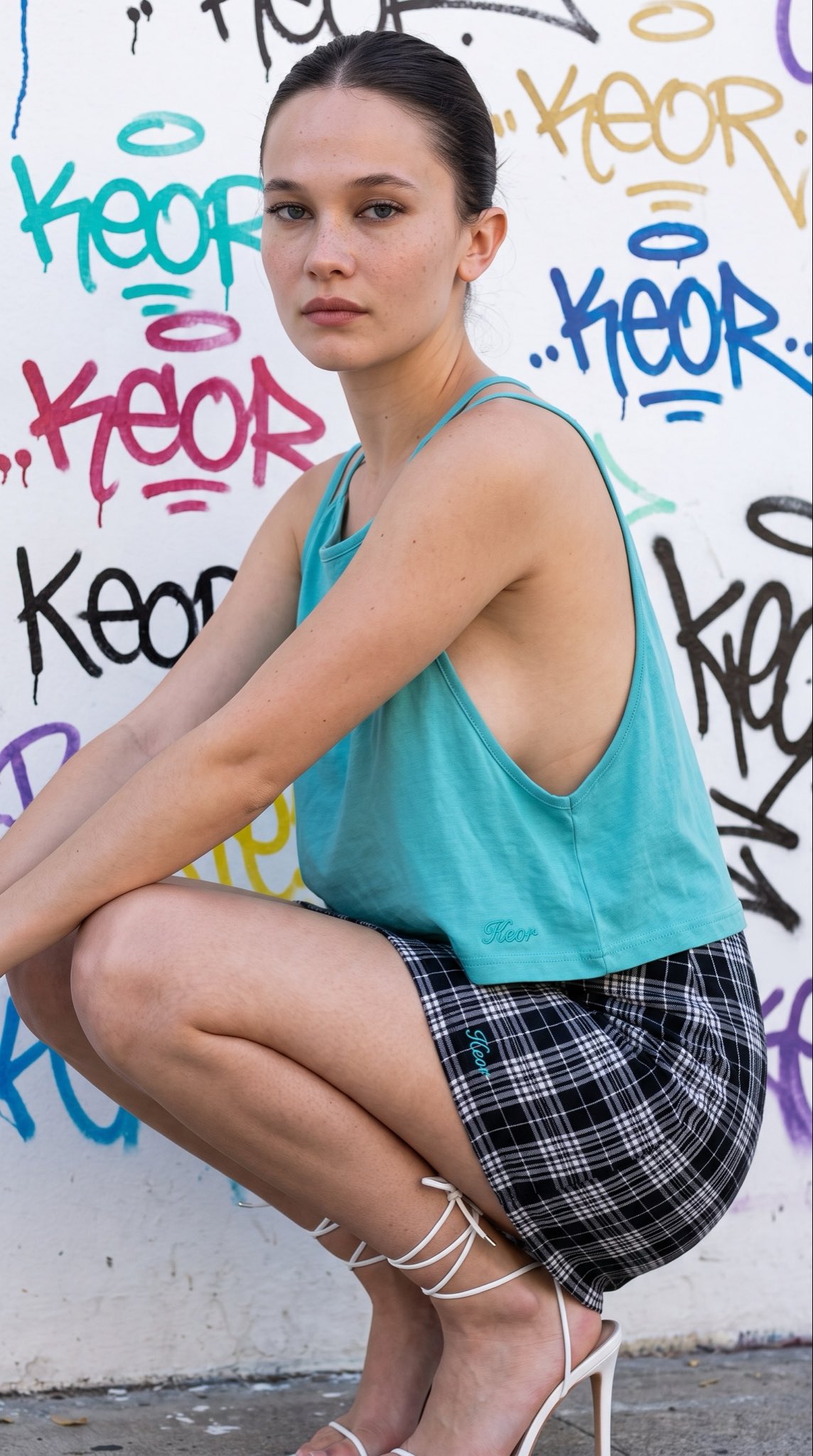
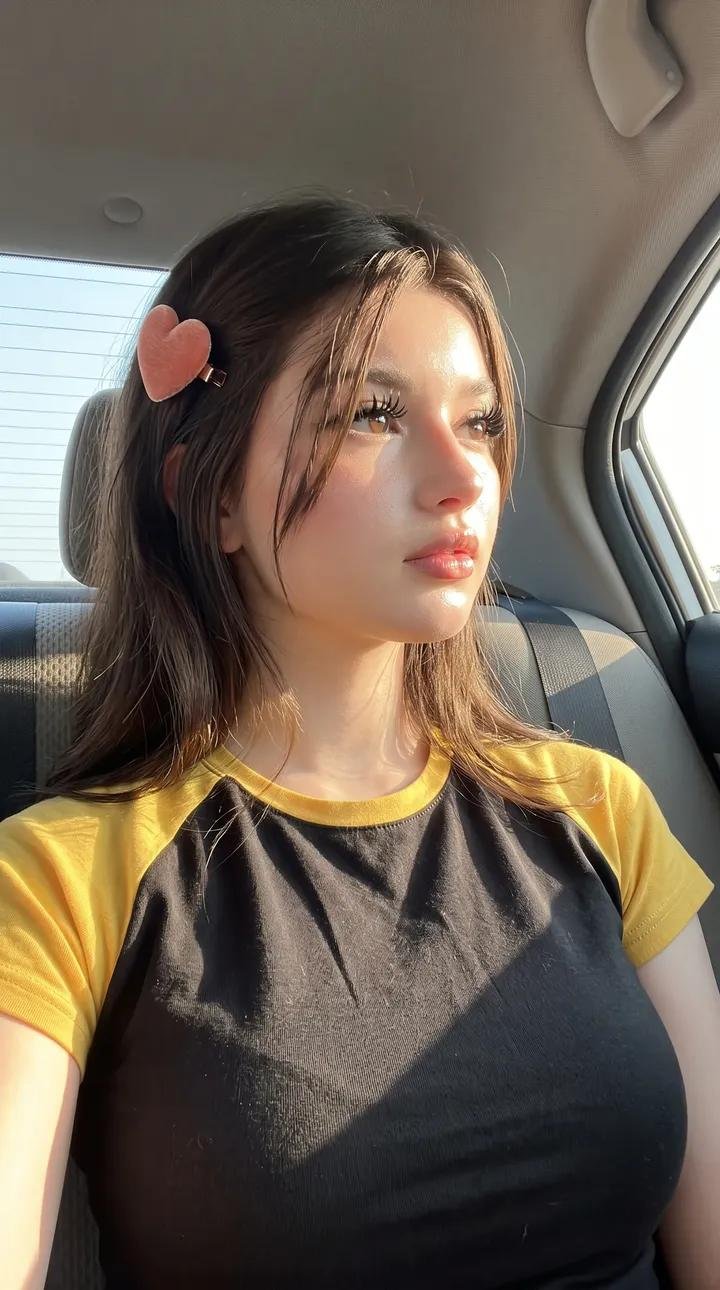
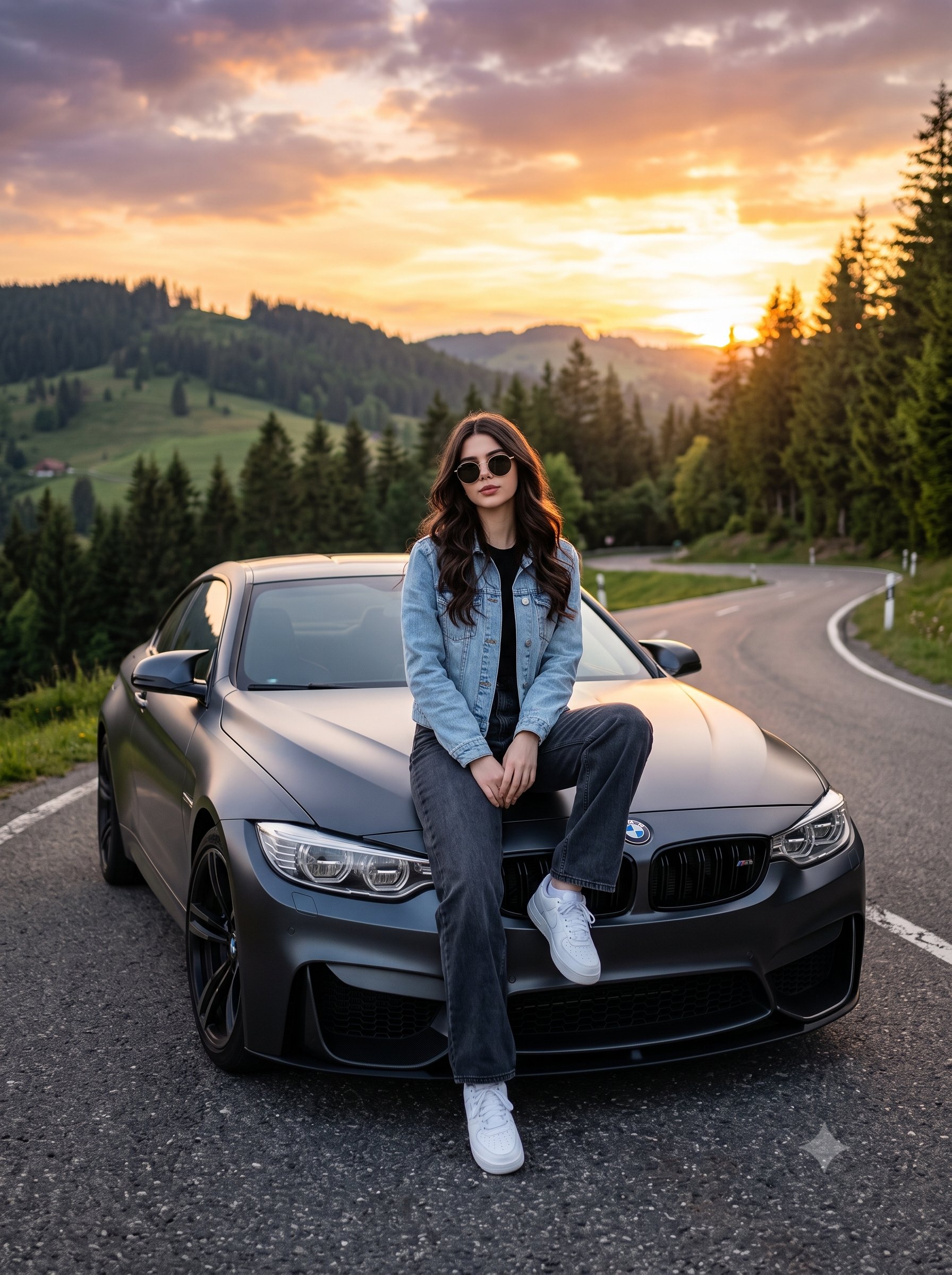
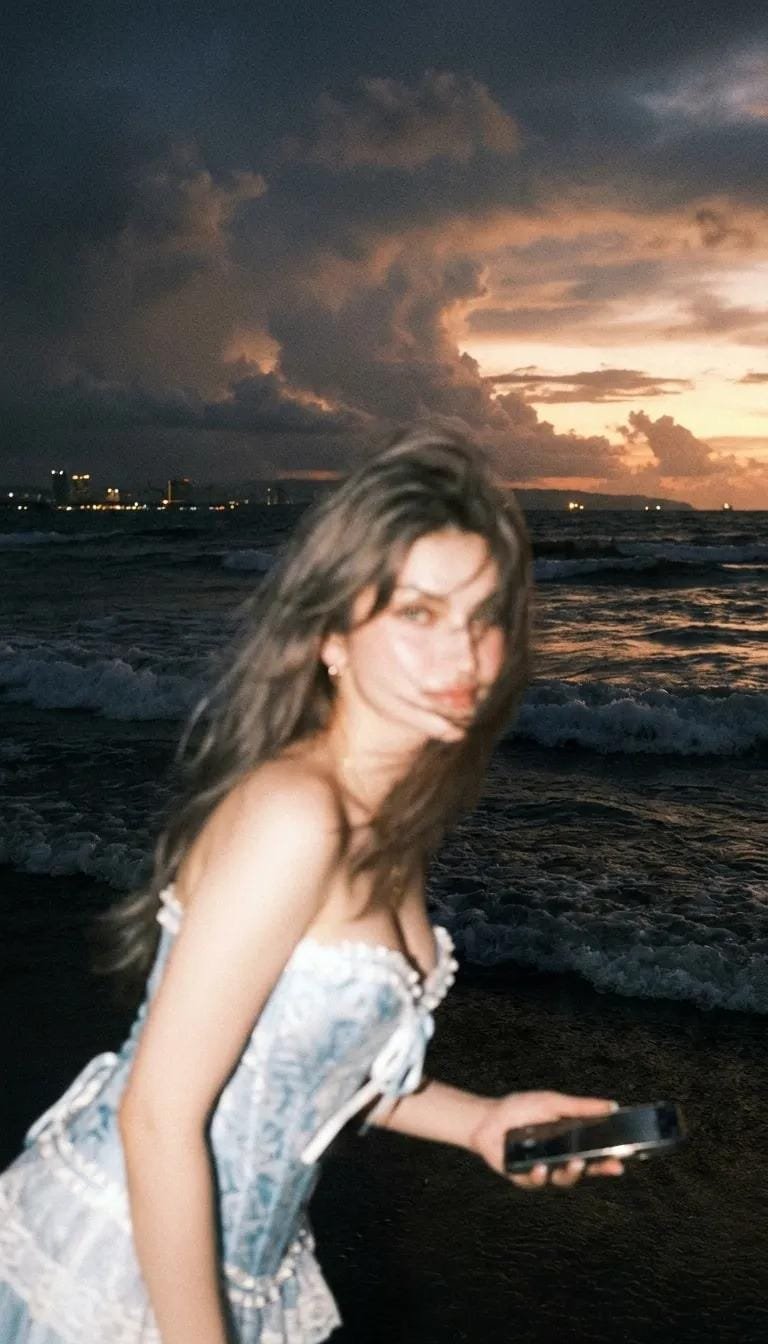
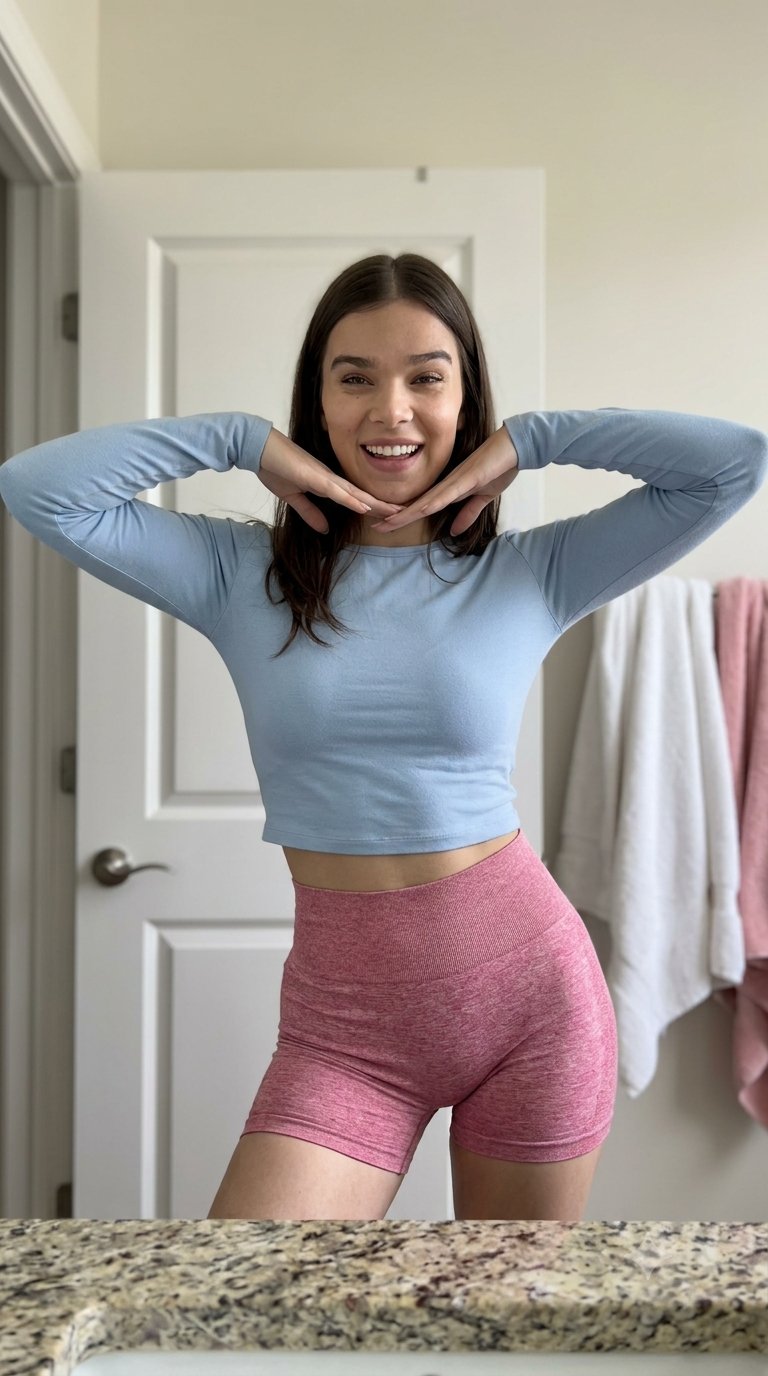

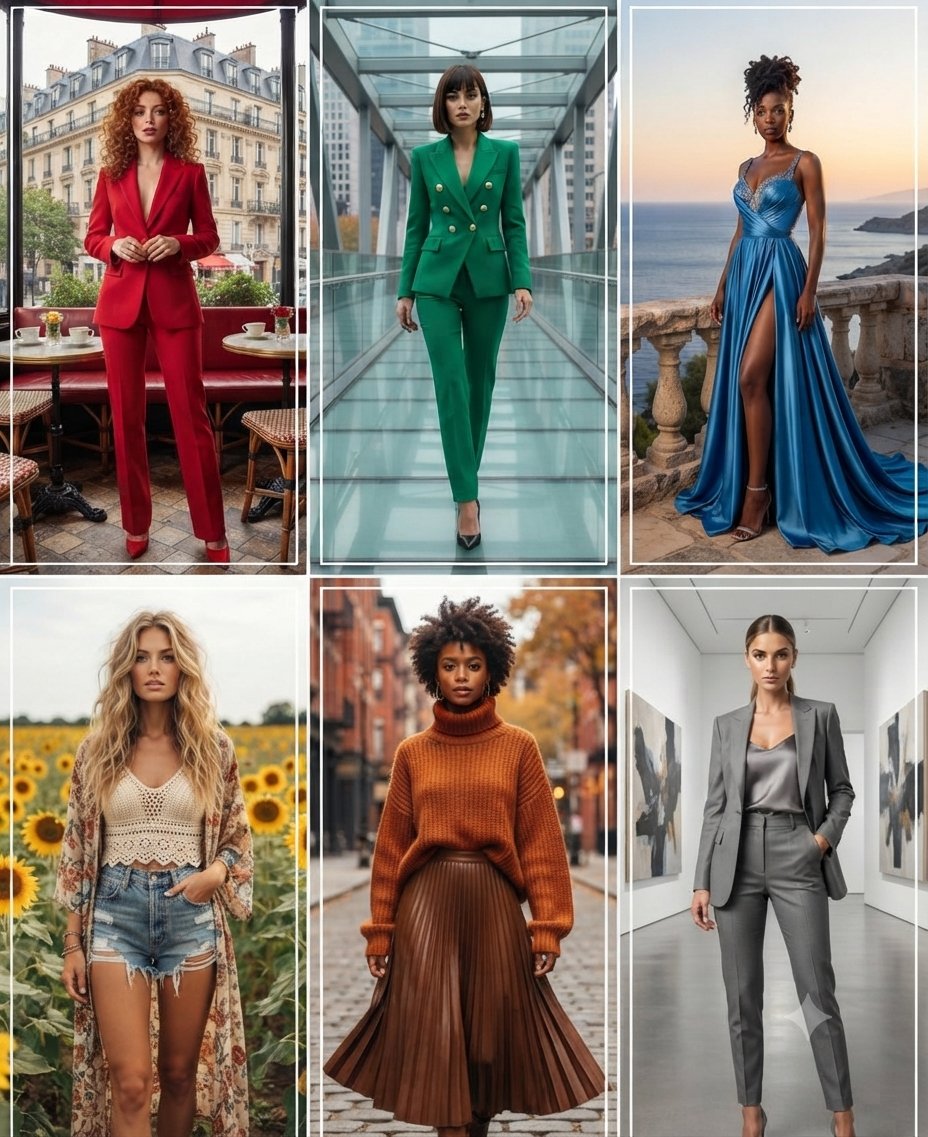
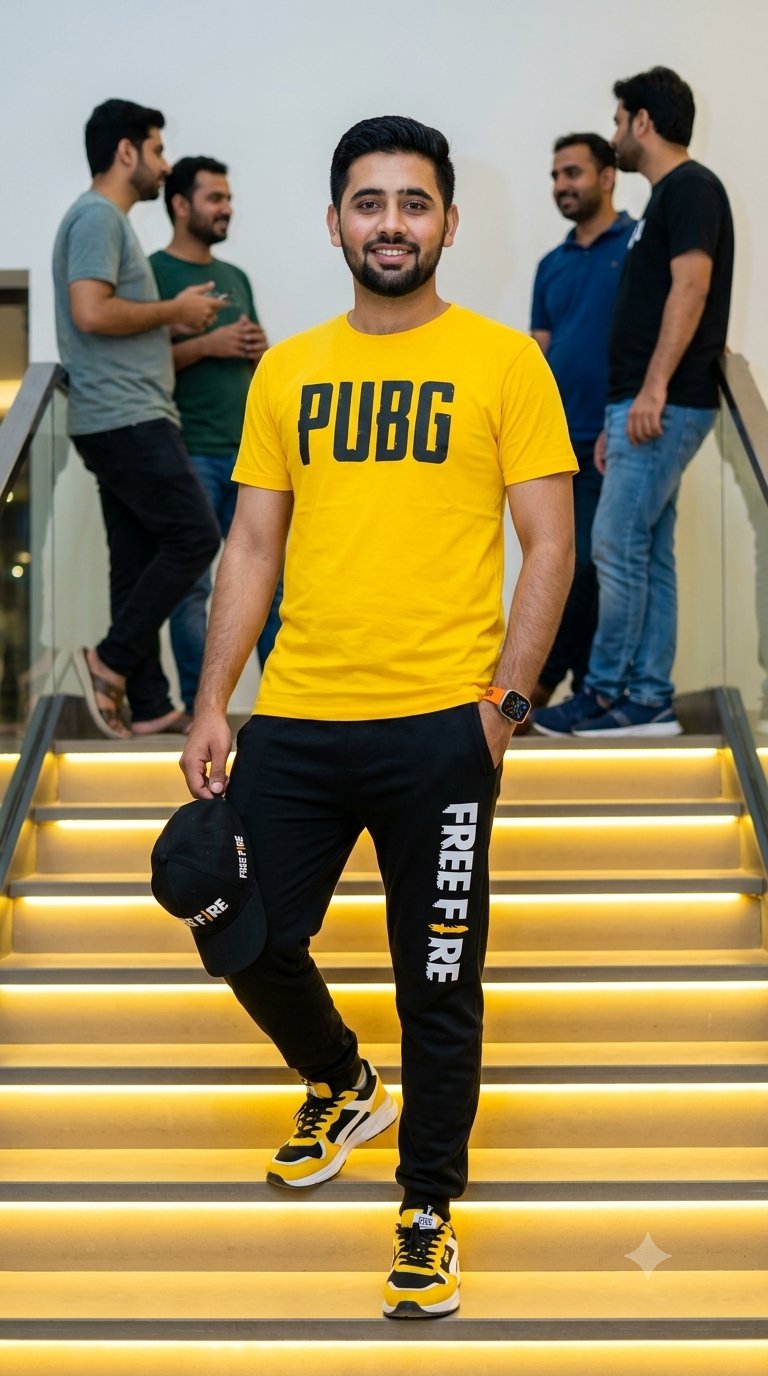
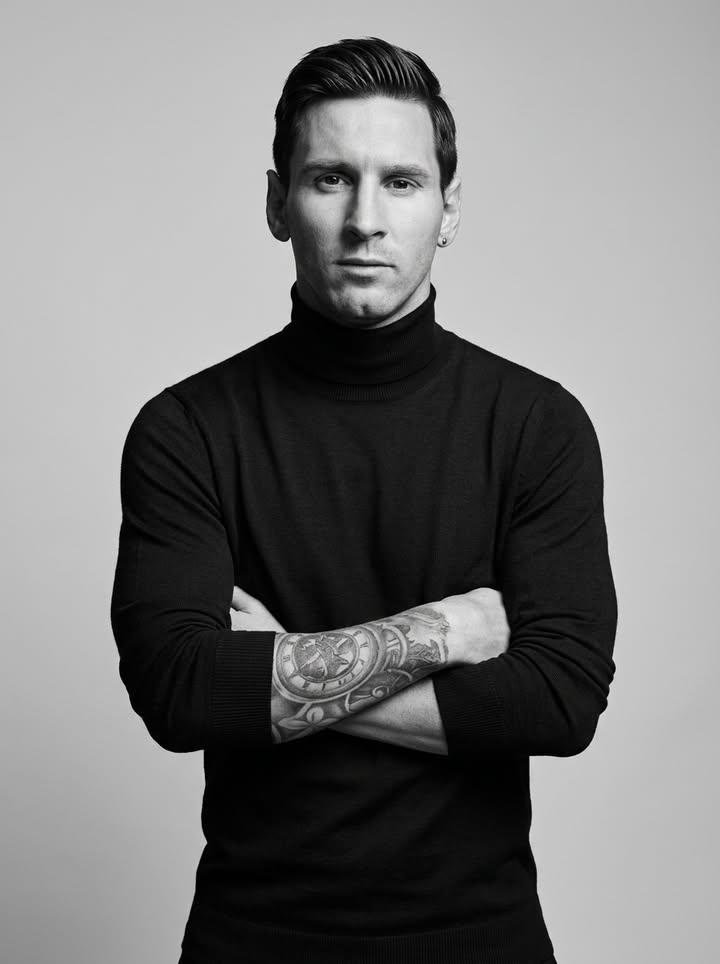
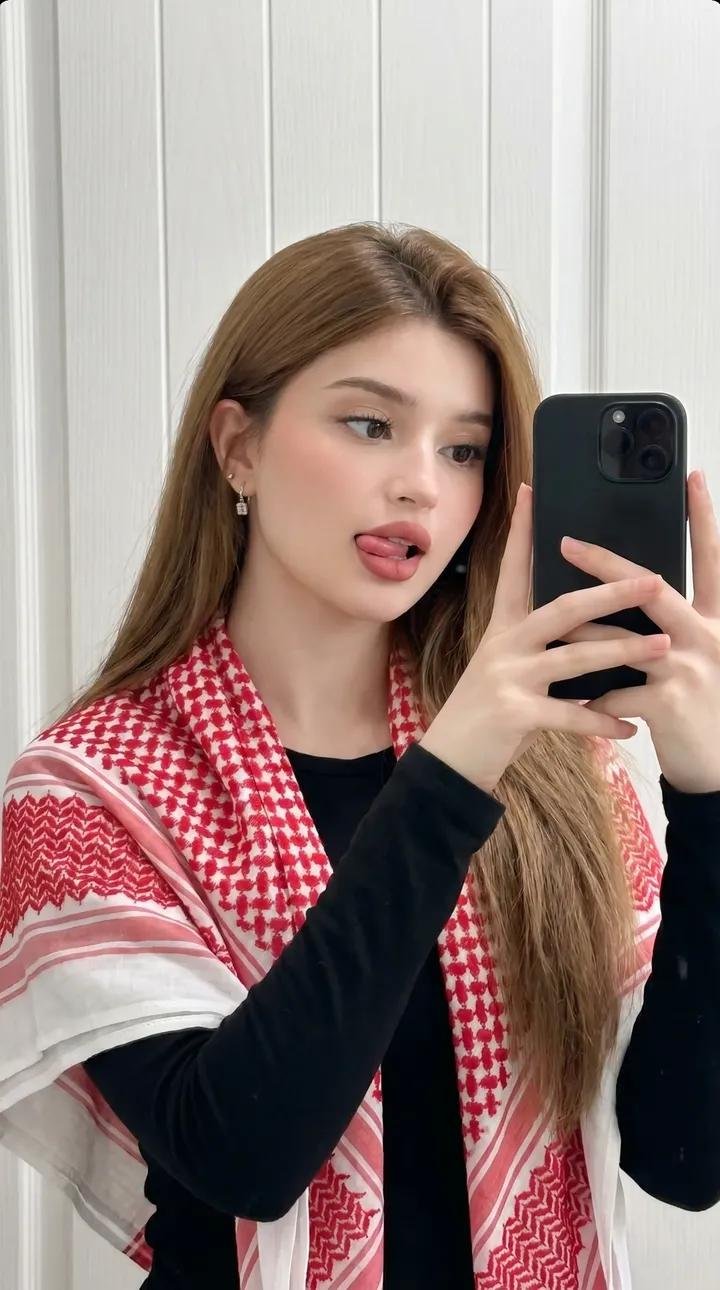
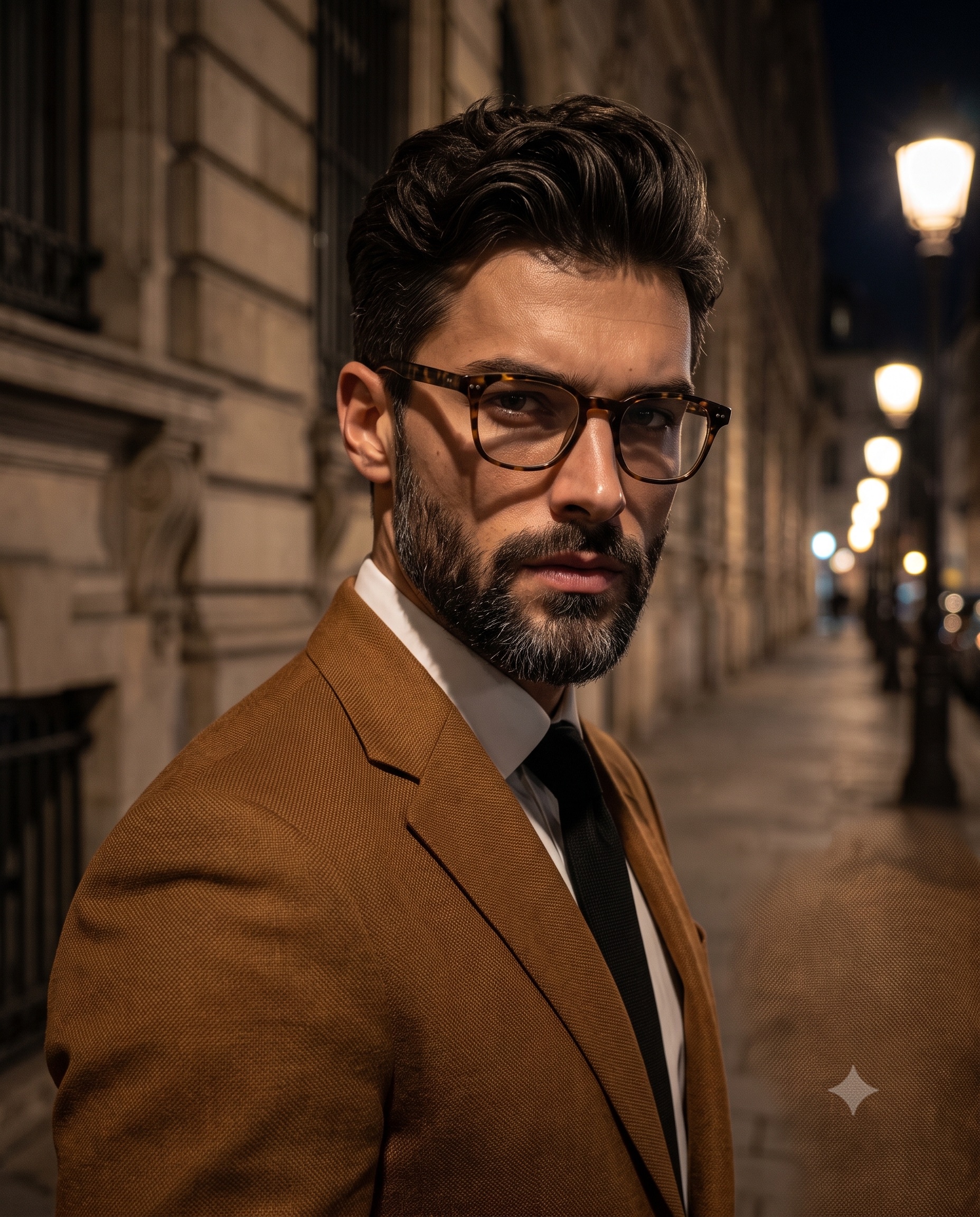
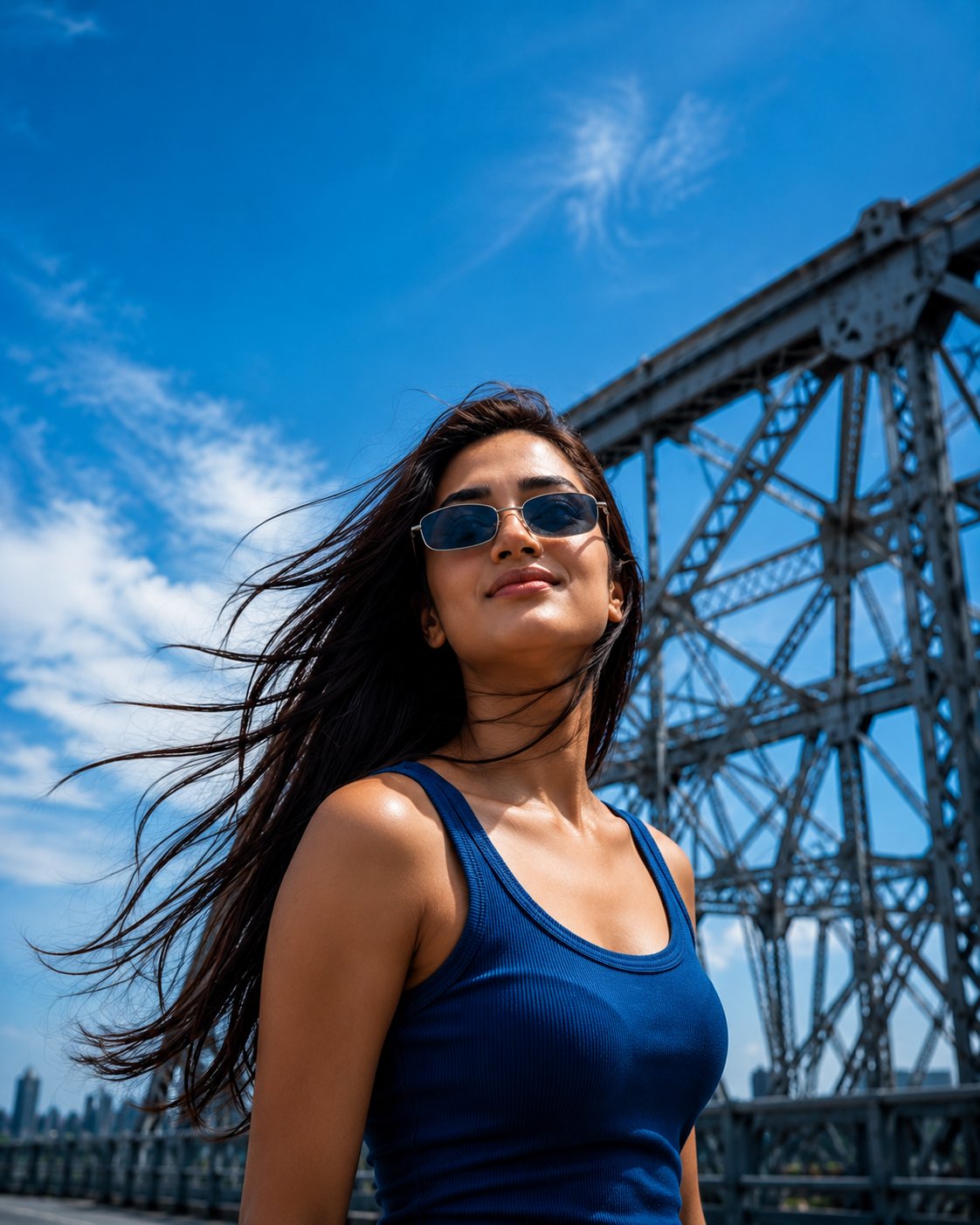
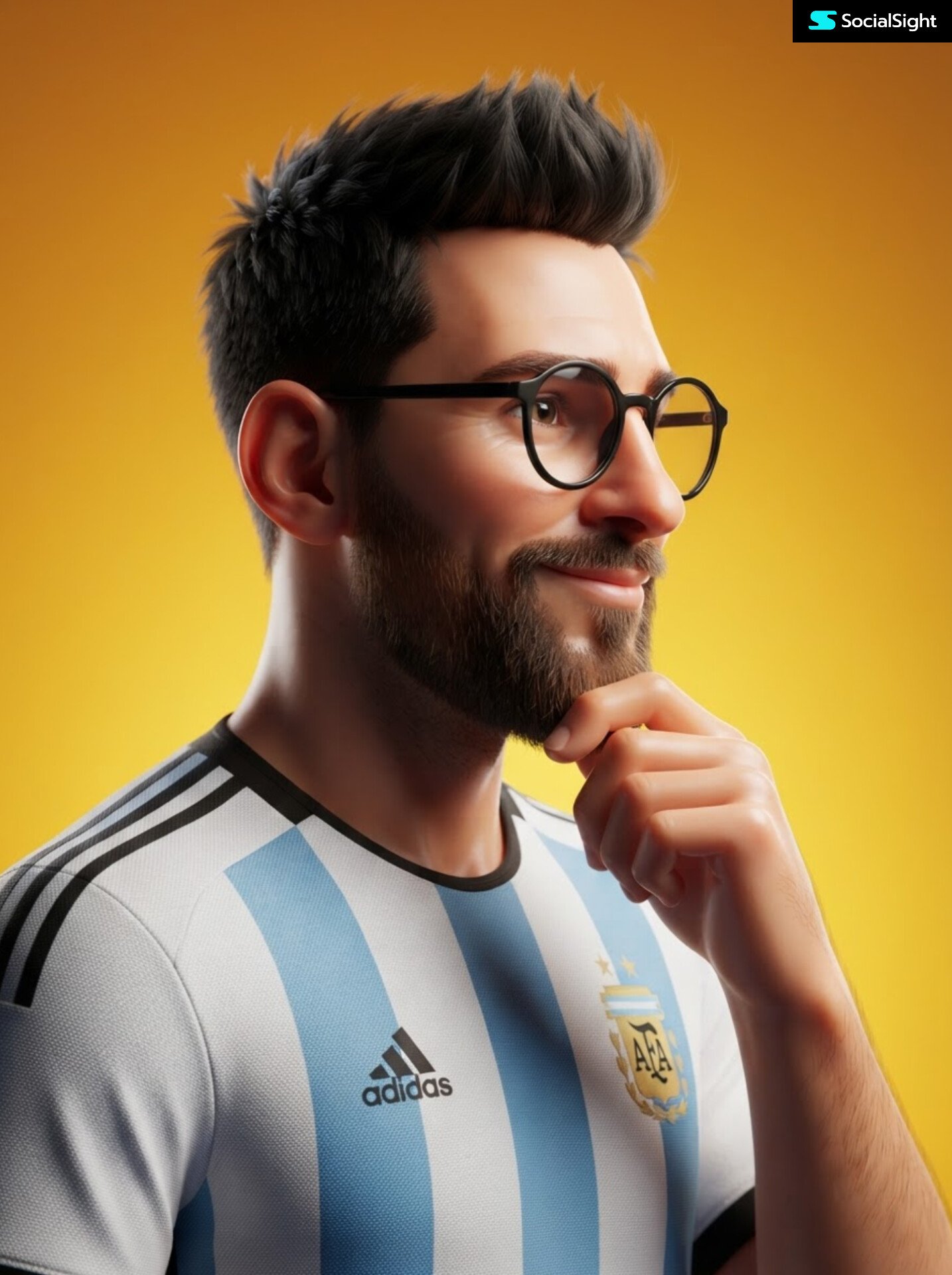
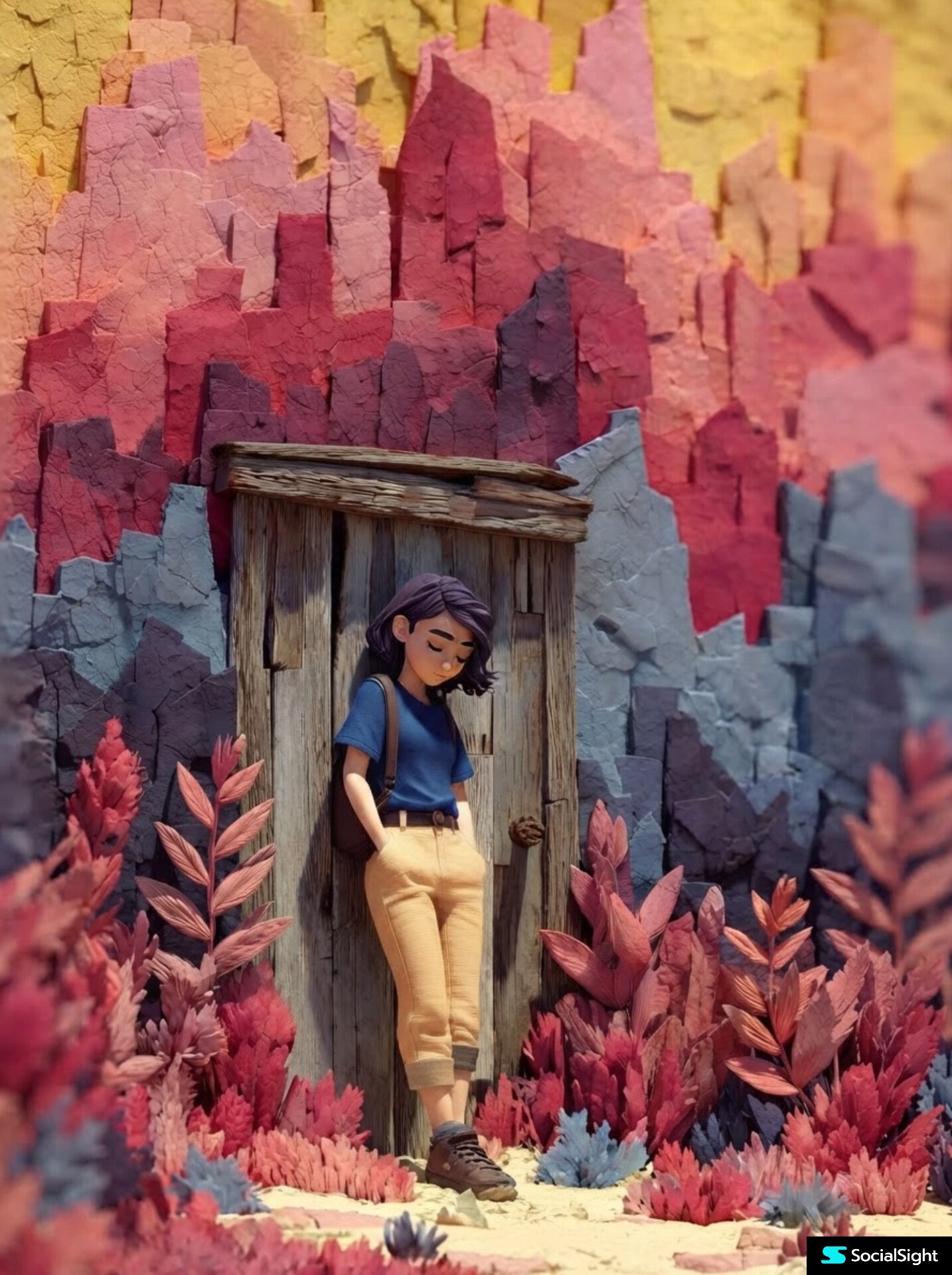
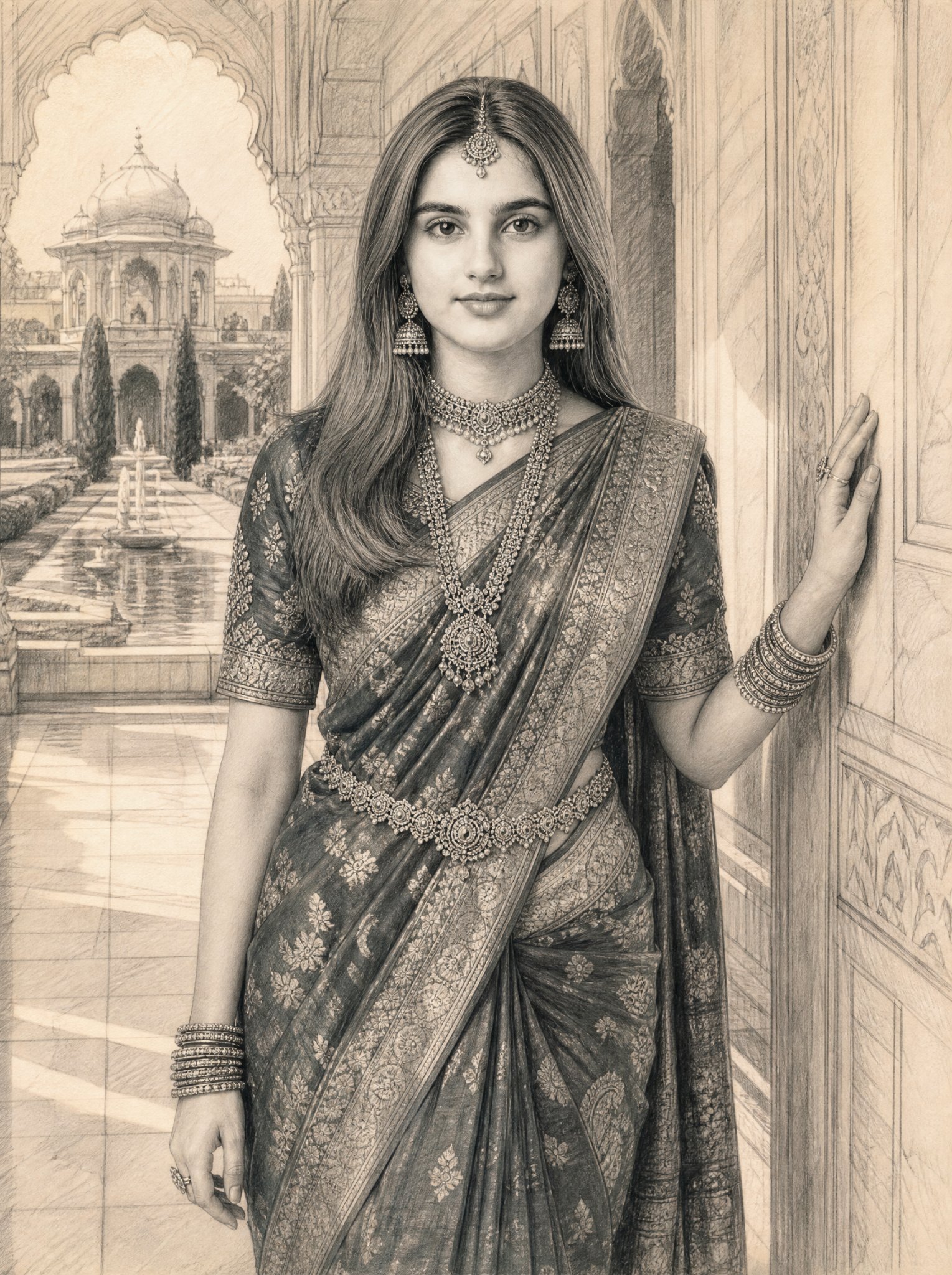
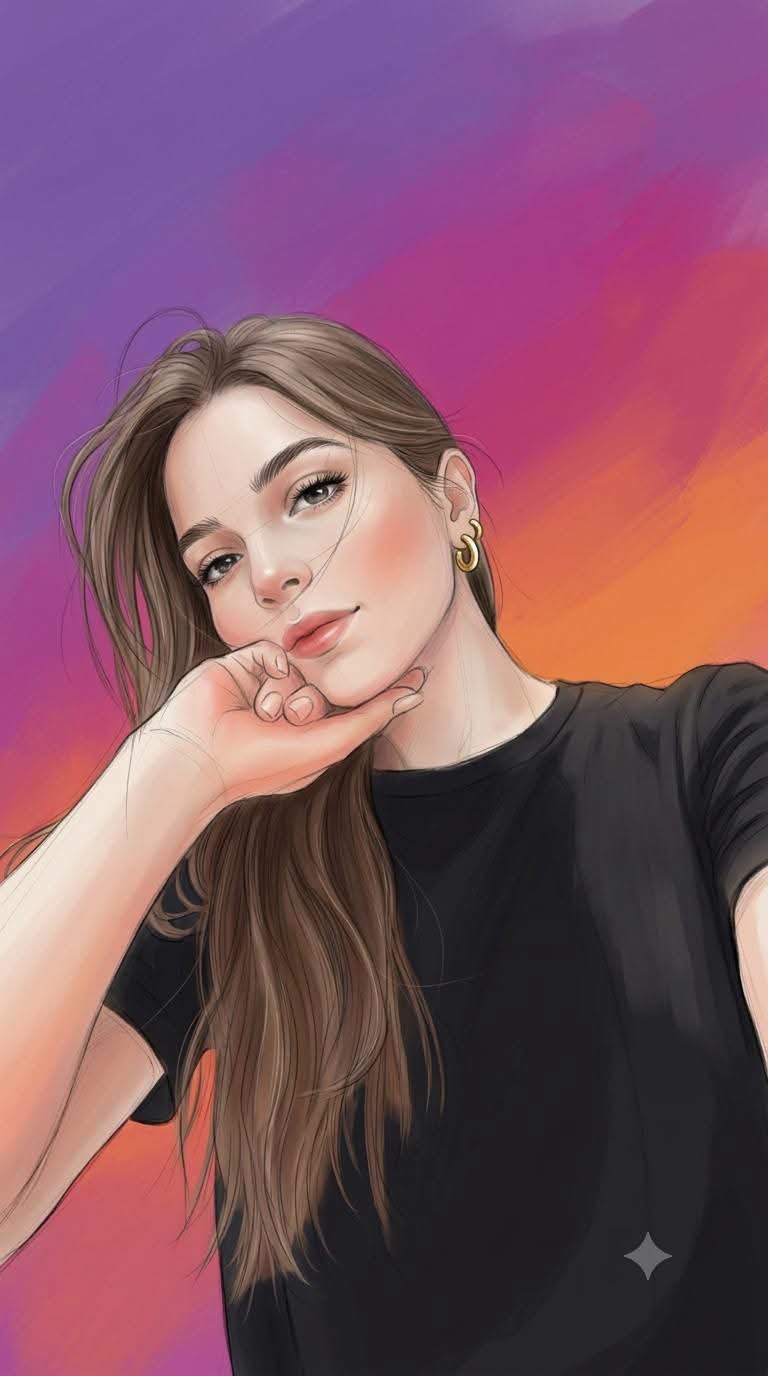
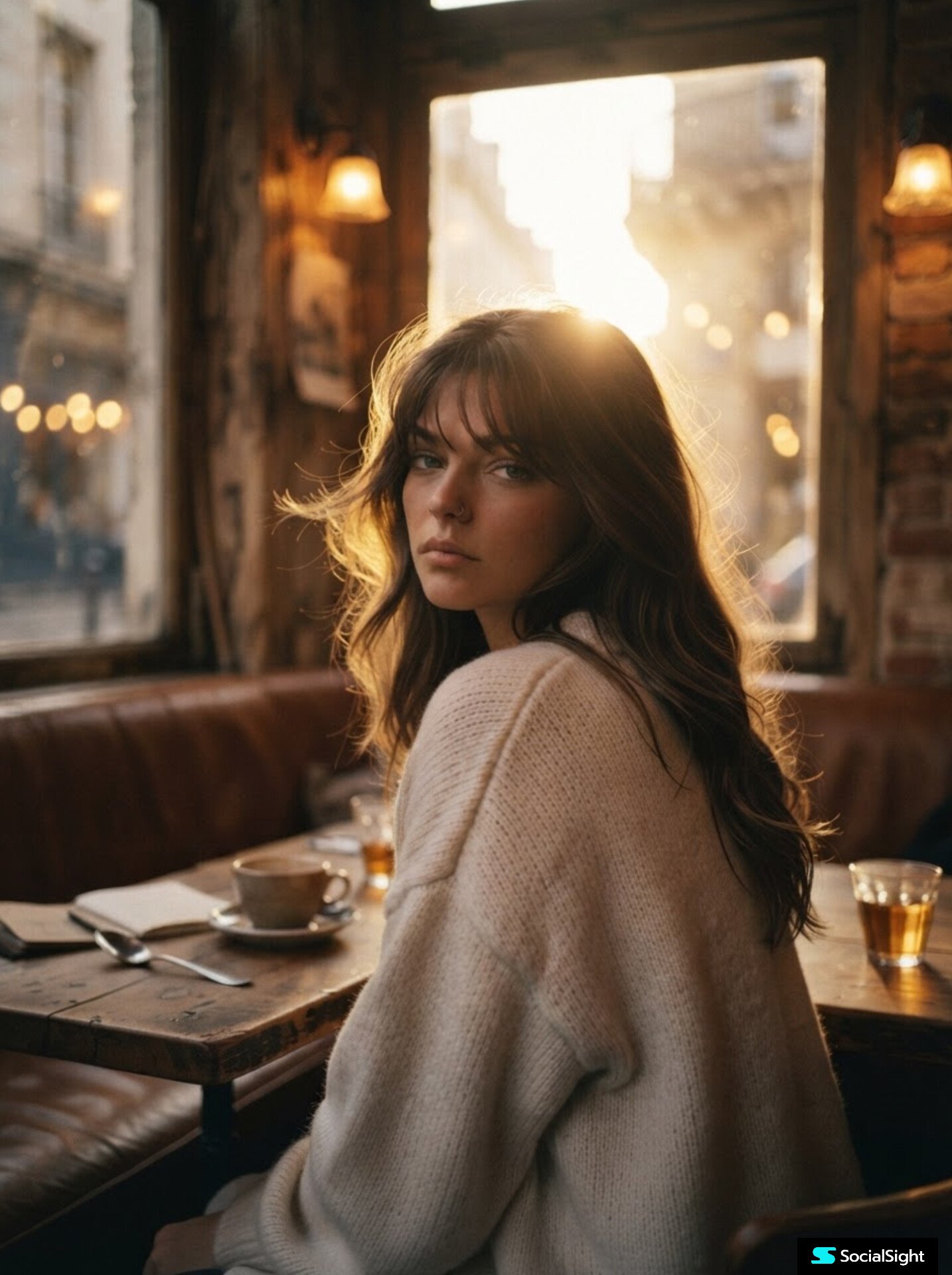
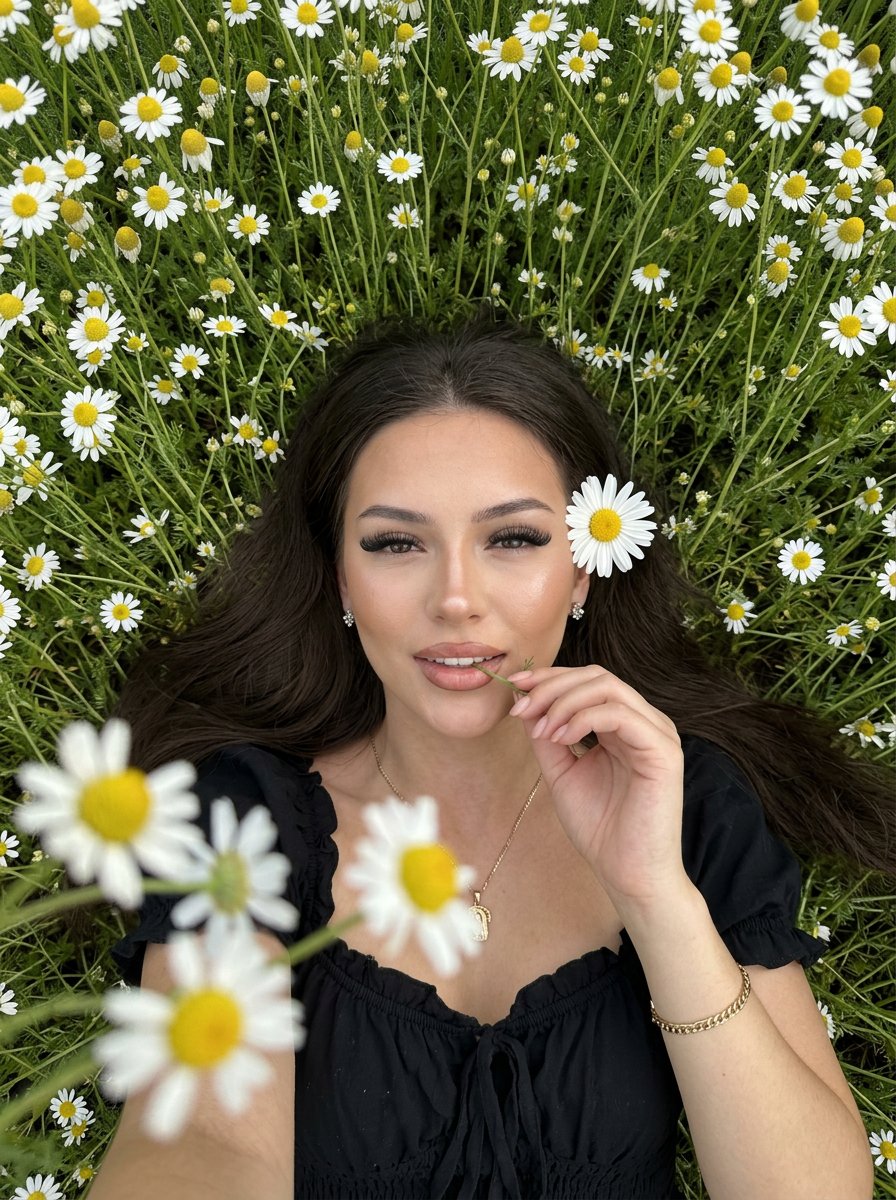
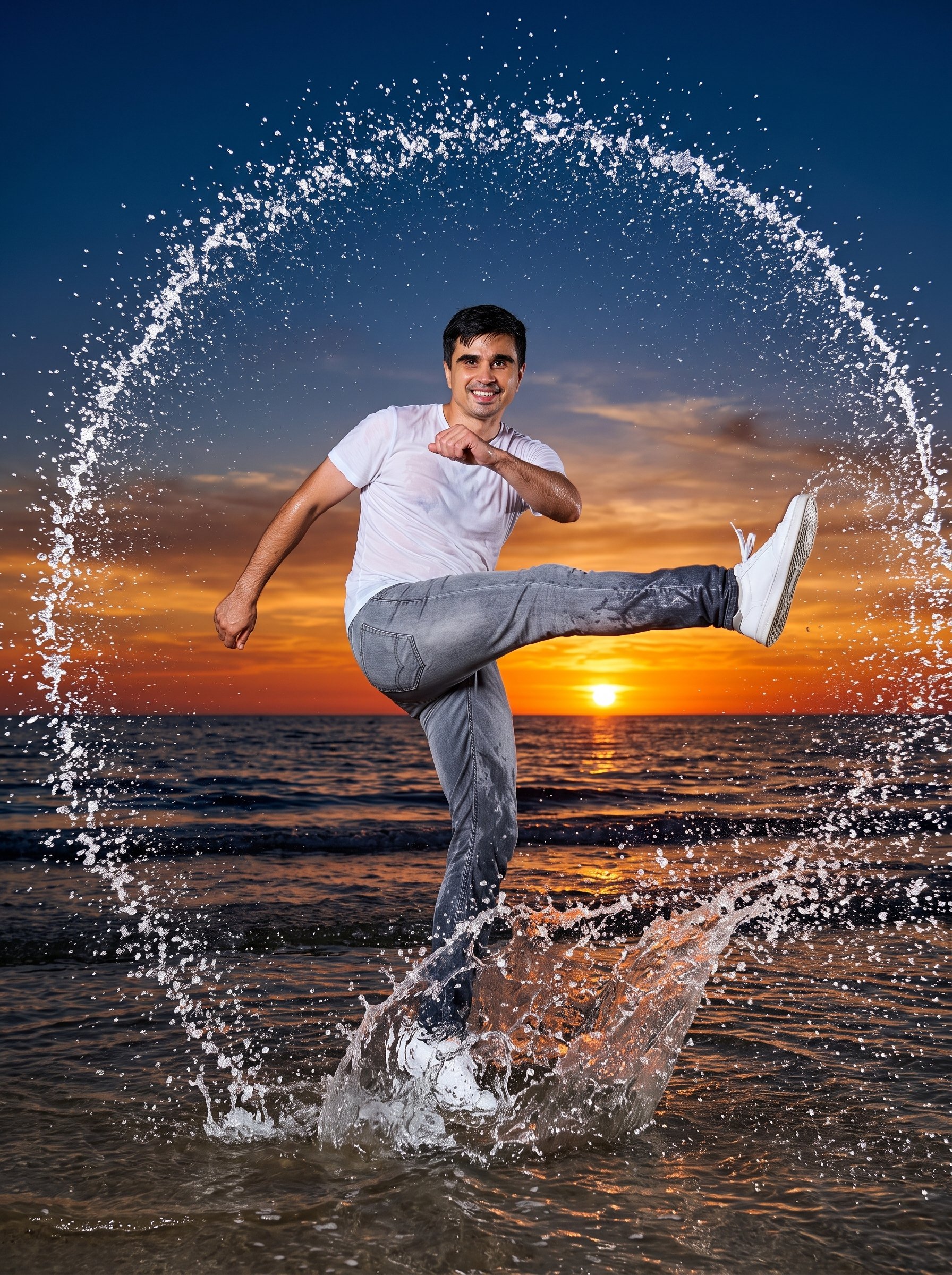
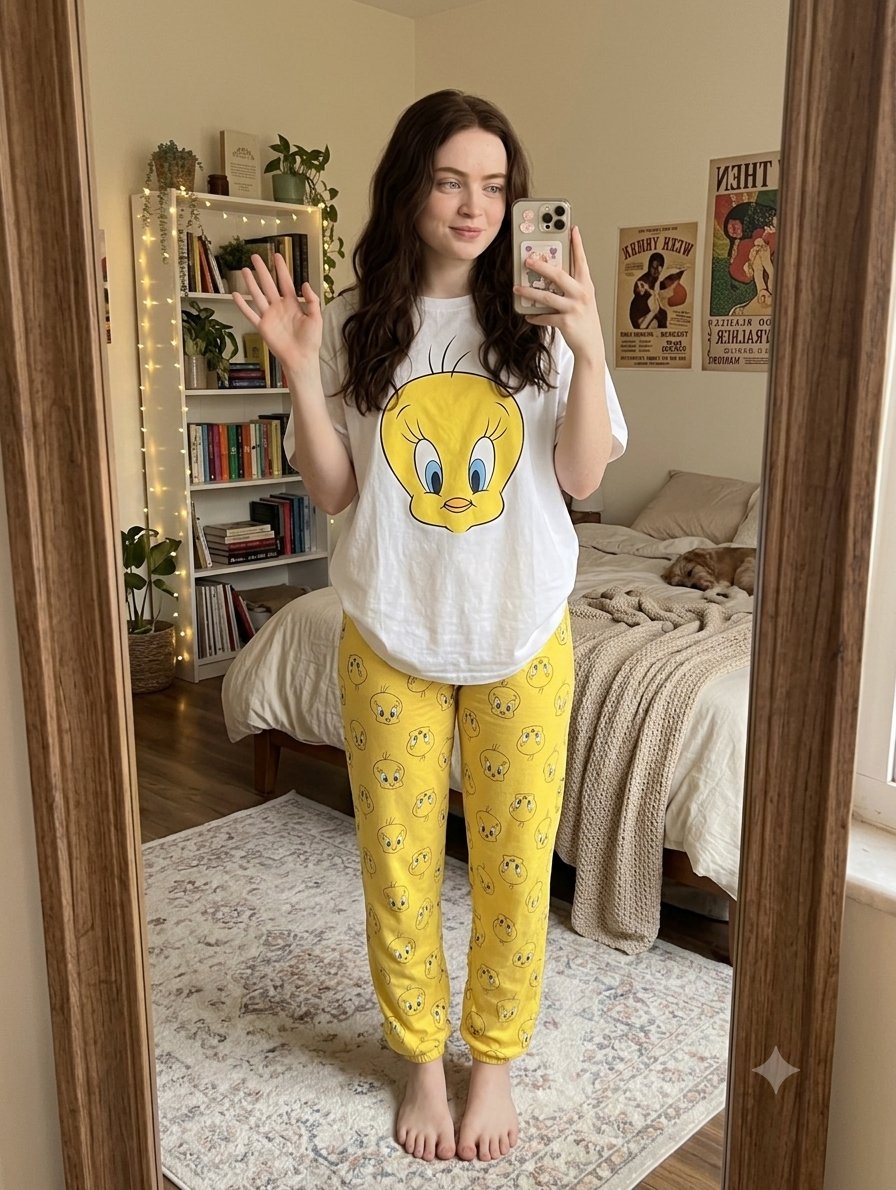
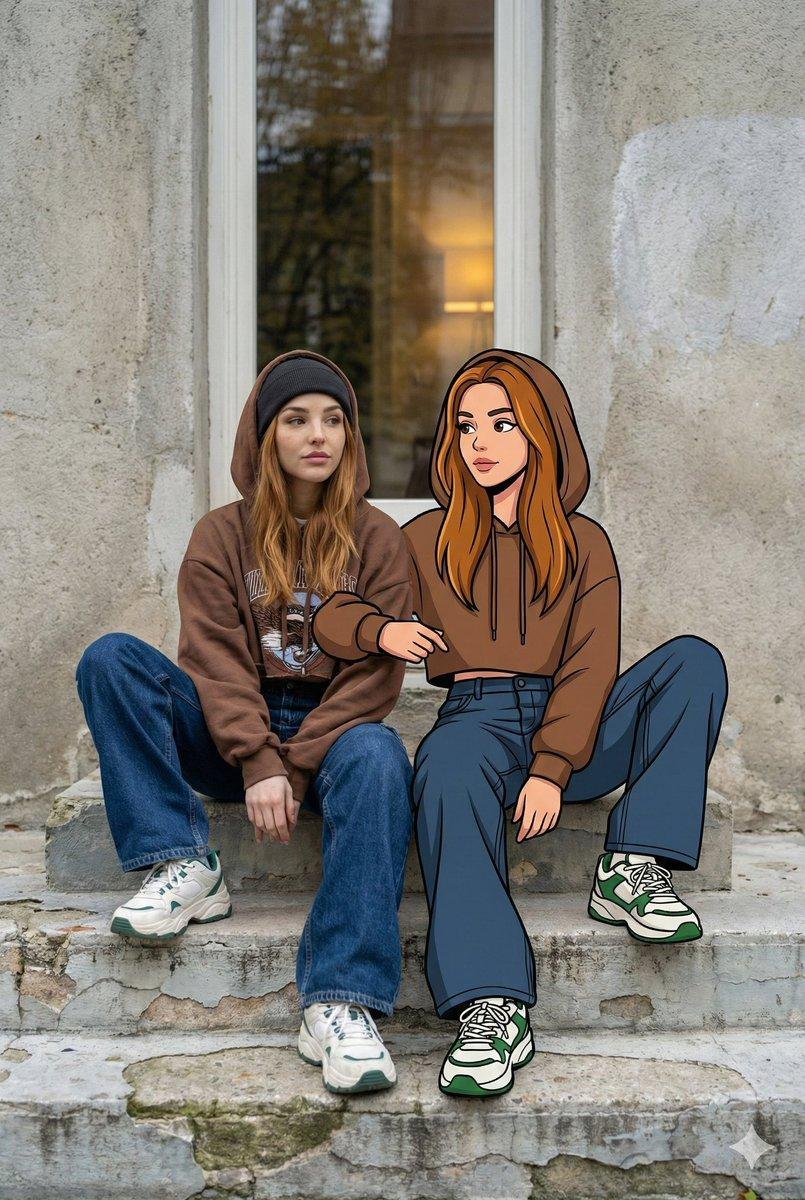
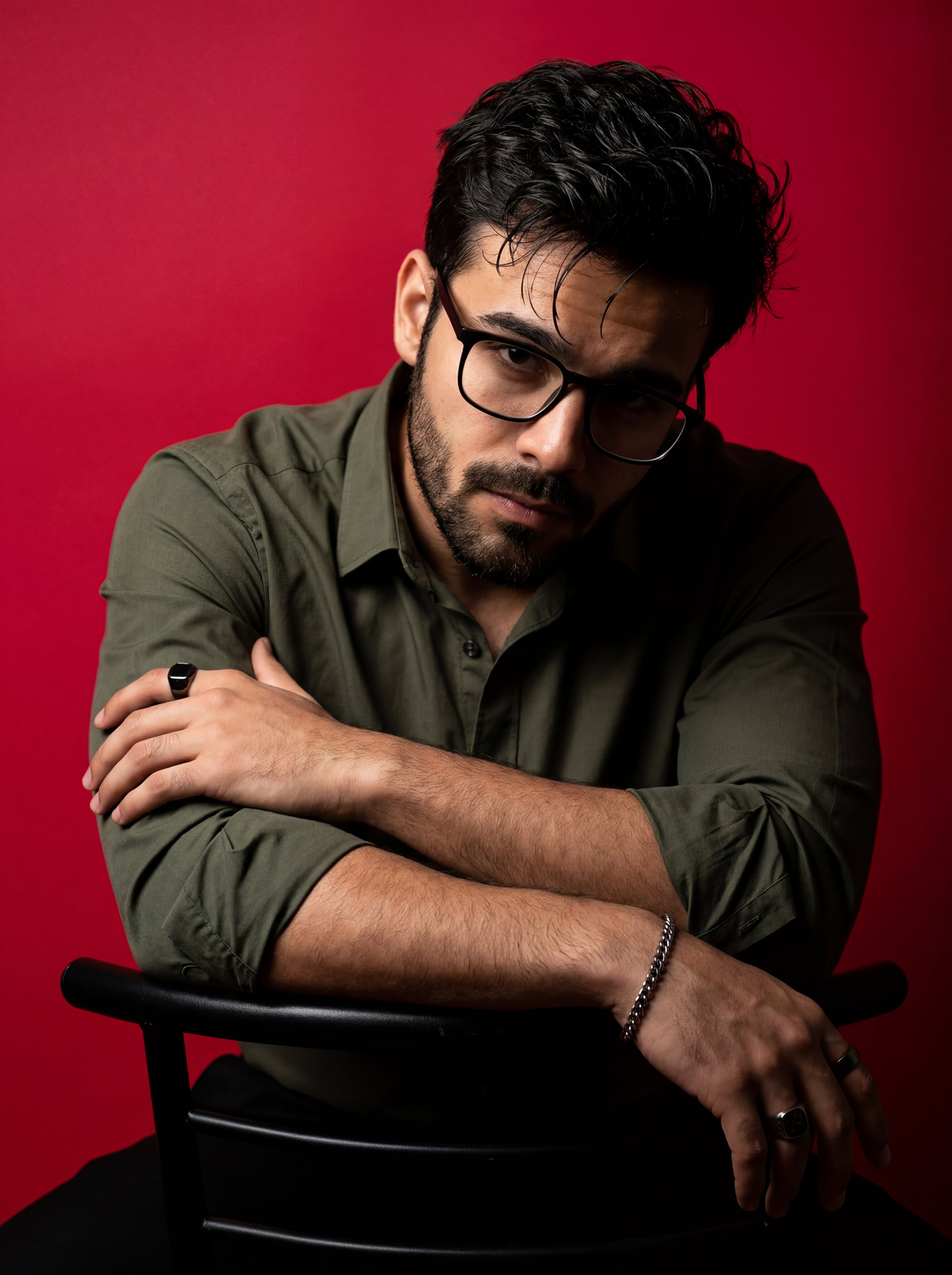
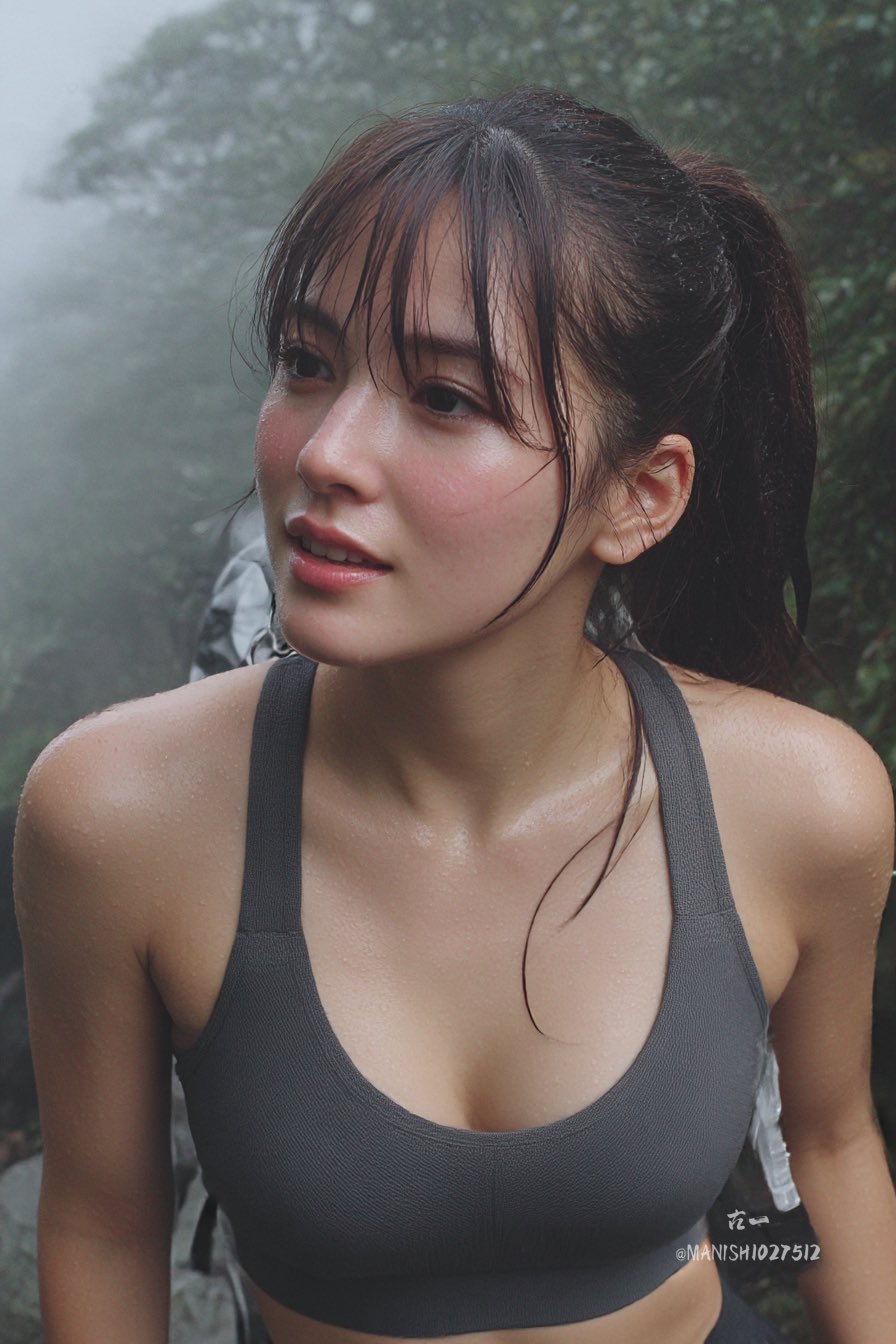
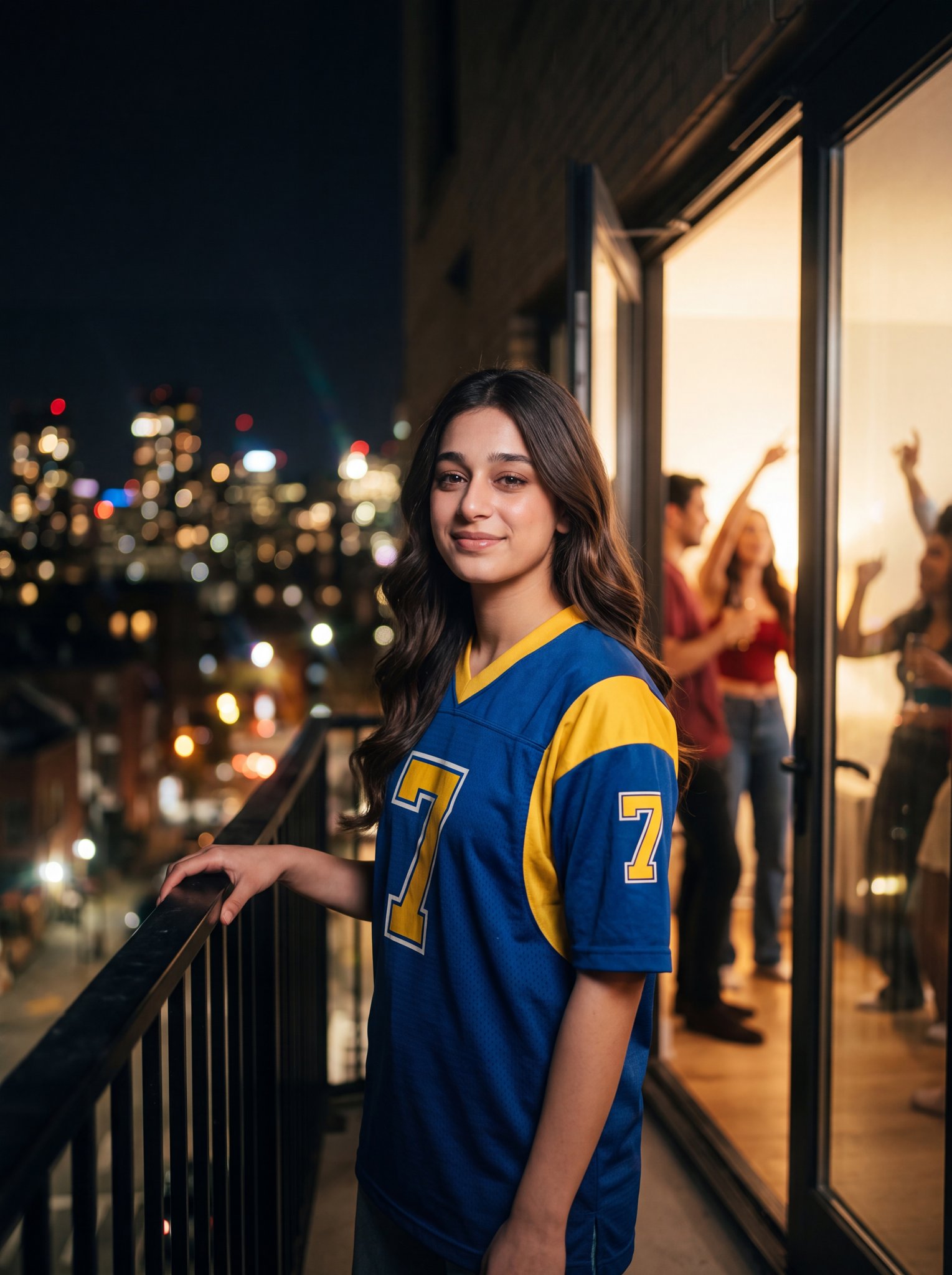
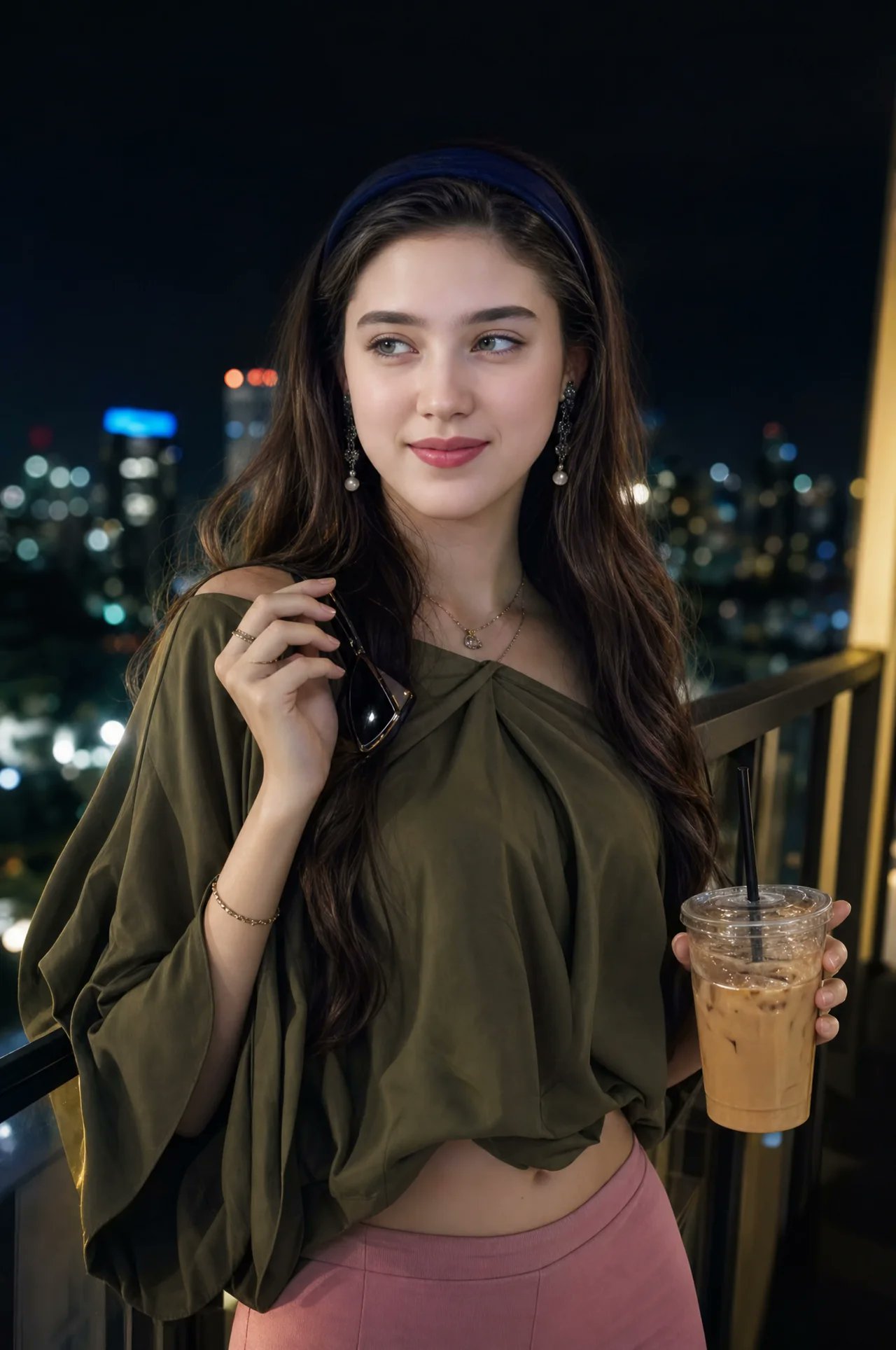
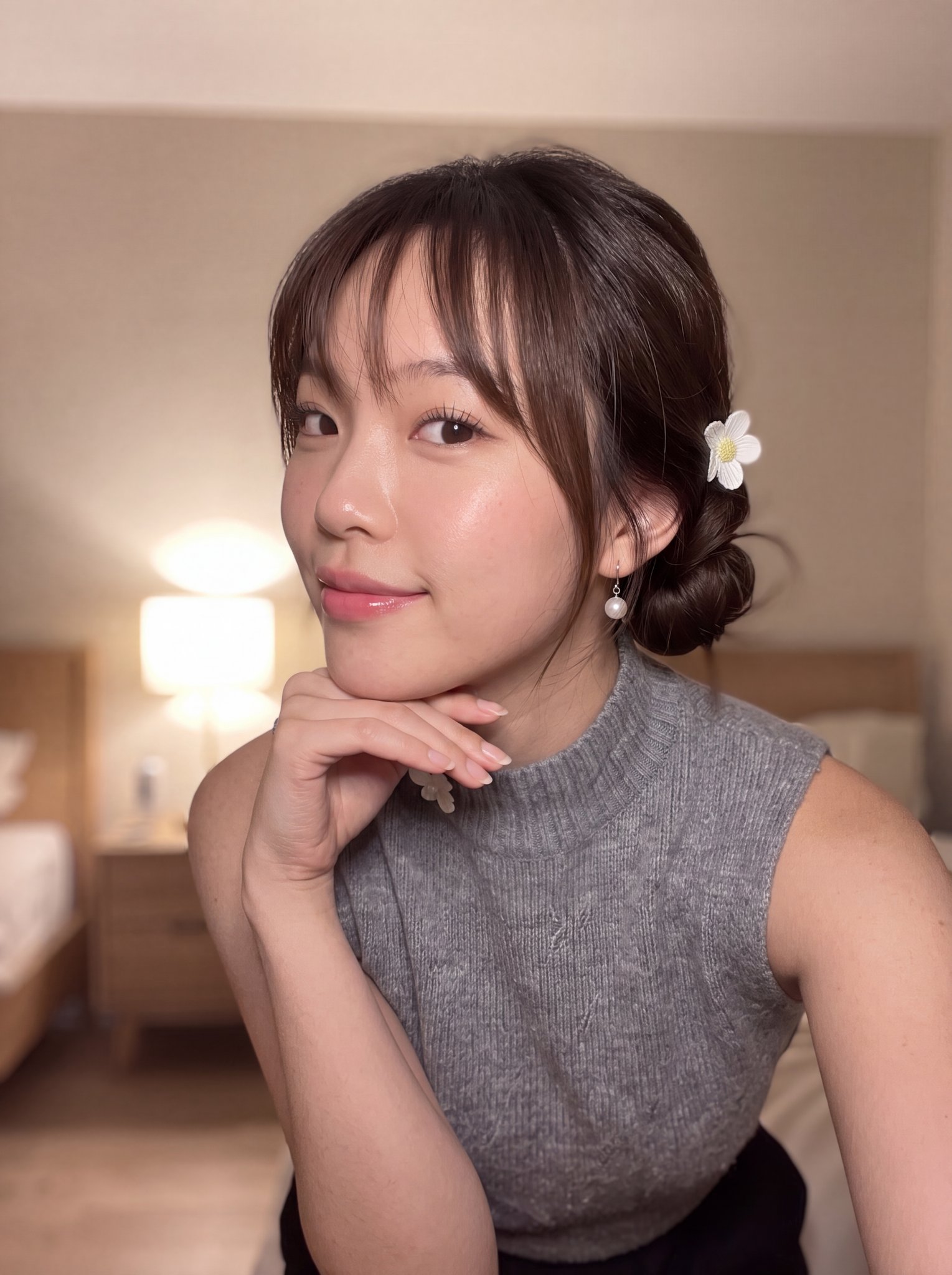
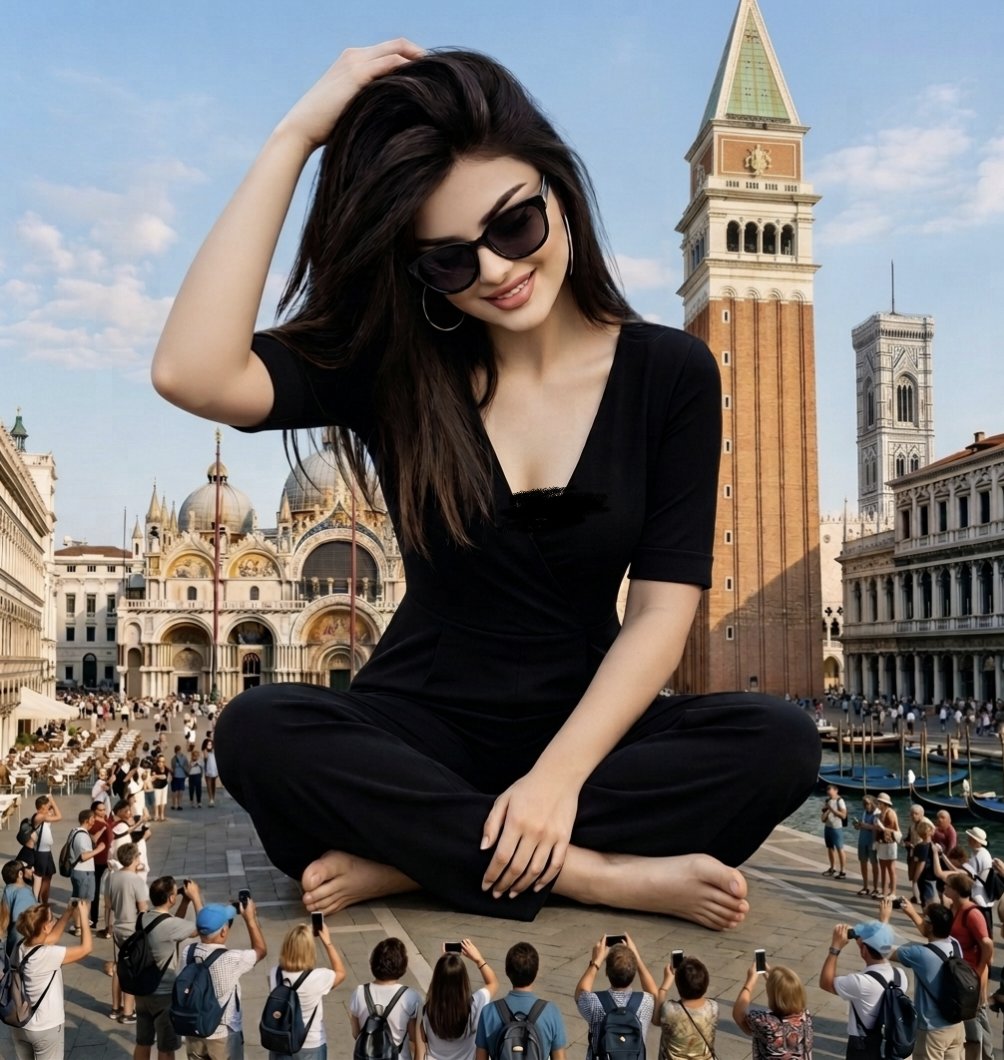
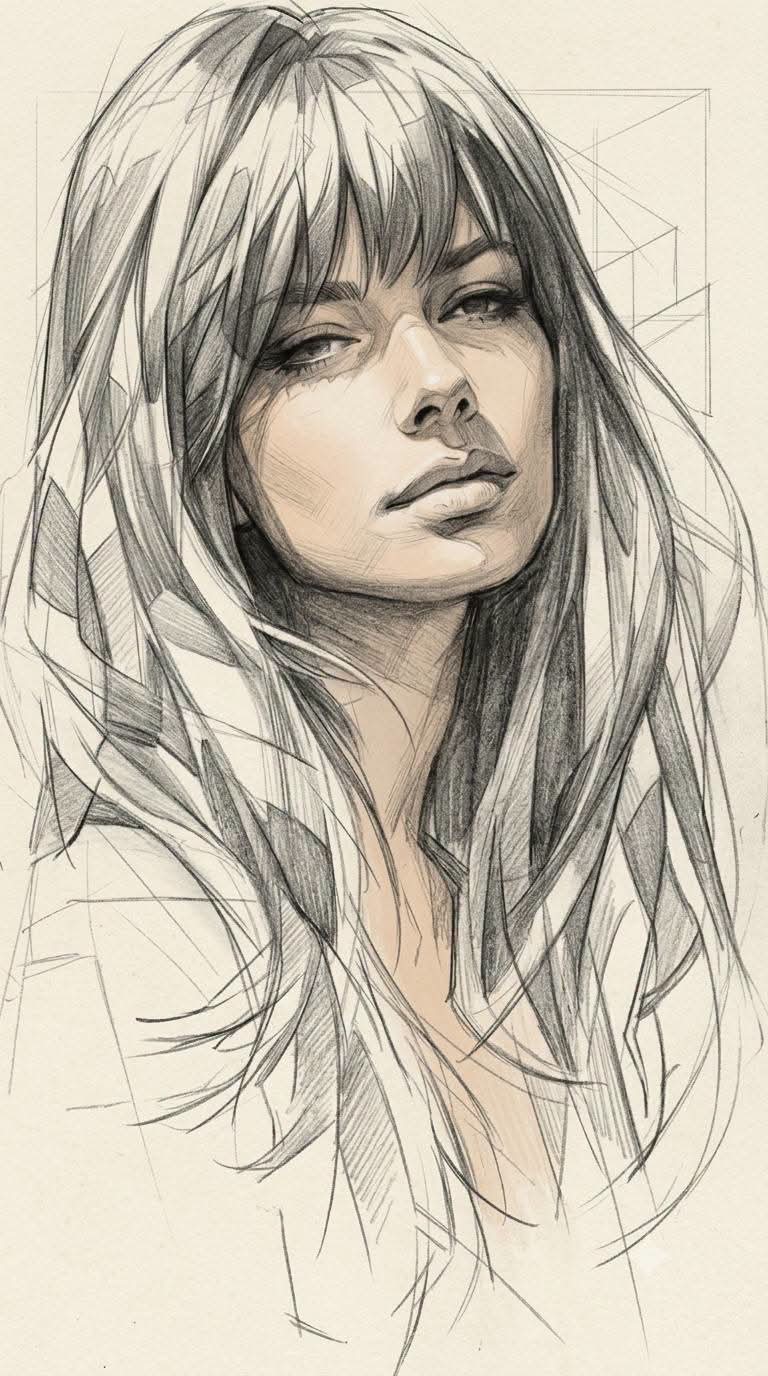
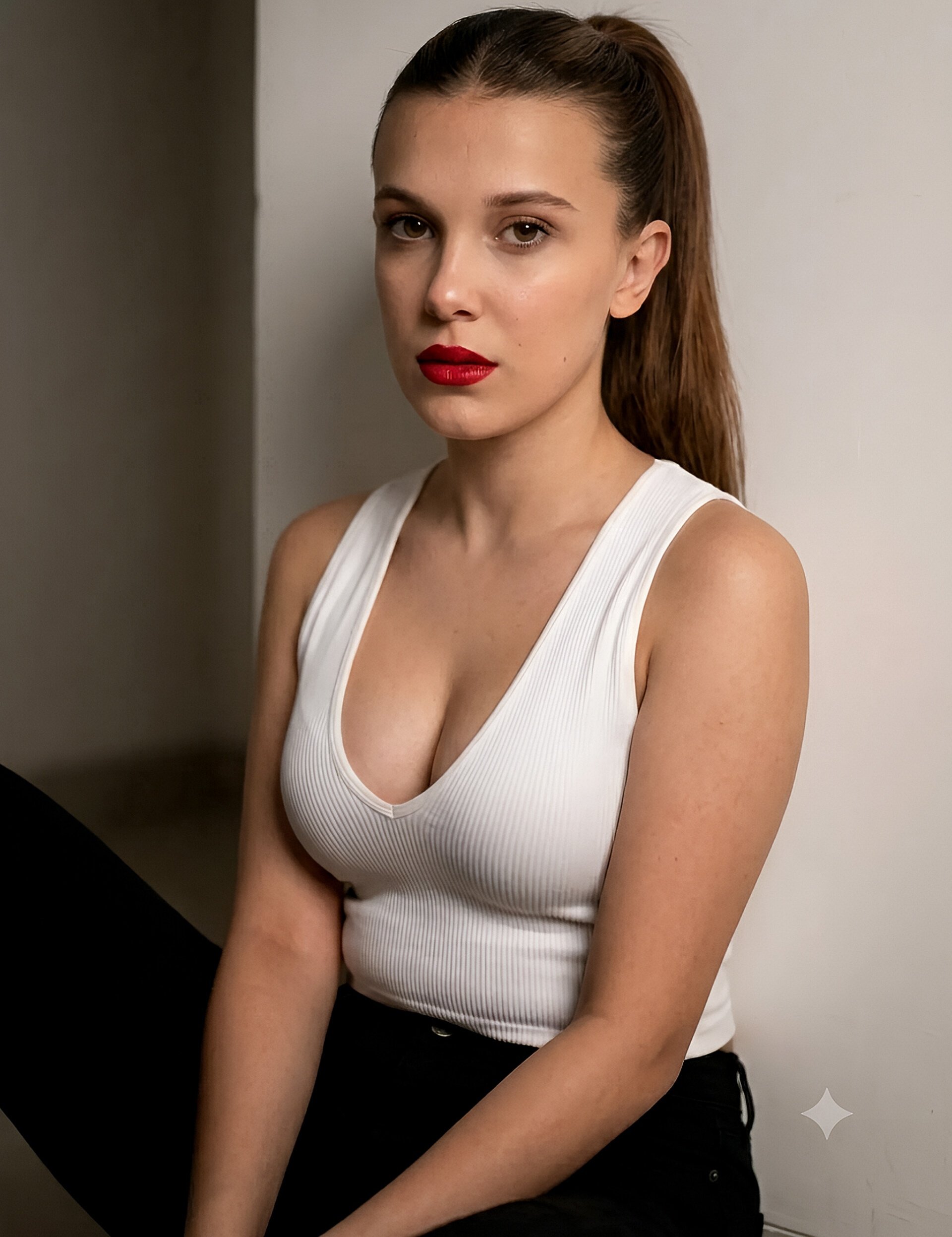
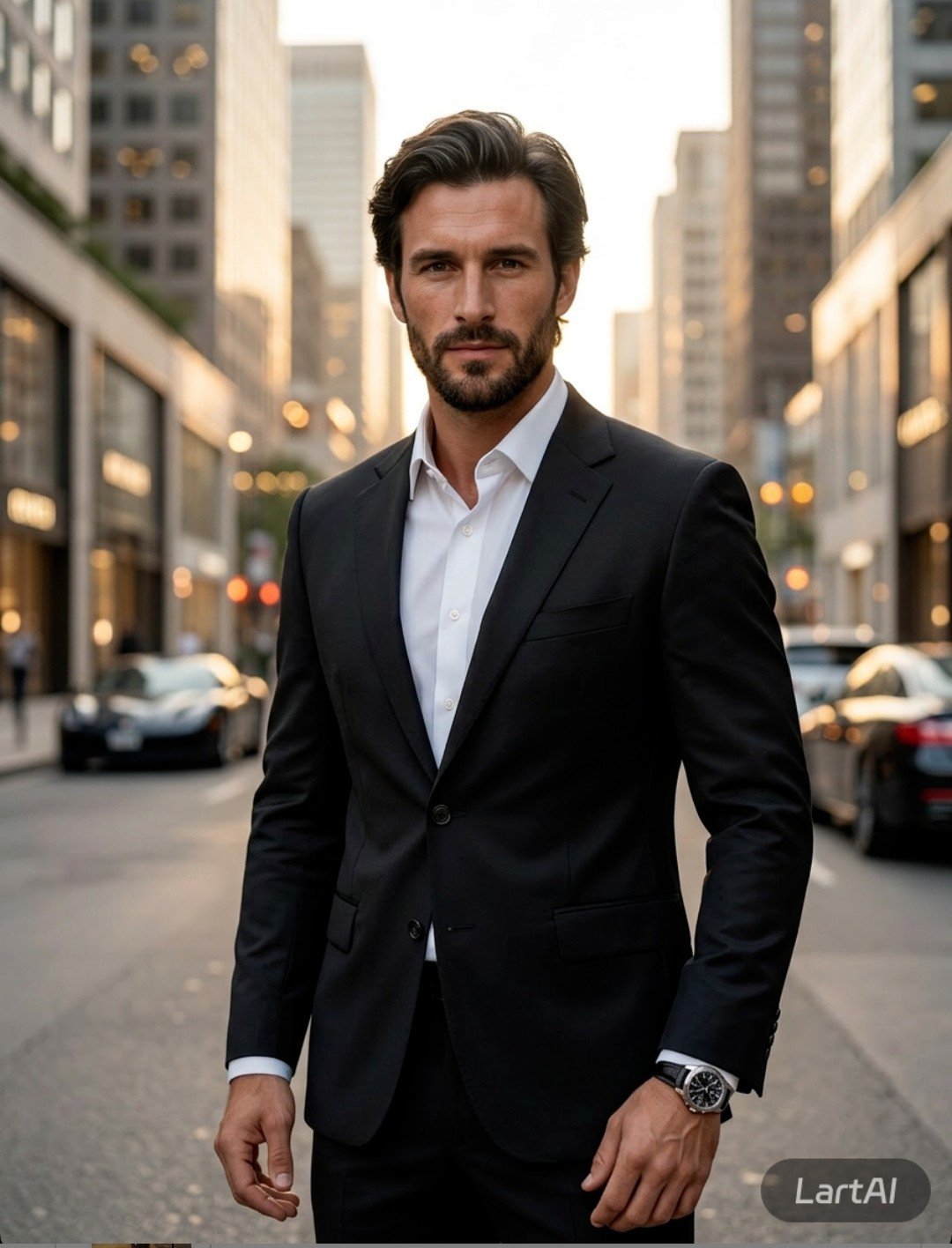
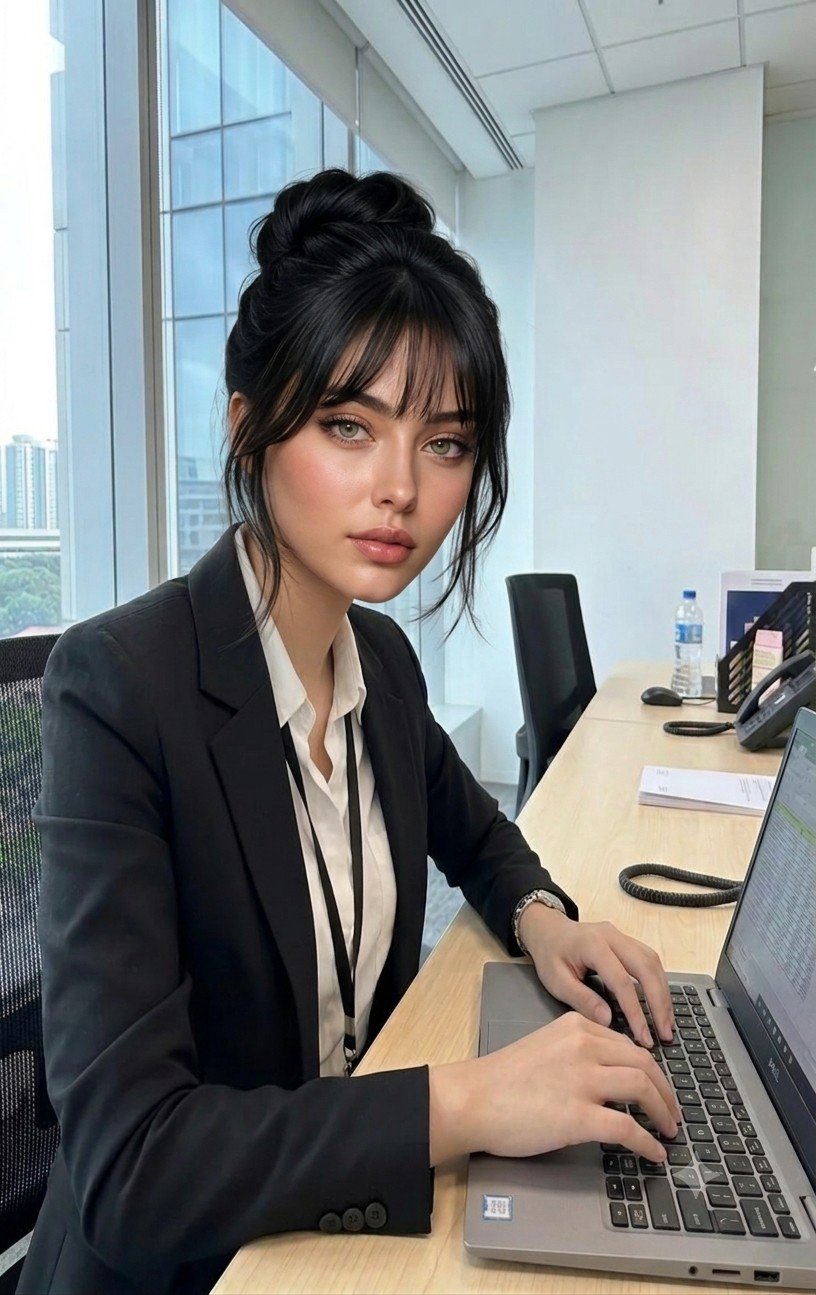
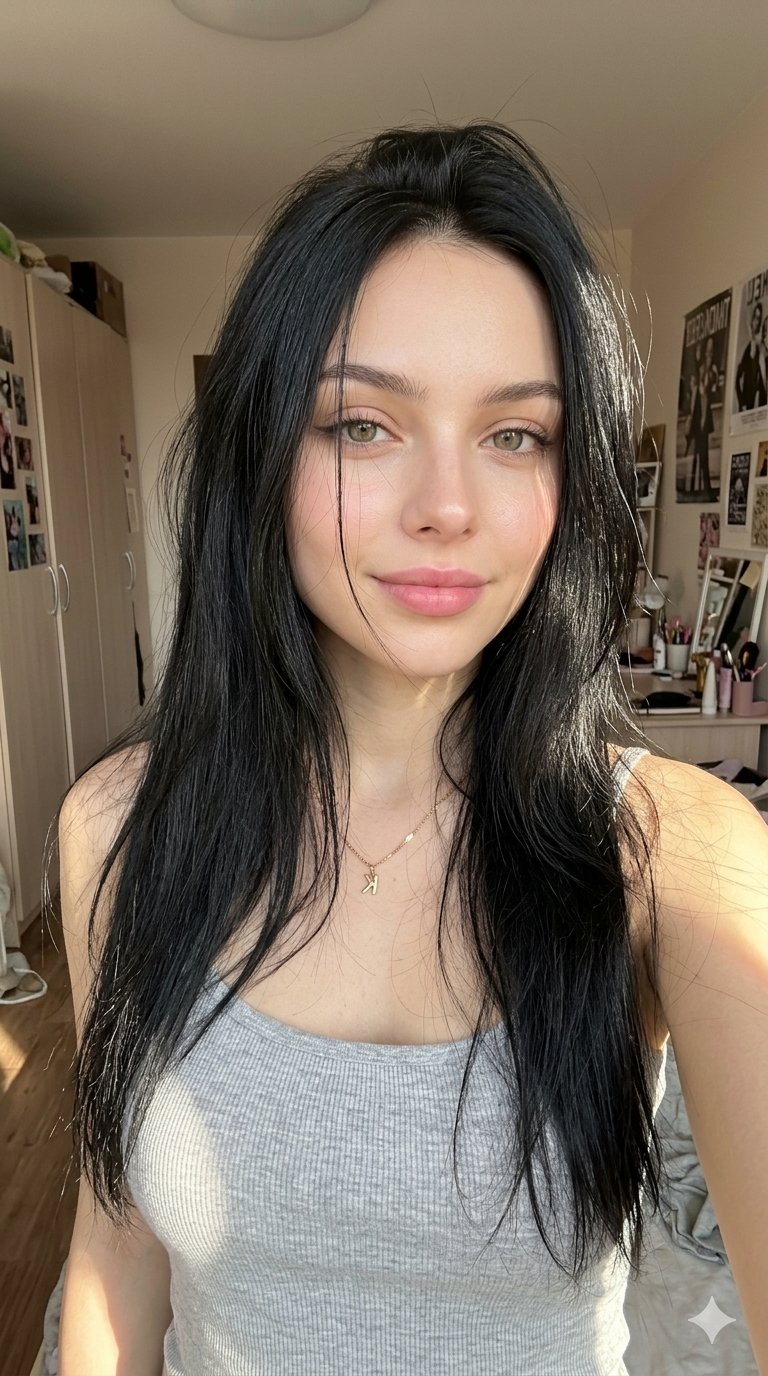
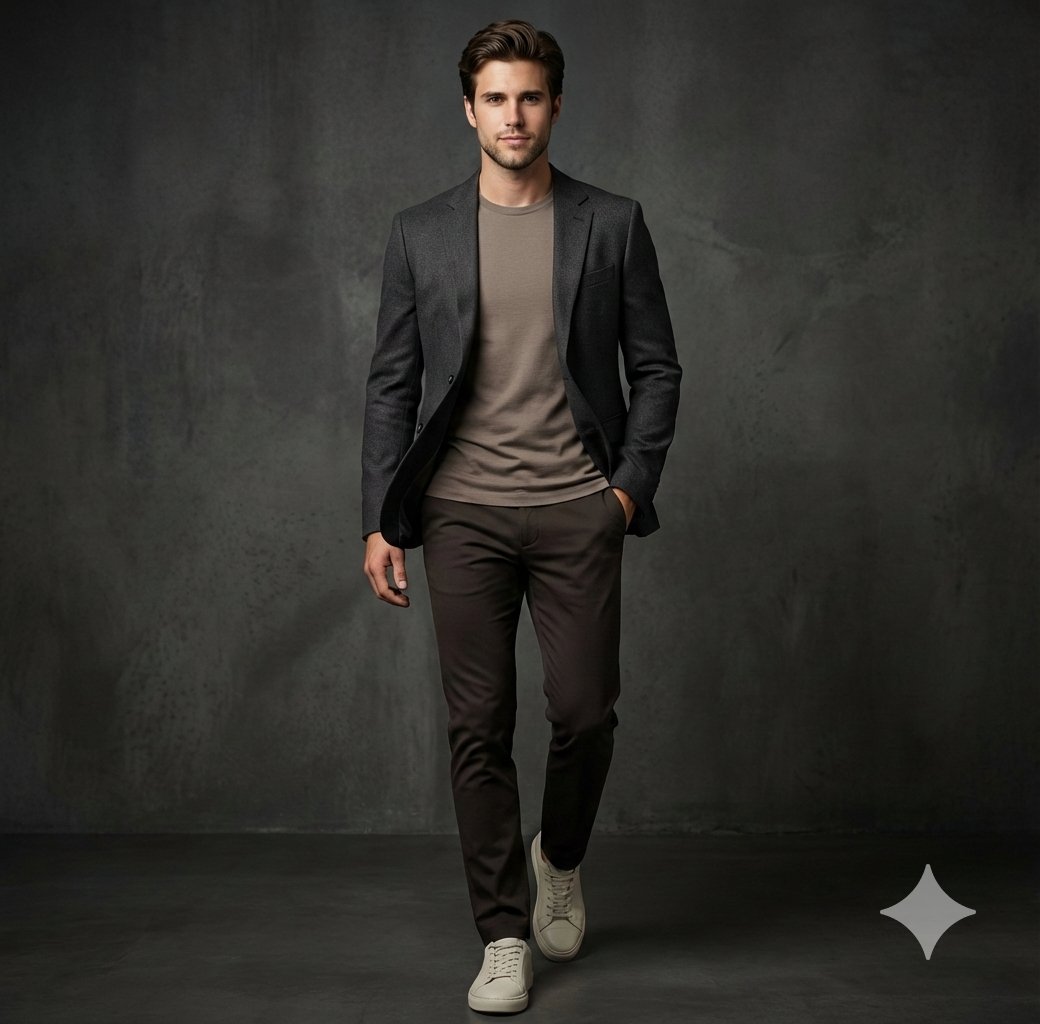
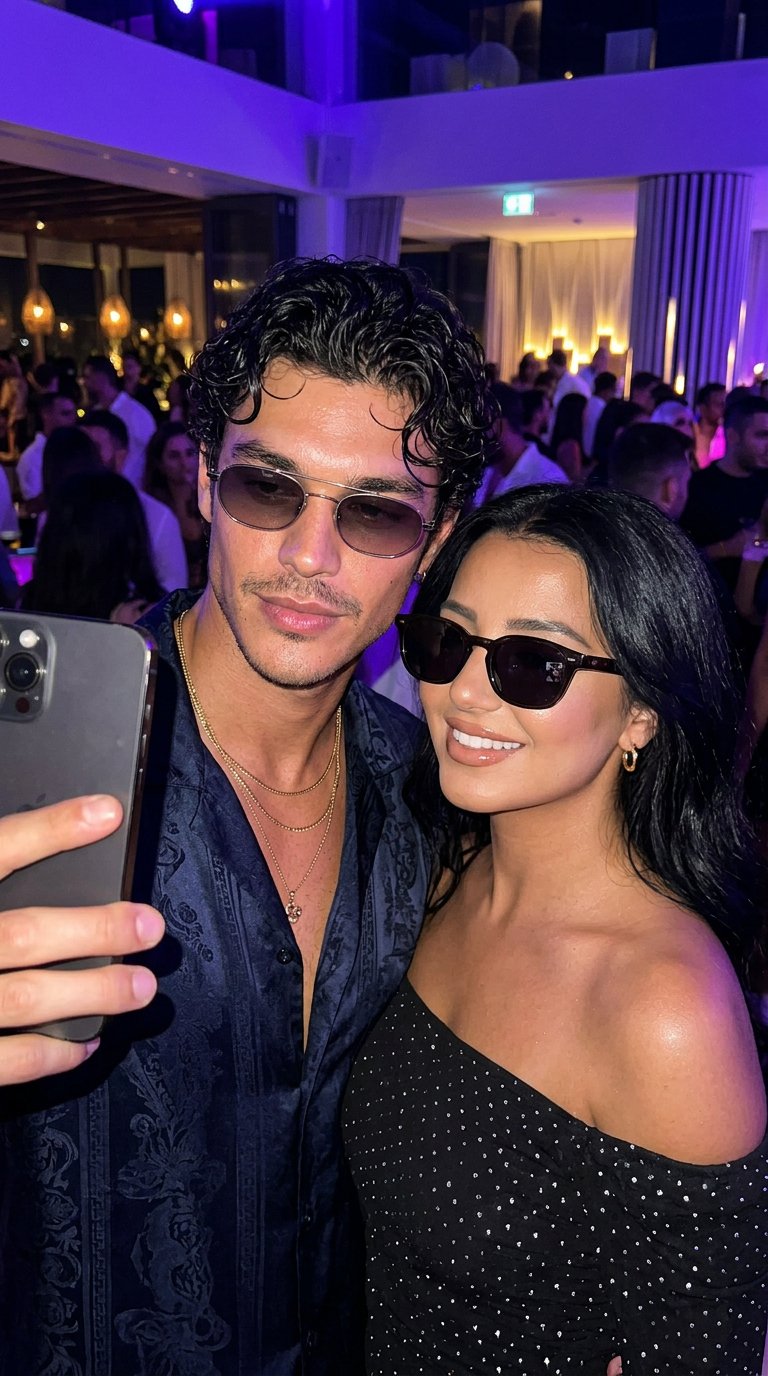
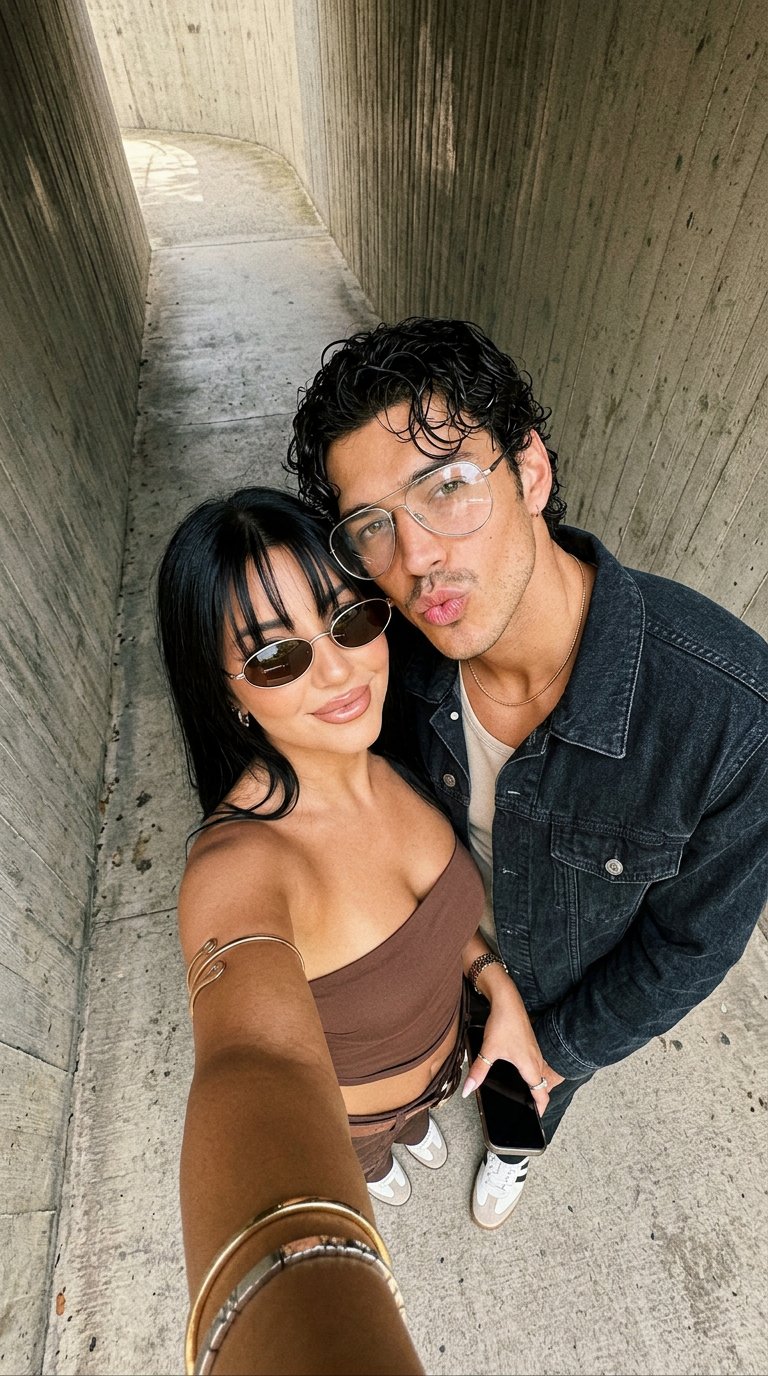
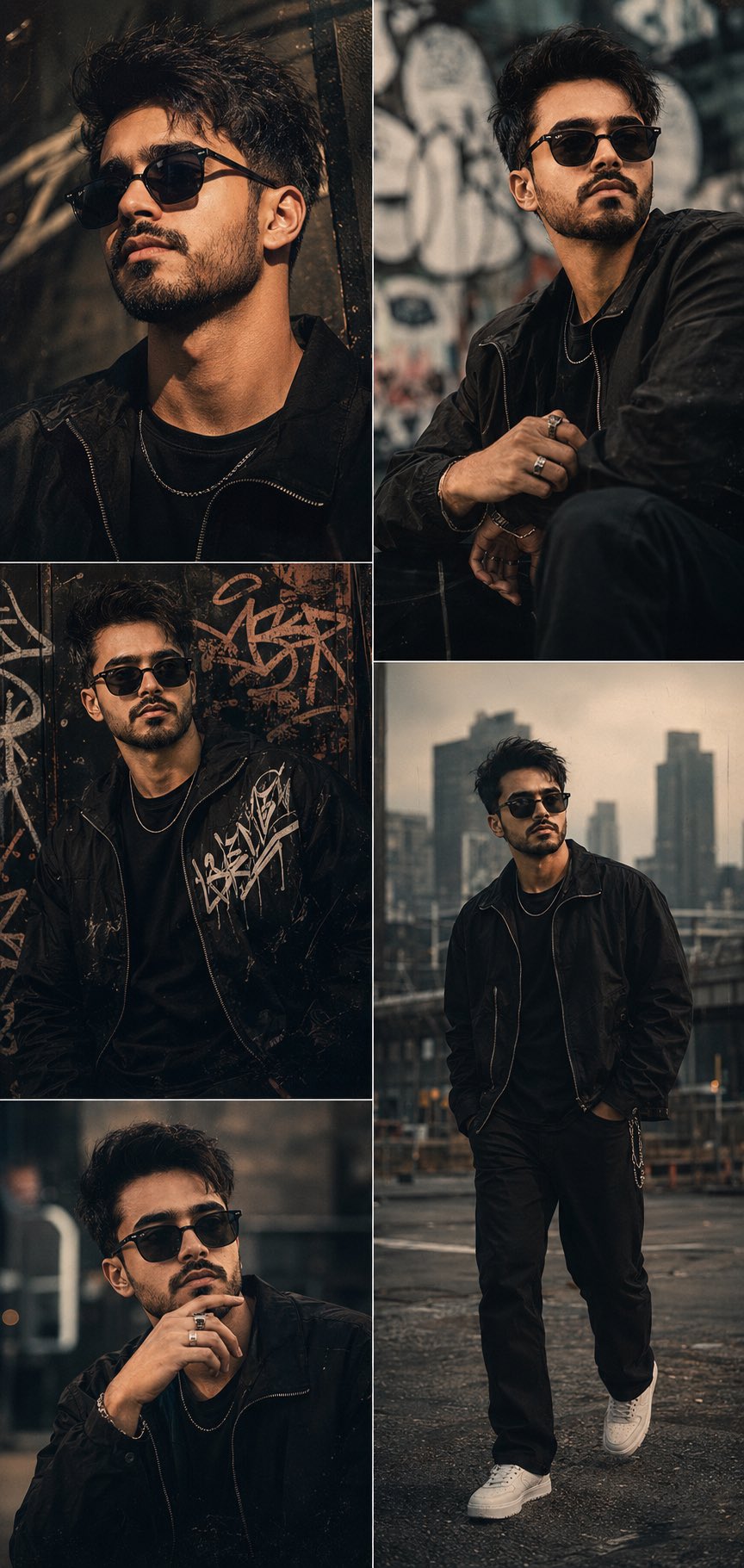
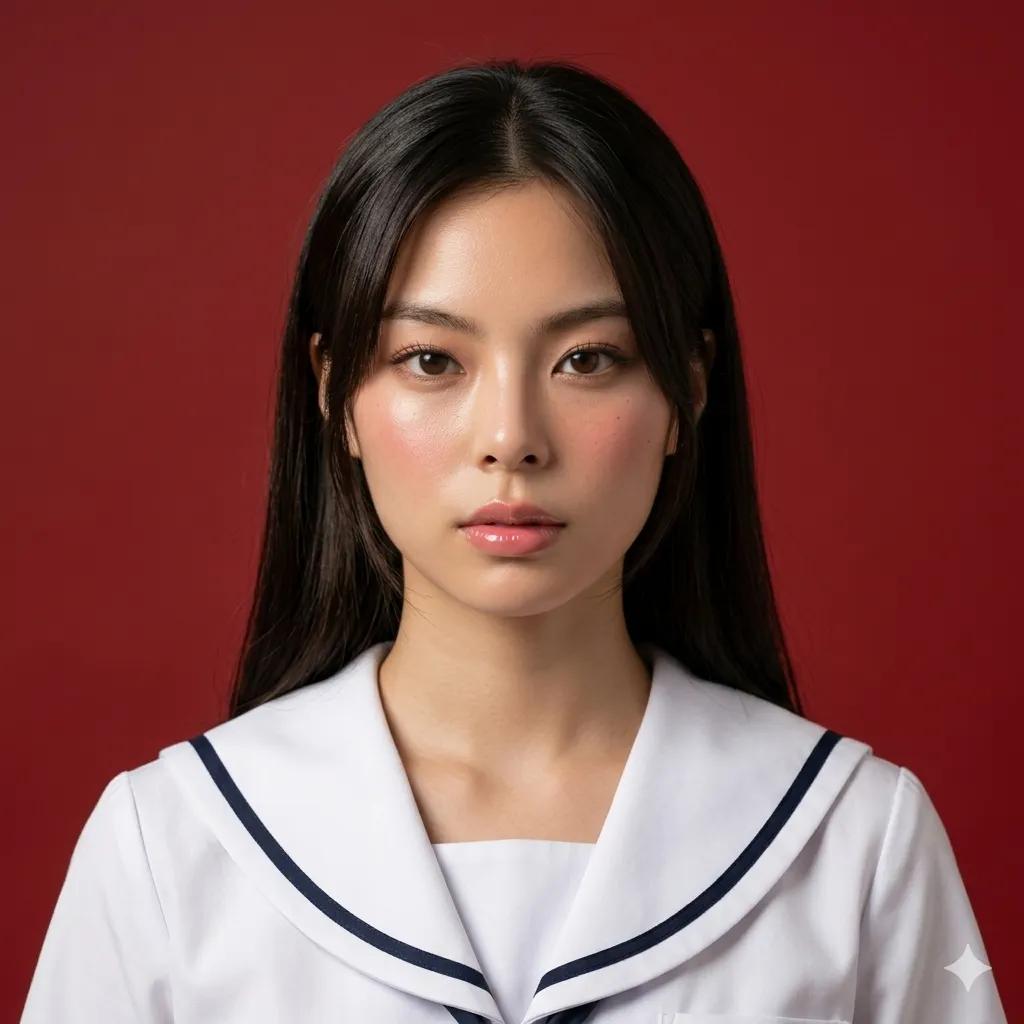
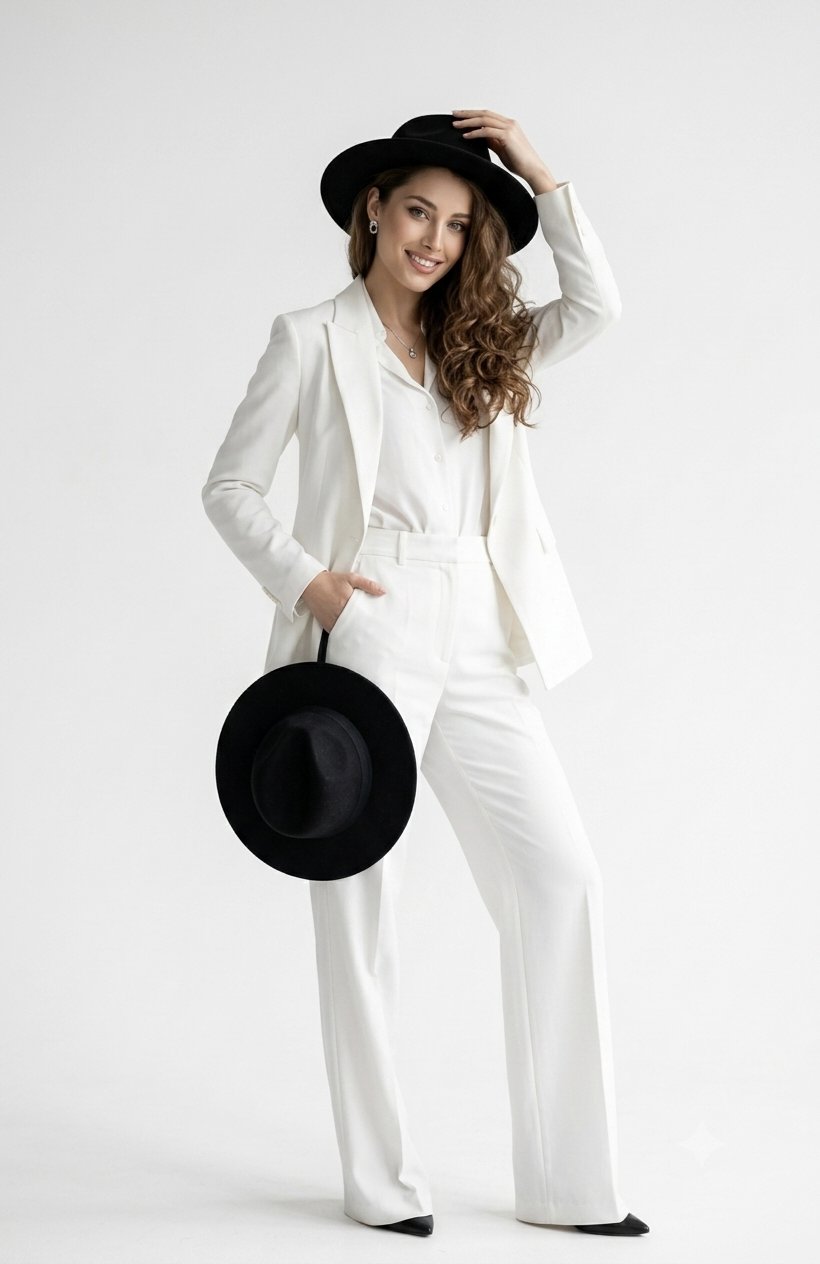
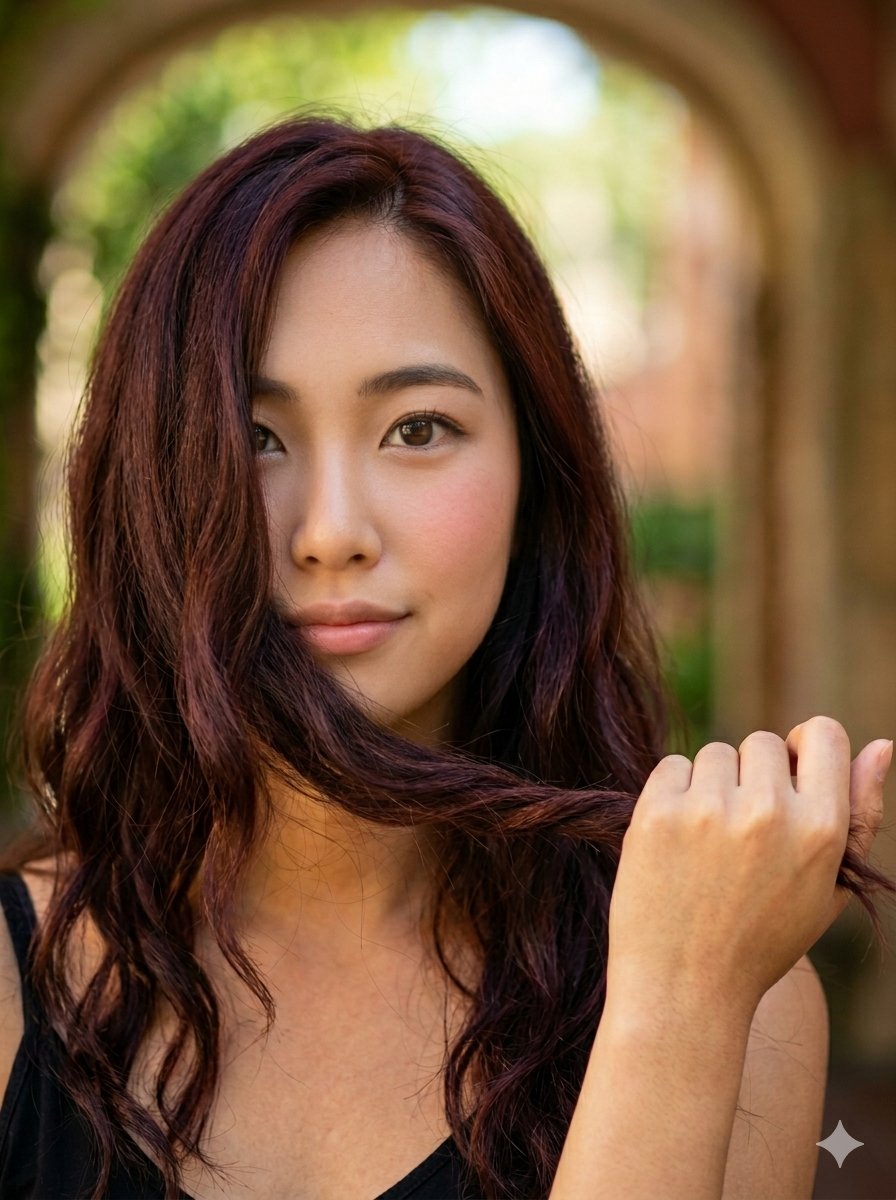
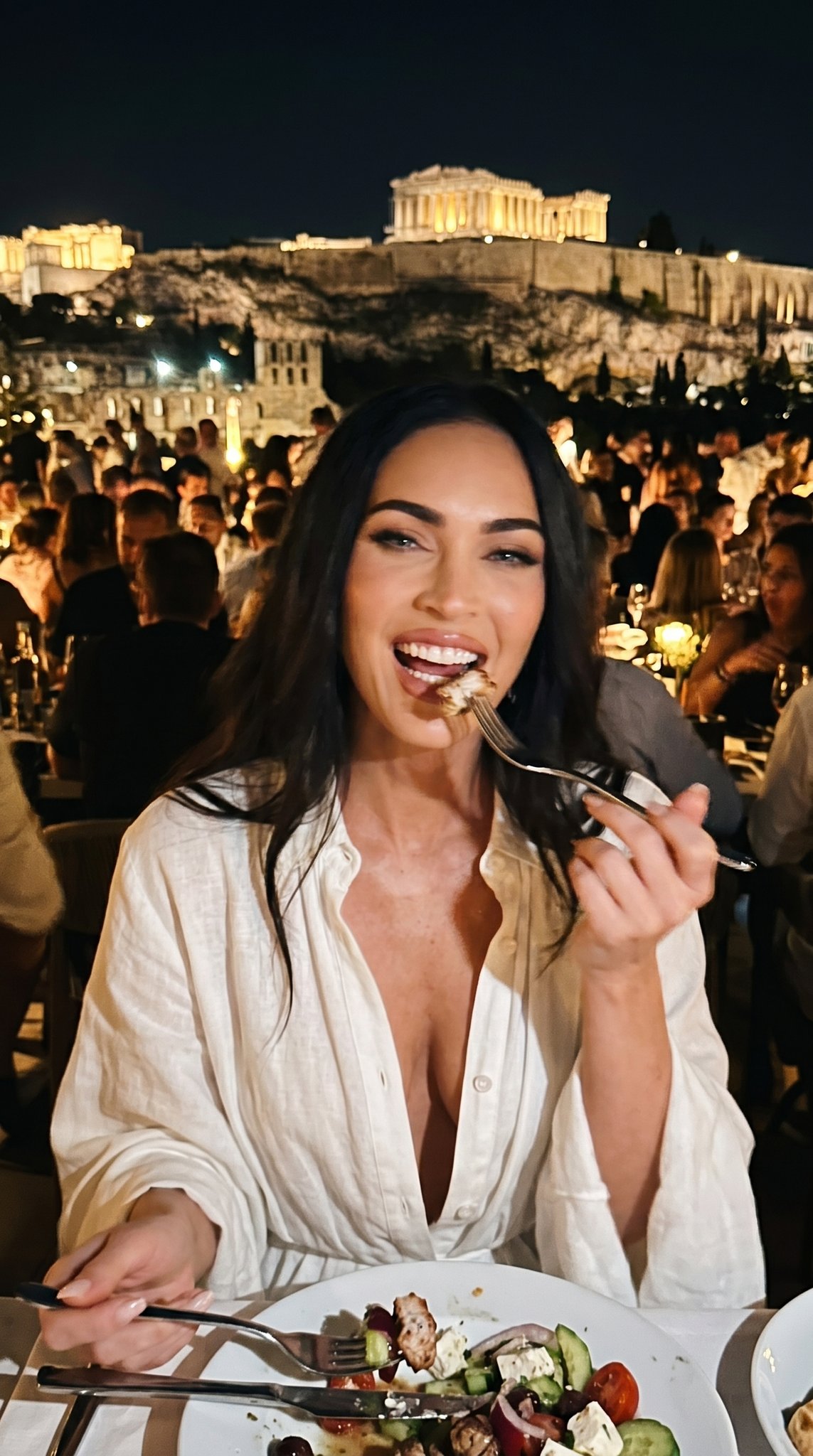
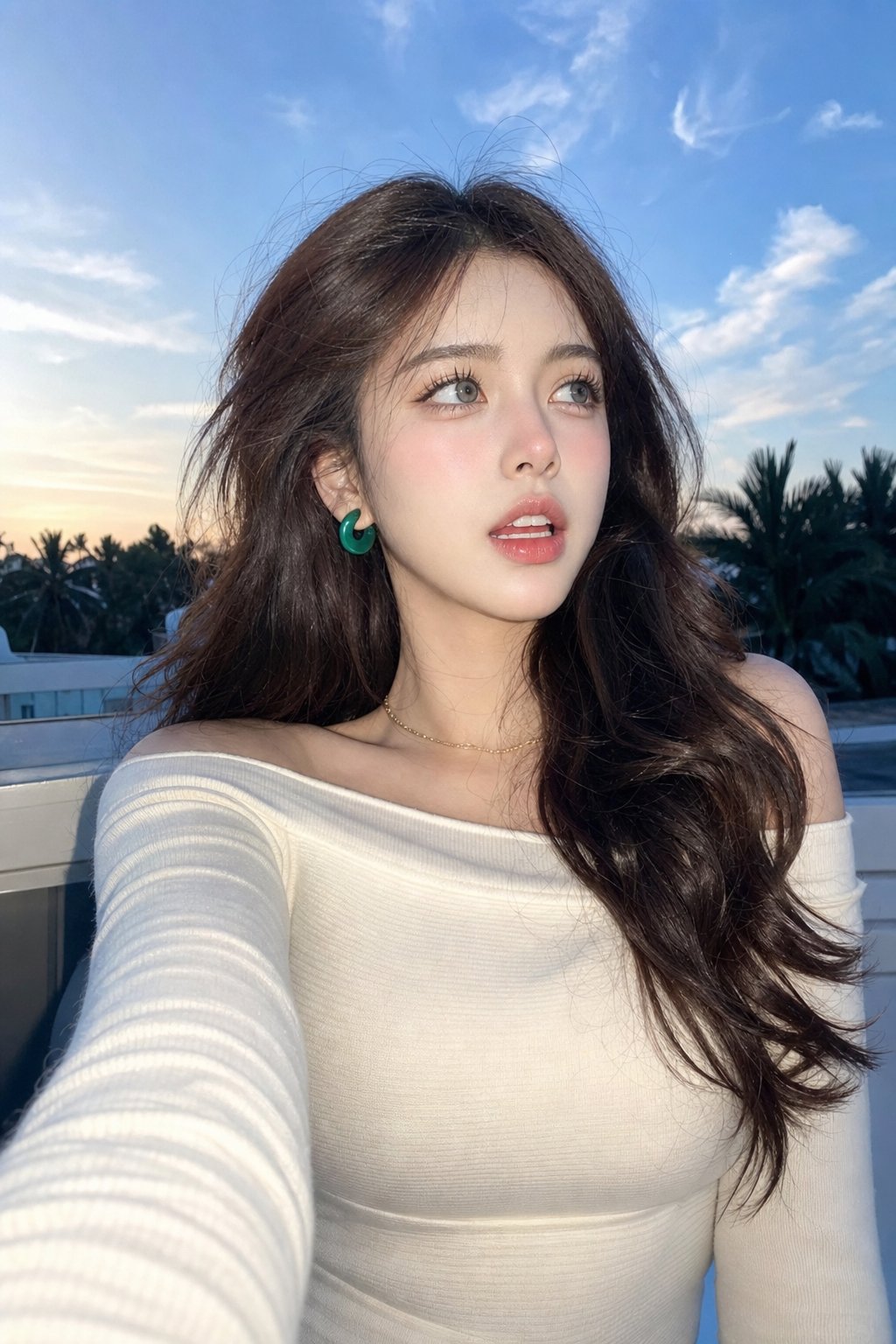
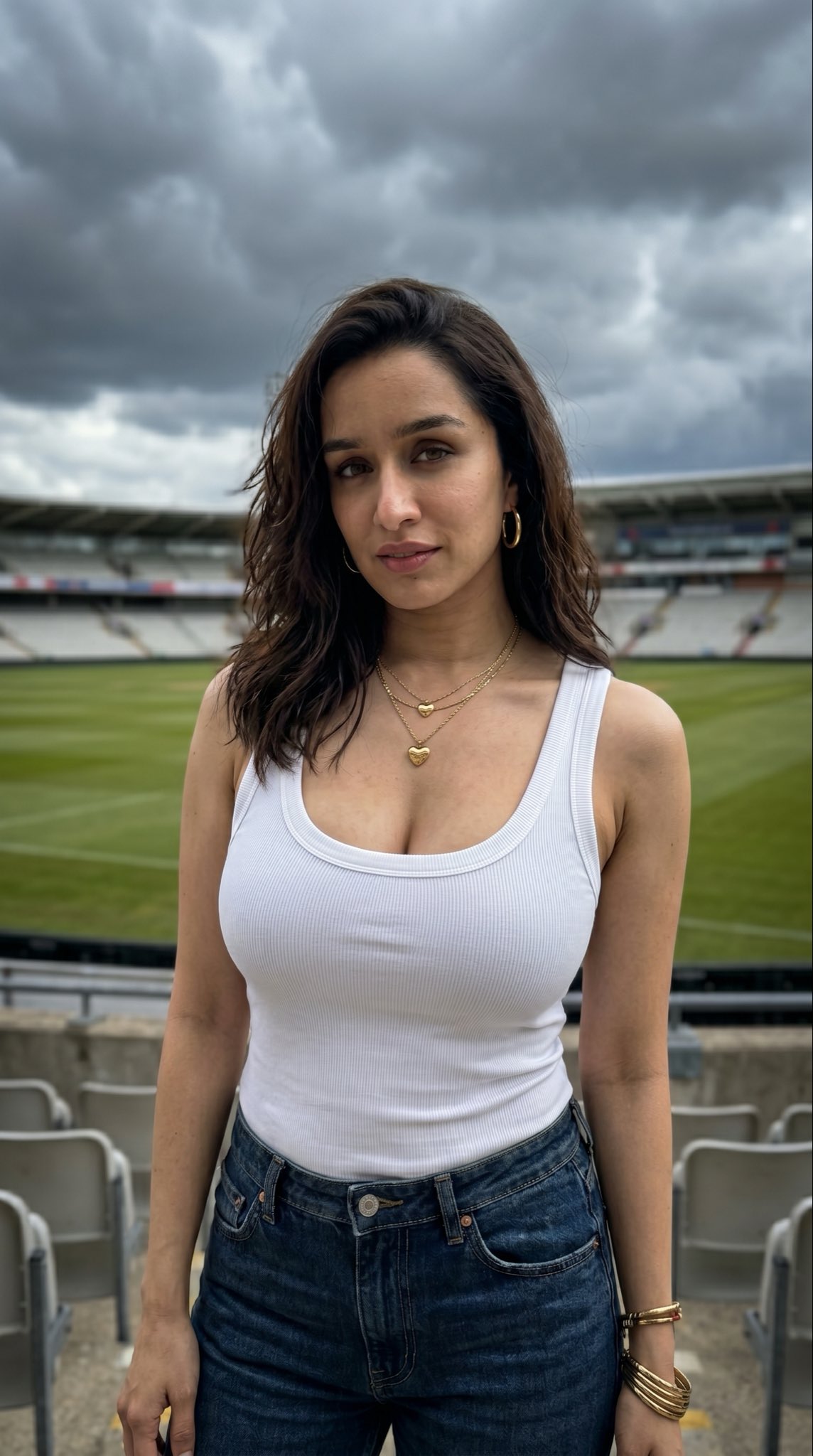
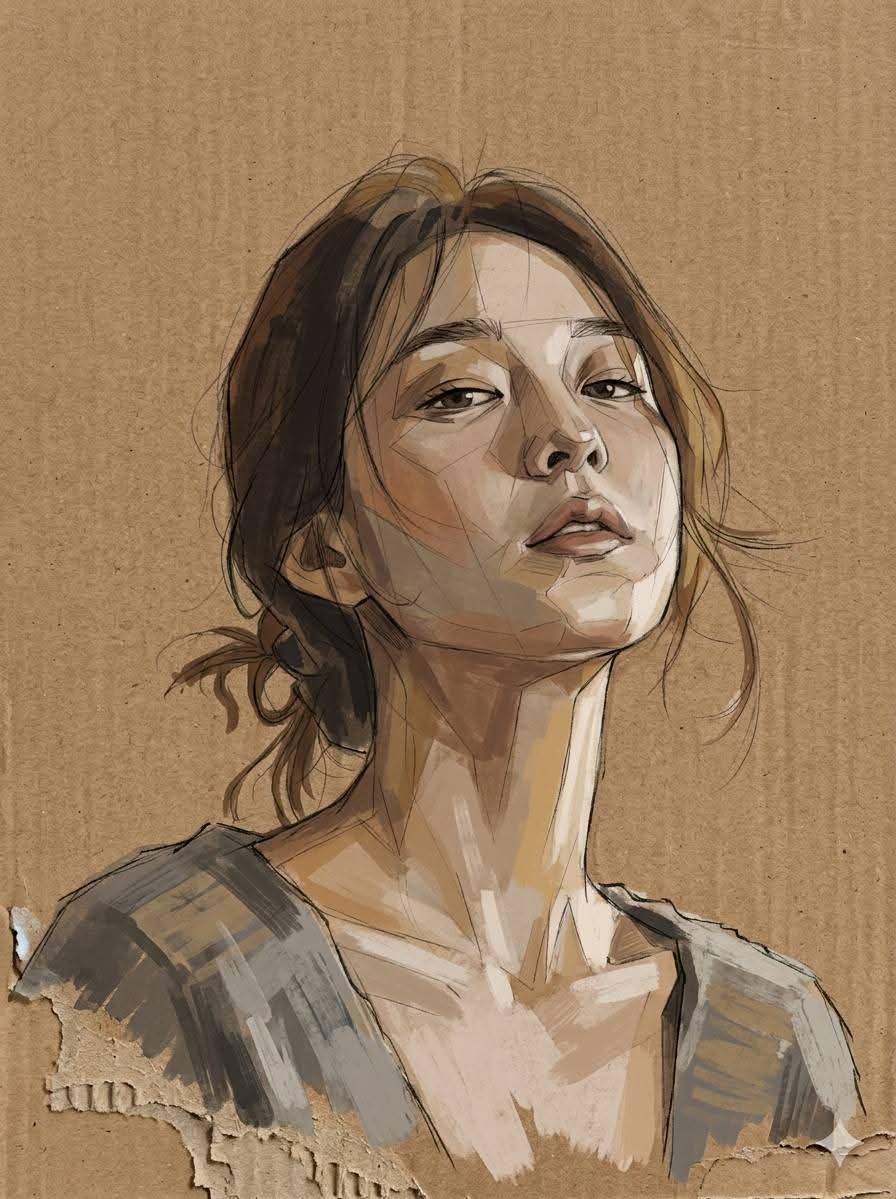
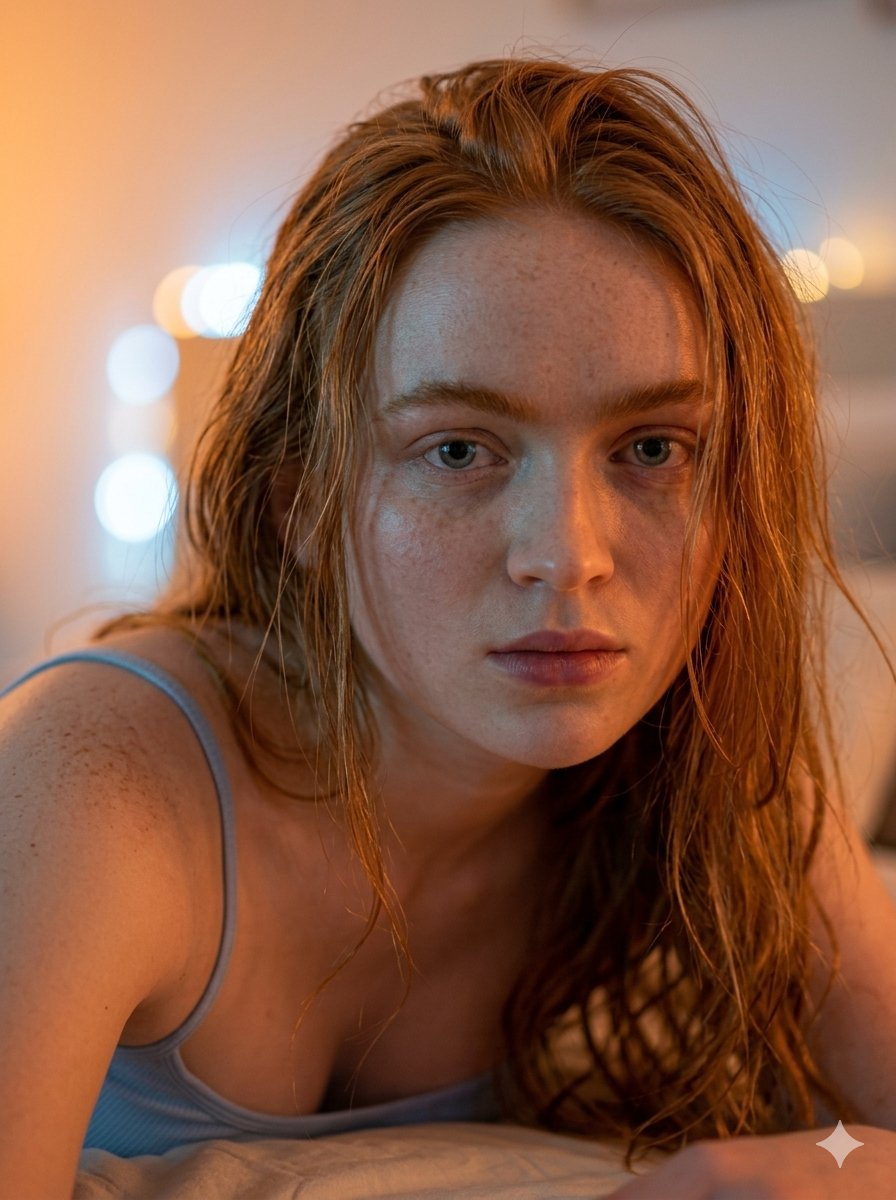
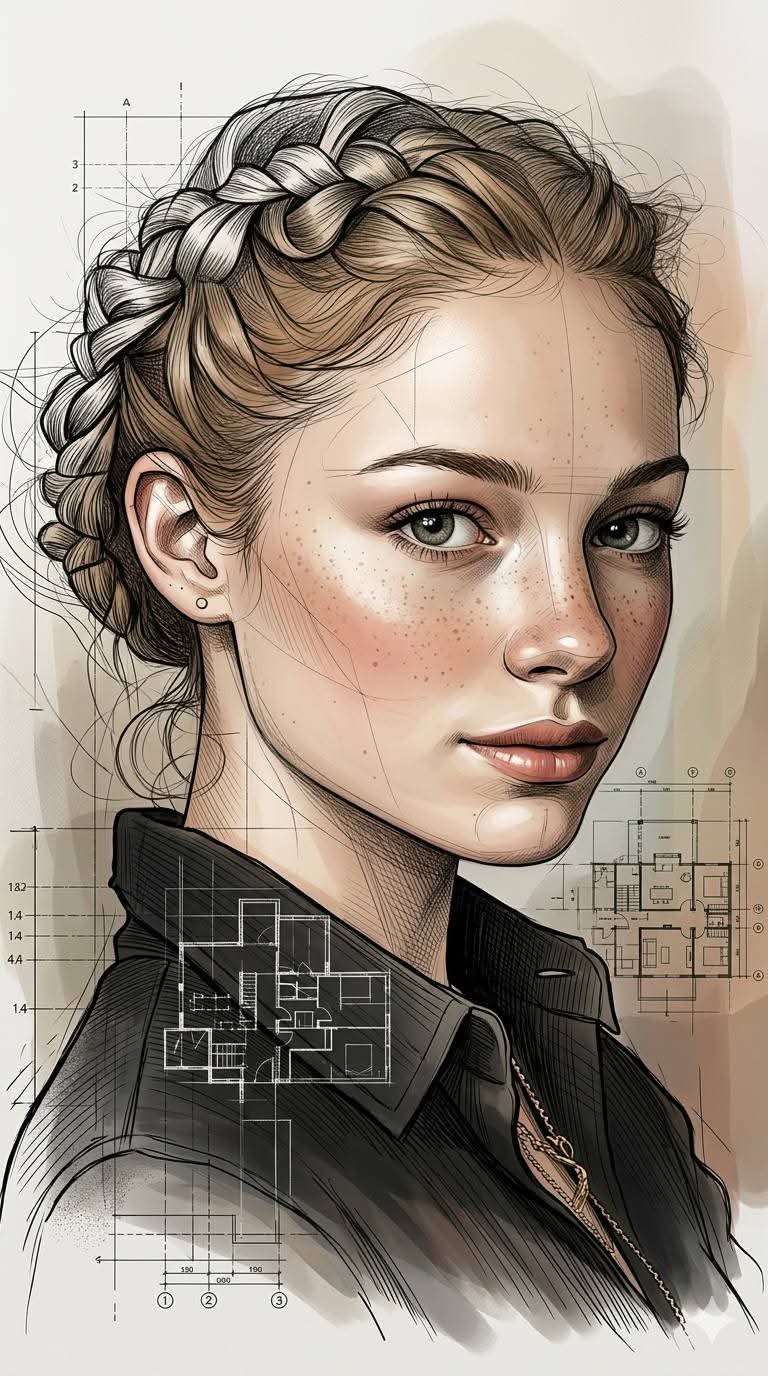
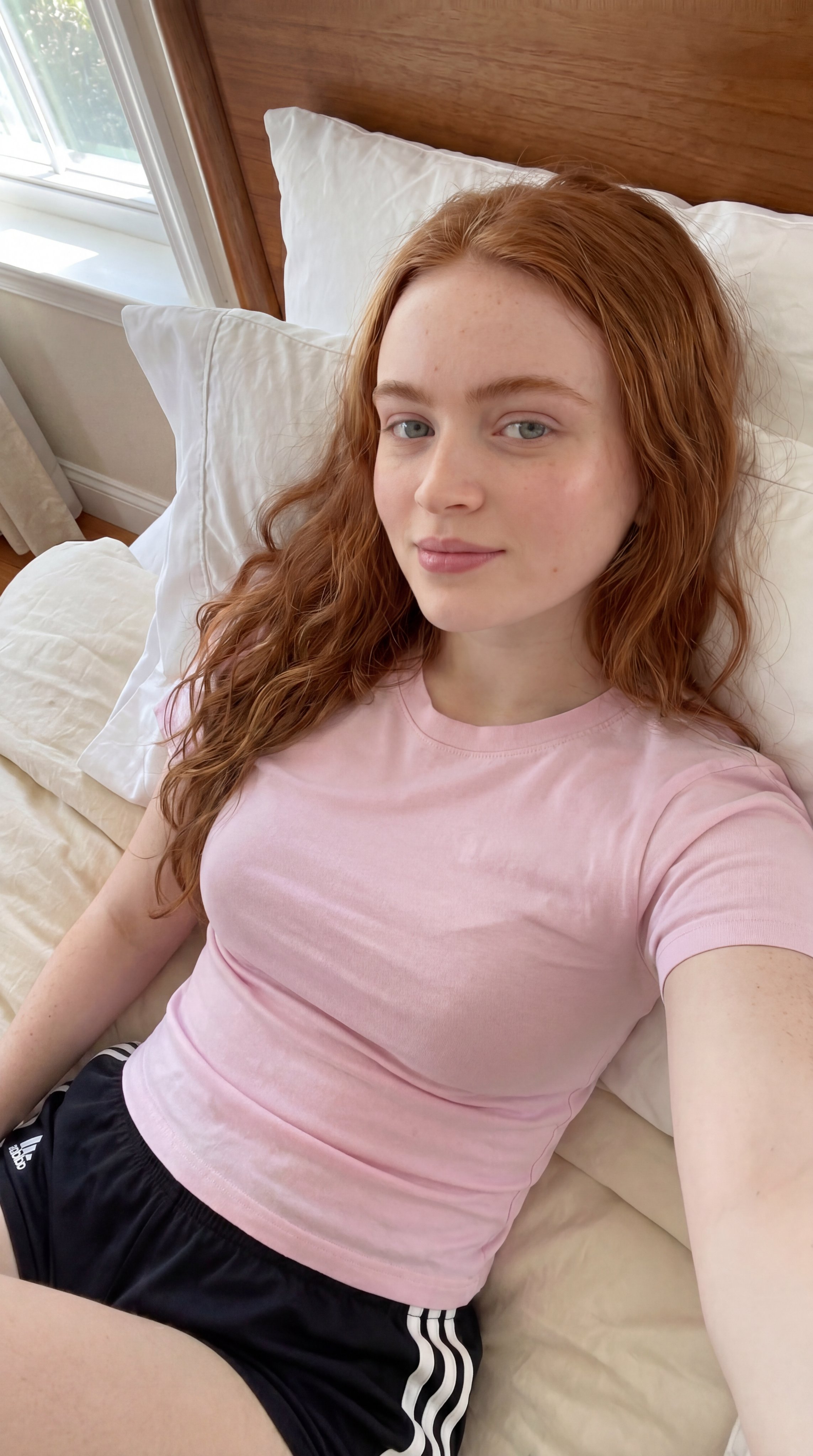
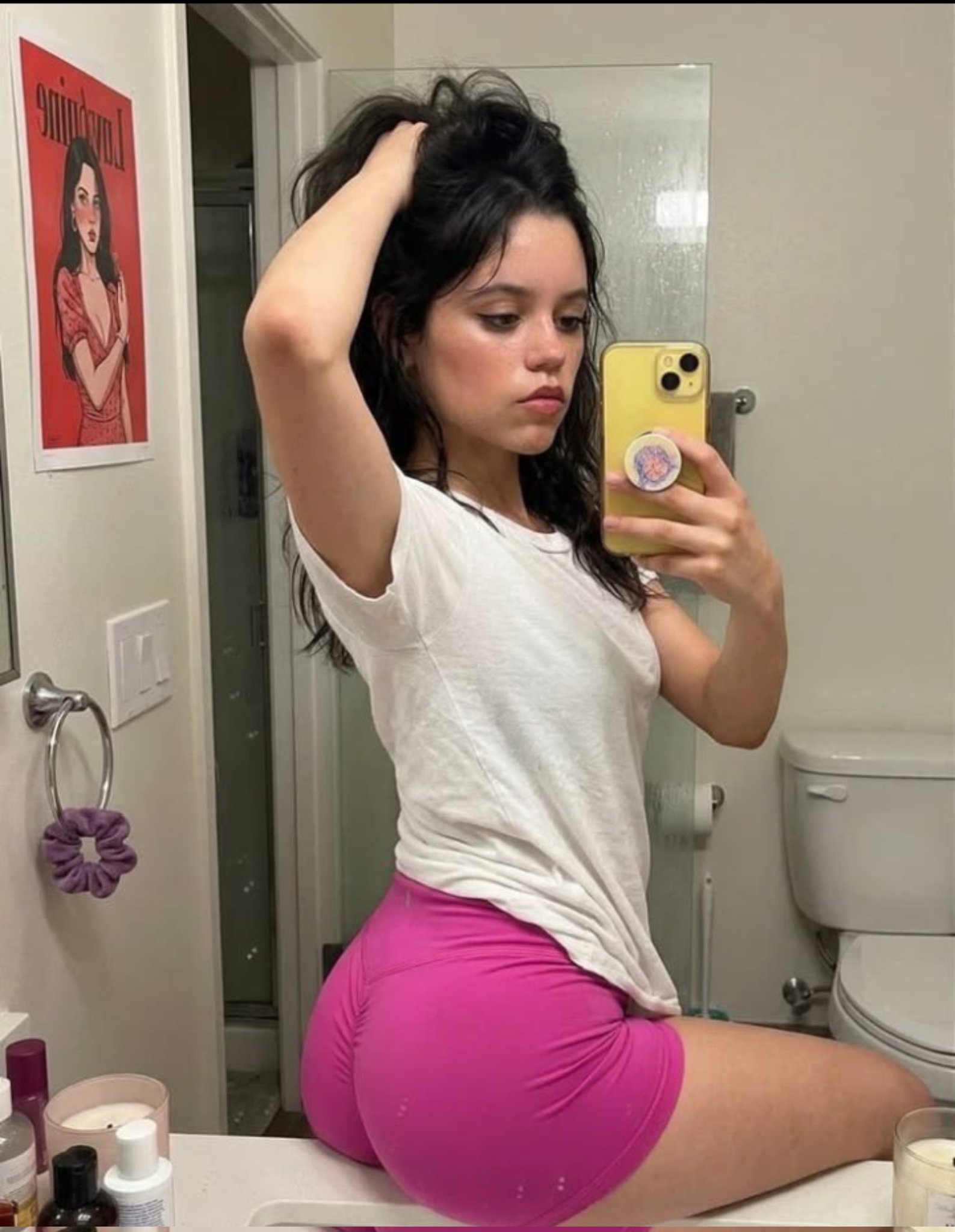
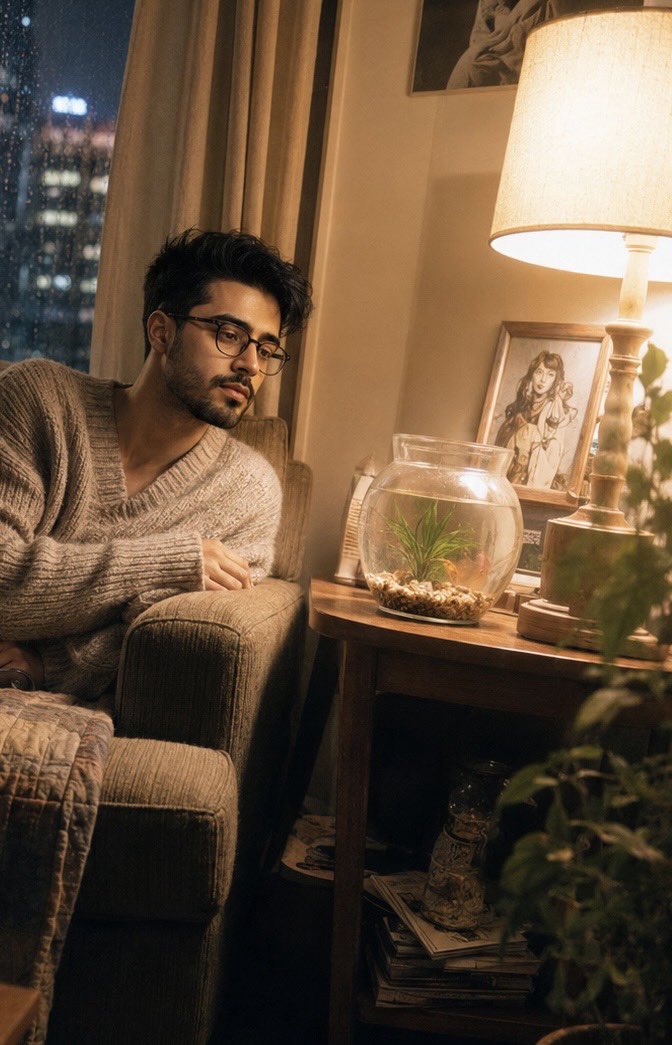
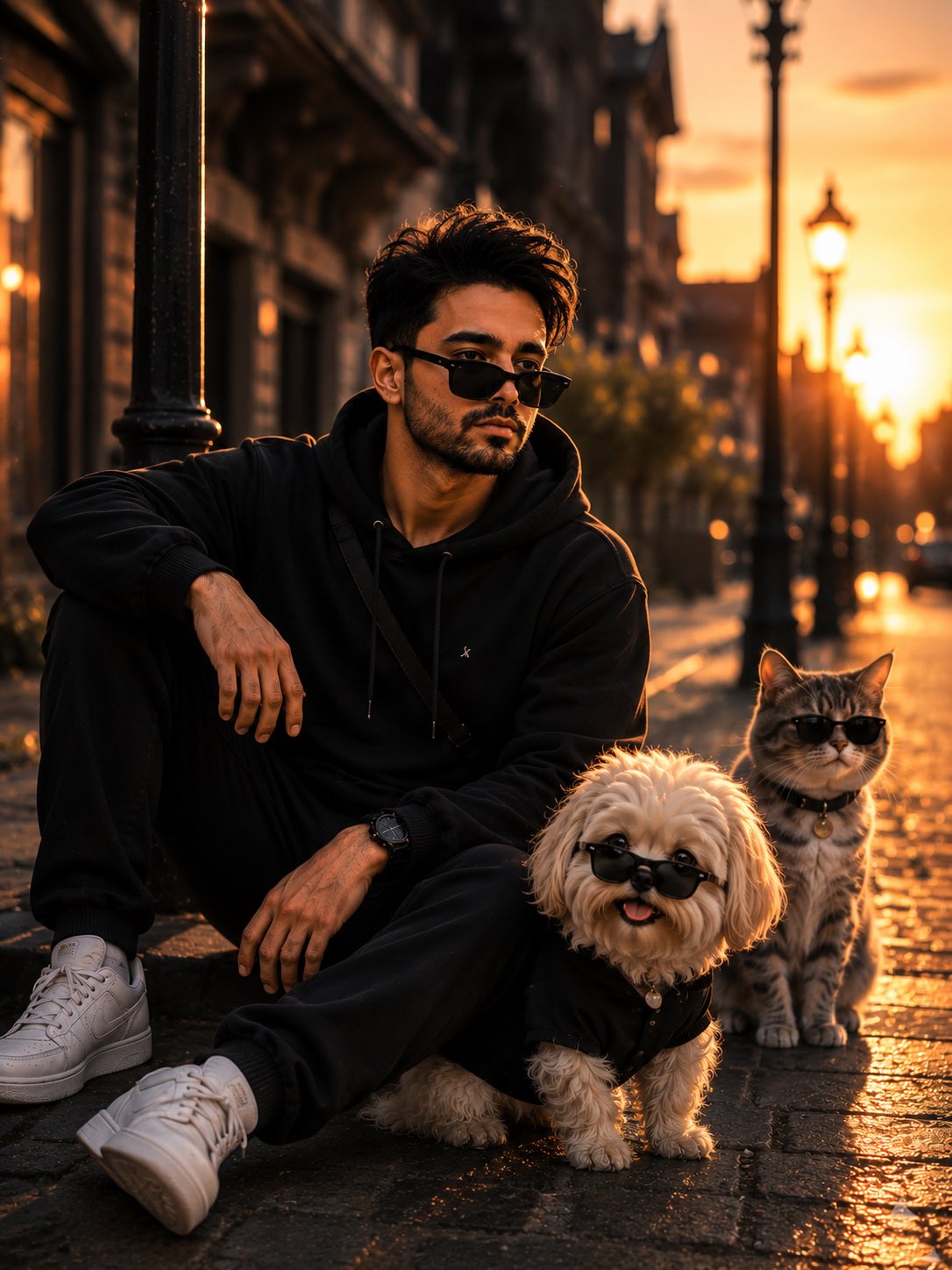
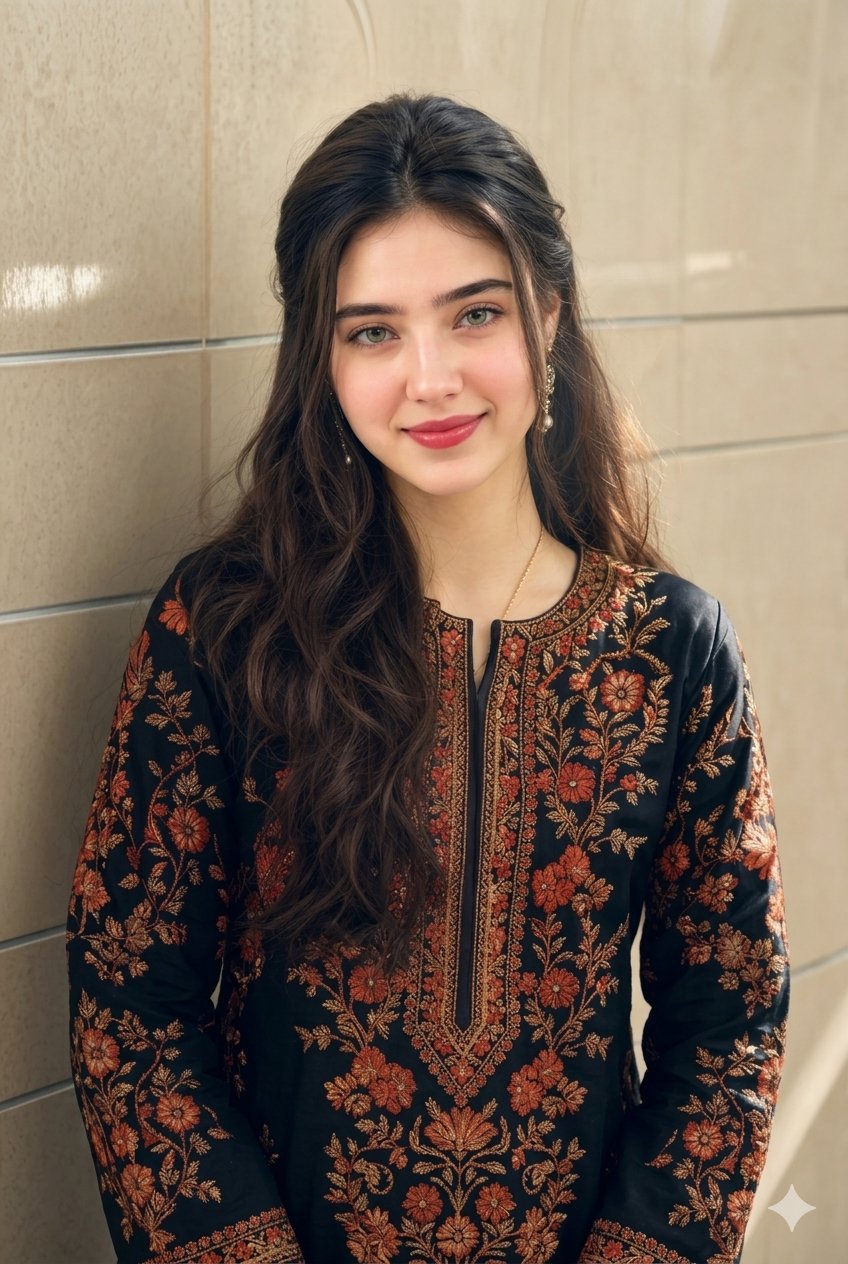
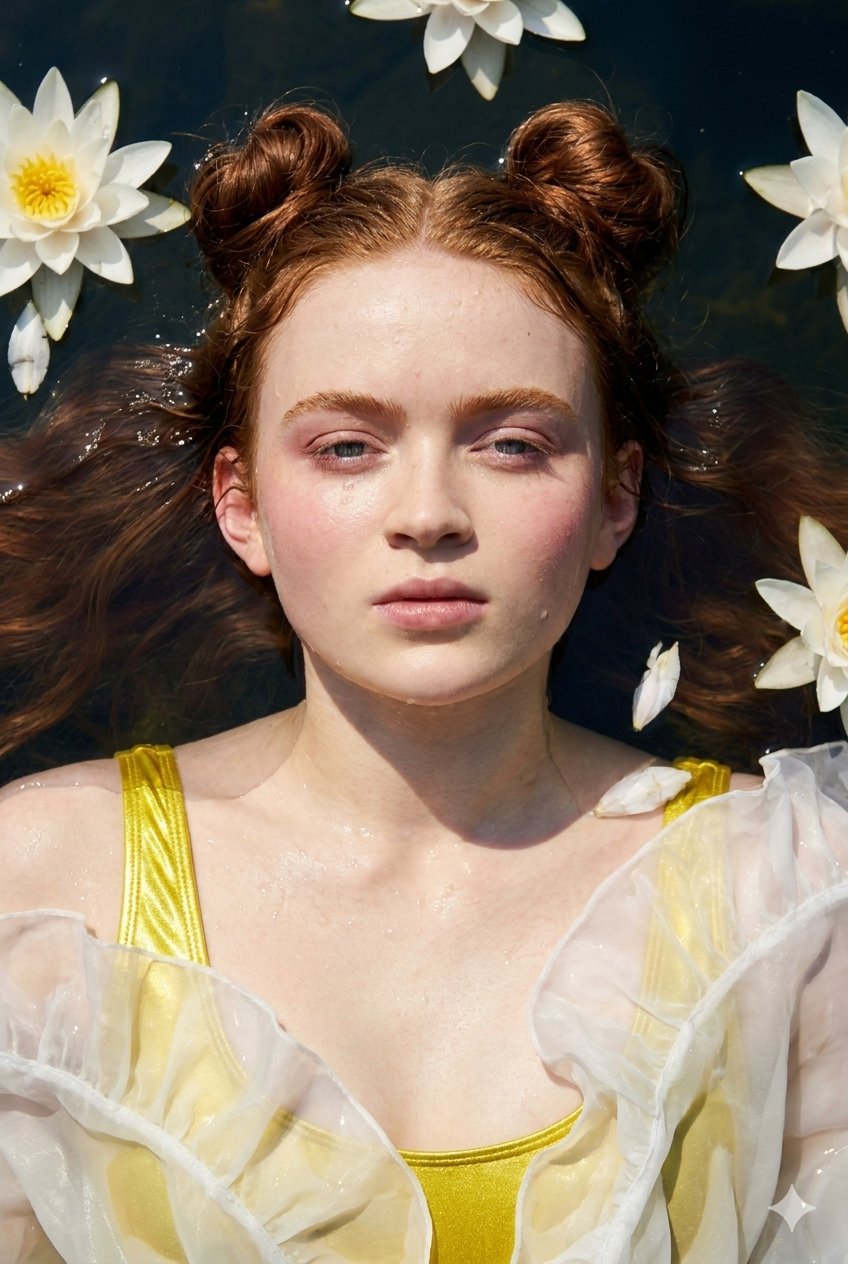
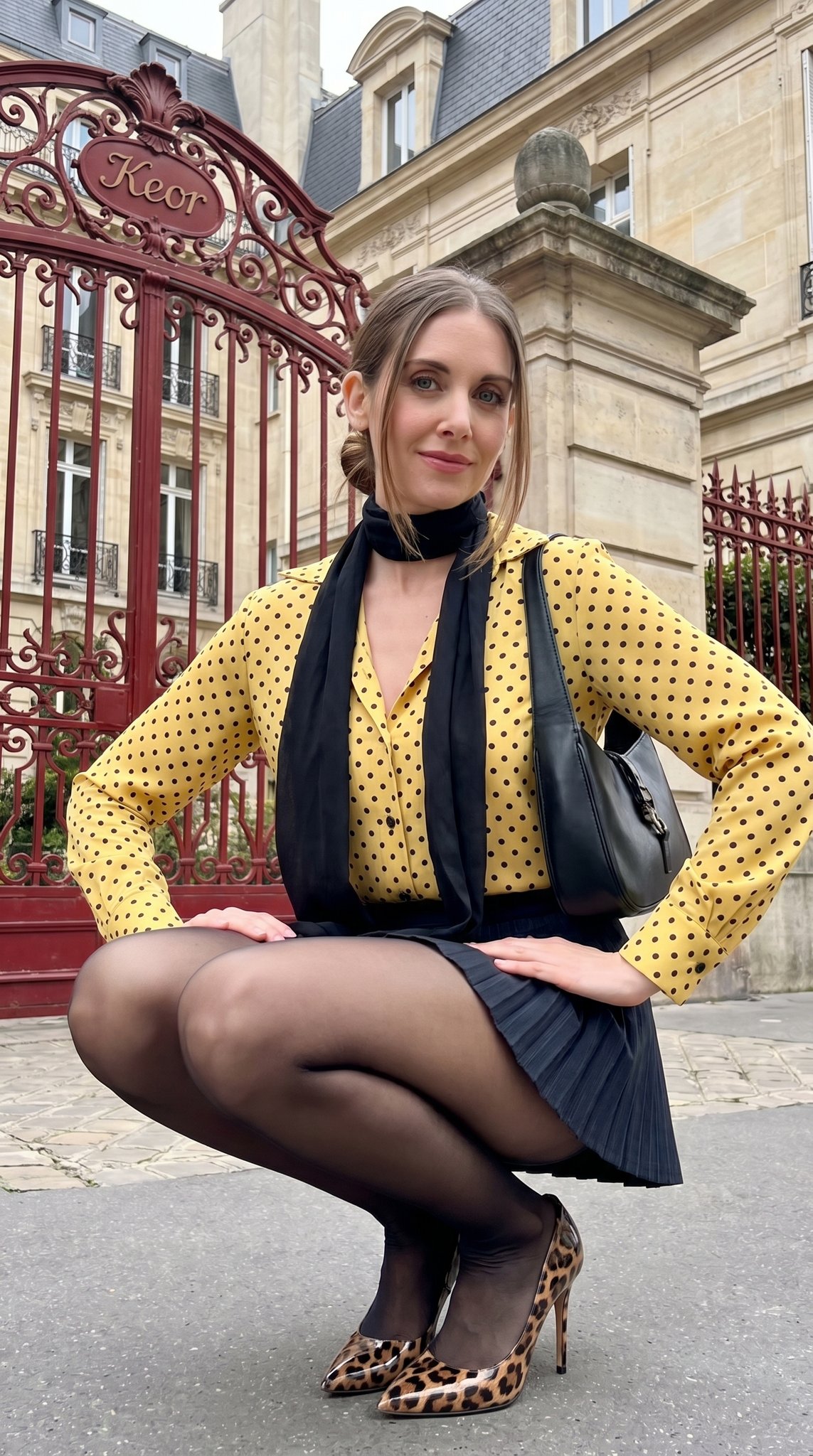
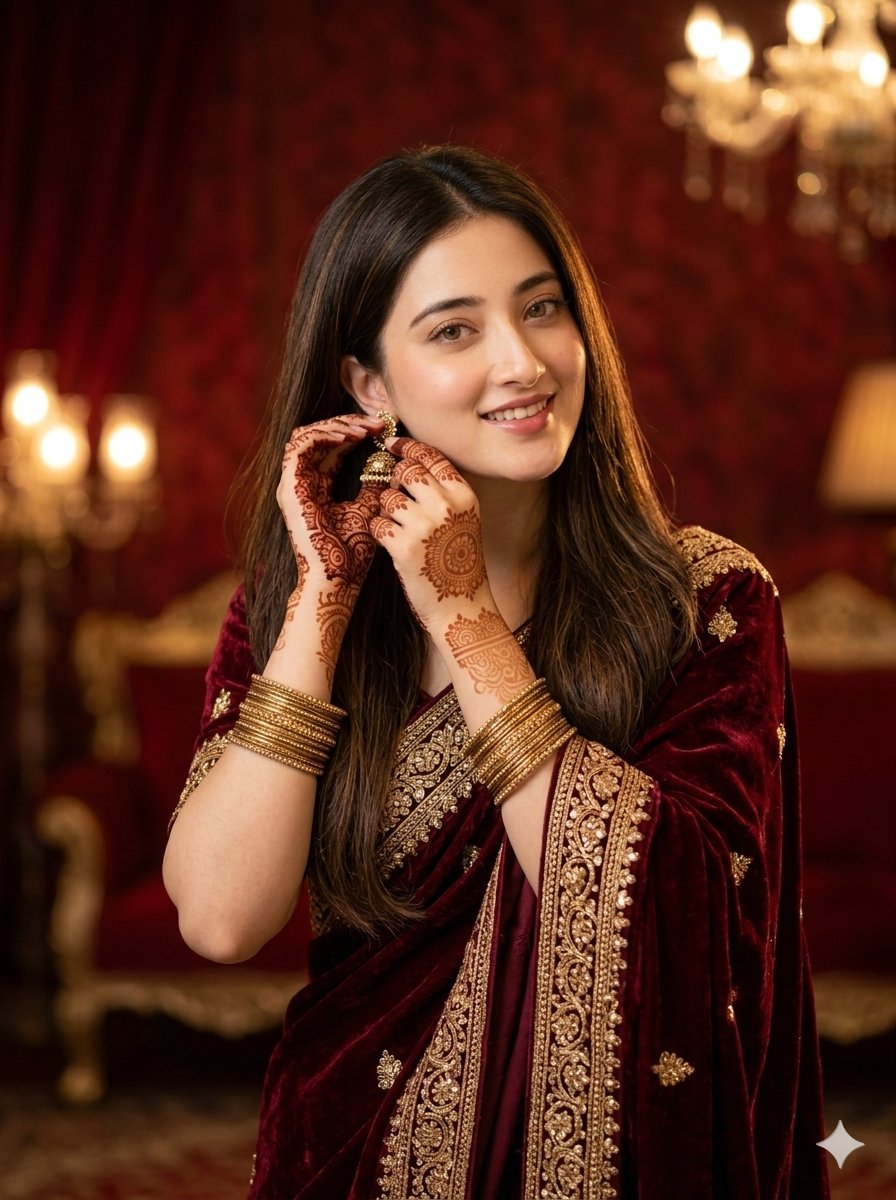
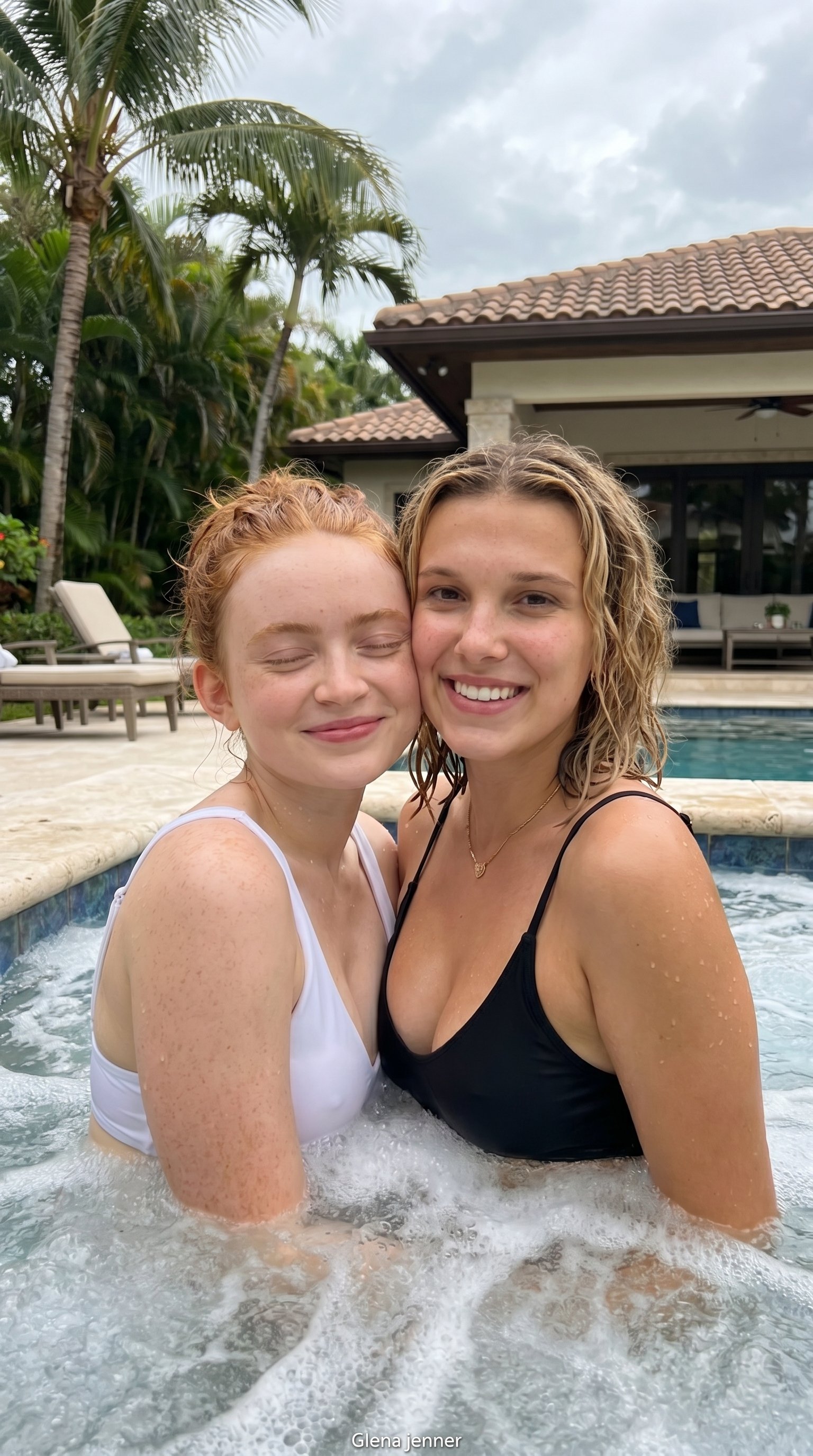
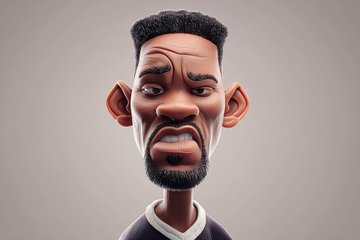
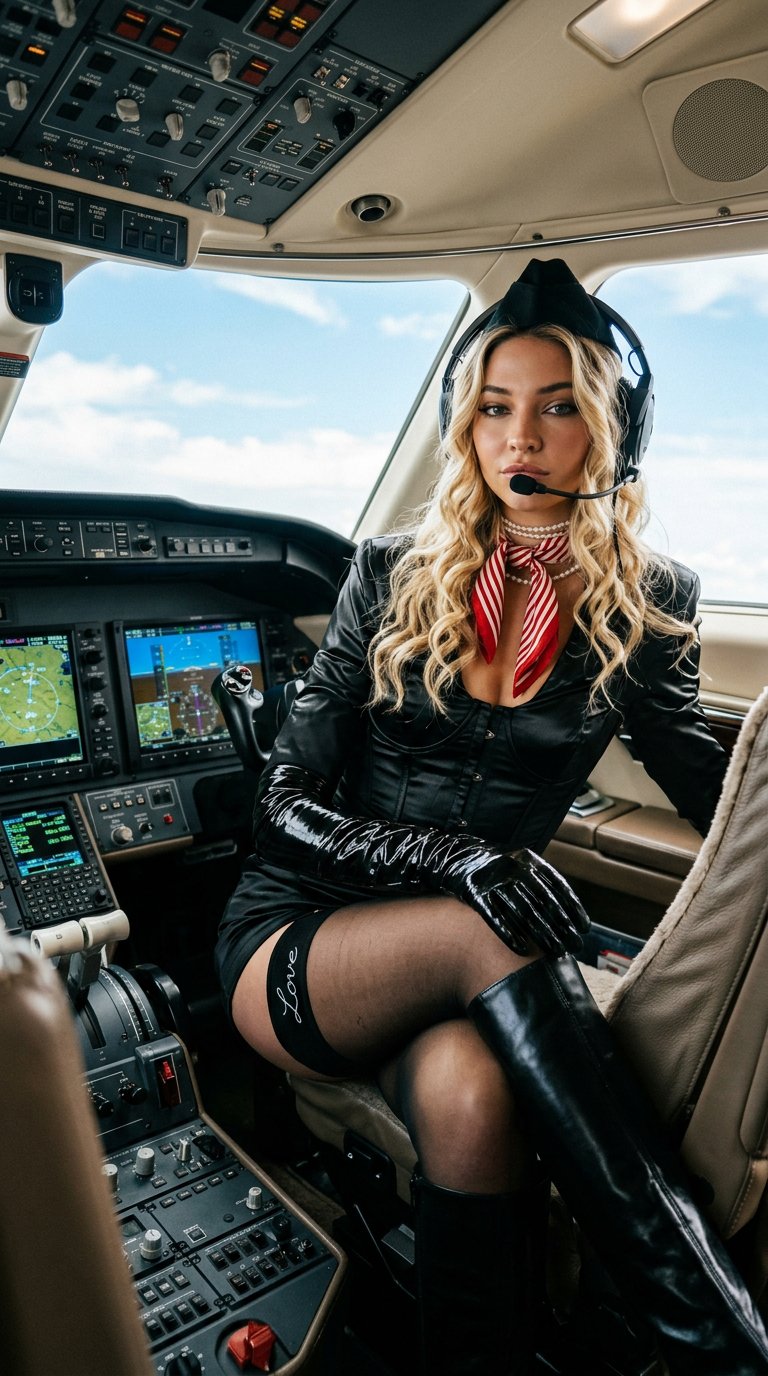
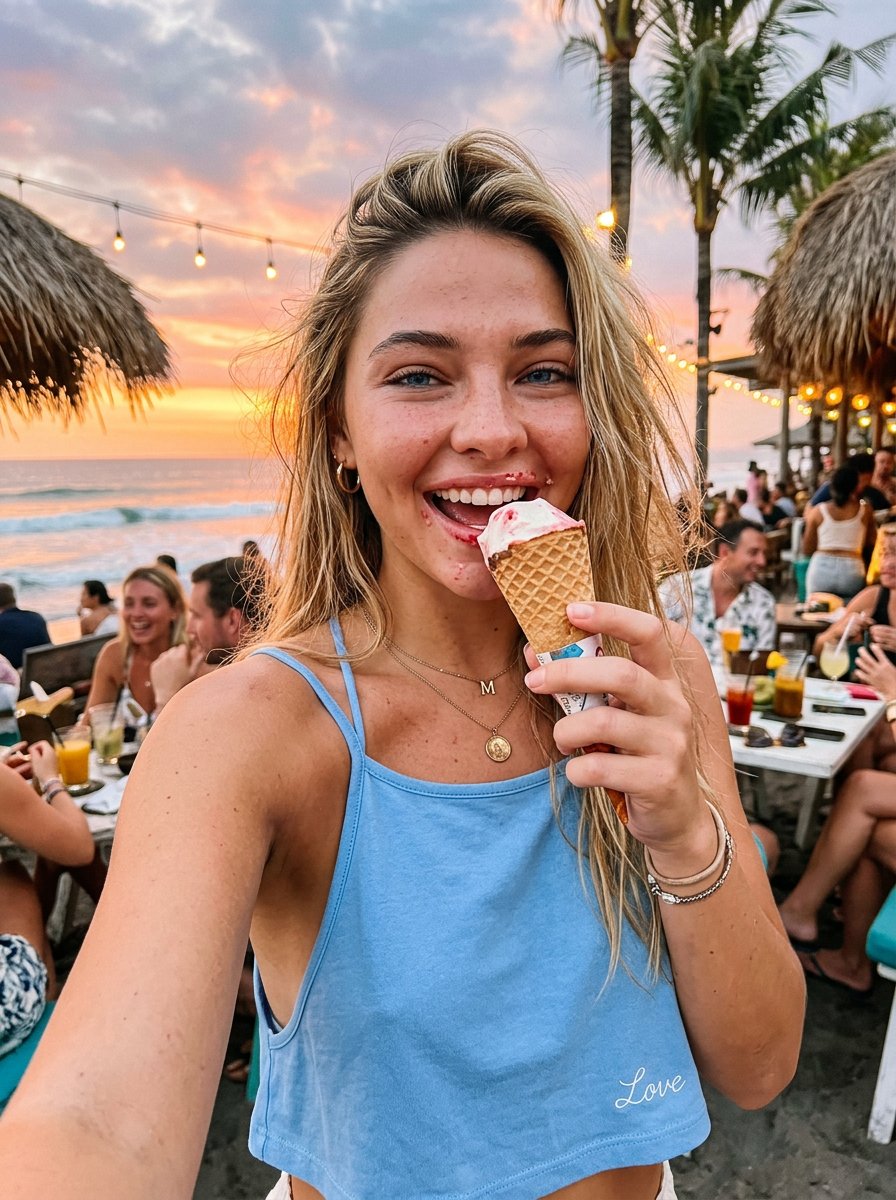
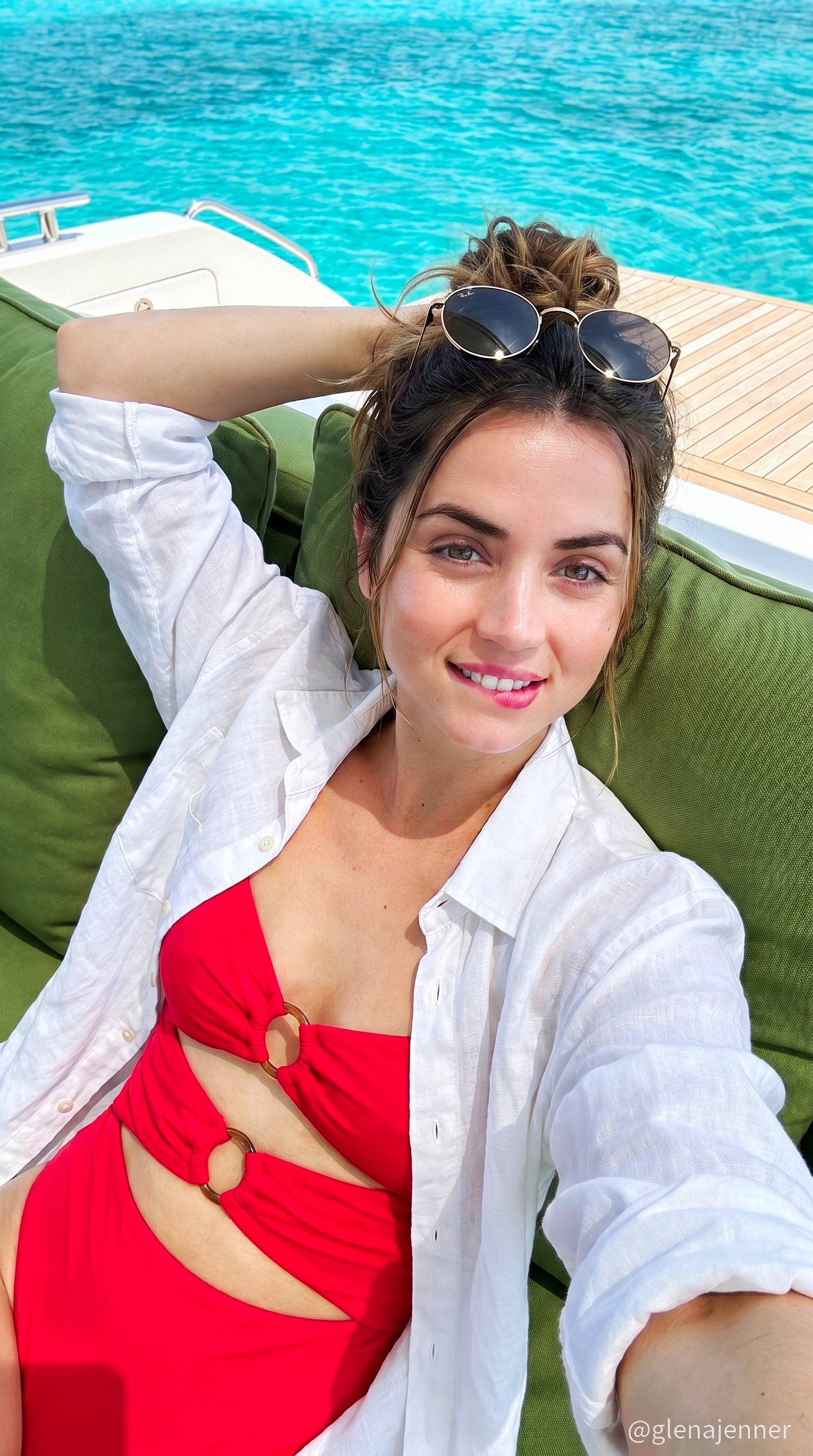
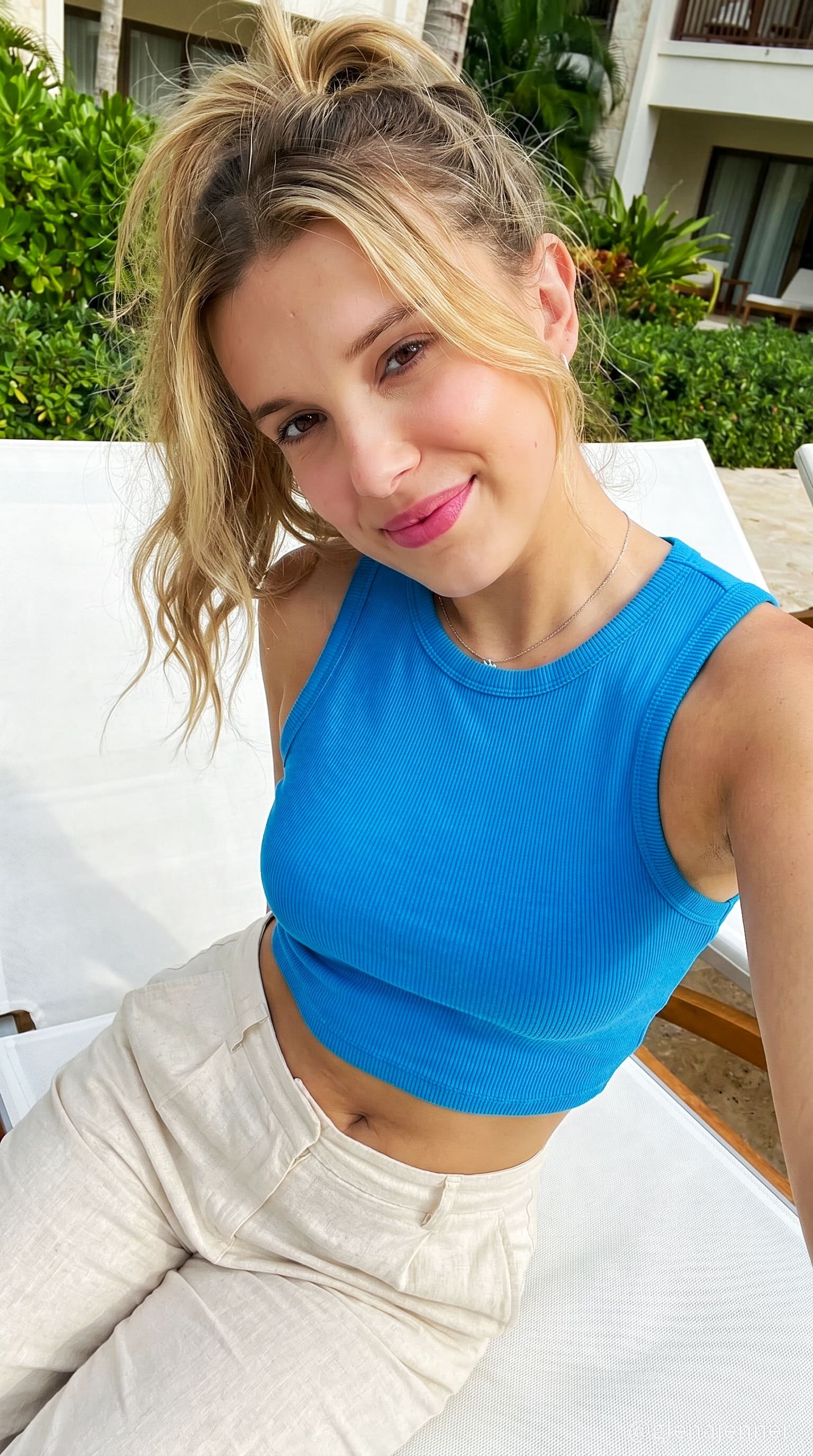
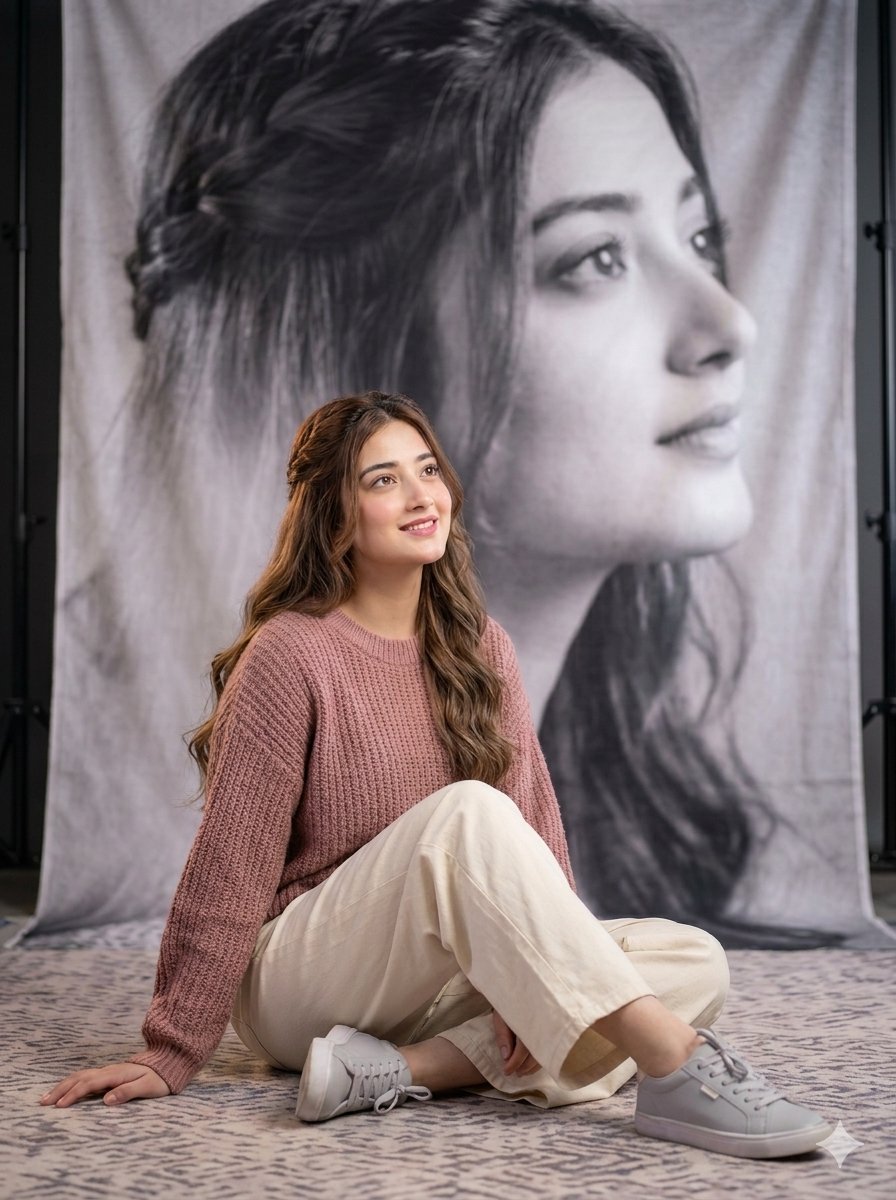
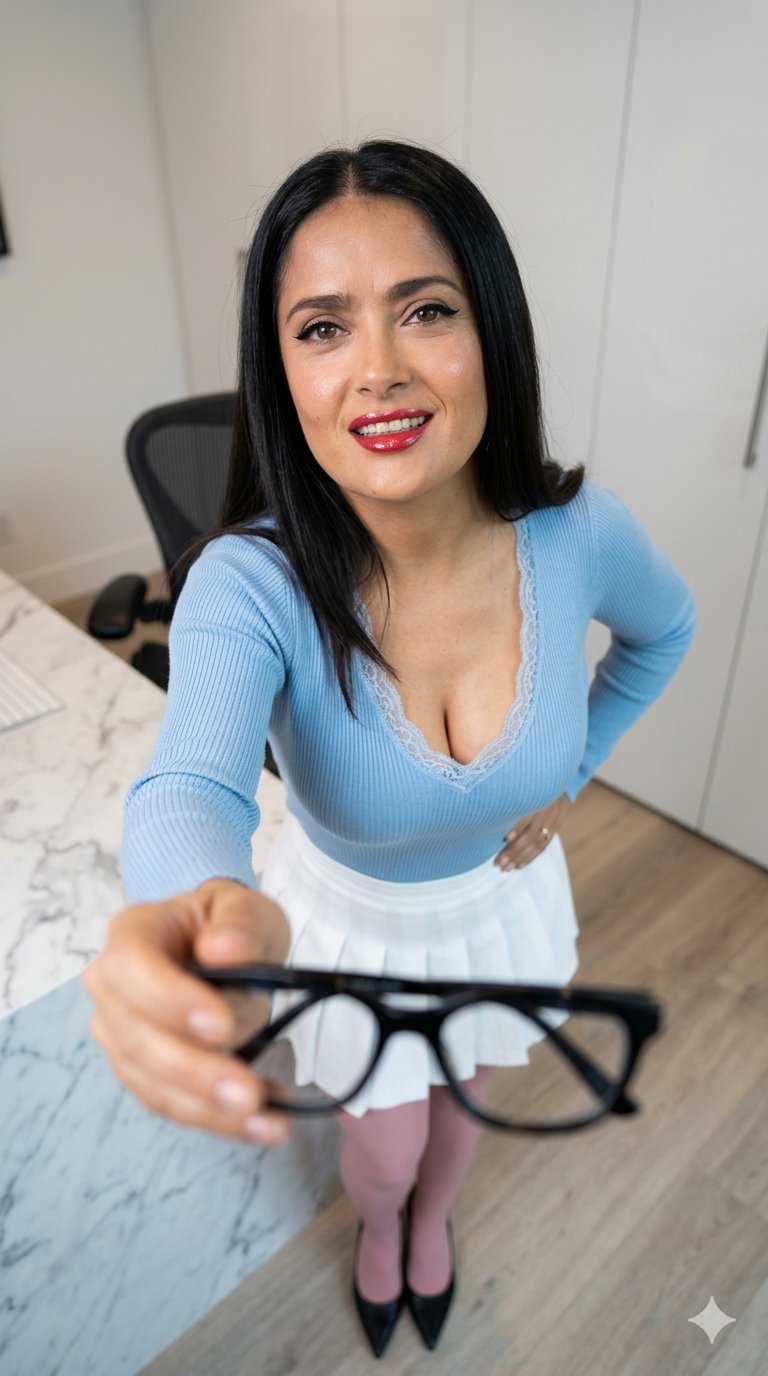
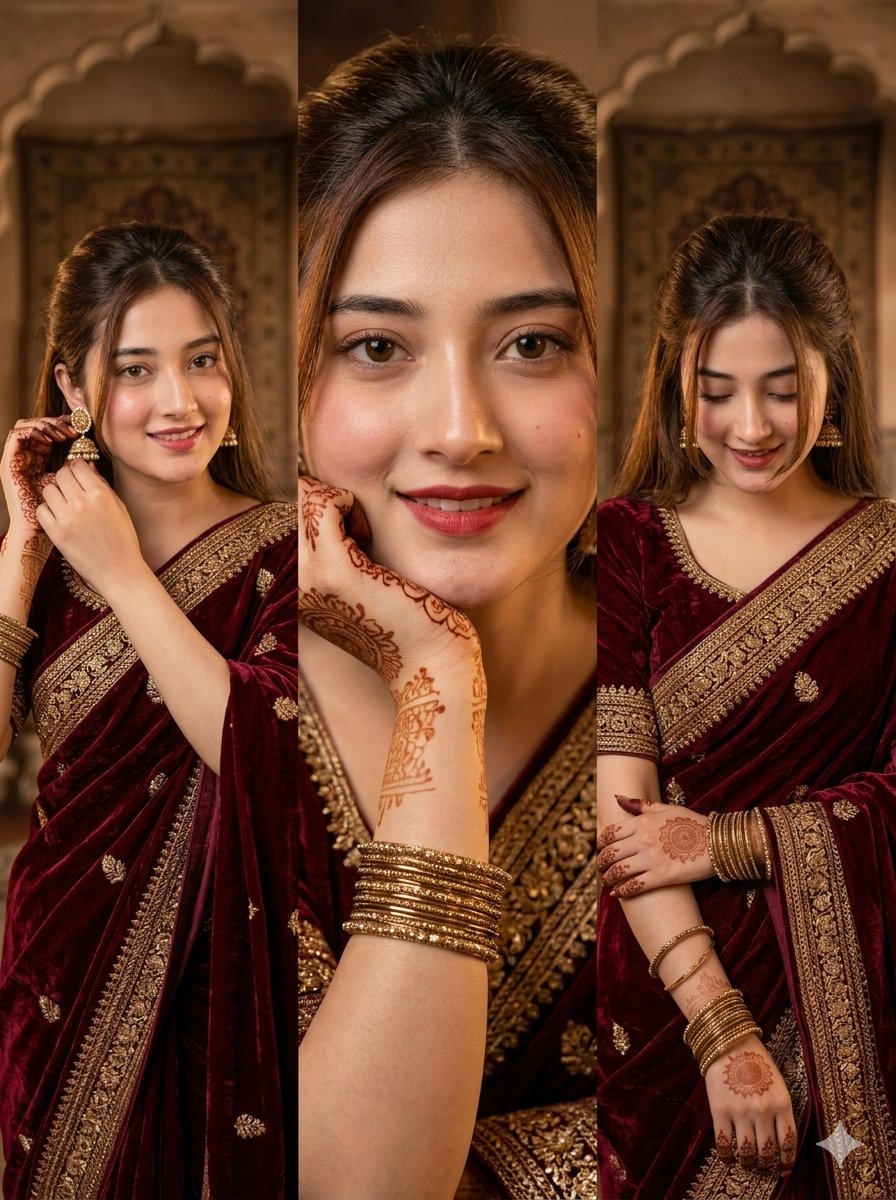
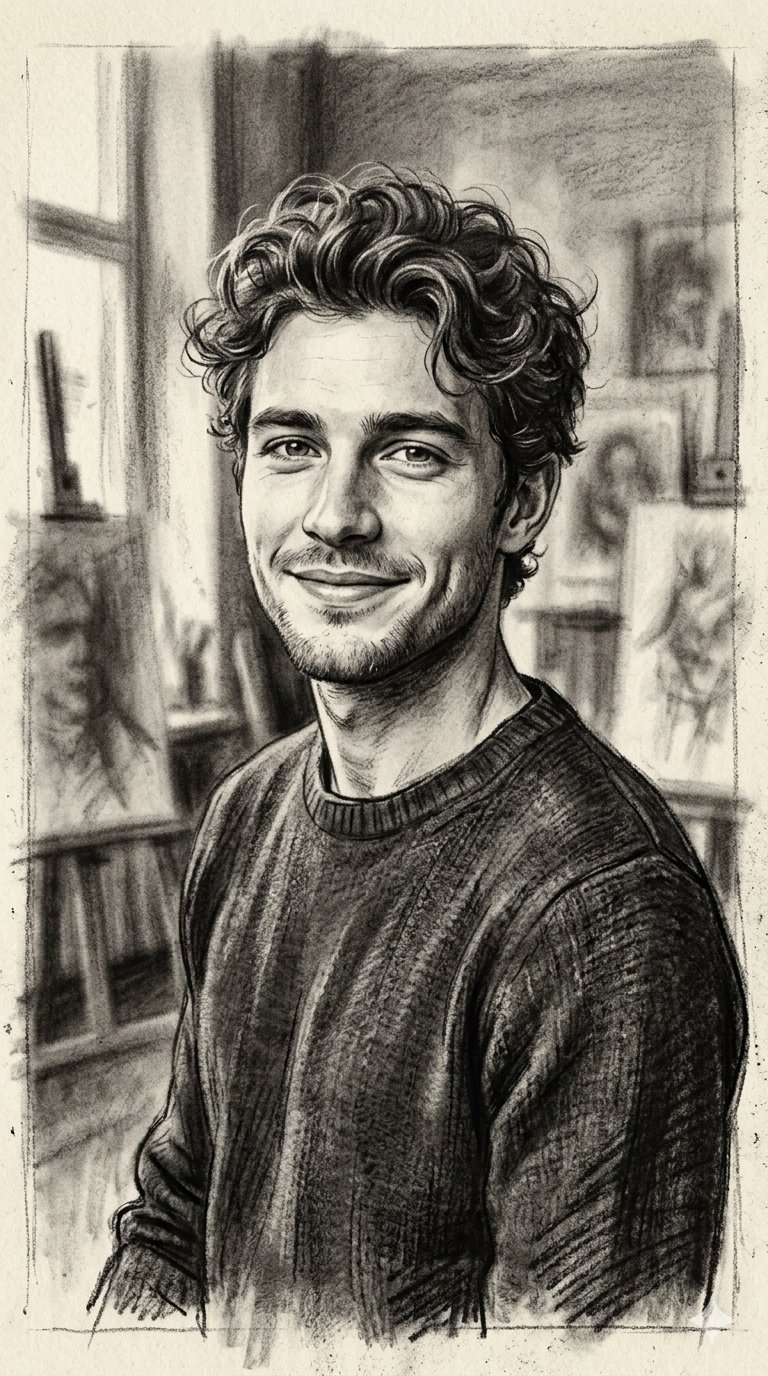
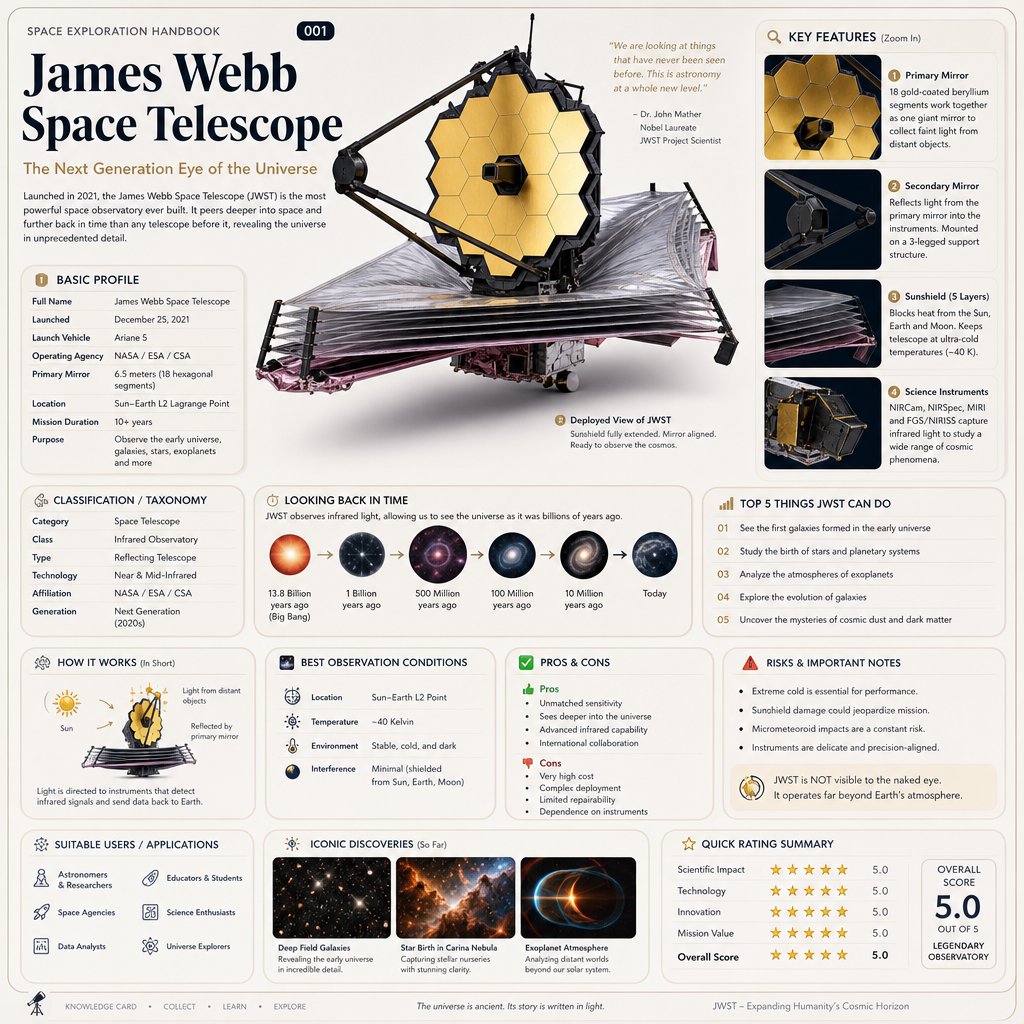
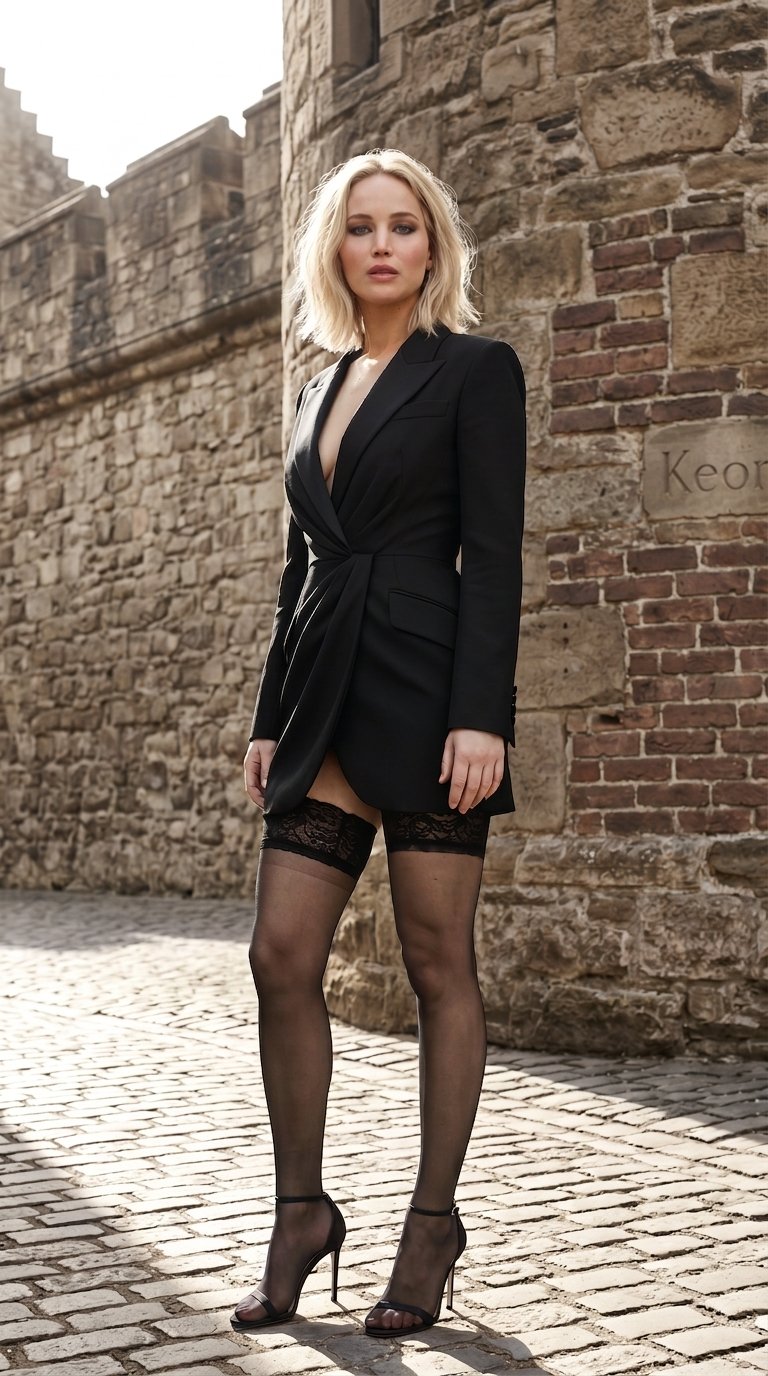
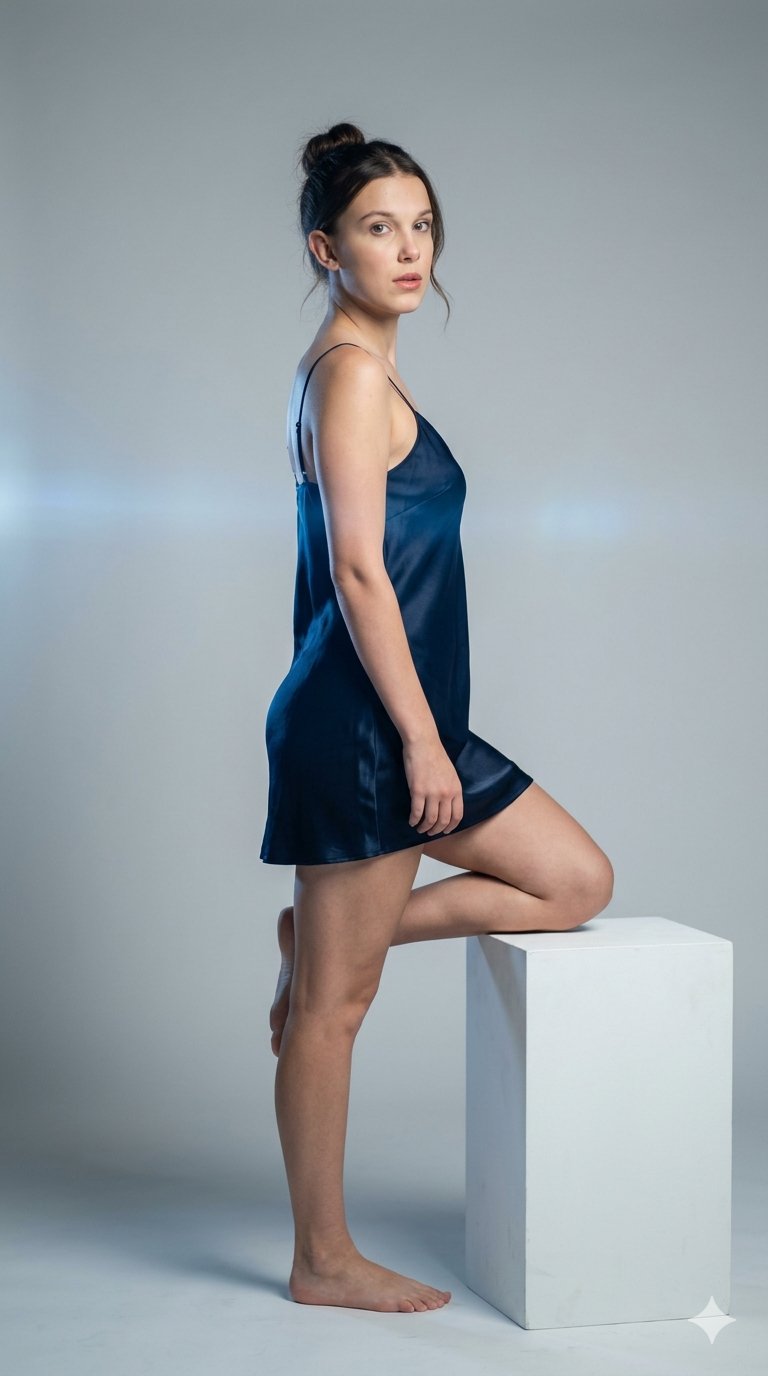
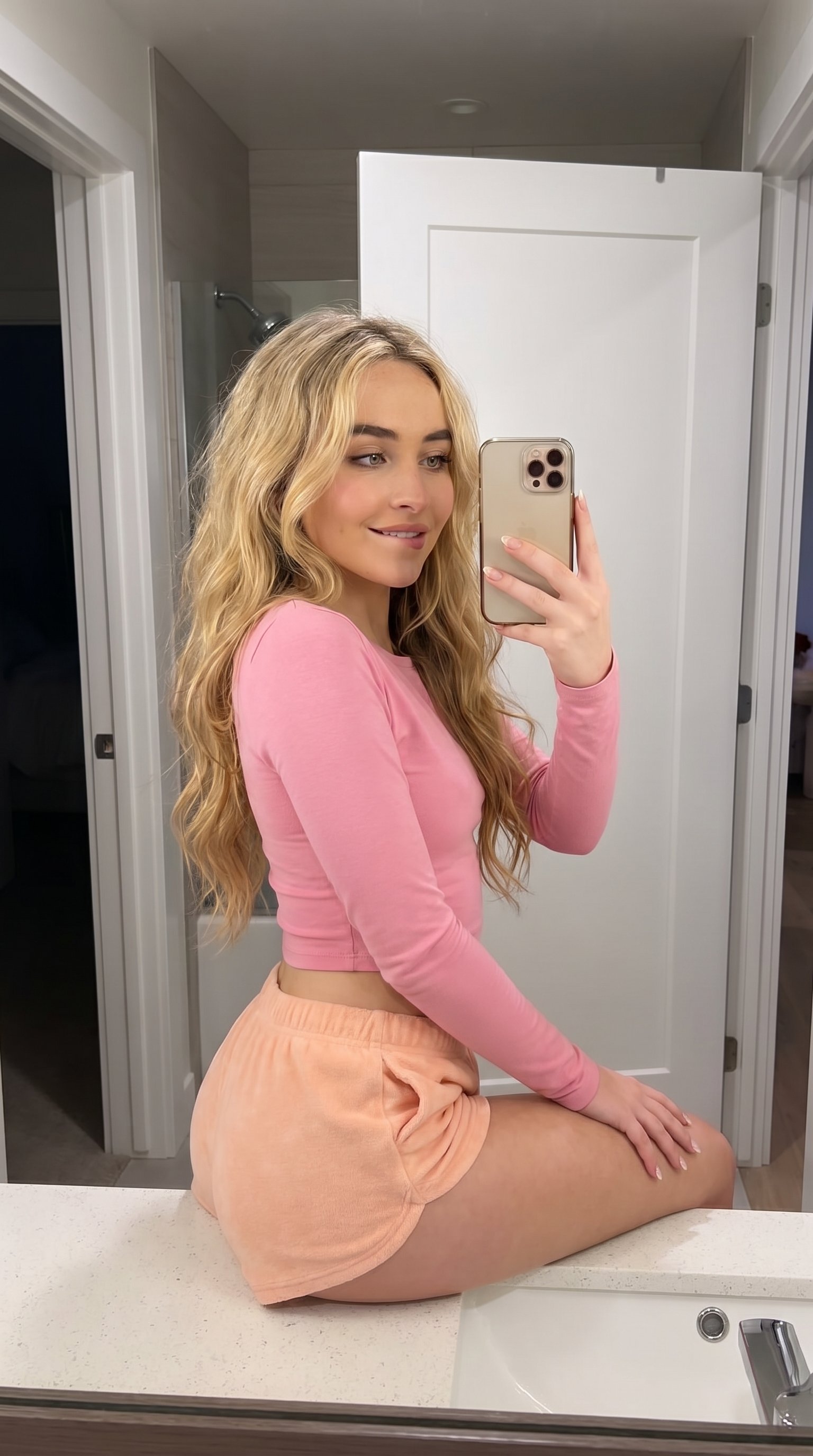
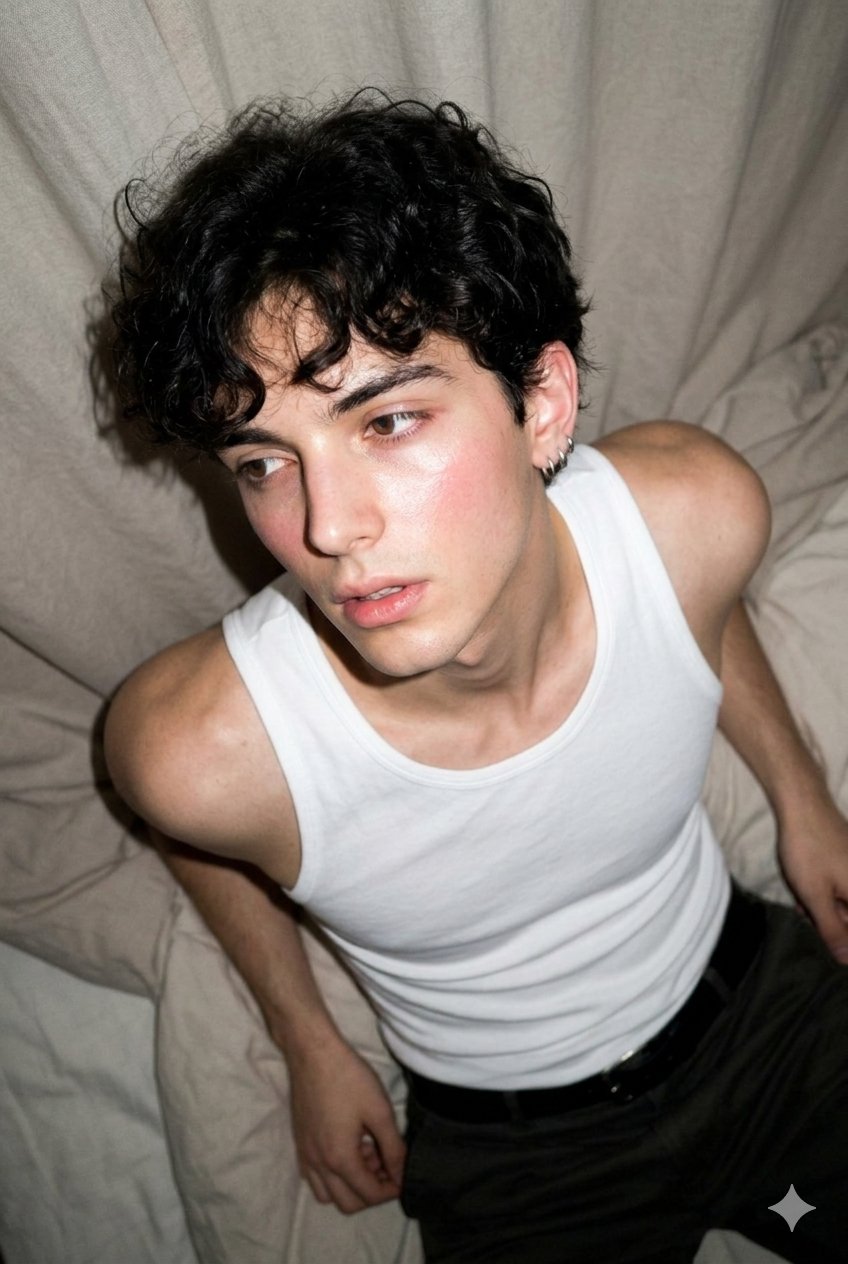
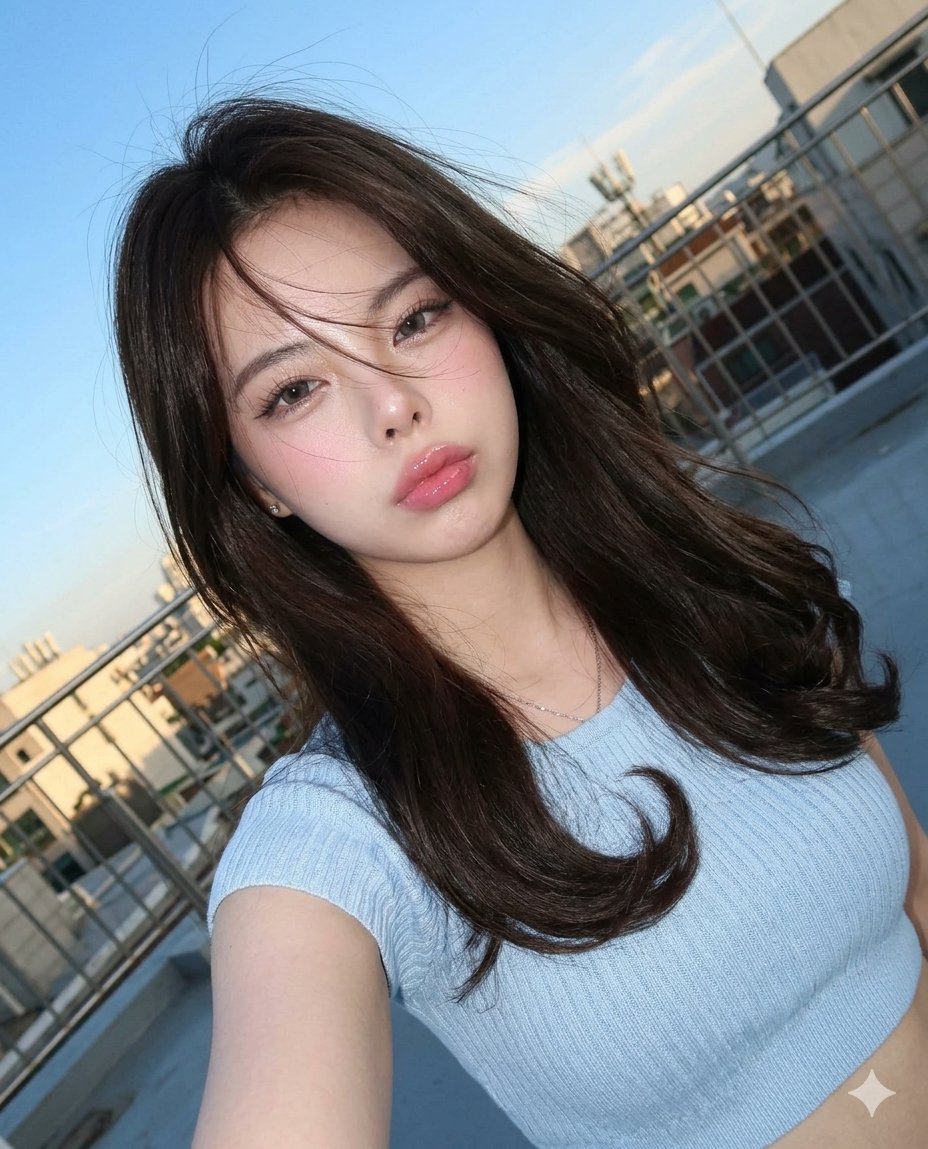
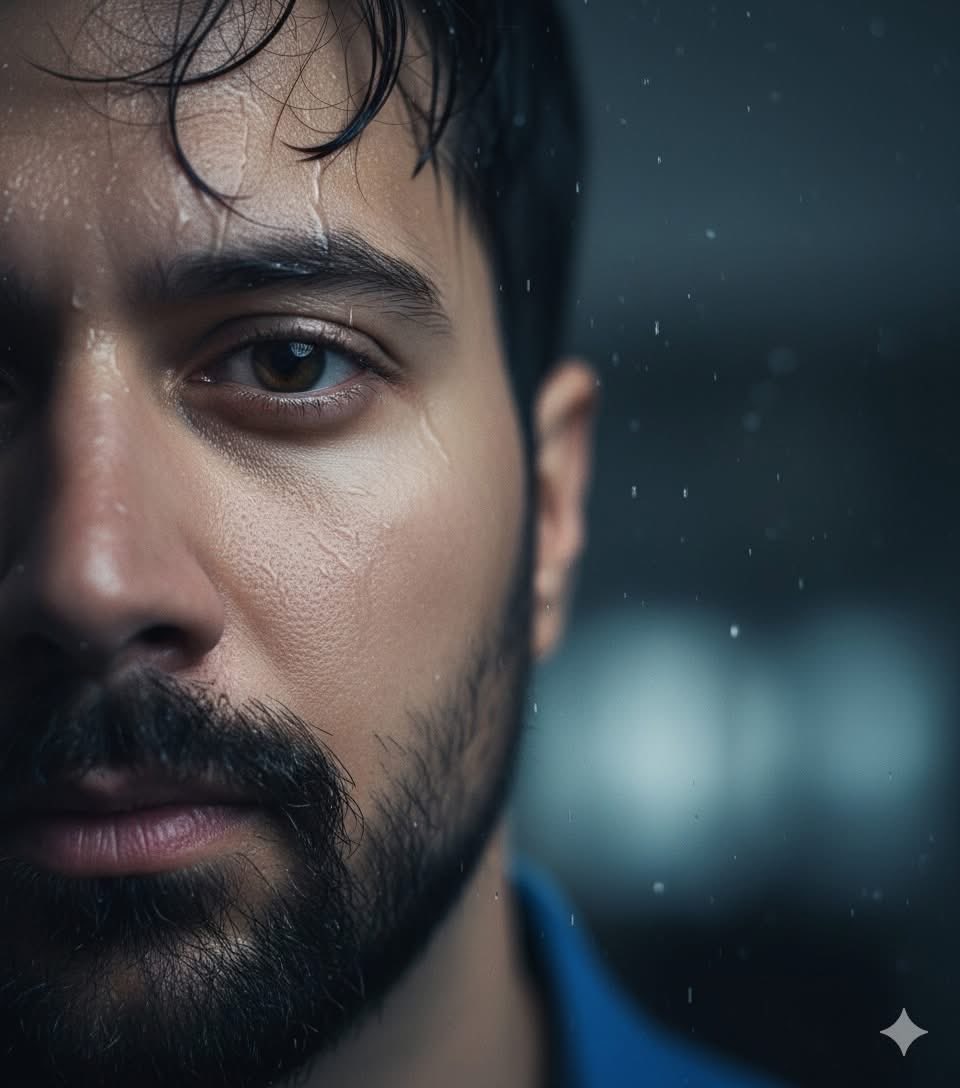
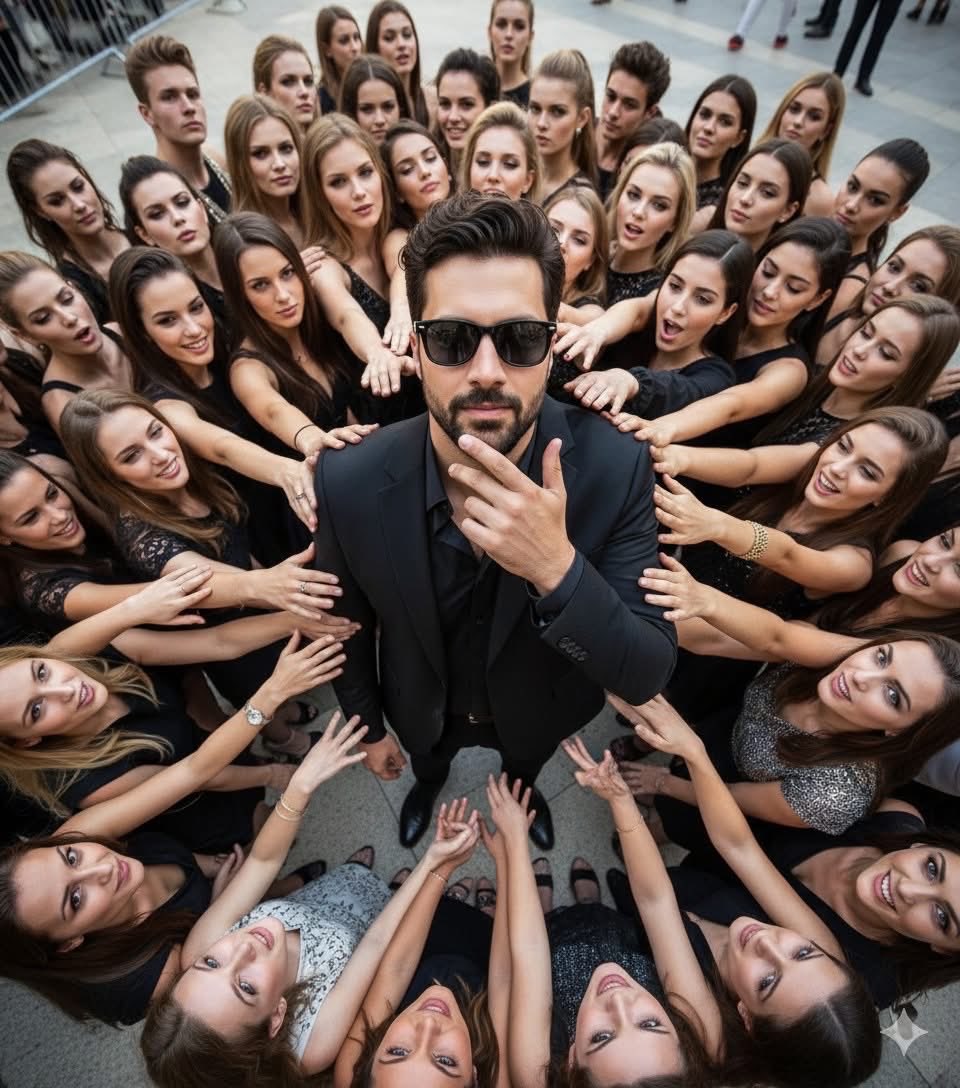
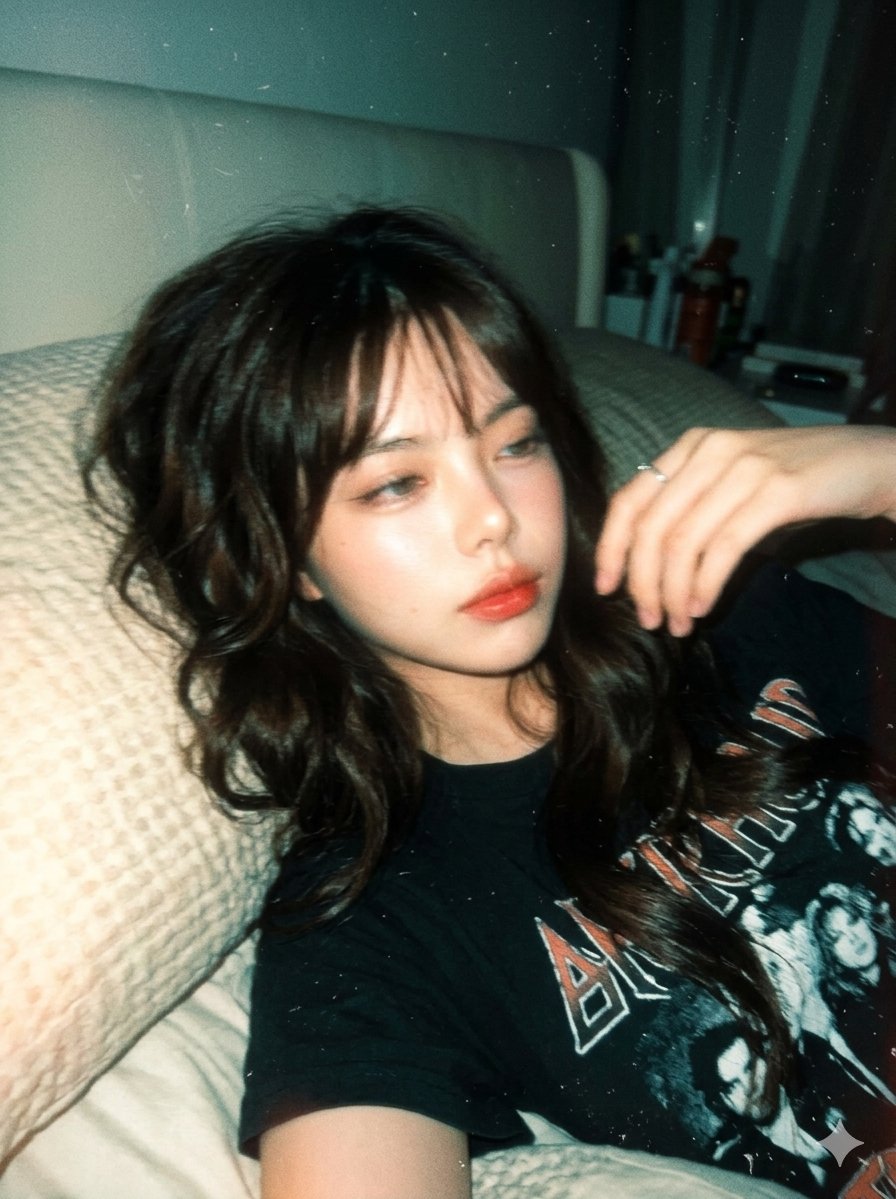
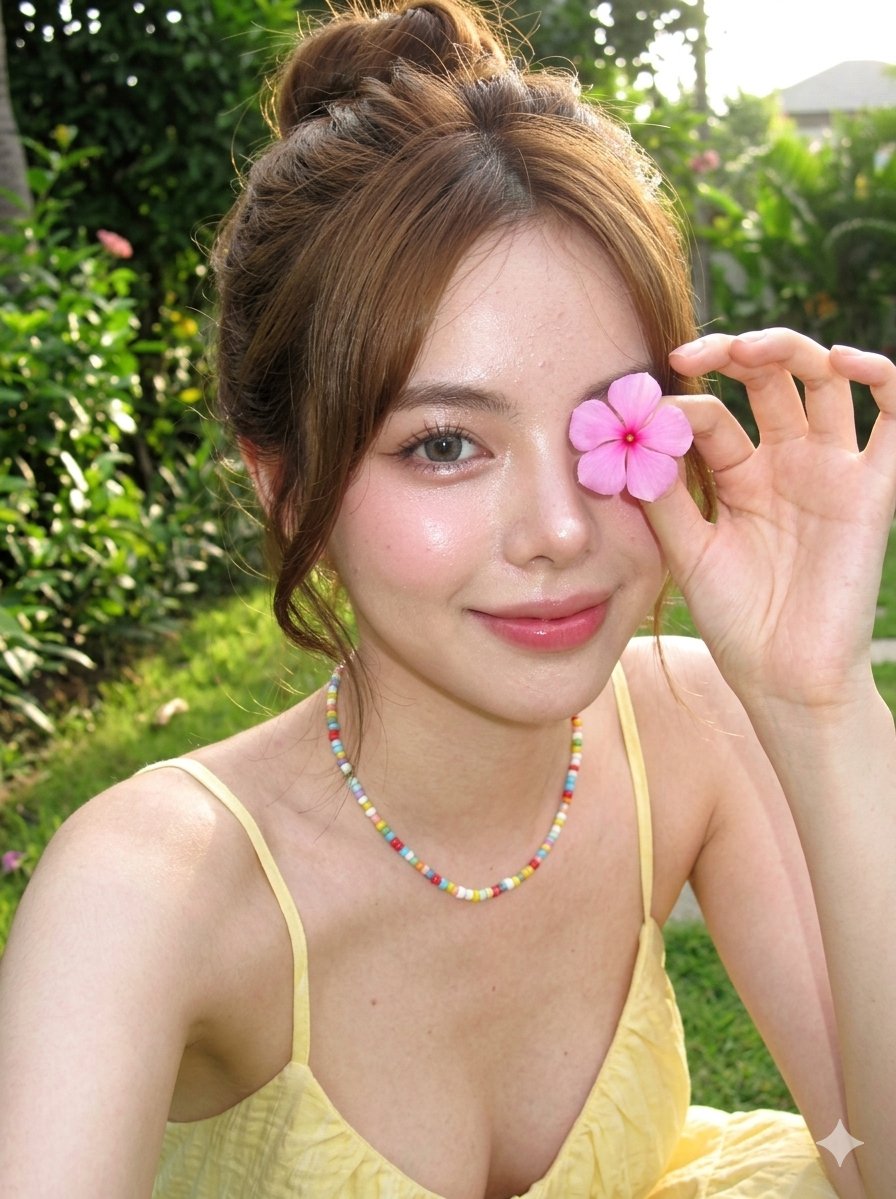
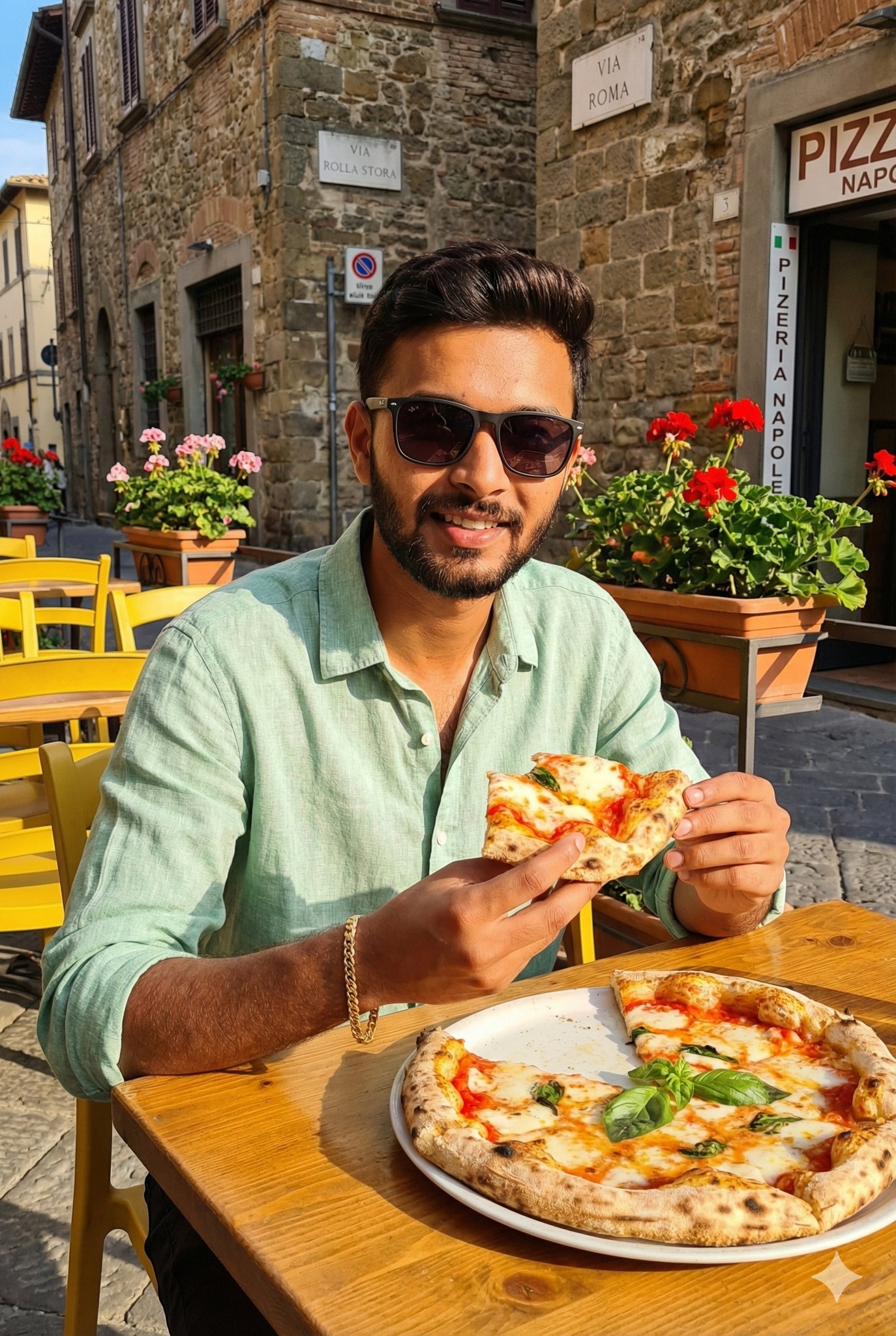




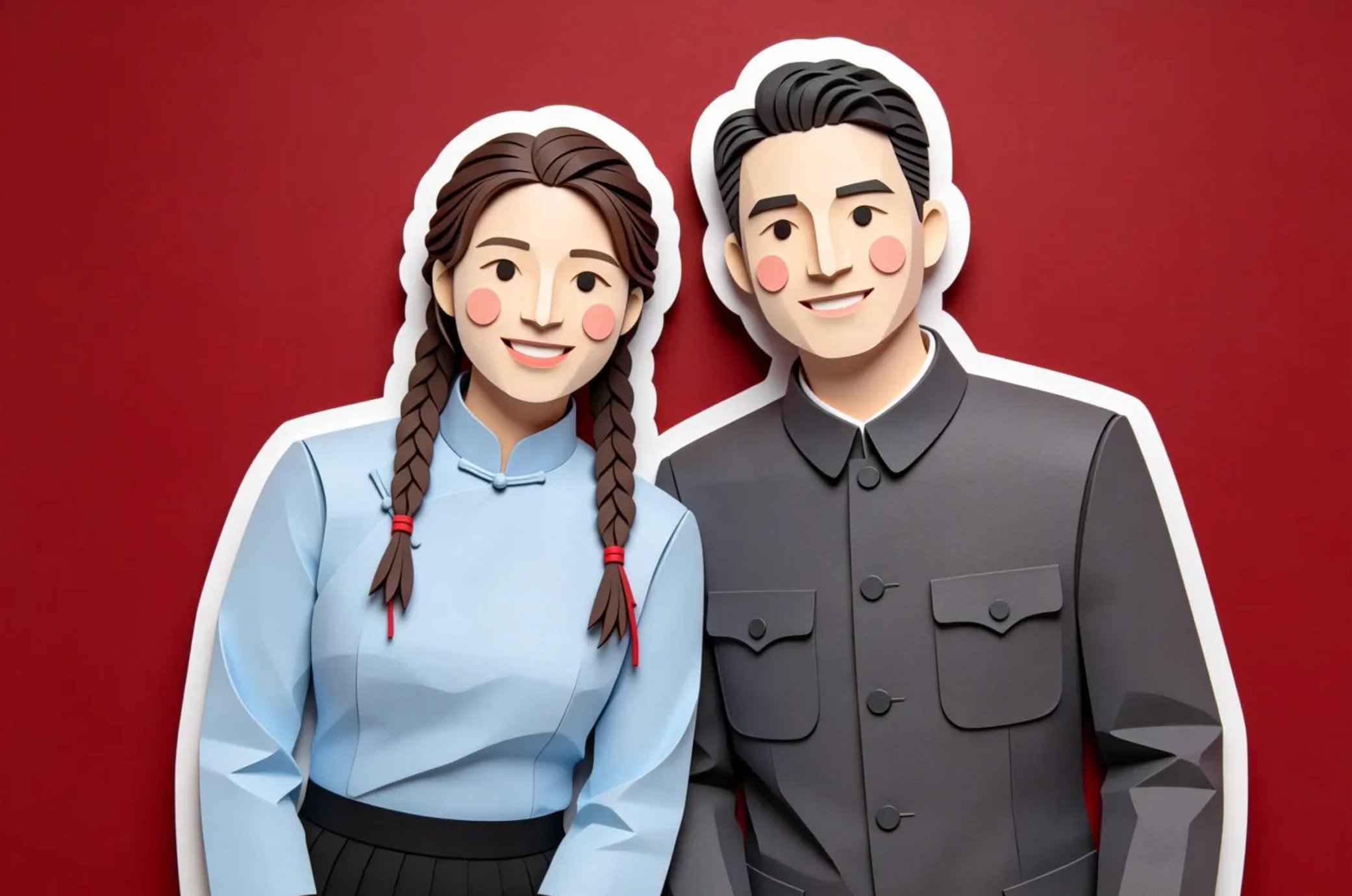
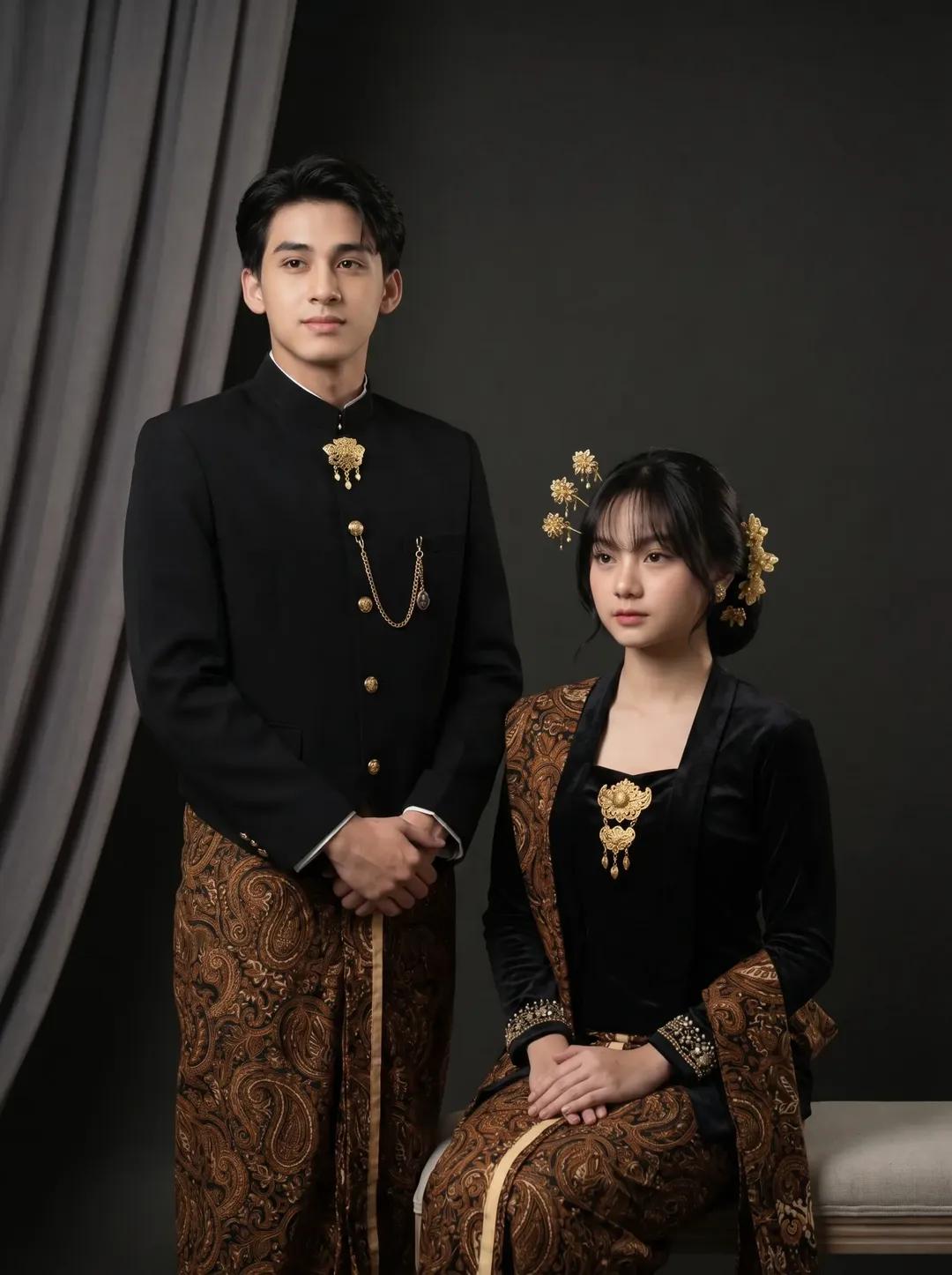
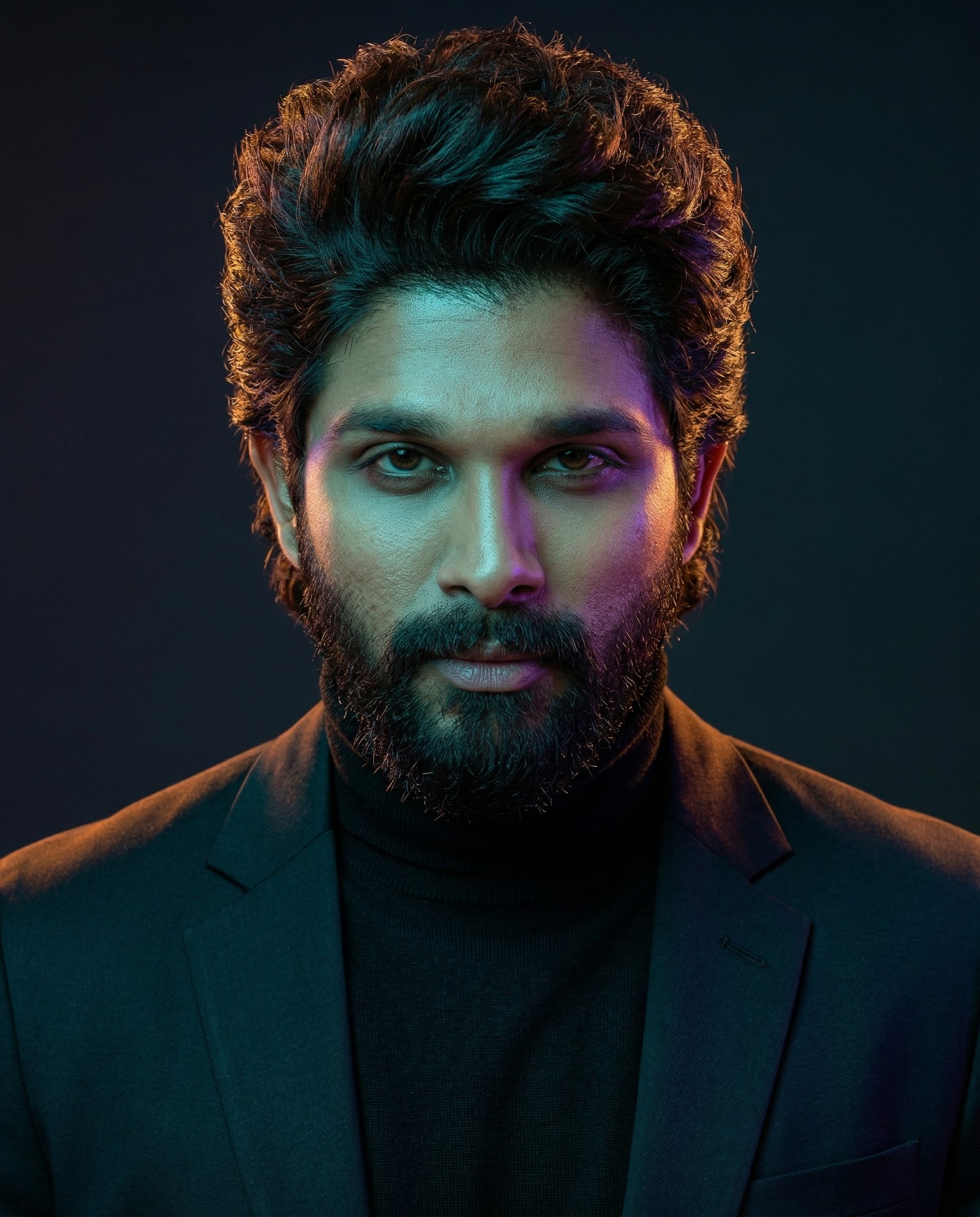
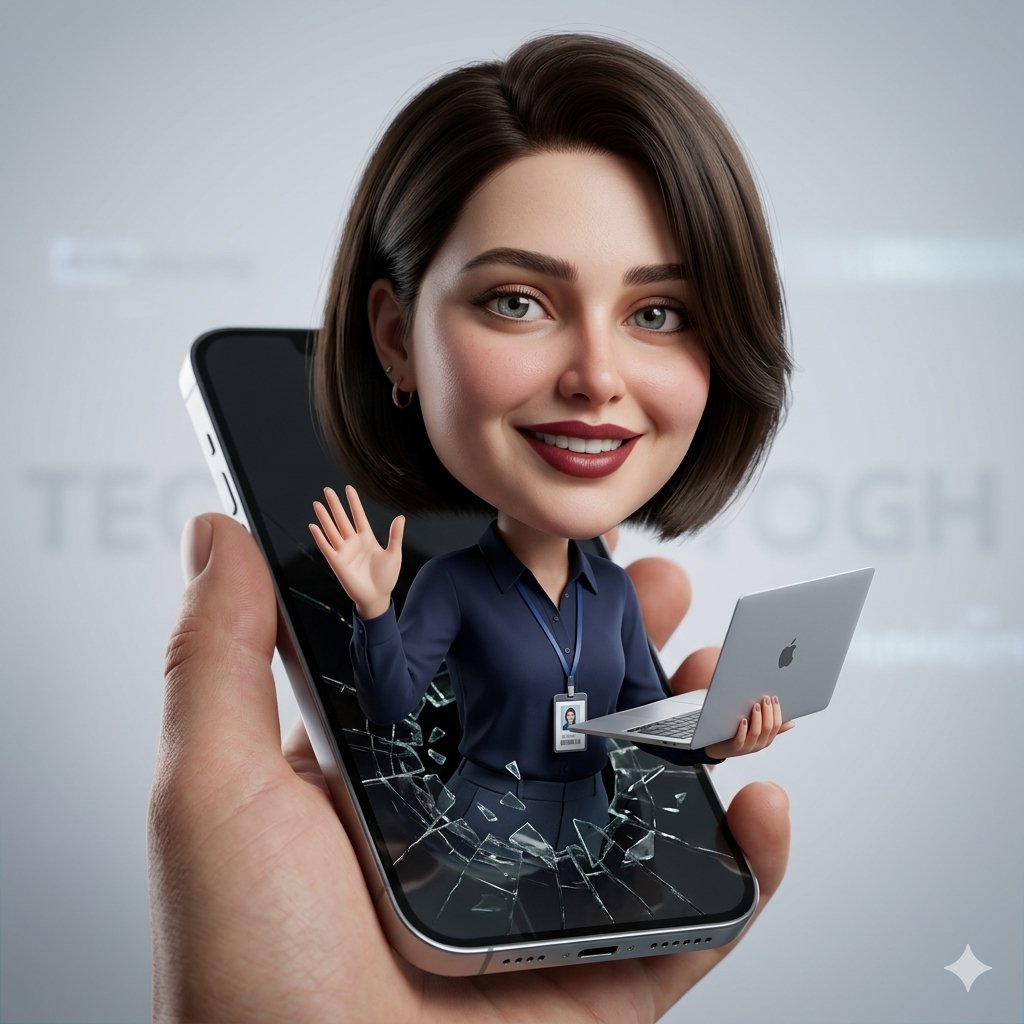
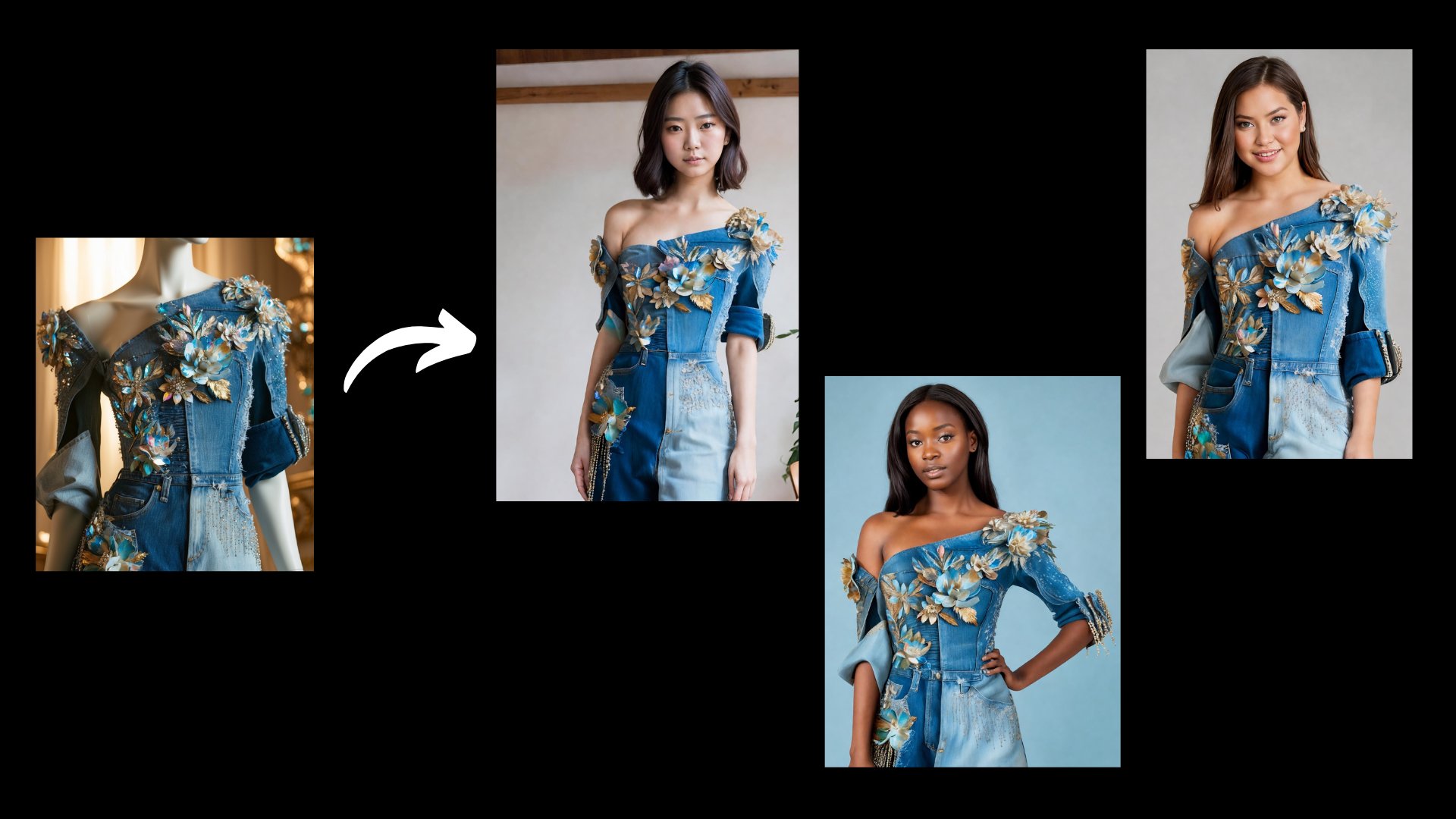
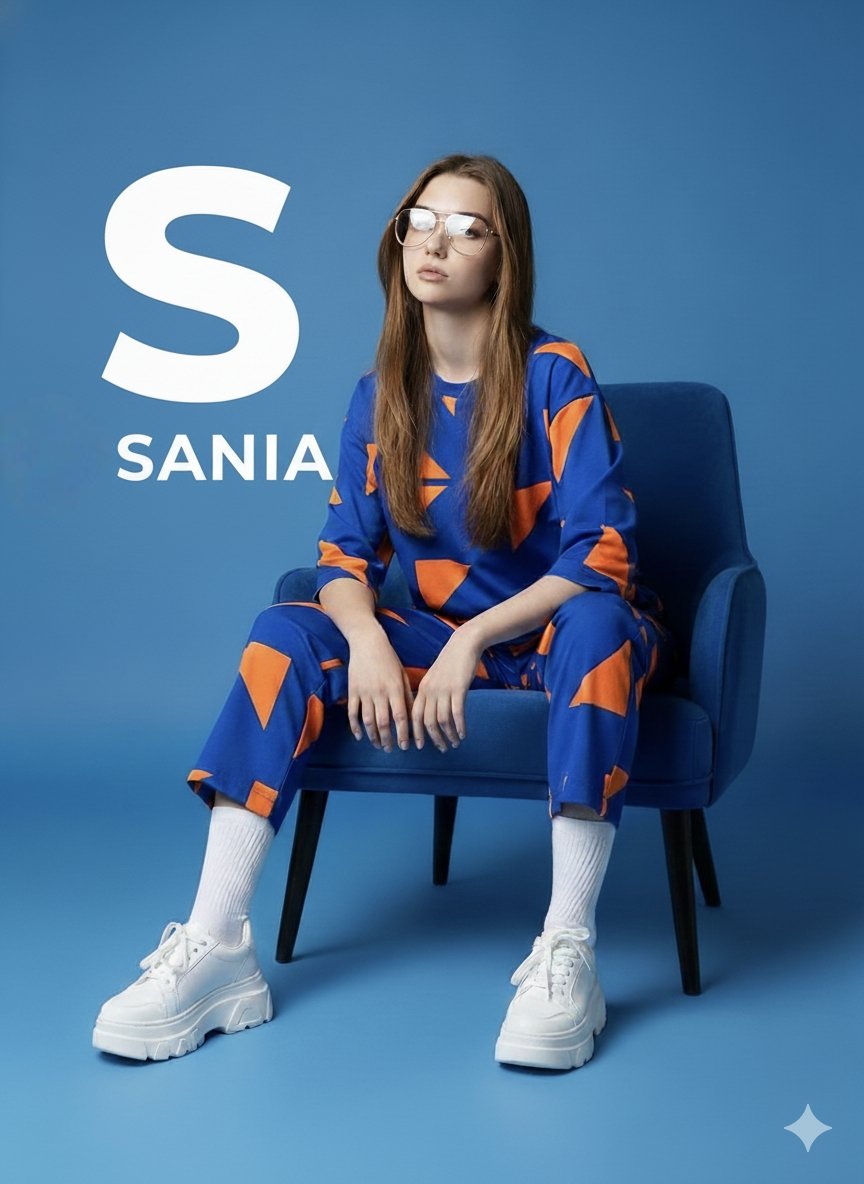


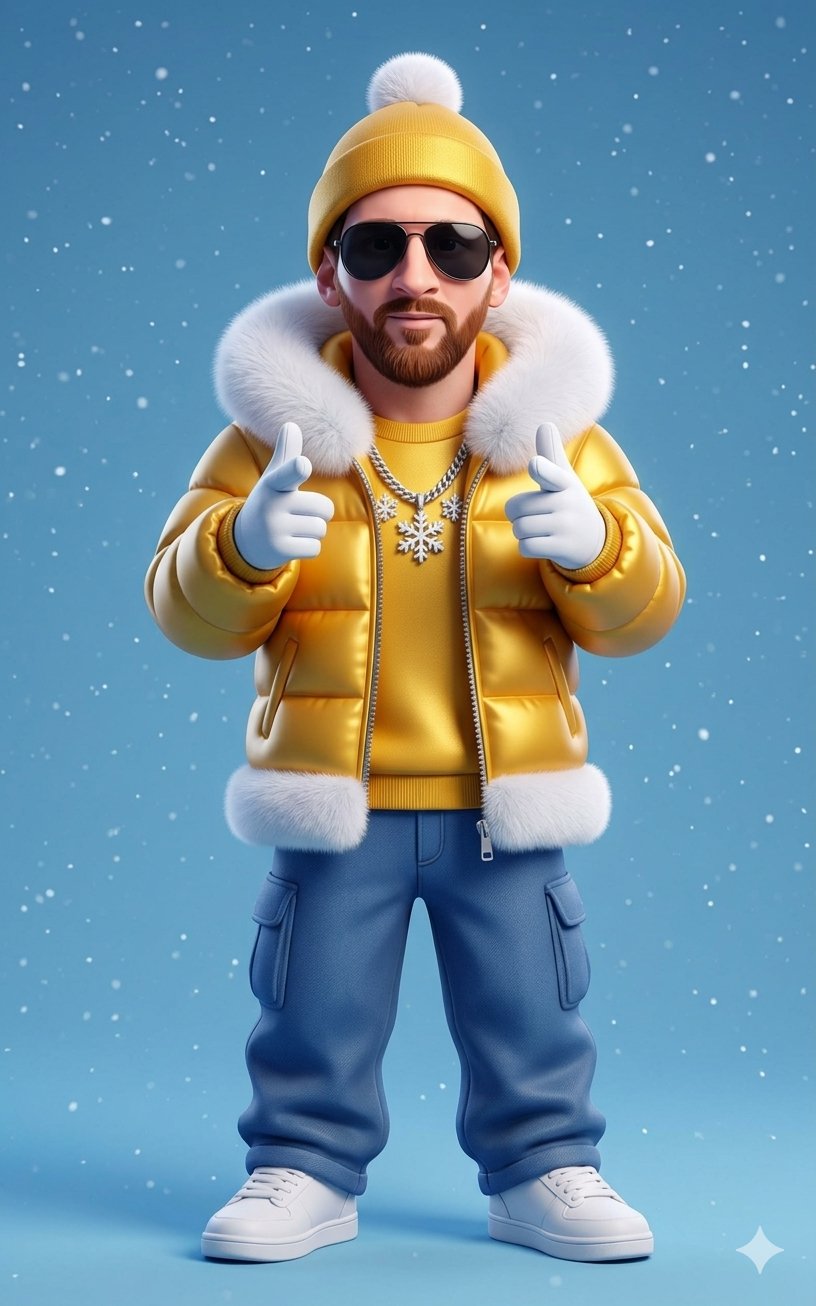
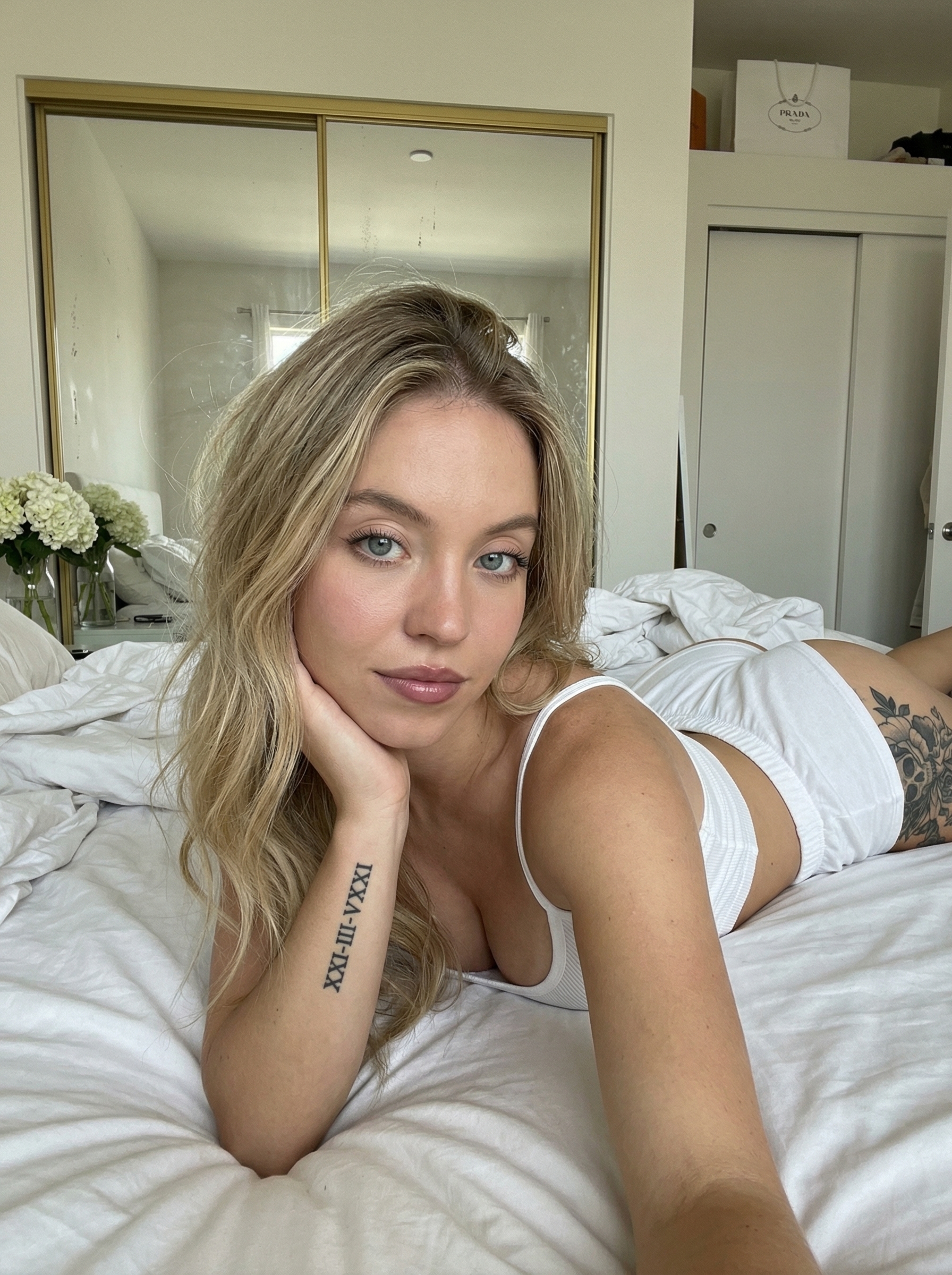
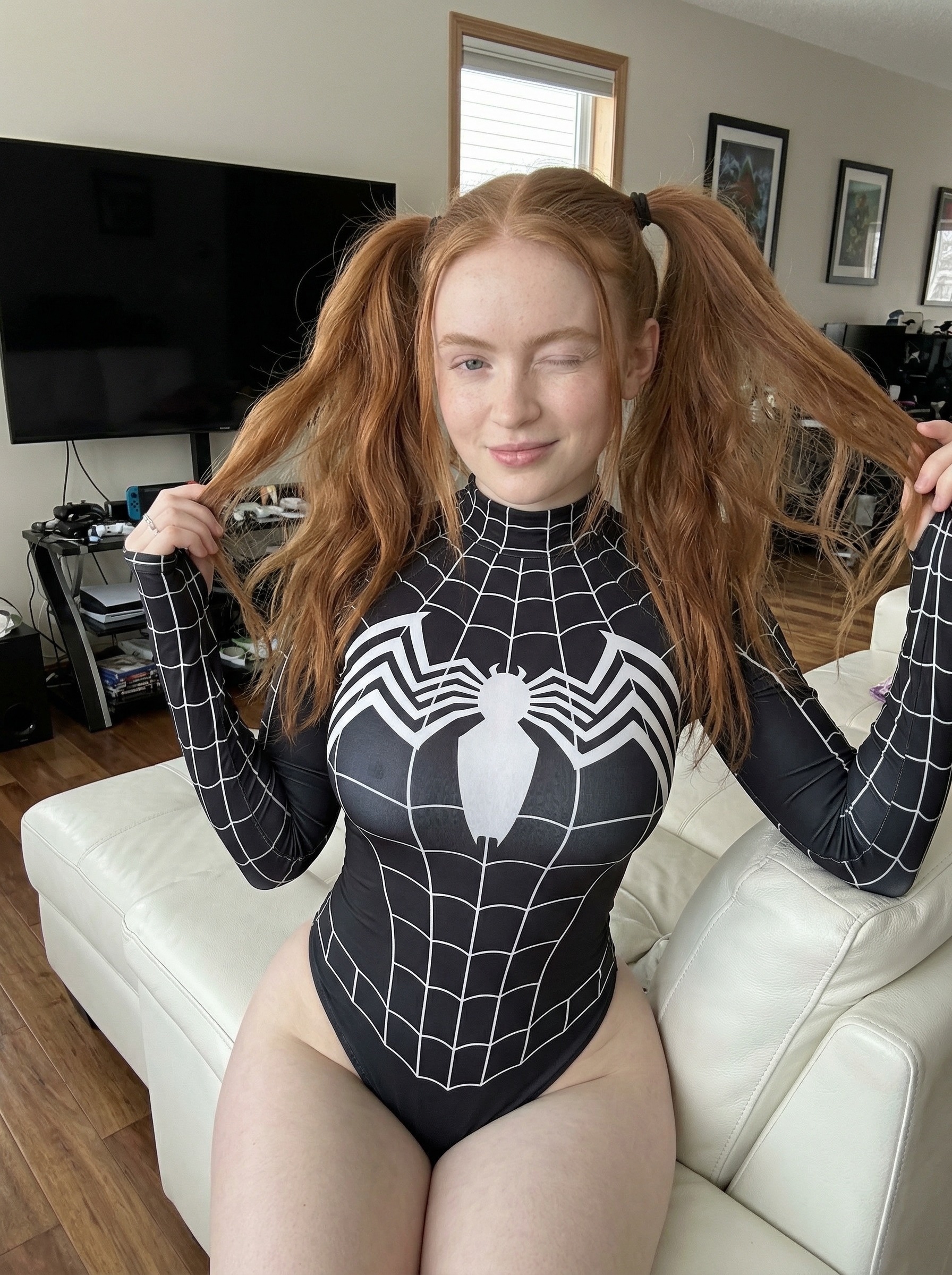
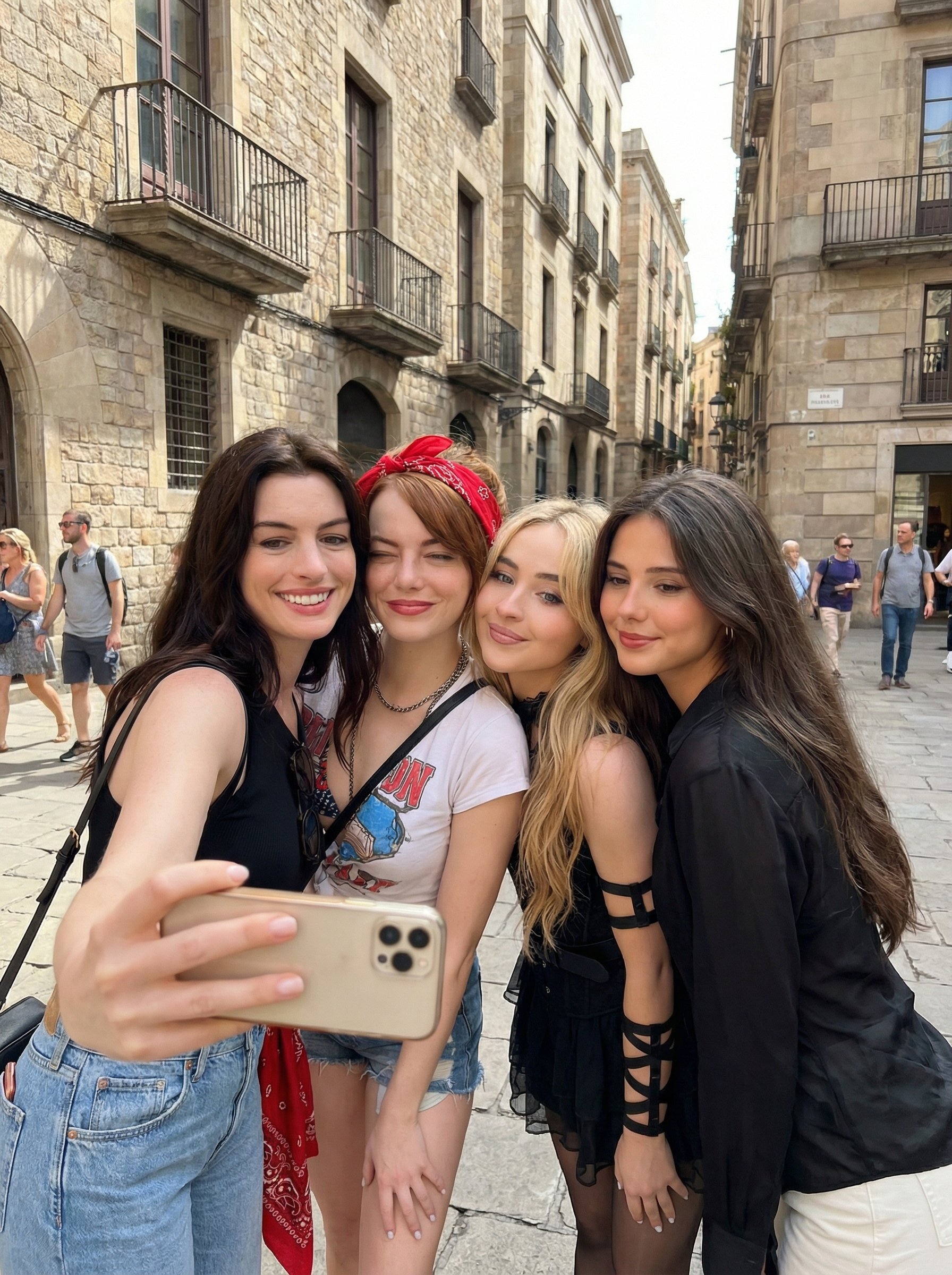
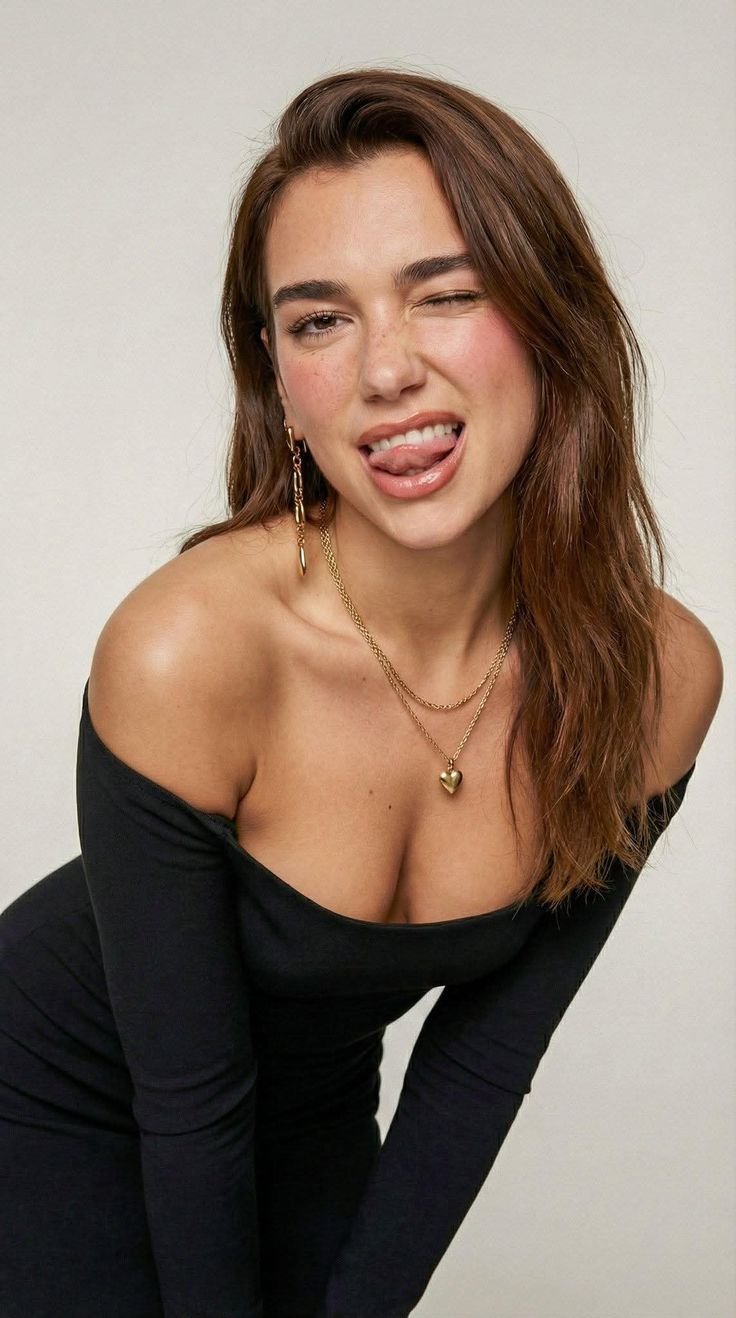
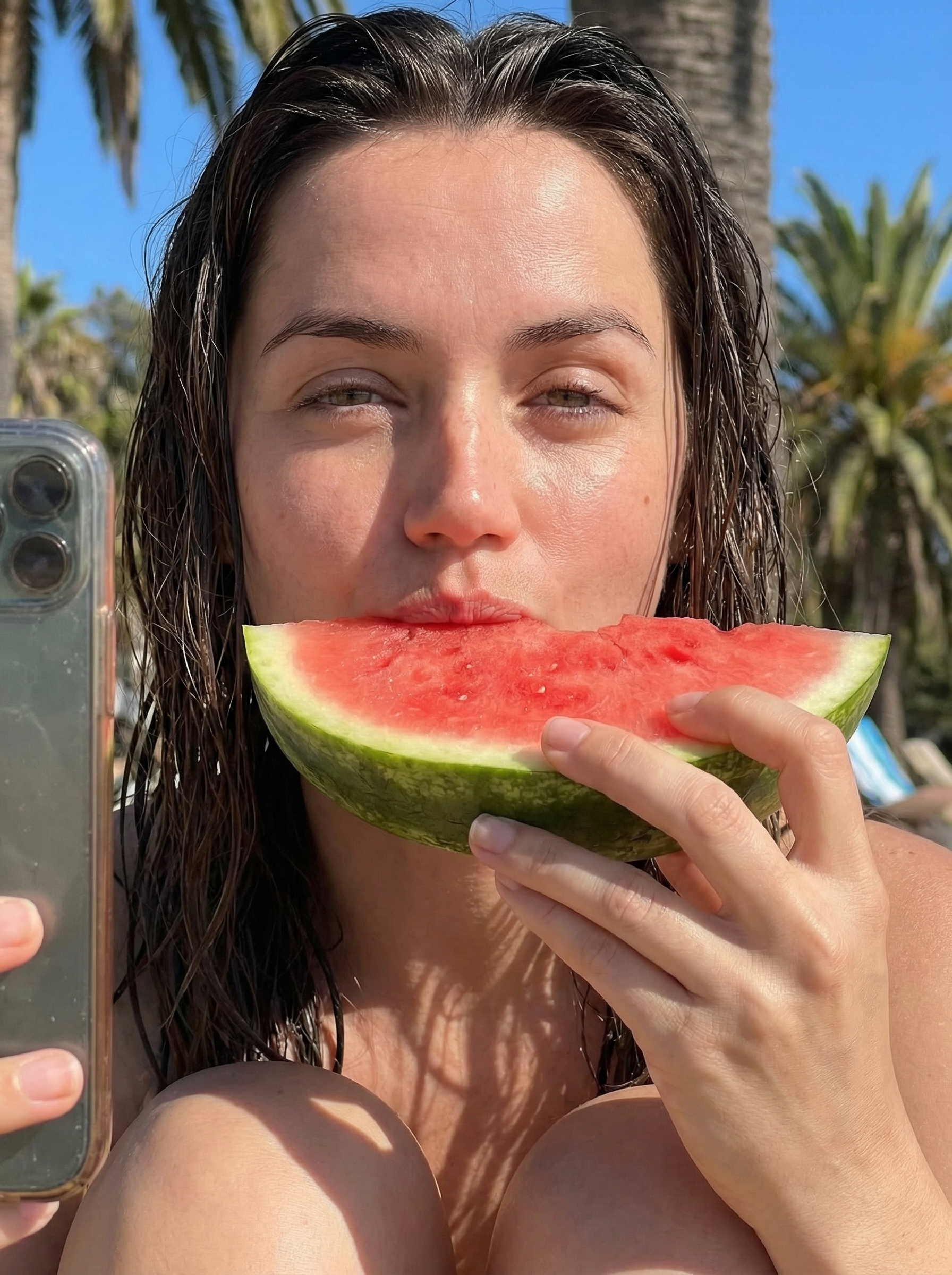
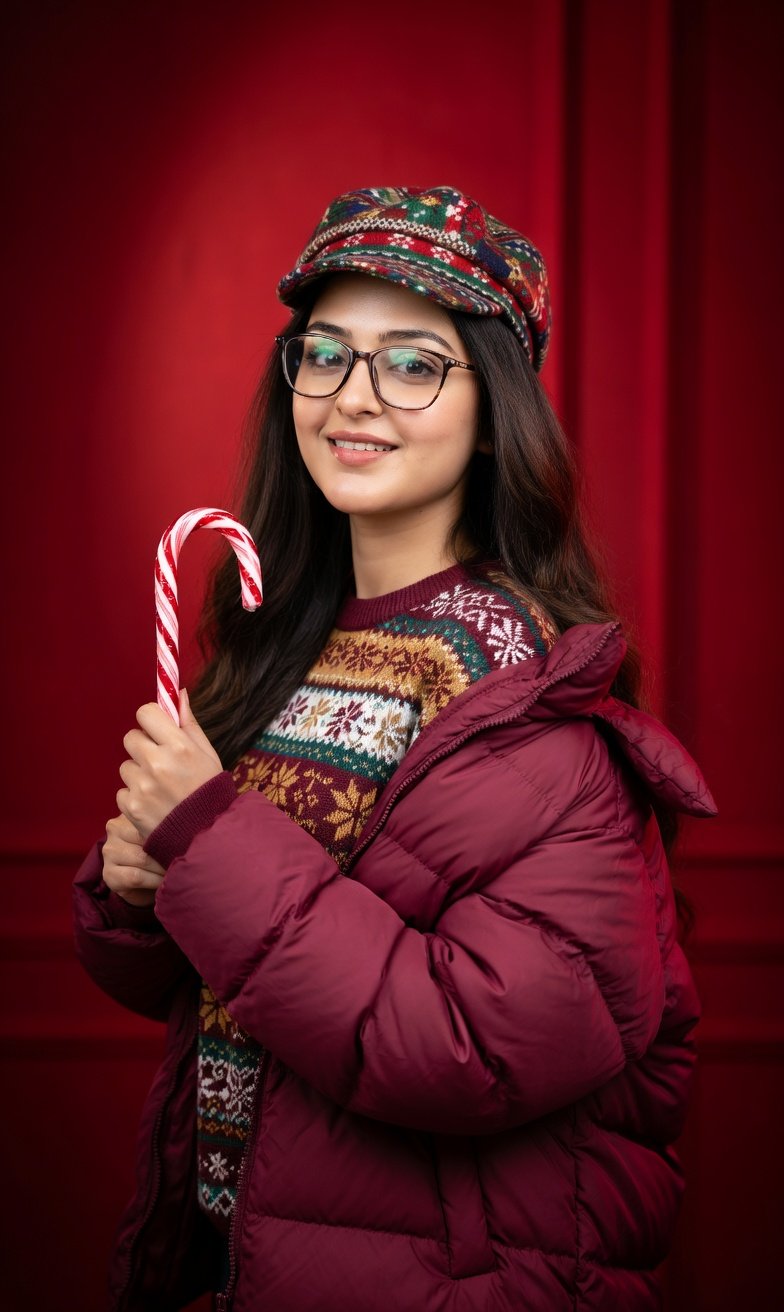
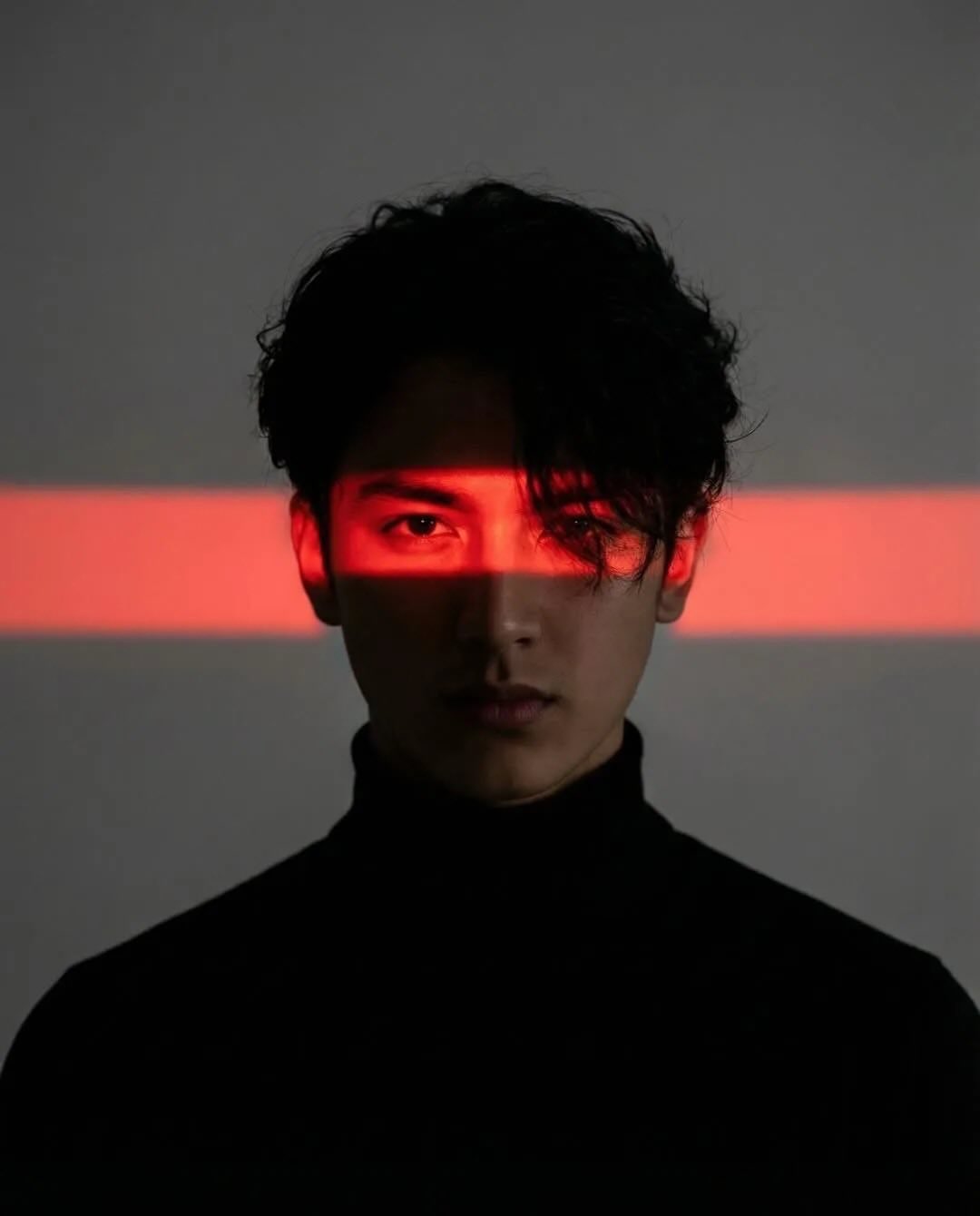
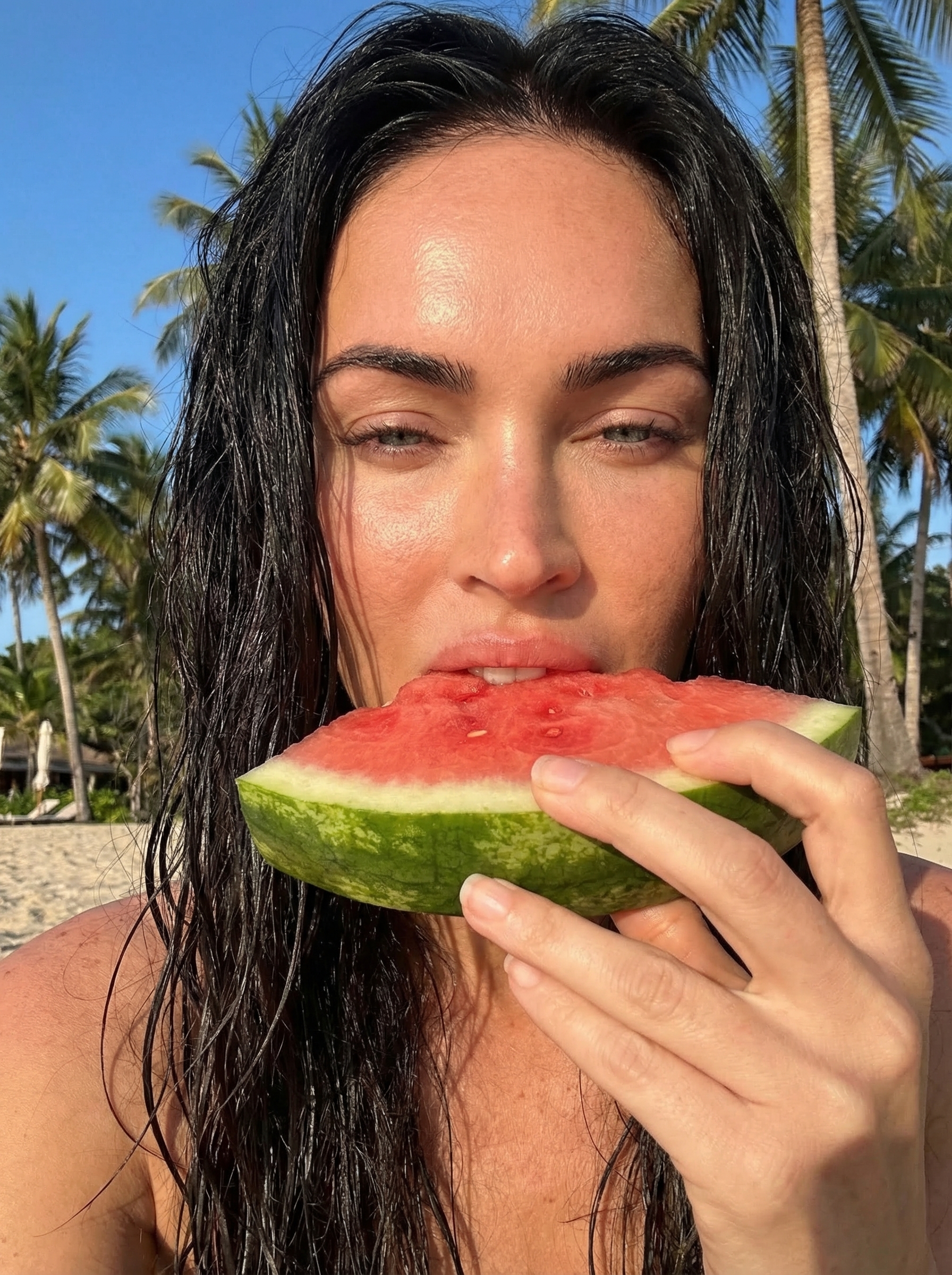
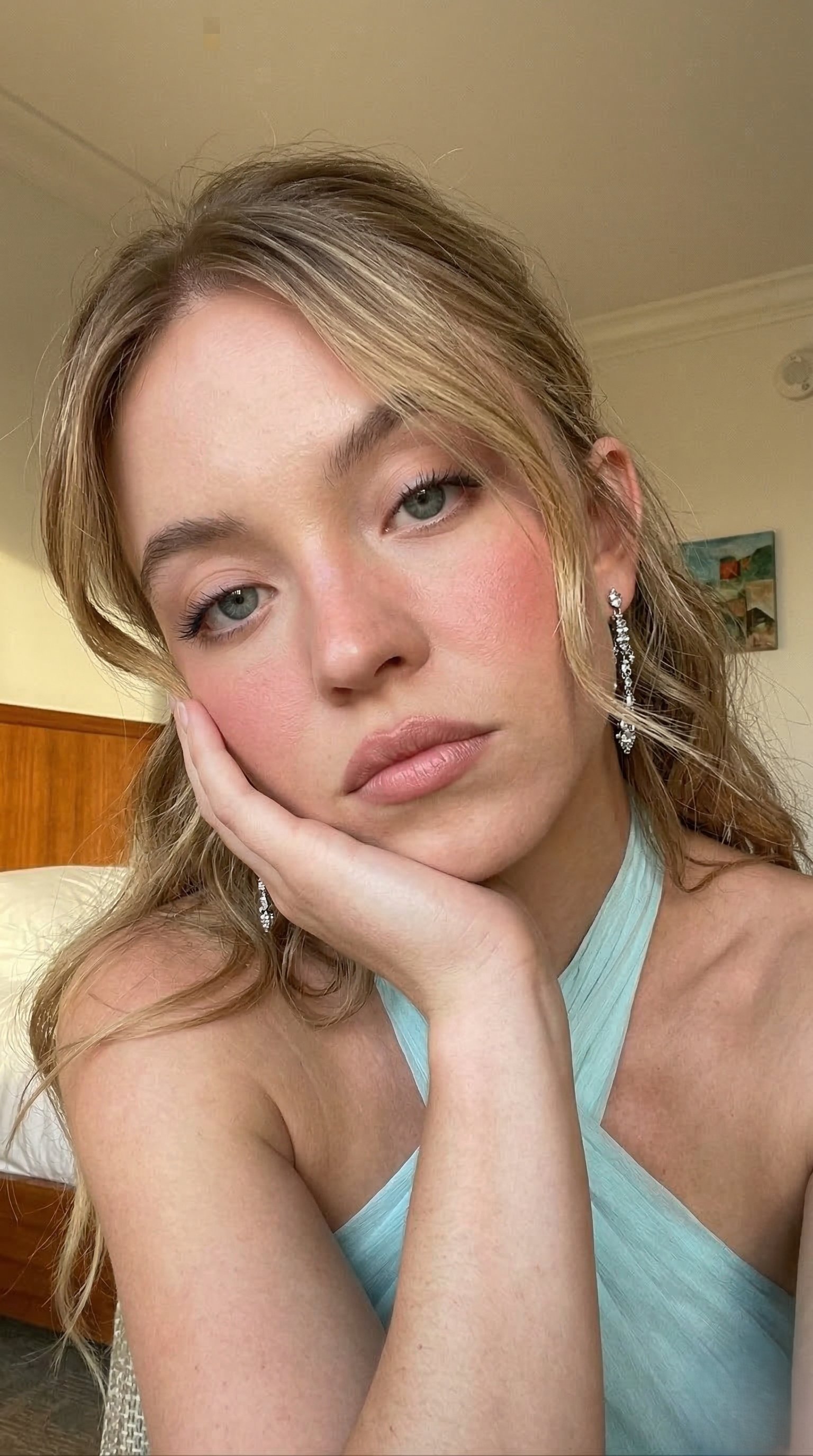
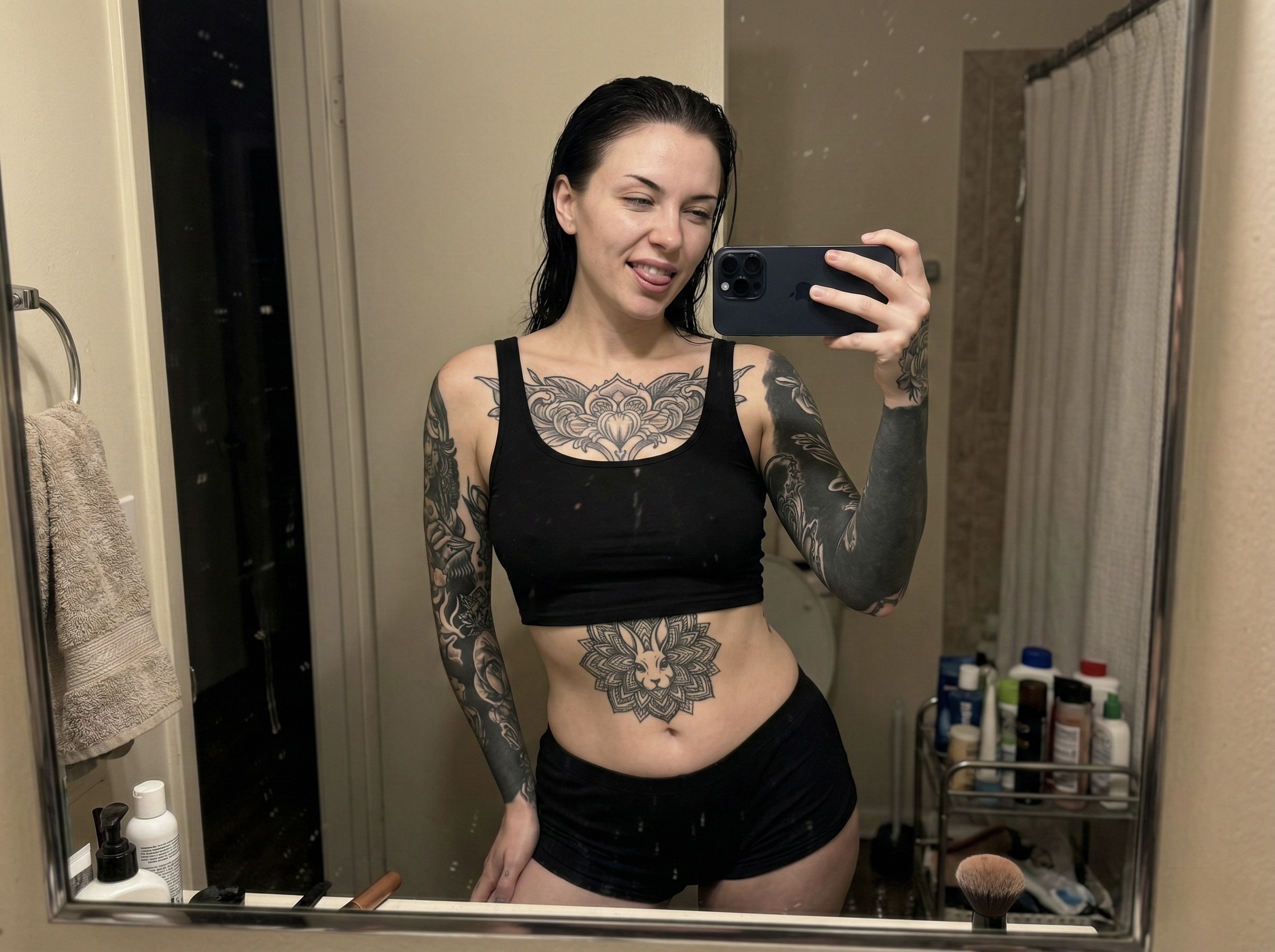
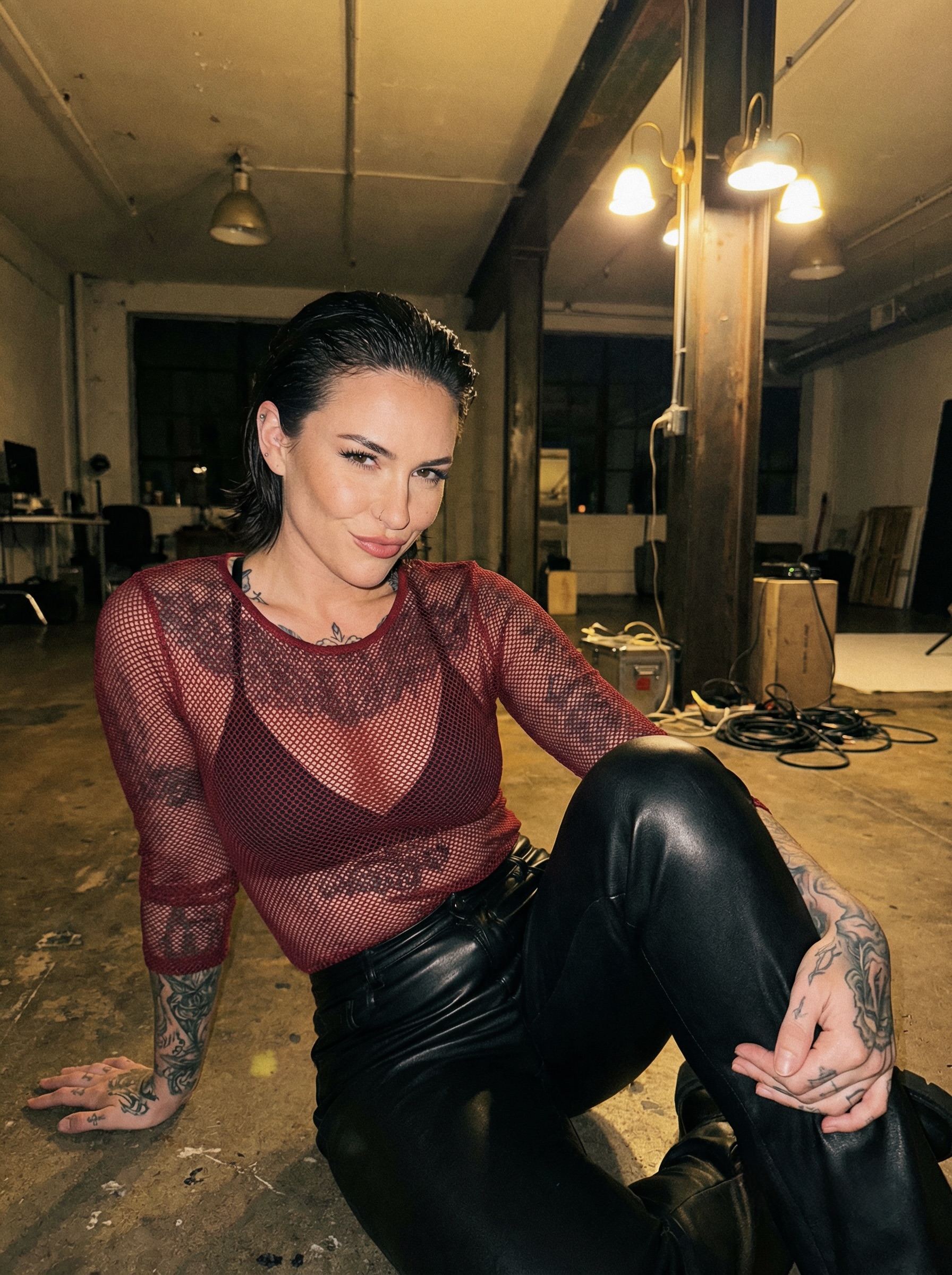
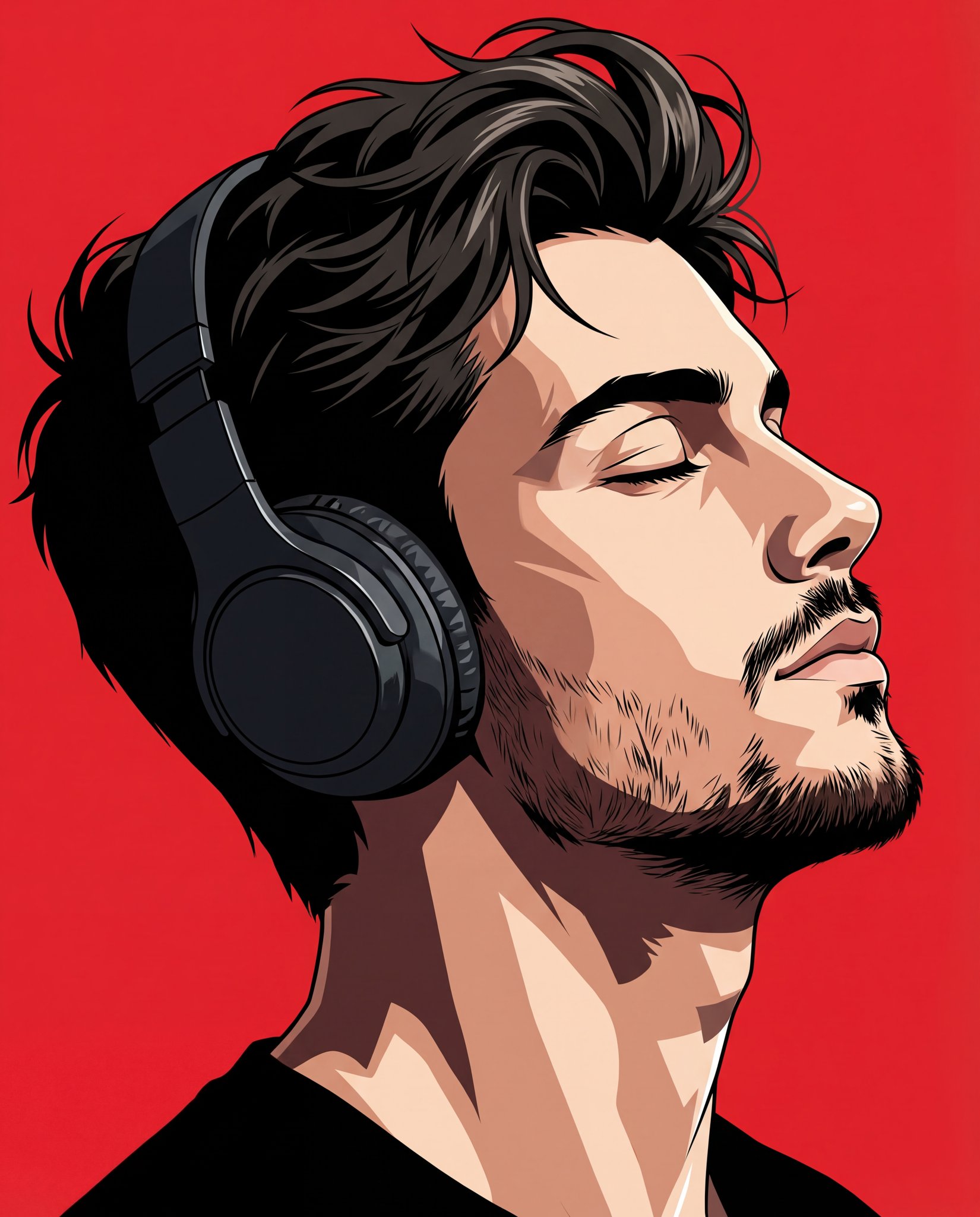
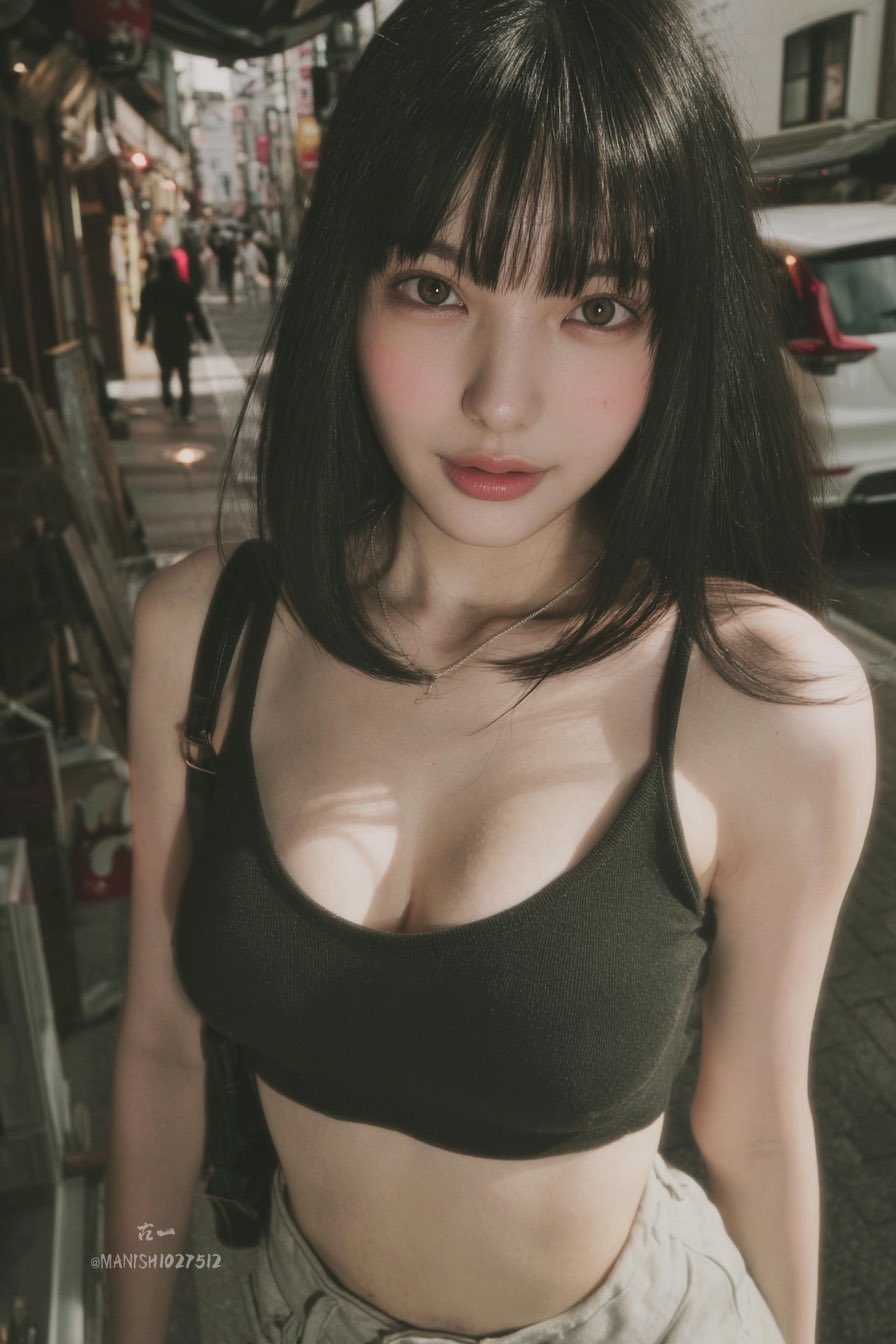
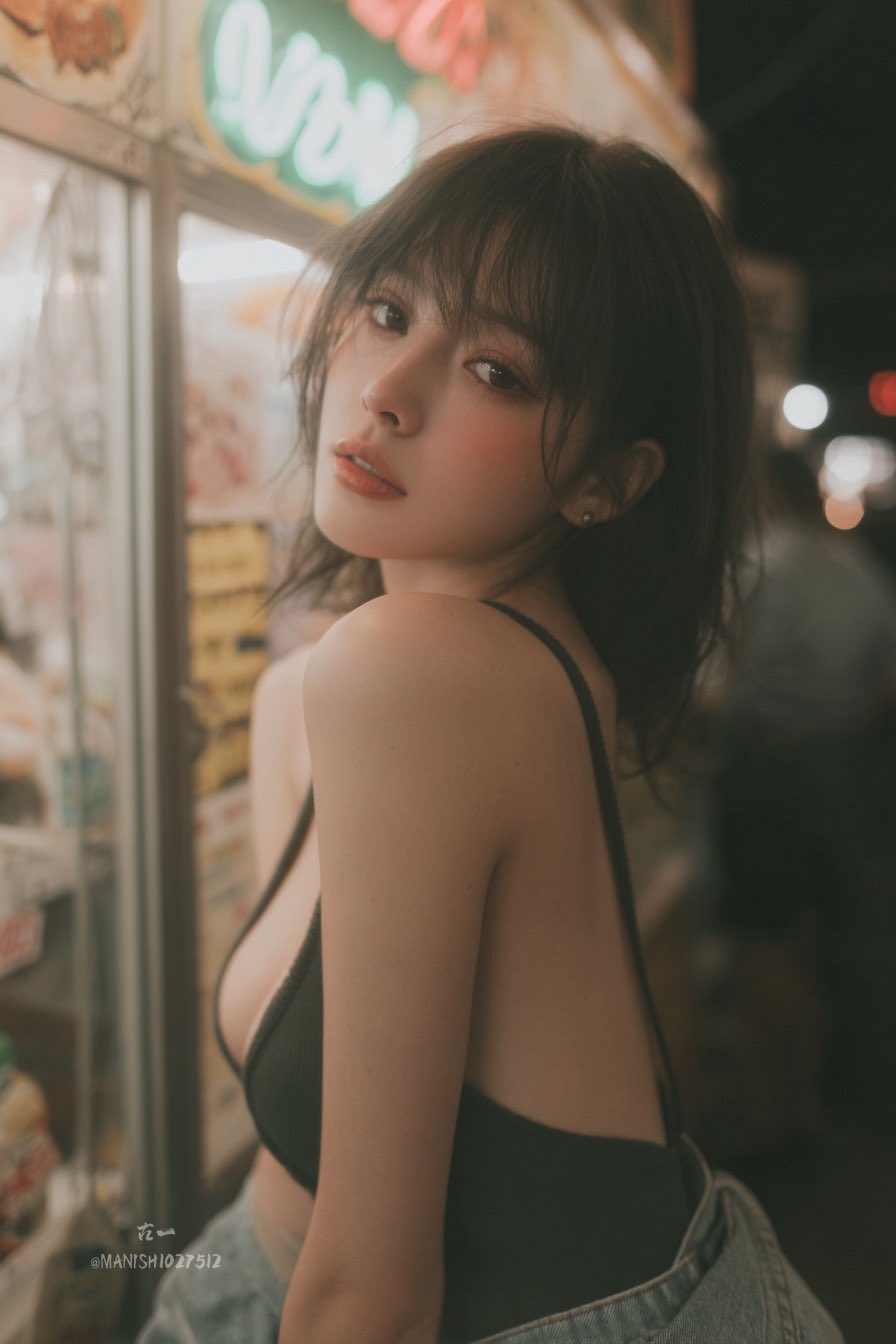
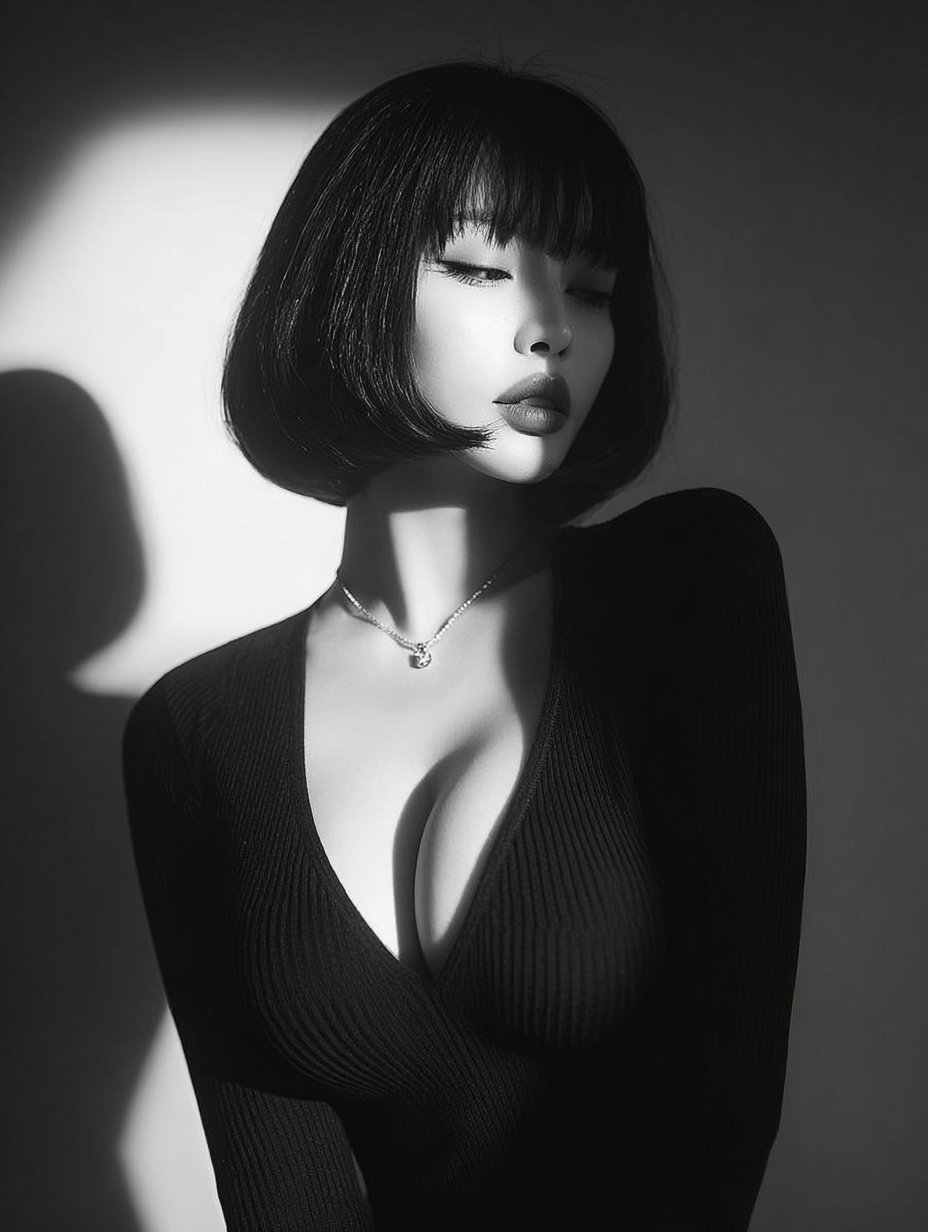
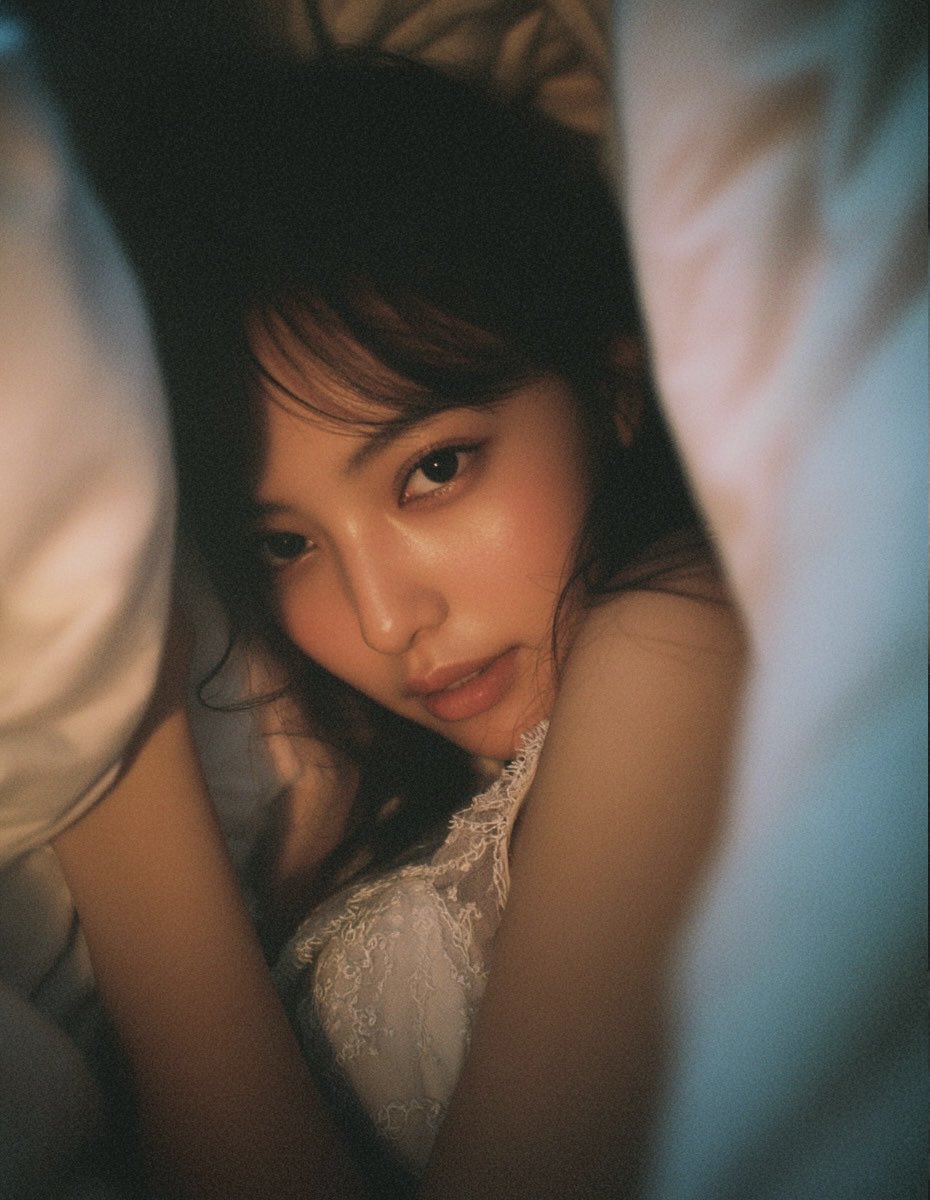
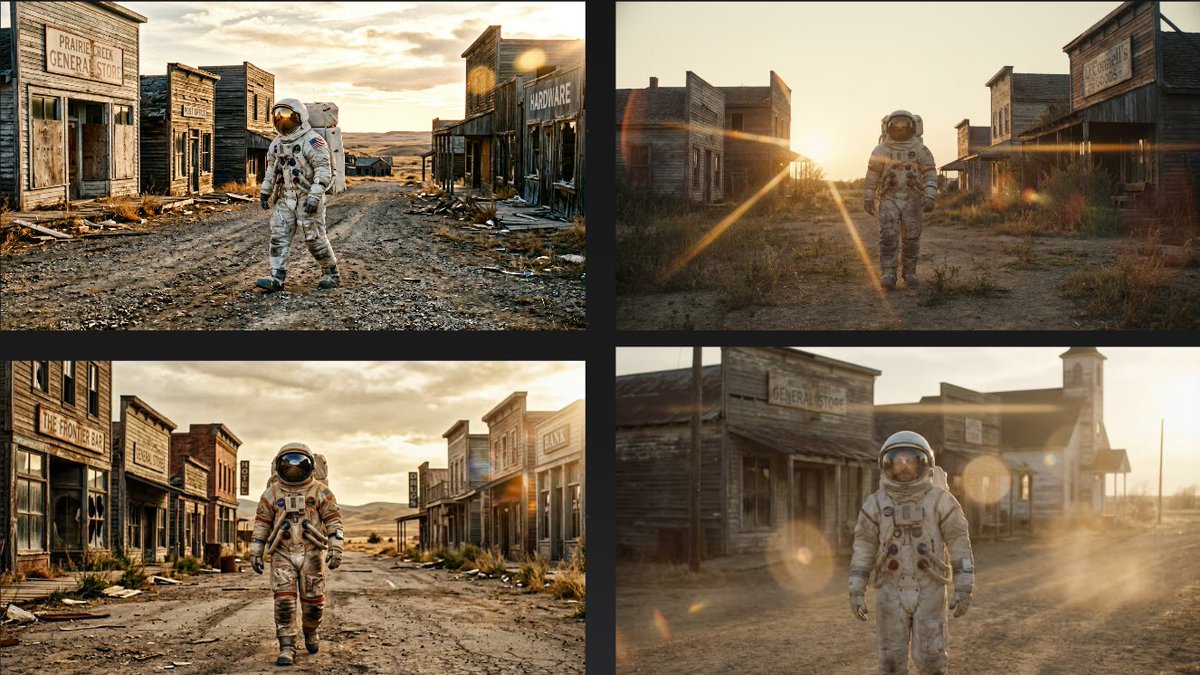
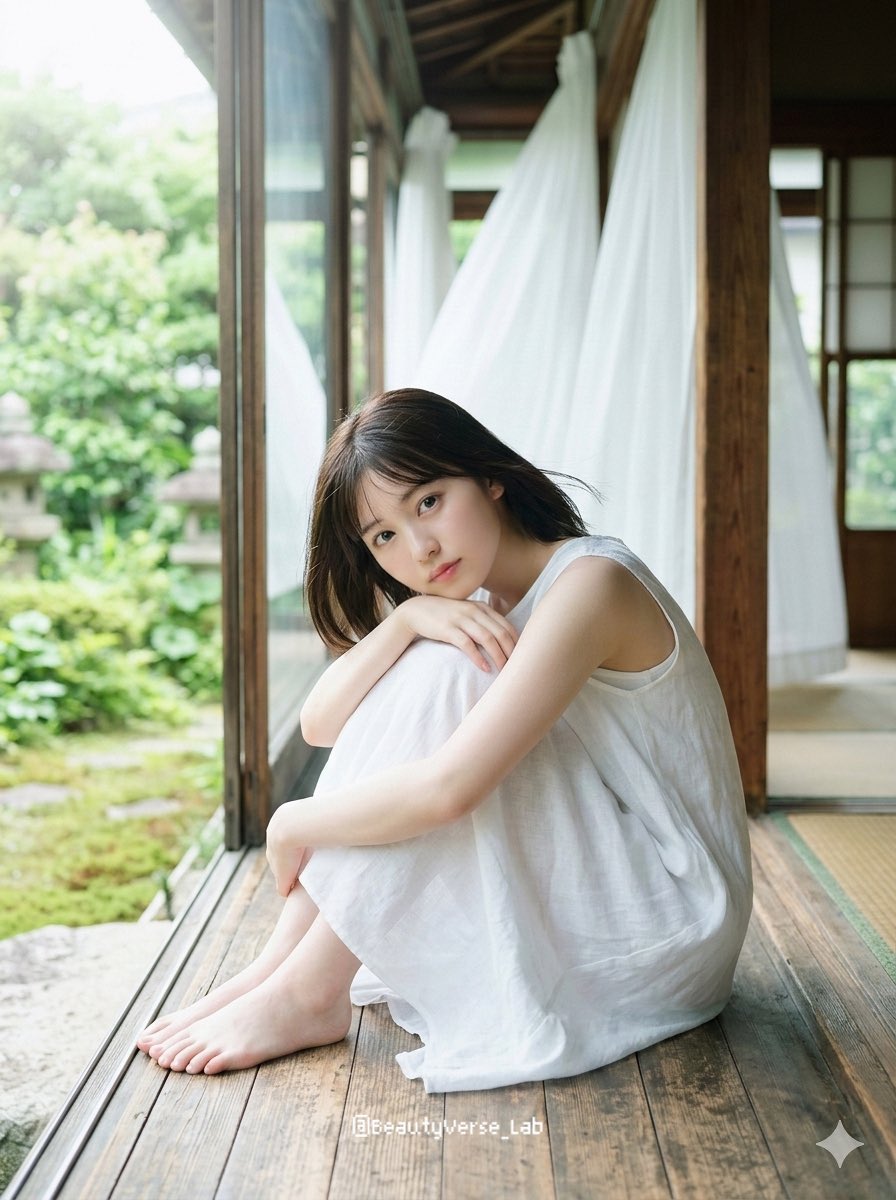
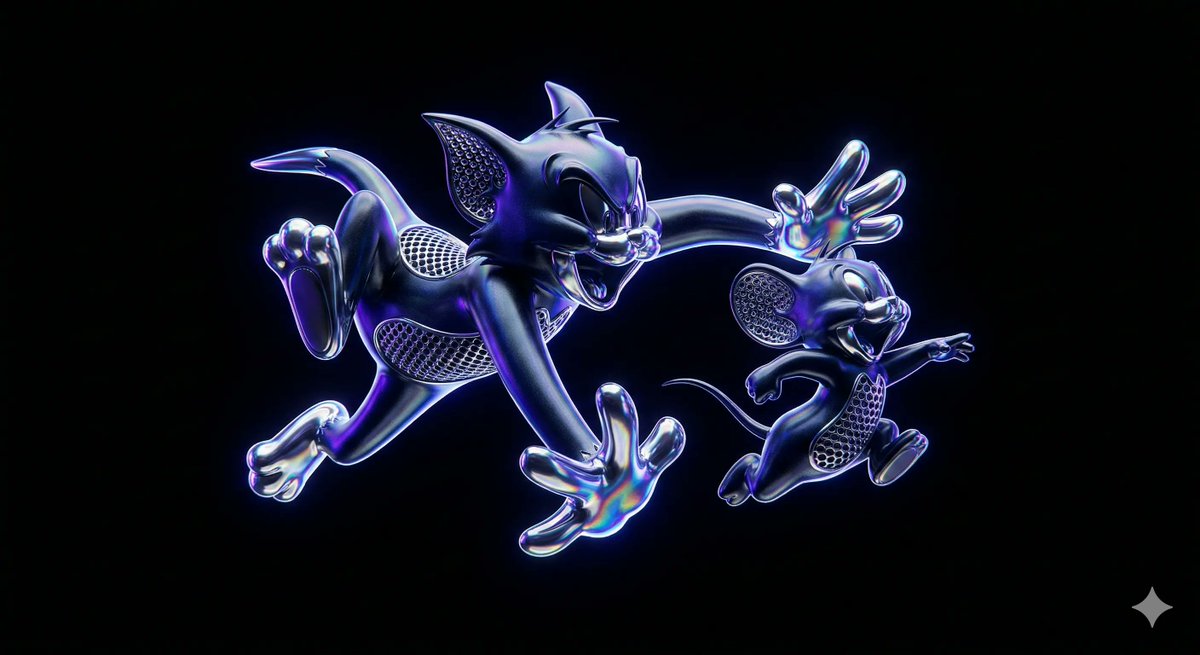
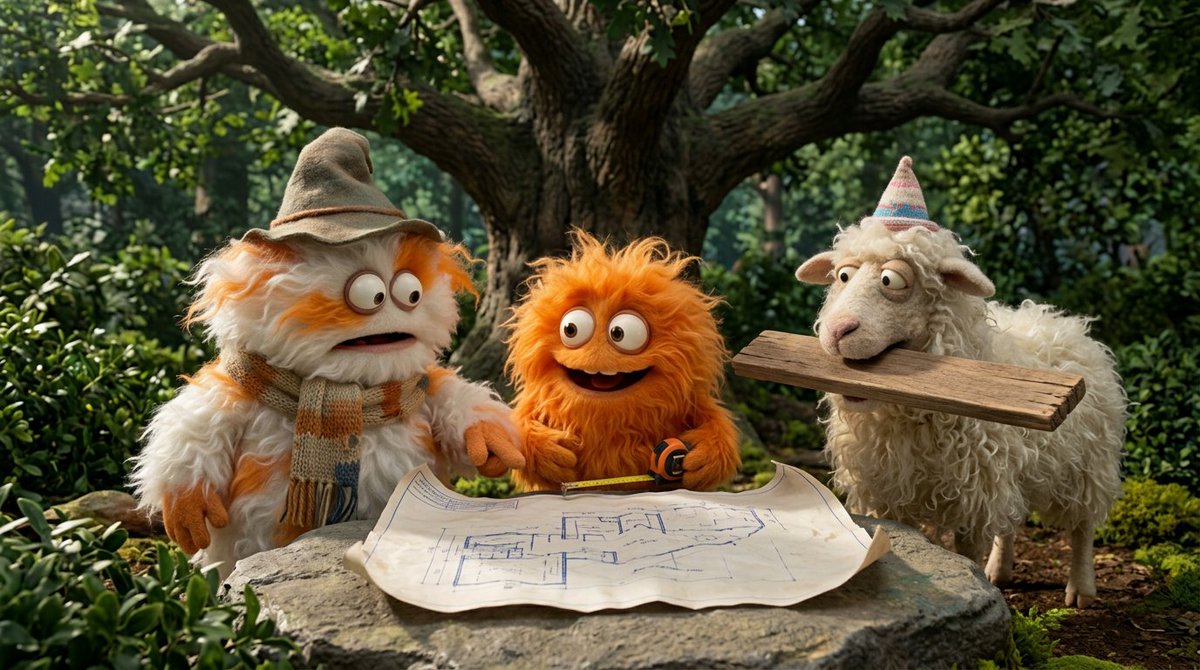
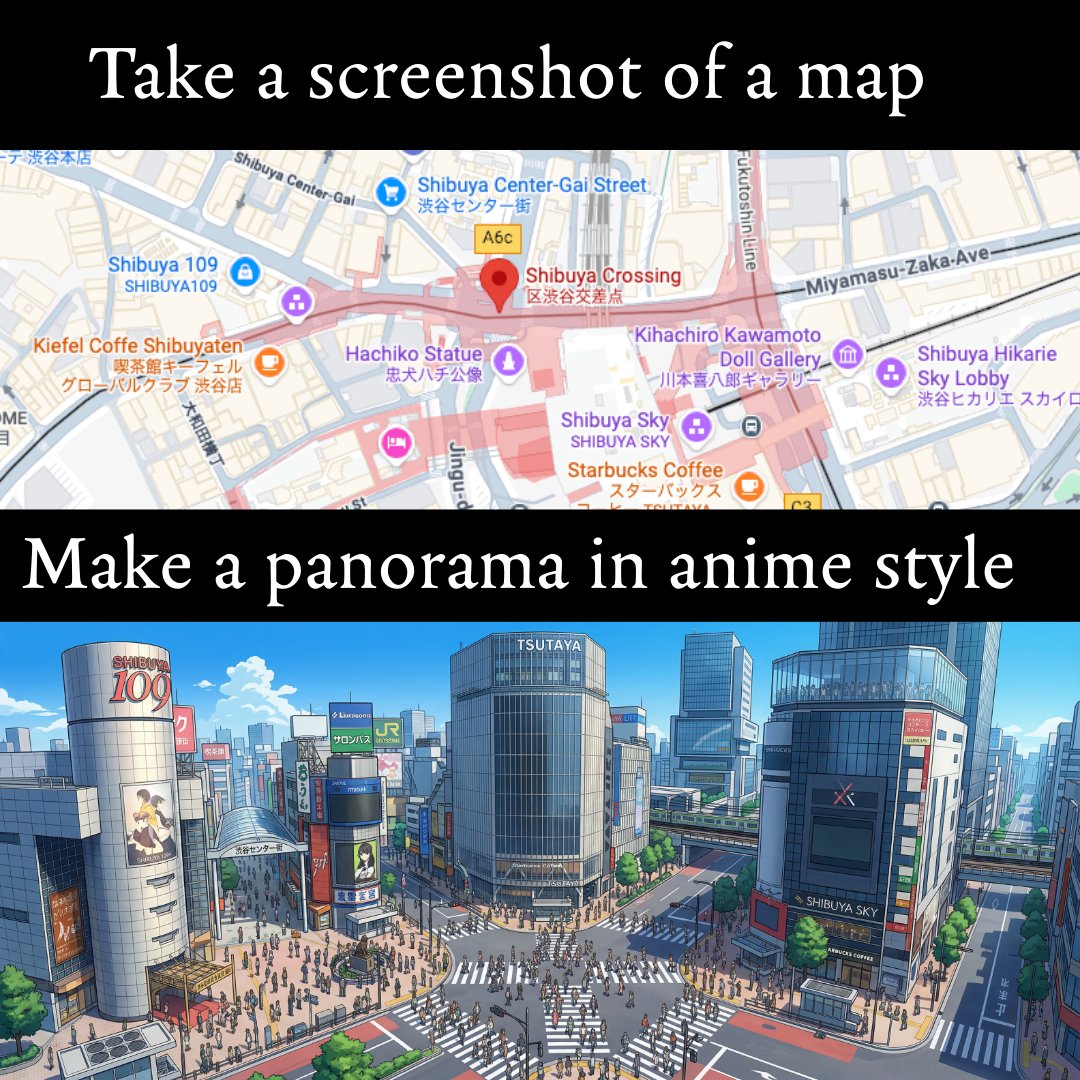
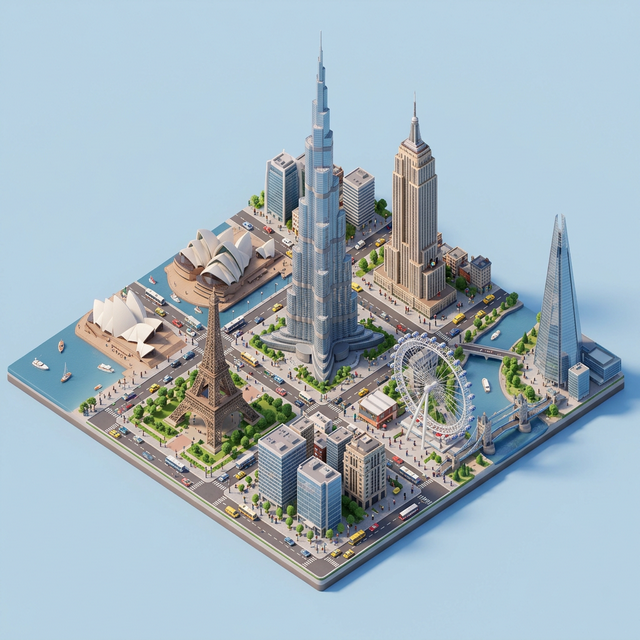
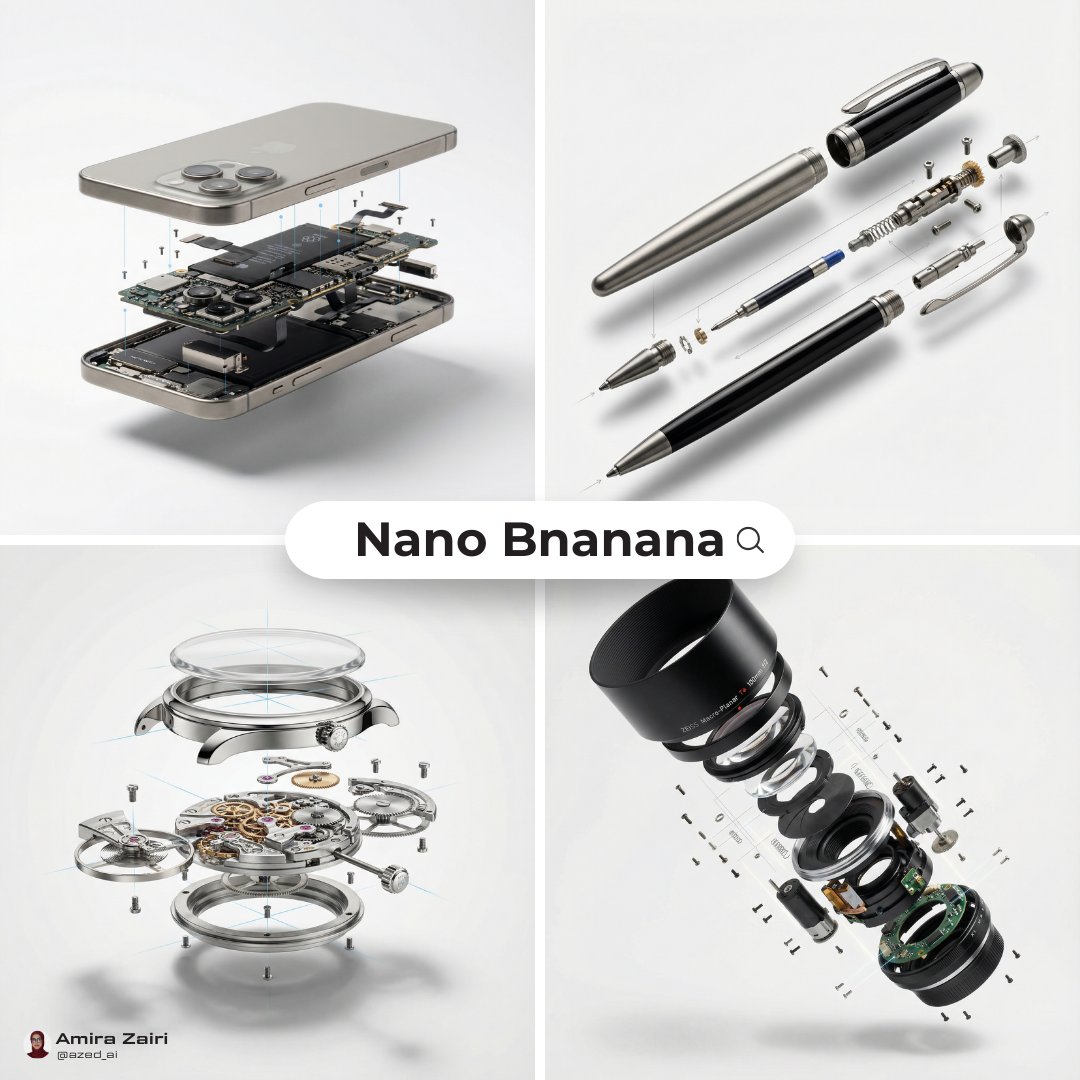
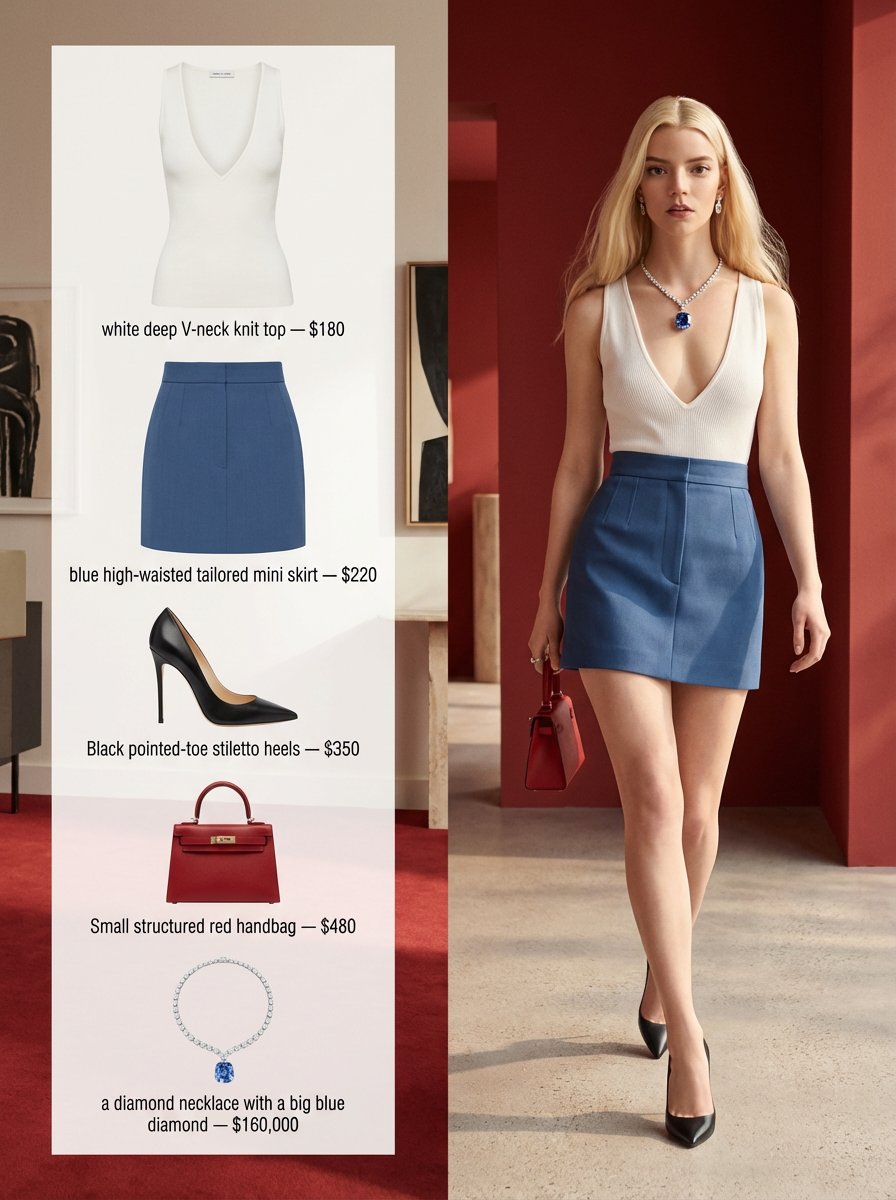
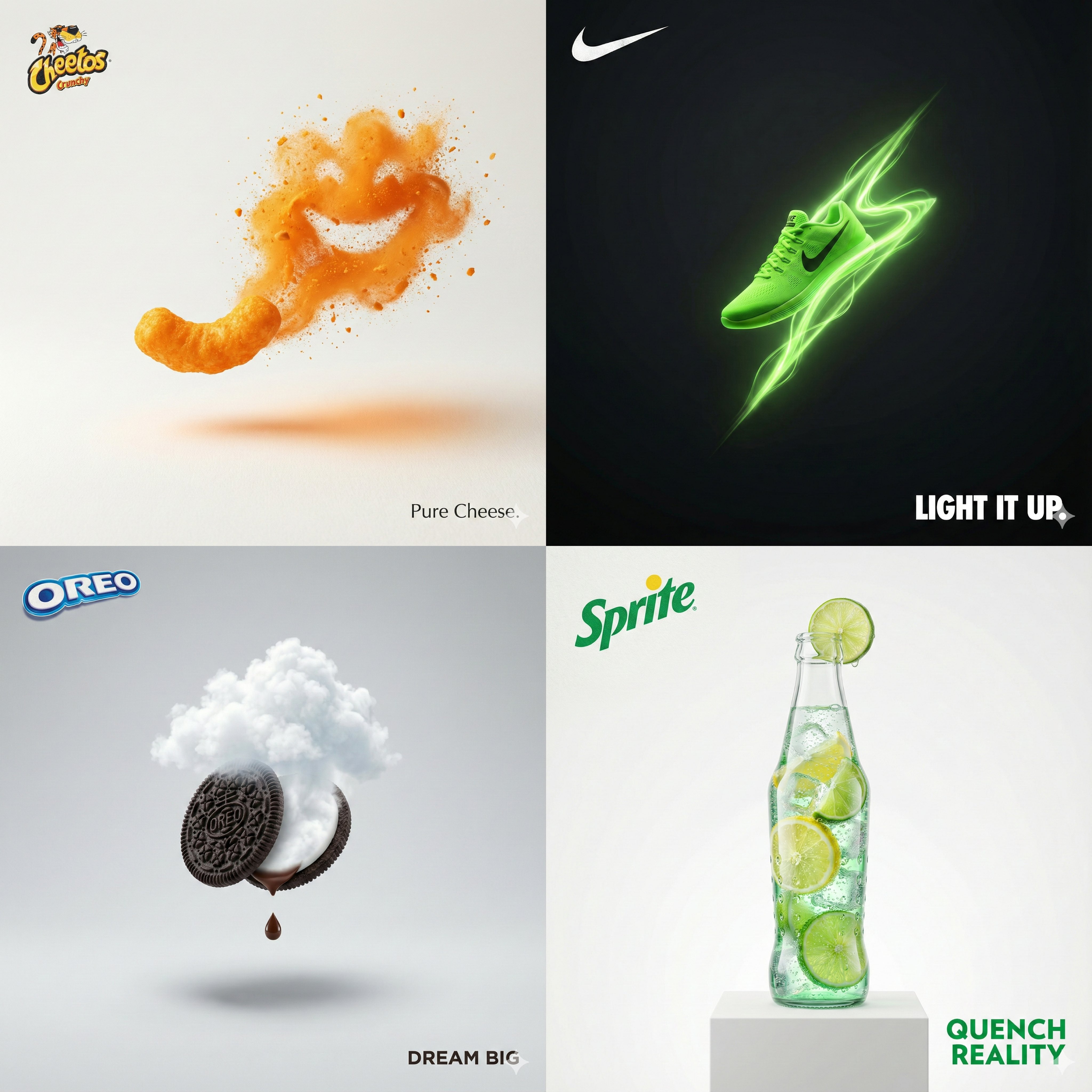
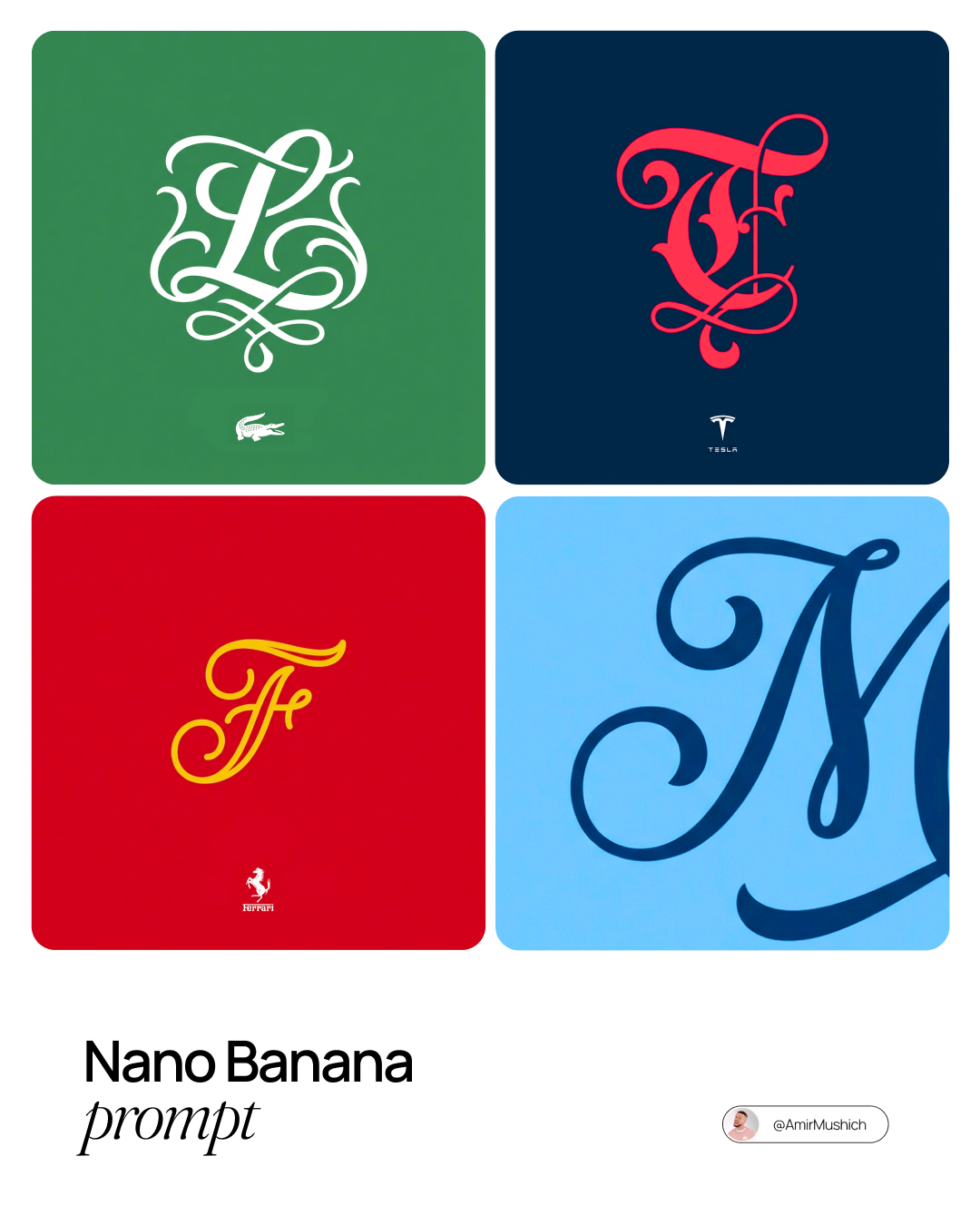
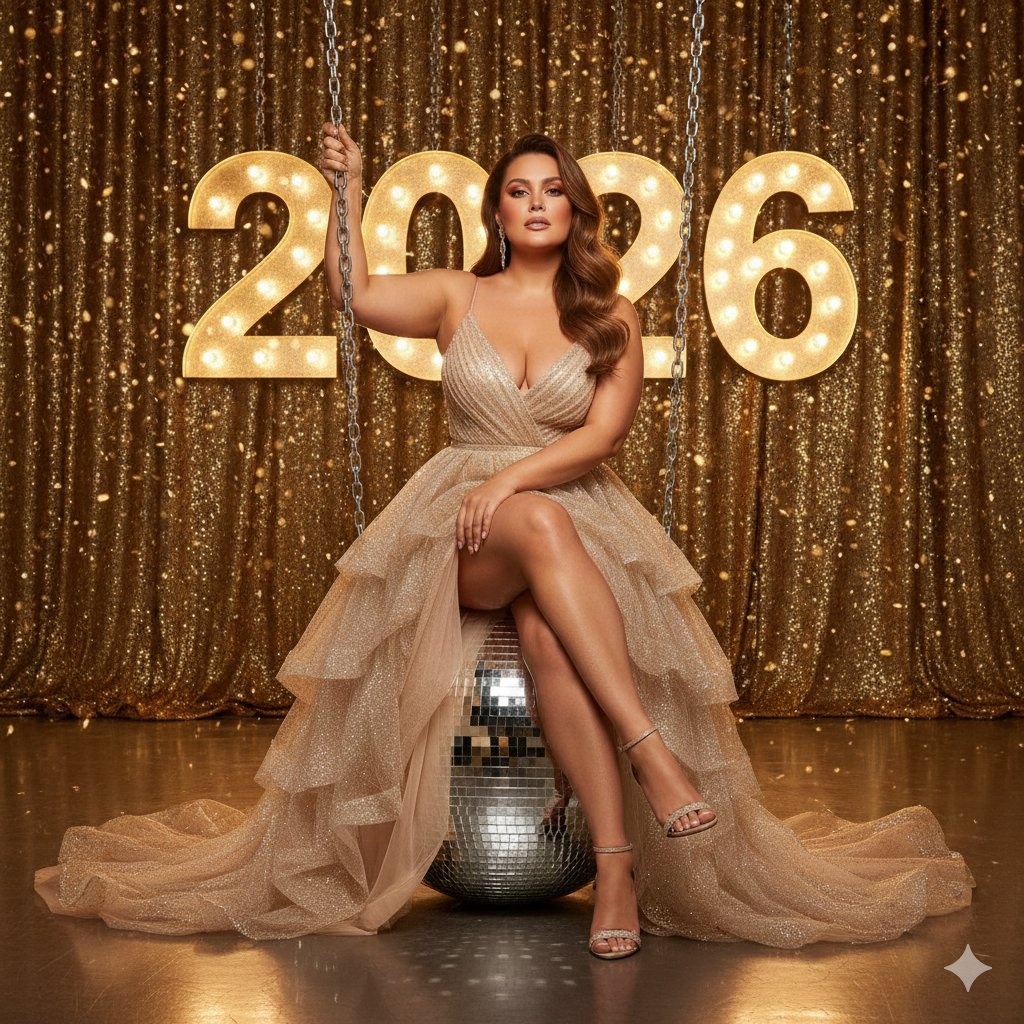
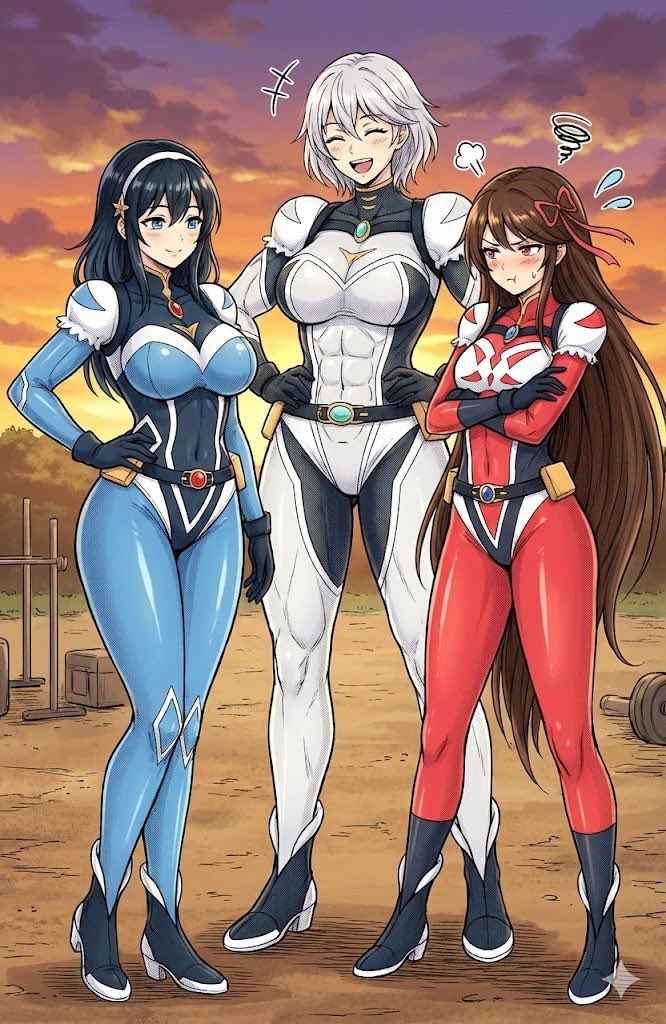






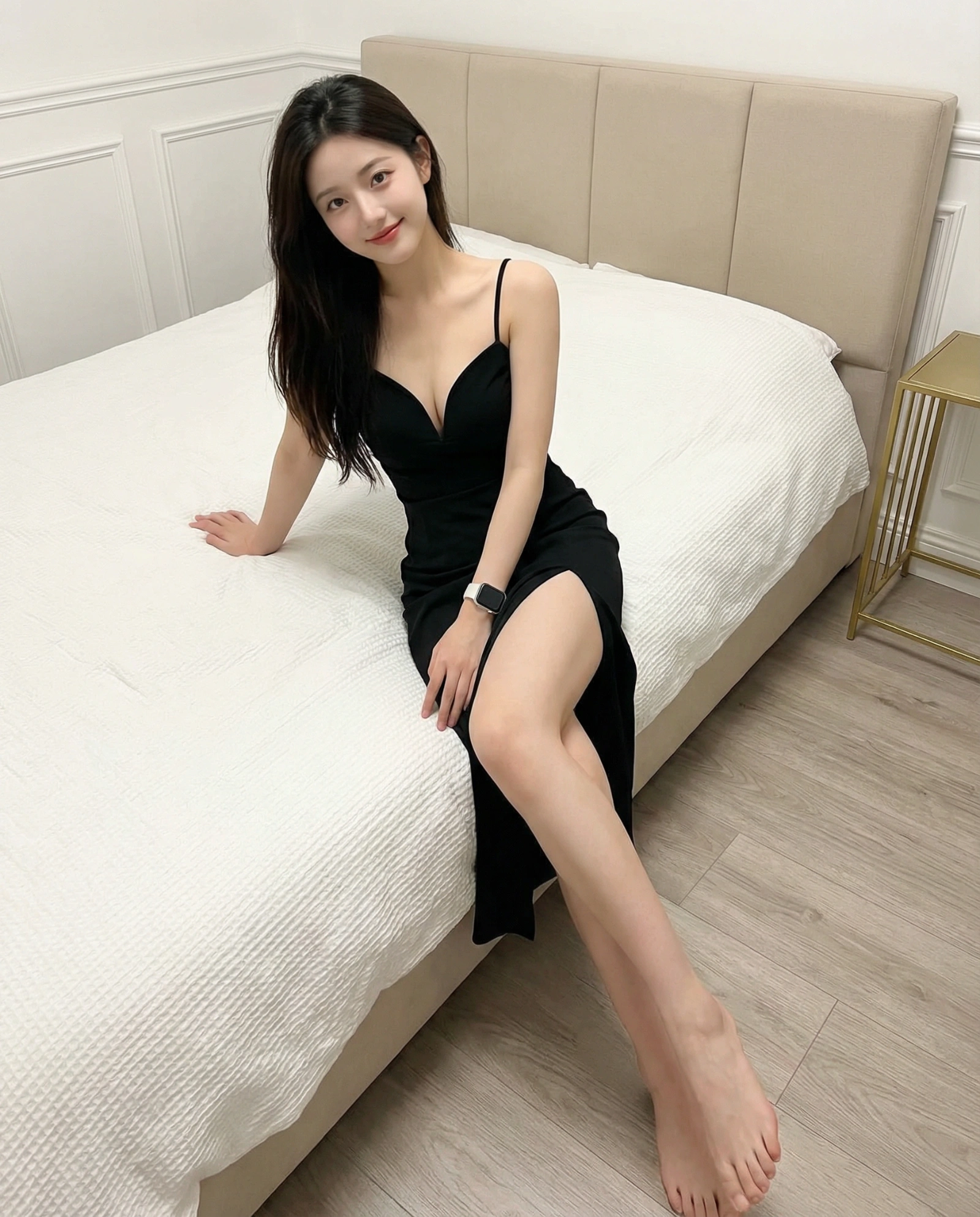
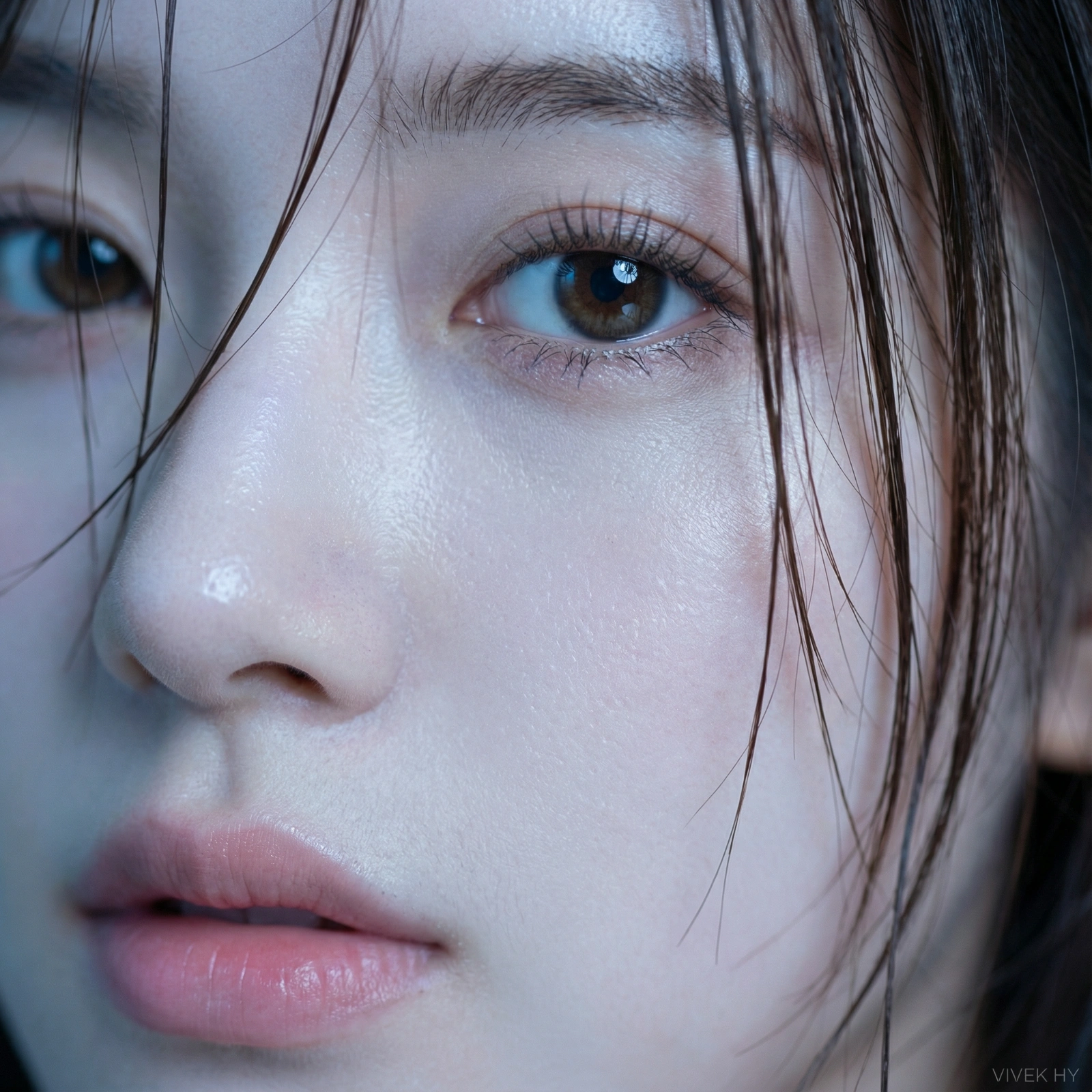
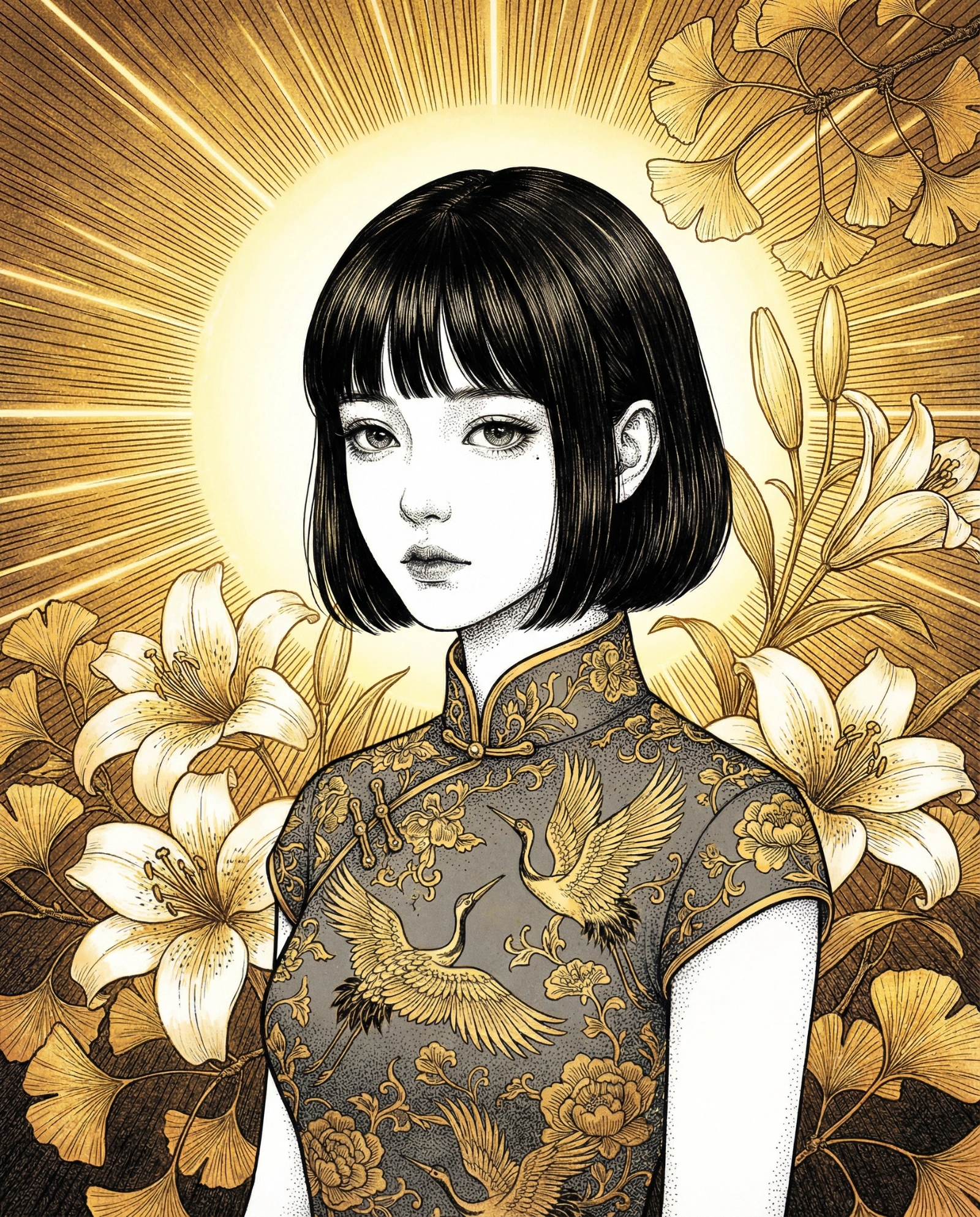
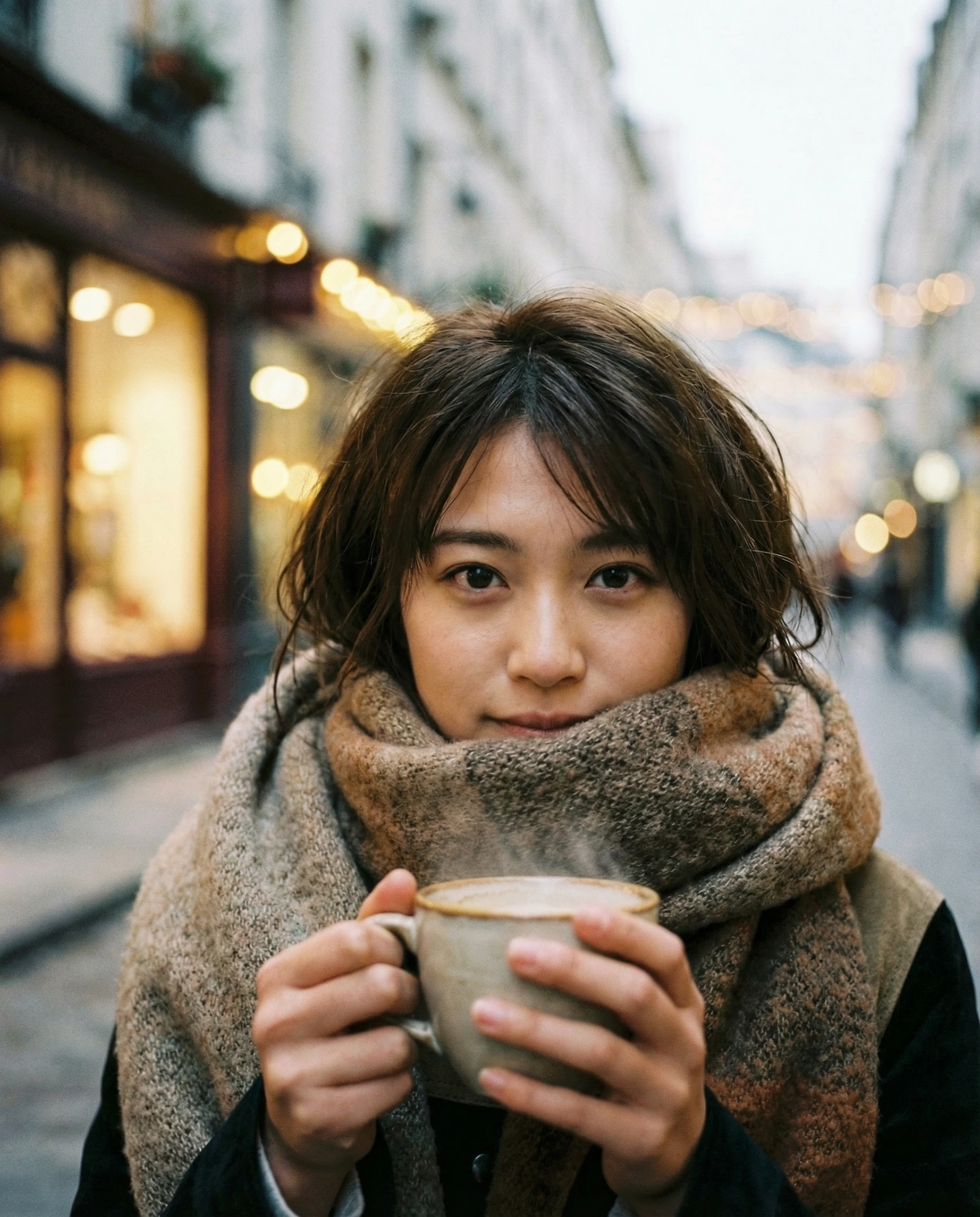
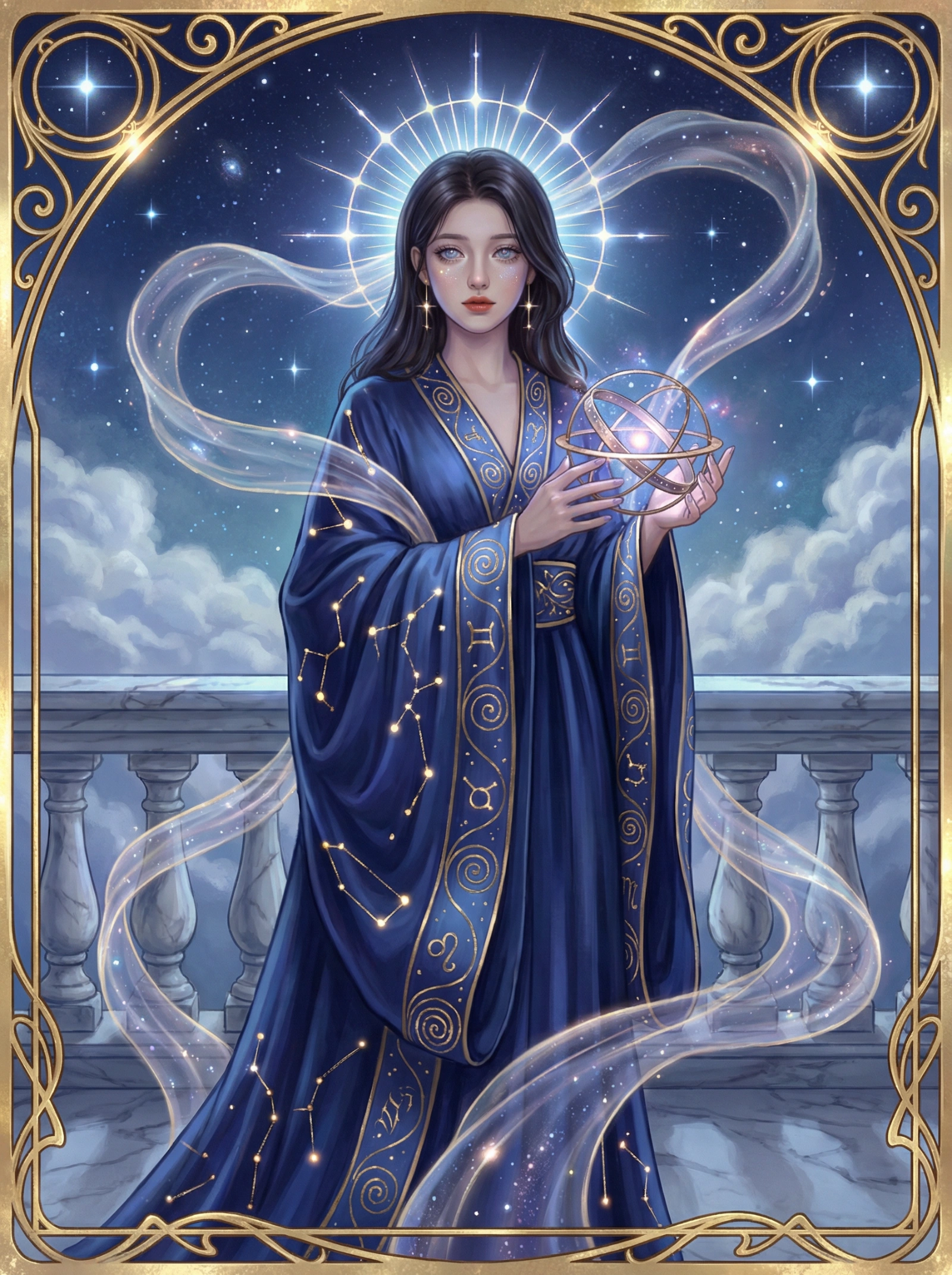
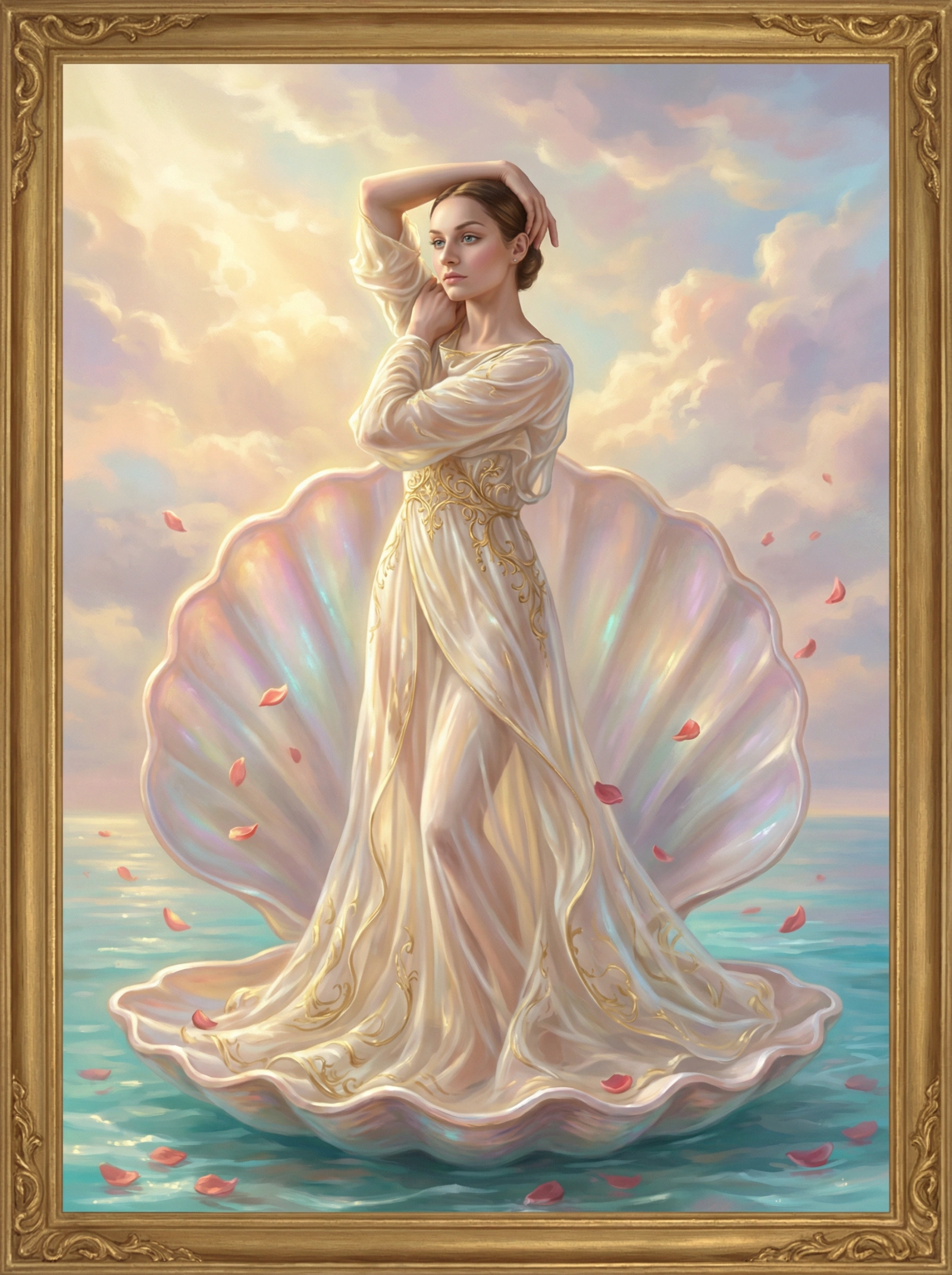
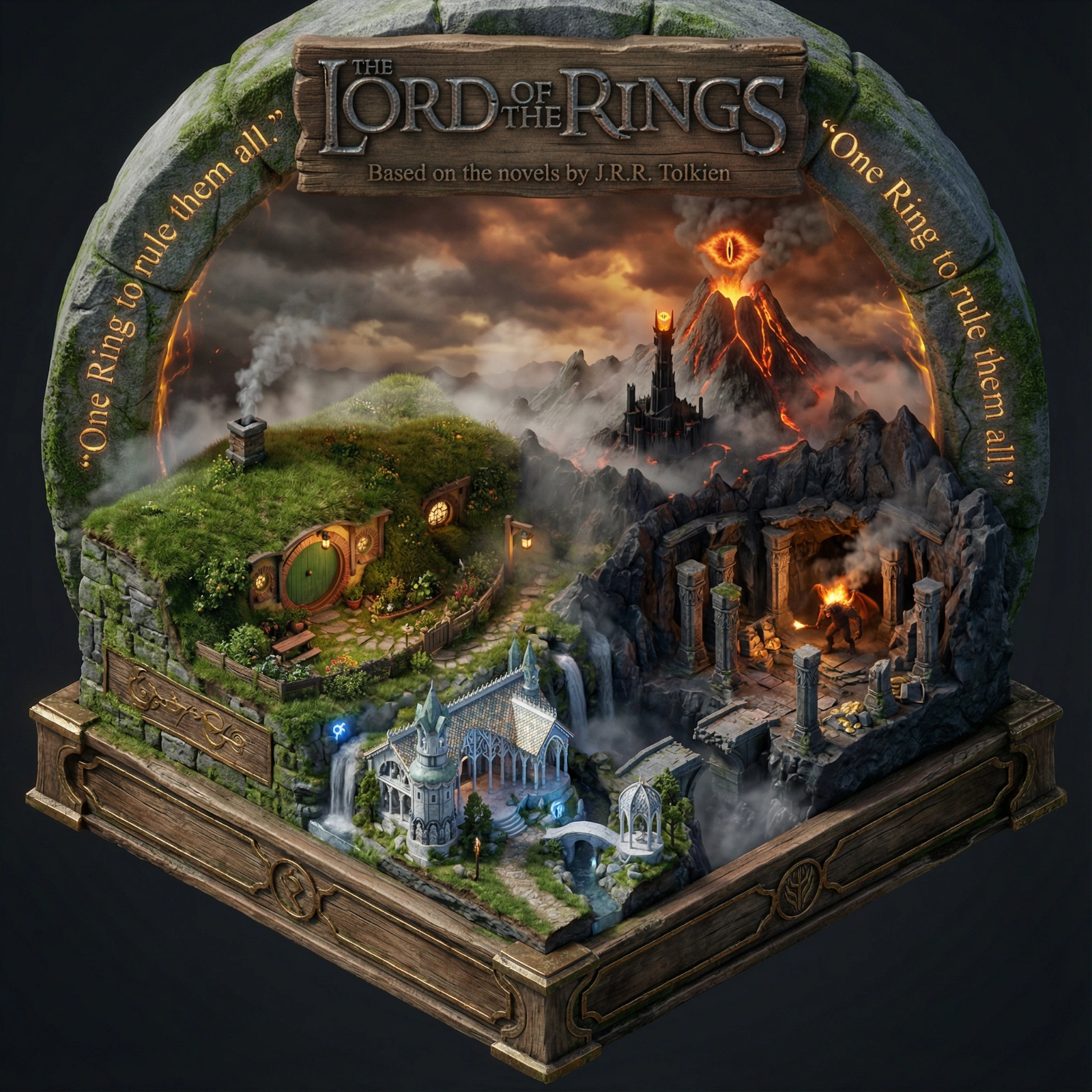
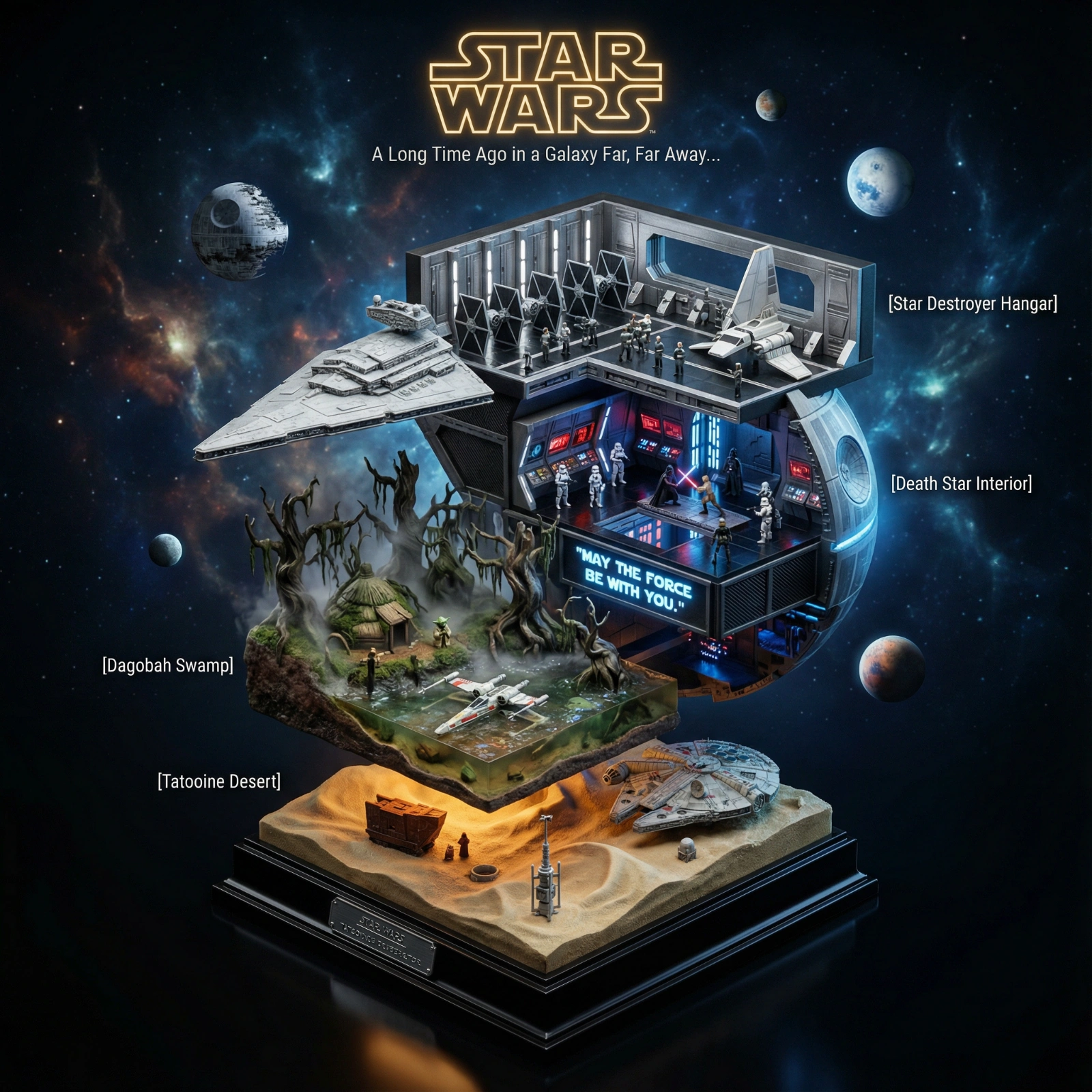

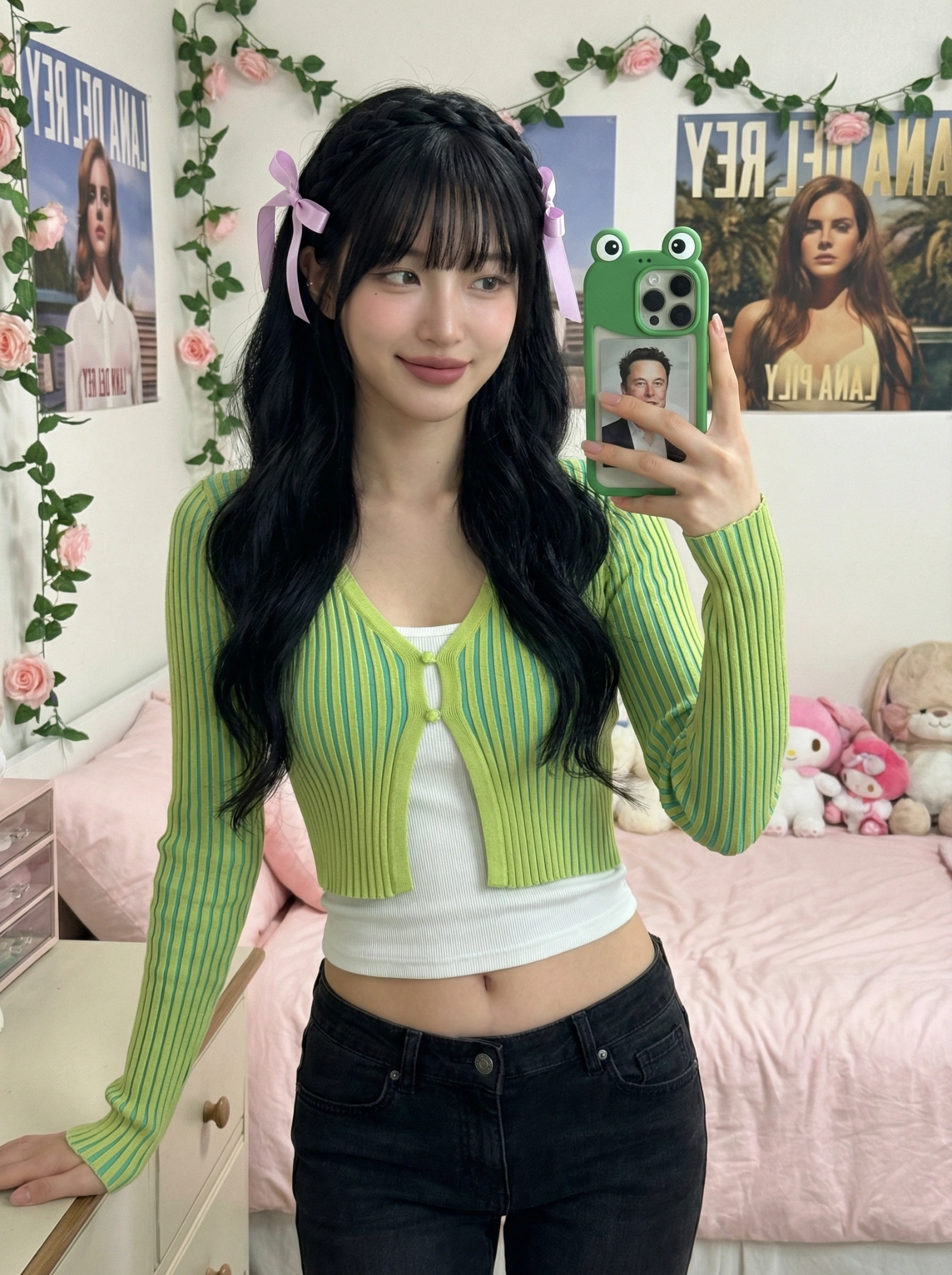
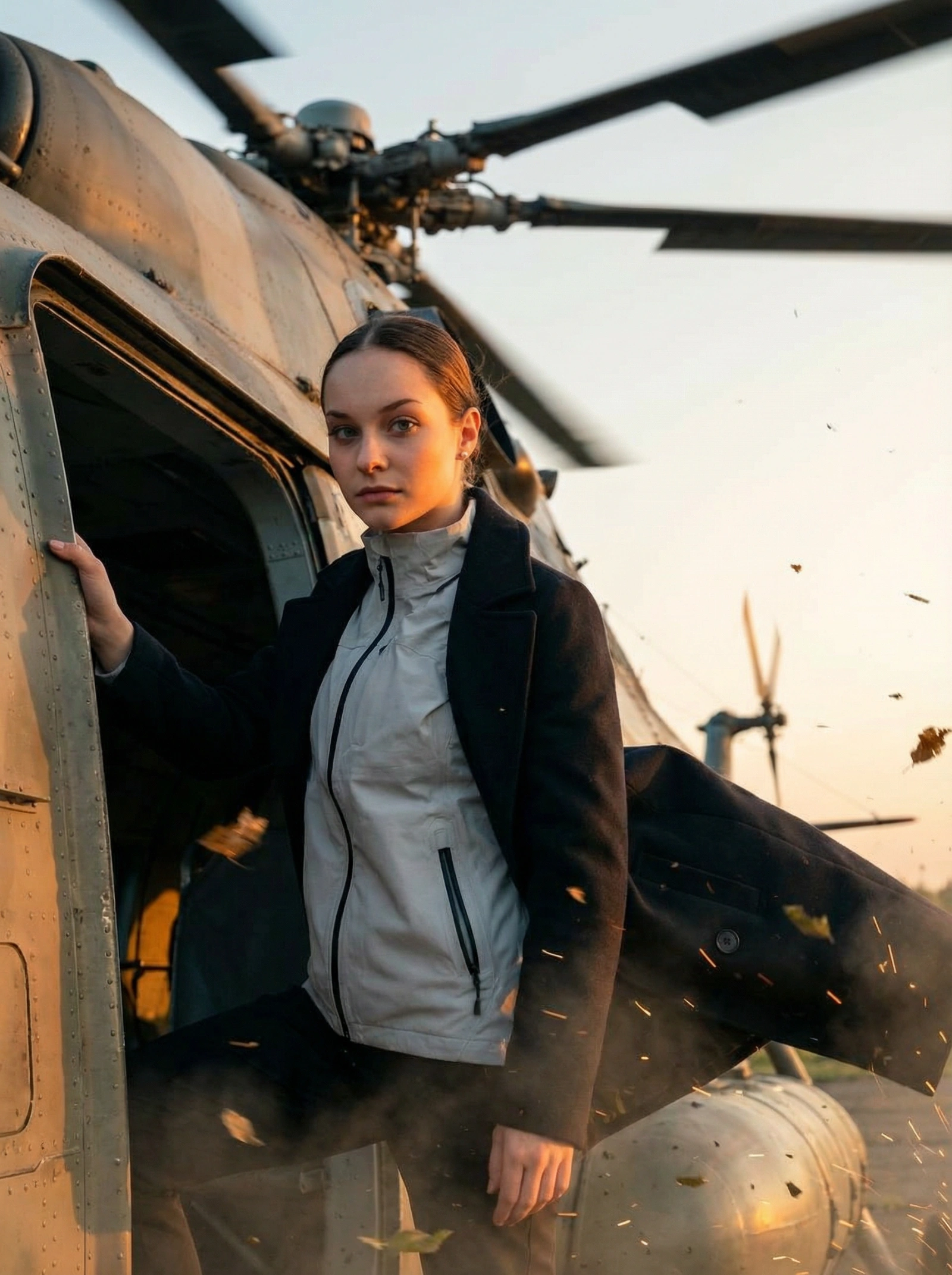

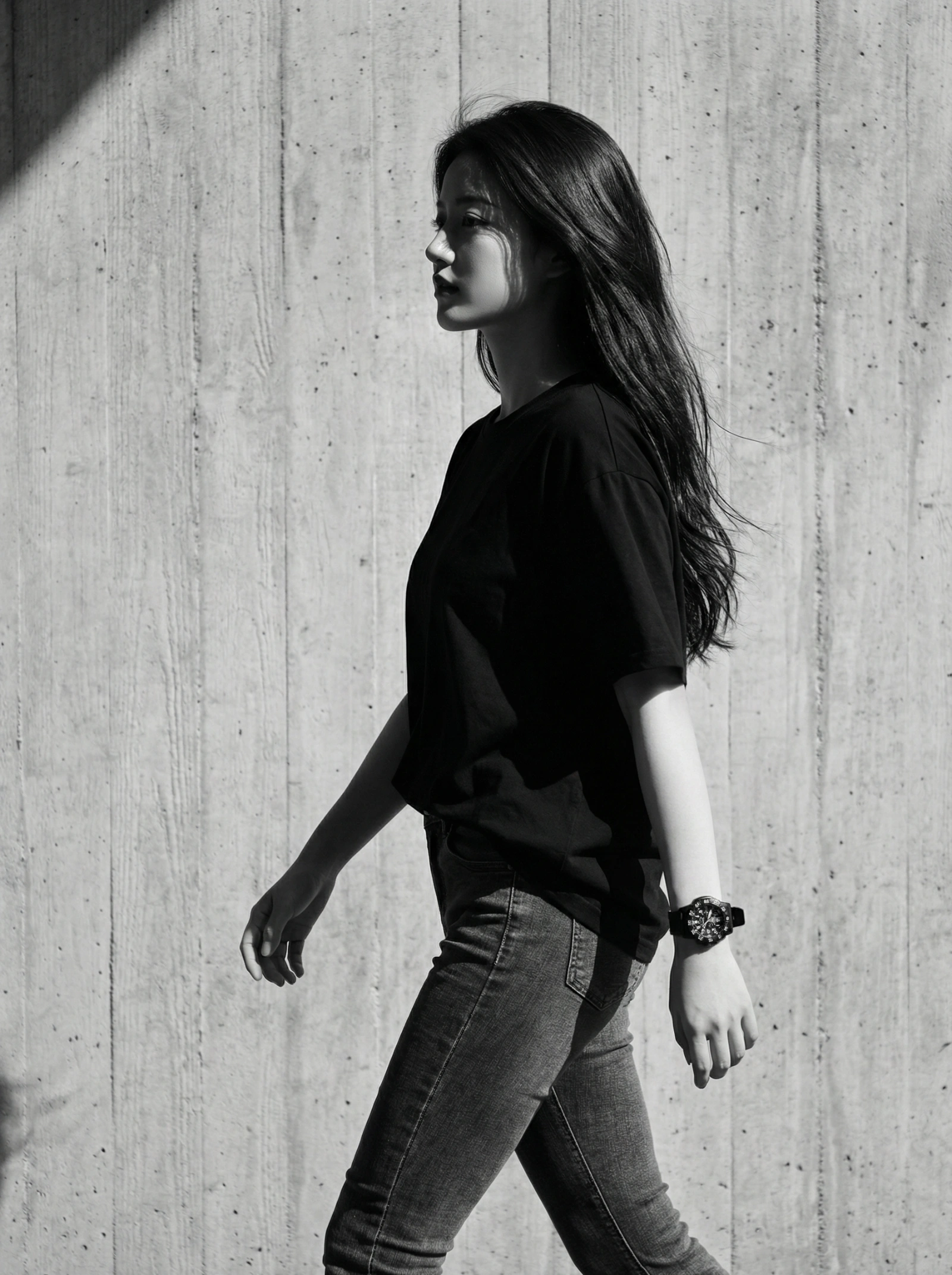
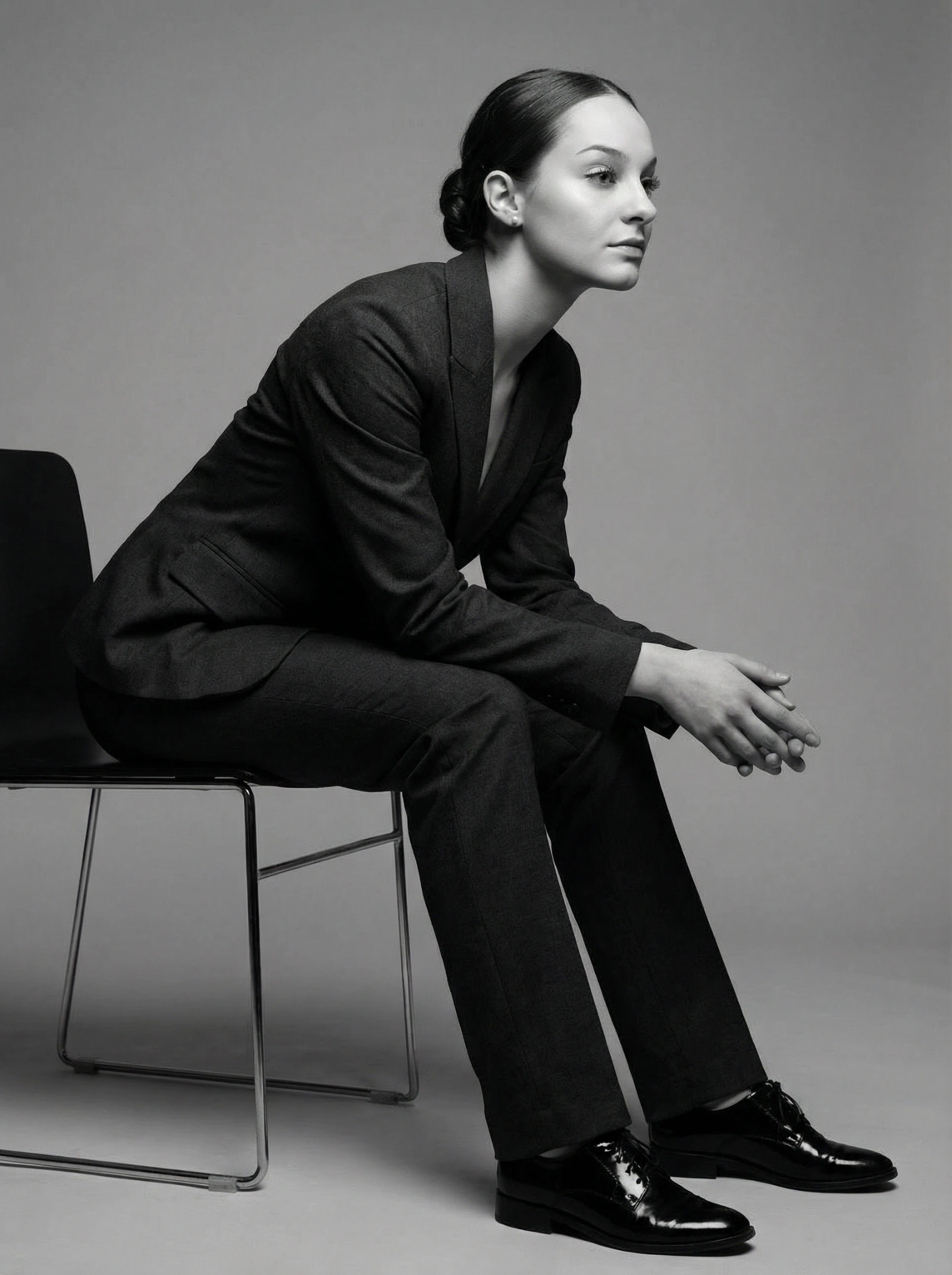
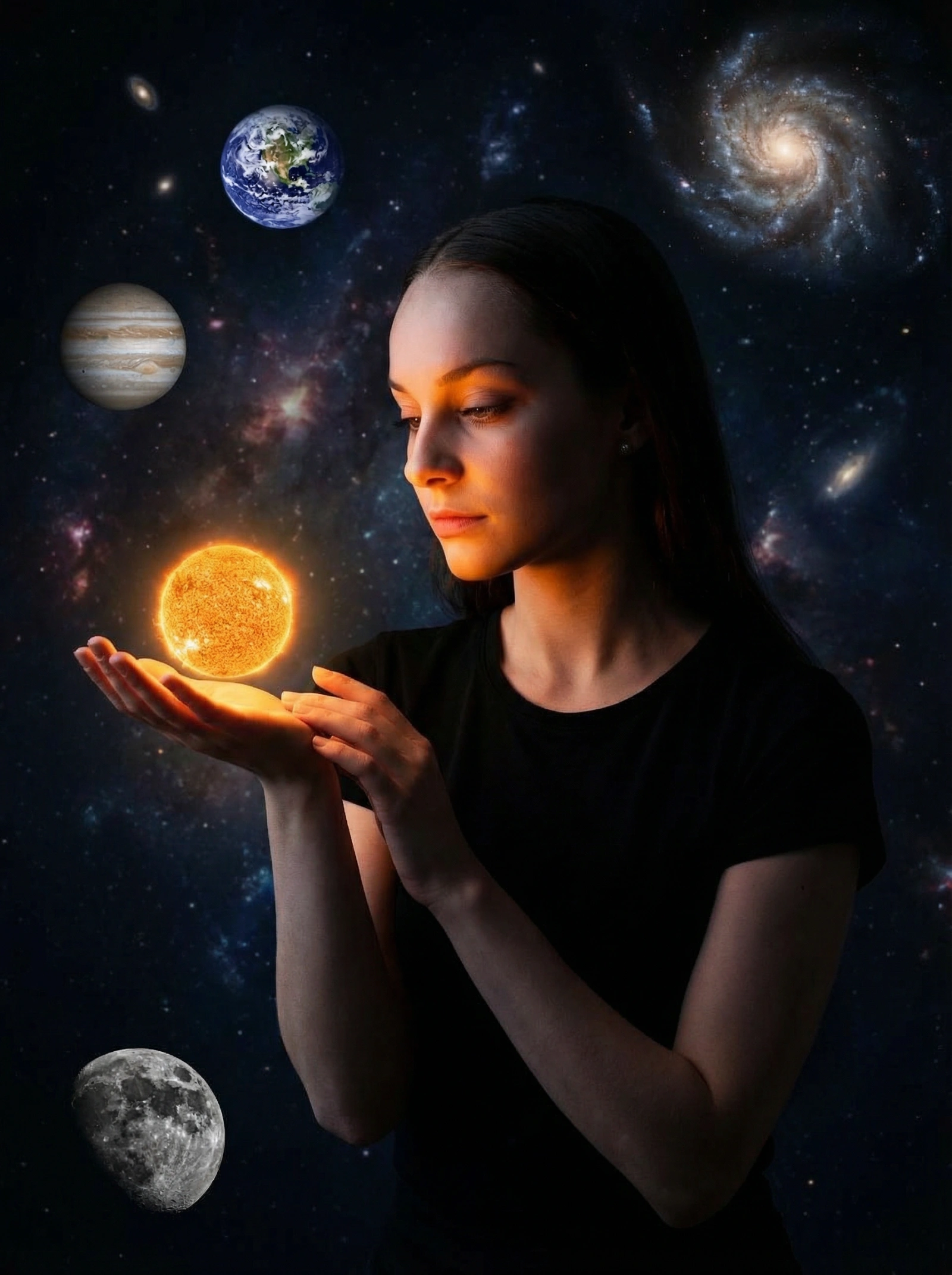
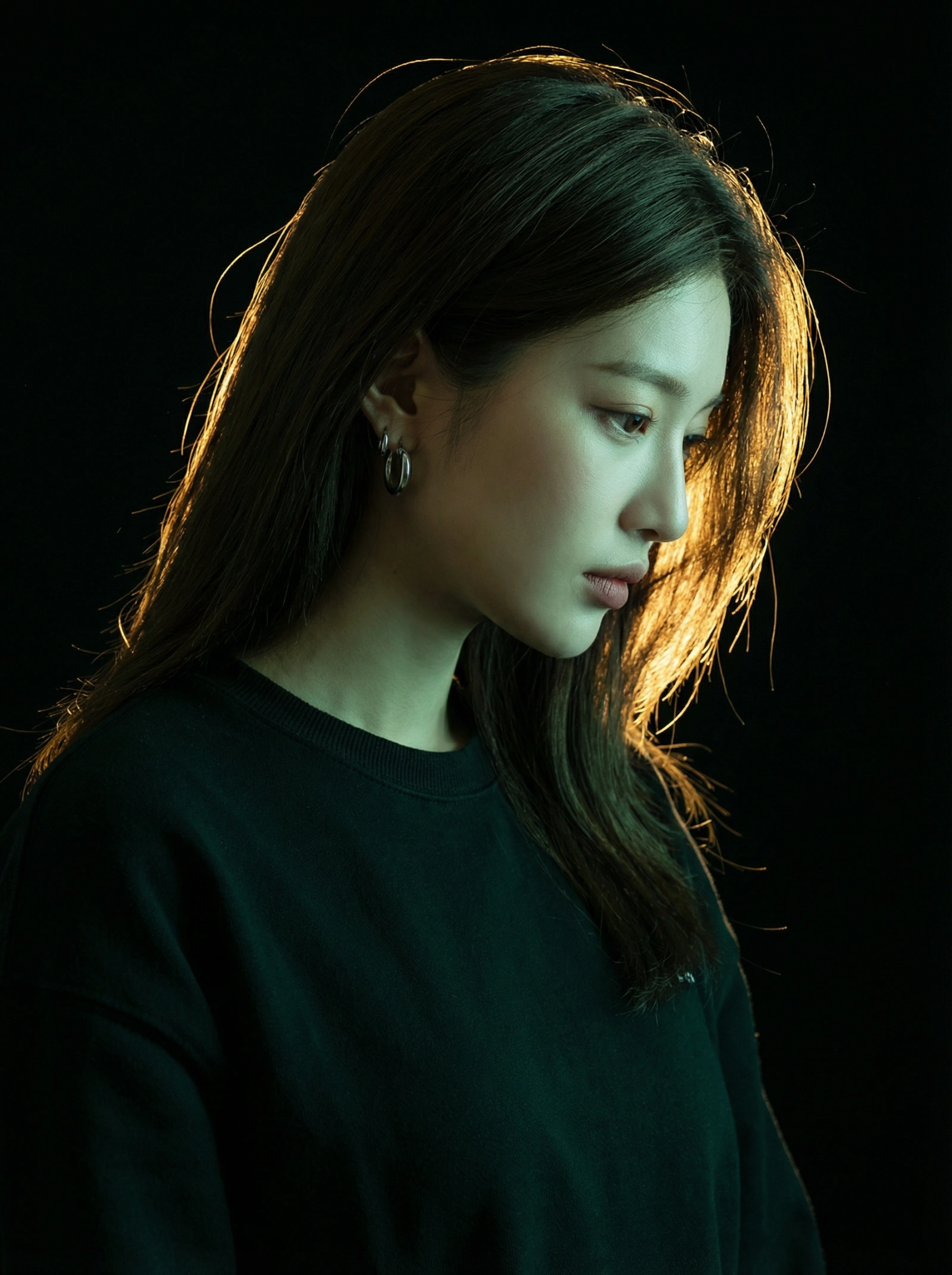







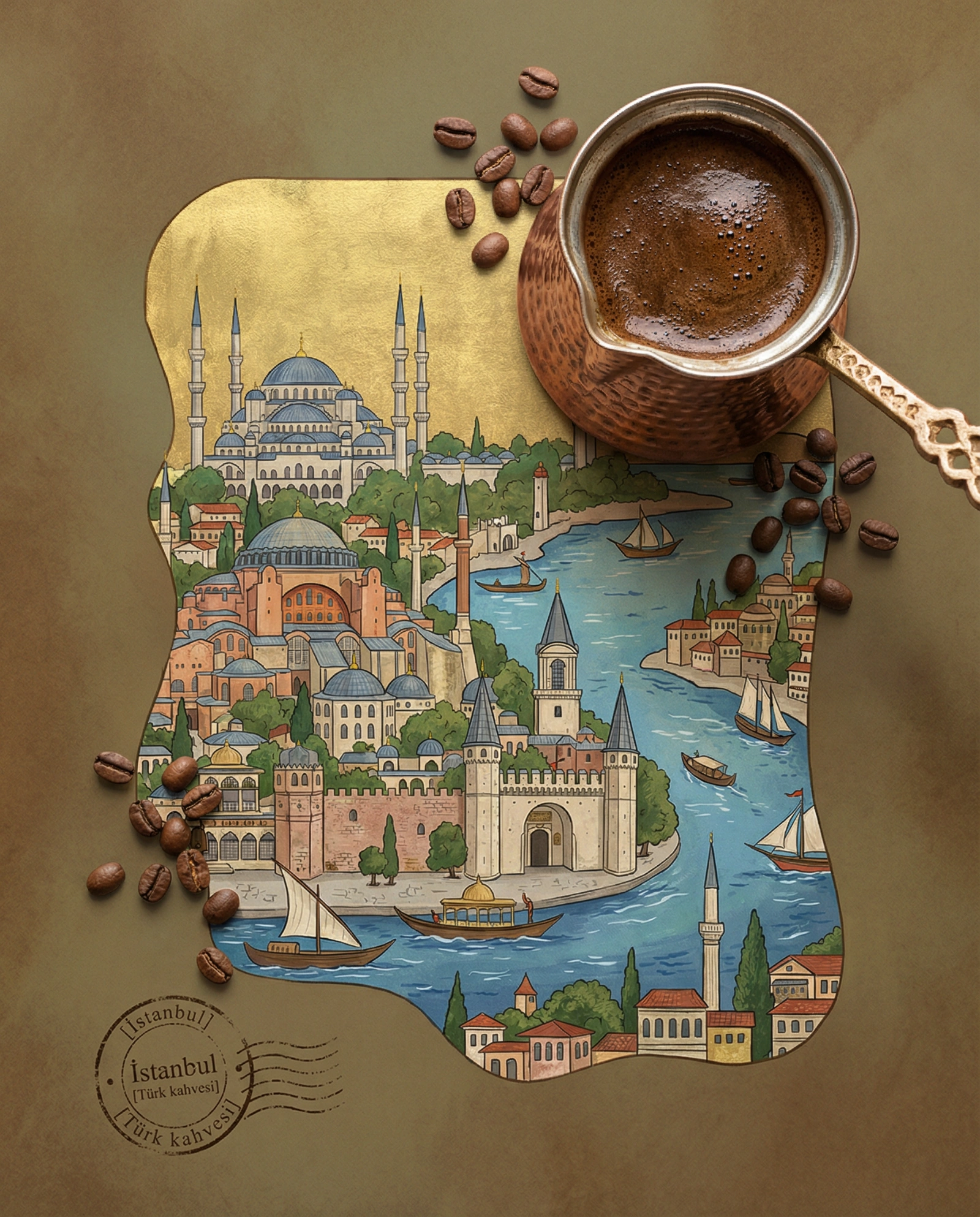

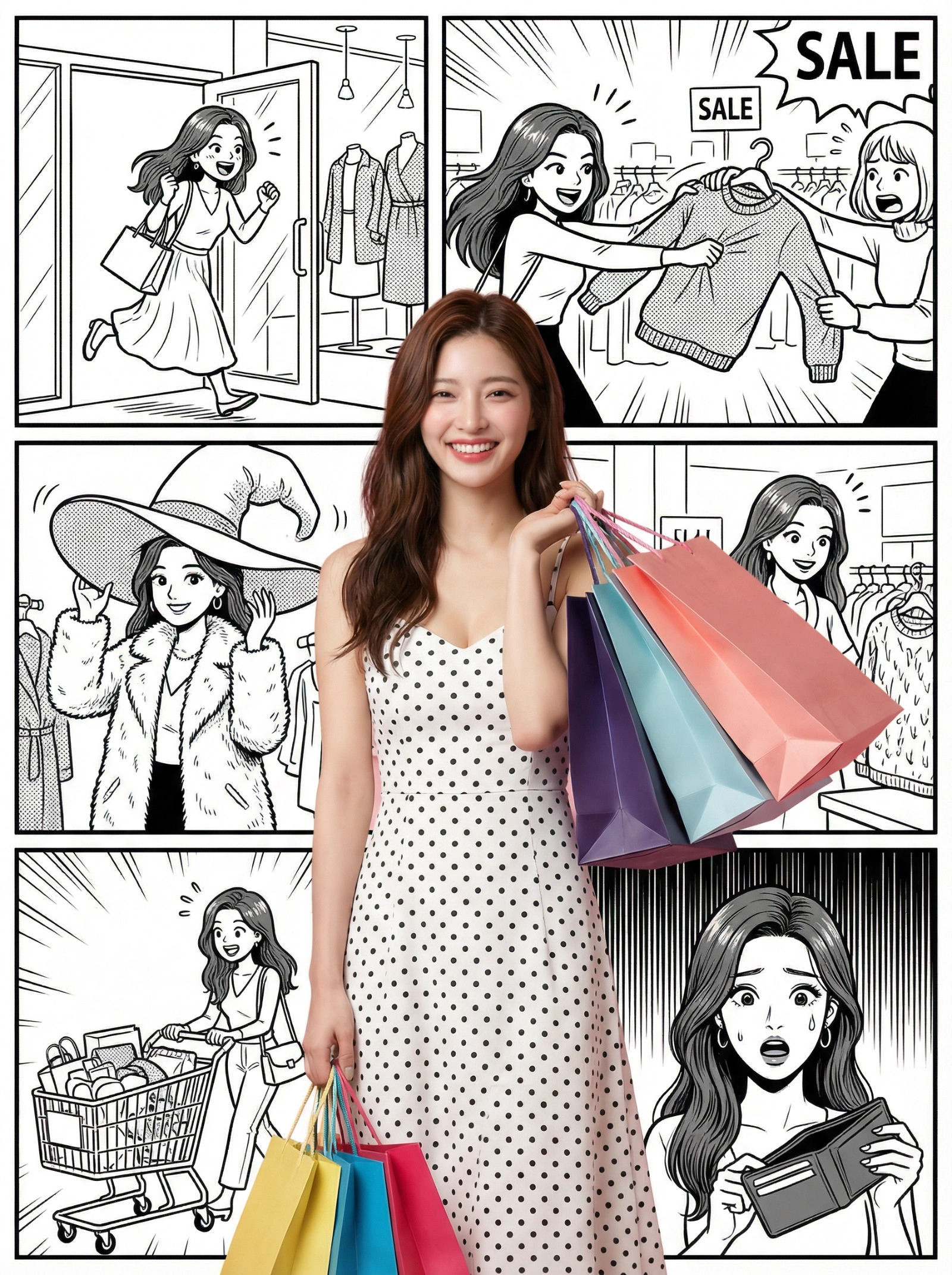


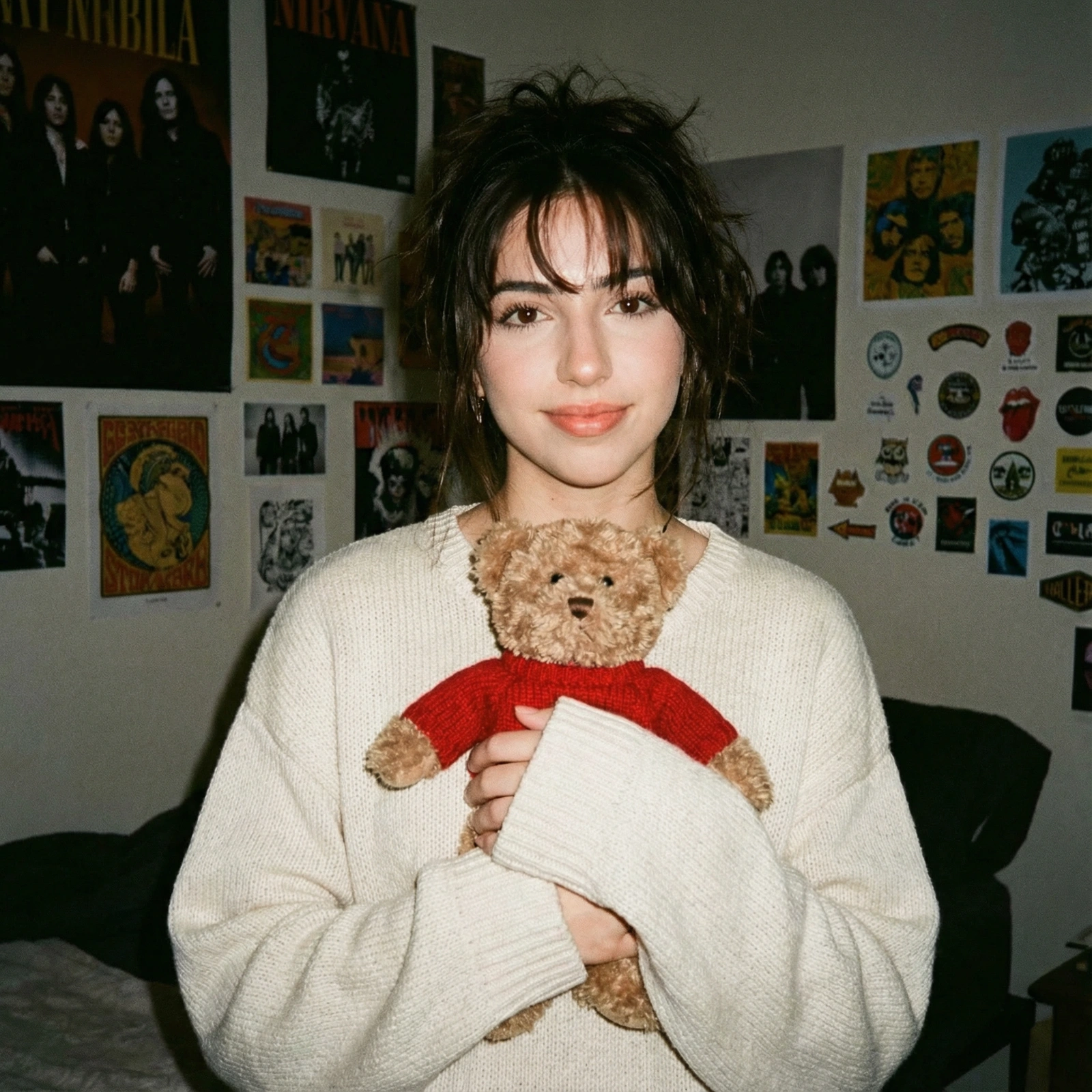
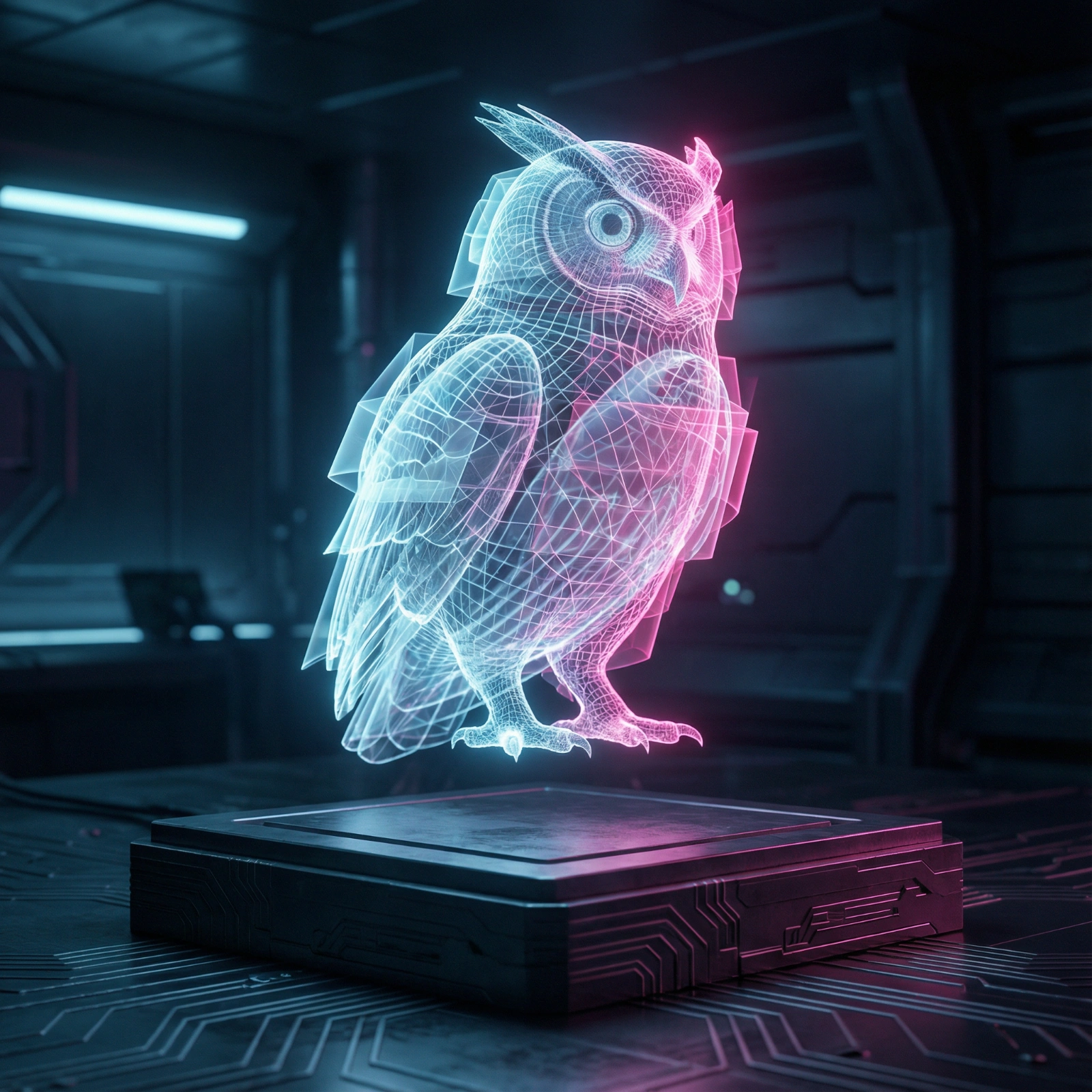

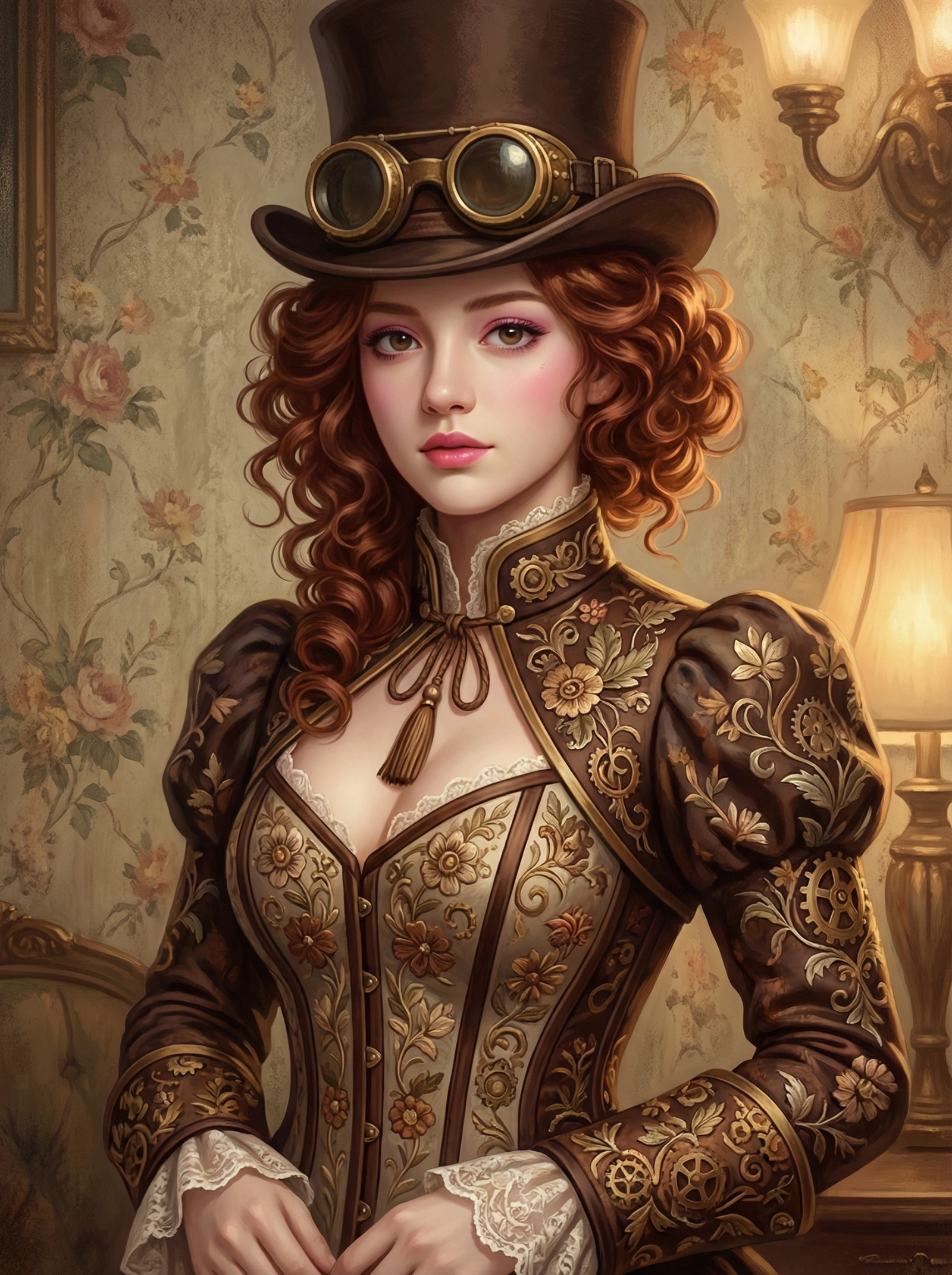
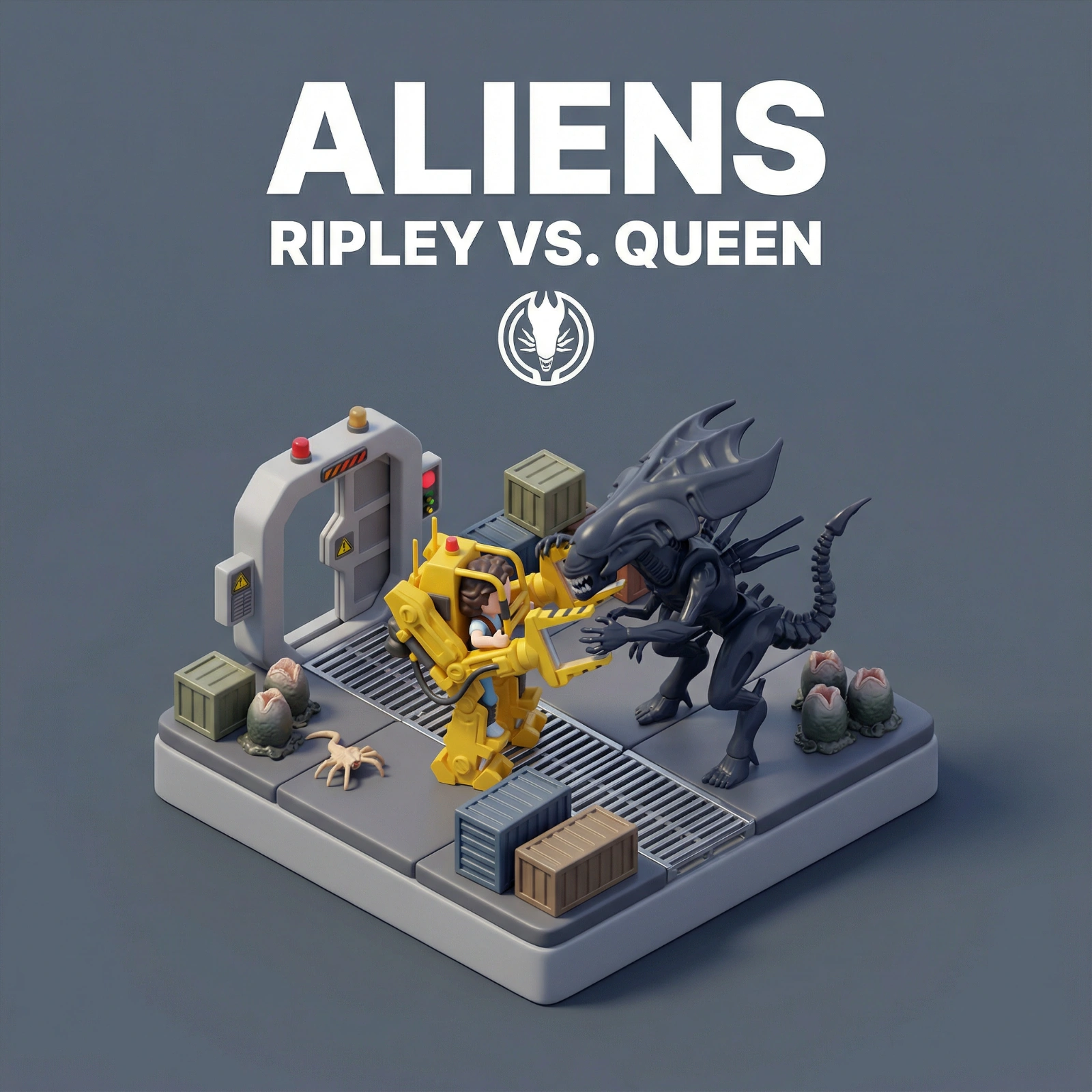
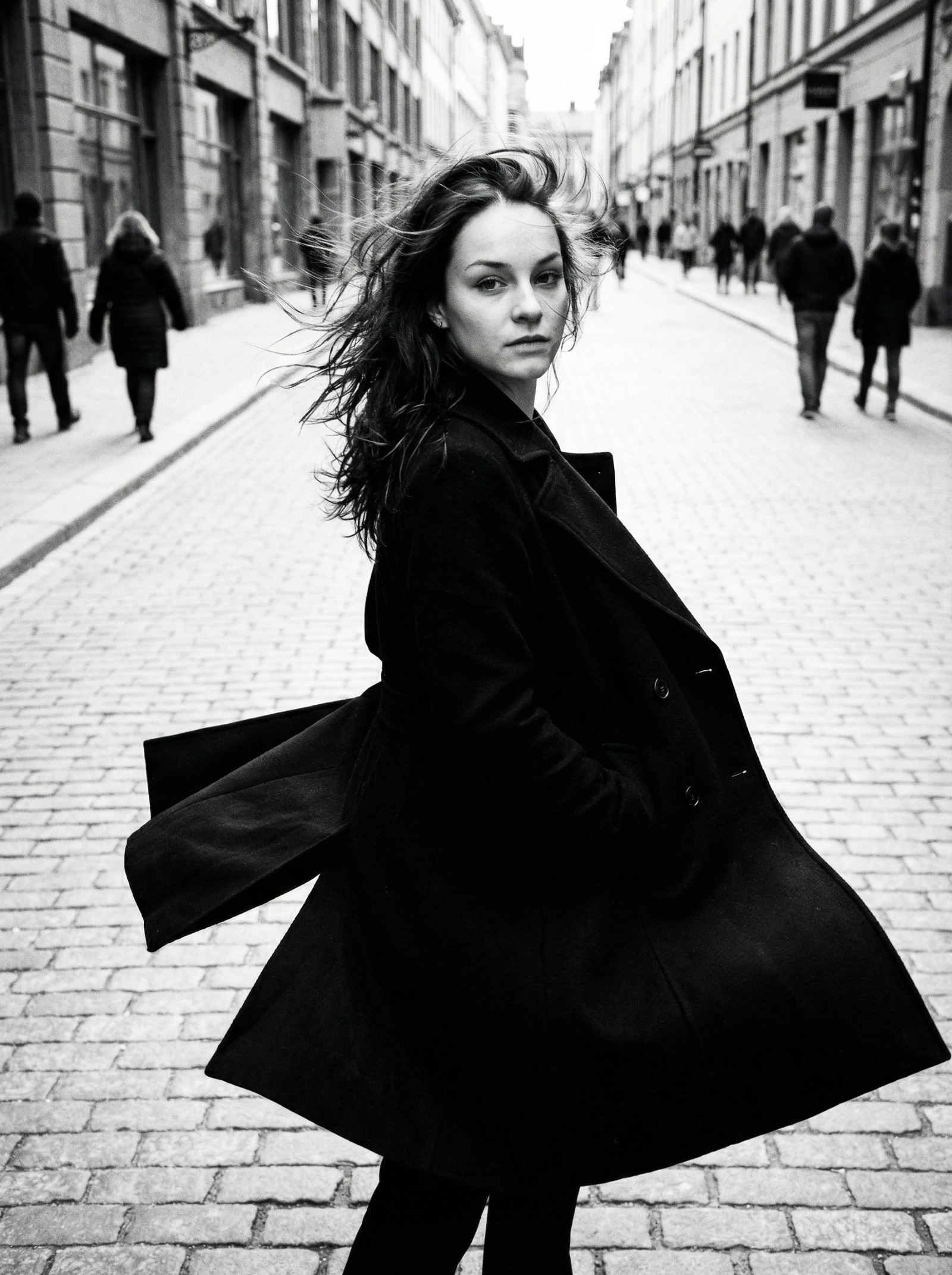
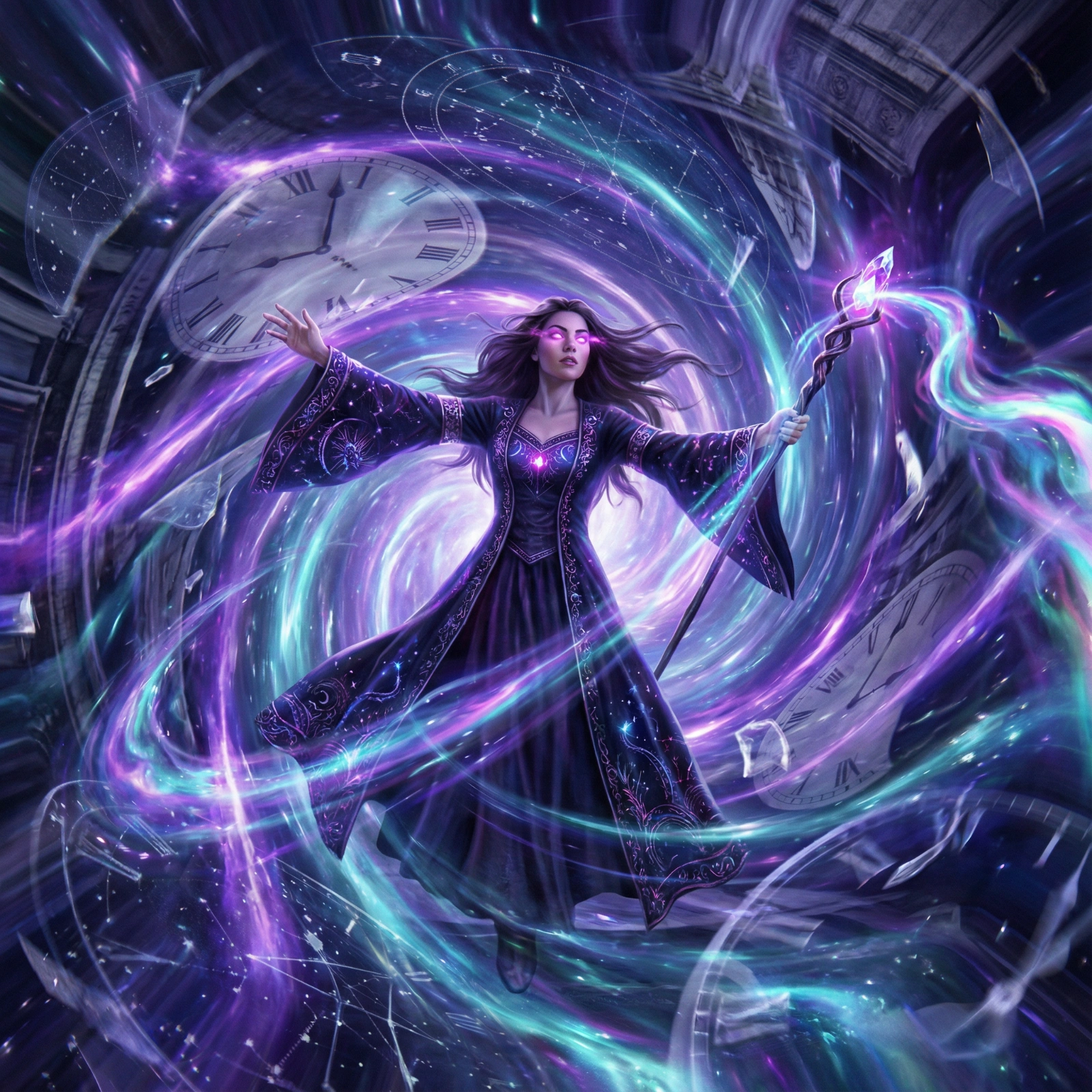

Category FAQ
Will these prompts help with LinkedIn-style headshots?
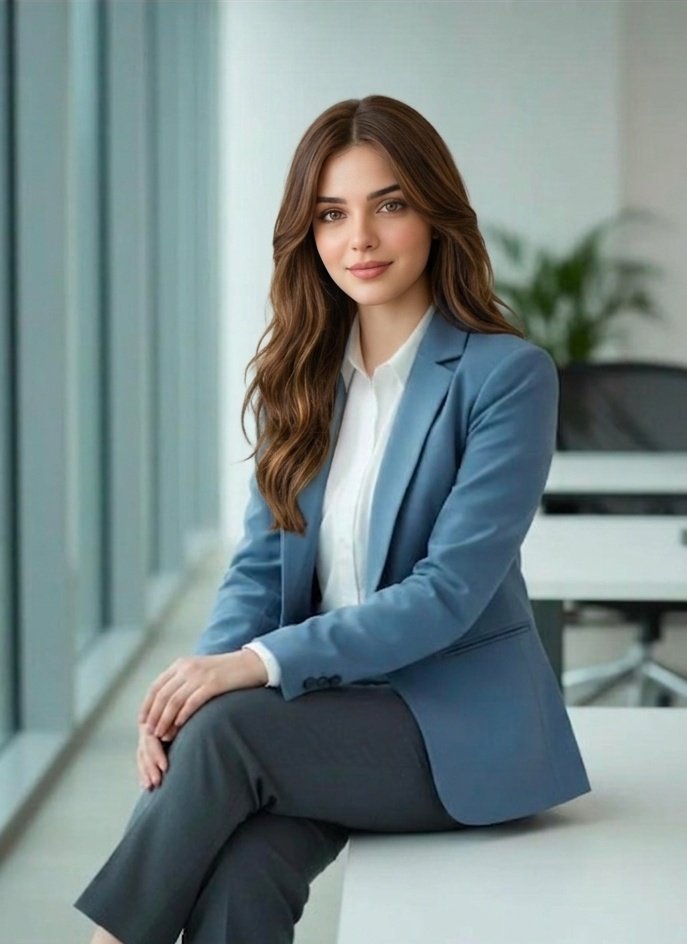
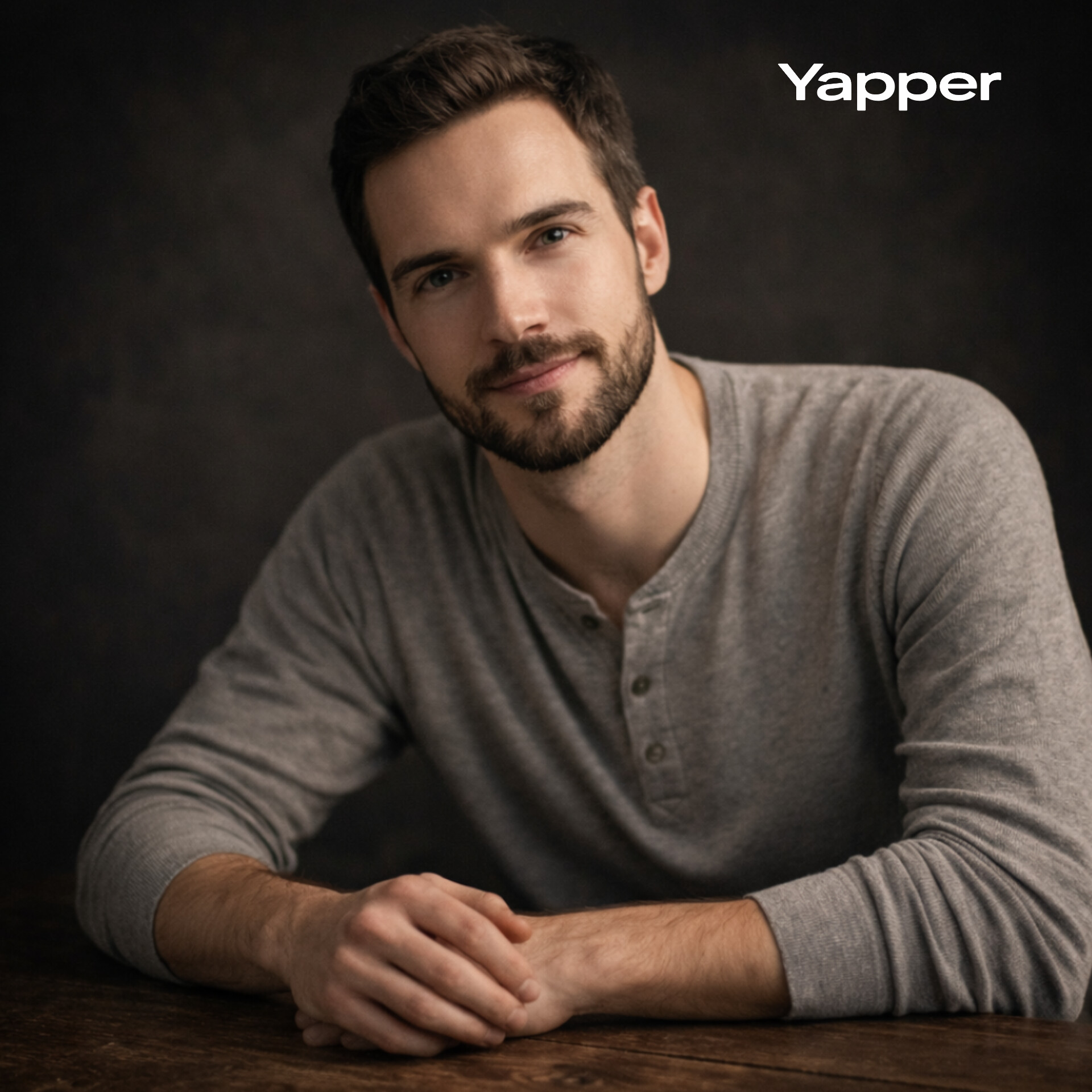
Yes. Start with the cleaner studio-driven prompts, then tone down dramatic styling or cinematic effects if you need a more corporate result.
What breaks portrait prompts most often?
Changing crop, lighting, and identity cues all at once. Keep one variable stable while you test the next change.
Explore Nearby Collections
Fashion Editorial
High-fashion AI prompts for editorial photography, magazine covers, fashion campaigns, and style shoots. Create Vogue-worthy fashion visuals with AI.
Character Design
AI prompts for character design, game art, and character illustration. Create memorable characters for games, stories, and animations.
Product Photography
Professional AI prompts for product photography, white background shots, e-commerce listings, and commercial product visuals. Create stunning product images with AI.