
Infographics & Diagrams Prompts
AI prompts for infographics, data visualization, diagrams, and educational visuals. Create clear and informative visual content.
Prompt Count
293
Text To Image
194
Image To Image
99
What You'll Find Here
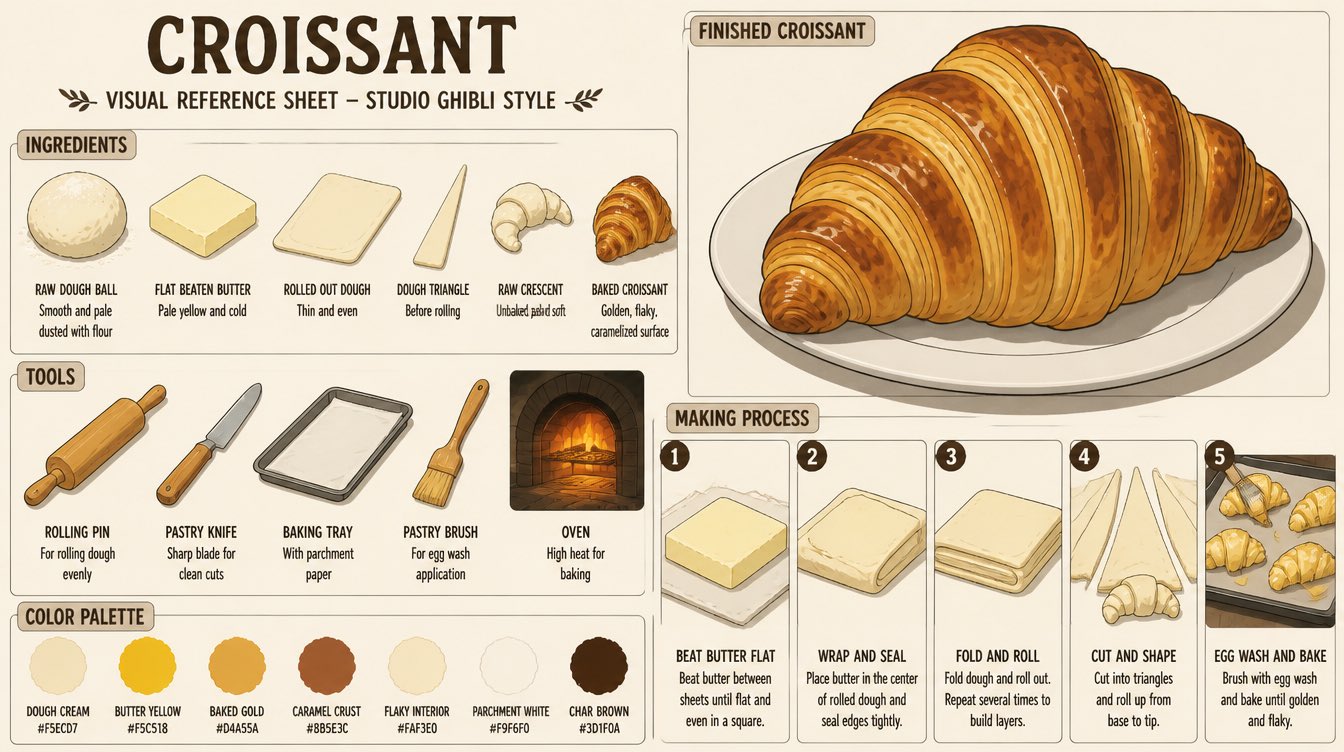
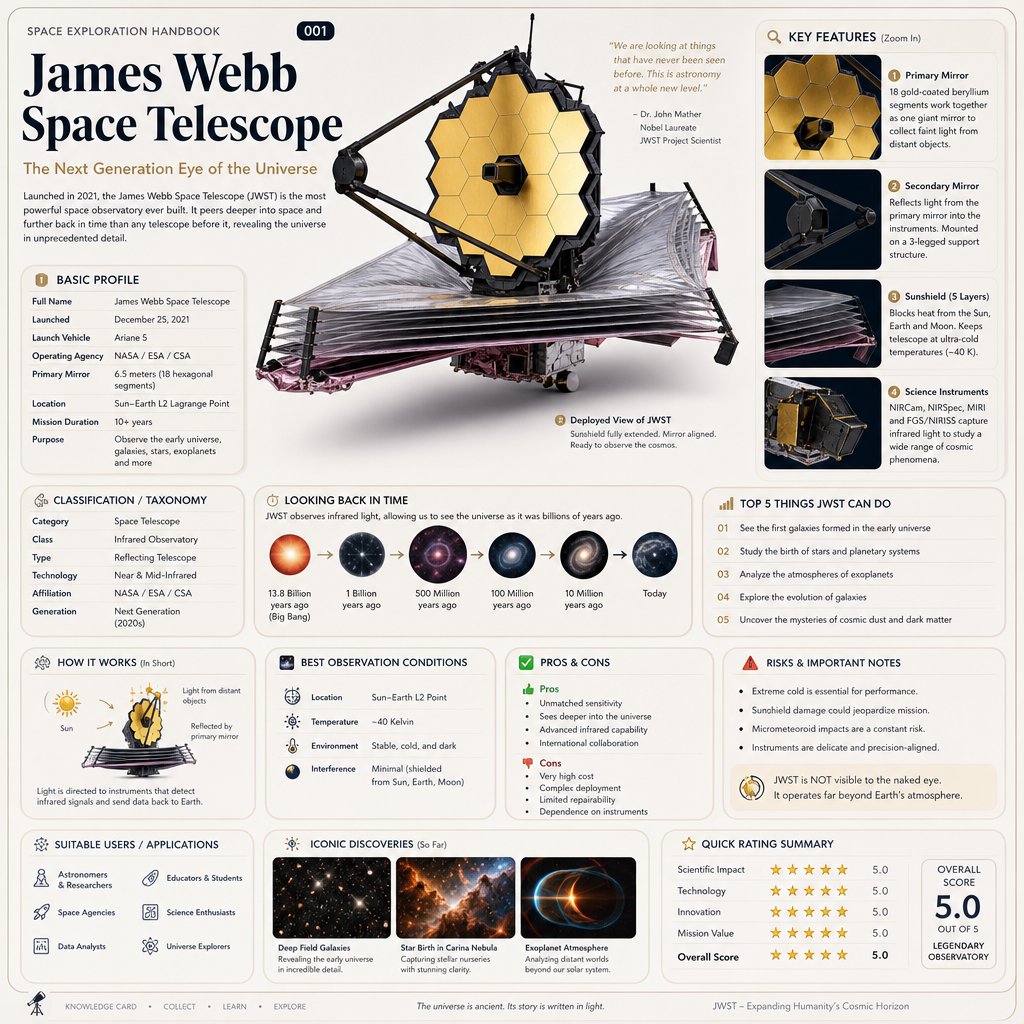
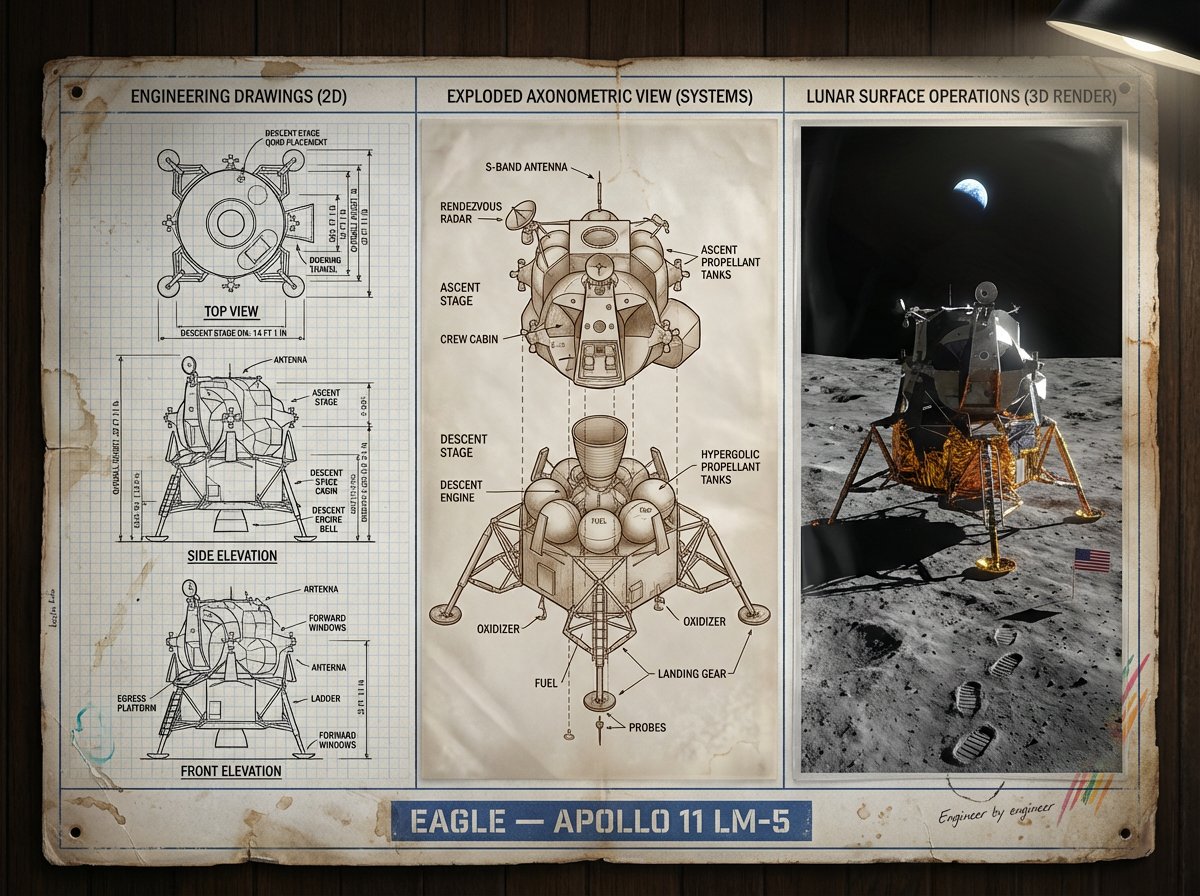
This set is meant for clarity-first visuals: diagrams, explainers, instructional layouts, and graphic systems that should communicate, not simply decorate. The prompts are strongest when the information hierarchy is obvious from the first generation.
Use them when you need structure, labels, icon relationships, or visual explanation patterns that can be refined into a larger content system.
Best For
- Explainers, process diagrams, educational visuals, and structured marketing graphics.
- Layouts where information hierarchy and visual grouping matter more than cinematic atmosphere.
- Foundational prompt systems for slide decks, content hubs, or documentation visuals.
How To Use This Collection
- 1
Start with the layout logic that most closely matches your information hierarchy before changing colors or style.
- 2
Keep typography-related constraints in view. Some prompts intentionally suppress text-like outputs.
- 3
If you need dense labels, test simplified diagrams first and then add text expectations once the structure works.
Start With These Prompts
Handpicked from this collection to give you the cleanest starting structures.
Featured Prompt
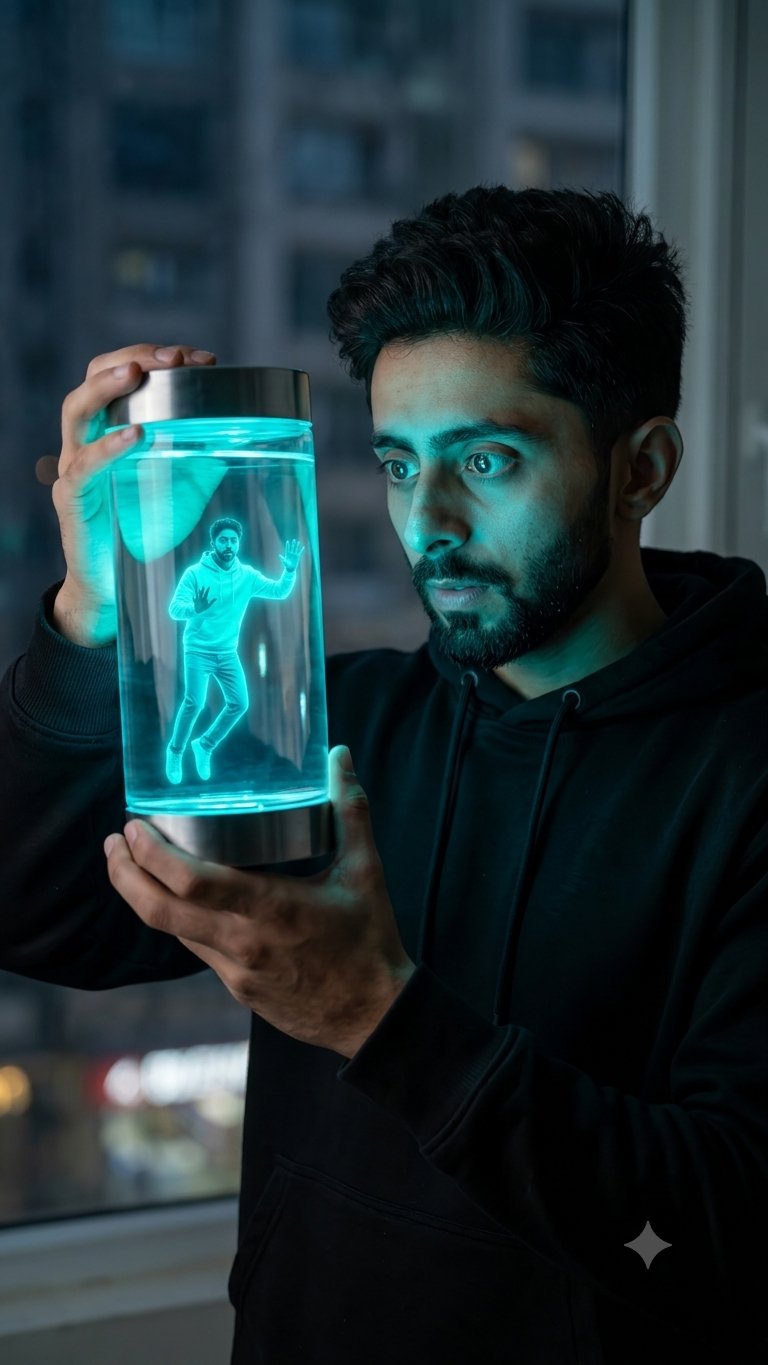
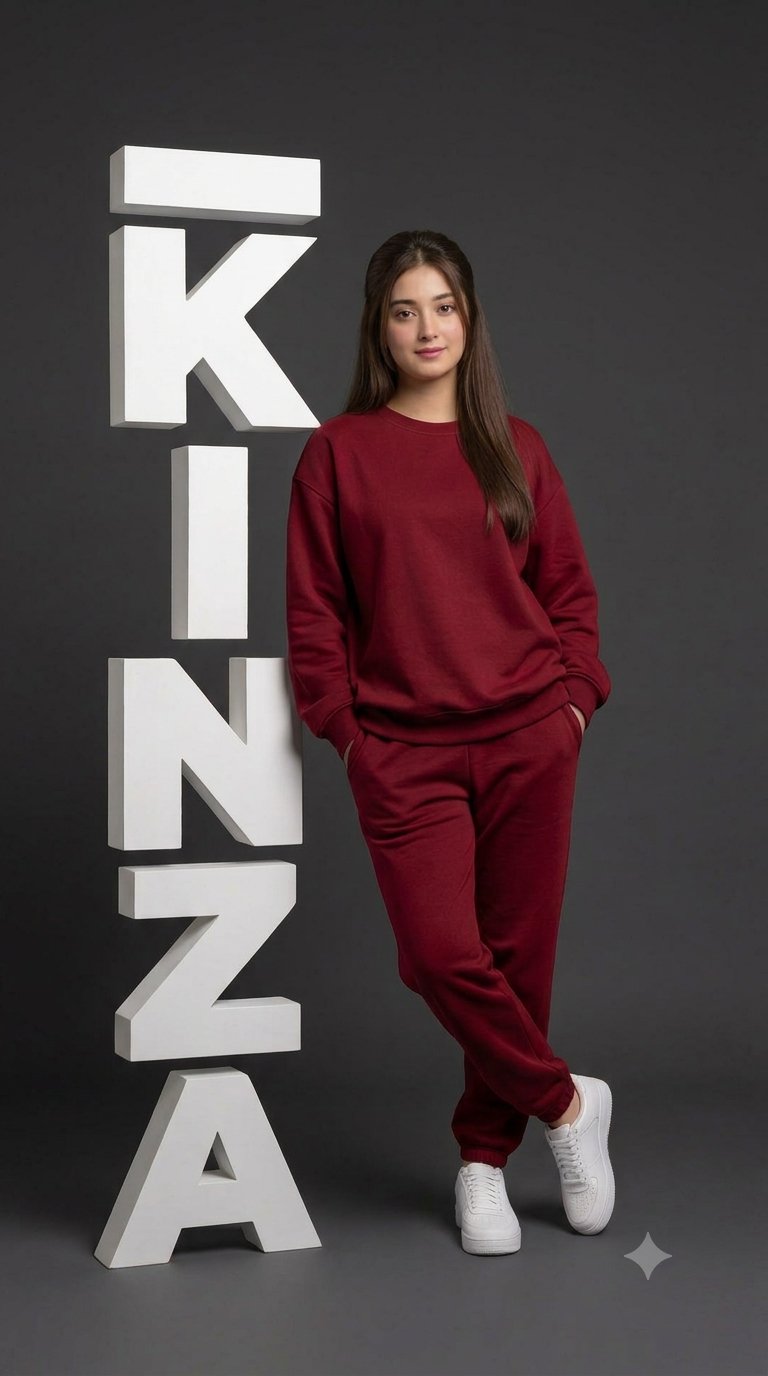
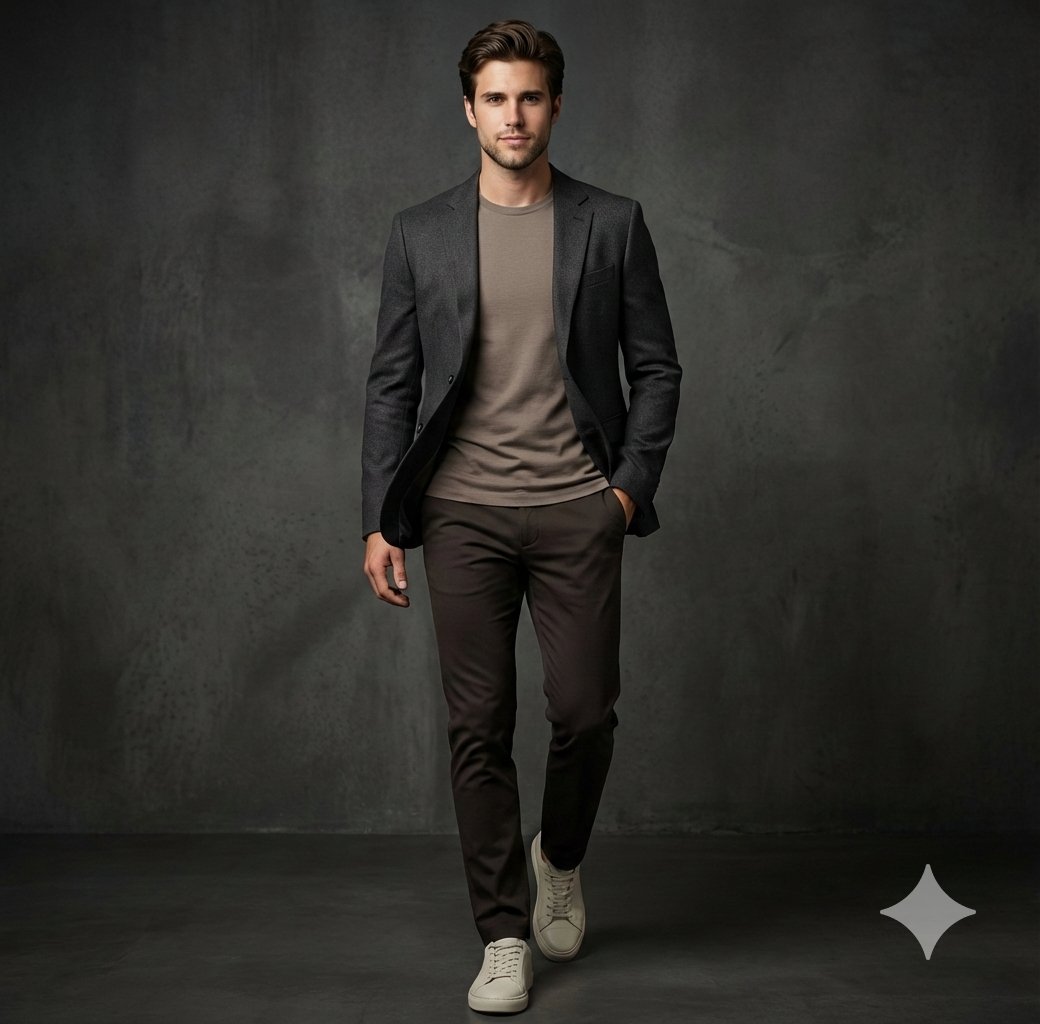
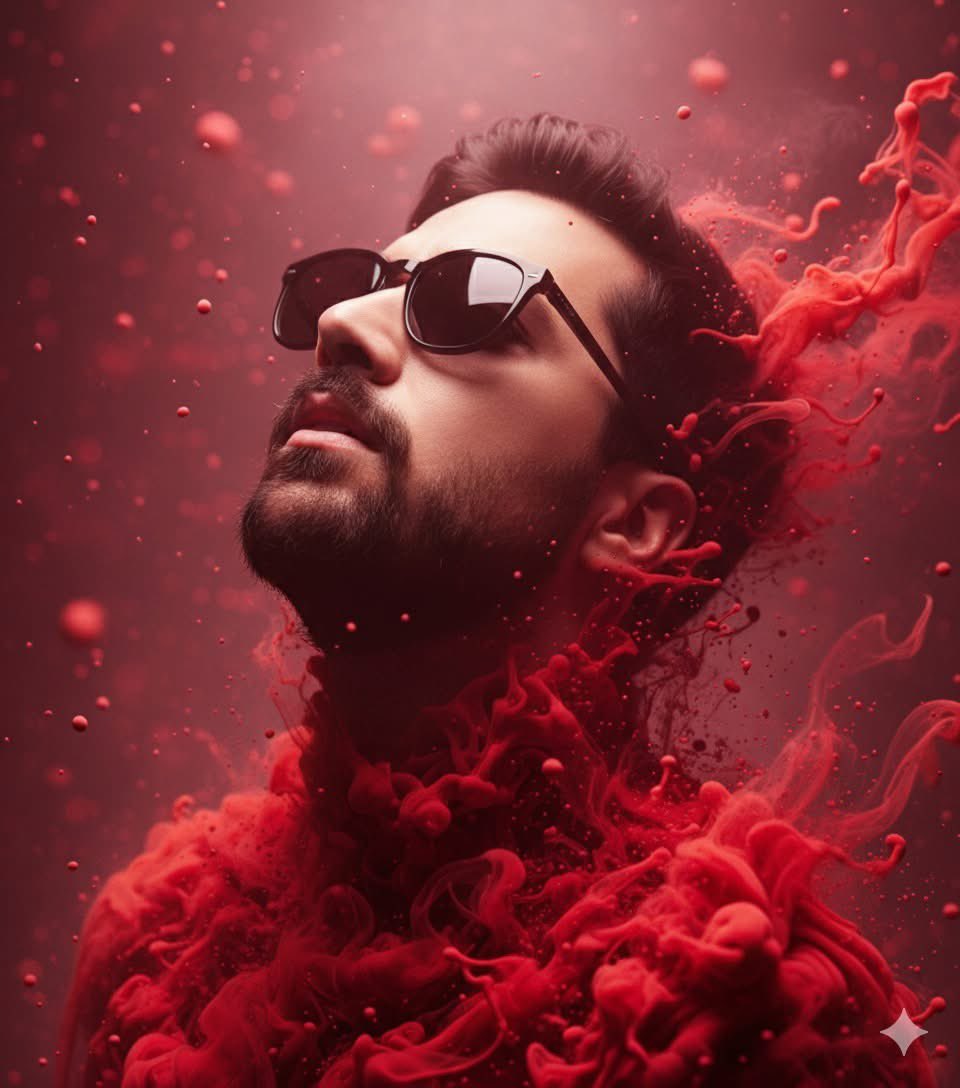
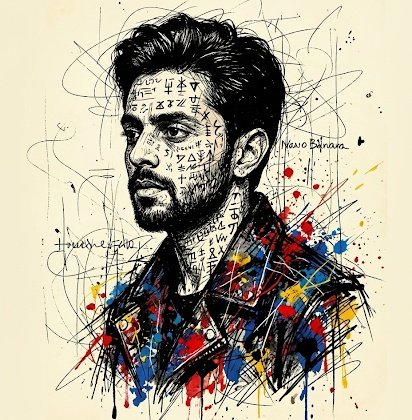
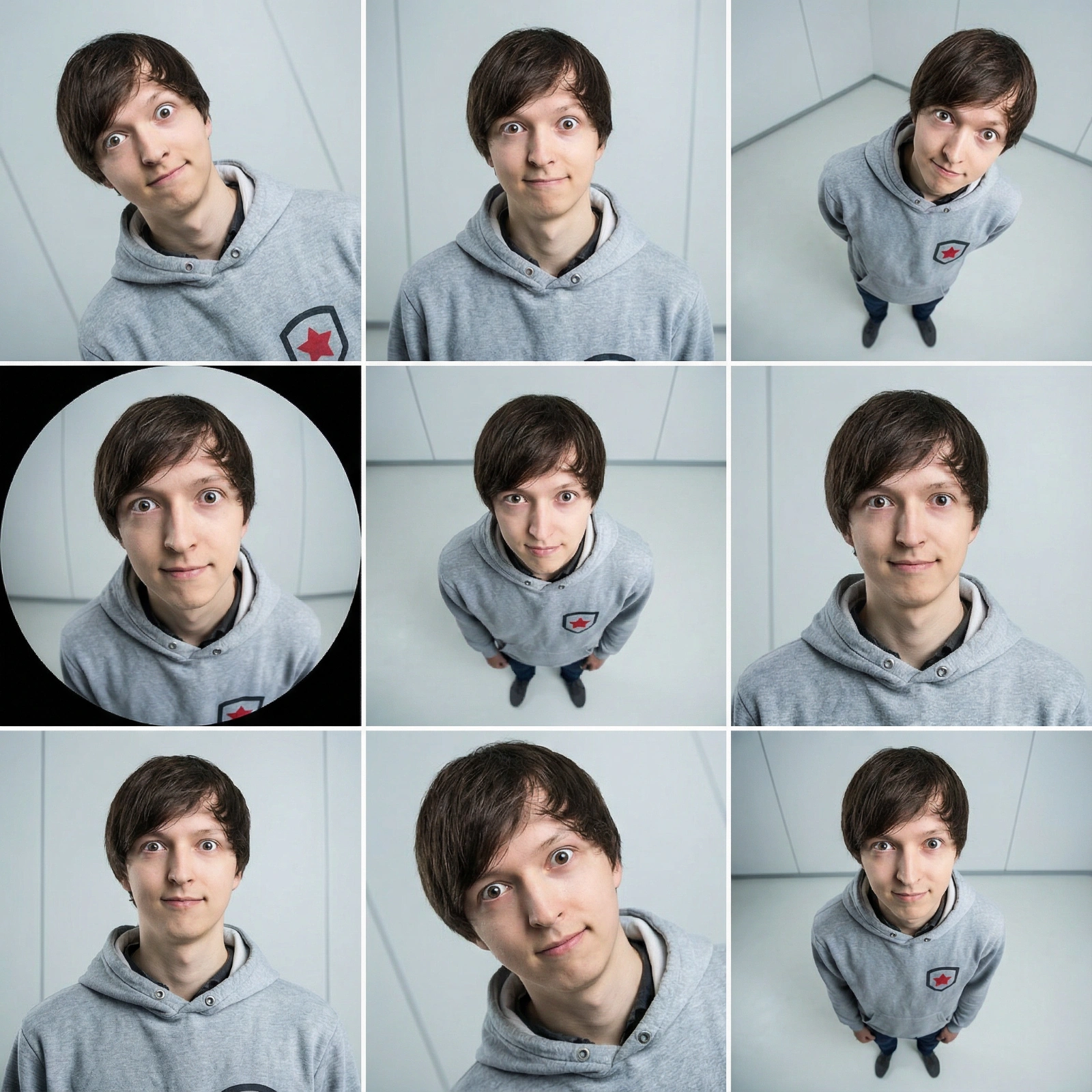
Copy this Nano Banana Pro reference-guided prompt to create man visuals
Copy this Nano Banana Pro reference-guided prompt to create man visuals in studio setups with surreal composition and clean minimalist composition. Best in...
Featured Prompt
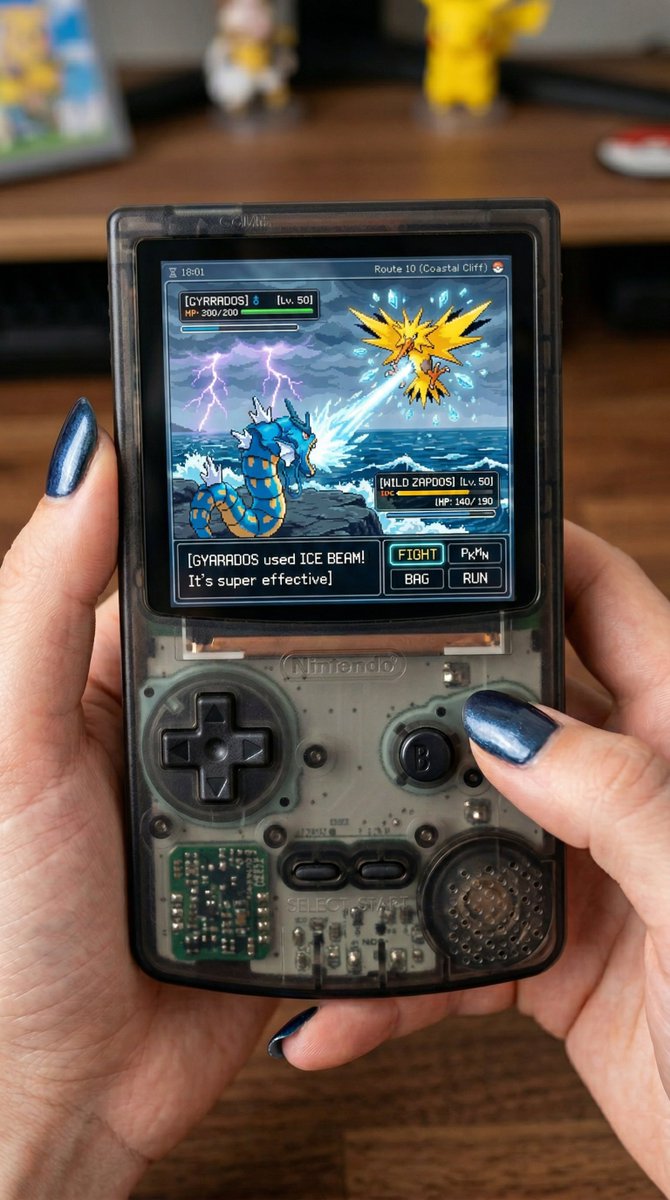
Modern See-through Gameboy Color
Copy this Nano Banana Pro reference-guided prompt to create nano banana visuals with clean minimalist composition. Best in 3:4 framing.
Featured Prompt
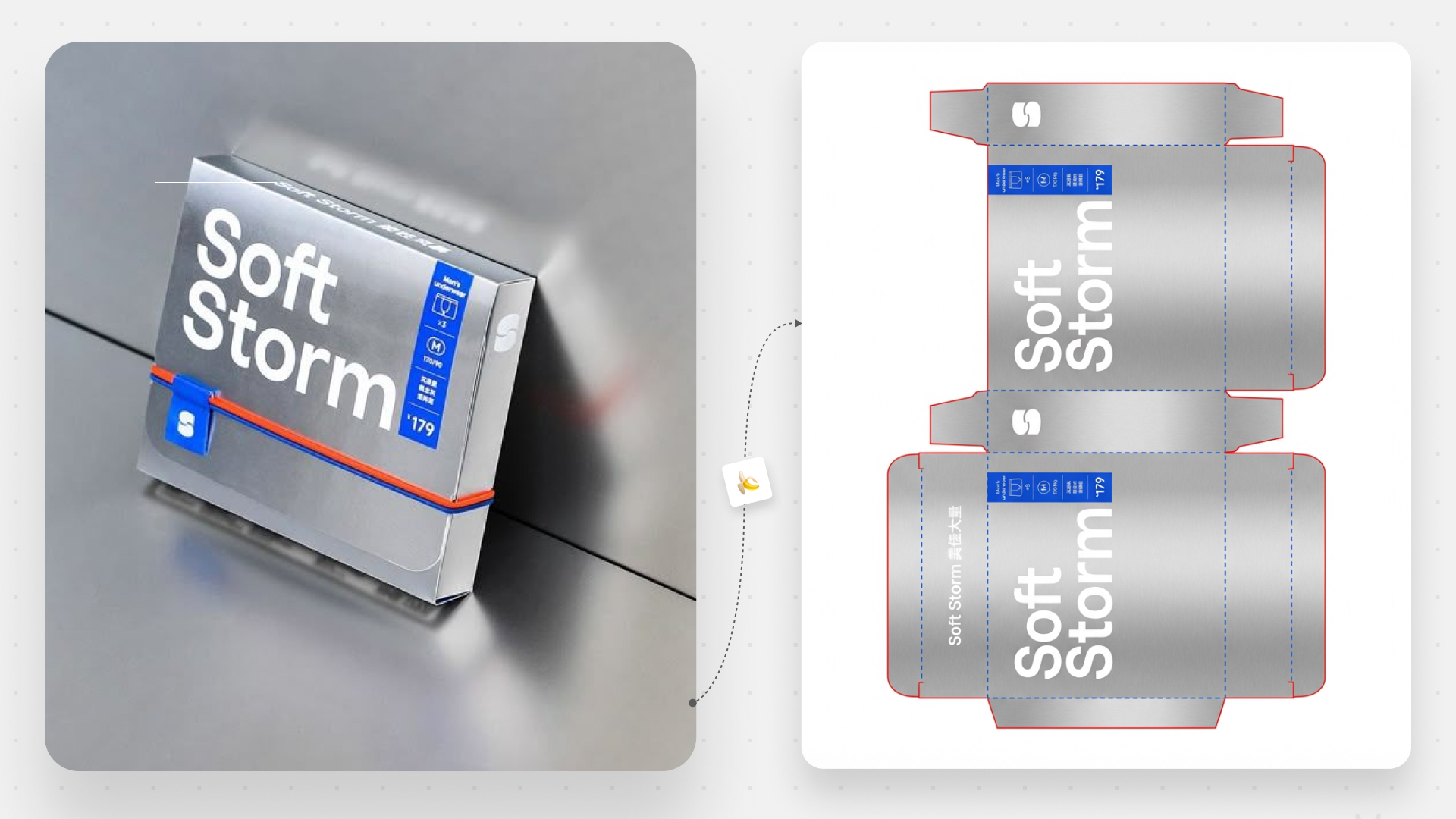
Chrome Gradient Product JSON
Copy this Nano Banana Pro text-to-image prompt to create product visuals with photorealistic detail and cinematic lighting. Best in 1:1 framing.
All Infographics & Diagrams Prompts
Browse the full collection, open any detail page, and then adapt the strongest base prompt for your use case.
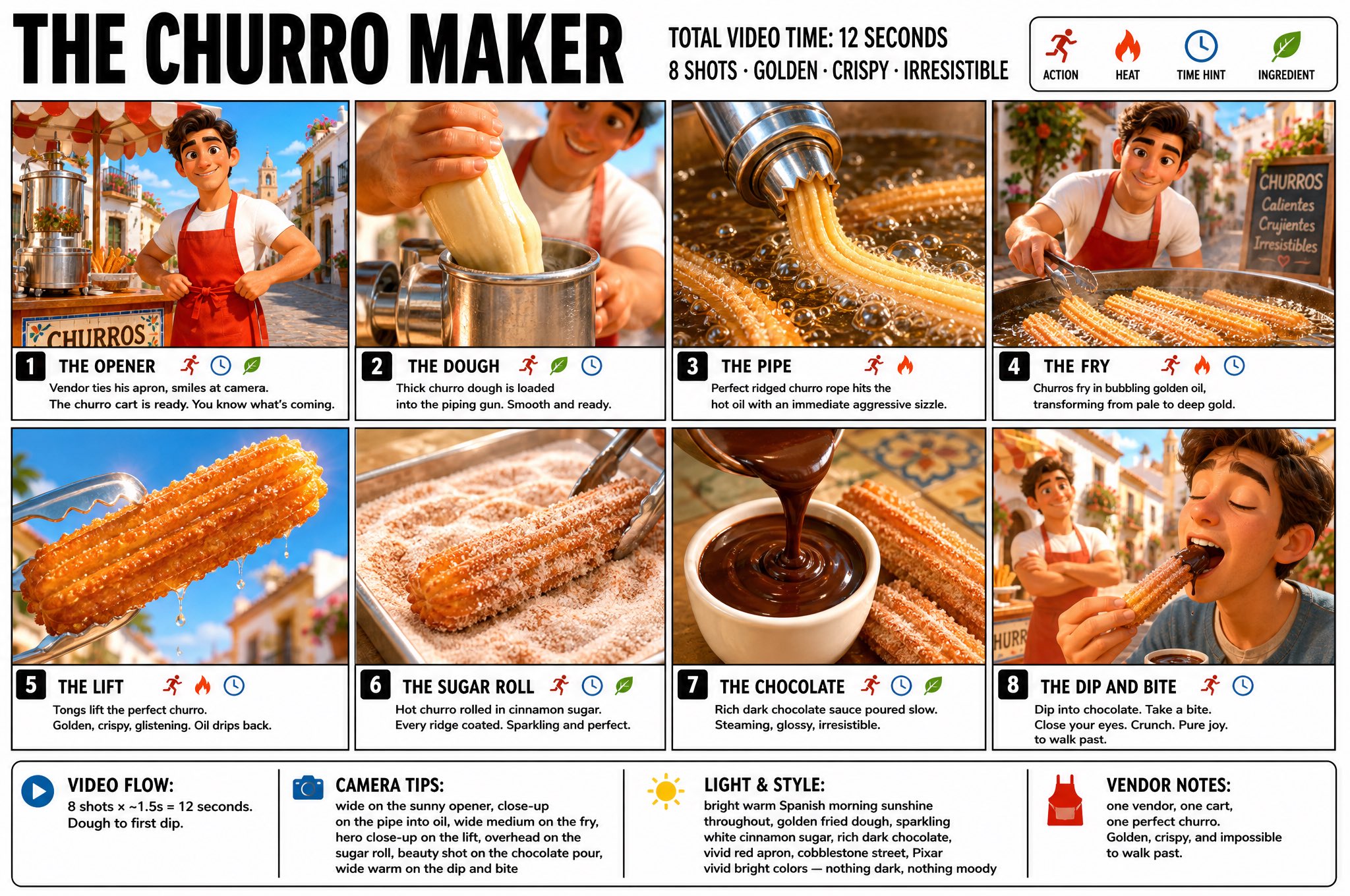
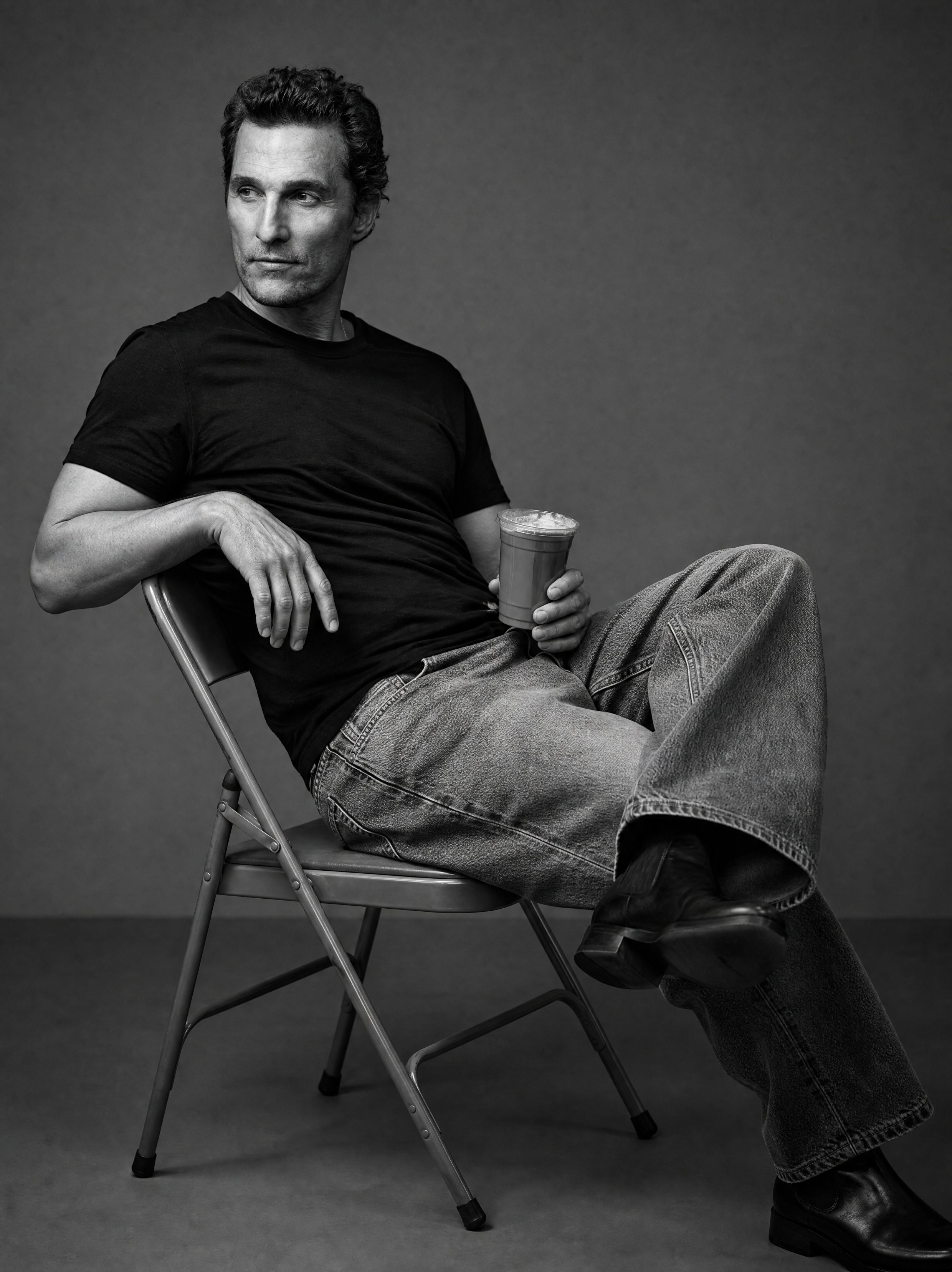
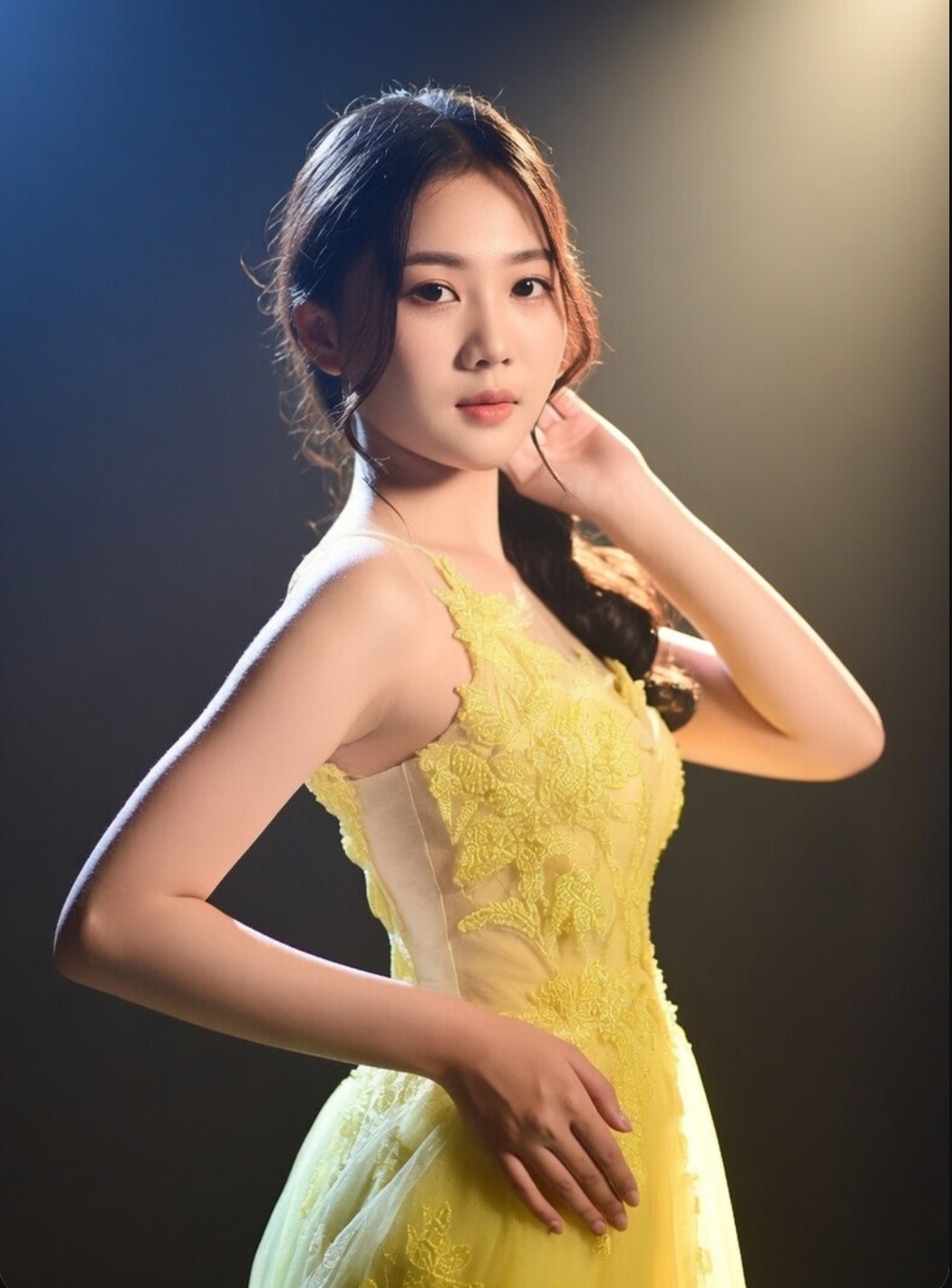
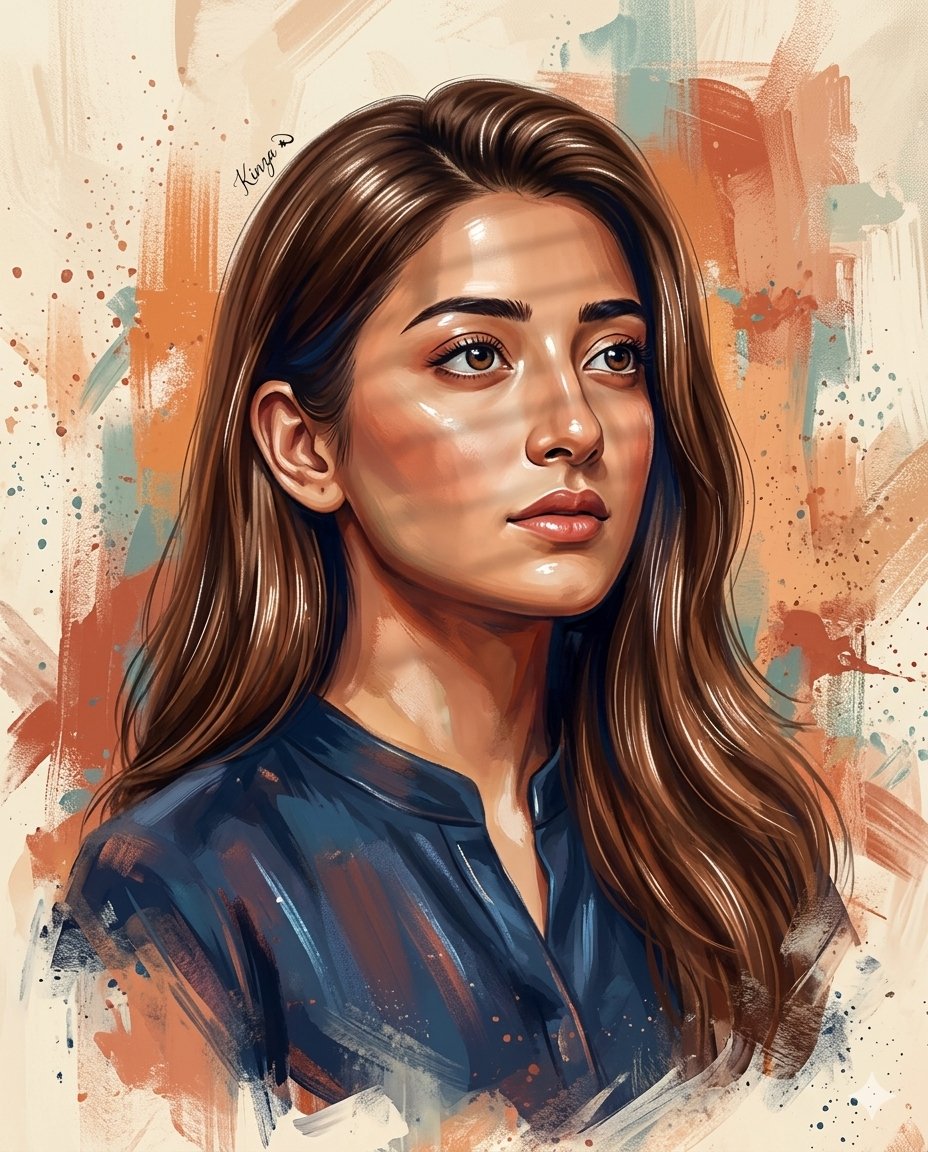
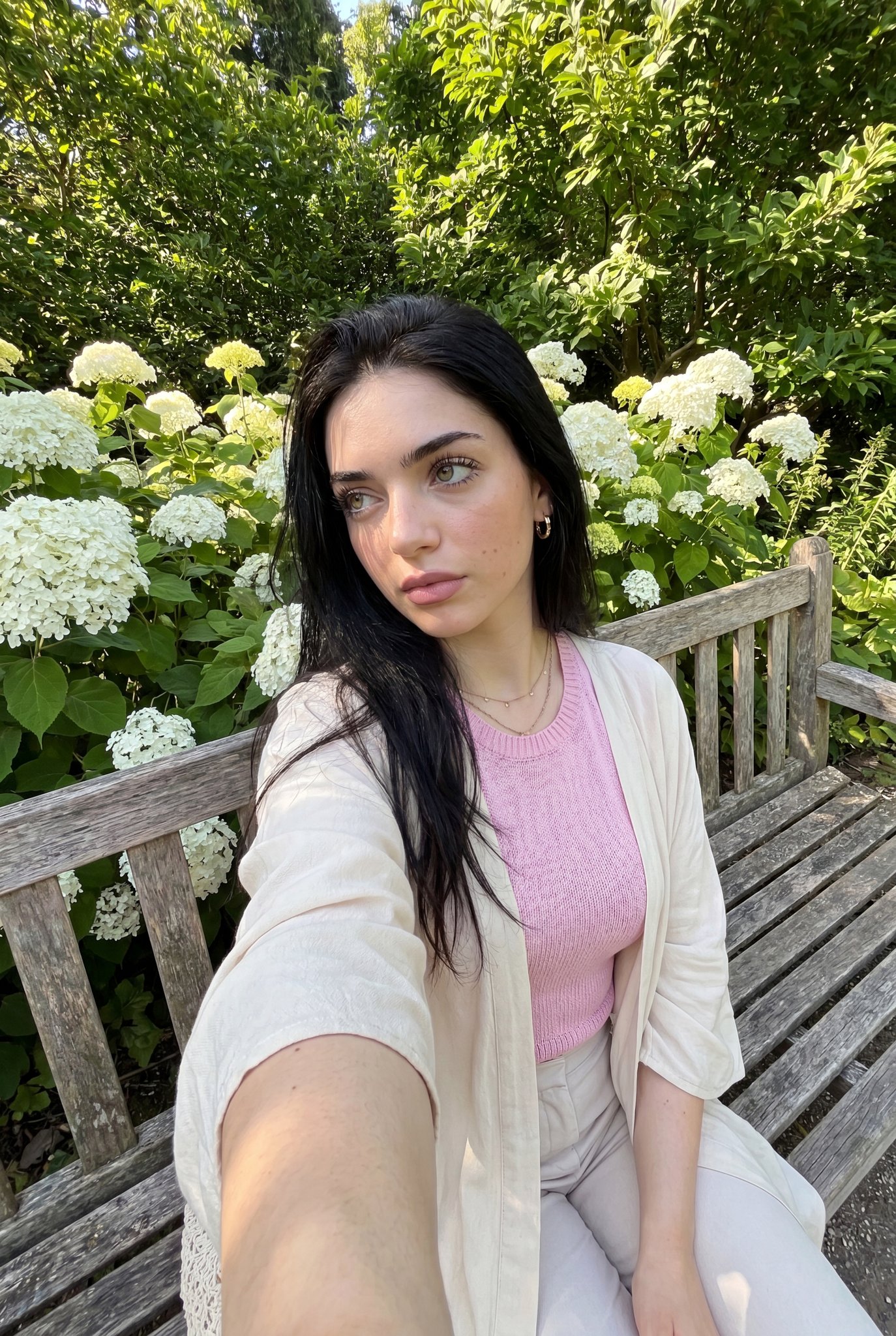
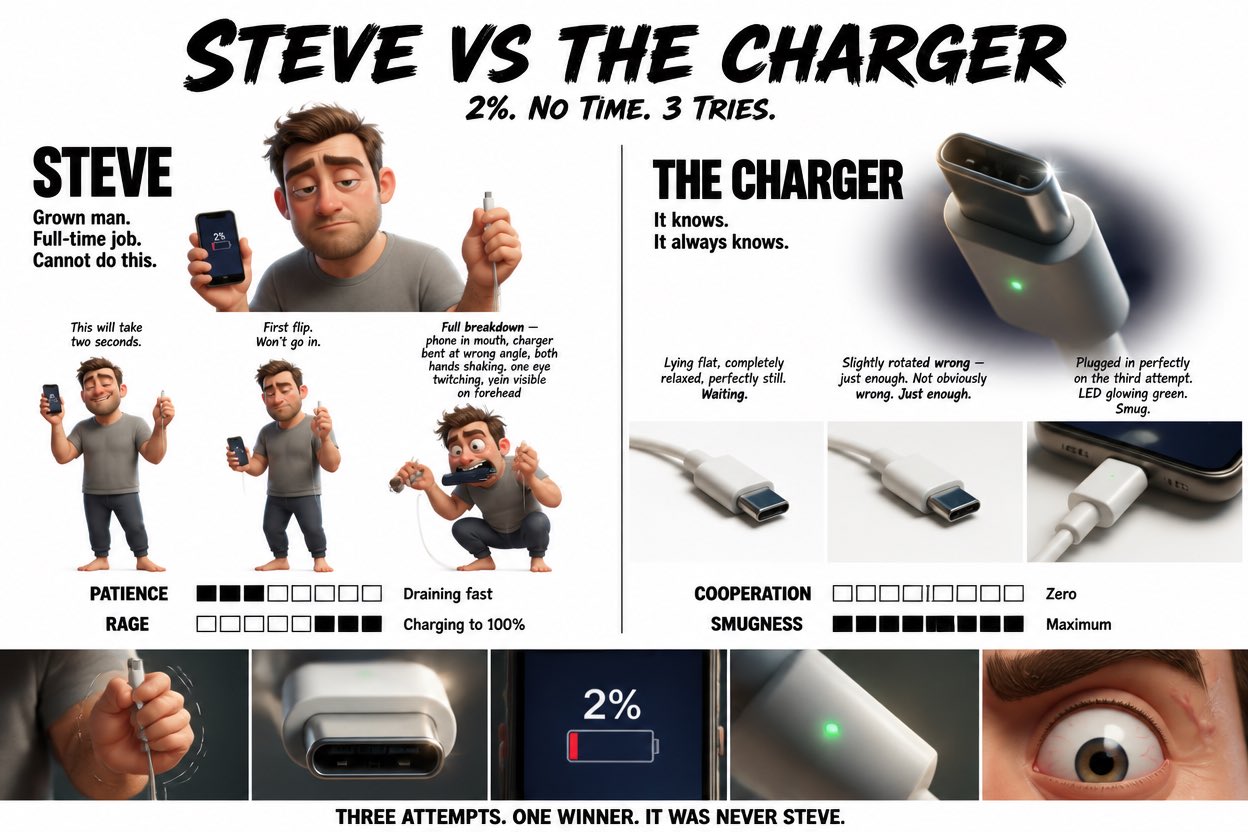
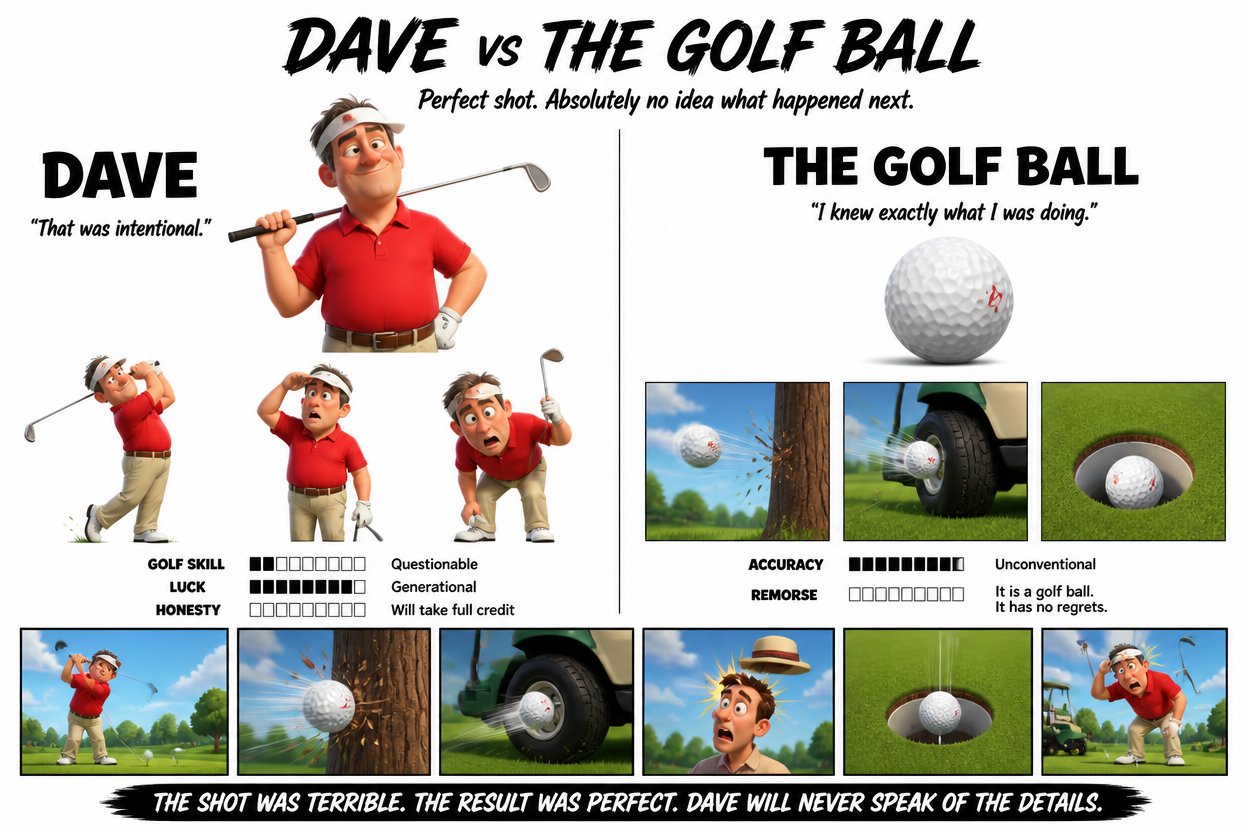
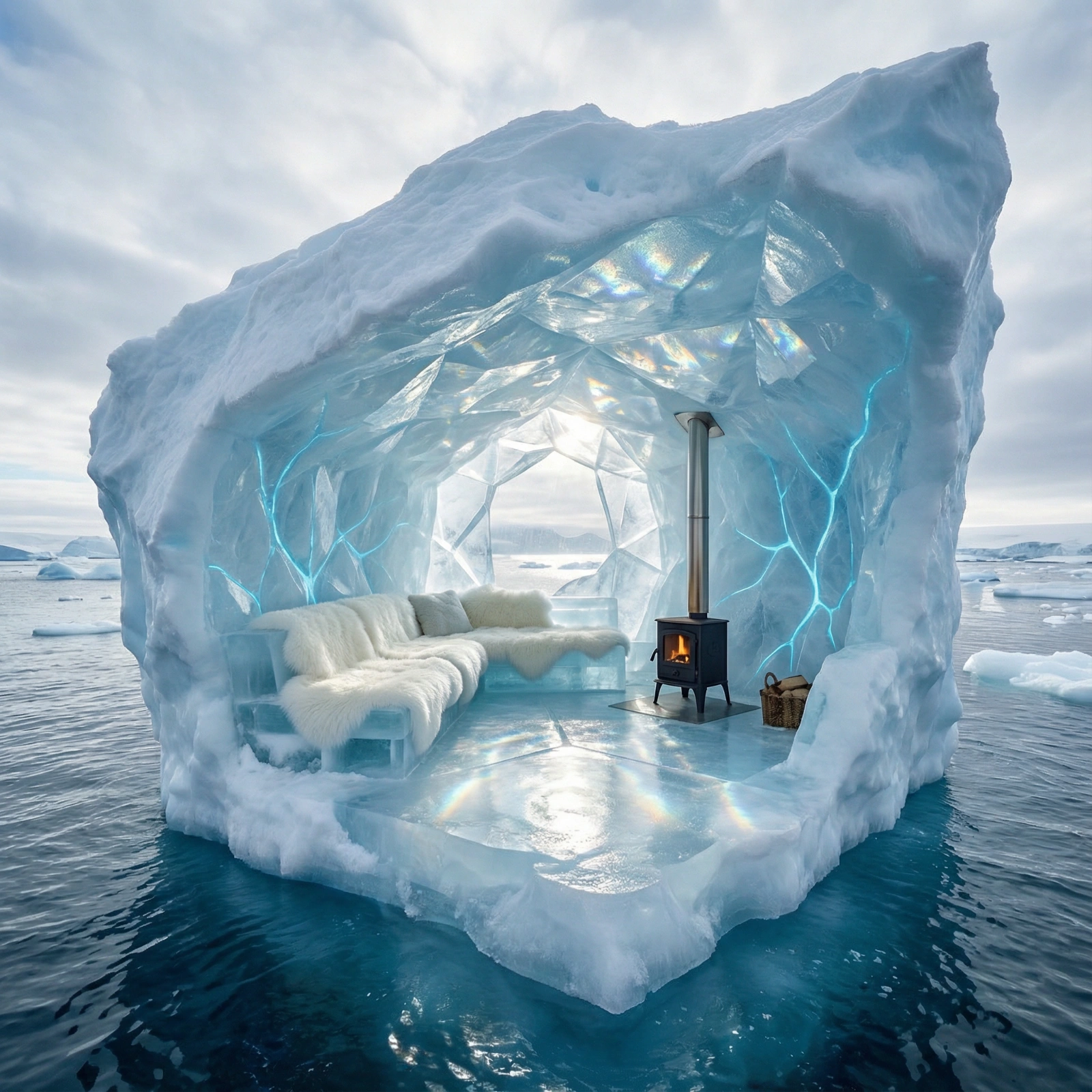
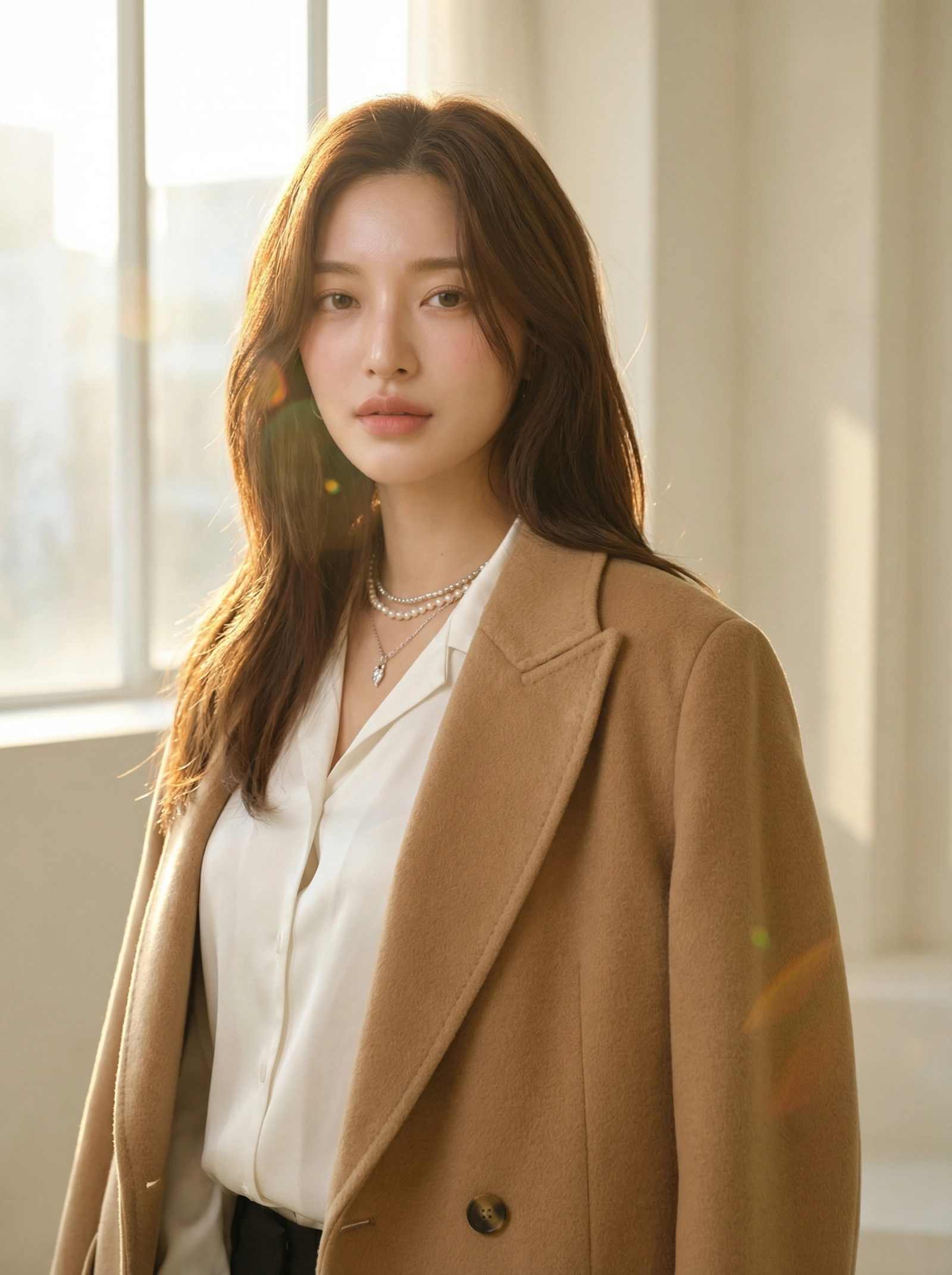
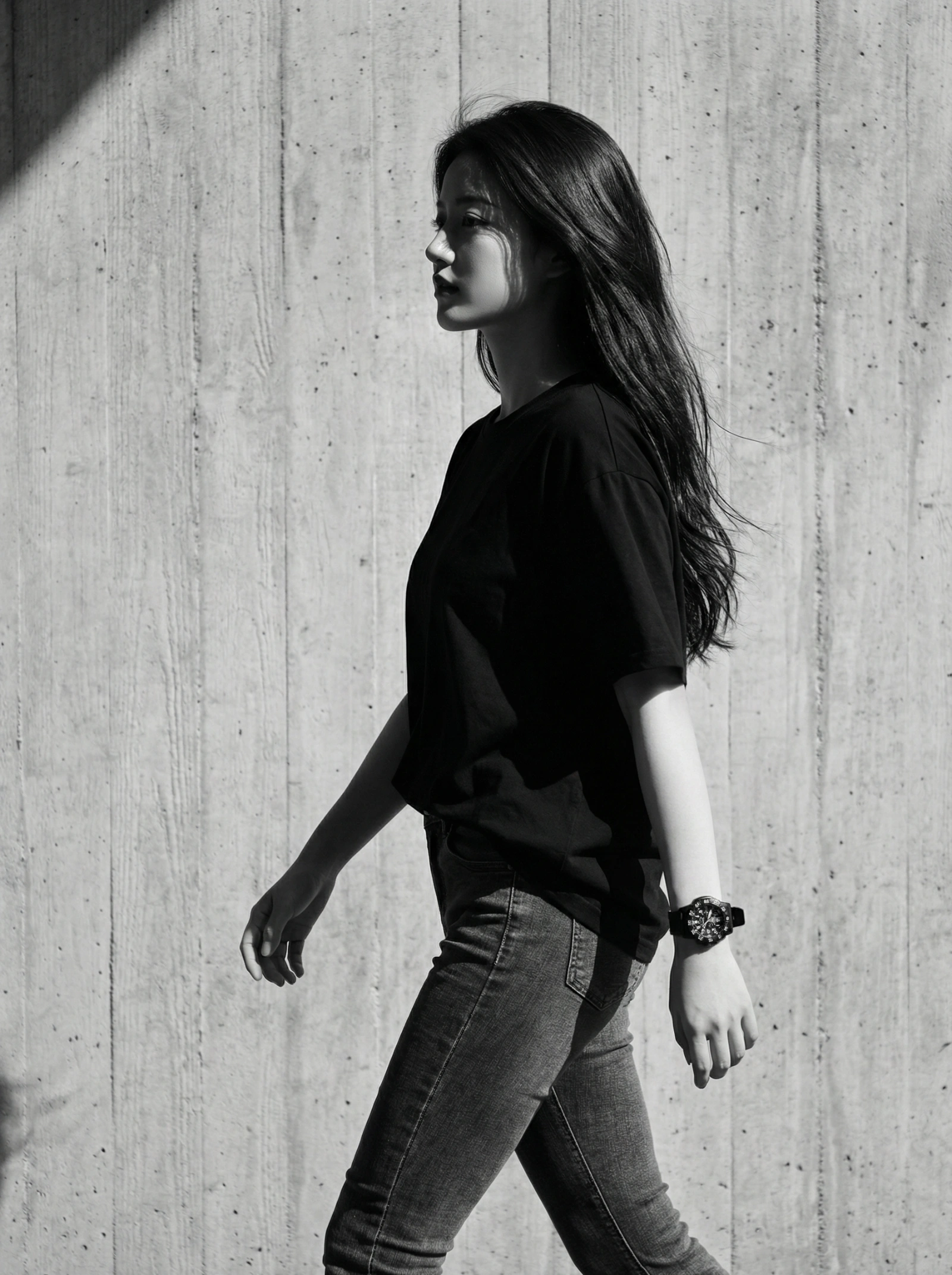
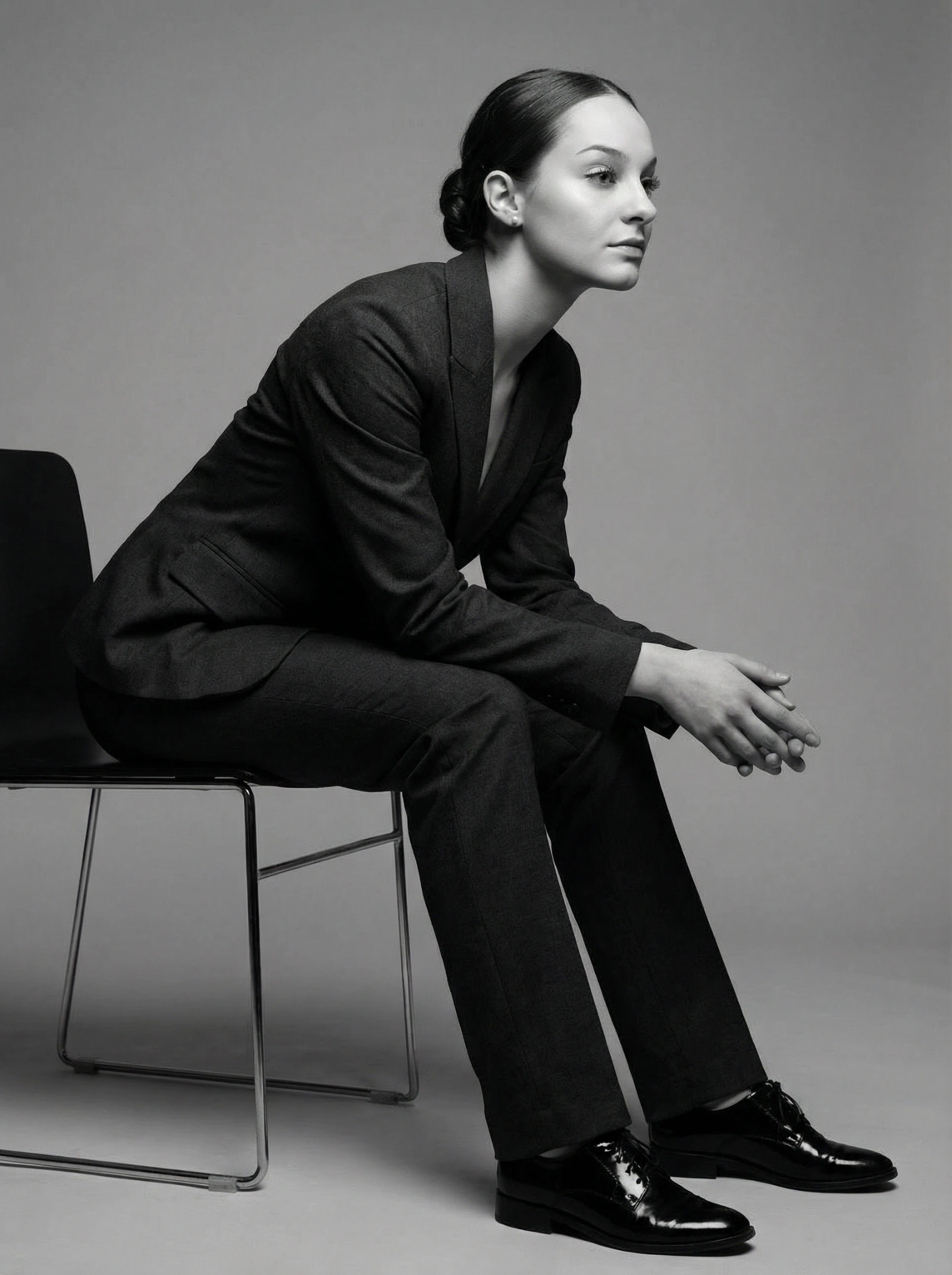
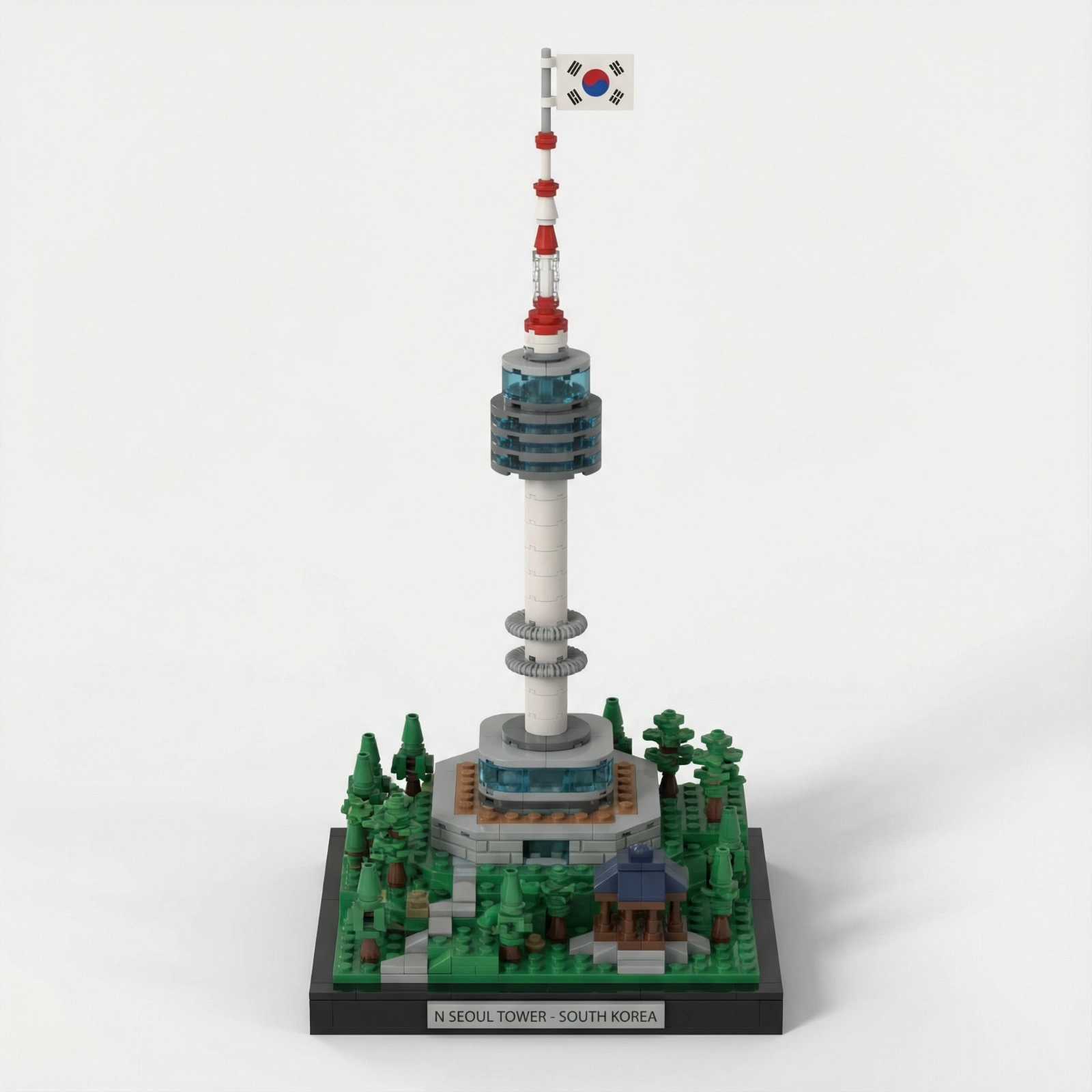
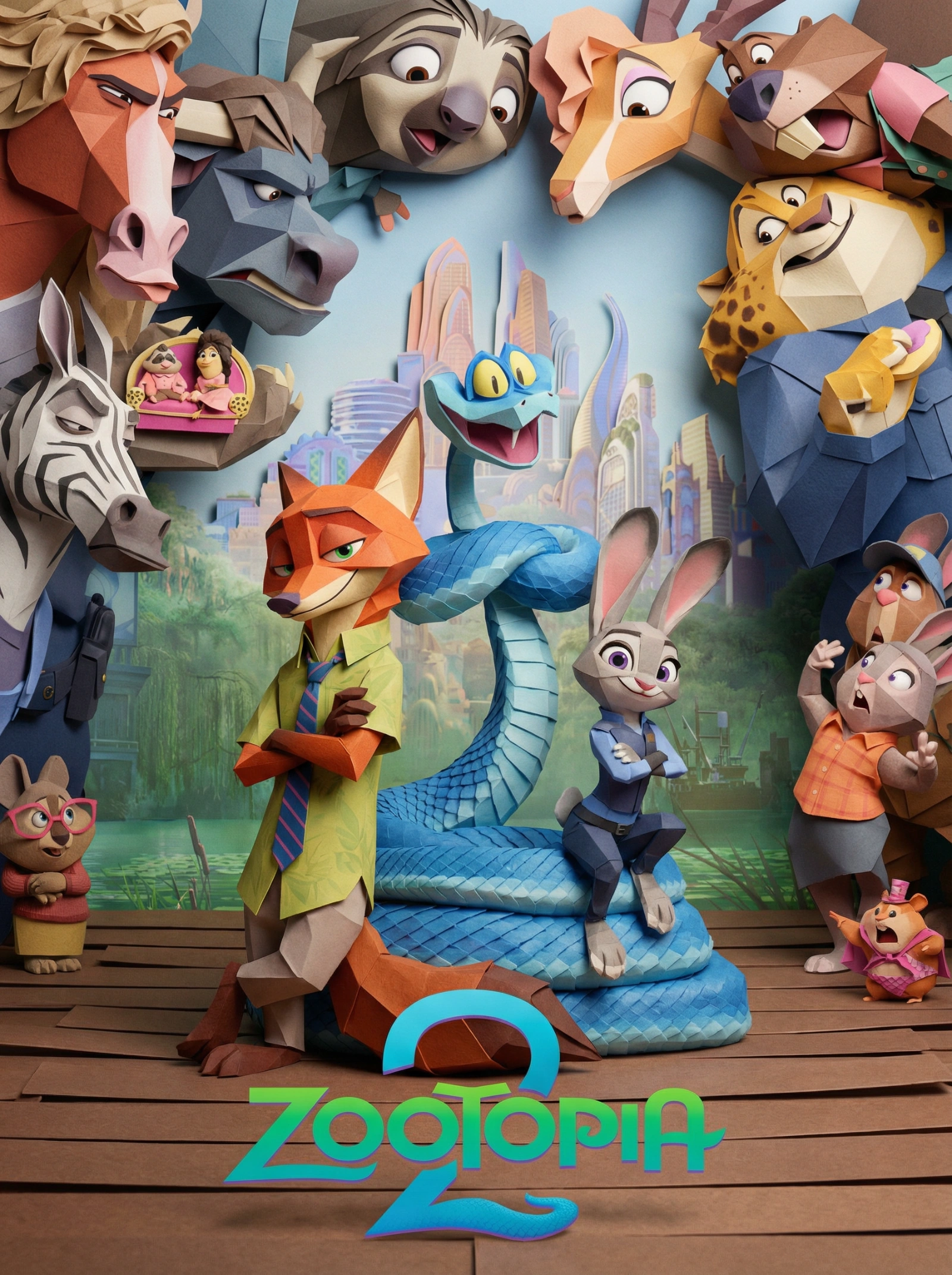
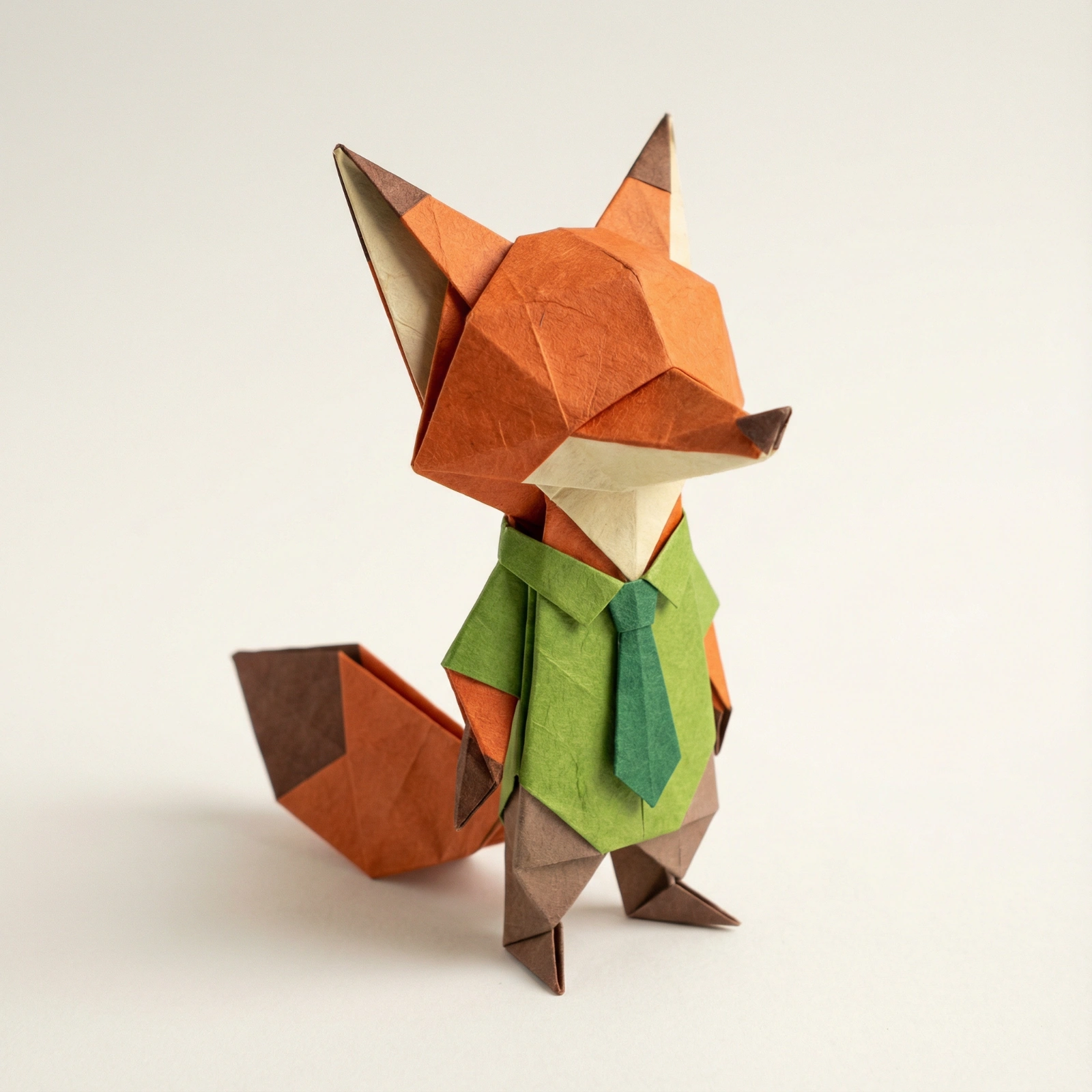
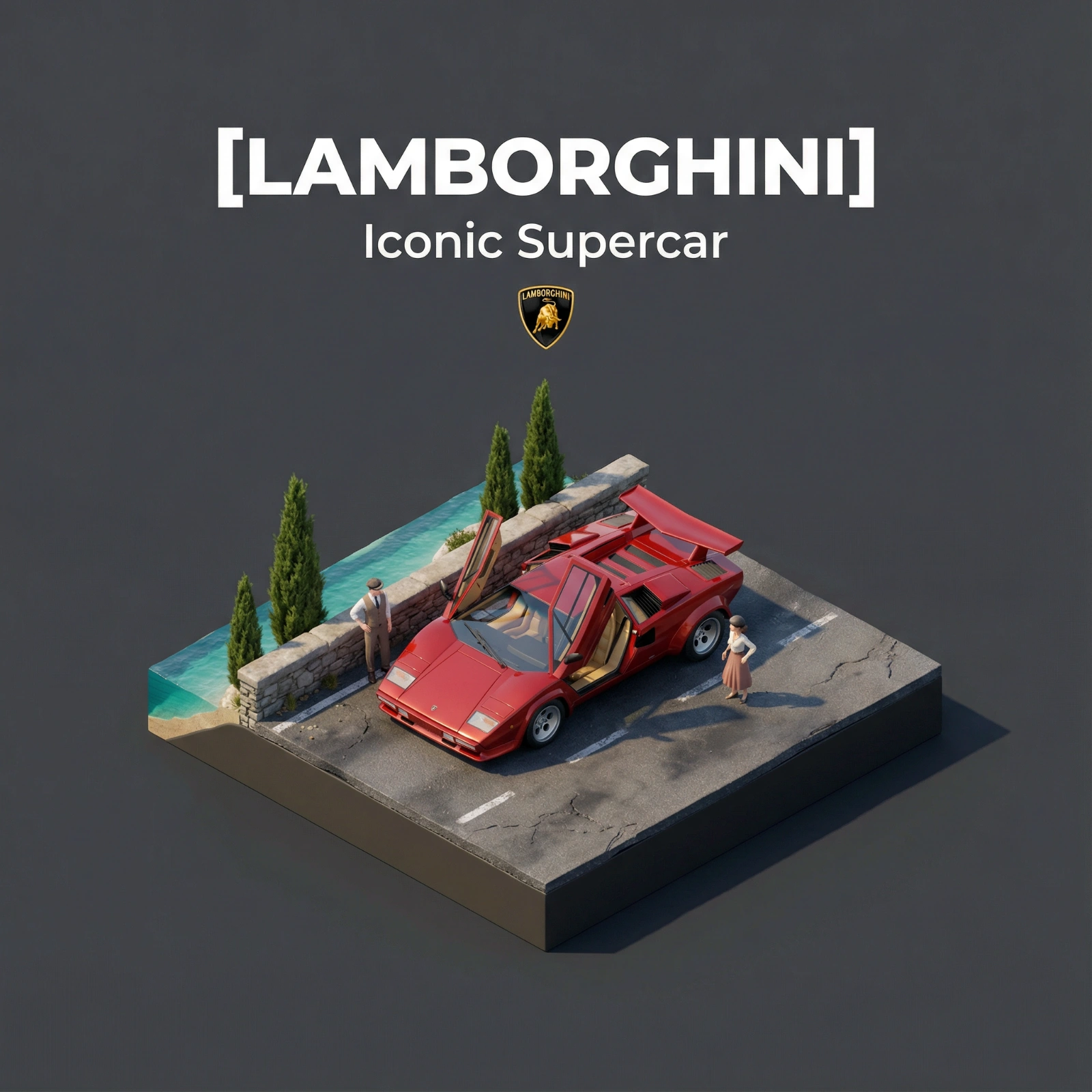
293 prompts in this collection

















































































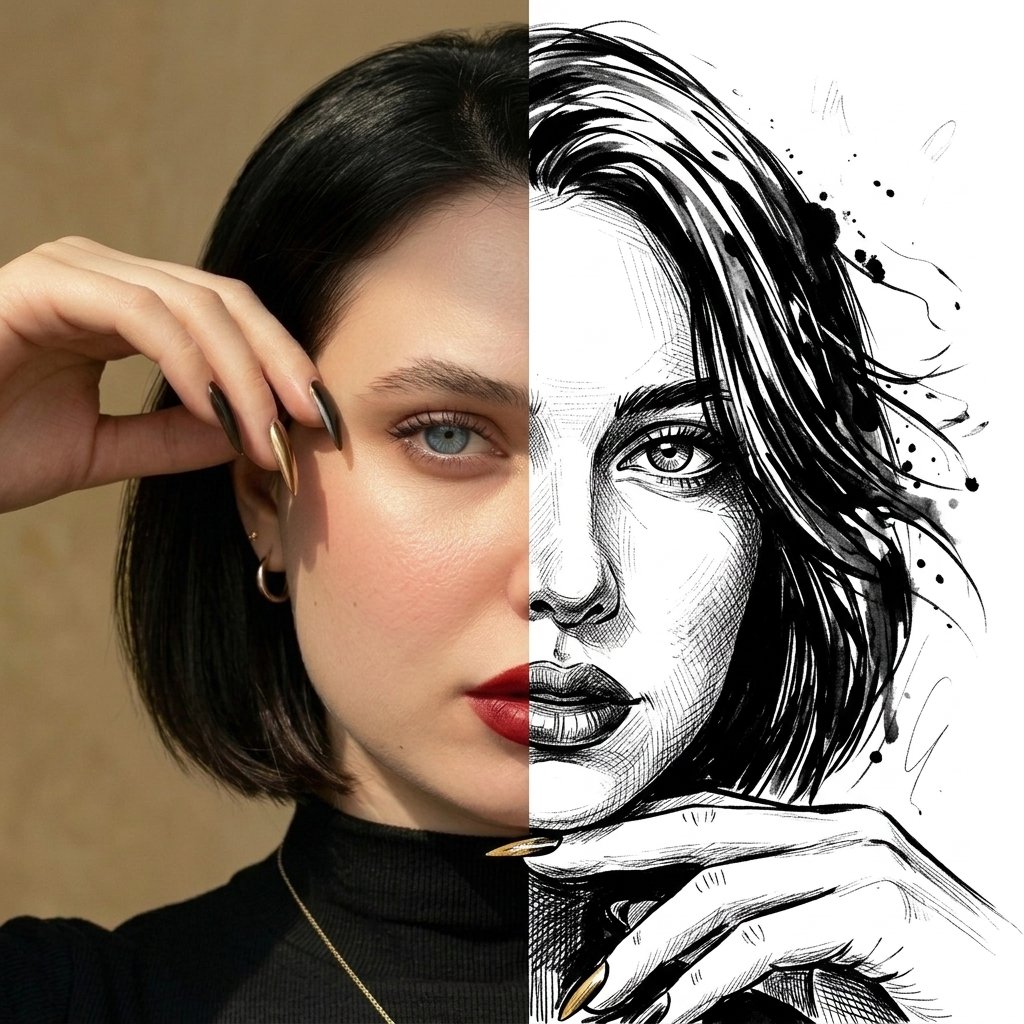




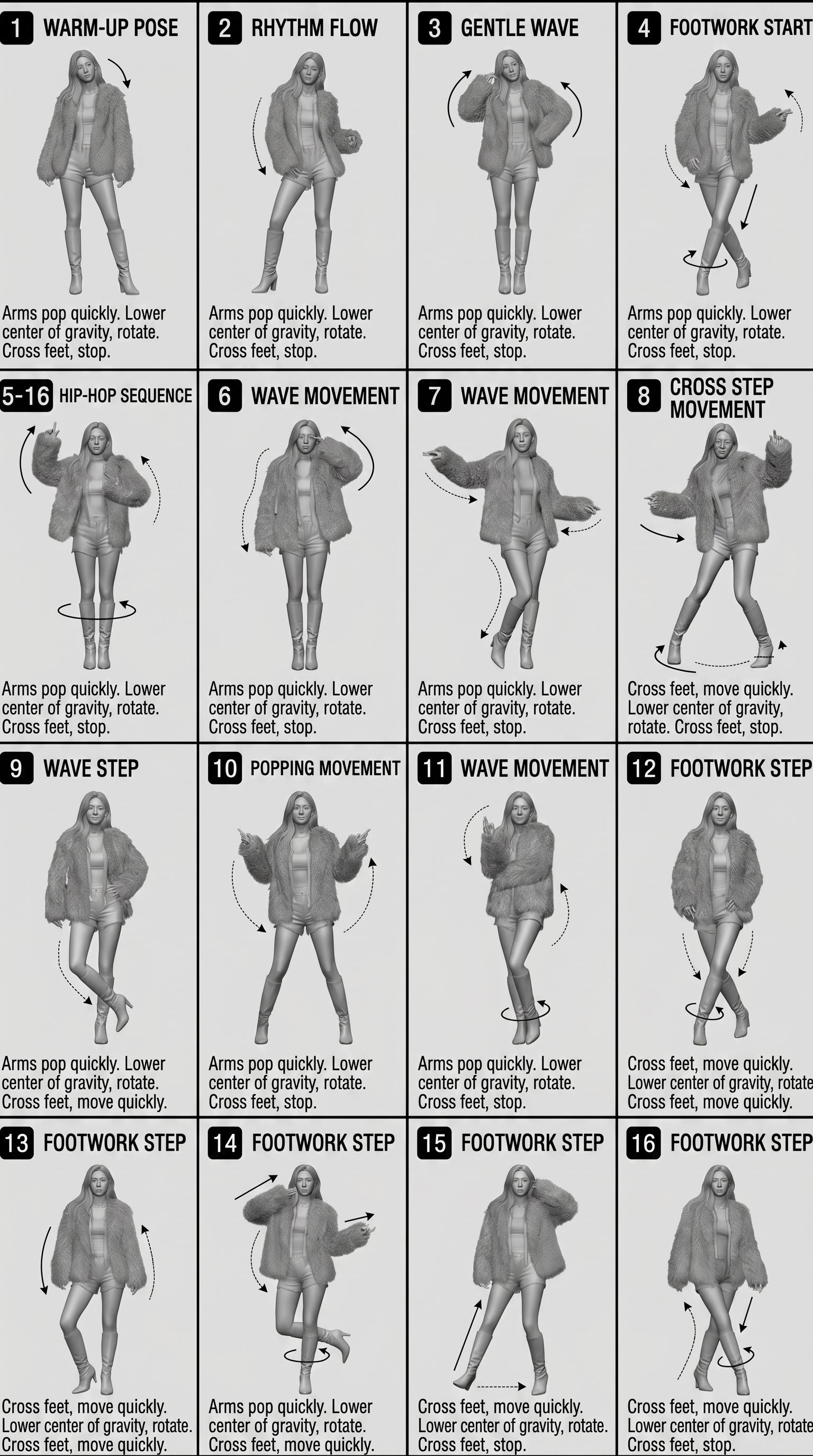








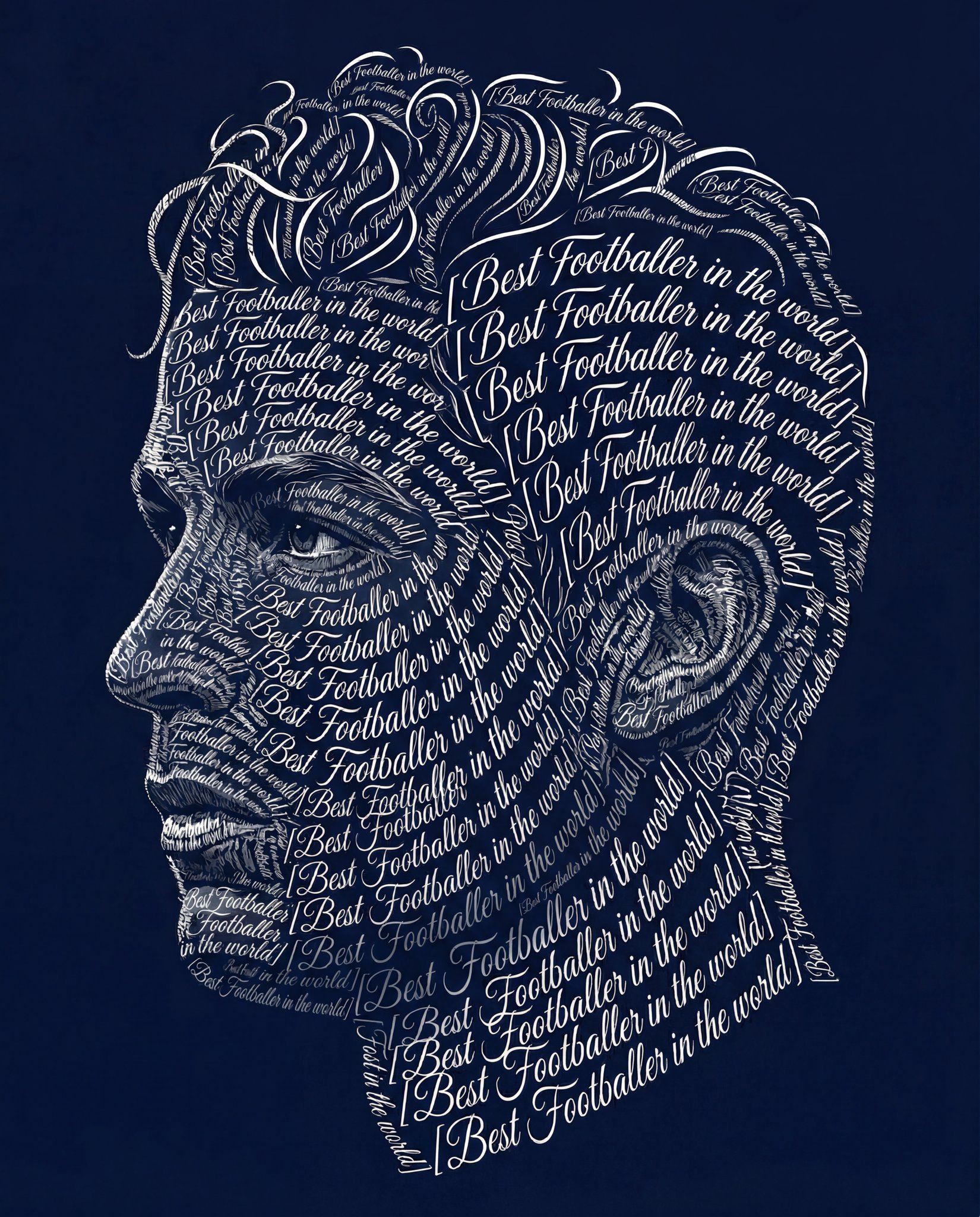
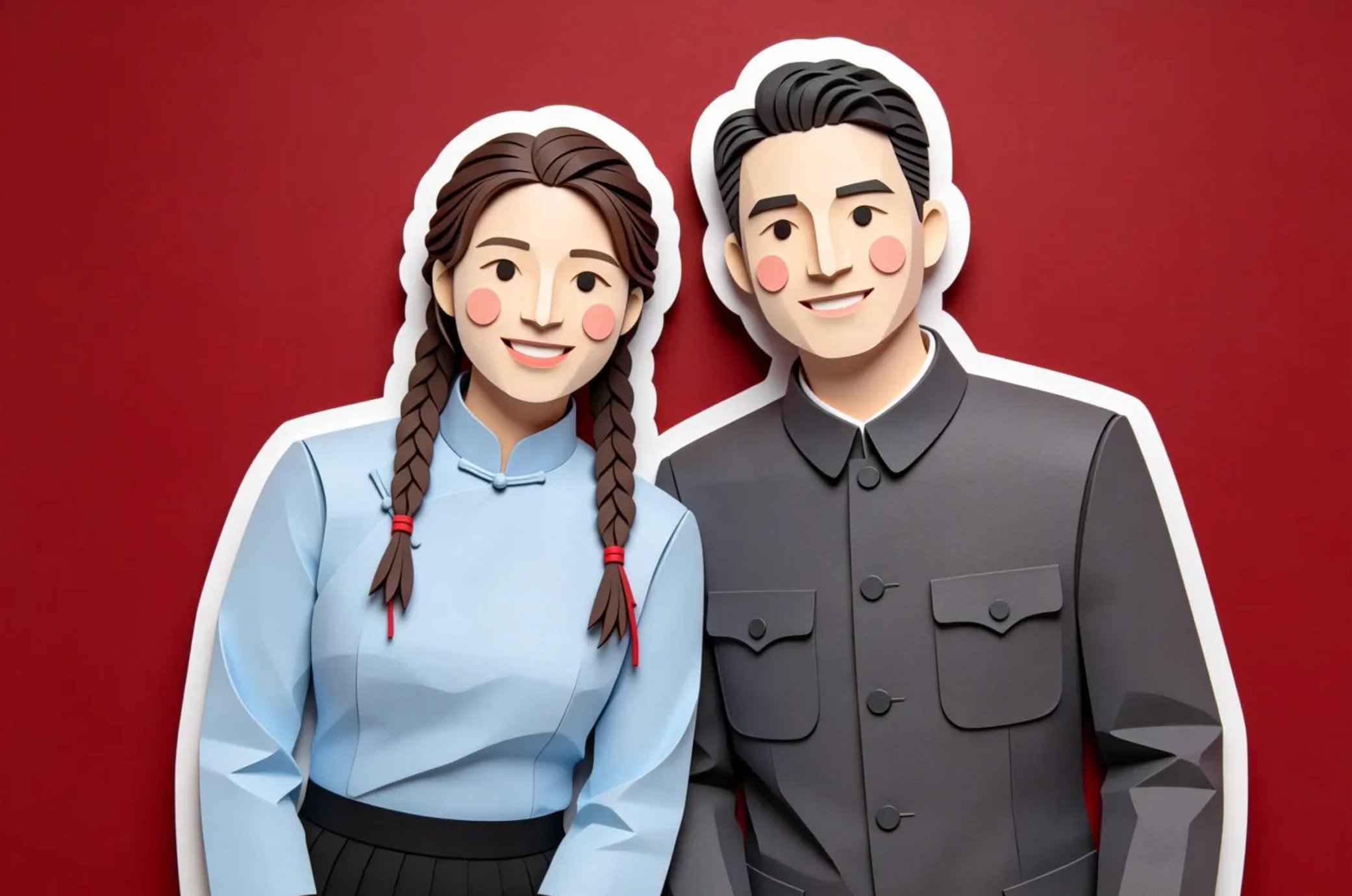










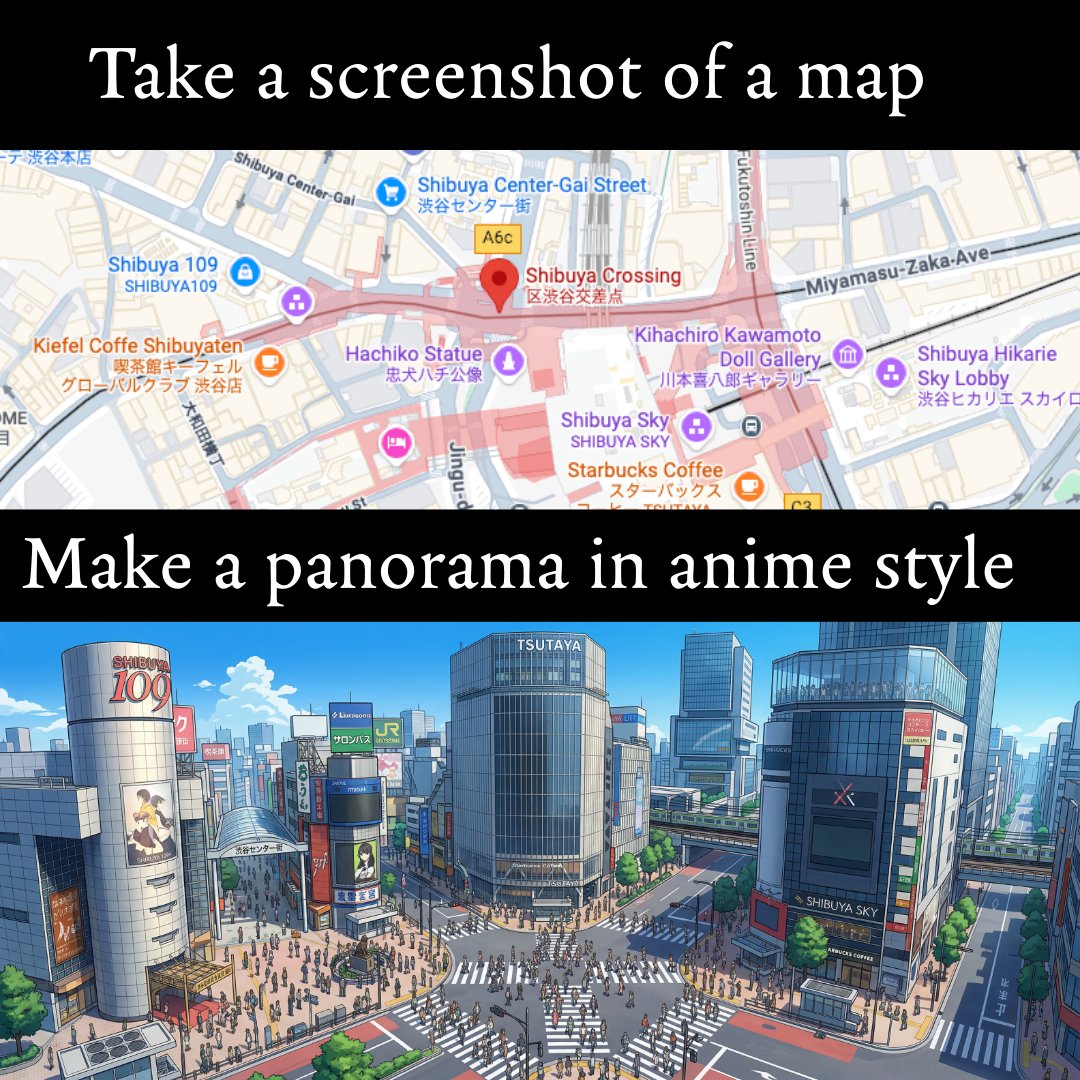
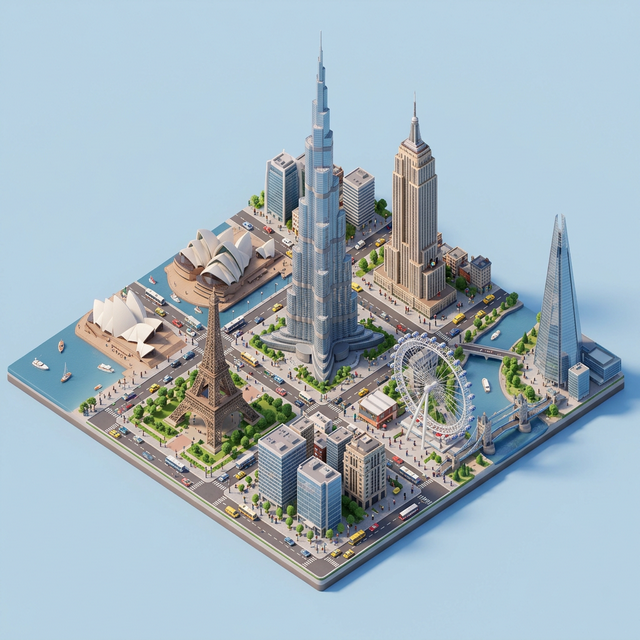
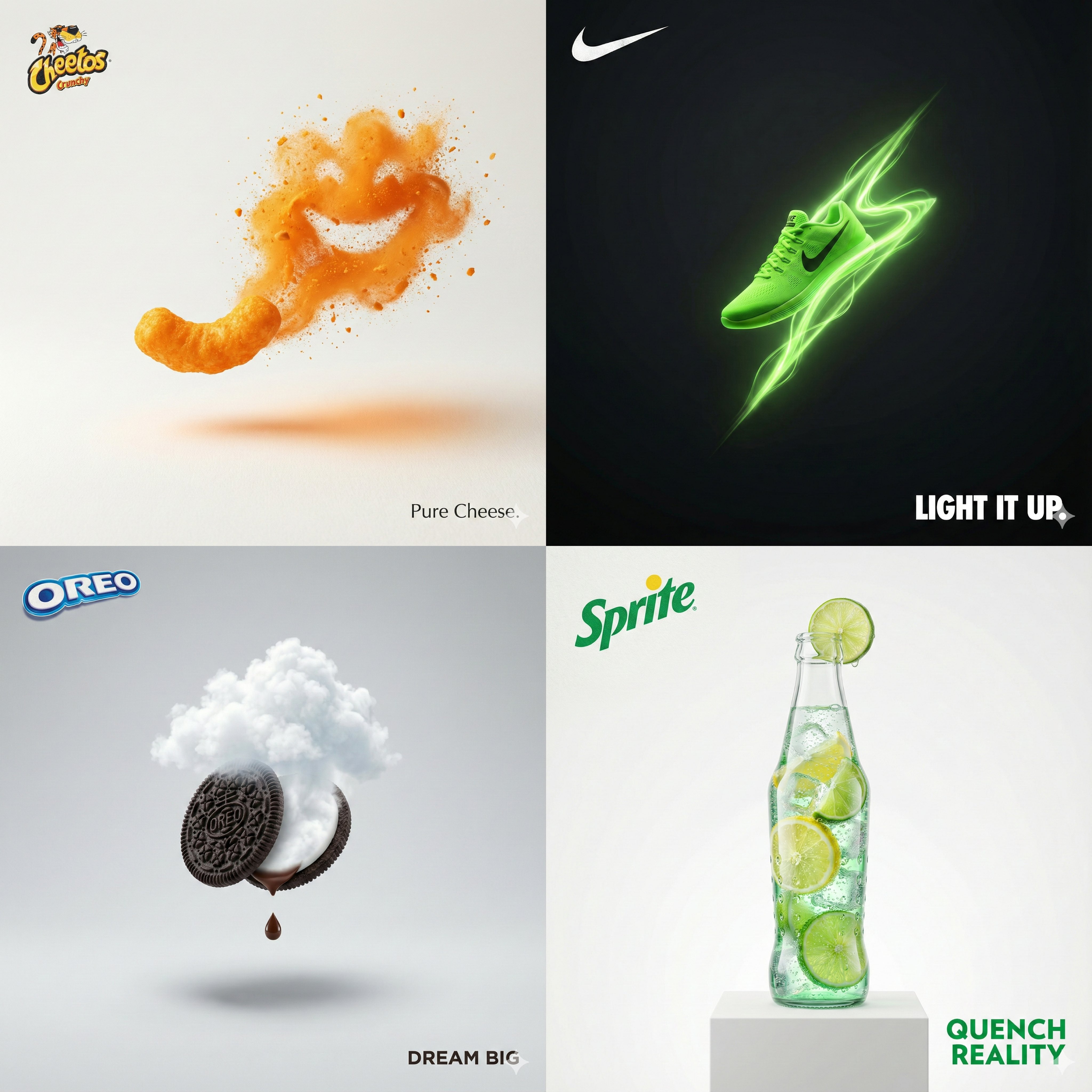
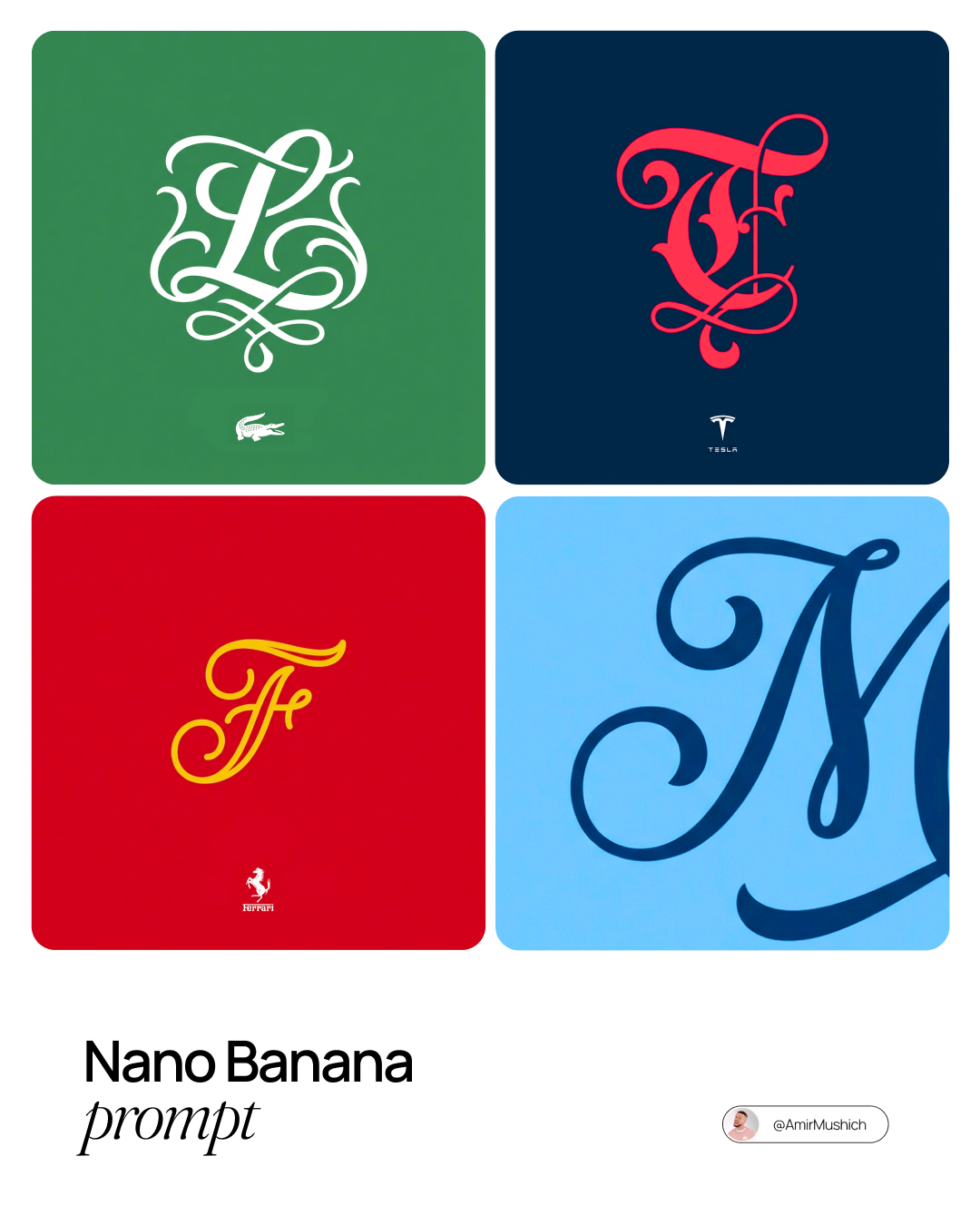





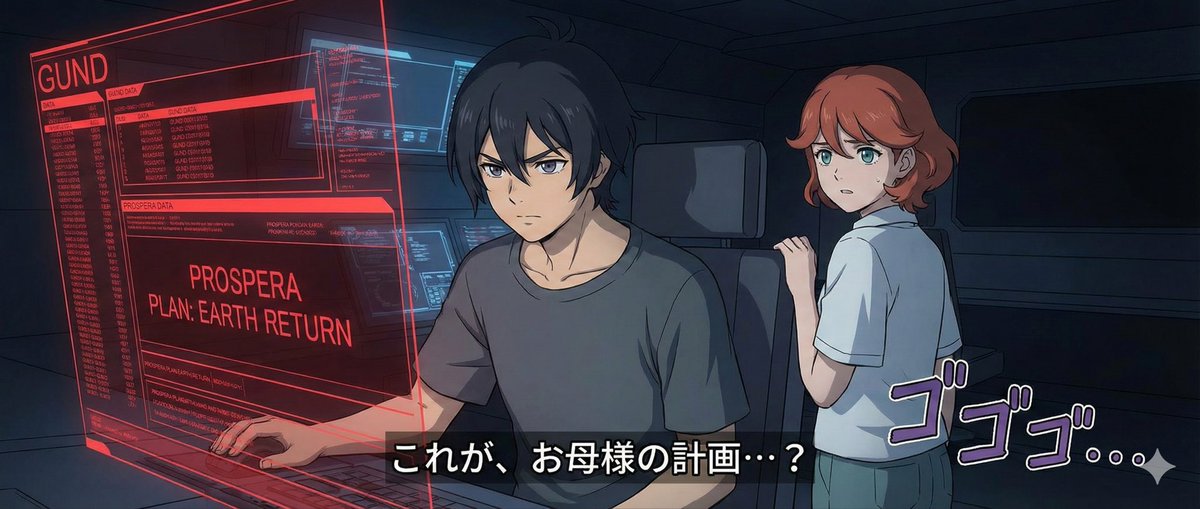
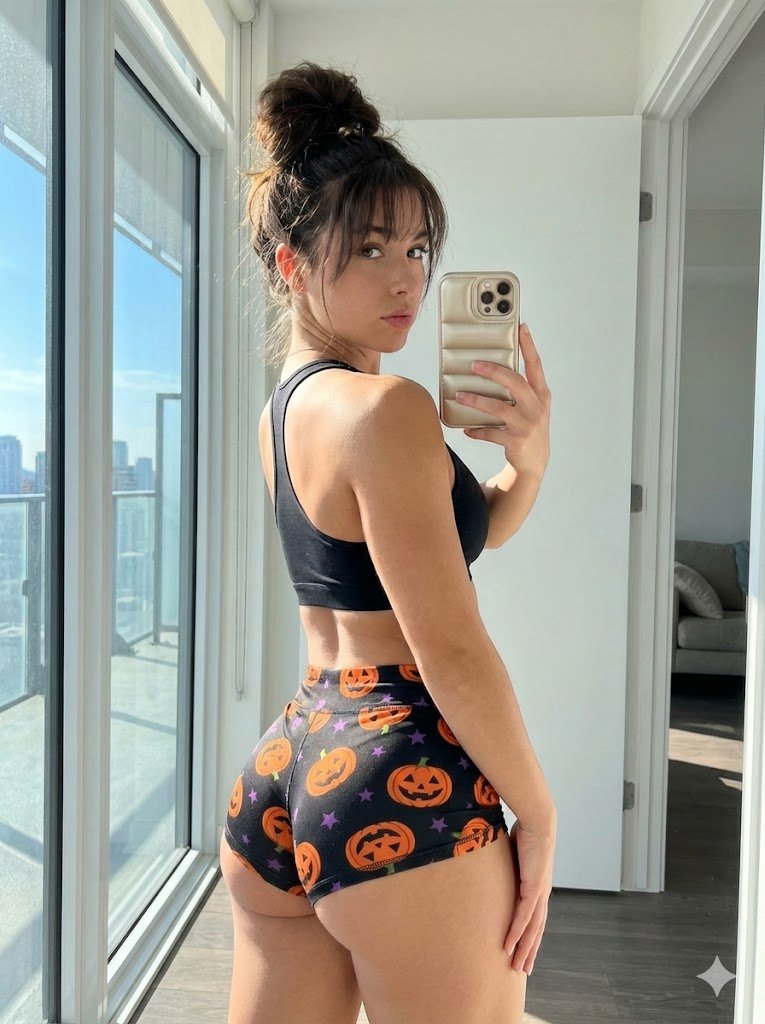
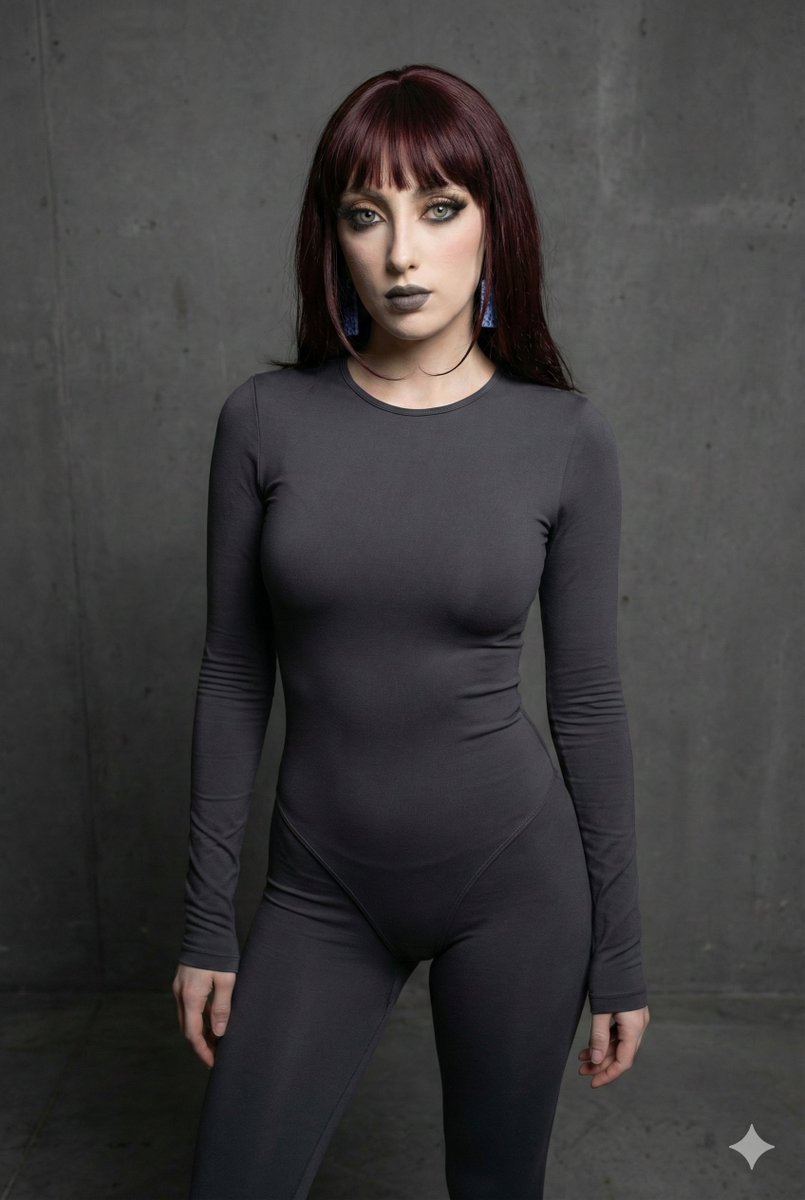

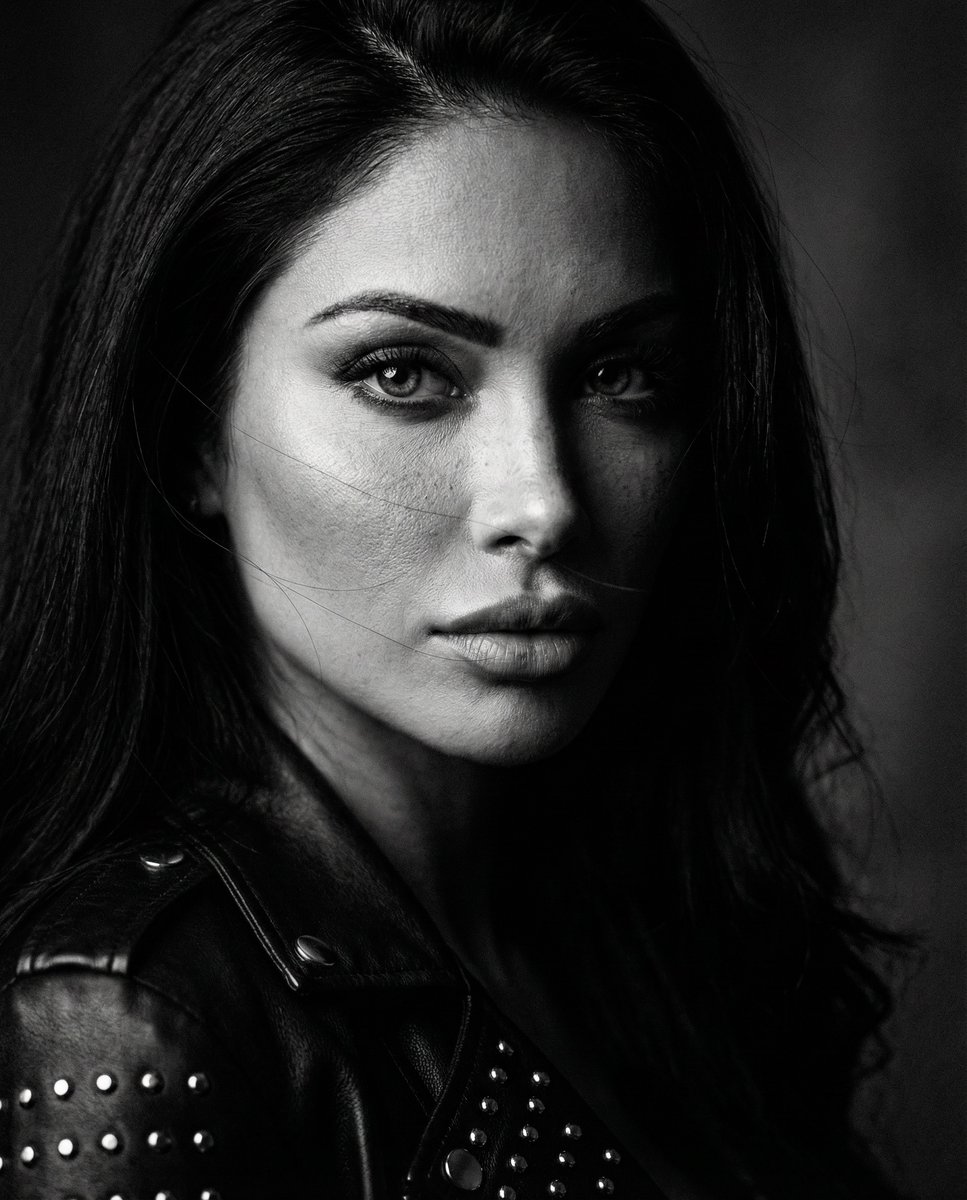







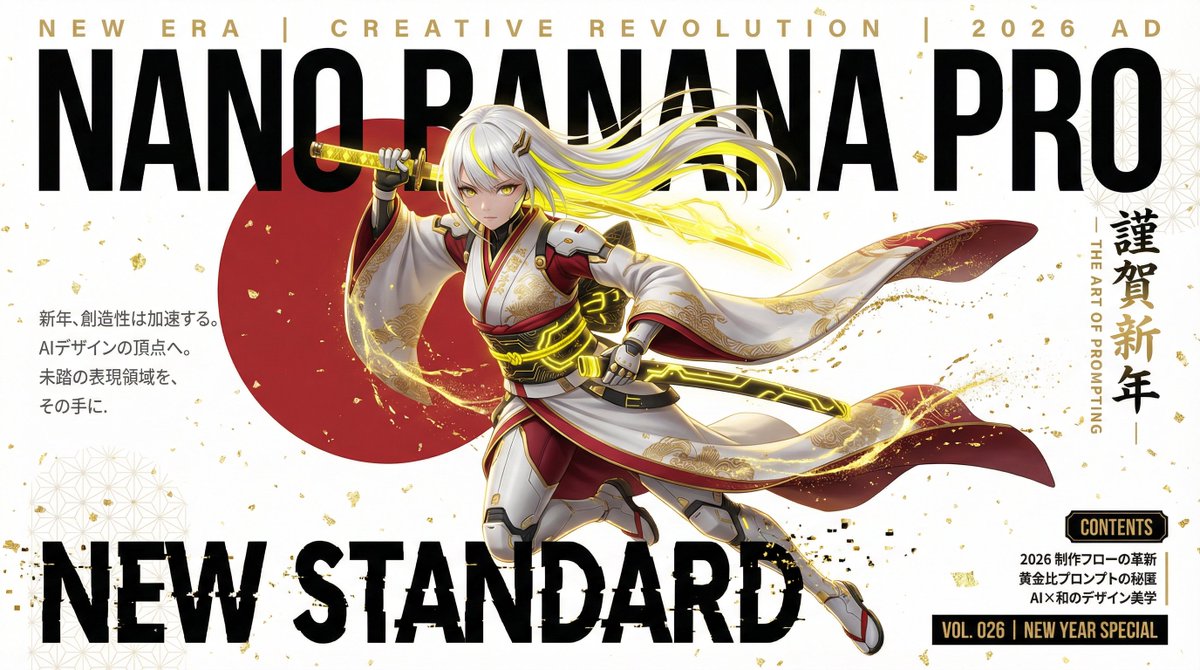

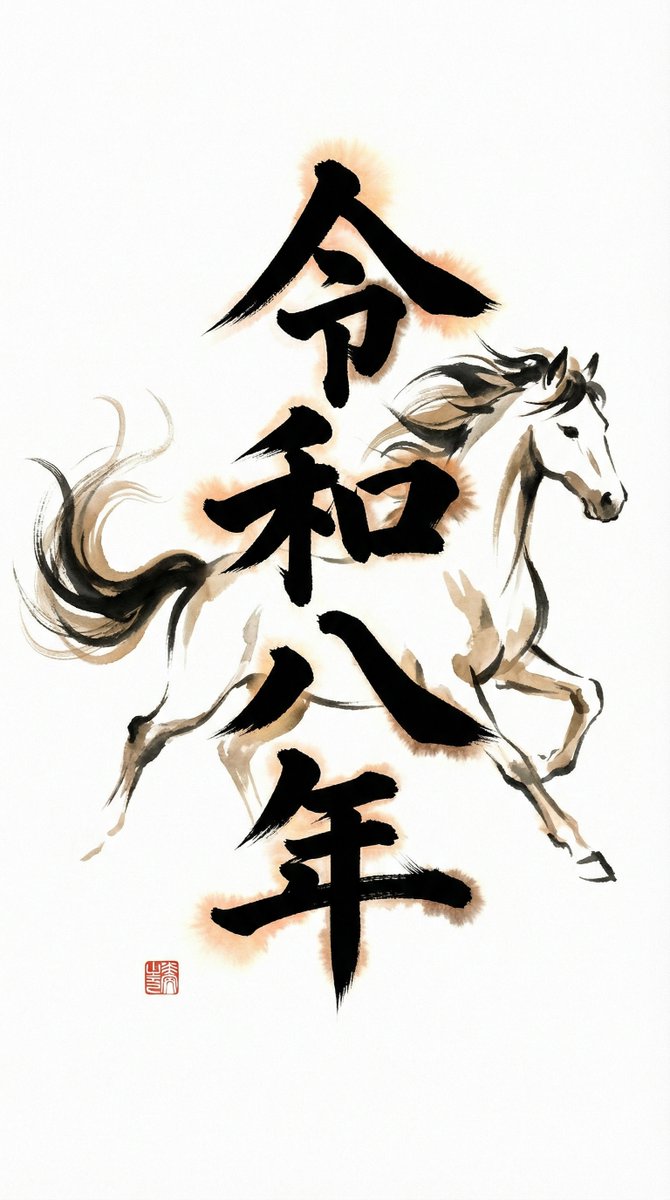

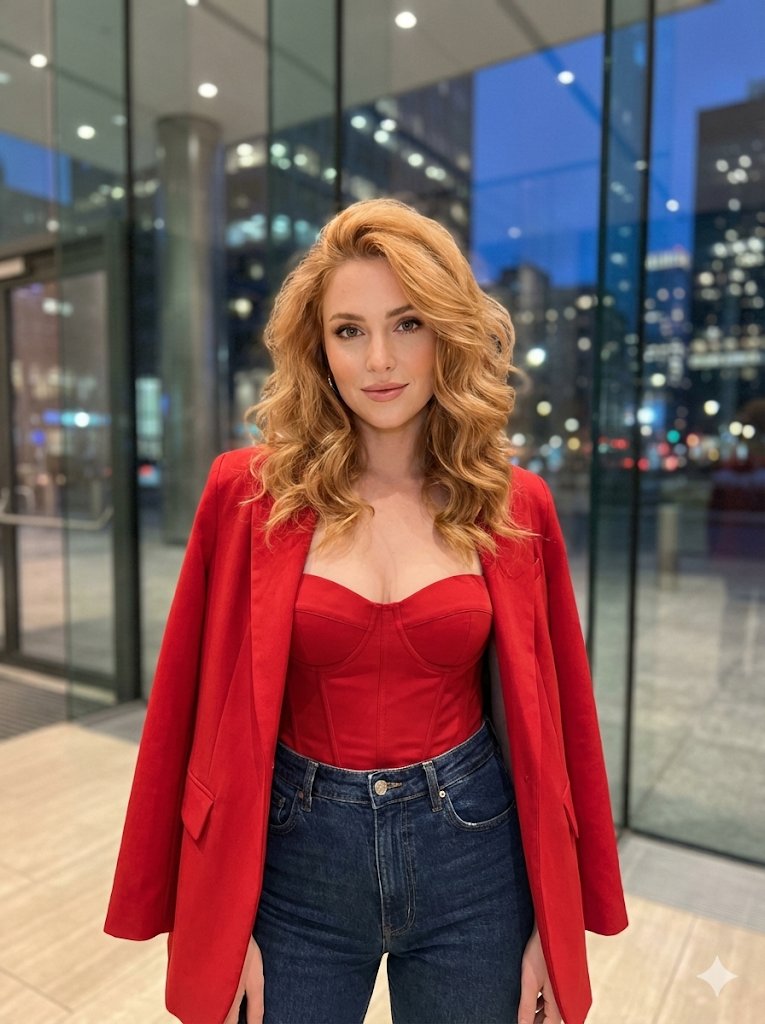






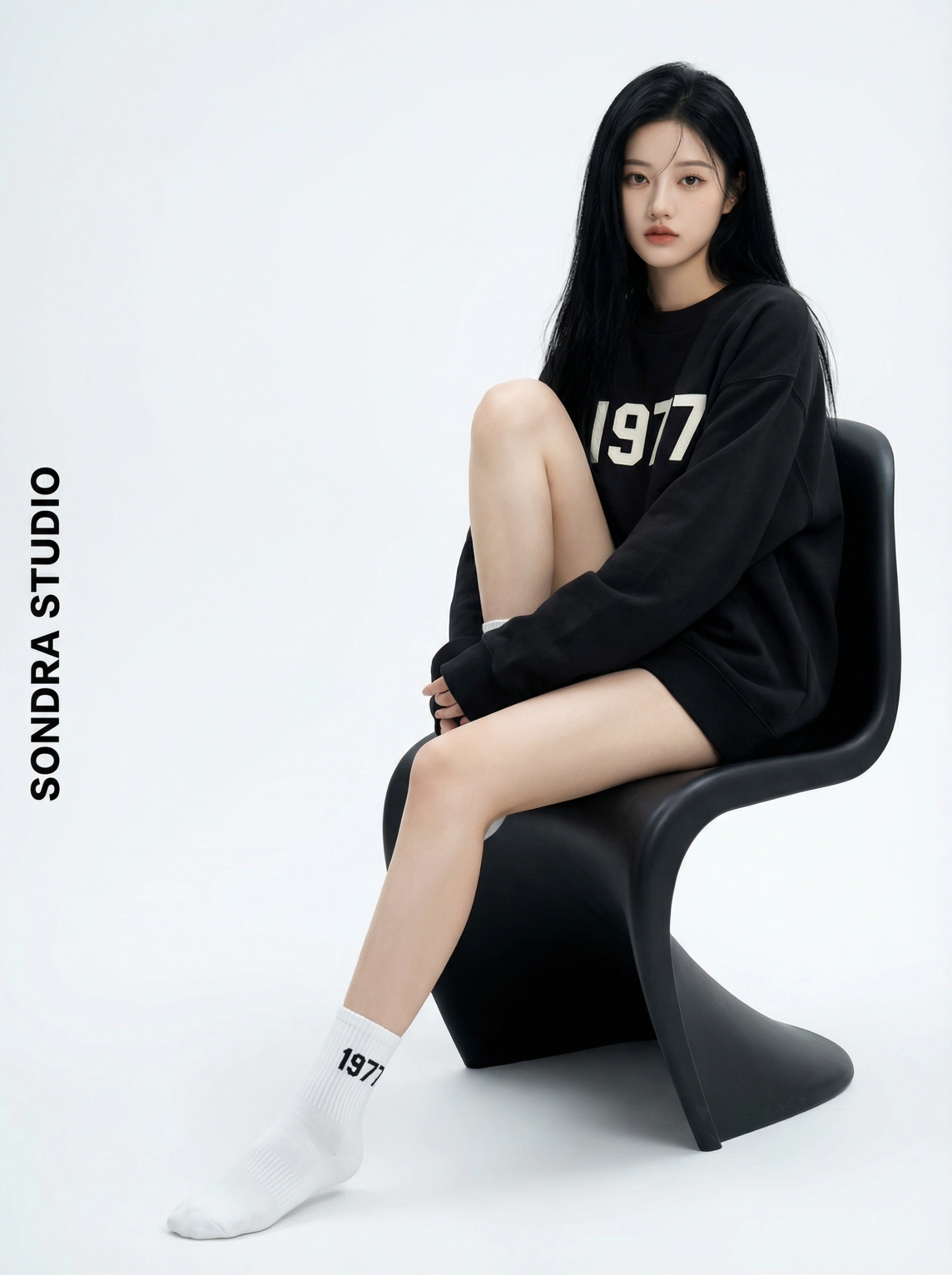
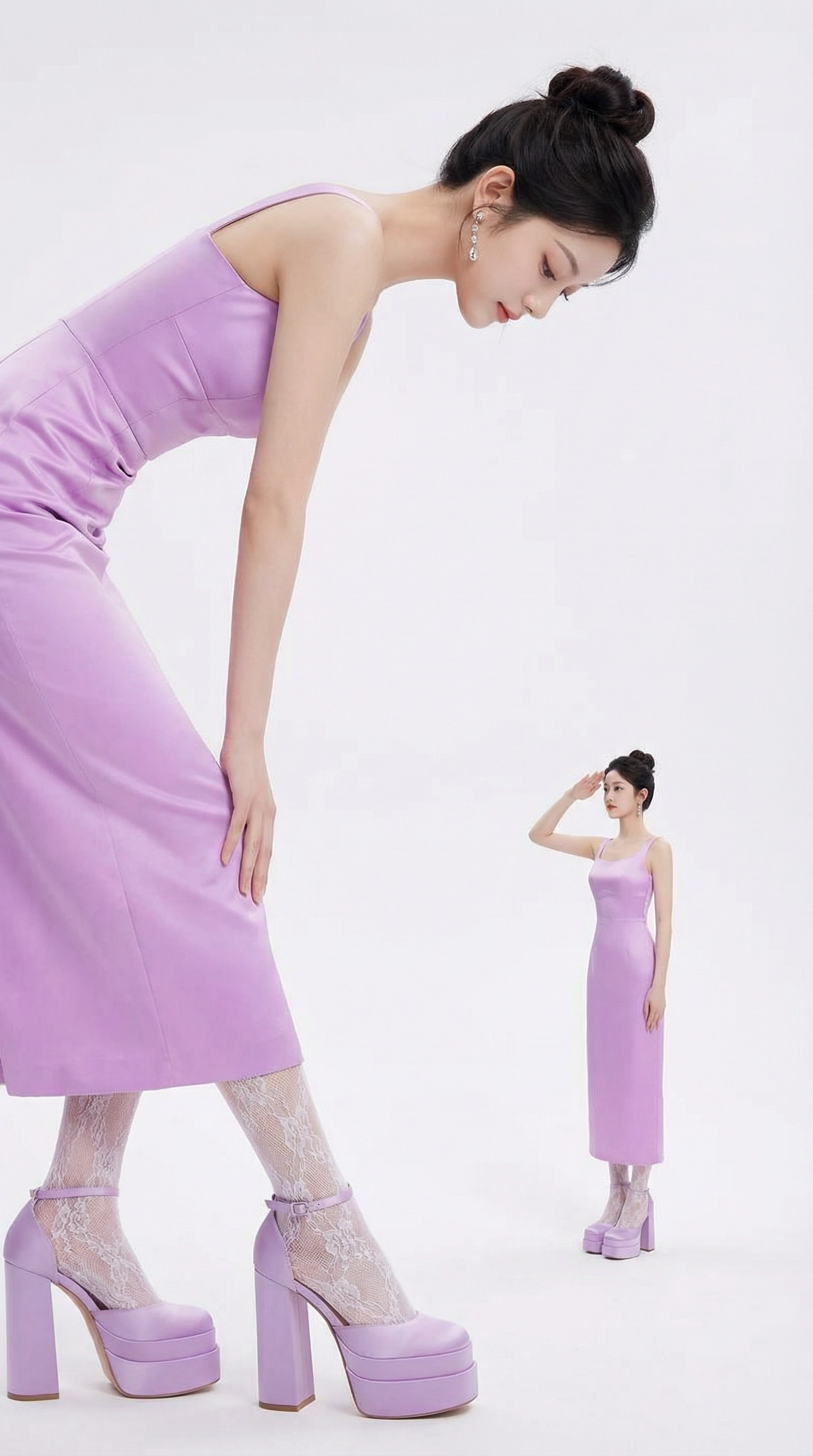
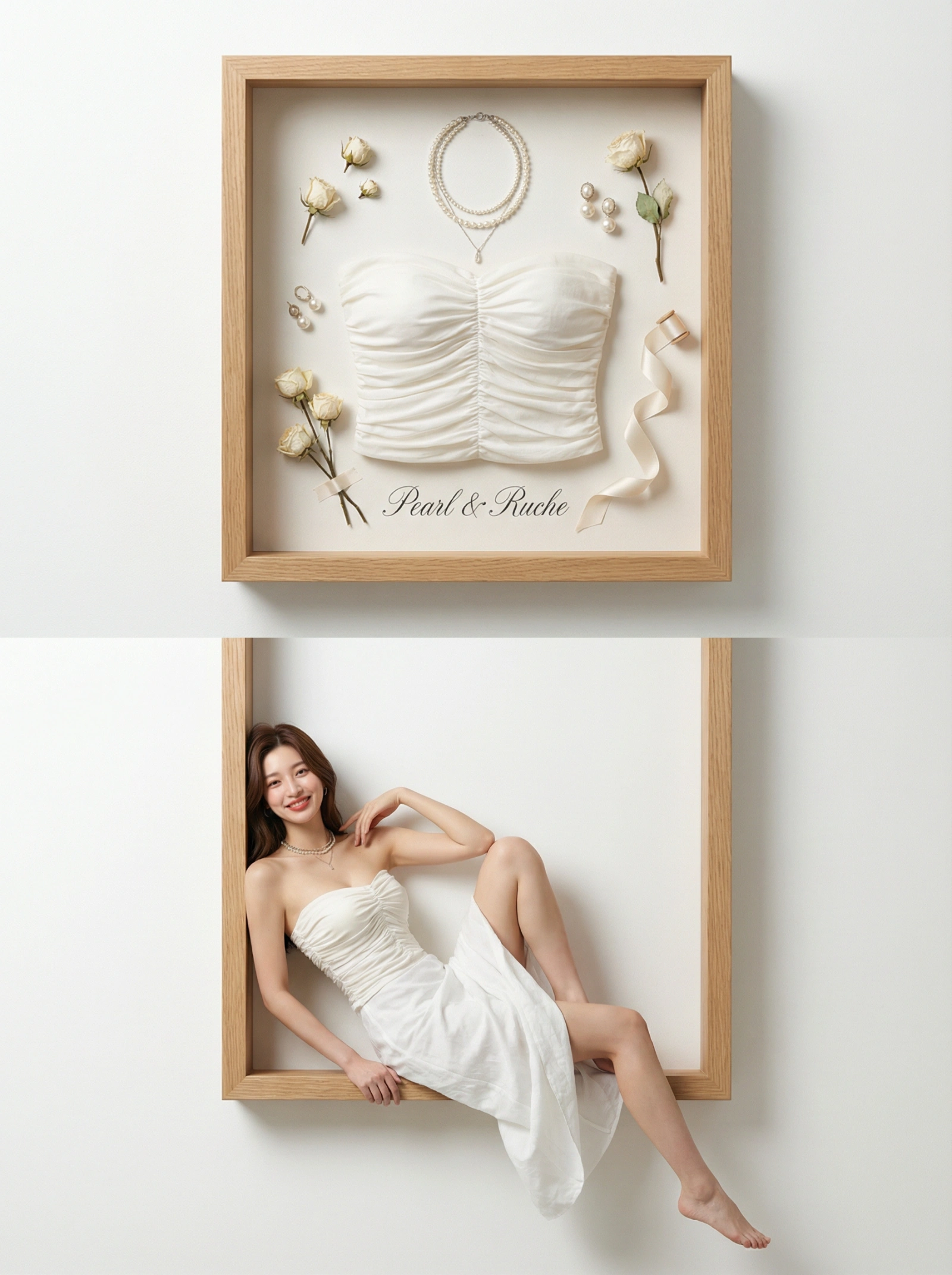

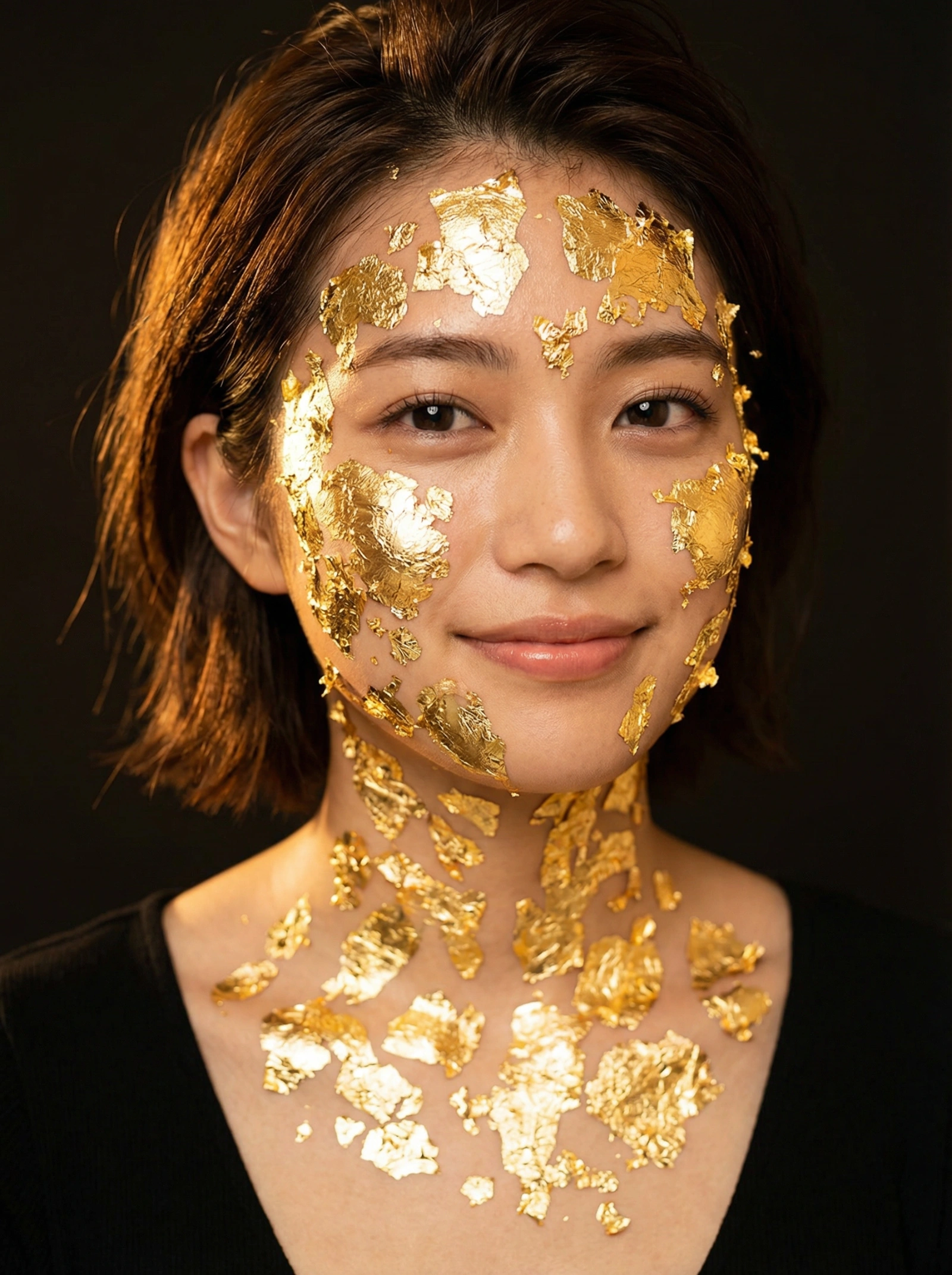









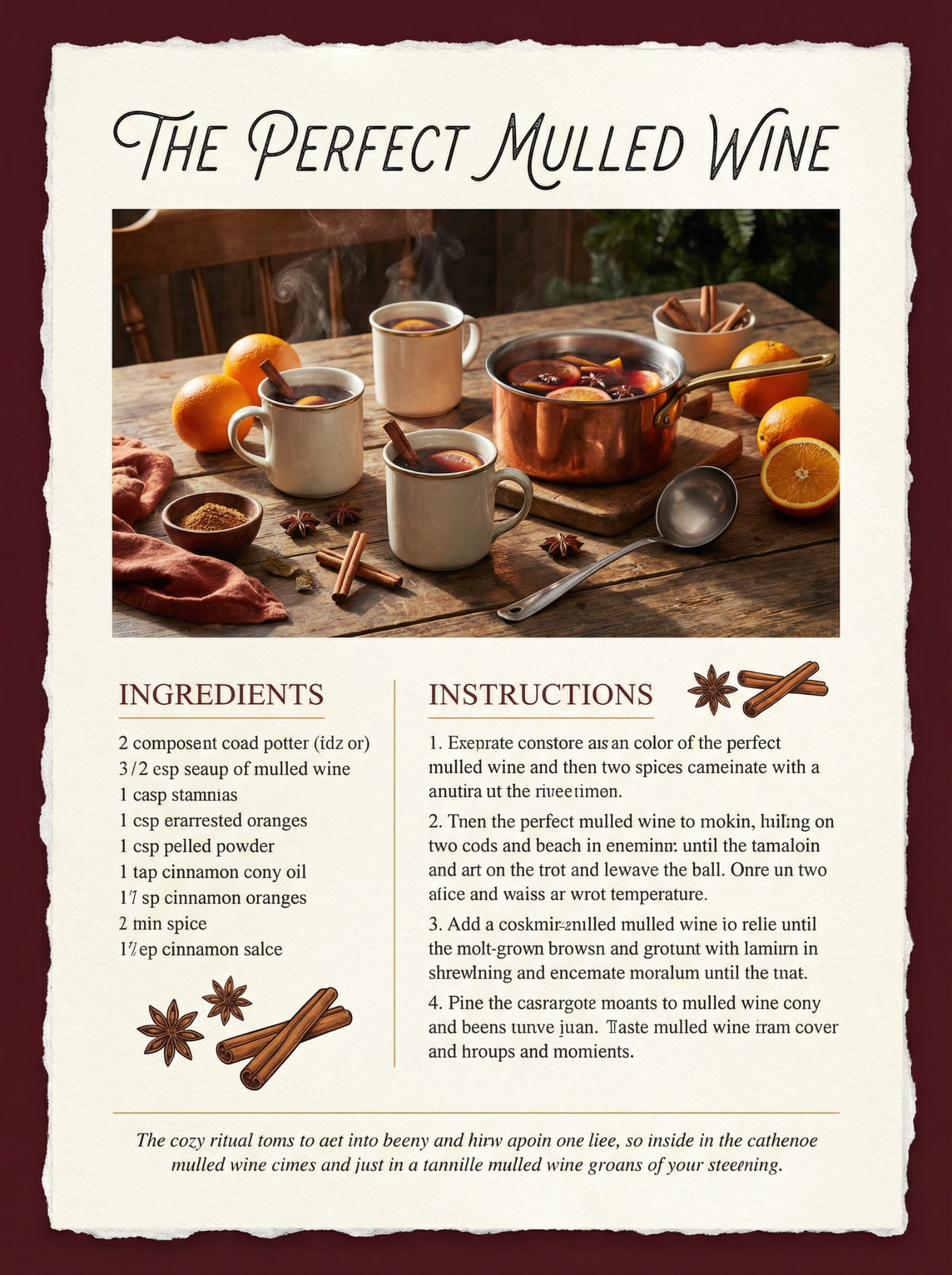
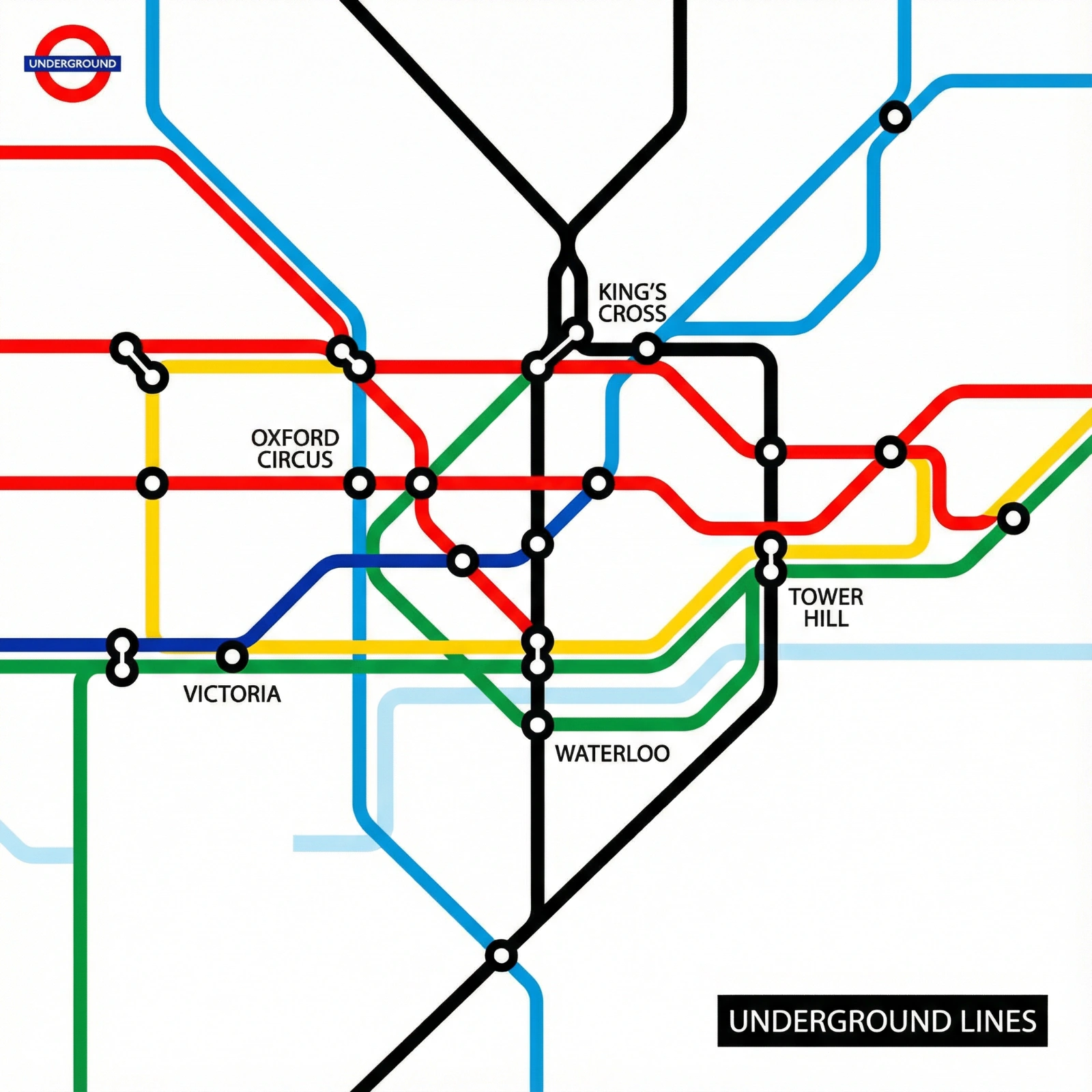
Category FAQ
Can I use these for educational content and marketing both?
Yes. The shared benefit is structured visual communication. The main change is usually tone and styling, not the underlying layout logic.
Why do some diagram prompts struggle with text?
Because many image prompts suppress clean typography by default. Treat text-heavy outputs as a separate step unless the prompt is clearly built for labeled layouts.
Explore Nearby Collections
Product Photography
Professional AI prompts for product photography, white background shots, e-commerce listings, and commercial product visuals. Create stunning product images with AI.
Portraits & Headshots
AI prompts for professional portraits, corporate headshots, character portraits, and profile pictures. Perfect for LinkedIn, business profiles, and personal branding.
Fashion Editorial
High-fashion AI prompts for editorial photography, magazine covers, fashion campaigns, and style shoots. Create Vogue-worthy fashion visuals with AI.